Write an IAM Policy with Conditions Step by Step
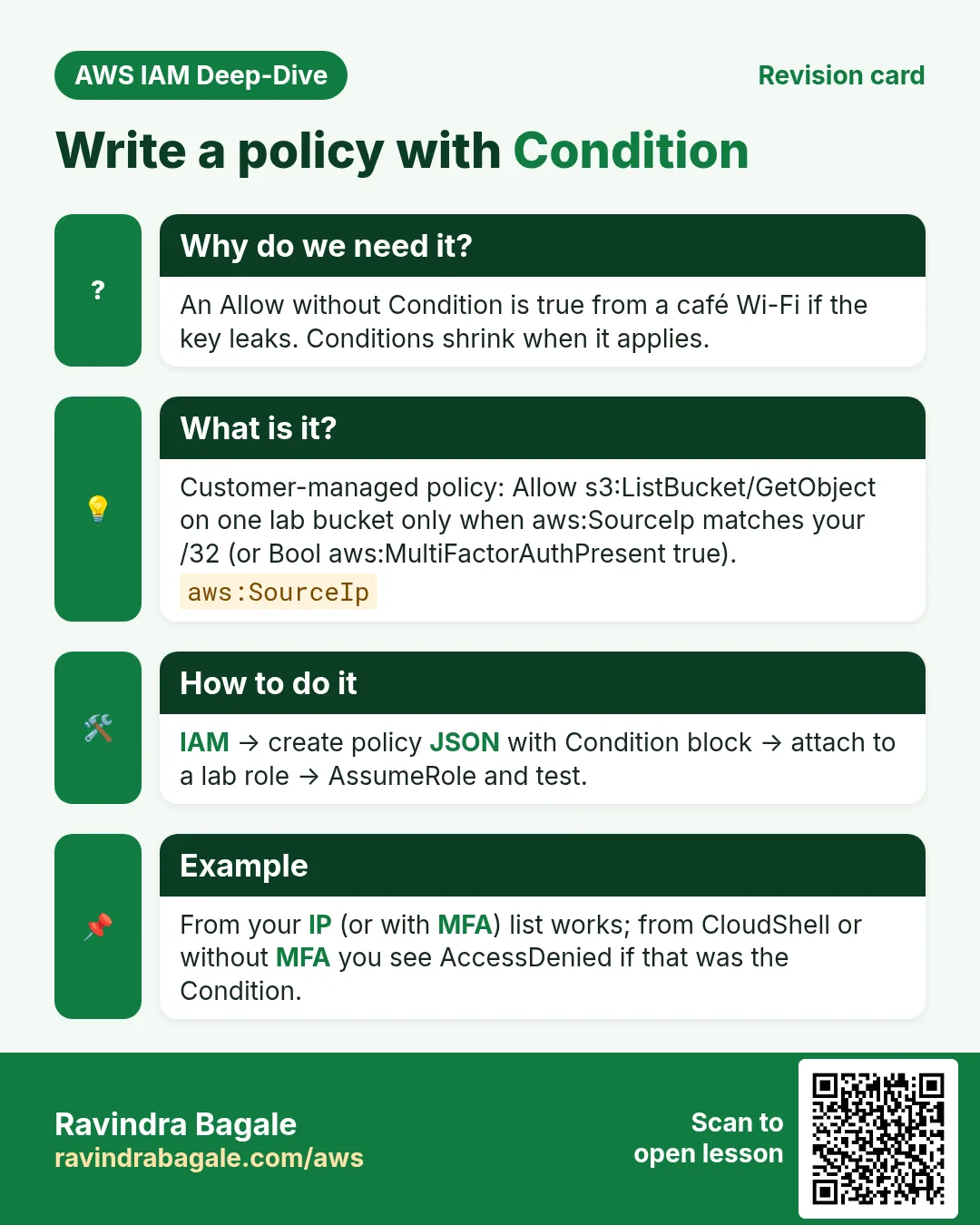
Write a customer-managed policy that allows S3 read only when the caller comes from your IP (or has MFA). Attach it to a role, prove allow and deny, then clean up.
In this chapter
- Write Condition with SourceIp or MFA
- Attach to a lab role
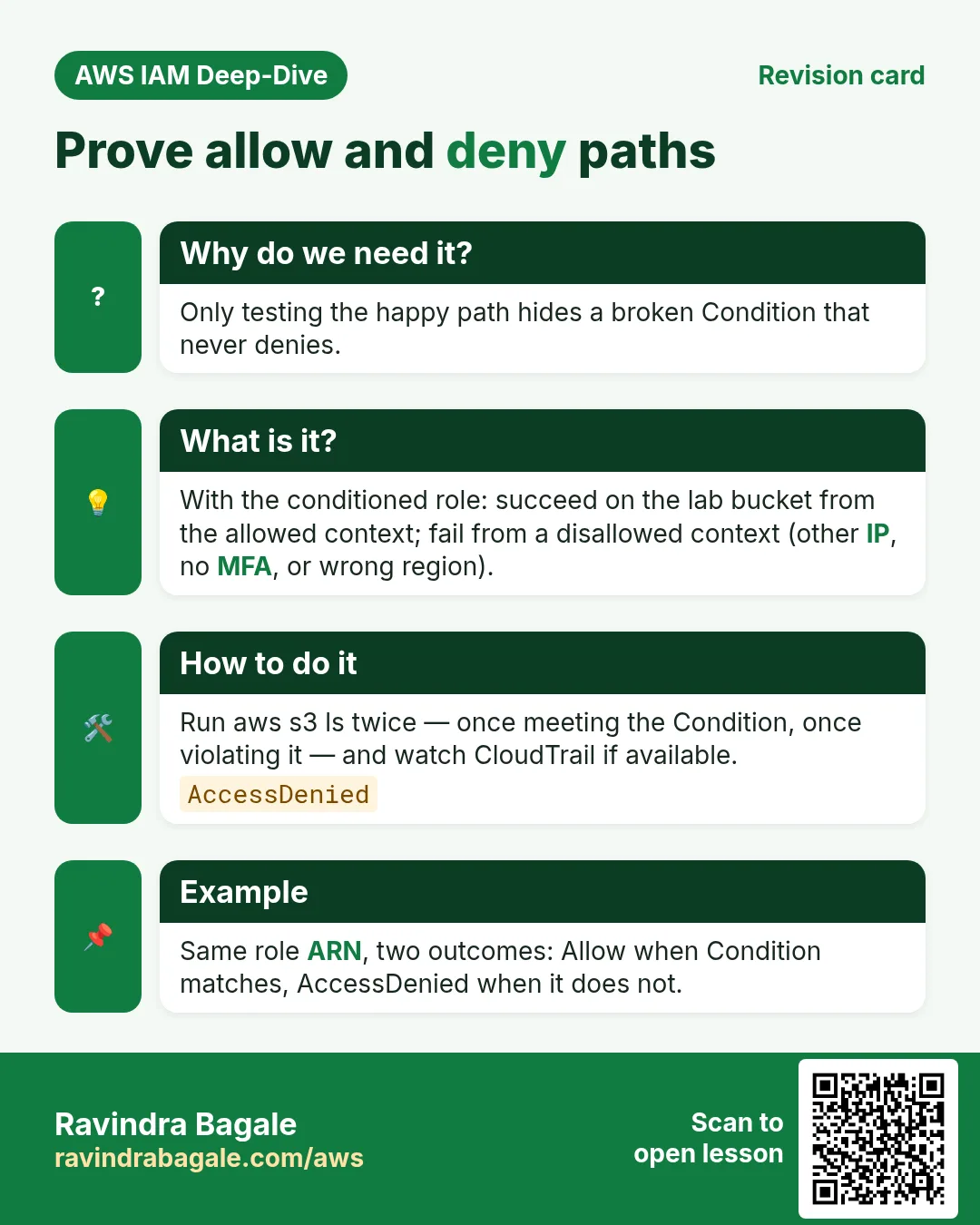
- Prove from allowed path
- Prove deny from elsewhere
- Cleanup
1. Lab: click by click
Region ap-south-1. Know your public IP (search “what is my ip”) — home IPs can change; for a stable lab prefer MFA condition instead of IP. Both patterns are shown.
A. Bucket
- Create bucket
yourname-cond-lab, uploadhello.txt=ok, Block Public Access ON.
B. Policy with Condition
Write the allowed task before creating the statement. For this exercise, the caller may list the lab bucket and read only its sample objects from the approved network or session. An S3 bucket ARN identifies the bucket. An object ARN includes the object key or pattern after the bucket name. List and object-read requests therefore need matching resources of different types.
Use a small test matrix. Hold the role and object constant and change only the relevant condition between tests. On the approved request path, expect the read to succeed. On the negative test path, expect AccessDenied. If both succeed, inspect the actual caller and whether some other policy permits the read. If both fail, compare the resource ARN and whether the request includes the condition key. Do not test using a bucket with real customer data.
- IAM → Policies → Create → JSON. Pick one variant.
- Variant 1 — IP lock (replace BUCKET and IP):
{
  "Version": "2012-10-17",
  "Statement": [
    {
      "Sid": "ListIfFromMyIp",
      "Effect": "Allow",
      "Action": "s3:ListBucket",
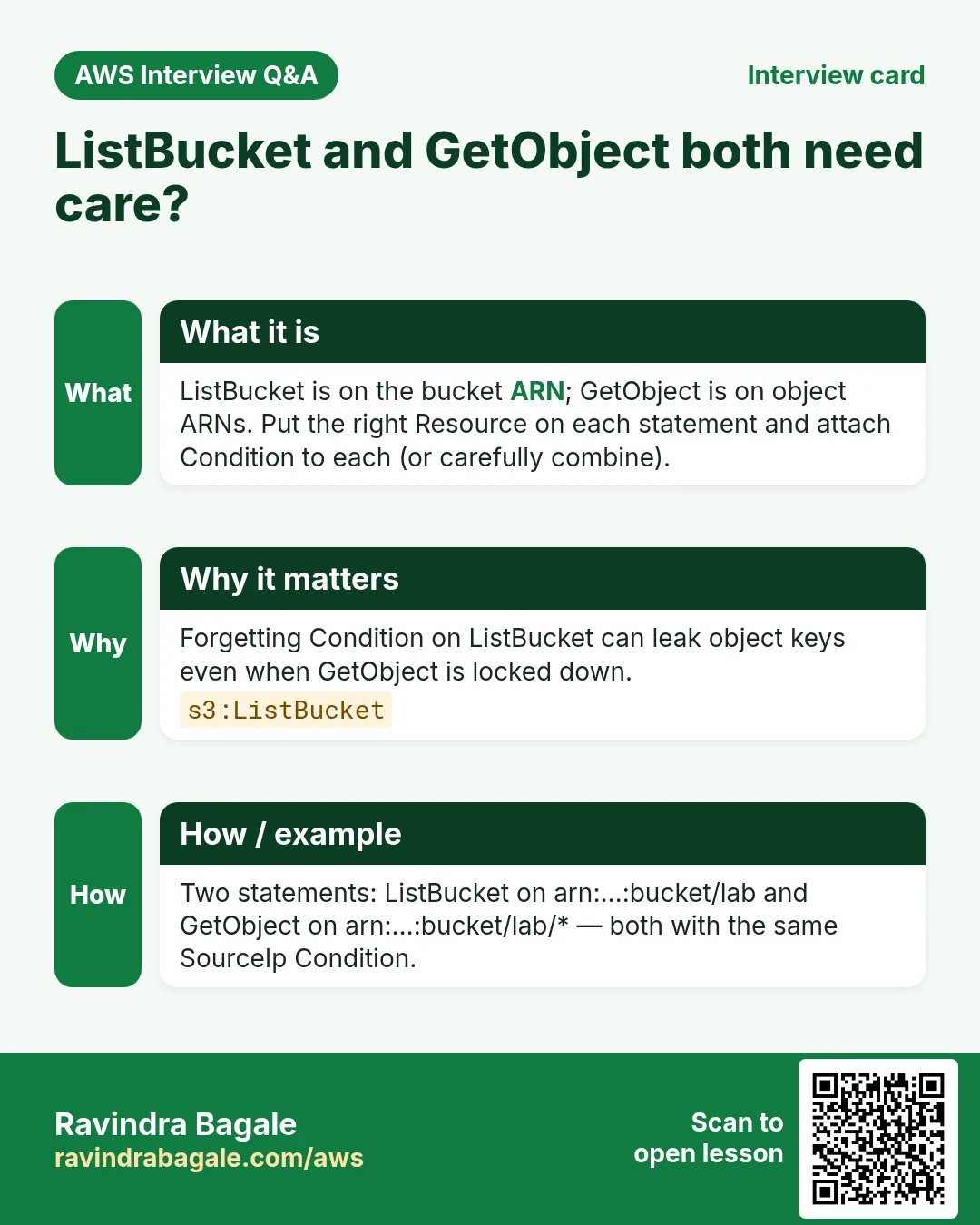
      "Resource": "arn:aws:s3:::BUCKET",
      "Condition": {
        "IpAddress": { "aws:SourceIp": "YOUR.IP.ADDR.ESS/32" }
      }
    },
    {
      "Sid": "GetIfFromMyIp",
      "Effect": "Allow",
      "Action": "s3:GetObject",
      "Resource": "arn:aws:s3:::BUCKET/*",
      "Condition": {
        "IpAddress": { "aws:SourceIp": "YOUR.IP.ADDR.ESS/32" }
      }
    }
  ]
}- Variant 2 — MFA required (good when IP changes):
{
  "Version": "2012-10-17",
  "Statement": [{
    "Sid": "ReadOnlyWithMfa",
    "Effect": "Allow",
    "Action": ["s3:ListBucket", "s3:GetObject"],
    "Resource": [
      "arn:aws:s3:::BUCKET",
      "arn:aws:s3:::BUCKET/*"
    ],
    "Condition": {
      "Bool": { "aws:MultiFactorAuthPresent": "true" }
    }
  }]
}- Name:
lab-s3-read-conditioned. Create.
C. Role and prove
Set up the exact conditional test before copying the CLI call. If the chosen condition is source IP, record the approved public egress address in CIDR notation for the disposable test. AWS can see the public address after network translation, so two devices on the same network can present the same source address. Use only approved locations for testing and check whether the request path actually provides the condition key.
For the MFA version, write down whether the CLI session you use supplies the relevant MFA context for that policy. Run the approved request first, then the separate negative test documented in this chapter. Keep the caller and target key constant. Compare AccessDenied with a successful read and capture only nonsecret diagnostic fields. A parse-success response after creating the policy cannot replace testing which actual requests reach it.
- Create role
lab-cond-readertrusted by your user (same pattern as the STS lab) or attach the policy to an Identity Center permission set used only by you. - From the allowed path (your IP, or MFA session):
aws s3 cp s3://BUCKET/hello.txt -
# expect: ok- Deny test — IP variant: use phone hotspot (different IP) or a friend’s network; expect AccessDenied. MFA variant: call without MFA session; expect AccessDenied.
- Optional: add an explicit Deny for
s3:*whenaws:RequestedRegionis notap-south-1as a second statement — see how Deny overrides.
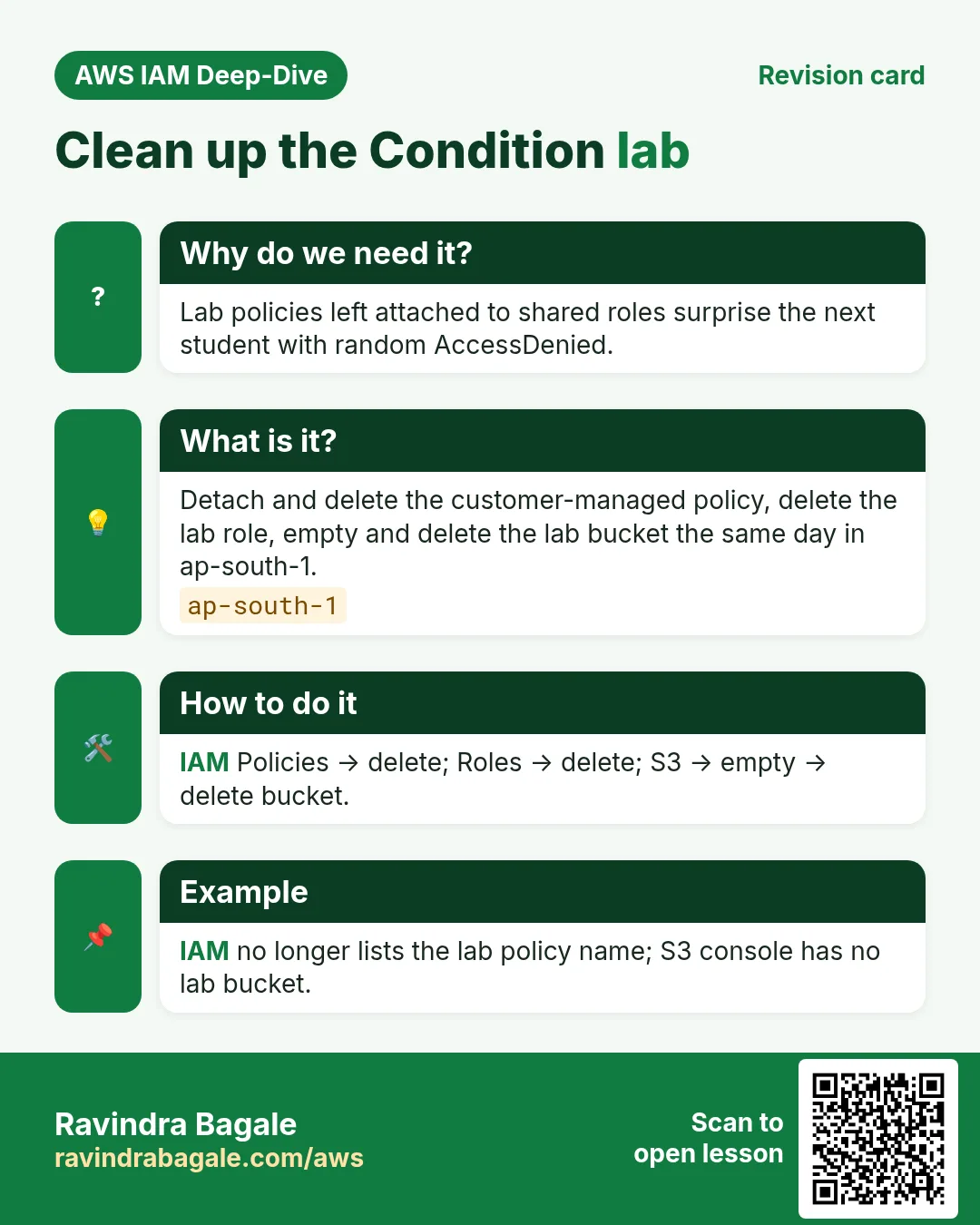
Cleanup
- Detach/delete role or remove permission-set assignment.
- Delete policy
lab-s3-read-conditioned. - Empty and delete the lab bucket.
Ravindra Bagale's Tip
CloudShell has AWS IPs — SourceIp conditions often deny CloudShell. Test IP policies from your laptop CLI, or use the MFA variant in CloudShell.
2. Interview angles
Q. Why Condition on both List and Get?
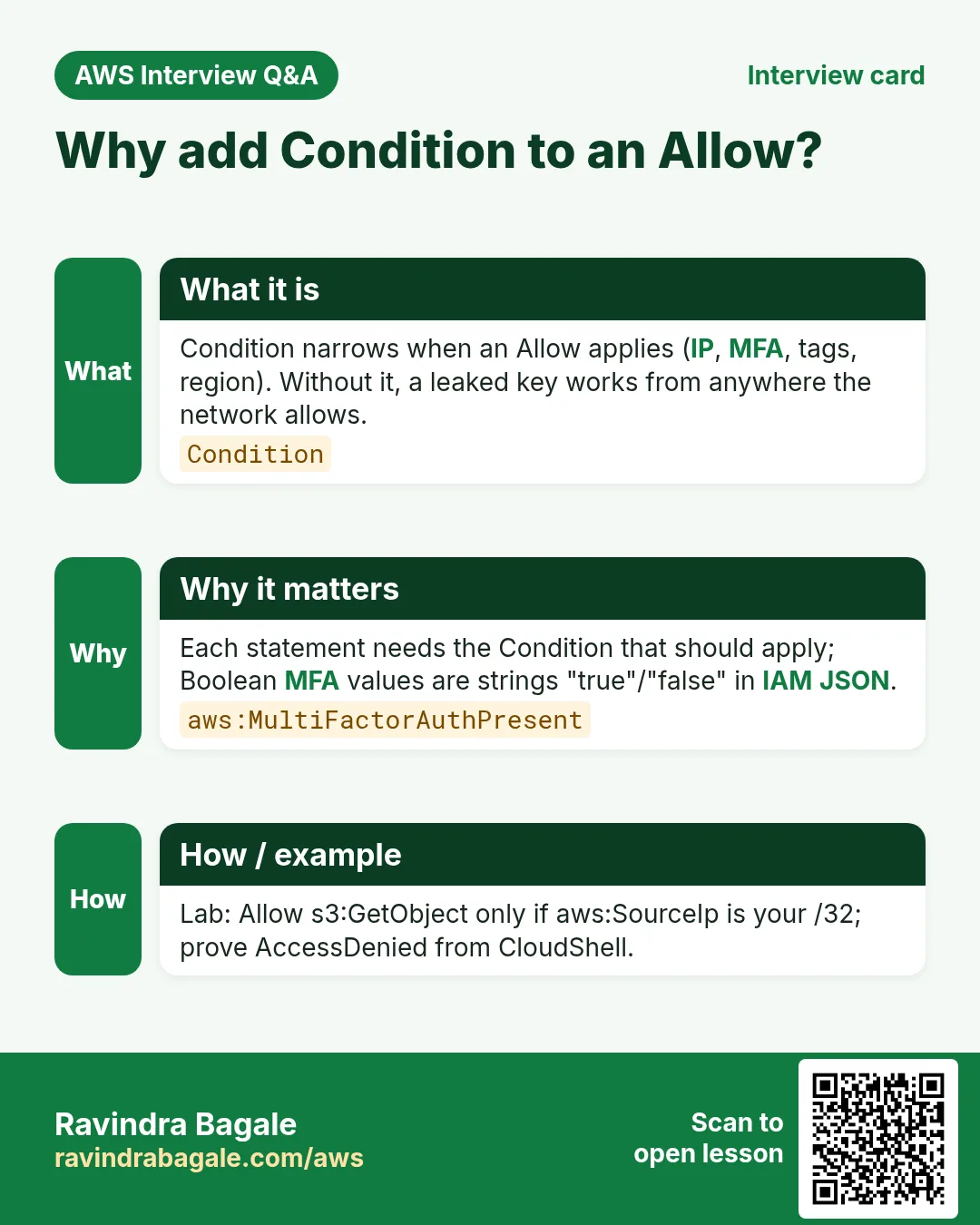
Each statement needs its own Condition (or one statement covering both actions carefully).
Q. Bool MFA true as string?
In IAM JSON, Boolean condition values are strings "true"/"false".
Q. IP /32?
Single address; use /24 etc. for office ranges carefully.
Q. Deny vs missing Allow?
Missing Allow is enough; explicit Deny documents intent and beats future broad Allows.
Try at home
- Add aws:RequestedRegion = ap-south-1 as an extra StringEquals condition.
- Re-read the IAM overview chapters and explain trust vs permissions vs Condition to a friend.
In short
- Condition narrows when an Allow applies.
- Test both allow and deny paths.
- Watch CloudShell vs SourceIp.
- Delete lab policy, role and bucket.
Build a policy test matrix
Write three expected cases before changing the policy: correct caller and lab prefix, correct caller outside prefix, and unrelated caller. Check each outcome using safe operations. Match operators such as StringEquals or StringLike to the exact policy key and expected pattern.
Interview check Why test an absent condition key?
A condition can behave differently when the key is absent from the request context. Include that case rather than assuming a false comparison always matches.
Practise this chapter
Interview questions and answers
How do you plan a test for a policy that uses a source-IP condition?
I would use one lab role and object, then vary the network path while keeping the service request the same. I would check that the relevant context key is present and that the approved path succeeds while the negative test fails. Other permissions could otherwise obscure the result.
Check your understanding
Choose an answer, then compare your reasoning with the explanation.
Practice Tasks
Practice checks run in your browser. They check the answer for this exercise; they do not create resources or connect to your AWS account.
About this scenarioZurich Insurance Partners is a insurance business in Zurich. Anna Müller looks after its IT and cloud work. They count money in CHF and run their AWS resources in the eu-central-2 Region. In the tasks below you do real jobs for them using what this lesson teaches. All names, account IDs, IP addresses and numbers are made up for practice.
0 / 12
Easy Read-only access to one bucket
Least privilege: give only the actions and the bucket the job needs.
Write an identity policy that lets the user read objects (s3:GetObject) only in bucket zurichinsure-data.
- Start with { "Version": "2012-10-17", "Statement": [ ... ] }.
- In each statement write Effect, Action and Resource.
- Give only what the task needs (least privilege).
- Use double quotes and commas correctly. Click Check answer.
Medium Lambda access to one table
The function only needs to read and write items in its own table.
Allow dynamodb:GetItem, dynamodb:PutItem, dynamodb:Query on arn:aws:dynamodb:eu-central-2:131130276334:table/zurichinsure-orders only.
- Start with { "Version": "2012-10-17", "Statement": [ ... ] }.
- In each statement write Effect, Action and Resource.
- Give only what the task needs (least privilege).
- Use double quotes and commas correctly. Click Check answer.
Medium Start and stop servers only
The night operator may start and stop servers but not terminate them.
Allow ec2:StartInstances and ec2:StopInstances on all instances in account 131130276334, Region eu-central-2. Also allow ec2:DescribeInstances on *.
- Start with { "Version": "2012-10-17", "Statement": [ ... ] }.
- In each statement write Effect, Action and Resource.
- Give only what the task needs (least privilege).
- Use double quotes and commas correctly. Click Check answer.
Medium List and read one bucket
ListBucket works on the bucket ARN; GetObject works on object ARNs.
Allow s3:ListBucket on bucket zurichinsure-data and s3:GetObject on all its objects. Nothing else.
- Start with { "Version": "2012-10-17", "Statement": [ ... ] }.
- In each statement write Effect, Action and Resource.
- Give only what the task needs (least privilege).
- Use double quotes and commas correctly. Click Check answer.
Medium Upload-only to one folder
Field staff can drop files but cannot read or delete anything.
Allow s3:PutObject only under the prefix uploads/ in bucket zurichinsure-data.
- Start with { "Version": "2012-10-17", "Statement": [ ... ] }.
- In each statement write Effect, Action and Resource.
- Give only what the task needs (least privilege).
- Use double quotes and commas correctly. Click Check answer.
Medium Attach a managed policy to a group
AWS managed policies are ready-made and kept up to date by AWS.
Attach the AWS managed policy arn:aws:iam::aws:policy/ReadOnlyAccess to the group Auditors.
- Read the task and decide which AWS service it is about.
- Write aws, then the service name, then the operation (the action word).
- Add each needed flag (--name) followed by its value from the task.
- Flags can be in any order. Click Check answer.
Medium Create a customer managed policy
Your own managed policy can be reused on many users, groups and roles.
Create a policy named zurichinsure-s3-read from the document in policy.json.
- Read the task and decide which AWS service it is about.
- Write aws, then the service name, then the operation (the action word).
- Add each needed flag (--name) followed by its value from the task.
- Flags can be in any order. Click Check answer.
Hard Deny access from outside the office
An explicit Deny with aws:SourceIp blocks keys used from anywhere else.
Write one Deny statement: deny all actions (*) on all resources (*) when the source IP is NOT in 203.0.113.0/24.
- Start with { "Version": "2012-10-17", "Statement": [ ... ] }.
- In each statement write Effect, Action and Resource.
- Give only what the task needs (least privilege).
- Use double quotes and commas correctly. Click Check answer.
Hard Allow only on tagged servers
Tag conditions let one team control only its own servers.
Allow ec2:StopInstances on any instance (*) only when the instance tag Team equals zurichinsure.
- Start with { "Version": "2012-10-17", "Statement": [ ... ] }.
- In each statement write Effect, Action and Resource.
- Give only what the task needs (least privilege).
- Use double quotes and commas correctly. Click Check answer.
Hard Test a policy before using it
The policy simulator tells you if an action would be allowed, without doing it.
Check whether user arn:aws:iam::131130276334:user/anna may call s3:GetObject.
- Read the task and decide which AWS service it is about.
- Write aws, then the service name, then the operation (the action word).
- Add each needed flag (--name) followed by its value from the task.
- Flags can be in any order. Click Check answer.
Hard Require MFA to delete
Risky actions should need MFA, so a stolen password is not enough.
Deny s3:DeleteObject on arn:aws:s3:::zurichinsure-data/* when MFA is not present (aws:MultiFactorAuthPresent is false).
- Start with { "Version": "2012-10-17", "Statement": [ ... ] }.
- In each statement write Effect, Action and Resource.
- Give only what the task needs (least privilege).
- Use double quotes and commas correctly. Click Check answer.
Hard Block other Regions (SCP style)
Data rules (like keeping data in one country) are enforced with aws:RequestedRegion.
Deny ec2:* on * when aws:RequestedRegion is not eu-central-2.
- Start with { "Version": "2012-10-17", "Statement": [ ... ] }.
- In each statement write Effect, Action and Resource.
- Give only what the task needs (least privilege).
- Use double quotes and commas correctly. Click Check answer.
Revision, comparison and interview cards
Revise this lesson in a few minutes. Save the cards on your phone or download them as PNG files. The QR code on each card opens this lesson.
More cards: Ravi Sir's Cards.