AWS SDK KMS Examples: Encrypt, Decrypt, Data Keys and Envelope Encryption (Python, PHP, Node.js)
KMS holds encryption keys that never leave AWS. From Python, PHP and Node.js we create a key and alias, encrypt and decrypt a small value, bind it with an encryption context, use data keys for envelope encryption of big files, and sign and verify a document. The example: a health-records startup with Hannah in Berlin and Kabir in Ahmedabad.
In this chapter
- Create a key and alias
- Encrypt and decrypt
- Use encryption context
- Envelope encryption with data keys
- Sign and verify
1. The big picture: the bank locker
The bank never gives you its master key. You hand your box to the clerk, who locks it with the master key in the vault and gives it back. To open it, you ask again, and the bank logs every request. KMS is that vault.
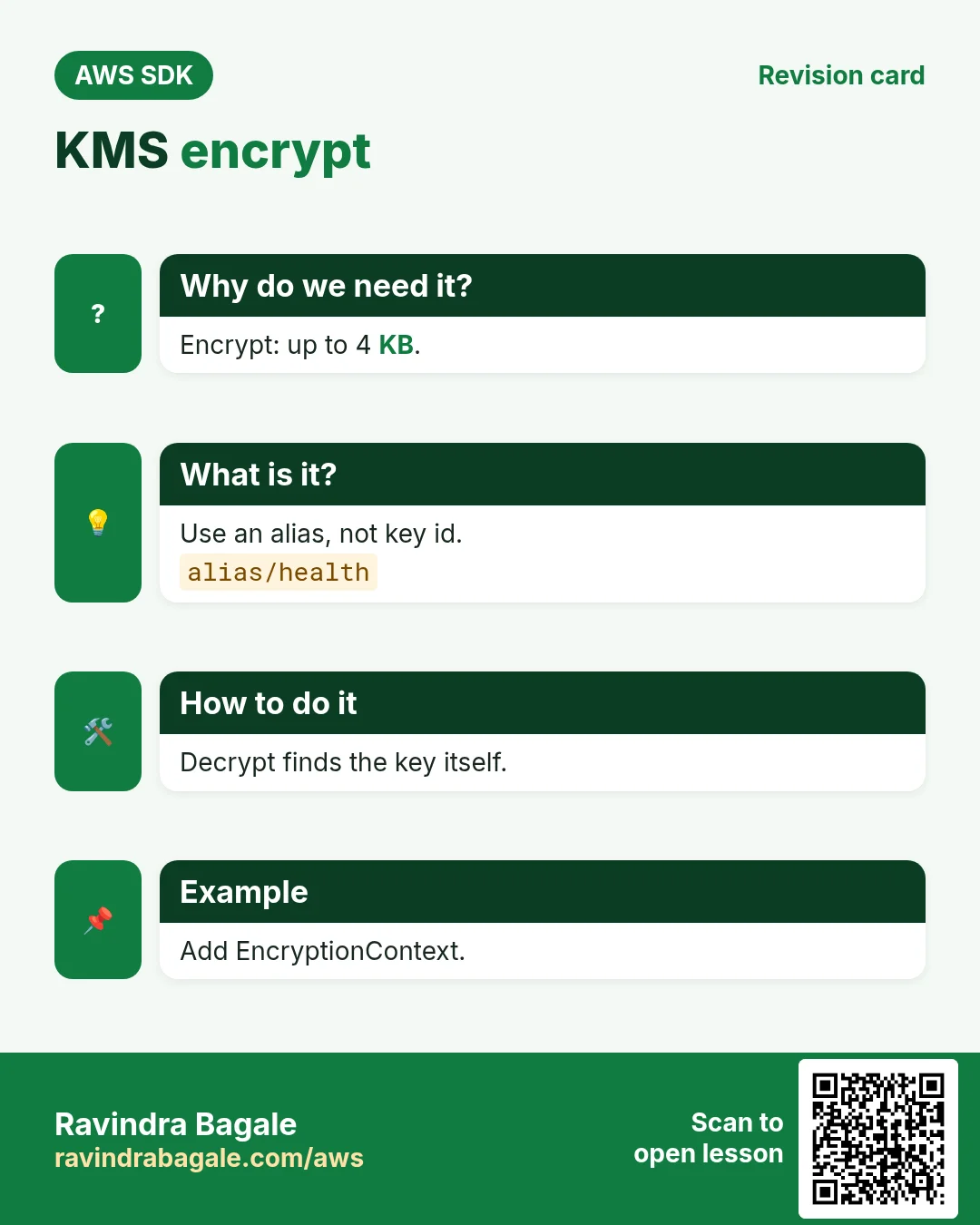
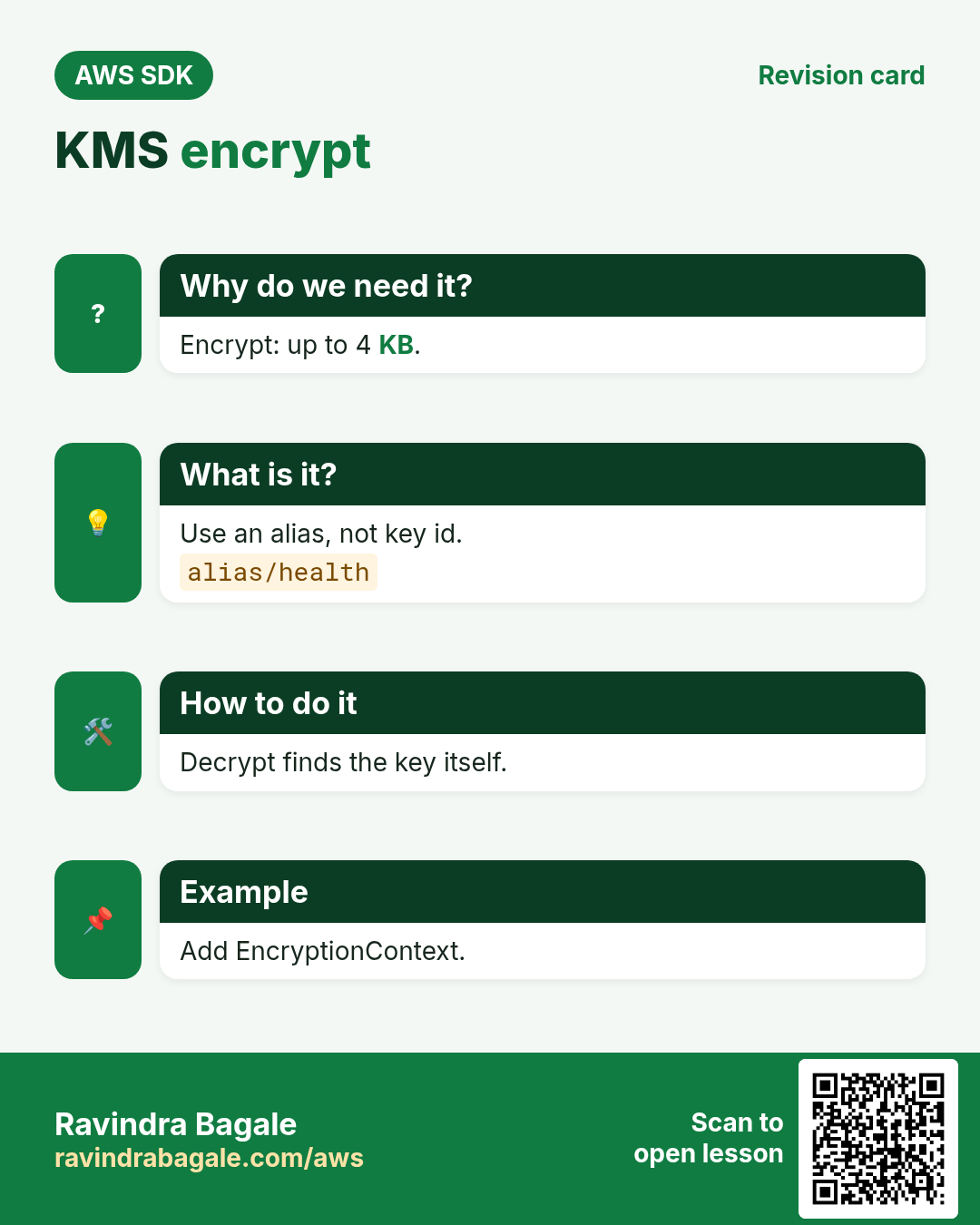
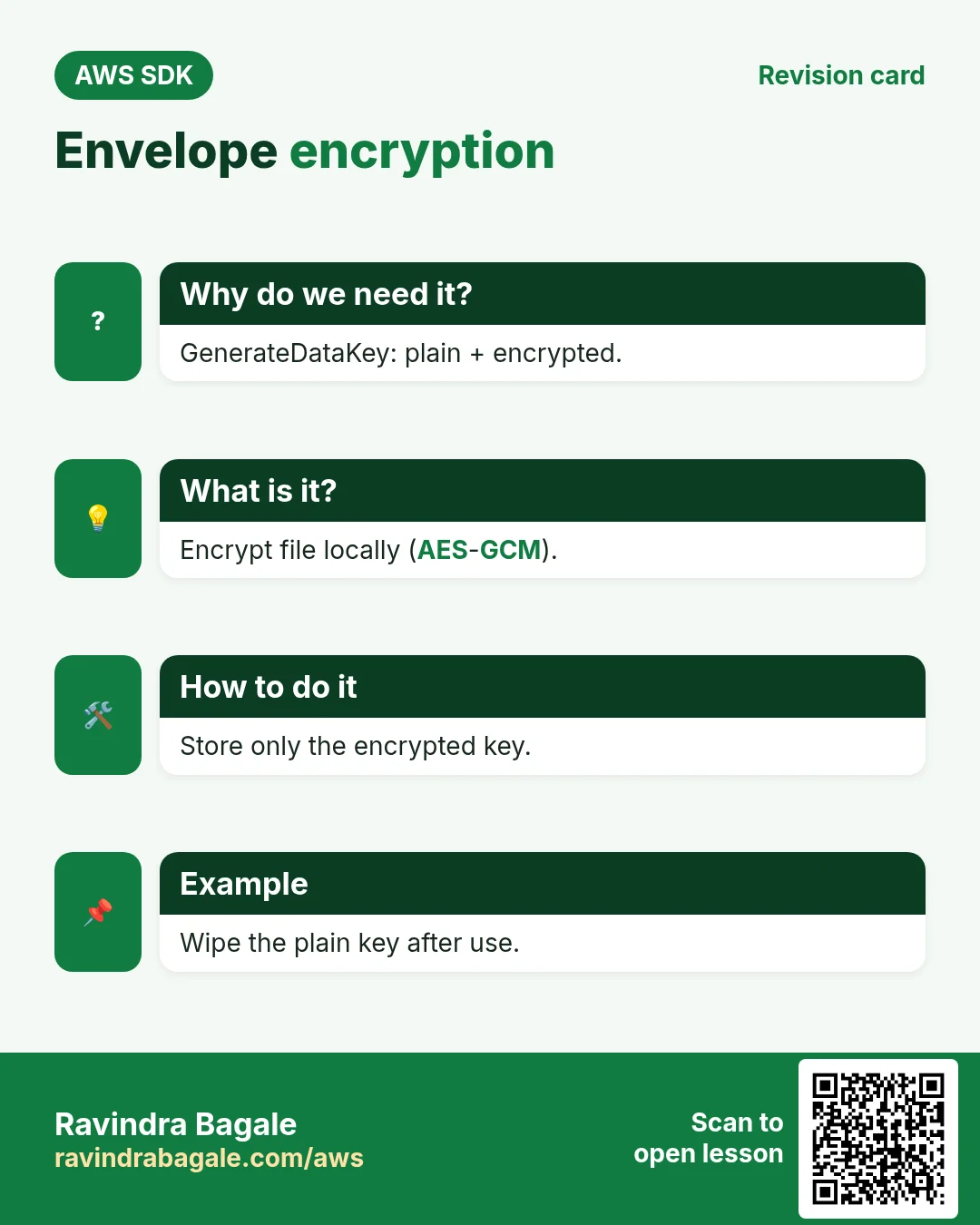
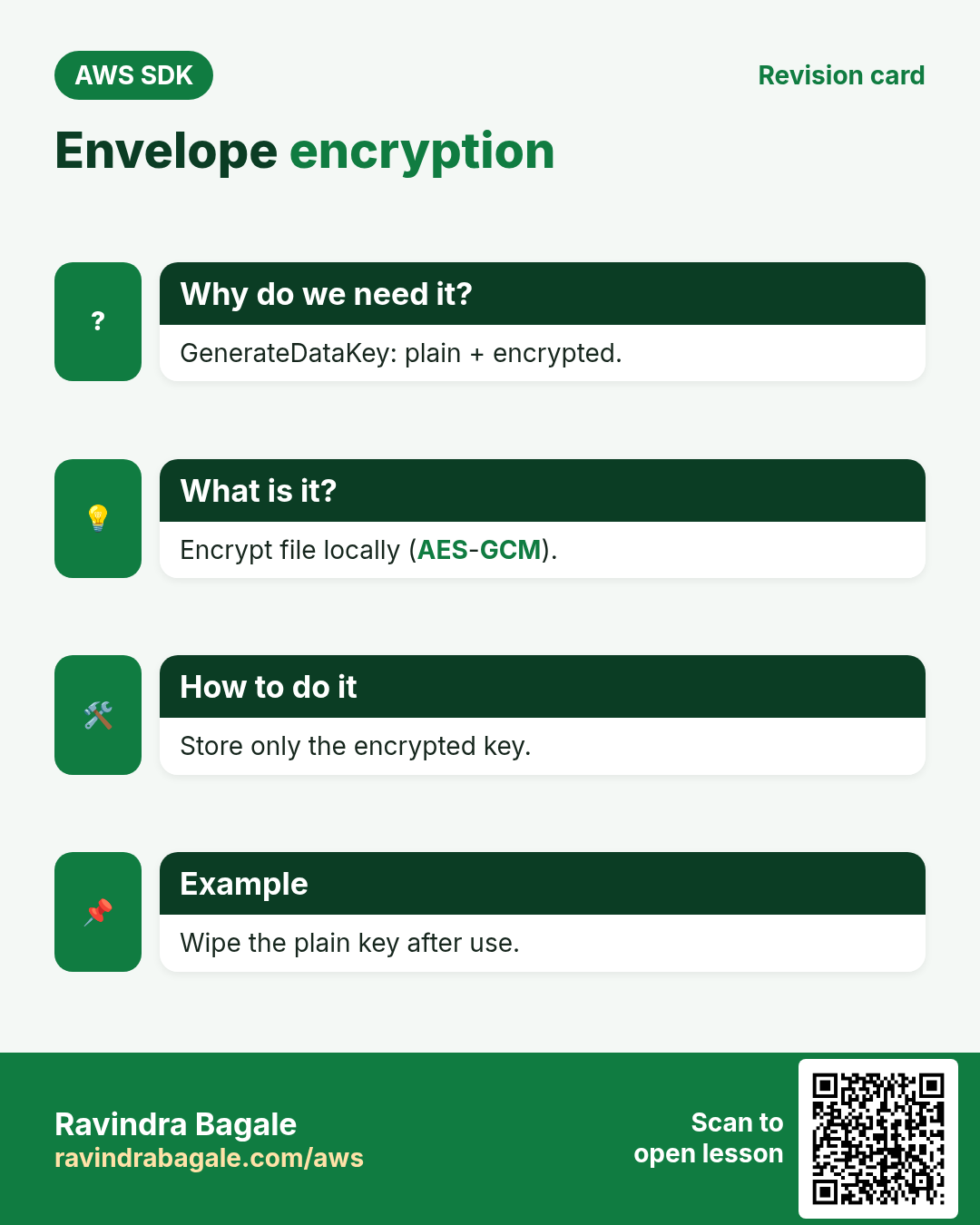
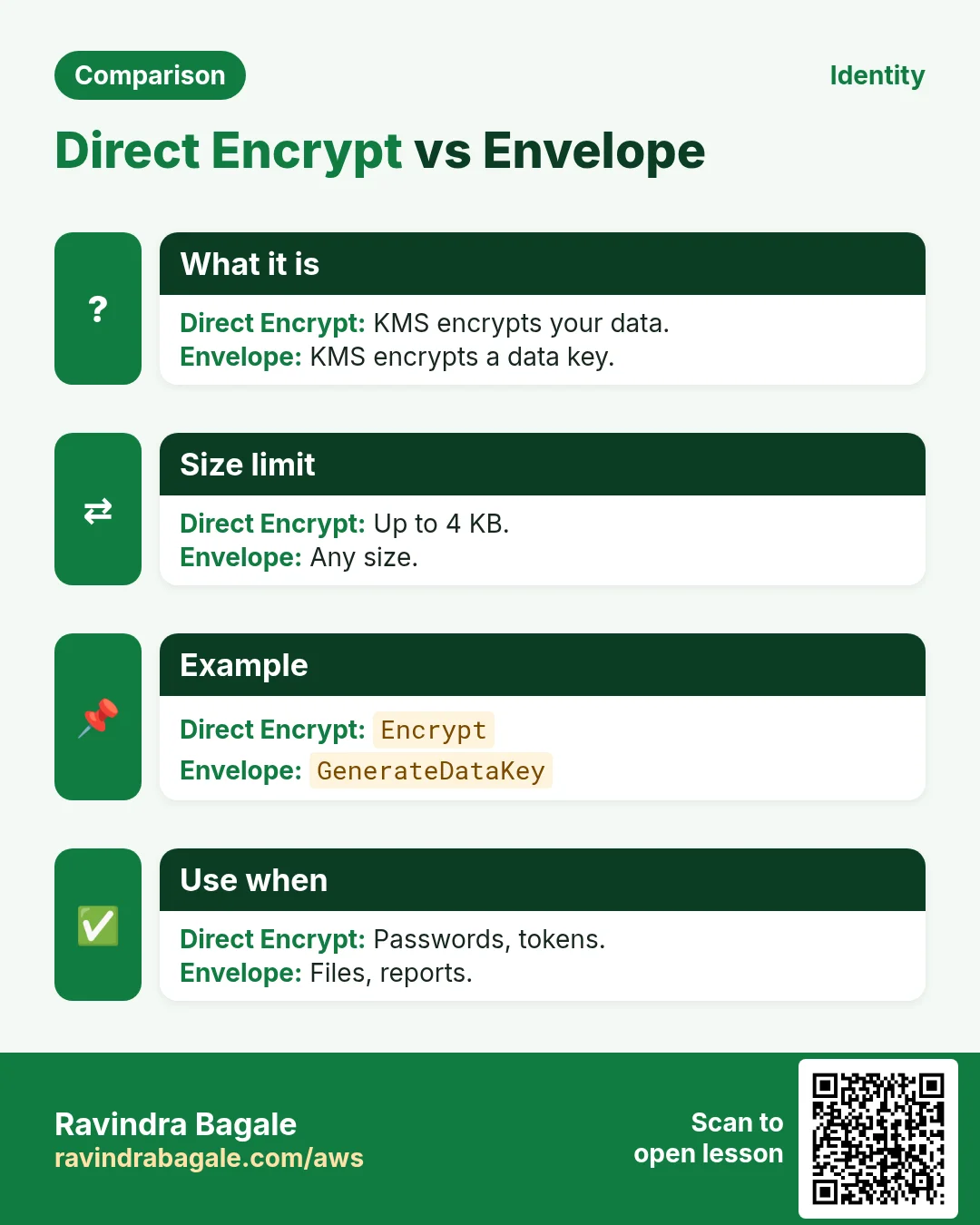
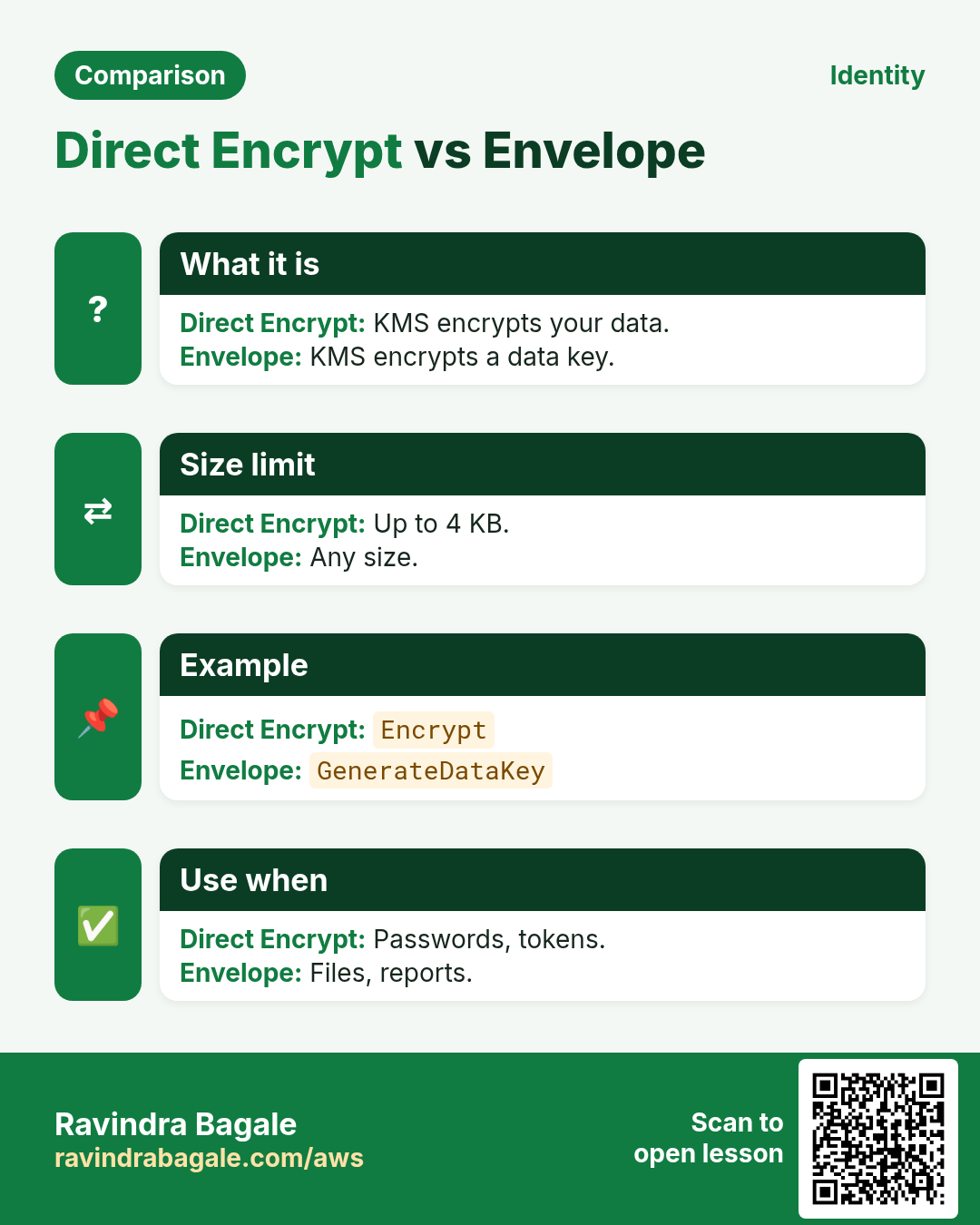
Encrypt works on up to 4 KB. For bigger data, GenerateDataKey returns a plaintext key (use it locally, then forget it) and the same key encrypted (store it next to the data). That is envelope encryption.
2. Create a key and alias
Hannah needs one key for patient notes in Frankfurt; code should use a friendly name, not a UUID.
CreateKey makes a symmetric key by default; CreateAlias names it alias/....
- Python.
import boto3
kms = boto3.client("kms", region_name="eu-central-1")
k = kms.create_key(Description="patient notes", Tags=[{"TagKey": "app", "TagValue": "health"}])["KeyMetadata"]
kms.create_alias(AliasName="alias/patient-notes", TargetKeyId=k["KeyId"])
kms.enable_key_rotation(KeyId=k["KeyId"])
print(k["KeyId"], k["KeySpec"])
Expected output:
1234abcd-12ab-34cd-56ef-1234567890ab SYMMETRIC_DEFAULT- Node.js: describe by alias.
import { KMSClient, DescribeKeyCommand } from "@aws-sdk/client-kms";
const kms = new KMSClient({ region: "eu-central-1" });
const { KeyMetadata: m } = await kms.send(new DescribeKeyCommand({ KeyId: "alias/patient-notes" }));
console.log(m.KeyState, m.KeyUsage);
Expected output:
Enabled ENCRYPT_DECRYPT- PHP: list aliases.
<?php
require "vendor/autoload.php";
$kms = new Aws\Kms\KmsClient(["region" => "eu-central-1"]);
foreach ($kms->listAliases()["Aliases"] as $a)
    if (!str_starts_with($a["AliasName"], "alias/aws/")) echo $a["AliasName"], PHP_EOL;
Expected output:
alias/patient-notes- Verify: rotation is on.
aws kms get-key-rotation-status --key-id alias/patient-notes --region eu-central-1 --query KeyRotationEnabledExpected output:
true3. Encrypt and decrypt with context
Encryption turns readable data into ciphertext using cryptographic material. A KMS encryption context is a set of nonsecret named values that an application can bind to some cryptographic operations. For this lab, purpose=practice-report is a label, not a password. If you encrypt using this context, supply the same context to decrypt.
Encrypt a synthetic message, record which context you used, and test a matching decrypt. Try one deliberately mismatched label with the same lab data. The decrypt should fail even if the caller and key are correct. This teaches which metadata must accompany the ciphertext. For the large-file example, the encrypted data key, ciphertext and the library’s required metadata belong to the same envelope.
Kabir stores an Aadhaar-like ID and a €/₹ insurance number per patient; each must only decrypt for its own patient.
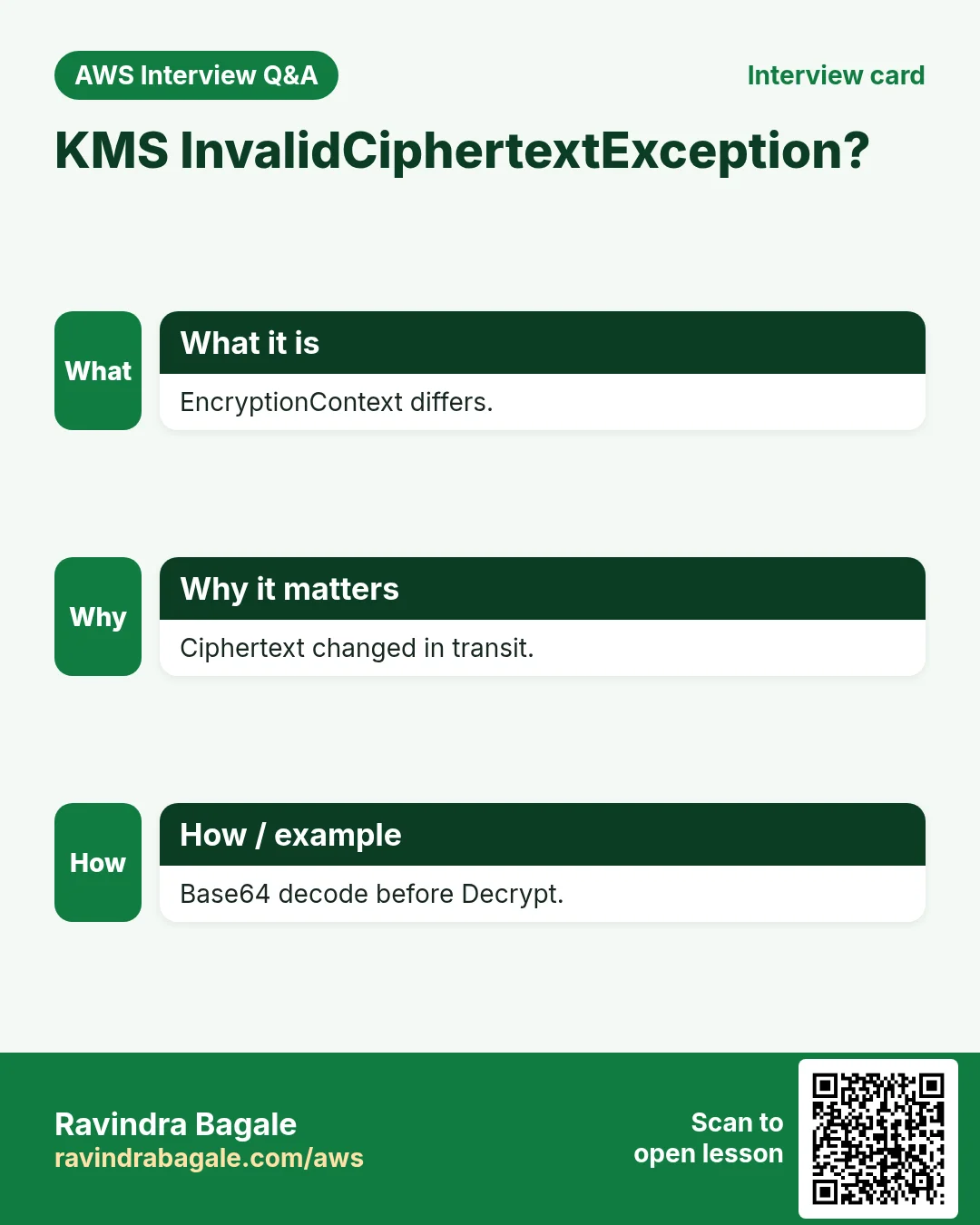
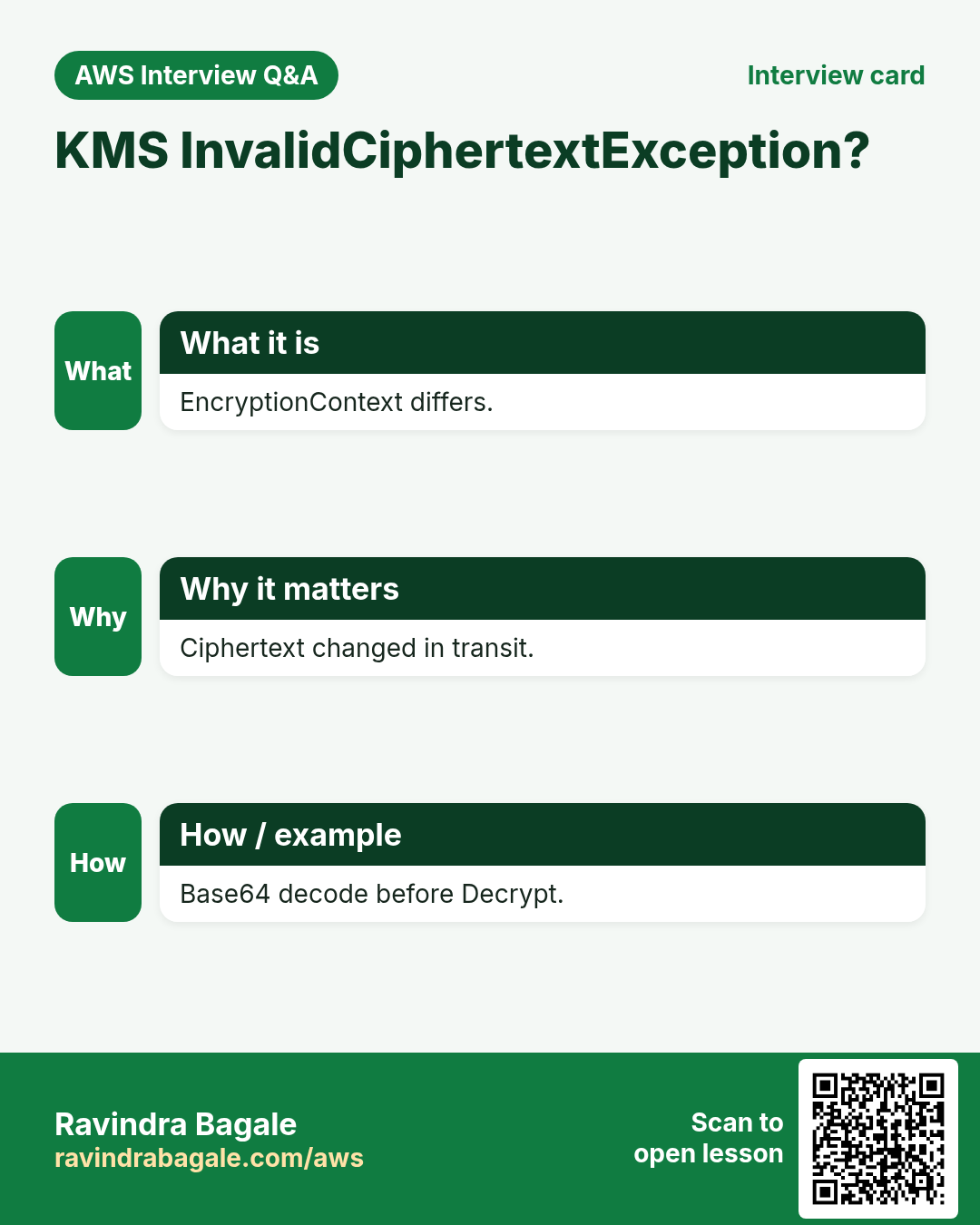
EncryptionContext is a key-value map bound to the ciphertext. Decrypt fails unless the same map is passed. It is not secret, and it shows in CloudTrail.
- Python: encrypt.
import base64
ct = kms.encrypt(KeyId="alias/patient-notes", Plaintext=b"INS-DE-889012",
    EncryptionContext={"patient": "P-1001"})["CiphertextBlob"]
print(base64.b64encode(ct)[:24].decode(), len(ct), "bytes")
Expected output:
AQICAHh7k2Jd5n9mVqL1pZ3a 184 bytes- Node.js: decrypt with the same context.
import { DecryptCommand } from "@aws-sdk/client-kms";
const r = await kms.send(new DecryptCommand({ CiphertextBlob: Buffer.from(b64, "base64"),
  EncryptionContext: { patient: "P-1001" } }));
console.log(new TextDecoder().decode(r.Plaintext));
Expected output:
INS-DE-889012- PHP: wrong context fails.
<?php
try { $kms->decrypt(["CiphertextBlob" => base64_decode($b64), "EncryptionContext" => ["patient" => "P-2002"]]); }
catch (Aws\Kms\Exception\KmsException $e) { echo $e->getAwsErrorCode(), PHP_EOL; }
Expected output:
InvalidCiphertextException- Verify: CloudTrail shows the decrypt.
aws cloudtrail lookup-events --lookup-attributes AttributeKey=EventName,AttributeValue=Decrypt --max-results 1 --region eu-central-1 --query "Events[0].EventName" --output textExpected output:
DecryptProtect a file and its data key
Envelope encryption uses one key for file data and a KMS key to protect that data key. Follow the two outputs that must be retained.
Read all steps
- Request the data key
The permitted GenerateDataKey request identifies a symmetric KMS key. Its response includes a plaintext data key for immediate use and an encrypted copy of that same key.
- Encrypt the file
A suitable authenticated encryption implementation uses the plaintext data key to encrypt the file locally. Do not invent a custom cipher or treat a raw example as a complete cryptographic file format.
- Keep the encrypted outputs
Retain the encrypted file, encrypted data key and required algorithm metadata. Remove the plaintext data key from use and memory as soon as practical. Do not store it beside the file.
- Read with permission
An authorised reader submits the encrypted data key to KMS Decrypt, then uses the recovered data key to decrypt the file locally. Losing access to the KMS key can prevent recovery even when both stored encrypted outputs still exist.

4. Envelope encryption for files
Draw one file and two data-key copies before reading the code. The first call generates usable data-key bytes and an encrypted data-key blob. The file is encrypted locally with the usable bytes; these bytes should be used briefly and discarded where practical. The stored envelope contains the file ciphertext, protected key blob and any nonce and authentication metadata required by the selected library.
For readback, pass the saved encrypted key blob to the approved KMS operation. Use the recovered data key for authenticated library decryption. Verify the read file against the synthetic original. An altered encrypted file should fail authentication in a proper authenticated encryption example, and a key or context mismatch should fail at the relevant cryptographic step. Keep key policy and lab key lifecycle separate from proving that the file bytes round-trip.
A 20 MB MRI report from Lyon is too big for Encrypt (4 KB limit).
GenerateDataKey returns Plaintext and CiphertextBlob. Encrypt locally with AES-GCM, store the encrypted key next to the file, throw the plaintext key away. The AWS Encryption SDK does all of this for you.
- Python with cryptography.
import os
from cryptography.hazmat.primitives.ciphers.aead import AESGCM
dk = kms.generate_data_key(KeyId="alias/patient-notes", KeySpec="AES_256")
nonce = os.urandom(12)
enc = AESGCM(dk["Plaintext"]).encrypt(nonce, open("mri.pdf", "rb").read(), None)
open("mri.pdf.enc", "wb").write(nonce + enc); open("mri.pdf.key", "wb").write(dk["CiphertextBlob"])
del dk
print("encrypted", len(enc))
Expected output:
encrypted 20971536- Node.js: decrypt the file.
import { readFileSync, writeFileSync } from "node:fs";
import { createDecipheriv } from "node:crypto";
const { Plaintext } = await kms.send(new DecryptCommand({ CiphertextBlob: readFileSync("mri.pdf.key") }));
const buf = readFileSync("mri.pdf.enc"), iv = buf.subarray(0, 12), tag = buf.subarray(-16), data = buf.subarray(12, -16);
const d = createDecipheriv("aes-256-gcm", Buffer.from(Plaintext), iv); d.setAuthTag(tag);
writeFileSync("mri.out.pdf", Buffer.concat([d.update(data), d.final()]));
console.log("decrypted");
Expected output:
decrypted- PHP with sodium/openssl.
<?php
$dk = $kms->generateDataKey(["KeyId" => "alias/patient-notes", "KeySpec" => "AES_256"]);
$iv = random_bytes(12);
$enc = openssl_encrypt(file_get_contents("scan.pdf"), "aes-256-gcm", $dk["Plaintext"], OPENSSL_RAW_DATA, $iv, $tag);
file_put_contents("scan.pdf.enc", $iv . $enc . $tag);
file_put_contents("scan.pdf.key", $dk["CiphertextBlob"]);
echo "ok ", strlen($enc), PHP_EOL;
Expected output:
ok 1048576- Verify: files match.
sha256sum mri.pdf mri.out.pdf | awk '{print $1}' | uniq | wc -lExpected output:
15. Sign and verify
Prescriptions sent from Ahmedabad to a pharmacy in Toronto must prove they were not changed.
Create an asymmetric key with KeyUsage SIGN_VERIFY. Sign a SHA-256 digest; anyone with the public key can verify, or call Verify.
- Python: create and sign.
import hashlib
sk = kms.create_key(KeySpec="ECC_NIST_P256", KeyUsage="SIGN_VERIFY")["KeyMetadata"]["KeyId"]
digest = hashlib.sha256(b"Rx-5521: Amoxicillin 500mg x 10").digest()
sig = kms.sign(KeyId=sk, Message=digest, MessageType="DIGEST", SigningAlgorithm="ECDSA_SHA_256")["Signature"]
print(len(sig), "byte signature")
Expected output:
71 byte signature- Node.js: verify.
import { VerifyCommand } from "@aws-sdk/client-kms";
const r = await kms.send(new VerifyCommand({ KeyId: sk, Message: digest, MessageType: "DIGEST",
  Signature: sig, SigningAlgorithm: "ECDSA_SHA_256" }));
console.log(r.SignatureValid);
Expected output:
true- PHP: export the public key for the pharmacy.
<?php
$pub = $kms->getPublicKey(["KeyId" => $sk])["PublicKey"];
$pem = "-----BEGIN PUBLIC KEY-----\n" . chunk_split(base64_encode($pub), 64) . "-----END PUBLIC KEY-----\n";
file_put_contents("rx-pub.pem", $pem);
echo openssl_verify("Rx-5521: Amoxicillin 500mg x 10", $sig, $pem, OPENSSL_ALGO_SHA256), PHP_EOL;
Expected output:
1- Verify offline with openssl.
printf "Rx-5521: Amoxicillin 500mg x 10" | openssl dgst -sha256 -verify rx-pub.pem -signature rx.sigExpected output:
Verified OK6. The same call in Java, Go, .NET and the CLI
Teams often mix languages. Once you know the call in Python, PHP and Node.js, the other SDKs are the same API with different syntax.
All of them call the Encrypt API. Use the CLI line to test it quickly from a terminal.
| Stack | Code |
|---|---|
| AWS CLI | aws kms encrypt --key-id alias/patient-notes --plaintext fileb://note.txt --encryption-context patient=P-1001 --query CiphertextBlob --output text |
| Java v2 | SdkBytes ct = kms.encrypt(b -> b.keyId("alias/patient-notes").plaintext(SdkBytes.fromUtf8String("x"))).ciphertextBlob(); |
| Go v2 | out, _ := client.Encrypt(ctx, &kms.EncryptInput{KeyId: aws.String("alias/patient-notes"), Plaintext: []byte("x")}) |
| .NET | var r = await kms.EncryptAsync(new EncryptRequest { KeyId = "alias/patient-notes", Plaintext = new MemoryStream(bytes) }); |
7. Clean up so nothing keeps costing
Lab resources left running cost money and can be a security risk.
Delete in reverse order: children first, then parents.
- Schedule key deletion (7–30 days waiting period).
aws kms delete-alias --alias-name alias/patient-notes --region eu-central-1
aws kms schedule-key-deletion --key-id $KEY_ID --pending-window-in-days 7 --region eu-central-1
Expected output:
(no output means success)Ravindra Bagale's Tip
Deleting a KMS key makes all data encrypted with it unreadable forever. Disable it first and wait a week before scheduling deletion.
8. Interview questions and answers
Q. Max plaintext for Encrypt?
4 KB; use data keys for more.
Q. What is envelope encryption?
Encrypt data with a data key locally and encrypt the data key with KMS.
Q. Why encryption context?
It binds ciphertext to metadata and appears in audit logs; decrypt needs the same context.
Q. Does Decrypt need a KeyId for symmetric keys?
No, the ciphertext carries the key ID.
Q. How to share verification with outsiders?
Export the public key with GetPublicKey.
Try at home
- Encrypt a JSON patient record in Node.js with GenerateDataKey and store both parts in S3.
- Try ReEncrypt to move a ciphertext to a new key from PHP.
In short
- CreateKey + alias + rotation.
- Encrypt/Decrypt ≤ 4 KB.
- Encryption context.
- GenerateDataKey for files.
- Sign/Verify asymmetric.
Separate the encrypted data key from the payload
In an isolated test, arrange the encrypted payload, encrypted data key and nonsecret context metadata. Verify the plaintext data key exists only in memory during use and is never printed or stored. A practical application should use a vetted envelope-encryption implementation.
Interview check Why use a data key at all?
A data key encrypts the payload locally. You store its encrypted form beside the ciphertext and use KMS to unwrap it when needed.
Practise this chapter
Interview questions and answers
What metadata would you record so an application can decrypt its own file later?
I would save the ciphertext, the encrypted data key and the metadata needed by the chosen library. If the key operation used an encryption context, I would record the nonsecret matching values. The reader needs permission to open the data key; it should never store a plaintext key beside the file.
Check your understanding
Choose an answer, then compare your reasoning with the explanation.
Practice Tasks
Practice checks run in your browser. They check the answer for this exercise; they do not create resources or connect to your AWS account.
About this scenarioSeoul Beauty Lab is a cosmetics business in Seoul. Ji-woo Park looks after its IT and cloud work. They count money in KRW and run their AWS resources in the ap-northeast-2 Region. In the tasks below you do real jobs for them using what this lesson teaches. All names, account IDs, IP addresses and numbers are made up for practice.
0 / 10
Easy Create a KMS key
A customer managed key lets you control who can encrypt and decrypt.
Create a KMS key with description "seoulbeauty data key".
- Read the task and decide which AWS service it is about.
- Write aws, then the service name, then the operation (the action word).
- Add each needed flag (--name) followed by its value from the task.
- Flags can be in any order. Click Check answer.
Easy Turn on yearly key rotation
Automatic rotation changes the key material without breaking old data.
Enable automatic rotation for key 1234abcd-12ab-34cd-56ef-1234567890ab.
- Read the task and decide which AWS service it is about.
- Write aws, then the service name, then the operation (the action word).
- Add each needed flag (--name) followed by its value from the task.
- Flags can be in any order. Click Check answer.
Easy How many addresses in a /16?
Picking a VPC size needs this count.
Seoul Beauty Lab plans the VPC 10.71.0.0/16. How many IP addresses does it hold in total?
- Write down the numbers the task gives you.
- Work it out step by step on paper.
- Type only the final answer in the box.
- Click Check answer.
Easy Port for SSH
Security group rules need the right port.
Which TCP port must the security group open for SSH?
- Write down the numbers the task gives you.
- Work it out step by step on paper.
- Type only the final answer in the box.
- Click Check answer.
Medium Give the key a friendly alias
Aliases are easier to read than key IDs and can be moved to a new key.
Create alias alias/seoulbeauty-data for key 1234abcd-12ab-34cd-56ef-1234567890ab.
- Read the task and decide which AWS service it is about.
- Write aws, then the service name, then the operation (the action word).
- Add each needed flag (--name) followed by its value from the task.
- Flags can be in any order. Click Check answer.
Medium Decrypt a blob
The ciphertext remembers which key made it, so decrypt needs only the blob.
Decrypt the ciphertext stored in secret.enc.
- Read the task and decide which AWS service it is about.
- Write aws, then the service name, then the operation (the action word).
- Add each needed flag (--name) followed by its value from the task.
- Flags can be in any order. Click Check answer.
Medium Encrypt a small file
KMS Encrypt works for data up to 4 KB, like a password or token.
Encrypt secret.txt with key alias/seoulbeauty-data.
- Read the task and decide which AWS service it is about.
- Write aws, then the service name, then the operation (the action word).
- Add each needed flag (--name) followed by its value from the task.
- Flags can be in any order. Click Check answer.
Hard Use a key, not manage it
Apps need Encrypt/Decrypt; only admins should change or delete keys.
Allow kms:Encrypt, kms:Decrypt, kms:GenerateDataKey on arn:aws:kms:ap-northeast-2:119519391020:key/1234abcd-12ab-34cd-56ef-1234567890ab only.
- Start with { "Version": "2012-10-17", "Statement": [ ... ] }.
- In each statement write Effect, Action and Resource.
- Give only what the task needs (least privilege).
- Use double quotes and commas correctly. Click Check answer.
Hard Generate a data key
Envelope encryption: KMS gives a data key; you encrypt big files locally with it.
Generate an AES_256 data key under alias/seoulbeauty-data.
- Read the task and decide which AWS service it is about.
- Write aws, then the service name, then the operation (the action word).
- Add each needed flag (--name) followed by its value from the task.
- Flags can be in any order. Click Check answer.
Hard Default encryption with KMS
Default encryption makes sure every new object is encrypted, even if the uploader forgets.
Apply the encryption settings in enc.json to bucket seoulbeauty-hr-docs.
- Read the task and decide which AWS service it is about.
- Write aws, then the service name, then the operation (the action word).
- Add each needed flag (--name) followed by its value from the task.
- Flags can be in any order. Click Check answer.
Revision, comparison and interview cards
Revise this lesson in a few minutes. Save the cards on your phone or download them as PNG files. The QR code on each card opens this lesson.


More cards: Ravi Sir's Cards.