Create an Amazon Aurora Database Step by Step
Create a small Aurora MySQL cluster in ap-south-1, note the endpoints, run one query path, then delete the cluster. Aurora is not free — treat this as a short lab.
In this chapter
- Create Aurora MySQL cluster (dev size)
- Set master user and networking
- Find writer endpoint and connect notes
- Delete cluster and instances
Cost — read before create
Aurora instances bill per hour while available. Use the smallest dev/test class shown (for example t3.medium / t4g.medium — pick what the console offers for Aurora MySQL). Delete within an hour. Do not enable Production template extras you do not need.
Everyday example before the lab
Why this lab matters
A small fictional meal service records each lunch order in one shared order book. The kitchen writes new orders while the counter reads the list. Aurora is the shared relational database; the writer connection records orders, and separate readers can serve reads when configured. This lab follows one small practice row from connection to readback so you can tell a working SQL session from a network failure. This is an explanation, not a request to create paid resources.
1. Lab: click by click
A. Subnet group and SG
Keep two setup questions separate. A DB subnet group lists the subnets available for placing database resources in the VPC. The database security group controls which network sources may connect to the database port. An EC2 lab client in a permitted security group can connect over a private path. A laptop outside that path may time out even when the cluster is healthy.
Before creating the cluster, record the permitted client and engine port. When connecting later, first check you are on that client and using the writer endpoint for the SQL insert. A timeout usually means the connection did not finish. A database login error means the client reached a database that rejected its credentials. After logging in, insert and read one disposable row to prove the SQL portion worked. Each outcome identifies a different layer to check.
- RDS → Subnet groups → Create DB subnet group
lab-aurora-subnetscovering ≥2 AZs in your VPC. - Create SG
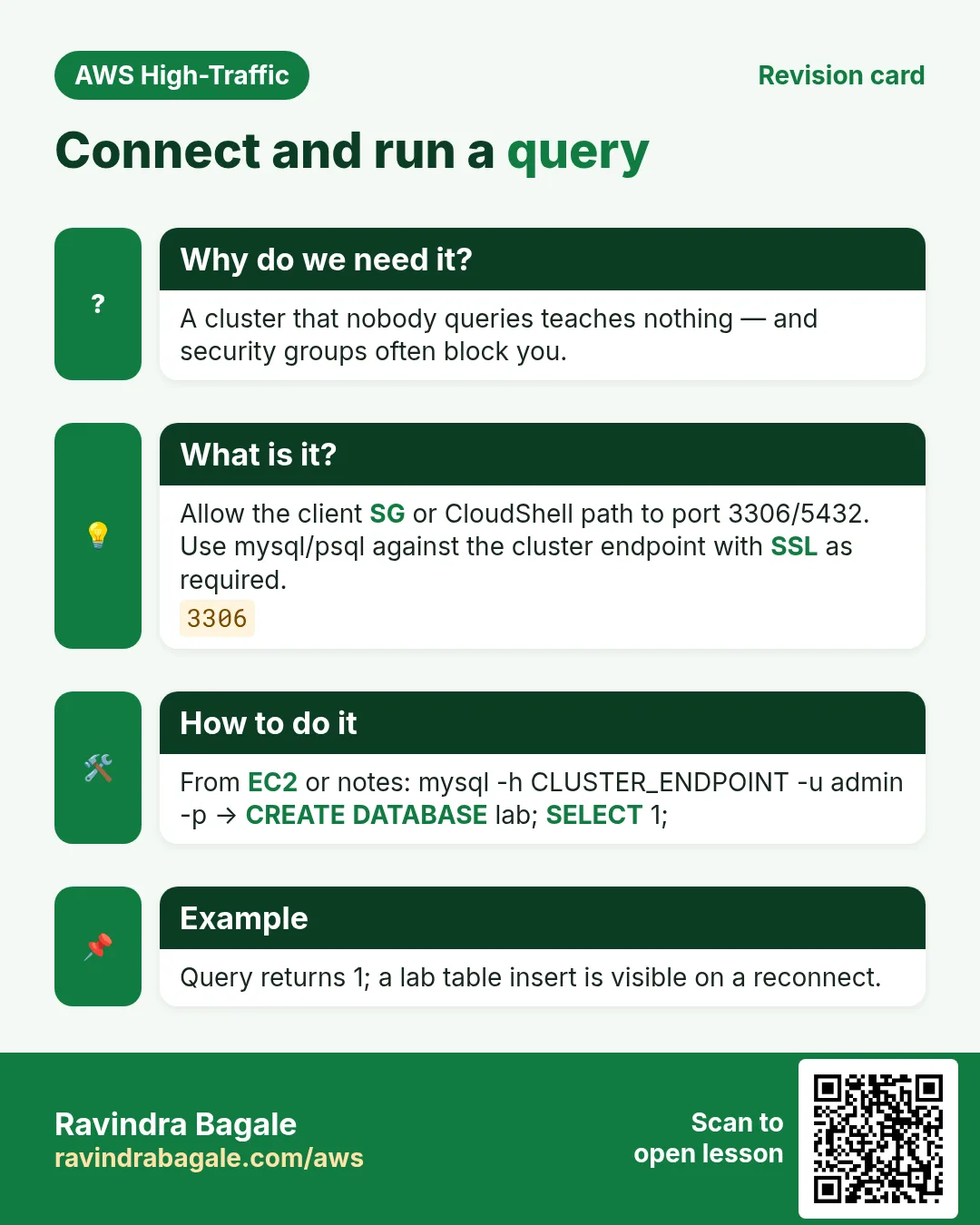
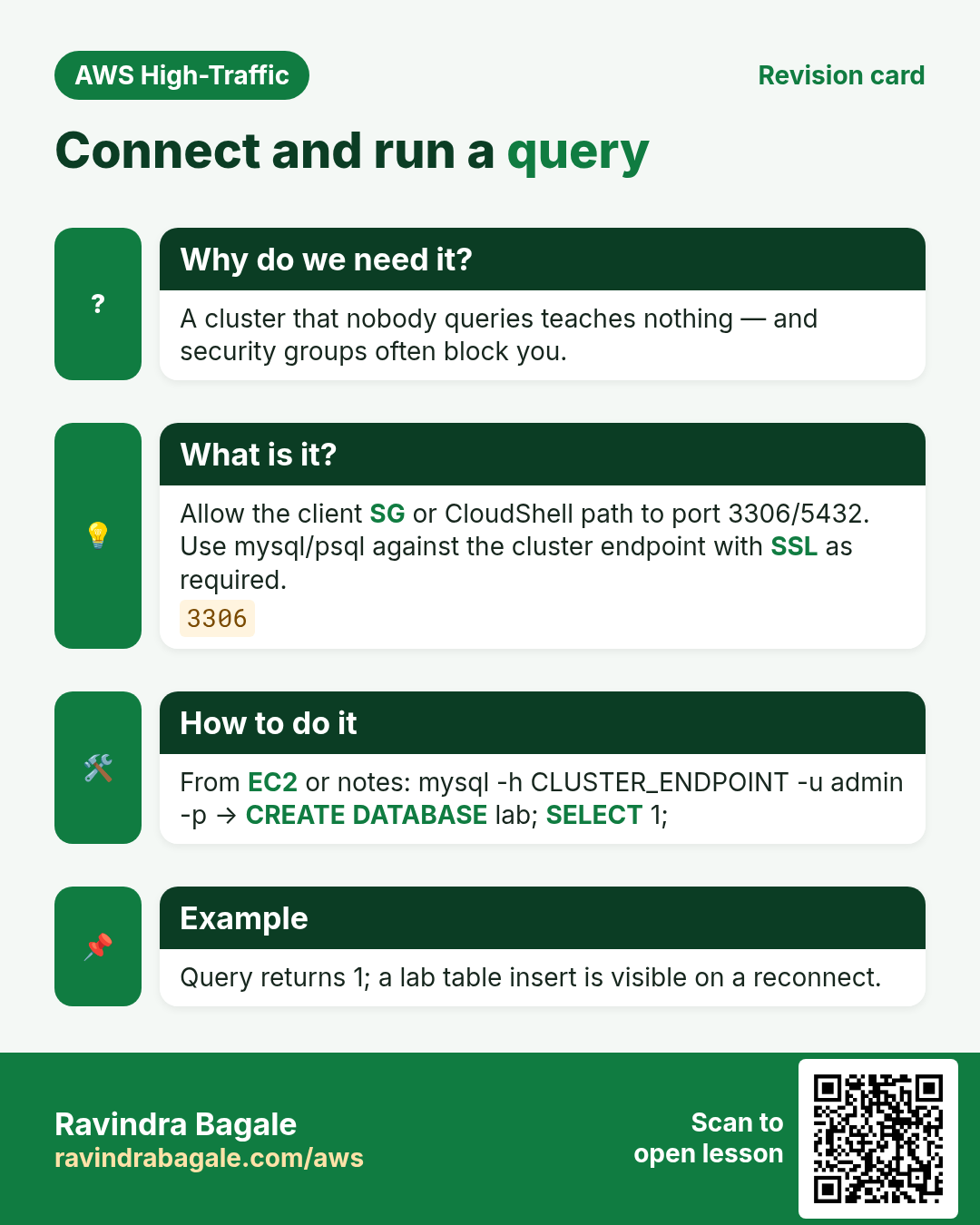
aurora-lab-sg: inbound MySQL 3306 from your EC2 SG or CloudShell/VPN SG only — not 0.0.0.0/0.
B. Create cluster
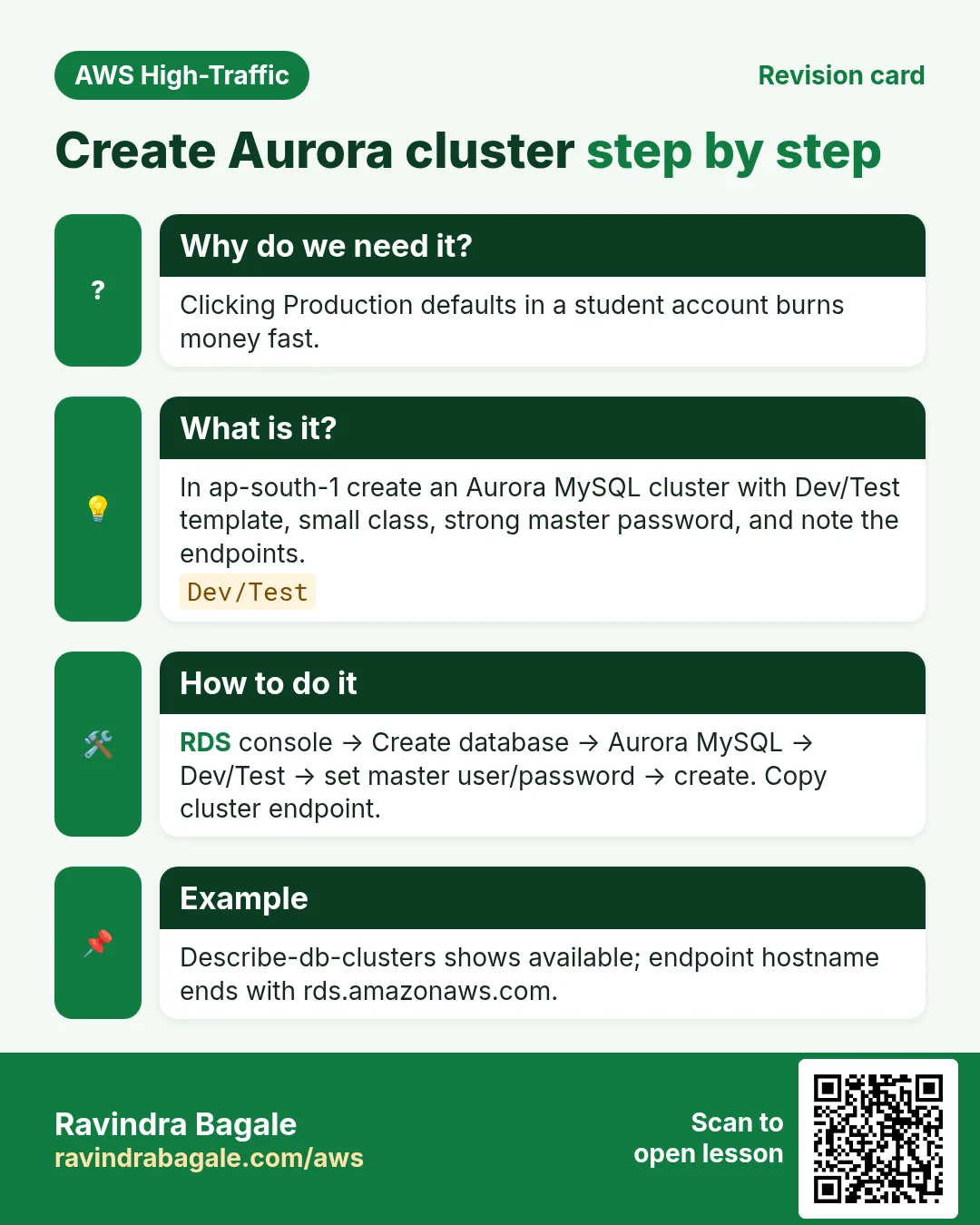
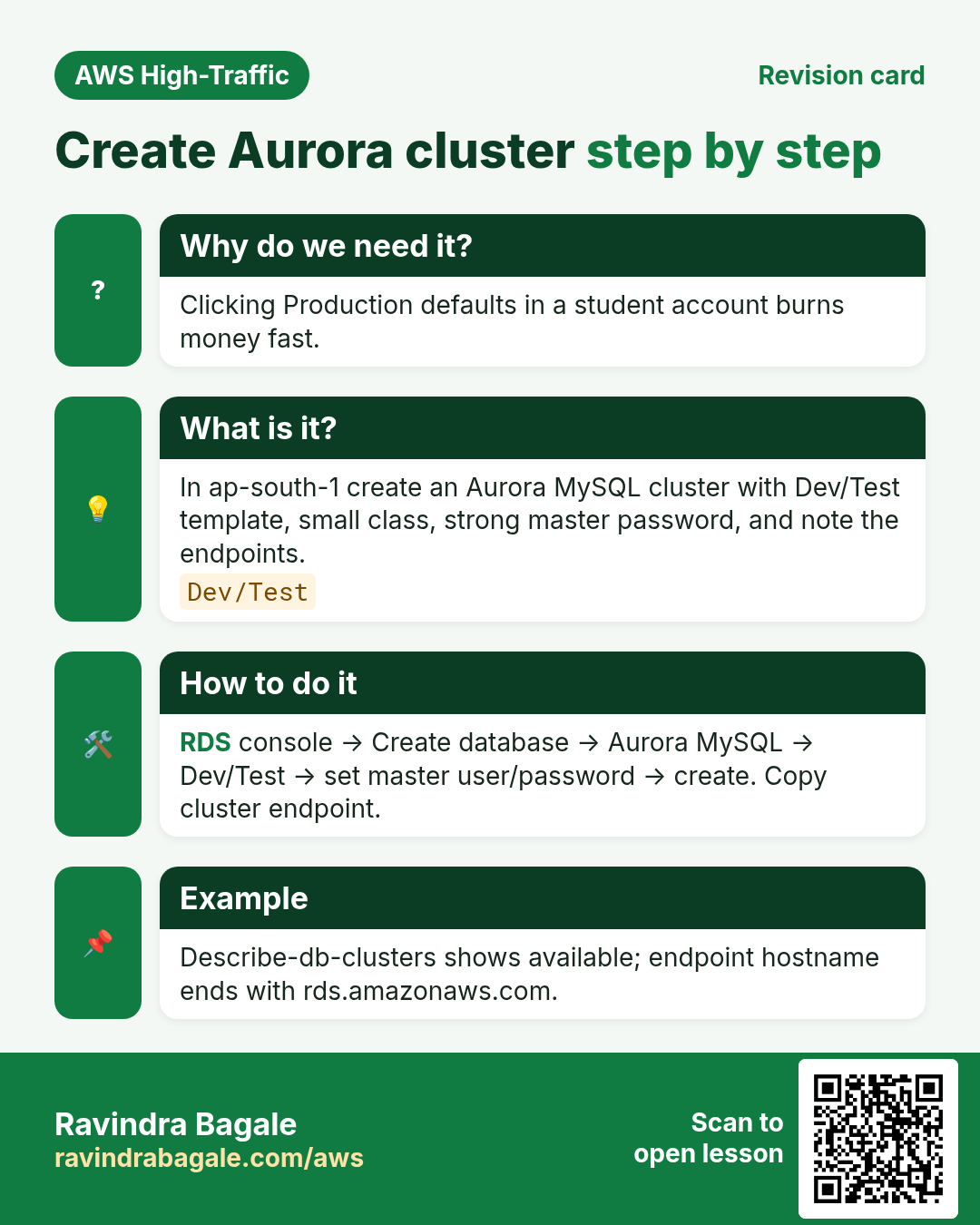
- RDS → Databases → Create database.
- Engine: Amazon Aurora → Aurora (MySQL compatible). Pick a current Aurora MySQL version.
- Templates: Dev/Test.
- DB cluster identifier:
lab-aurora-mysql. Master username:admin. Master password: long random — save in a password manager. - Instance class: smallest burstable offered (e.g.
db.t3.mediumordb.t4g.medium). - Multi-AZ / Aurora Replica: create don’t create an Aurora Replica for this lab (cheaper).
- Connectivity: same VPC, subnet group
lab-aurora-subnets, Public access: No, SGaurora-lab-sg. - Additional: uncheck “Enable Enhanced Monitoring” extras if you want lower noise; leave encryption default on. Create database.
- Wait until Status = Available (several minutes).
C. Endpoints
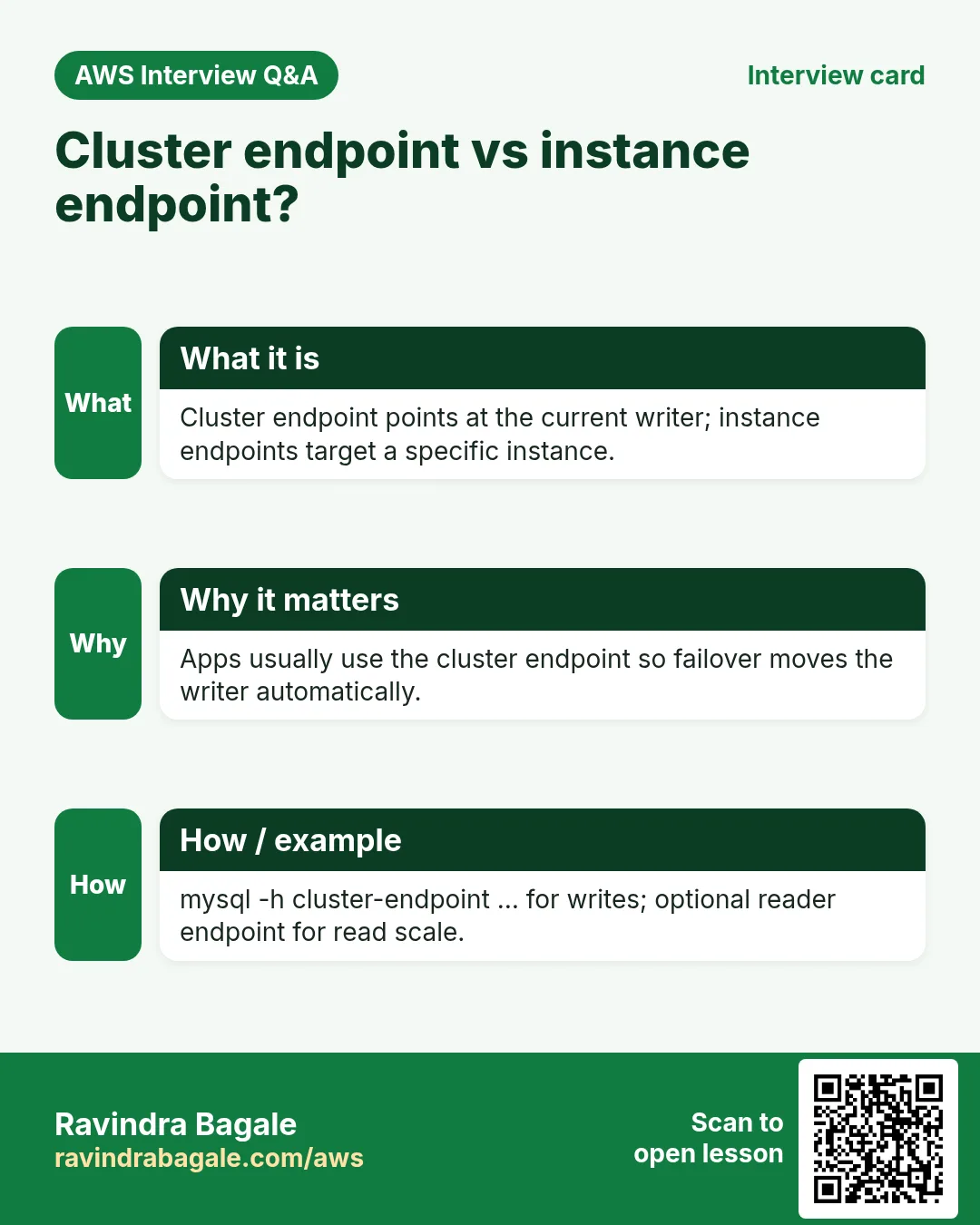
Record the writer hostname before opening the SQL client. In the Aurora console, an endpoint is how the client locates a DB instance or a role in the cluster. The writer endpoint is the right path for creating the practice table and inserting the sample row. A reader endpoint may also exist when the cluster has no separate readers. Check the member list before using endpoint names as proof of read scaling.
From the lab client, connect using the specified TLS settings and approved database user. The sample INSERT changes the practice table, and its SELECT asks the database to return that row. Compare the values, then select the intended cleanup path. Information you need later belongs in an approved backup plan. Remove the disposable cluster and inspect what snapshots or other resources you retained deliberately.
- Open the cluster → Connectivity & security. Copy Writer endpoint (and Reader if any).
- From an EC2 in the same VPC (with mysql client):
sudo dnf install -y mariadb105  # or mysql client package available
mysql -h WRITER_ENDPOINT -u admin -p
# then:
SHOW DATABASES;
CREATE DATABASE labdb;
USE labdb;
CREATE TABLE t(id INT PRIMARY KEY, note VARCHAR(40));
INSERT INTO t VALUES (1,'aurora-lab');
SELECT * FROM t;
EXIT;
Expected: row 1 | aurora-lab. If timeout — fix SG source and confirm EC2 is in a subnet that can route to the DB subnets.
Cleanup (required)
- RDS → select cluster
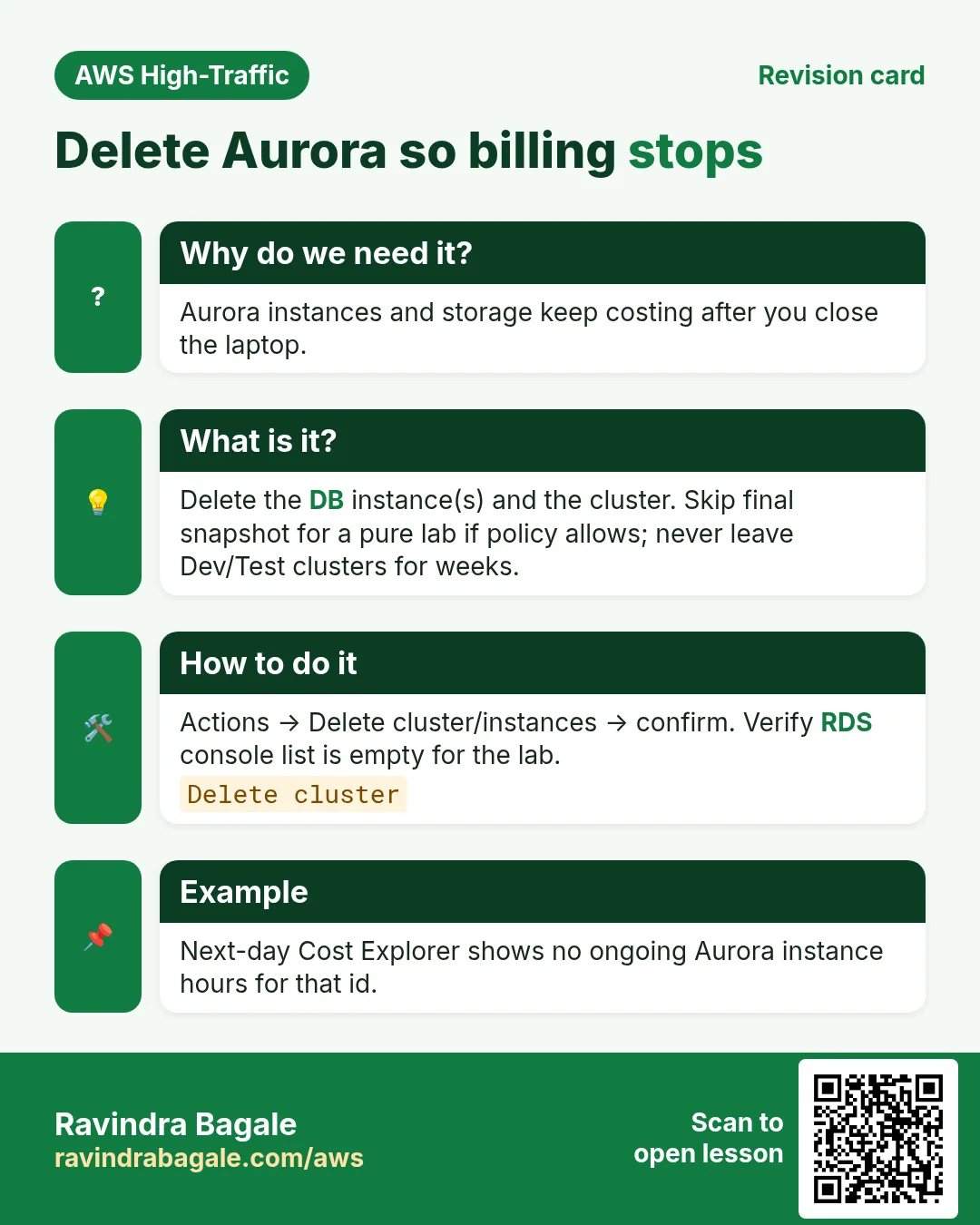
lab-aurora-mysql→ Actions → Delete. - Uncheck “Create final snapshot” for a disposable lab (or take one if you want practice). Confirm by typing the name.
- Also delete remaining instances if the console asks separately. Delete subnet group and SG when unused.
- Billing → verify Aurora charges stop after deletion propagates.
Common errors: cause and safe next check
The database says Available but the client times out
Available describes database readiness, not permission for every network path. Compare the client location, private route and DB security group source with the lab plan. A timeout happens before a useful SQL login; do not solve it by making the database public.
The MySQL client returns Access denied instead of timing out
The server has answered far enough to reject authentication. Check the intended database username and the database login method locally. AWS console sign-in credentials are not a MySQL password. Never paste a password into a screenshot or support message.
A later retry still uses an old instance address
A copied instance endpoint targets a particular instance. For the lab’s general write connection, compare the saved hostname with the cluster writer endpoint in Connectivity & security. After a writer change the client needs a new connection to the cluster endpoint.
Practical questions and full answers
Why can the private database work from EC2 but not my laptop?
Your EC2 has a private network path that the laptop may not have. Public access No is intentional. Use the already-approved private client path; a working browser login to AWS does not place the laptop inside the VPC.
Why are writer and reader hostnames shown even without a replica?
Endpoint names and separate DB instances are not the same thing. With no Aurora Replica the reader endpoint reaches the primary. Do not count that hostname as another running reader instance.
What does the sample row actually prove?
Seeing the sample id and note after SELECT shows that this session reached the database and read the inserted practice row. It does not prove that another client has network access, that failover was tested, or that every application query is authorized.
2. Interview angles
Q. Writer endpoint used for?
INSERT/UPDATE/DDL — single writer.
Q. Public access No — why?
DB stays private; jump via EC2/VPN/bastion.
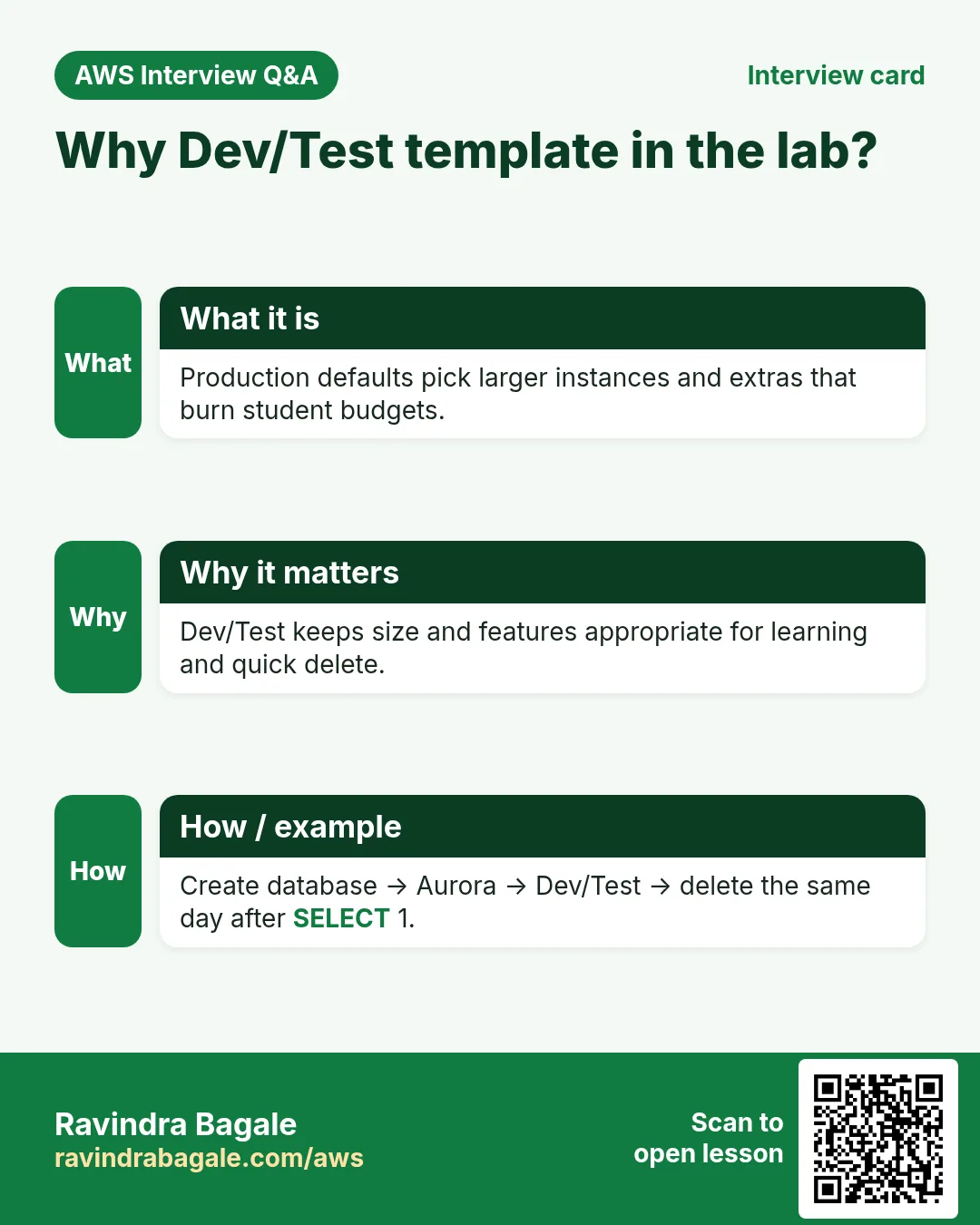
Q. Why Dev/Test template?
Fewer HA extras; lower lab cost.
Q. Forgot to delete?
Hourly instance + storage charges continue.
Try at home
- Repeat with Aurora PostgreSQL if free time (then delete).
- Screenshot endpoints only — never commit passwords to git.
In short
- Dev/Test Aurora MySQL → writer endpoint → mysql client.
- SG least privilege on 3306.
- Delete cluster the same session.
Record the cleanup decision before creating Aurora
Use a lab DB subnet group in the required distinct Availability Zones and a private authorized client. Check reader/writer endpoints and TLS independently. At cleanup, decide if you require a final snapshot and inspect retained snapshots, backups and secrets later because deleting the DB instances does not erase those by itself.
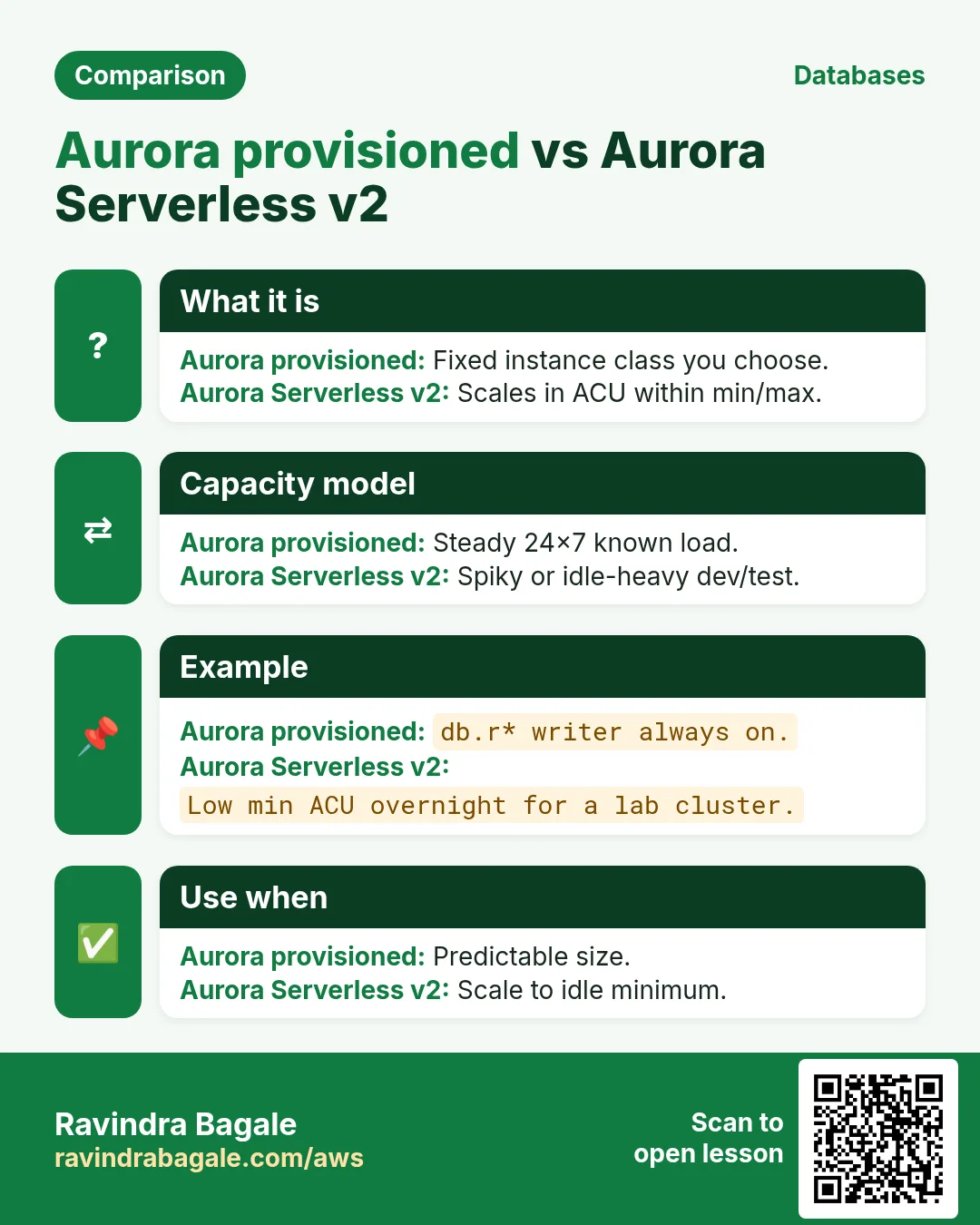
Interview check Does serverless mean it is automatically free when idle?
No. Review minimum ACUs and supported engine/version auto-pause behavior before creation, as well as storage and retained backups.
Practise this chapter
Interview questions and answers
How do you distinguish a network issue from a bad database password?
I would connect from the approved private client to the intended endpoint. A timeout leads me toward routes, security groups and reachability. A database login rejection shows a connection reached a server but the credentials or login rules did not allow the session.
Check your understanding
Choose an answer, then compare your reasoning with the explanation.
Practice Tasks
Practice checks run in your browser. They check the answer for this exercise; they do not create resources or connect to your AWS account.
About this scenarioNew York News Daily is a media business in New York. Rachel Cohen looks after its IT and cloud work. They count money in USD and run their AWS resources in the us-east-1 Region. In the tasks below you do real jobs for them using what this lesson teaches. All names, account IDs, IP addresses and numbers are made up for practice.
0 / 12
Easy Find the database endpoint
Your app connects using the endpoint name, not an IP.
Describe DB instance nynewsdaily-db.
- Read the task and decide which AWS service it is about.
- Write aws, then the service name, then the operation (the action word).
- Add each needed flag (--name) followed by its value from the task.
- Flags can be in any order. Click Check answer.
Easy Biggest orders first
Querying the database is daily work after you set up RDS.
Show order id and amount, biggest amount first.
Tables: customers(id, name, city) and orders(id, customer_id, amount, odate).
- Find the table the task is about (see the table list above the box).
- Write the SQL statement step by step: what, from where, which rows.
- End the statement with ;
- Click Check answer. Your query runs on a practice copy of the table.
Easy Filter customers by city
Querying the database is daily work after you set up RDS.
List the names of customers in Pune.
Tables: customers(id, name, city) and orders(id, customer_id, amount, odate).
- Find the table the task is about (see the table list above the box).
- Write the SQL statement step by step: what, from where, which rows.
- End the statement with ;
- Click Check answer. Your query runs on a practice copy of the table.
Medium Remove small orders
Querying the database is daily work after you set up RDS.
Delete orders with amount below 200.
Tables: customers(id, name, city) and orders(id, customer_id, amount, odate).
- Find the table the task is about (see the table list above the box).
- Write the SQL statement step by step: what, from where, which rows.
- End the statement with ;
- Click Check answer. Your query runs on a practice copy of the table.
Medium Orders with customer names
Querying the database is daily work after you set up RDS.
Show each customer name with each order amount.
Tables: customers(id, name, city) and orders(id, customer_id, amount, odate).
- Find the table the task is about (see the table list above the box).
- Write the SQL statement step by step: what, from where, which rows.
- End the statement with ;
- Click Check answer. Your query runs on a practice copy of the table.
Medium Total sales
Querying the database is daily work after you set up RDS.
Show the total of all order amounts as one number.
Tables: customers(id, name, city) and orders(id, customer_id, amount, odate).
- Find the table the task is about (see the table list above the box).
- Write the SQL statement step by step: what, from where, which rows.
- End the statement with ;
- Click Check answer. Your query runs on a practice copy of the table.
Medium Fix a city
Querying the database is daily work after you set up RDS.
Customer 5 moved to Rome. Update the record.
Tables: customers(id, name, city) and orders(id, customer_id, amount, odate).
- Find the table the task is about (see the table list above the box).
- Write the SQL statement step by step: what, from where, which rows.
- End the statement with ;
- Click Check answer. Your query runs on a practice copy of the table.
Medium Turn on Multi-AZ
Multi-AZ keeps a standby copy in another AZ and fails over automatically.
Modify nynewsdaily-db to be Multi-AZ and apply the change immediately.
- Read the task and decide which AWS service it is about.
- Write aws, then the service name, then the operation (the action word).
- Add each needed flag (--name) followed by its value from the task.
- Flags can be in any order. Click Check answer.
Hard Sales per customer
Querying the database is daily work after you set up RDS.
Show customer_id and total amount per customer, only where total is above 1000.
Tables: customers(id, name, city) and orders(id, customer_id, amount, odate).
- Find the table the task is about (see the table list above the box).
- Write the SQL statement step by step: what, from where, which rows.
- End the statement with ;
- Click Check answer. Your query runs on a practice copy of the table.
Hard Customers with no orders
Querying the database is daily work after you set up RDS.
List names of customers who have never ordered.
Tables: customers(id, name, city) and orders(id, customer_id, amount, odate).
- Find the table the task is about (see the table list above the box).
- Write the SQL statement step by step: what, from where, which rows.
- End the statement with ;
- Click Check answer. Your query runs on a practice copy of the table.
Hard Create a MySQL database
RDS runs the database for you: backups, patches and failover are managed.
Create RDS instance nynewsdaily-db: engine mysql, class db.t3.micro, 20 GiB storage, master user admin, master password from $DB_PASS.
- Read the task and decide which AWS service it is about.
- Write aws, then the service name, then the operation (the action word).
- Add each needed flag (--name) followed by its value from the task.
- Flags can be in any order. Click Check answer.
Hard Create a read replica
Read replicas take report and read traffic off the main database.
Create read replica nynewsdaily-db-ro from source nynewsdaily-db.
- Read the task and decide which AWS service it is about.
- Write aws, then the service name, then the operation (the action word).
- Add each needed flag (--name) followed by its value from the task.
- Flags can be in any order. Click Check answer.
Revision, comparison and interview cards
Revise this lesson in a few minutes. Save the cards on your phone or download them as PNG files. The QR code on each card opens this lesson.
More cards: Ravi Sir's Cards.