How to Install and Configure AWS CLI v2: Profiles, SSO and Regions
The AWS CLI lets you control AWS by typing short commands. In this chapter you install it, log in safely and learn how it picks your account and region.
In this chapter
- Install AWS CLI v2 on Linux, macOS and Windows
- Create profiles with aws configure
- Log in with IAM Identity Center (aws sso login)
- Understand credentials precedence
- Set and override regions
1. The big picture: what is the AWS CLI?
Think of a TV remote. You can walk to the TV and press buttons (the Console). Or you can use the remote from the sofa (the CLI). The remote is faster and you can repeat the same button press every day.
The AWS CLI is one program called aws. You type aws <service> <action> --options. It turns that into an AWS API call, signs it with your keys and prints the reply.
2. Install AWS CLI v2
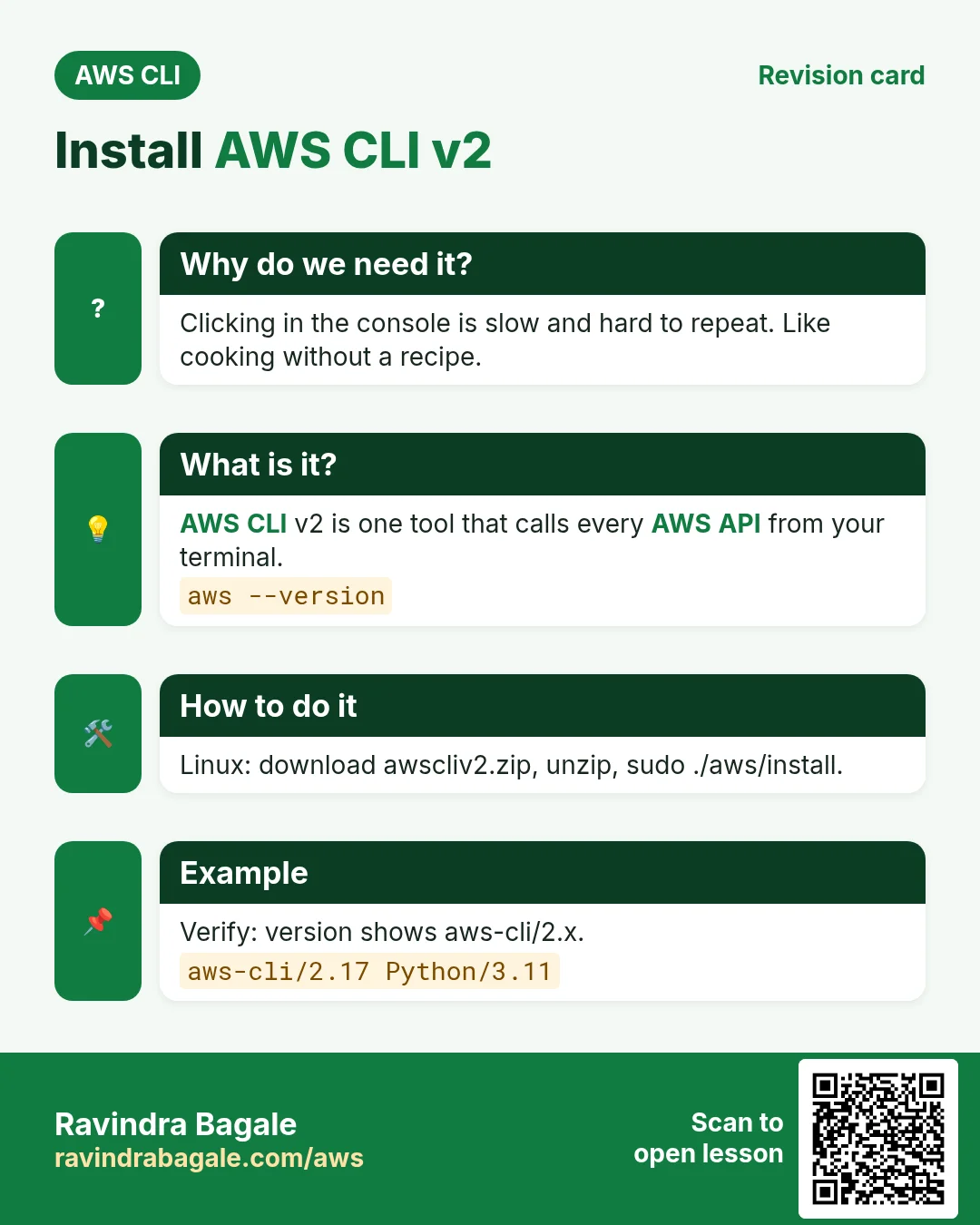
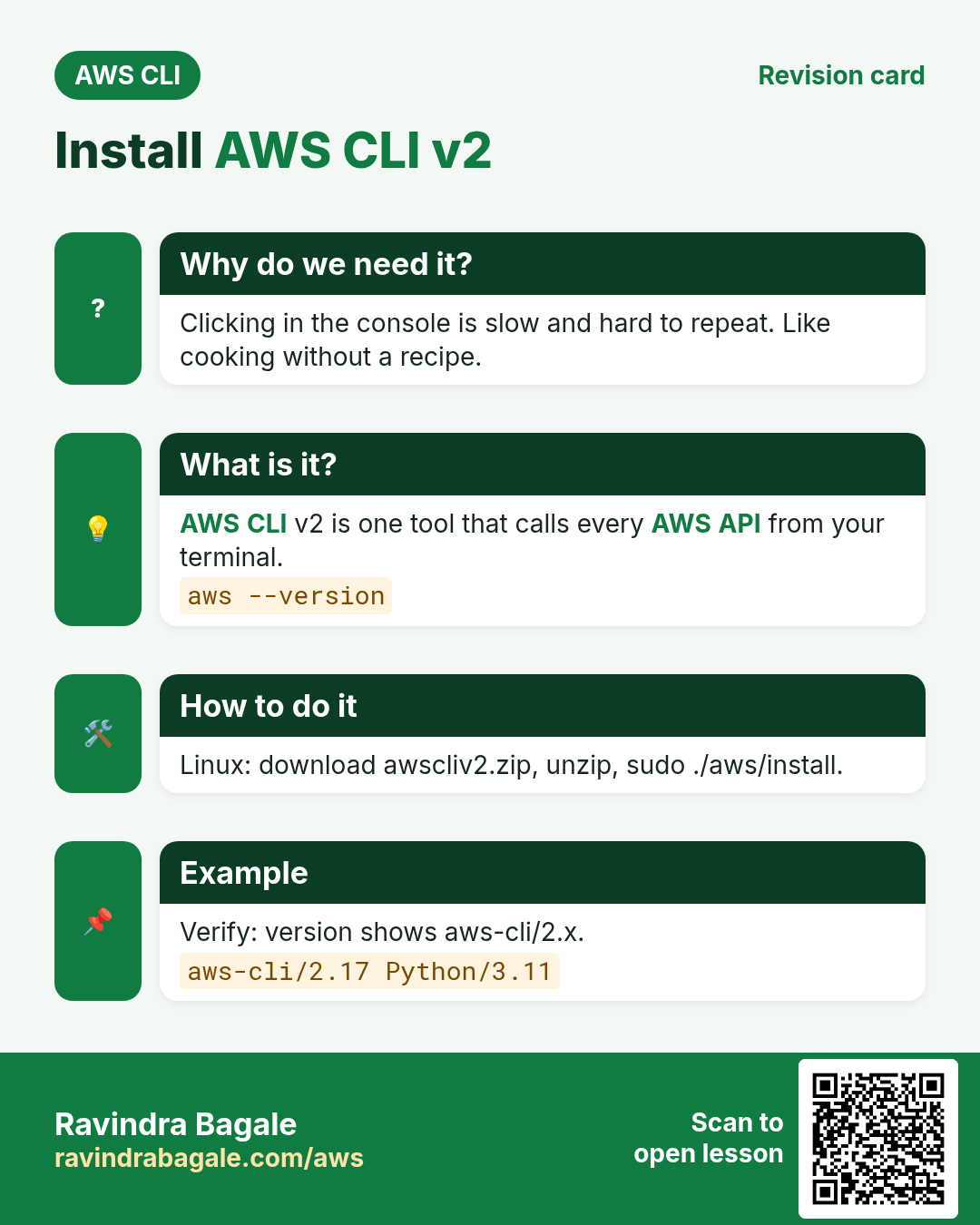
Without the CLI on your machine you cannot run any command. Version 1 is old. Version 2 adds SSO login and better output.
AWS ships v2 as one installer with its own Python inside. You do not need pip. AWS CloudShell already has it.
- Linux (x86_64): download, unzip and install.
curl "https://awscli.amazonaws.com/awscli-exe-linux-x86_64.zip" -o awscliv2.zip
unzip -q awscliv2.zip
sudo ./aws/install
Expected output:
You can now run: /usr/local/bin/aws --version- macOS: download the pkg and install it.
curl "https://awscli.amazonaws.com/AWSCLIV2.pkg" -o AWSCLIV2.pkg
sudo installer -pkg AWSCLIV2.pkg -target /
Expected output:
installer: The install was successful.- Windows (PowerShell as admin): run the MSI.
msiexec.exe /i https://awscli.amazonaws.com/AWSCLIV2.msiExpected output:
(no output means success)- Verify the install.
aws --versionExpected output:
aws-cli/2.x.x Python/3.x.x Linux/... exe/x86_64- Turn on auto-complete in bash (optional).
complete -C '/usr/local/bin/aws_completer' aws
aws ec2 desc<TAB>
Expected output:
aws ec2 describe-3. Configure a profile with access keys
The CLI must know who you are and which region to use. Without that, every call fails with "Unable to locate credentials".
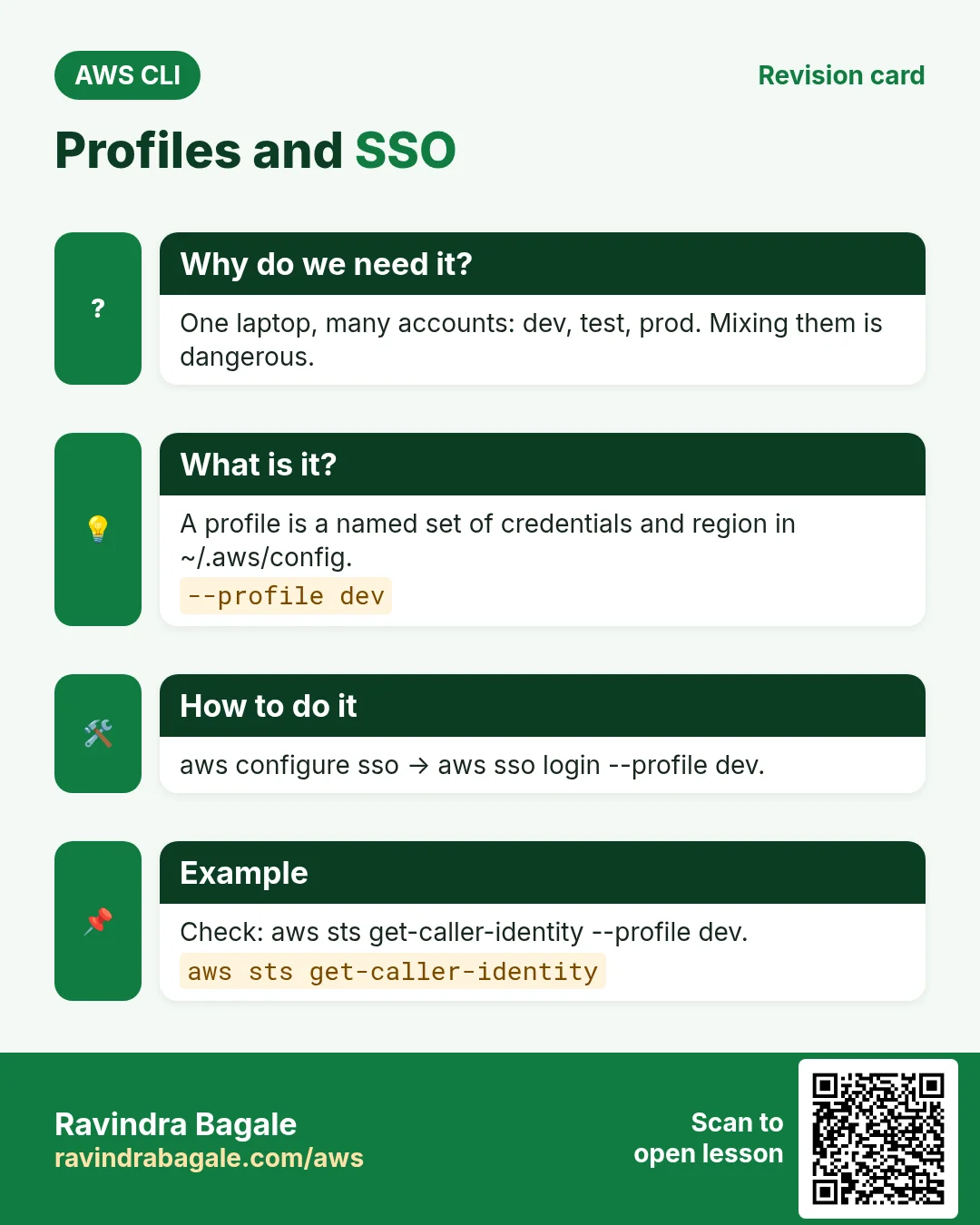
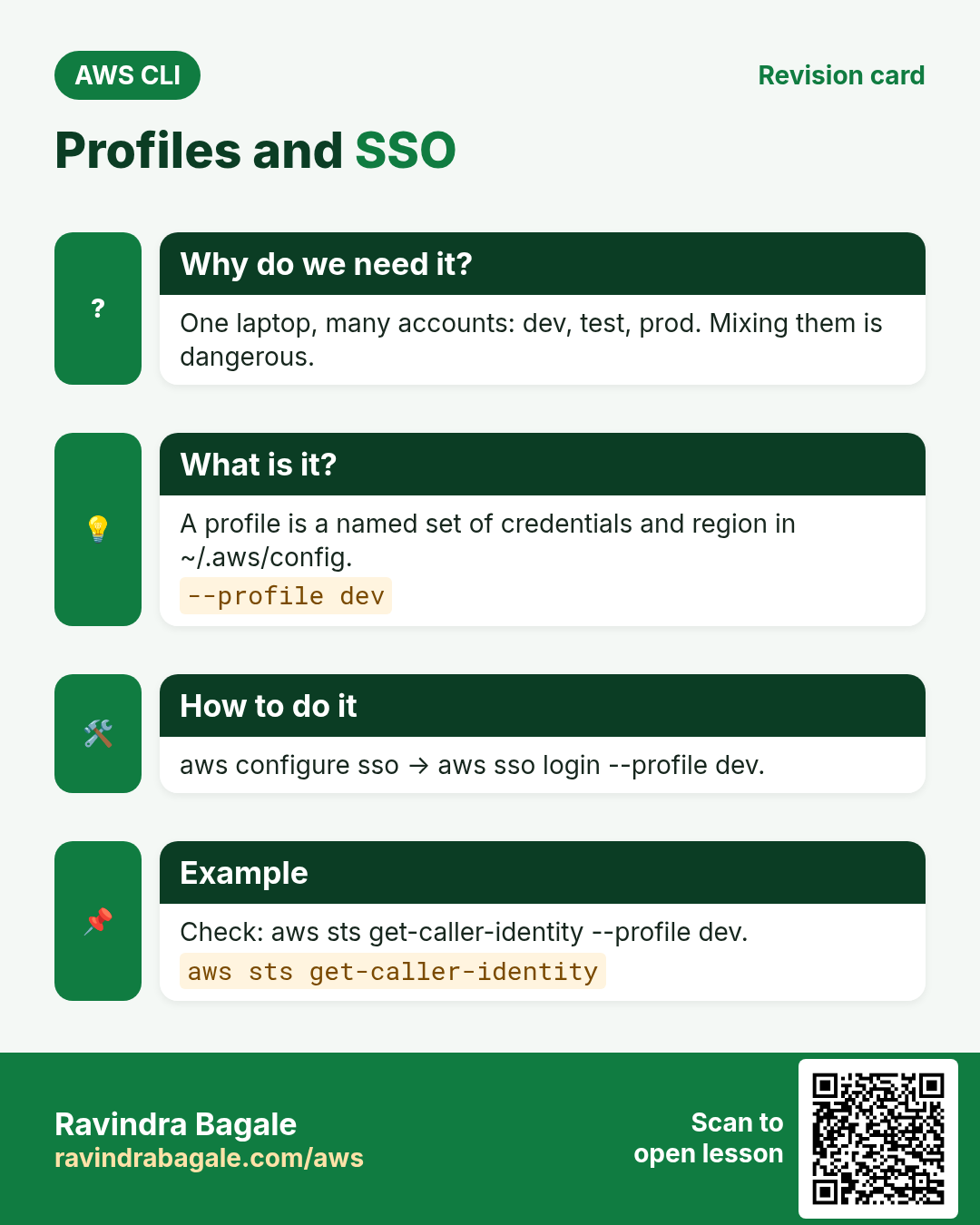
A profile is a named set of settings. They live in two files: ~/.aws/credentials (keys) and ~/.aws/config (region, output). The profile named default is used when you do not say --profile.
- Create the default profile. Use keys of a lab IAM user only.
aws configureExpected output:
AWS Access Key ID [None]: AKIA...
AWS Secret Access Key [None]: ****
Default region name [None]: ap-south-1
Default output format [None]: json- Create a second named profile.
aws configure --profile devExpected output:
(no output means success)- See the files that were written.
cat ~/.aws/configExpected output:
[default]
region = ap-south-1
output = json
[profile dev]
region = ap-south-1- List all profiles.
aws configure list-profilesExpected output:
default
dev- Check what the CLI will use right now.
aws configure list --profile devExpected output:
      Name      Value          Type    Location
   profile        dev        manual   --profile
access_key ****ABCD shared-credentials-file
region ap-south-1 config-file ~/.aws/config- Verify you are logged in.
aws sts get-caller-identity --profile devExpected output:
{
  "UserId": "AIDA...",
  "Account": "111122223333",
  "Arn": "arn:aws:iam::111122223333:user/dev-user"
}
4. Log in with IAM Identity Center (aws sso login)
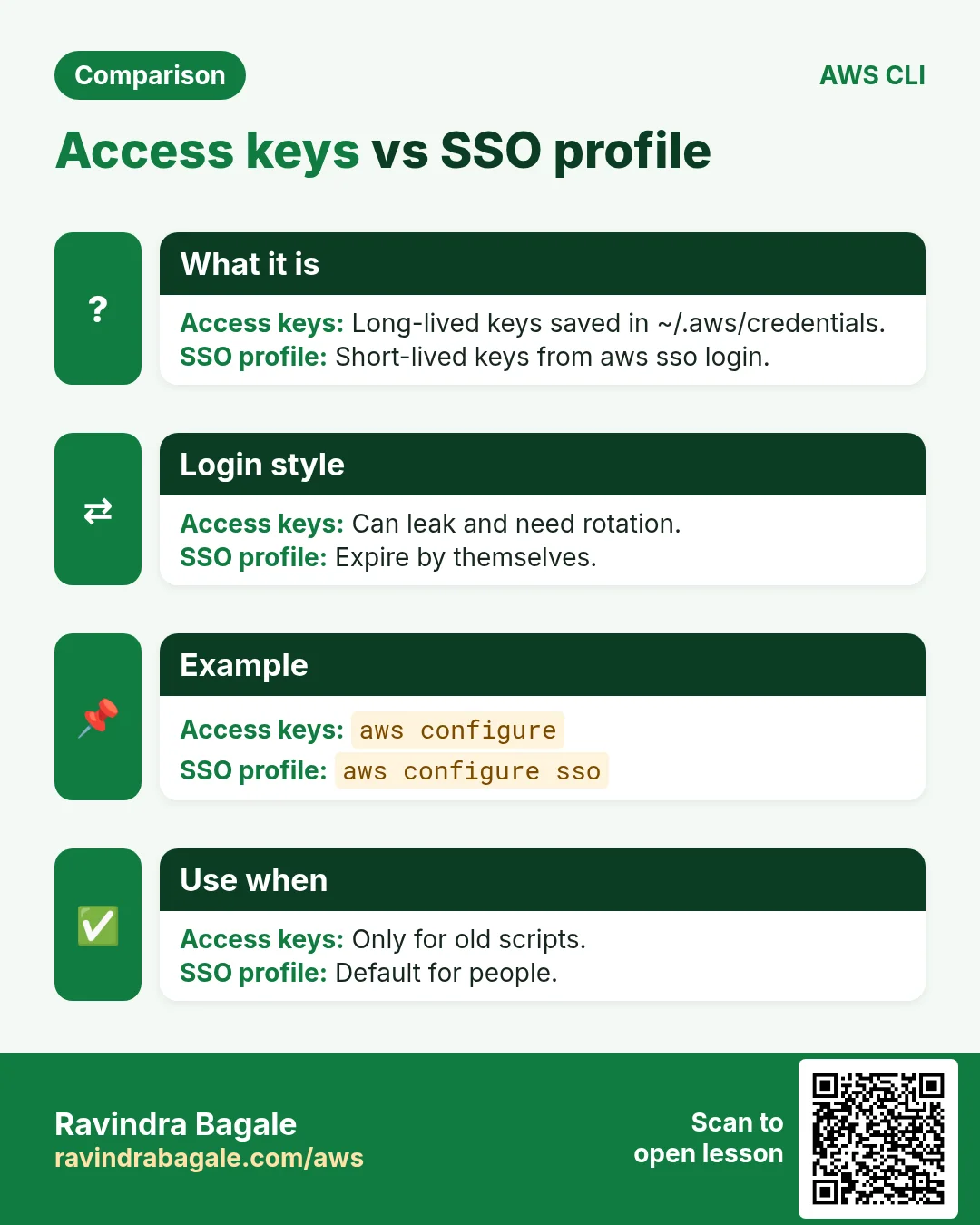
Long-lived access keys on a laptop can leak. SSO gives short-lived keys that expire by themselves.
aws configure sso saves an SSO session and a profile. aws sso login opens a browser, you approve, and the CLI caches temporary keys.
- Start the SSO wizard. Use your portal URL.
aws configure ssoExpected output:
SSO session name: my-sso
SSO start URL: https://d-xxxx.awsapps.com/start
SSO region: ap-south-1
There are 2 AWS accounts available to you.
CLI default client Region: ap-south-1
CLI profile name: sso-dev- Log in (later days too).
aws sso login --profile sso-devExpected output:
Attempting to automatically open the SSO authorization page...
Successfully logged into Start URL: https://d-xxxx.awsapps.com/start- Verify the identity is a role, not a user.
aws sts get-caller-identity --profile sso-devExpected output:
"Arn": "arn:aws:sts::111122223333:assumed-role/AWSReservedSSO_Dev_abc/ravi"- Log out when done.
aws sso logoutExpected output:
(no output means success)5. Credentials precedence: who wins?
A command-line profile is a named group of settings. It can point to an Identity Center login or another credential provider, and it can hold a default Region. The Region says where to make the service request. The chosen credentials say who is making that request. Changing one does not automatically change the other.
Before creating anything, run aws sts get-caller-identity --profile lab in the same shell and check Account and Arn. Then inspect aws configure list --profile lab for the Region and where the settings came from. If the identity or Region belongs to an unexpected environment, pause and inspect the profile and environment before running the lab. A successful CLI installation only confirms the program started.
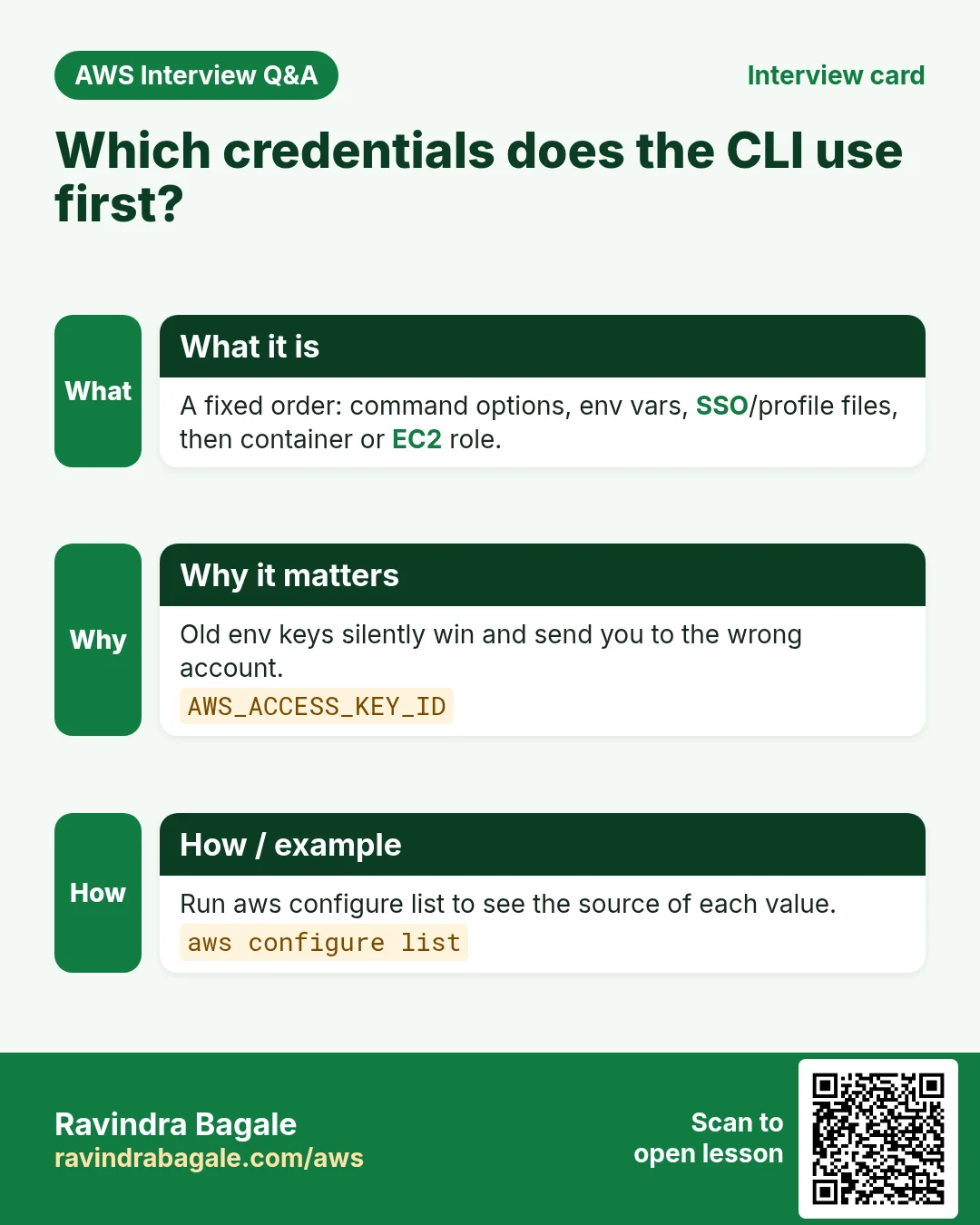
Many "wrong account" mistakes happen because an old environment variable silently wins over your profile.
The CLI checks sources in a fixed order and stops at the first one it finds.
| Order | Source | Example |
|---|---|---|
| 1 | Command line options | --profile dev, --region |
| 2 | Environment variables | AWS_ACCESS_KEY_ID, AWS_PROFILE |
| 3 | Web identity token | AWS_WEB_IDENTITY_TOKEN_FILE (EKS, GitHub OIDC) |
| 4 | Shared files | ~/.aws/credentials, ~/.aws/config (incl. SSO) |
| 5 | Container credentials | ECS task role |
| 6 | EC2 instance metadata | Instance profile role |
- See if env keys are set.
env | grep ^AWS_Expected output:
AWS_ACCESS_KEY_ID=AKIA...OLD- Remove them.
unset AWS_ACCESS_KEY_ID AWS_SECRET_ACCESS_KEY AWS_SESSION_TOKENExpected output:
(no output means success)- Pick a profile for the whole shell.
export AWS_PROFILE=devExpected output:
(no output means success)- Verify who you are now.
aws sts get-caller-identity --query Arn --output textExpected output:
arn:aws:iam::111122223333:user/dev-user6. Regions: set, override and list
Set up one safe first run. Suppose the instructor gave you a lab account and asked you to work in Mumbai, ap-south-1. Start with the configured profile, then run aws sts get-caller-identity --profile lab --region ap-south-1. Match the account number to the instructor’s value and the ARN to your intended AWS role. A role ARN returned by this operation tells you which credentials signed this request. It does not choose the Region for the next command by itself.
Now run a read-only EC2 lookup with the same profile and Region. In aws ec2 describe-instances --profile lab --region ap-south-1, ec2 selects the service, describe-instances selects the operation, and the flags select the arguments. Use the Region explicitly while learning. An empty Reservations list is a valid response in a Region with no visible instances. A credential error or access denial calls for a different check.
Resources live in one region. If the CLI looks in the wrong region, it says "nothing found" even though your server is running.
Region order: --region flag, then AWS_REGION / AWS_DEFAULT_REGION, then the profile region.
- Show the region in use.
aws configure get regionExpected output:
ap-south-1- Run one command in another region.
aws ec2 describe-instances --region us-east-1 --query "length(Reservations)"Expected output:
0- Change the profile default.
aws configure set region ap-south-1 --profile devExpected output:
(no output means success)- List regions enabled for your account.
aws ec2 describe-regions --query "Regions[].RegionName" --output textExpected output:
ap-south-1 eu-north-1 us-east-1 ...7. Same action in Python, Node.js, Java, Go, .NET and PHP
Scripts start in the CLI. Apps call the same API through an SDK. Knowing both helps you move a tested command into real code.
Low-level CLI commands expose service operations. A high-level command or an automatically paginated list can make multiple requests. For example, aws sts get-caller-identity maps to the GetCallerIdentity API.
Same action (GetCallerIdentity) from code. Set the intended profile and Region for the SDK. Provider support and precedence can differ by SDK, and an explicit client setting can override defaults.
| Stack | Code |
|---|---|
| Python (boto3) | import boto3 |
| Node.js (v3) | import { STSClient, GetCallerIdentityCommand } from "@aws-sdk/client-sts"; |
| Java (v2) | StsClient sts = StsClient.create(); |
| Go (v2) | cfg, _ := config.LoadDefaultConfig(ctx, config.WithSharedConfigProfile("dev")) |
| .NET | var sts = new AmazonSecurityTokenServiceClient(); |
| PHP | $sts = new Aws\Sts\StsClient(["region"=>"ap-south-1","version"=>"latest","profile"=>"dev"]); |
8. Clean up so nothing keeps costing
Lab resources left running cost money and can be a security risk.
Delete in reverse order: children first, then parents.
- Delete lab access keys you created for the IAM user.
aws iam list-access-keys --user-name dev-user
aws iam delete-access-key --user-name dev-user --access-key-id AKIA...
Expected output:
(no output means success)- Remove the profile lines from ~/.aws/credentials if you no longer need them.
nano ~/.aws/credentialsExpected output:
(no output means success)Ravindra Bagale's Tip
Make aws sts get-caller-identity your first command every day. It tells you the account and the identity before you change anything.
Common errors: cause and safe next check
SSO login opens a URL but the browser on another device cannot finish it
Current CLI versions use PKCE by default, and that authorization URL must be opened on the same device. The documented device-authorization flow is the alternative for a different-device scenario. Do not send authorization URLs or codes to another person as a troubleshooting step.
SSO signs in but resources appear in an unexpected Region
The SSO Region identifies where Identity Center is hosted. The default client Region selects the AWS service Region used by subsequent commands. Compare both settings; they can legitimately differ.
An SSO profile stops working after a long break
AWS role credentials and the Identity Center sign-in session have separate lifetimes. The CLI can renew AWS credentials while a valid supported SSO session remains, but an expired sign-in session needs a fresh authorized login. A new permanent access key is not the default fix.
Practical questions and full answers
Does the CLI version check prove that I have AWS access?
No. It shows that a local CLI executable runs. Identity selection and service authorization are separate. The existing caller-identity check identifies the principal, but it still does not grant permission to every AWS service.
Can I share the same SSO session across two profiles without copying keys?
Yes. A recommended sso-session section can be referenced by separate named profiles with different account and role selections. Use the intended profile deliberately rather than copying temporary secrets between configuration files.
Does a successful login create a permission-set assignment?
No. The administrator must already have assigned the account and role needed for this profile. If the expected account is absent, investigate the assignment with the administrator instead of choosing a more powerful account that happens to be visible.
9. Interview questions and answers
Q. What files does aws configure write?
~/.aws/credentials for keys and ~/.aws/config for region, output and SSO settings.
Q. Env vars or profile: which wins?
Environment variables win over the shared files. Command line options win over both.
Q. Why prefer aws sso login?
It gives short-lived role credentials. No long-lived keys sit on the laptop.
Q. How do you run one command in another region?
Add --region us-east-1 to that command only.
Q. What does "Unable to locate credentials" mean?
No source in the chain had keys. Run aws configure or aws sso login.
Try at home
- Install the CLI, create two profiles and print the Arn of each with get-caller-identity.
- Set a wrong AWS_ACCESS_KEY_ID in env and see the error. Then unset it.
In short
- aws --version proves the install.
- Profiles live in ~/.aws/config and ~/.aws/credentials.
- aws sso login gives short-lived keys.
- Flags beat env vars, env vars beat files.
- Always check region and identity first.
Prove the CLI is using the intended identity and Region
Run aws --version, then aws configure list --profile lab and aws sts get-caller-identity --profile lab. Check Region against the console. For human classroom access start with aws configure sso when available.
Interview check Why might aws configure with access keys be a poor default?
Long-lived credentials create management and leakage risk. Prefer federation for humans and workload roles for applications; use a sanctioned explicit exception if a lab truly needs long-term keys.
Practise this chapter
Interview questions and answers
How do you prevent a CLI lab command from running in the wrong account?
I verify the account and ARN using the intended profile and check the effective Region. I keep the lab profile explicit in resource commands and save the IDs of resources it creates. If identity or Region differs, I inspect configuration before any writes.
Check your understanding
Choose an answer, then compare your reasoning with the explanation.
Practice Tasks
Practice checks run in your browser. They check the answer for this exercise; they do not create resources or connect to your AWS account.
About this scenarioKonkan Cashews is a food export business in Ratnagiri. Prakash Sawant looks after its IT and cloud work. They count money in INR and run their AWS resources in the ap-south-1 Region. In the tasks below you do real jobs for them using what this lesson teaches. All names, account IDs, IP addresses and numbers are made up for practice.
0 / 12
Easy Configure a named profile
Profiles keep keys for different accounts apart.
Start the interactive setup for a profile named konkancashew-prod.
- Read the task and decide which AWS service it is about.
- Write aws, then the service name, then the operation (the action word).
- Add each needed flag (--name) followed by its value from the task.
- Flags can be in any order. Click Check answer.
Easy Check who you are logged in as
Always confirm the account and identity before running changes.
Show the account ID and ARN of the identity your CLI is using.
- Read the task and decide which AWS service it is about.
- Write aws, then the service name, then the operation (the action word).
- Add each needed flag (--name) followed by its value from the task.
- Flags can be in any order. Click Check answer.
Medium List Identity Center instances
You need the instance ARN and identity store ID for SSO admin commands.
List the IAM Identity Center instances.
- Read the task and decide which AWS service it is about.
- Write aws, then the service name, then the operation (the action word).
- Add each needed flag (--name) followed by its value from the task.
- Flags can be in any order. Click Check answer.
Medium Log in with SSO
SSO gives short-lived keys, so no long-term access keys sit on your laptop.
Log in with IAM Identity Center for profile konkancashew-dev.
- Read the task and decide which AWS service it is about.
- Write aws, then the service name, then the operation (the action word).
- Add each needed flag (--name) followed by its value from the task.
- Flags can be in any order. Click Check answer.
Medium Set the default Region of a profile
Setting region in the profile saves typing --region every time.
Set region to ap-south-1 for profile konkancashew-prod using aws configure set.
- Read the task and decide which AWS service it is about.
- Write aws, then the service name, then the operation (the action word).
- Add each needed flag (--name) followed by its value from the task.
- Flags can be in any order. Click Check answer.
Medium Create access keys for a user
Access keys let a user run the AWS CLI. Store them safely and rotate them.
Create an access key for user prakash.
- Read the task and decide which AWS service it is about.
- Write aws, then the service name, then the operation (the action word).
- Add each needed flag (--name) followed by its value from the task.
- Flags can be in any order. Click Check answer.
Medium Show output as a table
--output table is easy to read on screen.
List all S3 buckets using s3api and show the result as a table.
- Read the task and decide which AWS service it is about.
- Write aws, then the service name, then the operation (the action word).
- Add each needed flag (--name) followed by its value from the task.
- Flags can be in any order. Click Check answer.
Medium Limit how many items come back
--max-items stops a huge listing after the first N results.
List objects in bucket konkancashew-logs with s3api, returning at most 50 items.
- Read the task and decide which AWS service it is about.
- Write aws, then the service name, then the operation (the action word).
- Add each needed flag (--name) followed by its value from the task.
- Flags can be in any order. Click Check answer.
Hard Create a permission set
A permission set is a role template that Identity Center creates in each account.
Create permission set ReadOnly-konkancashew in instance arn:aws:sso:::instance/ssoins-1234567890abcdef with session duration PT8H.
- Read the task and decide which AWS service it is about.
- Write aws, then the service name, then the operation (the action word).
- Add each needed flag (--name) followed by its value from the task.
- Flags can be in any order. Click Check answer.
Hard Show only running instances
Filters ask AWS to send only what you need, which is faster than sorting by eye.
Describe only instances whose state is running.
- Read the task and decide which AWS service it is about.
- Write aws, then the service name, then the operation (the action word).
- Add each needed flag (--name) followed by its value from the task.
- Flags can be in any order. Click Check answer.
Hard Pick fields with --query
JMESPath --query prints just what you need, ready for scripts.
Describe instances but print only the instance IDs, using the query Reservations[].Instances[].InstanceId and text output.
- Read the task and decide which AWS service it is about.
- Write aws, then the service name, then the operation (the action word).
- Add each needed flag (--name) followed by its value from the task.
- Flags can be in any order. Click Check answer.
Hard Wait until an instance is running
Waiters pause your script until AWS reports the state you need.
Wait until instance i-015d0ab1ab3011a2b is running.
- Read the task and decide which AWS service it is about.
- Write aws, then the service name, then the operation (the action word).
- Add each needed flag (--name) followed by its value from the task.
- Flags can be in any order. Click Check answer.
Revision, comparison and interview cards
Revise this lesson in a few minutes. Save the cards on your phone or download them as PNG files. The QR code on each card opens this lesson.
More cards: Ravi Sir's Cards.