What Is Amazon Q Developer? AI Coding Assistant on AWS Explained
You open VS Code, stuck on an IAM policy. Asking a senior is slow. Amazon Q Developer sits in the IDE: it reads your file, suggests code and explains AWS services in chat — like a junior who already studied the AWS docs.
In this chapter
- Why AI coding assistants matter for AWS work
- What Amazon Q Developer is (chat, inline, security)
- How to install and ask good questions
- Industries using AI pair programming
- Lab, errors, FAQ, interview answers
1. Everyday example first
A Pune fintech intern must add S3 upload with KMS encryption. Instead of copy-pasting Stack Overflow, they ask Q for a boto3 put_object with SSE-KMS in ap-south-1 and an explanation of each line. Q drafts code plus a short threat note. The intern still reviews IAM and tests.
2. Why do we need Amazon Q Developer?
AWS has hundreds of services. Juniors spend hours finding the right API. Q shortens the search and keeps answers closer to AWS docs than a random chat site. It does not replace reading IAM or running tests.
- Faster first draft of SDK and CLI snippets
- AWS-context answers inside the IDE
- Optional security scans on suggestions
- Helps interview prep with explanations
3. What is Amazon Q Developer?
Suppose your class has a folder of dummy invoices and wants a function that lists the file names. Amazon Q Developer can help you propose code and read an error. You still need to decide what the code should take as input, what output to expect and which resources it may access. Describe those limits when you request a draft. For example, request a list-only function for a sample prefix and ask for local test inputs. Inspect the call it generates and check that it reads or lists the intended data.
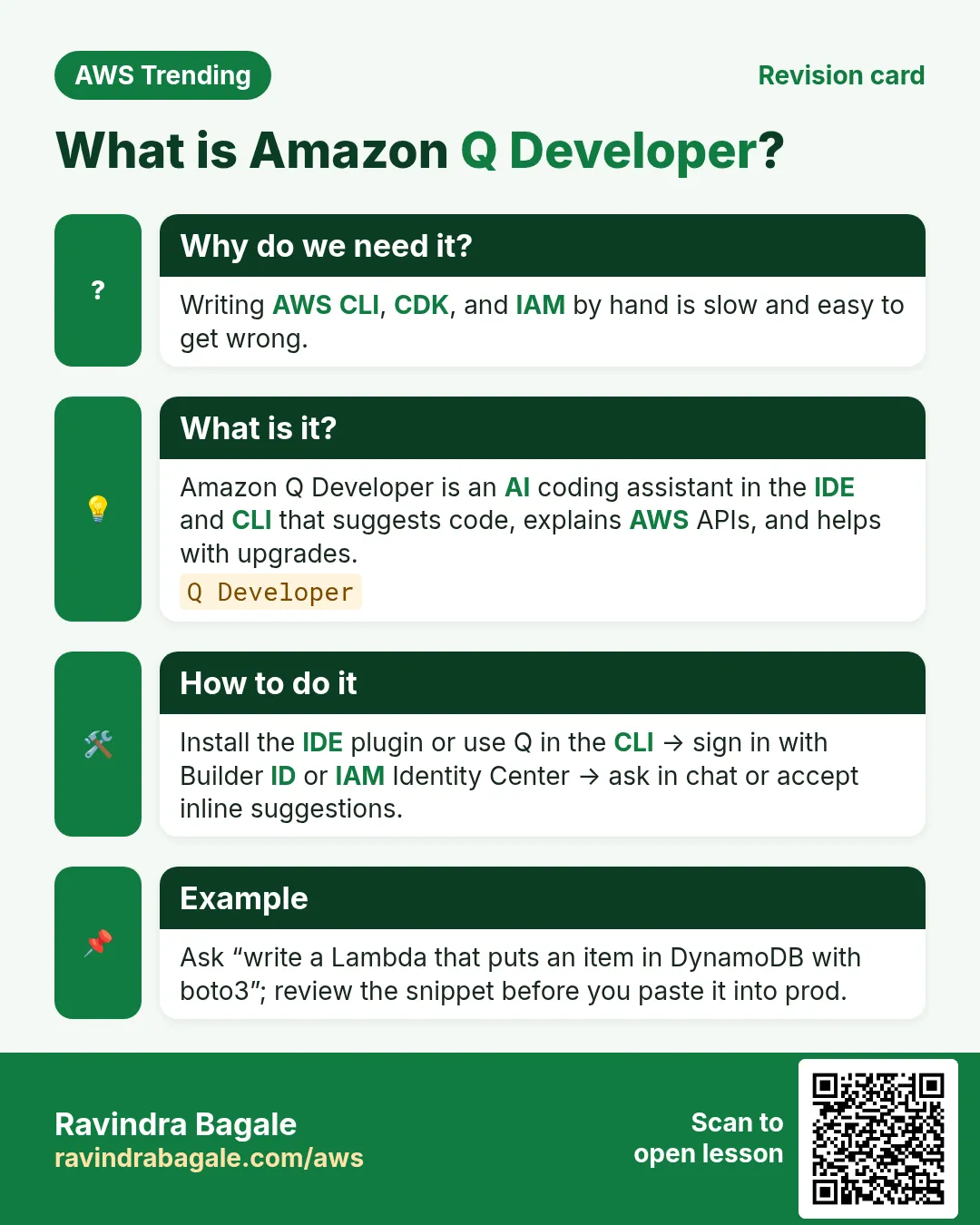
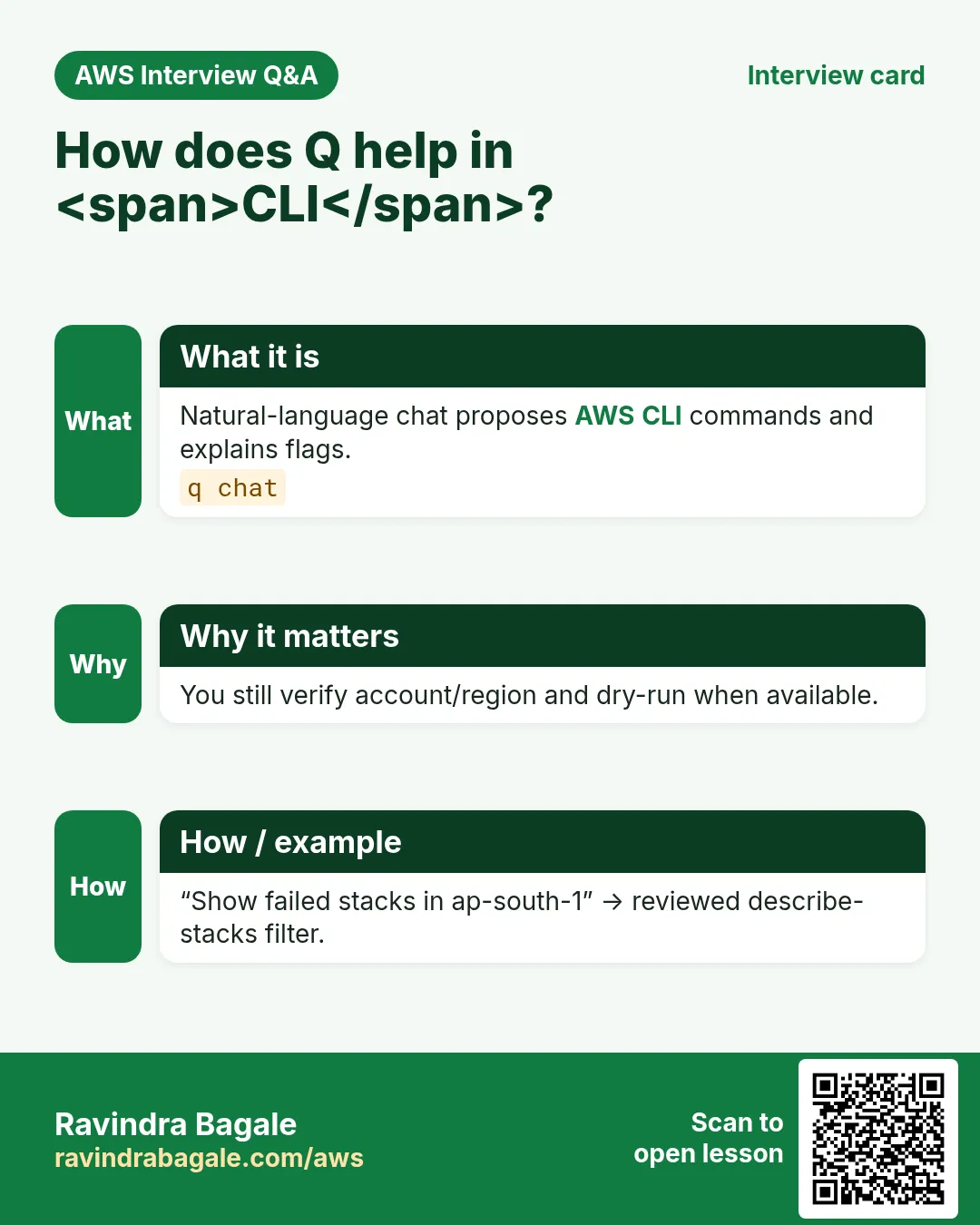
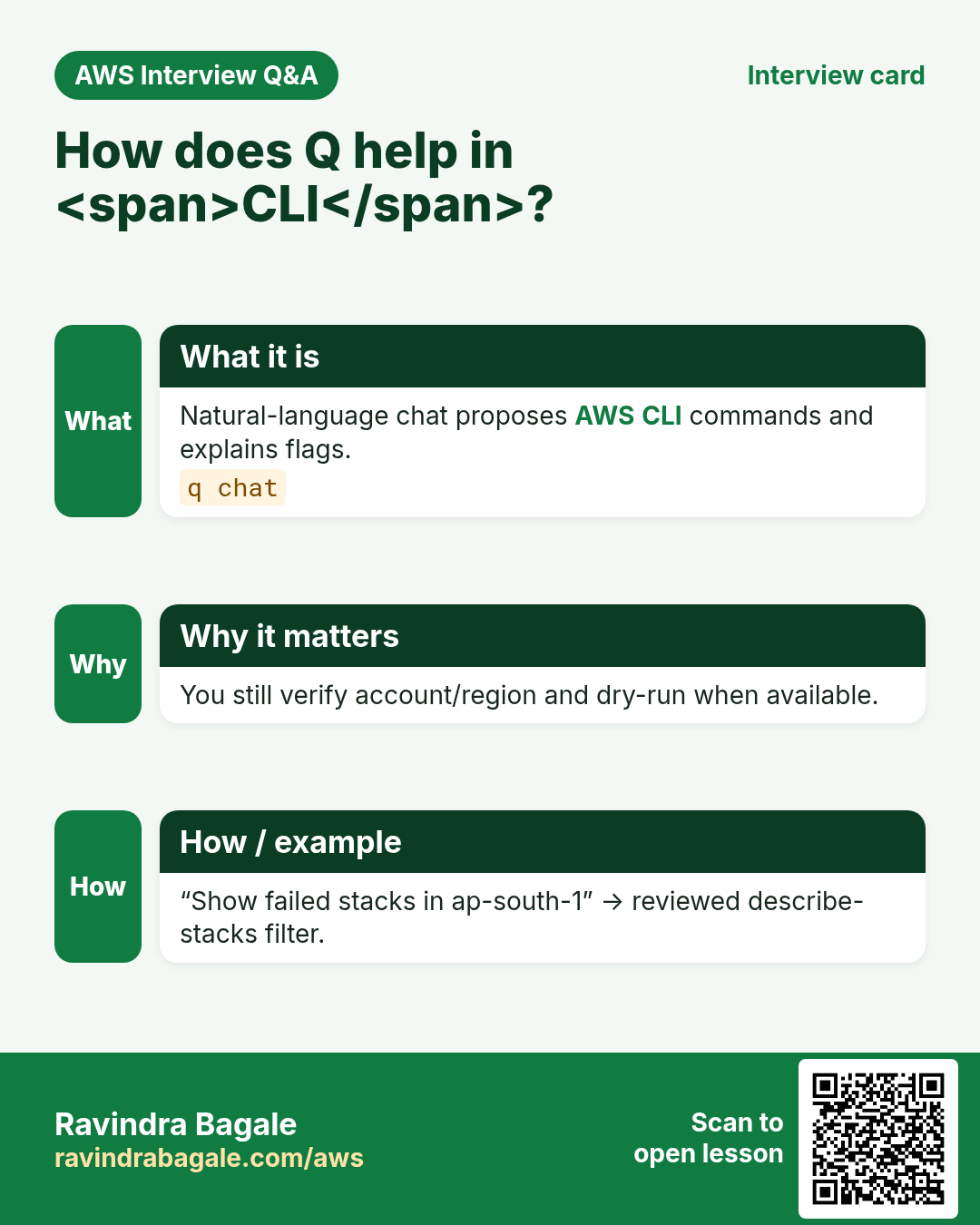
Amazon Q Developer is AWS AI assistant for builders. In the IDE plugin you get inline completions and a chat panel. In the AWS console, Q can explain resource errors. There is also a CLI flavour for terminal workflows. Think pair programmer who studied AWS, not magic deploy button.
| Piece | What it does |
|---|---|
| IDE chat | Ask about code, AWS APIs, errors |
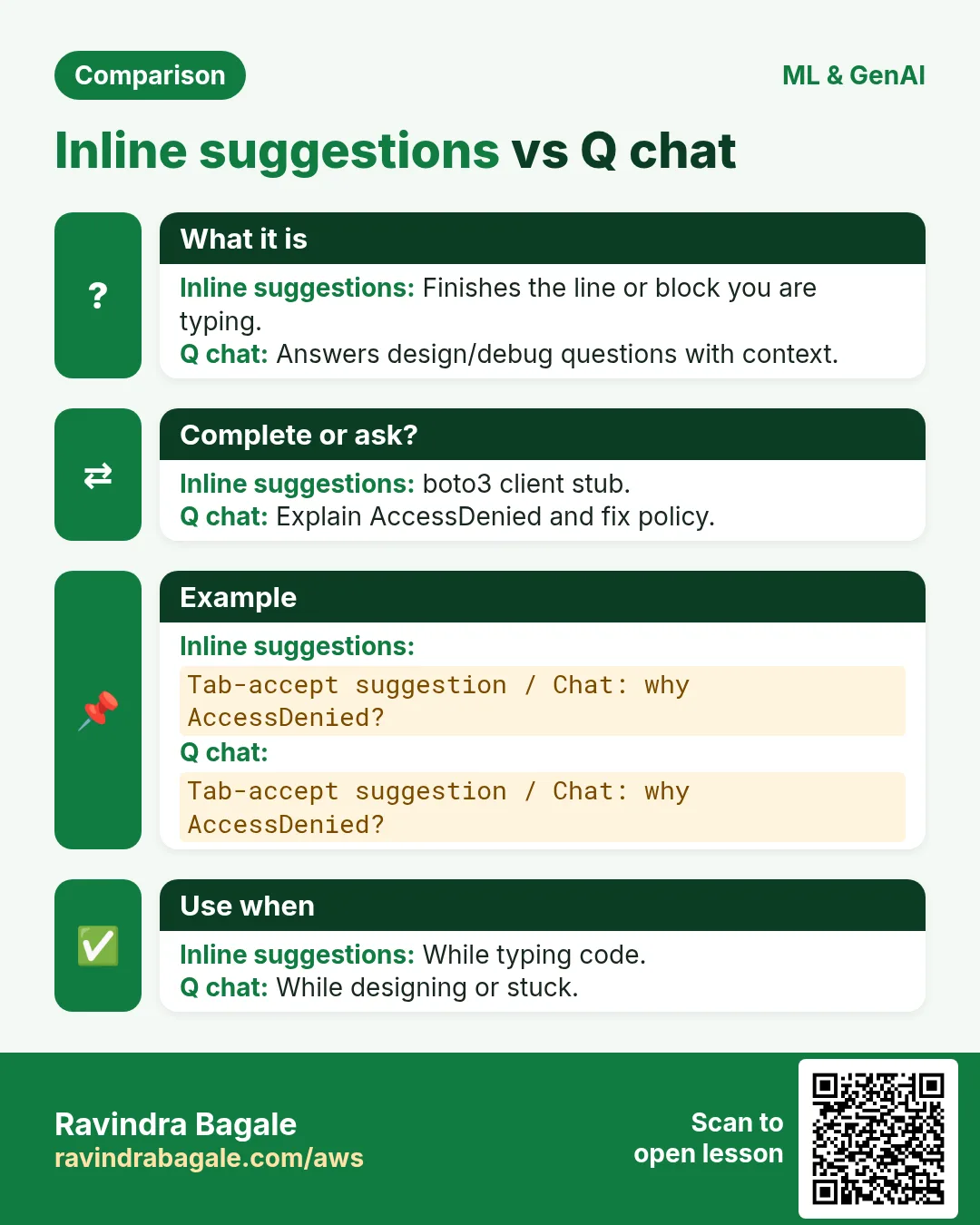
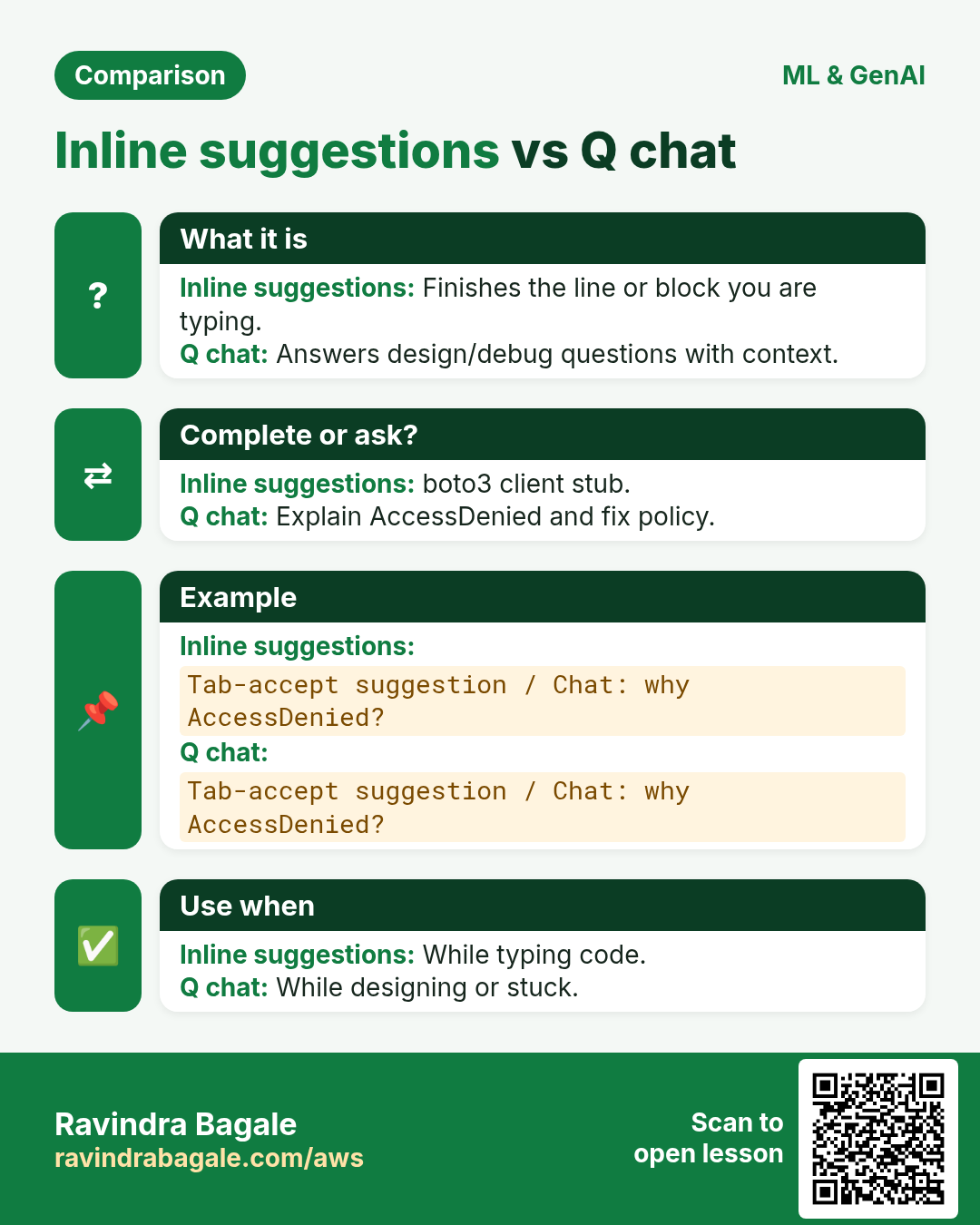
| Inline suggestions | Complete the line you started |
| Security scan | Flag risky patterns in suggestions |
| Console Q | Explain selected errors or docs |
4. How to use it (safe path)
Read a suggestion one block at a time. Identify the arguments it accepts, the AWS operation it calls and what it returns if something goes wrong. If a sample has two allowed files and one outside the requested prefix, predict two names and no unexpected changes. Ask for a test case where the caller does not have permission. The useful result there is a clear error rather than a silent empty report. Do the review with dummy values before trying the code with real data.
- Install the Amazon Q plugin for VS Code or JetBrains from the official marketplace.
- Sign in with an AWS Builder ID or IAM Identity Center as your org requires.
- Open a small repo; ask a narrow question with region, language, and constraint.
- Never paste production secrets into chat. Use placeholders.
- Run unit tests and IAM policy simulator before merge.
- For company code, follow your legal/AI policy — some orgs restrict AI tools.
# Good prompt example
# Region: ap-south-1 Language: Python 3.12
# Task: boto3 S3 put_object with SSE-KMS
# Constraint: no hard-coded keys; use env AWS_REGION
5. Industries and roles
- IT services: faster delivery of CRUD APIs on Lambda
- Banking: draft policies, humans approve
- EdTech: explain CloudFormation errors to juniors
- Startups: solo founders ship MVPs with fewer Stack Overflow tabs
6. Lab: ask Q for a safe S3 helper
For the read-only helper lab, list the operations the proposed code calls. Verify that no write or delete operation is needed. Test with a small simulated response containing two objects and with an empty page. If the tool reports a different count, inspect how it handles response pages and empty entries. Delete any local sample files you created, and keep real account data out of the prompt.
Do this in ap-south-1 (Mumbai) unless your org forbids it. Set a budget alert first.
- Create a throwaway folder q-lab with an empty app.py.
- Ask Q for a function upload_bytes(bucket, key, data, kms_key_id) with type hints.
- Replace any sample account ids with 111122223333 placeholders.
- Add a pytest that mocks boto3 client.
- Ask Q to explain one IAM action your function needs.
Cleanup (stop billing)
- Delete the local folder if it has no secrets.
- Sign out of Q on shared lab PCs.
7. Common errors and fixes
Each row is a real mistake students and juniors hit. Read the fix before you panic.
| Error / symptom | Fix |
|---|---|
| Pasted prod Access Key into chat | Revoke key in IAM; rotate; use roles. |
| Accepted insecure default (public ACL) | Reject; ask again with private ACL + KMS. |
| Blind copy of deprecated API | Check current boto3 docs year. |
| Org forbids AI tools but used anyway | Follow policy; use internal docs. |
| Huge repo context confused Q | Ask on one file; paste minimal snippet. |
| Wrong region in sample | State ap-south-1 in every prompt. |
| No tests after accept | Always add a failing test first. |
| Shared Builder ID on lab machine | Use personal Builder ID; sign out. |
| Thought Q replaces architecture design | Still draw diagrams and threat models. |
| Leaked customer PII in prompt | Redact; treat chat like a ticket system. |
8. Troubleshooting checklist
- Plugin not showing: restart IDE after install.
- Auth loop: clear plugin cache; retry Builder ID.
- Empty suggestions: check network / proxy.
- Wrong language: set file language mode.
- Security scan noisy: triage like linter warnings.
- Console Q missing: confirm region and feature availability.
9. FAQ
Q. Is Q free?
There is a free tier / Builder experience; Pro features may need subscription — check current AWS pricing.
Q. Q vs ChatGPT for AWS?
Q is tuned for AWS APIs and IDE context; still verify.
Q. Does it write CloudFormation?
Yes drafts; you own drift and IAM.
Q. Can it access my AWS account data?
Chat in IDE uses what you paste/open; console features follow IAM.
Q. Safe for interviews?
Use to learn, not to cheat live interviews.
10. Interview Q&A
Q. What is Amazon Q Developer?
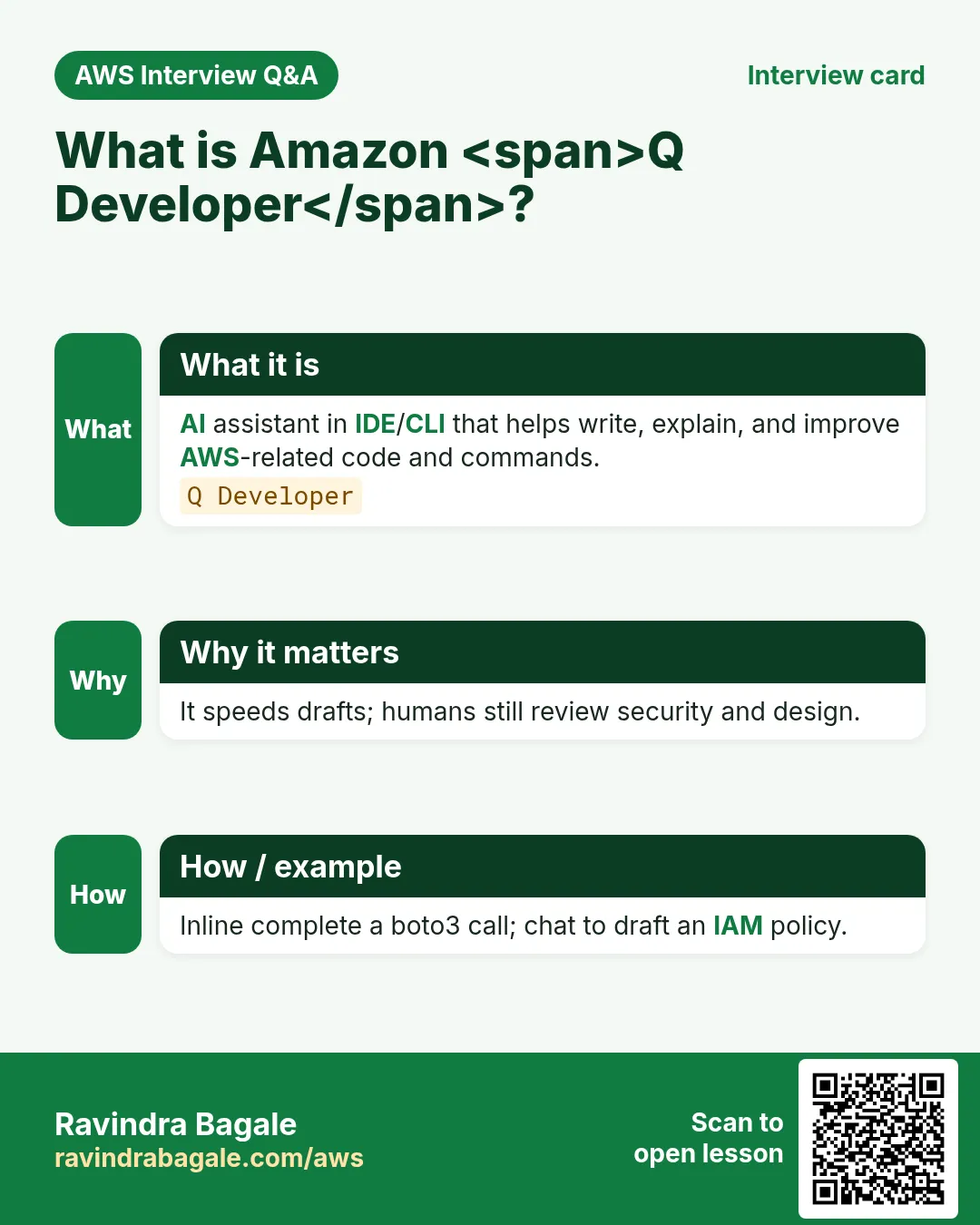
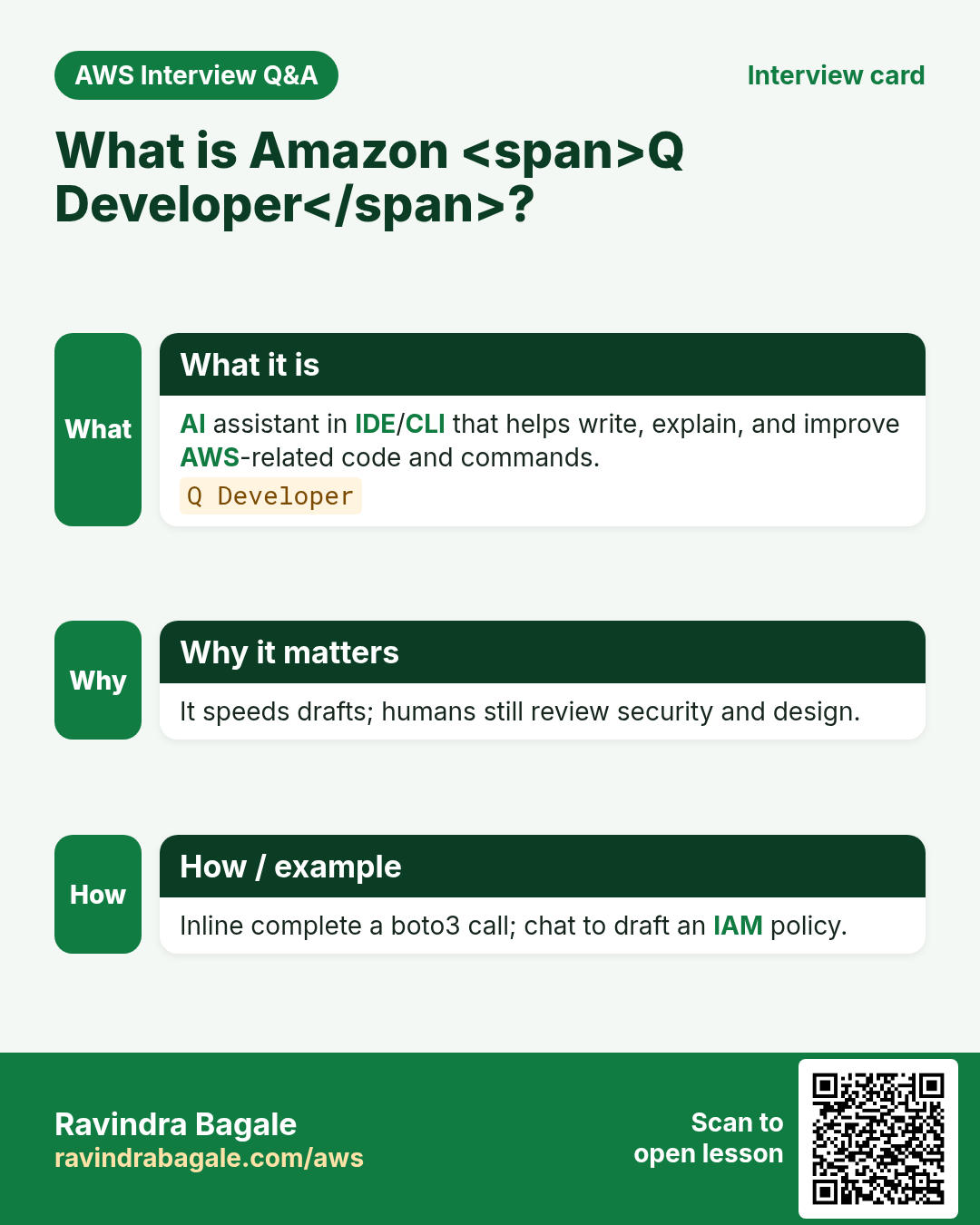
AWS AI assistant for code and AWS guidance in IDE/console.
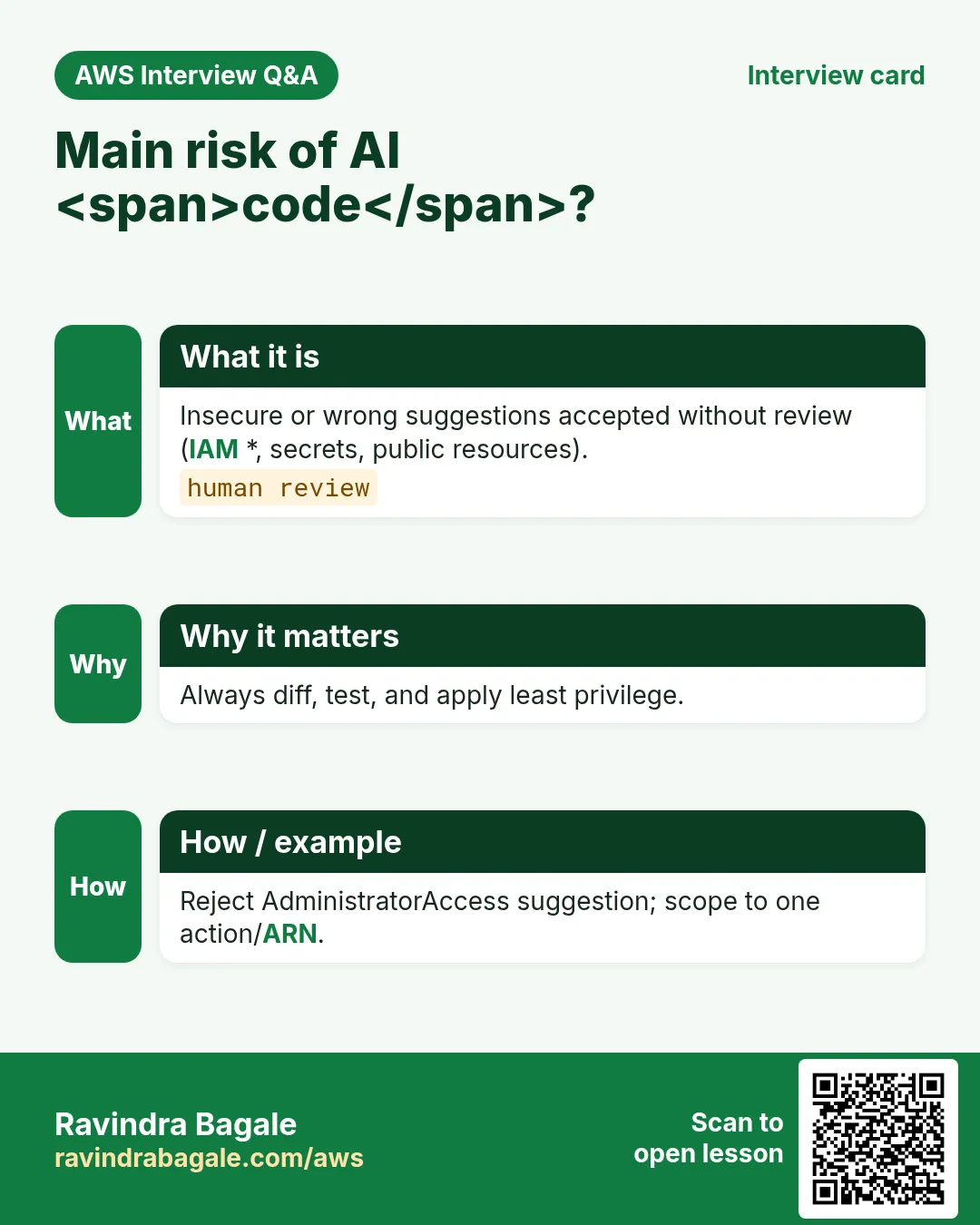
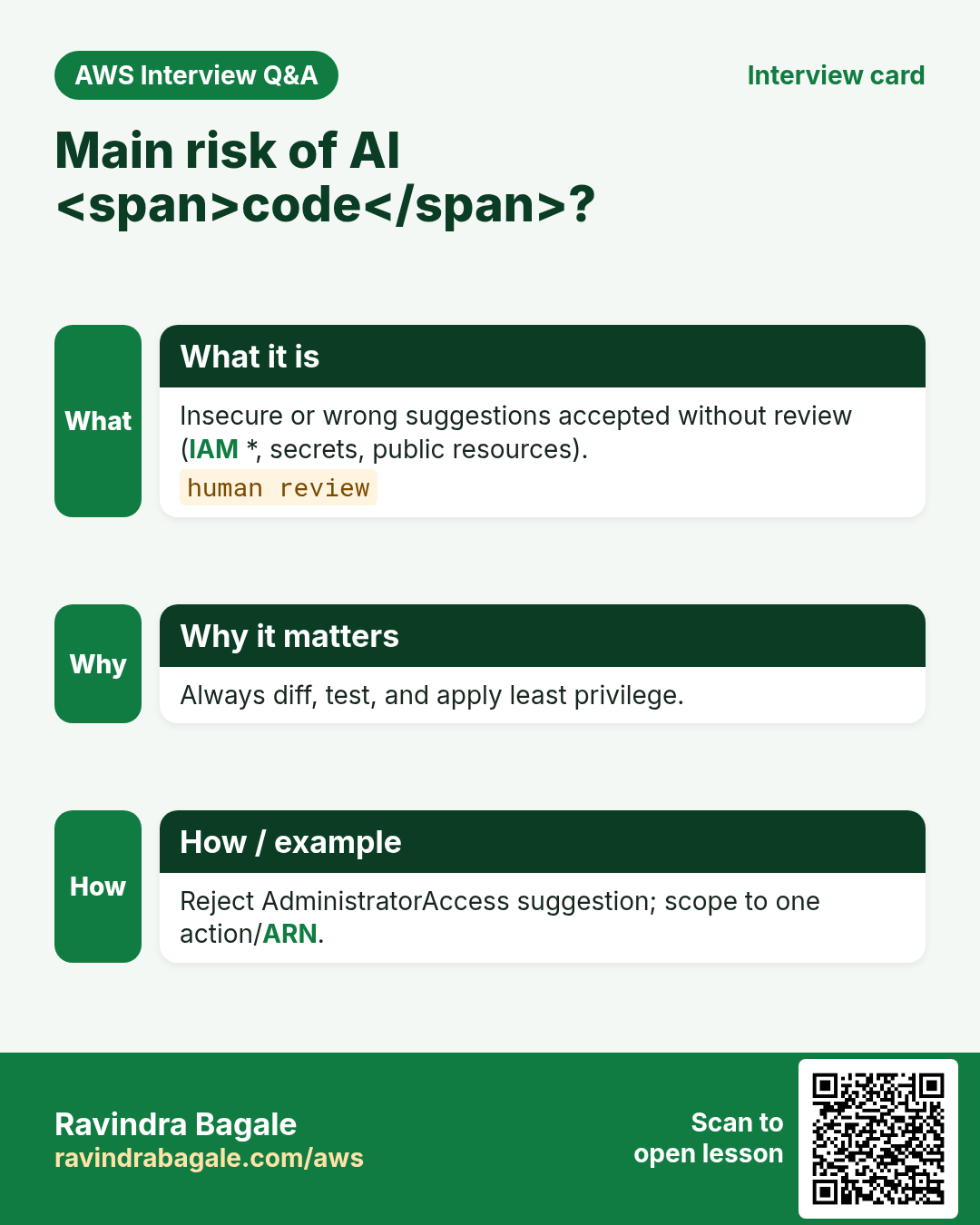
Q. Risk of AI-generated code?
Wrong IAM, deprecated APIs, secret leaks — needs review.
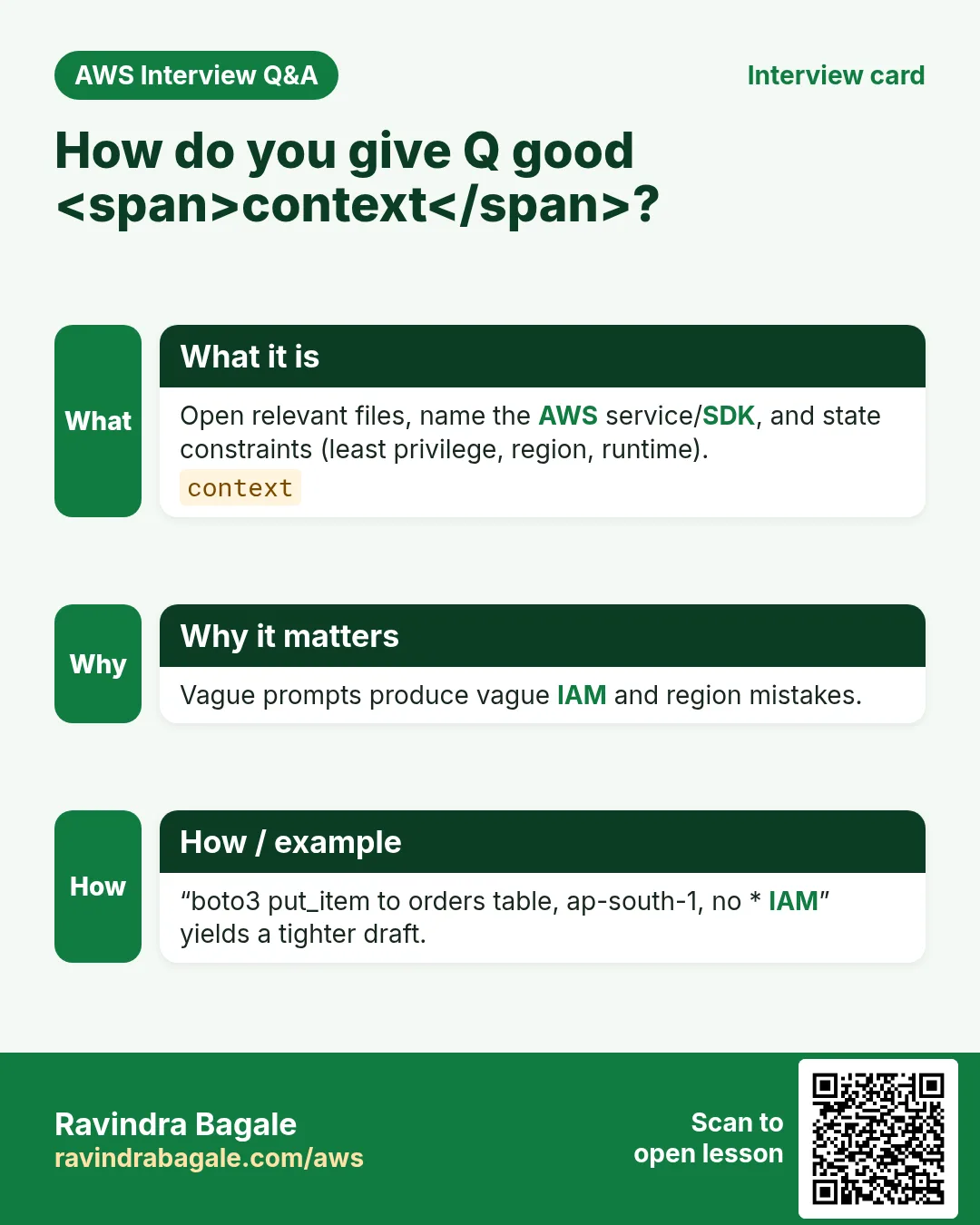
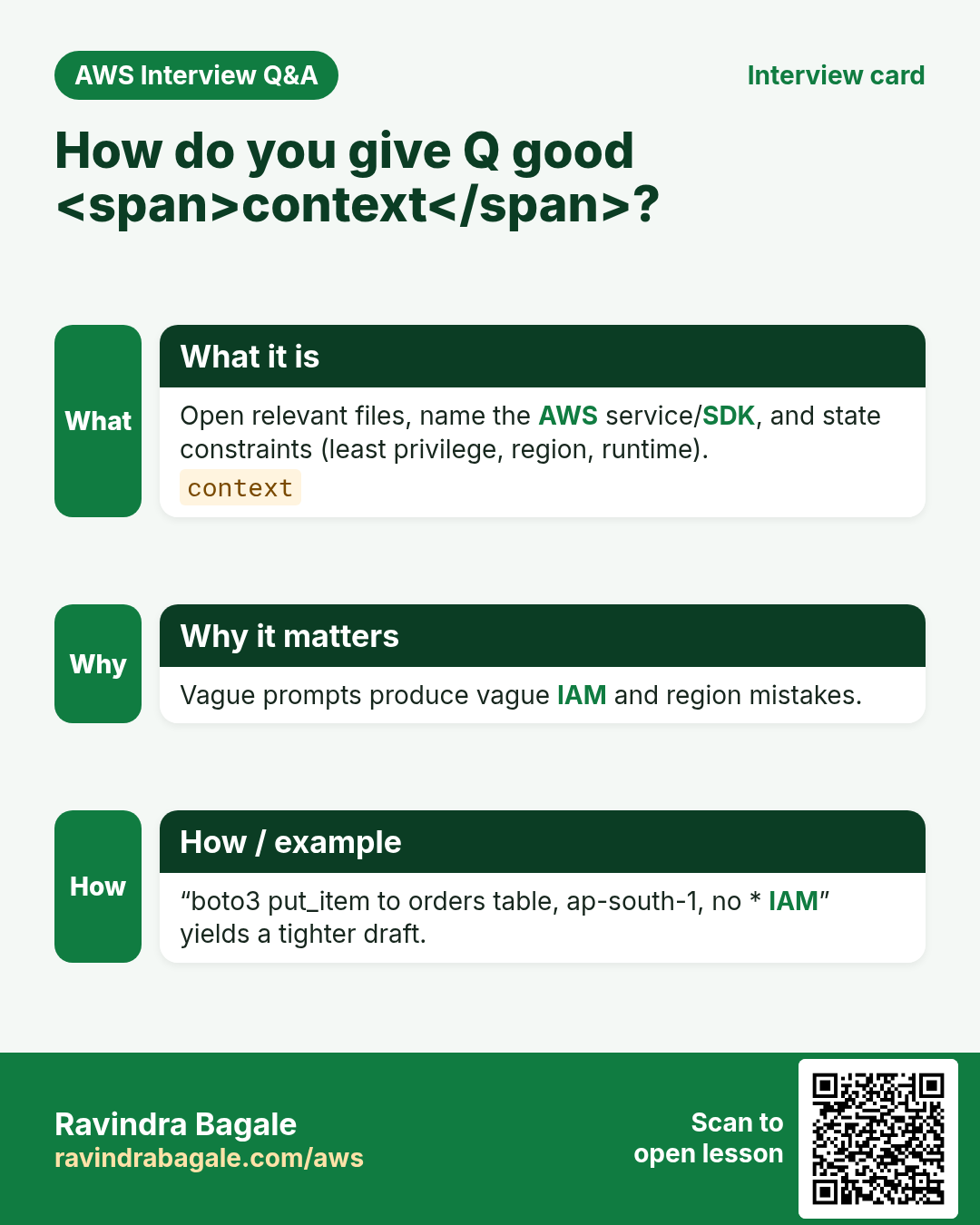
Q. How do you prompt well?
Region, language, constraints, no secrets.
Q. Inline vs chat?
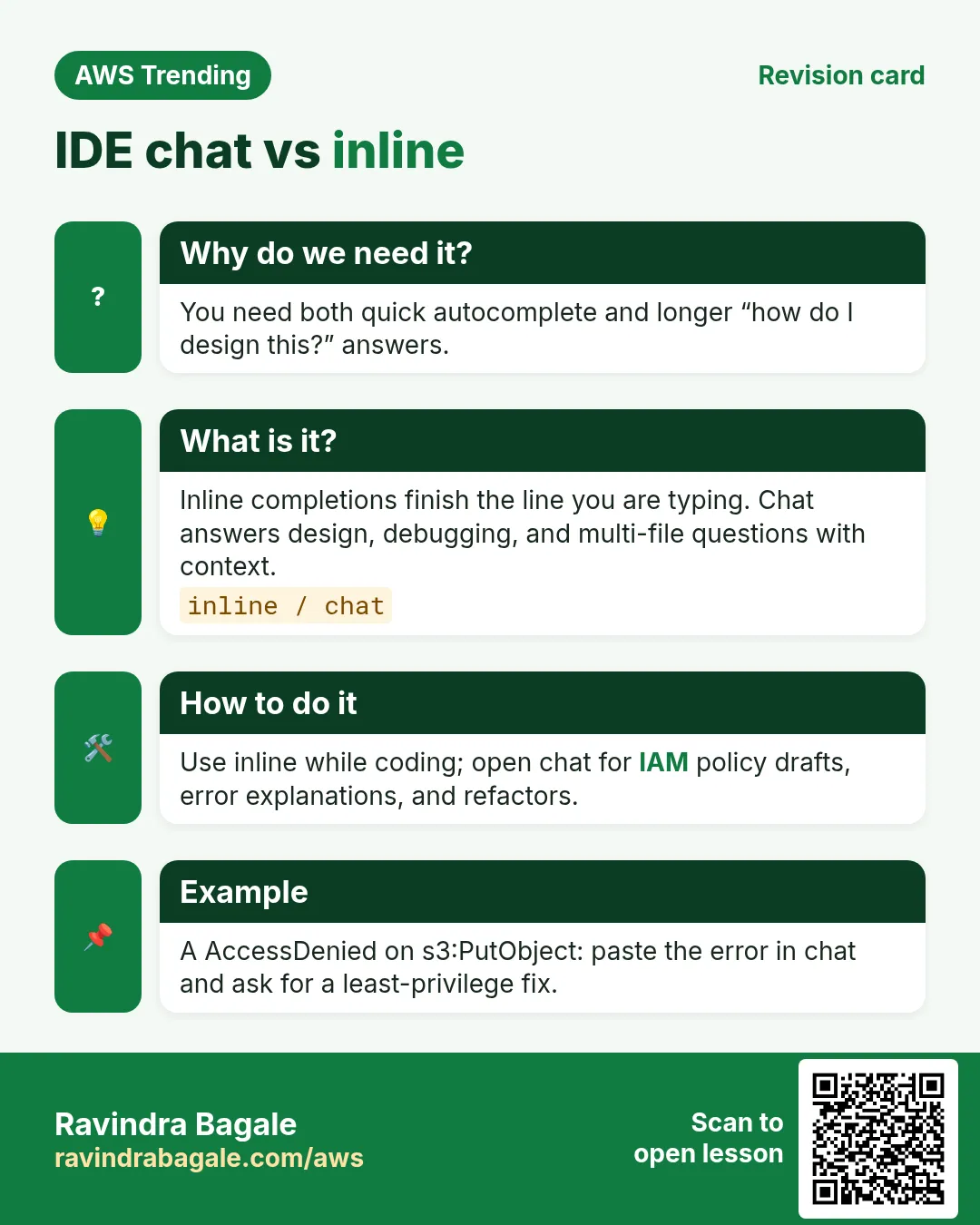
Inline completes lines; chat explains and scaffolds.
Q. When not to use AI assistants?
When policy forbids or when handling regulated secrets.
Q. How verify a suggestion?
Tests, IAM simulator, current docs.
11. Tips in English, Marathi and Hindi
Ravindra Bagale's Tip (EN)
Prompt like a ticket: region, language, acceptance criteria. Vague prompts waste tokens and trust.
Ravindra Bagale's Tip (MR)
Prompt = ticket: region, language, acceptance. Vague = वेळ वाया.
Tip (HI)
प्रॉम्प्ट को टिकट की तरह लिखो — region, भाषा, criteria; अस्पष्ट सवाल भरोसा तोड़ते हैं।
Try at home
- Install Q in a throwaway profile and ask for a Hello Lambda.
- Rewrite one bad prompt into a ticket-style prompt.
- List three things you will never paste into any AI chat.
In short
- Amazon Q Developer = AWS-aware IDE/console AI assistant.
- Drafts are fast; reviews and tests are mandatory.
- Never paste production secrets or PII.
- Follow org AI policy.
Revision, interview and comparison cards
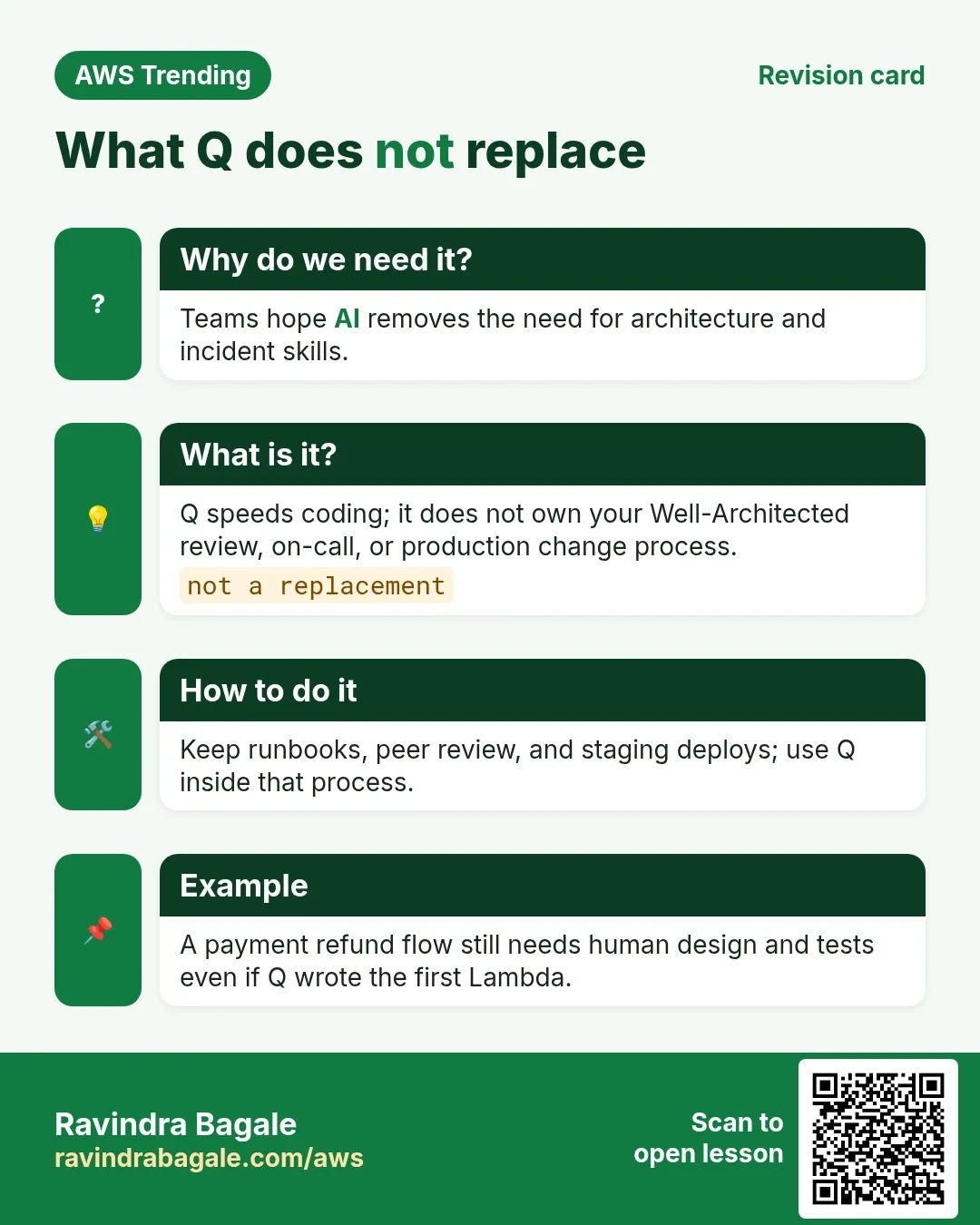
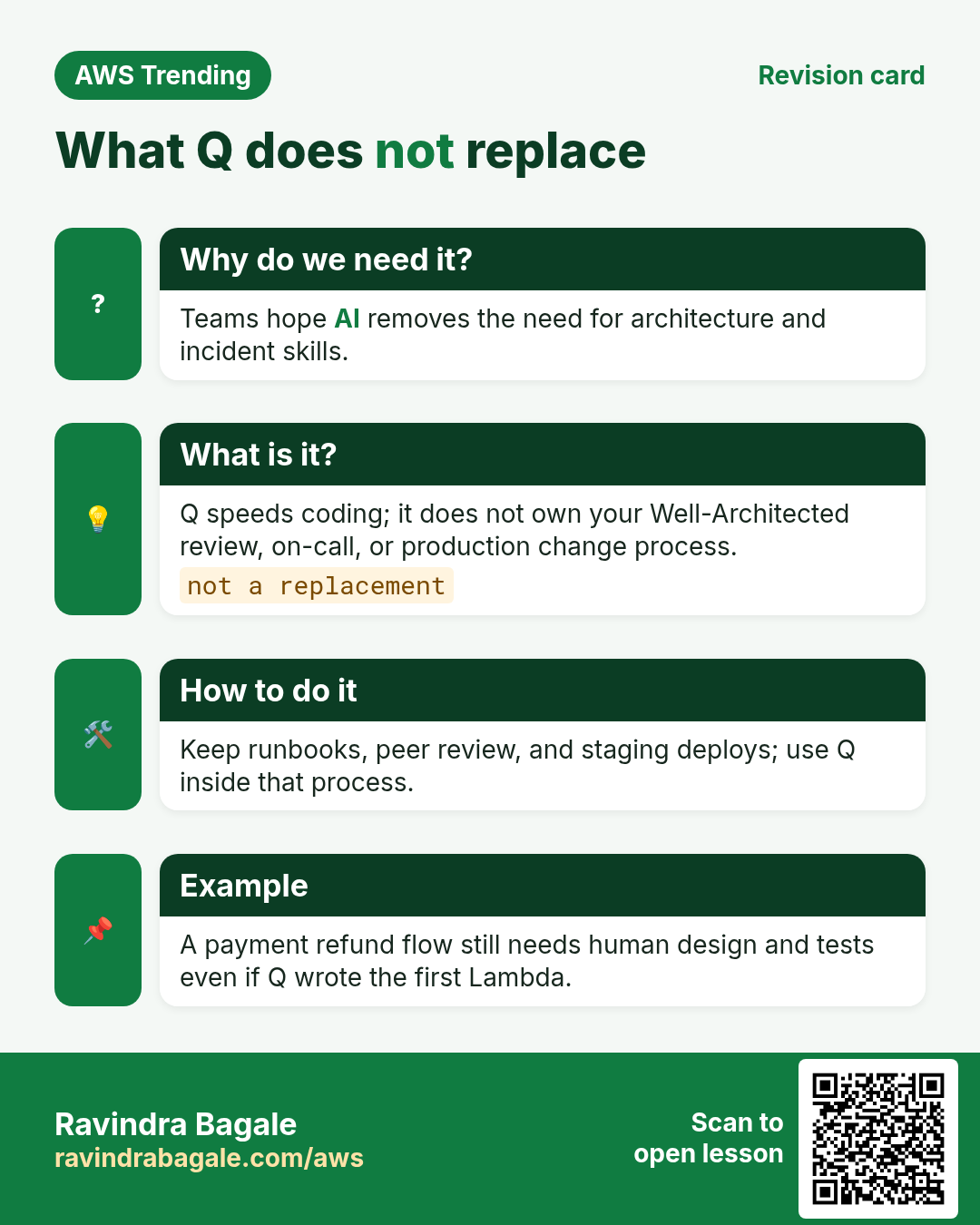
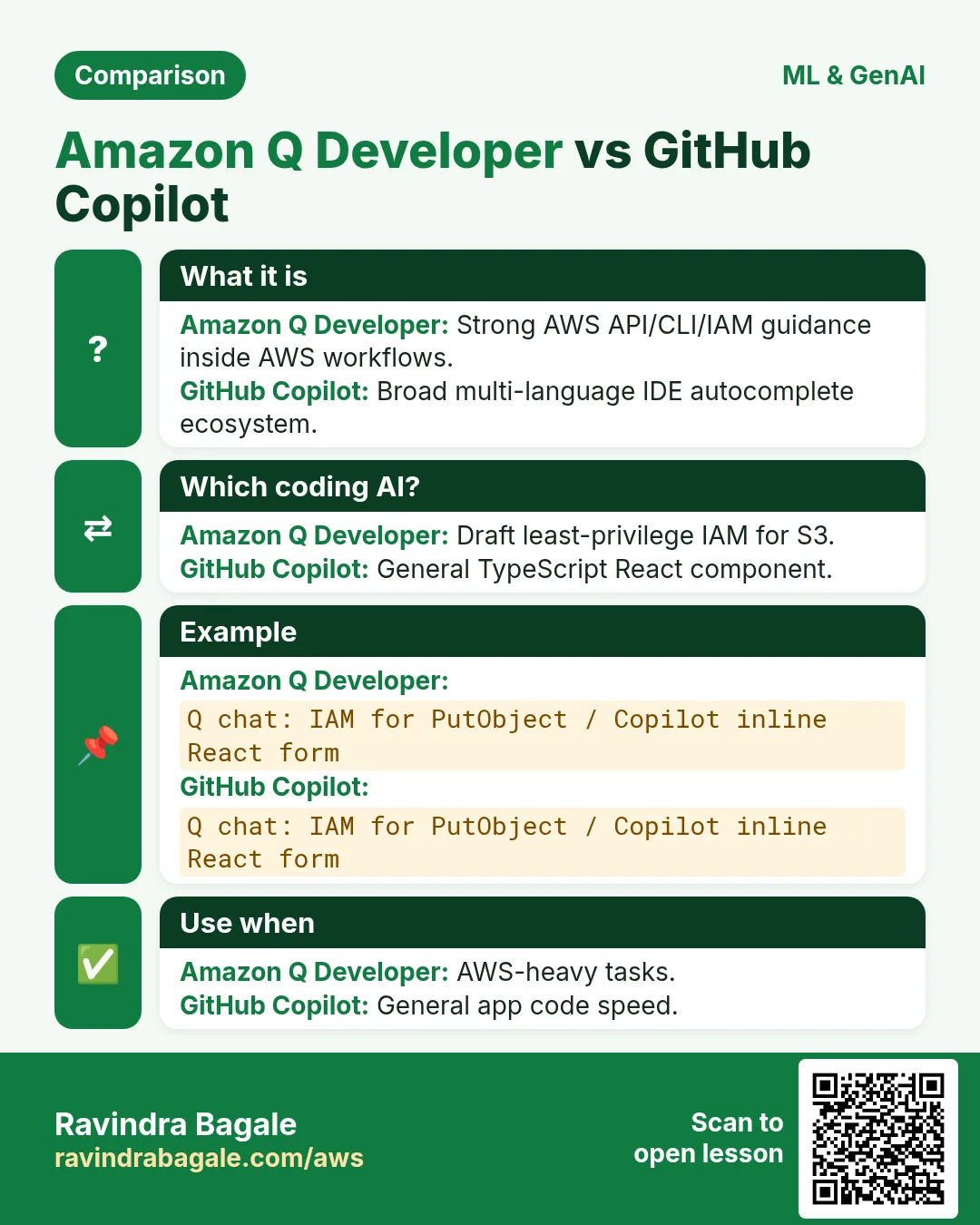
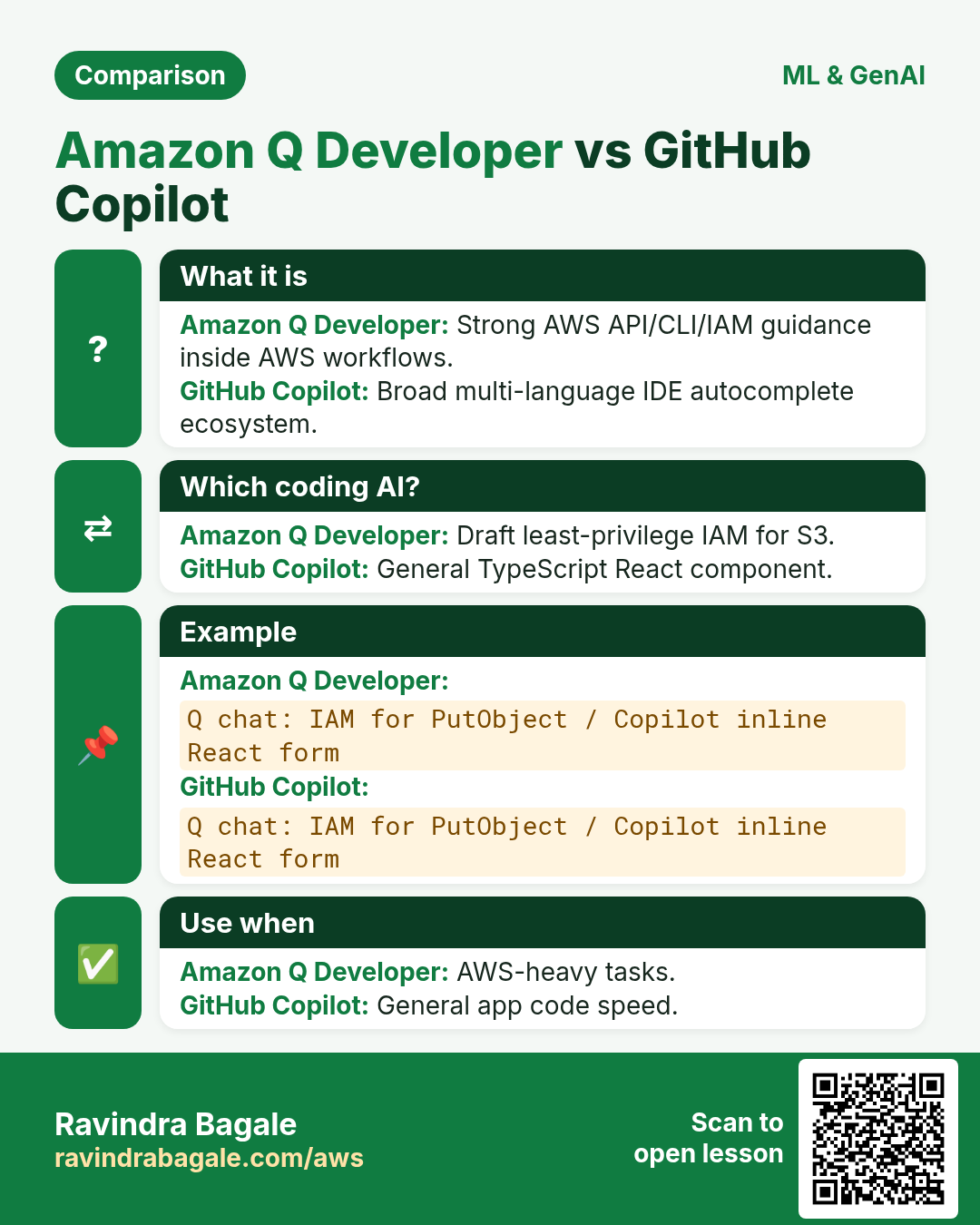
Revise this lesson in a few minutes. Save the cards on your phone or download them as PNG files. The QR code on each card opens this lesson.
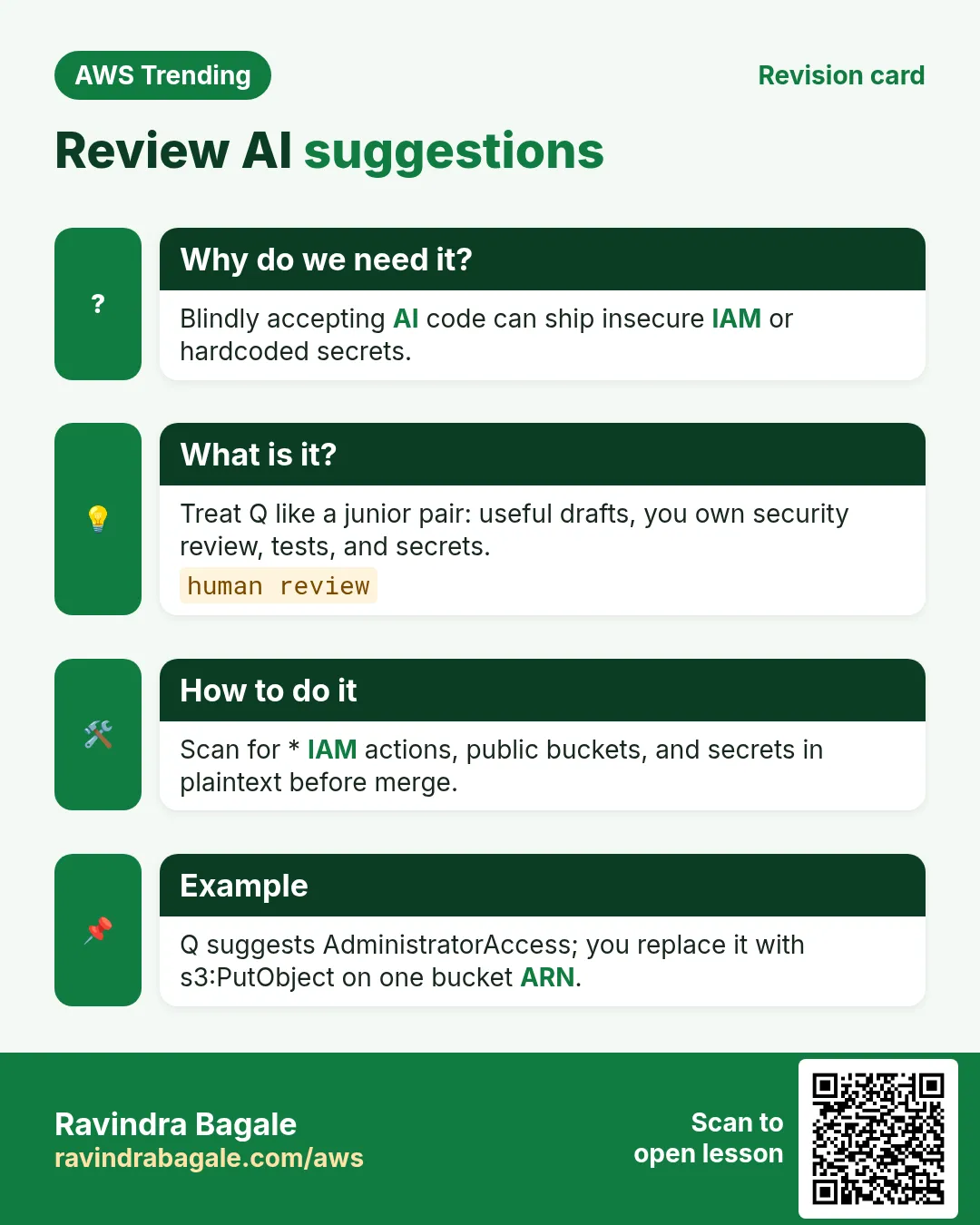
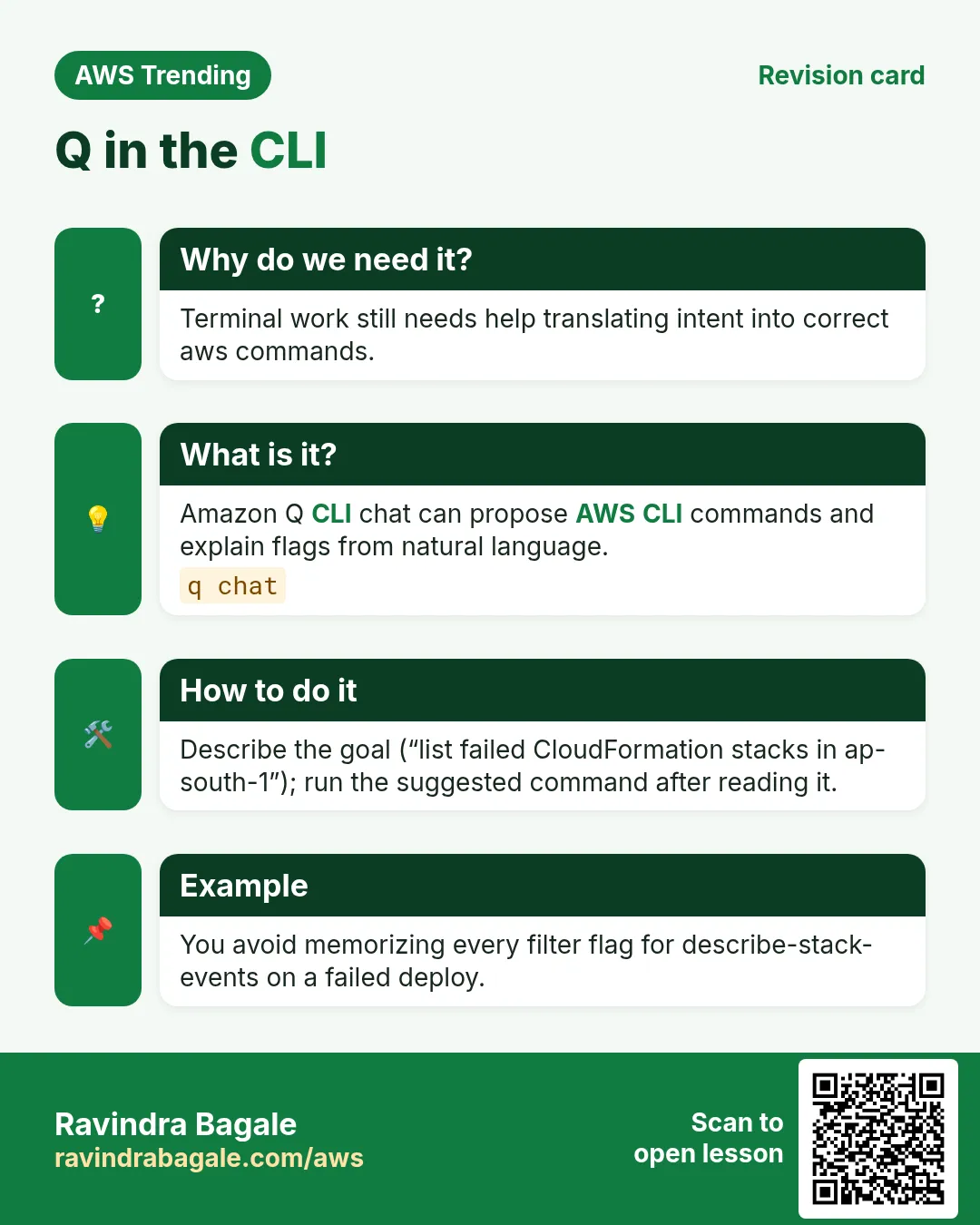
More cards: Ravi Sir's Cards.
Practise this chapter
Interview questions and answers
How do you review an AI-generated helper for listing objects under a study prefix?
Read the operations and permissions it requests. Use stub inputs with matching and unrelated keys and test empty, paginated and denied scenarios. Confirm it returns permitted names and reports errors without deleting or printing data. Use real credentials only after you understand the code and are authorized to access the resources.
Check your understanding
Choose an answer, then compare your reasoning with the explanation.
Practice Tasks
Practice checks run in your browser. They check the answer for this exercise; they do not create resources or connect to your AWS account.
About this scenarioMaple Leaf Books is a bookselling business in Toronto. Emily Tremblay looks after its IT and cloud work. They count money in CAD and run their AWS resources in the ca-central-1 Region. In the tasks below you do real jobs for them using what this lesson teaches. All names, account IDs, IP addresses and numbers are made up for practice.
0 / 16
Easy AWS CLI help for s3
Find flags before asking AI.
Show AWS CLI help for s3.
- Read the task and decide which AWS service it is about.
- Write aws, then the service name, then the operation (the action word).
- Add each needed flag (--name) followed by its value from the task.
- Flags can be in any order. Click Check answer.
Easy List buckets
Inventory before coding.
List all S3 buckets.
- Read the task and decide which AWS service it is about.
- Write aws, then the service name, then the operation (the action word).
- Add each needed flag (--name) followed by its value from the task.
- Flags can be in any order. Click Check answer.
Easy Who am I
Confirm caller identity.
Get caller identity.
- Read the task and decide which AWS service it is about.
- Write aws, then the service name, then the operation (the action word).
- Add each needed flag (--name) followed by its value from the task.
- Flags can be in any order. Click Check answer.
Easy List KMS aliases
Know keys before suggesting SSE-KMS.
List KMS aliases.
- Read the task and decide which AWS service it is about.
- Write aws, then the service name, then the operation (the action word).
- Add each needed flag (--name) followed by its value from the task.
- Flags can be in any order. Click Check answer.
Easy How many WA pillars
Architecture still matters.
How many Well-Architected pillars are there?
- Write down the numbers the task gives you.
- Work it out step by step on paper.
- Type only the final answer in the box.
- Click Check answer.
Easy S3 SSE-KMS flag count mental
Encryption awareness.
Minimum headers often cited for SSE-KMS put (enter 2 for algorithm+key id concept)?
- Write down the numbers the task gives you.
- Work it out step by step on paper.
- Type only the final answer in the box.
- Click Check answer.
Easy Apply the lesson: scenario 7
Which sign-in control adds a second authentication factor to protect the account root user? Enter its abbreviation.
- Read the situation and identify what you need to decide.
- Work through the relevant concept or calculation.
- Enter only the requested term or number.
- Check your answer, then read the explanation.
Medium Get Lambda function
Inspect before editing with AI.
Get function mapleleafbooks-api.
- Read the task and decide which AWS service it is about.
- Write aws, then the service name, then the operation (the action word).
- Add each needed flag (--name) followed by its value from the task.
- Flags can be in any order. Click Check answer.
Medium Get role
Check trust before pasting policy.
Get role mapleleafbooks-app.
- Read the task and decide which AWS service it is about.
- Write aws, then the service name, then the operation (the action word).
- Add each needed flag (--name) followed by its value from the task.
- Flags can be in any order. Click Check answer.
Medium Tail log group
Debug AI-generated code.
Filter log events on /aws/lambda/mapleleafbooks-api.
- Read the task and decide which AWS service it is about.
- Write aws, then the service name, then the operation (the action word).
- Add each needed flag (--name) followed by its value from the task.
- Flags can be in any order. Click Check answer.
Medium Allow GetObject one bucket
Least privilege for generated code.
Allow s3:GetObject on arn:aws:s3:::mapleleafbooks-data/*.
- Start with { "Version": "2012-10-17", "Statement": [ ... ] }.
- In each statement write Effect, Action and Resource.
- Give only what the task needs (least privilege).
- Use double quotes and commas correctly. Click Check answer.
Medium Ticket-style prompt JSON
Good prompts need structure.
JSON Region ap-south-1 Language Python Constraint no-secrets.
- Start from the top-level keys the task names.
- Indent child keys with 2 spaces (no tabs).
- Fill in each property with the value from the task.
- Click Check answer. Key order does not matter.
Medium Default lab region code length
State region in prompts.
How many characters in ap-south-1 including hyphens?
- Write down the numbers the task gives you.
- Work it out step by step on paper.
- Type only the final answer in the box.
- Click Check answer.
Hard Validate template
Lint AI CloudFormation.
Validate CloudFormation template file://tpl.yaml.
- Read the task and decide which AWS service it is about.
- Write aws, then the service name, then the operation (the action word).
- Add each needed flag (--name) followed by its value from the task.
- Flags can be in any order. Click Check answer.
Hard Deny wildcard invoke
Reject dangerous AI IAM.
Deny lambda:InvokeFunction on all resources (Effect Deny Action lambda:InvokeFunction Resource *).
- Start with { "Version": "2012-10-17", "Statement": [ ... ] }.
- In each statement write Effect, Action and Resource.
- Give only what the task needs (least privilege).
- Use double quotes and commas correctly. Click Check answer.
Hard Code review checklist JSON
AI drafts need gates.
JSON Checks array: iam-sim, unit-tests, no-secrets.
- Start from the top-level keys the task names.
- Indent child keys with 2 spaces (no tabs).
- Fill in each property with the value from the task.
- Click Check answer. Key order does not matter.