AWS IAM Policies: JSON, Managed, Inline and Conditions Explained
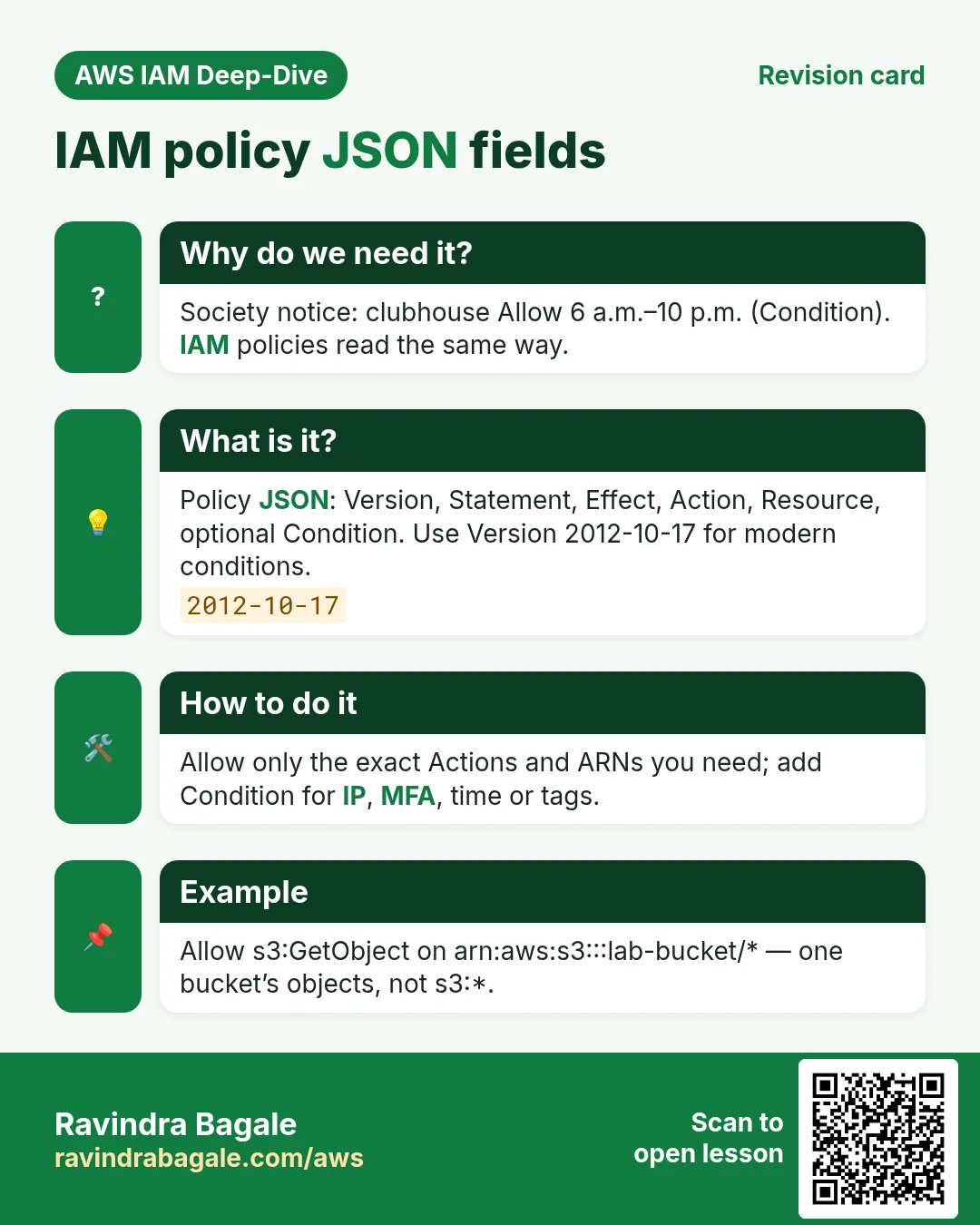
An IAM policy is a JSON rule sheet: Allow or Deny which actions on which resources, sometimes only when a Condition is true. Managed policies are reusable; inline policies stick to one identity.
In this chapter
- Policy JSON skeleton
- Effect, Action, Resource
- Condition keys idea
- AWS managed vs customer vs inline
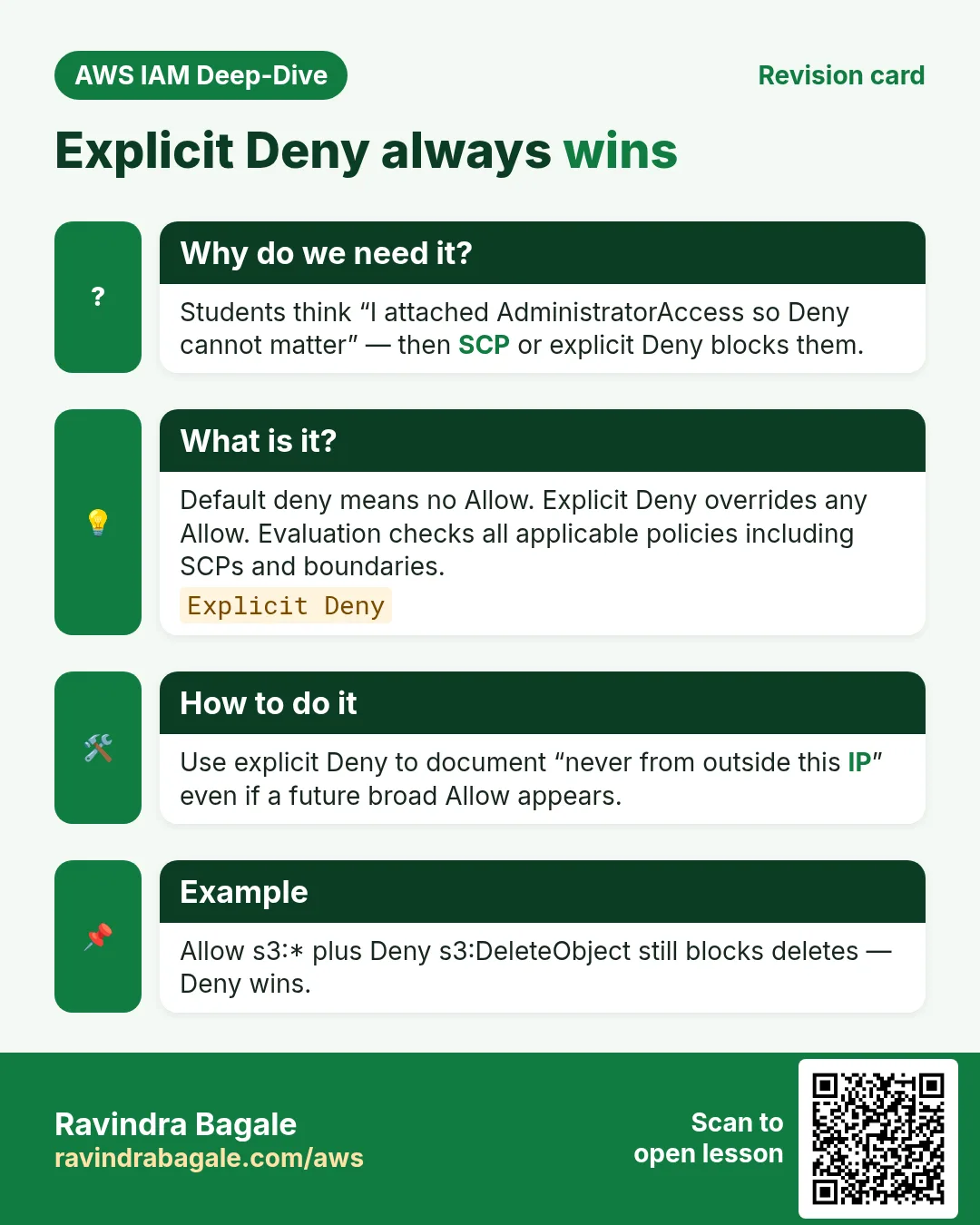
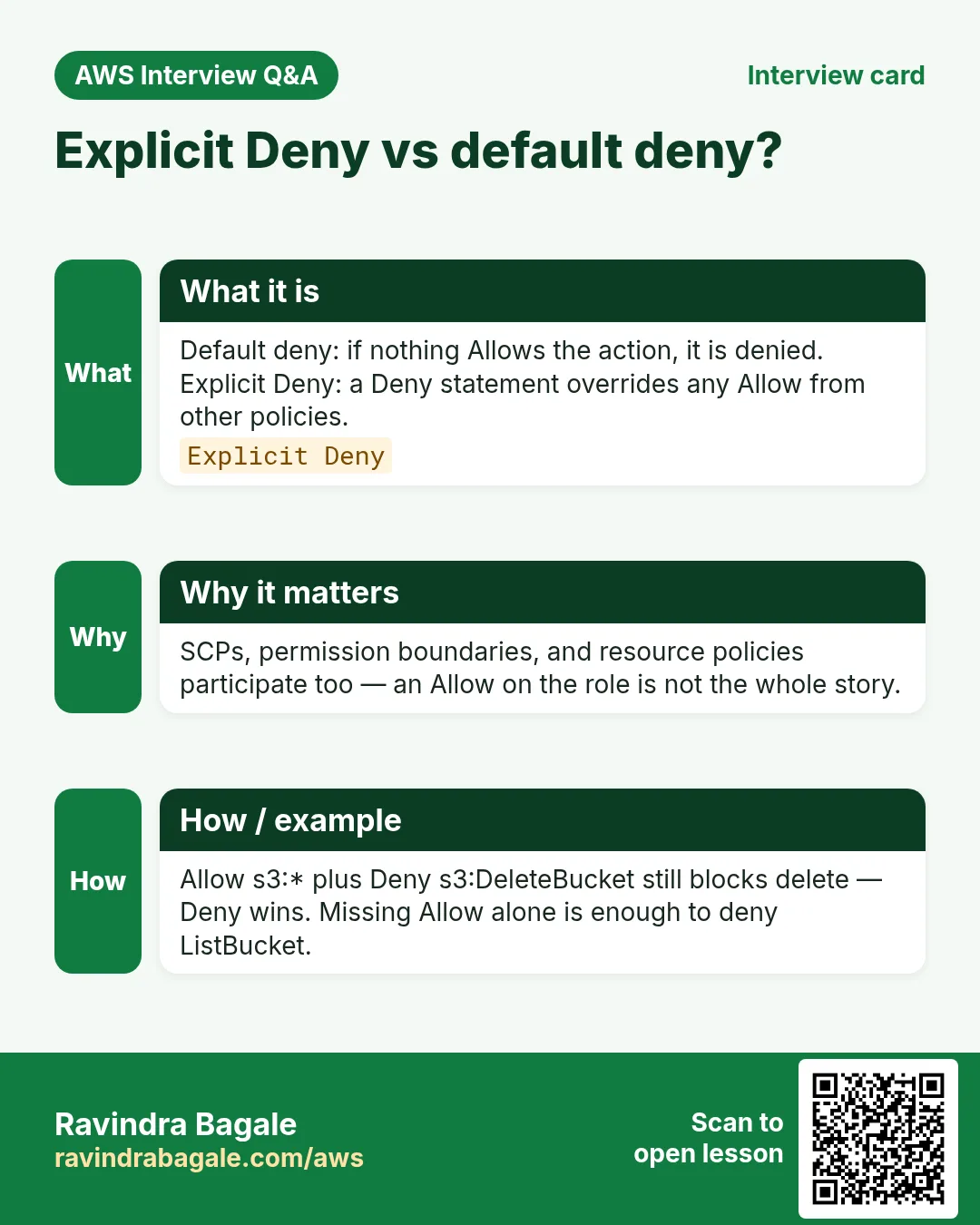
- Explicit Deny wins
1. Everyday example first
A housing society notice: “Residents may use the clubhouse (Allow) from 6 a.m. to 10 p.m. (Condition). Guests are Deny after 10.” IAM policies read the same way.
IAM identity-based policies attach to users, groups or roles. Resource-based policies (bucket policy, role trust) sit on the resource. Both use similar JSON.
{
  "Version": "2012-10-17",
  "Statement": [{
    "Sid": "ReadOneBucket",
    "Effect": "Allow",
    "Action": ["s3:GetObject", "s3:ListBucket"],
    "Resource": [
      "arn:aws:s3:::lab-bucket",
      "arn:aws:s3:::lab-bucket/*"
    ],
    "Condition": {
      "IpAddress": { "aws:SourceIp": "203.0.113.10/32" }
    }
  }]
}
2. Each field
| Field | Meaning |
|---|---|
| Version | Use "2012-10-17" |
| Statement | Array of rules |
| Sid | Optional human label |
| Effect | Allow or Deny |
| Action | API names: s3:GetObject, ec2:StartInstances, * |
| Resource | ARNs the action applies to |
| Condition | Optional extra checks (IP, MFA, tags, time) |
3. Managed vs inline
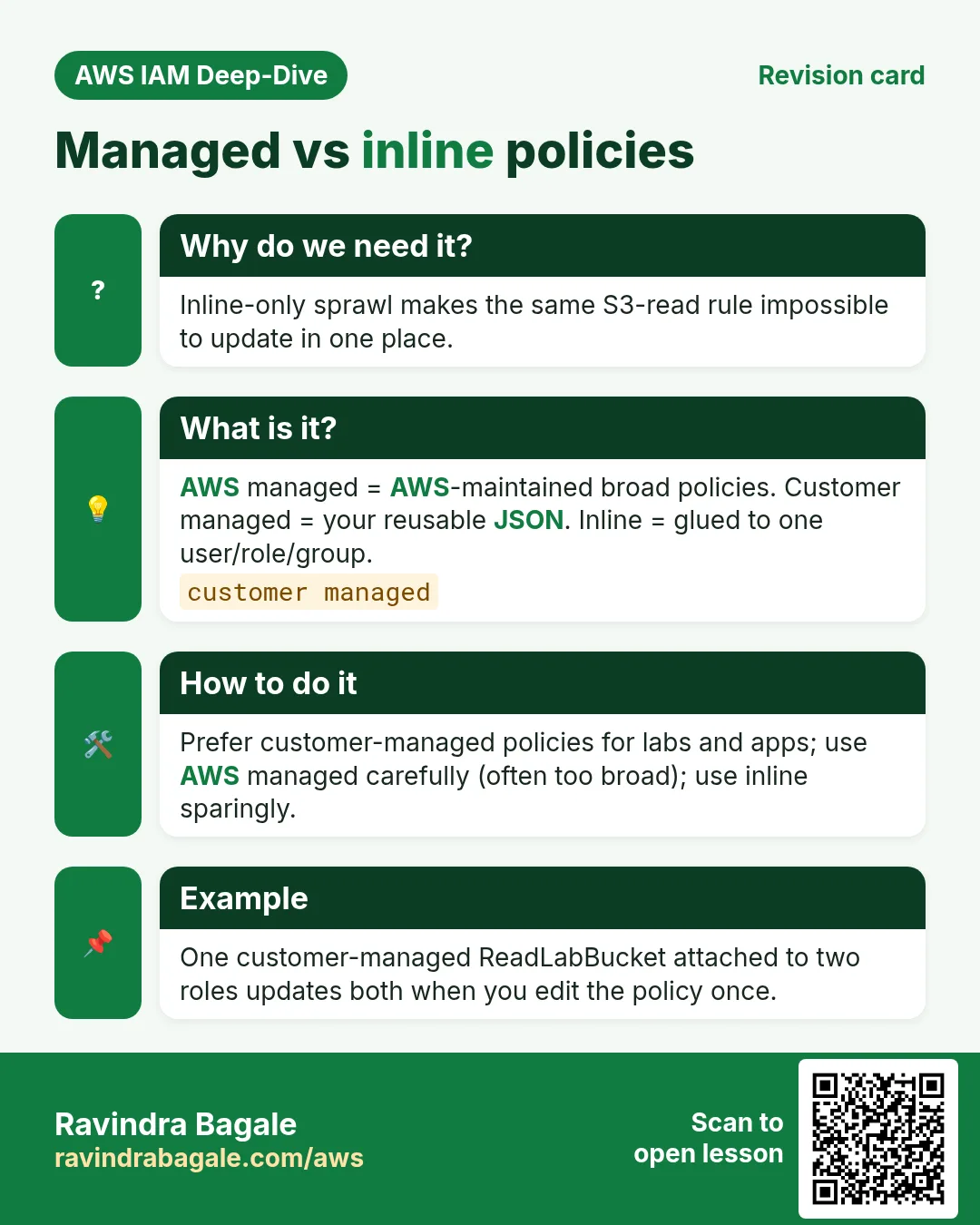
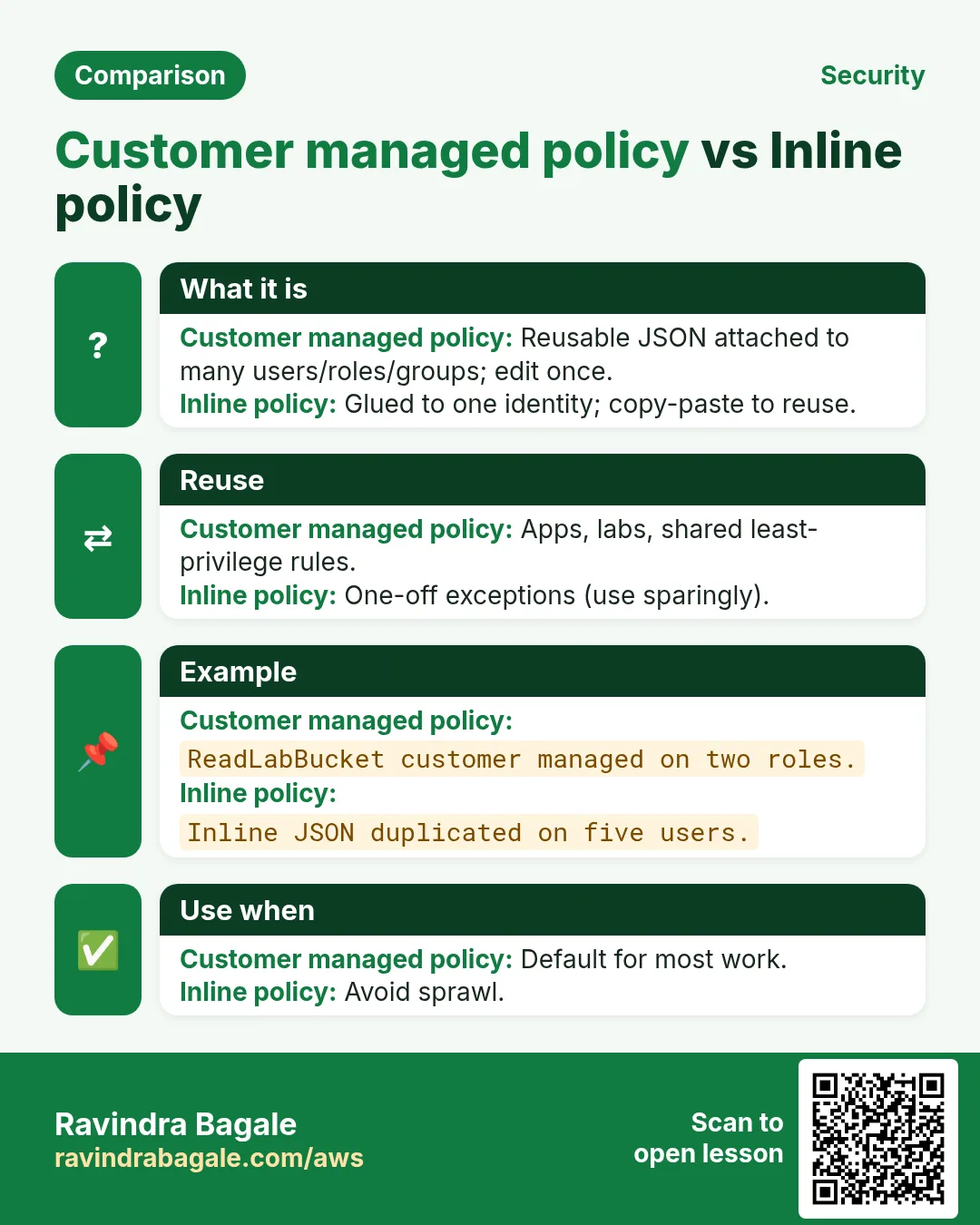
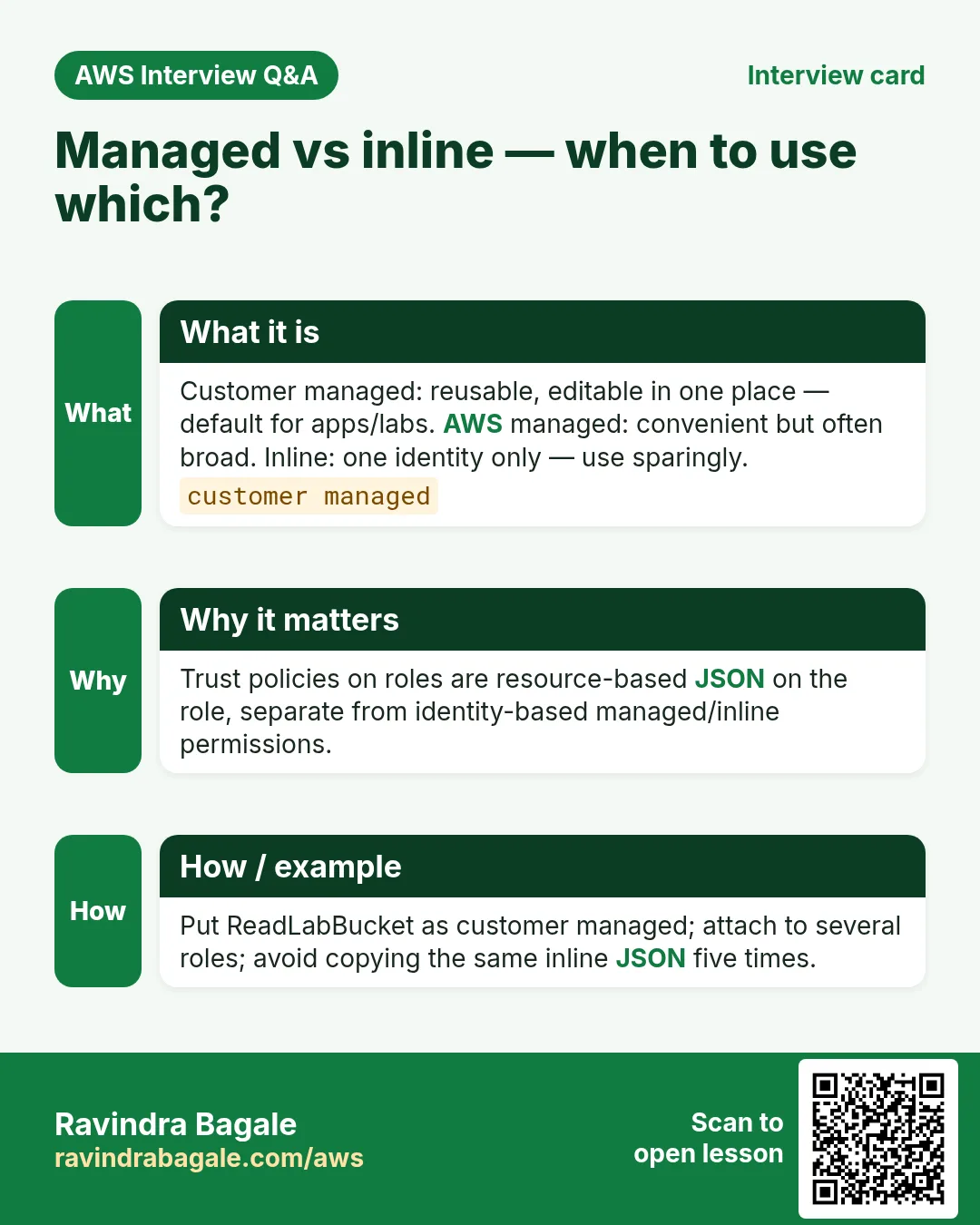
- AWS managed — AWS writes/updates (e.g. ReadOnlyAccess). Fast, often broad.
- Customer managed — you write once, attach to many roles. Best for least privilege.
- Inline — embedded in one user/role. Hard to reuse; use sparingly.
4. Evaluation mental model
Start by writing the request you want to evaluate in plain words. A role attempts s3:GetObject on a particular report object. Read statements whose action and resource match that request. A condition narrows the circumstances where the statement applies. A statement with a nonmatching action or a condition that does not apply gives no access by itself.
Try three outcomes on paper before the lab. With no applicable Allow, the request is denied by default. With an applicable Allow and no other control preventing access, it can succeed. If an explicit Deny also applies to the request, it takes priority. If you change only the path, IP or principal, work through the same steps again. This makes it easier to see why a valid policy document may give a result different from the one you intended.
- Start from deny by default (no Allow → no access).
- Any matching Allow opens the door.
- Any matching explicit Deny closes it again — Deny wins.
- SCPs, boundaries, session policies can also restrict.
Ravindra Bagale's Tip
Action on the wrong Resource ARN is a classic bug: ListBucket needs the bucket ARN; GetObject needs object ARNs (…/*).
5. Useful Condition keys
aws:SourceIp— only from office/VPN CIDR.aws:MultiFactorAuthPresent— sensitive actions need MFA.aws:RequestedRegion— lock to ap-south-1 for labs.aws:ResourceTag/…/aws:PrincipalTag/…— attribute-based access.
Common errors: cause and safe next check
An edited managed policy still behaves like the old one
A saved managed-policy version is not necessarily the operative default version. Check the default version on the exact policy ARN and the identities using it. Do not keep adding broad statements to compensate for testing an older active version.
A condition matches at home but fails on another network path
The request context depends on how the request reaches AWS. For example, aws:SourceIp is not present for a request through a VPC endpoint. Inspect the supported key and its availability for that path; do not remove all conditions just to silence a denial.
Use a two-row test for missing context. An Allow with IpAddress and aws:SourceIp can match a direct request from the named range. The same condition does not match a VPC endpoint request where that key is absent. Adding IfExists makes that condition pass when the key is missing, so the same Allow can become broader. Decide the intended result for each path before changing the operator.
Two similar policy names lead to different results
A name seen in a screenshot is not proof of the attachment being tested. Compare the full intended policy ARN, attached identity and default version. Review the actual document and the real action/resource rather than guessing from the friendly label.
Practical questions and full answers
Is the JSON Version date the same as managed-policy version v2?
No. The JSON Version field selects the policy-language version. A managed-policy version such as v1 or v2 is a stored revision of one policy. Changing the language date is not how you activate a saved revision.
Can I edit an AWS managed policy directly?
No. AWS owns that policy. A customer managed policy is the option when you need your own reviewed permissions. Check every identity sharing it before approving a change, because its default version applies wherever it is attached.
Does the editor accepting JSON prove that the live request will be allowed?
No. Syntax validation checks the document, while authorization also depends on the request’s action, resource, conditions and other applicable controls. Treat policy checks as useful review evidence, not a replacement for understanding the effective request context.
6. Interview angles
Q. Explicit Deny vs default deny?
Default = no Allow; Explicit Deny overrides Allows.
Q. Why Version 2012-10-17?
Enables modern policy features/conditions.
Q. Managed vs inline?
Managed reusable; inline one identity.
Q. Trust policy is which type?
Resource-based policy on the role.
Q. Condition optional?
Yes — but powerful for least privilege.
Try at home
- Copy the sample policy and change the IP to yours; read it aloud as Allow/Action/Resource/Condition.
- Next: write and test a real Condition policy in the console.
In short
- Policy JSON: Effect, Action, Resource, optional Condition.
- Customer managed beats broad AWS managed for labs.
- Explicit Deny always wins.
- Right ARN shape matters.
Separate resource ARN meaning from condition behavior
List one bucket using the bucket ARN and read one object using the object ARN. Test both a matching and nonmatching request. For MFA conditions check when the context key may be absent, especially with long-term credentials.
Interview check Does Bool false match a missing aws:MultiFactorAuthPresent key?
No. For an explicit Deny intended to include absent or false, review BoolIfExists and validate the effect on intended identities before applying it.
Practise this chapter
Interview questions and answers
How do you review a policy without being distracted by the JSON syntax first?
I would write out the intended principal, action, resource and relevant context in plain language. Then I would mark which statements match that request, whether an applicable Allow exists and whether any explicit Deny or other control blocks it. Finally I would test both intended outcomes.
Check your understanding
Choose an answer, then compare your reasoning with the explanation.
Evaluate a policy statement against three request records
Before you start
- Use the classroom policy examples and write down actions, resources and condition values. No policy attachment required.
Take a policy that allows s3:GetObject on arn:aws:s3:::training-reports/team/* when the request matches the approved source context. Write one read of team/day1.csv from that context.
Expected result: The service action, prefix and condition all match the allow statement in the exercise.
Create a second request that reads personal/day1.csv under the same context and a third that uses the correct key from an unapproved path.
Expected result: The second request misses the resource scope. The third misses the condition. Without another Allow, both fail.
Add an applicable Deny for team/day1.csv and evaluate the first request again. Write the reason in one sentence.
Expected result: The specific Deny takes priority over the broad Allow for that request.
If the result differs
- If your results seem inconsistent, compare the full object ARN and whether the context key is present, then reread the condition operator.
Finish and clean up
- No policy changes were made. Keep only the test notes.
Practice Tasks
Practice checks run in your browser. They check the answer for this exercise; they do not create resources or connect to your AWS account.
About this scenarioBengaluru HealthTech is a health technology business in Bengaluru. Arjun Rao looks after its IT and cloud work. They count money in INR and run their AWS resources in the ap-south-1 Region. In the tasks below you do real jobs for them using what this lesson teaches. All names, account IDs, IP addresses and numbers are made up for practice.
0 / 12
Easy Read-only access to one bucket
Least privilege: give only the actions and the bucket the job needs.
Write an identity policy that lets the user read objects (s3:GetObject) only in bucket blrhealthtech-data.
- Start with { "Version": "2012-10-17", "Statement": [ ... ] }.
- In each statement write Effect, Action and Resource.
- Give only what the task needs (least privilege).
- Use double quotes and commas correctly. Click Check answer.
Medium Lambda access to one table
The function only needs to read and write items in its own table.
Allow dynamodb:GetItem, dynamodb:PutItem, dynamodb:Query on arn:aws:dynamodb:ap-south-1:125324833677:table/blrhealthtech-orders only.
- Start with { "Version": "2012-10-17", "Statement": [ ... ] }.
- In each statement write Effect, Action and Resource.
- Give only what the task needs (least privilege).
- Use double quotes and commas correctly. Click Check answer.
Medium Start and stop servers only
The night operator may start and stop servers but not terminate them.
Allow ec2:StartInstances and ec2:StopInstances on all instances in account 125324833677, Region ap-south-1. Also allow ec2:DescribeInstances on *.
- Start with { "Version": "2012-10-17", "Statement": [ ... ] }.
- In each statement write Effect, Action and Resource.
- Give only what the task needs (least privilege).
- Use double quotes and commas correctly. Click Check answer.
Medium List and read one bucket
ListBucket works on the bucket ARN; GetObject works on object ARNs.
Allow s3:ListBucket on bucket blrhealthtech-data and s3:GetObject on all its objects. Nothing else.
- Start with { "Version": "2012-10-17", "Statement": [ ... ] }.
- In each statement write Effect, Action and Resource.
- Give only what the task needs (least privilege).
- Use double quotes and commas correctly. Click Check answer.
Medium Upload-only to one folder
Field staff can drop files but cannot read or delete anything.
Allow s3:PutObject only under the prefix uploads/ in bucket blrhealthtech-data.
- Start with { "Version": "2012-10-17", "Statement": [ ... ] }.
- In each statement write Effect, Action and Resource.
- Give only what the task needs (least privilege).
- Use double quotes and commas correctly. Click Check answer.
Medium Attach a managed policy to a group
AWS managed policies are ready-made and kept up to date by AWS.
Attach the AWS managed policy arn:aws:iam::aws:policy/ReadOnlyAccess to the group Auditors.
- Read the task and decide which AWS service it is about.
- Write aws, then the service name, then the operation (the action word).
- Add each needed flag (--name) followed by its value from the task.
- Flags can be in any order. Click Check answer.
Medium Create a customer managed policy
Your own managed policy can be reused on many users, groups and roles.
Create a policy named blrhealthtech-s3-read from the document in policy.json.
- Read the task and decide which AWS service it is about.
- Write aws, then the service name, then the operation (the action word).
- Add each needed flag (--name) followed by its value from the task.
- Flags can be in any order. Click Check answer.
Hard Deny access from outside the office
An explicit Deny with aws:SourceIp blocks keys used from anywhere else.
Write one Deny statement: deny all actions (*) on all resources (*) when the source IP is NOT in 203.0.113.0/24.
- Start with { "Version": "2012-10-17", "Statement": [ ... ] }.
- In each statement write Effect, Action and Resource.
- Give only what the task needs (least privilege).
- Use double quotes and commas correctly. Click Check answer.
Hard Allow only on tagged servers
Tag conditions let one team control only its own servers.
Allow ec2:StopInstances on any instance (*) only when the instance tag Team equals blrhealthtech.
- Start with { "Version": "2012-10-17", "Statement": [ ... ] }.
- In each statement write Effect, Action and Resource.
- Give only what the task needs (least privilege).
- Use double quotes and commas correctly. Click Check answer.
Hard Test a policy before using it
The policy simulator tells you if an action would be allowed, without doing it.
Check whether user arn:aws:iam::125324833677:user/arjun may call s3:GetObject.
- Read the task and decide which AWS service it is about.
- Write aws, then the service name, then the operation (the action word).
- Add each needed flag (--name) followed by its value from the task.
- Flags can be in any order. Click Check answer.
Hard Require MFA to delete
Risky actions should need MFA, so a stolen password is not enough.
Deny s3:DeleteObject on arn:aws:s3:::blrhealthtech-data/* when MFA is not present (aws:MultiFactorAuthPresent is false).
- Start with { "Version": "2012-10-17", "Statement": [ ... ] }.
- In each statement write Effect, Action and Resource.
- Give only what the task needs (least privilege).
- Use double quotes and commas correctly. Click Check answer.
Hard Block other Regions (SCP style)
Data rules (like keeping data in one country) are enforced with aws:RequestedRegion.
Deny ec2:* on * when aws:RequestedRegion is not ap-south-1.
- Start with { "Version": "2012-10-17", "Statement": [ ... ] }.
- In each statement write Effect, Action and Resource.
- Give only what the task needs (least privilege).
- Use double quotes and commas correctly. Click Check answer.
Revision, comparison and interview cards
Revise this lesson in a few minutes. Save the cards on your phone or download them as PNG files. The QR code on each card opens this lesson.
More cards: Ravi Sir's Cards.