AWS CLI IAM Commands: Users, Groups, Roles and Policies
IAM from the CLI: create users, groups, roles and policies, attach them, and test what is allowed. These are the commands admins use every day.
In this chapter
- Create users and groups
- Create and attach policies
- Create a role with a trust policy
- Simulate permissions
- Audit and clean up
1. The big picture: IAM by command
In an office, HR makes an ID card (user), adds you to a team (group) and the team gets door access (policy). Visitors get a day pass (role).
All commands are under aws iam. IAM is global, so --region does not matter.
2. Users and groups
Compare the three commands with their expected state. create-group prepares the group cli-readers. create-user creates the disposable exercise identity asha. add-user-to-group connects that user to the group. Read the group afterwards with aws iam get-group --group-name cli-readers and check that the users list has asha. A successful membership change can return no command output, so use the read-back rather than guessing from the terminal.
The group name does not imply any rights. A policy attachment is the next separate operation. The membership lab does not require a password for this IAM user. For real learners and staff, use a managed human sign-in path such as IAM Identity Center where appropriate. If cleaning up the disposable user, remove lab attachments and group links before deleting it.
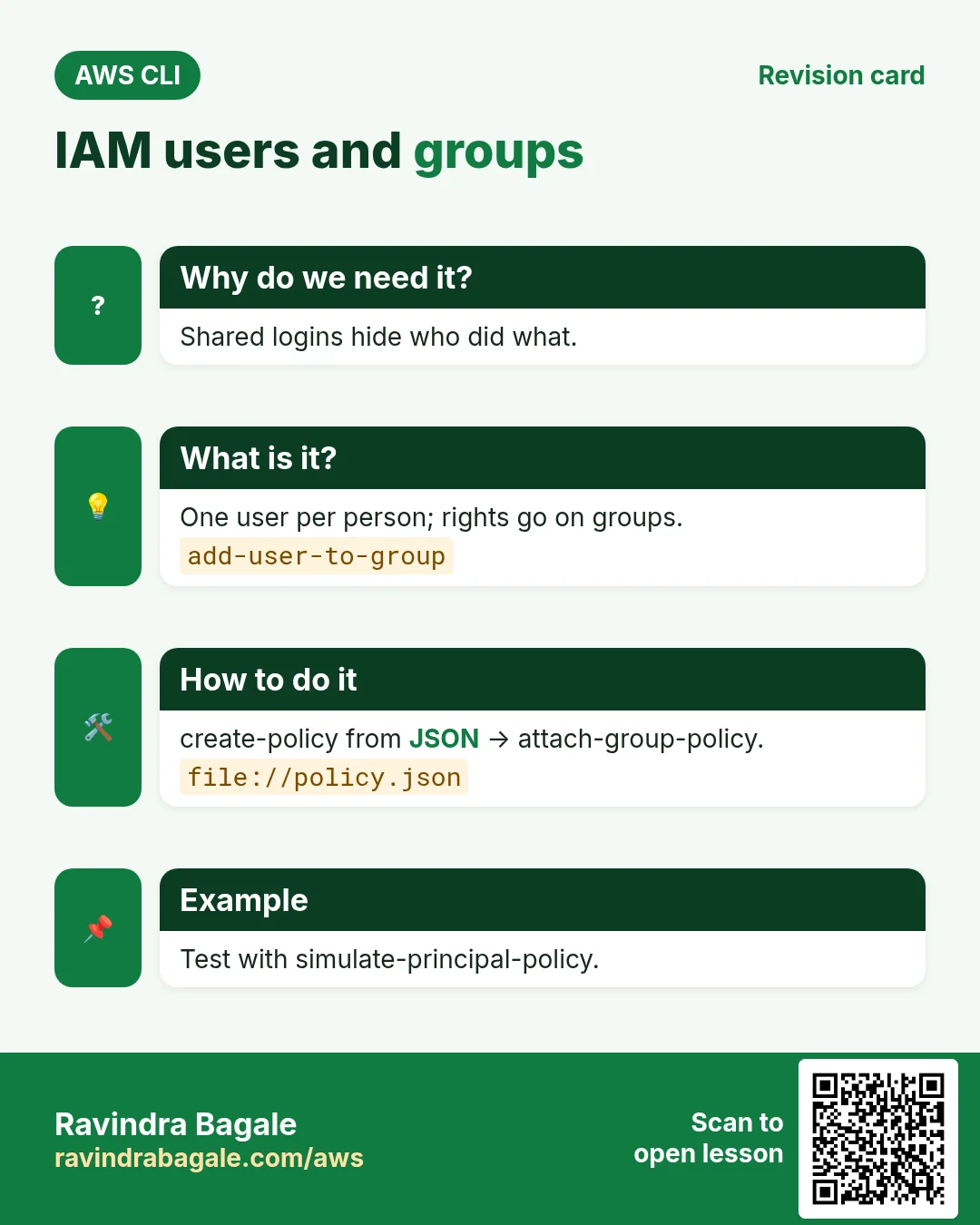
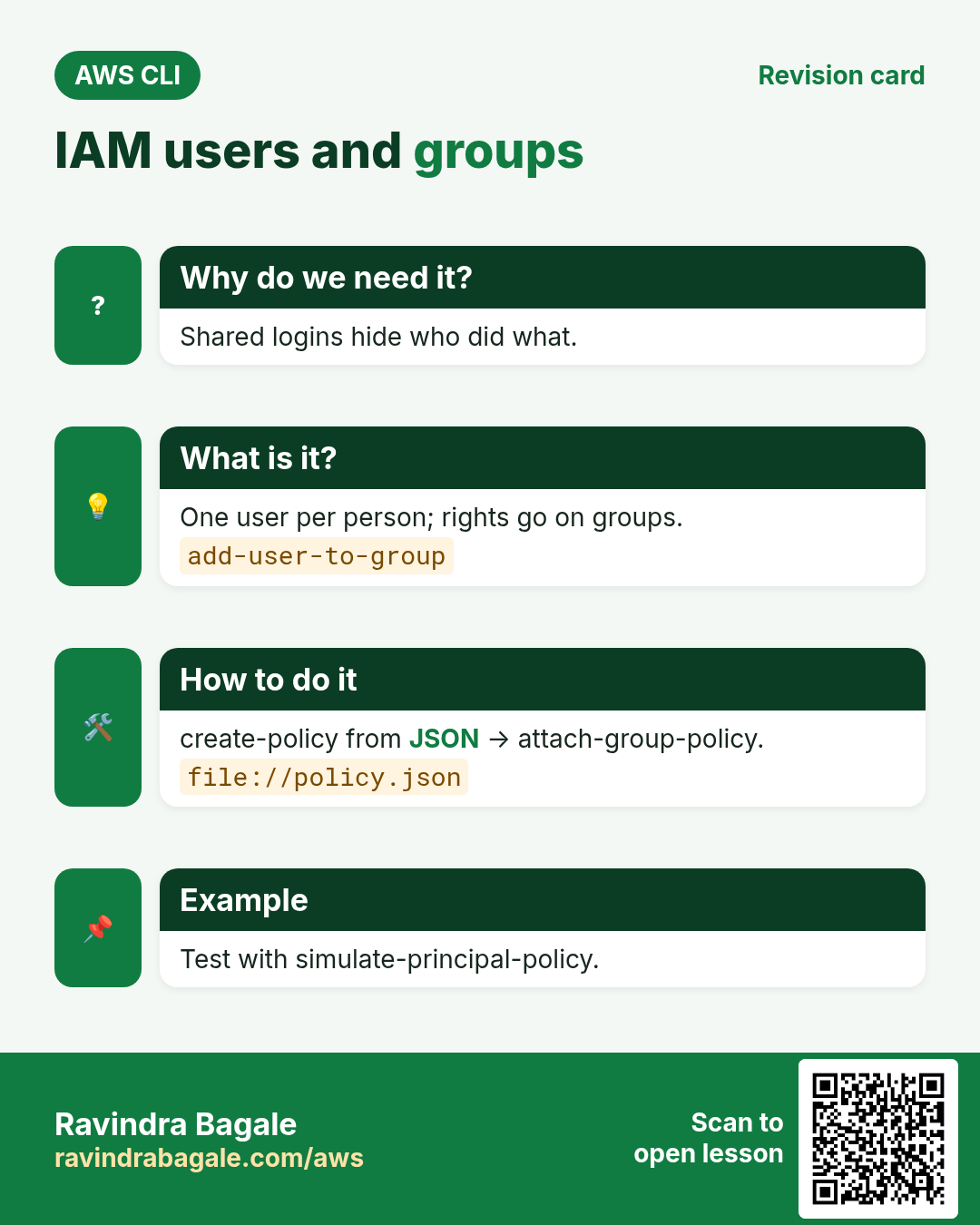
Each human needs their own identity so actions can be traced.
create-user, create-group, add-user-to-group, create-login-profile (console password).
- Create a group.
aws iam create-group --group-name cli-readersExpected output:
{ "Group": { "GroupName": "cli-readers", "Arn": "arn:aws:iam::111122223333:group/cli-readers" } }- Create a user.
aws iam create-user --user-name asha --tags Key=Team,Value=dataExpected output:
{ "User": { "UserName": "asha", "Arn": "arn:aws:iam::111122223333:user/asha" } }- Add the user to the group.
aws iam add-user-to-group --user-name asha --group-name cli-readersExpected output:
(no output means success)- Keep the exercise user without a console password.
For this membership exercise, the user can remain without a login profile. If an instructor separately requires a temporary IAM console login in a disposable account, use the approved console process with a fresh temporary password and share it only through an authorized secure channel.
- Verify group members.
aws iam get-group --group-name cli-readers --query "Users[].UserName" --output textExpected output:
asha3. Policies: create and attach
A user with no policy can do nothing. A policy decides what is allowed.
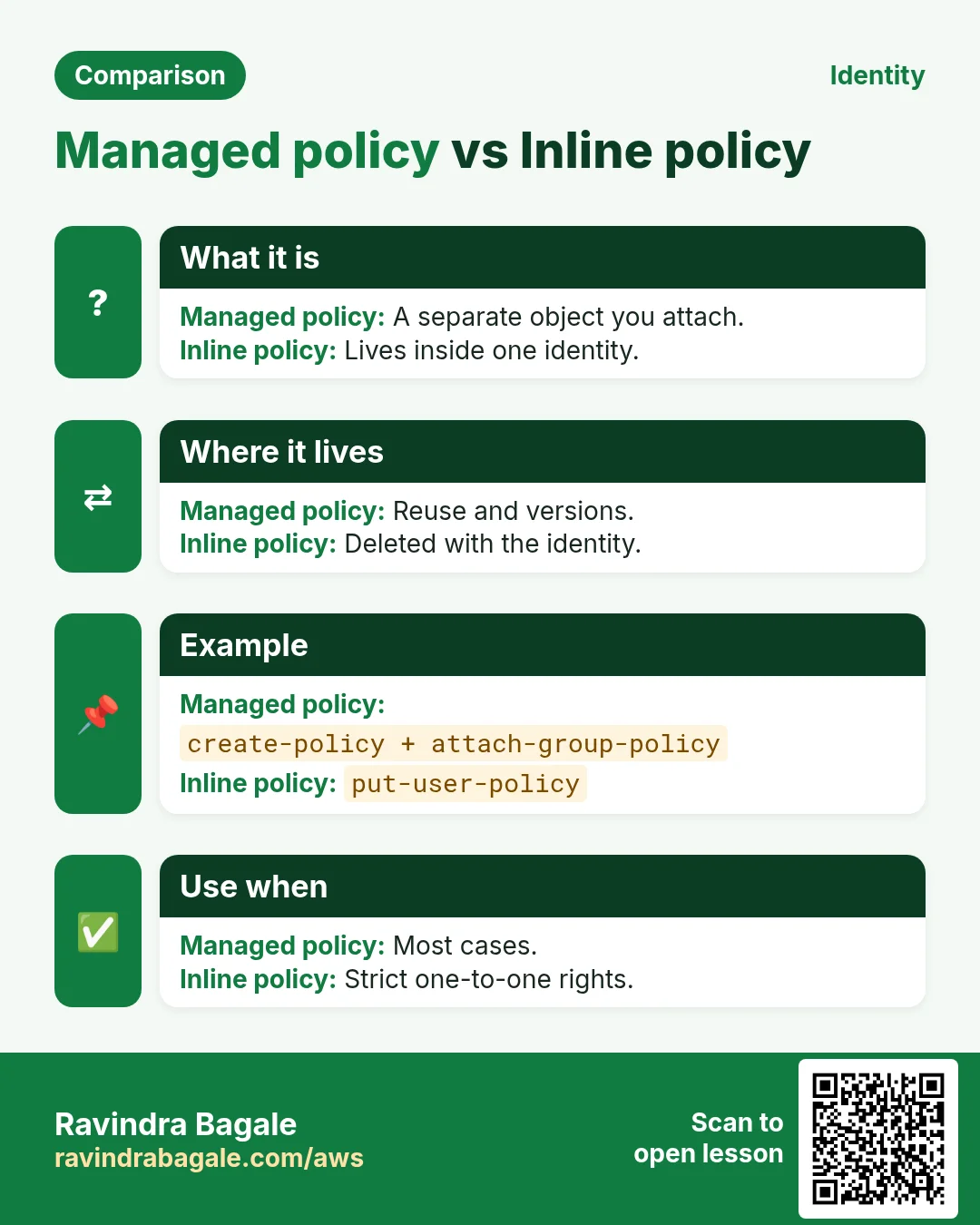
create-policy makes a customer managed policy from JSON. attach-group-policy, attach-user-policy and attach-role-policy attach it. put-user-policy adds an inline policy.
- Write the JSON.
cat > s3read.json <<'J'
{"Version":"2012-10-17","Statement":[{"Effect":"Allow","Action":["s3:ListBucket","s3:GetObject"],"Resource":["arn:aws:s3:::ravi-cli-lab","arn:aws:s3:::ravi-cli-lab/*"]}]}
J
Expected output:
(no output means success)- Create the policy.
POL=$(aws iam create-policy --policy-name cli-s3read --policy-document file://s3read.json --query Policy.Arn --output text)
echo $POL
Expected output:
arn:aws:iam::111122223333:policy/cli-s3read- Attach to the group.
aws iam attach-group-policy --group-name cli-readers --policy-arn $POLExpected output:
(no output means success)- Verify.
aws iam list-attached-group-policies --group-name cli-readers --query "AttachedPolicies[].PolicyName" --output textExpected output:
cli-s3read- Find an AWS managed policy ARN.
aws iam list-policies --scope AWS --query "Policies[?PolicyName=='ReadOnlyAccess'].Arn" --output textExpected output:
arn:aws:iam::aws:policy/ReadOnlyAccess- Make a new policy version (edit).
aws iam create-policy-version --policy-arn $POL --policy-document file://s3read.json --set-as-defaultExpected output:
{ "PolicyVersion": { "VersionId": "v2", "IsDefaultVersion": true } }4. Roles with trust policies
Separate the documents passed to the two CLI operations. The trust document tells IAM which principal may assume the role. A permissions policy attached afterward controls the session’s later service requests. A group can collect IAM users for shared access, but a workload such as EC2 receives a role through the relevant service mechanism. The group is not the workload identity.
After creating the practice role, use its exact name or ARN when reading it back. Inspect the trust principal and the attached permissions separately. Then test the least-privileged identity against one allowed and one out-of-scope request. A successful create-role only created the identity and its trust. It does not prove the running application received the role or has the needed resource access.
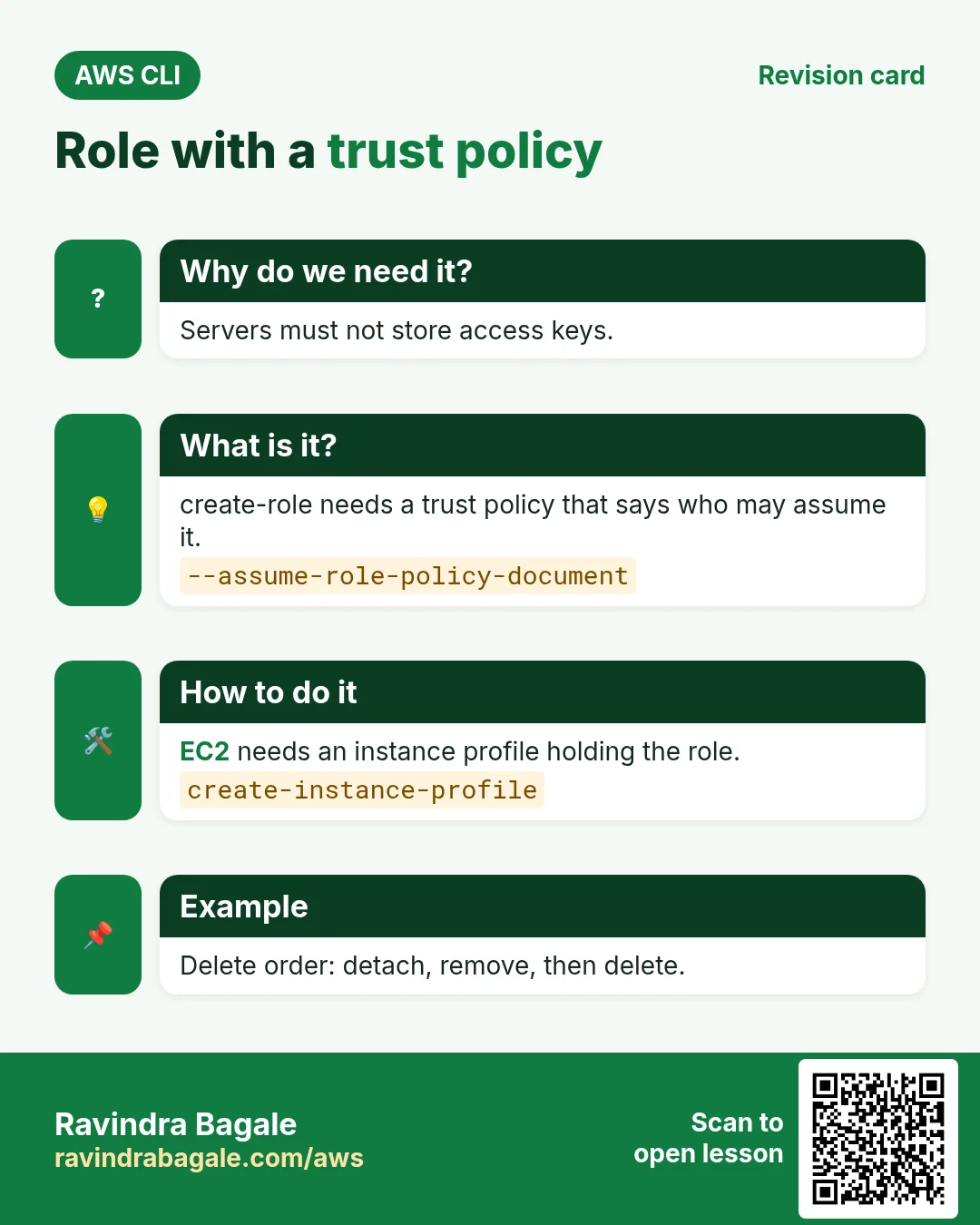
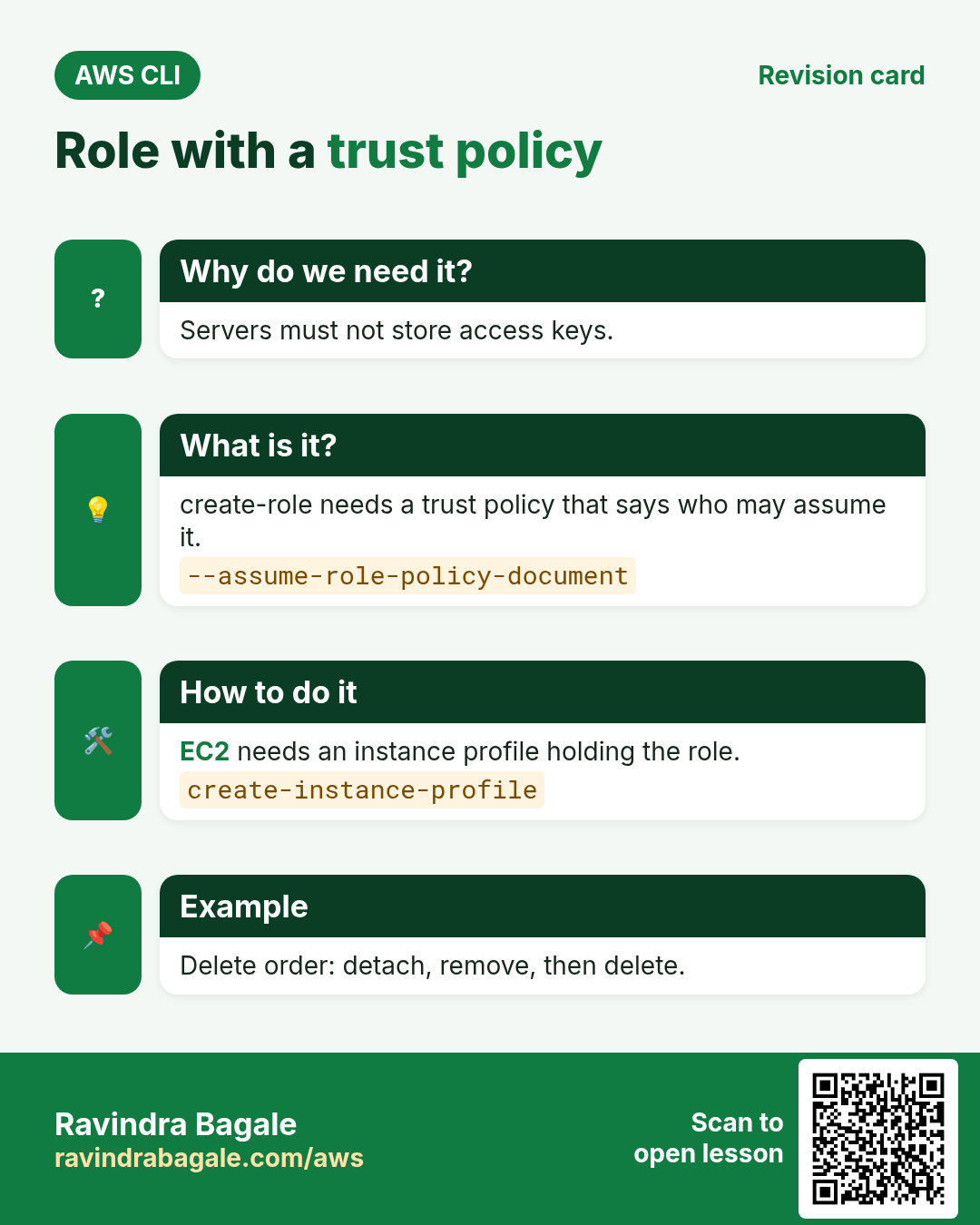
Servers and Lambda must not hold keys. They assume a role.
create-role needs a trust policy (who may assume). EC2 also needs an instance profile.
- Write the EC2 trust.
cat > trust.json <<'J'
{"Version":"2012-10-17","Statement":[{"Effect":"Allow","Principal":{"Service":"ec2.amazonaws.com"},"Action":"sts:AssumeRole"}]}
J
Expected output:
(no output means success)- Create the role and attach.
aws iam create-role --role-name cli-ec2-s3 --assume-role-policy-document file://trust.json --query Role.Arn --output text
aws iam attach-role-policy --role-name cli-ec2-s3 --policy-arn $POL
Expected output:
arn:aws:iam::111122223333:role/cli-ec2-s3- Make the instance profile.
aws iam create-instance-profile --instance-profile-name cli-ec2-s3
aws iam add-role-to-instance-profile --instance-profile-name cli-ec2-s3 --role-name cli-ec2-s3
Expected output:
(no output means success)- Attach to a running instance.
aws ec2 associate-iam-instance-profile --instance-id i-0abc1234def567890 --iam-instance-profile Name=cli-ec2-s3Expected output:
{ "IamInstanceProfileAssociation": { "State": "associating" } }5. Test and audit permissions
Guessing permissions leads to outages or leaks. Test before you hand it over.
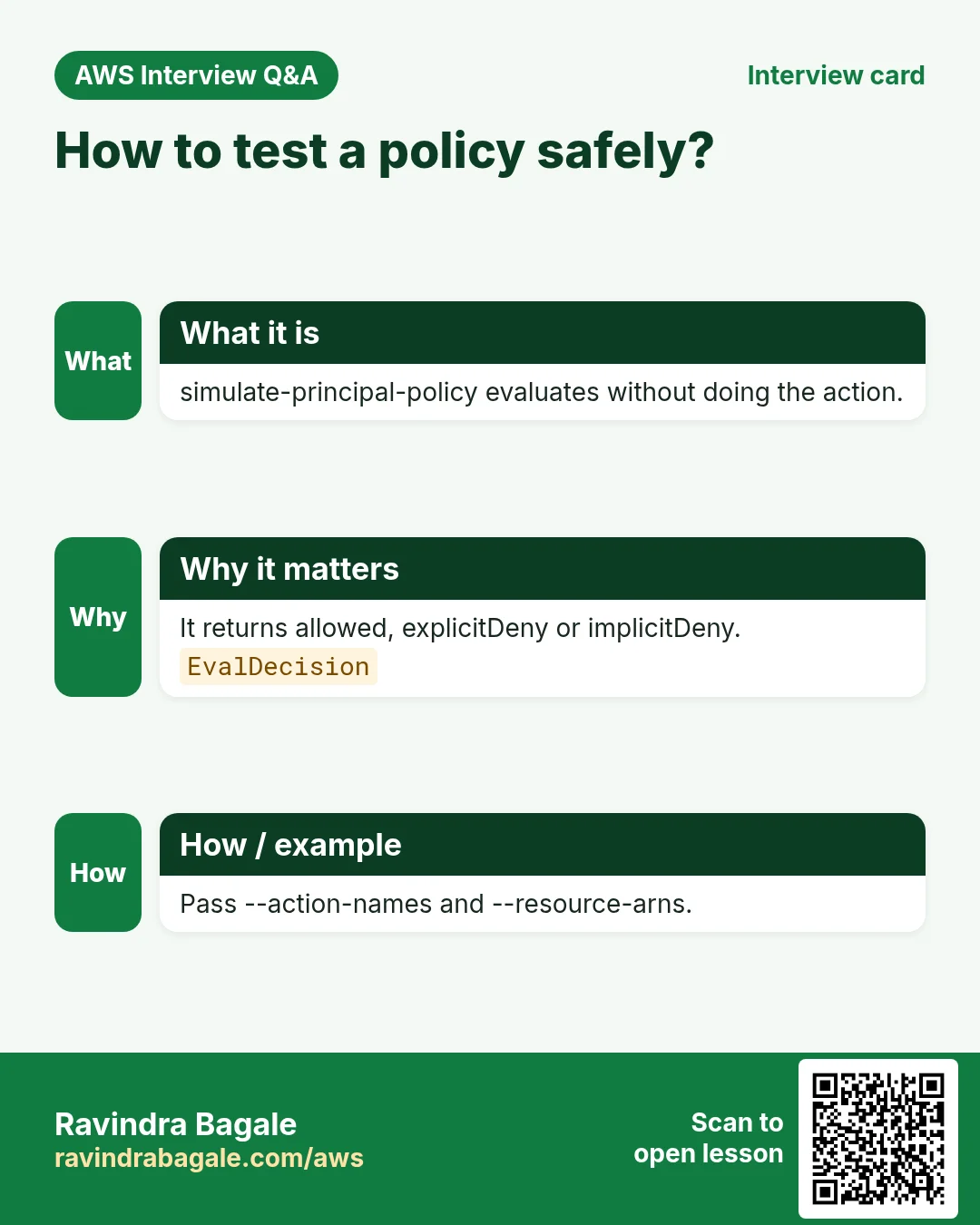
simulate-principal-policy says allowed or denied. Credential report and access key age show old keys.
- Simulate.
aws iam simulate-principal-policy --policy-source-arn arn:aws:iam::111122223333:user/asha --action-names s3:GetObject s3:DeleteObject --resource-arns "arn:aws:s3:::ravi-cli-lab/*" --query "EvaluationResults[].[EvalActionName,EvalDecision]" --output textExpected output:
s3:GetObject     allowed
s3:DeleteObject implicitDeny- Generate the credential report.
aws iam generate-credential-report
aws iam get-credential-report --query Content --output text | base64 -d | cut -d, -f1,4,9 | head -3
Expected output:
user,password_enabled,access_key_1_active
<root_account>,not_supported,false
asha,true,false- Account summary.
aws iam get-account-summary --query "SummaryMap.[Users,Roles,Policies]"Expected output:
[ 5, 18, 7 ]6. Same action in Python, Node.js, Java, Go, .NET and PHP
Scripts start in the CLI. Apps call the same API through an SDK. Knowing both helps you move a tested command into real code.
Low-level CLI commands expose service operations. A high-level command or an automatically paginated list can make multiple requests. For example, aws iam create-user --user-name asha maps to the CreateUser API.
Same action (CreateUser) from code. Set the intended profile and Region for the SDK. Provider support and precedence can differ by SDK, and an explicit client setting can override defaults.
| Stack | Code |
|---|---|
| Python (boto3) | boto3.client("iam").create_user(UserName="asha") |
| Node.js (v3) | await iam.send(new CreateUserCommand({UserName:"asha"})); |
| Java (v2) | iam.createUser(r -> r.userName("asha")); |
| Go (v2) | c.CreateUser(ctx, &iam.CreateUserInput{UserName: aws.String("asha")}) |
| .NET | await iam.CreateUserAsync(new CreateUserRequest{UserName="asha"}); |
| PHP | $iam->createUser(["UserName"=>"asha"]); |
7. Clean up so nothing keeps costing
Lab resources left running cost money and can be a security risk.
Delete in reverse order: children first, then parents.
- Detach and remove from instance profile.
aws iam remove-role-from-instance-profile --instance-profile-name cli-ec2-s3 --role-name cli-ec2-s3
aws iam delete-instance-profile --instance-profile-name cli-ec2-s3
aws iam detach-role-policy --role-name cli-ec2-s3 --policy-arn $POL
aws iam delete-role --role-name cli-ec2-s3
Expected output:
(no output means success)- Remove the user.
# If an instructor separately created a login profile, remove it before deleting the user.
aws iam remove-user-from-group --user-name asha --group-name cli-readers
aws iam delete-user --user-name asha
Expected output:
(no output means success)- Remove group and policy (delete old versions first).
The earlier policy-update step made v2 the default. Confirm the actual state with aws iam list-policy-versions --policy-arn "$POL": in this fresh exercise, v1 should have IsDefaultVersion: false and v2 should have IsDefaultVersion: true. Delete only nondefault versions before deleting the policy itself. If you skipped the update or made more versions, adjust the cleanup to that observed list instead of assuming these version IDs.
aws iam detach-group-policy --group-name cli-readers --policy-arn $POL
aws iam delete-group --group-name cli-readers
aws iam delete-policy-version --policy-arn $POL --version-id v1
aws iam delete-policy --policy-arn $POL
Expected output:
(no output means success)- Verify.
aws iam get-user --user-name ashaExpected output:
An error occurred (NoSuchEntity) ... The user with name asha cannot be found.Ravindra Bagale's Tip
IAM deletes fail if anything is still attached. Detach first, then delete. The error message names what is still attached.
8. Interview questions and answers
Q. Why is IAM region-free?
IAM is a global service. Users, roles and policies work in every region.
Q. Managed vs inline policy?
Managed is a separate object you attach to many. Inline lives inside one user, group or role.
Q. What does EC2 need besides a role?
An instance profile that contains the role.
Q. How do you test a policy safely?
aws iam simulate-principal-policy with action names and resource ARNs.
Q. Why does delete-policy fail?
It is still attached or has non-default versions. Detach and delete versions first.
Try at home
- Create a group with ReadOnlyAccess, add a user, and simulate ec2:TerminateInstances for them.
- List all access keys older than 90 days using the credential report.
In short
- create-user, create-group, add-user-to-group.
- create-policy then attach-*-policy.
- create-role needs a trust policy.
- simulate before you share.
- Detach before delete.
Verify which IAM object enters each step
Before changing role or group membership, inspect the intended ARN and attached policies. In the sandbox check the exact action that is allowed after attachment, then detach the policy and delete disposable resources.
Interview check Does updating a role trust policy grant all work permissions?
No. Trust answers who can assume it. Permission policies govern what the resulting session can do, subject to other applicable policies.
Practise this chapter
Interview questions and answers
How would you verify IAM changes made by the CLI?
I would read back the role trust and attached policies using their exact identifiers, then confirm the workload is using the intended role. Finally I would run one scoped allowed operation and one deliberately out-of-scope operation and compare the outcomes.
Check your understanding
Choose an answer, then compare your reasoning with the explanation.
Practice Tasks
Practice checks run in your browser. They check the answer for this exercise; they do not create resources or connect to your AWS account.
About this scenarioSangli Turmeric Traders is a spice trading business in Sangli. Dattatray Chavan looks after its IT and cloud work. They count money in INR and run their AWS resources in the ap-south-1 Region. In the tasks below you do real jobs for them using what this lesson teaches. All names, account IDs, IP addresses and numbers are made up for practice.
0 / 12
Easy Add a user to a group
The user gets all the group's permissions at once.
Add dattatray to the Developers group.
- Read the task and decide which AWS service it is about.
- Write aws, then the service name, then the operation (the action word).
- Add each needed flag (--name) followed by its value from the task.
- Flags can be in any order. Click Check answer.
Easy Create a group
Give permissions to groups, then add people to groups.
Create an IAM group named Developers.
- Read the task and decide which AWS service it is about.
- Write aws, then the service name, then the operation (the action word).
- Add each needed flag (--name) followed by its value from the task.
- Flags can be in any order. Click Check answer.
Medium Attach a managed policy to a group
AWS managed policies are ready-made and kept up to date by AWS.
Attach the AWS managed policy arn:aws:iam::aws:policy/ReadOnlyAccess to the group Auditors.
- Read the task and decide which AWS service it is about.
- Write aws, then the service name, then the operation (the action word).
- Add each needed flag (--name) followed by its value from the task.
- Flags can be in any order. Click Check answer.
Medium Attach a policy to a role
The role needs permissions: attach a policy to say what it may do.
Attach arn:aws:iam::aws:policy/AmazonS3ReadOnlyAccess to role sanglihaldi-ec2-role.
- Read the task and decide which AWS service it is about.
- Write aws, then the service name, then the operation (the action word).
- Add each needed flag (--name) followed by its value from the task.
- Flags can be in any order. Click Check answer.
Medium Create a customer managed policy
Your own managed policy can be reused on many users, groups and roles.
Create a policy named sanglihaldi-s3-read from the document in policy.json.
- Read the task and decide which AWS service it is about.
- Write aws, then the service name, then the operation (the action word).
- Add each needed flag (--name) followed by its value from the task.
- Flags can be in any order. Click Check answer.
Medium Create access keys for a user
Access keys let a user run the AWS CLI. Store them safely and rotate them.
Create an access key for user dattatray.
- Read the task and decide which AWS service it is about.
- Write aws, then the service name, then the operation (the action word).
- Add each needed flag (--name) followed by its value from the task.
- Flags can be in any order. Click Check answer.
Medium Allow one Bedrock model
Limit apps to the approved model so costs stay predictable.
Allow bedrock:InvokeModel on arn:aws:bedrock:ap-south-1::foundation-model/amazon.nova-lite-v1:0 only.
- Start with { "Version": "2012-10-17", "Statement": [ ... ] }.
- In each statement write Effect, Action and Resource.
- Give only what the task needs (least privilege).
- Use double quotes and commas correctly. Click Check answer.
Medium Lambda access to one table
The function only needs to read and write items in its own table.
Allow dynamodb:GetItem, dynamodb:PutItem, dynamodb:Query on arn:aws:dynamodb:ap-south-1:126983531579:table/sanglihaldi-orders only.
- Start with { "Version": "2012-10-17", "Statement": [ ... ] }.
- In each statement write Effect, Action and Resource.
- Give only what the task needs (least privilege).
- Use double quotes and commas correctly. Click Check answer.
Medium Start and stop servers only
The night operator may start and stop servers but not terminate them.
Allow ec2:StartInstances and ec2:StopInstances on all instances in account 126983531579, Region ap-south-1. Also allow ec2:DescribeInstances on *.
- Start with { "Version": "2012-10-17", "Statement": [ ... ] }.
- In each statement write Effect, Action and Resource.
- Give only what the task needs (least privilege).
- Use double quotes and commas correctly. Click Check answer.
Hard Put the role in the instance profile
The profile is empty until you add the role to it.
Add role sanglihaldi-ec2-role to instance profile sanglihaldi-ec2-profile.
- Read the task and decide which AWS service it is about.
- Write aws, then the service name, then the operation (the action word).
- Add each needed flag (--name) followed by its value from the task.
- Flags can be in any order. Click Check answer.
Hard Add an inline policy to a user
An inline policy lives inside one identity and is deleted with it.
Put an inline policy named billing-view on user dattatray, from billing.json.
- Read the task and decide which AWS service it is about.
- Write aws, then the service name, then the operation (the action word).
- Add each needed flag (--name) followed by its value from the task.
- Flags can be in any order. Click Check answer.
Hard Create an instance profile
EC2 uses a role through an instance profile, a small wrapper around the role.
Create an instance profile named sanglihaldi-ec2-profile.
- Read the task and decide which AWS service it is about.
- Write aws, then the service name, then the operation (the action word).
- Add each needed flag (--name) followed by its value from the task.
- Flags can be in any order. Click Check answer.
Revision, comparison and interview cards
Revise this lesson in a few minutes. Save the cards on your phone or download them as PNG files. The QR code on each card opens this lesson.
More cards: Ravi Sir's Cards.