DynamoDB On-Demand vs Provisioned Capacity, Auto Scaling and Cost
Intro mentioned on-demand vs provisioned briefly. Jakarta startup CTO Budi Santoso flipped to provisioned without auto scaling and melted on launch day. This chapter is capacity modes, auto scaling, reserved capacity and cost math. Intro link: What Is DynamoDB?.
In this chapter
- Explain with an everyday story
- Apply Why/What/How
- Read commands with output+meaning
- Map across industries
- Finish lab + cleanup
1. Everyday example: buffet vs thali coupons
On-demand is a buffet — pay for what you eat, great when unsure. Provisioned is buying thali coupons (RCU/WCU) ahead — cheaper when steady, painful if you buy too few. Auto scaling adjusts coupons. Reserved capacity is a bulk discount for predictable load.
2. Vertical steps
3. Purpose
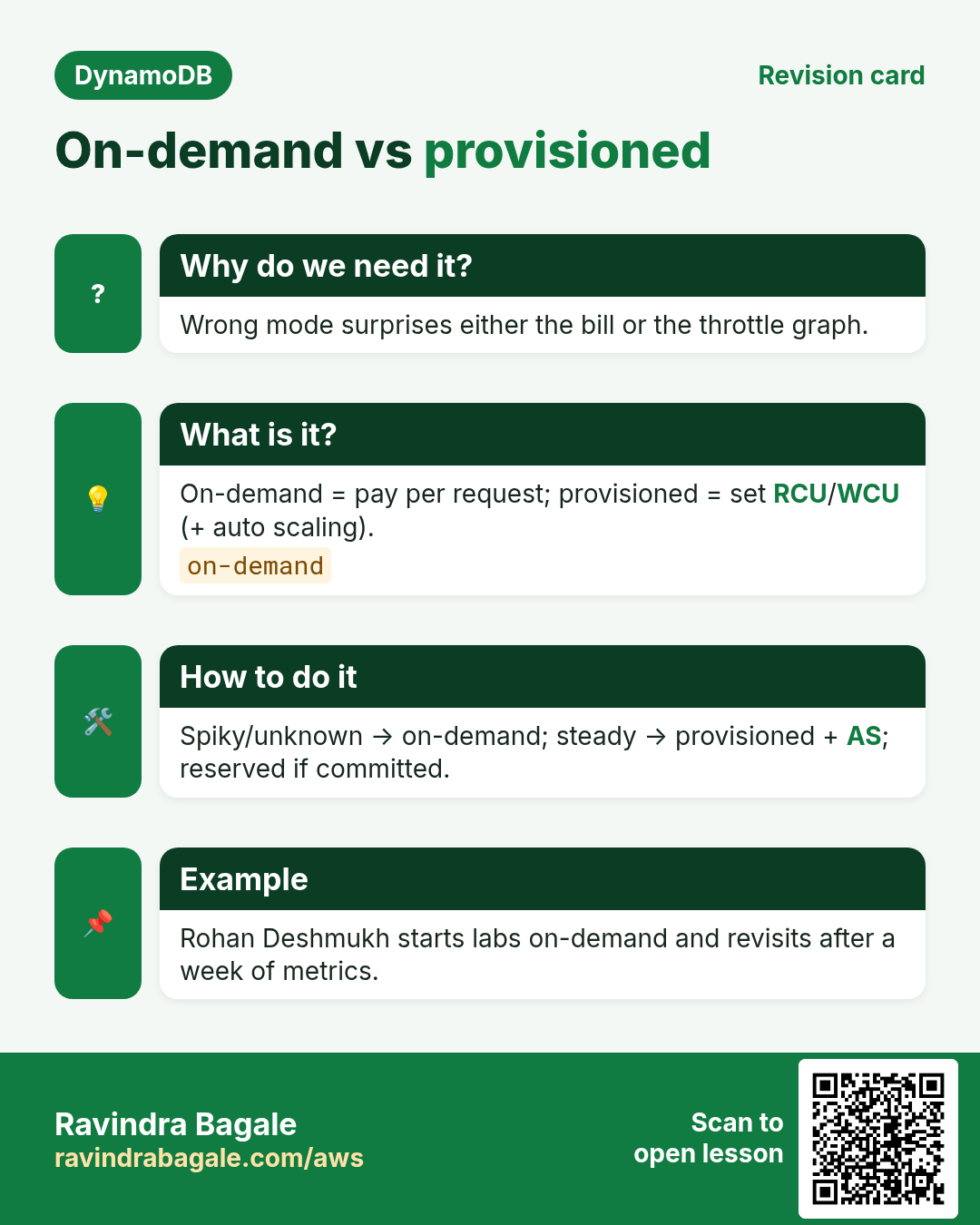
Wrong mode causes either throttling or surprise bills. Teams need a deliberate choice and alarms on cost and throttles.
4. Overview
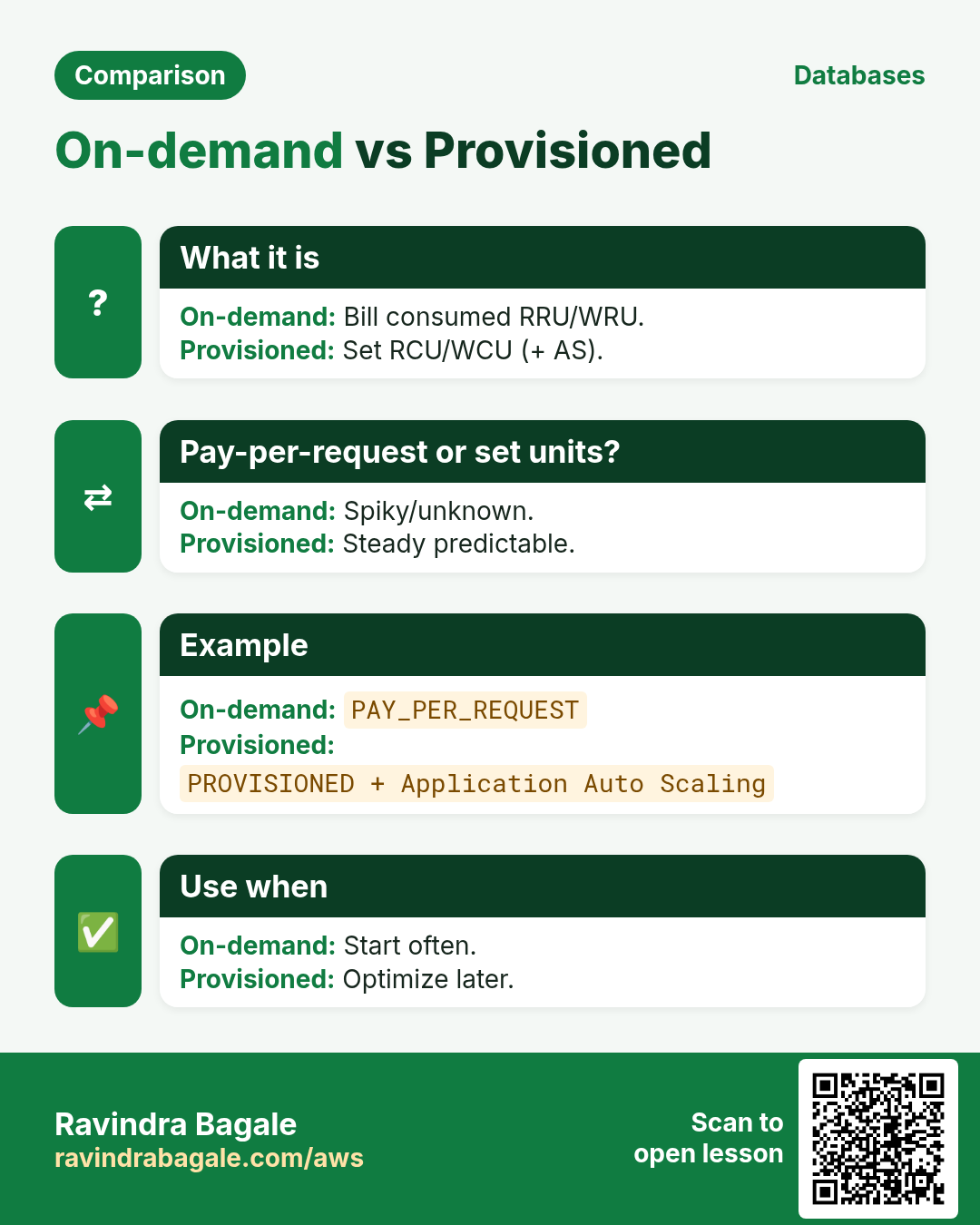
PAY_PER_REQUEST (on-demand) bills per request units. PROVISIONED sets RCU/WCU with optional auto scaling. Reserved capacity discounts steady provisioned usage.
5. Steps
- Start on-demand for new/spiky apps.
- Move to provisioned when steady 24/7.
- Enable auto scaling with sane target %.
- Alarm on ThrottledRequests and estimated cost.
- Review reserved capacity quarterly.
6. Simple cost intuition
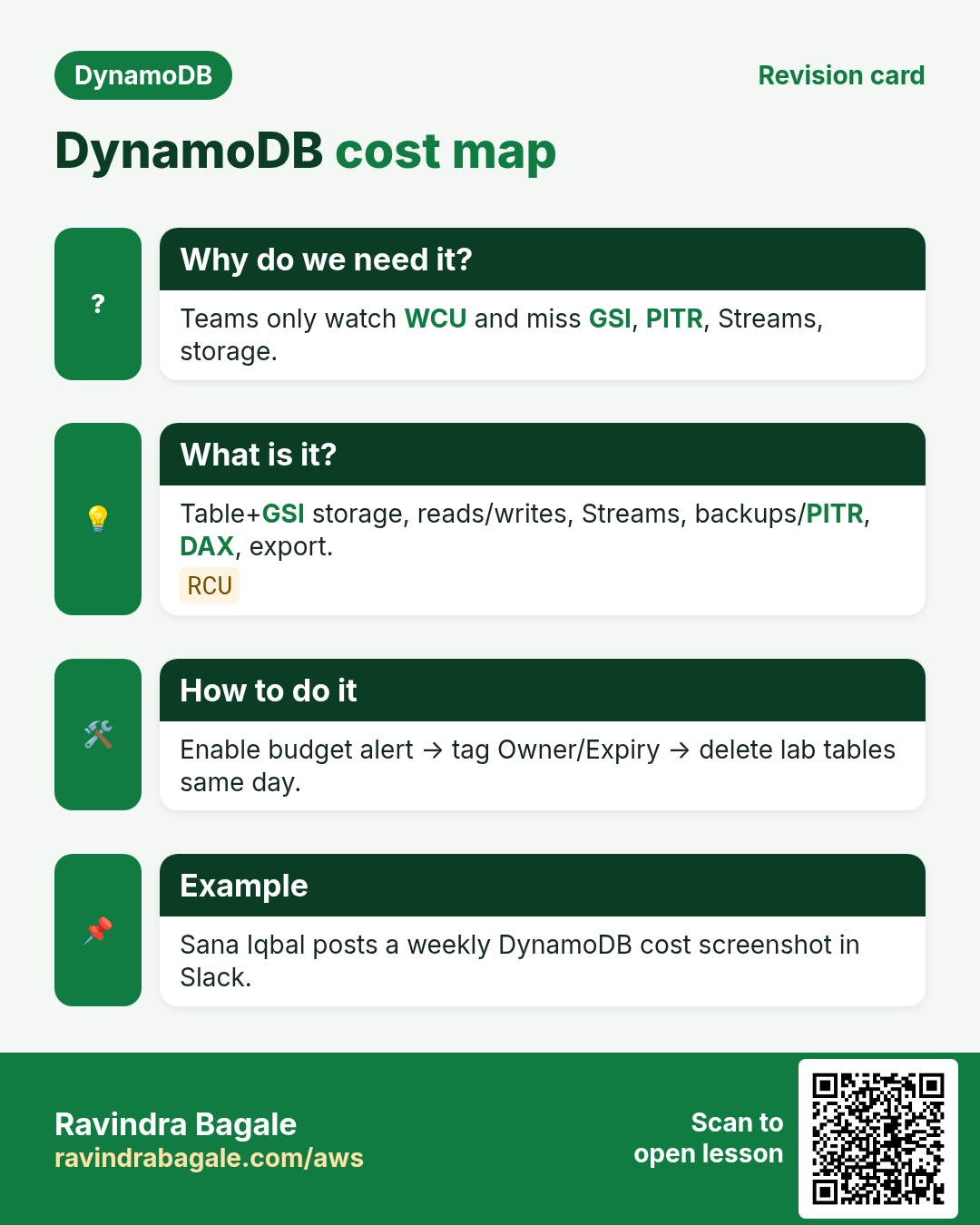
On-demand: pay per million request units + storage. Provisioned: pay for RCU/WCU hours even if idle. Scans and large items multiply cost.
7. Auto scaling notes
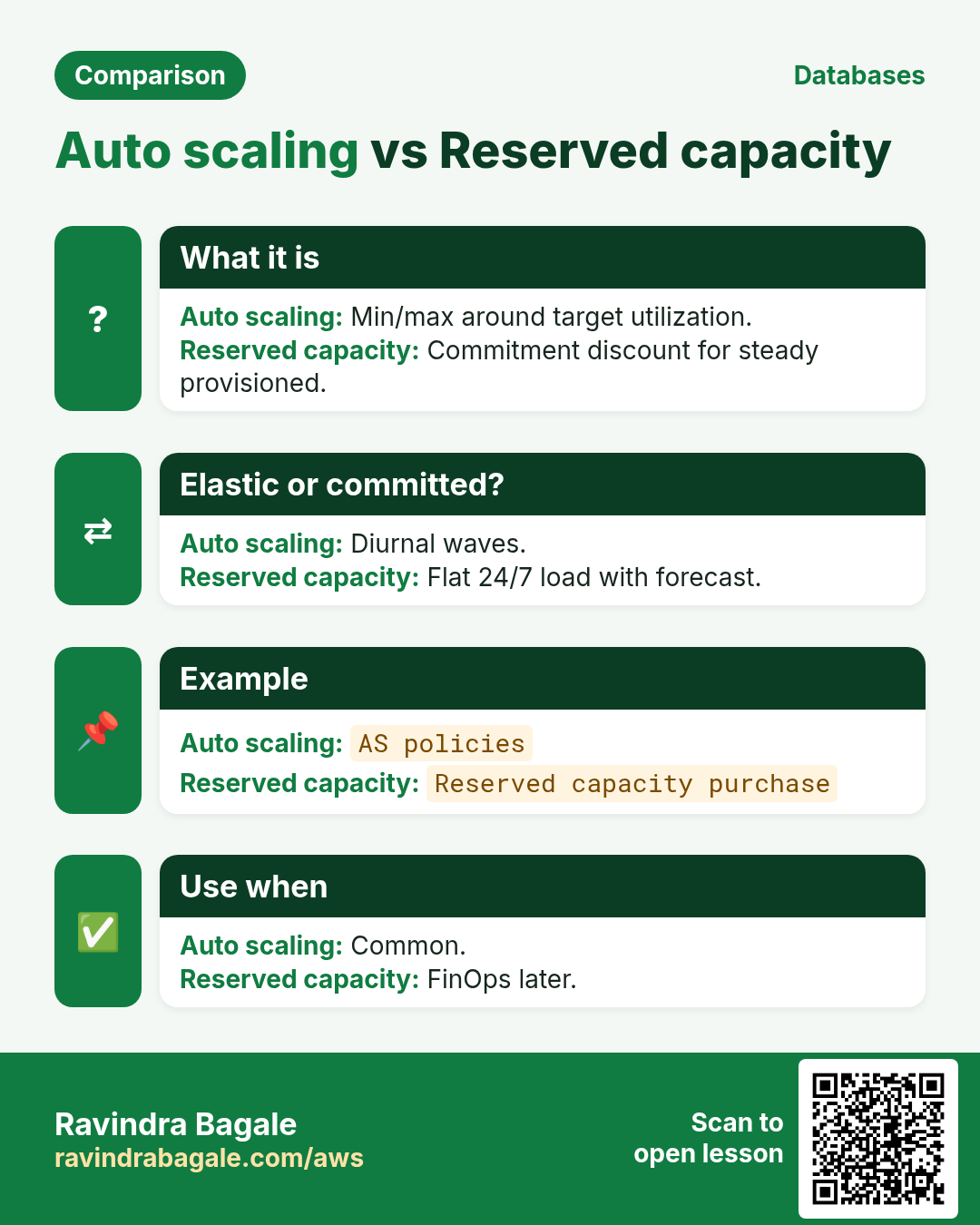
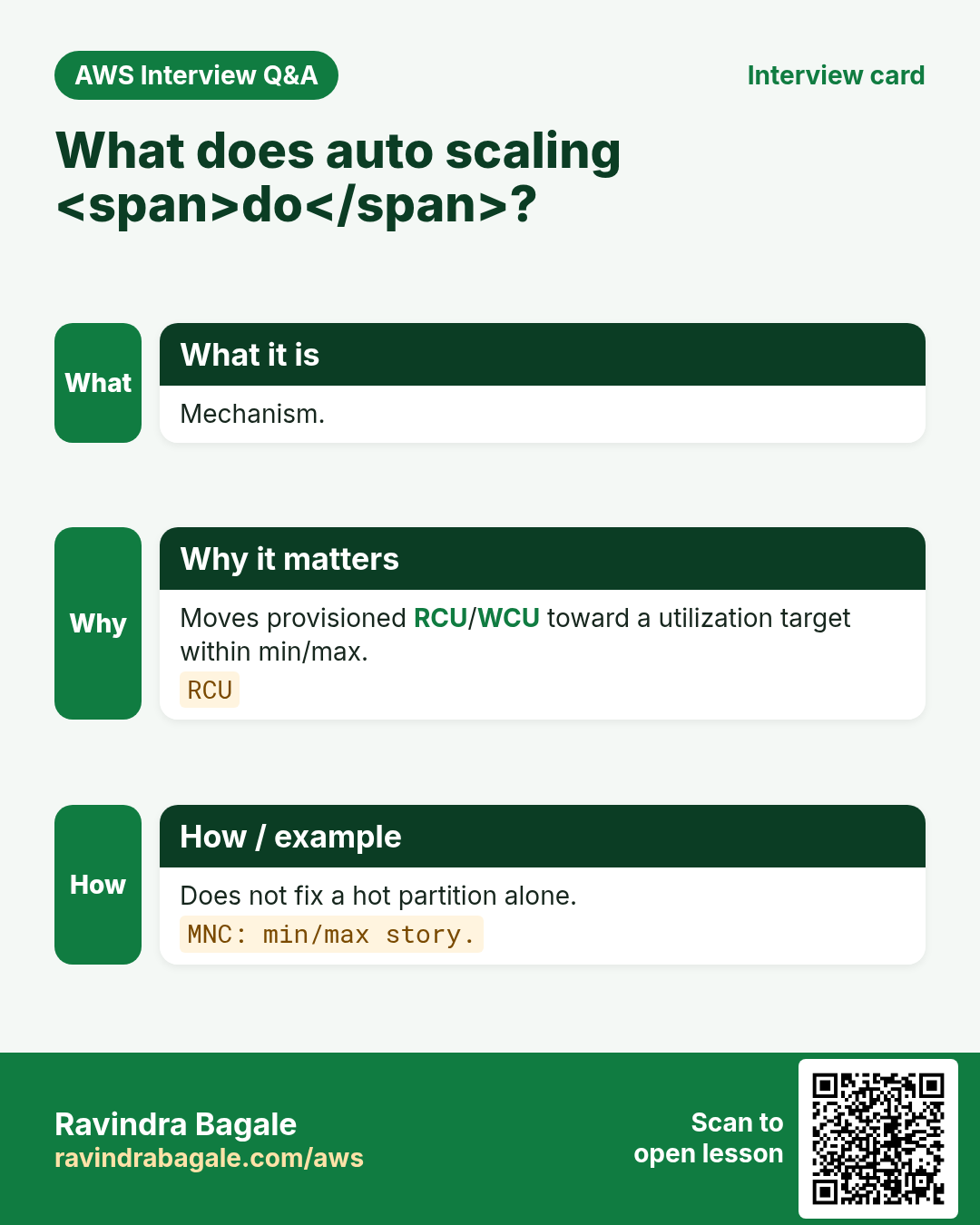
Application Auto Scaling on DynamoDB table and indexes. Set min/max WCU/RCU. Scale-out faster than scale-in by design.
8. Commands with output and meaning
aws dynamodb describe-table --table-name lab-dda-shop --query 'Table.BillingModeSummary'
# Output: BillingMode PAY_PER_REQUEST (or PROVISIONED)
aws dynamodb update-table --table-name lab-dda-shop --billing-mode PROVISIONED \
  --provisioned-throughput ReadCapacityUnits=5,WriteCapacityUnits=5
# Output: TableStatus UPDATING. Meaning: now you own 5 RCU/WCU — add autoscaling next for production.
describe shows mode. update-table can switch modes (with limits). Lab: keep on-demand unless practicing autoscaling.
9. Industry stories
- SaaS (Priya Nair): on-demand until traffic baseline known.
- Bank batch (Lucas Meyer): provisioned + autoscaling for night jobs.
- Gaming launch (Carlos): on-demand launch week, then tune.
- IoT (Mei Lin): provisioned with high write autoscaling.
- Clinic (Meera Kulkarni): tiny on-demand — bill noise smaller than ops time.
10. Lab
- describe BillingMode; optionally switch to provisioned 5/5; switch back to on-demand.
- Set a budget alert INR/USD.
- Delete lab table.
Cleanup (stop billing)
- Delete lab tables/indexes/triggers.
- Confirm describe-table fails or status missing.
11. Access-pattern workshop (paper first)
- List every screen or API that reads or writes data.
- For each: write the exact key lookup or query shape in plain English.
- Mark 1:1, 1:many, many:many relationships.
- Circle anything that needs a sort range (time, status, score).
- Only then invent PK/SK and optional GSI keys.
- Estimate peak items per partition key per second.
- Write one sample item JSON for each entity type.
- Peer-review with someone who did not design it.
12. Copy-paste DynamoDB CLI starters
# Region habit for this series
export AWS_DEFAULT_REGION=ap-south-1

# Describe + sample
aws dynamodb describe-table --table-name ShopApp
aws dynamodb scan --table-name ShopApp --max-items 3

# Query by PK (replace names)
aws dynamodb query --table-name ShopApp   --key-condition-expression "PK = :pk"   --expression-attribute-values '{":pk":{"S":"USER#u123"}}'

# On-demand capacity mode check
aws dynamodb describe-table --table-name ShopApp   --query 'Table.BillingModeSummary'

# Streams status
aws dynamodb describe-table --table-name ShopApp   --query 'Table.StreamSpecification'
13. More industry stories
- Retail (Aisha Khan, Dubai): single-table cart+orders; PK=USER#id keeps each shopper hot path local.
- Gaming (Carlos Rivera, Mexico City): leaderboard uses sparse GSI on score; write shard on hot gameId.
- IoT (Mei Lin, Shenzhen): sensor#day PK + timestamp SK; TTL 30 days keeps storage flat.
- Healthcare (Rohan Deshmukh, Pune): appointment slots use conditional Put — no double book.
- Fintech (Elena Petrova, Warsaw): Streams fan-out to audit table; never update audit in place.
- Travel (Omar Haddad, Amman): global tables for read-local catalog; writes region-sticky for inventory.
14. Glossary (short)
| Term | Meaning |
|---|---|
| PK / Partition key | Hash key that places the item in a partition |
| SK / Sort key | Orders items inside a partition; enables ranges |
| Item collection | All items that share the same PK |
| GSI | Global Secondary Index — alternate PK/SK, own partitions |
| LSI | Local Secondary Index — same PK, different SK |
| RCU / WCU | Read/Write Capacity Units on provisioned mode |
| Conditional write | Write succeeds only if a condition is true |
| Stream view type | KEYS_ONLY / NEW_IMAGE / OLD_IMAGE / NEW_AND_OLD_IMAGES |
15. Practice: explain out loud
- 60s: why access patterns come before table design.
- 60s: hot partition and one fix (write sharding).
- 60s: GSI vs LSI in one breath.
- 60s: on-demand vs provisioned for a startup.
- 60s: optimistic locking with a version attribute.
- 60s: Streams + Lambda for an audit trail.
- Record once; cut filler; record again.
16. Safe lab hygiene
- Use ap-south-1 labs with a budget alert (₹/USD).
- Prefix lab tables with lab- and your initials.
- Prefer on-demand for tiny labs unless you are learning auto scaling.
- Delete tables and Lambda triggers after the lab.
- Never point Streams consumers at production without a DLQ.
- Tag every resource Owner + Expiry.
17. How this set links other chapters
- What Is Amazon DynamoDB? — NoSQL vs RDS, first keys.
- CRUD, Query, Scan, GSI, TTL — basics we deepen, not copy.
- AWS CLI DynamoDB — command catalog.
- AWS SDK DynamoDB — SDK + light conditionals.
- Serverless project builds that *use* DynamoDB — we link, not rebuild.
18. Single-table sketch pad
Write entities as rows in one mental table before you open the console. Example for a small shop: USER#, ORD#, ORD#|ITEM#, PROD# under carefully chosen PK/SK.
| Entity | PK | SK | Example attrs |
|---|---|---|---|
| User | USER#u1 | PROFILE | name, city |
| Order | USER#u1 | ORD#2026-10-31#o9 | total, status |
| Order item | ORD#o9 | ITEM#sku1 | qty, price |
| Product | PROD#sku1 | META | title, stock |
19. Ten oral drill questions
- What is an access pattern?
- Why overload PK with entity prefixes?
- Name one hot-partition symptom.
- Sparse GSI means what?
- When is LSI impossible after create?
- On-demand bills for what?
- What does attribute_not_exists do?
- NEW_AND_OLD_IMAGES costs more — why still pick it?
- How do you stop a poison Streams message loop?
- Which existing chapter do you open for PutItem syntax?
20. Capacity and throttle drill
- Open CloudWatch for your table: ConsumedReadCapacityUnits, ConsumedWriteCapacityUnits, ThrottledRequests.
- Note whether BillingMode is PAY_PER_REQUEST or PROVISIONED.
- If provisioned, write current RCU/WCU and autoscaling min/max.
- Name your hottest expected PK in one sentence.
- Write one mitigation: shard, cache, or redesign.
- Set or verify a budget alert for DynamoDB.
- Check GSI list and whether each is still used.
- Confirm Streams enabled only where consumers exist.
21. Condition expression cheatsheet
# Create-once
attribute_not_exists(PK)

# Optimistic lock
version = :v

# Stock / seat
stock > :zero
#status = :free

# Combine
attribute_not_exists(PK) AND #type = :user
Meaning: conditions are the seatbelt for concurrent writers. Put them on every race-prone update. Full SDK samples stay in the SDK chapter — here we only list the expressions you will reuse.
22. Streams consumer checklist
- View type matches need (KEYS_ONLY vs NEW_AND_OLD).
- Lambda has DLQ and retry policy.
- Handler idempotent on eventID or keys.
- IteratorAge alarm before users feel lag.
- No accidental write-loop back into the same table without markers.
- Fan-out via SNS/EventBridge when >1 consumer team.
- Disable stream when lab ends.
23. Link map for this deep set (batch 1)
- Ch1 Modeling -> Ch2 Hot keys -> Ch3 GSI/LSI -> Ch4 Capacity -> Ch5 Transactions -> Ch6 Streams.
- Always link intro + CRUD + CLI + SDK instead of rewriting Put/Get.
- Projects P1-P7 come in later batches and reuse these ideas.
24. Extra oral drills
- Explain single-table to a product manager in 45 seconds.
- Draw PK/SK for a chat thread on a whiteboard.
- Name three CloudWatch metrics for DynamoDB pain.
- Say when you would refuse a new GSI request.
- Describe one transaction for seat + payment record.
- Explain why Streams are at-least-once.
- Convert a Scan-based feature request into a Query design.
- List cleanup steps after a DynamoDB lab.
25. Teacher story: the notebook that became a database
Ravindra once watched a shop keep every customer, order and payment in one paper notebook. Finding last Tuesday's unpaid bills meant flipping pages. DynamoDB single-table thinking is that notebook done carefully: one place, clear labels (PK/SK), and an index tab (GSI) only when a second way to find rows is worth the cost. Do not photocopy the notebook into ten unrelated books unless the shop truly has ten separate businesses.
When Meera (clinic), Omar (travel), and Aisha (retail) design together, they still start on paper: screen list, key sketch, sample JSON, peer review. Console clicks come last. That ritual is why this deep series links the intro and CRUD chapters instead of rewriting PutItem on every page.
26. Sixteen mini tasks (self-check, leak-free)
- Write three access patterns for a cart app in one minute.
- Invent PK/SK for user profile and orders under that user.
- Name one hot-partition anti-pattern.
- Explain write sharding to a teammate in 40 seconds.
- Say GSI vs LSI without notes.
- Pick KEYS_ONLY or ALL for a sparse open-orders index — why?
- Choose on-demand or provisioned for a weekend flash sale.
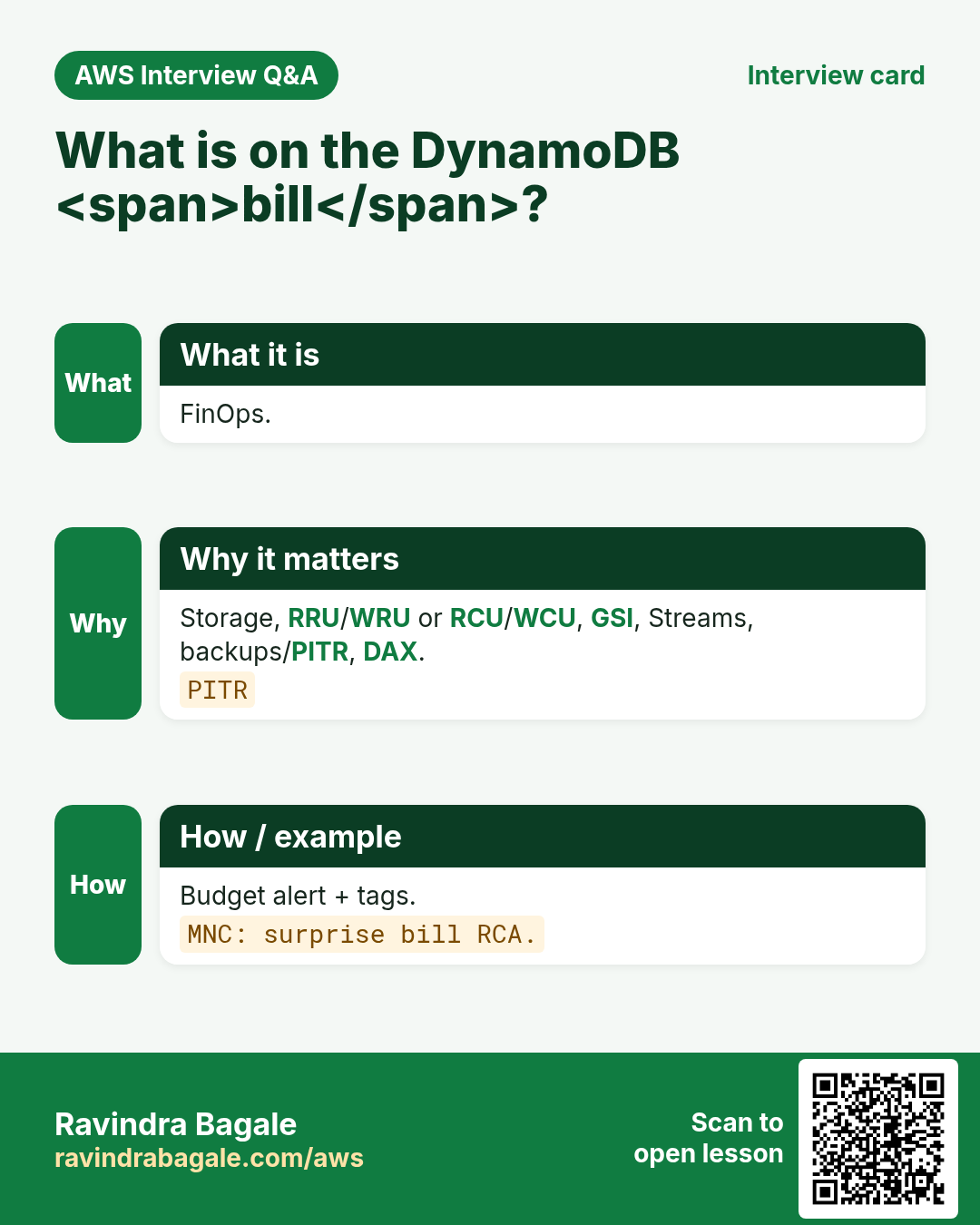
- List five DynamoDB bill line-item types.
- Write a create-once condition in words.
- Describe optimistic locking with a version attribute.
- When do you wrap two writes in a transaction?
- Pick a stream view type for an audit log — justify.
- Name two Stream consumer safety rules.
- What CloudWatch metric shows stream lag?
- Which linked chapter has PutItem CLI syntax?
- Write your lab cleanup checklist (table, stream, lambda, alarms).
27. Marathi classroom lines (say out loud)
- Access patterns आधी, keys नंतर — हे mantra आठवा.
- Hot partition म्हणजे एक PK वर गर्दी — shard किंवा redesign.
- GSI लवचिक; LSI create-time — चुकीचा index महाग.
- On-demand म्हणजे वापरल्यावर पैसे; provisioned म्हणजे आरक्षित units.
- Condition आणि transaction म्हणजे race साठी seatbelt.
- Streams at-least-once आहे — handler idempotent ठेवा.
28. Hindi bridge lines
- Pehle access patterns likho, baad mein PK/SK.
- Hot partition ek key par zyada load.
- GSI kabhi bhi; LSI table banate waqt.
- On-demand spike ke liye; provisioned steady ke liye.
- Transaction = sab milkar ya kuch nahi.
- Streams duplicate de sakte hain — idempotent likho.
29. Common errors and fixes
Each row is a real mistake students and juniors hit. Read the fix before you panic.
| Error / symptom | Fix |
|---|---|
| Provisioned without autoscaling | Enable autoscaling. |
| On-demand blamed for hot keys | Fix keys first. |
| No cost alarm | Budget + CW. |
| Reserved for spiky apps | Reserved needs steady. |
| Forgotten GSI capacity | Scale GSIs too. |
| Switching modes during peak | Switch off-peak. |
| RCU math ignoring eventually consistent | EC reads cheaper. |
| Lab left on high provisioned | Back to on-demand/delete. |
| Ignoring storage costs | Watch item size growth. |
30. Troubleshooting checklist
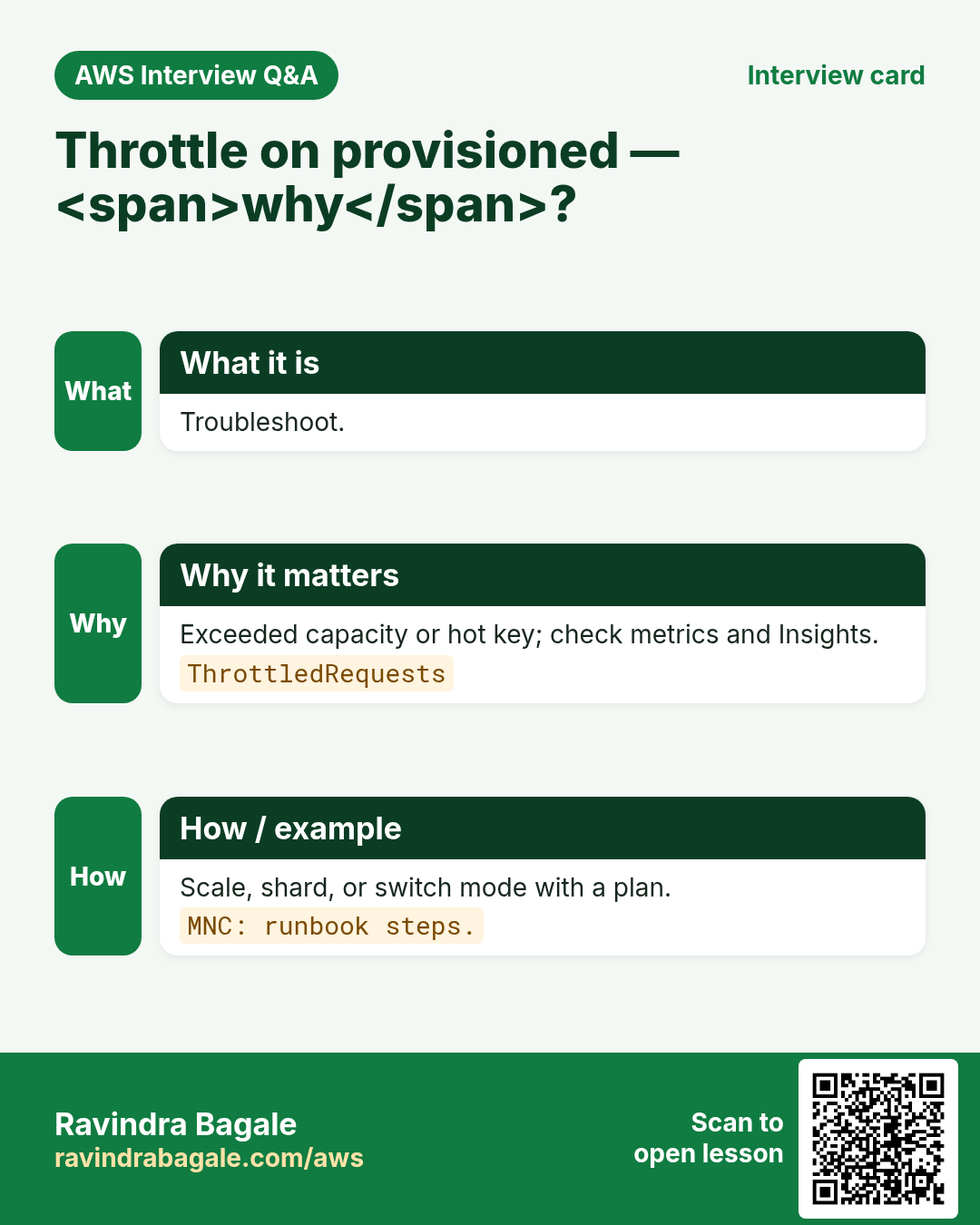
- Throttles on provisioned: raise WCU/RCU or fix hot key.
- Bill spike on-demand: check Scan/traffic surge.
- Autoscaling lag: warm with pre-provision.
- GSI throttles separately.
- Mode update stuck: wait UPDATING.
31. FAQ
Q. Should I always use a single table?
Often yes for related access patterns; not a religion. Separate tables are fine for unrelated domains or different capacity/security needs.
Q. Do I still need RDS?
Yes for heavy joins, multi-row SQL reports, and strong relational constraints. See the intro DynamoDB vs RDS chapter.
Q. Is Scan evil?
Scan is a tool for rare admin jobs and small tables. Design so hot paths use Query/GetItem.
Q. Where are Put/Get command details?
In the CRUD survey, CLI and SDK chapters — this deep set links them instead of copying.
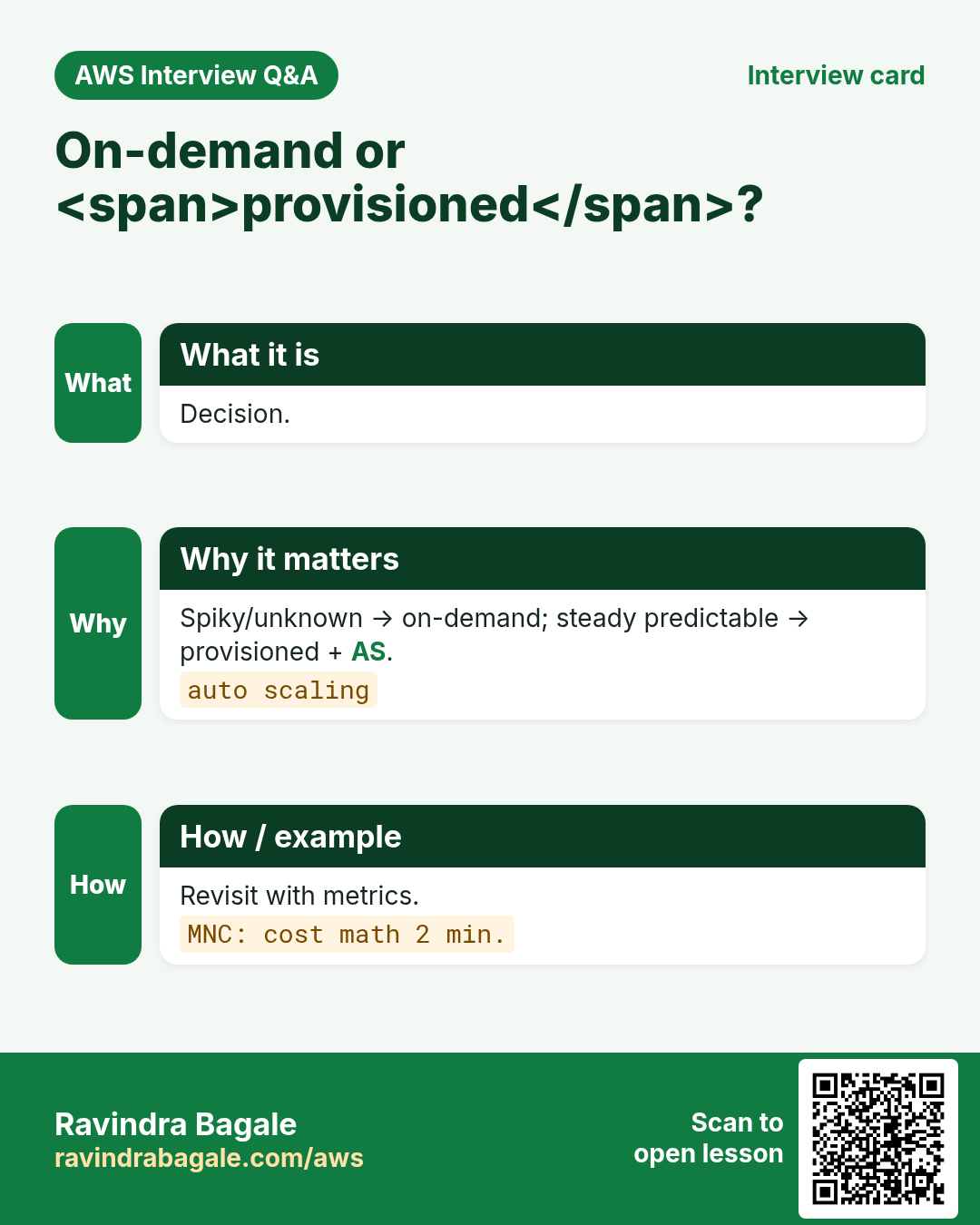
Q. On-demand vs provisioned?
Pay-per-request vs set RCU/WCU.
Q. Autoscaling?
Adjusts provisioned toward target utilization.
Q. Reserved?
Discount for steady provisioned.
Q. Lab default?
On-demand.
32. Interview Q&A
Q. (B) Which mode for unknown traffic?
On-demand.
Q. (B) RCU?
Read capacity unit.
Q. (M) When provisioned?
Steady predictable load.
Q. (M) Autoscaling target?
Often ~70% utilization starting point.
Q. (S/MNC) Cost governance?
Budgets, tags, mode policy, quarterly review.
Q. (MNC) Launch week plan?
On-demand or pre-warm provisioned; page on throttles.
33. Tips in English, Marathi and Hindi
Ravindra Bagale's Tip (EN)
Pick mode from traffic shape, not habit.
Ravindra Bagale's Tip (MR)
Traffic shape ने mode.
Tip (HI)
आदत से नहीं, traffic से mode चुनो।
Try at home
- Sketch 24h traffic for your app.
- Choose a mode + alarm list.
- Read intro capacity paragraph once.
In short
- On-demand for spiky/unknown.
- Provisioned+AS for steady.
- Reserved only if steady.
- Alarm cost and throttles.
Revision, interview and comparison cards
Revise this lesson in a few minutes. Save the cards on your phone or download them as PNG files. The QR code on each card opens this lesson.
More cards: Ravi Sir's Cards.
Practice Tasks
Practice checks run in your browser. They check the answer for this exercise; they do not create resources or connect to your AWS account.
About this scenarioAmravati Agro Market is a agriculture business in Amravati. Anjali Thakre looks after its IT and cloud work. They count money in INR and run their AWS resources in the ap-south-1 Region. In the tasks below you do real jobs for them using what this lesson teaches. All names, account IDs, IP addresses and numbers are made up for practice.
0 / 16
Easy Choose pay-per-request capacity for a prototype
Which capacity mode bills consumed requests rather than requiring you to configure RCU and WCU before use?
- Read the situation and identify what you need to decide.
- Work through the relevant concept or calculation.
- Enter only the requested term or number.
- Check your answer, then read the explanation.
Easy Choose configured capacity units
The lab needs 10 RCU and 5 WCU explicitly configured. Which capacity mode should the table use?
- Read the situation and identify what you need to decide.
- Work through the relevant concept or calculation.
- Enter only the requested term or number.
- Check your answer, then read the explanation.
Easy Adapt provisioned capacity automatically
Your table stays provisioned but its team wants RCU and WCU to adjust toward a target utilization. Name the AWS mechanism.
- Read the situation and identify what you need to decide.
- Work through the relevant concept or calculation.
- Enter only the requested term or number.
- Check your answer, then read the explanation.
Easy Discount a predictable baseline
A team plans a commitment to a stable amount of provisioned DynamoDB capacity. What purchase option discounts eligible provisioned capacity?
- Read the situation and identify what you need to decide.
- Work through the relevant concept or calculation.
- Enter only the requested term or number.
- Check your answer, then read the explanation.
Easy Describe table billing mode
CLI.
Describe table ShopApp
- Read the task and decide which AWS service it is about.
- Write aws, then the service name, then the operation (the action word).
- Add each needed flag (--name) followed by its value from the task.
- Flags can be in any order. Click Check answer.
Easy Mode pick YAML
Choose.
YAML: spiky: on-demand, steady: provisioned.
- Start from the top-level keys the task names.
- Indent child keys with 2 spaces (no tabs).
- Fill in each property with the value from the task.
- Click Check answer. Key order does not matter.
Easy Read the billing-mode API value
What BillingMode value should a CreateTable request send for on-demand capacity?
- Read the situation and identify what you need to decide.
- Work through the relevant concept or calculation.
- Enter only the requested term or number.
- Check your answer, then read the explanation.
Medium Pick capacity for unknown class traffic
You do not know how much traffic a class prototype will receive and do not want to configure read or write capacity ahead of time. Name the starting mode.
- Read the situation and identify what you need to decide.
- Work through the relevant concept or calculation.
- Enter only the requested term or number.
- Check your answer, then read the explanation.
Medium Name the symptom of hitting throughput limits
A DynamoDB write exceeds current throughput and produces a retryable throughput rejection. What is that behavior called?
- Read the situation and identify what you need to decide.
- Work through the relevant concept or calculation.
- Enter only the requested term or number.
- Check your answer, then read the explanation.
Medium Identify a cost with no incoming traffic
An on-demand table keeps its data and indexes but receives zero requests. Which charge can still apply because the bytes remain?
- Read the situation and identify what you need to decide.
- Work through the relevant concept or calculation.
- Enter only the requested term or number.
- Check your answer, then read the explanation.
Medium Check a mode change is complete
A disposable table shows UPDATING after a capacity mode change. Which TableStatus should you wait for before starting the next experiment?
- Read the situation and identify what you need to decide.
- Work through the relevant concept or calculation.
- Enter only the requested term or number.
- Check your answer, then read the explanation.
Medium Metrics list YAML
CW.
YAML list metrics with ConsumedReadCapacityUnits and ThrottledRequests.
- Start from the top-level keys the task names.
- Indent child keys with 2 spaces (no tabs).
- Fill in each property with the value from the task.
- Click Check answer. Key order does not matter.
Hard Watch total spending beyond table throughput
Which AWS billing service can alert you when account spending crosses a configured budget threshold?
- Read the situation and identify what you need to decide.
- Work through the relevant concept or calculation.
- Enter only the requested term or number.
- Check your answer, then read the explanation.
Hard Retrieve configured capacity mode without reading data
Which read-only DynamoDB API returns the table description, including BillingModeSummary when available?
- Read the situation and identify what you need to decide.
- Work through the relevant concept or calculation.
- Enter only the requested term or number.
- Check your answer, then read the explanation.
Hard Follow the resource ARN when writes throttle
Writes to the provisioned Orders table are throttled even though the table has spare write capacity. The affected ARN in the error ends with table/Orders/index/ByCustomer. Which type of DynamoDB index has its own provisioned write capacity in this design?
- Read the situation and identify what you need to decide.
- Work through the relevant concept or calculation.
- Enter only the requested term or number.
- Check your answer, then read the explanation.
Hard Select a mode for a capacity-tuning lesson
The lesson goal is to set and adjust explicit RCU and WCU. Which table mode should the temporary lab use?
- Read the situation and identify what you need to decide.
- Work through the relevant concept or calculation.
- Enter only the requested term or number.
- Check your answer, then read the explanation.