Deploy a Docker Container on ECS Fargate Step by Step
Theory is done. Now put a real nginx container on Fargate in ap-south-1. You will use ECR, a cluster, a task definition and a service with a public IP. Delete everything at the end.
In this chapter
- Push or pull an image via ECR
- Create cluster, task definition, Fargate service
- Open port 80 and hit the public IP
- Clean up so billing stops
Everyday example first: understand the lab
A synthetic class website needs one simple welcome page. The team packages the page server as an image, starts one Fargate task through an ECS service, and checks its HTTP response. The image is the recipe; the running task is the worker; the service keeps the requested worker count. This lab uses a direct task IP to expose those parts clearly, not to promise a permanent website address. Read the cost boundary before creating anything.
Common errors and fixes
These are synthetic practice situations. Diagnose the signal before changing a resource; no infrastructure changes are needed to read this guide.
The task stops before the welcome page can exist.
Read the stopped reason and service events before changing inbound port80. An image-pull failure happens before nginx serves requests. Compare the exact image name, registry reachability and execution-role needs. Opening the web port to more clients will not repair a failed image download.
The task is running but the browser times out.
For this IPv4 direct-IP lab, the task needs its assigned public IP, a public-subnet route through the Internet Gateway and the intended security-group access. Also check that the app listens on the container network interface and expected port, not only loopback. Port mapping alone does not create a working end-to-end route.
A saved IP stops working after task replacement.
The public address belongs to a task network interface, not permanently to the service name. Inspect the current running task instead of repeatedly using an address from an earlier task. A stable production URL needs the deliberately configured frontend described in the production notes; a successful one-time IP test is not that frontend.
Practical FAQ: decisions during real work
Why can the same image tag produce a different release later?
Tags can be updated in the registry. A digest identifies specific image content, whereas a tag name alone is not a long-term content guarantee. Record the image identity actually deployed when comparing two runs. Otherwise a networking investigation can accidentally compare different application builds.
Does nginx returning200 prove all future app features work?
It proves the tested HTTP path responded at that moment. It does not validate a later custom app database connection, business routes or task-role access. Keep the test result narrow and add feature-specific verification when the application changes. Do not describe a default welcome page as a full production readiness test.
Does a private task require a public IP to serve through an ALB?
No. A correctly configured ALB can reach private task IPs. Reaching clients and reaching image registries are separate paths: private tasks still need the appropriate outbound connectivity or service endpoints for their dependencies. Adding an ALB does not automatically solve image-pull or logging reachability.
1. Before you start
Fargate + public IP + NAT can surprise a bill if you forget the service overnight.
- Region: ap-south-1 (Mumbai).
- IAM user/role that can use ECS, ECR, IAM pass-role, VPC.
- Optional: Docker on your laptop. Or use the public nginx image from Docker Hub via ECS (no local Docker).
- This lab uses the public
nginx:stableimage for speed. Production should use ECR.
Cost warning
Fargate bills per second while the task runs. Delete the service and cluster when done. Do not leave desired count at 1 overnight.
2. Lab: click by click
A. Networking check
- Console → VPC → note your default VPC and a public subnet (has route to Internet Gateway).
- Security group: create
ecs-nginx-sg. Inbound: TCP 80 from My IP (or 0.0.0.0/0 for a 10-minute lab only). Outbound: all.
B. ECS cluster
- Console → Elastic Container Service → Clusters → Create cluster.
- Name:
lab-fargate-cluster. Infrastructure: AWS Fargate (serverless). Create.
C. Task definition
The image address tells ECS where to get the packaged nginx program. The task definition tells the service how much memory and CPU to request and which container port nginx uses. The task execution role lets AWS carry out setup work such as fetching a private image and sending configured logs. This web server does not need a task role unless its own code calls AWS services.
The container port and the network rules must agree. If nginx listens on port 80, allow access to that port only from the lab viewer or intended load balancer. A public IP still needs a route to the internet and a security group rule. The task’s underlying network interface has different settings from later EC2 labs that reuse a private hostname.
- Task definitions → Create new task definition.
- Family:
lab-nginx. Launch type: AWS Fargate. OS: Linux. CPU: 0.25 vCPU. Memory: 0.5 GB. - Task role: none for this lab. Task execution role: create new / use default
ecsTaskExecutionRole(pulls images + logs). - Container — Add container. Name:
web. Image URI:public.ecr.aws/nginx/nginx:stable(ornginx:stable). - Port mappings: container port 80, protocol TCP, app protocol HTTP.
- Create.
D. Service
- Open cluster → Services → Create.
- Compute: Fargate. Task definition:
lab-nginxlatest. Service name:lab-nginx-svc. Desired tasks: 1. - Networking: default VPC, one public subnet, security group
ecs-nginx-sg. Public IP: Turn on. - Load balancer: none (lab). Create. Wait until running count = 1.
E. Verify
After creating the service, inspect its task before retrying the browser. A stopped task with no nginx page points you to the task’s stopped reason and container logs. A running task with a timeout points you toward the public IP, route and security group for the lab. A welcome page confirms the browser reached this copy of nginx. It says nothing yet about a different application revision or a future database call.
- Tasks tab → open the task → Configuration → Public IP.
- Browser:
http://PUBLIC_IP/— expect nginx welcome page. - Or:
curl -sI http://PUBLIC_IP/ | head -5— expect HTTP/1.1 200.
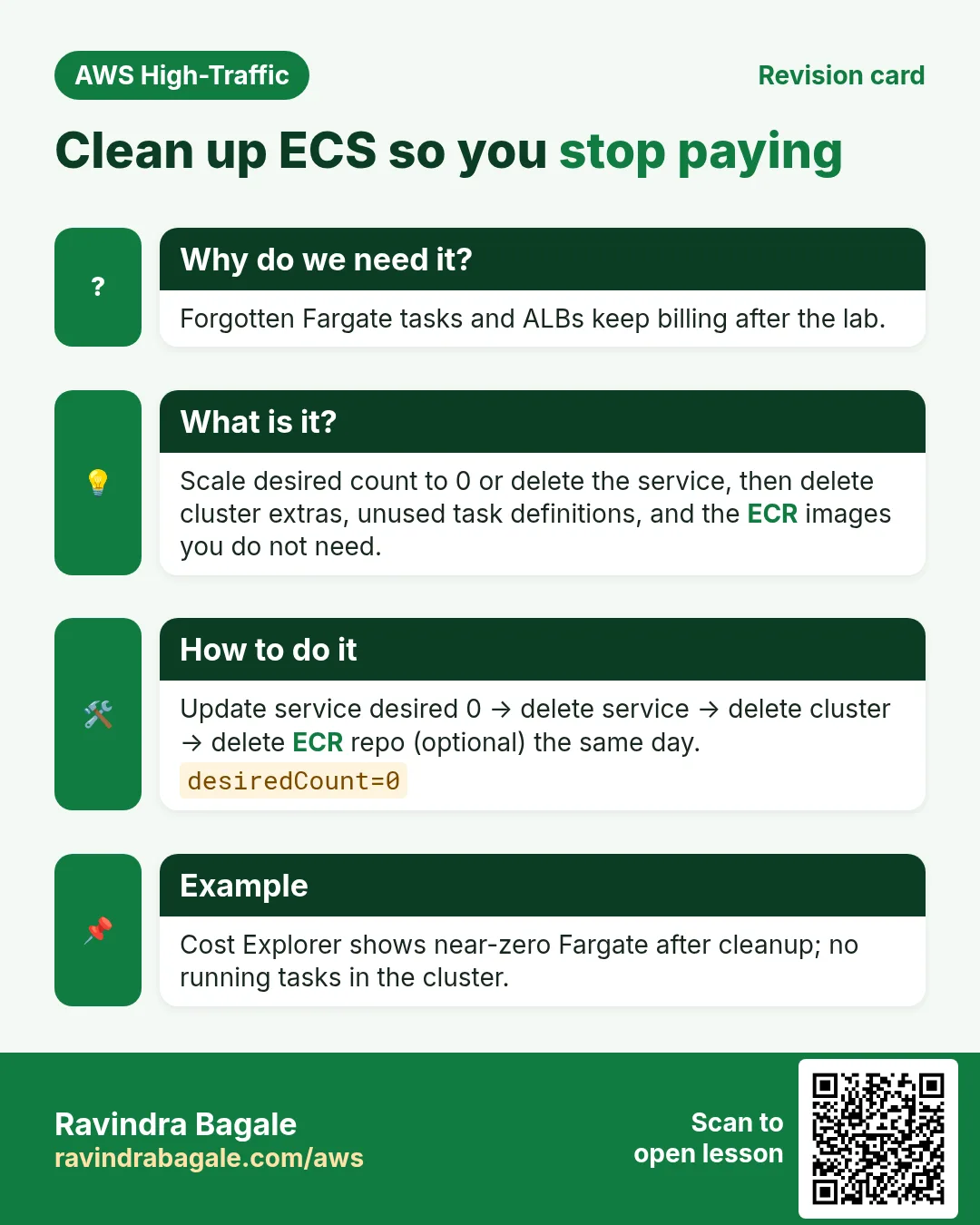
Cleanup (required)
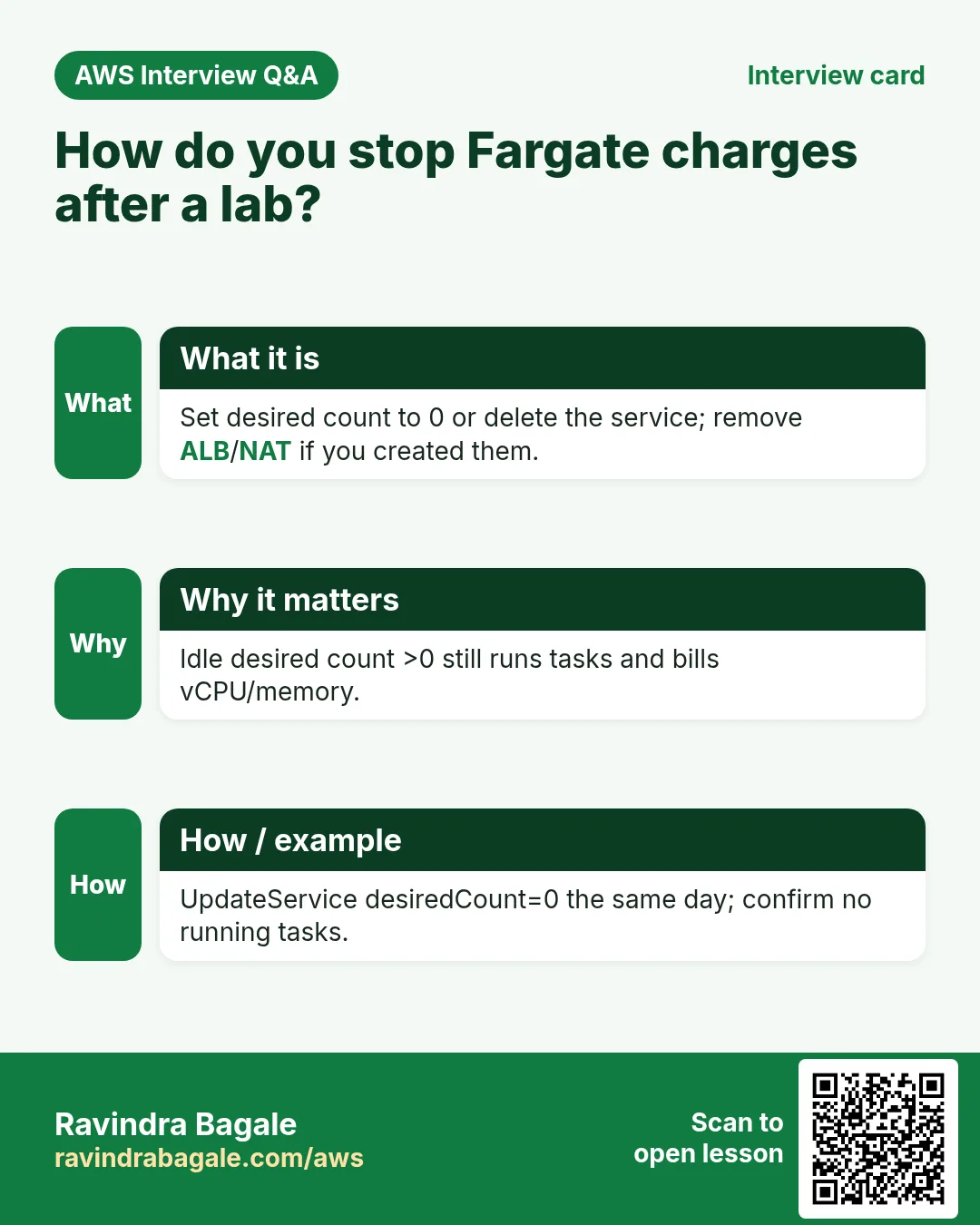
- Service → Update → desired tasks 0 → Update. Wait running 0. Then Delete service.
- Delete cluster
lab-fargate-cluster. - Optional: deregister task definition revisions. Delete security group if unused.
- Billing → confirm no ongoing Fargate charges after ~1 hour.
3. Production notes
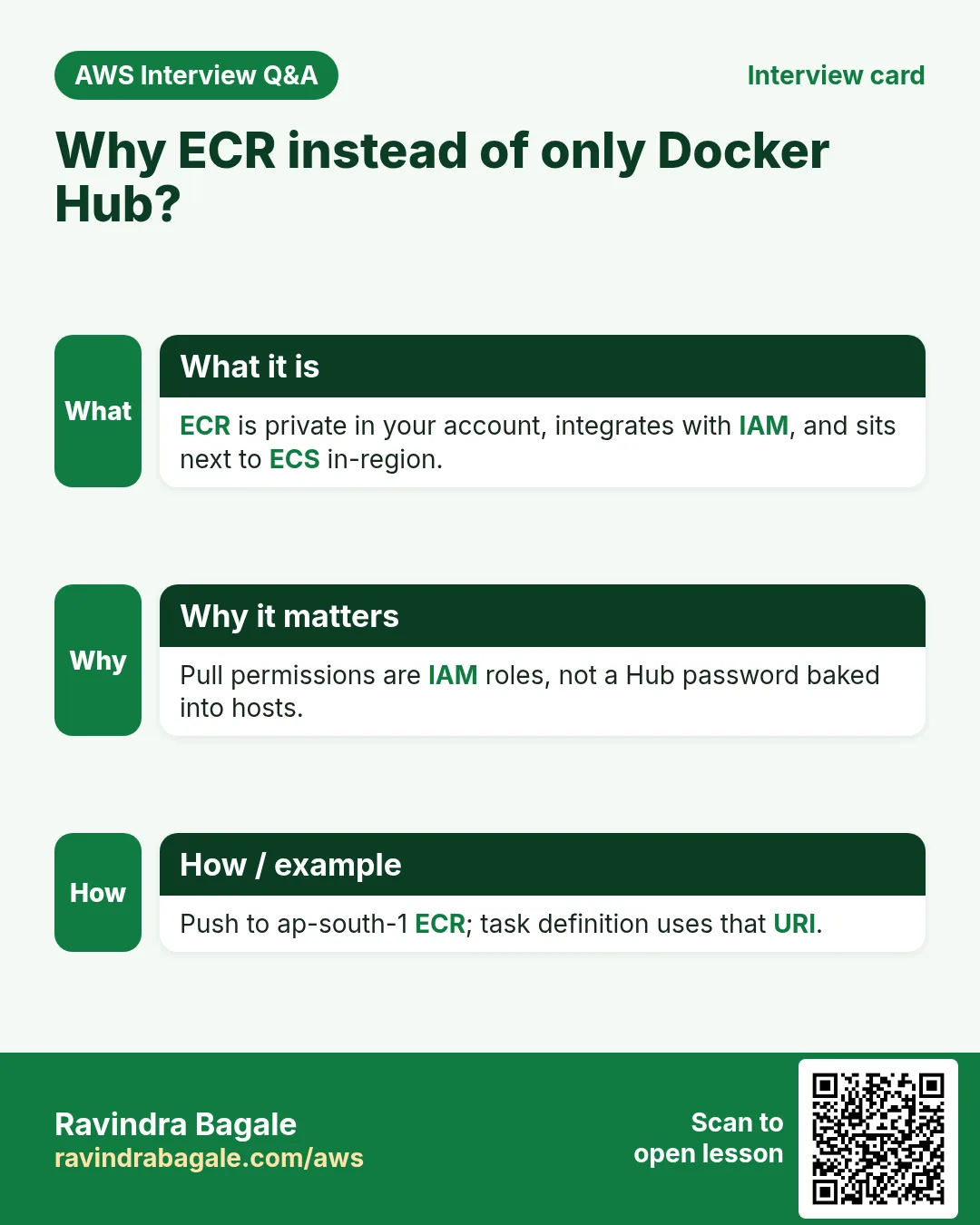
- Push your own image to ECR; never rely on Docker Hub rate limits.
- Put an ALB in front; do not expose task public IPs.
- Send logs to CloudWatch Logs from the task definition.
- Use least-privilege task role for S3/DynamoDB calls.
4. Interview angles
Q. Why public IP on for this lab?
Without ALB, you need a public IP to reach the task.
Q. What does the execution role do?
Pull image from registry and write logs.
Q. Desired count 0?
Stops tasks; billing for those tasks stops.
Q. CPU 0.25 / 0.5 GB valid?
Yes — Fargate has allowed CPU/memory pairs.
Try at home
- Push a custom HTML image to ECR and swap the image URI.
- Add an ALB and remove the public IP.
In short
- ECR/image → task definition → Fargate service.
- Public IP or ALB to reach the app.
- Always scale to 0 and delete after labs.
Wait for health before using the URL
Start with one disposable service task. Check the service events for desired versus running count. A task that stopped before pull differs from one that starts yet fails a health check. Capture StoppedReason before changing networking. Set desired count to zero and delete the service and extra resources after practice.
Interview check Is the task public IP the service address?
It belongs to the task's network interface and can change on replacement. For a long-lived HTTPS service use an appropriate frontend or load balancer.
Practise this chapter
Interview questions and answers
The nginx page worked yesterday but the saved task IP fails today. What would you check?
I would confirm the current task and its address because ECS can replace tasks. Then I would check reachability to that task’s port. For a stable application URL, I would use an appropriate load balancer or service path instead of treating a task IP as permanent.
Check your understanding
Choose an answer, then compare your reasoning with the explanation.
Practice Tasks
Practice checks run in your browser. They check the answer for this exercise; they do not create resources or connect to your AWS account.
About this scenarioAhmednagar Sugar Co-op is a sugar co-operative business in Ahilyanagar. Balasaheb Pawar looks after its IT and cloud work. They count money in INR and run their AWS resources in the ap-south-1 Region. In the tasks below you do real jobs for them using what this lesson teaches. All names, account IDs, IP addresses and numbers are made up for practice.
0 / 10
Easy Create an ECS cluster
A cluster is the logical home for your services and tasks.
Create an ECS cluster named nagarsugar-cluster.
- Read the task and decide which AWS service it is about.
- Write aws, then the service name, then the operation (the action word).
- Add each needed flag (--name) followed by its value from the task.
- Flags can be in any order. Click Check answer.
Easy Create an ECR repository
ECR stores your Docker images privately inside AWS.
Create an ECR repository named nagarsugar/web.
- Read the task and decide which AWS service it is about.
- Write aws, then the service name, then the operation (the action word).
- Add each needed flag (--name) followed by its value from the task.
- Flags can be in any order. Click Check answer.
Easy List running tasks
See which tasks are running in a cluster.
List the tasks in cluster nagarsugar-cluster.
- Read the task and decide which AWS service it is about.
- Write aws, then the service name, then the operation (the action word).
- Add each needed flag (--name) followed by its value from the task.
- Flags can be in any order. Click Check answer.
Medium Register a task definition
The task definition says which image, CPU, memory and ports a container uses.
Register the task definition in taskdef.json.
- Read the task and decide which AWS service it is about.
- Write aws, then the service name, then the operation (the action word).
- Add each needed flag (--name) followed by its value from the task.
- Flags can be in any order. Click Check answer.
Medium Pull images from one repository
CI or servers should pull only the images they run.
Allow ecr:BatchGetImage and ecr:GetDownloadUrlForLayer on arn:aws:ecr:ap-south-1:131959625285:repository/nagarsugar/web, plus ecr:GetAuthorizationToken on *.
- Start with { "Version": "2012-10-17", "Statement": [ ... ] }.
- In each statement write Effect, Action and Resource.
- Give only what the task needs (least privilege).
- Use double quotes and commas correctly. Click Check answer.
Medium Scale a service
Change desired count to run more copies of the container.
Set service web in cluster nagarsugar-cluster to 4 tasks.
- Read the task and decide which AWS service it is about.
- Write aws, then the service name, then the operation (the action word).
- Add each needed flag (--name) followed by its value from the task.
- Flags can be in any order. Click Check answer.
Medium Trust policy for an ECS task role
The trust policy says WHO may take the role.
Write a trust policy that lets ecs-tasks.amazonaws.com assume the role.
- Start with { "Version": "2012-10-17", "Statement": [ ... ] }.
- In each statement write Effect, Action and Resource.
- Give only what the task needs (least privilege).
- Use double quotes and commas correctly. Click Check answer.
Medium Redeploy a service
force-new-deployment restarts tasks so they pull the latest image.
Force a new deployment of service web in cluster nagarsugar-cluster.
- Read the task and decide which AWS service it is about.
- Write aws, then the service name, then the operation (the action word).
- Add each needed flag (--name) followed by its value from the task.
- Flags can be in any order. Click Check answer.
Medium Get the ECR login password
Docker needs a short-lived password before it can push to ECR.
Get the ECR login password for ap-south-1.
- Read the task and decide which AWS service it is about.
- Write aws, then the service name, then the operation (the action word).
- Add each needed flag (--name) followed by its value from the task.
- Flags can be in any order. Click Check answer.
Hard Create a Fargate service
A service keeps the desired number of tasks running and replaces failed ones.
In cluster nagarsugar-cluster, create service web using task definition nagarsugar-web:1, 2 tasks, launch type FARGATE, network config from net.json.
- Read the task and decide which AWS service it is about.
- Write aws, then the service name, then the operation (the action word).
- Add each needed flag (--name) followed by its value from the task.
- Flags can be in any order. Click Check answer.
Revision, comparison and interview cards
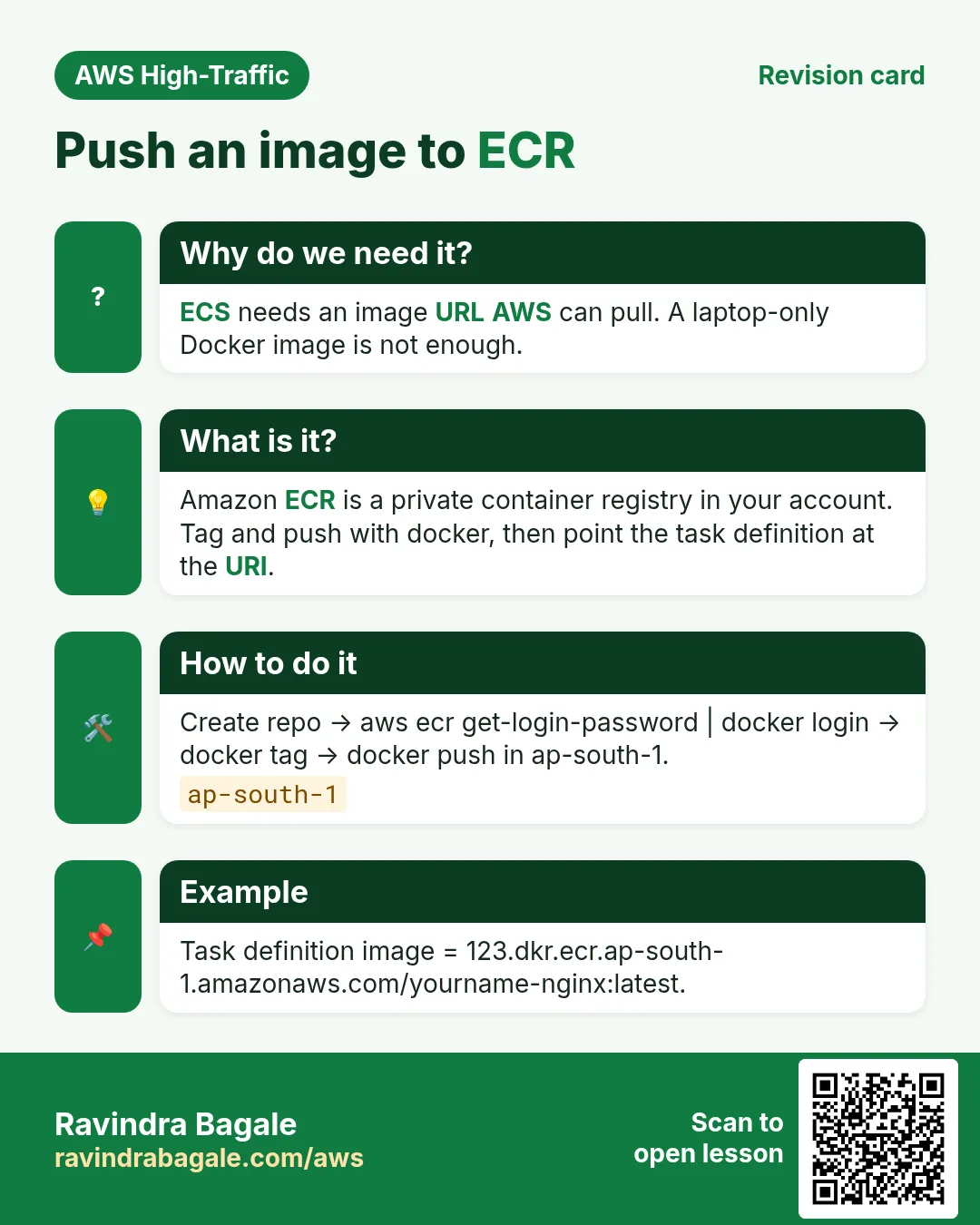
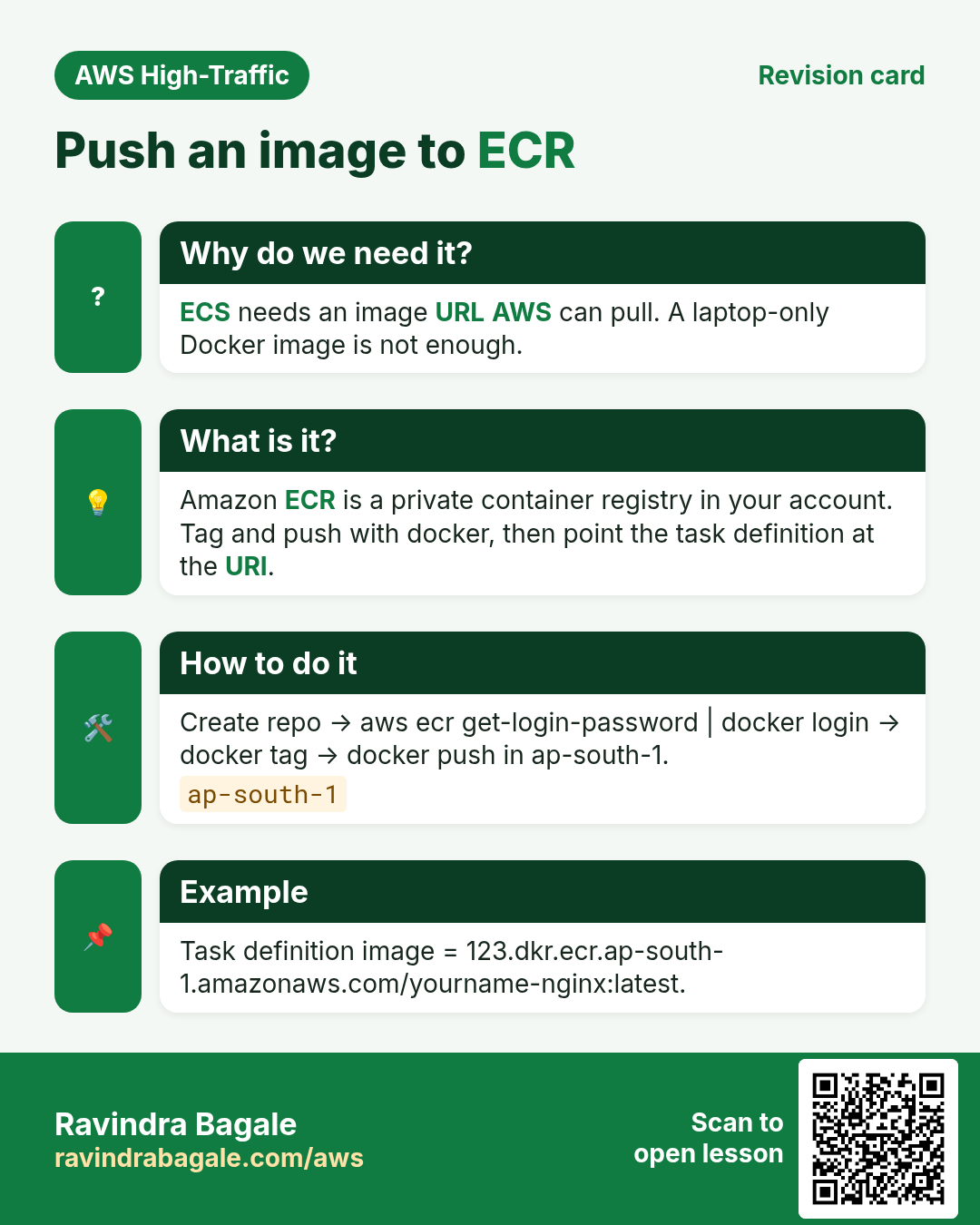
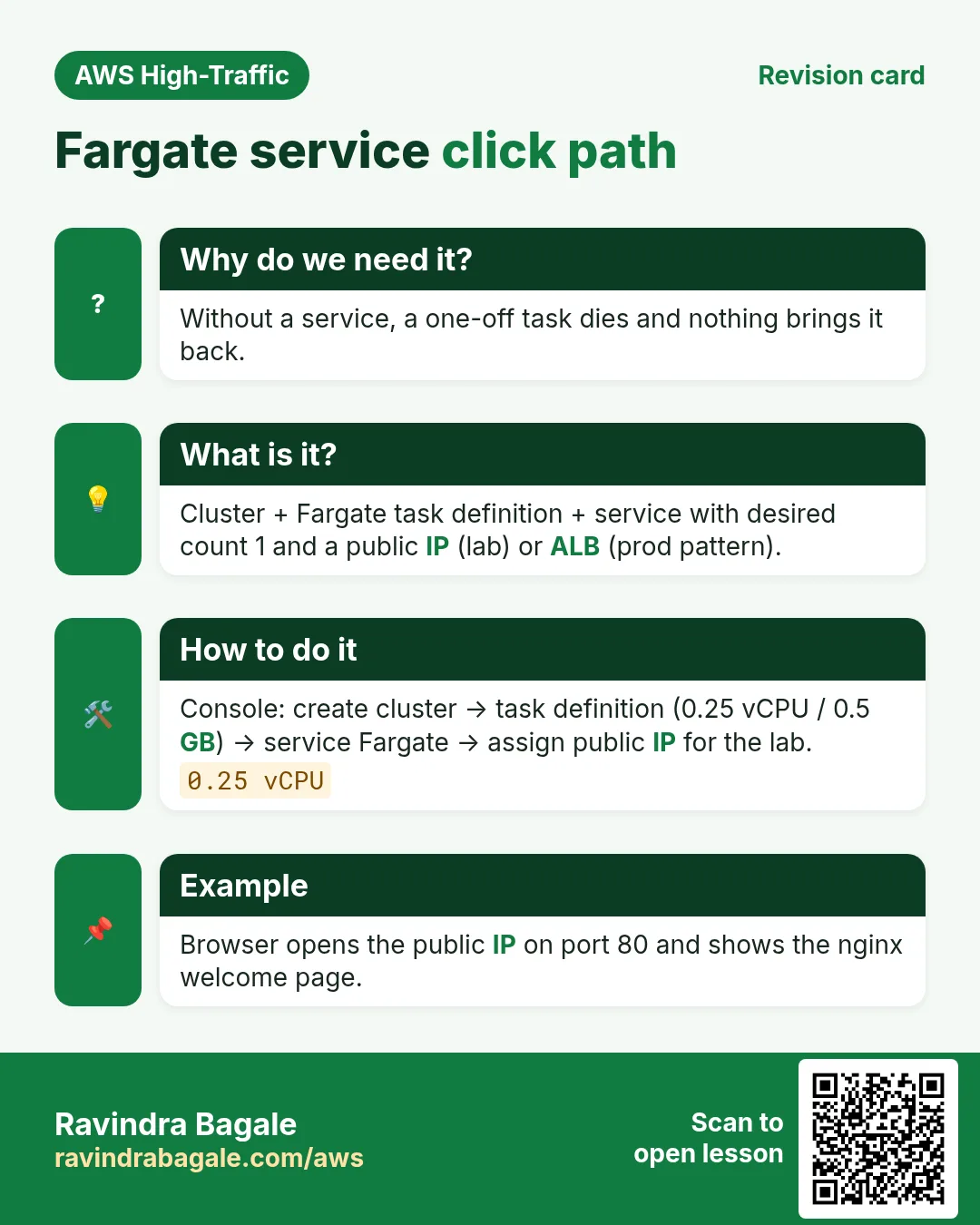
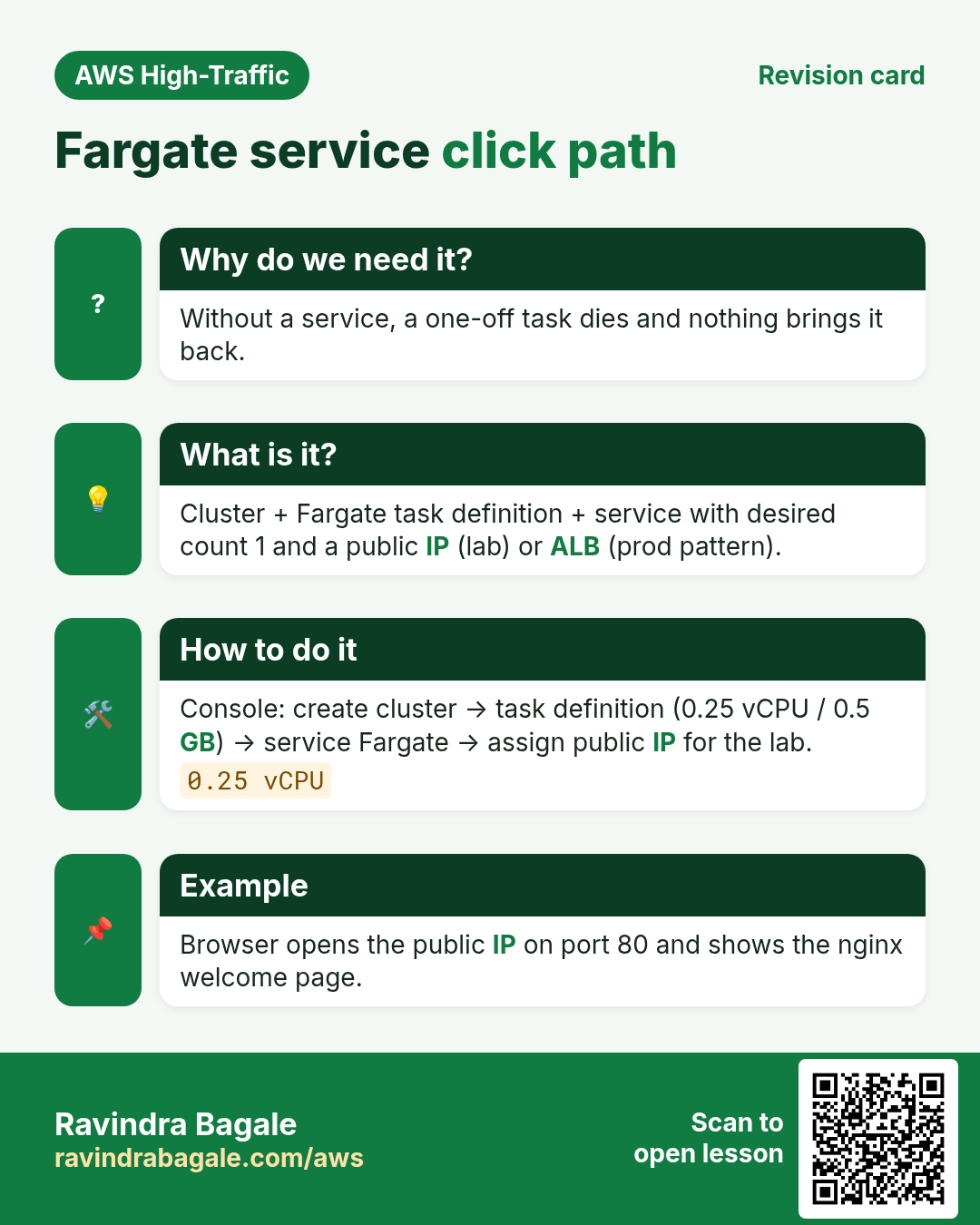
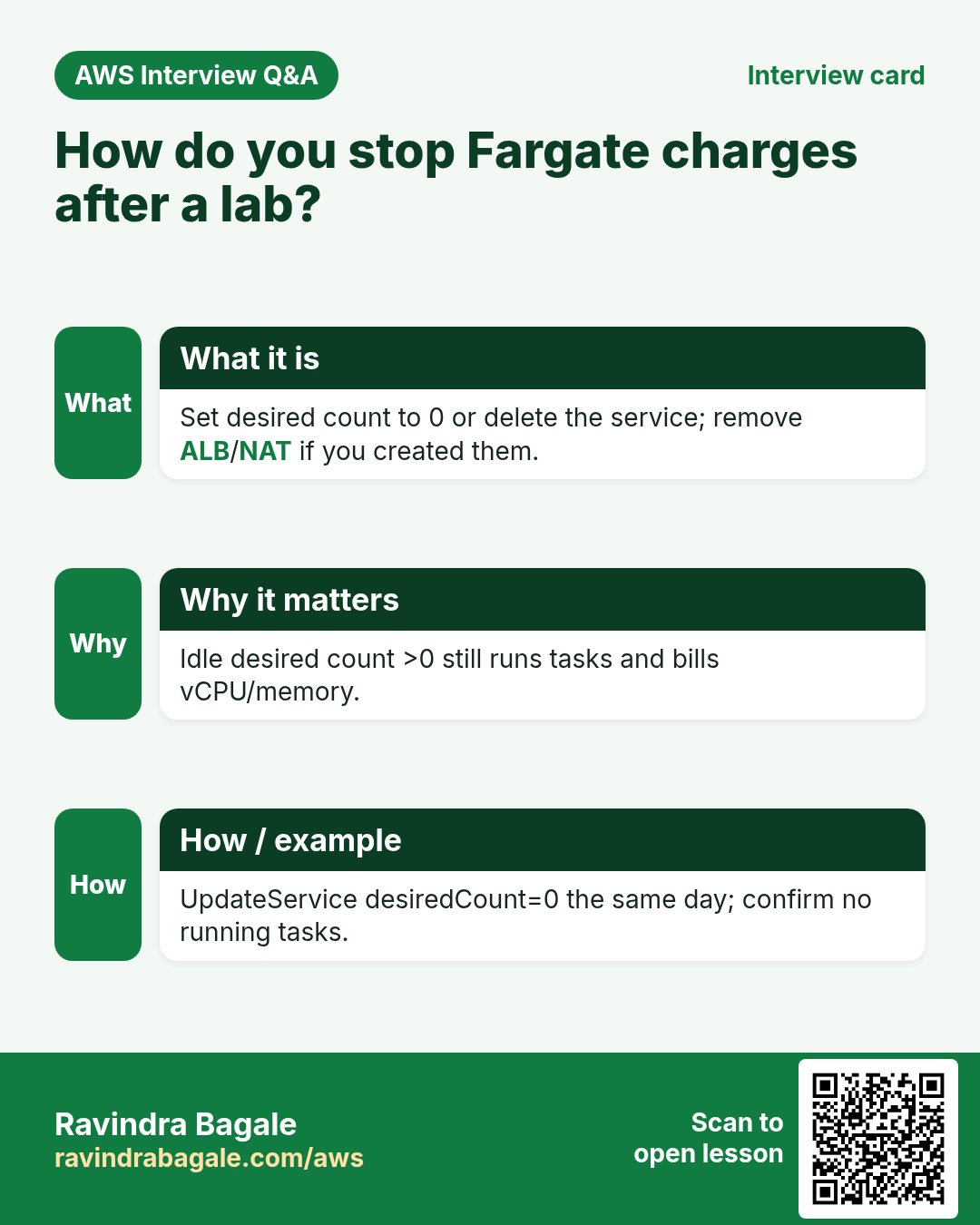
Revise this lesson in a few minutes. Save the cards on your phone or download them as PNG files. The QR code on each card opens this lesson.
More cards: Ravi Sir's Cards.