AWS Cost Optimization and FinOps: Cut Cloud Bills Safely
FinOps is not "never spend". It is knowing who ordered the biryani, whether 40 people ate it, and stopping the buffet when the party ends. AWS bills grow when nobody owns leftovers — idle NAT gateways, forgotten disks, oversized RDS.
In this chapter
- Why engineers must own cost with product
- Cost Explorer, Budgets, anomaly detection
- Rightsizing, SP vs RI, Spot basics
- Tags, chargeback, idle cleanup
- Lab, errors, FAQ, interview
1. Everyday example first
A Hyderabad edtech bill jumped 3× after a hackathon left 12 gp3 volumes and an idle ALB. No budget alarm. Finance found out at month end. A $20 budget alert would have pinged Slack on day two.
FinOps is a culture: engineering, finance and product share cloud cost data. On AWS you use Cost Explorer, Budgets, Cost Anomaly Detection, Compute Optimizer, Savings Plans / RIs, and tagging for chargeback. The Well-Architected Cost Optimization pillar is the checklist.
2. Quick wins (first 30 days)
Read a bill like a set of questions. Which service changed, in which account, and on which dates? Break the cost down first, then find what ran. A tag such as Environment=lab helps attach a cost to a project when cost allocation is configured for it. If last week cost 10 units and this week 16, explain the extra 6 before buying any commitment. You might find a storage resource kept after an instance stopped, which has a different fix from a steady workload using more demand than planned.
- Turn on Cost Explorer + create a monthly Budget with email/SNS.
- Delete idle: unattached EBS, old snapshots, unused EIPs, idle NAT, empty load balancers.
- Rightsize EC2/RDS using Compute Optimizer recommendations (staging first).
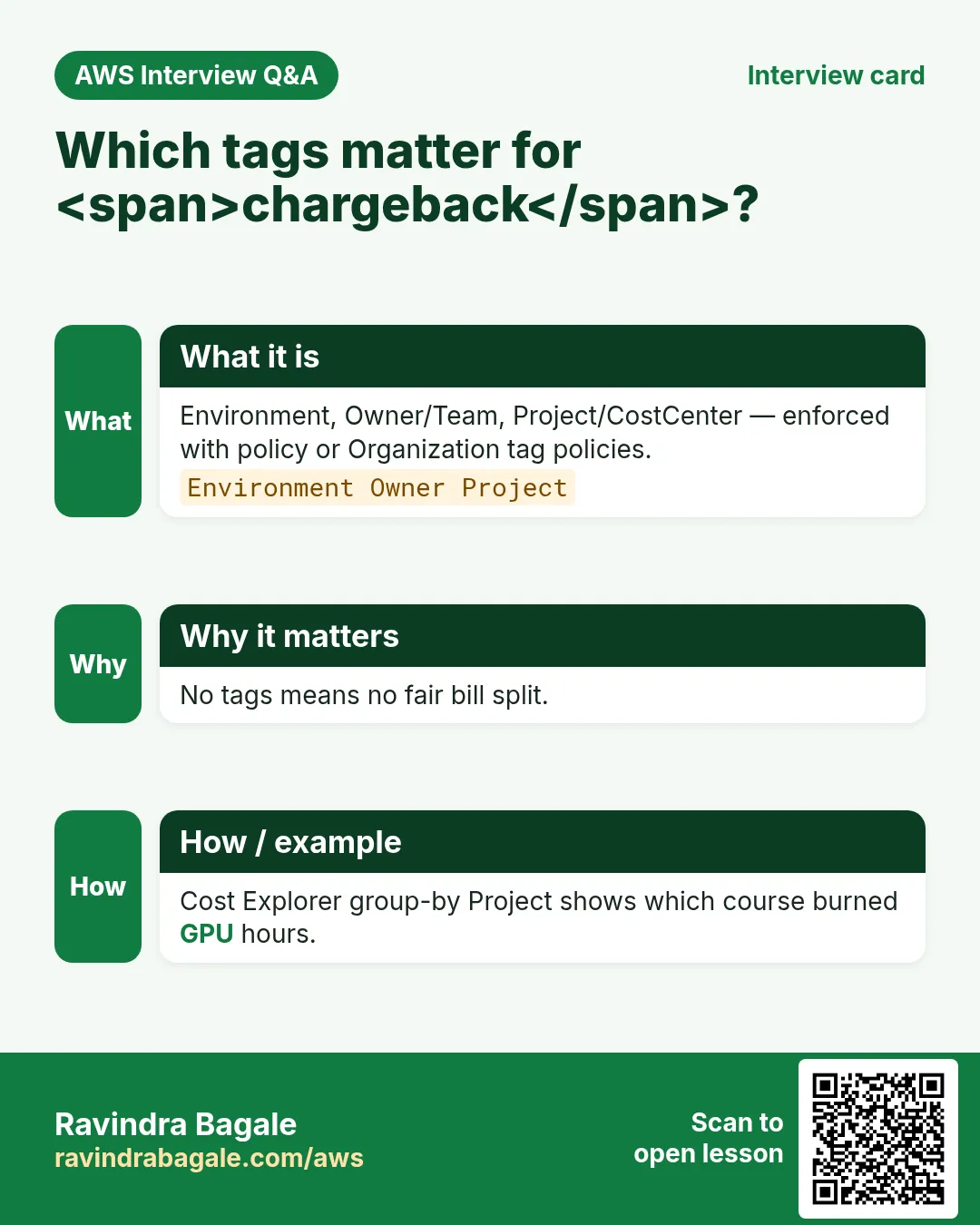
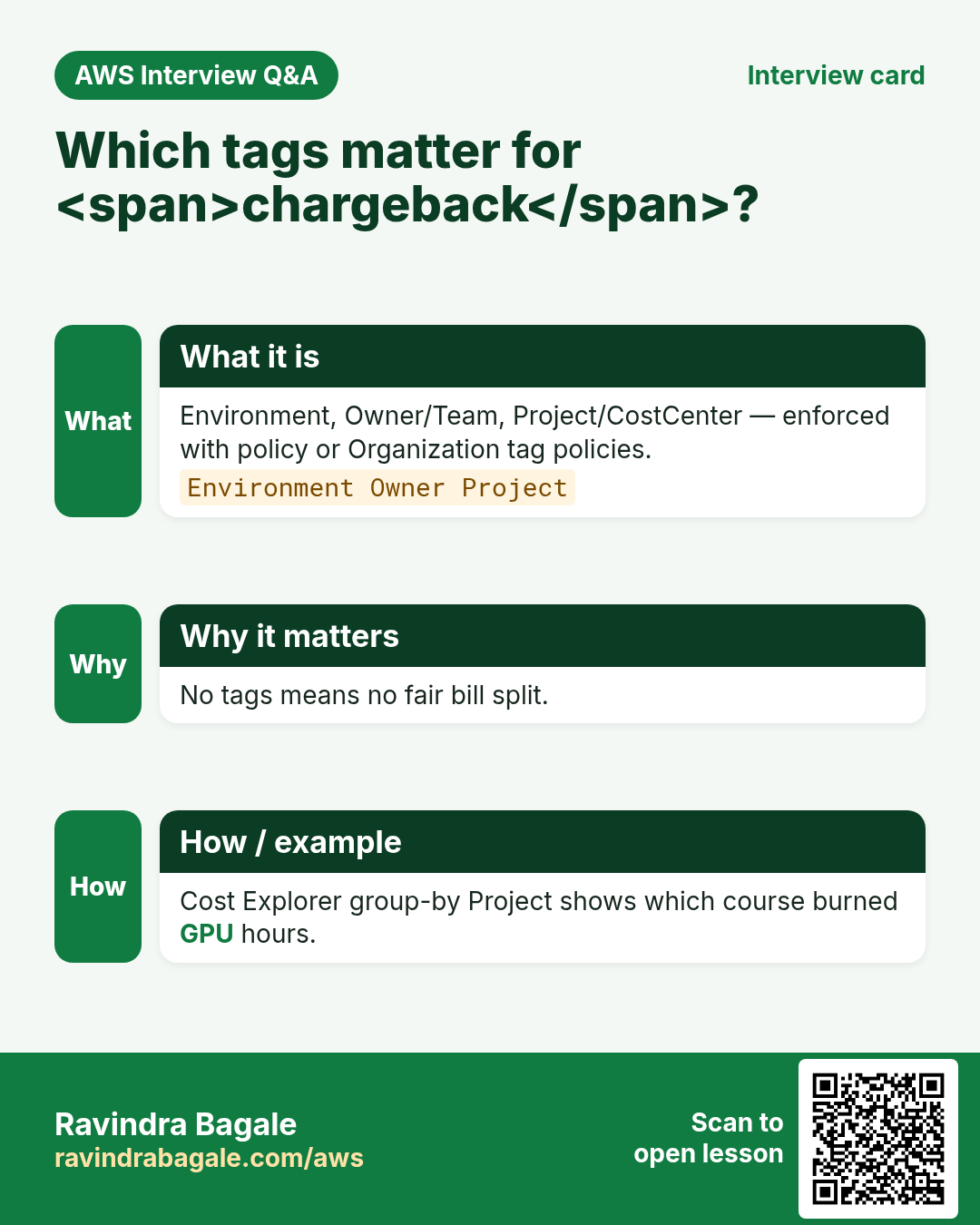
- Require tags: Environment, Team, Application on every create (SCP/policy).
- Only then talk Savings Plans for steady production compute.
3. Savings Plans vs Reserved Instances
An on-demand resource charges for usage under its current terms. A Savings Plan trades an ongoing eligible spend commitment for a pricing benefit. First estimate the part that runs every week, then separate an experiment that may be deleted next month. The experiment is evidence for investigating waste, while the stable part is the part you can model for a commitment. Check service, scope and term before treating two options as comparable. The learner’s job here is to explain which usage an option fits and why.
| Tool | Flexibility | When |
|---|---|---|
| Compute Savings Plans | Across instance families/regions (rules apply) | Default modern choice for steady compute |
| EC2 Instance SP / RI | Narrower | Very stable same-family fleets |
| Spot | Cheapest, can reclaim | Stateless / fault-tolerant workers |
| CUD-style for others | SageMaker/etc. have own models | Read service-specific pages |
Ravindra Bagale's Tip
A Budget without an owner is decoration. Put a human and a Slack channel on every alarm.
4. Industries
- SaaS: per-tenant cost tags for gross margin.
- Banks: showback to business units monthly.
- Startups: survival — kill staging at night.
- Data lakes: S3 storage class + lifecycle > bigger clusters.
- Agencies: separate linked accounts per client.
5. Mini lab: Budget + idle hunt
Use read-only billing data from a permitted training account or a sample sheet. Group by service and date, then pick one suspicious increase. Write the owner, the evidence for whether it is needed and a reversible first action. If you configure a budget in the lab, check the budget amount, actual or forecasted threshold, and notification destination. A successful alert setup helps someone act; it does not stop resources from accruing charges on its own.
Do this in ap-south-1 (Mumbai) unless your org forbids it. Set a budget alert first.
- Billing → Budgets → create cost budget $10 with email alert at 80%.
- EC2 → Elastic IPs: release unused.
- EC2 → Volumes: note unattached; snapshot then delete if lab junk.
- Cost Explorer: group by Service last 7 days; screenshot top 3.
- Optional: enable Cost Anomaly Detection.
Cleanup (stop billing)
- Leave the Budget on — it is cheap insurance.
- Document what you deleted in a notes file.
6. Common errors and fixes
Each row is a real mistake students and juniors hit. Read the fix before you panic.
| Error / symptom | Fix |
|---|---|
| Bill shock, no alerts | Create Budgets same day as account. |
| Untagged resources | Enforce required tags via IAM/SCP. |
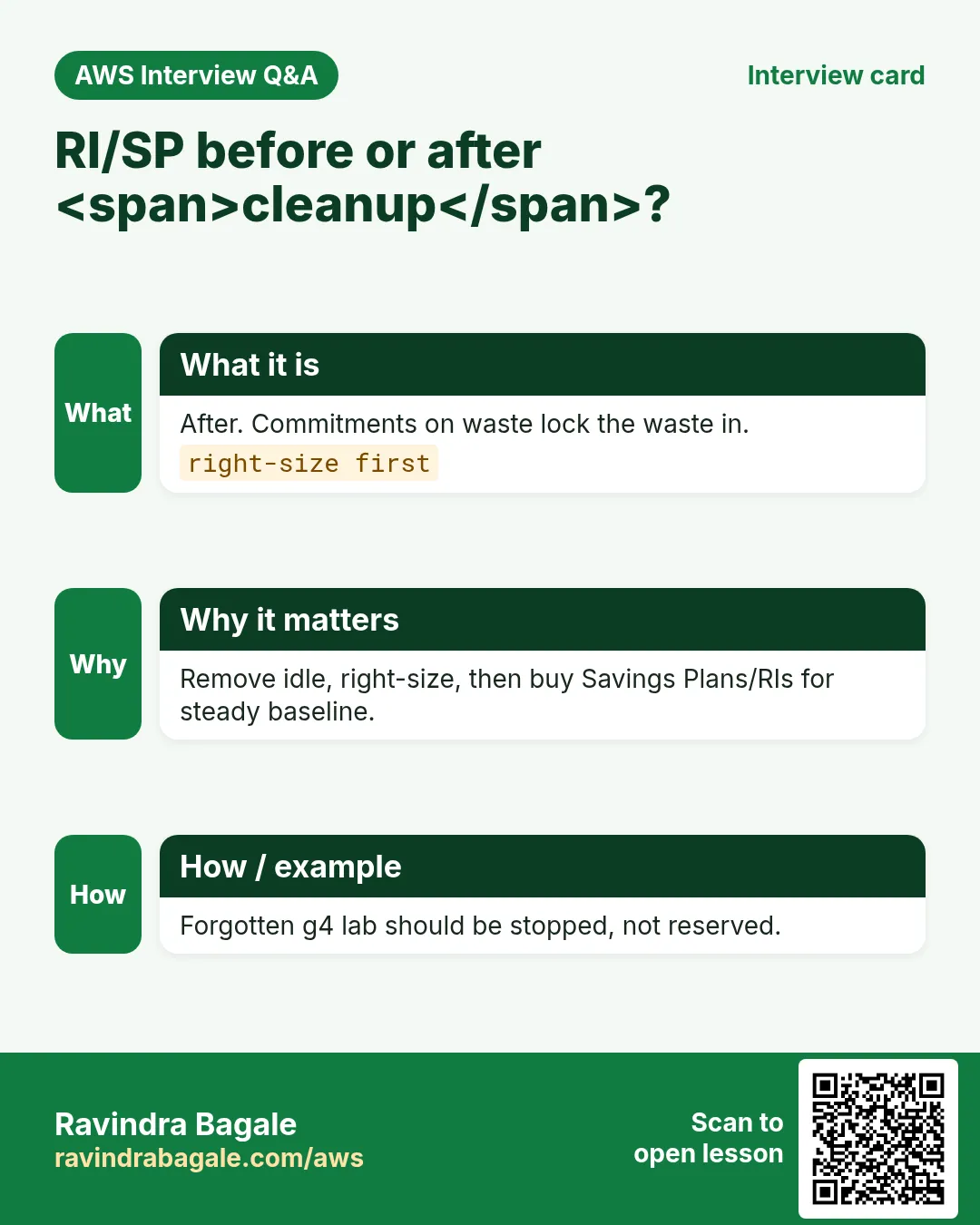
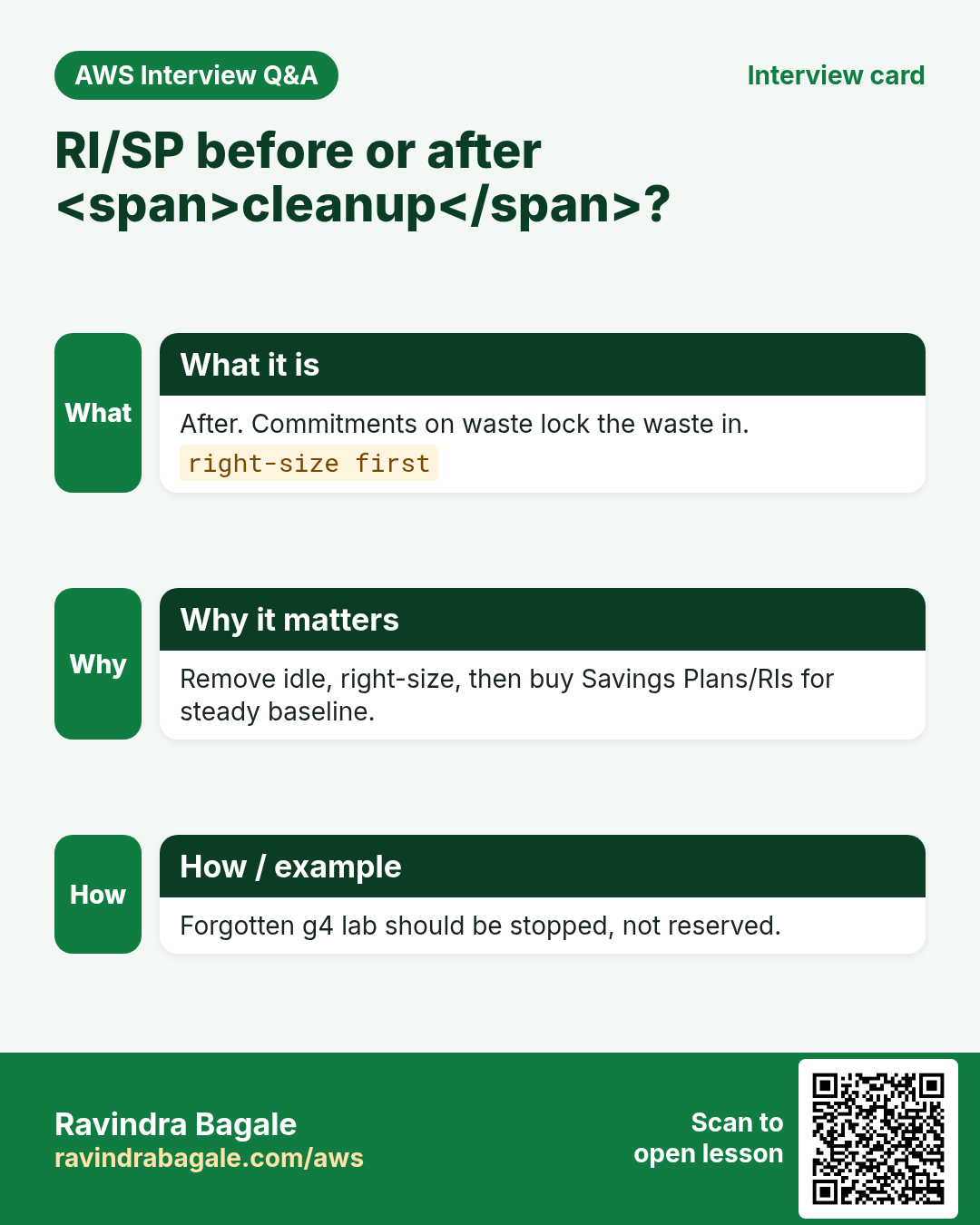
| RI / SP purchase too early | Need 2–4 weeks of stable baseline. |
| NAT gateway forgotten | One NAT ~ nontrivial monthly — share or delete labs. |
| Gp2 leftovers after gp3 move | Delete old volumes/snapshots. |
| Data transfer surprise | Watch cross-AZ and internet egress. |
| Explorer empty | Wait 24h after enable; check correct account/management view. |
| Finance-only FinOps | Engineers must see dashboards weekly. |
| Orphan snapshots | Lifecycle policies on AMIs/EBS. |
| Over-cleaning prod | Change windows + peer review before delete. |
7. Troubleshooting checklist
- Confirm you are in the payer / correct linked account view.
- Budgets SNS email in spam? Confirm subscription.
- Cost Explorer granularity daily for recent spikes.
- Compute Optimizer needs hours of metrics — wait.
- Tag Editor to find missing Environment tags.
8. FAQ
Q. Is FinOps only for huge companies?
No — a $50/month student account benefits from a $5 budget.
Q. Savings Plans refundable?
Generally non-refundable commitments — model carefully.
Q. What is showback vs chargeback?
Showback reports; chargeback actually bills teams.
Q. Does S3 Intelligent-Tiering always win?
Often for unknown access; small objects have caveats.
Q. Well-Architected Cost tool?
AWS WA Tool includes Cost pillar questions — use it.
9. Interview Q&A
Q. First three cost actions in a messy account?
Budgets, idle cleanup, tags.
Q. SP vs RI?
SP usually more flexible for compute; RI for specific stable shapes.
Q. How do tags help FinOps?
Allocate spend to Team/App for ownership.
Q. What is rightsizing?
Match instance/DB size to actual utilization.
Q. Who owns cloud cost?
Shared — engineering creates, finance governs, product prioritizes.
Q. Spot risk?
Interruptions — use for tolerant workloads with checkpoints.
10. Tips in English, Marathi and Hindi
Ravindra Bagale's Tip (EN)
Every lab needs a destroy step written before the create step.
Ravindra Bagale's Tip (MR)
प्रत्येक lab ला create आधी destroy step लिहा.
Tip (HI)
हर lab में create से पहले destroy स्टेप लिखो।
Try at home
- Create a $5 budget on your sandbox.
- List idle resources in a table: type, id, monthly guess.
- Propose 5 required tags for your team.
In short
- FinOps = shared ownership of cloud spend.
- Budgets + tags + idle cleanup before commitments.
- Rightsizing beats blind RI shopping.
- Write destroy steps into every lab.
Revision, interview and comparison cards
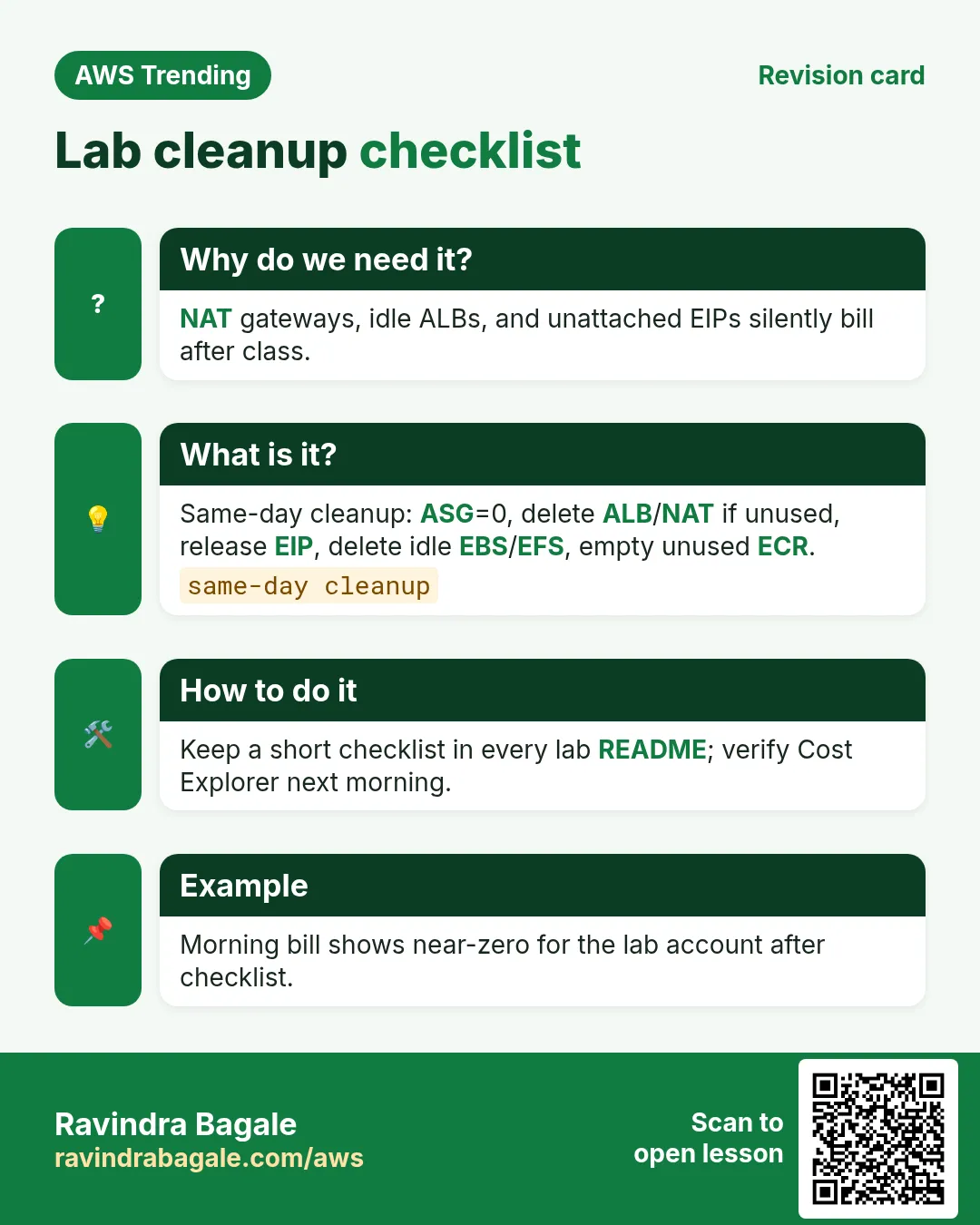
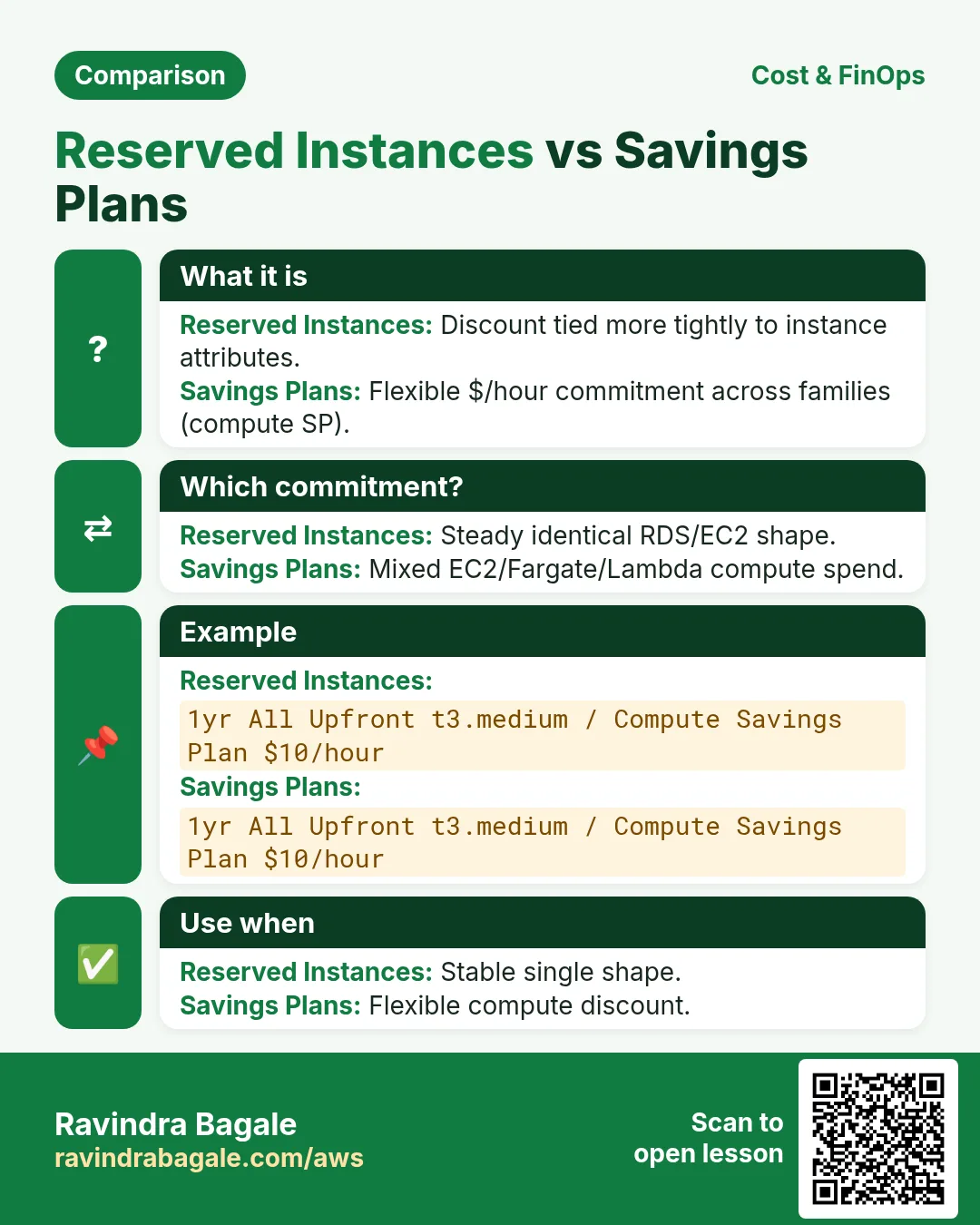
Revise this lesson in a few minutes. Save the cards on your phone or download them as PNG files. The QR code on each card opens this lesson.
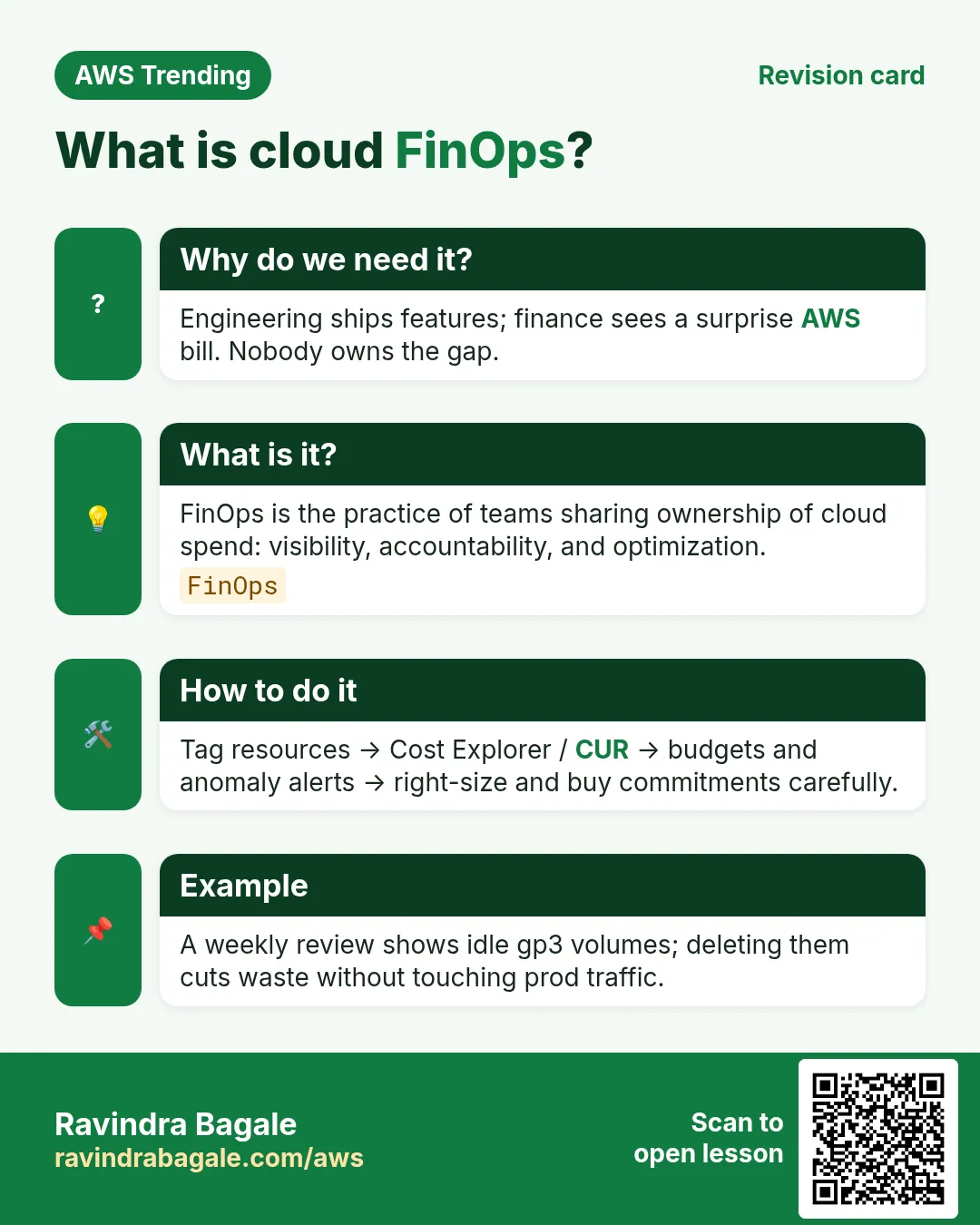
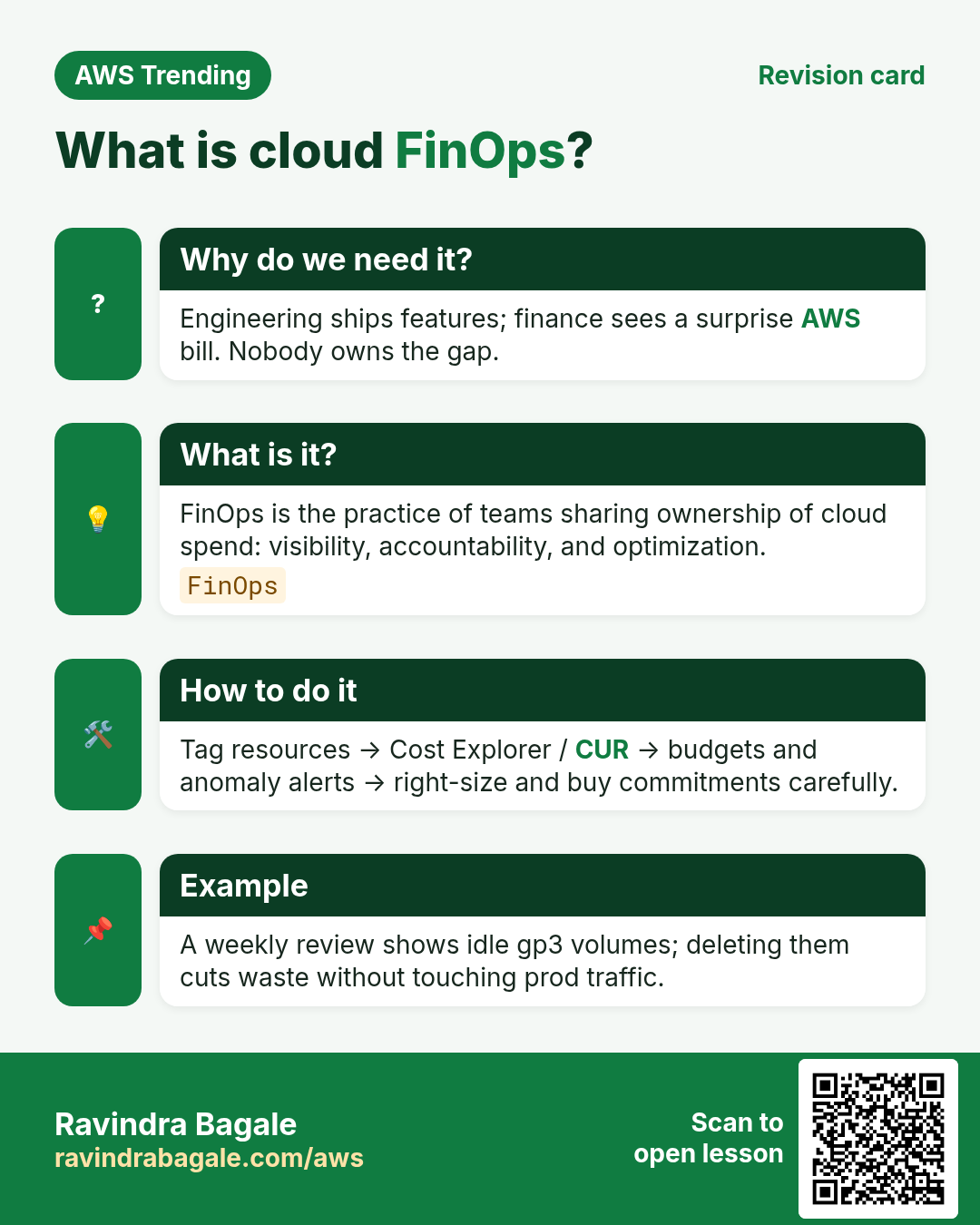
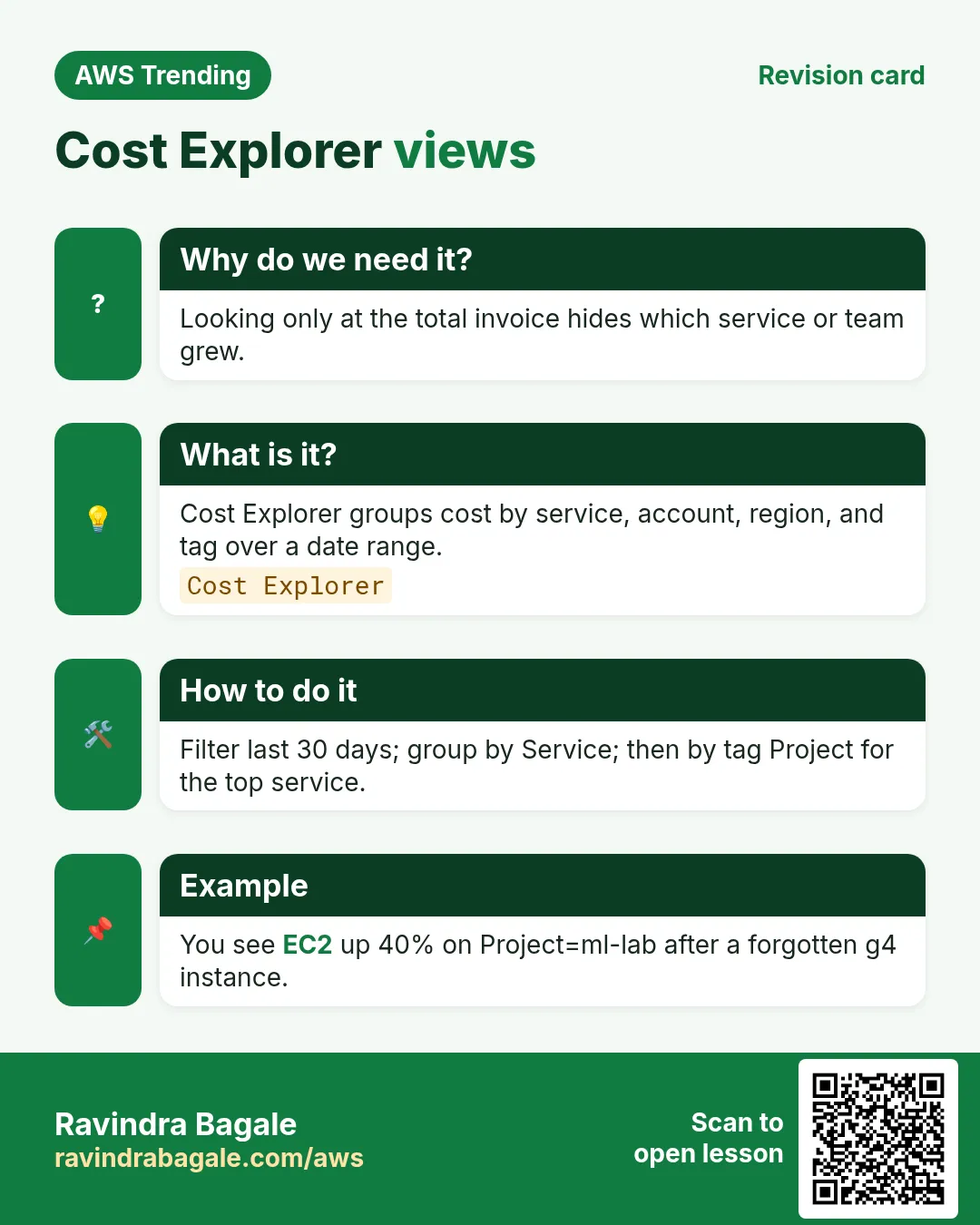
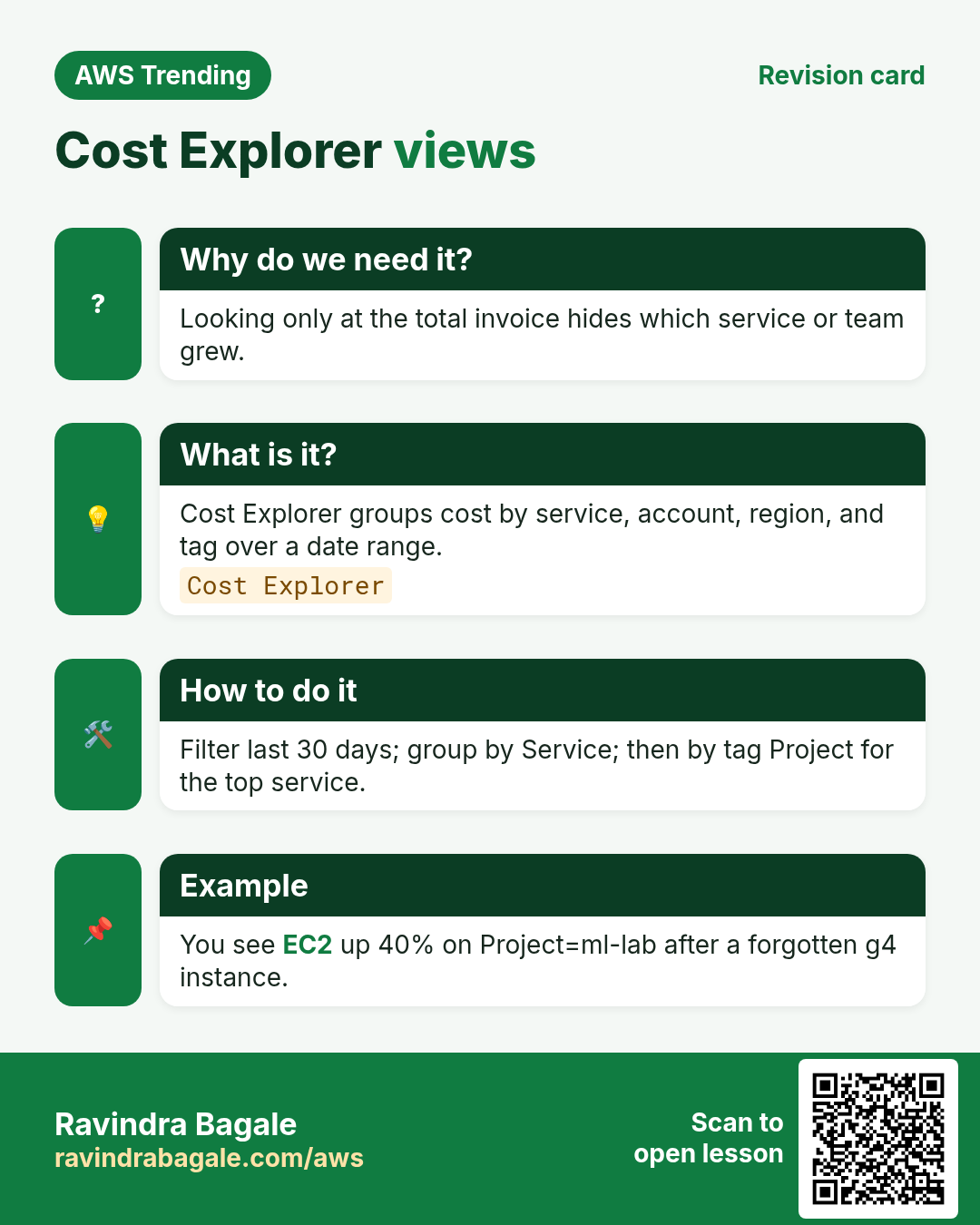
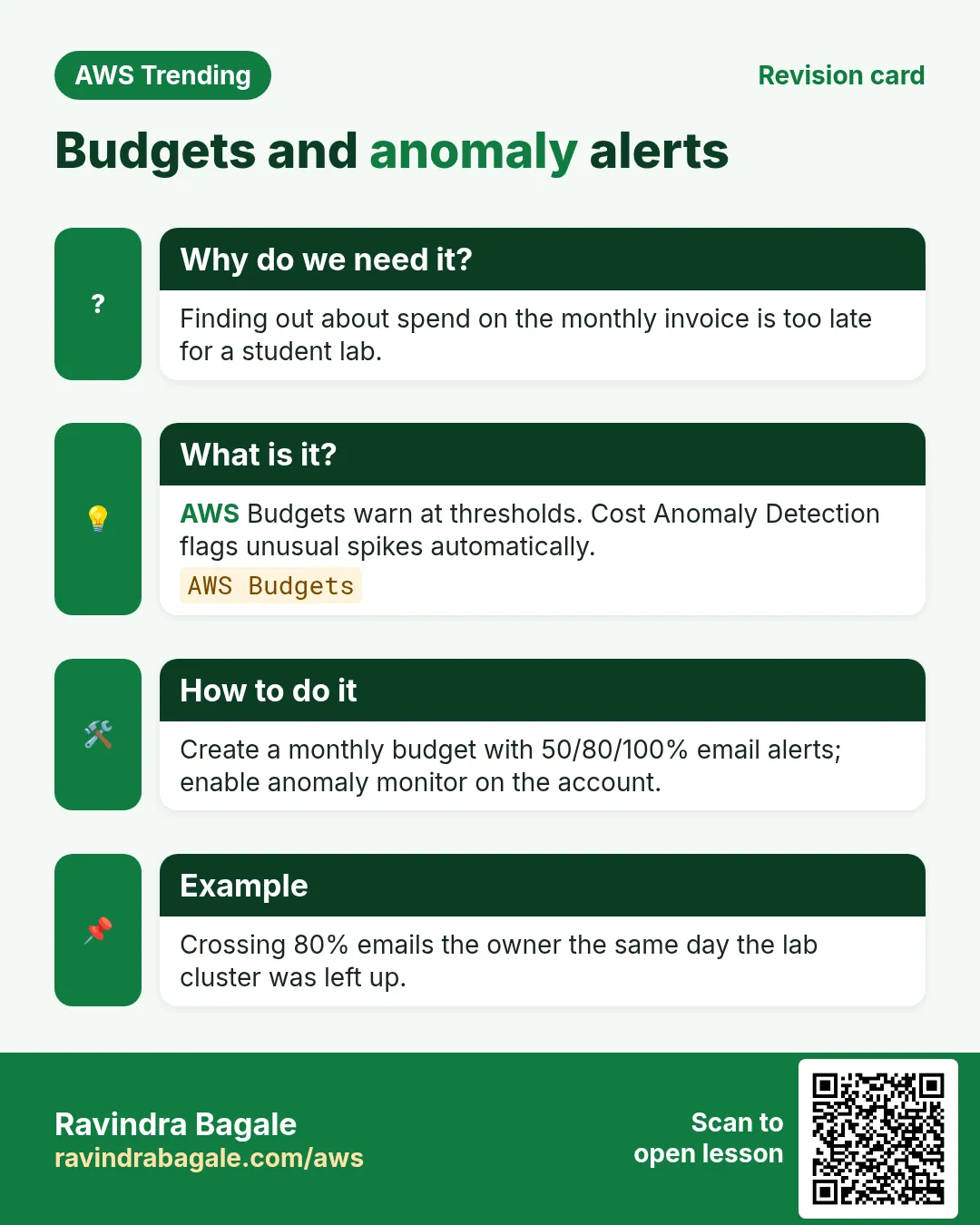
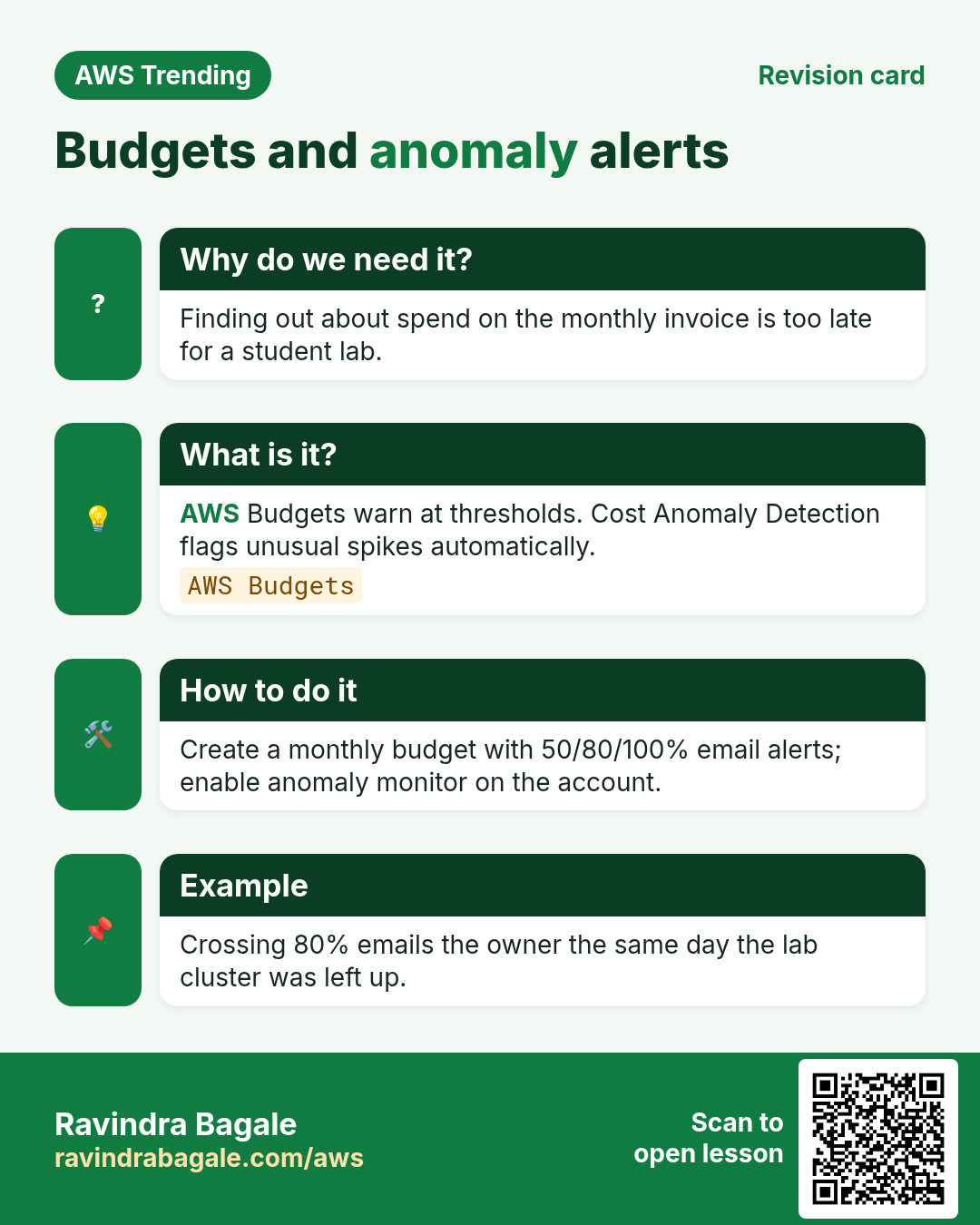
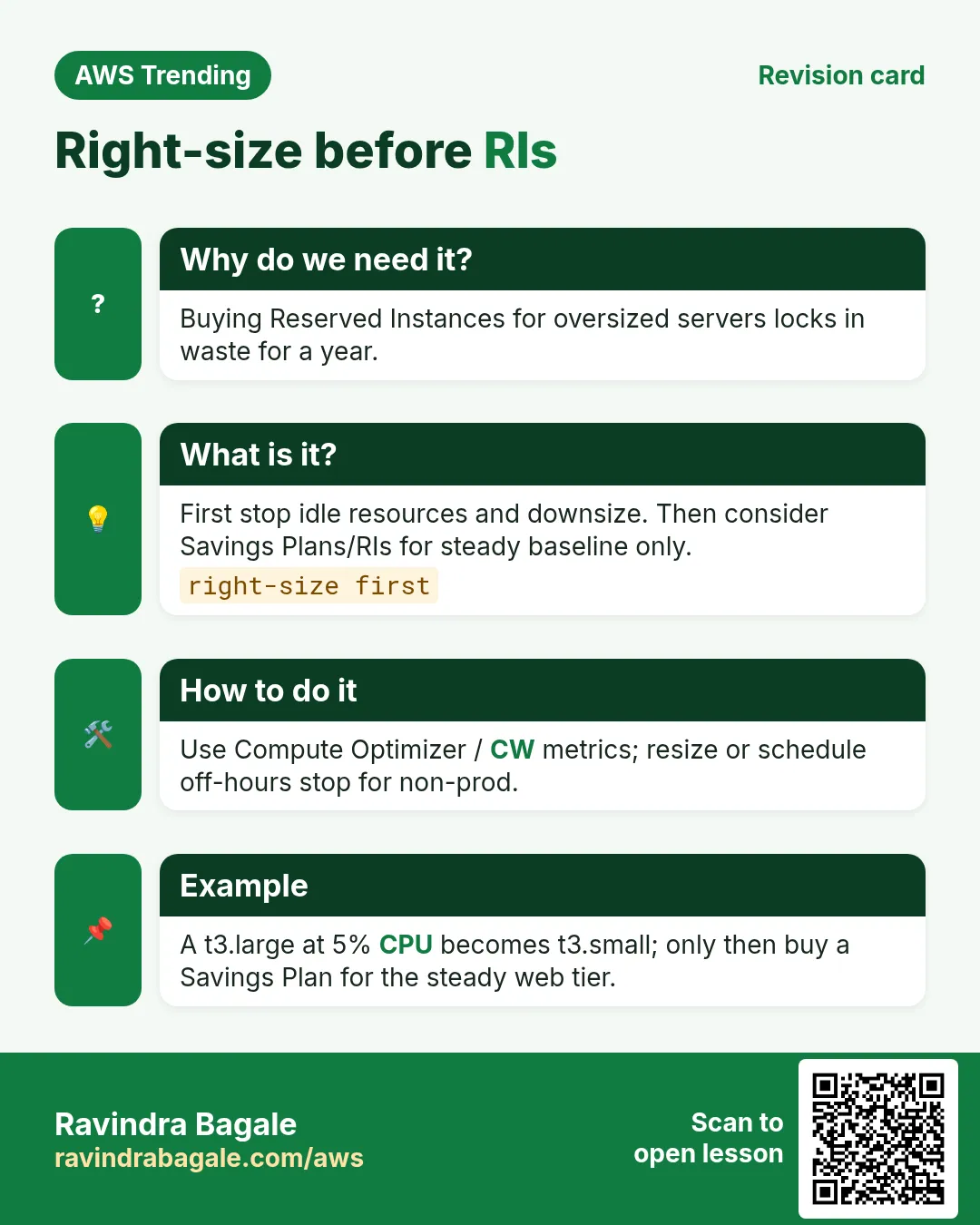
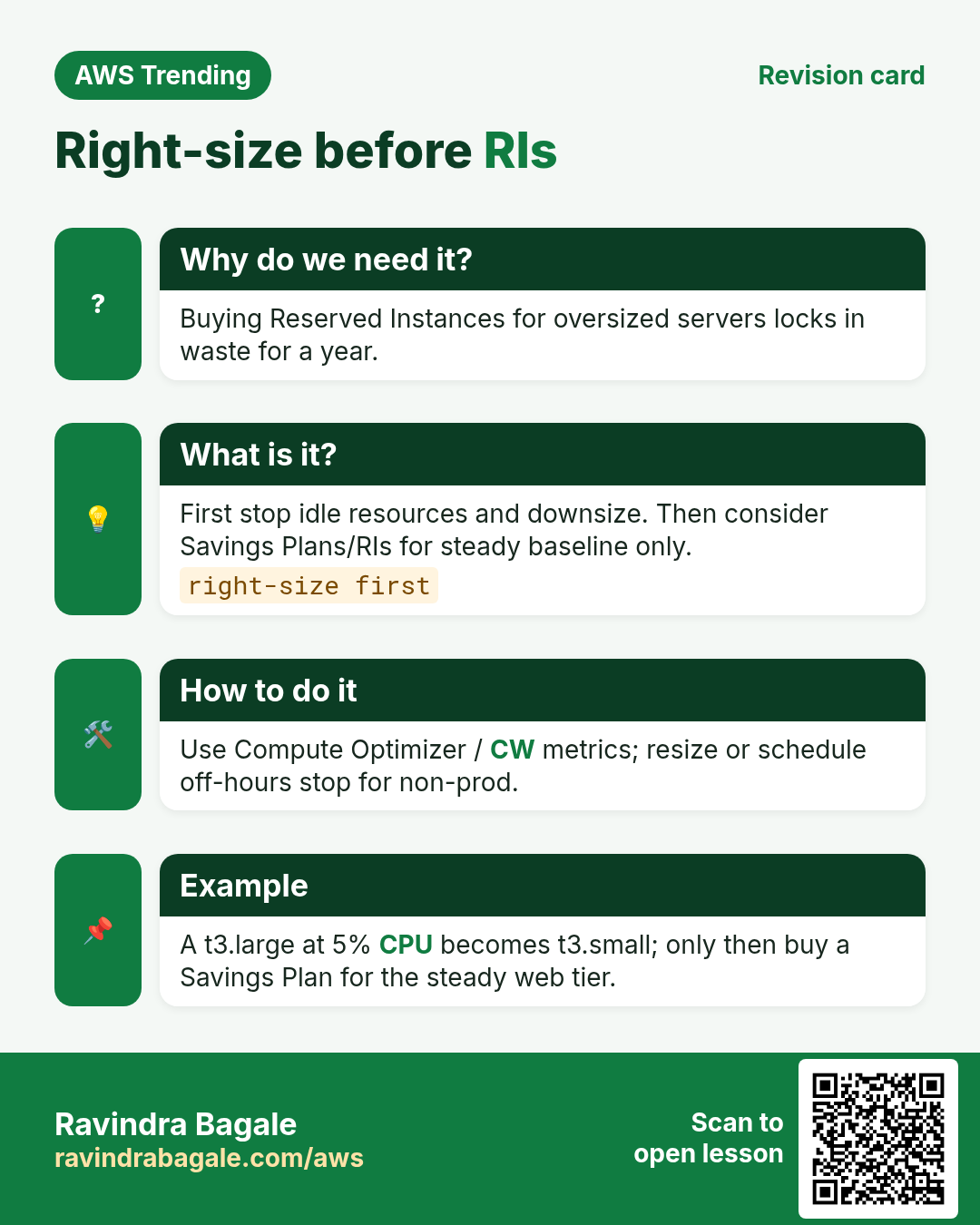
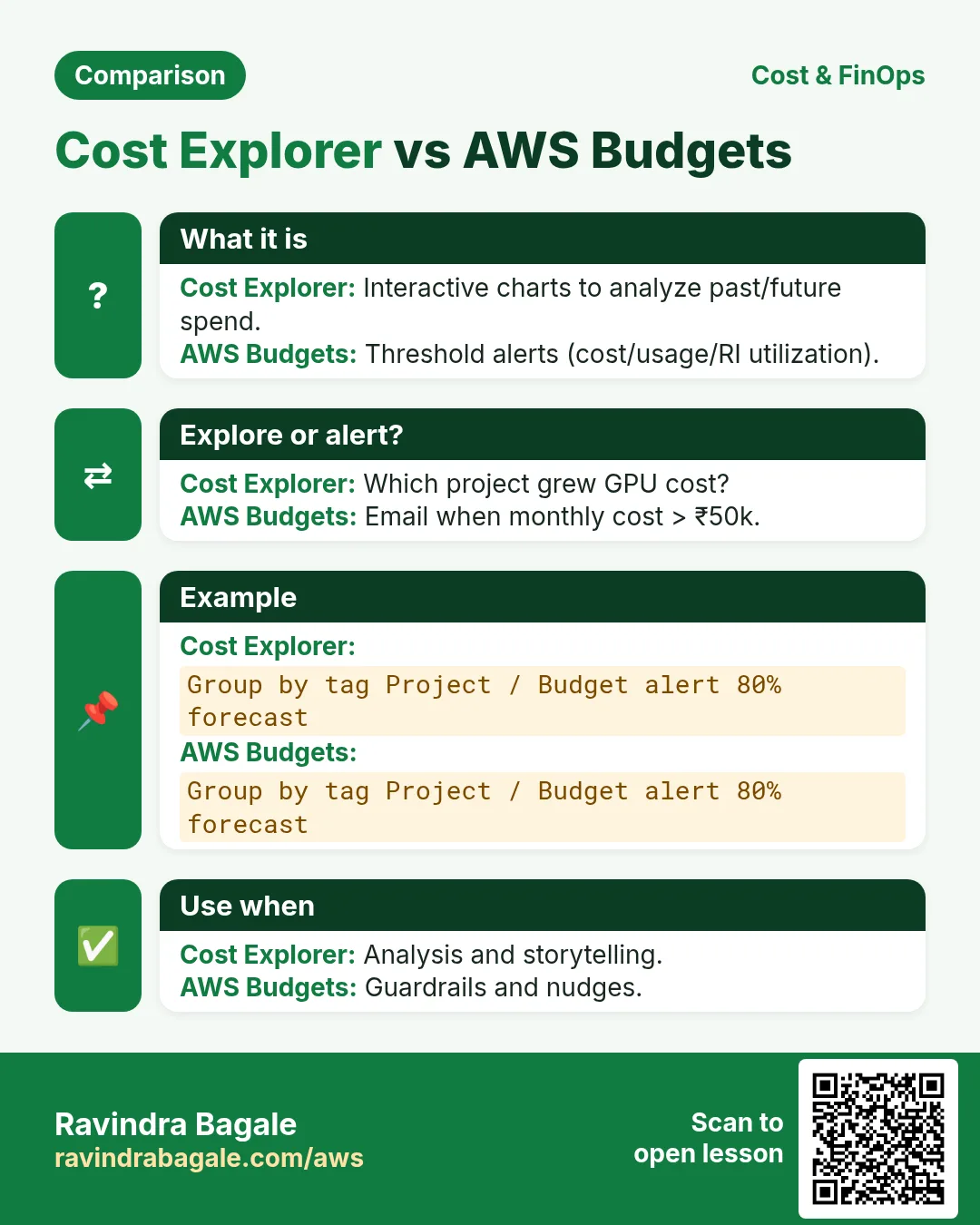
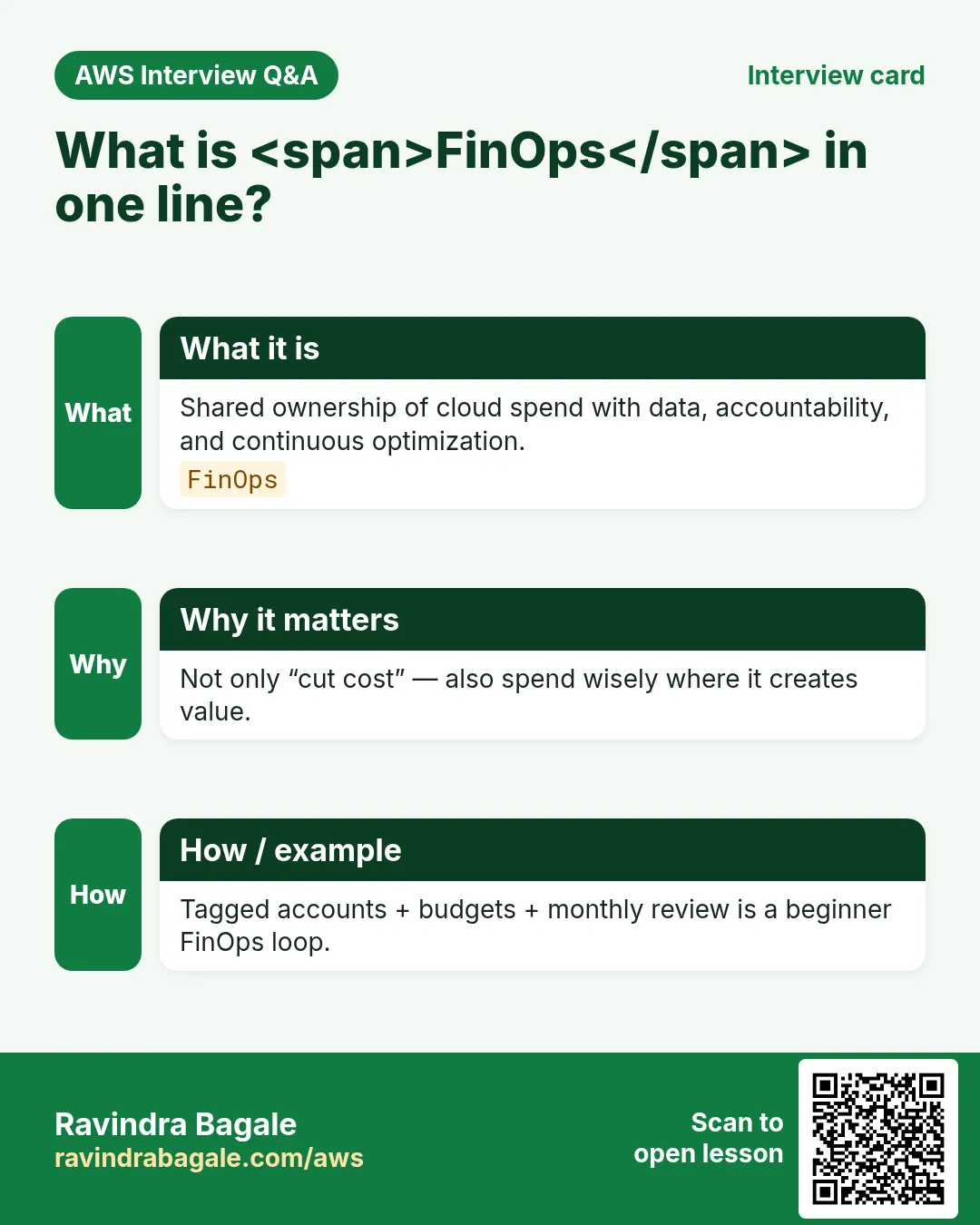
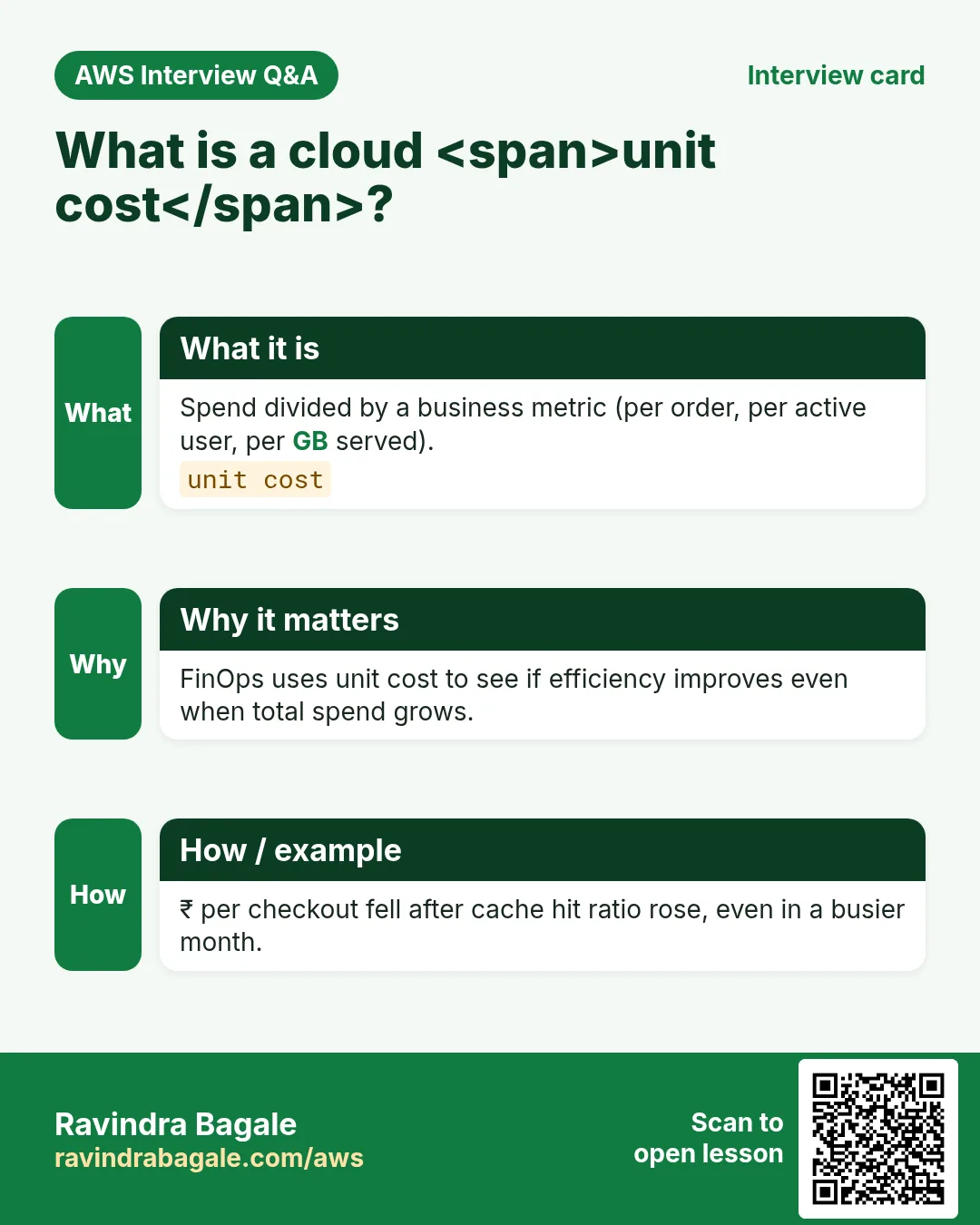
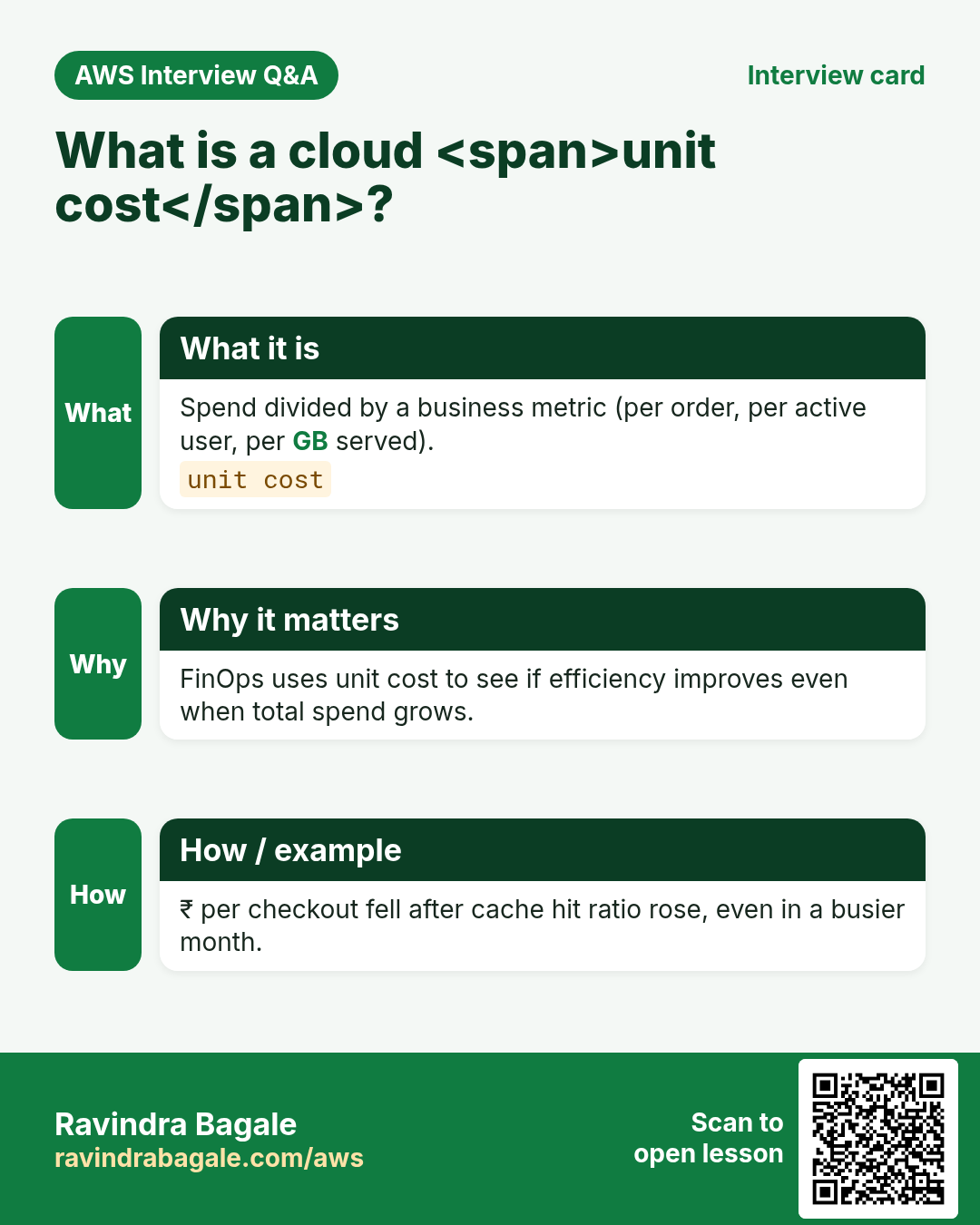
More cards: Ravi Sir's Cards.
Practise this chapter
Interview questions and answers
A cloud bill rose by six cost units this week. How do you start?
Compare the same time window by service, account and usage. Find the resource and owner behind the increase and check whether it is still doing needed work. Use a budget and the relevant evidence to detect changes before discussing any long-term commitment.
Check your understanding
Choose an answer, then compare your reasoning with the explanation.
Practice Tasks
Practice checks run in your browser. They check the answer for this exercise; they do not create resources or connect to your AWS account.
About this scenarioAhmednagar Sugar Co-op is a sugar co-operative business in Ahilyanagar. Balasaheb Pawar looks after its IT and cloud work. They count money in INR and run their AWS resources in the ap-south-1 Region. In the tasks below you do real jobs for them using what this lesson teaches. All names, account IDs, IP addresses and numbers are made up for practice.
0 / 16
Easy Get cost and usage
See the bill drivers.
Get cost and usage with time period 2026-01-01 to 2026-02-01 granularity MONTHLY metrics UnblendedCost.
- Read the task and decide which AWS service it is about.
- Write aws, then the service name, then the operation (the action word).
- Add each needed flag (--name) followed by its value from the task.
- Flags can be in any order. Click Check answer.
Easy Describe a budget
Track spend caps.
Describe budget nagarsugar-monthly for account 131959625285.
- Read the task and decide which AWS service it is about.
- Write aws, then the service name, then the operation (the action word).
- Add each needed flag (--name) followed by its value from the task.
- Flags can be in any order. Click Check answer.
Easy Describe instances for waste hunt
Find stopped vs running.
Describe instances in ap-south-1.
- Read the task and decide which AWS service it is about.
- Write aws, then the service name, then the operation (the action word).
- Add each needed flag (--name) followed by its value from the task.
- Flags can be in any order. Click Check answer.
Easy Describe volumes
Orphan EBS costs money.
Describe volumes in ap-south-1.
- Read the task and decide which AWS service it is about.
- Write aws, then the service name, then the operation (the action word).
- Add each needed flag (--name) followed by its value from the task.
- Flags can be in any order. Click Check answer.
Easy List buckets for unused data
Old logs in S3.
List buckets.
- Read the task and decide which AWS service it is about.
- Write aws, then the service name, then the operation (the action word).
- Add each needed flag (--name) followed by its value from the task.
- Flags can be in any order. Click Check answer.
Easy 1-year Reserved Instance term
Commitment length.
How many years is a common Reserved Instance term taught first?
- Write down the numbers the task gives you.
- Work it out step by step on paper.
- Type only the final answer in the box.
- Click Check answer.
Easy 3-year Savings Plan option
Longer term more discount.
What is the longer common Savings Plans term in years?
- Write down the numbers the task gives you.
- Work it out step by step on paper.
- Type only the final answer in the box.
- Click Check answer.
Medium Cost by SERVICE
Find expensive services.
Get cost and usage Start 2026-01-01 End 2026-02-01 MONTHLY UnblendedCost group-by Type DIMENSION Key SERVICE.
- Read the task and decide which AWS service it is about.
- Write aws, then the service name, then the operation (the action word).
- Add each needed flag (--name) followed by its value from the task.
- Flags can be in any order. Click Check answer.
Medium Cost by tag Project
Tags power chargeback.
Get cost and usage Start 2026-01-01 End 2026-02-01 MONTHLY UnblendedCost group-by Type TAG Key Project.
- Read the task and decide which AWS service it is about.
- Write aws, then the service name, then the operation (the action word).
- Add each needed flag (--name) followed by its value from the task.
- Flags can be in any order. Click Check answer.
Medium Get cost forecast
Predict month end.
Get cost forecast Start 2026-10-01 End 2026-11-01 MONTHLY UnblendedCost.
- Read the task and decide which AWS service it is about.
- Write aws, then the service name, then the operation (the action word).
- Add each needed flag (--name) followed by its value from the task.
- Flags can be in any order. Click Check answer.
Medium Budget alert at 80 percent
Alert before breach.
If you alert at 80 percent of budget, what number is that?
- Write down the numbers the task gives you.
- Work it out step by step on paper.
- Type only the final answer in the box.
- Click Check answer.
Medium Allow Cost Explorer read
FinOps role.
Allow ce:GetCostAndUsage and ce:GetCostForecast on *.
- Start with { "Version": "2012-10-17", "Statement": [ ... ] }.
- In each statement write Effect, Action and Resource.
- Give only what the task needs (least privilege).
- Use double quotes and commas correctly. Click Check answer.
Hard Get rightsizing recommendation
Downsize idle EC2.
Get EC2 rightsizing recommendation.
- Read the task and decide which AWS service it is about.
- Write aws, then the service name, then the operation (the action word).
- Add each needed flag (--name) followed by its value from the task.
- Flags can be in any order. Click Check answer.
Hard Savings Plans coverage
Measure commitment use.
Get Savings Plans coverage Start 2026-01-01 End 2026-02-01 granularity DAILY.
- Read the task and decide which AWS service it is about.
- Write aws, then the service name, then the operation (the action word).
- Add each needed flag (--name) followed by its value from the task.
- Flags can be in any order. Click Check answer.
Hard Budget limit JSON
Budget API shape.
JSON Budget with BudgetName monthly, BudgetLimit Amount 100 Unit USD, TimeUnit MONTHLY, BudgetType COST.
- Start from the top-level keys the task names.
- Indent child keys with 2 spaces (no tabs).
- Fill in each property with the value from the task.
- Click Check answer. Key order does not matter.
Hard Required cost tags document
Enforce Project and Env.
JSON tags required: Project and Env as keys in an array required_tags.
- Start from the top-level keys the task names.
- Indent child keys with 2 spaces (no tabs).
- Fill in each property with the value from the task.
- Click Check answer. Key order does not matter.