Set Up AWS IAM Identity Center (SSO) Step by Step
Enable Identity Center, create one user and a ReadOnly permission set, assign them to your account, sign in through the portal, then remove the lab assignment so you do not leave extra admin paths open.
In this chapter
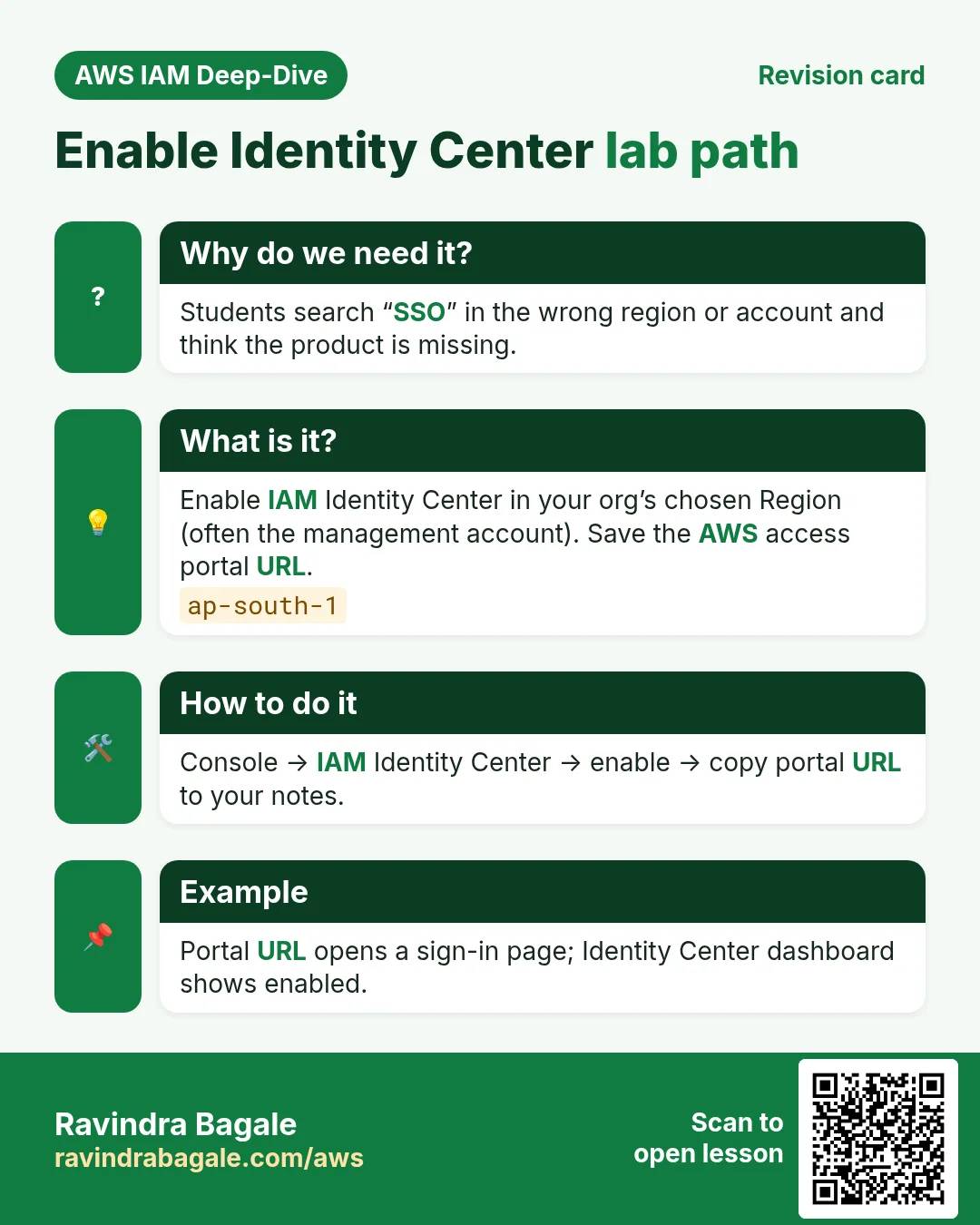
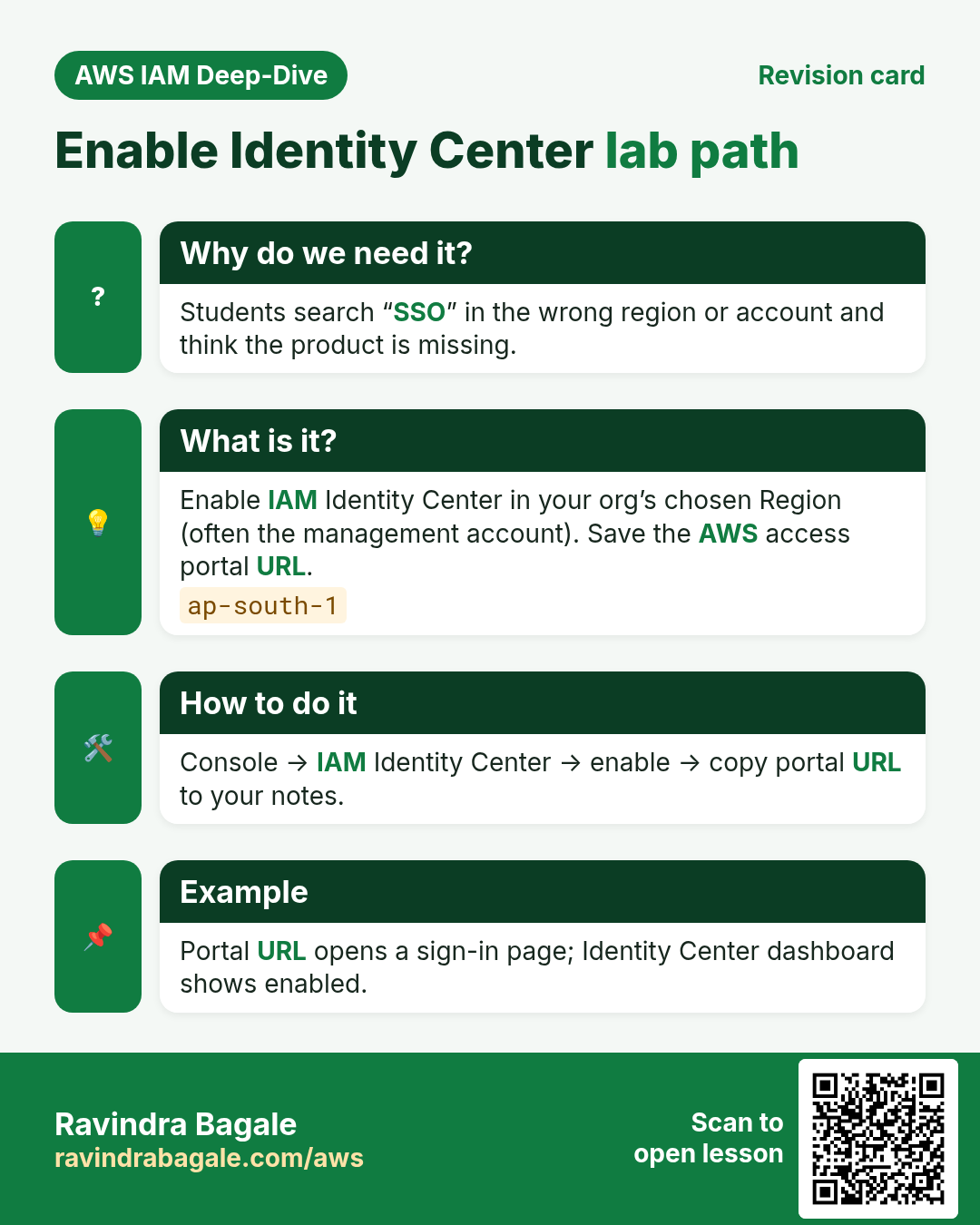
- Enable Identity Center
- Create user and group
- Create a permission set
- Assign to an AWS account
- Portal login and cleanup
1. Lab: click by click
You need access to the management account of an AWS Organization (or a standalone account where Identity Center can be enabled). Region tip: pick one Identity Center home Region carefully — often ap-south-1 for Pune labs if your org allows it. Confirm with your trainer if the org already enabled another Region.
A. Enable
- Console search → IAM Identity Center.
- If prompted, Enable. Accept the Identity Center directory as identity source for this lab (simplest).
- Note the AWS access portal URL on the dashboard — bookmark it.
B. User and group
- Users → Add user: username
lab-student, email you control, name. Send invite or set password per console options. - Groups → Create group
lab-readers. Addlab-student. - Enable MFA on the user when the console offers it — do not skip.
C. Permission set
Choose one practice operation the user should be able to do and one they should be denied. For a read-only permission set, reading a lab resource listing can be the positive test. Creating an instance or changing a policy is outside the intended access. Name the target lab account now so your tests later use the exact assignment rather than the administrator’s current account.
The permission set supplies a permissions configuration. Assignment provisions access for the chosen account and group. Wait for the assignment to complete before testing sign-in. If the test user sees the account but the read fails, inspect which permission set they selected and the action/resource under test. If no account appears, trace group membership and assignment before editing the permission set. These different symptoms point to different steps.
- Permission sets → Create.
- Use predefined ReadOnlyAccess for the lab (or a custom set with only
s3:ListAllMyBucketsif you want tighter). Name:lab-readonly. Session duration 1 hour. - Do not attach AdministratorAccess for a first lab user.
D. Assign and sign in
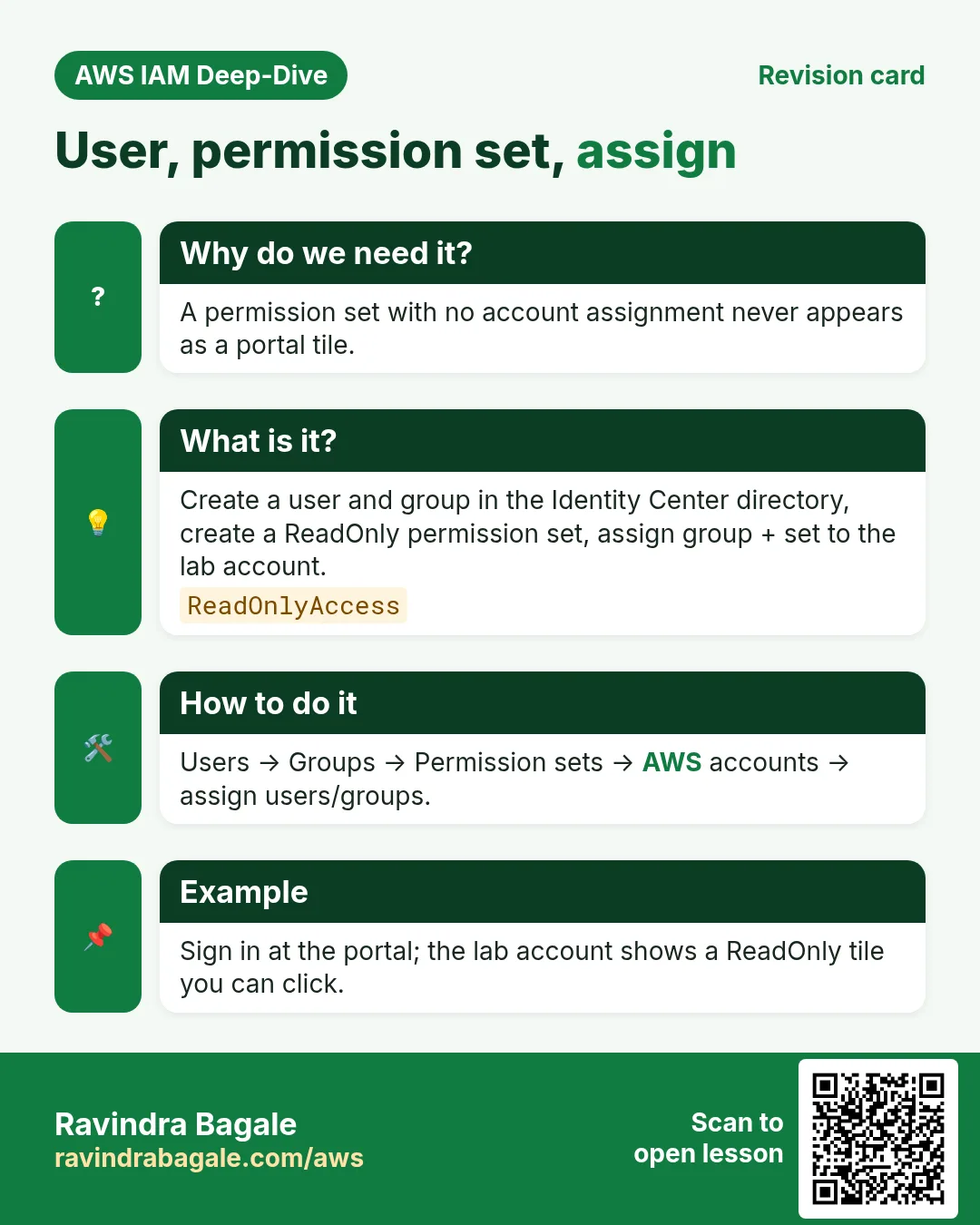
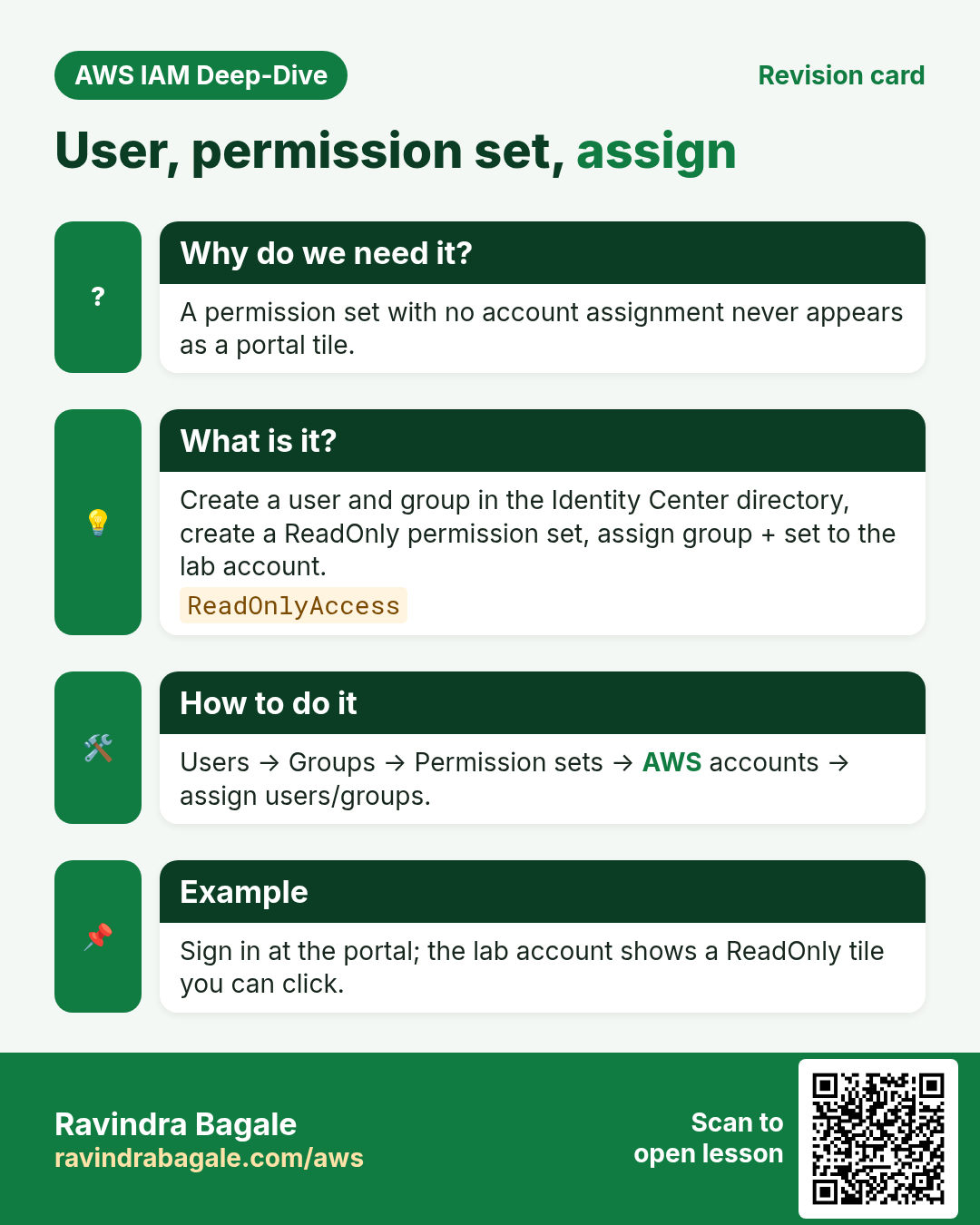
Write down the exact assignment before using the portal. For example, assign the group LabReaders to the chosen practice account with the practice read-only permission set. Adding a person to LabReaders and creating the permission set are separate steps. The group needs the assignment to that account before its members can use the access.
Open the portal as the test user and compare the account name and role label to your notes. If needed, use the displayed CLI guidance and check the account in get-caller-identity. Attempt a harmless permitted read. Then check that the expected access is absent in an unassigned account. If sign-in works but the account is missing, review group membership and the assignment before changing permissions.
- AWS accounts → select your account → Assign users or groups → Group
lab-readers→ permission setlab-readonly. - Wait until status Succeeded.
- Open the access portal URL → sign in as
lab-student→ pick the account →lab-readonly. - Optional CLI: install AWS CLI v2 →
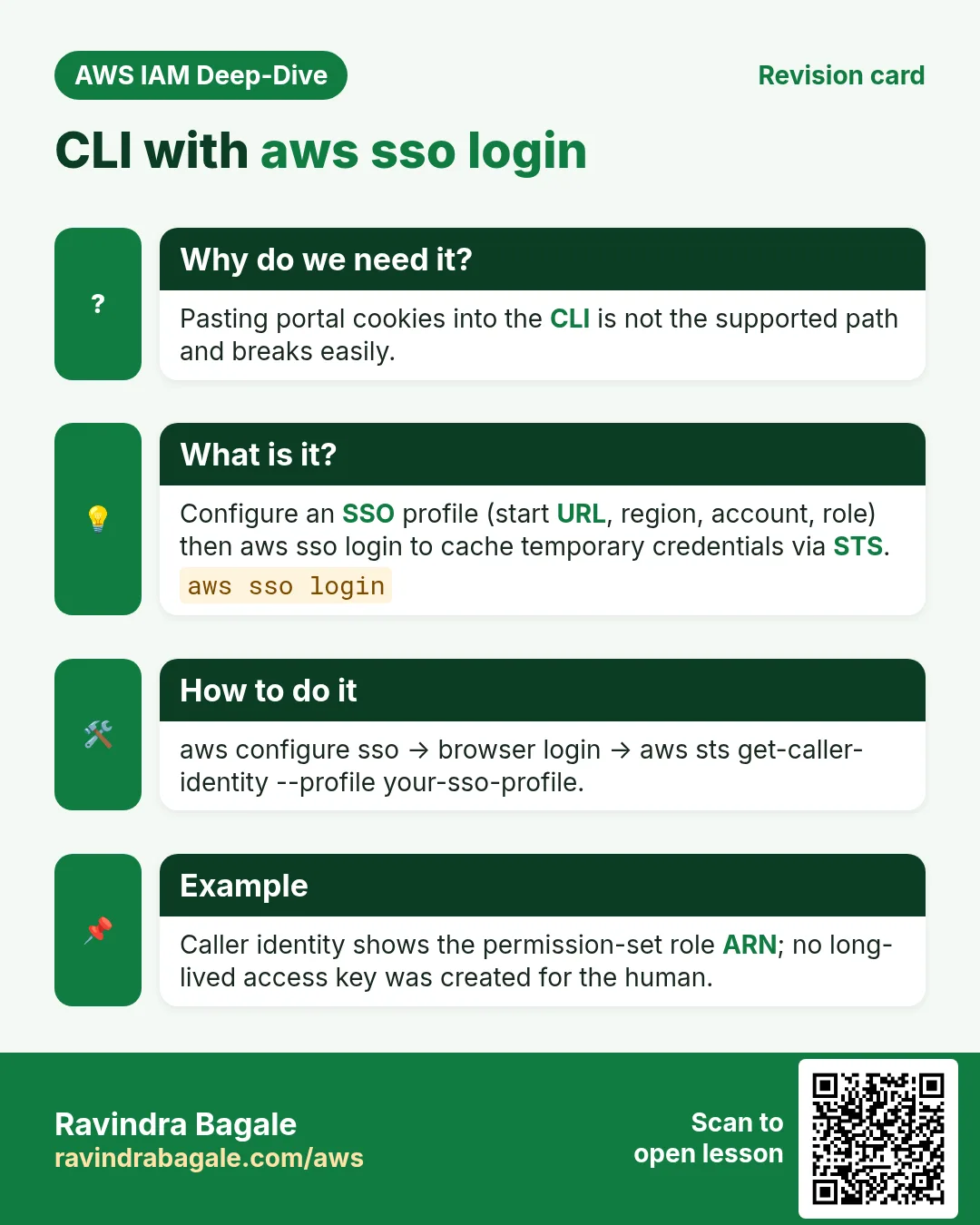
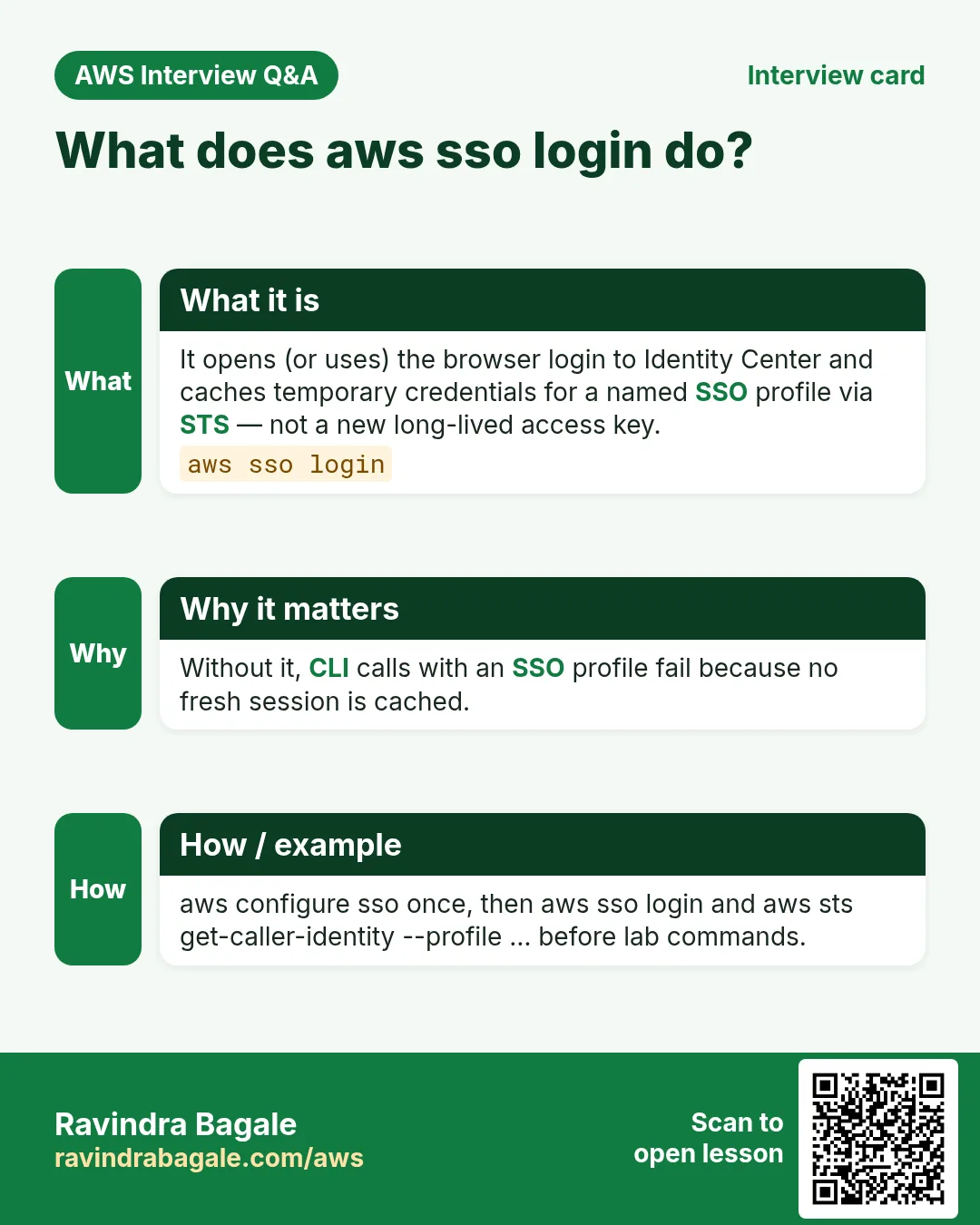
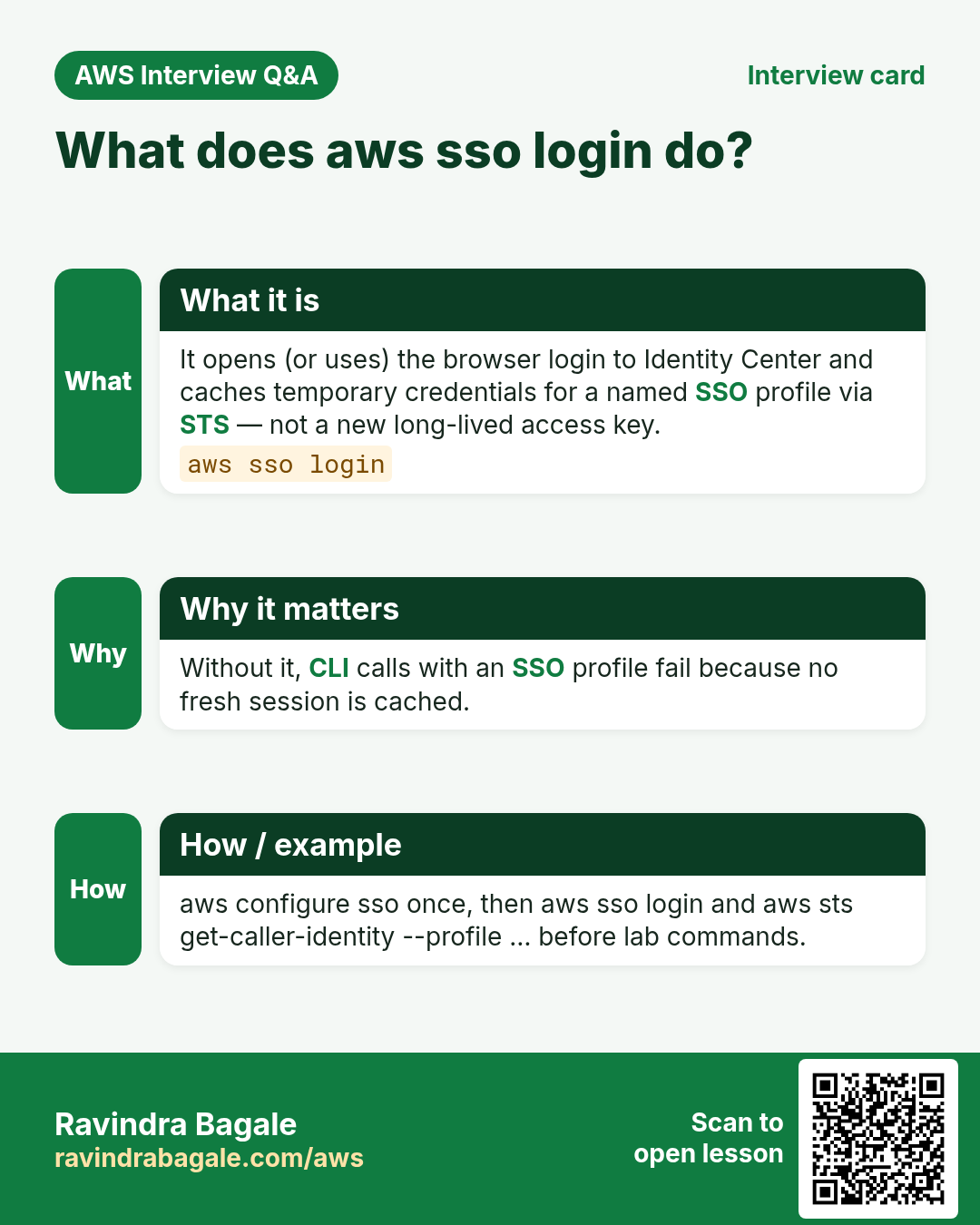
aws configure sso→aws sso login --profile lab→aws sts get-caller-identity --profile lab.
Cleanup
- Remove the account assignment for
lab-readers/lab-readonly. - Delete the permission set if unused. Delete or disable
lab-student. - Keep Identity Center enabled if the org uses it — do not disable shared org SSO without permission.
Ravindra Bagale's Tip
If Enable is greyed out, you are not in the management account or Identity Center already lives in another Region/account. Ask before creating a second org.
2. Interview angles
Q. Why ReadOnly first?
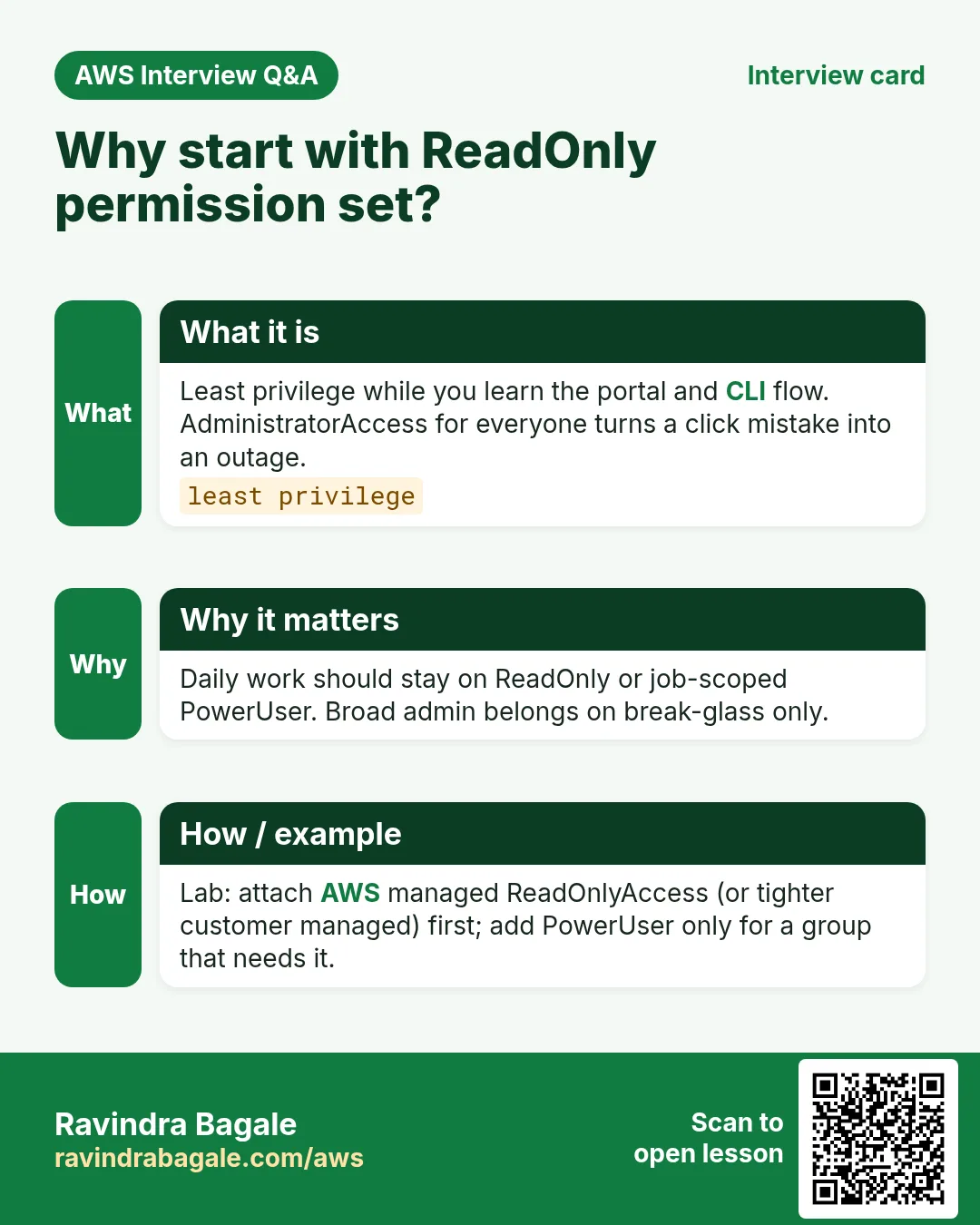
Least privilege while you learn the portal flow.
Q. Permission set vs IAM policy?
Set is Identity Center’s template; it materializes as a role+policies in the account.
Q. aws sso login purpose?
Fetches temporary creds into a named profile.
Q. Can I assign Admin to everyone?
No — break-glass only; daily ReadOnly/PowerUser.
Try at home
- Create a second permission set with PowerUserAccess and assign only to a group you are in.
- Next: how Active Directory fits as an identity source.
In short
- Enable Identity Center and save the portal URL.
- User/group + permission set + account assignment.
- Sign in via portal; CLI uses aws sso login.
- Remove lab assignments when finished.
Verify assignment from the user view
Use a dedicated test user and group; record the selected account, Region and permission set. Sign in from a fresh browser profile and run an approved read-only command with the matching SSO profile. End the lab by removing the test assignment.
Interview check Can an account instance replace an organization instance for account assignments?
They support different capabilities. Use the organization instance to administer multi-account AWS access. Confirm the instance type before applying setup steps.
Practise this chapter
Interview questions and answers
How do you test group-based access without confusing it with your administrator rights?
I would make the assignment as the administrator, then sign in independently as a designated test member of the group. I would check that account and role, perform the approved read, and verify that access to an intentionally unassigned account is absent.
Check your understanding
Choose an answer, then compare your reasoning with the explanation.
Practice Tasks
Practice checks run in your browser. They check the answer for this exercise; they do not create resources or connect to your AWS account.
About this scenarioSydney Surf School is a sports training business in Sydney. Liam O'Brien looks after its IT and cloud work. They count money in AUD and run their AWS resources in the ap-southeast-2 Region. In the tasks below you do real jobs for them using what this lesson teaches. All names, account IDs, IP addresses and numbers are made up for practice.
0 / 10
Easy Configure a named profile
Profiles keep keys for different accounts apart.
Start the interactive setup for a profile named sydneysurf-prod.
- Read the task and decide which AWS service it is about.
- Write aws, then the service name, then the operation (the action word).
- Add each needed flag (--name) followed by its value from the task.
- Flags can be in any order. Click Check answer.
Easy Check who you are logged in as
Always confirm the account and identity before running changes.
Show the account ID and ARN of the identity your CLI is using.
- Read the task and decide which AWS service it is about.
- Write aws, then the service name, then the operation (the action word).
- Add each needed flag (--name) followed by its value from the task.
- Flags can be in any order. Click Check answer.
Easy How many addresses in a /16?
Picking a VPC size needs this count.
Sydney Surf School plans the VPC 10.153.0.0/16. How many IP addresses does it hold in total?
- Write down the numbers the task gives you.
- Work it out step by step on paper.
- Type only the final answer in the box.
- Click Check answer.
Easy Port for SSH
Security group rules need the right port.
Which TCP port must the security group open for SSH?
- Write down the numbers the task gives you.
- Work it out step by step on paper.
- Type only the final answer in the box.
- Click Check answer.
Easy Show where you are
Before you copy or delete anything, you must know which folder you are in.
Liam O'Brien logged in to the Sydney Surf School server and is not sure which folder the terminal is in. Print the current folder path.
- Find the Linux command that does this job.
- Add the options (like -r or -h) the task needs.
- Add the file names, folders or users in the right order.
- Use sudo if the job changes system files or users. Click Check answer.
Medium List Identity Center instances
You need the instance ARN and identity store ID for SSO admin commands.
List the IAM Identity Center instances.
- Read the task and decide which AWS service it is about.
- Write aws, then the service name, then the operation (the action word).
- Add each needed flag (--name) followed by its value from the task.
- Flags can be in any order. Click Check answer.
Medium Log in with SSO
SSO gives short-lived keys, so no long-term access keys sit on your laptop.
Log in with IAM Identity Center for profile sydneysurf-dev.
- Read the task and decide which AWS service it is about.
- Write aws, then the service name, then the operation (the action word).
- Add each needed flag (--name) followed by its value from the task.
- Flags can be in any order. Click Check answer.
Medium Set the default Region of a profile
Setting region in the profile saves typing --region every time.
Set region to ap-southeast-2 for profile sydneysurf-prod using aws configure set.
- Read the task and decide which AWS service it is about.
- Write aws, then the service name, then the operation (the action word).
- Add each needed flag (--name) followed by its value from the task.
- Flags can be in any order. Click Check answer.
Medium Create access keys for a user
Access keys let a user run the AWS CLI. Store them safely and rotate them.
Create an access key for user liam.
- Read the task and decide which AWS service it is about.
- Write aws, then the service name, then the operation (the action word).
- Add each needed flag (--name) followed by its value from the task.
- Flags can be in any order. Click Check answer.
Hard Create a permission set
A permission set is a role template that Identity Center creates in each account.
Create permission set ReadOnly-sydneysurf in instance arn:aws:sso:::instance/ssoins-1234567890abcdef with session duration PT8H.
- Read the task and decide which AWS service it is about.
- Write aws, then the service name, then the operation (the action word).
- Add each needed flag (--name) followed by its value from the task.
- Flags can be in any order. Click Check answer.
Revision, comparison and interview cards
Revise this lesson in a few minutes. Save the cards on your phone or download them as PNG files. The QR code on each card opens this lesson.
More cards: Ravi Sir's Cards.