What Is Amazon EFS? Shared File Storage vs EBS vs S3
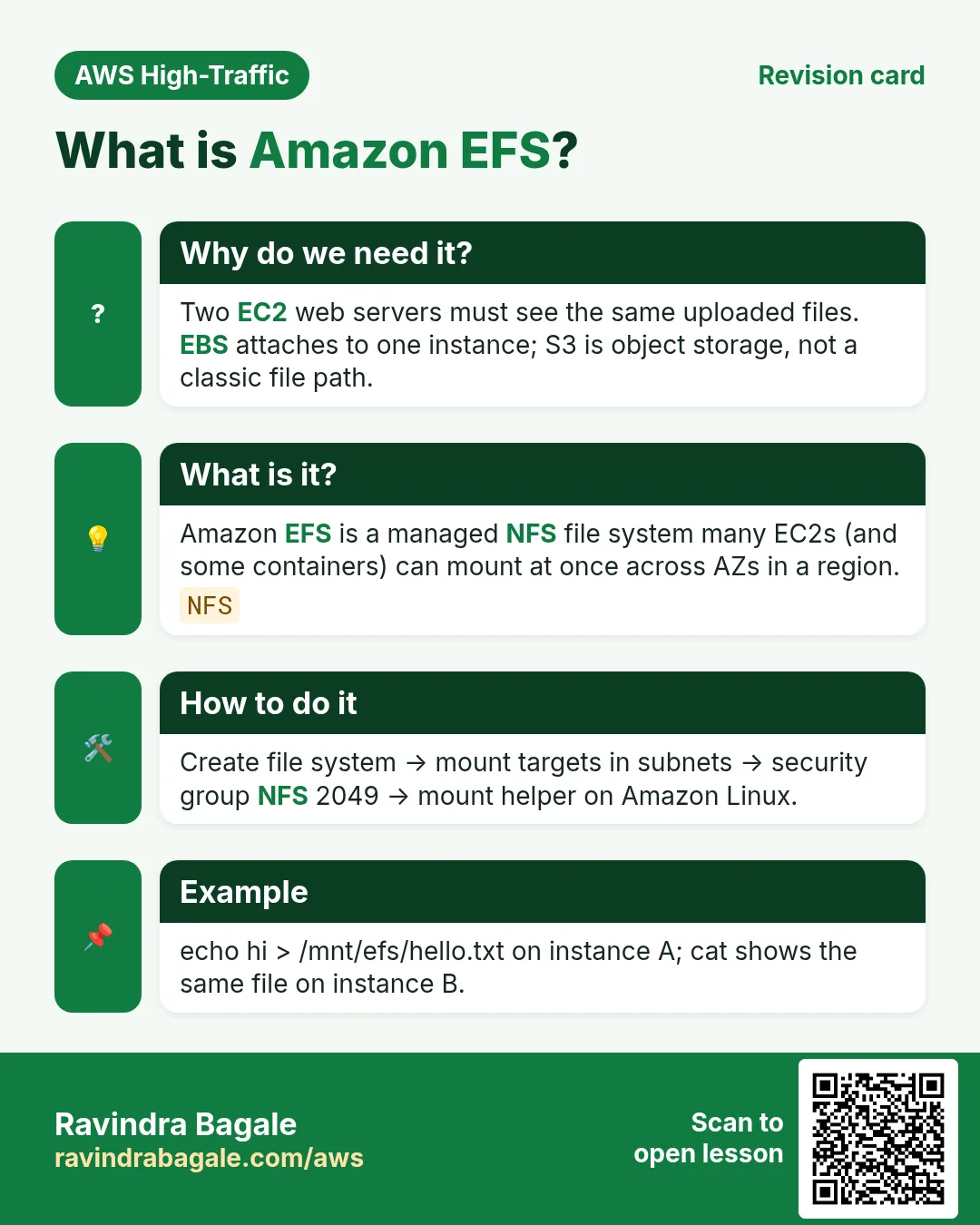
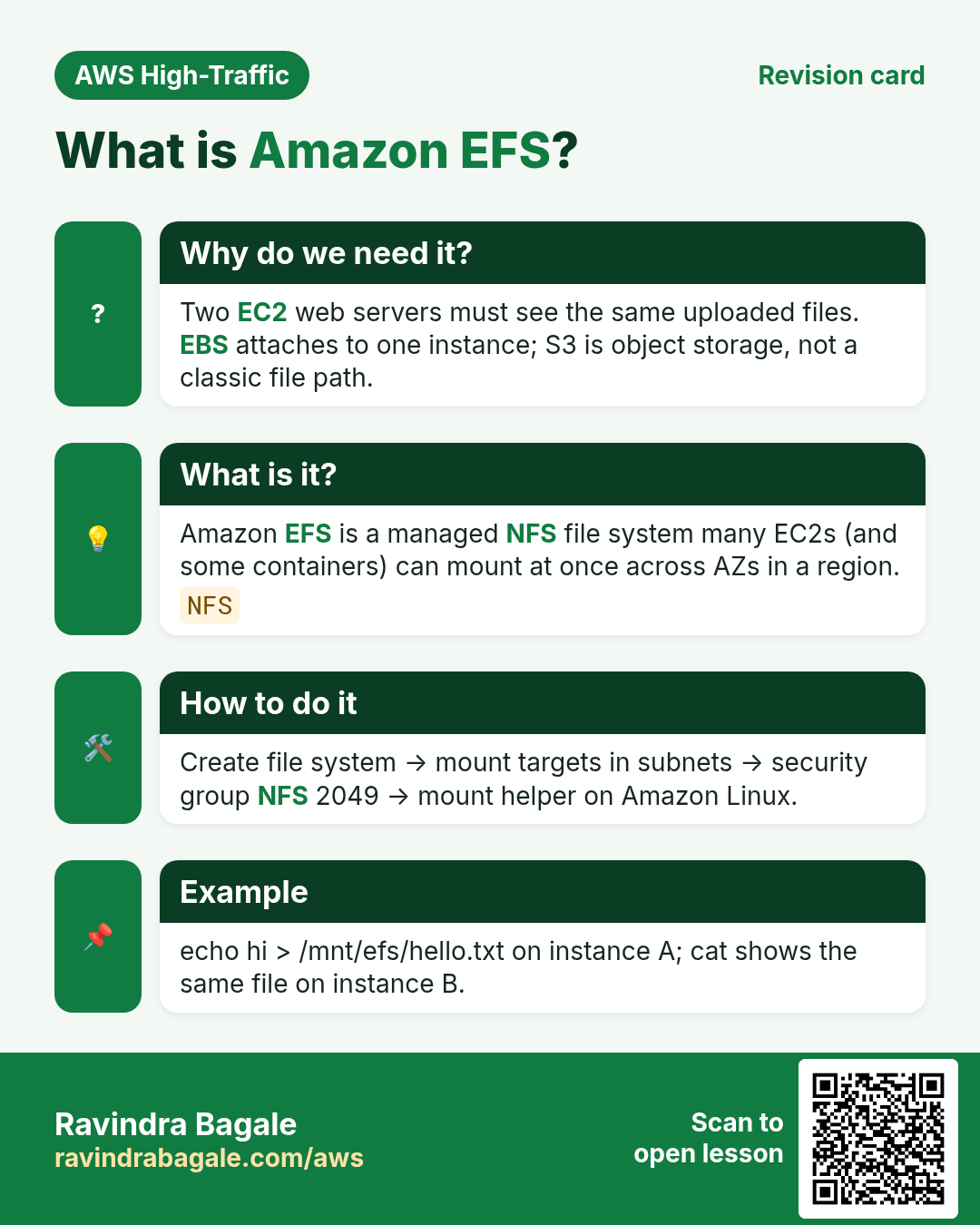
EBS is a USB disk stuck to one laptop. S3 is a locker where you drop files by name. EFS is a shared office network drive — many EC2s open the same folders at once over NFS.
In this chapter
- What EFS is and why shared files matter
- EFS vs EBS vs S3 decision table
- Performance and throughput modes (basics)
- Cost shape and when not to use EFS
1. Everyday example
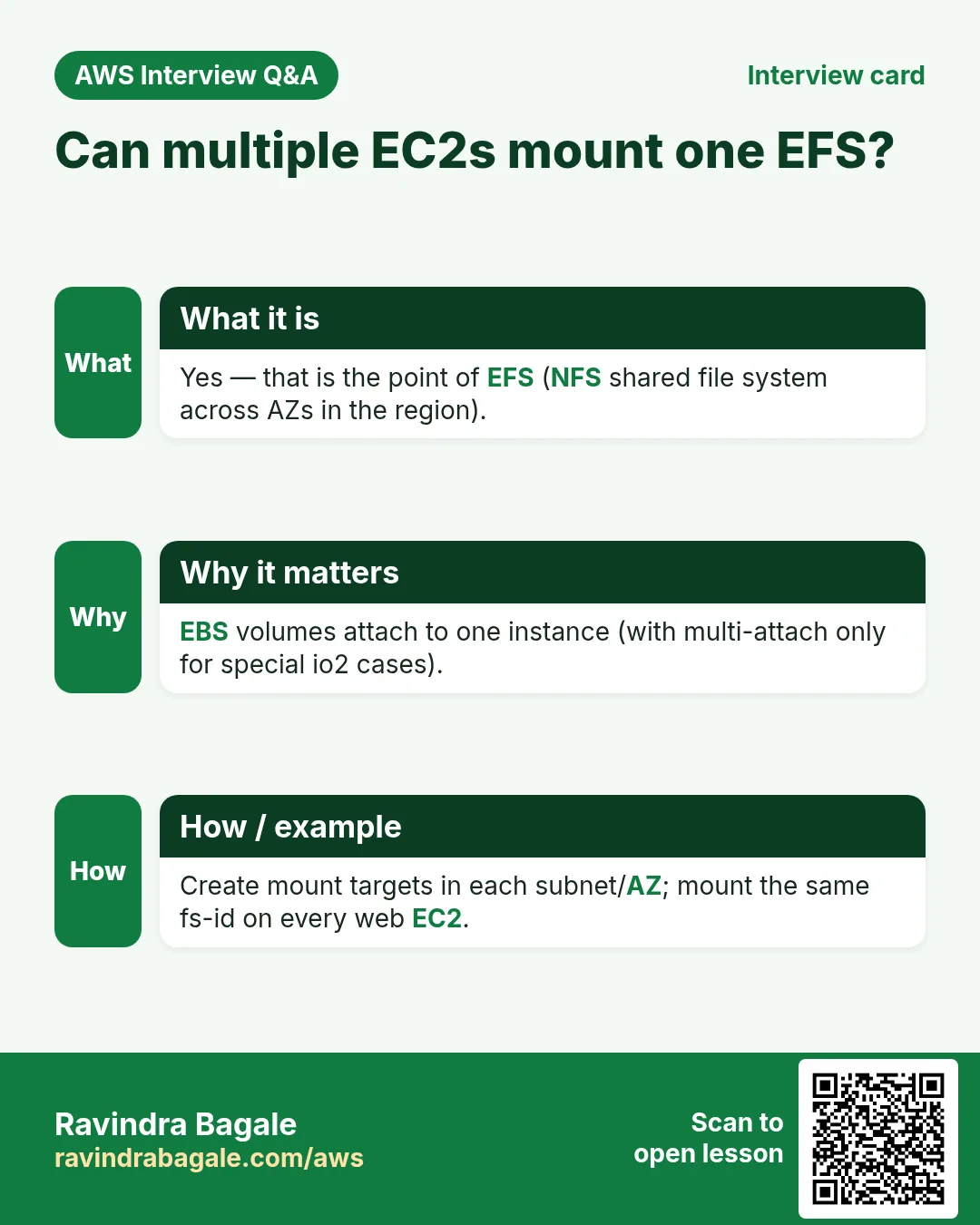
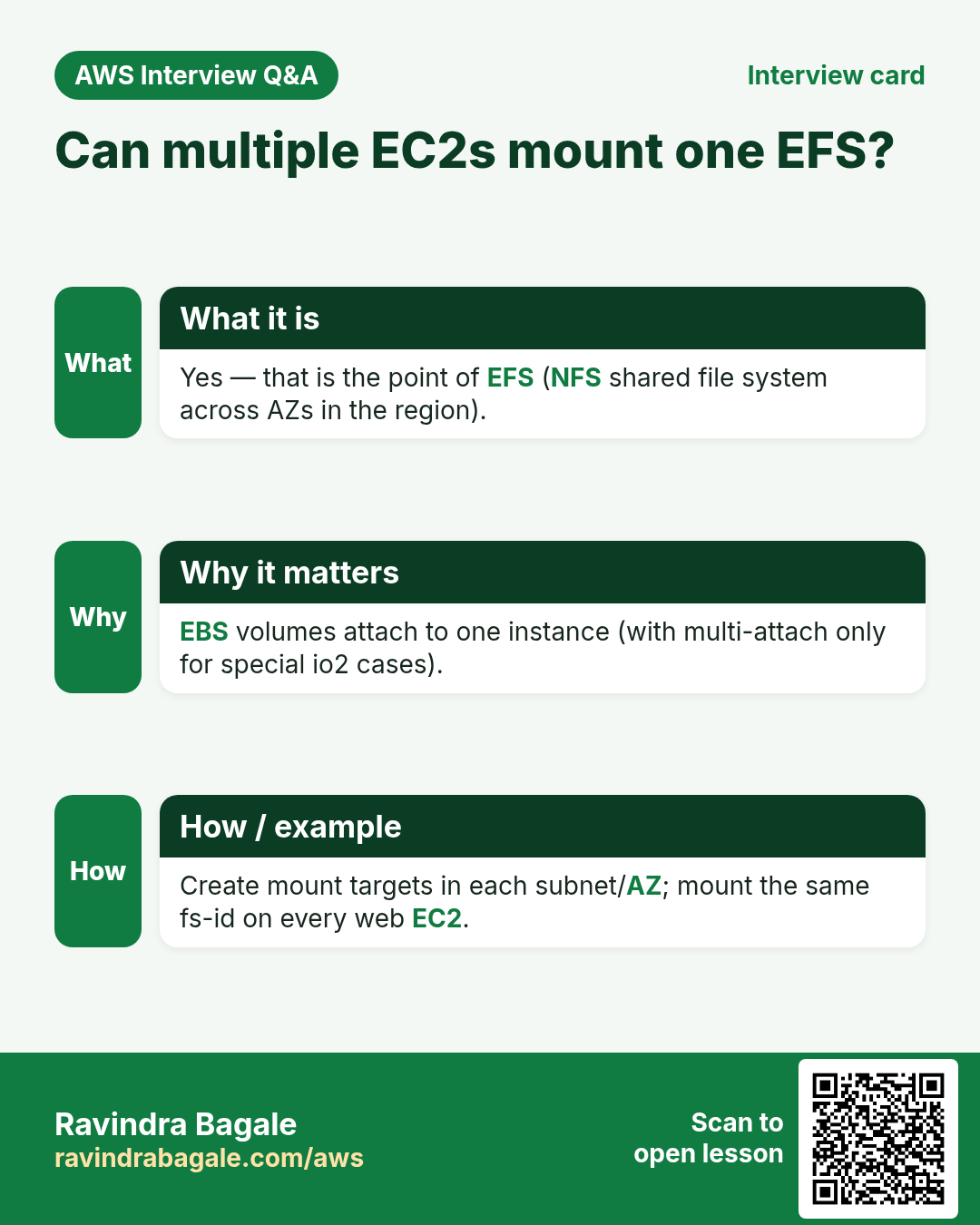
A WordPress site on two EC2s behind an ALB must share wp-content/uploads. EBS cannot attach read-write to two instances in normal setups. S3 needs code changes. EFS mounts like a normal Linux folder on both.
Amazon EFS (Elastic File System) is a managed NFSv4 file system. It grows and shrinks as you add or delete files. Multiple mounts across AZs are normal.
2. EFS vs EBS vs S3
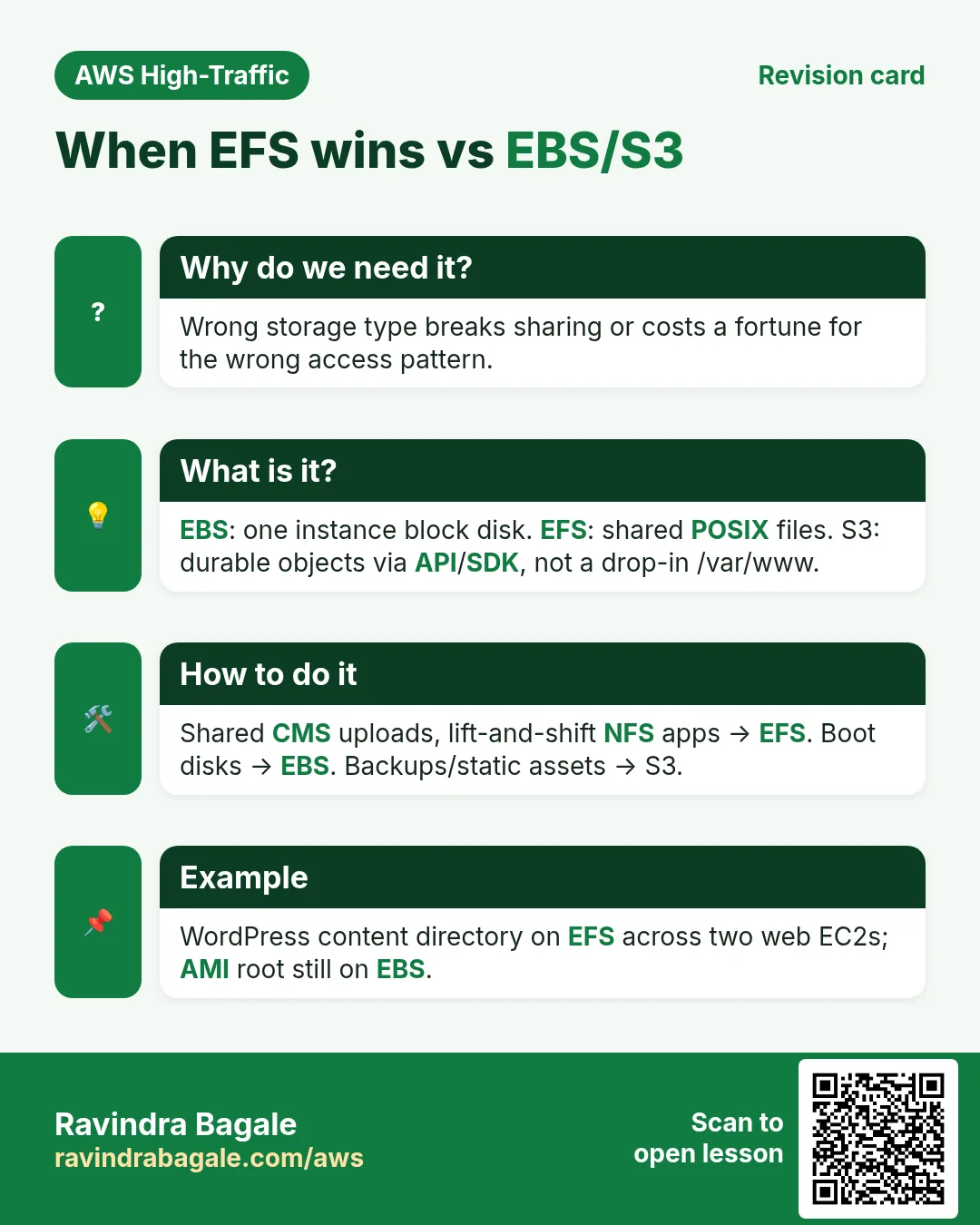
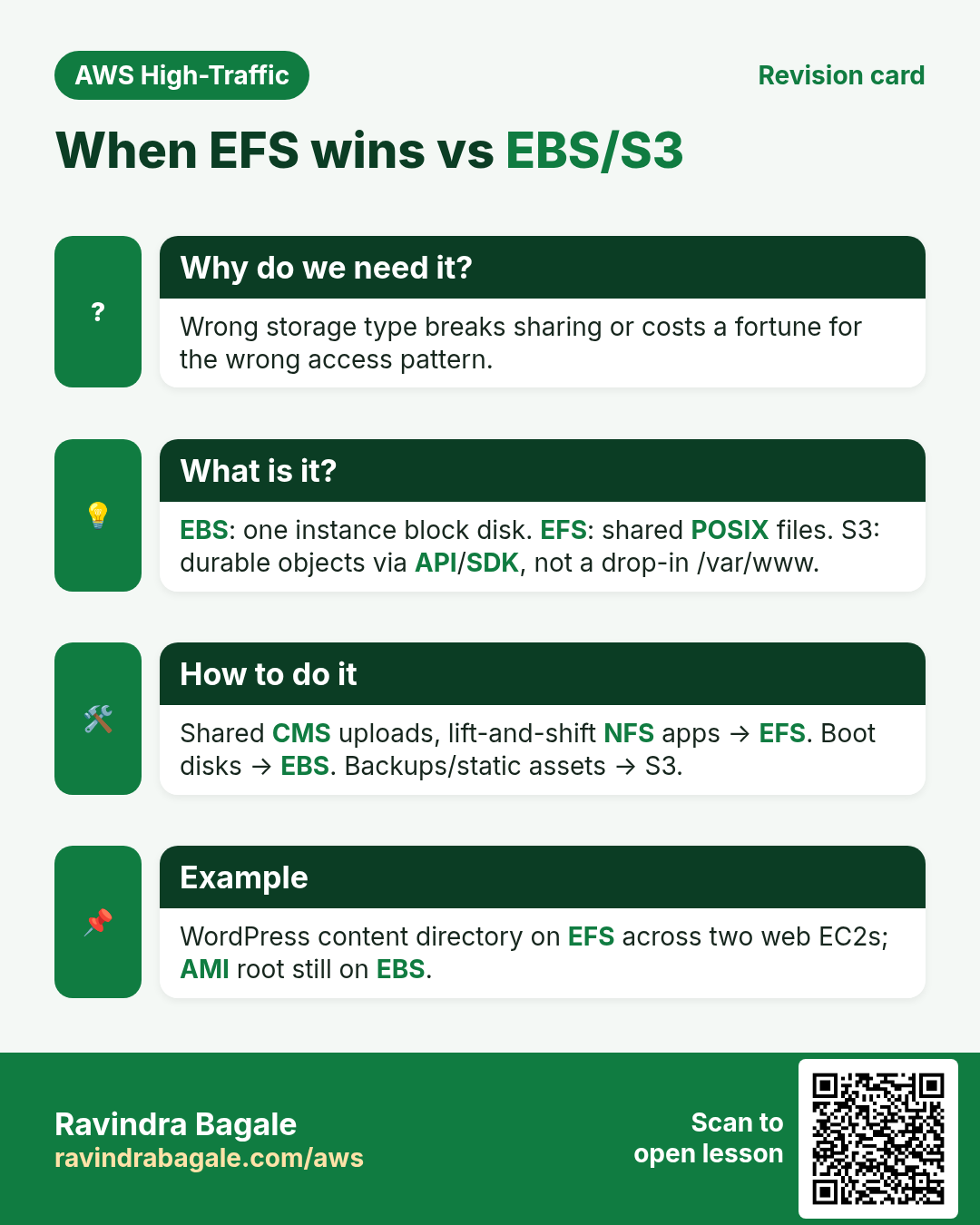
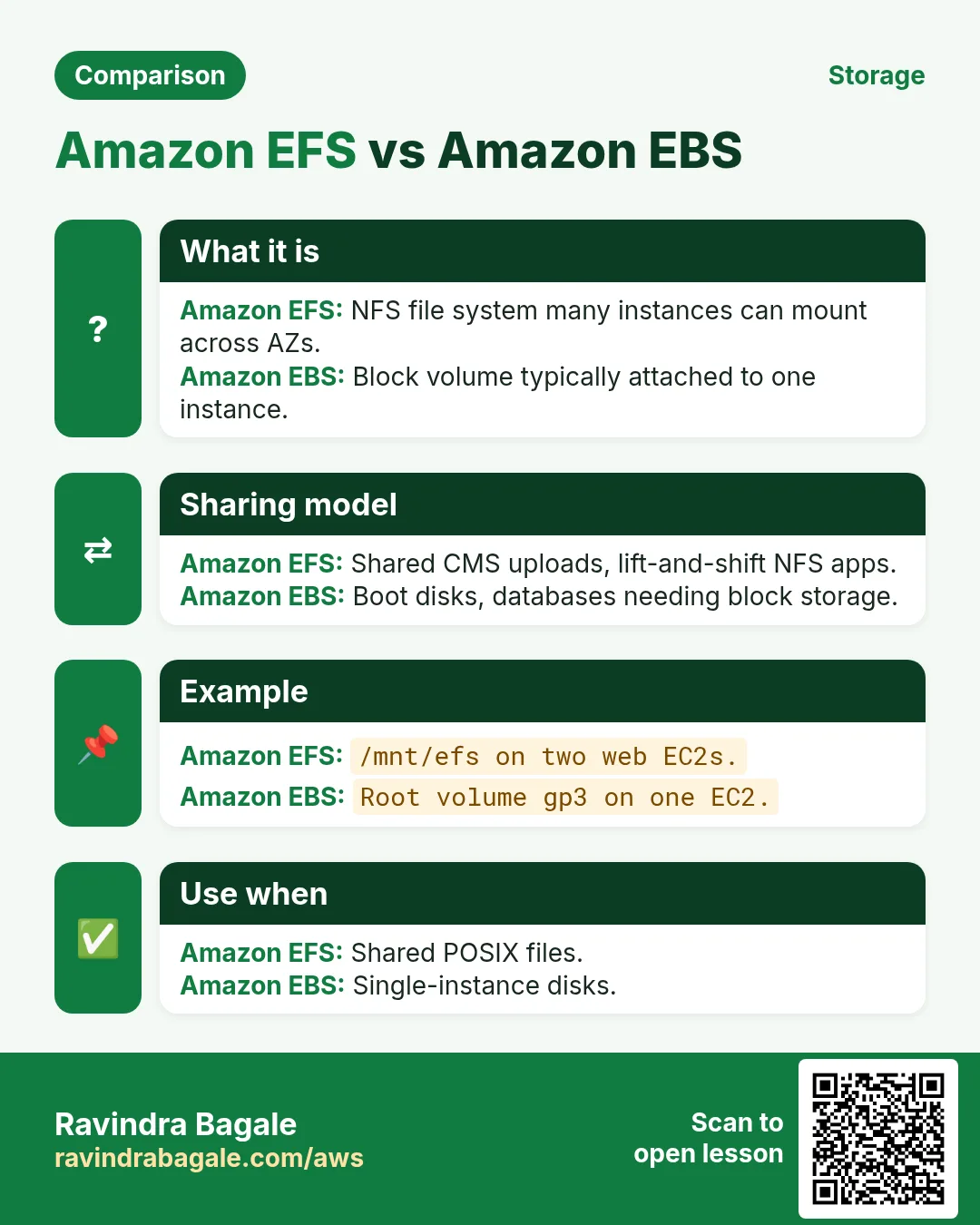
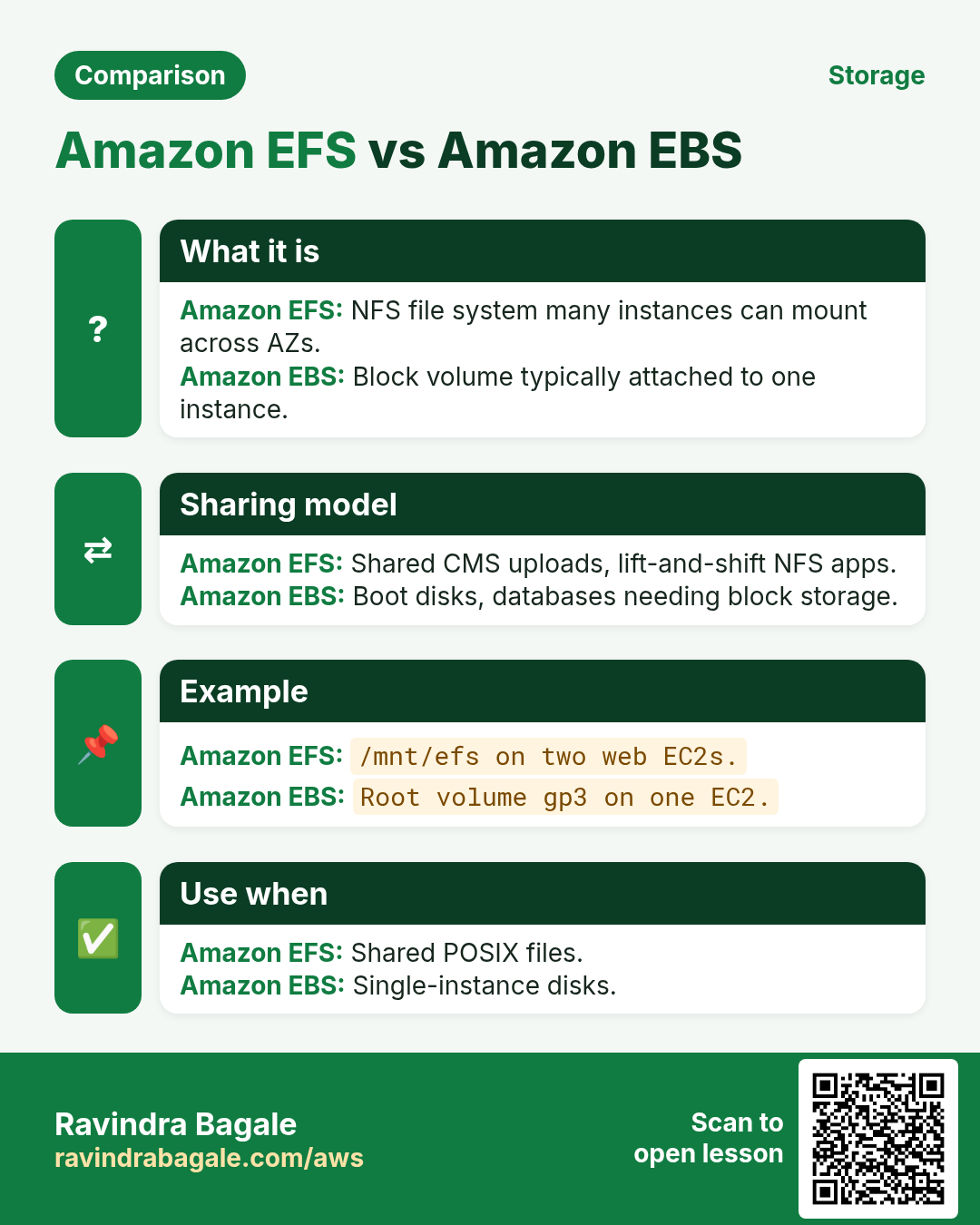
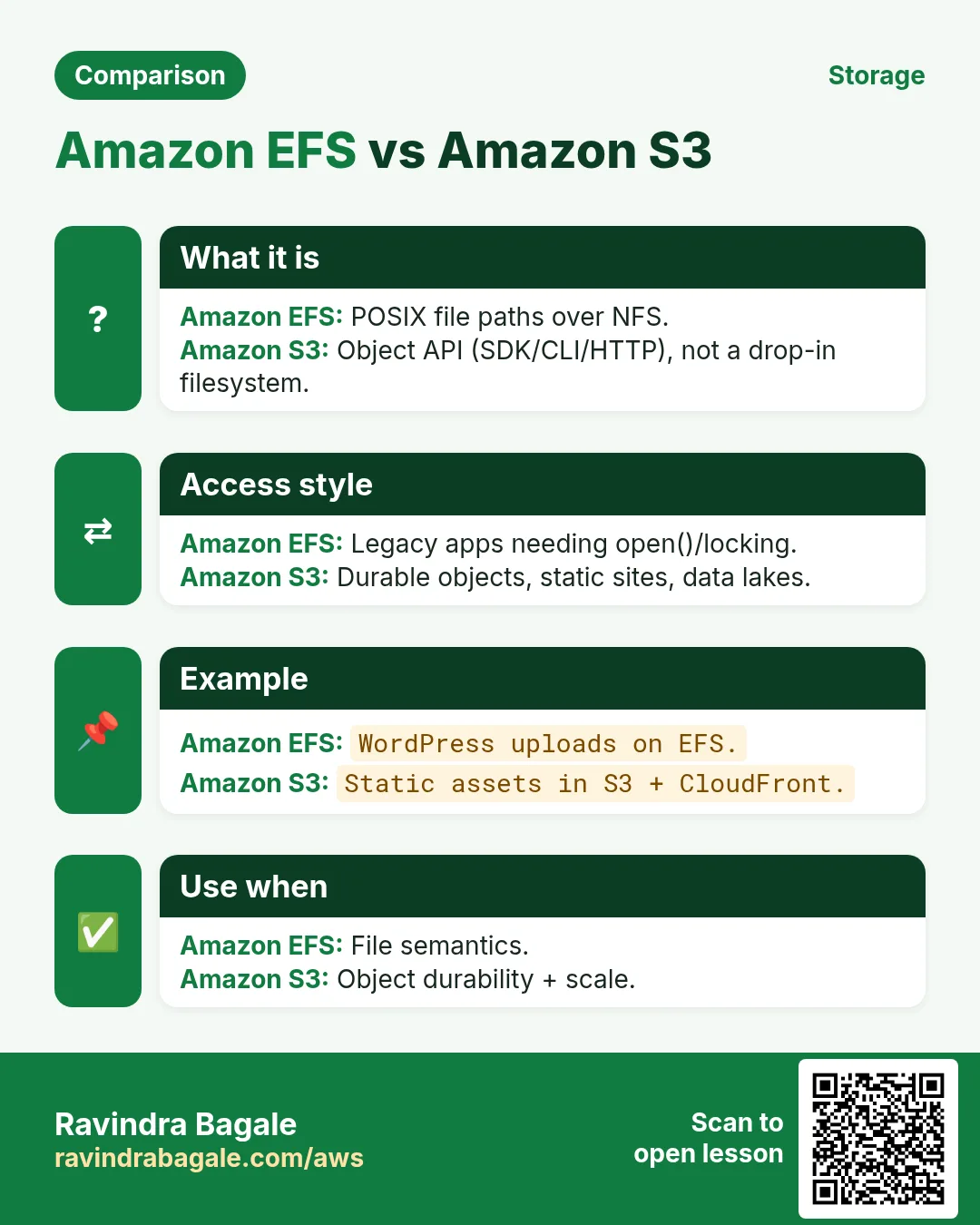
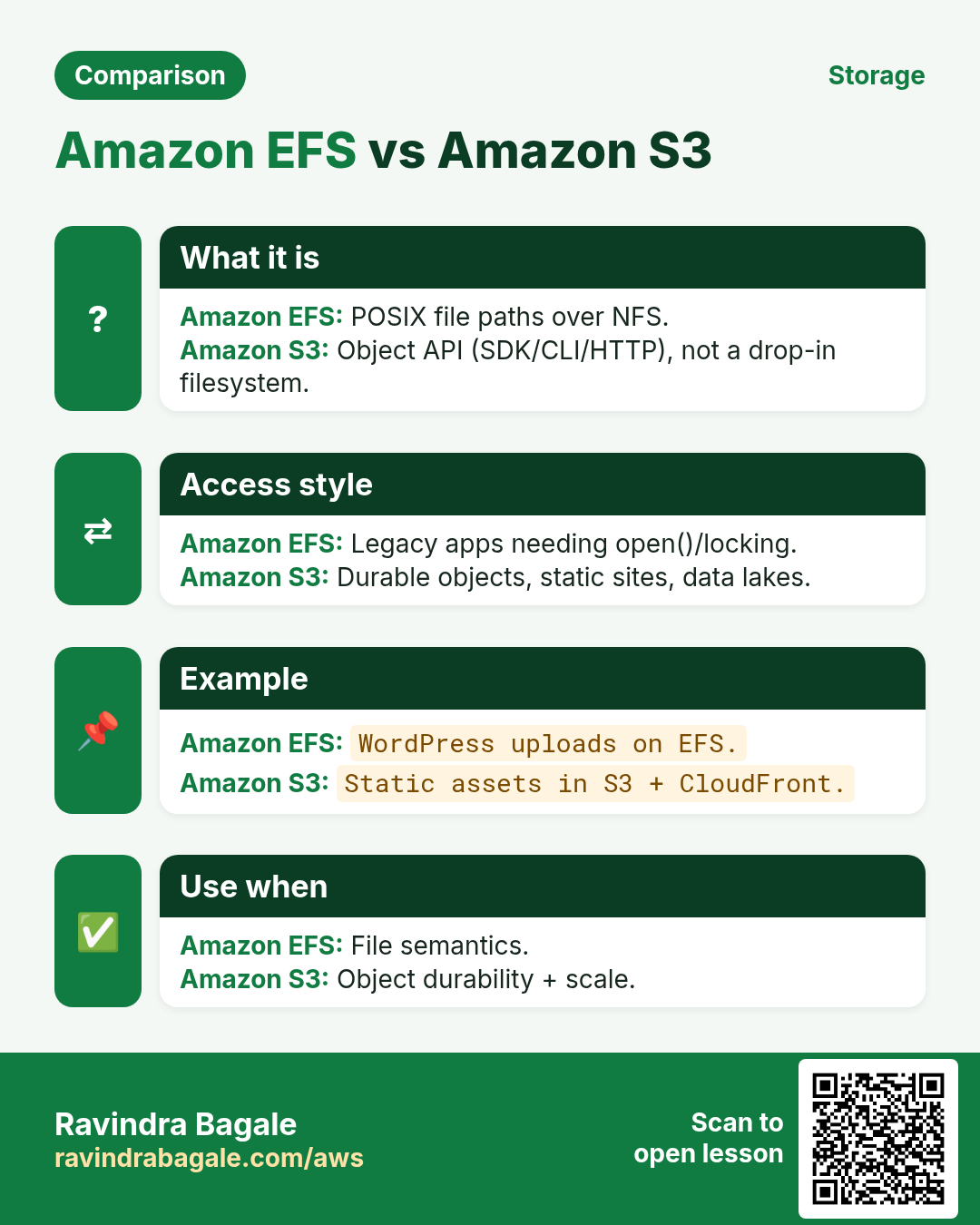
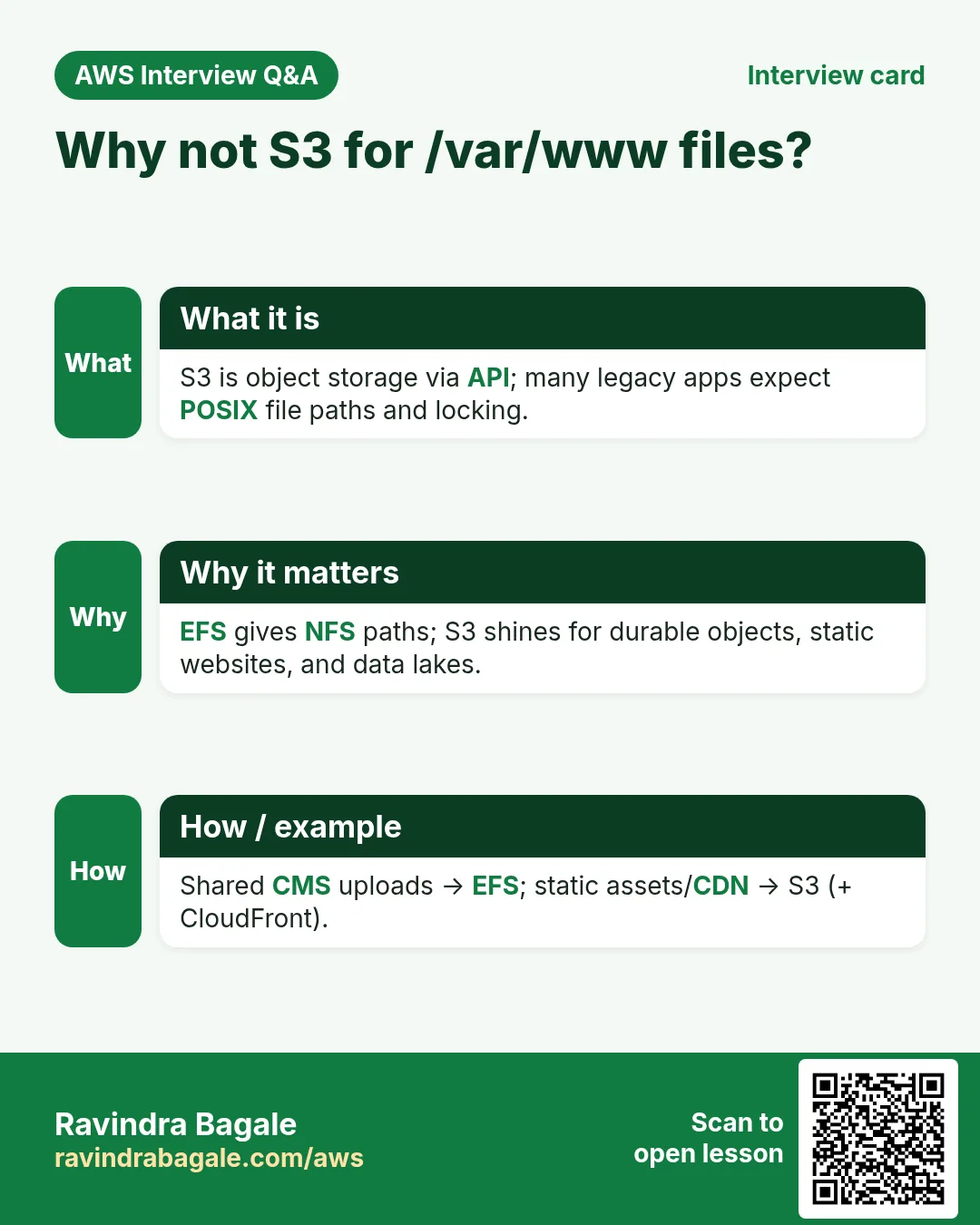
Choose storage by looking at how the program reads and writes. A block device such as EBS presents disk space to a server. The server usually formats and mounts it as a file system. EFS already provides a network file system that authorized clients can mount and use through familiar paths such as /shared/reports. S3 holds objects that programs get and put using bucket and key names.
Consider two servers preparing reports. If both need to update files through the same mounted folder, compare EFS. If one server needs a disk for its local database, compare EBS and check the database’s storage requirements. If the report is finished and clients download it by object key or link, consider private S3 storage. Moving a program between these types can require changing its access method, not just where you put the data.
Read the storage modes below after choosing the access method. Throughput is the rate of data moved. It is different from the amount of data stored and from latency, the time one operation takes.
| Need | Pick | Why |
|---|---|---|
| Boot disk / database data dir on one EC2 | EBS | Low latency block storage |
| Many EC2s need POSIX files + locks | EFS | NFS shared file system |
| Images, backups, static website, data lake | S3 | Object storage; cheapest at scale |
| Lambda needs a shared /mnt library | EFS + Lambda | Supported mount for large deps |
3. Modes you will hear in interviews
- Regional file system (default): data stored across AZs — use this.
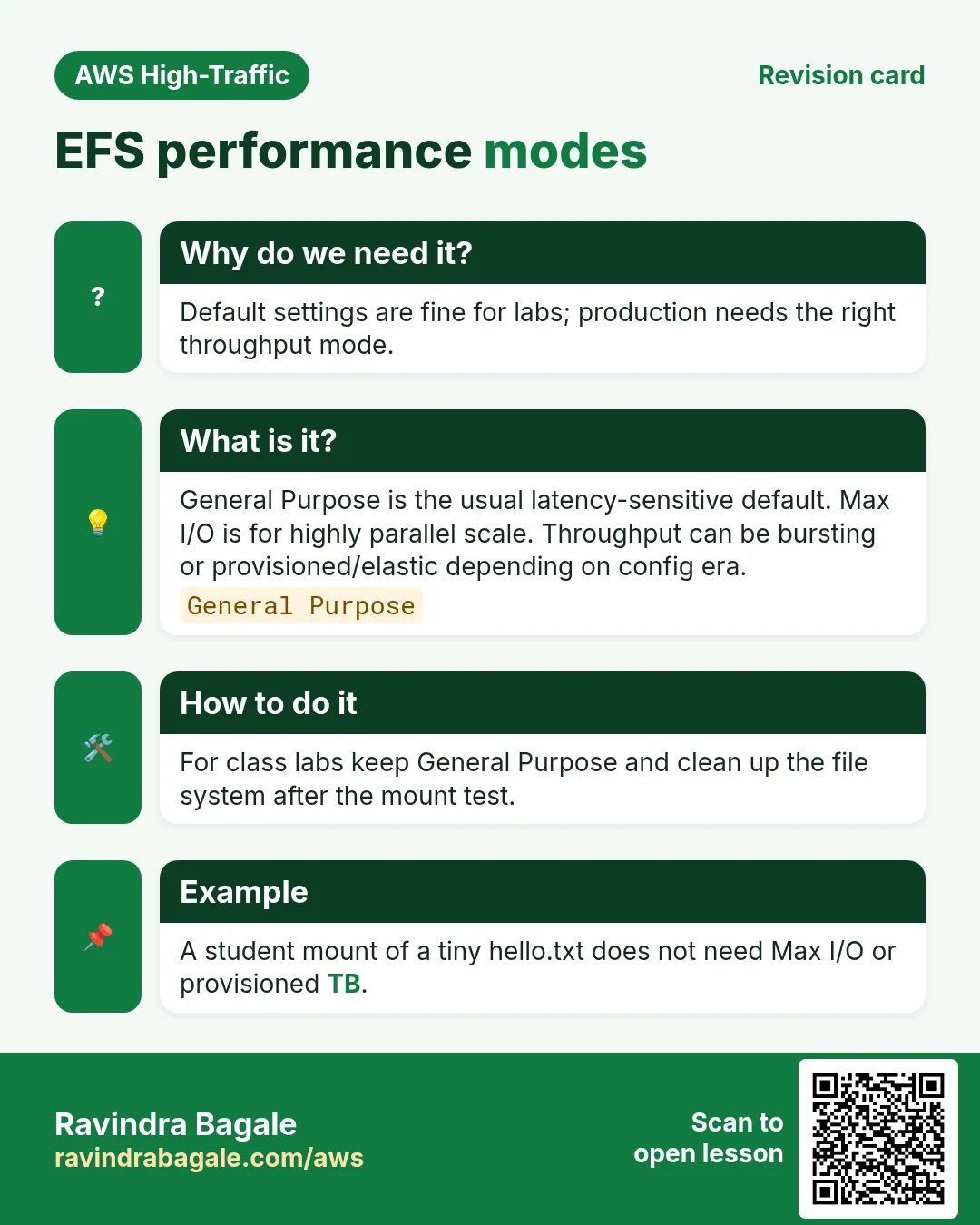
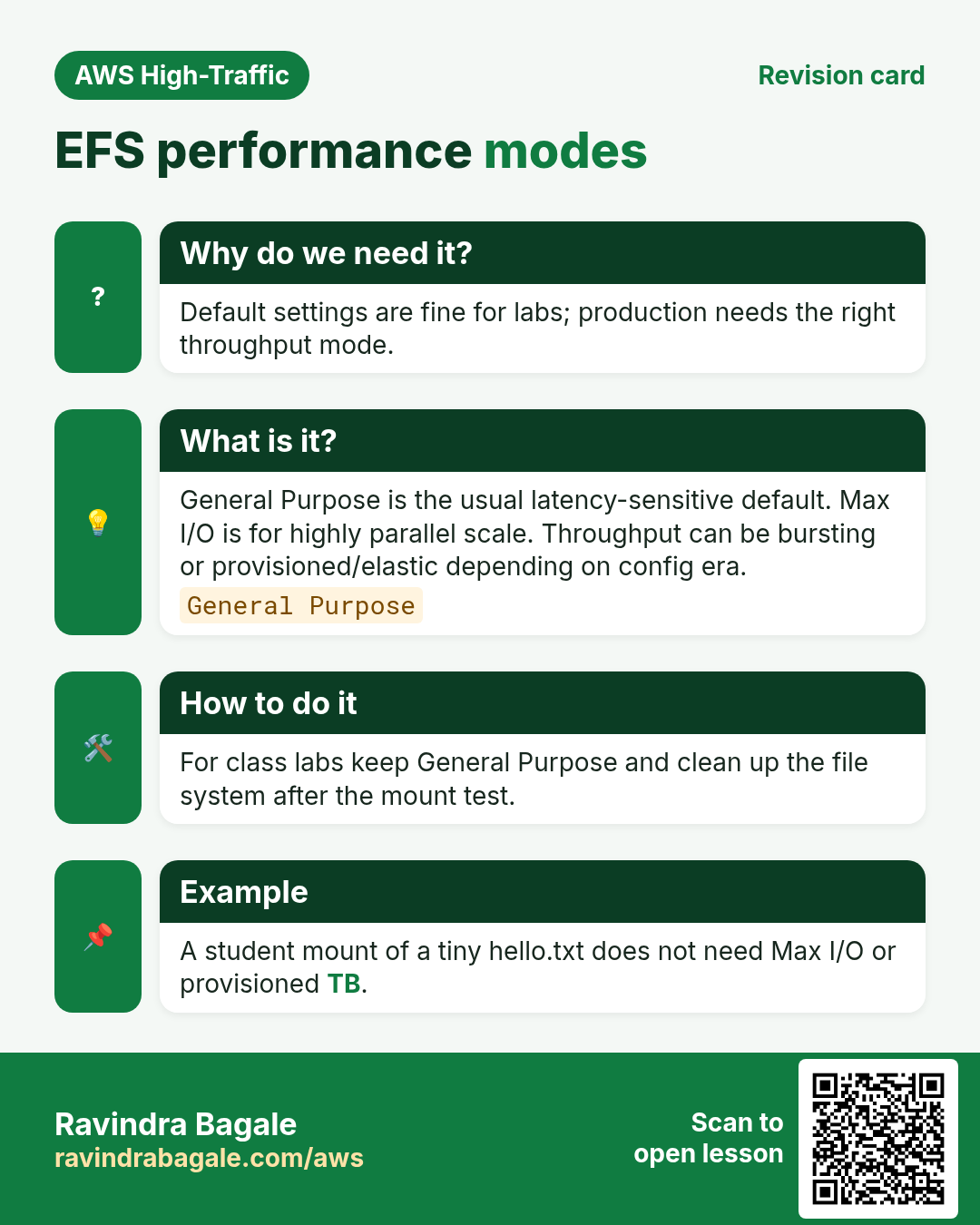
- Performance: General Purpose (default) vs Max I/O (legacy large scale).
- Throughput: Elastic adjusts to workload demand, Provisioned sets a capacity level, and Bursting varies with the file system’s storage size and available burst credits.
- Storage classes: Standard and Infrequent Access (lifecycle).
Ravindra Bagale's Tip
EFS is wonderful for shared folders and painful as a high-IOPS database disk. Keep MySQL data on EBS or Aurora, not EFS.
4. Cost shape
You pay for GB stored and for some throughput modes. Idle empty file systems still have tiny charges; delete lab file systems. Cross-AZ mount traffic can add data-transfer cost — mount from the same AZ when you can.
5. Interview angles
Q. Protocol?
NFSv4.
Q. EBS multi-attach vs EFS?
EBS multi-attach is special/limited; EFS is made for many clients.
Q. S3 vs EFS for WordPress uploads?
S3 needs plugin/SDK; EFS is a plain mount.
Q. Can Lambda use EFS?
Yes — configure a mount path.
Q. Encryption?
In transit (TLS mount) and at rest (KMS).
Try at home
- List three apps that need EFS and three that should stay on S3.
- Do the next chapter lab: mount EFS on EC2.
In short
- EFS = shared NFS file system on AWS.
- EBS = disks; S3 = objects; EFS = shared folders.
- Great for CMS uploads and shared home dirs.
- Delete unused file systems.
Choose storage by what the program calls
Two Linux workers write shared path names with POSIX-style operations, a database needs a block device, and a site serves independent immutable objects. Match these respectively to EFS, EBS and S3. Before selecting EFS, verify throughput and access patterns against real requirements.
Interview check Why is S3 not simply shared EFS?
S3 clients use an object API with buckets and keys rather than mounting a conventional shared POSIX filesystem.
Practise this chapter
Interview questions and answers
How do you choose storage for an application you have never seen?
I would ask whether it opens shared paths, needs a disk formatted by one server, or reads objects by a bucket and key. That gives an initial EFS, EBS or S3 choice. Then I would compare location, durability, performance and cost for the workload.
Check your understanding
Choose an answer, then compare your reasoning with the explanation.
Choose storage from the way an app accesses data
Before you start
- Use these sample requirements. No AWS resources are needed.
Read this requirement: two Linux report workers concurrently open a shared /reports directory. Note how the programs address their files and select a suitable storage model.
Expected result: They use shared file paths. EFS is the candidate to evaluate; two separate local disks would not provide one shared directory.
Read this requirement: one Linux VM’s test database expects a formatted block device. Match the need to a storage type and name the mount verification you would run.
Expected result: EBS supplies the block device. Verify the identified device and the completed mount before writing database files.
Read this requirement: a finished PDF is retrieved by bucket name and key. Name that storage type and how the access is different.
Expected result: S3 provides object access. The application uses a service call or approved link rather than needing a shared mount.
If the result differs
- If you selected the same service each time, highlight the words open a path, format a disk, and get by key. They describe different interfaces.
Finish and clean up
- No cloud resources were created.
Practice Tasks
Practice checks run in your browser. They check the answer for this exercise; they do not create resources or connect to your AWS account.
About this scenarioShivneri Schools is a education business in Junnar. Kavita Shinde looks after its IT and cloud work. They count money in INR and run their AWS resources in the ap-south-1 Region. In the tasks below you do real jobs for them using what this lesson teaches. All names, account IDs, IP addresses and numbers are made up for practice.
0 / 10
Easy How many addresses in a /16?
Picking a VPC size needs this count.
Shivneri Schools plans the VPC 10.64.0.0/16. How many IP addresses does it hold in total?
- Write down the numbers the task gives you.
- Work it out step by step on paper.
- Type only the final answer in the box.
- Click Check answer.
Easy Port for SSH
Security group rules need the right port.
Which TCP port must the security group open for SSH?
- Write down the numbers the task gives you.
- Work it out step by step on paper.
- Type only the final answer in the box.
- Click Check answer.
Easy Show where you are
Before you copy or delete anything, you must know which folder you are in.
Kavita Shinde logged in to the Shivneri Schools server and is not sure which folder the terminal is in. Print the current folder path.
- Find the Linux command that does this job.
- Add the options (like -r or -h) the task needs.
- Add the file names, folders or users in the right order.
- Use sudo if the job changes system files or users. Click Check answer.
Easy Read-only access to one bucket
Least privilege: give only the actions and the bucket the job needs.
Write an identity policy that lets the user read objects (s3:GetObject) only in bucket shivnerischool-data.
- Start with { "Version": "2012-10-17", "Statement": [ ... ] }.
- In each statement write Effect, Action and Resource.
- Give only what the task needs (least privilege).
- Use double quotes and commas correctly. Click Check answer.
Easy List all files with details
Hidden files (like .env) and file sizes or owners only show with the right options.
Show a long listing of every file, including hidden ones, in /var/www/shivnerischool.
- Find the Linux command that does this job.
- Add the options (like -r or -h) the task needs.
- Add the file names, folders or users in the right order.
- Use sudo if the job changes system files or users. Click Check answer.
Medium Create an EFS file system
EFS is shared storage that many servers can mount at once.
Create an encrypted EFS file system with creation token shivnerischool-shared.
- Read the task and decide which AWS service it is about.
- Write aws, then the service name, then the operation (the action word).
- Add each needed flag (--name) followed by its value from the task.
- Flags can be in any order. Click Check answer.
Medium Storage cost
Storage is billed per GB-month.
500 GB in S3 Standard at USD 0.023 per GB-month. Monthly cost in USD?
- Write down the numbers the task gives you.
- Work it out step by step on paper.
- Type only the final answer in the box.
- Click Check answer.
Medium Usable IPs in an AWS /24 subnet
AWS keeps 5 addresses in every subnet.
How many addresses can Shivneri Schools use for servers in subnet 10.64.1.0/24 on AWS?
- Write down the numbers the task gives you.
- Work it out step by step on paper.
- Type only the final answer in the box.
- Click Check answer.
Hard Create a mount target
Servers in a subnet reach EFS through a mount target in that AZ.
Create a mount target for fs-0abc1234 in subnet subnet-0103da55255dbb1 with security group sg-0103c655255c4c3b2.
- Read the task and decide which AWS service it is about.
- Write aws, then the service name, then the operation (the action word).
- Add each needed flag (--name) followed by its value from the task.
- Flags can be in any order. Click Check answer.
Hard S3 lifecycle rule (JSON)
Old files move to cheaper storage automatically.
Write lifecycle JSON: one Enabled rule, prefix logs/, transition to GLACIER after 90 days.
- Start from the top-level keys the task names.
- Indent child keys with 2 spaces (no tabs).
- Fill in each property with the value from the task.
- Click Check answer. Key order does not matter.
Revision, comparison and interview cards
Revise this lesson in a few minutes. Save the cards on your phone or download them as PNG files. The QR code on each card opens this lesson.
More cards: Ravi Sir's Cards.