Ravi Sir's Cards › AWS
EFS performance modes
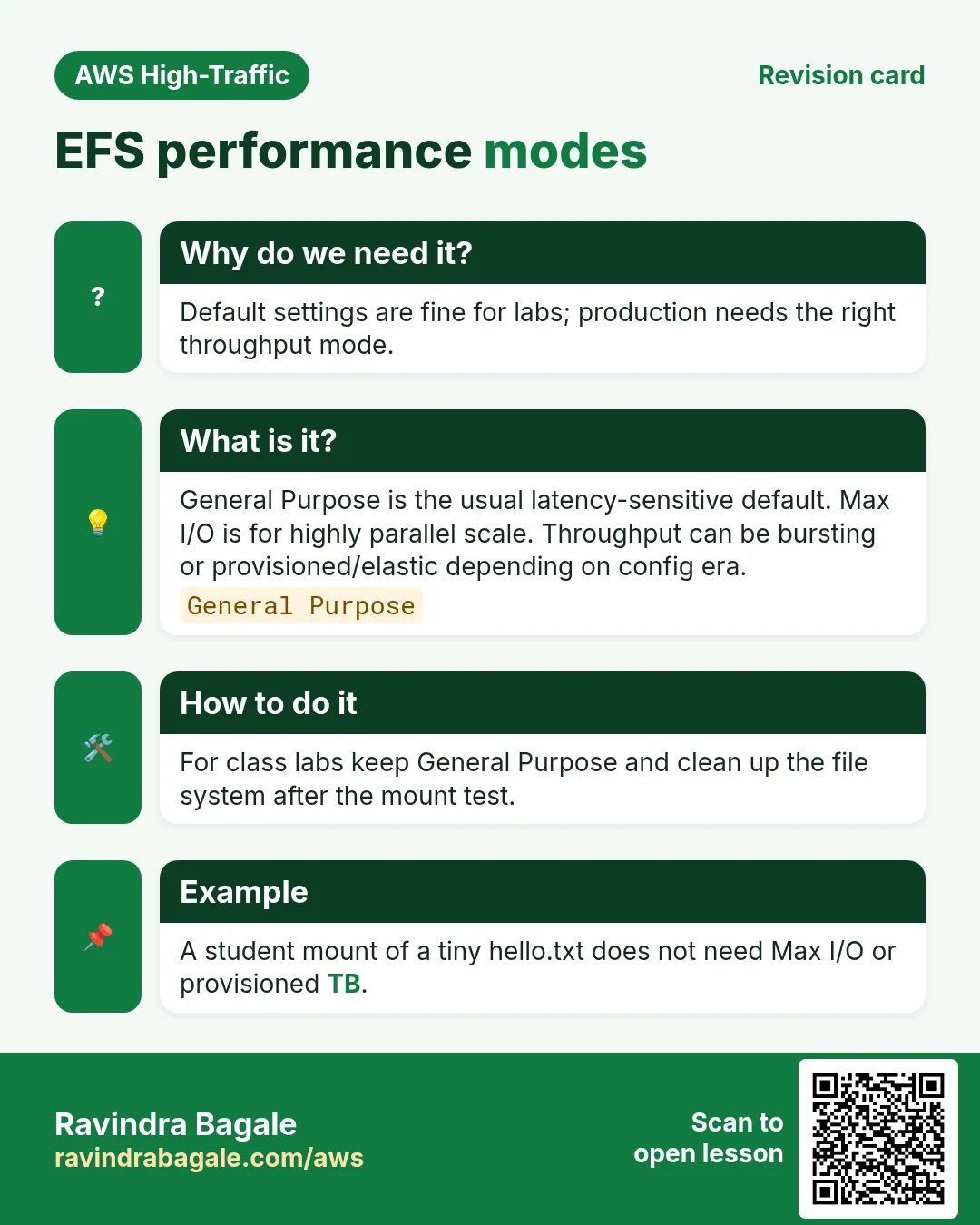
This revision card explains EFS performance modes. It starts from the need that default settings are fine for labs; production needs the right throughput mode. It describes general Purpose is the usual latency-sensitive default. Max I/O is for highly parallel scale. Throughput can be bursting or provisioned/elastic depending on config era. The how-to section notes for class labs keep General Purpose and clean up the file system after the mount test. An example on the card is a student mount of a tiny hello.txt does not need Max I/O or provisioned TB.
Read card text
What this card says
Why do we need it?
Default settings are fine for labs; production needs the right throughput mode.
What is it?
General Purpose is the usual latency-sensitive default. Max I/O is for highly parallel scale. Throughput can be bursting or provisioned/elastic depending on config era.
General Purpose
How to do it
For class labs keep General Purpose and clean up the file system after the mount test.
Example
A student mount of a tiny hello.txt does not need Max I/O or provisioned TB.