CloudFront Security: OAC vs OAI, Signed URLs and Signed Cookies
In CloudFront Cache Behaviors, TTL and Invalidation we controlled what is cached. Now we control who can get it. This chapter covers OAC vs the legacy OAI (with bucket policies), signed URLs vs signed cookies, key groups and expiry, geo restriction, and an introduction to AWS WAF. The lab plays a private video only through a signed URL that expires in 5 minutes, with code in Node.js, Python and PHP. For S3 pre-signed URLs see S3 Bucket Policy Examples; CloudFront signed URLs are a different thing.
In this chapter
- OAC vs OAI and the bucket policy for each
- Signed URLs vs signed cookies, canned vs custom policy
- Key groups, public and private keys, expiry
- Geo restriction and an AWS WAF introduction
- Lab: a 5-minute signed video link in three languages
1. A story: the cinema ticket
A cinema has one door (CloudFront) and a projection room (S3). Two rules keep it fair. First, the projection room only opens for the cinema staff, never for the street. Second, the door lets you in only with a ticket for this show, and the ticket is useless after the show starts.
Rule one is OAC. Rule two is a signed URL or signed cookie.
2. OAC vs OAI
If the bucket is public, anyone can skip CloudFront, its signed URLs and its WAF, and download straight from S3.
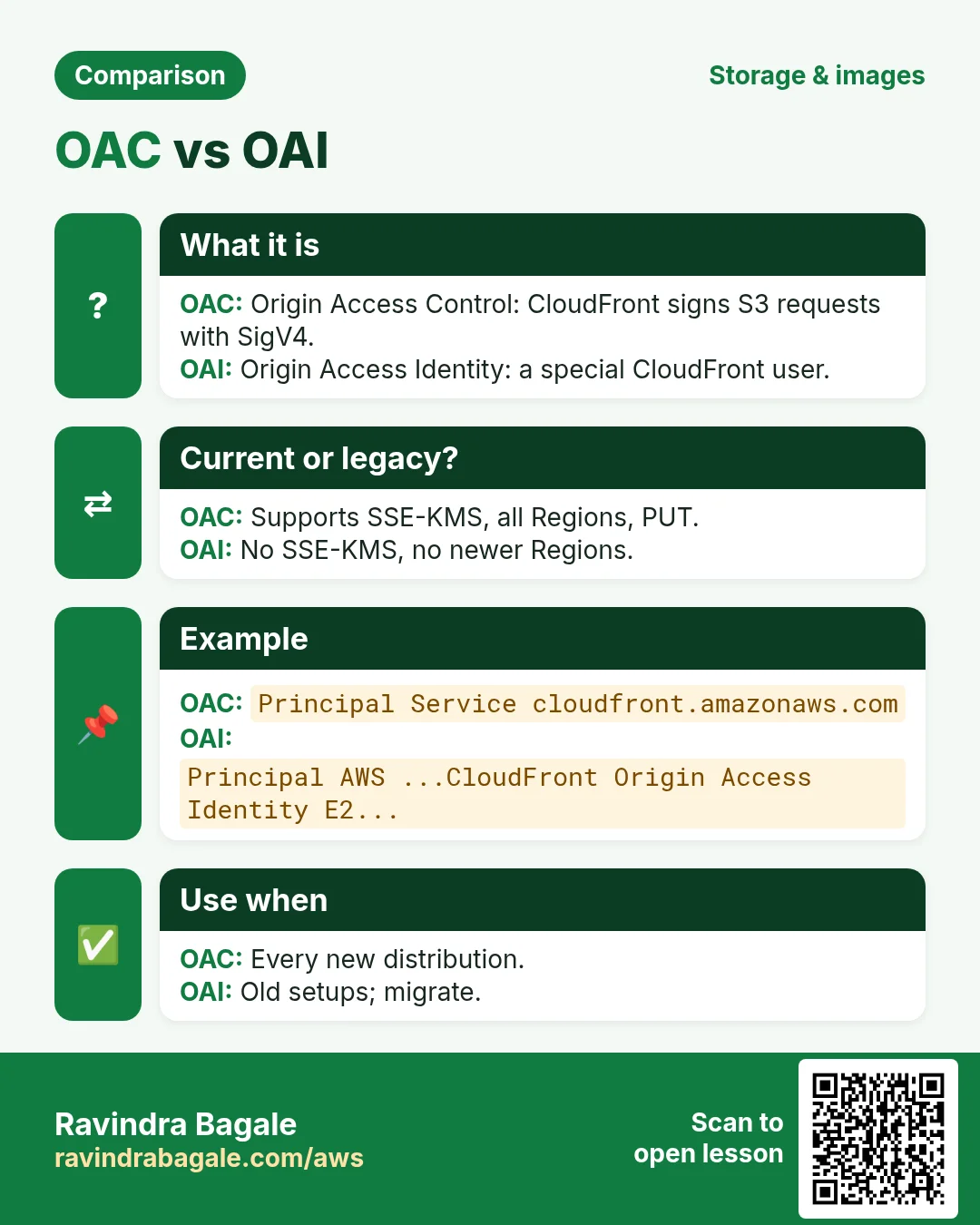
| Point | OAC (Origin Access Control) | OAI (Origin Access Identity) |
|---|---|---|
| Status | Current, recommended | Legacy; still works, migrate when you can |
| SSE-KMS encrypted objects | Supported | Not supported |
| PUT/POST/DELETE to S3 | Supported | Limited |
| Newer Regions (opt-in, after Dec 2022) | Supported | Not supported |
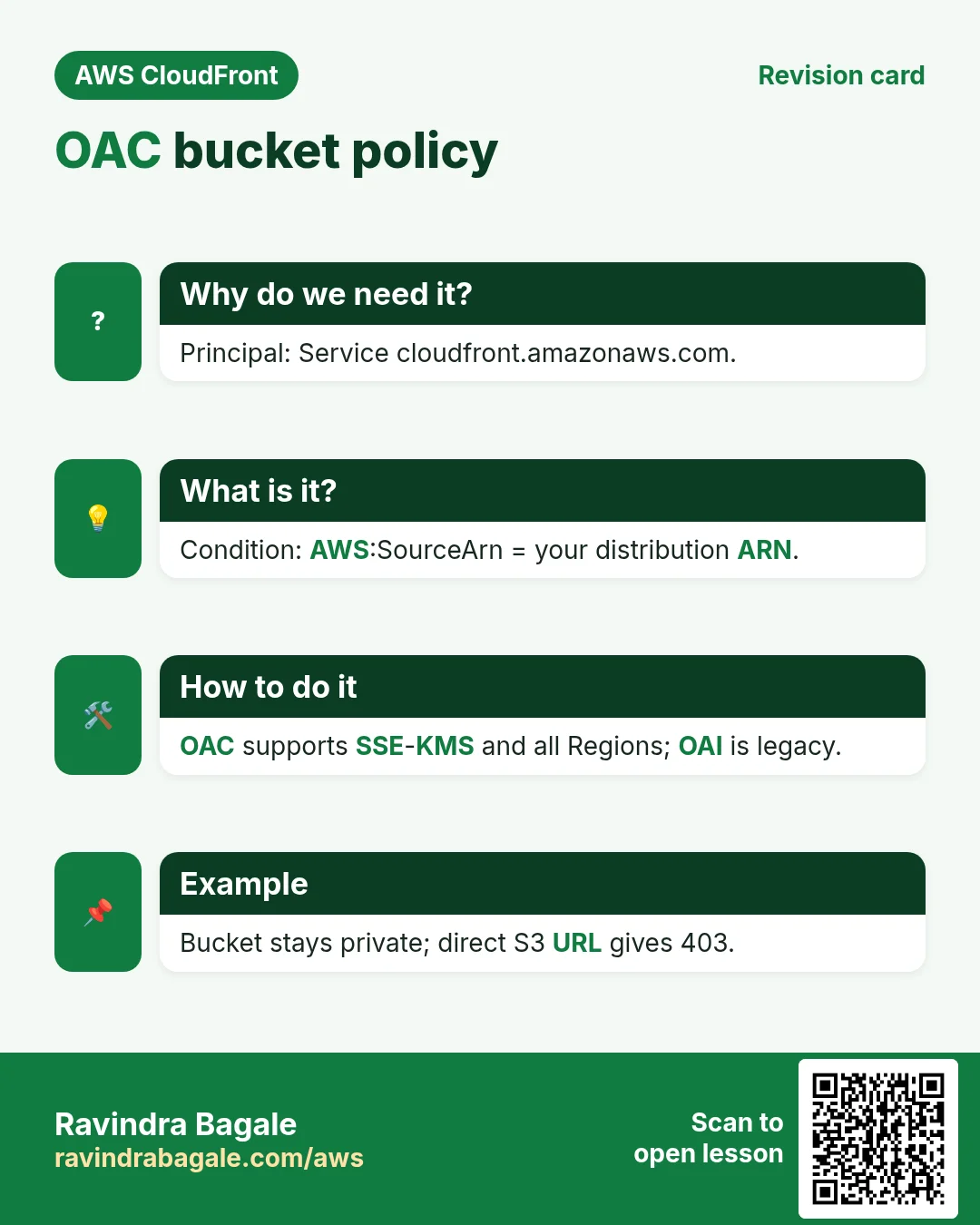
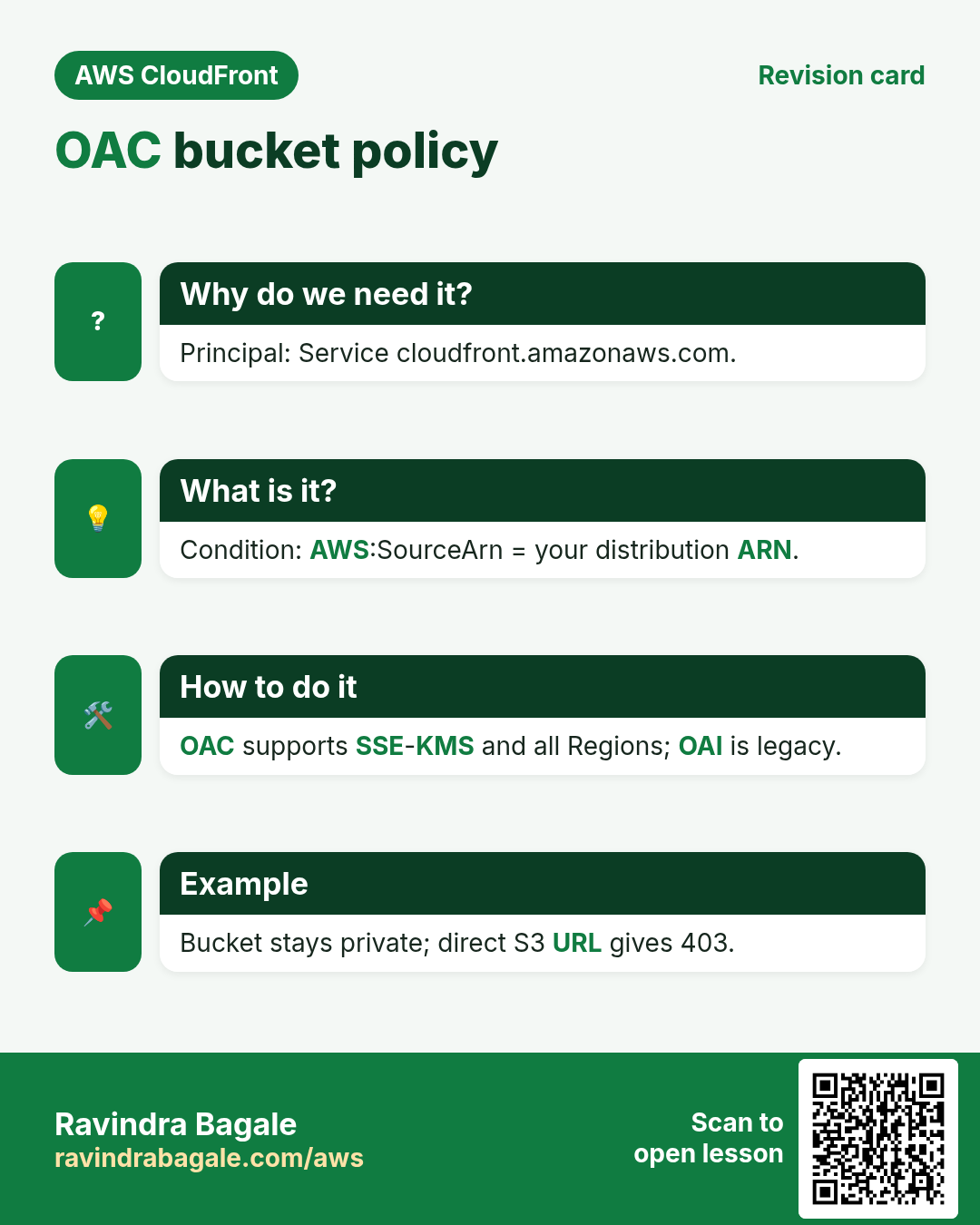
| Bucket policy Principal | Service cloudfront.amazonaws.com + AWS:SourceArn of the distribution | A special CloudFront OAI user |
OAC bucket policy
{"Version":"2012-10-17","Statement":[{"Sid":"AllowCloudFrontOAC","Effect":"Allow",
 "Principal":{"Service":"cloudfront.amazonaws.com"},
 "Action":"s3:GetObject","Resource":"arn:aws:s3:::course-videos/*",
 "Condition":{"StringEquals":{"AWS:SourceArn":"arn:aws:cloudfront::111122223333:distribution/E1ABCDEF2GHIJ"}}}]}
Why the condition: without it, any CloudFront distribution in any account could read your bucket. If objects use SSE-KMS, also allow cloudfront.amazonaws.com to call kms:Decrypt in the key policy with the same SourceArn condition.
OAI bucket policy (legacy, for reading old setups)
{"Version":"2012-10-17","Statement":[{"Effect":"Allow",
 "Principal":{"AWS":"arn:aws:iam::cloudfront:user/CloudFront Origin Access Identity E2QWRUHAPOMQZL"},
 "Action":"s3:GetObject","Resource":"arn:aws:s3:::course-videos/*"}]}
Migrating: create an OAC, add the OAC statement to the bucket policy, switch the origin to the OAC, test, then remove the OAI statement.
3. Signed URLs and signed cookies
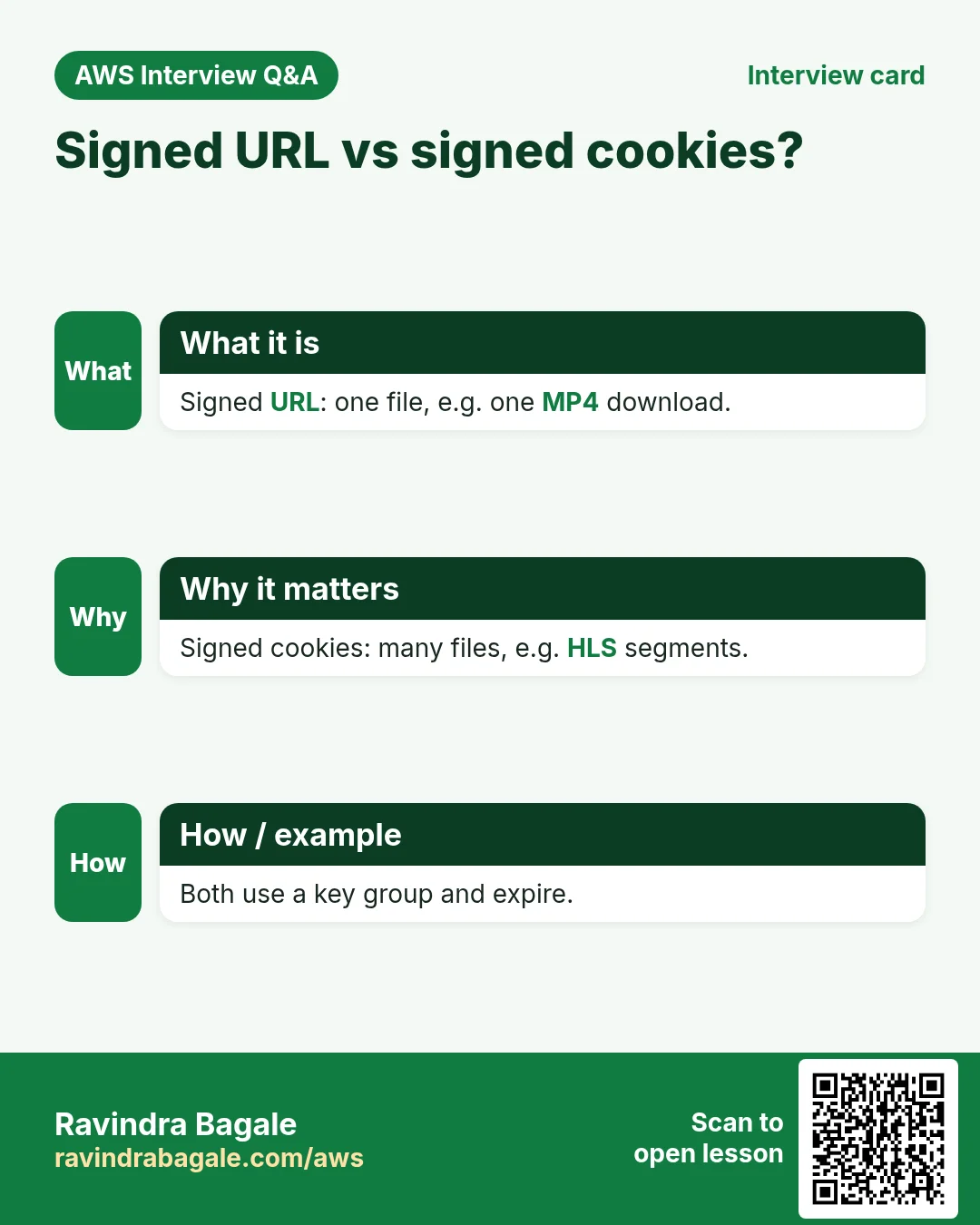
Give the viewer access to one file or a set of files
For a single course MP4, your application can check the viewer’s access to that lesson and issue a signed URL for that one file. A video broken into a playlist and many segments makes more separate requests. A signed cookie can authorize a set of paths under the configured policy after your application checks the viewer’s access.
On paper, draw viewer → CloudFront → private S3 origin. The viewer signature protects the first step and OAC helps authorize the origin fetch. Test once without viewer authorization, once while it is valid, and once after expiry. Keep the private signing key on the server side.
OAC hides the bucket, but the CloudFront URL itself is still open. For paid or private content each viewer needs a personal, expiring permission.
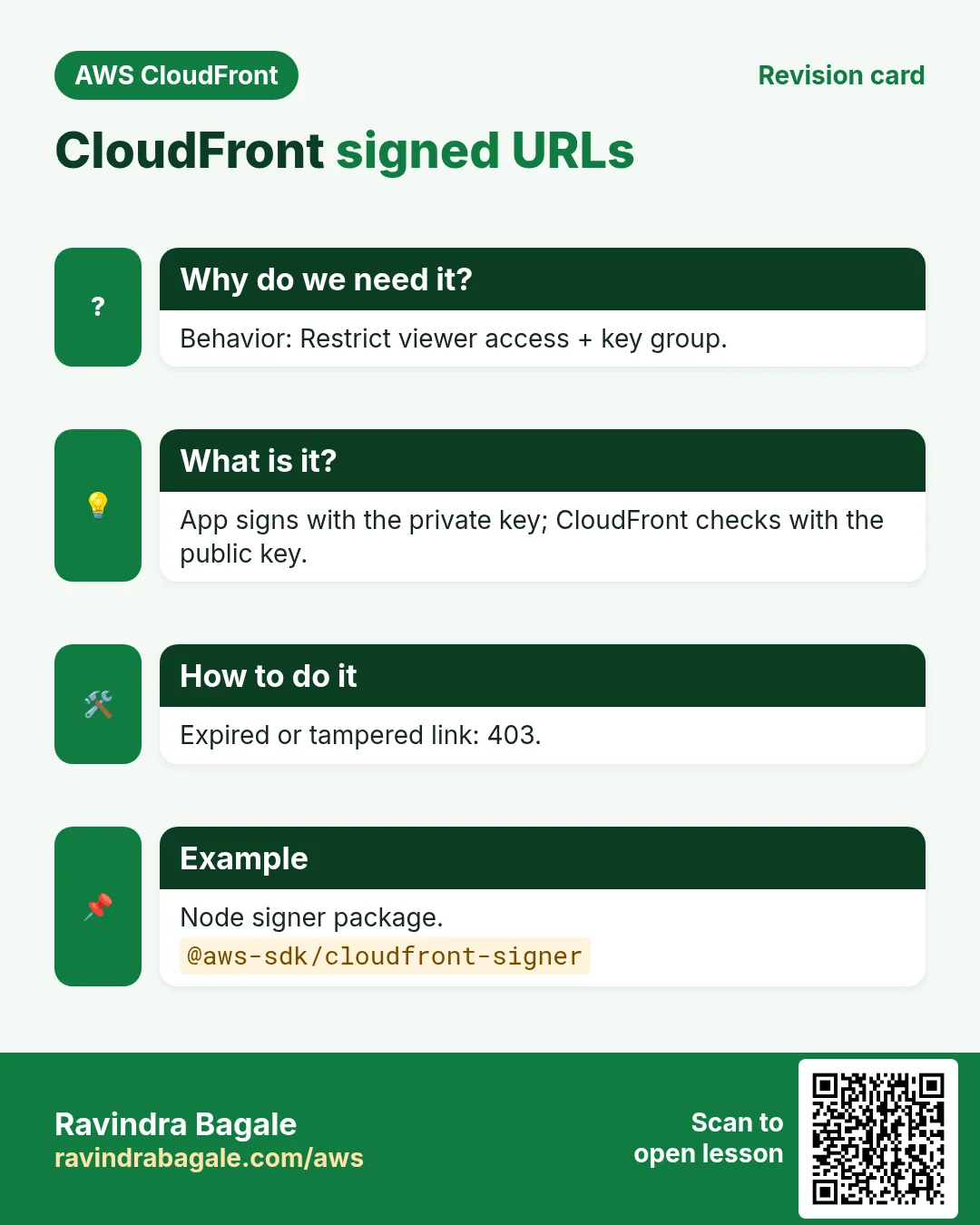
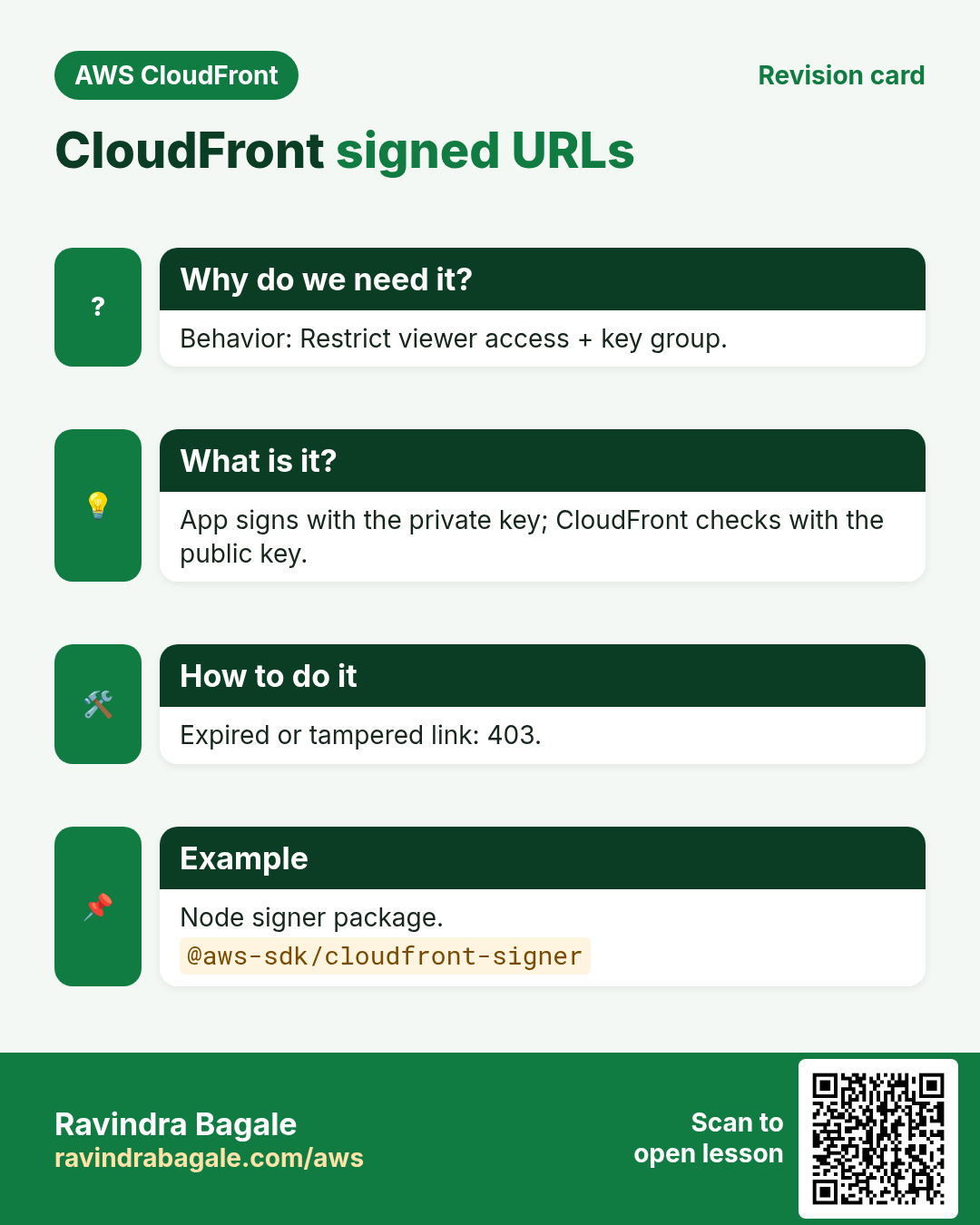
You mark a cache behavior as Restrict viewer access: Yes and attach a key group. Your app signs URLs or cookies with the matching private key. CloudFront checks the signature with the public key and the expiry. No valid signature = 403.
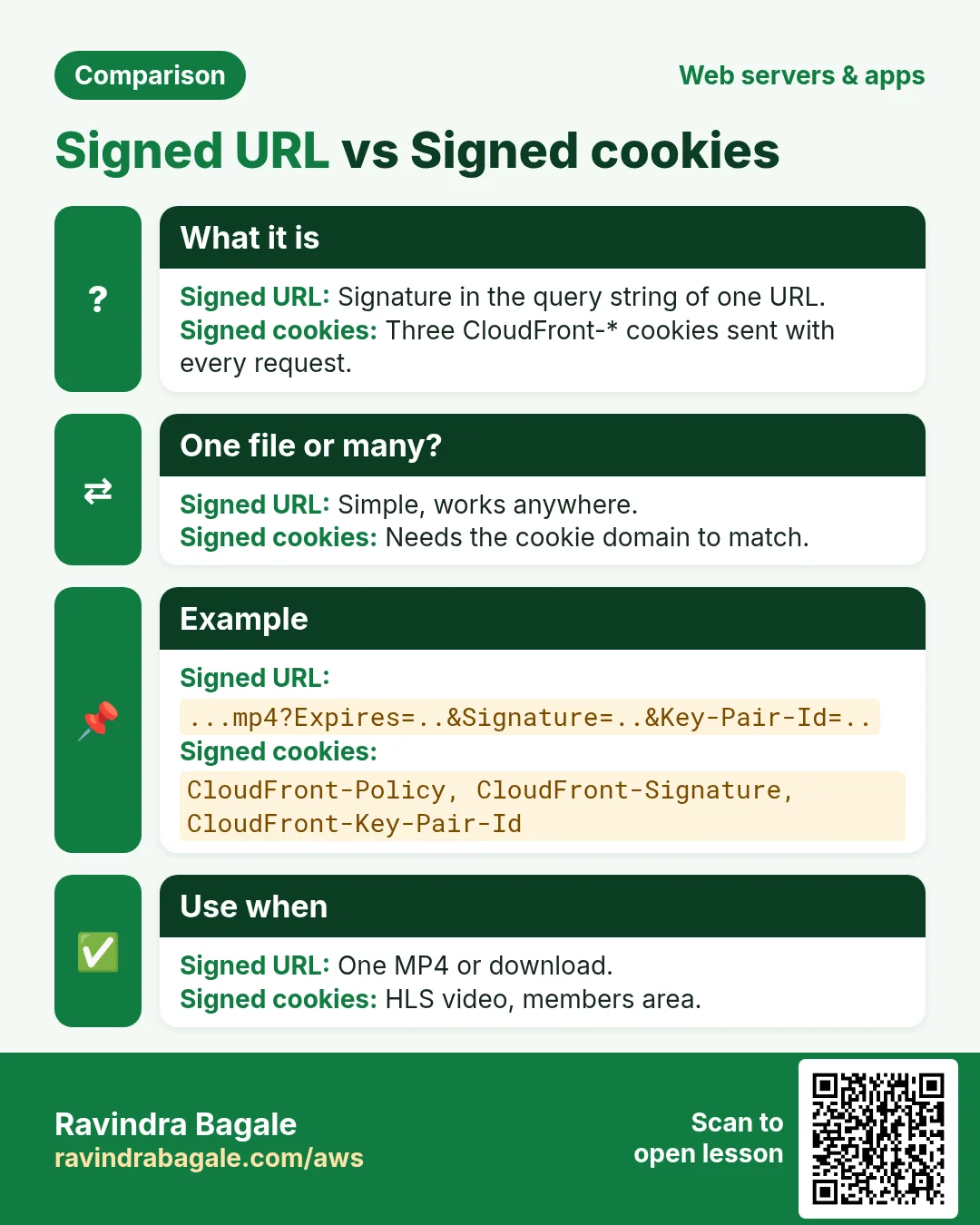
| Point | Signed URL | Signed cookies |
|---|---|---|
| Covers | One file | Many files, e.g. /course/42/* |
| Looks like | ...mp4?Expires=...&Signature=...&Key-Pair-Id=K2JC... | Cookies CloudFront-Policy (or CloudFront-Expires), CloudFront-Signature, CloudFront-Key-Pair-Id |
| Best for | One download, one MP4 | HLS video (hundreds of .ts segments), a whole members area |
| Needs | Nothing else | Cookies sent to your CloudFront domain (use a custom domain on the same parent as your site) |
| Policy type | Can set | Use |
|---|---|---|
| Canned | Expiry only, one exact URL | Short URLs, most cases |
| Custom | Start time, expiry, IP range, wildcard resource | Signed cookies for a folder, IP-locked links |
4. Key groups
Understand the two halves of signing
The signing application holds the private signing key. CloudFront uses the public key in the trusted key group to verify the signature. The policy can put a time limit on access and, with an appropriate policy, scope it to paths. A valid request proves that someone with the private key authorized the policy and that the request fits it.
For a lab rollout, check which public key the distribution trusts and which signing key the app uses. If the correct file gives a denial, confirm the key identifier, policy path and expiry before changing bucket access. Keep the signing key out of frontend code, logs and repository history.
- Create an RSA 2048 key pair yourself:
openssl genrsa -out private_key.pem 2048andopenssl rsa -pubout -in private_key.pem -out public_key.pem. - Upload only the public key to CloudFront › Key management › Public keys. You get an ID like
K2JCJMDEHXQW5F. - Put it in a key group and attach the group to the behavior. Rotation: add a new key to the group, switch the app, remove the old key.
- Keep the private key in AWS Secrets Manager or SSM Parameter Store, never in Git. Key groups replace the old root-account "CloudFront key pairs".
- Expiry: short for video (5 to 60 minutes). A signed URL is checked when the request starts, so a long download that began before expiry can finish.
5. Geo restriction and AWS WAF
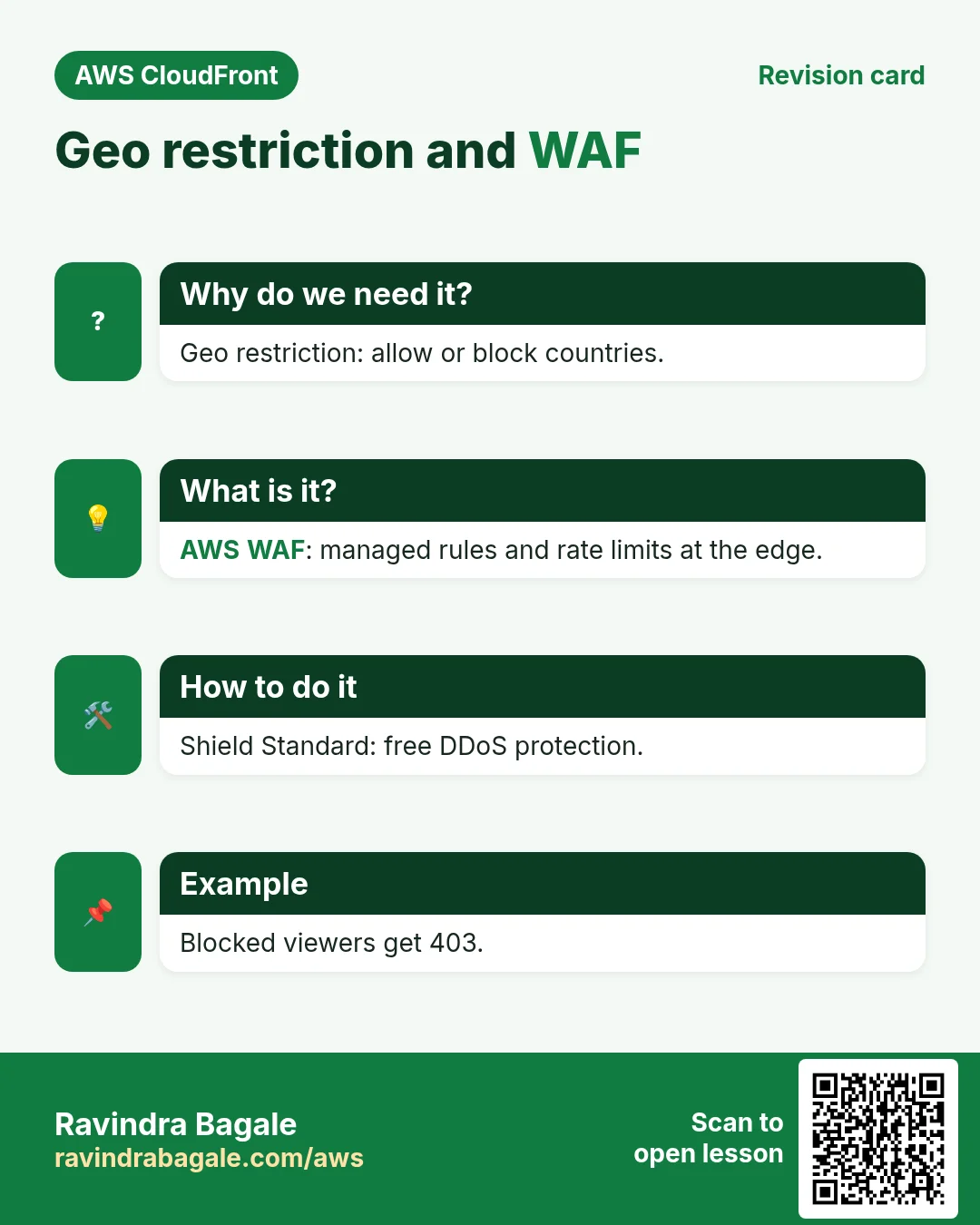
- Geo restriction (Security tab): an allow list or block list of countries. Blocked viewers get 403. Why: licensing ("India only") or legal rules. CloudFront uses a GeoIP database, so it is about 99.8% accurate, and VPNs can get around it.
- AWS WAF: a web ACL attached to the distribution. Start with AWS managed rule groups (Core rule set, Known bad inputs, SQL database) and a rate-based rule such as 2,000 requests per 5 minutes per IP. Why: blocks SQL injection, bad bots and floods at the edge, before your origin.
- AWS Shield Standard protects every distribution from common network DDoS attacks at no extra cost.
6. Signing code in three languages
// Node.js  -  npm i @aws-sdk/cloudfront-signer
const { getSignedUrl } = require('@aws-sdk/cloudfront-signer');
const fs = require('fs');
const url = getSignedUrl({
  url: 'https://dXXXX.cloudfront.net/private/intro.mp4',
  keyPairId: 'K2JCJMDEHXQW5F',                     // public key ID
  privateKey: fs.readFileSync('private_key.pem', 'utf8'),
  dateLessThan: new Date(Date.now() + 5 * 60 * 1000).toISOString()  // 5 minutes
});
console.log(url);
# Python - pip install botocore cryptography
import datetime
from botocore.signers import CloudFrontSigner
from cryptography.hazmat.primitives import hashes, serialization
from cryptography.hazmat.primitives.asymmetric import padding
KEY = serialization.load_pem_private_key(open("private_key.pem", "rb").read(), password=None)
def rsa_signer(message):
return KEY.sign(message, padding.PKCS1v15(), hashes.SHA1()) # CloudFront uses RSA-SHA1
signer = CloudFrontSigner("K2JCJMDEHXQW5F", rsa_signer)
expires = datetime.datetime.now(datetime.timezone.utc) + datetime.timedelta(minutes=5)
print(signer.generate_presigned_url("https://dXXXX.cloudfront.net/private/intro.mp4", date_less_than=expires))<?php // PHP - composer require aws/aws-sdk-php
require 'vendor/autoload.php';
$cf = new Aws\CloudFront\CloudFrontClient(['region' => 'us-east-1', 'version' => '2020-05-31']);
echo $cf->getSignedUrl([
'url' => 'https://dXXXX.cloudfront.net/private/intro.mp4',
'expires' => time() + 300,
'private_key' => __DIR__ . '/private_key.pem',
'key_pair_id' => 'K2JCJMDEHXQW5F',
]);Signed cookies in Node use getSignedCookies({url, keyPairId, privateKey, policy}) with a custom policy whose Resource is https://dXXXX.cloudfront.net/course/42/*; set the three returned cookies with Domain, Secure and HttpOnly.
7. Lab: a private video with a 5-minute signed URL
- Bucket
yourname-cf-secure(private). Upload a short MP4:aws s3 cp intro.mp4 s3://yourname-cf-secure/private/intro.mp4. Also uploadfree/preview.mp4. - In CloudShell:
openssl genrsa -out private_key.pem 2048 && openssl rsa -pubout -in private_key.pem -out public_key.pem. - CloudFront › Public keys › Create: name
lab-key, paste public_key.pem. Copy the ID. - Key groups › Create: name
lab-kg, select lab-key. - Create distribution: origin = the bucket REST endpoint with a new OAC, default behavior CachingOptimized, Redirect HTTP to HTTPS. Apply the bucket policy CloudFront shows.
- Behaviors › Create: path
/private/*, same origin, Restrict viewer access: Yes, Trusted key groups = lab-kg. Save and wait for deploy. - Free file:
curl -sI https://dXXXX.cloudfront.net/free/preview.mp4 | head -1. Expected:HTTP/2 200. - Private file, no signature:
curl -sI https://dXXXX.cloudfront.net/private/intro.mp4 | head -1. Expected:HTTP/2 403(MissingKey). - Sign it with the Node, Python or PHP code above (your domain and key ID).
curl -sI "SIGNED_URL" | head -1. Expected: 200. Open it in a browser: the video plays. - Tamper test: change one letter of Signature. Expected: 403 (Access denied).
- Wait 6 minutes and run the original signed URL again. Expected: 403 with "Access denied" because Expires has passed.
- Bypass test:
curl -sI https://yourname-cf-secure.s3.ap-south-1.amazonaws.com/private/intro.mp4 | head -1. Expected: 403 (OAC keeps the bucket private). - Optional geo test: Security › CloudFront geographic restrictions › Block list › India. After deploy, the free file returns 403 from an Indian IP. Remove the block afterwards.
Cleanup
- Disable and delete the distribution. Then delete key group lab-kg, public key lab-key and the OAC (in that order; in-use items cannot be deleted).
aws s3 rb s3://yourname-cf-secure --force;shred -u private_key.pem.
Common errors and fixes
These are synthetic practice situations. Diagnose the signal before changing a resource; no infrastructure changes are needed to read this guide.
The bucket is private, so every CloudFront viewer is assumed authorized.
OAC controls the origin connection, not the viewer’s entitlement. Check the matching behavior’s viewer restriction and trusted key group. Keep application authentication and permission to issue a signed URL as separate decisions.
A valid signature stops working after the link is edited.
The signed resource includes the URL and its relevant query string. Adding a parameter after signing can produce 403. Generate the final intended URL before signing and preserve it during delivery; do not paste real signed links into public debug logs.
A long video starts but a later range request fails.
Expiry is checked on each HTTP request. An already-started download can finish, but a new range or retry after expiry can fail. Choose a usable playback window and an authorized renewal flow instead of treating the first successful response as permanent access.
Practical FAQ: decisions during real work
Does CloudFront decide whether a customer has paid?
No. Your application must authenticate the user and verify entitlement before it issues a signed URL. CloudFront verifies the signature and policy supplied by the trusted signer; it does not replace the application’s payment or ownership checks.
Is a cached private object automatically available without a signature?
Not through a correctly restricted behavior. CloudFront checks viewer access before returning the object from cache or fetching it. Confirm that no earlier overlapping behavior permits the same protected path without a signature.
Should a public demo contain a real private signing key?
Never. Only the public key belongs in the CloudFront key group. Protect the private signer and use synthetic examples in lessons. A copied private key lets its holder produce signatures; hiding the S3 bucket does not compensate for that leak.
8. Interview questions
Q. OAC or OAI for a new distribution?
OAC. It supports SSE-KMS, all Regions and write methods; OAI is legacy.
Q. Why add AWS:SourceArn to the OAC bucket policy?
So only your distribution, not any CloudFront distribution, can read the bucket.
Q. Signed URL or signed cookies for HLS video?
Signed cookies: one permission covers the playlist and all segments.
Q. CloudFront signed URL vs S3 pre-signed URL?
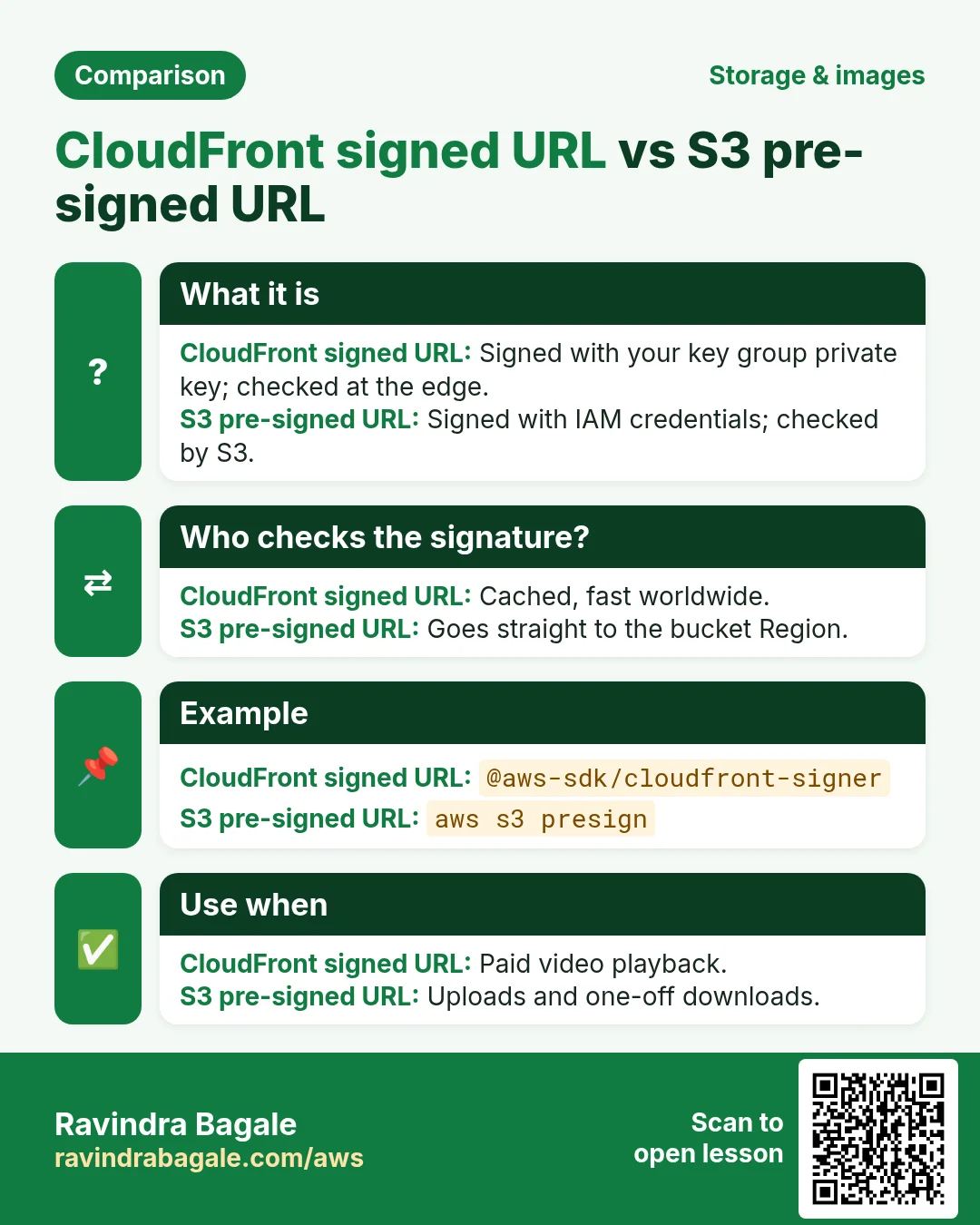
CloudFront signs with your key group key and serves from the edge cache; S3 pre-signed uses IAM credentials and goes straight to S3.
Q. How do you block a country?
Geo restriction block list in the distribution, or a WAF geo match rule for finer control.
Try at home
- Switch the lab to signed cookies for /private/* and play two files with one cookie set.
- Make a custom-policy URL locked to your own IP and test it from another network.
In short
- OAC keeps the bucket private; OAI is legacy.
- Signed URL = one file; signed cookies = many files.
- Key groups hold public keys; your app keeps the private key secret.
- Short expiry for paid content; expired or tampered = 403.
- Geo restriction for countries, WAF for attacks, Shield Standard free.
Practise this chapter
Check your understanding
Choose an answer, then compare your reasoning with the explanation.
Practice Tasks
Practice checks run in your browser. They check the answer for this exercise; they do not create resources or connect to your AWS account.
About this scenarioKonkan Cashews is a food export business in Ratnagiri. Prakash Sawant looks after its IT and cloud work. They count money in INR and run their AWS resources in the ap-south-1 Region. In the tasks below you do real jobs for them using what this lesson teaches. All names, account IDs, IP addresses and numbers are made up for practice.
0 / 10
Easy List distributions
Find the distribution ID and domain name.
List all CloudFront distributions.
- Read the task and decide which AWS service it is about.
- Write aws, then the service name, then the operation (the action word).
- Add each needed flag (--name) followed by its value from the task.
- Flags can be in any order. Click Check answer.
Easy How many addresses in a /16?
Picking a VPC size needs this count.
Konkan Cashews plans the VPC 10.168.0.0/16. How many IP addresses does it hold in total?
- Write down the numbers the task gives you.
- Work it out step by step on paper.
- Type only the final answer in the box.
- Click Check answer.
Easy Port for SSH
Security group rules need the right port.
Which TCP port must the security group open for SSH?
- Write down the numbers the task gives you.
- Work it out step by step on paper.
- Type only the final answer in the box.
- Click Check answer.
Medium Clear the CloudFront cache
After a deploy, invalidate so visitors get the new files now, not after the TTL.
Invalidate all paths (/*) on distribution E2QWRUHAPOMQZL.
- Read the task and decide which AWS service it is about.
- Write aws, then the service name, then the operation (the action word).
- Add each needed flag (--name) followed by its value from the task.
- Flags can be in any order. Click Check answer.
Hard Create a distribution from a config file
The full config (origins, behaviors, certificate) is easiest to keep in JSON.
Create a CloudFront distribution from dist.json.
- Read the task and decide which AWS service it is about.
- Write aws, then the service name, then the operation (the action word).
- Add each needed flag (--name) followed by its value from the task.
- Flags can be in any order. Click Check answer.
Hard Invalidate two paths
Invalidating only what changed is cheaper and faster.
On E2QWRUHAPOMQZL, invalidate /index.html and /css/site.css.
- Read the task and decide which AWS service it is about.
- Write aws, then the service name, then the operation (the action word).
- Add each needed flag (--name) followed by its value from the task.
- Flags can be in any order. Click Check answer.
Hard Bucket policy for CloudFront OAC
With OAC, only your CloudFront distribution may read the private bucket.
Allow the service cloudfront.amazonaws.com to s3:GetObject on konkancashew-site/*, only when aws:SourceArn equals arn:aws:cloudfront::103761760951:distribution/E2QWRUHAPOMQZL.
- Start with { "Version": "2012-10-17", "Statement": [ ... ] }.
- In each statement write Effect, Action and Resource.
- Give only what the task needs (least privilege).
- Use double quotes and commas correctly. Click Check answer.
Hard Create an Origin Access Control
OAC lets only CloudFront read your private S3 bucket.
Create an origin access control from oac.json.
- Read the task and decide which AWS service it is about.
- Write aws, then the service name, then the operation (the action word).
- Add each needed flag (--name) followed by its value from the task.
- Flags can be in any order. Click Check answer.
Hard Request a free certificate for CloudFront
CloudFront only uses ACM certificates from us-east-1. DNS validation renews automatically.
Request a certificate for konkancashews.com and www.konkancashews.com with DNS validation, in us-east-1.
- Read the task and decide which AWS service it is about.
- Write aws, then the service name, then the operation (the action word).
- Add each needed flag (--name) followed by its value from the task.
- Flags can be in any order. Click Check answer.
Hard Make a CloudFront signed URL
Signed URLs let only paying users watch a video, for a limited time.
Sign https://d111.cloudfront.net/course/intro.mp4 with key pair ID K2JCJMDEHXQW5F, private key private_key.pem, expiring 2026-12-31.
- Read the task and decide which AWS service it is about.
- Write aws, then the service name, then the operation (the action word).
- Add each needed flag (--name) followed by its value from the task.
- Flags can be in any order. Click Check answer.
Revision, comparison and interview cards
Revise this lesson in a few minutes. Save the cards on your phone or download them as PNG files. The QR code on each card opens this lesson.
More cards: Ravi Sir's Cards.