S3 Bucket Policy Project 6: Enforce SSE-KMS Encryption on Upload
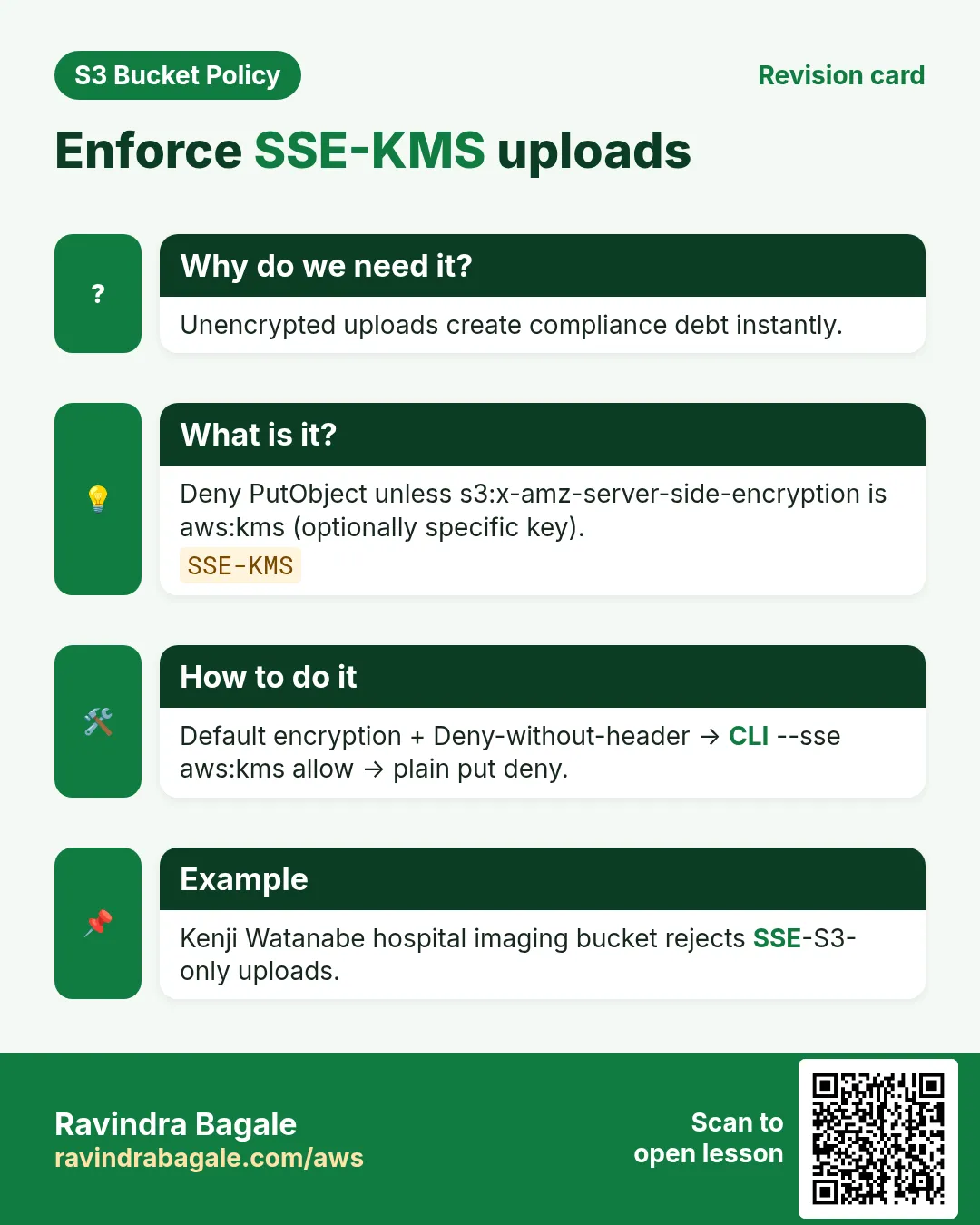
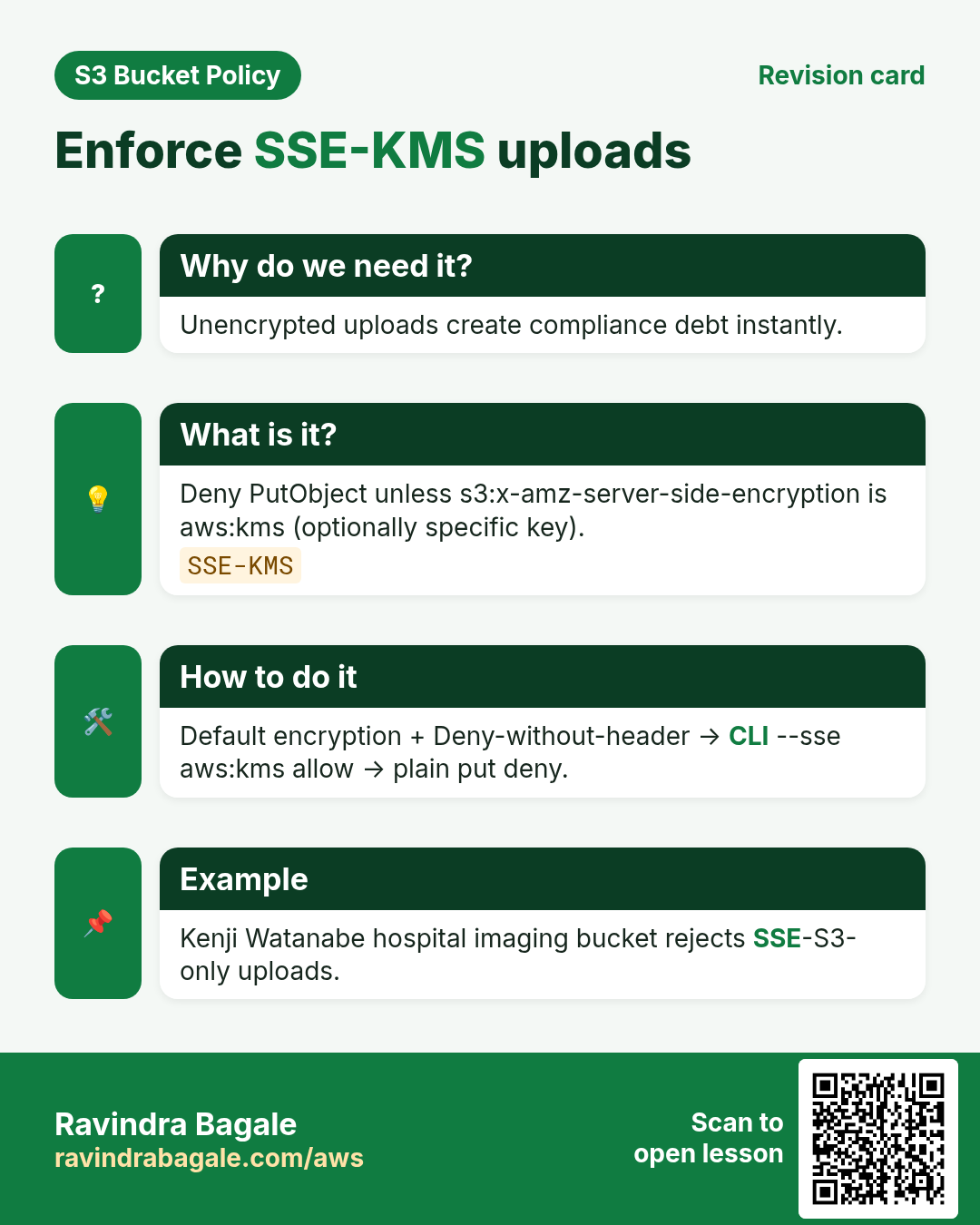
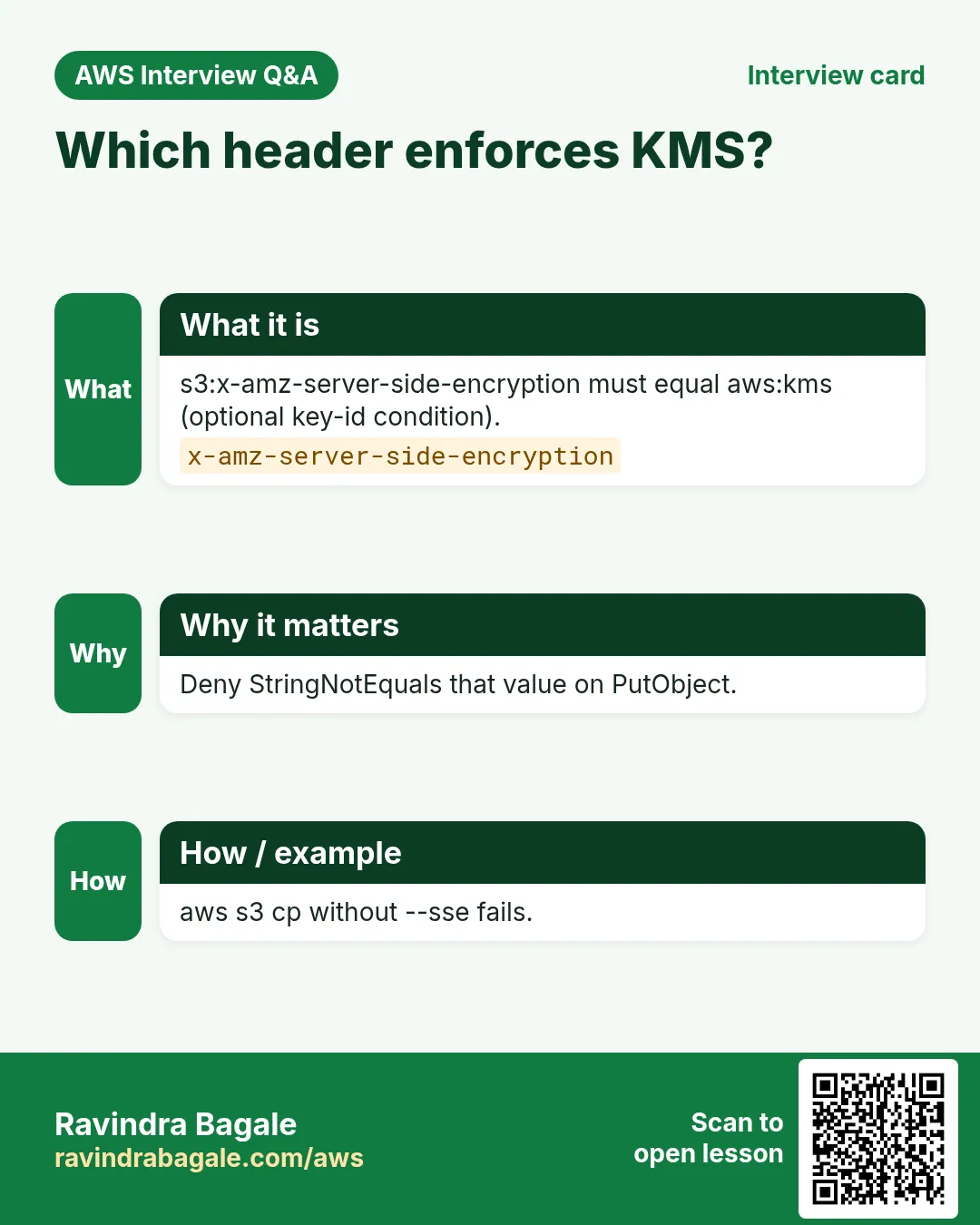
Bank security architect Deepak Nair in Bengaluru requires every PutObject to use SSE-KMS with the bank CMK. A bucket policy Deny unless s3:x-amz-server-side-encryption equals aws:kms (and optionally the key ARN) stops plaintext or SSE-S3 uploads.
In this chapter
- Why enforce SSE-KMS on upload
- What header conditions look like in JSON
- How to CLI allow with --sse aws:kms and deny without
- Key policy trust tips
- Interview answers
1. Everyday project story
Pune health-tech CTO Shruti Kulkarni and Amsterdam insurer Pieter de Vries both need CloudTrail-friendly CMK encryption on every object at rest.
2. Why enforce KMS on Put?
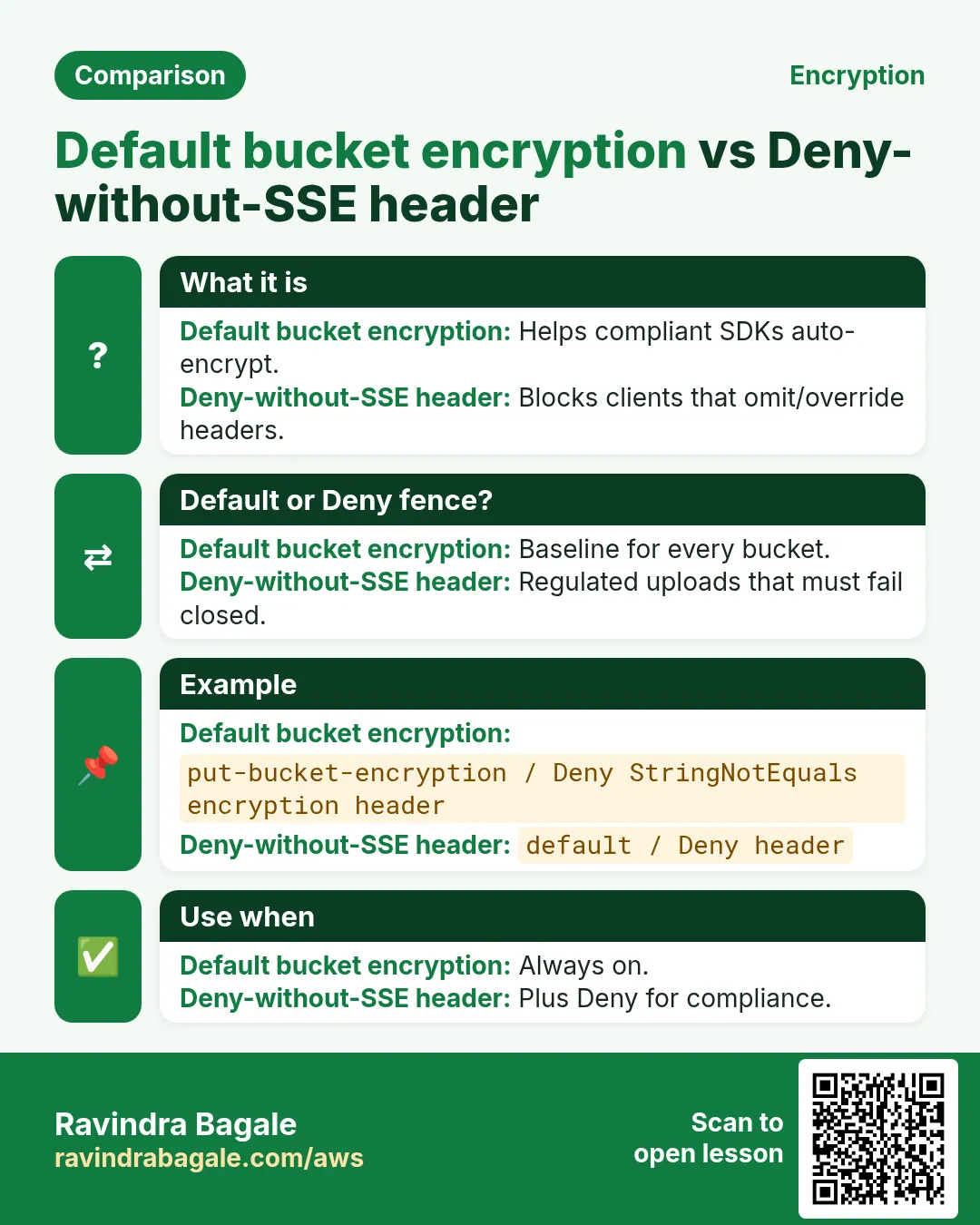
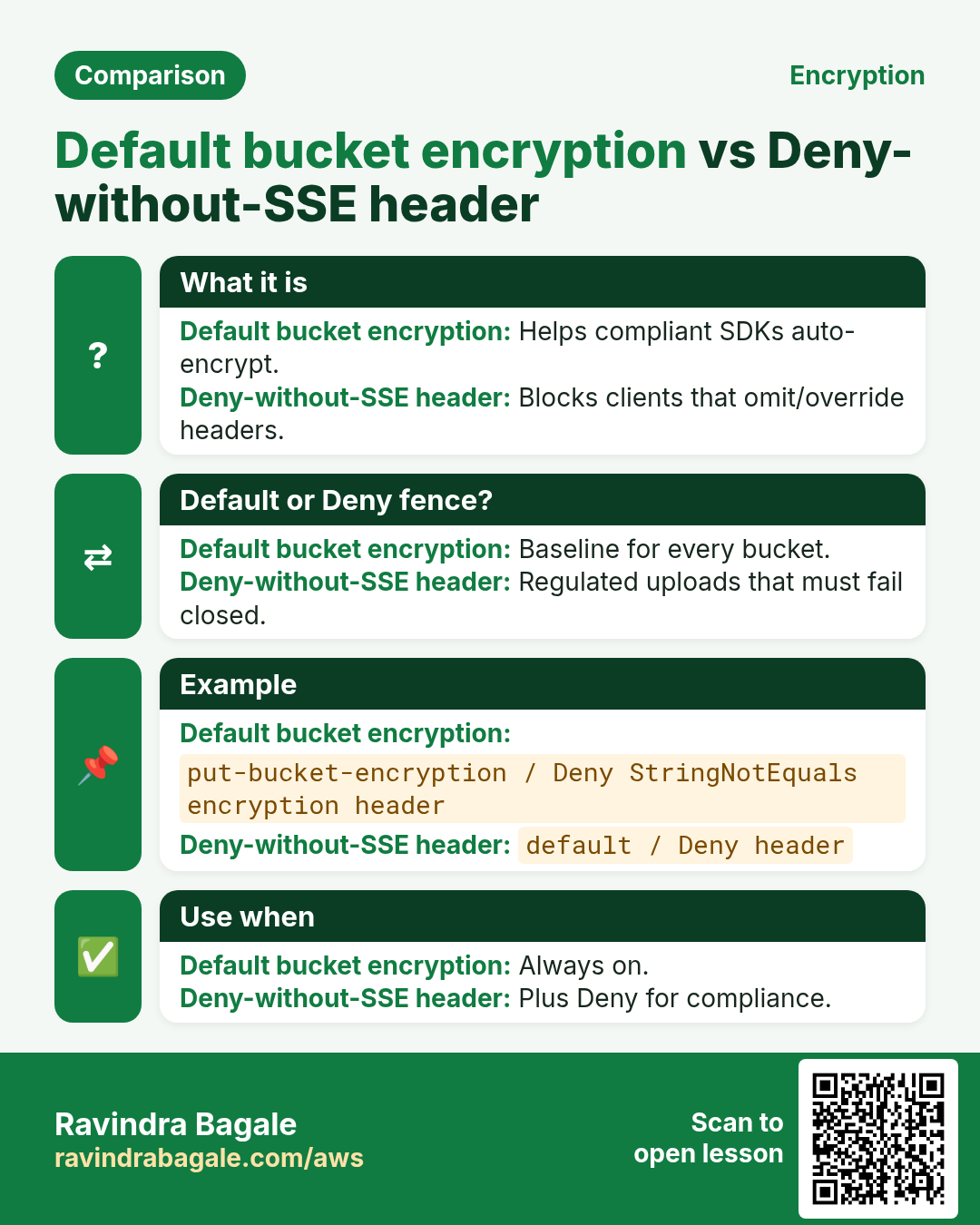
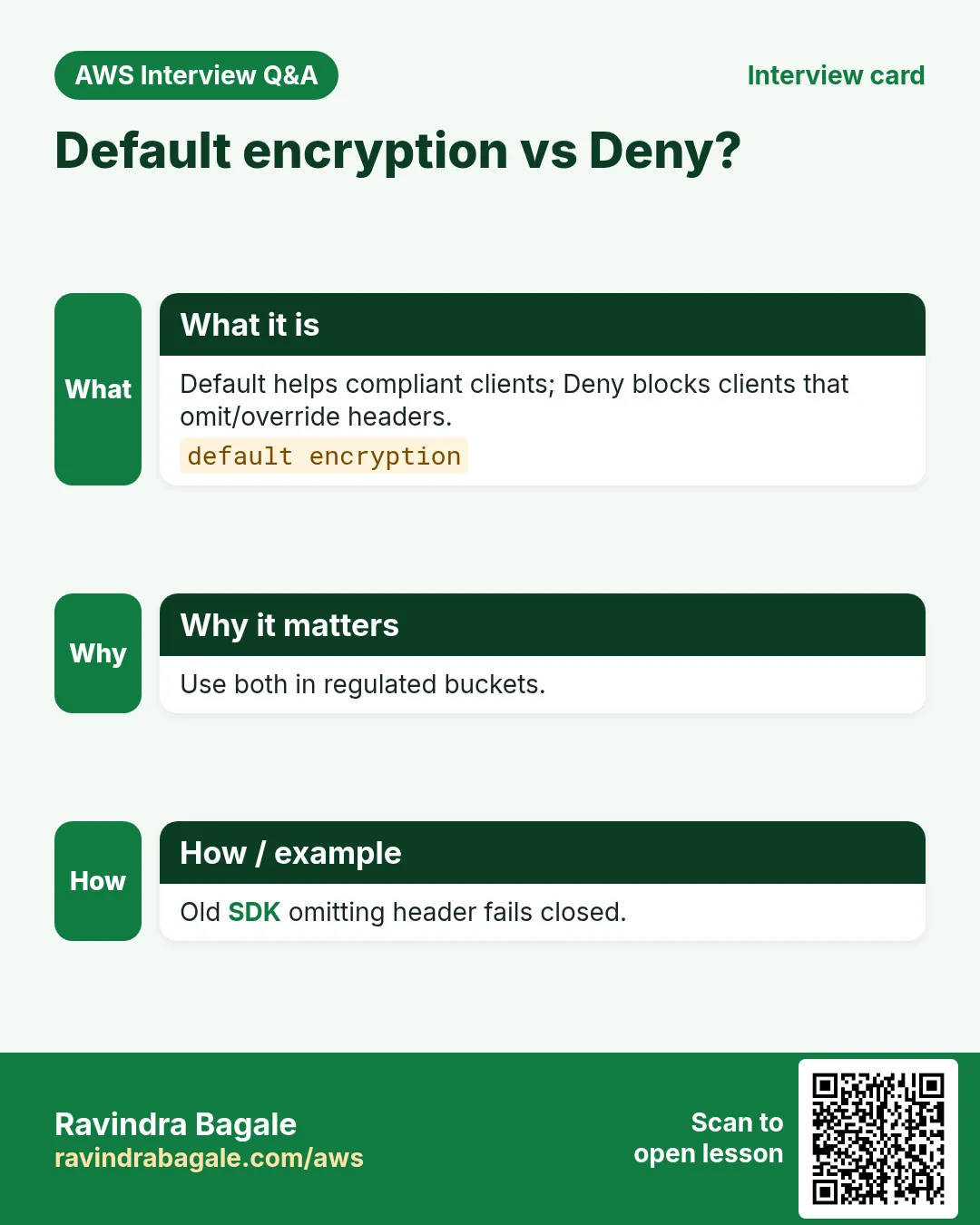
Default bucket encryption helps, but a Deny on wrong encryption headers stops misconfigured SDKs from writing SSE-S3 or unencrypted objects.
- Require x-amz-server-side-encryption = aws:kms
- Optionally require specific key ARN
- Pair with default encryption = KMS
- Grant callers kms:GenerateDataKey + Decrypt
3. What is the policy?
Follow one upload through both S3 and KMS permissions
The bank lab asks for a write encrypted with one specific customer-managed KMS key. First ask whether the request carries the algorithm and key value the bucket policy expects. Then ask whether the signer is allowed to write the object and use that key. Setting bucket default encryption is useful, but a policy that requires explicit headers can reject an upload that omitted them.
Use a synthetic document to try one correctly specified upload and one without the required header. The accepted upload should report the expected encryption metadata in a HeadObject check by an approved caller. A rejected upload can mean missing headers, a mismatch in the exact key ARN, or insufficient KMS permissions. Check each in turn.
{
  "Version": "2012-10-17",
  "Statement": [
    {
      "Sid": "DenyIncorrectEncryption",
      "Effect": "Deny",
      "Principal": "*",
      "Action": "s3:PutObject",
      "Resource": "arn:aws:s3:::rb-bank-docs-ap-south-1/*",
      "Condition": {
        "StringNotEquals": {
          "s3:x-amz-server-side-encryption": "aws:kms"
        }
      }
    },
    {
      "Sid": "DenyWrongKmsKey",
      "Effect": "Deny",
      "Principal": "*",
      "Action": "s3:PutObject",
      "Resource": "arn:aws:s3:::rb-bank-docs-ap-south-1/*",
      "Condition": {
        "StringNotEquals": {
          "s3:x-amz-server-side-encryption-aws-kms-key-id": "arn:aws:kms:ap-south-1:111122223333:key/1234abcd-12ab-34cd-56ef-1234567890ab"
        }
      }
    }
  ]
}
Line-by-line
- First Deny — PutObject without aws:kms encryption header.
- Condition StringNotEquals on s3:x-amz-server-side-encryption.
- Second Deny — wrong CMK id.
- Resource objects only (PutObject).
- Callers still need IAM s3:PutObject + KMS perms.
- Default bucket encryption should also be KMS.
4. CLI with output
KEY=arn:aws:kms:ap-south-1:111122223333:key/1234abcd-12ab-34cd-56ef-1234567890ab
aws s3api put-bucket-policy --bucket rb-bank-docs-ap-south-1 --policy file://kms-enforce.json

# ALLOW
aws s3 cp report.pdf s3://rb-bank-docs-ap-south-1/report.pdf --sse aws:kms --sse-kms-key-id "$KEY"
# upload success

# DENY — no SSE
aws s3 cp report.pdf s3://rb-bank-docs-ap-south-1/bad.pdf
# An error occurred (AccessDenied) when calling the PutObject operation: Access Denied
5. Test allow and deny
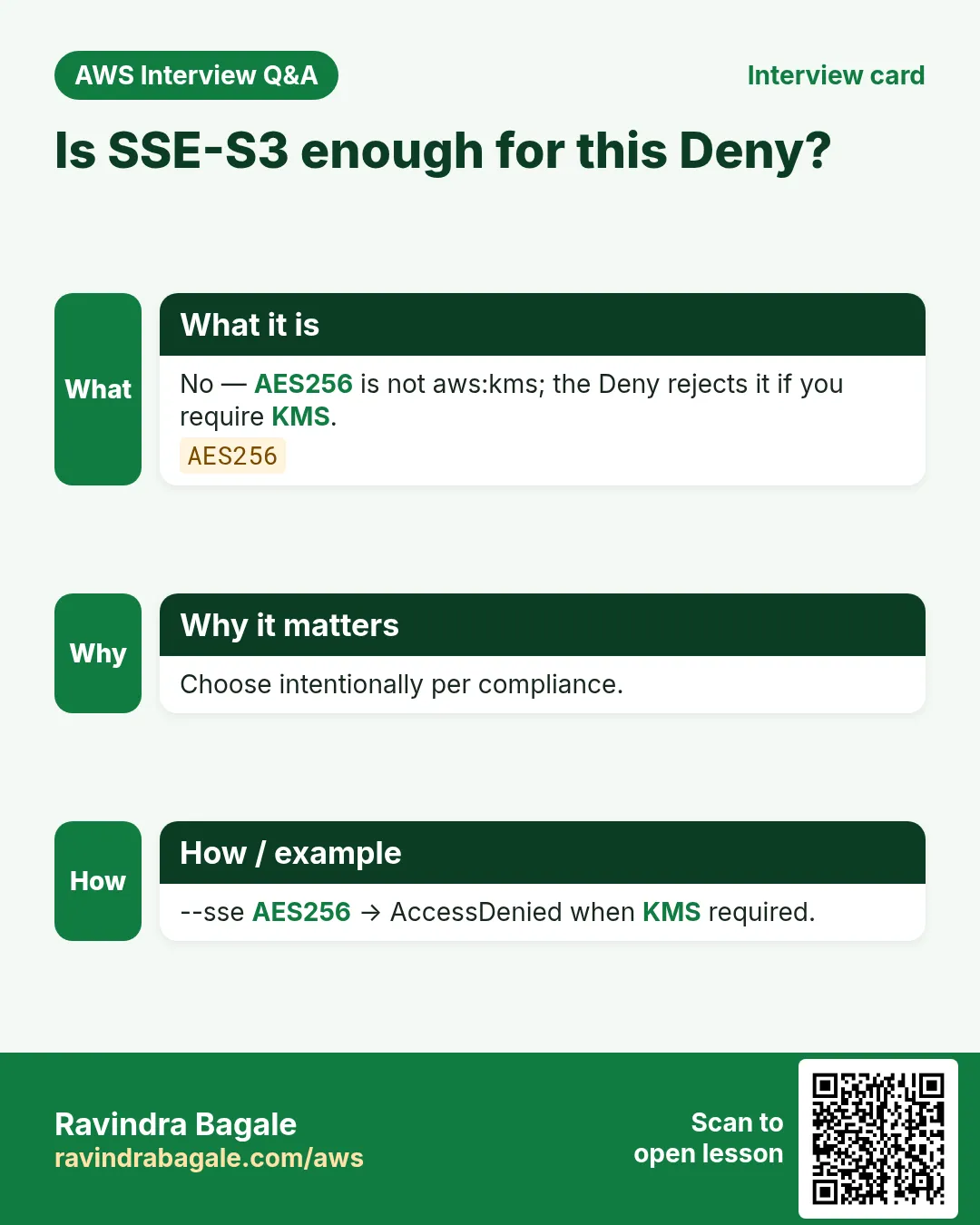
Allow: Put with --sse aws:kms and correct key. Deny: Put with no SSE or SSE AES256.
# DENY SSE-S3
aws s3 cp report.pdf s3://rb-bank-docs-ap-south-1/aes.pdf --sse AES256
# AccessDenied
6. Key policy tip
Read the key ARN as a real resource identifier
A named alias helps a human recognize a key. The policy in this lab compares the actual key ARN string. If the uploader supplies a short key ID or alias where the policy expects the full ARN, the strings can differ even when you intended the same key. Copy the approved ARN from the test account and verify the Region before running the exercise.
Check the intended write and read operations separately. An object can be encrypted with the right key and still fail to decrypt for an unauthorized reader. Confirm the reader has the necessary key access for its role. Leave the lab key enabled until any data you plan to retain has been safely handled.
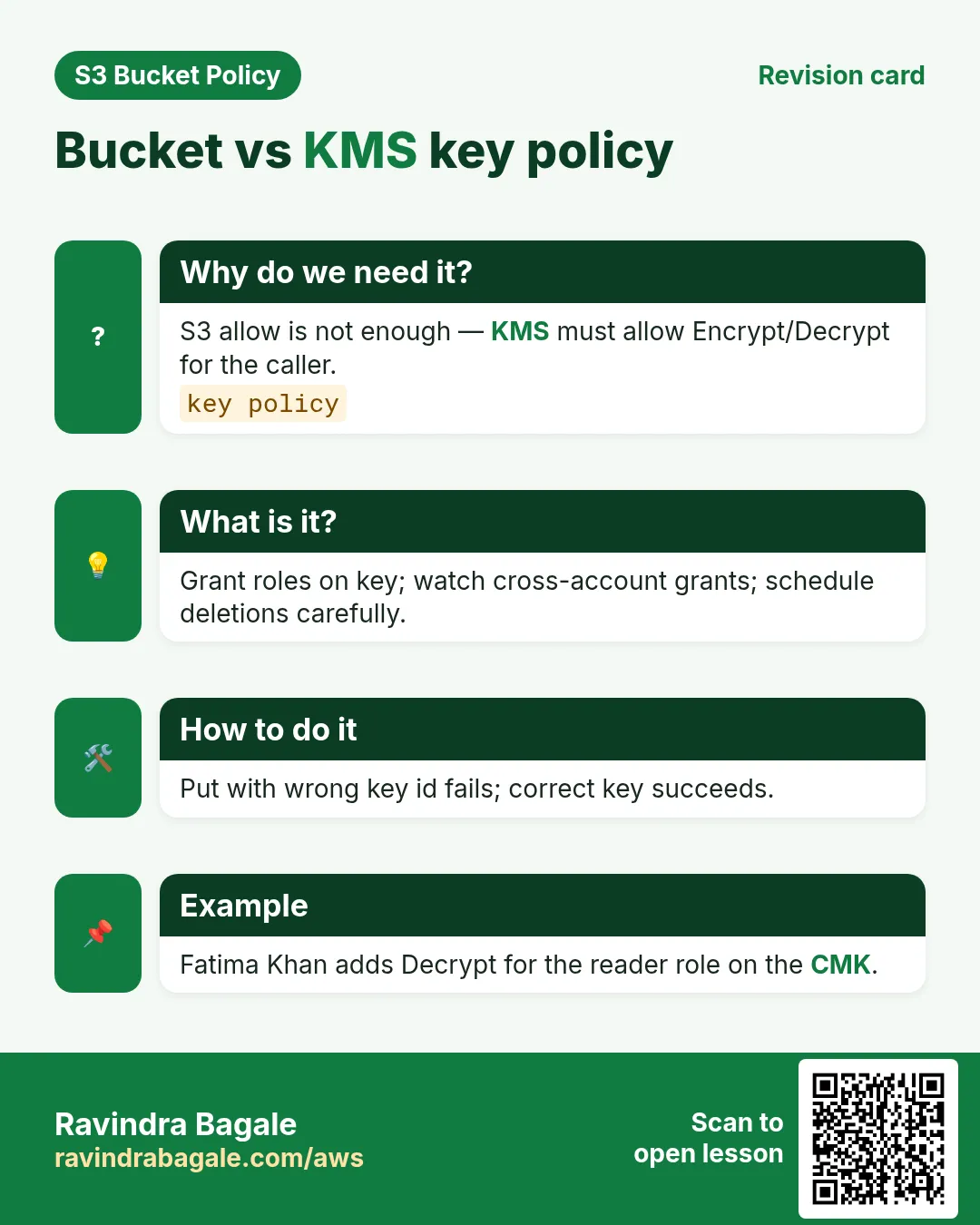
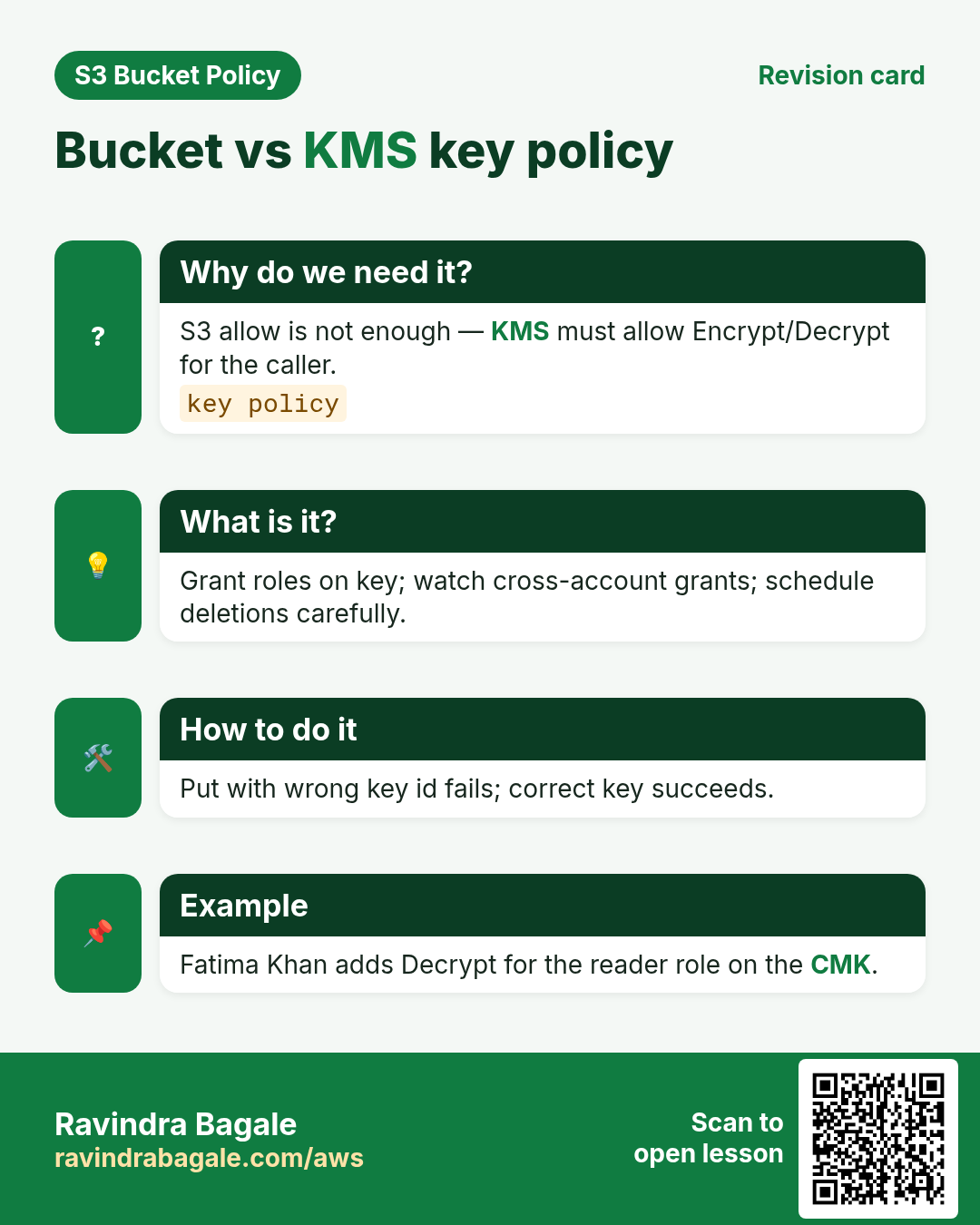
Bucket policy ≠ key policy
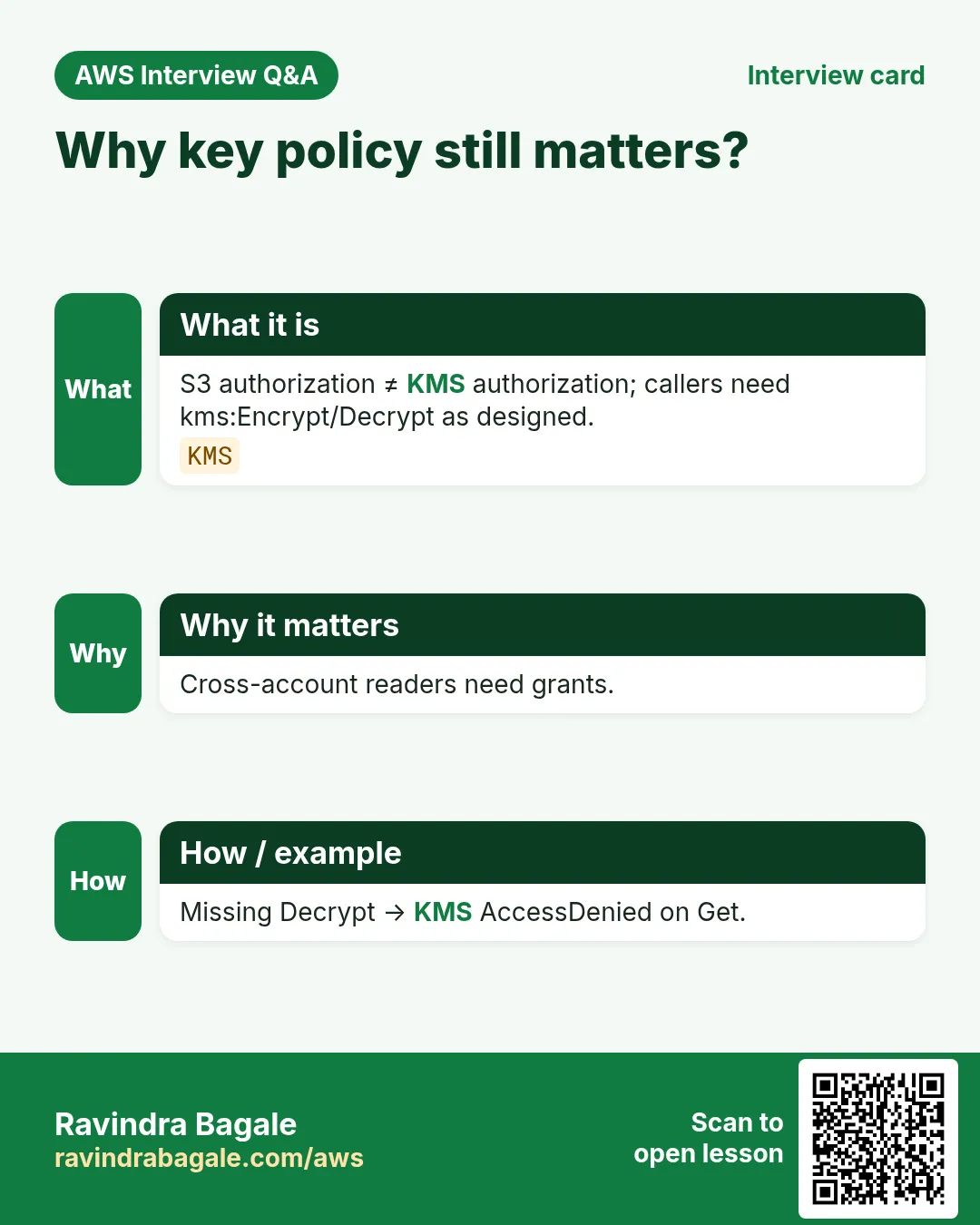
Even with correct headers, Put fails if the KMS key policy does not trust the caller. Grant the role/user and (if needed) S3 service use of the key.
7. Multi-industry
Banking (Bengaluru — Deepak Nair), health-tech (Pune — Shruti Kulkarni), insurance (Amsterdam — Pieter de Vries), govt archives (Delhi — Meenakshi Iyer).
8. AccessDenied debugging and Policy Simulator
When S3 returns AccessDenied, check in order: (1) Block Public Access, (2) matching bucket policy Deny, (3) missing IAM Allow, (4) KMS key policy, (5) VPC endpoint policy, (6) legacy ACL. IAM Policy Simulator can miss BPA/VPC/KMS — always re-test with real CLI from the real network path.
# Decode
aws s3api get-bucket-policy --bucket BUCKET --query Policy --output text | python3 -m json.tool
aws s3api get-public-access-block --bucket BUCKET
aws iam simulate-principal-policy --policy-source-arn ARN \
  --action-names s3:GetObject --resource-arns arn:aws:s3:::BUCKET/key.txt
aws cloudtrail lookup-events --lookup-attributes AttributeKey=EventName,AttributeValue=GetObject --max-items 5
9. Lab: enforce SSE-KMS
Do this in ap-south-1 (Mumbai) unless your org forbids it. Set a budget alert first.
- Create CMK + lab bucket; set default encryption KMS.
- Apply both Deny statements; replace key ARN.
- Put with --sse aws:kms → success; without → AccessDenied.
- Put with --sse AES256 → AccessDenied.
Cleanup (stop billing)
- Schedule CMK deletion carefully; empty and delete bucket.
- Remove lab IAM grants on the key.
10. Common errors and fixes
Each row is a real mistake students and juniors hit. Read the fix before you panic.
| Error / symptom | Fix |
|---|---|
| AccessDenied but IAM Allow looks fine | Find explicit Deny in bucket policy or BPA blocking public. |
| Policy JSON rejected on put | Validate with python3 -m json.tool; no smart quotes; use file://. |
| Policy Simulator Allow, CLI Deny | Simulator skips some layers; retest with real CLI/role/network. |
| Wrong Resource ARN shape | GetObject needs arn:...:bucket/* ; ListBucket needs bare bucket ARN. |
| Condition key typo or wrong case | Keys like aws:SourceIp are case-sensitive. |
| Missing Principal on bucket policy | Resource-based policies require Principal; identity policies must omit it. |
| Account-level BPA overrides bucket | Account Block Public Access can still block public grants. |
| Encrypted object / KMS forgotten | SSE-KMS needs key policy + kms:Decrypt/GenerateDataKey. |
| Header set but still Denied | Key policy / IAM kms:GenerateDataKey missing. |
| Default encryption alone relied on | SDK can still send wrong headers — keep Deny. |
11. Troubleshooting checklist
- Confirm region and endpoint hostname for the bucket.
- Print get-bucket-policy and get-public-access-block.
- Reproduce with a least-privilege lab IAM user.
- Binary-search Denies by commenting one Sid at a time in lab.
- Read CloudTrail errorCode and additionalEventData.
- If KMS involved, test key permissions separately.
- From VPC path: route to gateway prefix list + endpoint policy.
- Cleanup versioning/Object Lock labs carefully.
12. FAQ
Q. Is a bucket policy the same as an IAM policy?
No. Bucket policy is resource-based on the bucket; IAM is identity-based. For same-account, either can Allow; explicit Deny wins; cross-account needs both.
Q. Do I still need ACLs in 2026?
Prefer Bucket owner enforced (ACLs off) + bucket policy. Some log deliveries still need canned ACL on Put.
Q. What is Block Public Access?
Switches that block public ACLs/policies at account or bucket. Disable only the minimum for a deliberate public design.
Q. How do you debug AccessDenied fast?
BPA → bucket policy → IAM → KMS → VPCe → CloudTrail. Never “fix” with Action *.
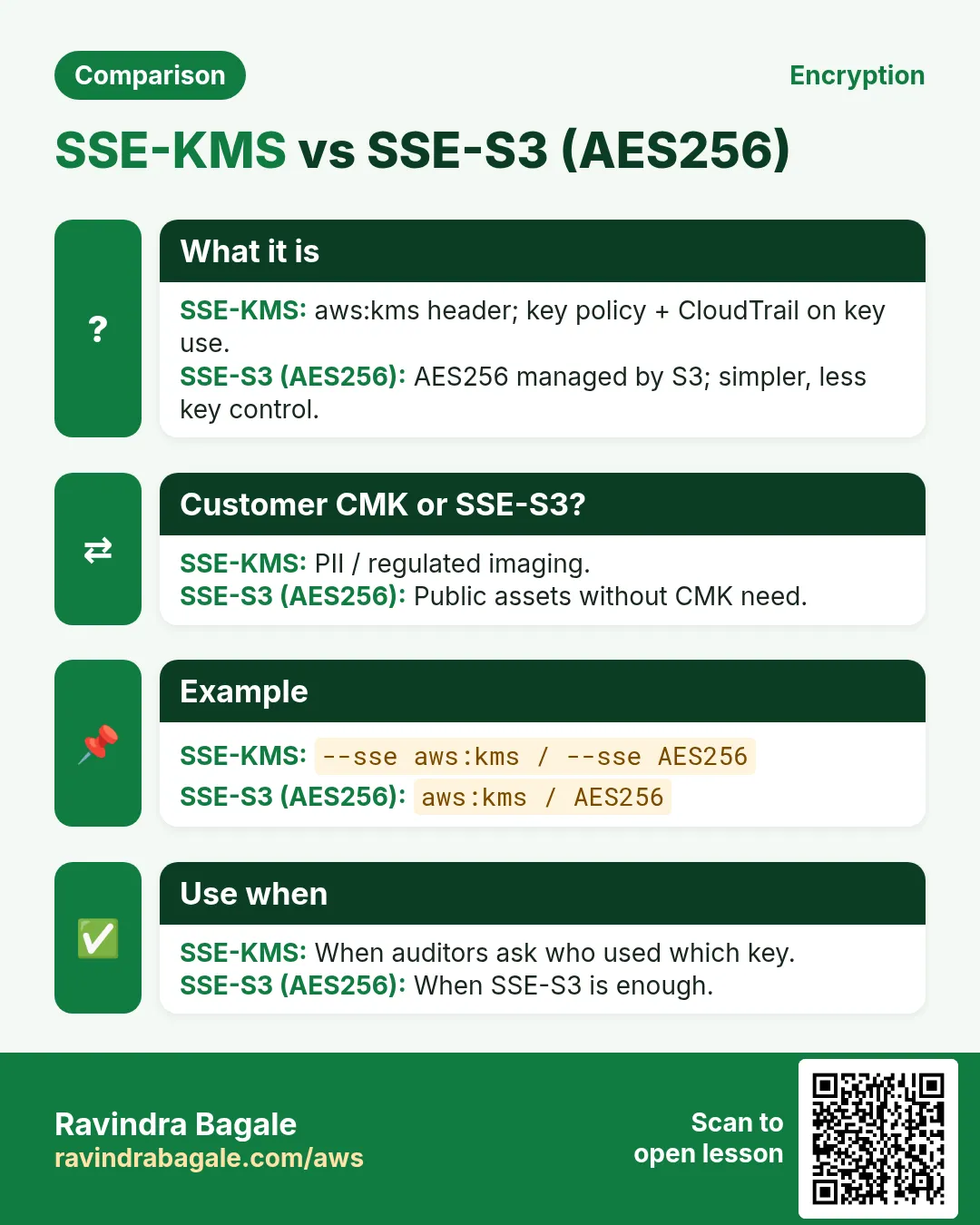
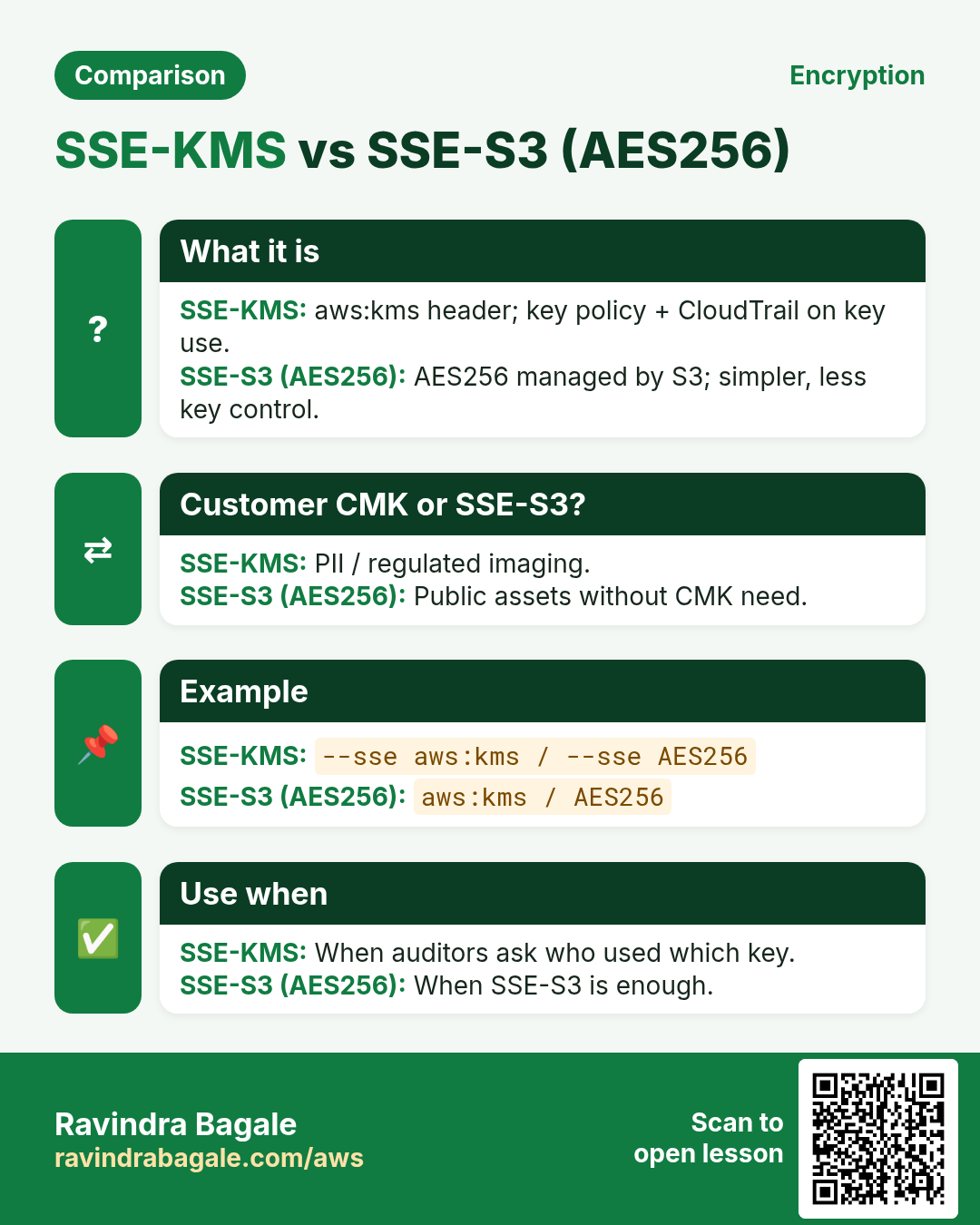
Q. SSE-S3 vs SSE-KMS?
AES256 managed by S3 vs your CMK with CloudTrail on key use.
Q. Bucket-key feature?
S3 Bucket Keys reduce KMS cost; still SSE-KMS.
Q. Multipart uploads?
Each part must satisfy encryption conditions.
Q. CopySource encryption?
Copy may need extra permissions/headers — test.
13. Interview Q&A
Q. Enforce KMS uploads how?
Deny PutObject unless s3:x-amz-server-side-encryption is aws:kms (and key id).
Q. Why not only default encryption?
Misconfigured clients can still request other modes unless Denied.
Q. Who needs KMS permission?
Uploader: GenerateDataKey; readers: Decrypt; key policy must allow them.
Q. Prove for audit?
Successful KMS Put + failed AES256 Put logs.
Q. Cross-account KMS?
Key policy + IAM in both accounts; careful grants.
Q. Null encryption header?
StringNotEquals treats missing as not equal — Denied.
14. Tips in English, Marathi and Hindi
Ravindra Bagale's Tip (EN)
Default encryption + Deny wrong encryption is the pair interviewers love to hear.
Ravindra Bagale's Tip (MR)
Default encryption + Deny wrong = interview pair.
Tip (HI)
Default encryption और गलत encryption पर Deny — interview में यही जोड़ी बताएं।
Try at home
- Run KMS allow + AES256 deny; save errors.
- Read your CMK key policy; list who can use it.
- Explain Bucket Keys in 45 seconds.
In short
- Deny Put unless aws:kms (and key).
- Default encryption + Deny together.
- Key policy must trust callers.
- Test AES256 and no-SSE denials.
- Multipart must comply too.
15. Policy design checklist before you save
- Write the business rule in one sentence (who can do what from where).
- Choose Allow vs Deny-unless consciously; remember explicit Deny wins.
- List every Resource ARN shape you need (bucket vs bucket/*).
- Name every Condition key exactly (case-sensitive).
- Decide BPA settings before put-bucket-policy.
- Plan the allow test and the deny test with expected HTTP/CLI codes.
- Plan cleanup (versioning, Object Lock, KMS schedules).
- Paste JSON through python3 -m json.tool before apply.
16. Policy Simulator walkthrough
IAM Policy Simulator is great for identity policies and a first pass on resource policies, but it can miss Block Public Access, VPC endpoint policies, and some KMS denials. Use it to catch typos, then always re-test with AWS CLI from the real network path (office IP, VPC, or CloudFront).
- Open IAM → Policy simulator → pick the user/role.
- Add action s3:GetObject / PutObject and the object ARN.
- If you use resource policies, include the bucket policy text where the tool allows.
- Note Allow/Deny; then run the matching CLI from the real path.
- If Simulator Allow but CLI Deny, check BPA, VPCe, KMS, and explicit Denies next.
17. Copy-paste runbook (print this)
# 0) Region + names
export AWS_REGION=ap-south-1
export BUCKET=rb-lab-$(date +%s)-ap-south-1

# 1) Create + show BPA
aws s3api create-bucket --bucket $BUCKET --region $AWS_REGION \
  --create-bucket-configuration LocationConstraint=$AWS_REGION
aws s3api get-public-access-block --bucket $BUCKET || true

# 2) Validate + apply policy
python3 -m json.tool policy.json >/dev/null
aws s3api put-bucket-policy --bucket $BUCKET --policy file://policy.json
aws s3api get-bucket-policy --bucket $BUCKET --query Policy --output text | python3 -m json.tool | head

# 3) Allow test + Deny test (fill per project)
# ... project-specific curls / aws s3 cp ...

# 4) Cleanup
aws s3 rm s3://$BUCKET --recursive || true
aws s3api delete-bucket-policy --bucket $BUCKET || true
aws s3api delete-bucket --bucket $BUCKET
18. Industry story bank (reuse the pattern)
Each project above uses one industry story. Use the same policy pattern in these other industries without rewriting the JSON from scratch — only change the bucket name, principal, and Condition values.
- Healthcare (Priya Nair, Apollo-style clinic): patient PDFs — prefer SSE-KMS + OrgID + MFA delete.
- Fintech (Arjun Mehta, UPI wallet): statements — office IP + SecureTransport + CloudFront OAC for the customer portal.
- EdTech (Sofia Alvarez, online course): course videos — CloudFront OAC only; never public ACLs.
- Logistics (Kenji Watanabe, fleet app): GPS dumps — VPC endpoint only from the private subnet runners.
- Media (Fatima Khan, newsroom): raw footage — Object Lock COMPLIANCE + deny delete.
- Retail (Lucas Meyer, D2C brand): product images — public read for /images/* only; deny everything else.
- SaaS (Ananya Iyer, B2B CRM): tenant exports — ${aws:username} or ${aws:PrincipalTag/tenant} prefixes.
- Government (Rahul Deshmukh, state portal): RTI archives — OrgID + MFA + Object Lock.
19. AccessDenied debugging flowchart
- Read the error code and the request ID. Save both.
- Confirm you are calling the right bucket and region.
- Check Block Public Access if the principal is * or a service that looks public.
- Decode the policy: is there an explicit Deny that matches? Deny wins.
- Check Condition keys: SecureTransport, SourceVpce, SourceIp, PrincipalOrgID, encryption headers.
- For KMS: does the key policy allow the caller? Bucket policy alone is not enough.
- For CloudFront: is OAC present and the distribution id matching?
- For VPC: are you really going through the endpoint (no public IP leak)?
- Simulate in IAM Policy Simulator, then re-test with CLI from the real path.
- Only then open a support case with the request id and a redacted policy.
20. What good looks like in a PR review
- Policy JSON validates and is indented.
- Every Statement has Sid, Effect, Action, Resource.
- No Principal:* with write actions unless BPA and a Deny fence exist.
- Allow test and Deny test are documented with expected output.
- Cleanup steps will not strand Object Lock or KMS keys.
Worked example: compare bucket defaults with a required upload header
Two students both enabled default SSE-KMS on their buckets. One can upload without an encryption flag. The other gets AccessDenied for the same command. The second bucket also has the policy above, which checks the request.
- Write down the bucket default and the exact key ARN expected by the deny. Use only the disposable bucket and a tiny test file. Preserve the original policy so you can remove just the lab change afterwards.
- Compare a request with the exact SSE-KMS flag and ARN against one missing those values. The lab deny can reject a missing header before default encryption would have been used. An alias or shortened key ID is not the same string as the required ARN.
- For the successful upload, inspect
ServerSideEncryptionandSSEKMSKeyIdusingaws s3api head-objecton the lesson's test object. If the correct request still fails, check both the caller's S3 permissions and its KMS use through the key policy and IAM.
Interview question: what permissions differ for a KMS upload and download?
A simple SSE-KMS upload requires the ability to generate a data key, and download requires decryption. A multipart upload also needs decrypt permission. Apply these permissions only to the key and principals for the workload.
Practise this chapter
Interview questions and answers
How do you prove a successful upload used the intended key?
Check the accepted test object’s server-side encryption metadata using an approved identity. Then verify a permitted reader can read it. A successful upload message alone does not tell you the exact key choice.
Why keep a known encrypted object before tightening the write policy?
It lets you test read permissions independently from write header checks. Compare the new controlled upload and read the known test object with the intended role to distinguish a policy deny from KMS access.
Check your understanding
Choose an answer, then compare your reasoning with the explanation.
Practice Tasks
Practice checks run in your browser. They check the answer for this exercise; they do not create resources or connect to your AWS account.
About this scenarioAhmednagar Sugar Co-op is a sugar co-operative business in Ahilyanagar. Balasaheb Pawar looks after its IT and cloud work. They count money in INR and run their AWS resources in the ap-south-1 Region. In the tasks below you do real jobs for them using what this lesson teaches. All names, account IDs, IP addresses and numbers are made up for practice.
0 / 16
Easy Get KMS enforce policy
Read SSE Deny.
Get bucket policy nagarsugar-kms.
- Read the task and decide which AWS service it is about.
- Write aws, then the service name, then the operation (the action word).
- Add each needed flag (--name) followed by its value from the task.
- Flags can be in any order. Click Check answer.
Easy Get default encryption
Bucket default.
Get bucket encryption nagarsugar-kms.
- Read the task and decide which AWS service it is about.
- Write aws, then the service name, then the operation (the action word).
- Add each needed flag (--name) followed by its value from the task.
- Flags can be in any order. Click Check answer.
Easy Apply the lesson: scenario 3
The lab policy denies PutObject without an explicit SSE-KMS header. A client relies only on bucket default encryption. Will this header requirement pass? Answer yes or no.
- Read the situation and identify what you need to decide.
- Work through the relevant concept or calculation.
- Enter only the requested term or number.
- Check your answer, then read the explanation.
Easy Apply the lesson: scenario 4
A cross-account uploader has S3 and IAM KMS permissions. Which key-side policy must also authorize its use of the KMS key?
- Read the situation and identify what you need to decide.
- Work through the relevant concept or calculation.
- Enter only the requested term or number.
- Check your answer, then read the explanation.
Easy List KMS bucket
Inventory.
List objects nagarsugar-kms.
- Read the task and decide which AWS service it is about.
- Write aws, then the service name, then the operation (the action word).
- Add each needed flag (--name) followed by its value from the task.
- Flags can be in any order. Click Check answer.
Easy Head KMS bucket
Exists.
Head bucket nagarsugar-kms.
- Read the task and decide which AWS service it is about.
- Write aws, then the service name, then the operation (the action word).
- Add each needed flag (--name) followed by its value from the task.
- Flags can be in any order. Click Check answer.
Easy Get BPA KMS
BPA.
Get public access block nagarsugar-kms.
- Read the task and decide which AWS service it is about.
- Write aws, then the service name, then the operation (the action word).
- Add each needed flag (--name) followed by its value from the task.
- Flags can be in any order. Click Check answer.
Medium Put with SSE-KMS
Allow path.
Put object secret.txt into nagarsugar-kms from ./secret.txt with SSE aws:kms.
- Read the task and decide which AWS service it is about.
- Write aws, then the service name, then the operation (the action word).
- Add each needed flag (--name) followed by its value from the task.
- Flags can be in any order. Click Check answer.
Medium Get encrypted object
Read.
Get object secret.txt from nagarsugar-kms.
- Read the task and decide which AWS service it is about.
- Write aws, then the service name, then the operation (the action word).
- Add each needed flag (--name) followed by its value from the task.
- Flags can be in any order. Click Check answer.
Medium Allow PutObject account
Baseline.
Allow s3:PutObject for account root on nagarsugar-kms objects.
- Start with { "Version": "2012-10-17", "Statement": [ ... ] }.
- In each statement write Effect, Action and Resource.
- Give only what the task needs (least privilege).
- Use double quotes and commas correctly. Click Check answer.
Medium SSE header JSON
Condition.
JSON s3:x-amz-server-side-encryption aws:kms.
- Start from the top-level keys the task names.
- Indent child keys with 2 spaces (no tabs).
- Fill in each property with the value from the task.
- Click Check answer. Key order does not matter.
Medium Apply the lesson: scenario 12
The request specifies x-amz-server-side-encryption: AES256. Is that SSE-S3 or SSE-KMS?
- Read the situation and identify what you need to decide.
- Work through the relevant concept or calculation.
- Enter only the requested term or number.
- Check your answer, then read the explanation.
Medium Apply the lesson: scenario 13
A policy explicitly requires an encryption header. Which setting alone cannot satisfy a missing-header check: default encryption or the supplied header?
- Read the situation and identify what you need to decide.
- Work through the relevant concept or calculation.
- Enter only the requested term or number.
- Check your answer, then read the explanation.
Hard Deny upload without aws:kms
Enforce header.
Deny s3:PutObject when s3:x-amz-server-side-encryption is not aws:kms on nagarsugar-kms objects.
- Start with { "Version": "2012-10-17", "Statement": [ ... ] }.
- In each statement write Effect, Action and Resource.
- Give only what the task needs (least privilege).
- Use double quotes and commas correctly. Click Check answer.
Hard KMS key id condition JSON
Specific CMK.
JSON s3:x-amz-server-side-encryption-aws-kms-key-id arn:aws:kms:ap-south-1:123456789012:key/abcd.
- Start from the top-level keys the task names.
- Indent child keys with 2 spaces (no tabs).
- Fill in each property with the value from the task.
- Click Check answer. Key order does not matter.
Hard Delete KMS policy
Cleanup.
Delete bucket policy nagarsugar-kms.
- Read the task and decide which AWS service it is about.
- Write aws, then the service name, then the operation (the action word).
- Add each needed flag (--name) followed by its value from the task.
- Flags can be in any order. Click Check answer.
Revision, interview and comparison cards
Revise this lesson in a few minutes. Save the cards on your phone or download them as PNG files. The QR code on each card opens this lesson.
More cards: Ravi Sir's Cards.