CloudFront Cache Behaviors, TTL and Invalidation Step by Step
In CloudFront Origins Explained we sent /static/* to S3 and everything else to an ALB. The rule that did that is a cache behavior. This chapter goes deep: path patterns and their order, TTLs, Cache-Control headers, cache policies vs origin request policies, the cache key, and how to update files with invalidations or versioned names.
In this chapter
- Cache behaviors, path patterns and their order
- Minimum, default and maximum TTL with Cache-Control
- Cache policy vs origin request policy
- The cache key: query strings, cookies, headers
- Invalidation vs versioned file names
1. A story: the old price list
A shop prints its price list and gives copies to 20 branch counters. Next week prices change. The head office has the new list, but branches keep handing out the old copies until someone tells them to throw them away.
CloudFront edges are those branches. The TTL is how long each branch keeps a copy. Invalidation is the phone call that says "throw it away".
2. Cache behaviors and path patterns
Images can be cached for a year; the login API must never be cached. One distribution needs different rules for different paths.
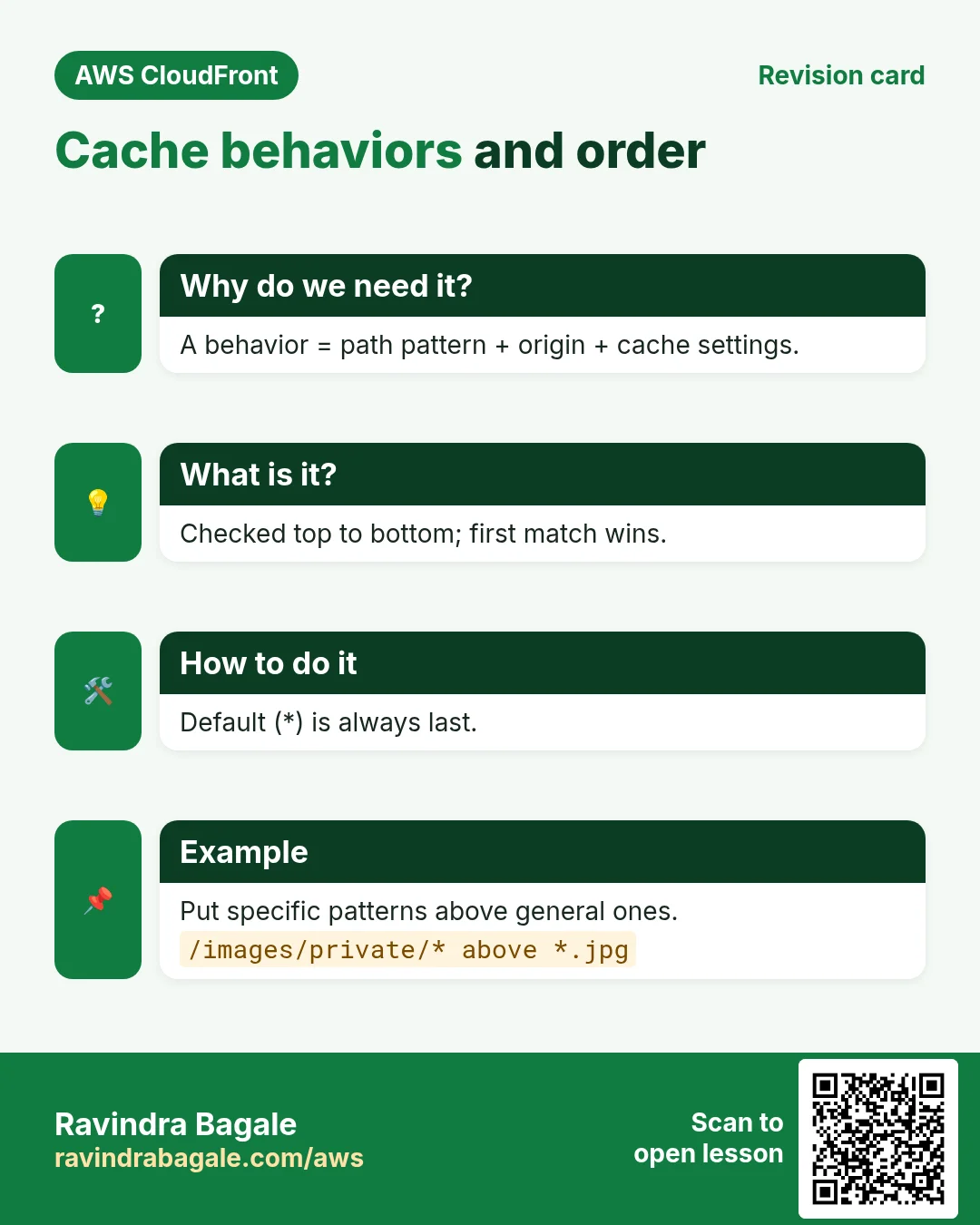
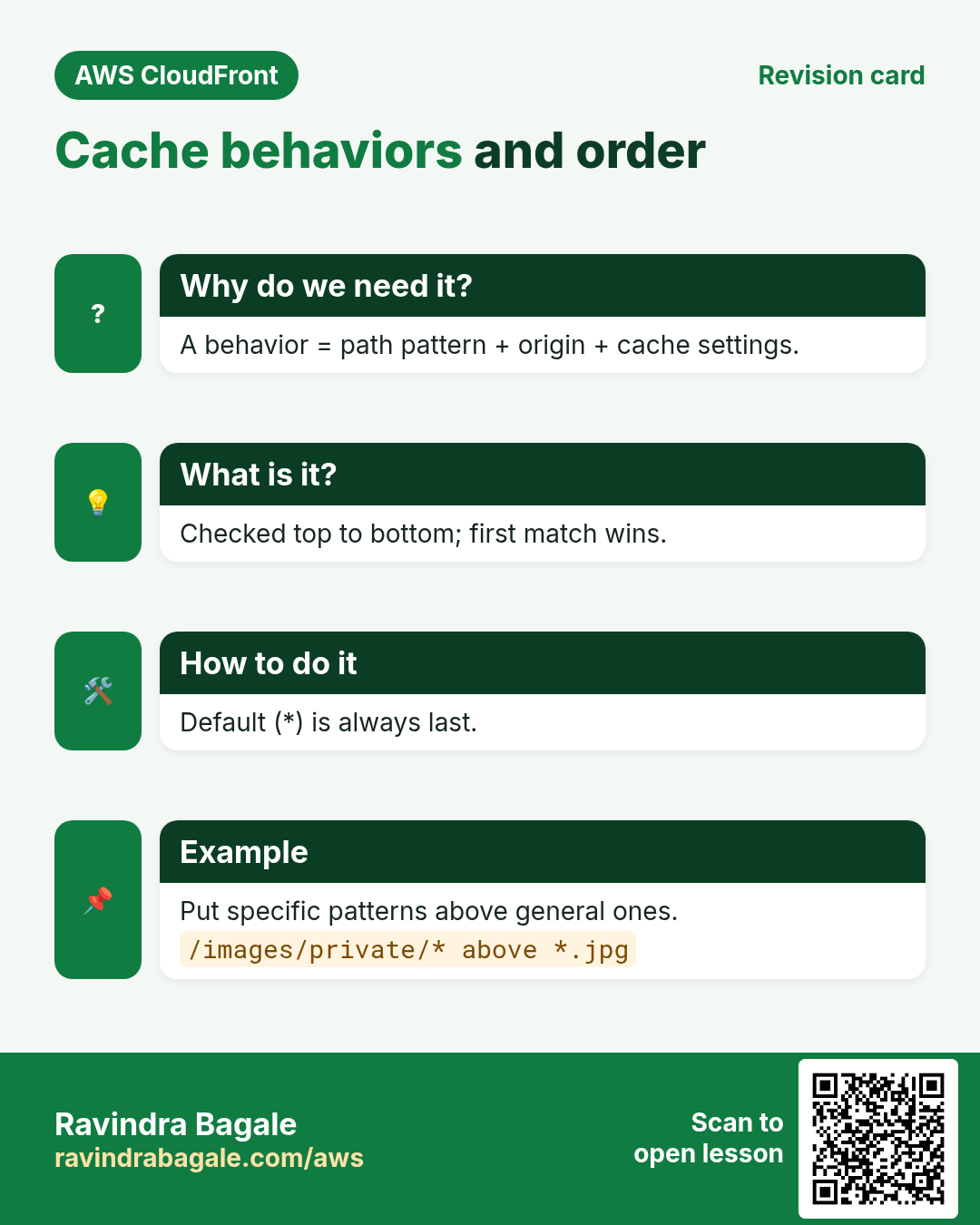
A cache behavior = a path pattern + an origin + settings (viewer protocol, allowed methods, cache policy, origin request policy, functions, signed URL requirement). CloudFront checks behaviors top to bottom and uses the first match. The Default (*) behavior is always last and catches everything else.
| Order | Path pattern | Origin | Cache |
|---|---|---|---|
| 0 | /api/* | ALB | CachingDisabled |
| 1 | /static/* | S3 | 1 year (versioned files) |
| 2 | *.jpg | S3 | 1 day |
| 3 | /images/private/* | S3 | Signed URL required |
| Default | * | ALB | Short, e.g. 60 s for HTML |
Trap: /images/private/photo.jpg matches *.jpg (order 2) before /images/private/* (order 3), so the private rule never runs. Put specific patterns above general ones. Patterns are case sensitive; * matches any characters and ? exactly one.
3. TTL and Cache-Control
Too short and the origin works hard. Too long and users see old files.
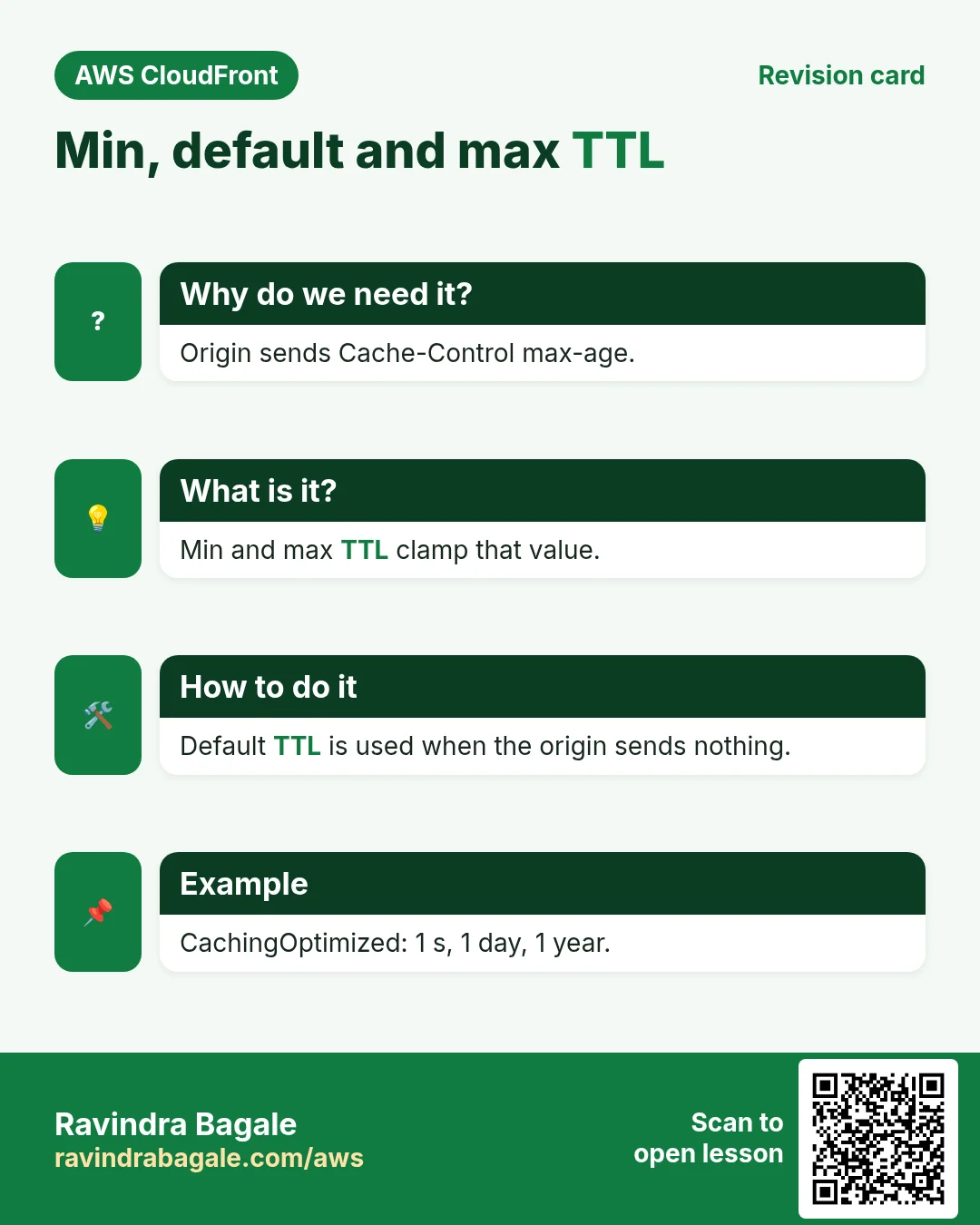
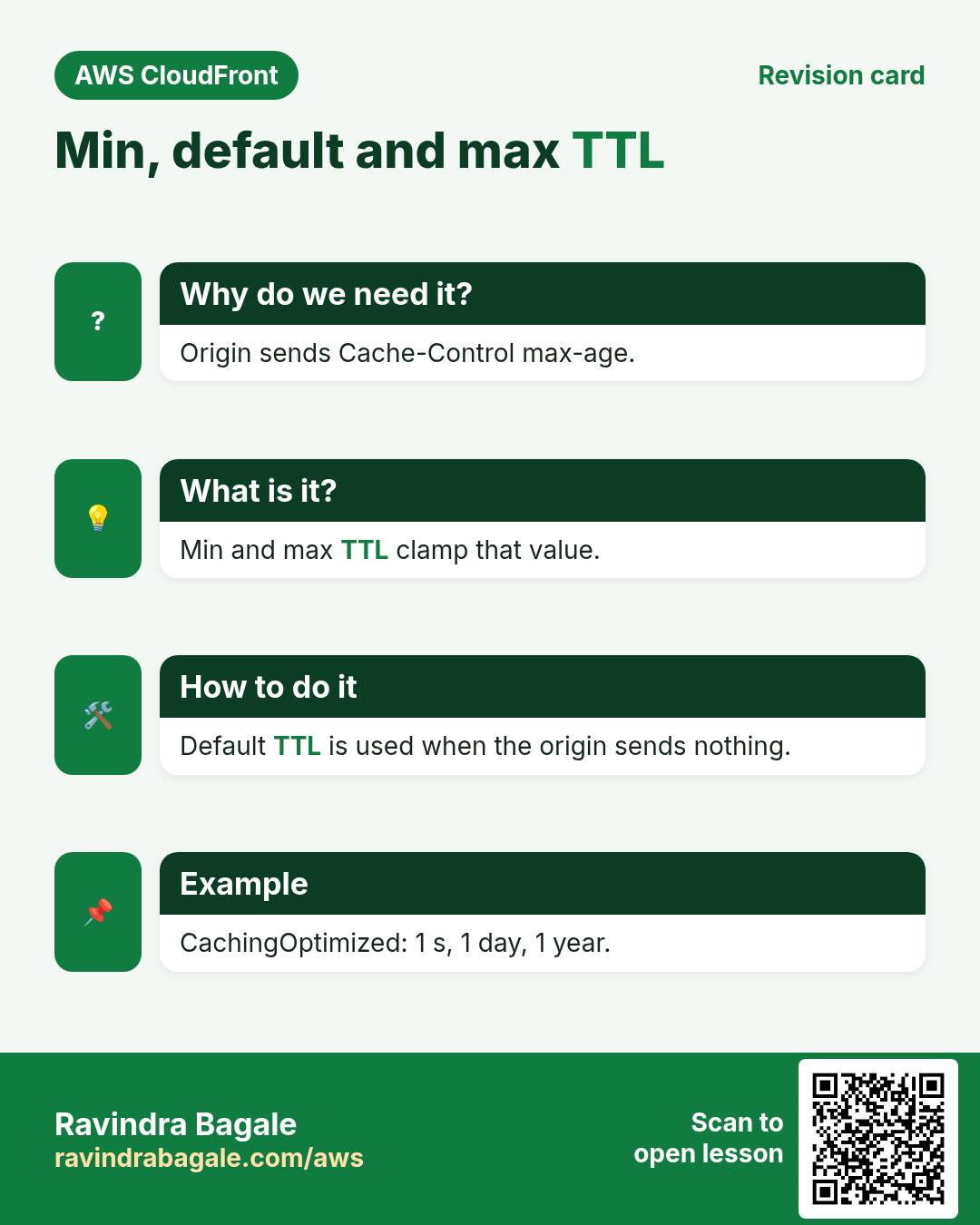
Your origin can send Cache-Control: max-age=600 (or s-maxage for shared caches only). The cache policy has three TTLs that frame it:
| TTL | Meaning | CachingOptimized value |
|---|---|---|
| Minimum | Cache at least this long, even if the origin says less | 1 s |
| Default | Used when the origin sends no Cache-Control or Expires | 86,400 s (1 day) |
| Maximum | Never cache longer than this, even if the origin says more | 31,536,000 s (1 year) |
| Origin sends | Min 0, Default 86400, Max 3600 | Edge keeps it |
|---|---|---|
| max-age=600 | - | 600 s |
| nothing | - | 3600 s (default capped by max) |
| max-age=86400 | - | 3600 s (capped by max) |
| no-cache / no-store / private | Min 0 | Not cached |
| Stack | Send Cache-Control |
|---|---|
| S3 upload | aws s3 cp app.3f9a.js s3://b/static/ --cache-control "public,max-age=31536000,immutable" |
| Node/Express | express.static("public",{maxAge:"1y",immutable:true}) |
| Flask | resp.headers["Cache-Control"]="public, max-age=600" |
| PHP | header("Cache-Control: public, max-age=600"); |
| Spring | ResponseEntity.ok().cacheControl(CacheControl.maxAge(10, TimeUnit.MINUTES)) |
| .NET | [ResponseCache(Duration = 600)] |
| nginx | location /static/ { add_header Cache-Control "public, max-age=31536000, immutable"; } |
| Apache | Header set Cache-Control "max-age=600, public" |
4. Cache policy vs origin request policy
Your app may need a cookie to work, but if every cookie value becomes part of the cache key, every user gets a separate copy and the hit rate drops to zero.
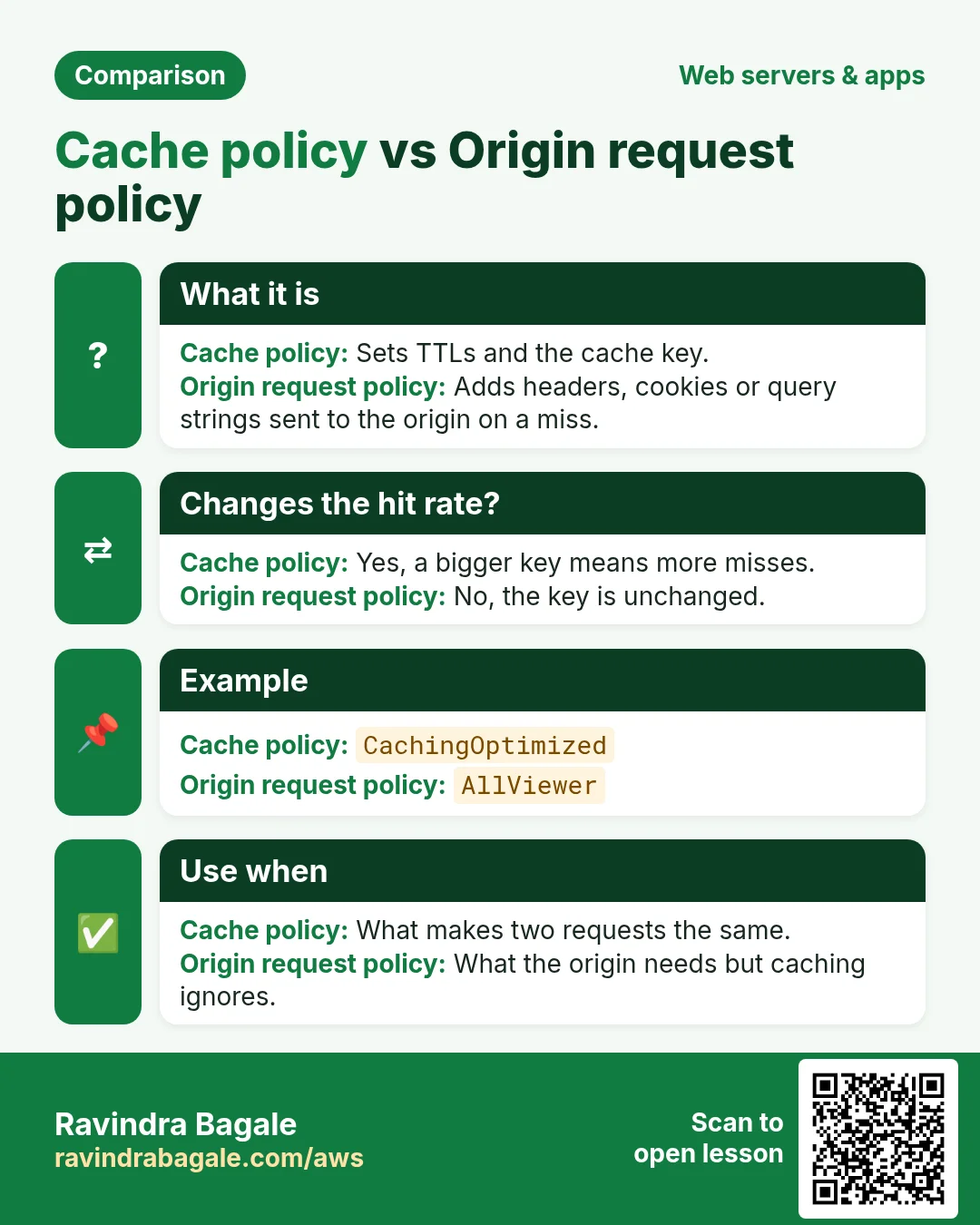
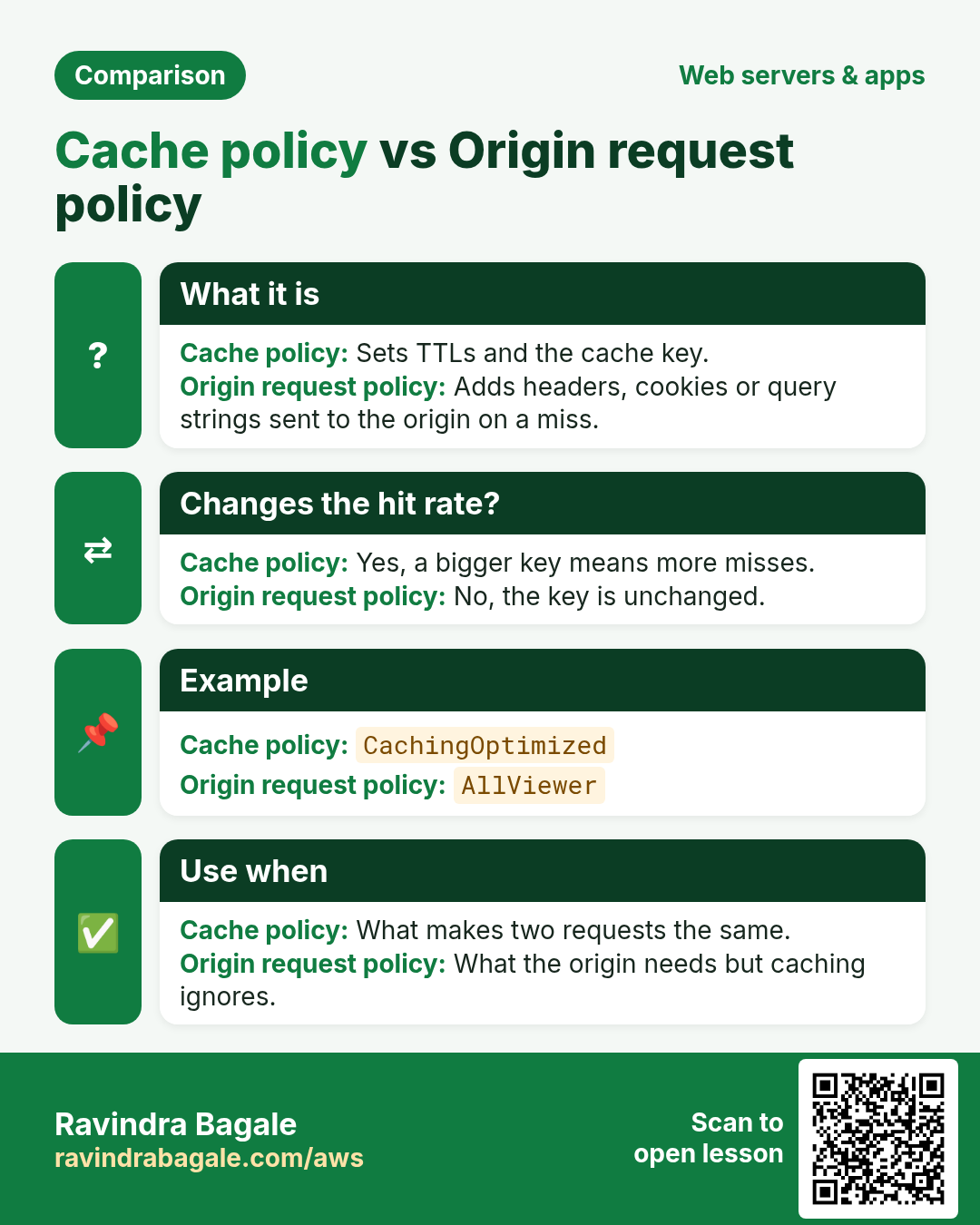
| Point | Cache policy | Origin request policy |
|---|---|---|
| Controls | TTLs + the cache key (what makes two requests "the same") | Extra values sent to the origin on a miss |
| Affects hit rate | Yes | No |
| Managed examples | CachingOptimized, CachingDisabled, UseOriginCacheControlHeaders | AllViewer, CORS-S3Origin, AllViewerExceptHostHeader |
| Rule | Values in the cache key are always sent to the origin too | Add what the origin needs but caching should ignore |
5. The cache key
Use the request fields that actually change the response
Imagine /menu?lang=en and /menu?lang=mr return different languages. If the behavior allows shared caching but the cache key ignores lang, the later request may receive the first language’s cached response. Include the language in the shared cache key if it determines the content. If the response is private to each signed-in user, use a behavior suited to that privacy requirement.
The origin request policy can forward a field without making it part of the key. That can be useful for a diagnostic header that does not affect the returned page. In the lab, request both language URLs twice. Compare the response body and X-Cache, so you check correctness as well as caching.
The cache key decides whether two requests share one cached copy. A bigger key means more copies and more misses.
By default the key is the domain plus the URL path. You can add query strings, cookies and headers. Add only what really changes the response.
| Request | Put in cache key? | Why |
|---|---|---|
| /products?page=2 | Query string page: yes | Different content per page |
| /products?utm_source=fb | utm_*: no | Same content; would split the cache |
| Cookie: lang=mr | Only cookie lang | Page differs by language |
| Cookie: _ga=... | No | Analytics only |
| Accept-Encoding | Handled by enabling Gzip/Brotli in the policy | Compressed and plain copies kept apart |
6. Invalidation vs versioned file names
Use a new release name when the asset changes
Write app.17.js into a test page and give that file a long safe cache lifetime. Build a new file called app.18.js and upload it first. Then change the HTML reference. The browser can request the new key immediately once it obtains the updated HTML, while old pages can still use the old file.
In the lab, inspect the browser’s Network tab and record the exact file requested. If it still asks for the old asset, look at whether the HTML has updated. If the key stayed the same by design, test your invalidation or revalidation approach and consider browser caches too. Remove lab assets only after you finish the comparison.
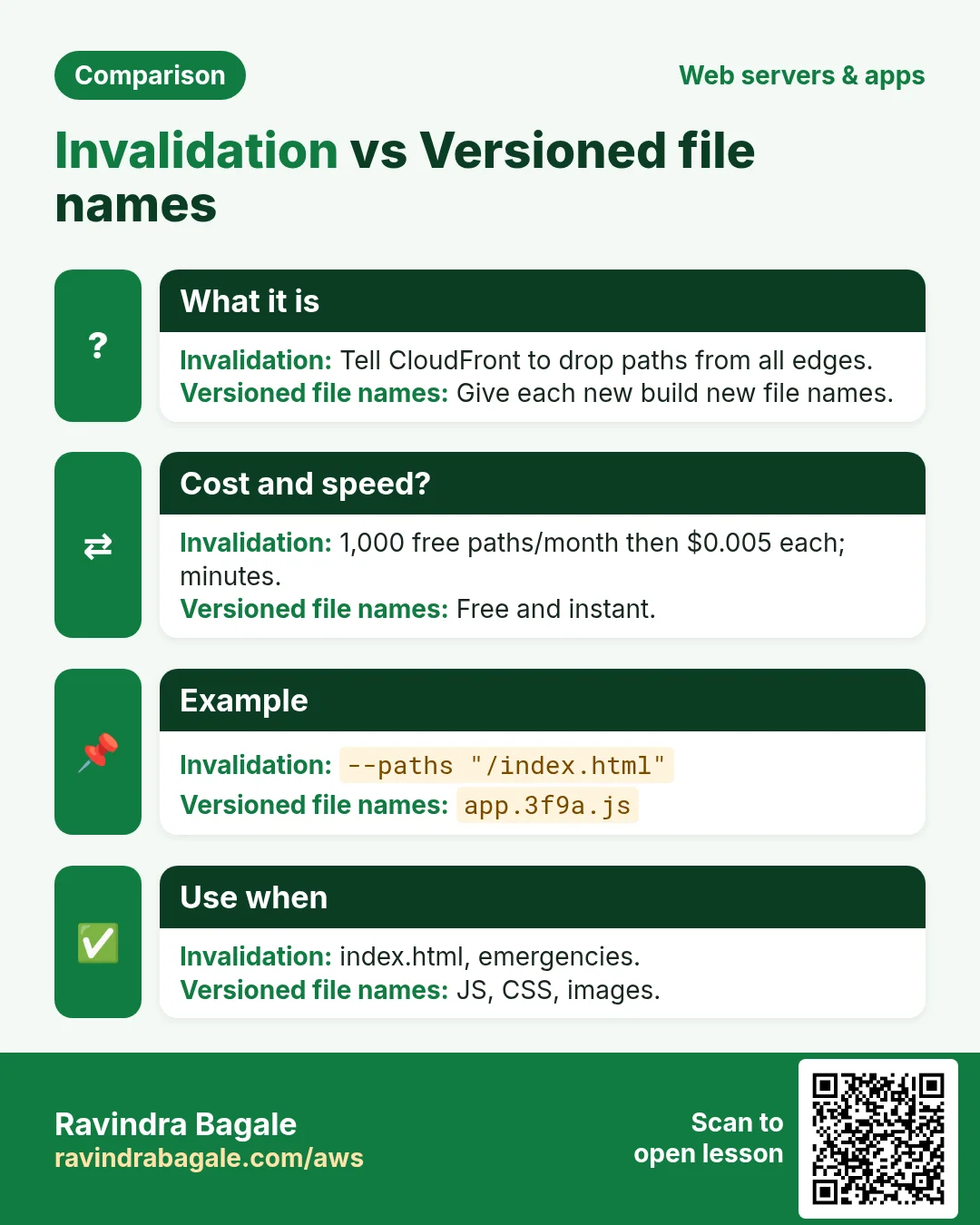
You changed a file. Edges still hold the old copy until TTL ends. You need a way to update now.
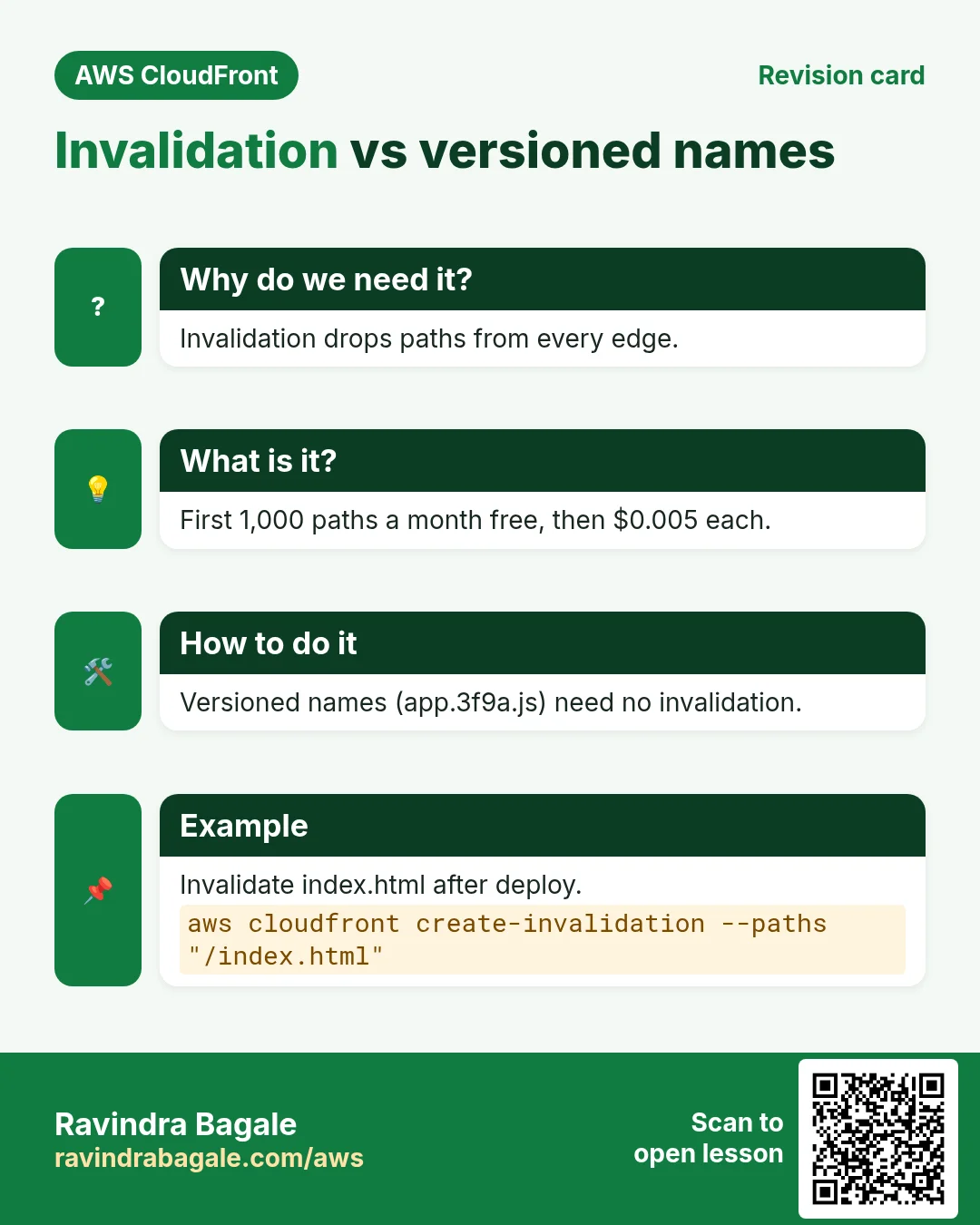
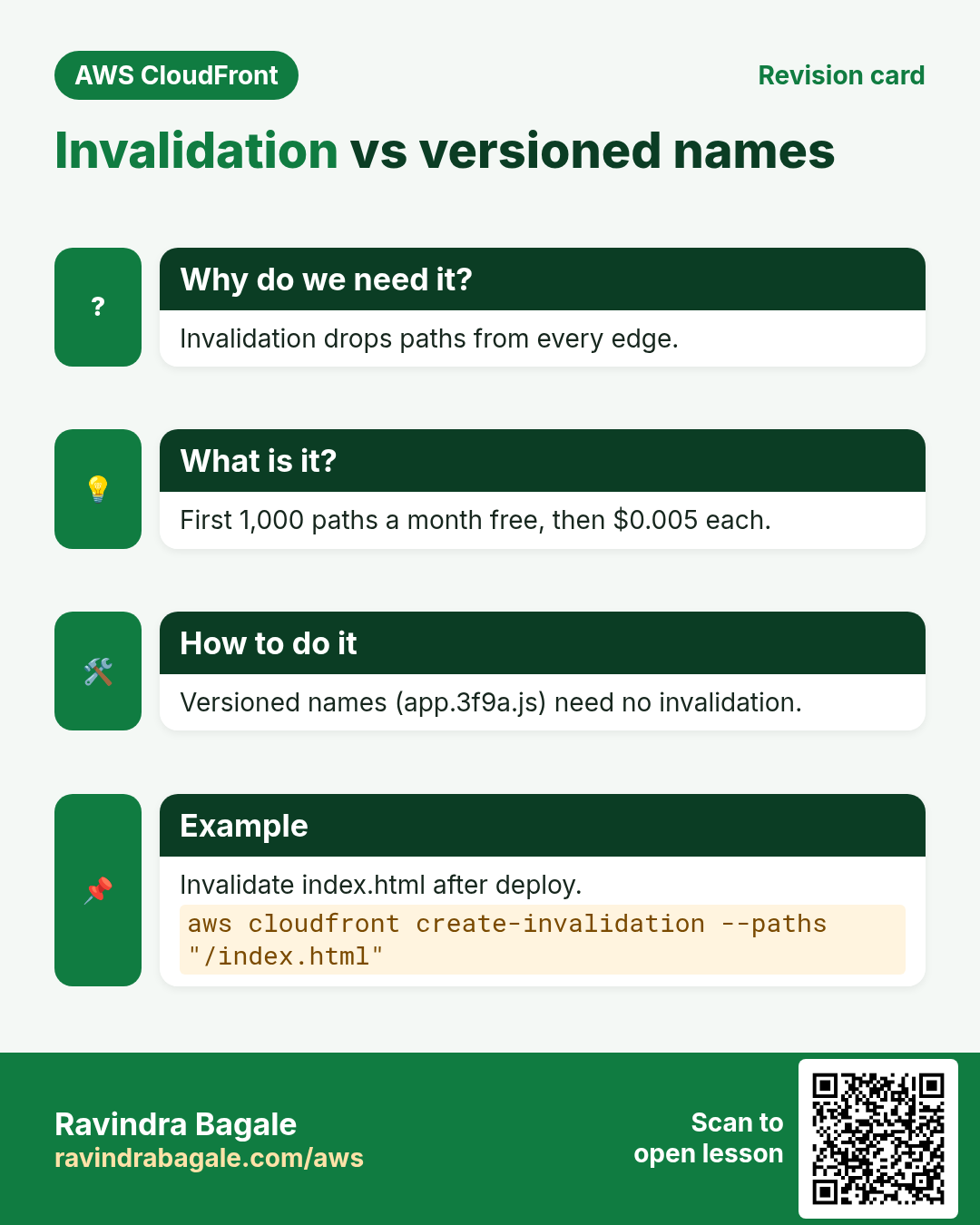
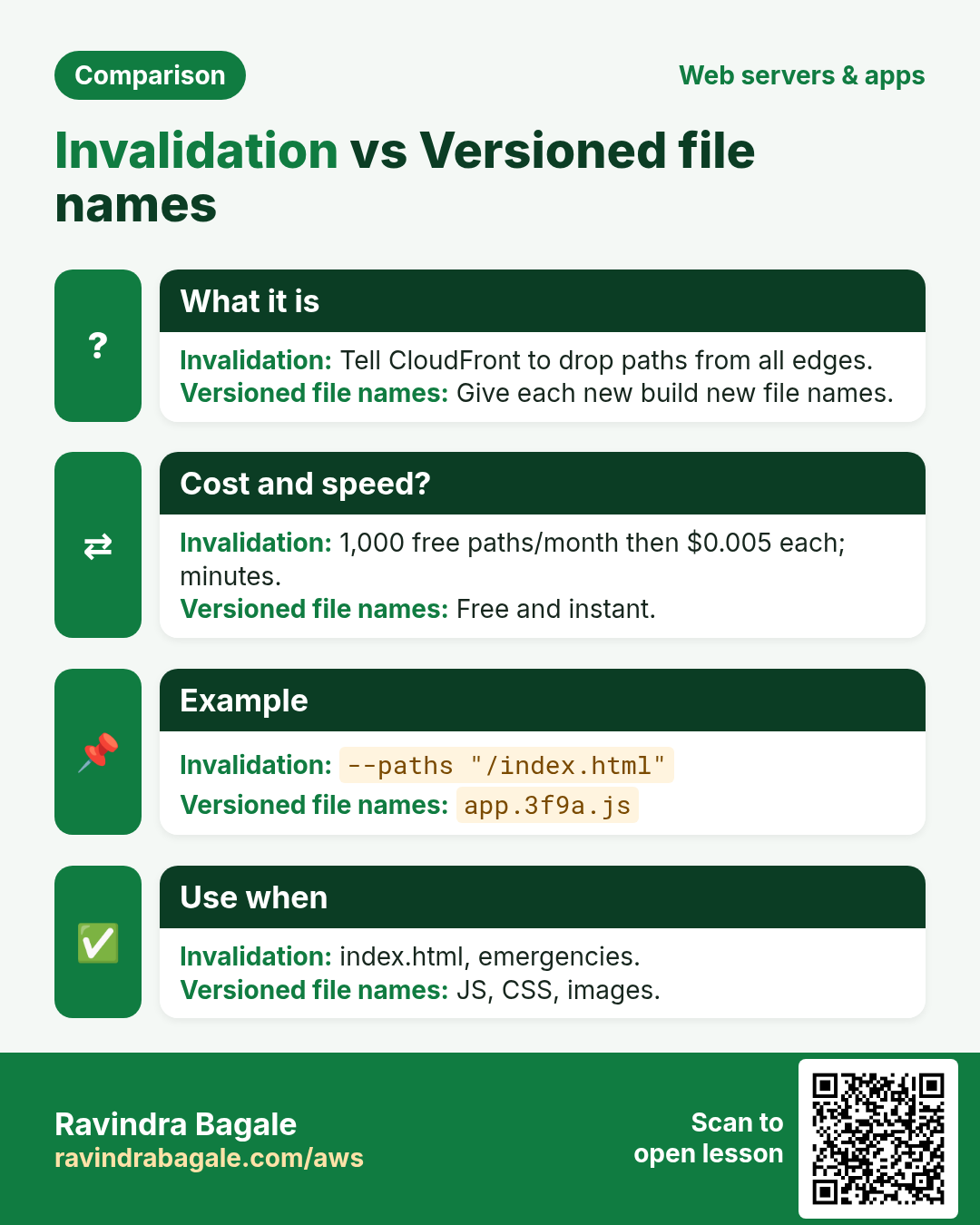
| Point | Invalidation | Versioned names (app.3f9a.js) |
|---|---|---|
| How | Tell CloudFront to drop paths from every edge | New content = new file name; HTML points to it |
| Cost | First 1,000 paths per month free, then $0.005 per path; /* counts as one path | Free |
| Speed | Usually done within a few minutes | Instant: new URL is a guaranteed miss |
| Rollback | Invalidate again | Point HTML back to the old name |
| Best for | index.html, emergency fixes | JS, CSS, images (Vite, webpack, Angular do it for you) |
# invalidate one file, then wait for it
aws cloudfront create-invalidation --distribution-id E1ABCDEF2GHIJ --paths "/index.html"
aws cloudfront wait invalidation-completed --distribution-id E1ABCDEF2GHIJ --id I2J3K4L5M6N7O8
Ravindra Bagale's Tip
Common pattern: index.html with a short TTL (60 s) or invalidated on each deploy; every asset versioned and cached for a year.
7. Lab: a stale file, then fix it
- Use a distribution with a private S3 origin and OAC (the lab from What Is Amazon CloudFront), default behavior with CachingOptimized.
echo "price v1" > price.txt; aws s3 cp price.txt s3://yourname-cf-lab/price.txt.curl -s https://dXXXX.cloudfront.net/price.txttwice. Expected: price v1; second time X-Cache Hit (check with -I).- Change it:
echo "price v2" > price.txt; aws s3 cp price.txt s3://yourname-cf-lab/price.txt. curl -s https://dXXXX.cloudfront.net/price.txt. Expected: still price v1. Why: the edge copy lives for the 1-day default TTL.- Invalidate:
aws cloudfront create-invalidation --distribution-id EXXXX --paths "/price.txt". Note the Id in the output. aws cloudfront wait invalidation-completed --distribution-id EXXXX --id IXXXX. Expected: returns with no output when done.curl -sI https://dXXXX.cloudfront.net/price.txt | grep -i x-cache; curl -s https://dXXXX.cloudfront.net/price.txt. Expected: Miss, price v2.- Now the versioned way: upload
price.v3.txtwith--cache-control "public,max-age=31536000,immutable"and fetch it. Expected: new content at once, no invalidation. - Cache key test:
curl -sI "https://dXXXX.cloudfront.net/price.txt?x=1" | grep -i x-cache. Expected: Hit. Why: CachingOptimized ignores query strings, so ?x=1 is the same key.
Cleanup
- Delete the test objects; disable and delete the distribution if you made one only for this lab.
Common errors and fixes
These are synthetic practice situations. Diagnose the signal before changing a resource; no infrastructure changes are needed to read this guide.
Private response headers are assumed to override every policy.
Check Minimum TTL before relying on no-store or private. A positive minimum can make CloudFront cache despite those headers. Treat personalized responses separately and verify the actual policy; a reassuring header alone does not establish isolation.
A language cookie is forwarded but both languages share a response.
An origin request policy can forward a value without adding it to the cache key. If that value changes a cacheable response, requests must not incorrectly share one key. Review what varies the response before optimizing the hit ratio.
An invalidation completes but the visitor sees the old asset.
Check whether the HTML requests the intended asset name and whether the browser already holds a copy. CloudFront invalidation does not erase browser caches. Also inspect the actual invalidation paths rather than assuming every file was covered.
Practical FAQ: decisions during real work
Can I force a CloudFront refresh with a request Cache-Control header?
Not reliably: CloudFront ignores viewer GET Cache-Control and Pragma headers for forcing an origin fetch. Inspect the configured freshness controls and use the documented publishing/invalidation approach. A browser reload is not proof of origin revalidation.
Why use s-maxage as well as max-age?
They let the shared cache and browser use different freshness periods. CloudFront uses s-maxage subject to its TTL settings, while browsers use max-age. Write down which layer should refresh sooner so a change does not accidentally leave a long-lived browser copy.
Does a larger cache key always mean safer caching?
No. It can create many copies without ensuring correctness. Include values that truly change public cacheable content; do not use hit ratio as the only goal. User-specific data needs a deliberate non-shared design and verification, not a random collection of forwarded headers.
8. Interview questions
Q. In what order are cache behaviors evaluated?
Top to bottom by precedence; the first matching path pattern wins; Default (*) is last.
Q. Origin sends max-age=86400 but max TTL is 3600. How long is it cached?
3600 seconds. The max TTL caps it.
Q. Cache policy vs origin request policy?
Cache policy sets TTLs and the cache key; origin request policy adds values sent to the origin without affecting the cache key.
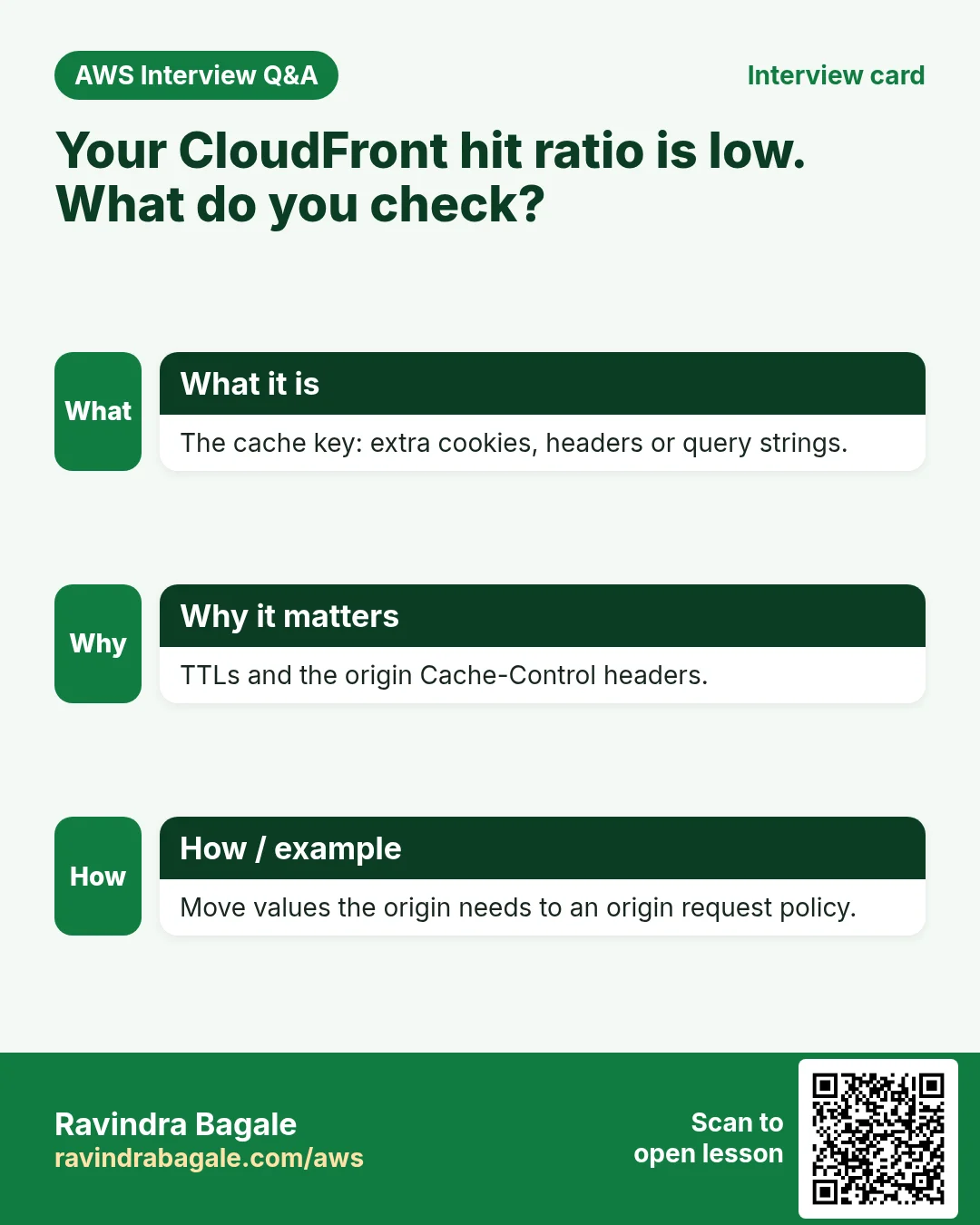
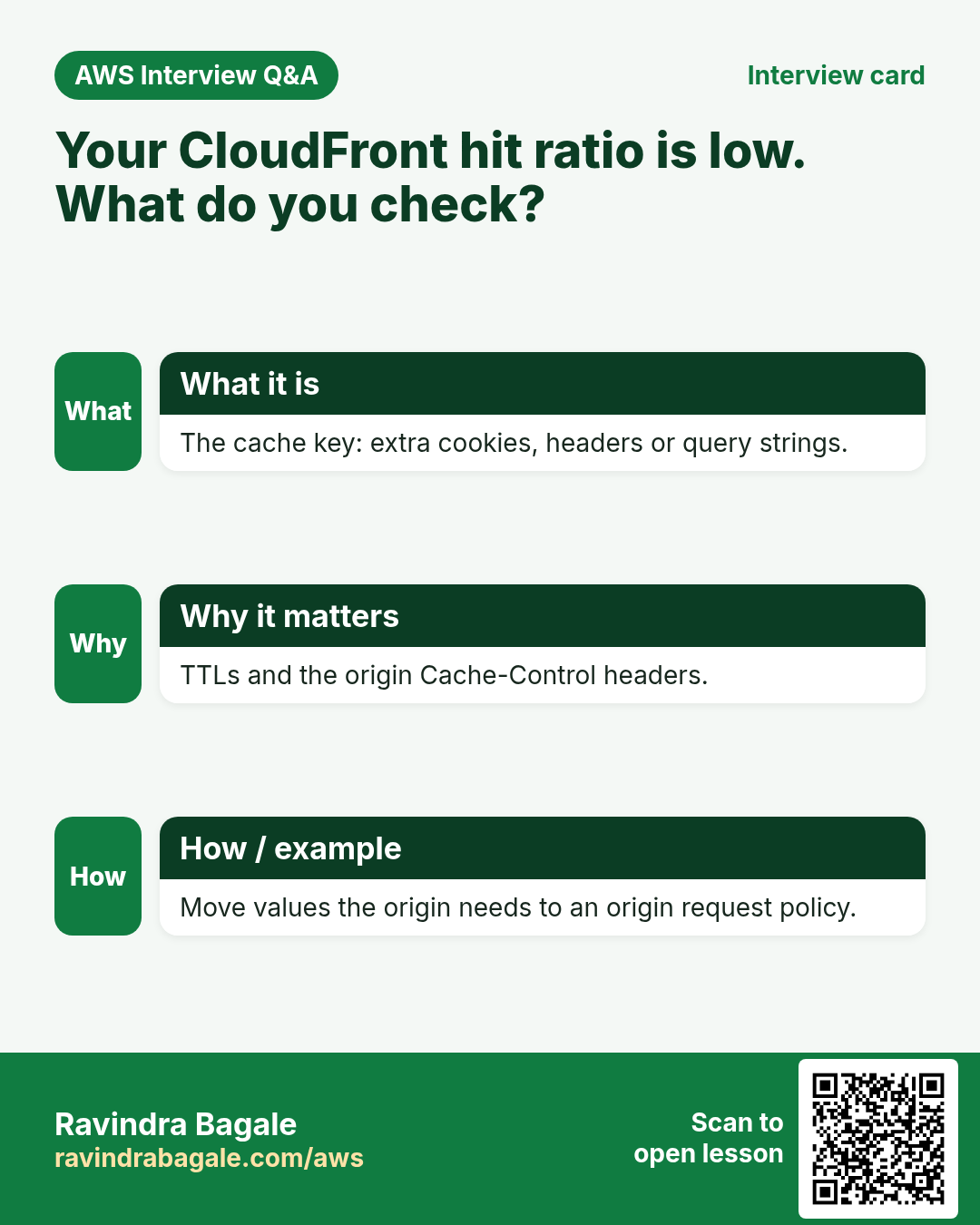
Q. Why is your hit ratio low?
The cache key probably includes all cookies, headers or query strings. Include only what changes the response.
Q. Invalidation or versioned file names?
Versioned names for assets (free, instant, easy rollback); invalidation for index.html and emergencies (1,000 free paths/month).
Try at home
- Create a custom cache policy that keys on the query string "page" only and test two pages.
- Add a /api/* behavior with CachingDisabled above the default and confirm Miss every time.
In short
- Behaviors match paths top to bottom; first match wins.
- Min/default/max TTL frame the origin's Cache-Control.
- Cache policy = key + TTL; origin request policy = extra data to origin.
- Keep the cache key small for a high hit rate.
- Version assets; invalidate only index.html.
Practise this chapter
Check your understanding
Choose an answer, then compare your reasoning with the explanation.
Practice Tasks
Practice checks run in your browser. They check the answer for this exercise; they do not create resources or connect to your AWS account.
About this scenarioZurich Insurance Partners is a insurance business in Zurich. Anna Müller looks after its IT and cloud work. They count money in CHF and run their AWS resources in the eu-central-2 Region. In the tasks below you do real jobs for them using what this lesson teaches. All names, account IDs, IP addresses and numbers are made up for practice.
0 / 10
Easy List distributions
Find the distribution ID and domain name.
List all CloudFront distributions.
- Read the task and decide which AWS service it is about.
- Write aws, then the service name, then the operation (the action word).
- Add each needed flag (--name) followed by its value from the task.
- Flags can be in any order. Click Check answer.
Easy How many addresses in a /16?
Picking a VPC size needs this count.
Zurich Insurance Partners plans the VPC 10.189.0.0/16. How many IP addresses does it hold in total?
- Write down the numbers the task gives you.
- Work it out step by step on paper.
- Type only the final answer in the box.
- Click Check answer.
Easy Port for SSH
Security group rules need the right port.
Which TCP port must the security group open for SSH?
- Write down the numbers the task gives you.
- Work it out step by step on paper.
- Type only the final answer in the box.
- Click Check answer.
Medium Clear the CloudFront cache
After a deploy, invalidate so visitors get the new files now, not after the TTL.
Invalidate all paths (/*) on distribution E2QWRUHAPOMQZL.
- Read the task and decide which AWS service it is about.
- Write aws, then the service name, then the operation (the action word).
- Add each needed flag (--name) followed by its value from the task.
- Flags can be in any order. Click Check answer.
Hard Create a distribution from a config file
The full config (origins, behaviors, certificate) is easiest to keep in JSON.
Create a CloudFront distribution from dist.json.
- Read the task and decide which AWS service it is about.
- Write aws, then the service name, then the operation (the action word).
- Add each needed flag (--name) followed by its value from the task.
- Flags can be in any order. Click Check answer.
Hard Invalidate two paths
Invalidating only what changed is cheaper and faster.
On E2QWRUHAPOMQZL, invalidate /index.html and /css/site.css.
- Read the task and decide which AWS service it is about.
- Write aws, then the service name, then the operation (the action word).
- Add each needed flag (--name) followed by its value from the task.
- Flags can be in any order. Click Check answer.
Hard Bucket policy for CloudFront OAC
With OAC, only your CloudFront distribution may read the private bucket.
Allow the service cloudfront.amazonaws.com to s3:GetObject on zurichinsure-site/*, only when aws:SourceArn equals arn:aws:cloudfront::131130276334:distribution/E2QWRUHAPOMQZL.
- Start with { "Version": "2012-10-17", "Statement": [ ... ] }.
- In each statement write Effect, Action and Resource.
- Give only what the task needs (least privilege).
- Use double quotes and commas correctly. Click Check answer.
Hard Create an Origin Access Control
OAC lets only CloudFront read your private S3 bucket.
Create an origin access control from oac.json.
- Read the task and decide which AWS service it is about.
- Write aws, then the service name, then the operation (the action word).
- Add each needed flag (--name) followed by its value from the task.
- Flags can be in any order. Click Check answer.
Hard Request a free certificate for CloudFront
CloudFront only uses ACM certificates from us-east-1. DNS validation renews automatically.
Request a certificate for zurichinsure.ch and www.zurichinsure.ch with DNS validation, in us-east-1.
- Read the task and decide which AWS service it is about.
- Write aws, then the service name, then the operation (the action word).
- Add each needed flag (--name) followed by its value from the task.
- Flags can be in any order. Click Check answer.
Hard Make a CloudFront signed URL
Signed URLs let only paying users watch a video, for a limited time.
Sign https://d111.cloudfront.net/course/intro.mp4 with key pair ID K2JCJMDEHXQW5F, private key private_key.pem, expiring 2026-12-31.
- Read the task and decide which AWS service it is about.
- Write aws, then the service name, then the operation (the action word).
- Add each needed flag (--name) followed by its value from the task.
- Flags can be in any order. Click Check answer.
Revision, comparison and interview cards
Revise this lesson in a few minutes. Save the cards on your phone or download them as PNG files. The QR code on each card opens this lesson.
More cards: Ravi Sir's Cards.