Linux Kernel Basics: Modules, /proc, /sys, Namespaces and cgroups (How Containers Work)
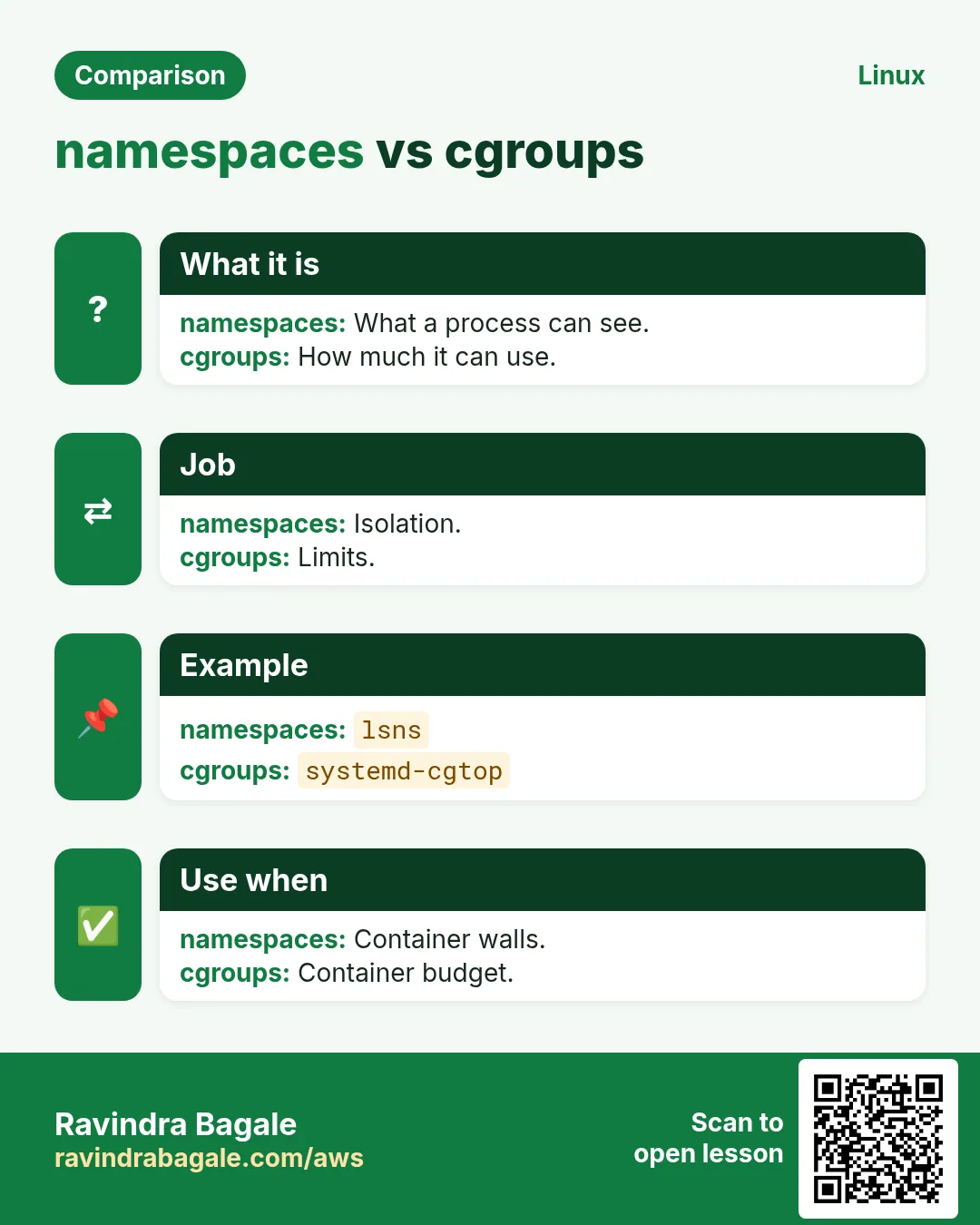
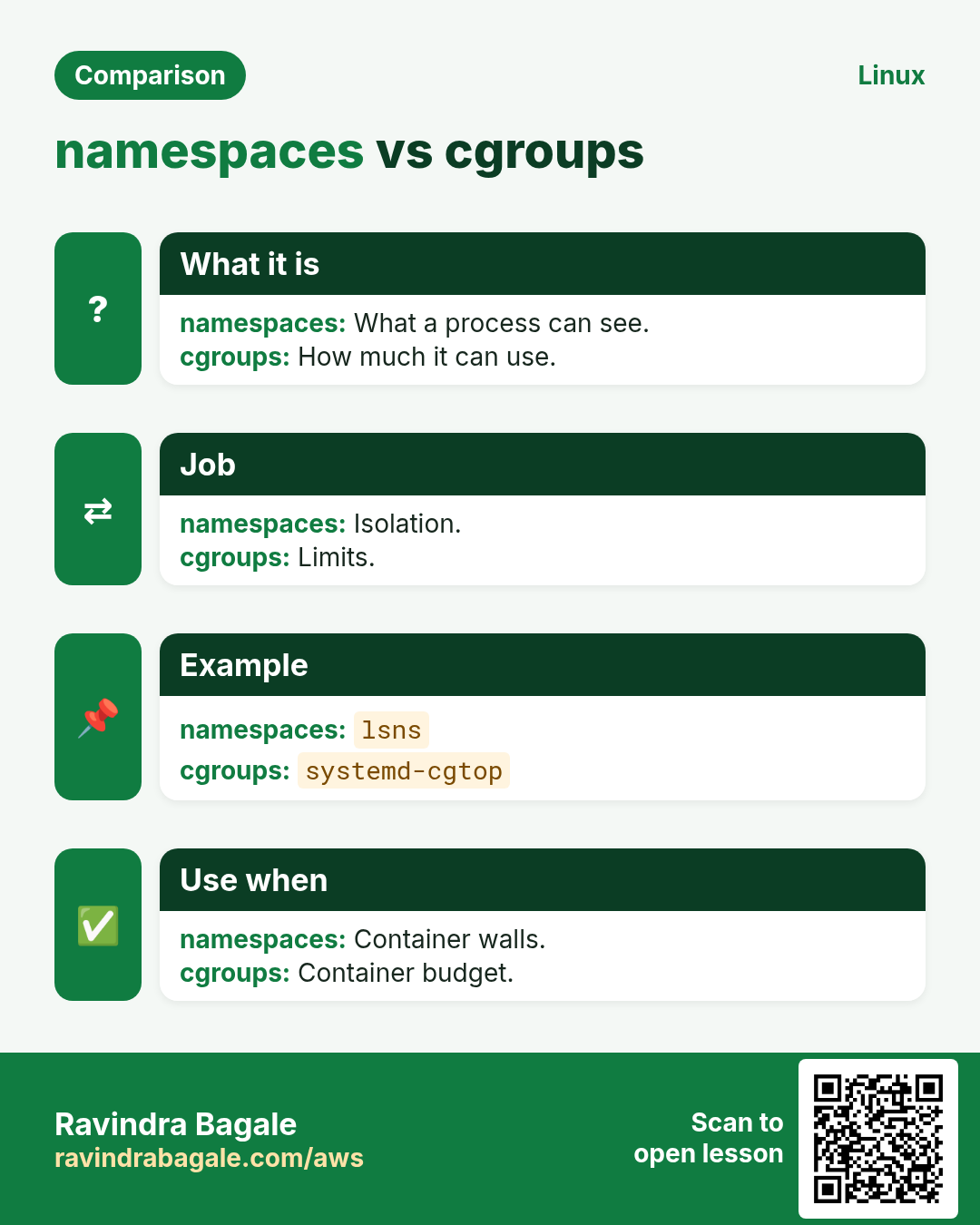
The kernel is the core of Linux. It talks to hardware, runs processes and keeps them apart. In this chapter you will see the kernel version, load and unload kernel modules (drivers), read live kernel data in /proc and /sys, and learn the two features that make containers possible: namespaces (what a process can see) and cgroups (how much it can use). After this, Docker and Kubernetes will stop feeling like magic.
In this chapter
- Check kernel version and boot parameters
- List, load and blacklist modules
- Read process and system data in /proc and /sys
- Create namespaces with unshare and enter with nsenter
- Limit CPU and memory with cgroups v2 and systemd
- Connect it all to containers
1. An everyday example: a co-working space
A co-working building in Baner has one manager (kernel). Each company gets its own cabin: they see only their own name board, Wi-Fi name and staff list (namespaces). The meter limits how much power and AC each cabin uses (cgroups). When a new printer arrives, the manager plugs in its driver (module). The notice board in the lobby shows live stats for everyone (/proc).
Manager = kernel. Driver for the printer = module. Lobby board = /proc and /sys. Private cabin view = namespaces. Power meter = cgroups. Cabin = container.
2. Kernel version and boot options
Bugs, drivers and features depend on the kernel version.
uname -r prints the running kernel; uname -a shows all. /proc/cmdline shows boot parameters. Installed kernels: rpm -q kernel or dpkg -l 'linux-image*'. grubby --info=ALL (RHEL) shows boot entries. A new kernel needs a reboot.
- Running kernel.
uname -rOutput:
6.1.112-124.190.amzn2023.x86_64Amazon Linux 2023.
- Boot parameters.
cat /proc/cmdlineOutput:
BOOT_IMAGE=(hd0,gpt1)/vmlinuz-6.1.112 root=UUID=... ro console=ttyS0Passed by GRUB.
- Add a boot option.
sudo grubby --update-kernel=ALL --args='mitigations=auto'Output:
(no output)Applies next boot.
3. Kernel modules: lsmod and modinfo
Drivers for disks, network cards and filesystems are modules loaded on demand.
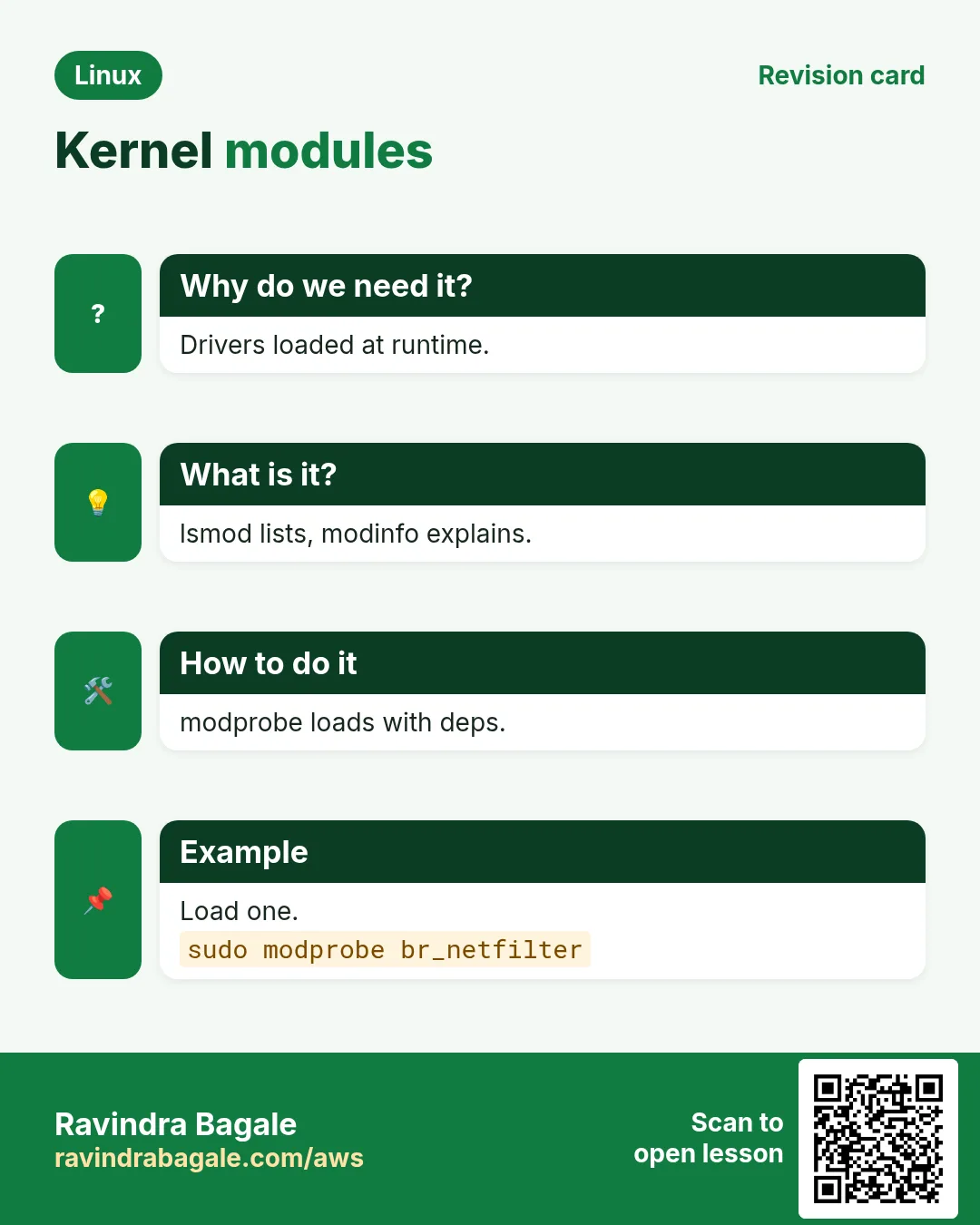
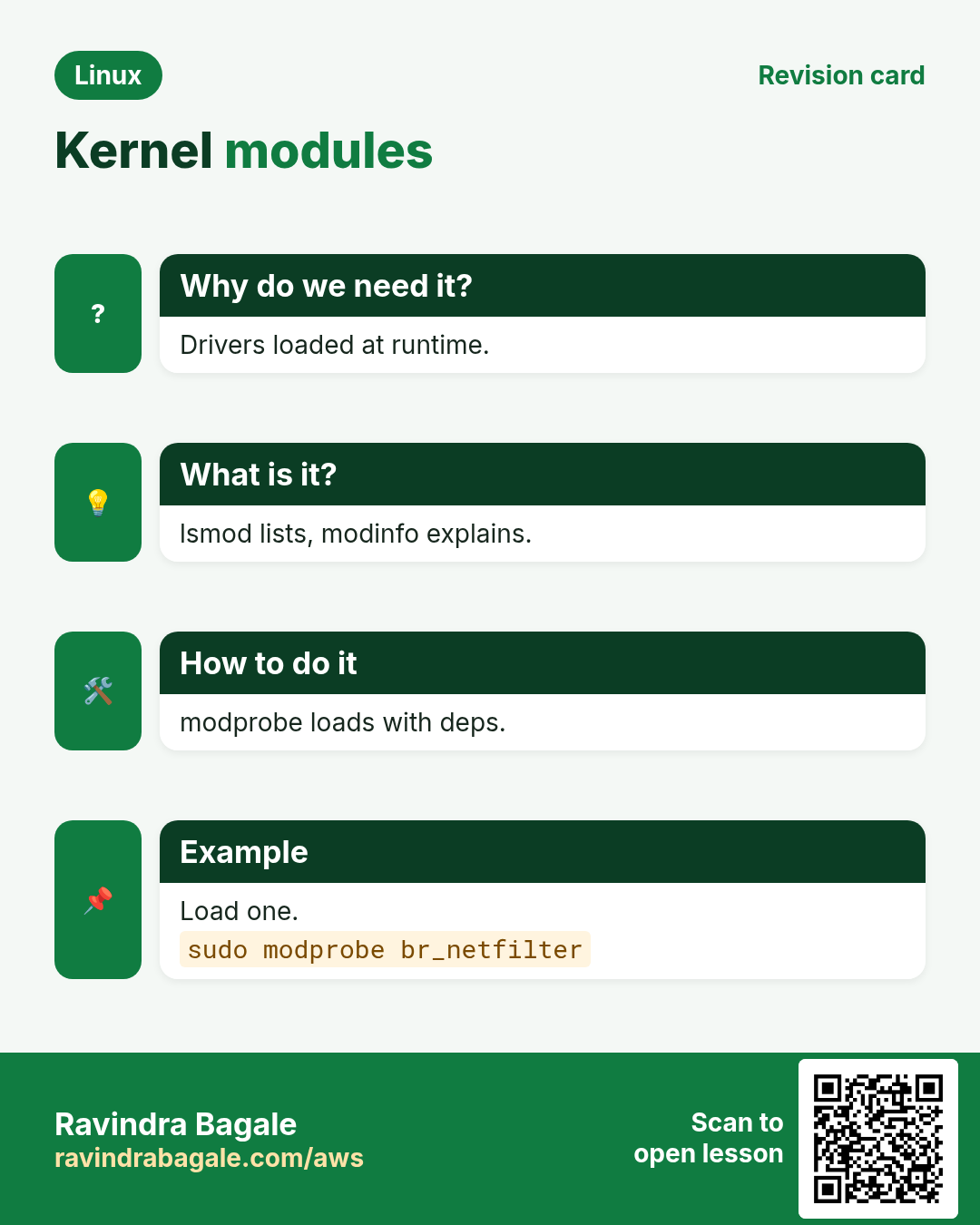
lsmod lists loaded modules with size and users. modinfo NAME shows description, version and parameters. Modules live in /lib/modules/$(uname -r). lspci -k shows which driver a device uses.
- Loaded.
lsmod | head -4Output:
Module   Size  Used by
ena    151552  0
nvme    53248  2
ENA network, NVMe disk.
- Details.
modinfo ena | head -4Output:
filename: /lib/modules/6.1.../ena.ko.xz
description: Elastic Network Adapter (ENA)
version: 2.12.0g
AWS network driver.
- Device driver.
lspci -k | grep -A2 -i ethernetOutput:
00:05.0 Ethernet controller: Amazon.com ENA
 Kernel driver in use: ena
Confirms.
4. modprobe: load, unload, blacklist
You need a module for WireGuard, an extra filesystem, or to stop a buggy driver.
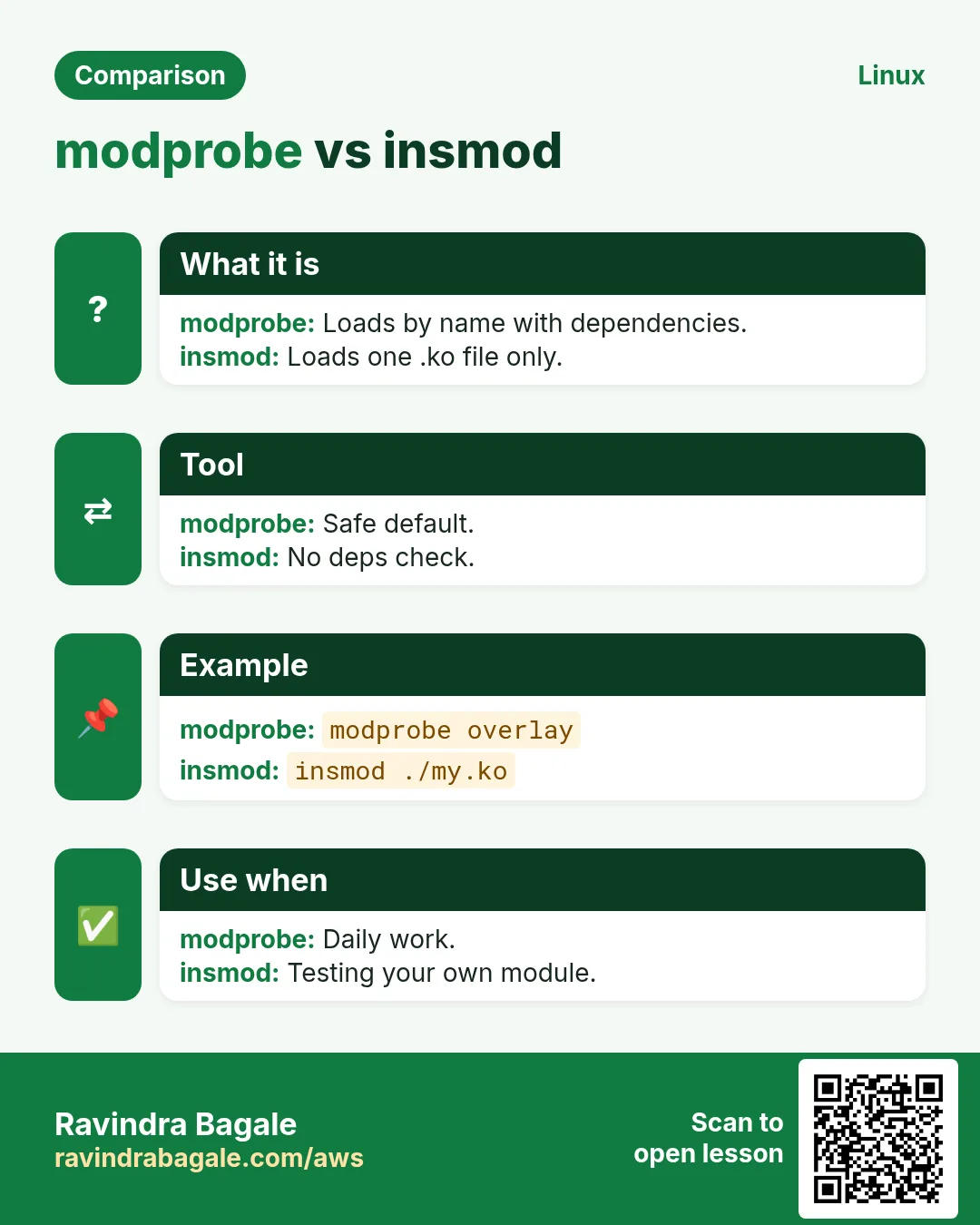
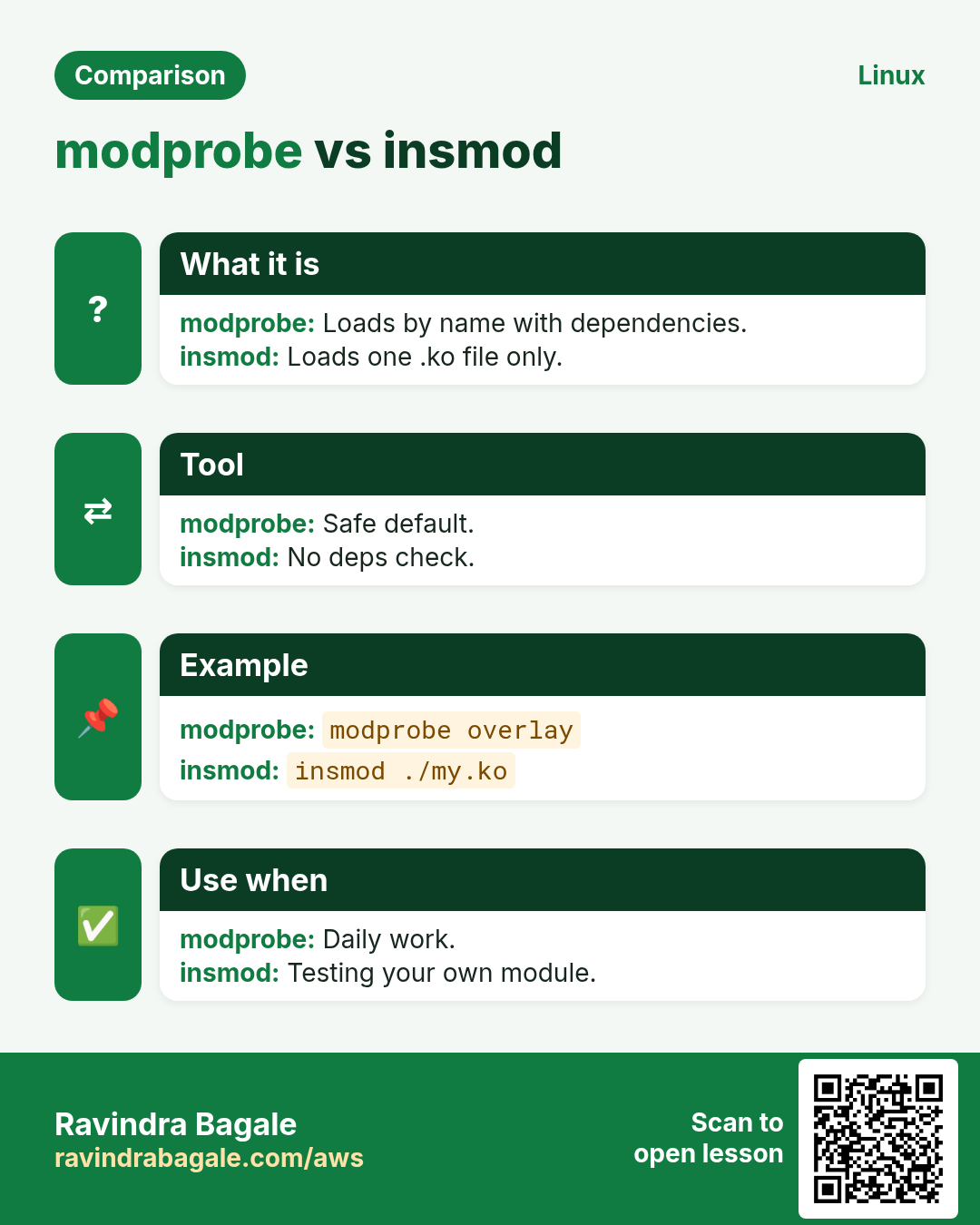
modprobe NAME loads with dependencies; modprobe -r unloads. Load at boot: file in /etc/modules-load.d/NAME.conf. Options: /etc/modprobe.d/NAME.conf with 'options NAME key=val'. Blacklist: 'blacklist NAME' in /etc/modprobe.d. Avoid insmod/rmmod (no dependency handling).
- Load.
sudo modprobe br_netfilter && lsmod | grep br_netfilterOutput:
br_netfilter 32768 0
bridge 315392 1 br_netfilter
Needed by Kubernetes.
- At boot.
echo br_netfilter | sudo tee /etc/modules-load.d/k8s.confOutput:
br_netfilterPersistent.
- Blacklist.
echo 'blacklist floppy' | sudo tee /etc/modprobe.d/no-floppy.confOutput:
blacklist floppyNot loaded again.
- Unload.
sudo modprobe -r floppyOutput:
(no output)Removed if unused.
5. dmesg: kernel messages
Hardware errors, OOM kills and driver problems show here first.
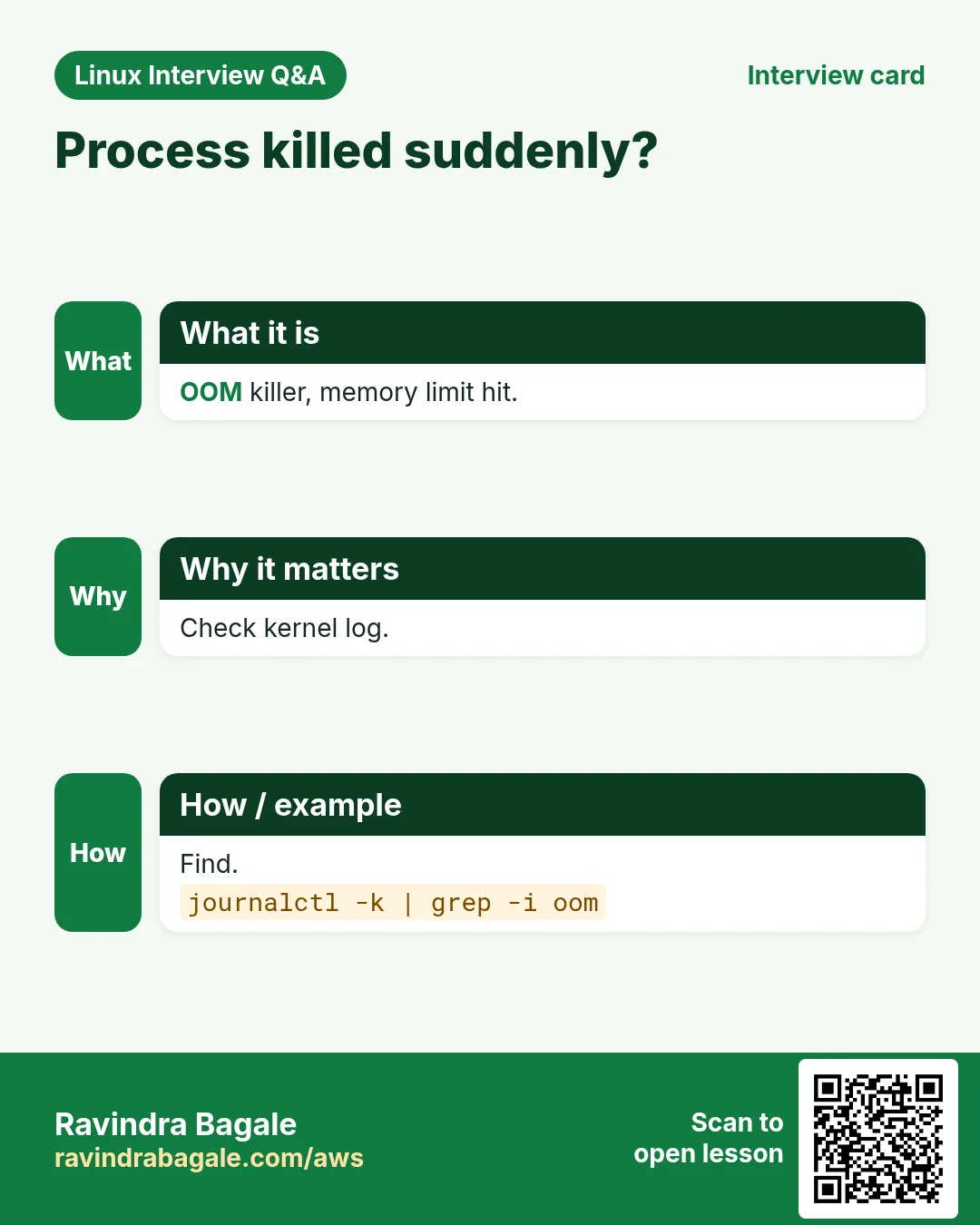
dmesg -T shows readable times; -l err,warn filters level; -w follows live. journalctl -k does the same from the journal, and -k -b -1 shows the last boot.
- Errors only.
sudo dmesg -T -l err,warn | tail -3Output:
[Sun Oct 25 20:10] EXT4-fs warning (device nvme1n1): ...Disk warning.
- Last boot.
journalctl -k -b -1 | tail -2Output:
kernel: Out of memory: Killed process 912 (node)Why it crashed.
- Live.
sudo dmesg -wOutput:
[ 9912.1] usb 1-1: new devicePlug and watch.
6. /proc: live process and system data
Open /proc as a live view exposed by the kernel. Many entries look like files and are generated when you read them. A numbered directory belongs to a process ID. In your shell, read selected lines from /proc/$$/status and compare Name and Pid with ps. $$ is expanded by the shell to its PID. Start a short disposable process, watch its numbered entry appear and confirm it disappears after the process exits. That explains why a path you saw a moment ago can go missing.
Every tool like ps, top and free reads /proc. You can read it directly.
System files: /proc/cpuinfo, /proc/meminfo, /proc/loadavg, /proc/mounts, /proc/sys (tunables). Per process /proc/PID: cmdline, environ, status (memory, state), fd/ (open files), limits, cwd, exe, ns/ (namespaces), cgroup.
- CPU model.
grep -m1 'model name' /proc/cpuinfoOutput:
model name : Intel(R) Xeon(R) Platinum 8259CLInstance CPU.
- Process memory.
grep -E 'VmRSS|State' /proc/3011/statusOutput:
State: S (sleeping)
VmRSS: 1983420 kB
~1.9 GB.
- How it was started.
tr '\0' ' ' < /proc/3011/cmdlineOutput:
java -Xmx2g -jar shop.jarFull command.
- Deleted but open file.
sudo ls -l /proc/3011/fd | grep deletedOutput:
9 -> /var/log/shop.log (deleted)Space not freed until restart.
7. /sys: devices and kernel objects
/sys exposes devices, block queues and module parameters as files.
/sys/block/DISK/queue/scheduler shows the I/O scheduler. /sys/class/net/IF/ has speed and statistics. /sys/module/NAME/parameters shows module options. /sys/fs/cgroup is the cgroup tree. Writing to some files changes behaviour live.
- I/O scheduler.
cat /sys/block/nvme0n1/queue/schedulerOutput:
[none] mq-deadline kybernone for NVMe.
- Interface counters.
cat /sys/class/net/ens5/statistics/rx_droppedOutput:
15422Drops.
- Module option.
cat /sys/module/nvme_core/parameters/io_timeoutOutput:
4294967295EBS needs a high value.
8. Namespaces: what a process can see
A namespace changes the view a process has of one kind of resource. A PID namespace can give processes their own numbering. A network namespace can give them their own interfaces and routes. In the network namespace lab, list interfaces on the host and in the namespace. Compare the results instead of assuming the host’s internet route is available inside. The host still runs these processes under the same kernel. This gives a first picture of how containers can have separate views on one Linux machine.
Namespaces isolate containers from each other and from the host.
Types: pid (process IDs), net (interfaces, ports), mnt (mounts), uts (hostname), ipc, user (UID mapping), cgroup, time. lsns lists them. ls -l /proc/PID/ns shows a process's namespaces. unshare creates new ones; nsenter enters existing ones; ip netns manages network namespaces.
| Namespace | Isolates | Container effect |
|---|---|---|
| pid | Process IDs | App is PID 1 |
| net | Network stack | Own IP and ports |
| mnt | Mounts | Own root filesystem |
| uts | Hostname | Own hostname |
| user | User IDs | Root inside, normal outside |
- List.
sudo lsns -t netOutput:
NS         TYPE NPROCS PID  COMMAND
4026531840 net  210    1    /usr/lib/systemd/systemd
4026532301 net  2      8812 nginx: master
nginx in a container.
- New hostname world.
sudo unshare --uts --fork bash -c 'hostname box-a; hostname'Output:
box-aHost name unchanged outside.
- New PID world.
sudo unshare --pid --fork --mount-proc bash -c 'ps -e'Output:
PID TTY TIME CMD
  1 pts/0 00:00:00 bash
  2 pts/0 00:00:00 ps
Bash is PID 1.
- Enter a container's network.
sudo nsenter -t 8812 -n ss -ltnOutput:
LISTEN 0 511 0.0.0.0:80Debug without tools in the image.
9. Network namespaces with ip netns
This is exactly how Docker bridges and Kubernetes pods get networking.
ip netns add NAME creates one. A veth pair is a virtual cable: one end in the host, one in the namespace. Give IPs, bring links up, and ping. ip netns exec NAME CMD runs a command inside.
- Create.
sudo ip netns add red && sudo ip link add veth-h type veth peer name veth-r && sudo ip link set veth-r netns redOutput:
(no output)Cable plugged.
- Address.
sudo ip addr add 10.9.0.1/24 dev veth-h && sudo ip link set veth-h up && sudo ip netns exec red ip addr add 10.9.0.2/24 dev veth-r && sudo ip netns exec red ip link set veth-r upOutput:
(no output)Both ends up.
- Ping.
sudo ip netns exec red ping -c1 10.9.0.1Output:
1 packets transmitted, 1 receivedWorks.
10. cgroups v2: how much a process can use
A control group collects processes so Linux can measure or limit their resource use together. For a training job, the computer may still have spare RAM while the group is near its assigned limit. Read the service’s current memory use and the group’s memory.max separately. Compare those numbers with the whole machine’s RAM. CPU weight gives a share when groups compete for CPU time. A CPU quota sets a time budget over a period. Those settings answer different questions about how much work the group can do.
Without limits one runaway process can eat all CPU or memory and kill the server.
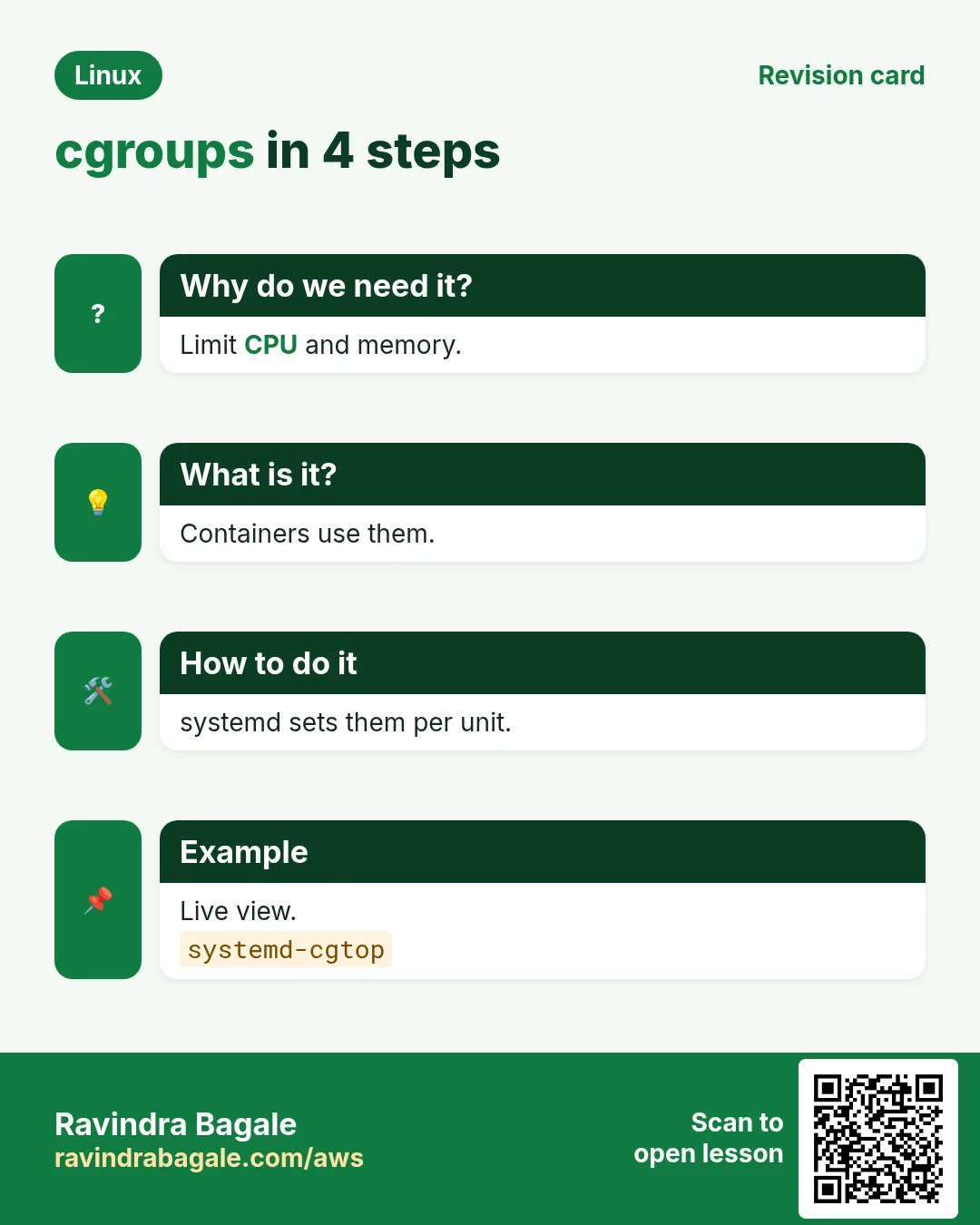
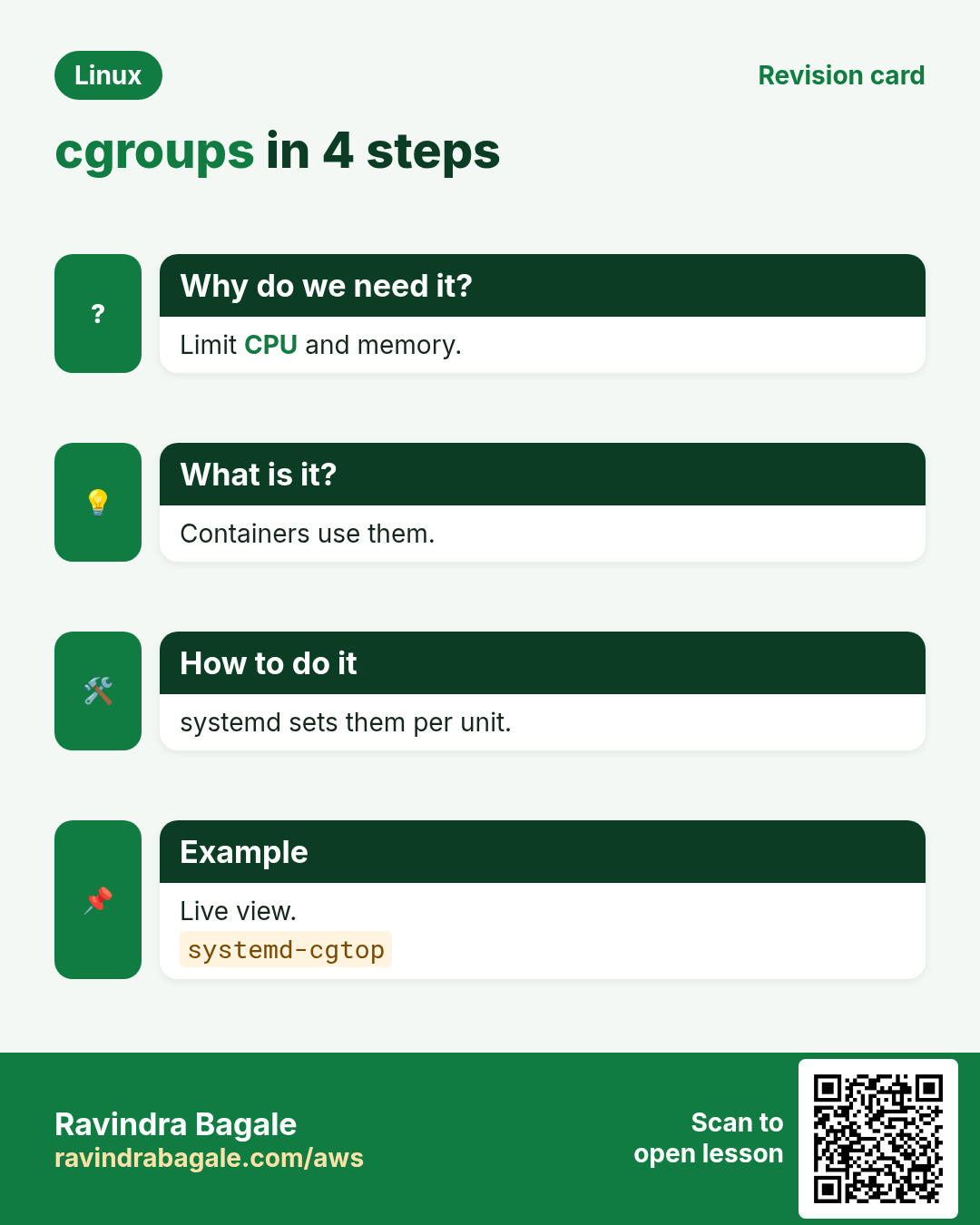
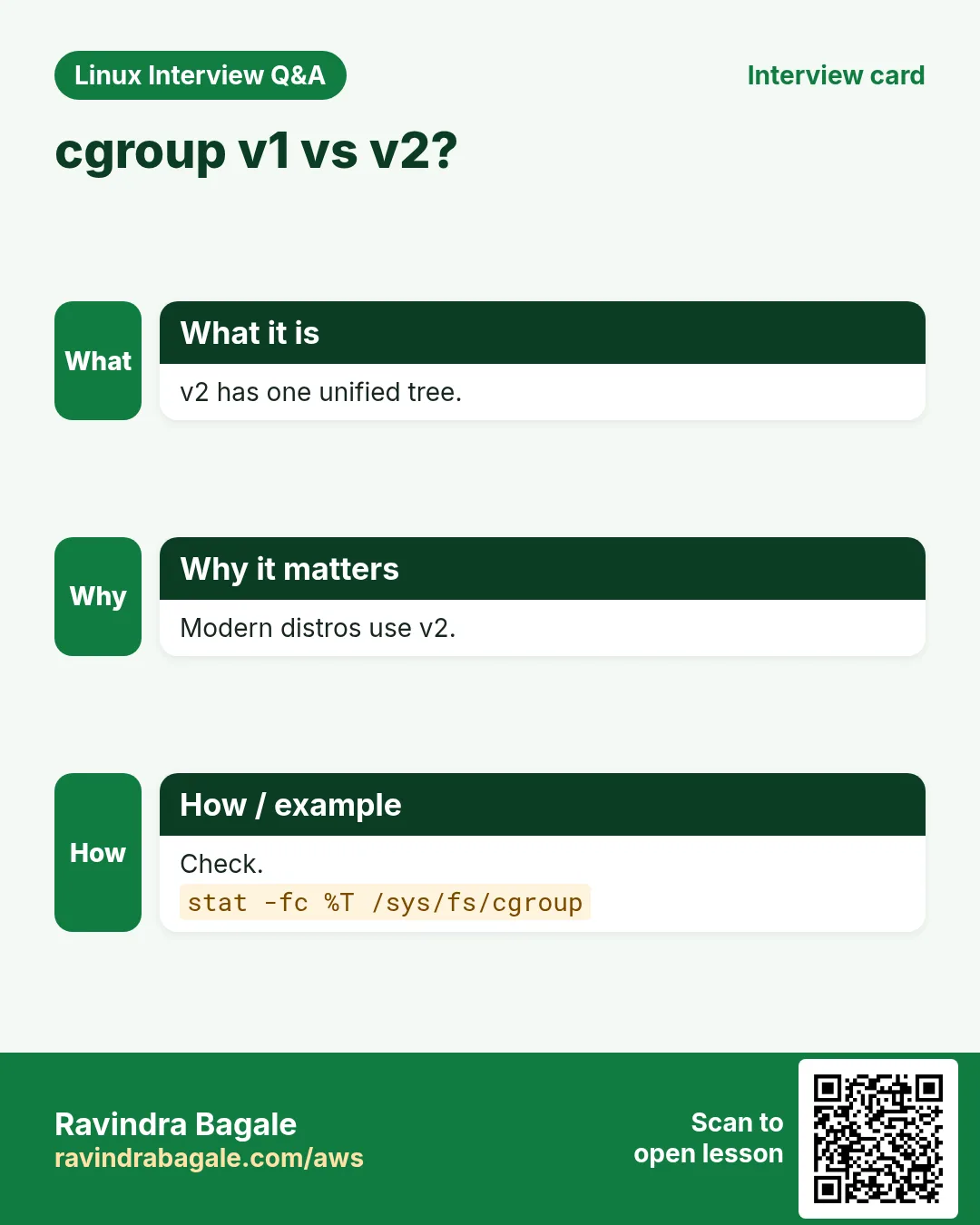
cgroup v2 is one tree at /sys/fs/cgroup. Check: stat -fc %T /sys/fs/cgroup prints cgroup2fs. Each group has files: memory.max, memory.current, cpu.max ('quota period', e.g. 50000 100000 = half a CPU), pids.max, io.max. Put a PID in cgroup.procs. memory.events counts OOM kills.
- Version.
stat -fc %T /sys/fs/cgroupOutput:
cgroup2fsv2.
- Make a group by hand.
sudo mkdir /sys/fs/cgroup/demo && echo 200M | sudo tee /sys/fs/cgroup/demo/memory.max && echo '50000 100000' | sudo tee /sys/fs/cgroup/demo/cpu.maxOutput:
200M
50000 100000
200 MB, half a CPU.
- Move shell in.
echo $$ | sudo tee /sys/fs/cgroup/demo/cgroup.procsOutput:
2241Children are limited too.
- Which cgroup?
cat /proc/3011/cgroupOutput:
0::/system.slice/shop-api.servicesystemd made it.
11. cgroups the easy way: systemd
systemd already puts every service in a cgroup, so set limits there instead of by hand.
In a unit or drop-in: MemoryMax=1G, CPUQuota=150%, TasksMax=500, IOWeight=. Live: systemctl set-property UNIT MemoryMax=1G. One-off: systemd-run --scope -p MemoryMax=300M CMD. Watch with systemd-cgtop; tree with systemd-cgls.
- Limit a service.
sudo systemctl set-property shop-api.service MemoryMax=1G CPUQuota=150%Output:
(no output)Persisted in a drop-in.
- One-off job.
sudo systemd-run --scope -p MemoryMax=300M -p CPUQuota=50% tar czf /backup/www.tgz /var/wwwOutput:
Running scope as unit: run-r1b2.scopeBackup cannot hog.
- Live top per cgroup.
systemd-cgtop -n 1Output:
Control Group             Tasks %CPU Memory
/system.slice/shop-api    88    140  980M
Near the limit.
- Docker uses the same.
docker run -d --memory 512m --cpus 1.5 nginxOutput:
f3a1...cgroup limits.
12. Putting it together: a container from scratch
Seeing it once by hand removes the mystery of containers.
Combine unshare (pid, mnt, uts, net), a root filesystem (an extracted image), chroot, and a cgroup limit. Real runtimes (runc, containerd) do the same plus seccomp, capabilities and overlay filesystems.
- Get a root filesystem.
mkdir rootfs && docker export $(docker create alpine) | tar -x -C rootfsOutput:
(no output)Alpine files.
- Start a mini container.
sudo unshare --pid --uts --mount --net --fork chroot rootfs /bin/sh -c 'mount -t proc proc /proc; hostname mini; ps; hostname'Output:
PID USER COMMAND
 1 root /bin/sh -c ...
mini
Own PIDs and name.
- Container PID on host.
docker inspect -f '{{.State.Pid}}' webOutput:
8812Just a host process.
13. Real examples from many industries
The same Linux skill shows up in every kind of company. Seeing it in many places helps you remember it.
Each row is a made-up team. It shows who uses this and how.
| Team and city | How they use it | Command |
|---|---|---|
| Aniket, Kubernetes platform, Pune | Loads br_netfilter and overlay | modprobe overlay |
| Sophie, CI service, Paris | systemd-run limits for build jobs | systemd-run --scope -p MemoryMax=2G |
| Hiro, telecom, Tokyo | Network namespaces for test labs | ip netns add |
| Fatima, bank, Doha | Blacklists unused USB storage | blacklist usb-storage |
| Carlos, video, Mexico City | cgroup CPU caps for encoders | CPUQuota=200% |
| Pooja, SaaS, Bengaluru | nsenter to debug pods | nsenter -t PID -n |
14. Common errors and how to fix them
Everyone hits these errors. Knowing the cause saves hours.
Read the exact message first. Then match it to a row below.
| Error you see | Why it happens | How to fix |
|---|---|---|
modprobe: FATAL: Module wireguard not found in directory /lib/modules/... | Module not built for this kernel | Install kernel-modules-extra or matching package.sudo dnf install -y kernel-modules-extra |
modprobe: FATAL: Module nvme is in use | Device still using it | Do not unload in-use drivers.lsmod | grep nvme |
Required key not available | Secure Boot rejects unsigned module | Use signed modules or enroll a key.mokutil --sb-state |
unshare: unshare failed: Operation not permitted | Not root and user namespaces off | Use sudo or --user --map-root-user.sysctl user.max_user_namespaces |
tee: memory.max: No such file | Controller not enabled in parent | Add +memory to cgroup.subtree_control.cat /sys/fs/cgroup/cgroup.subtree_control |
Container OOMKilled (exit 137) | Hit memory.max | Raise limit or fix the leak.cat /sys/fs/cgroup/system.slice/*/memory.events |
Cannot open /proc/PID/...: No such file | Process already exited | Re-check the PID.pgrep -f shop |
Failed to set unit properties: Unit not loaded | Wrong unit name | Use the full name with .service.systemctl list-units --type=service | grep shop |
rmdir: failed to remove 'demo': Device or resource busy | cgroup still has processes | Move or kill them first.cat /sys/fs/cgroup/demo/cgroup.procs |
Disk full but du shows little | Deleted file still open | Restart the holder or truncate via /proc.sudo lsof +L1 |
15. Troubleshooting step by step
For kernel-level issues: read messages, then check the right file.
Go top to bottom. Stop at the first step that shows the problem.
- Kernel log
sudo dmesg -T -l err,warn- Loaded drivers
lsmod- Device and driver
lspci -k- Process details
cat /proc/PID/status- Namespaces
sudo lsns- cgroup limits
systemctl show UNIT -p MemoryMax -p CPUQuotaPerSecUSec16. Lab 1: Modules and /proc
Load a module at boot and read a process's details from /proc.
A full hands-on lab. Run every step on a test Linux machine (an EC2 instance, a VM, or WSL).
- Info.
modinfo overlay | head -3Output:
description: Overlay filesystem- Load.
sudo modprobe overlay && lsmod | grep overlayOutput:
overlay 151552 0- Persist.
echo overlay | sudo tee /etc/modules-load.d/overlay.confOutput:
overlay- Start a process.
sleep 600 &Output:
[1] 7001- Read it.
grep -E 'State|PPid' /proc/7001/status; ls -l /proc/7001/ns | head -3Output:
State: S (sleeping)17. Lab 2: Namespaces and cgroups
Make an isolated shell and a memory-limited job.
A full hands-on lab. Run every step on a test Linux machine (an EC2 instance, a VM, or WSL).
- PID namespace.
sudo unshare --pid --fork --mount-proc bash -c 'ps -e'Output:
1 bash- UTS namespace.
sudo unshare --uts --fork bash -c 'hostname lab; hostname'Output:
lab- Limited job.
sudo systemd-run --scope -p MemoryMax=100M stress-ng --vm 1 --vm-bytes 300M --timeout 20sOutput:
Running scope ... killed- Check events.
journalctl -k | grep -i 'memory cgroup out of memory' | tail -1Output:
Memory cgroup out of memory: Killed process- Service limit.
sudo systemctl set-property sshd.service TasksMax=200 && systemctl show sshd -p TasksMaxOutput:
TasksMax=200Ravindra Bagale's Tip
To debug inside a container that has no tools, do not install anything in it. Find its host PID with docker inspect, then run host tools inside its namespaces with nsenter -t PID -n (network) or -m (mount). You keep the image clean and still see everything.
Ravindra Bagale's Tip – मराठी
Tools नसलेल्या container मधे debug करायला त्यात काही install करू नका. docker inspect ने host PID शोधा, मग nsenter -t PID -n (network) किंवा -m (mount) ने host tools त्याच्या namespaces मधे चालवा. Image clean राहतं आणि सगळं दिसतं.
Ravindra Bagale's Tip – हिंदी
Tools के बिना container में debug करने के लिए उसमें कुछ install मत कीजिए. docker inspect से host PID निकालिए, फिर nsenter -t PID -n (network) या -m (mount) से host tools उसके namespaces में चलाइए. Image साफ़ रहती है और सब दिखता है.
18. Frequently asked questions
Q. What is a kernel module?
A driver or feature loaded into the running kernel.
Q. Is /proc on disk?
No, it is generated live by the kernel.
Q. modprobe vs insmod?
modprobe handles dependencies; prefer it.
Q. Are containers VMs?
No, processes with namespaces and cgroups on the same kernel.
Q. cgroup v1 or v2?
v2 on modern distros; one unified tree.
Q. Exit code 137?
Killed by SIGKILL, often OOM.
Q. Change kernel live?
Tunables via sysctl; new kernel needs reboot.
Q. What is nsenter for?
Running a command inside another process's namespaces.
19. Interview questions and answers
Beginner level
Q. Show kernel version?
uname -r.
Q. List loaded modules?
lsmod.
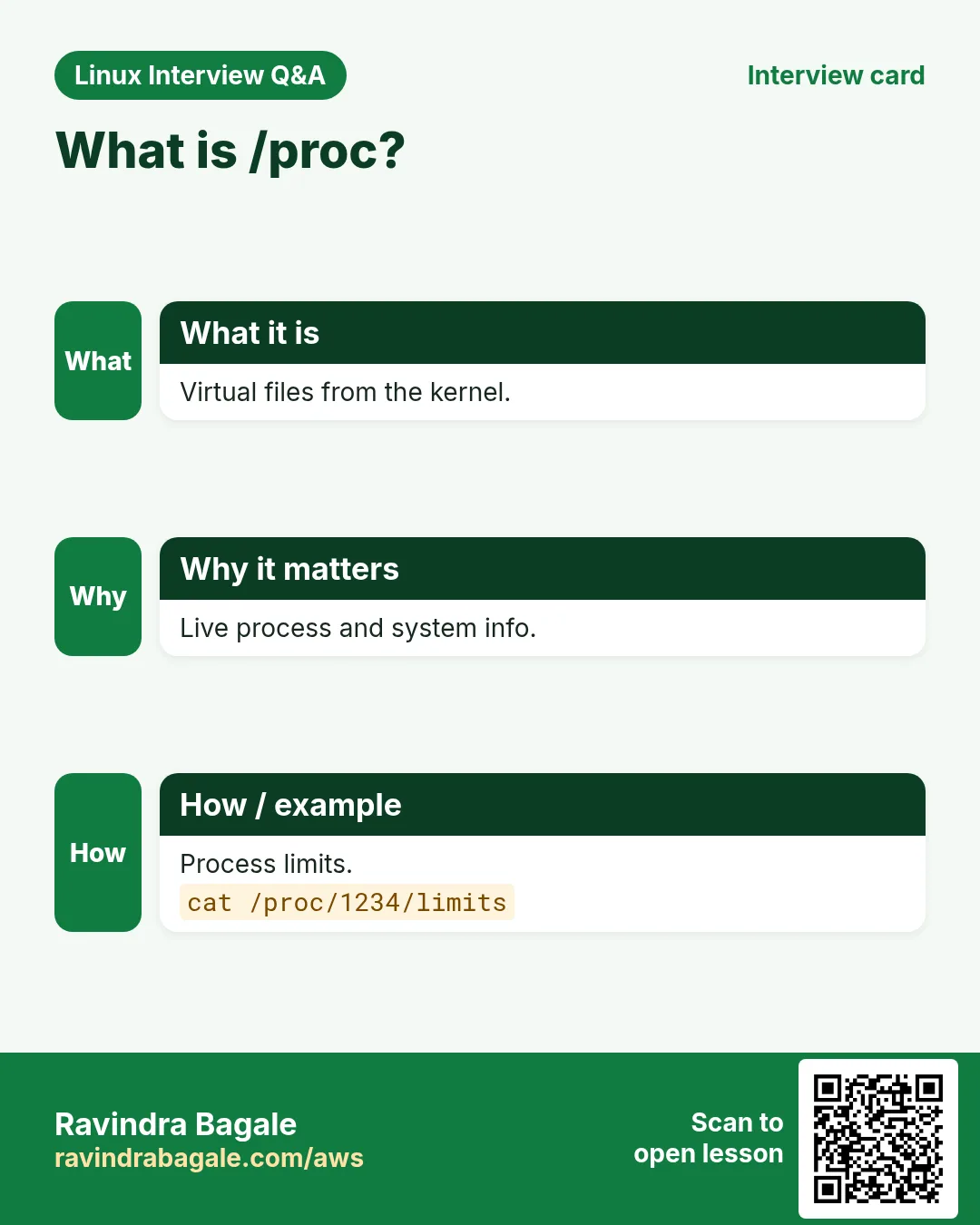
Q. What is /proc?
Virtual filesystem with live kernel and process data.
Q. Load a module?
modprobe NAME.
Mid level level
Q. Load a module at boot?
/etc/modules-load.d/NAME.conf.
Q. Limit memory of a service?
systemctl set-property UNIT MemoryMax=.
Q. List namespaces?
lsns.
Q. Disk full, du small?
Deleted open files; lsof +L1.
Senior level
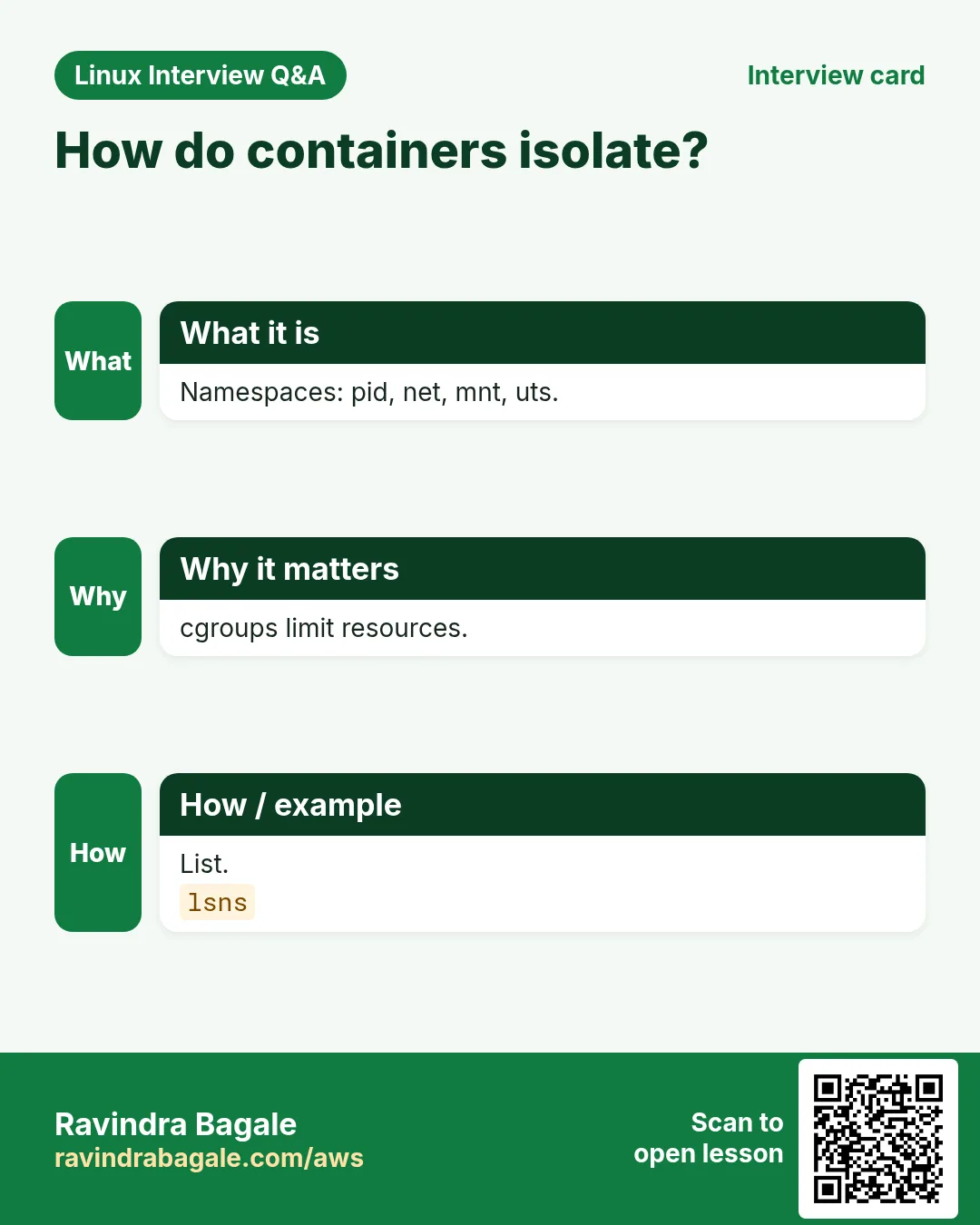
Q. How do containers isolate?
Namespaces for view, cgroups for resources, plus seccomp and capabilities.
Q. Debug a distroless pod's network?
Find PID, nsenter -t PID -n with host tools.
Q. cpu.max 50000 100000 means?
50 ms per 100 ms = half a CPU.
Q. Why Kubernetes needs br_netfilter?
So bridged pod traffic passes through iptables rules.
Try at home
- Run lsns and cat /proc/self/cgroup on your machine and explain each line.
- Run a backup with systemd-run and a 300M memory limit.
Practise this chapter
Interview questions and answers
How do namespaces and cgroups contribute differently to a container?
A namespace changes the process’s view, such as the network interfaces and routes it sees. A cgroup groups its processes for resource measurements and limits. They operate under the host’s kernel. Compare an inside/outside view and an assigned limit as separate tests.
Check your understanding
Choose an answer, then compare your reasoning with the explanation.
Practice Tasks
Practice checks run in your browser. They check the answer for this exercise; they do not create resources or connect to your AWS account.
About this scenarioLondon Legal LLP is a law business in London. Oliver Hughes looks after its IT and cloud work. They count money in GBP and run their AWS resources in the eu-west-2 Region. In the tasks below you do real jobs for them using what this lesson teaches. All names, account IDs, IP addresses and numbers are made up for practice.
0 / 18
Easy All kernel info
Containers at BIZ are kernel features.
Print the kernel name and machine hardware name.
- Find the Linux command that does this job.
- Add the options (like -r or -h) the task needs.
- Add the file names, folders or users in the right order.
- Use sudo if the job changes system files or users. Click Check answer.
Easy Module info
Containers at BIZ are kernel features.
Show information about module xfs.
- Find the Linux command that does this job.
- Add the options (like -r or -h) the task needs.
- Add the file names, folders or users in the right order.
- Use sudo if the job changes system files or users. Click Check answer.
Easy Is nvme loaded?
Containers at BIZ are kernel features.
Check if any module named like nvme_core is loaded.
- Find the Linux command that does this job.
- Add the options (like -r or -h) the task needs.
- Add the file names, folders or users in the right order.
- Use sudo if the job changes system files or users. Click Check answer.
Easy meminfo
Containers at BIZ are kernel features.
Show the first lines of /proc/meminfo with head (5 lines).
- Find the Linux command that does this job.
- Add the options (like -r or -h) the task needs.
- Add the file names, folders or users in the right order.
- Use sudo if the job changes system files or users. Click Check answer.
Easy PID namespaces
Containers at BIZ are kernel features.
List only pid namespaces.
- Find the Linux command that does this job.
- Add the options (like -r or -h) the task needs.
- Add the file names, folders or users in the right order.
- Use sudo if the job changes system files or users. Click Check answer.
Easy List netns
Containers at BIZ are kernel features.
List network namespaces.
- Find the Linux command that does this job.
- Add the options (like -r or -h) the task needs.
- Add the file names, folders or users in the right order.
- Use sudo if the job changes system files or users. Click Check answer.
Easy cgroup version
Containers at BIZ are kernel features.
Print the filesystem type of /sys/fs/cgroup.
- Find the Linux command that does this job.
- Add the options (like -r or -h) the task needs.
- Add the file names, folders or users in the right order.
- Use sudo if the job changes system files or users. Click Check answer.
Easy cgroup tree
Containers at BIZ are kernel features.
Show the systemd cgroup tree for system.slice.
- Find the Linux command that does this job.
- Add the options (like -r or -h) the task needs.
- Add the file names, folders or users in the right order.
- Use sudo if the job changes system files or users. Click Check answer.
Medium Load wireguard
Containers at BIZ are kernel features.
Load module wireguard.
- Find the Linux command that does this job.
- Add the options (like -r or -h) the task needs.
- Add the file names, folders or users in the right order.
- Use sudo if the job changes system files or users. Click Check answer.
Medium Unload a module
Containers at BIZ are kernel features.
Unload module pcspkr.
- Find the Linux command that does this job.
- Add the options (like -r or -h) the task needs.
- Add the file names, folders or users in the right order.
- Use sudo if the job changes system files or users. Click Check answer.
Medium Kernel errors
Containers at BIZ are kernel features.
Show only critical and error kernel messages with readable time.
- Find the Linux command that does this job.
- Add the options (like -r or -h) the task needs.
- Add the file names, folders or users in the right order.
- Use sudo if the job changes system files or users. Click Check answer.
Medium Previous boot kernel
Containers at BIZ are kernel features.
Show kernel messages from two boots ago.
- Find the Linux command that does this job.
- Add the options (like -r or -h) the task needs.
- Add the file names, folders or users in the right order.
- Use sudo if the job changes system files or users. Click Check answer.
Medium Process status
Containers at BIZ are kernel features.
Show /proc status of PID 1.
- Find the Linux command that does this job.
- Add the options (like -r or -h) the task needs.
- Add the file names, folders or users in the right order.
- Use sudo if the job changes system files or users. Click Check answer.
Medium New hostname world
Containers at BIZ are kernel features.
Start bash in a new IPC namespace (fork).
- Find the Linux command that does this job.
- Add the options (like -r or -h) the task needs.
- Add the file names, folders or users in the right order.
- Use sudo if the job changes system files or users. Click Check answer.
Medium Create netns
Containers at BIZ are kernel features.
Create a network namespace called blue.
- Find the Linux command that does this job.
- Add the options (like -r or -h) the task needs.
- Add the file names, folders or users in the right order.
- Use sudo if the job changes system files or users. Click Check answer.
Medium Limit tasks
Containers at BIZ are kernel features.
Limit nginx.service to 300 tasks live.
- Find the Linux command that does this job.
- Add the options (like -r or -h) the task needs.
- Add the file names, folders or users in the right order.
- Use sudo if the job changes system files or users. Click Check answer.
Hard Enter mount ns
Containers at BIZ are kernel features.
Enter the mount namespace of PID 9100 and run df -h.
- Find the Linux command that does this job.
- Add the options (like -r or -h) the task needs.
- Add the file names, folders or users in the right order.
- Use sudo if the job changes system files or users. Click Check answer.
Hard Limited one-off
Containers at BIZ are kernel features.
Run gzip -9 big.log in a scope with MemoryMax=200M.
- Find the Linux command that does this job.
- Add the options (like -r or -h) the task needs.
- Add the file names, folders or users in the right order.
- Use sudo if the job changes system files or users. Click Check answer.
20. Related chapters
- Linux Ops Refresh for DevOps
- Bash Scripting for Automation
- Linux grep and find Commands with Examples
- How to Set Up Passwordless SSH Between Linux Servers
In short
- uname -r and /proc/cmdline show kernel and boot options.
- lsmod, modinfo, modprobe manage drivers; modprobe.d for options and blacklists.
- /proc and /sys are live kernel files.
- Namespaces limit what a process sees.
- cgroups limit what it uses; systemd sets them easily.
- A container = process + namespaces + cgroups.
Revision, comparison and interview cards
Revise this lesson in a few minutes. Save the cards on your phone or download them as PNG files. The QR code on each card opens this lesson.
More cards: Ravi Sir's Cards.