Shell Scripting Complete 1: Your First Bash Script with Shebang, chmod, PATH and Exit Codes
A shell script is a text file full of commands that Linux runs one after another. Anything you type again and again at the prompt can live in a script. In this first chapter of Shell Scripting Complete you will write your first script, learn what the shebang line does, make the file executable with chmod +x, run it in four different ways, add comments, use exit codes, and debug it with bash -x. Every step shows the command, the output and what it means.
In this chapter
- Write and save a first script
- Understand the shebang line
- Make a script executable with chmod +x
- Run a script in different ways and know the difference
- Use comments, exit codes and set -e
- Debug with bash -n and bash -x
1. An everyday example: a recipe card
Aai writes her poha recipe on a card: wash poha, heat oil, add mustard seeds, add onion, add poha, add salt. Anyone can follow the card in the same order and get the same poha. A shell script is that card for the computer. The first line of the card says which language it is written in, so the cook knows how to read it.
Recipe card = script file. Steps in order = commands line by line. Language note on top = shebang (#!/bin/bash). Permission to use the card = chmod +x. 'Done' or 'burnt' at the end = exit code 0 or not 0.
2. What is a shell script and why use one
Typing the same ten commands every morning is slow and you will make mistakes. A script does them the same way every time.
A shell script is a plain text file. The shell (usually bash) reads it line by line and runs each line as if you typed it. Scripts can use variables, if, loops and functions, which you will learn in the next chapters. Files often end in .sh, but Linux does not need the extension.
- Which shell are you using?
echo $SHELLOutput:
/bin/bashYour login shell is bash.
- Where is bash?
command -v bashOutput:
/usr/bin/bashbash lives in /usr/bin (and /bin points there).
- Bash version.
bash --version | head -1Output:
GNU bash, version 5.2.15(1)-release (x86_64-redhat-linux-gnu)Bash 5 supports everything in this series.
3. Your first script: hello.sh
Before you make a script, run one harmless command by hand and note its result. Put that same command in hello.sh and run bash hello.sh. Bash reads the file and executes its lines in order. Add a second printf call with different text and predict which line appears first. Compare the script output to your prediction. When one line produces the wrong result, run that line with test input on its own before putting it back in the script.
The fastest way to learn is to write one small script and run it.
Create a file with a shebang line, an echo, and a date command. Save it. Then run it with bash. You do not need chmod to run with bash name.sh, because bash only reads the file.
- Create the file.
nano hello.shOutput:
(editor opens)Type the three lines below, then press Ctrl+O, Enter, Ctrl+X.
- The content.
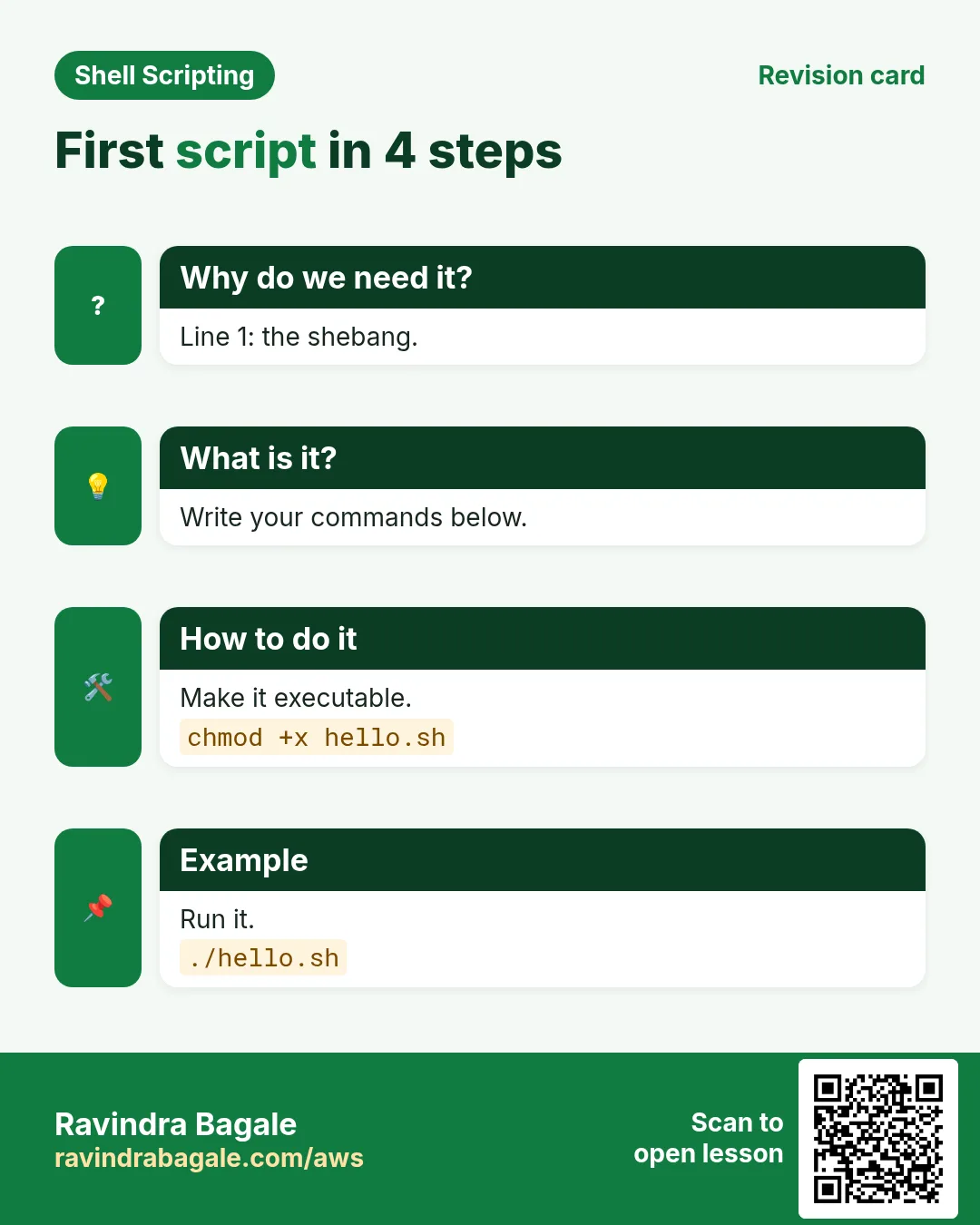
#!/bin/bash
# my first script
echo "Namaskar from $(hostname)"
date
Line 1 is the shebang, line 2 is a comment, lines 3-4 are commands.
- Run it with bash.
bash hello.shOutput:
Namaskar from web01
Sun Oct 25 10:05:11 IST 2026
Both commands ran in order.
4. The shebang line: #!
When you run ./script, Linux must know which program should read it. Without a shebang it guesses, and the guess can be wrong.
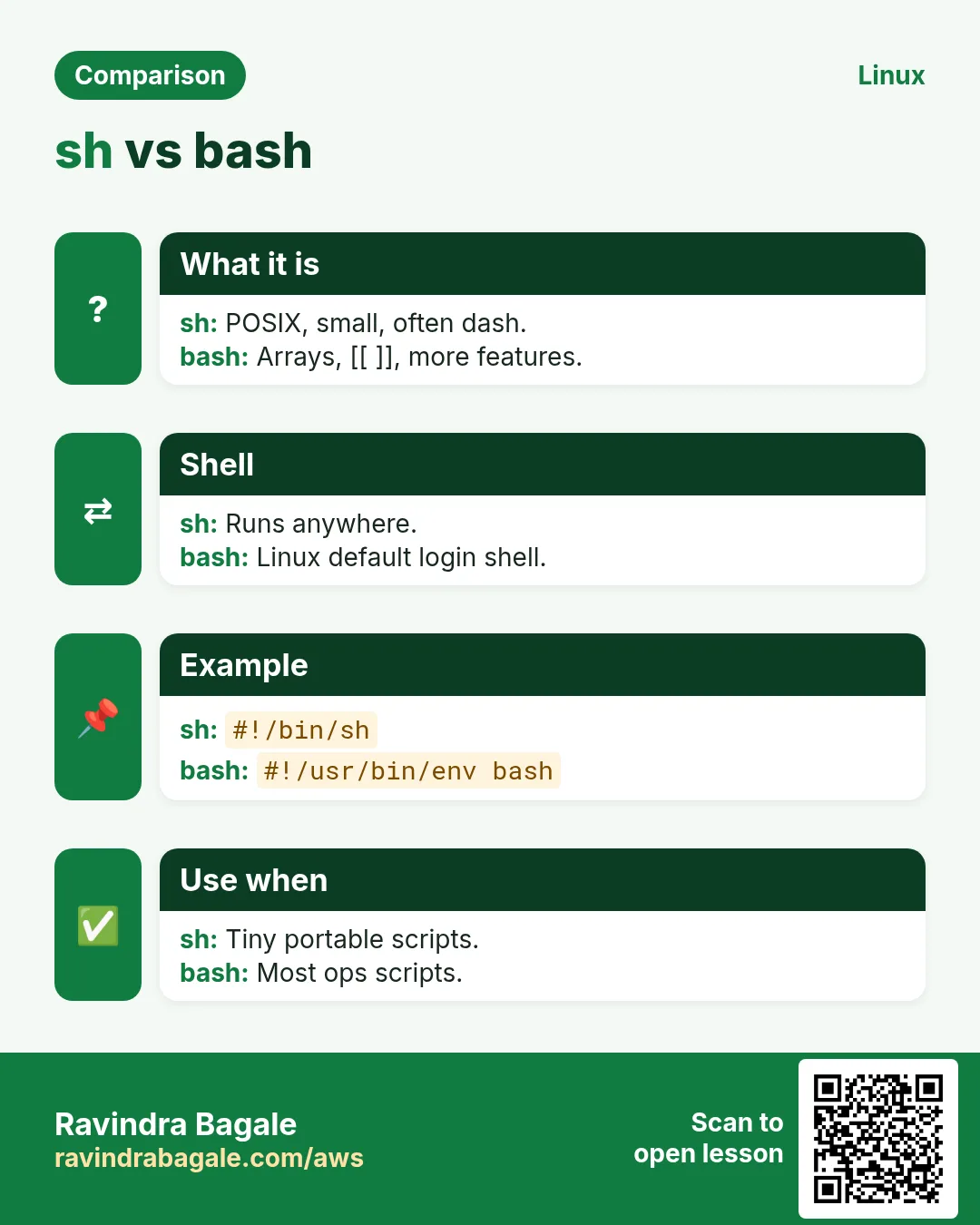
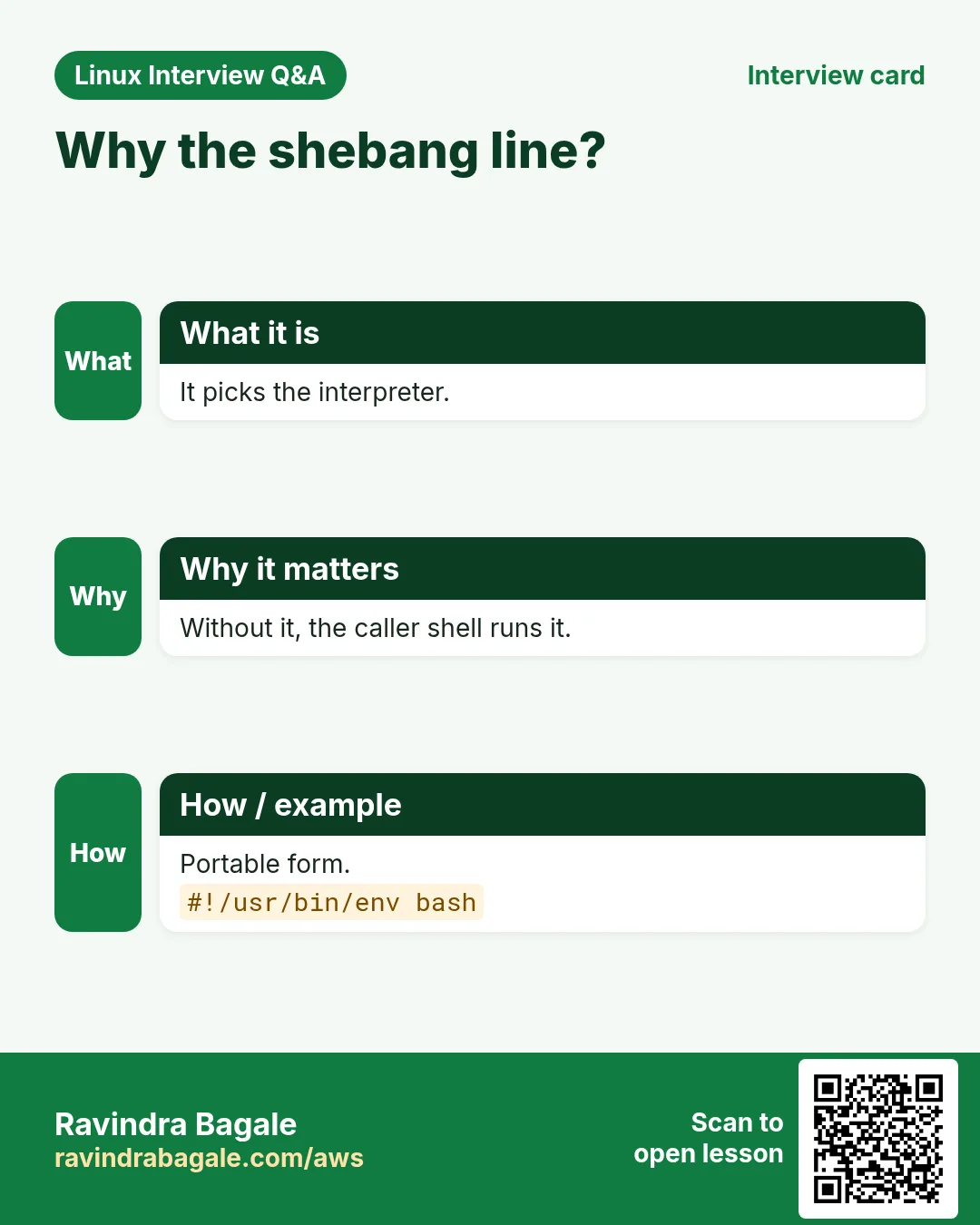
The first two characters #! are called the shebang. After them comes the full path of the interpreter. #!/bin/bash means bash. #!/usr/bin/env bash finds bash in your PATH, which is good when bash lives in different places (Mac, BSD). #!/bin/sh means a basic POSIX shell (dash on Ubuntu), where bash features like [[ ]] and arrays may not work. It must be on line 1, with no spaces before it.
| Shebang | Runs with | Use when |
|---|---|---|
| #!/bin/bash | bash at a fixed path | Linux servers |
| #!/usr/bin/env bash | first bash in PATH | Portable scripts |
| #!/bin/sh | POSIX sh (dash on Ubuntu) | Very small, portable |
| #!/usr/bin/env python3 | python3 | Python scripts |
- See the first line.
head -1 hello.shOutput:
#!/bin/bashThe kernel reads this when you run ./hello.sh.
- What is /bin/sh here?
ls -l /bin/shOutput:
lrwxrwxrwx 1 root root 4 Jan 10 /bin/sh -> dashOn Ubuntu sh is dash, not bash.
- A bash-only feature under sh fails.
sh -c '[[ 1 == 1 ]] && echo yes'Output:
sh: 1: [[: not foundUse #!/bin/bash when you use bash features.
5. chmod +x: make the script executable
To run a script like a normal command (./hello.sh) Linux needs the execute permission. New files do not have it.
chmod +x file adds execute for owner, group and others (limited by umask). chmod u+x adds it only for you. chmod 755 gives rwx to you and r-x to others. chmod 700 keeps it private. Check with ls -l: the x letters appear and many terminals show the name in green.
- Before.
ls -l hello.shOutput:
-rw-r--r-- 1 asha asha 72 Oct 25 10:04 hello.shNo x, so ./hello.sh will fail.
- Try to run.
./hello.shOutput:
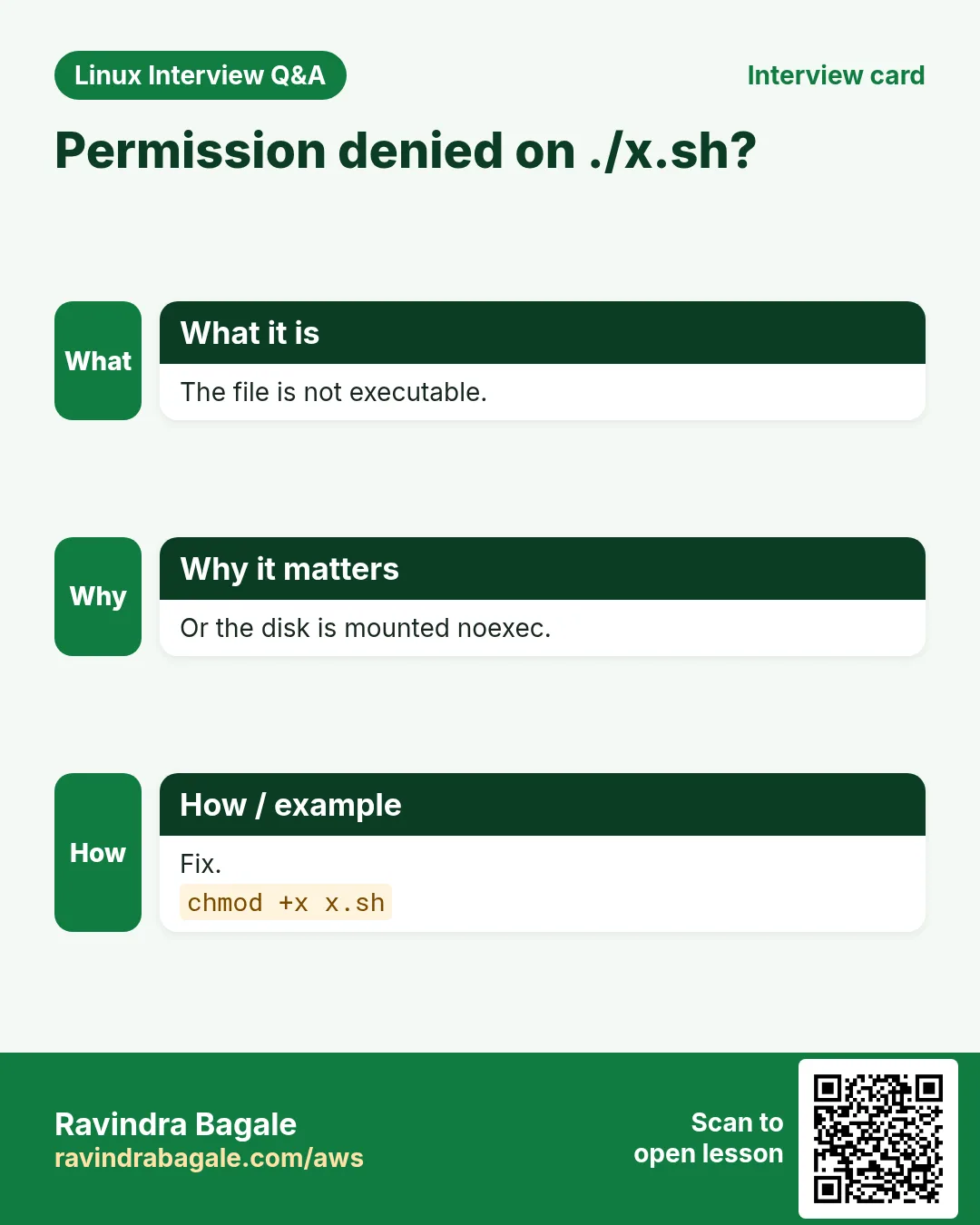
bash: ./hello.sh: Permission deniedMissing execute permission.
- Add x and run.
chmod +x hello.sh && ls -l hello.sh && ./hello.shOutput:
-rwxr-xr-x 1 asha asha 72 Oct 25 10:04 hello.sh
Namaskar from web01
Sun Oct 25 10:06:40 IST 2026
Now it runs like a command.
- Private script.
chmod 700 db-backup.sh && ls -l db-backup.shOutput:
-rwx------ 1 asha asha 410 Oct 25 10:07 db-backup.shOnly you can read or run it. Good for scripts with passwords.
6. Four ways to run a script
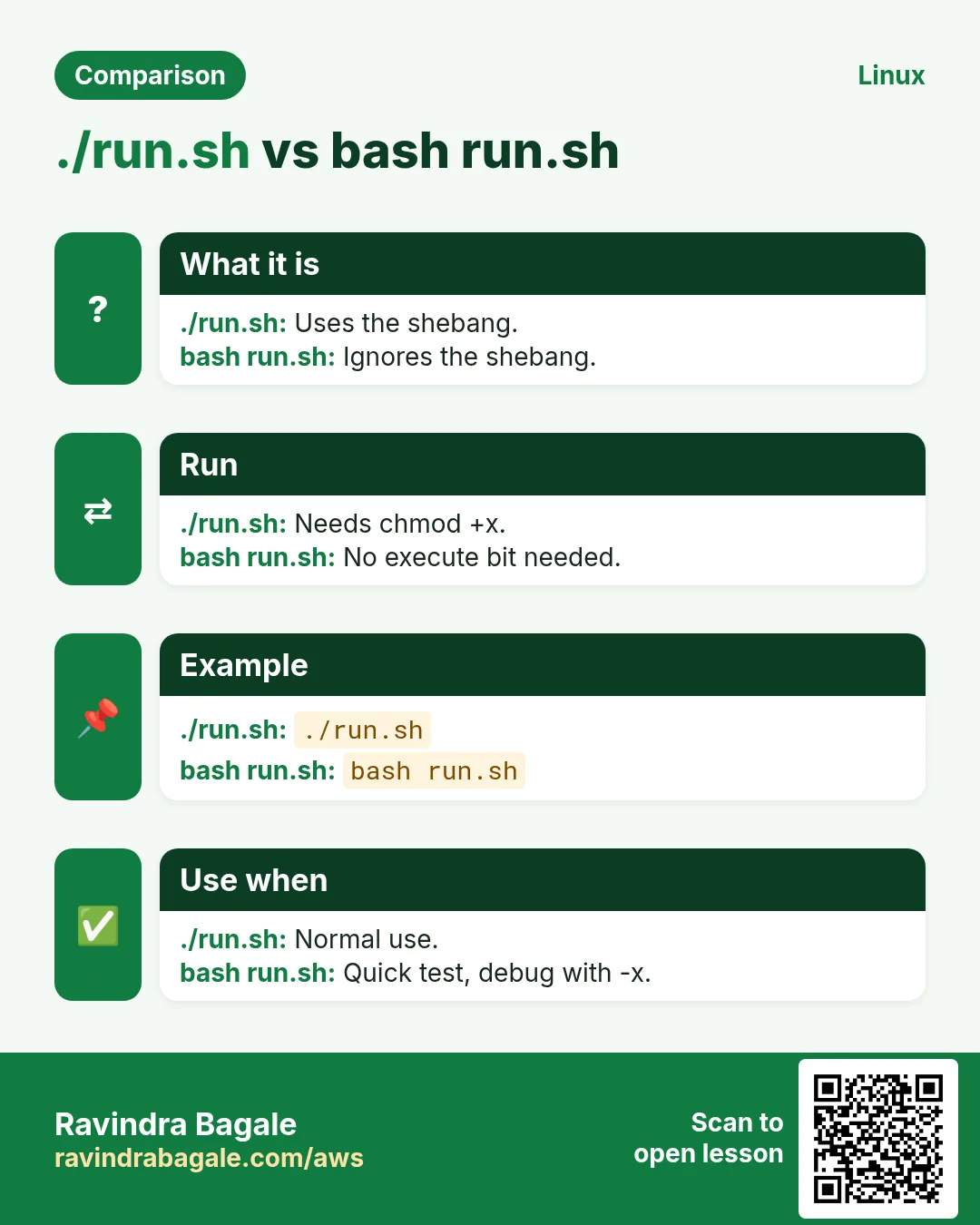
./hello.sh asks Linux to execute the file directly. It needs execute permission, and a shebang names the interpreter that should read it. bash hello.sh asks Bash to read the file, so the file’s execute bit is not needed for that form. In your lab, compare those two calls before and after chmod u+x hello.sh. If you use source, the commands run in your current shell instead and can change its variables and directory. Try that distinction using a harmless test variable.
Each way behaves a little differently. Knowing the difference explains why a cd or a variable sometimes 'does not stick'.
1) ./name.sh: needs x and uses the shebang, runs in a new child shell. 2) bash name.sh: no x needed, ignores the shebang, child shell. 3) source name.sh or . name.sh: runs inside your current shell, so cd and variables stay after it ends. 4) Put it in a PATH folder like ~/bin or /usr/local/bin and run by name only.
| Way | Needs x? | New shell? |
|---|---|---|
| ./name.sh | Yes | Yes |
| bash name.sh | No | Yes |
| source name.sh | No | No, current shell |
| name.sh in PATH | Yes | Yes |
- A script that changes folder.
cat gologs.shOutput:
#!/bin/bash
cd /var/log
pwd
It moves to /var/log.
- Run normally.
./gologs.sh; pwdOutput:
/var/log
/home/asha
The cd happened in a child shell and was lost.
- Source it.
source gologs.sh; pwdOutput:
/var/log
/var/log
Now your own shell moved.
- Install in PATH.
mkdir -p ~/bin && cp hello.sh ~/bin/hello && helloOutput:
Namaskar from web01
Sun Oct 25 10:09:02 IST 2026
~/bin is in PATH on most systems (log in again if not).
7. Comments and a good script header
In six months you will forget why a line is there. Comments explain it to you and to your team.
Everything after # on a line is a comment (except the shebang on line 1 and # inside quotes). Start every script with a header: what it does, how to run it, the author and the date. Use blank lines between parts. For a long comment block you can use : <<'END' ... END.
- A header.
head -6 rotate-logs.shOutput:
#!/bin/bash
# rotate-logs.sh - zip yesterday's app logs
# Usage: ./rotate-logs.sh
# Author: Ravindra Bagale, 2026-10-25

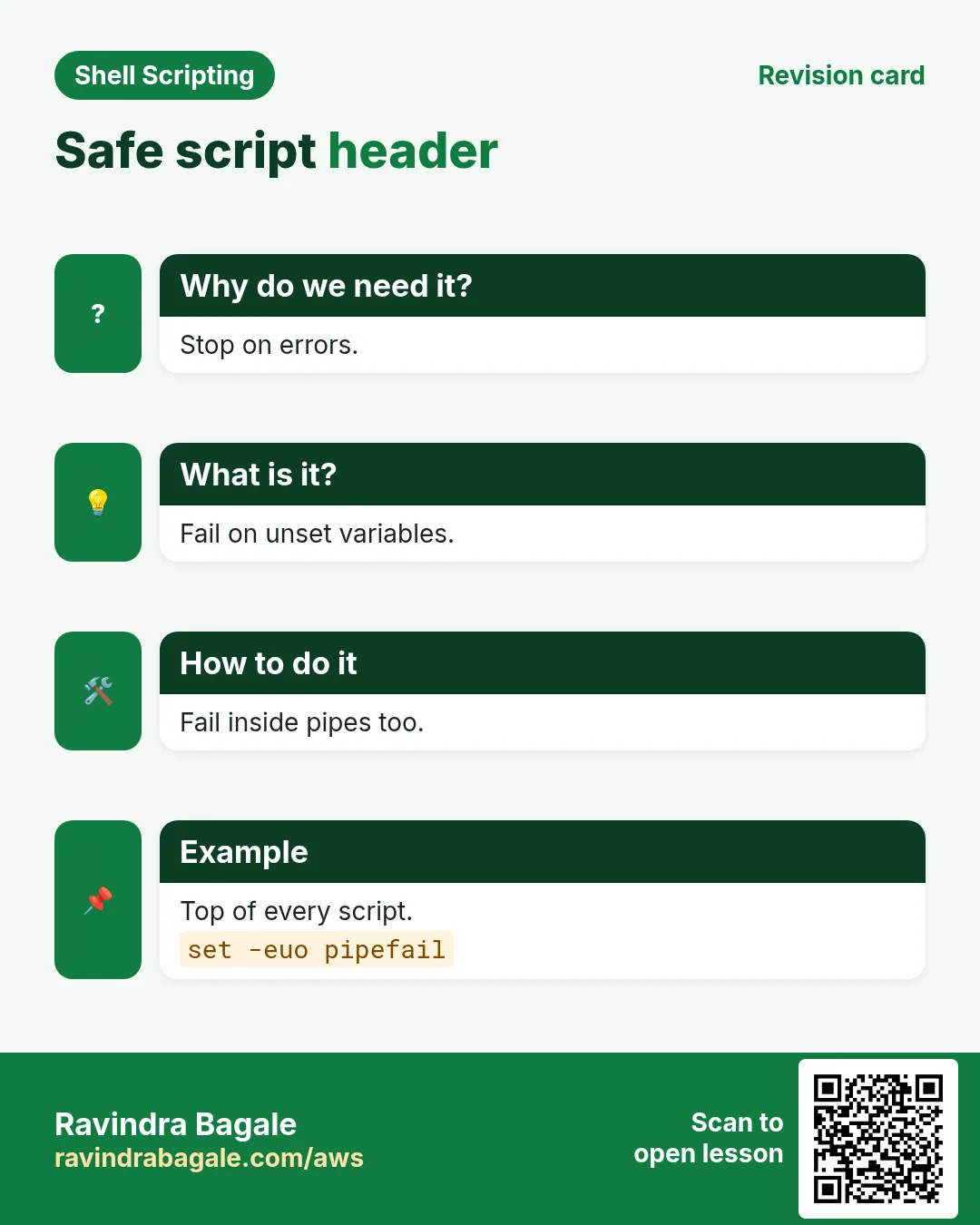
set -euo pipefail
Anyone can understand it before reading the code.
- Inline comment.
echo "start" # tell the userOutput:
startThe comment is ignored when running.
- # inside quotes is text.
echo "Ticket #42 closed"Output:
Ticket #42 closedInside quotes # is not a comment.
8. Exit codes and $?
A command can print text and still fail. In a lab folder, run a command on a file that exists and then a name that is missing. After each command, read $? immediately. The first should be zero, and the missing-file case gives a nonzero status. Running echo before you capture the status replaces the status with the result of echo. Use an if when your next action should depend on whether the first one succeeded.
Other scripts, cron and CI tools decide success or failure only by the exit code, not by the text printed.
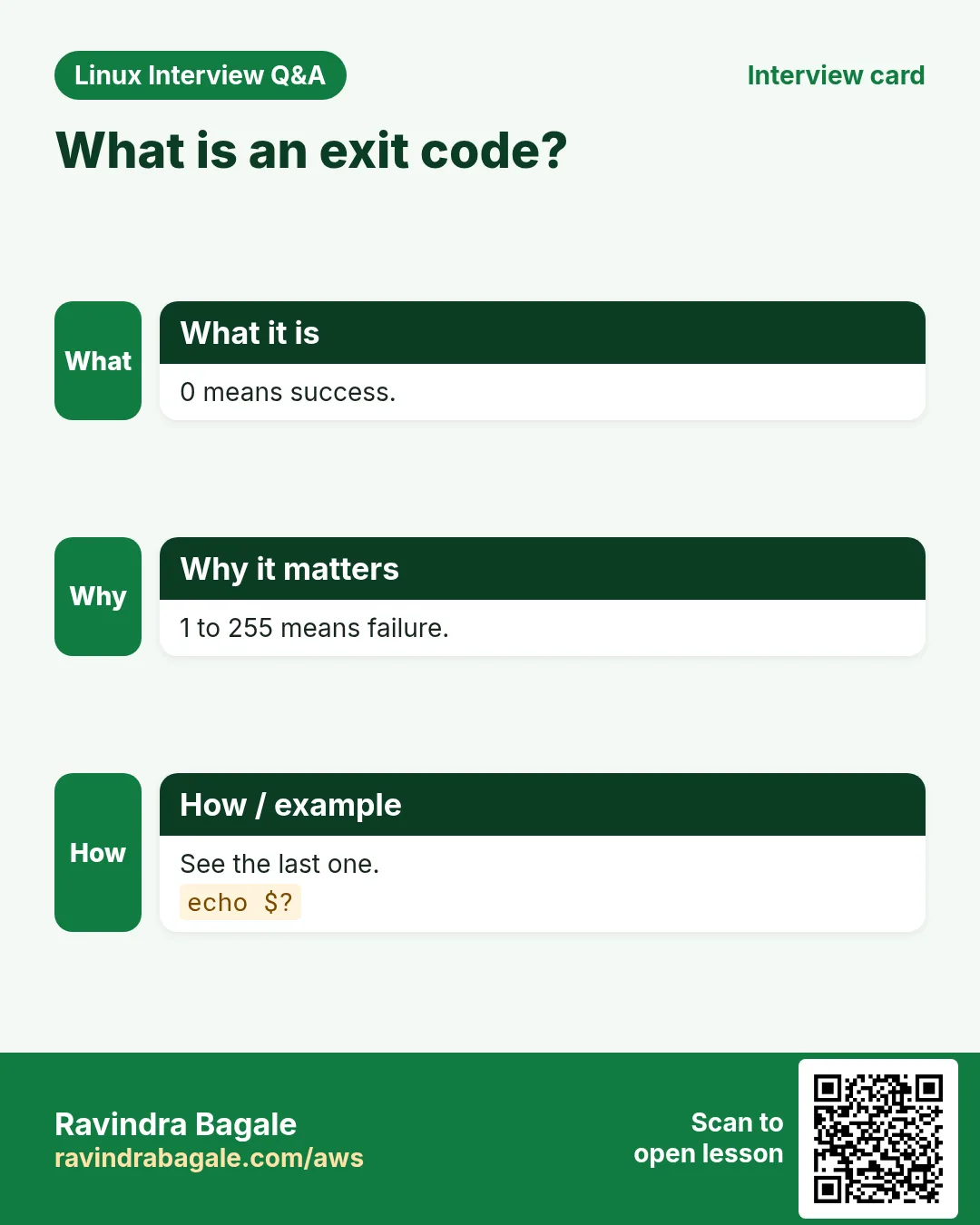
Every command returns a number from 0 to 255. 0 means success. Anything else means failure (1 general error, 2 misuse, 126 not executable, 127 command not found, 130 stopped by Ctrl+C). $? holds the code of the last command. Use exit N in a script to return your own code. && runs the next command only on success, || only on failure.
| Code | Meaning | Example |
|---|---|---|
| 0 | Success | ls /tmp |
| 1 | General error | grep finds nothing |
| 2 | Wrong usage | ls --bad |
| 126 | Found but not executable | ./file without x |
| 127 | Command not found | typo like sl |
- Success.
ls /etc/hosts; echo $?Output:
/etc/hosts
0
0 = worked.
- Failure.
ls /nope; echo $?Output:
ls: cannot access '/nope': No such file or directory
2
Non-zero = failed.
- Your own code.
bash -c 'echo checking; exit 3'; echo "code=$?"Output:
checking
code=3
Scripts can report their own status.
- Chain with && and ||.
ping -c1 -W1 10.0.0.9 && echo up || echo downOutput:
downThe ping failed, so only the || part ran.
9. Safer scripts: set -e, -u, -o pipefail
By default bash keeps going after an error. A failed cd followed by rm can delete the wrong files.
set -e stops the script when a command fails. set -u stops when you use a variable that was never set (catches typos). set -o pipefail makes a pipe fail if any part fails, not only the last. Most teams write set -euo pipefail right after the shebang. You can switch an option off with set +e.
- Without -e.
bash -c 'cd /nowhere; echo still running'Output:
bash: line 1: cd: /nowhere: No such file or directory
still running
Dangerous: the script went on.
- With -e.
bash -ec 'cd /nowhere; echo still running'; echo $?Output:
bash: line 1: cd: /nowhere: No such file or directory
1
It stopped at the failed cd.
- -u catches typos.
bash -uc 'name=asha; echo $nmae'Output:
bash: line 1: nmae: unbound variableThe typo is found at once.
- pipefail.
bash -c 'set -o pipefail; false | true; echo $?'Output:
1Without pipefail this would print 0.
10. Debug: bash -n, bash -x and set -x
When a script does something strange you need to see each line as it runs.
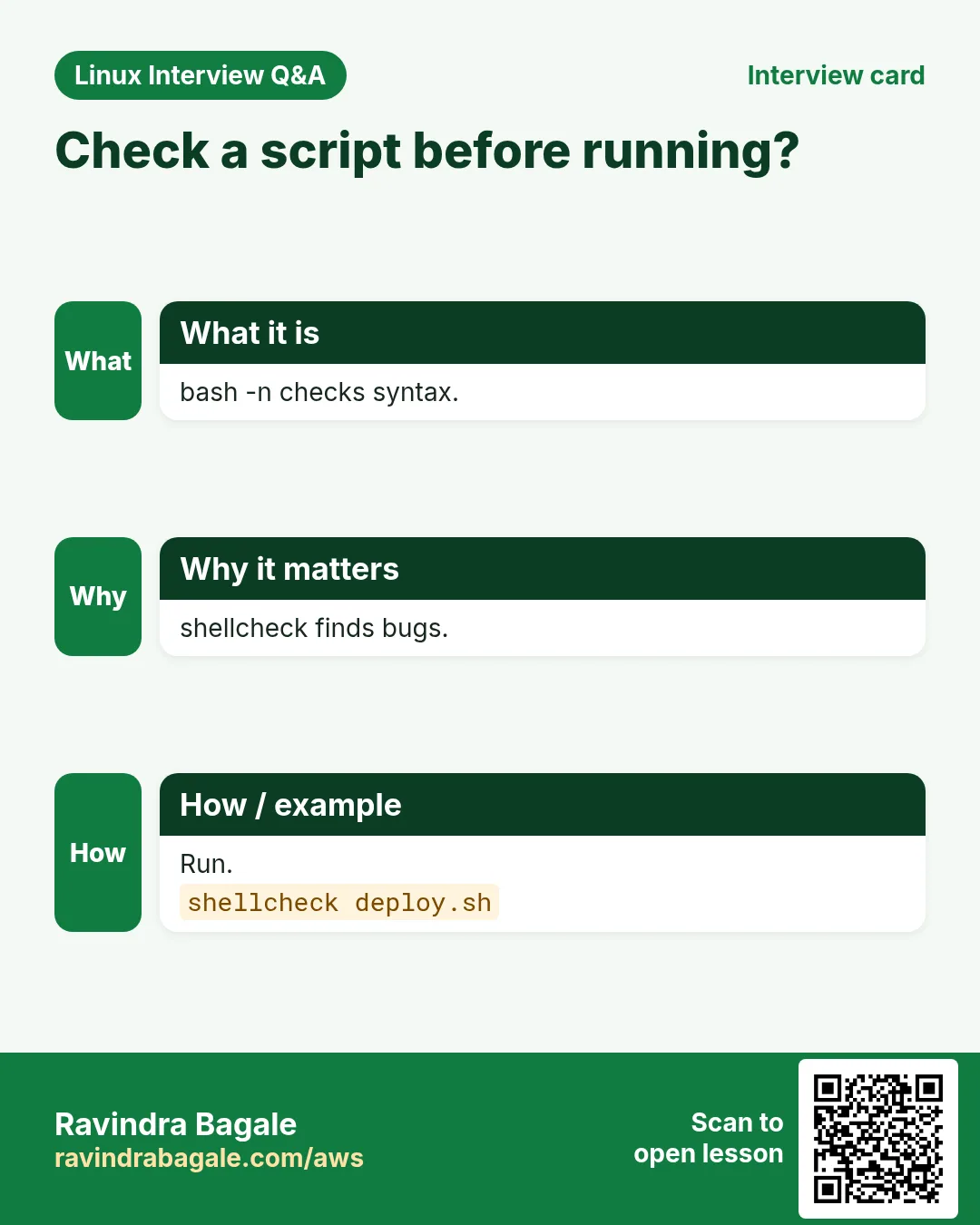
bash -n file checks the syntax without running anything. bash -x file prints every command with + before it, after variables are expanded. Inside a script, set -x turns tracing on and set +x turns it off, so you can trace only one part. shellcheck (a free tool) finds common mistakes before you run.
- Syntax check.
bash -n broken.shOutput:
broken.sh: line 9: syntax error: unexpected end of fileA missing fi or done. Nothing was run.
- Trace.
bash -x hello.shOutput:
+ hostname
+ echo 'Namaskar from web01'
Namaskar from web01
+ date
Sun Oct 25 10:12:30 IST 2026
Lines with + are what bash really ran.
- Lint.
shellcheck rotate-logs.shOutput:
In rotate-logs.sh line 12:
rm $dir/*.log
   ^--^ SC2086: Double quote to prevent globbing and word splitting.
Quote the variable. You will learn why in chapter 2.
11. Where to keep scripts and how to schedule them
A script that lives in Downloads gets lost. Scripts that should run daily should not depend on you remembering.
Personal scripts: ~/bin. Shared scripts for all users: /usr/local/bin (needs sudo). Keep them in git. In cron and systemd timers there is a very small PATH and no terminal, so use full paths, set -euo pipefail and send output to a log file. The cron chapter has the details.
- Install for everyone.
sudo install -m 755 hello.sh /usr/local/bin/hello && which helloOutput:
/usr/local/bin/helloinstall copies and sets the mode in one step.
- Run from cron every day at 6.
crontab -lOutput:
0 6 * * * /home/asha/bin/rotate-logs.sh >> /home/asha/rotate.log 2>&1Full path and a log file.
- Check the log next day.
tail -3 ~/rotate.logOutput:
zipped 4 files
done
It ran without you.
12. Real examples from many industries
The same Linux skill shows up in every kind of company. Seeing it in many places helps you remember it.
Each row is a made-up team. It shows who uses this and how.
| Team and city | How they use it | Command |
|---|---|---|
| Sneha, kirana chain, Pune | Daily stock export script | ./export-stock.sh |
| Tom, bank, London | Private scripts with chmod 700 | chmod 700 recon.sh |
| Yuki, gaming, Tokyo | Portable shebang on Mac and Linux | #!/usr/bin/env bash |
| Fatima, hospital, Dubai | set -euo pipefail in backup jobs | set -euo pipefail |
| Carlos, logistics, Mexico City | Debug a cron job with bash -x | bash -x /opt/jobs/sync.sh |
| Arjun, ed-tech, Bengaluru | Shared tools in /usr/local/bin | sudo install -m 755 t.sh /usr/local/bin/t |
13. Common errors and how to fix them
Everyone hits these errors. Knowing the cause saves hours.
Read the exact message first. Then match it to a row below.
| Error you see | Why it happens | How to fix |
|---|---|---|
bash: ./hello.sh: Permission denied | No execute permission | Add it or run with bash.chmod +x hello.sh |
bash: hello.sh: command not found | Current folder is not in PATH | Use ./ before the name../hello.sh |
/bin/bash^M: bad interpreter: No such file or directory | Windows line endings (CRLF) | Convert to Unix endings.dos2unix hello.sh |
bad interpreter: No such file or directory | Wrong path in the shebang | Fix the path or use env.head -1 hello.sh |
[[: not found | Ran with sh, not bash | Use bash or a bash shebang.bash script.sh |
syntax error: unexpected end of file | Missing fi, done, } or quote | Check pairs with bash -n.bash -n script.sh |
unbound variable | set -u and a variable not set or misspelt | Fix the name or give a default.echo "${name:-none}" |
cd changes are lost after the script | Script ran in a child shell | Use source if you need it in your shell.source gologs.sh |
Works in terminal, fails in cron | Small PATH and no environment in cron | Use full paths and log output.command -v rsync |
14. Troubleshooting step by step
Most first-script problems are permission, path, shebang or line endings.
Go top to bottom. Stop at the first step that shows the problem.
- Is it executable?
ls -l script.sh- Is the shebang right?
head -1 script.sh | cat -A- Windows endings?
file script.sh- Syntax ok?
bash -n script.sh- Trace it.
bash -x script.sh- Exit code?
./script.sh; echo $?- Lint.
shellcheck script.sh15. Lab 1: Write, chmod and run a server info script
Build sysinfo.sh that prints host, user, uptime and disk use, make it executable and install it in ~/bin.
A full hands-on lab. Run every step on a test Linux machine (an EC2 instance, a VM, or WSL).
- Make a folder.
mkdir -p ~/lab37 && cd ~/lab37- Write the script.
printf '#!/bin/bash\nset -euo pipefail\necho "Host: $(hostname)"\necho "User: $USER"\nuptime -p\ndf -h / | tail -1\n' | tee sysinfo.shOutput:
#!/bin/bash ... (6 lines)- Check syntax.
bash -n sysinfo.sh && echo OKOutput:
OK- Try before chmod.
./sysinfo.shOutput:
Permission denied- Make executable.
chmod +x sysinfo.sh && ls -l sysinfo.shOutput:
-rwxr-xr-x ... sysinfo.sh- Run.
./sysinfo.shOutput:
Host: web01
User: asha
up 3 days, 2 hours
/dev/xvda1 20G 6.1G 14G 31% /- Exit code.
echo $?Output:
0- Install.
mkdir -p ~/bin && cp sysinfo.sh ~/bin/sysinfo && sysinfo | head -1Output:
Host: web0116. Lab 2: Exit codes, set -e and bash -x
See how a script behaves on error with and without set -e, and trace it.
A full hands-on lab. Run every step on a test Linux machine (an EC2 instance, a VM, or WSL).
- A script with a bad cd.
printf '#!/bin/bash\ncd /no/such/dir\necho "I am in $(pwd)"\n' | tee risky.sh && chmod +x risky.sh- Run.
./risky.sh; echo "code=$?"Output:
cd: /no/such/dir: No such file or directory
I am in /home/asha/lab37
code=0- Add set -e on line 2.
sed -i '2i set -e' risky.sh && head -3 risky.shOutput:
#!/bin/bash
set -e
cd /no/such/dir- Run again.
./risky.sh; echo "code=$?"Output:
cd: /no/such/dir: No such file or directory
code=1- Trace.
bash -x risky.shOutput:
+ set -e
+ cd /no/such/dir- Return your own code.
printf '#!/bin/bash\n[ -d /var/log ] || exit 4\necho ok\n' | tee chk.sh && bash chk.sh; echo $?Output:
ok
0Ravindra Bagale's Tip
Start every script with the same two lines: #!/bin/bash and set -euo pipefail. Then run bash -n before the first real run. These two habits catch most beginner mistakes before they damage anything.
Ravindra Bagale's Tip – मराठी
प्रत्येक script त्याच दोन lines ने सुरू करा: #!/bin/bash आणि set -euo pipefail. आणि पहिल्या खऱ्या run आधी bash -n. या दोन सवयी बहुतेक beginner चुका काही बिघडण्याआधीच पकडतात.
Ravindra Bagale's Tip – हिंदी
हर script उन्हीं दो lines से शुरू कीजिए: #!/bin/bash और set -euo pipefail. और पहली असली run से पहले bash -n. ये दो आदतें ज़्यादातर beginner गलतियाँ कुछ बिगड़ने से पहले ही पकड़ लेती हैं.
17. Frequently asked questions
Q. Do I need the .sh extension?
No. It only helps humans.
Q. bash vs sh?
sh is basic POSIX; bash adds arrays, [[ ]] and more.
Q. Why ./ before the name?
The current folder is not in PATH for safety.
Q. chmod +x or chmod 755?
Both add execute; 755 also sets read for all exactly.
Q. What does source do?
Runs the file in your current shell.
Q. Can a script ask for sudo?
Yes, but better to run the whole script with sudo when needed.
Q. What is exit 0?
Finish and report success.
Q. How do I stop a running script?
Ctrl+C, or kill its PID.
18. Interview questions and answers
Beginner level
Q. What is a shebang?
The #! first line naming the interpreter.
Q. How to make a script executable?
chmod +x file.
Q. What does $? hold?
Exit code of the last command.
Q. What does exit code 0 mean?
Success.
Mid level level
Q. ./s.sh vs source s.sh?
Child shell vs current shell.
Q. Why #!/usr/bin/env bash?
Finds bash in PATH, portable.
Q. What does set -u do?
Error on unset variables.
Q. Code 126 vs 127?
Not executable vs not found.
Senior level
Q. Why set -o pipefail?
Pipes hide failures of earlier commands otherwise.
Q. A script works by hand but not in cron. Why?
Different PATH, no TTY, different env; use full paths and logs.
Q. How to debug a production script safely?
bash -n, shellcheck, set -x around the part, test copy.
Q. Bad interpreter with ^M?
CRLF endings; dos2unix or sed -i 's/\r$//'.
Try at home
- Write today.sh that prints the date, your user and the number of files in your home folder. Make it executable and run it.
- Break it on purpose (remove a quote) and find the error with bash -n.
Practise this chapter
Interview questions and answers
Why does bash hello.sh work while ./hello.sh reports permission denied?
The first starts Bash and asks it to read the file. The second asks the operating system to execute that file directly, which needs execute permission and a suitable interpreter when it is a script. Verify the file mode and shebang before using the direct form.
Check your understanding
Choose an answer, then compare your reasoning with the explanation.
Practice Tasks
Practice checks run in your browser. They check the answer for this exercise; they do not create resources or connect to your AWS account.
About this scenarioMaple Leaf Books is a bookselling business in Toronto. Emily Tremblay looks after its IT and cloud work. They count money in CAD and run their AWS resources in the ca-central-1 Region. In the tasks below you do real jobs for them using what this lesson teaches. All names, account IDs, IP addresses and numbers are made up for practice.
0 / 21
Easy Make it runnable
Small scripts save hours every week at BIZ.
Emily Tremblay at Maple Leaf Books wrote invoice-mail.sh. Give only the owner execute permission added.
- Find the Linux command that does this job.
- Add the options (like -r or -h) the task needs.
- Add the file names, folders or users in the right order.
- Use sudo if the job changes system files or users. Click Check answer.
Easy Mode 755
Small scripts save hours every week at BIZ.
Set nightly-sync.sh to rwxr-xr-x using numbers.
- Find the Linux command that does this job.
- Add the options (like -r or -h) the task needs.
- Add the file names, folders or users in the right order.
- Use sudo if the job changes system files or users. Click Check answer.
Easy Run from here
Small scripts save hours every week at BIZ.
Run the script stock-alert.sh that is in the current folder.
- Find the Linux command that does this job.
- Add the options (like -r or -h) the task needs.
- Add the file names, folders or users in the right order.
- Use sudo if the job changes system files or users. Click Check answer.
Easy Run with bash
Small scripts save hours every week at BIZ.
Run cleanup-tmp.sh with bash, without execute permission.
- Find the Linux command that does this job.
- Add the options (like -r or -h) the task needs.
- Add the file names, folders or users in the right order.
- Use sudo if the job changes system files or users. Click Check answer.
Easy All bash paths
Small scripts save hours every week at BIZ.
Show every place bash is found, as type sees it.
- Find the Linux command that does this job.
- Add the options (like -r or -h) the task needs.
- Add the file names, folders or users in the right order.
- Use sudo if the job changes system files or users. Click Check answer.
Easy See the shebang
Small scripts save hours every week at BIZ.
Print only the first line of deploy-web.sh.
- Find the Linux command that does this job.
- Add the options (like -r or -h) the task needs.
- Add the file names, folders or users in the right order.
- Use sudo if the job changes system files or users. Click Check answer.
Easy Label the exit code
Small scripts save hours every week at BIZ.
Print the last exit code with the label rc= in double quotes.
- Find the Linux command that does this job.
- Add the options (like -r or -h) the task needs.
- Add the file names, folders or users in the right order.
- Use sudo if the job changes system files or users. Click Check answer.
Easy What type
Small scripts save hours every week at BIZ.
Show the content type of ship-orders.sh.
- Find the Linux command that does this job.
- Add the options (like -r or -h) the task needs.
- Add the file names, folders or users in the right order.
- Use sudo if the job changes system files or users. Click Check answer.
Easy Check permissions
Small scripts save hours every week at BIZ.
Long-list audit-users.sh to see its permissions.
- Find the Linux command that does this job.
- Add the options (like -r or -h) the task needs.
- Add the file names, folders or users in the right order.
- Use sudo if the job changes system files or users. Click Check answer.
Easy Scripts bin
Small scripts save hours every week at BIZ.
Create the folder ~/scripts/bin with parents.
- Find the Linux command that does this job.
- Add the options (like -r or -h) the task needs.
- Add the file names, folders or users in the right order.
- Use sudo if the job changes system files or users. Click Check answer.
Easy See PATH
Small scripts save hours every week at BIZ.
Print your PATH variable.
- Find the Linux command that does this job.
- Add the options (like -r or -h) the task needs.
- Add the file names, folders or users in the right order.
- Use sudo if the job changes system files or users. Click Check answer.
Easy Edit cron
Small scripts save hours every week at BIZ.
Open your crontab for editing.
- Find the Linux command that does this job.
- Add the options (like -r or -h) the task needs.
- Add the file names, folders or users in the right order.
- Use sudo if the job changes system files or users. Click Check answer.
Medium Source it
Small scripts save hours every week at BIZ.
Load env-setup.sh into the current shell.
- Find the Linux command that does this job.
- Add the options (like -r or -h) the task needs.
- Add the file names, folders or users in the right order.
- Use sudo if the job changes system files or users. Click Check answer.
Medium Syntax only
Small scripts save hours every week at BIZ.
Check payroll.sh for syntax errors without running it.
- Find the Linux command that does this job.
- Add the options (like -r or -h) the task needs.
- Add the file names, folders or users in the right order.
- Use sudo if the job changes system files or users. Click Check answer.
Medium Trace
Small scripts save hours every week at BIZ.
Run report-gen.sh with every command printed before it runs.
- Find the Linux command that does this job.
- Add the options (like -r or -h) the task needs.
- Add the file names, folders or users in the right order.
- Use sudo if the job changes system files or users. Click Check answer.
Medium Fix Windows line ends
Small scripts save hours every week at BIZ.
Convert price-update.sh from Windows line endings.
- Find the Linux command that does this job.
- Add the options (like -r or -h) the task needs.
- Add the file names, folders or users in the right order.
- Use sudo if the job changes system files or users. Click Check answer.
Medium Install to bin
Small scripts save hours every week at BIZ.
Install backup-photos.sh into /usr/local/bin with mode 0755 using install.
- Find the Linux command that does this job.
- Add the options (like -r or -h) the task needs.
- Add the file names, folders or users in the right order.
- Use sudo if the job changes system files or users. Click Check answer.
Medium Lint
Small scripts save hours every week at BIZ.
Check fees-calc.sh with the popular linter for shell.
- Find the Linux command that does this job.
- Add the options (like -r or -h) the task needs.
- Add the file names, folders or users in the right order.
- Use sudo if the job changes system files or users. Click Check answer.
Medium Another user cron
Small scripts save hours every week at BIZ.
List the crontab of the user deploy with sudo.
- Find the Linux command that does this job.
- Add the options (like -r or -h) the task needs.
- Add the file names, folders or users in the right order.
- Use sudo if the job changes system files or users. Click Check answer.
Hard Strict trace
Small scripts save hours every week at BIZ.
Run sms-batch.sh with bash in both exit-on-error and trace mode.
- Find the Linux command that does this job.
- Add the options (like -r or -h) the task needs.
- Add the file names, folders or users in the right order.
- Use sudo if the job changes system files or users. Click Check answer.
Hard Everyone run, only owner write
Small scripts save hours every week at BIZ.
Remove write for group and others from tally.sh but keep execute for all, in one symbolic chmod.
- Find the Linux command that does this job.
- Add the options (like -r or -h) the task needs.
- Add the file names, folders or users in the right order.
- Use sudo if the job changes system files or users. Click Check answer.
19. Related chapters
- Linux Ops Refresh for DevOps
- Bash Scripting for Automation
- Linux grep and find Commands with Examples
- How to Set Up Passwordless SSH Between Linux Servers
In short
- A script is a text file of commands run in order.
- Line 1 is the shebang, like #!/bin/bash.
- chmod +x lets you run ./name.sh.
- source runs in your current shell.
- 0 is success; check $?.
- set -euo pipefail and bash -x make scripts safe and easy to debug.
Revision, comparison and interview cards
Revise this lesson in a few minutes. Save the cards on your phone or download them as PNG files. The QR code on each card opens this lesson.
More cards: Ravi Sir's Cards.