AWS SDK SNS Examples: Topics, Subscriptions, Publish and Filters (Python, PHP, Node.js)
SNS pushes one message to many listeners at once: email, SMS, SQS queues and Lambda. We create a topic, subscribe an email and an SQS queue, publish with attributes, filter who gets what, and send an SMS — from Python, PHP and Node.js. The example: delay alerts for a train operator with Emma in Manchester and Arjun in Mumbai.
In this chapter
- Create a topic
- Subscribe email and SQS
- Publish with message attributes
- Apply filter policies
- Send a direct SMS
1. The big picture: the station announcement
When a train is late, one announcement goes over every speaker, the app, and the display board at once. The announcer does not phone each passenger. An SNS topic is the announcement system; subscribers are the speakers.
Publish once to a TopicArn; SNS delivers to every confirmed subscription. A filter policy on a subscription matches message attributes so each listener hears only what it cares about.
2. Create a topic
Emma runs operations for the Manchester–Leeds line and Arjun for Mumbai suburban trains; both need one alerts channel.
CreateTopic is idempotent: the same name returns the same TopicArn.
- Python (boto3).
import boto3, json
sns = boto3.client("sns", region_name="eu-west-2")
arn = sns.create_topic(Name="train-delays", Tags=[{"Key": "team", "Value": "ops"}])["TopicArn"]
print(arn)
Expected output:
arn:aws:sns:eu-west-2:123456789012:train-delays- Node.js (v3).
import { SNSClient, CreateTopicCommand } from "@aws-sdk/client-sns";
const sns = new SNSClient({ region: "eu-west-2" });
const { TopicArn } = await sns.send(new CreateTopicCommand({ Name: "train-delays" }));
console.log(TopicArn);
Expected output:
arn:aws:sns:eu-west-2:123456789012:train-delays- PHP (v3).
<?php
require "vendor/autoload.php";
$sns = new Aws\Sns\SnsClient(["region" => "eu-west-2"]);
$arn = $sns->createTopic(["Name" => "train-delays"])["TopicArn"];
echo $arn, PHP_EOL;
Expected output:
arn:aws:sns:eu-west-2:123456789012:train-delays- Verify: list topics.
aws sns list-topics --region eu-west-2 --query "Topics[?contains(TopicArn,'train')].TopicArn" --output textExpected output:
arn:aws:sns:eu-west-2:123456789012:train-delays3. Subscribe email and a queue
Emma wants an email; the Mumbai passenger app reads from an SQS queue.
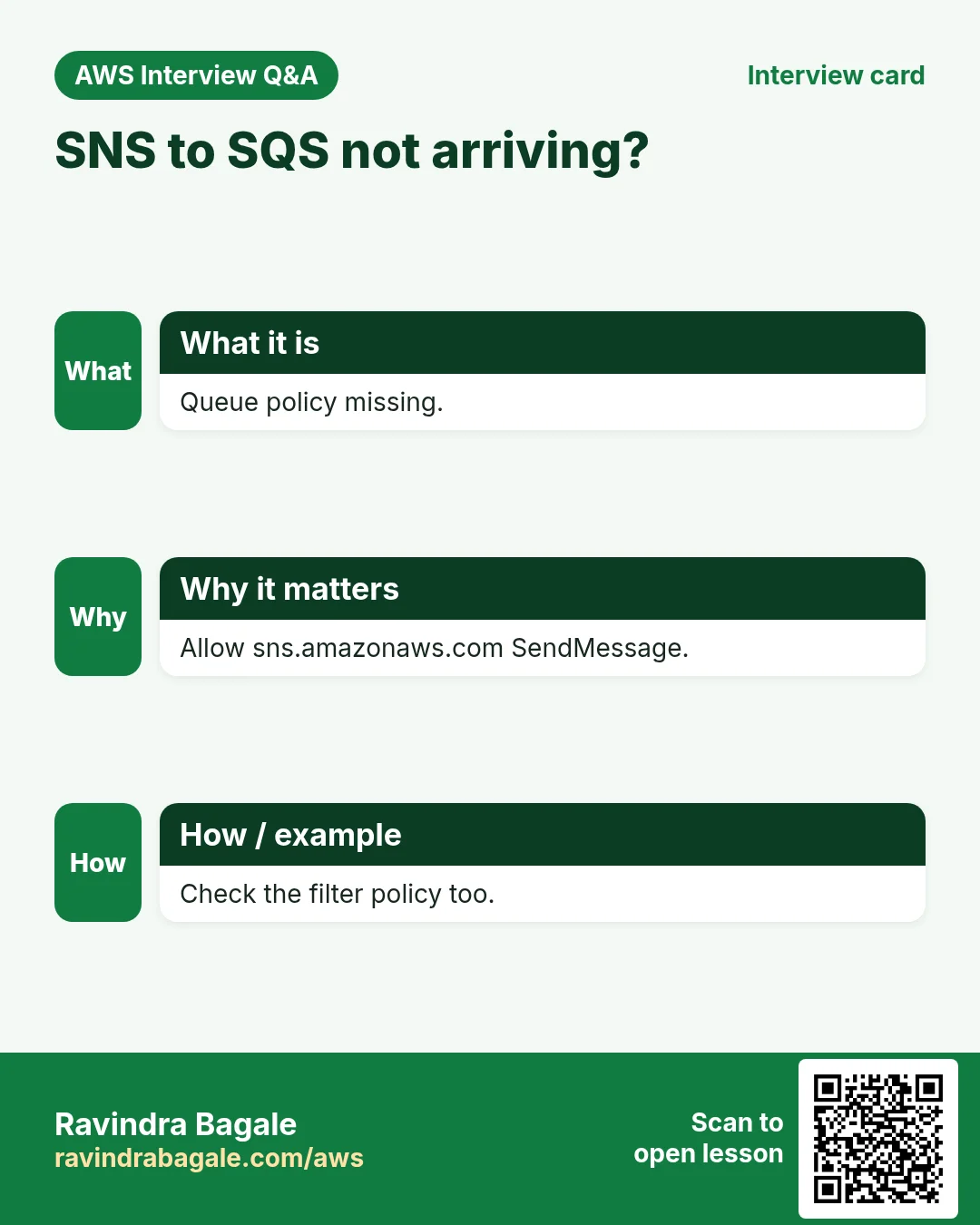
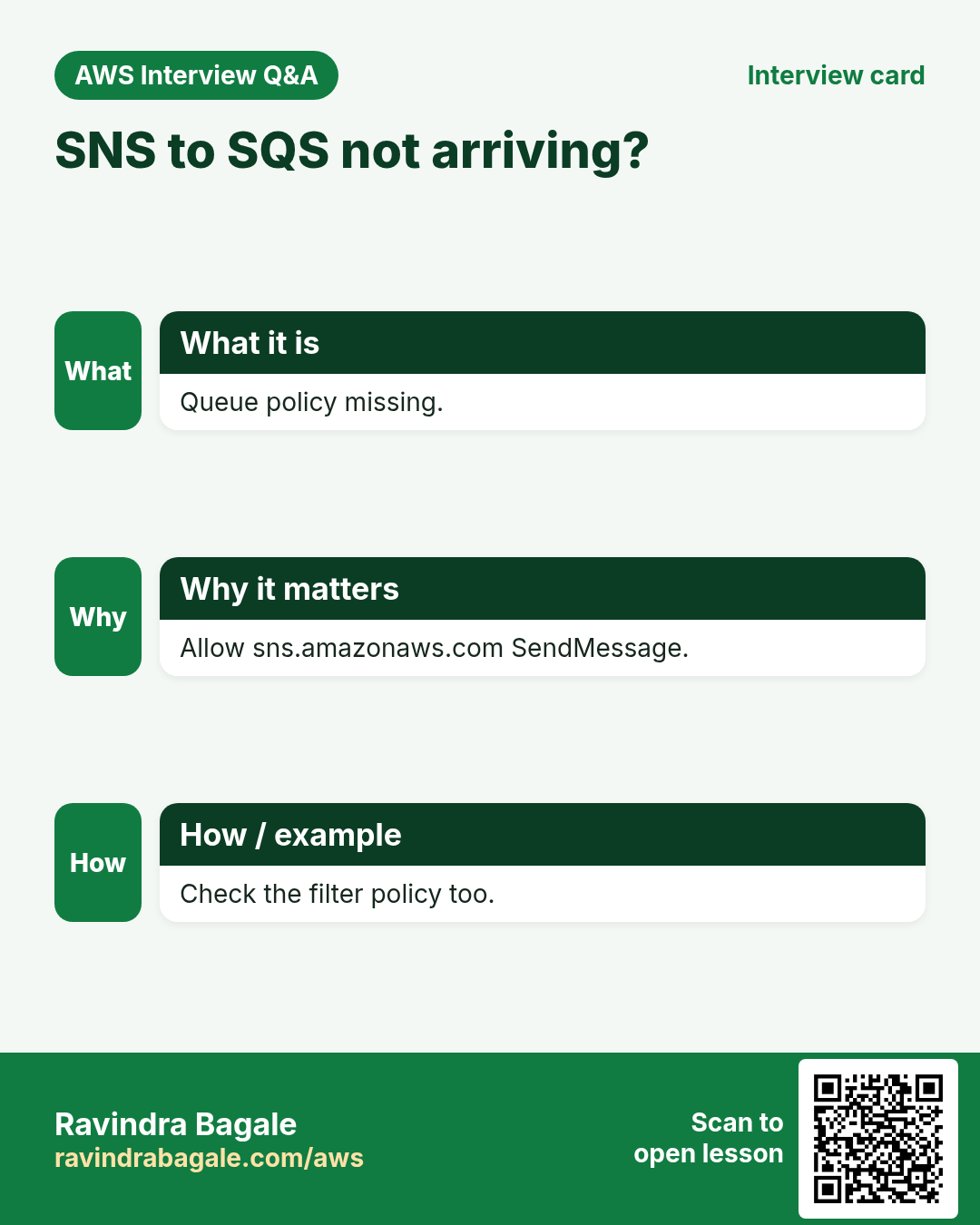
Email subscriptions stay PendingConfirmation until the link is clicked. For SQS, the queue policy permits delivery from the intended topic. A cross-account subscription created by someone other than the queue owner can also require confirmation.
- Python: subscribe an email.
r = sns.subscribe(TopicArn=arn, Protocol="email",
    Endpoint="emma@rail.example.co.uk", ReturnSubscriptionArn=True)
print(r["SubscriptionArn"])
Expected output:
arn:aws:sns:eu-west-2:123456789012:train-delays:4a1b... (pending until Emma clicks Confirm)- Node.js: subscribe an SQS queue with raw delivery.
import { SubscribeCommand } from "@aws-sdk/client-sns";
const r = await sns.send(new SubscribeCommand({
  TopicArn, Protocol: "sqs",
  Endpoint: "arn:aws:sqs:eu-west-2:123456789012:mumbai-app",
  Attributes: { RawMessageDelivery: "true" }, ReturnSubscriptionArn: true,
}));
console.log(r.SubscriptionArn);
Expected output:
arn:aws:sns:eu-west-2:123456789012:train-delays:9c7d...- PHP: allow the topic to send to the queue.
<?php
$sqs = new Aws\Sqs\SqsClient(["region" => "eu-west-2"]);
$policy = ["Version" => "2012-10-17", "Statement" => [[
  "Effect" => "Allow", "Principal" => ["Service" => "sns.amazonaws.com"],
  "Action" => "sqs:SendMessage", "Resource" => "arn:aws:sqs:eu-west-2:123456789012:mumbai-app",
  "Condition" => ["ArnEquals" => ["aws:SourceArn" => $arn]]]]];
$sqs->setQueueAttributes(["QueueUrl" => $queueUrl, "Attributes" => ["Policy" => json_encode($policy)]]);
echo "policy set", PHP_EOL;
Expected output:
policy set- Verify: list subscriptions on the topic.
aws sns list-subscriptions-by-topic --topic-arn $ARN --query "Subscriptions[].[Protocol,SubscriptionArn]" --output textExpected output:
email   PendingConfirmation
sqs     arn:aws:sns:eu-west-2:123456789012:train-delays:9c7d...
4. Publish and filter
Use the train-delays topic and the email filter in the example. It selects city=manchester and a numeric minutes value greater than 10. A Manchester event with 22 minutes satisfies both conditions, a Mumbai event with 15 minutes fails the city condition, and a Manchester event with 10 fails the strict numeric comparison. All three can be accepted by SNS while only the first reaches that email subscription once the filter takes effect.
Each subscription has its own rules. The sample queue subscription enables raw delivery, which controls the message format. To restrict that queue to Mumbai events, set a separate filter policy on the queue subscription ARN with {"city":["mumbai"]}. After the filter update takes effect, verify that the Mumbai queue gets the Mumbai sample while the confirmed email gets the Manchester 22-minute sample. Read the attributes and destination on each test before repeating the publish.
Publish sends one event to the SNS topic, and the topic evaluates each subscription separately. A filter can look at message attributes or the JSON message body depending on the configured filter scope. If the subscription looks at attributes, placing department=inventory only in the body does not create the attribute it expects.
Build two synthetic publishes whose only relevant difference is the chosen filter field. Use the provider’s response to confirm both were accepted and then check which subscriber got each event. Allow time for a modified filter to take effect before diagnosing. If only one destination fails, inspect its subscription and delivery permissions before changing the publisher.
Mumbai passengers should not get Manchester delays, and only delays over 10 minutes should email Emma.
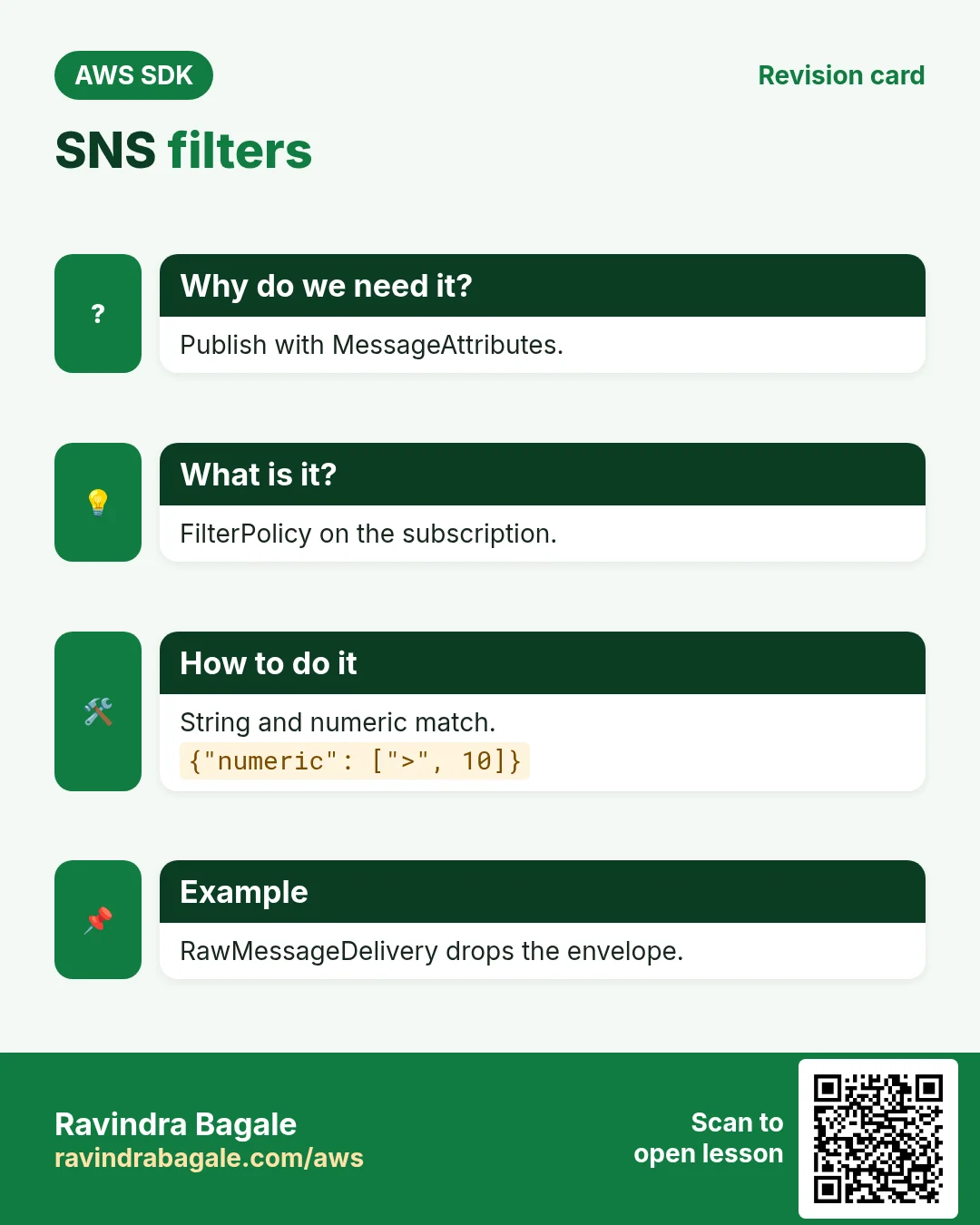
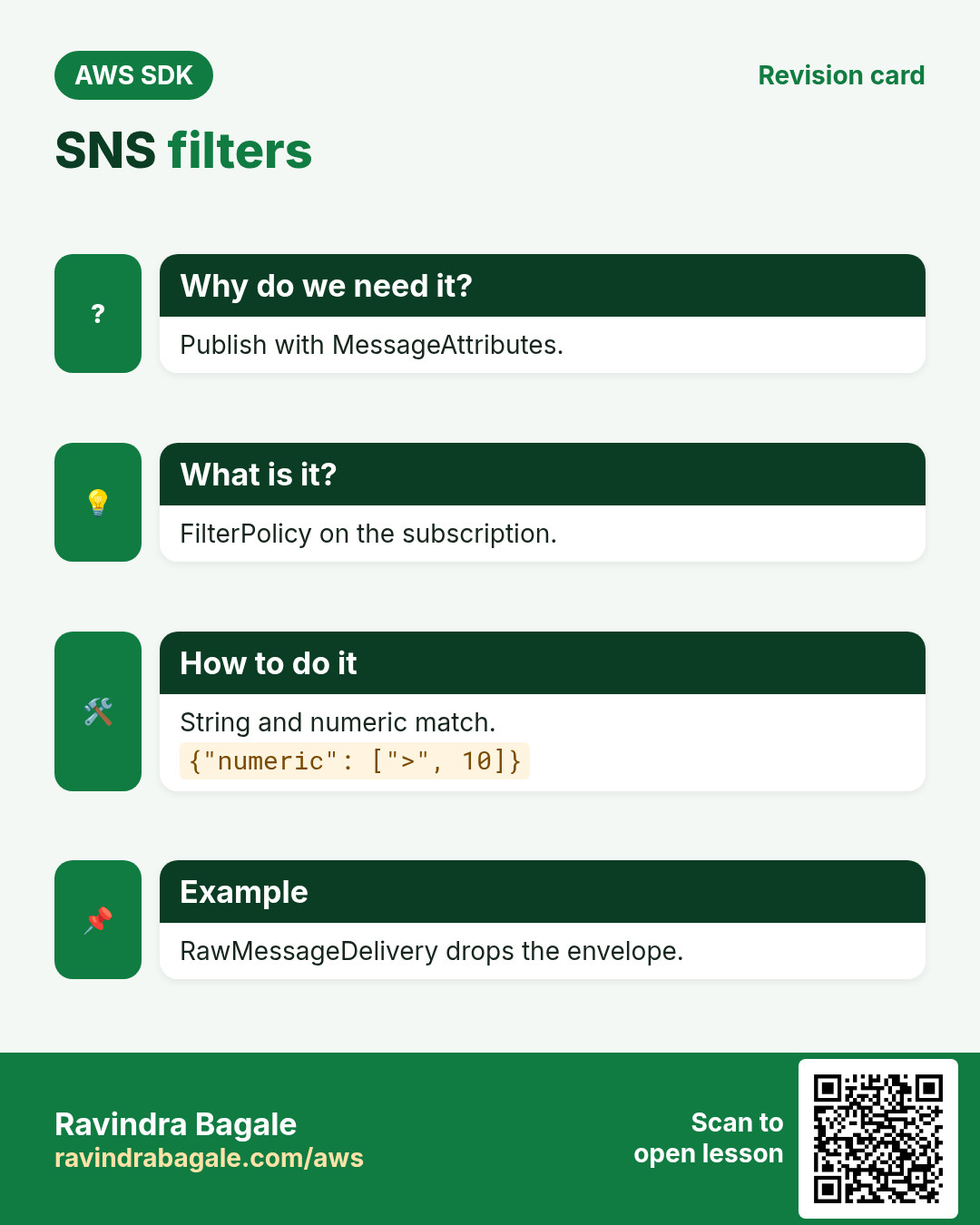
Publish with MessageAttributes; set a FilterPolicy on each subscription. Numeric and string matching are supported.
- Python: set a filter on the email subscription.
sns.set_subscription_attributes(SubscriptionArn=email_sub,
    AttributeName="FilterPolicy",
    AttributeValue=json.dumps({"city": ["manchester"], "minutes": [{"numeric": [">", 10]}]}))
print("filter ok")
Expected output:
filter ok- Node.js: publish a Mumbai delay.
import { PublishCommand } from "@aws-sdk/client-sns";
const r = await sns.send(new PublishCommand({
  TopicArn, Subject: "Delay",
  Message: JSON.stringify({ train: "Virar fast 08:12", minutes: 15 }),
  MessageAttributes: {
    city: { DataType: "String", StringValue: "mumbai" },
    minutes: { DataType: "Number", StringValue: "15" } },
}));
console.log(r.MessageId);
Expected output:
e2a1c0d4-5b6f-5a0e-9d7c-1f2e3d4c5b6a (queue gets it, Emma does not)- PHP: publish a Manchester delay.
<?php
$r = $sns->publish(["TopicArn" => $arn, "Subject" => "Delay: 07:45 to Leeds",
  "Message" => "The 07:45 to Leeds is 22 minutes late. Refund up to £8.40.",
  "MessageAttributes" => [
    "city" => ["DataType" => "String", "StringValue" => "manchester"],
    "minutes" => ["DataType" => "Number", "StringValue" => "22"]]]);
echo $r["MessageId"], PHP_EOL;
Expected output:
7b3f... (Emma gets the email)- Verify: read the message on the queue.
aws sqs receive-message --queue-url $MUMBAI_URL --wait-time-seconds 10 --query "Messages[0].Body" --output textExpected output:
{"train":"Virar fast 08:12","minutes":15}5. Send an SMS
A single passenger in Pune who booked by phone gets a text, no topic needed.
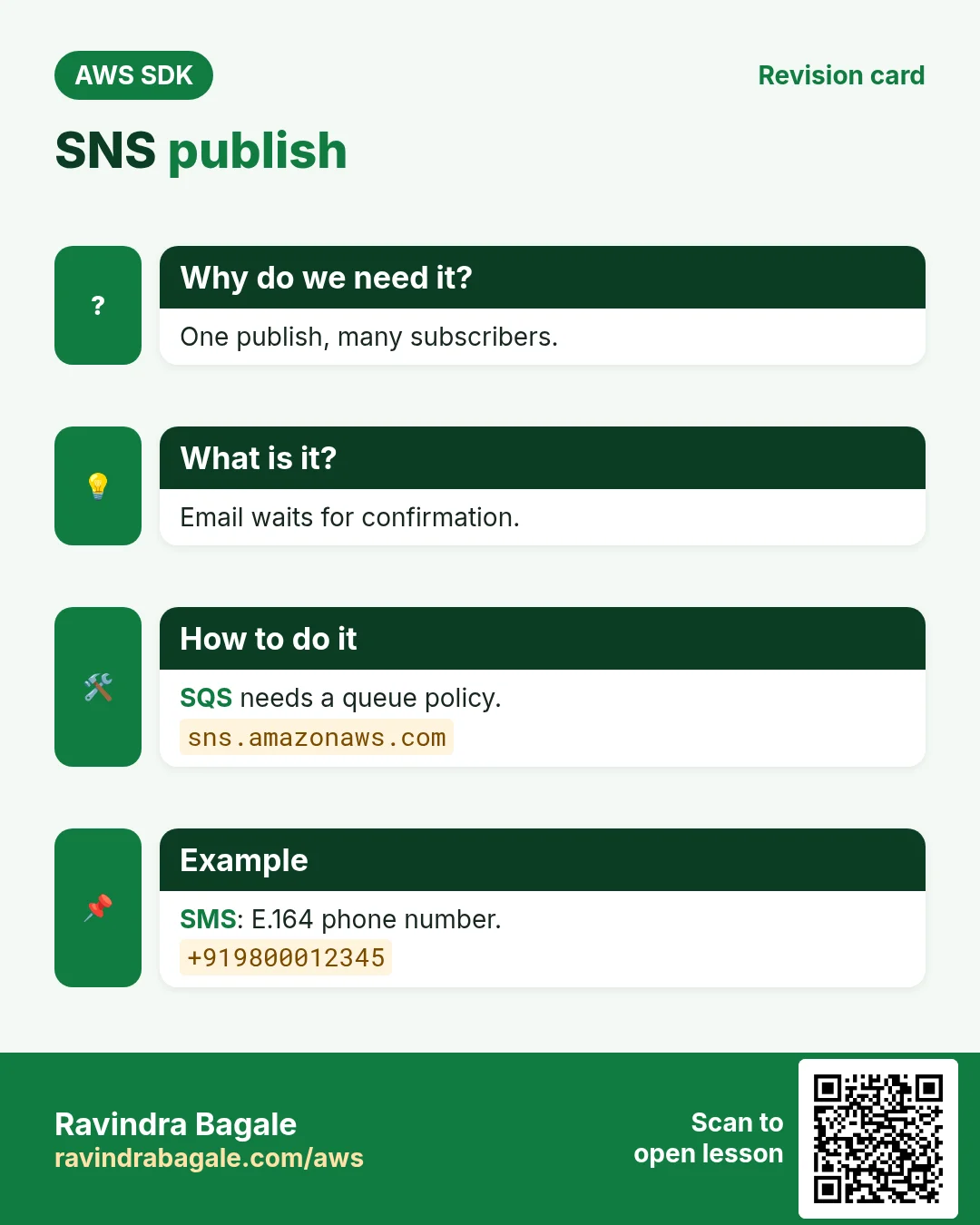
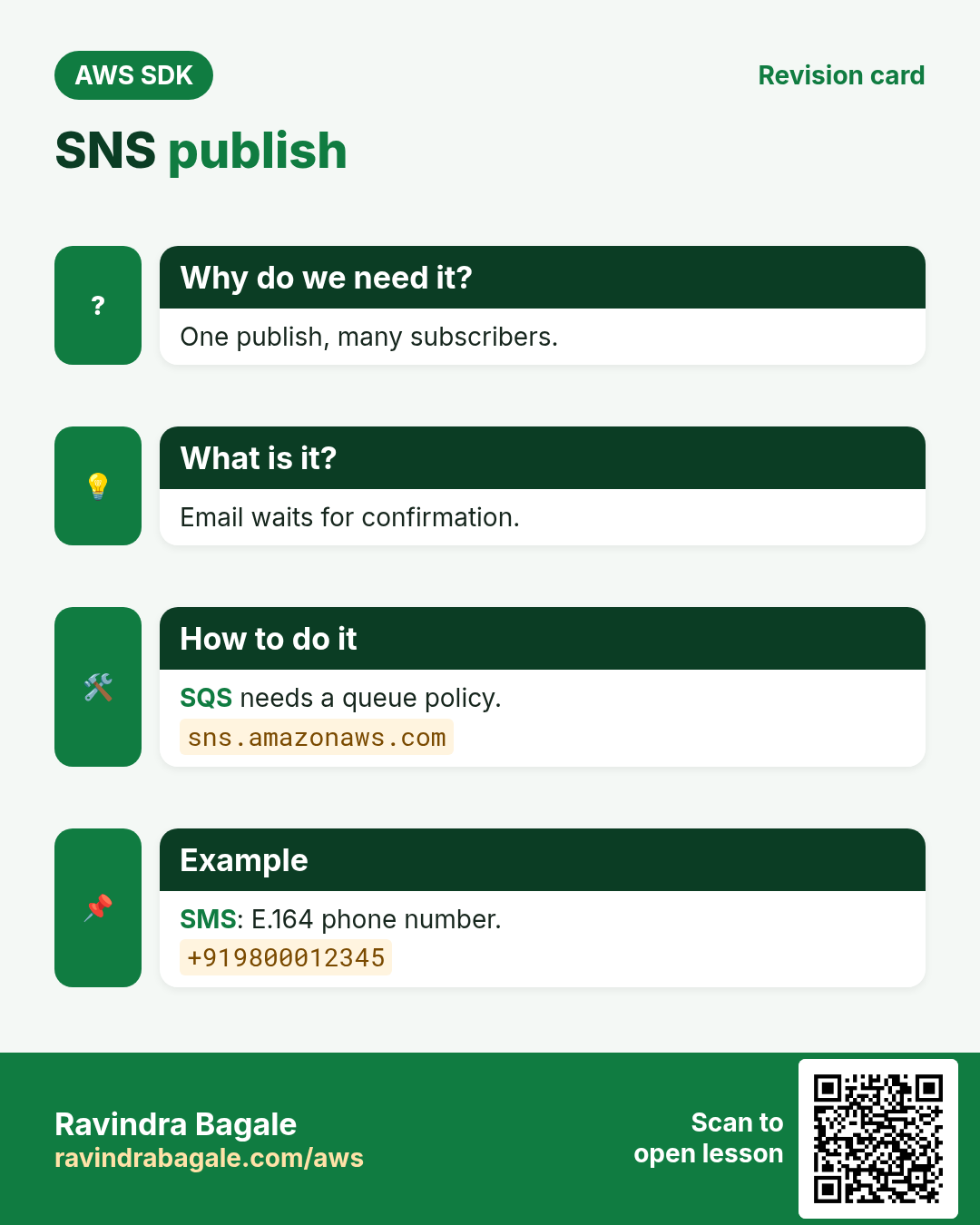
Publish with PhoneNumber in E.164 format. Accounts start in the SMS sandbox, so verify the number first; set SMSType to Transactional for alerts.
- Python.
r = sns.publish(PhoneNumber="+919800012345",
    Message="Deccan Queen delayed 20 min. New dep 07:35.",
    MessageAttributes={"AWS.SNS.SMS.SMSType": {"DataType": "String", "StringValue": "Transactional"}})
print(r["MessageId"])
Expected output:
0c9a2f1e-...- Node.js.
const r = await sns.send(new PublishCommand({ PhoneNumber: "+447700900123", Message: "Your 07:45 to Leeds is now 08:07." }));
console.log(r.MessageId);
Expected output:
3d8e...- PHP: add a sandbox number to verify.
<?php
$sns->createSMSSandboxPhoneNumber(["PhoneNumber" => "+919800012345", "LanguageCode" => "en-US"]);
echo "OTP sent", PHP_EOL;
Expected output:
OTP sent- Verify: check sandbox status.
aws sns get-sms-sandbox-account-status --region eu-west-2Expected output:
{"IsInSandbox": true}6. The same call in Java, Go, .NET and the CLI
Teams often mix languages. Once you know the call in Python, PHP and Node.js, the other SDKs are the same API with different syntax.
All of them call the Publish API. Use the CLI line to test it quickly from a terminal.
| Stack | Code |
|---|---|
| AWS CLI | aws sns publish --topic-arn $ARN --message "07:45 late" --message-attributes '{"city":{"DataType":"String","StringValue":"manchester"}}' |
| Java v2 | sns.publish(b -> b.topicArn(arn).message("07:45 late")); |
| Go v2 | client.Publish(ctx, &sns.PublishInput{TopicArn: aws.String(arn), Message: aws.String("07:45 late")}) |
| .NET | await sns.PublishAsync(new PublishRequest { TopicArn = arn, Message = "07:45 late" }); |
7. Clean up so nothing keeps costing
Lab resources left running cost money and can be a security risk.
Delete in reverse order: children first, then parents.
- Delete the topic (its subscriptions go with it).
aws sns delete-topic --topic-arn $ARN --region eu-west-2Expected output:
(no output means success)Ravindra Bagale's Tip
Put the filter on the subscription, not in the consumer code; SNS then never sends what is not needed, and you pay less.
8. Interview questions and answers
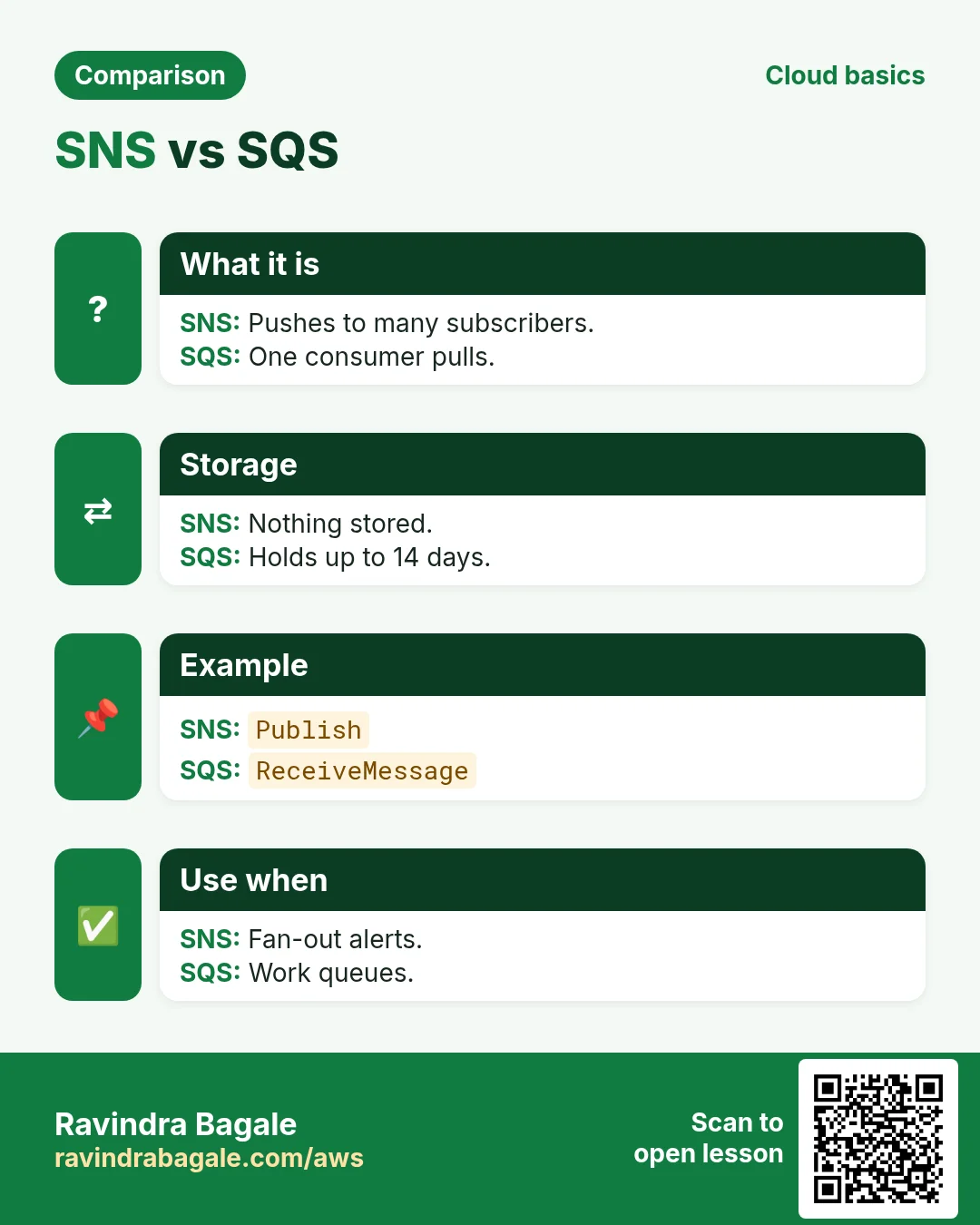
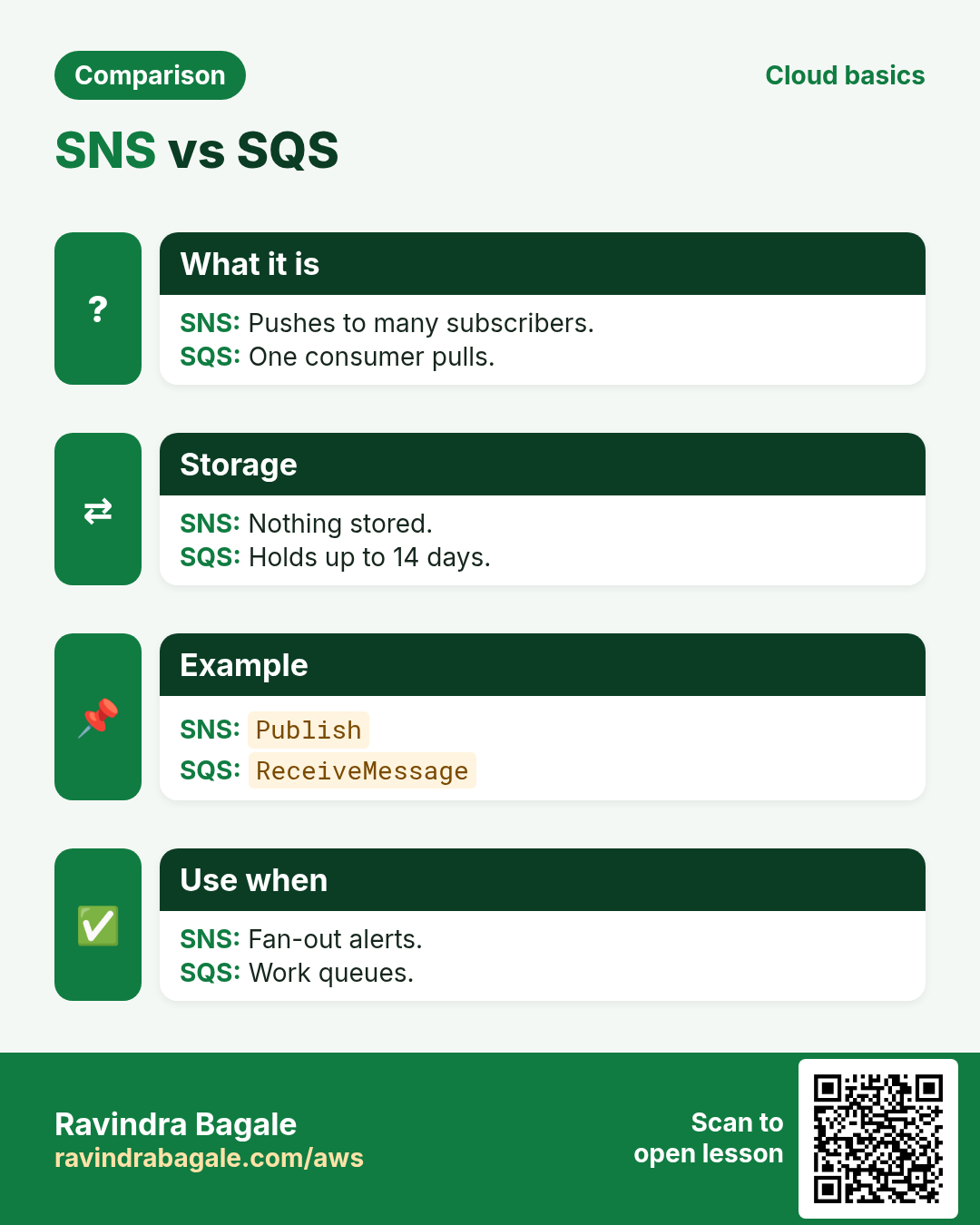
Q. SNS vs SQS?
SNS pushes to many subscribers; SQS holds messages until one consumer pulls them.
Q. What is fan-out?
One SNS topic delivering to several SQS queues, each processed independently.
Q. Why does an email subscription stay pending?
The recipient must click the confirmation link.
Q. What does RawMessageDelivery do?
Sends only the message body to SQS/HTTP without the SNS JSON envelope.
Q. How do filter policies match?
Against message attributes (or body with FilterPolicyScope MessageBody).
Try at home
- Add a Lambda subscriber in Node.js that logs every delay.
- Create a second queue for Manchester and show fan-out with one publish.
In short
- CreateTopic → TopicArn.
- Subscribe email/SQS/Lambda.
- Publish with attributes.
- FilterPolicy on subscriptions.
- SMS via PhoneNumber.
Check two contrasting messages for one filter
Publish two dummy events where only one matches the subscription filter. Verify the filter scope (attributes or message body) and inspect delivered queue content. Allow time for filter policy changes to propagate.
Interview check Why did a valid publish not reach a subscriber?
A filter can intentionally exclude it. Also check confirmation, queue policy and SNS delivery results; publish success is separate from delivery.
Practise this chapter
Interview questions and answers
What is a reliable way to prove an SNS filter matches the right messages?
I would verify the subscription’s filter scope, then publish two synthetic events differing only in that field and wait for the filter to take effect. I would inspect the subscriber’s results, since successful Publish responses show acceptance and cannot prove the filter decision.
Check your understanding
Choose an answer, then compare your reasoning with the explanation.
Practice Tasks
Practice checks run in your browser. They check the answer for this exercise; they do not create resources or connect to your AWS account.
About this scenarioLatur Coaching Classes is a coaching business in Latur. Pooja Jadhav looks after its IT and cloud work. They count money in INR and run their AWS resources in the ap-south-1 Region. In the tasks below you do real jobs for them using what this lesson teaches. All names, account IDs, IP addresses and numbers are made up for practice.
0 / 11
Easy Publish to one topic
An alerting app only needs to publish.
Allow sns:Publish on arn:aws:sns:ap-south-1:123666135775:laturcoaching-alerts only.
- Start with { "Version": "2012-10-17", "Statement": [ ... ] }.
- In each statement write Effect, Action and Resource.
- Give only what the task needs (least privilege).
- Use double quotes and commas correctly. Click Check answer.
Easy Publish a message
One publish reaches email, SMS, SQS and Lambda subscribers together.
Publish the message "Stock low in Latur" with subject "Stock alert" to arn:aws:sns:ap-south-1:123666135775:laturcoaching-alerts.
- Read the task and decide which AWS service it is about.
- Write aws, then the service name, then the operation (the action word).
- Add each needed flag (--name) followed by its value from the task.
- Flags can be in any order. Click Check answer.
Easy Create an SNS topic
A topic is a channel: publish once, every subscriber gets it.
Create topic laturcoaching-alerts.
- Read the task and decide which AWS service it is about.
- Write aws, then the service name, then the operation (the action word).
- Add each needed flag (--name) followed by its value from the task.
- Flags can be in any order. Click Check answer.
Easy Create a queue
A queue holds work safely until a worker is ready.
Create queue laturcoaching-orders.
- Read the task and decide which AWS service it is about.
- Write aws, then the service name, then the operation (the action word).
- Add each needed flag (--name) followed by its value from the task.
- Flags can be in any order. Click Check answer.
Medium Send an SMS directly
SNS can send a one-off SMS to a phone number without a topic.
Send the SMS "Your OTP is 482913" to +919800000001.
- Read the task and decide which AWS service it is about.
- Write aws, then the service name, then the operation (the action word).
- Add each needed flag (--name) followed by its value from the task.
- Flags can be in any order. Click Check answer.
Medium Producer may only send
The web app should add jobs but never read or delete them.
Allow sqs:SendMessage on arn:aws:sqs:ap-south-1:123666135775:laturcoaching-orders only.
- Start with { "Version": "2012-10-17", "Statement": [ ... ] }.
- In each statement write Effect, Action and Resource.
- Give only what the task needs (least privilege).
- Use double quotes and commas correctly. Click Check answer.
Medium Subscribe an email
Email subscribers must click the confirm link before they receive messages.
Subscribe ops@laturcoaching.in by email to arn:aws:sns:ap-south-1:123666135775:laturcoaching-alerts.
- Read the task and decide which AWS service it is about.
- Write aws, then the service name, then the operation (the action word).
- Add each needed flag (--name) followed by its value from the task.
- Flags can be in any order. Click Check answer.
Medium Delete a processed message
If you do not delete it, the message comes back after the visibility timeout.
Delete the message with receipt handle stored in $RH from https://sqs.ap-south-1.amazonaws.com/123666135775/laturcoaching-orders.
- Read the task and decide which AWS service it is about.
- Write aws, then the service name, then the operation (the action word).
- Add each needed flag (--name) followed by its value from the task.
- Flags can be in any order. Click Check answer.
Hard Add a subscription filter policy
A filter policy sends a subscriber only the messages it cares about.
Set the FilterPolicy of subscription arn:aws:sns:ap-south-1:123666135775:laturcoaching-alerts:4b1c-77 to {"type":["refund"]}.
- Read the task and decide which AWS service it is about.
- Write aws, then the service name, then the operation (the action word).
- Add each needed flag (--name) followed by its value from the task.
- Flags can be in any order. Click Check answer.
Hard Subscribe a queue to a topic
Fan-out: one SNS message is copied to many SQS queues for different workers.
Subscribe queue arn:aws:sqs:ap-south-1:123666135775:laturcoaching-billing to arn:aws:sns:ap-south-1:123666135775:laturcoaching-alerts.
- Read the task and decide which AWS service it is about.
- Write aws, then the service name, then the operation (the action word).
- Add each needed flag (--name) followed by its value from the task.
- Flags can be in any order. Click Check answer.
Hard Attach a dead-letter queue
After a few failed tries, bad messages move to a DLQ instead of blocking the queue.
Set the attributes in attrs.json (a RedrivePolicy) on https://sqs.ap-south-1.amazonaws.com/123666135775/laturcoaching-orders.
- Read the task and decide which AWS service it is about.
- Write aws, then the service name, then the operation (the action word).
- Add each needed flag (--name) followed by its value from the task.
- Flags can be in any order. Click Check answer.
Revision, comparison and interview cards
Revise this lesson in a few minutes. Save the cards on your phone or download them as PNG files. The QR code on each card opens this lesson.
More cards: Ravi Sir's Cards.