Project: Build an Order Workflow with Step Functions, Lambda, DynamoDB and SNS (Source Code)
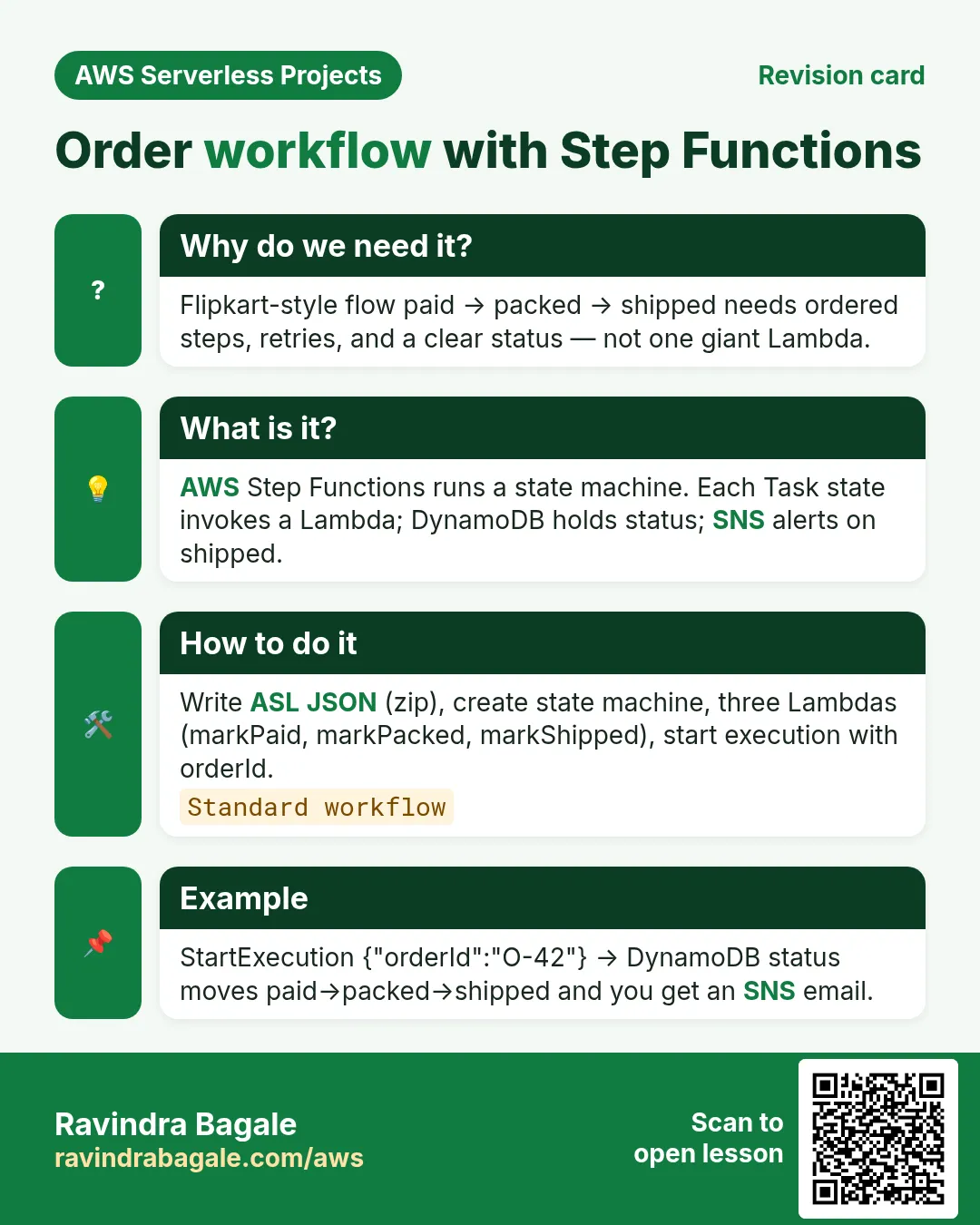
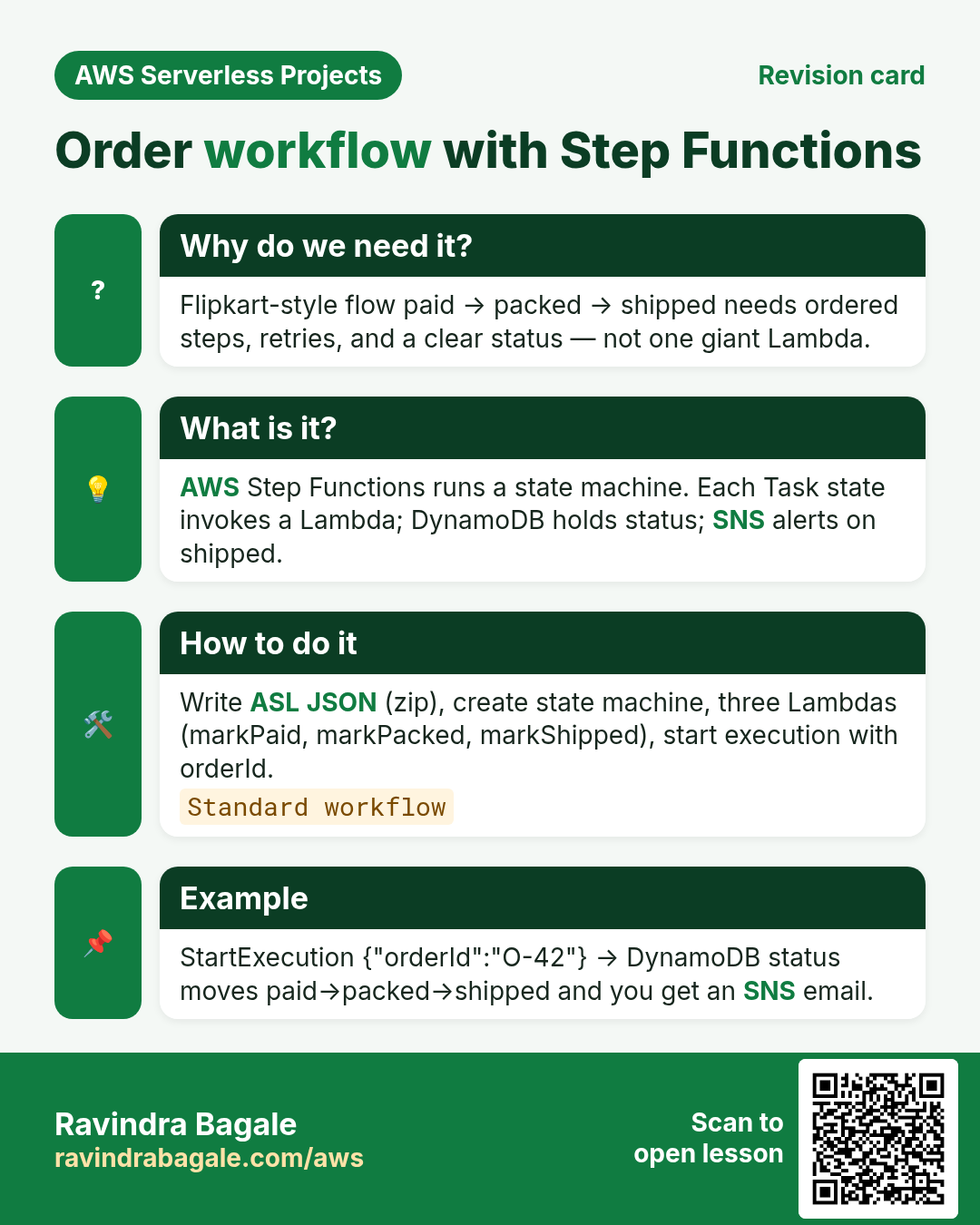
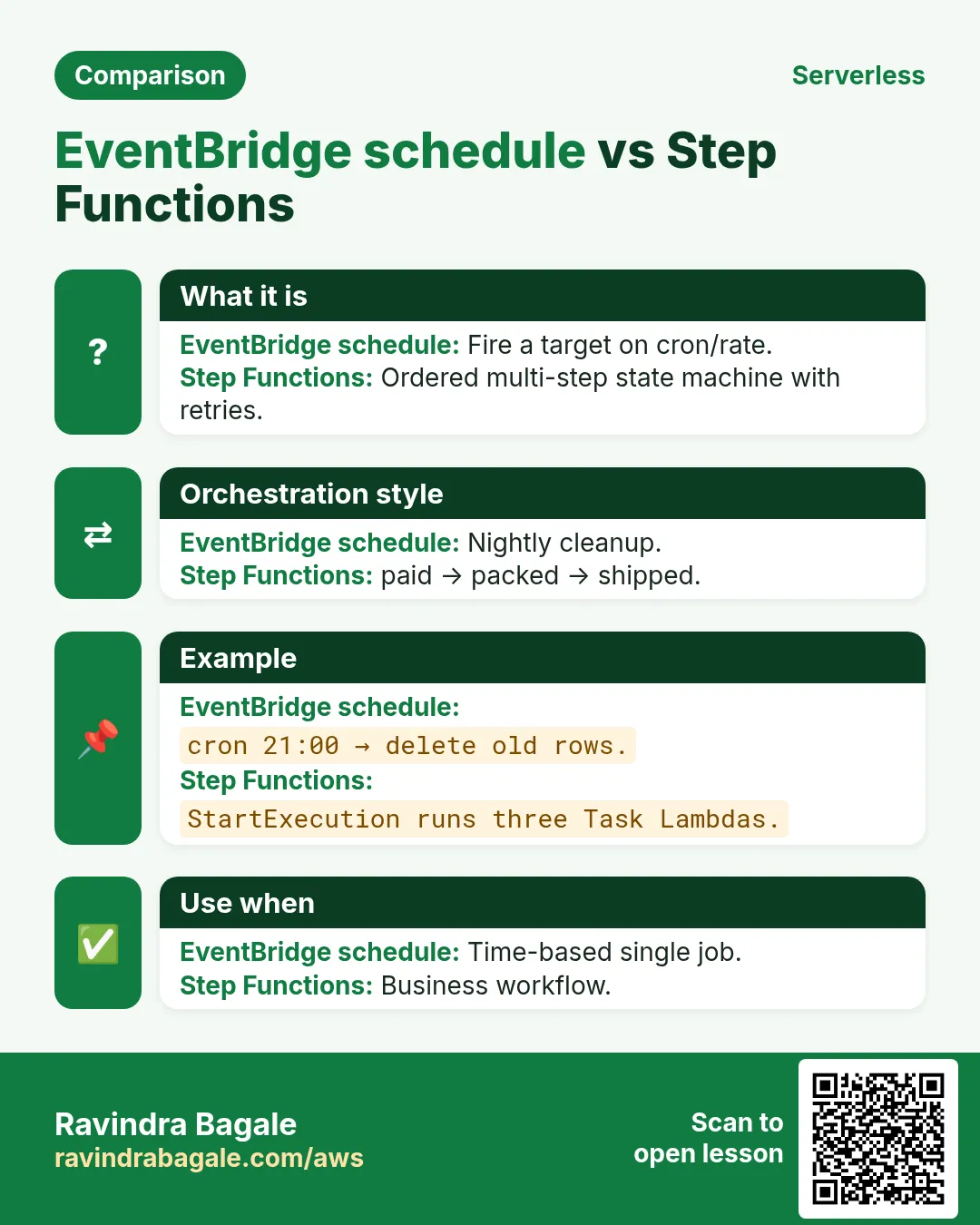
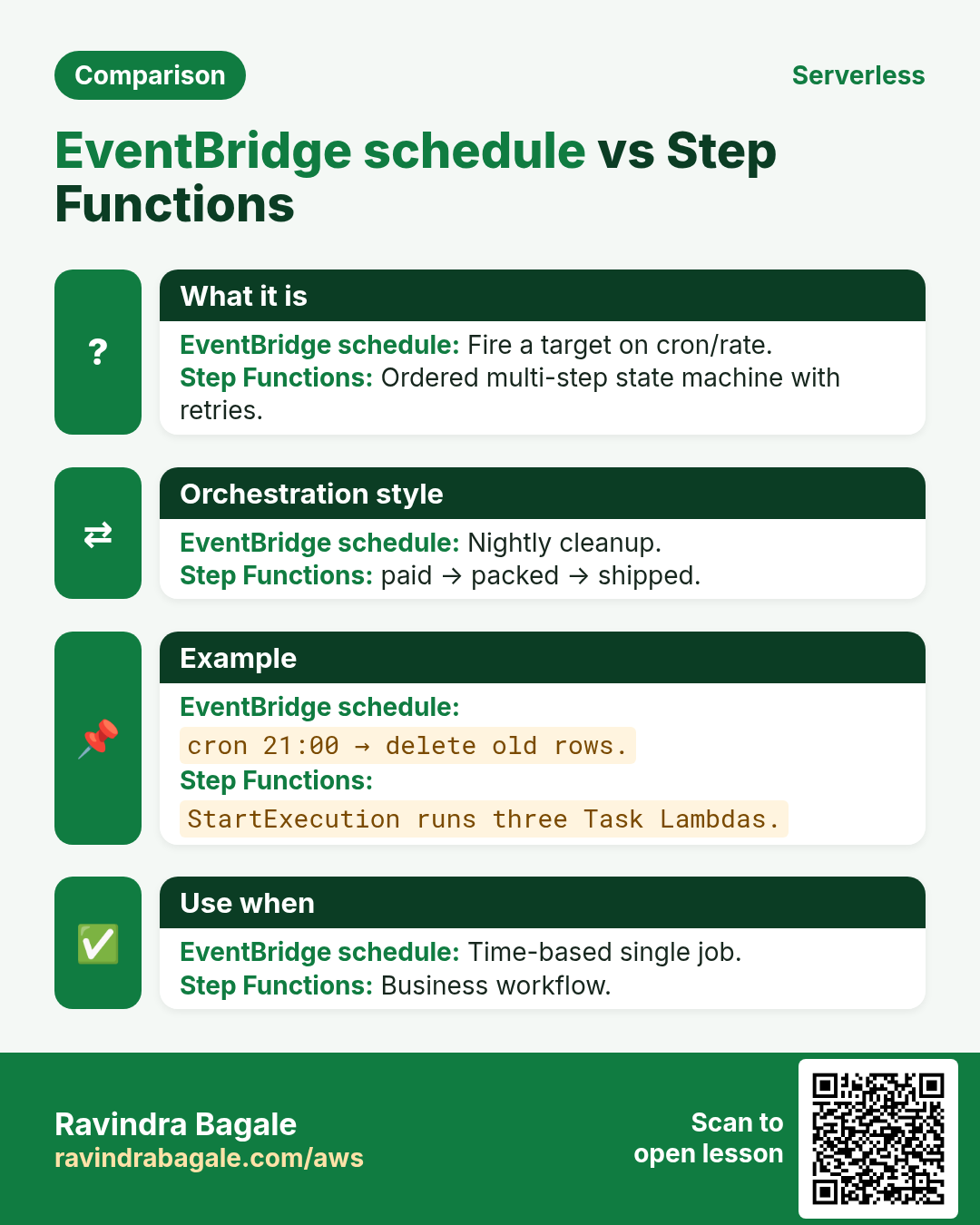
Flipkart order flow: paid → packed → shipped. Step Functions runs each Lambda step in order, updates DynamoDB, then SNS alerts you. ASL definition is in the zip.
In this chapter
- Write a linear state machine
- Wire task Lambdas + DynamoDB
- SNS on completion
- Start execution and cleanup
1. Everyday example
If you chain Lambdas with raw invoke, failures and retries get messy. Step Functions shows every step, retries, and the input/output path.
State machine: MarkPaid → MarkPacked → MarkShipped → Notify. Each task Lambda sets status on orderId. Notify publishes SNS.
Download: order-workflow.zip — ASL + four Lambdas.
2. Lab
A. Table + SNS + Lambdas
A workflow describes an ordered series of steps. The Step Functions state machine stores those rules, and each run with a particular input is an execution. In this project, every state works with the same practice order ID. The Lambda tasks write the visible status values to DynamoDB. The final task sends an SNS alert so you can compare the notification with the stored result.
Picture a run for lab-1. The first task marks it paid, the next marks it packed, and the next marks it shipped. If the middle task cannot finish, stop and inspect that state’s output before reading the final table row. The state names in this lab represent simulated updates. A green status does not report a real payment or shipment.
- Table
yourname-workflow, PKorderId. - SNS topic
yourname-order-status+ email confirm. - Deploy mark_paid, mark_packed, mark_shipped, notify with shared role (DynamoDB + sns:Publish). Env TABLE_NAME / TOPIC_ARN.
B. State machine
ASL stands for Amazon States Language, the JSON format used to describe the workflow. A Task state tells Step Functions which service action to call and which state normally comes next. Replace the example function ARNs, which are identifiers for AWS resources, before starting. The Step Functions role may invoke those functions. Each function’s role separately permits its own table or topic actions.
In the execution history, select the packing step and compare input and output. The same order ID should remain usable at the next step. Compare that trace with the table only after the execution reaches the end. If the notification fails after shipping is recorded, inspect that last state without treating the earlier writes as rolled back.
- Step Functions → Create state machine → Standard. Paste ASL from zip with real Lambda ARNs.
- IAM role for Step Functions to invoke those Lambdas (console can create it).
- Start execution with input
{"orderId":"lab-1","sku":"TEE-1"}. - Watch Graph view go green. Check DynamoDB status=shipped and email.
{
  "orderId": "lab-1",
  "sku": "TEE-1"
}
Cleanup
- Delete state machine. Delete Lambdas. Delete table, topic, roles.
- Old executions remain in history briefly — fine for lab.
Common errors and fixes
These are synthetic practice situations. Diagnose the signal before changing a resource; no infrastructure changes are needed to read this guide.
The second task cannot find orderId.
Inspect the actual state input and output in execution history. In a JSONPath workflow, a task result replaces the input by default unless ResultPath says otherwise. An integration can also return an envelope rather than just the business payload. Trace where orderId was lost before editing a database key or assuming that every Lambda result passes through unchanged.
Step Functions can invoke a Lambda, but its database write is denied.
The state-machine execution role permits orchestration actions such as invoking a task. The Lambda execution role controls that function access to DynamoDB or SNS. These are different principals. Identify the denied action and the role that made it; adding broad permissions to the orchestrator does not automatically give the task code those permissions.
A retry sends the completion alert twice.
Retry repeats a task attempt; it does not undo effects that happened before the previous failure. A publish may have succeeded before a later operation failed. Give the business operation a stable identity and track completed effects. Do not treat every error as permission to repeat payments, shipment requests or notifications without checking their durable outcomes.
Practical FAQ: decisions during real work
Does a green graph prove real payment and shipment?
Only the configured tasks and their reported outcomes were executed. MarkPaid and MarkShipped in this practice flow are status-writing steps, not evidence from a payment provider or a carrier. Keep the example synthetic. A real workflow needs verified external results and an explicit rule for when each business status is valid.
How are Retry and Catch different?
Retry attempts the matching failed state again under its policy. If retries do not resolve the error, a matching Catch can send execution to a fallback state. The fallback must make the failure visible and preserve useful order context. Reaching a terminal state after recovery is not automatically the same business outcome as successfully shipping an order.
Will a later failure roll back earlier database changes?
No automatic cross-service database transaction is created by drawing tasks in sequence. Earlier writes or notifications can remain after a later state fails. Design explicit recovery or compensation around real business rules, and record partial progress. Never assume that rerunning the whole graph resets an order to its starting state.
3. Interview
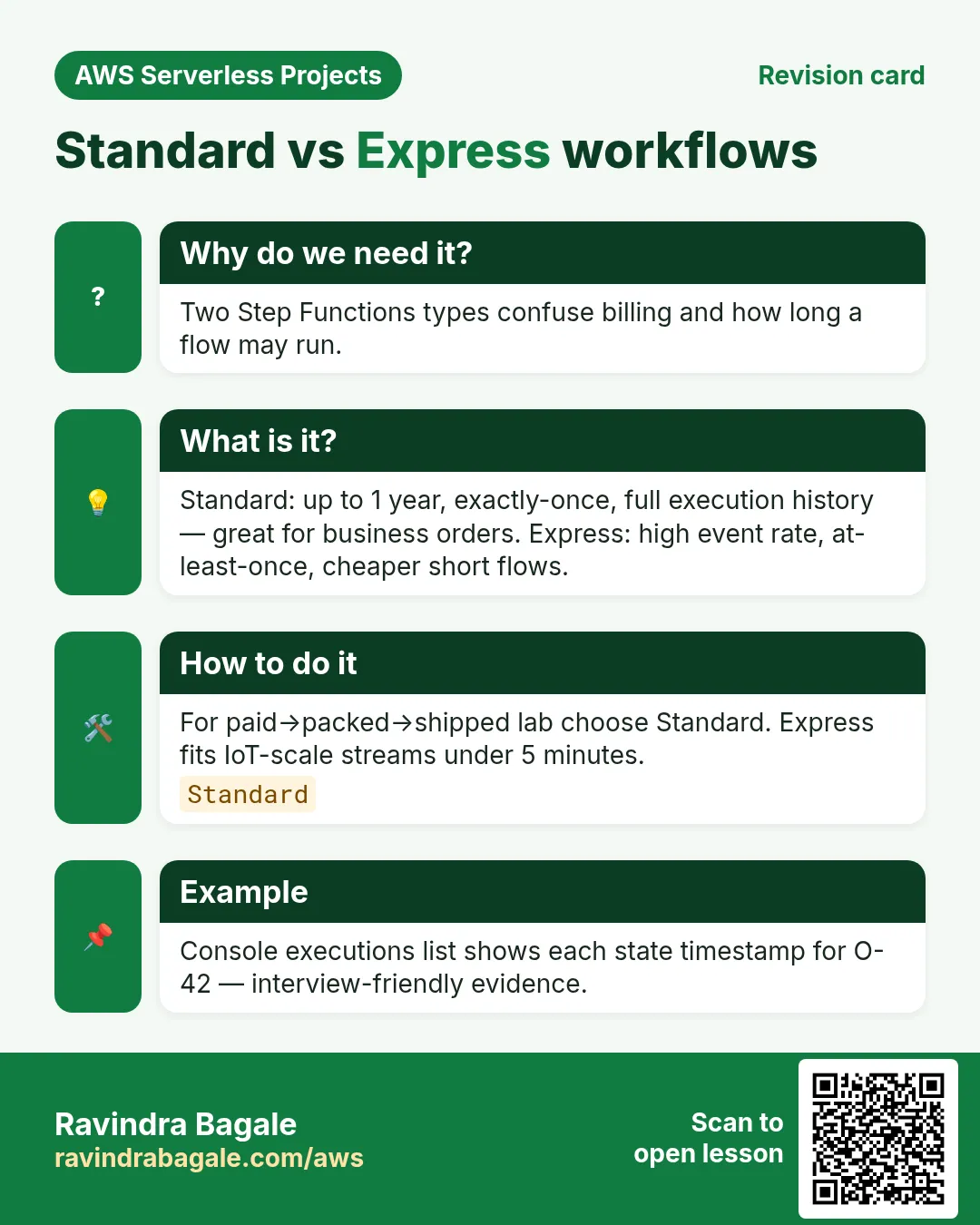
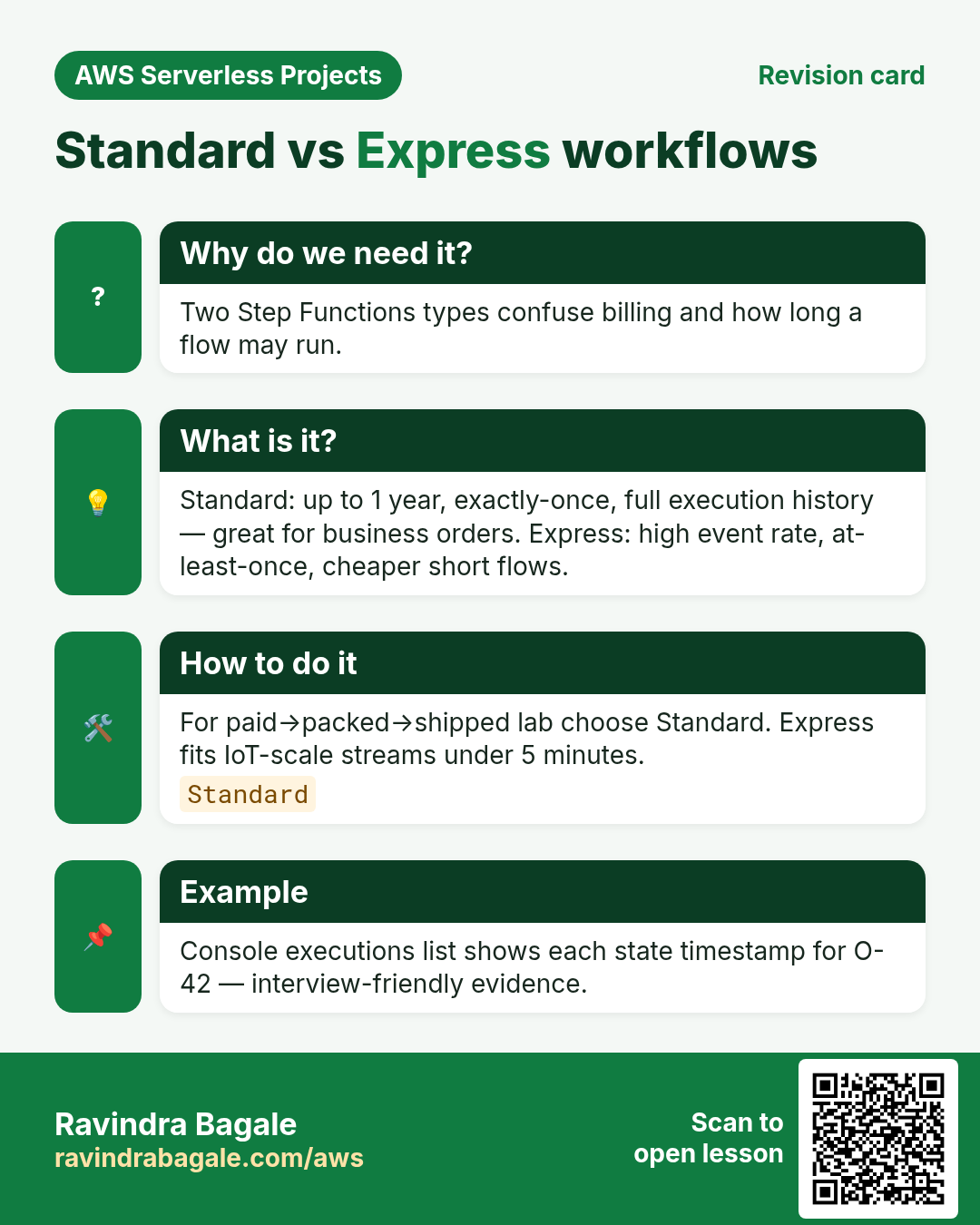
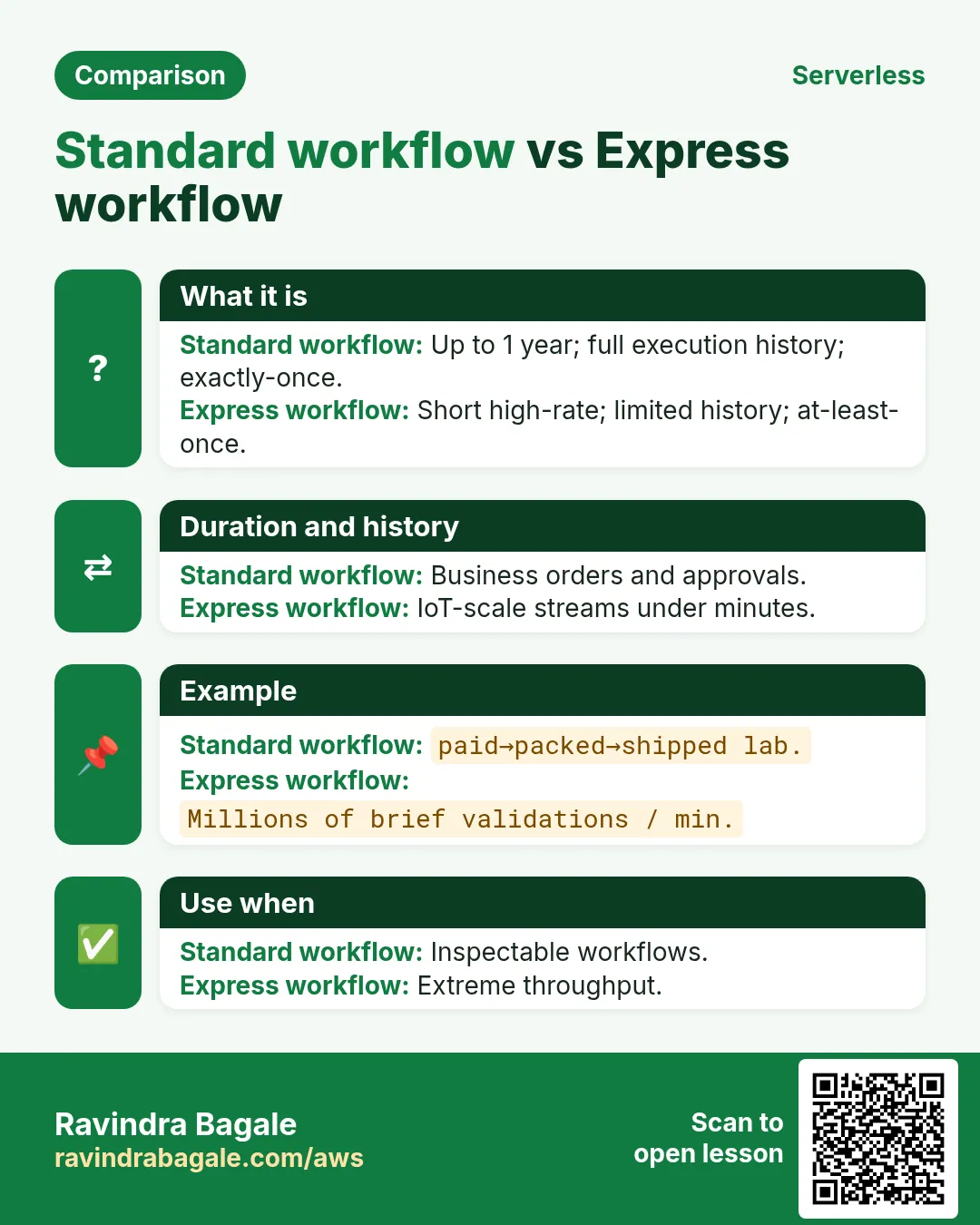
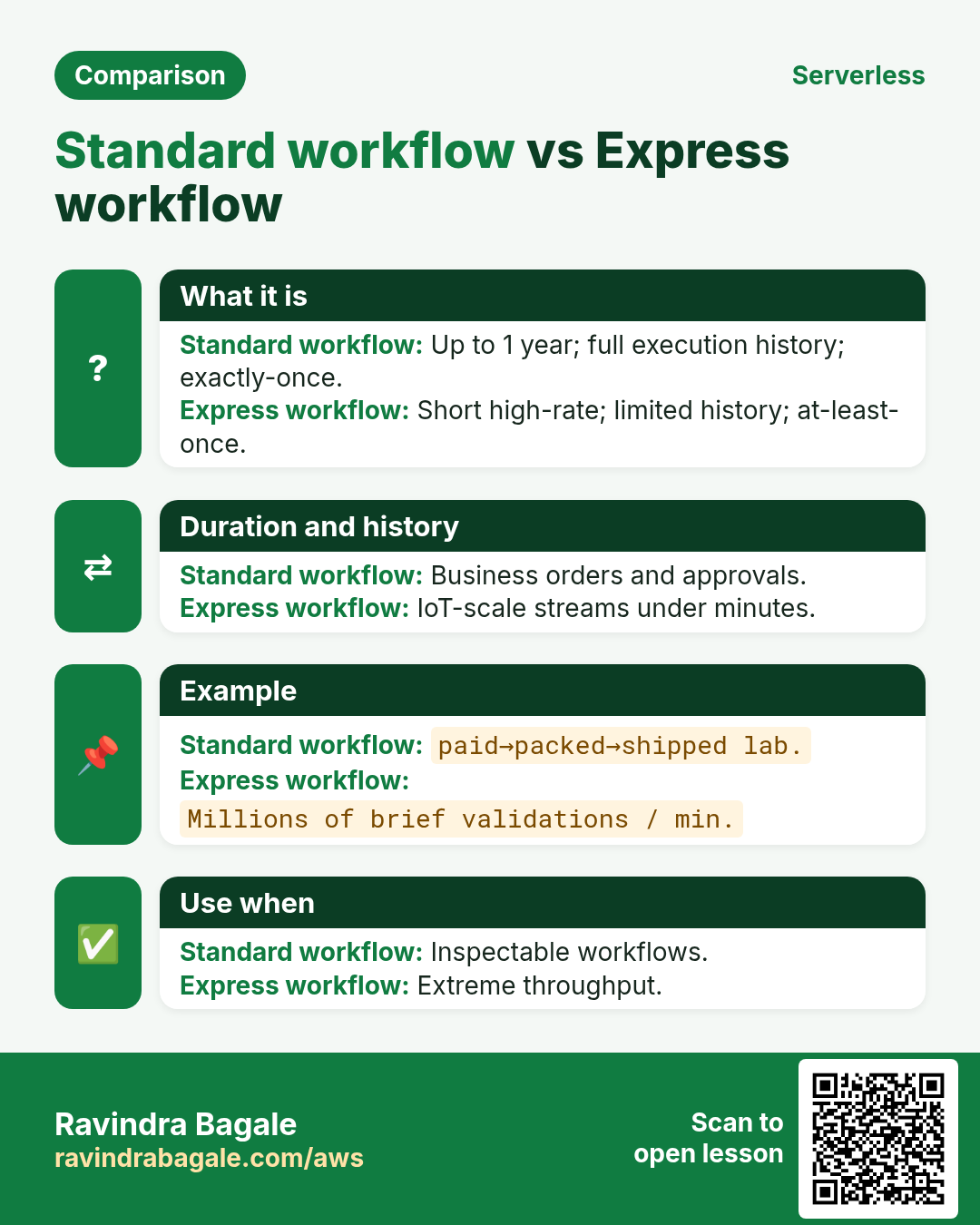
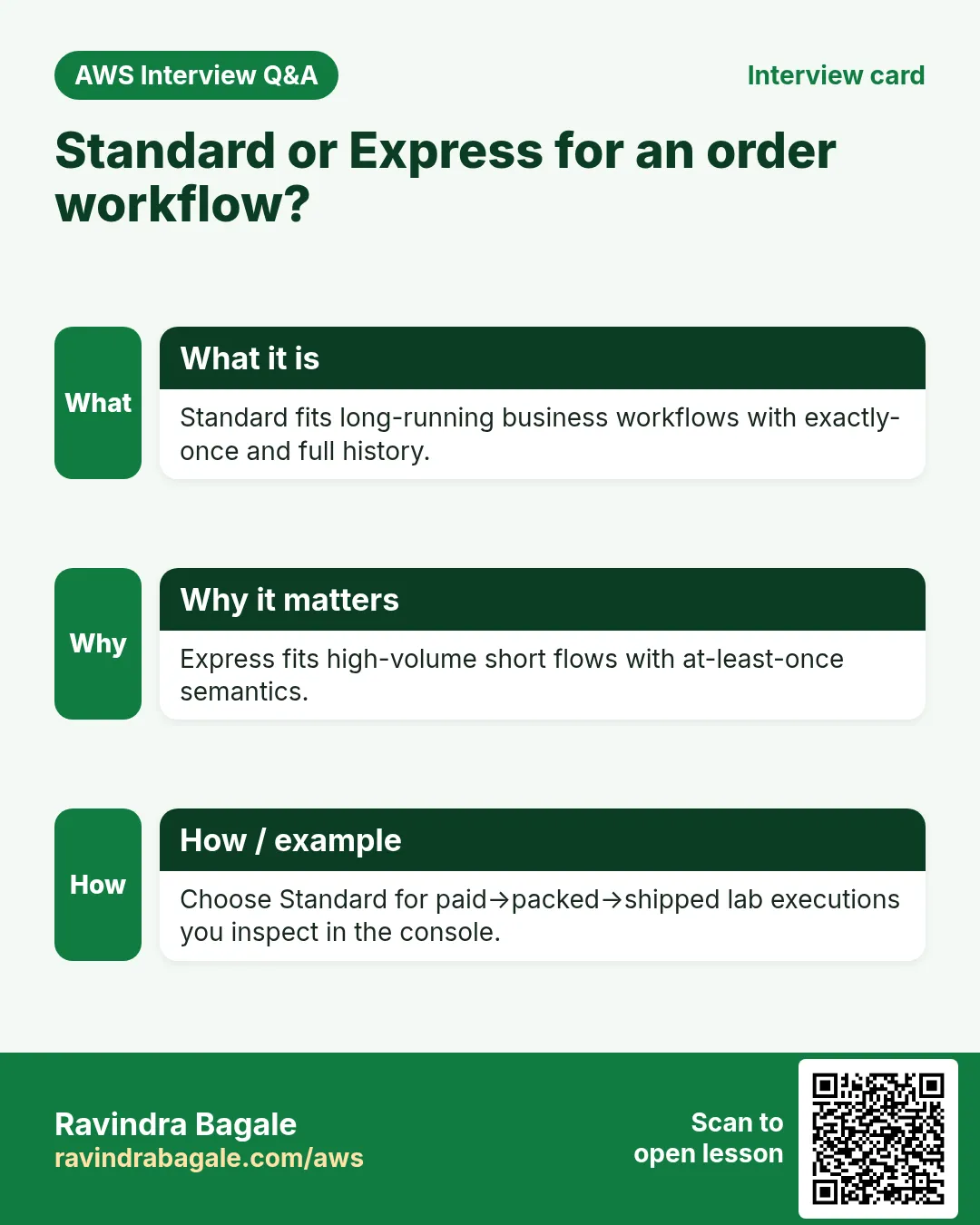
Q. Standard vs Express?
Standard for long audit workflows; Express for high-volume short flows.
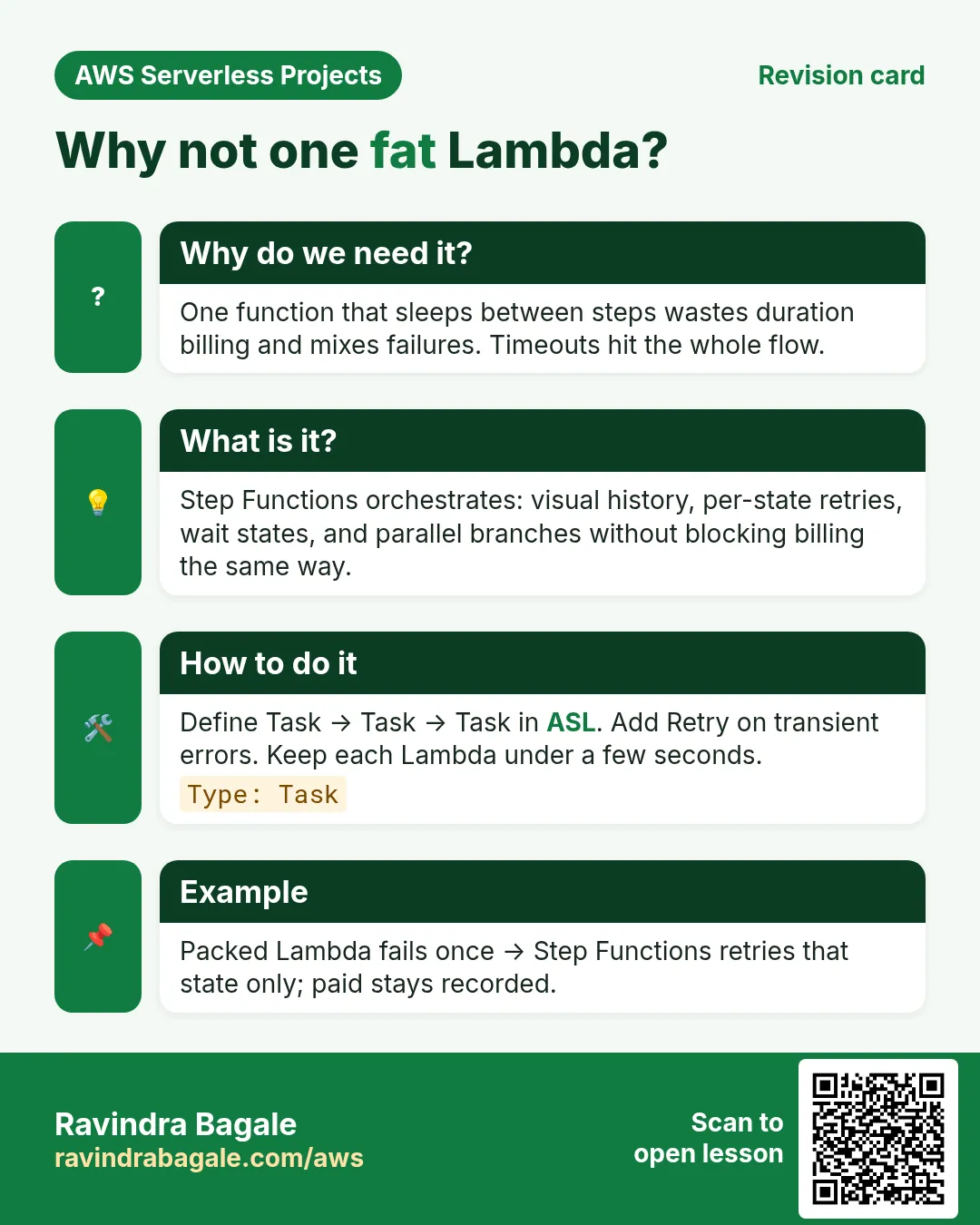
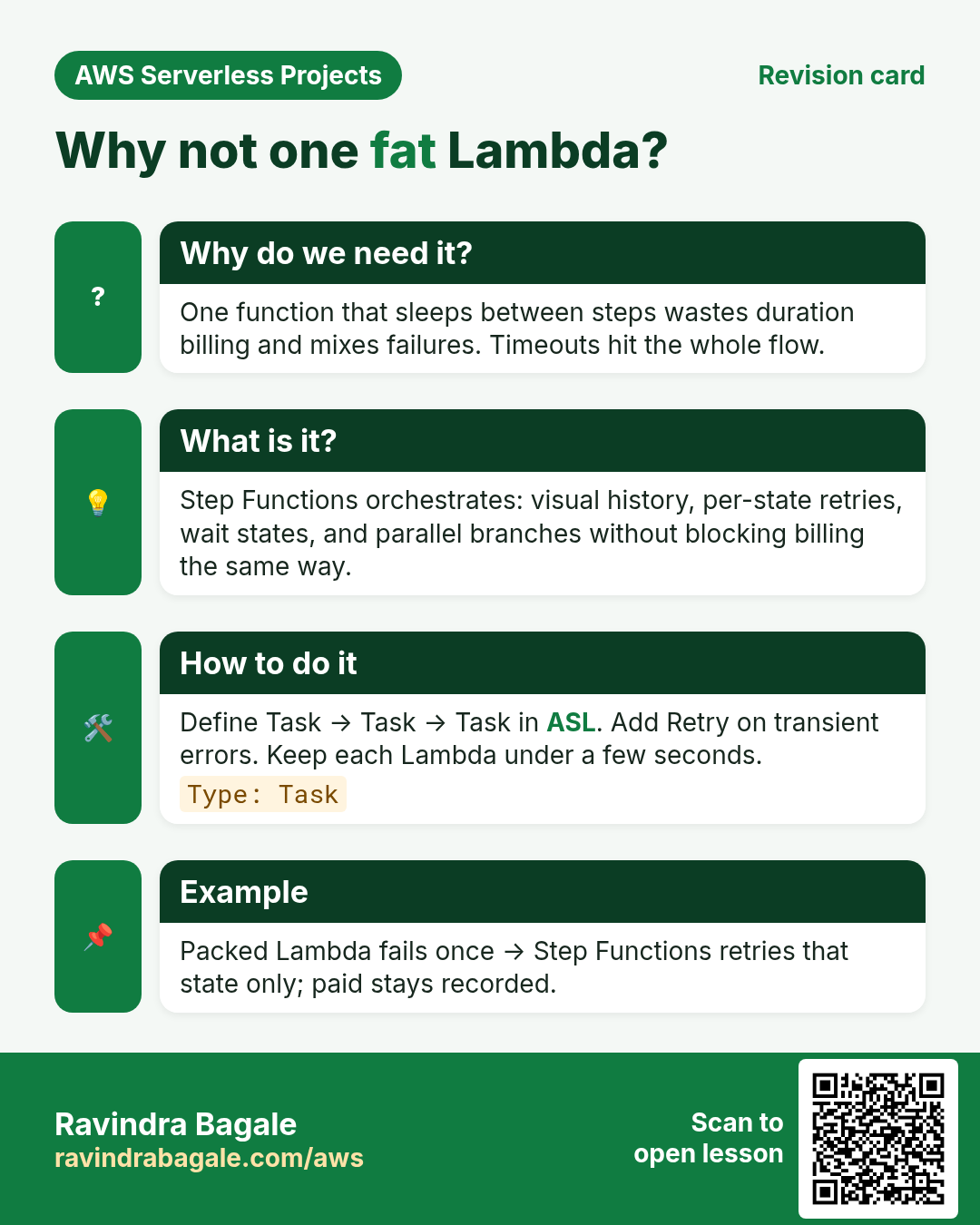
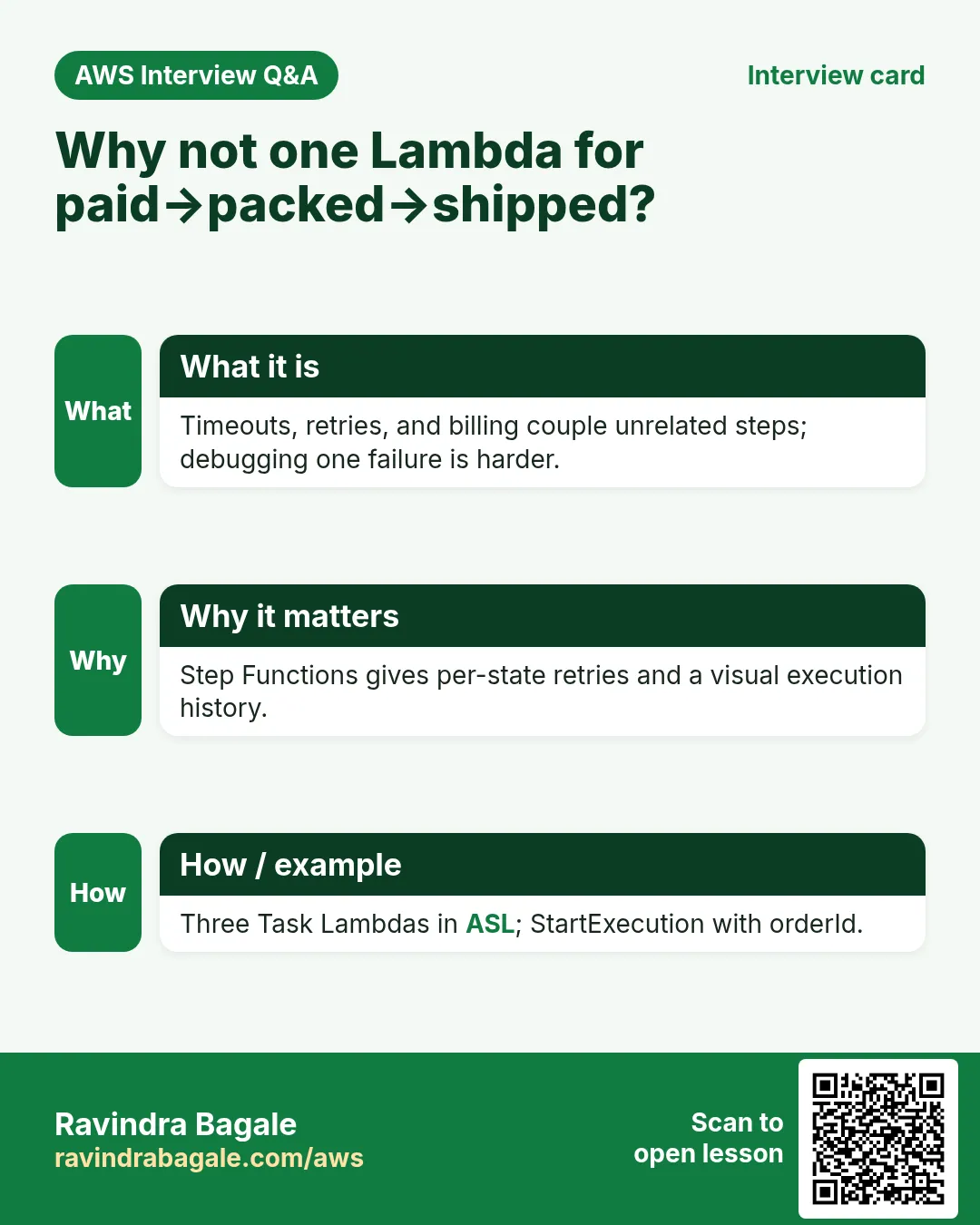
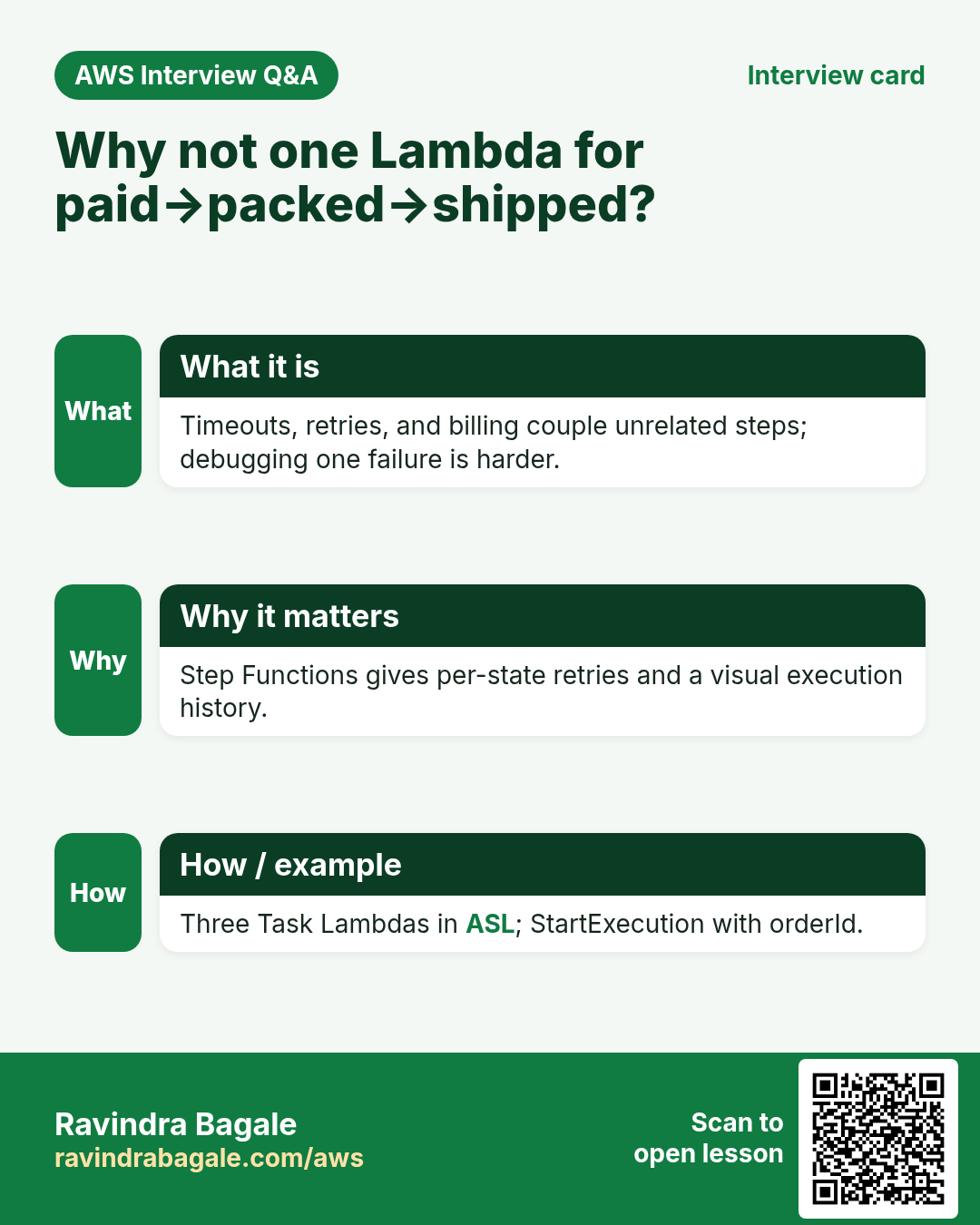
Q. Why not one fat Lambda?
Visible steps, per-state retry, easier ops.
Q. Callback patterns?
Task tokens for human approval — next level after this lab.
Q. Input passing?
In a JSONPath workflow, the next state receives the preceding state’s processed output. For example, given input {"orderId":"lab-1"} and a task result {"status":"paid"}, the default ResultPath replaces the input with the result. Set ResultPath to $.payment to keep the order ID and add the result under payment, or set it to null to keep only the original input.
Q. Cleanup?
State machine + Lambdas + table + topic.
Try at home
- Add a Fail state if sku missing with Choice.
- Add retry on MarkPacked with maxAttempts 2.
In short
- Step Functions orchestrates Lambda tasks.
- DynamoDB holds order status.
- SNS announces the end.
- Clean up state machines too.
Read the workflow history, not only the last row
Replace every ASL placeholder with the actual function ARN, deploy the handlers and start one synthetic order. Inspect the execution input/output between MarkPaid, MarkPacked, MarkShipped and Notify. In this lab the states write labels; they do not accept payments or deduct inventory. Delete the state machine and its lab resources when finished.
Interview check Can a Step Functions retry call my task again?
Yes. A timeout or retry may repeat a side effect. Stable order and transition IDs, conditional state changes and duplicate-safe notifications are needed before using this as an order-processing design.
Practise this chapter
Interview questions and answers
A workflow lost its order ID halfway through. How do you debug it?
I would open one execution history and compare the failing state’s input with the preceding state’s input and output. If the previous result replaced the order data, I would adjust the JSONPath result handling to preserve the ID, then retry a disposable execution.
Check your understanding
Choose an answer, then compare your reasoning with the explanation.
Practice Tasks
Practice checks run in your browser. They check the answer for this exercise; they do not create resources or connect to your AWS account.
About this scenarioAmravati Agro Market is a agriculture business in Amravati. Anjali Thakre looks after its IT and cloud work. They count money in INR and run their AWS resources in the ap-south-1 Region. In the tasks below you do real jobs for them using what this lesson teaches. All names, account IDs, IP addresses and numbers are made up for practice.
0 / 12
Easy List functions
See which functions exist in this Region.
List the Lambda functions in ap-south-1.
- Read the task and decide which AWS service it is about.
- Write aws, then the service name, then the operation (the action word).
- Add each needed flag (--name) followed by its value from the task.
- Flags can be in any order. Click Check answer.
Medium Invoke a function
Invoke runs the function now and saves its answer in a file.
Invoke amravatiagro-orders-fn and save the response to out.json.
- Read the task and decide which AWS service it is about.
- Write aws, then the service name, then the operation (the action word).
- Add each needed flag (--name) followed by its value from the task.
- Flags can be in any order. Click Check answer.
Medium Trust policy for a Lambda role
The trust policy says WHO may take the role.
Write a trust policy that lets lambda.amazonaws.com assume the role.
- Start with { "Version": "2012-10-17", "Statement": [ ... ] }.
- In each statement write Effect, Action and Resource.
- Give only what the task needs (least privilege).
- Use double quotes and commas correctly. Click Check answer.
Medium Put an item
DynamoDB JSON shows the type of each value: S for string, N for number.
Put an item into amravatiagro-orders with orderId "o-101" (string) and amount 2500 (number).
- Read the task and decide which AWS service it is about.
- Write aws, then the service name, then the operation (the action word).
- Add each needed flag (--name) followed by its value from the task.
- Flags can be in any order. Click Check answer.
Medium Change timeout and memory
More memory also gives more CPU; timeout stops runaway runs.
Set amravatiagro-orders-fn to timeout 30 seconds and memory 512 MB.
- Read the task and decide which AWS service it is about.
- Write aws, then the service name, then the operation (the action word).
- Add each needed flag (--name) followed by its value from the task.
- Flags can be in any order. Click Check answer.
Medium Let a function write logs
Without these actions, Lambda logs never appear in CloudWatch.
Allow logs:CreateLogGroup, logs:CreateLogStream, logs:PutLogEvents on arn:aws:logs:*:*:* only.
- Start with { "Version": "2012-10-17", "Statement": [ ... ] }.
- In each statement write Effect, Action and Resource.
- Give only what the task needs (least privilege).
- Use double quotes and commas correctly. Click Check answer.
Hard Create a Lambda function
Lambda needs the code zip, a runtime, a handler name and an execution role.
Create function amravatiagro-orders-fn: runtime python3.12, handler app.handler, role arn:aws:iam::120348739971:role/lambda-basic, code in function.zip.
- Read the task and decide which AWS service it is about.
- Write aws, then the service name, then the operation (the action word).
- Add each needed flag (--name) followed by its value from the task.
- Flags can be in any order. Click Check answer.
Hard Set environment variables
Keep settings like table names out of the code.
Set the environment variable TABLE=amravatiagro-orders on amravatiagro-orders-fn.
- Read the task and decide which AWS service it is about.
- Write aws, then the service name, then the operation (the action word).
- Add each needed flag (--name) followed by its value from the task.
- Flags can be in any order. Click Check answer.
Hard Invoke with a JSON payload
In CLI v2, raw JSON needs --cli-binary-format raw-in-base64-out.
Invoke amravatiagro-orders-fn with payload {"orderId":"o-101"} (raw JSON) and save the reply in out.json.
- Read the task and decide which AWS service it is about.
- Write aws, then the service name, then the operation (the action word).
- Add each needed flag (--name) followed by its value from the task.
- Flags can be in any order. Click Check answer.
Hard Lambda GB-seconds
Lambda bills memory × time.
1,000,000 invocations, 512 MB memory, 200 ms each. How many GB-seconds?
- Write down the numbers the task gives you.
- Work it out step by step on paper.
- Type only the final answer in the box.
- Click Check answer.
Hard Connect an SQS queue to Lambda
An event source mapping makes Lambda poll the queue and process messages in batches.
Create an event source mapping from queue arn:aws:sqs:ap-south-1:120348739971:amravatiagro-orders to amravatiagro-orders-fn with batch size 10.
- Read the task and decide which AWS service it is about.
- Write aws, then the service name, then the operation (the action word).
- Add each needed flag (--name) followed by its value from the task.
- Flags can be in any order. Click Check answer.
Hard Let S3 call your function
A resource-based permission is needed before S3 can invoke the function.
Add permission statement s3invoke to amravatiagro-orders-fn so s3.amazonaws.com can call lambda:InvokeFunction from bucket arn:aws:s3:::amravatiagro-uploads.
- Read the task and decide which AWS service it is about.
- Write aws, then the service name, then the operation (the action word).
- Add each needed flag (--name) followed by its value from the task.
- Flags can be in any order. Click Check answer.
Revision, comparison and interview cards
Revise this lesson in a few minutes. Save the cards on your phone or download them as PNG files. The QR code on each card opens this lesson.
More cards: Ravi Sir's Cards.