Shell Scripting Complete 7: Bash Arrays and Associative Arrays (declare -A) Explained Simply
An array is one variable that holds many values: a list of servers, files or ports. An associative array holds key-value pairs: server to IP, user to team, city to PIN code. This chapter teaches indexed arrays, adding and removing items, looping safely, slices, mapfile to read a file into an array, building command arguments with arrays, and associative arrays with declare -A for counting and lookups.
In this chapter
- Create indexed arrays and read items
- Add, change and remove items
- Loop with "${arr[@]}" and indexes
- Read files with mapfile
- Build safe command arguments
- Use declare -A for maps and counts
1. An everyday example: a tiffin box and a phone book
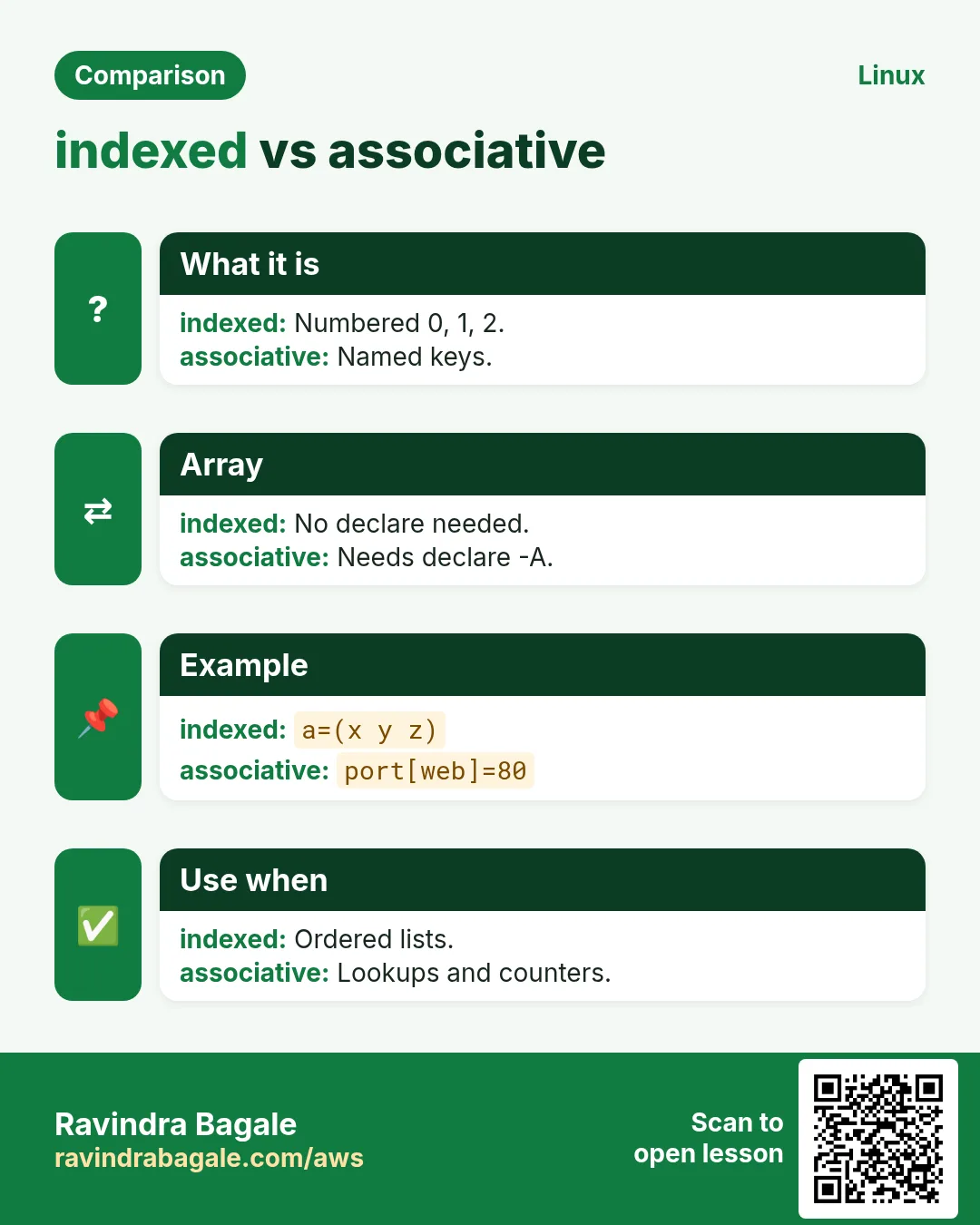
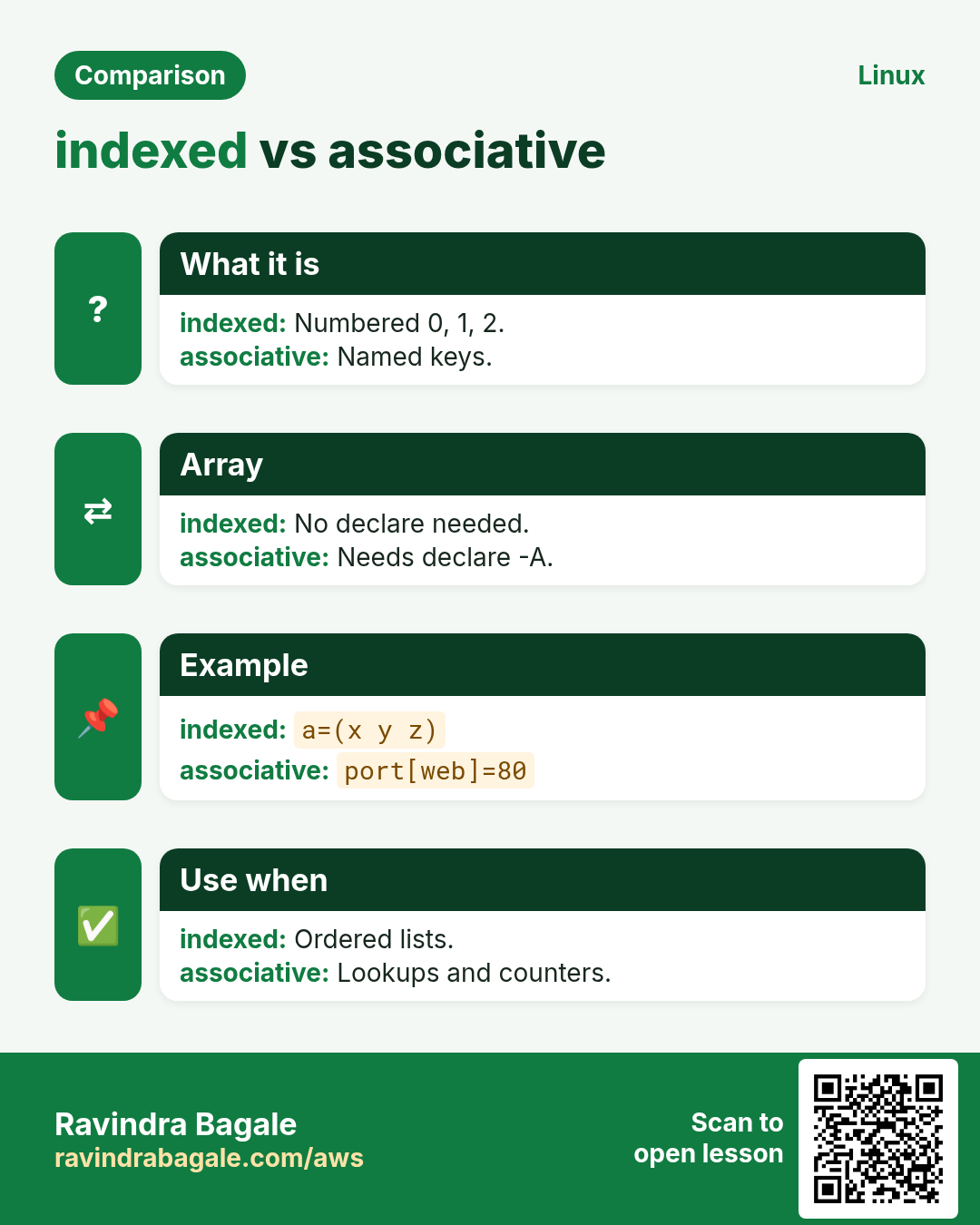
A stacked tiffin has numbered boxes: box 0 rice, box 1 dal, box 2 sabzi. You ask for 'box 1' and get dal. That is an indexed array. A phone book is different: you look up 'Ravi' and get his number. You use a name, not a number. That is an associative array.
Tiffin = indexed array. Box number = index (starts at 0). Food in a box = element. Number of boxes = ${#arr[@]}. Phone book = associative array. Name = key. Phone number = value.
2. Create an indexed array
When you need to preserve a list, give each value an index. Bash begins an indexed array at zero when you assign a normal list. Try the entries alpha, daily report.txt and gamma. Read the second entry with "${files[1]}". It stays one value including its internal space. Now print the number of entries with ${#files[@]} to distinguish how many values exist from the highest index in use after you remove an element.
A space-separated string breaks on names with spaces. An array keeps each item separate and whole.
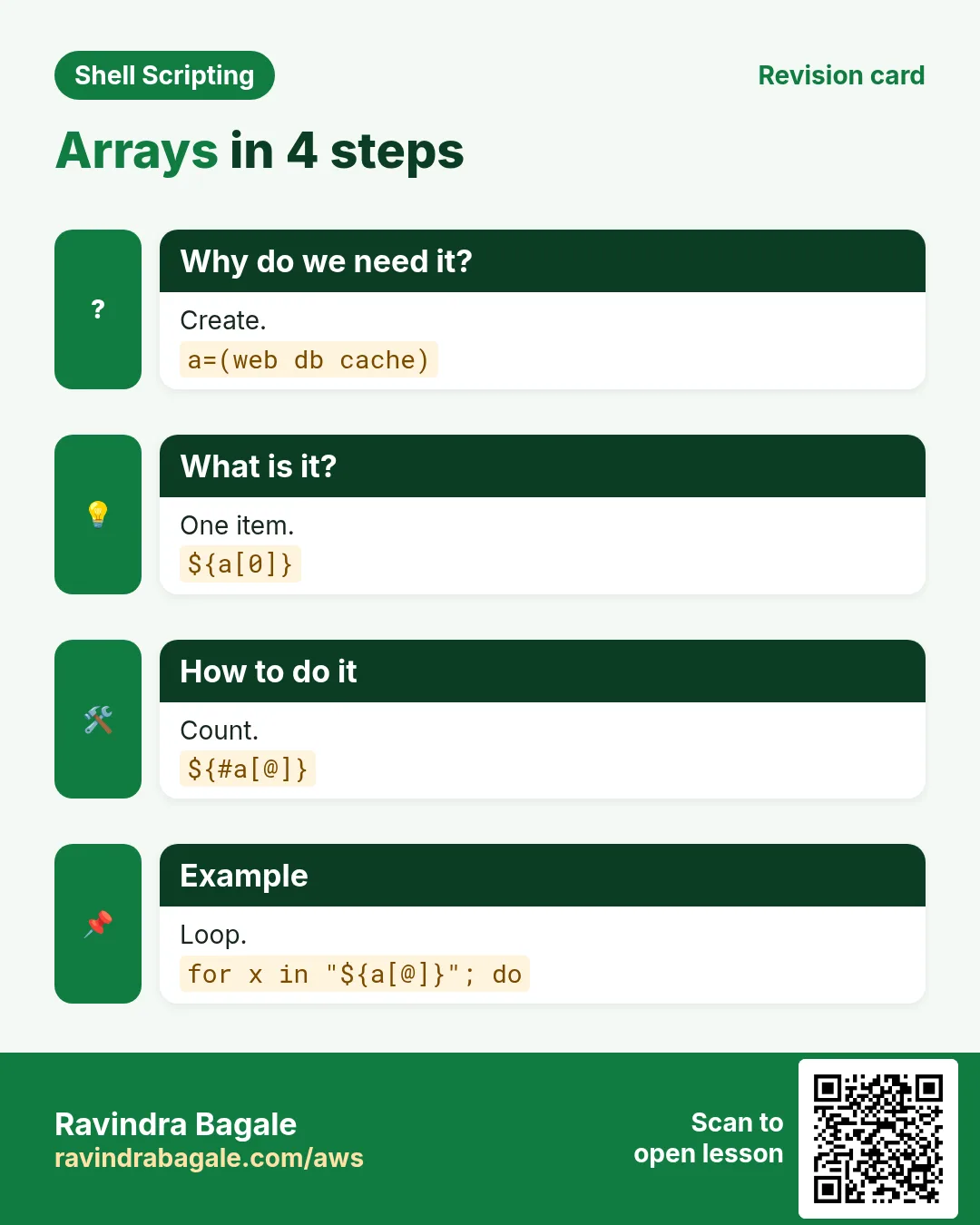
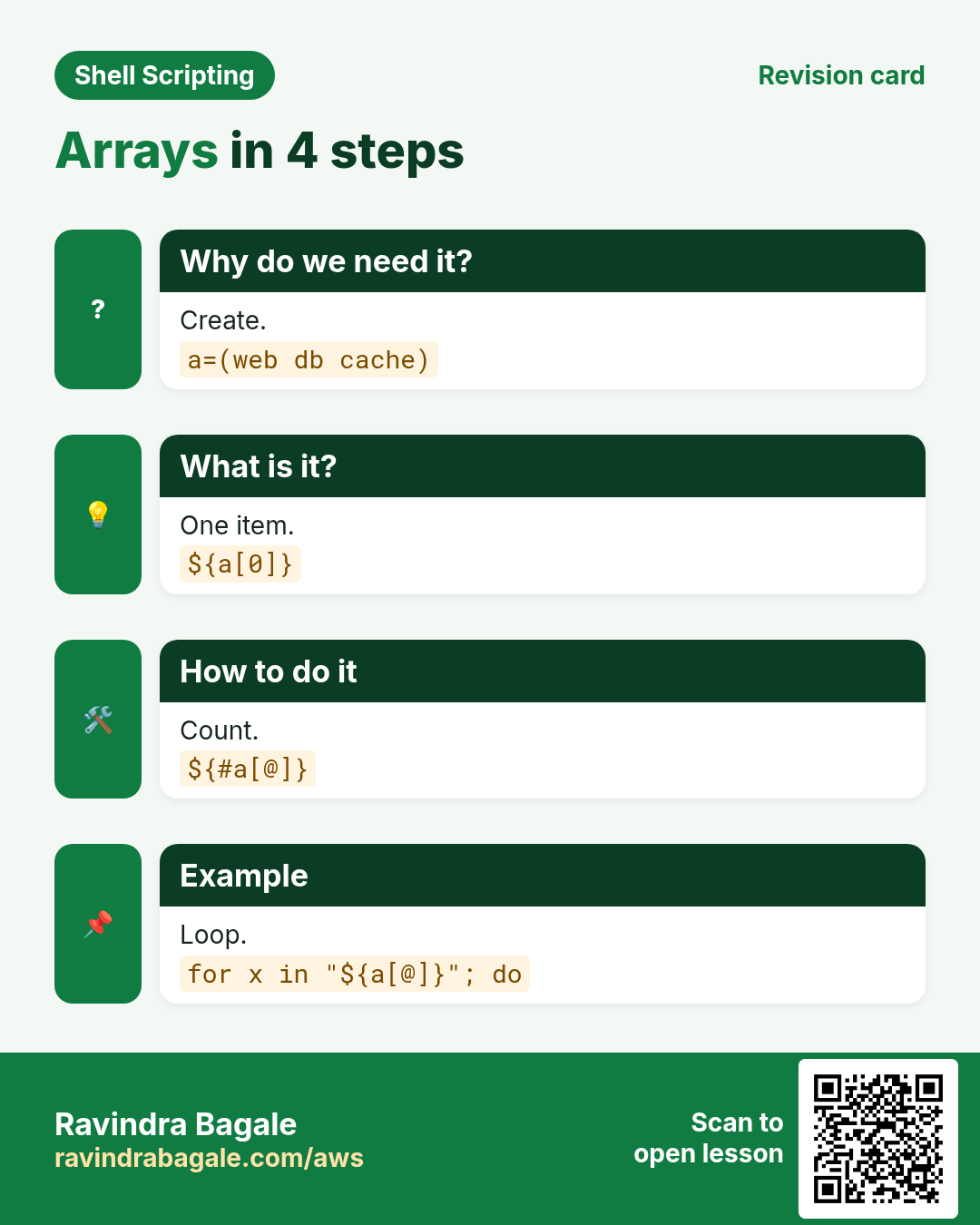
a=(one two 'three four') creates an array. Index starts at 0. ${a[0]} is the first item; ${a[-1]} the last (bash 4.3+). ${a[@]} is all items, ${#a[@]} the count, ${!a[@]} the indexes. Plain $a means ${a[0]} only. declare -p a shows everything.
| Form | Gives |
|---|---|
| ${a[0]} | first item |
| ${a[-1]} | last item |
| "${a[@]}" | all, each quoted |
| ${#a[@]} | count |
| ${!a[@]} | indexes |
| $a | same as ${a[0]} |
- Create and read.
cities=(Pune Mumbai 'Navi Mumbai'); echo "${cities[2]}"Output:
Navi MumbaiIndex 2 is the third item.
- Count and last.
echo "${#cities[@]} cities, last is ${cities[-1]}"Output:
3 cities, last is Navi Mumbai-1 counts from the end.
- See everything.
declare -p citiesOutput:
declare -a cities=([0]="Pune" [1]="Mumbai" [2]="Navi Mumbai")Index and value pairs.
- Plain $name trap.
echo $citiesOutput:
PuneOnly the first item.
3. Add, change and remove items
Lists grow while a script runs: failed hosts, files to upload, errors to report.
a+=(new) appends. a[5]=x sets index 5 (arrays can have gaps). unset 'a[1]' removes item 1 but leaves a gap; rebuild with a=("${a[@]}") to renumber. a=() empties it; unset a deletes it. Quote 'a[1]' in unset so a file named a1 cannot confuse the glob.
- Append.
failed=(); failed+=(web3); failed+=(db2); echo "${failed[@]}"Output:
web3 db2+= adds at the end.
- Change.
failed[0]=web4; echo "${failed[0]}"Output:
web4Assign by index.
- Remove and gap.
n=(a b c d); unset 'n[1]'; echo "${!n[@]}"Output:
0 2 3Index 1 is now missing.
- Renumber.
n=("${n[@]}"); echo "${!n[@]} -> ${n[*]}"Output:
0 1 2 -> a c dRebuilt without gaps.
4. Loop over arrays safely
Most array work is a loop. The quoting decides whether names with spaces survive.
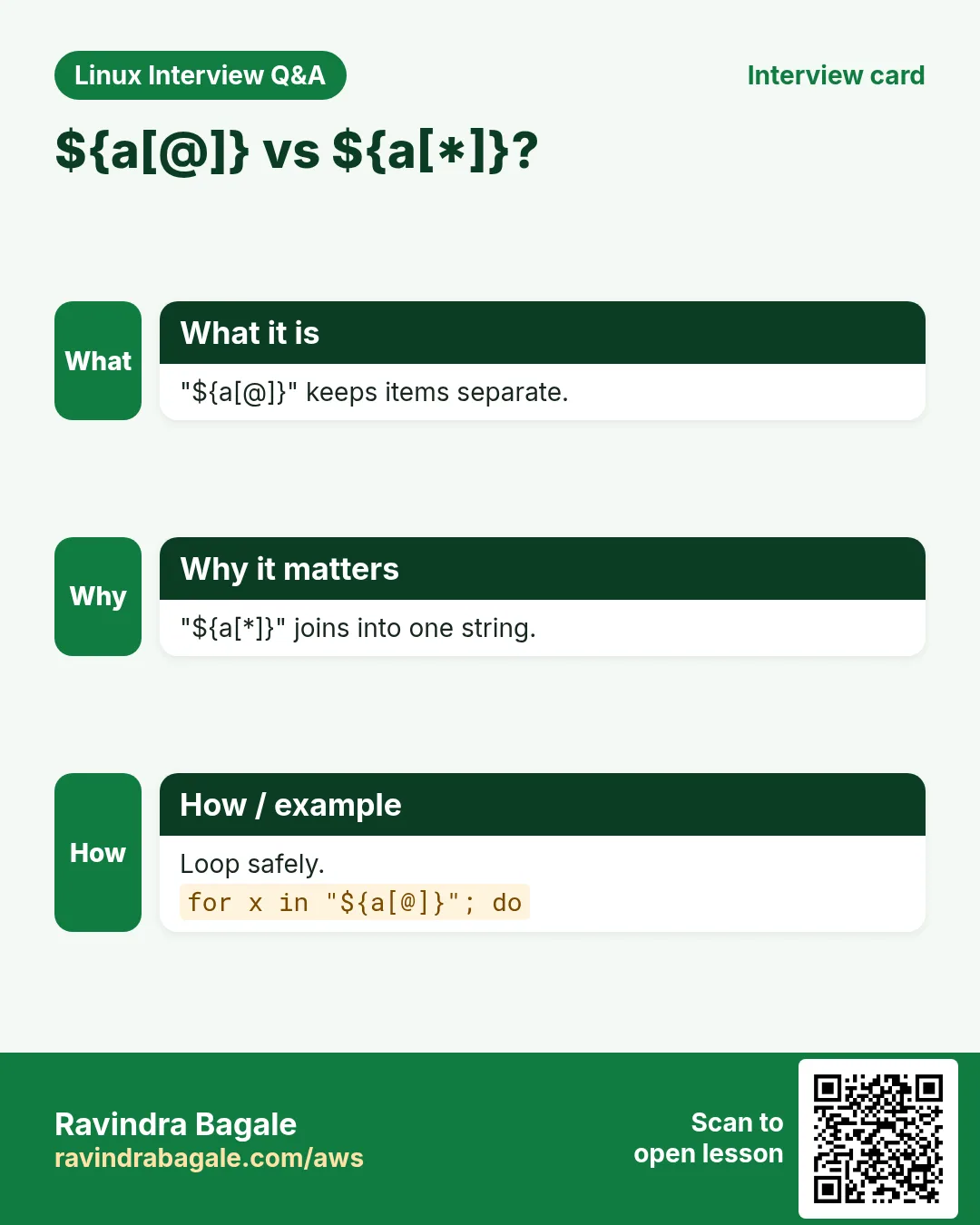
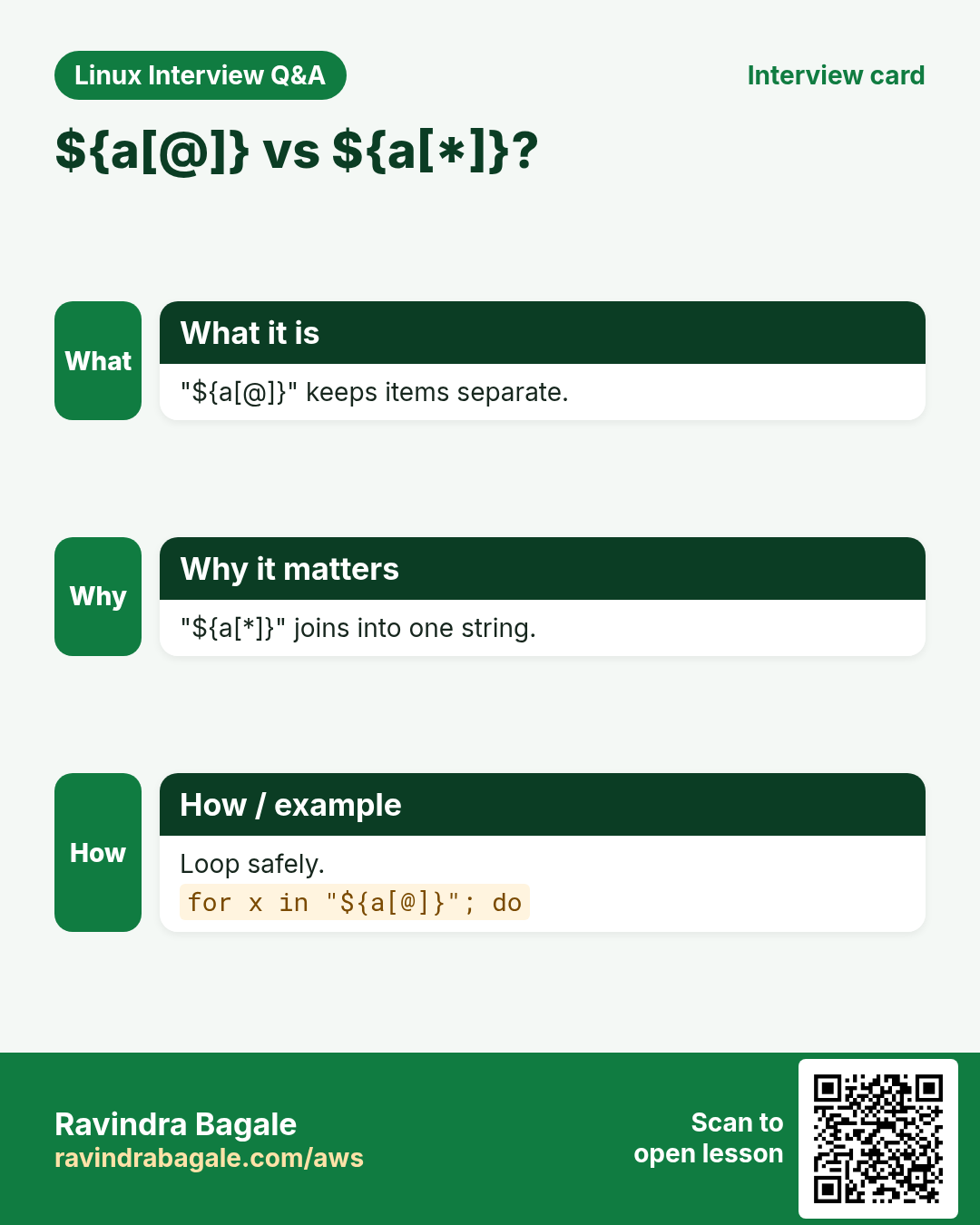
for v in "${a[@]}" gives each item whole. for i in "${!a[@]}" gives indexes, useful when you need position or want to change items. "${a[*]}" joins all items into one string using the first char of IFS, handy for printing: (IFS=,; echo "${a[*]}").
- Each item.
files=('Q1 sales.csv' summary.csv); for f in "${files[@]}"; do echo "upload [$f]"; doneOutput:
upload [Q1 sales.csv]
upload [summary.csv]
Spaces kept.
- Unquoted breaks.
for f in ${files[@]}; do echo "[$f]"; doneOutput:
[Q1]
[sales.csv]
[summary.csv]
Never leave it unquoted.
- With index.
for i in "${!files[@]}"; do echo "$((i+1)). ${files[i]}"; doneOutput:
1. Q1 sales.csv
2. summary.csv
Numbered list.
- Join with commas.
hosts=(web1 web2 db1); (IFS=,; echo "${hosts[*]}")Output:
web1,web2,db1IFS change stays inside ( ).
5. Slices, length of items and search
Batch processing, 'first 10' reports and checking membership are common needs.
${a[@]:start:count} takes a slice. ${#a[2]} is the length of item 2. ${a[@]/old/new} replaces in every item. To check if a value is in an array, loop and compare, or use an associative array (faster for big lists).
- Slice.
nums=(10 20 30 40 50); echo "${nums[@]:1:3}"Output:
20 30 40Start at index 1, take 3.
- Batches of 2.
for ((i=0; i<${#nums[@]}; i+=2)); do echo "batch: ${nums[@]:i:2}"; doneOutput:
batch: 10 20
batch: 30 40
batch: 50
Good for API limits.
- Replace in all.
imgs=(a.jpeg b.jpeg); echo "${imgs[@]/%.jpeg/.jpg}"Output:
a.jpg b.jpg/% matches at the end.
- Contains?
in_list(){ local x=$1; shift; for v in "$@"; do [[ $v == "$x" ]] && return 0; done; return 1; }; in_list db1 web1 db1 && echo foundOutput:
foundPass "${a[@]}" as arguments.
6. mapfile / readarray: file into an array
Loading a list of hosts or IDs into an array lets you count, slice and loop over it many times.
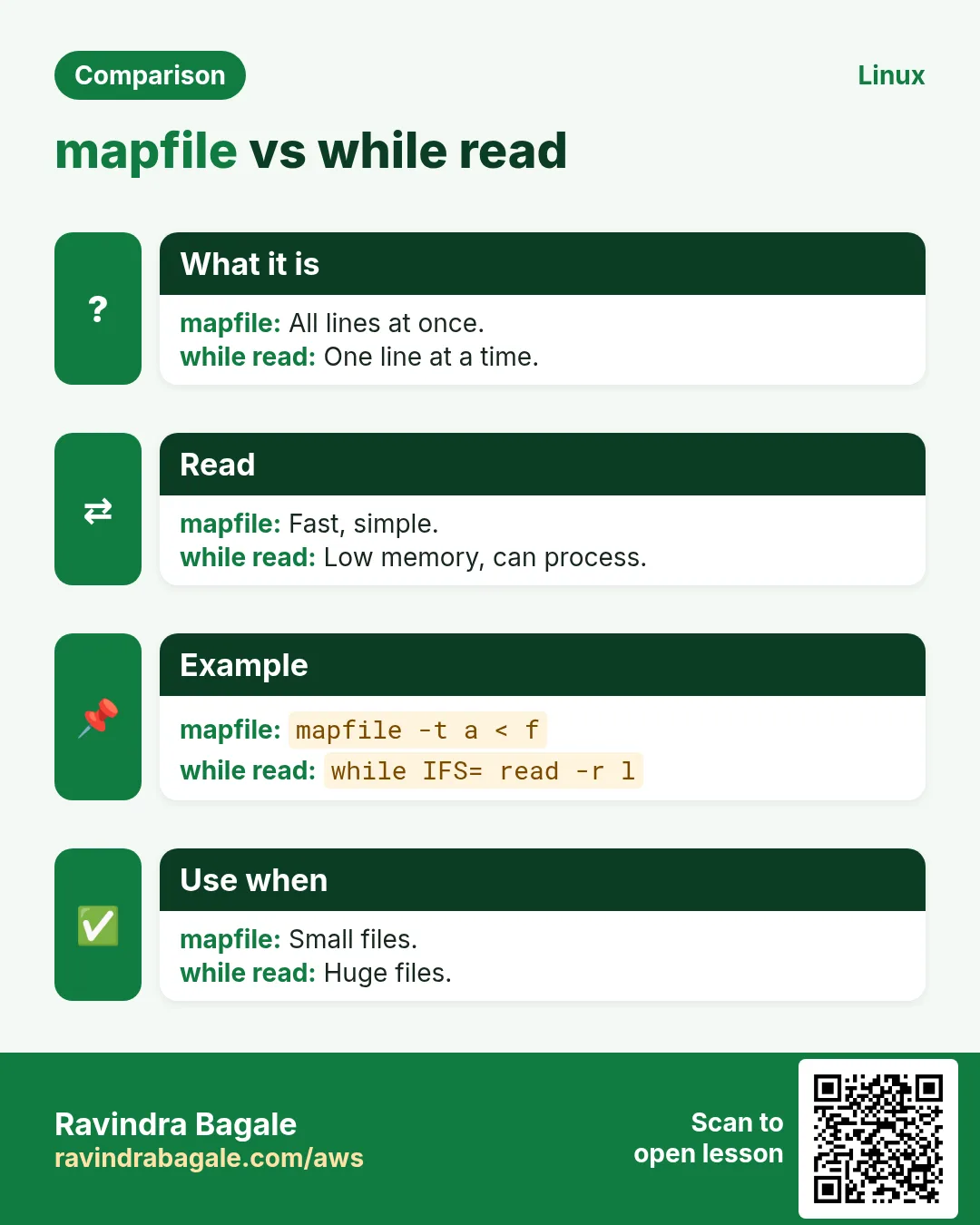
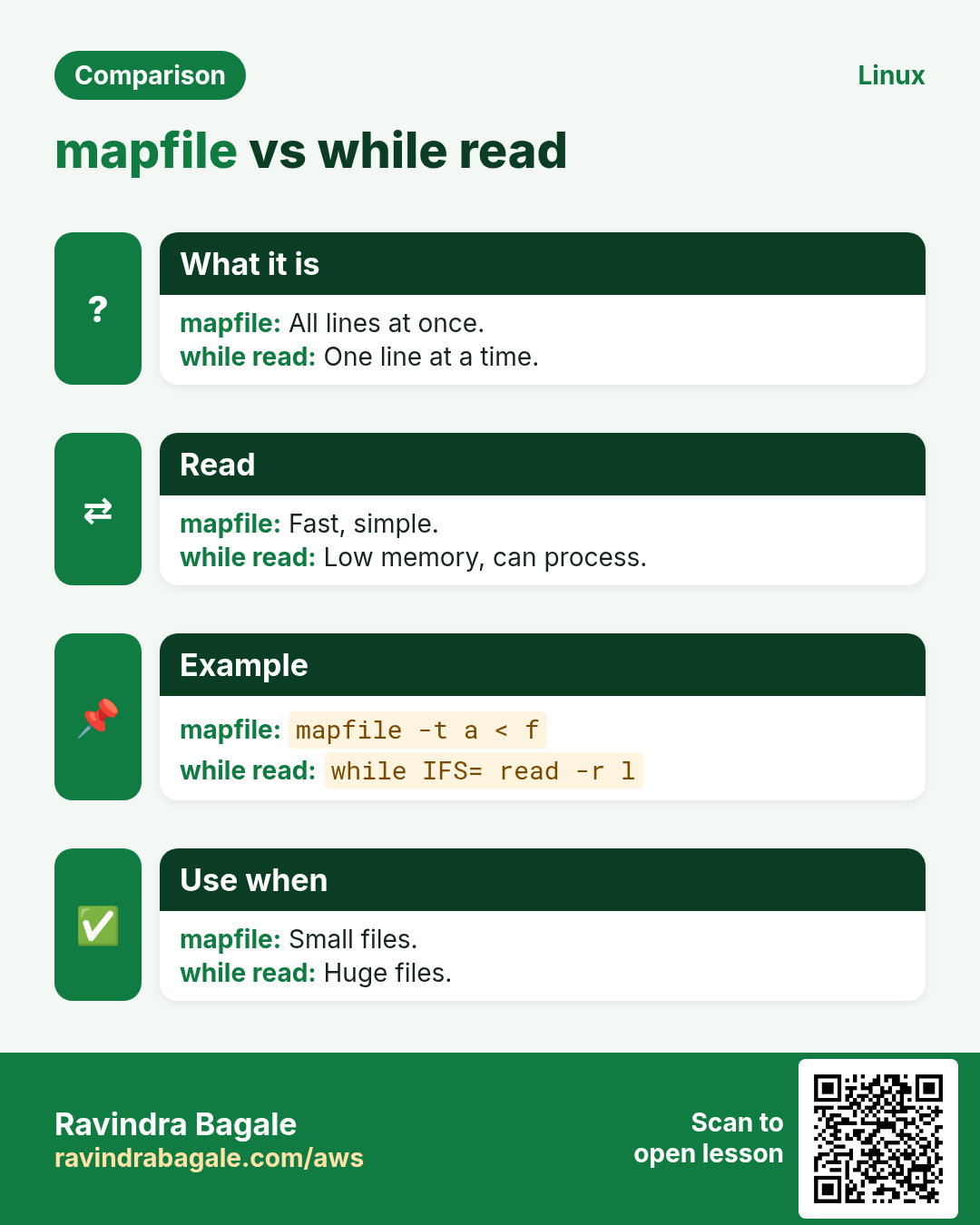
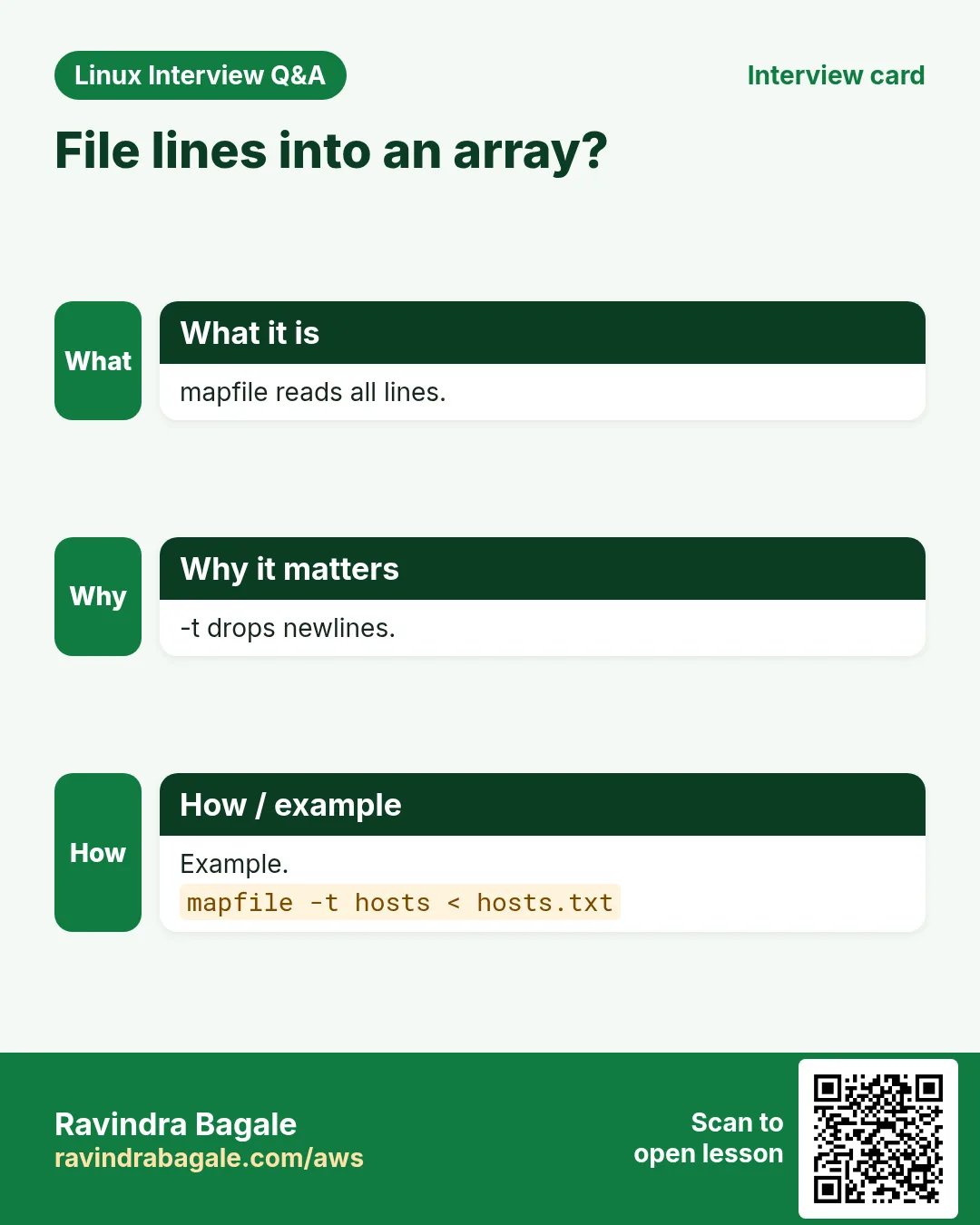
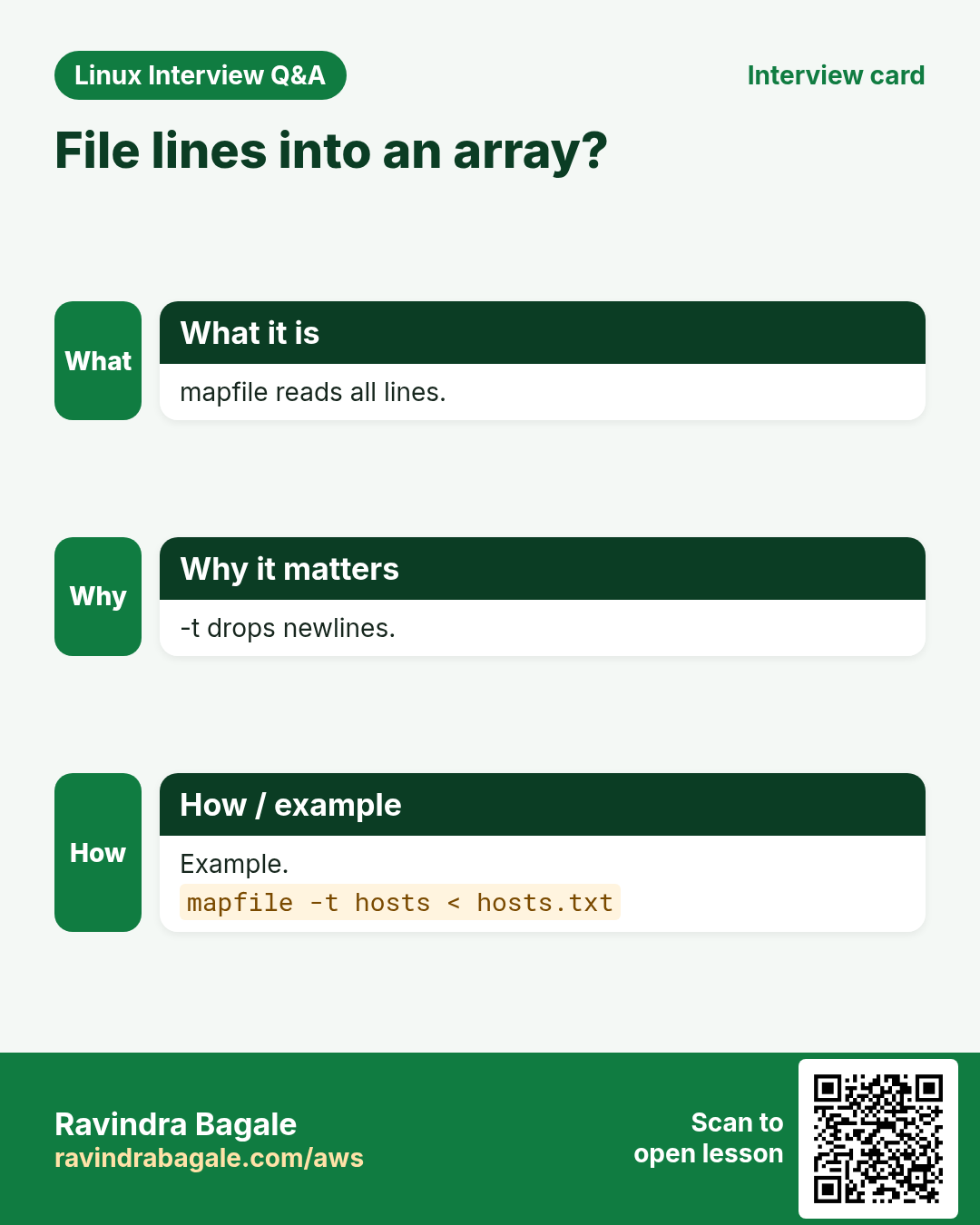
mapfile -t arr < file puts one line per item; -t removes the new line. readarray is the same command. Feed command output with mapfile -t arr < <(cmd). -s 1 skips the first line (header), -n 10 reads at most 10. For splitting one line into words, use read -ra arr <<< "$line".
- Lines to items.
printf 'web1\nweb2\ndb1\n' | tee servers.txt; mapfile -t srv < servers.txt; echo "${#srv[@]} servers: ${srv[*]}"Output:
3 servers: web1 web2 db1One item per line.
- From a command.
mapfile -t big < <(du -sh /var/* 2>/dev/null | sort -rh | head -3); printf '%s\n' "${big[@]}"Output:
1.2G	/var/lib
800M	/var/log
40M	/var/cache
Process substitution keeps the array.
- Skip header.
mapfile -t -s 1 rows < people.csv; echo "${rows[0]}"Output:
1,Asha,Pune-s 1 dropped the header.
- Split a line.
read -ra parts <<< 'mon tue wed'; echo "${parts[1]}"Output:
tue-a fills an array.
7. Build command arguments with arrays
Build optional command arguments one at a time. For a local report tool, store -d as one element and daily exports as the next. Add a filename as a third element. Expand the array as "${args[@]}" so the tool receives all three arguments with the spaces in the folder name intact. Use printf '[%s]\n' "${args[@]}" to inspect exactly what would be passed. A display string may look the same while losing those boundaries.
Putting options in a string breaks on spaces and quotes. Arrays are the correct way to build optional flags.
Start with args=() and add pieces: args+=(--exclude "$pat"). Run with cmd "${args[@]}". Each element is passed as exactly one argument, so spaces inside are safe. This is how professional scripts build rsync, curl and docker commands.
- String way breaks.
opts="-name 'my file.txt'"; find /tmp $optsOutput:
find: paths must precede expression: `file.txt''Quotes inside a string are not real quotes.
- Array way works.
opts=(-name 'my file.txt'); find /tmp "${opts[@]}"Output:
/tmp/my file.txtEach element is one argument.
- Optional flags.
verbose=1; args=(-a); (( verbose )) && args+=(-v); args+=(--exclude '*.tmp'); echo rsync "${args[@]}" src/ dst/Output:
rsync -a -v --exclude *.tmp src/ dst/Flags added only when needed.
- See exact arguments.
printf '[%s]\n' "${args[@]}"Output:
[-a]
[-v]
[--exclude]
[*.tmp]
*.tmp stayed one argument.
8. Associative arrays: declare -A
Choose an associative array when a meaningful name is a better lookup key than a numbered position. For an inventory, counts[web] and counts[db] can store separate totals. Read one small input list with web twice and db once, increase the count for each key and check that the final counts are 2 and 1. Look values up by key. If a report needs alphabetical order, sort the headings you print rather than depending on the order Bash returns the keys.
Lookups like 'which IP for this server' or 'which team for this user' are easy with keys instead of numbers.
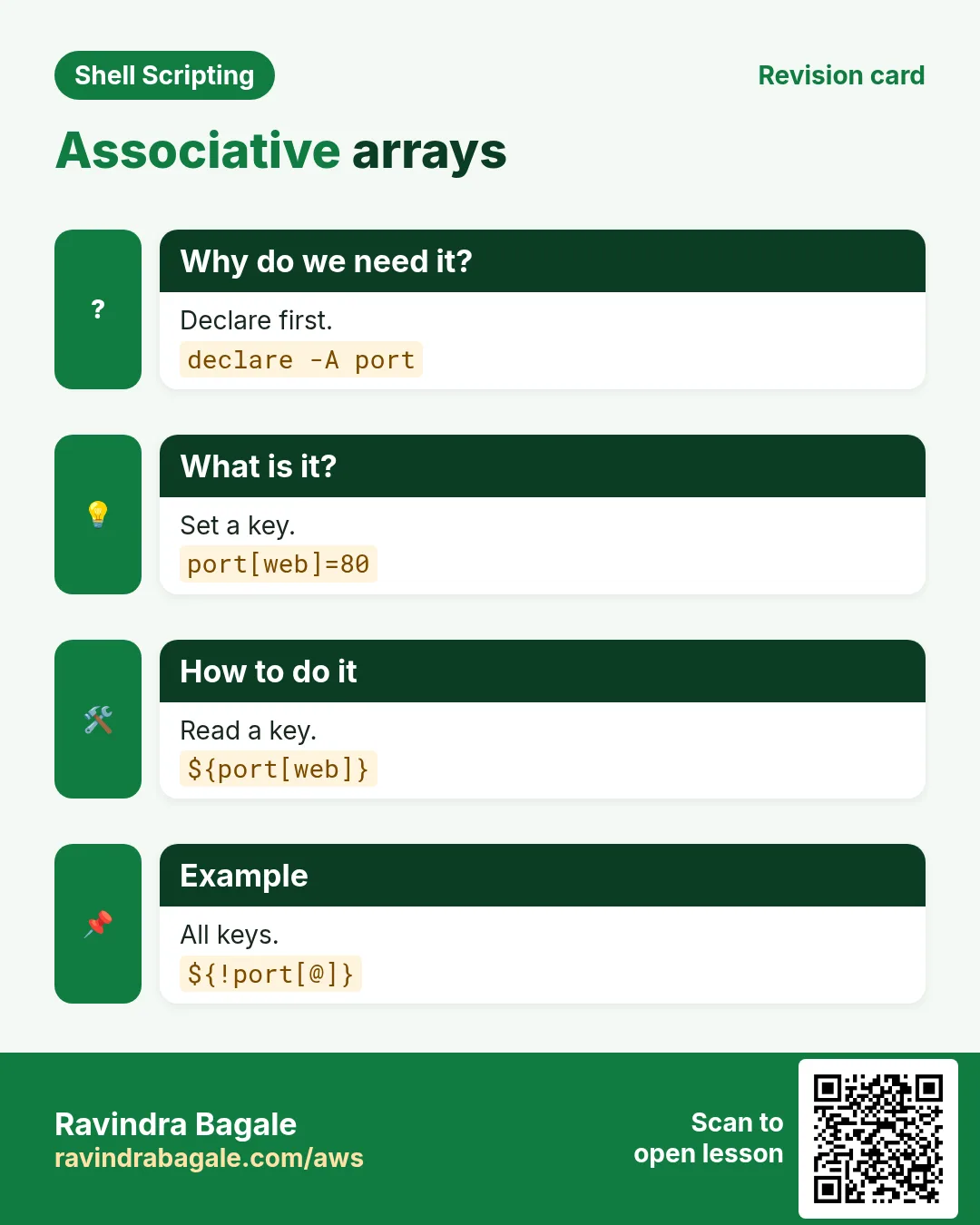
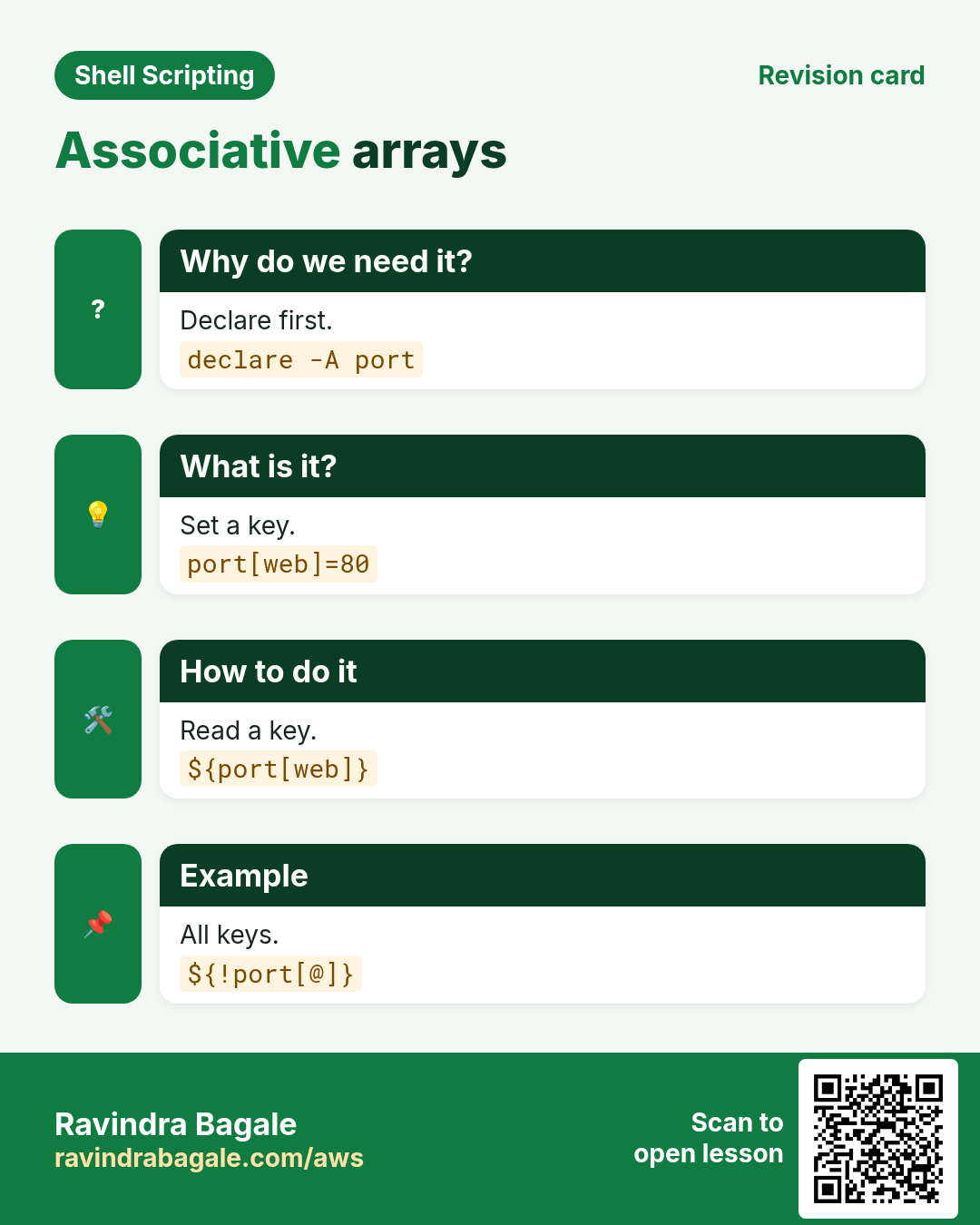
declare -A m creates one (required; bash 4+). m[key]=value sets, ${m[key]} reads, ${!m[@]} lists keys, ${#m[@]} counts. [[ -v m[key] ]] checks if a key exists. Order of keys is not guaranteed; sort them when printing. Keys can have spaces if quoted: m['Navi Mumbai']=400703.
| Action | Syntax |
|---|---|
| create | declare -A m |
| set | m[k]=v |
| get | ${m[k]} |
| keys | ${!m[@]} |
| exists? | [[ -v m[k] ]] |
| delete key | unset 'm[k]' |
- Create.
declare -A pin=([Pune]=411001 [Nashik]=422001 ['Navi Mumbai']=400703); echo "${pin[Nashik]}"Output:
422001Look up by name.
- Keys and values.
for c in "${!pin[@]}"; do echo "$c=${pin[$c]}"; done | sortOutput:
Nashik=422001
Navi Mumbai=400703
Pune=411001
sort gives a stable order.
- Exists?
[[ -v pin[Satara] ]] && echo yes || echo 'no Satara'Output:
no Satara-v checks the key.
- Forgot declare -A.
unset m; m[web]=1; m[db]=2; declare -p mOutput:
declare -a m=([0]="2")Treated as indexed; text keys became 0.
9. Counting and grouping with associative arrays
'How many errors per service' or 'how many hits per IP' is a daily log question.
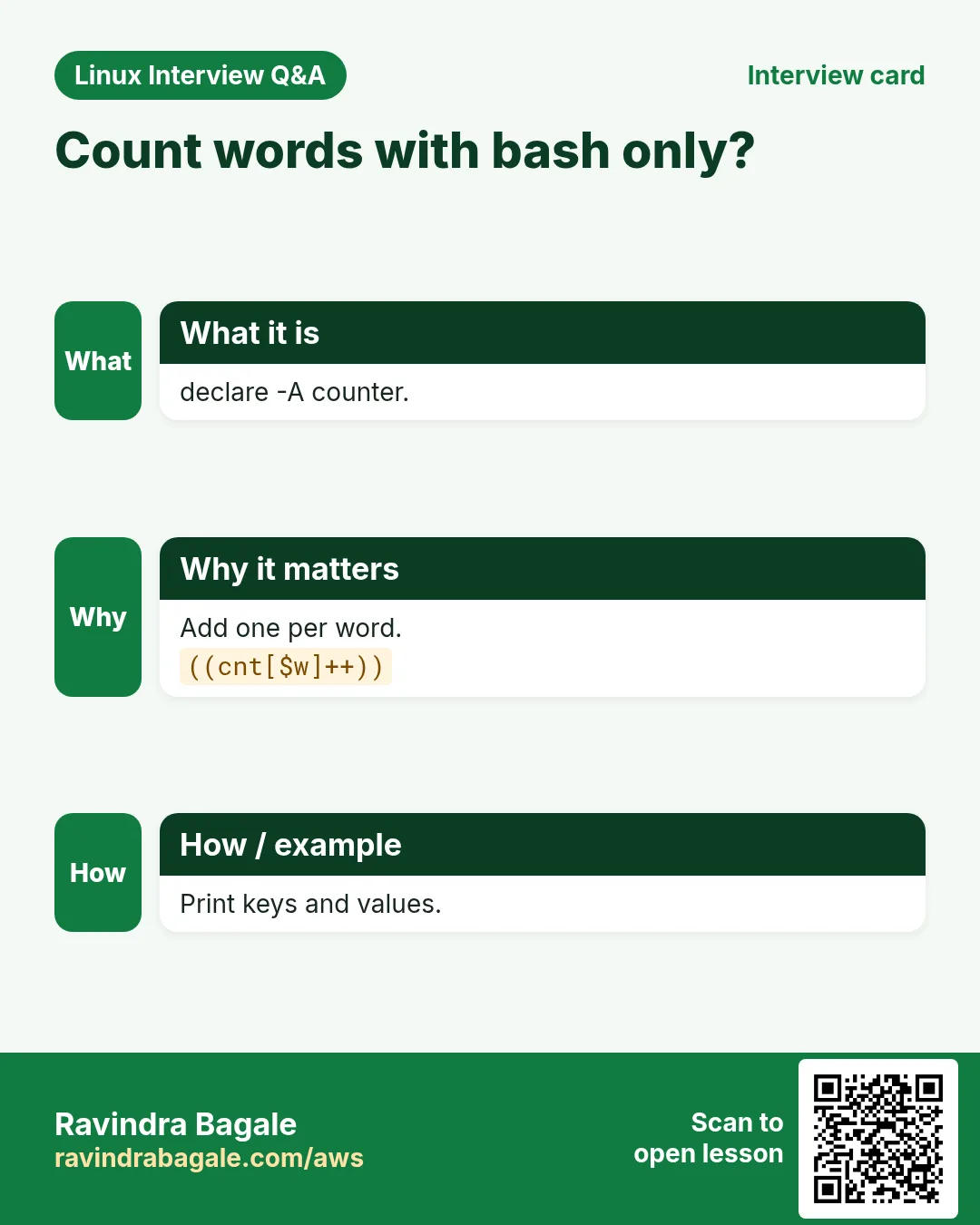
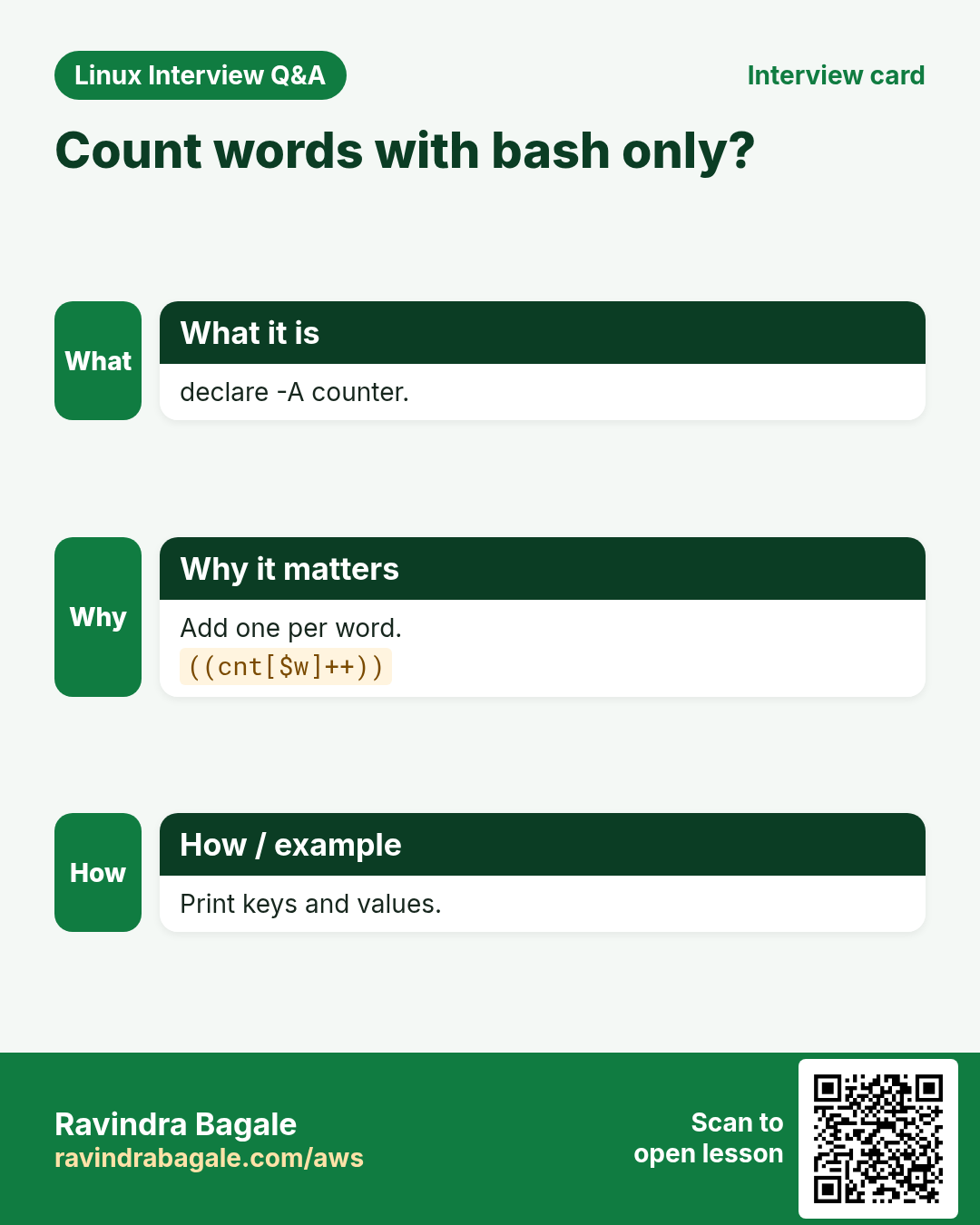
Use the thing you count as the key and ((count[$key]++)) in a loop. At the end print keys and counts, sorted by count with sort -k2 -nr. You can also group: list[$team]+="$user ". For very large files awk is faster, but this is clear for medium data.
- Count by status.
declare -A hits; while read -r ip _ _ _ _ _ _ _ code _; do ((hits[$code]++)); done < access.log; for k in "${!hits[@]}"; do echo "$k ${hits[$k]}"; done | sort -k2 -nrOutput:
200 912
404 37
500 4
Status code was the 9th field.
- Group users by team.
declare -A team; while IFS=, read -r u t; do team[$t]+="$u "; done < <(printf 'meera,dev\nkunal,ops\nasha,dev\n'); for t in "${!team[@]}"; do echo "$t: ${team[$t]}"; done | sortOutput:
dev: meera asha
ops: kunal
+= appends text.
- Unique items.
declare -A seen; for x in b a b c a; do seen[$x]=1; done; echo "${!seen[@]}" | tr ' ' '\n' | sort | tr '\n' ' 'Output:
a b c Keys are unique by nature.
10. Real examples from many industries
The same Linux skill shows up in every kind of company. Seeing it in many places helps you remember it.
Each row is a made-up team. It shows who uses this and how.
| Team and city | How they use it | Command |
|---|---|---|
| Aditi, e-commerce, Pune | Server to IP map for deploy | declare -A ip=([web1]=10.0.1.5) |
| Ben, broadcasting, London | rsync args built in an array | rsync "${args[@]}" |
| Min-jun, gaming, Seoul | Count errors per service | ((cnt[$svc]++)) |
| Layla, airline, Cairo | Host list via mapfile | mapfile -t hosts < hosts.txt |
| Mateo, fintech, Buenos Aires | Batch API calls in slices | ${ids[@]:i:50} |
| Swapnil, insurance, Nagpur | Collect failures and report | failed+=("$h") |
11. Common errors and how to fix them
Everyone hits these errors. Knowing the cause saves hours.
Read the exact message first. Then match it to a row below.
| Error you see | Why it happens | How to fix |
|---|---|---|
Only first item printed | Used $a instead of "${a[@]}" | Use "${a[@]}".echo "${a[@]}" |
Items with spaces split | Unquoted ${a[@]} | Quote it.for x in "${a[@]}" |
Text keys collapsed to [0] | No declare -A | Declare first.declare -A m |
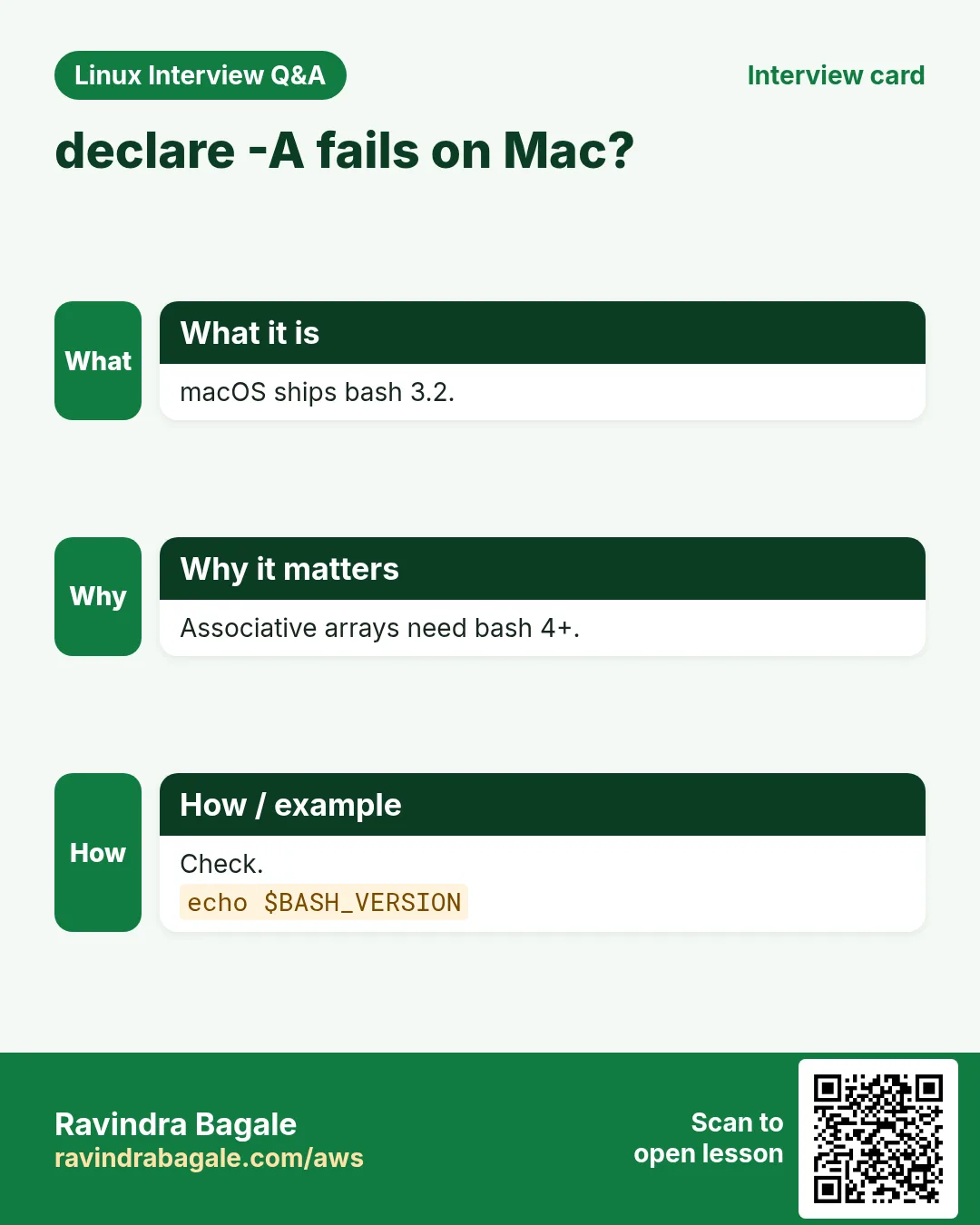
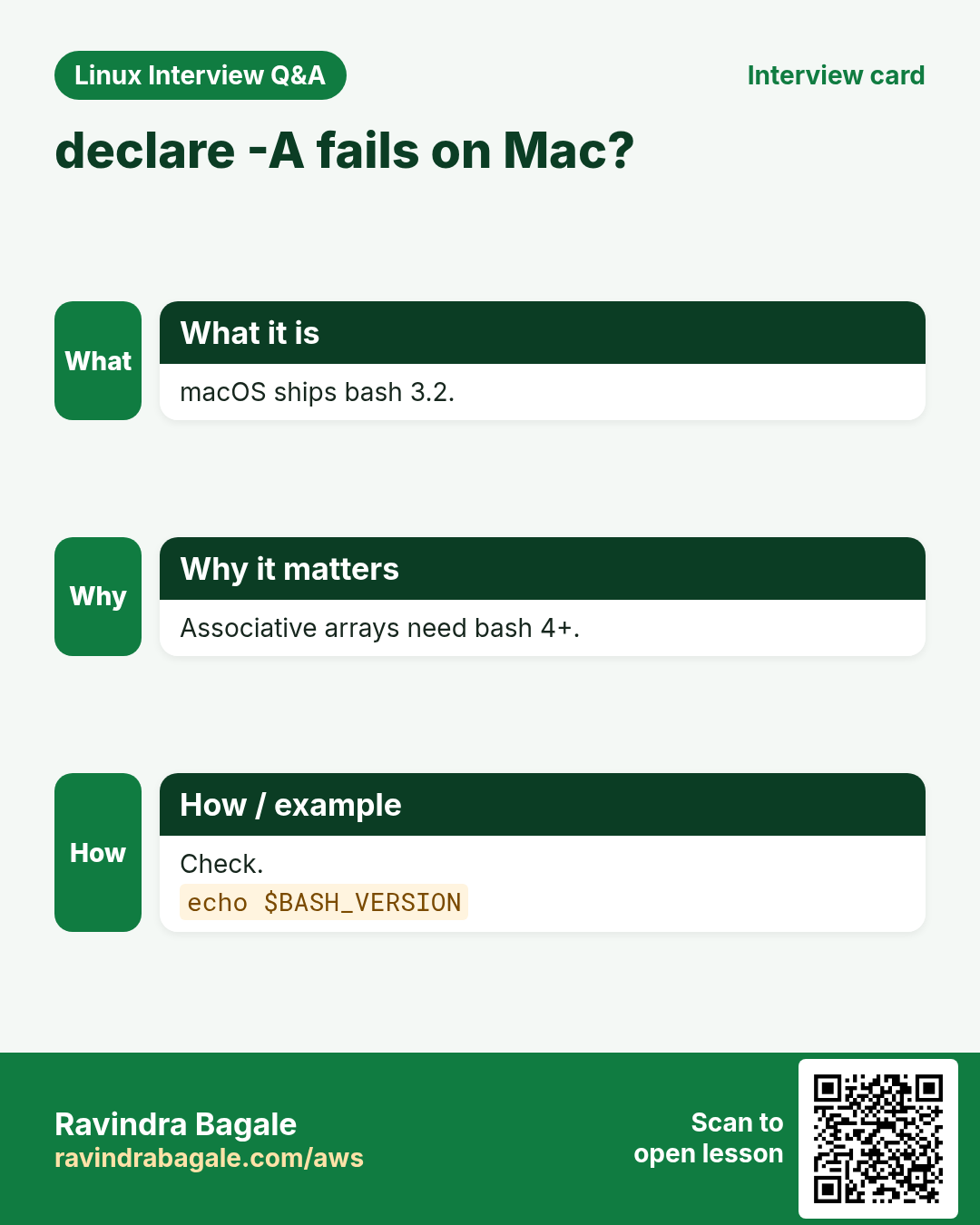
declare: -A: invalid option | Old bash 3 (macOS) | Install bash 4+.brew install bash |
bad array subscript | Empty key | Check key is not empty.[[ -n $k ]] && m[$k]=1 |
Array empty after pipe | while | Subshell lost it | Use < <(cmd) or mapfile.mapfile -t a < <(cmd) |
New line at end of every item | mapfile without -t | Add -t.mapfile -t a < f |
unbound variable with set -u on empty array | Old bash and empty array | Use ${a[@]+"${a[@]}"} or bash 4.4+.echo ${a[@]+"${a[@]}"} |
Arguments wrong when stored in a string | String instead of array | Build an array.args=(-name "$n") |
12. Troubleshooting step by step
declare -p shows exactly what an array holds, including type and indexes.
Go top to bottom. Stop at the first step that shows the problem.
- Dump it.
declare -p a- Count.
echo ${#a[@]}- Each item boxed.
printf '[%s]\n' "${a[@]}"- Indexes.
echo "${!a[@]}"- Bash version.
echo $BASH_VERSION- Lint.
shellcheck s.sh13. Lab 1: Server inventory with arrays
Load servers with mapfile, ping them, collect failures in an array and print a summary.
A full hands-on lab. Run every step on a test Linux machine (an EC2 instance, a VM, or WSL).
- Folder.
mkdir -p ~/lab43 && cd ~/lab43 && printf 'localhost\n127.0.0.1\nno.such.host\n' | tee inv.txt- Load.
mapfile -t inv < inv.txt; echo "${#inv[@]} servers"Output:
3 servers- Check.
ok=(); bad=(); for h in "${inv[@]}"; do if ping -c1 -W1 "$h" &>/dev/null; then ok+=("$h"); else bad+=("$h"); fi; done- Summary.
echo "up=${#ok[@]} down=${#bad[@]}"; printf 'DOWN: %s\n' "${bad[@]}"Output:
up=2 down=1
DOWN: no.such.host- Join.
(IFS=,; echo "up: ${ok[*]}")Output:
up: localhost,127.0.0.1- Inspect.
declare -p badOutput:
declare -a bad=([0]="no.such.host")14. Lab 2: Count by key with declare -A
Count login shells used on the system and map users to shells.
A full hands-on lab. Run every step on a test Linux machine (an EC2 instance, a VM, or WSL).
- Declare.
declare -A cnt usr- Read passwd.
while IFS=: read -r u _ _ _ _ _ sh; do ((cnt[$sh]++)); usr[$u]=$sh; done < /etc/passwd- Counts.
for s in "${!cnt[@]}"; do echo "${cnt[$s]} $s"; done | sort -nrOutput:
22 /usr/sbin/nologin
3 /bin/bash
1 /bin/sync- Lookup.
echo "root uses ${usr[root]}"Output:
root uses /bin/bash- Exists?
[[ -v usr[nobody99] ]] || echo 'no such user'Output:
no such user- Total keys.
echo "${#usr[@]} users, ${#cnt[@]} shells"Output:
26 users, 3 shellsRavindra Bagale's Tip
Store lists in arrays, not in space-separated strings, and always expand them as "${arr[@]}". When you need lookups by name or counts, use declare -A and remember to declare it first.
Ravindra Bagale's Tip – मराठी
Lists arrays मधे ठेवा, space-separated strings मधे नाही, आणि नेहमी "${arr[@]}" ने expand करा. नावाने lookups किंवा counts लागत असतील तर declare -A वापरा आणि आधी declare करायला विसरू नका.
Ravindra Bagale's Tip – हिंदी
Lists arrays में रखिए, space-separated strings में नहीं, और हमेशा "${arr[@]}" से expand कीजिए. नाम से lookups या counts चाहिए तो declare -A इस्तेमाल कीजिए और पहले declare करना न भूलिए.
15. Frequently asked questions
Q. Index starts at?
0.
Q. "${a[@]}" vs "${a[*]}"?
Separate items vs one joined string.
Q. Sort an array?
mapfile -t s < <(printf '%s\n' "${a[@]}" | sort).
Q. Arrays in sh?
No; bash, zsh, ksh only.
Q. Pass an array to a function?
As "${a[@]}" or by nameref.
Q. Export an array?
Not possible; write to a file.
Q. Key order?
Not guaranteed; sort.
Q. 2D arrays?
Fake with keys like m[row,col].
16. Interview questions and answers
Beginner level
Q. Create an array?
a=(x y z).
Q. Number of items?
${#a[@]}.
Q. Add an item?
a+=(new).
Q. First item?
${a[0]}.
Mid level level
Q. Loop safely?
for x in "${a[@]}".
Q. File into array?
mapfile -t a < file.
Q. Associative array?
declare -A m; m[k]=v.
Q. Check a key?
[[ -v m[k] ]].
Senior level
Q. Why build commands in arrays?
Each element is one argument, safe with spaces.
Q. unset leaves gaps; how to fix?
a=("${a[@]}").
Q. Arrays vs awk for counting?
Arrays clear for medium data; awk faster for huge files.
Q. Portability concerns?
bash 4+ for -A; macOS ships bash 3.2.
Try at home
- Put five of your favourite places in an array and print them numbered, then remove the third one and print again.
- Use declare -A to count how many files of each extension are in your home folder.
Practise this chapter
Interview questions and answers
Why use an array when building shell commands with optional flags?
Each flag or value can be one element. Expand the array as a quoted at-sign expression so a directory with spaces stays one argument. Verify the argument list with bracketed output before calling a tool that might modify files.
Check your understanding
Choose an answer, then compare your reasoning with the explanation.
Practice Tasks
Practice checks run in your browser. They check the answer for this exercise; they do not create resources or connect to your AWS account.
About this scenarioNairobi Ride is a transport business in Nairobi. Wanjiru Kamau looks after its IT and cloud work. They count money in KES and run their AWS resources in the af-south-1 Region. In the tasks below you do real jobs for them using what this lesson teaches. All names, account IDs, IP addresses and numbers are made up for practice.
0 / 21
Easy Make an array
BIZ keeps lists of servers, users and counts in arrays.
Create an array zones with the items east west north.
- Find the Linux command that does this job.
- Add the options (like -r or -h) the task needs.
- Add the file names, folders or users in the right order.
- Use sudo if the job changes system files or users. Click Check answer.
Easy First item
BIZ keeps lists of servers, users and counts in arrays.
Print the first item of the array zones.
- Find the Linux command that does this job.
- Add the options (like -r or -h) the task needs.
- Add the file names, folders or users in the right order.
- Use sudo if the job changes system files or users. Click Check answer.
Easy Last item
BIZ keeps lists of servers, users and counts in arrays.
Print the last item of the array zones using a negative index.
- Find the Linux command that does this job.
- Add the options (like -r or -h) the task needs.
- Add the file names, folders or users in the right order.
- Use sudo if the job changes system files or users. Click Check answer.
Easy All items
BIZ keeps lists of servers, users and counts in arrays.
Print all items of the array zones, each quoted.
- Find the Linux command that does this job.
- Add the options (like -r or -h) the task needs.
- Add the file names, folders or users in the right order.
- Use sudo if the job changes system files or users. Click Check answer.
Easy Count
BIZ keeps lists of servers, users and counts in arrays.
Print how many items the array zones has.
- Find the Linux command that does this job.
- Add the options (like -r or -h) the task needs.
- Add the file names, folders or users in the right order.
- Use sudo if the job changes system files or users. Click Check answer.
Easy Append
BIZ keeps lists of servers, users and counts in arrays.
Add south to the end of the array zones.
- Find the Linux command that does this job.
- Add the options (like -r or -h) the task needs.
- Add the file names, folders or users in the right order.
- Use sudo if the job changes system files or users. Click Check answer.
Easy Inspect
BIZ keeps lists of servers, users and counts in arrays.
Show the full definition of the array zones.
- Find the Linux command that does this job.
- Add the options (like -r or -h) the task needs.
- Add the file names, folders or users in the right order.
- Use sudo if the job changes system files or users. Click Check answer.
Easy Make a map
BIZ keeps lists of servers, users and counts in arrays.
Create an empty associative array named stockqty.
- Find the Linux command that does this job.
- Add the options (like -r or -h) the task needs.
- Add the file names, folders or users in the right order.
- Use sudo if the job changes system files or users. Click Check answer.
Easy Set a key
BIZ keeps lists of servers, users and counts in arrays.
Set the key rice in the map stockqty to 40.
- Find the Linux command that does this job.
- Add the options (like -r or -h) the task needs.
- Add the file names, folders or users in the right order.
- Use sudo if the job changes system files or users. Click Check answer.
Medium Indexes
BIZ keeps lists of servers, users and counts in arrays.
Print the indexes of the array zones.
- Find the Linux command that does this job.
- Add the options (like -r or -h) the task needs.
- Add the file names, folders or users in the right order.
- Use sudo if the job changes system files or users. Click Check answer.
Medium Set index 3
BIZ keeps lists of servers, users and counts in arrays.
Set index 3 of the array zones to central.
- Find the Linux command that does this job.
- Add the options (like -r or -h) the task needs.
- Add the file names, folders or users in the right order.
- Use sudo if the job changes system files or users. Click Check answer.
Medium Remove item 1
BIZ keeps lists of servers, users and counts in arrays.
Remove index 1 from the array zones, quoting the element.
- Find the Linux command that does this job.
- Add the options (like -r or -h) the task needs.
- Add the file names, folders or users in the right order.
- Use sudo if the job changes system files or users. Click Check answer.
Medium Loop items
BIZ keeps lists of servers, users and counts in arrays.
Loop over the array zones printing each item, variable z.
- Find the Linux command that does this job.
- Add the options (like -r or -h) the task needs.
- Add the file names, folders or users in the right order.
- Use sudo if the job changes system files or users. Click Check answer.
Medium Slice
BIZ keeps lists of servers, users and counts in arrays.
Print 2 items of the array zones starting at index 1.
- Find the Linux command that does this job.
- Add the options (like -r or -h) the task needs.
- Add the file names, folders or users in the right order.
- Use sudo if the job changes system files or users. Click Check answer.
Medium File into array
BIZ keeps lists of servers, users and counts in arrays.
Read vendors.txt into the array vend, one line per item, without new lines.
- Find the Linux command that does this job.
- Add the options (like -r or -h) the task needs.
- Add the file names, folders or users in the right order.
- Use sudo if the job changes system files or users. Click Check answer.
Medium List keys
BIZ keeps lists of servers, users and counts in arrays.
Print all keys of the map stockqty.
- Find the Linux command that does this job.
- Add the options (like -r or -h) the task needs.
- Add the file names, folders or users in the right order.
- Use sudo if the job changes system files or users. Click Check answer.
Medium Key exists
BIZ keeps lists of servers, users and counts in arrays.
Print yes if the key dal exists in stockqty.
- Find the Linux command that does this job.
- Add the options (like -r or -h) the task needs.
- Add the file names, folders or users in the right order.
- Use sudo if the job changes system files or users. Click Check answer.
Hard Close the gaps
BIZ keeps lists of servers, users and counts in arrays.
Rebuild the array zones so its indexes have no gaps.
- Find the Linux command that does this job.
- Add the options (like -r or -h) the task needs.
- Add the file names, folders or users in the right order.
- Use sudo if the job changes system files or users. Click Check answer.
Hard Join with pipe
BIZ keeps lists of servers, users and counts in arrays.
In a subshell, print all items of zones joined with |.
- Find the Linux command that does this job.
- Add the options (like -r or -h) the task needs.
- Add the file names, folders or users in the right order.
- Use sudo if the job changes system files or users. Click Check answer.
Hard Command into array
BIZ keeps lists of servers, users and counts in arrays.
Load the output of ls /etc/cron.d into the array jobs, without new lines.
- Find the Linux command that does this job.
- Add the options (like -r or -h) the task needs.
- Add the file names, folders or users in the right order.
- Use sudo if the job changes system files or users. Click Check answer.
Hard Count up
BIZ keeps lists of servers, users and counts in arrays.
Increase the count for the key held in $code inside the map hitsby by one.
- Find the Linux command that does this job.
- Add the options (like -r or -h) the task needs.
- Add the file names, folders or users in the right order.
- Use sudo if the job changes system files or users. Click Check answer.
17. Related chapters
- Linux Ops Refresh for DevOps
- Bash Scripting for Automation
- Linux grep and find Commands with Examples
- How to Set Up Passwordless SSH Between Linux Servers
In short
- a=(x y) creates; index from 0.
- "${a[@]}" all items, ${#a[@]} count, ${!a[@]} indexes.
- a+=(x) adds; unset 'a[i]' removes.
- mapfile -t loads a file.
- Build command args with arrays.
- declare -A for keys, lookups and counts.
Revision, comparison and interview cards
Revise this lesson in a few minutes. Save the cards on your phone or download them as PNG files. The QR code on each card opens this lesson.
More cards: Ravi Sir's Cards.