AWS CloudFormation Deep Dive: Infrastructure as Code for Beginners
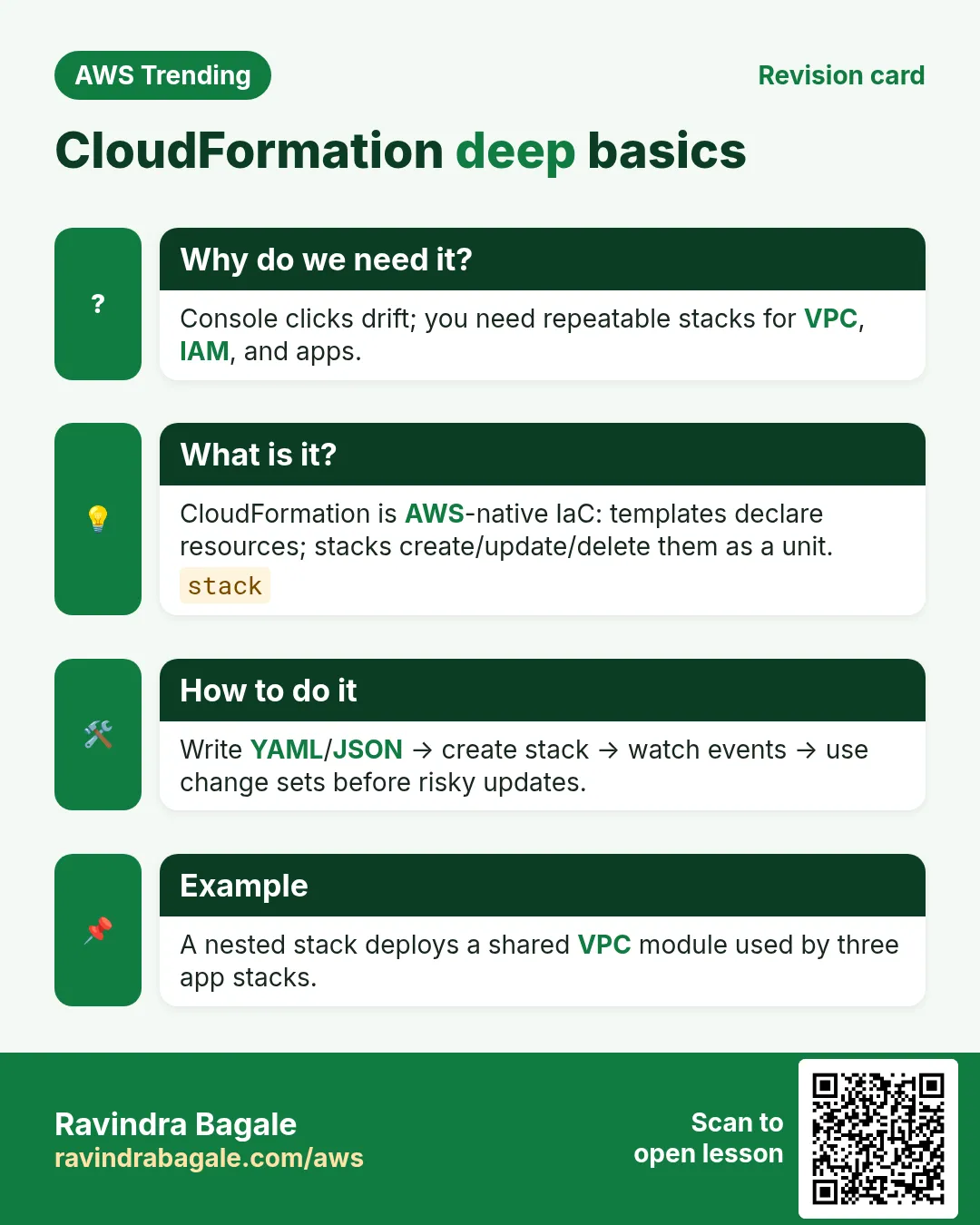
Terraform and CDK are popular, but many enterprises still ship AWS CloudFormation YAML/JSON every day. CloudFormation is the native IaC engine: you declare resources, AWS creates a stack, and change sets show what will break before you update production.
In this chapter
- Why native IaC still matters
- Templates, stacks, change sets, drift
- Parameters, mappings, outputs, nested stacks
- CFN vs CDK vs Terraform decision
- Lab, errors, FAQ, interview
1. Everyday example first
A Mumbai bank must create identical VPCs in three accounts. Clicking the console thrice guarantees drift. One CloudFormation template + StackSets (or three stacks) keeps CIDRs, tags and flow logs aligned — and auditors see the template in Git.
2. Why CloudFormation deep?
Beginners learn create stack. Pros learn change sets, drift detection, nested stacks, custom resources and rollback triggers. Interviews and brownfield jobs still ask CFN even if your team prefers CDK.
3. What are the core pieces?
A template describes which resources you want and how they are connected. A stack is the deployed group CloudFormation manages from that template. In this lab the template declares a bucket. A parameter can supply an environment name, the resource section defines the bucket settings, and an output can give you the resulting bucket name. Read the output after a successful create and match that name in S3. The name in the running account is what an application would use.
| Piece | Meaning |
|---|---|
| Template | YAML/JSON of resources |
| Stack | Live set of resources from a template |
| Change set | Preview of an update before apply |
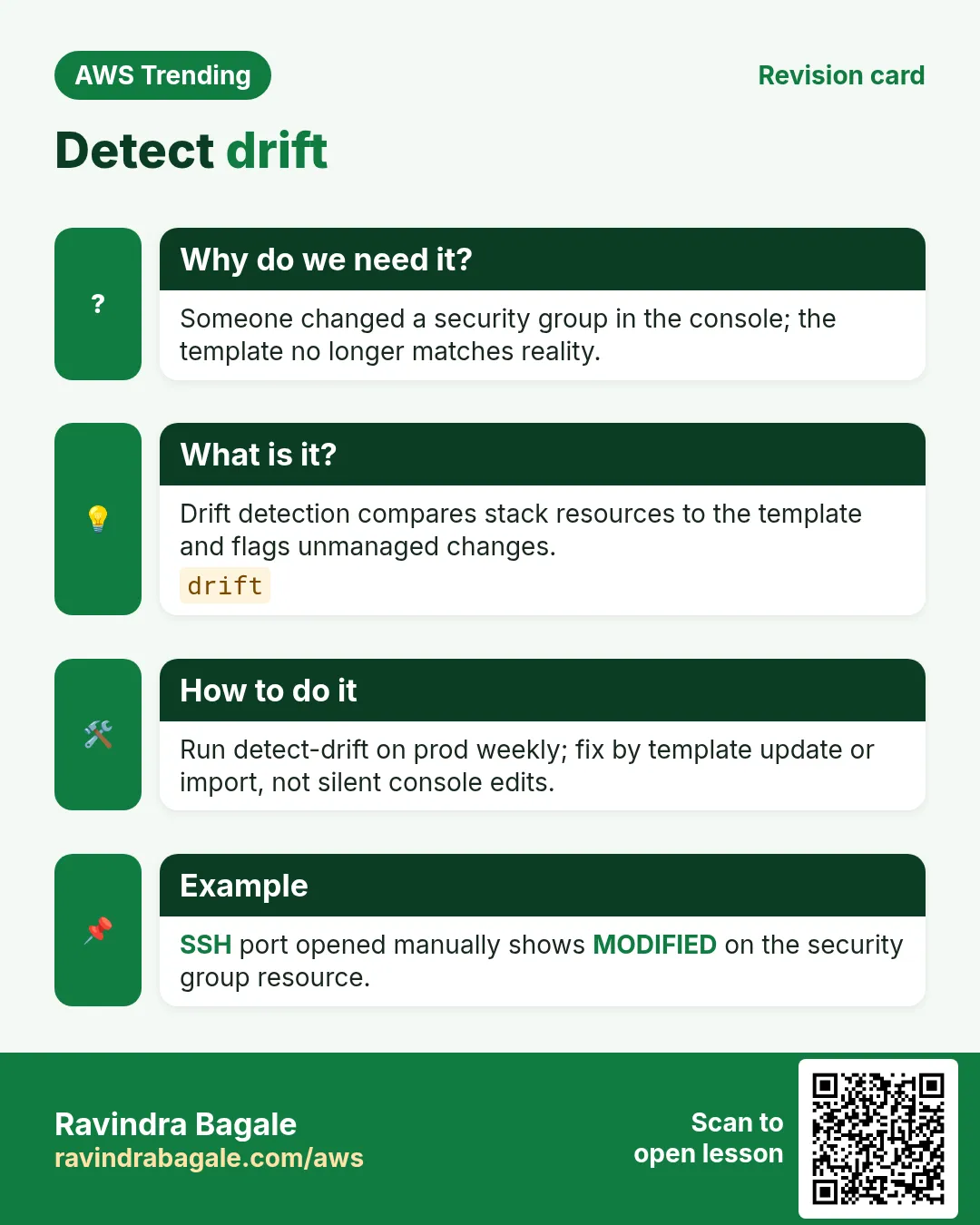
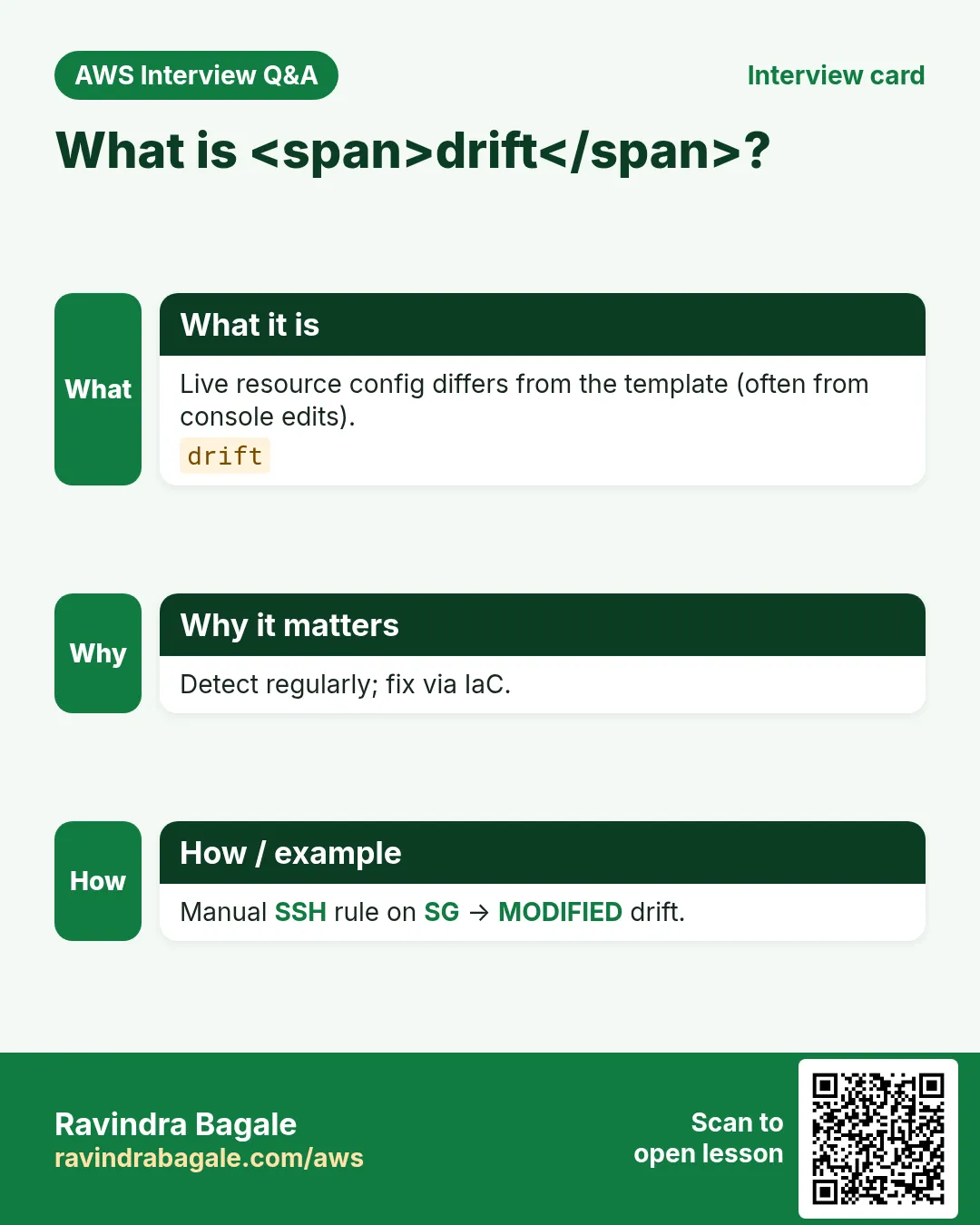
| Drift | Console/API changed resource away from template |
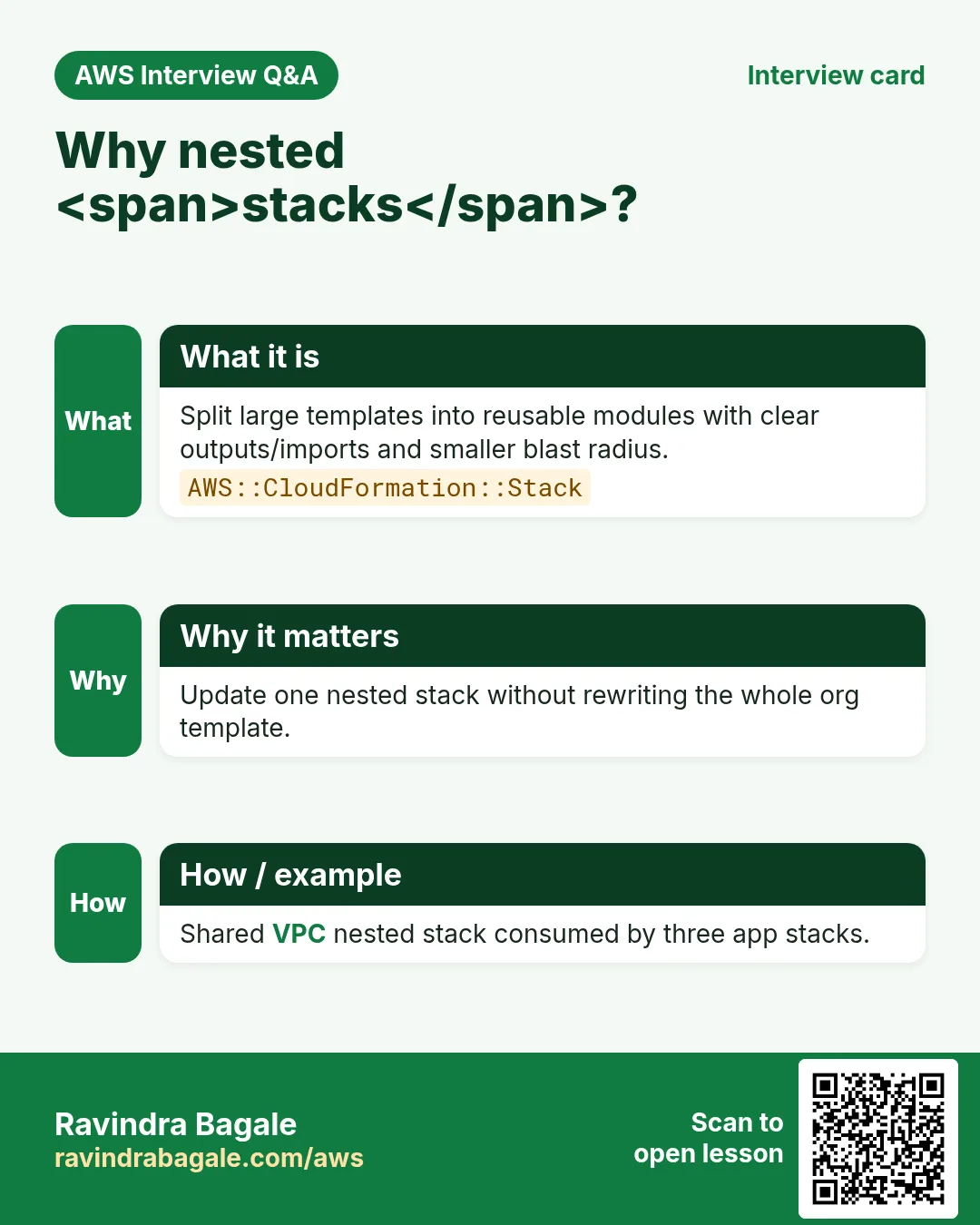
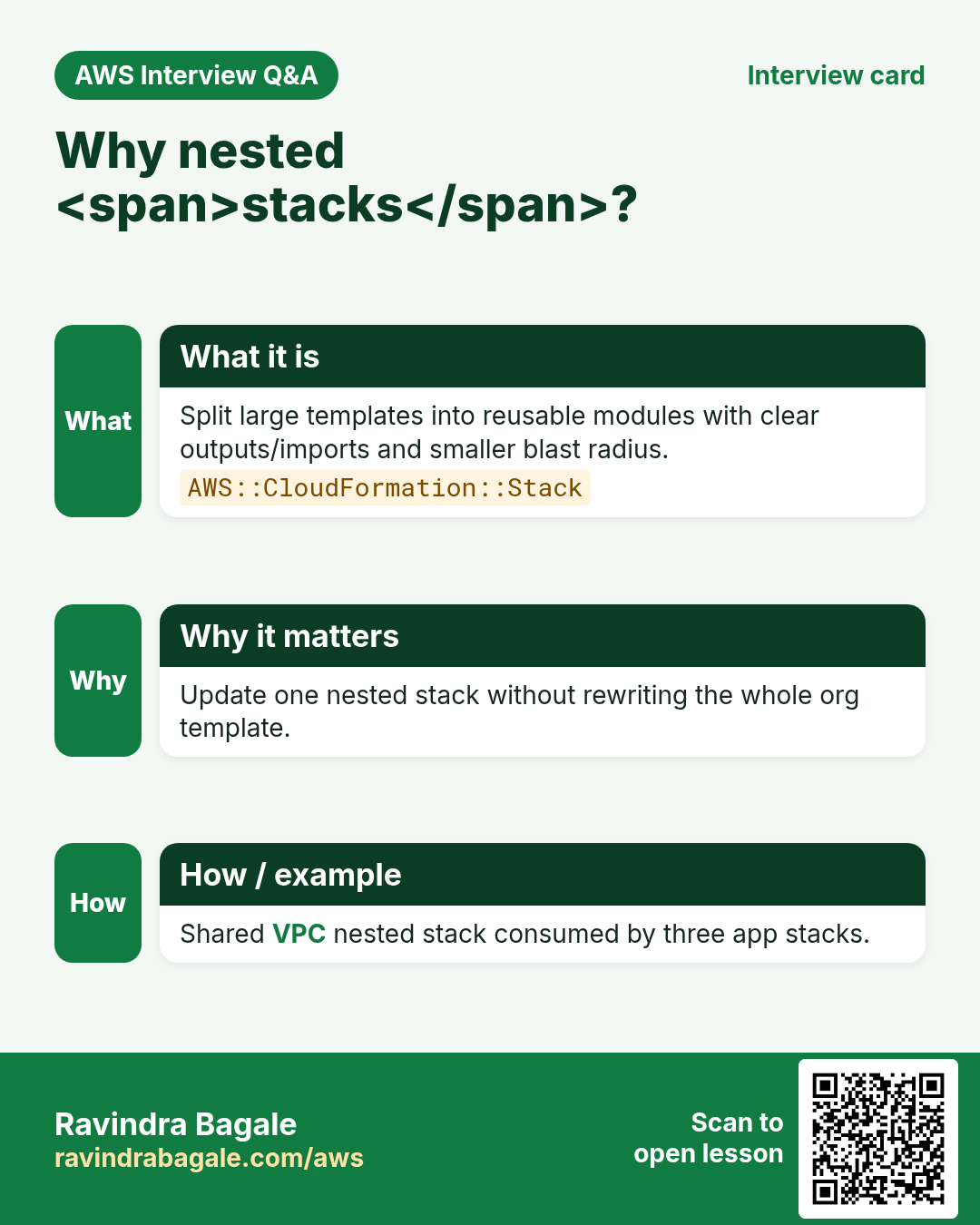
| Nested stack | Stack that owns child stacks |
4. How to work safely
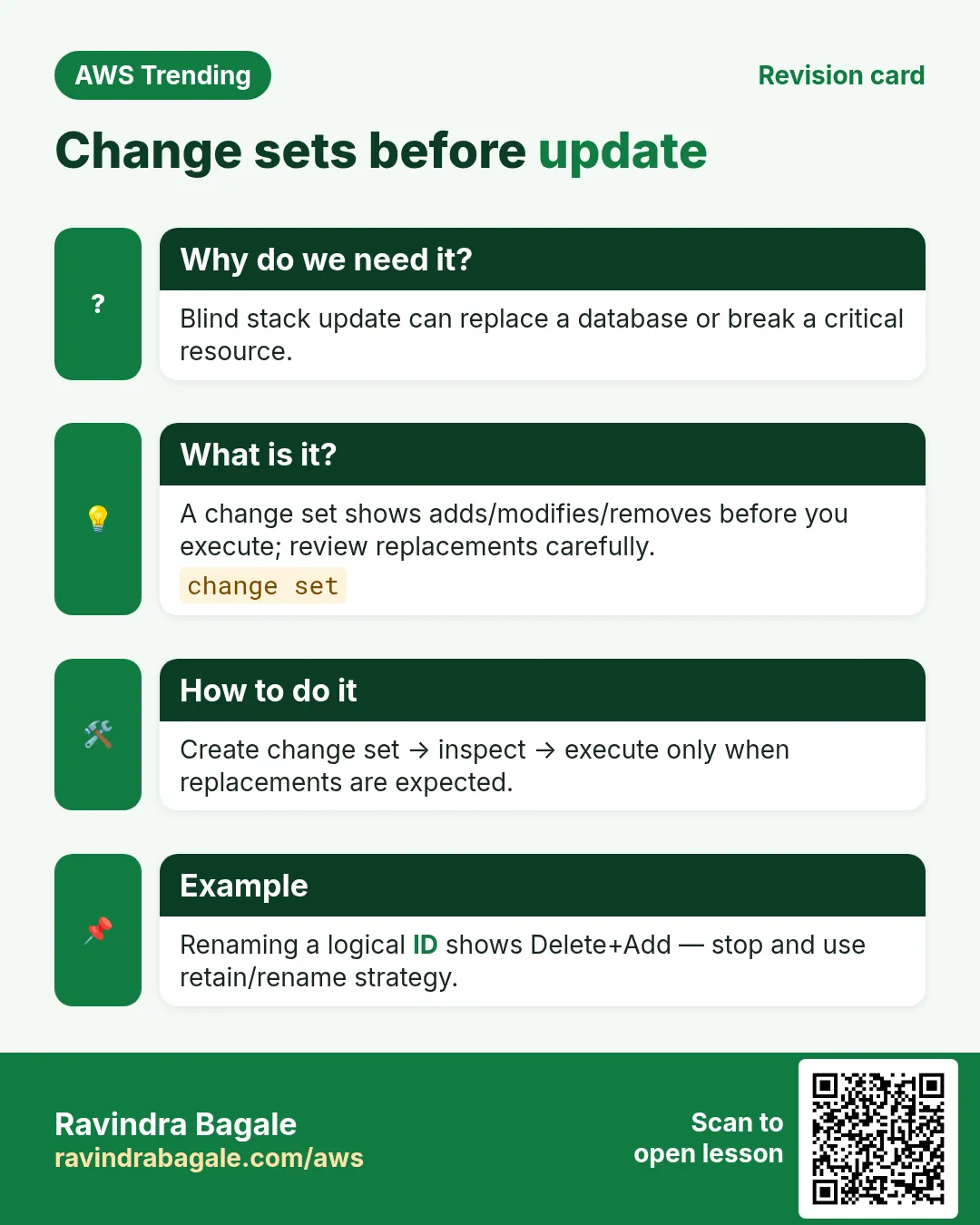
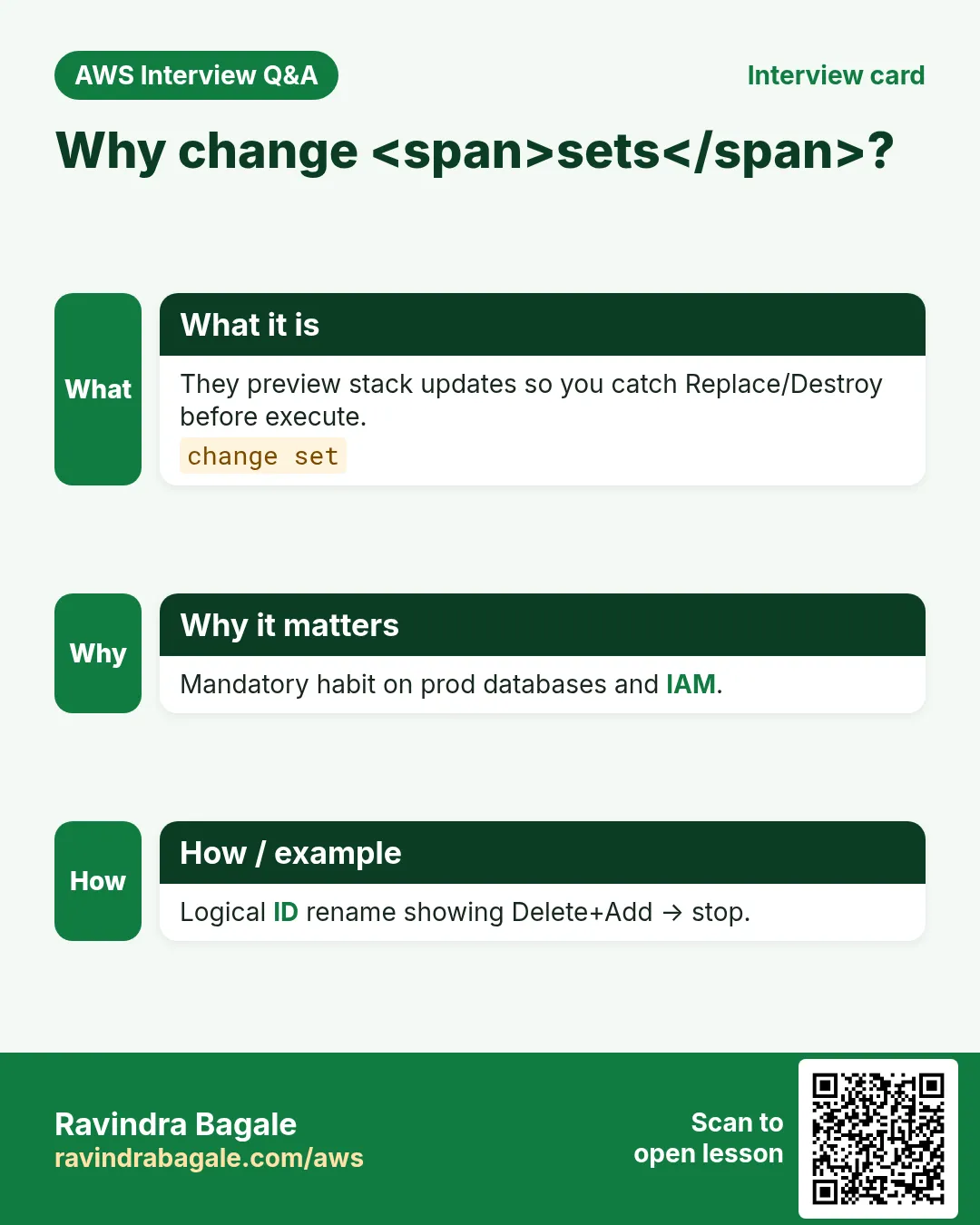
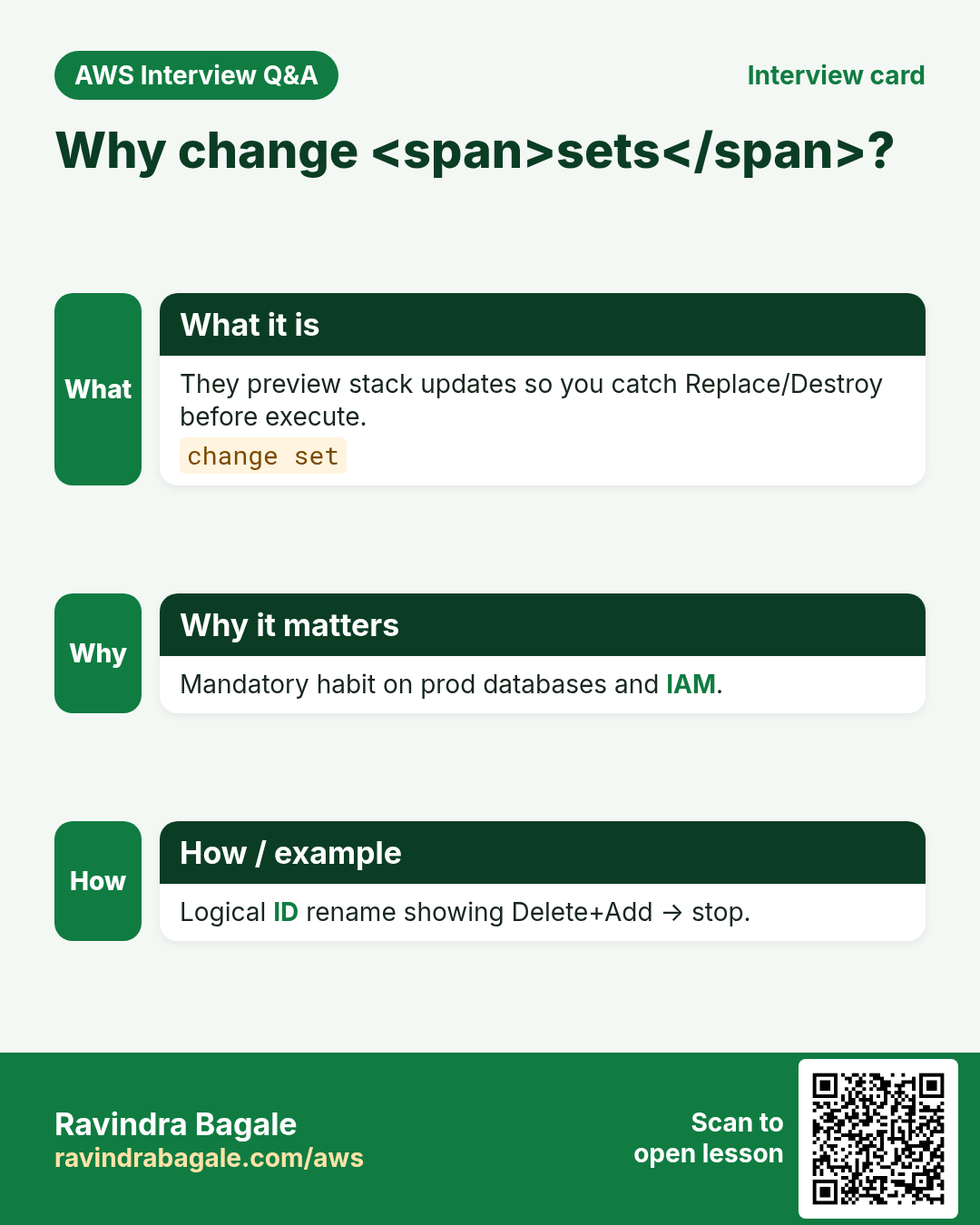
A change set is your preview before updating the stack. If it says the lab bucket will be replaced rather than modified, ask why and what will happen to existing data. A replacement can give an app a different physical resource, even though it still uses the same logical name in the template. Check the resource event and output after any update. Keep a note of the old name so you can verify whether the resource stayed or changed.
- Keep templates in Git; never edit only in console.
- Always create a change set for prod updates.
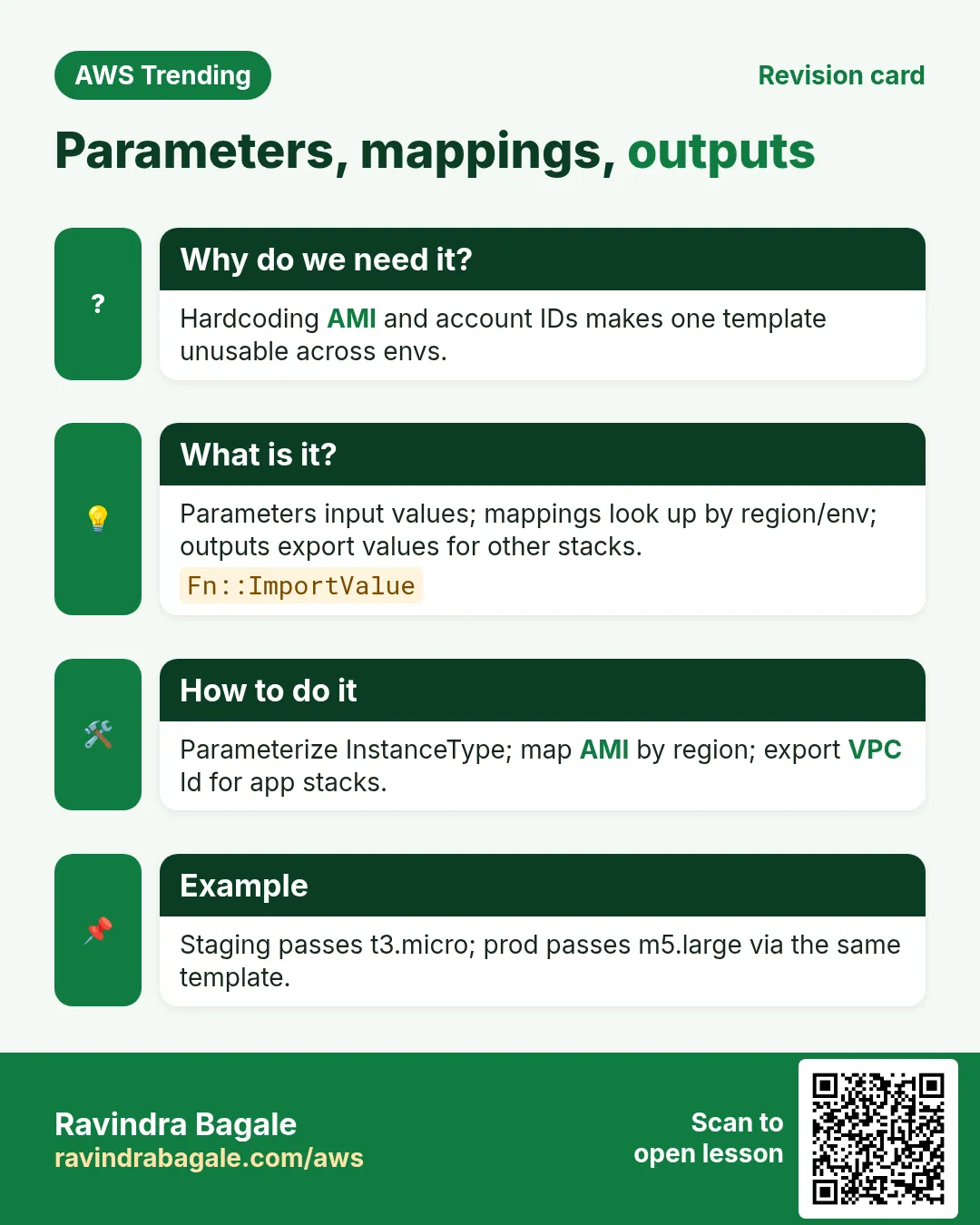
- Use Parameters for env names; Mappings for region AMI tables.
- Export Outputs for cross-stack refs or use nested stacks.
- Turn on termination protection for prod stacks.
- Run drift detection weekly on critical stacks.
AWSTemplateFormatVersion: '2010-09-09'
Description: Tiny S3 lab bucket
Parameters:
  ProjectName:
    Type: String
    Default: cfn-lab
Resources:
  LabBucket:
    Type: AWS::S3::Bucket
    Properties:
      BucketEncryption:
        ServerSideEncryptionConfiguration:
          - ServerSideEncryptionByDefault:
              SSEAlgorithm: AES256
Outputs:
  BucketName:
    Value: !Ref LabBucket
5. CFN vs CDK vs Terraform
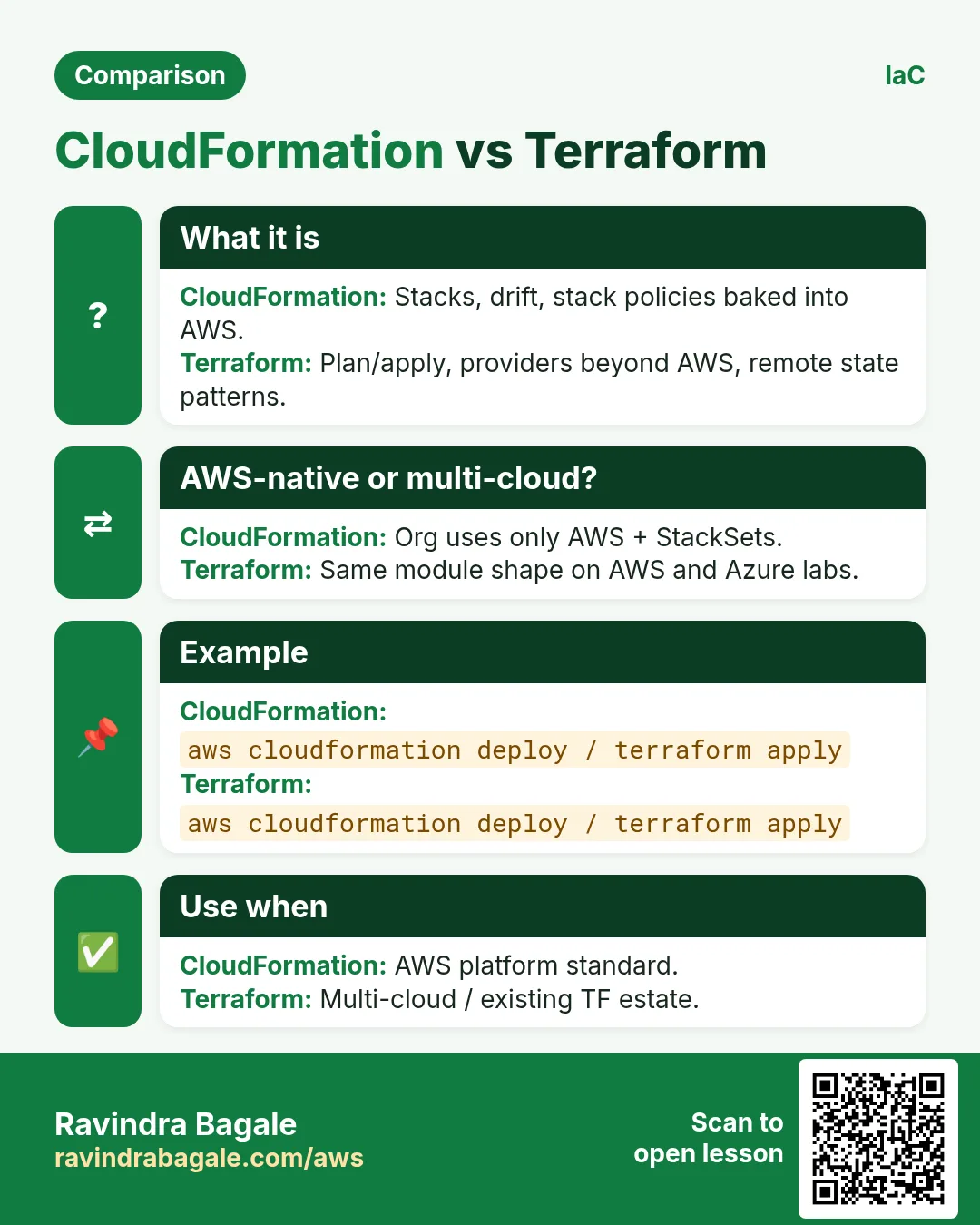
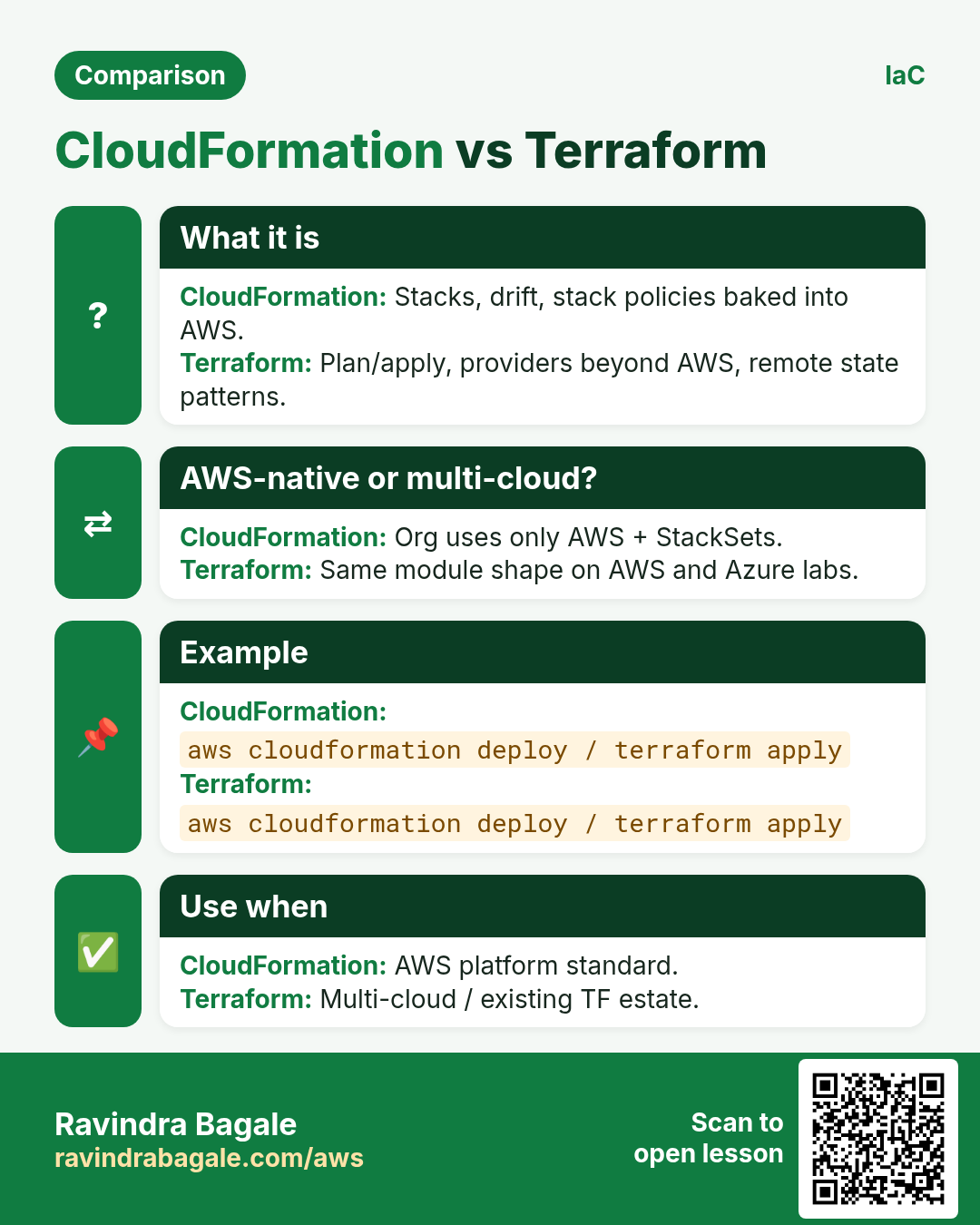
| Tool | Pick when |
|---|---|
| CloudFormation | Native, StackSets, org standard YAML |
| CDK | Want TypeScript/Python generate CFN |
| Terraform | Multi-cloud or existing TF estate |
6. Industries
- Banks: approved CFN modules in a private registry
- SaaS: nested stacks per tenant baseline
- Gov projects: CFN + CodePipeline gates
- Startups: start CFN, grow into CDK
7. Lab: deploy a tiny encrypted bucket stack
Look for a completed stack event and an output bucket name. Open the named bucket in the lab account and confirm the displayed encryption setting matches the template. Remove any test objects before cleanup if the exercise put them there. After stack deletion, read its events and check that the named disposable bucket was removed, or that a retention policy explains why it remains.
Do this in ap-south-1 (Mumbai) unless your org forbids it. Set a budget alert first.
- Save the template above as lab.yaml.
- Console → CloudFormation → Create stack with new resources.
- Region ap-south-1; parameter ProjectName=yourname-lab.
- After CREATE_COMPLETE, note Outputs BucketName.
- Create a change set that adds a bucket tag Owner=you.
Cleanup (stop billing)
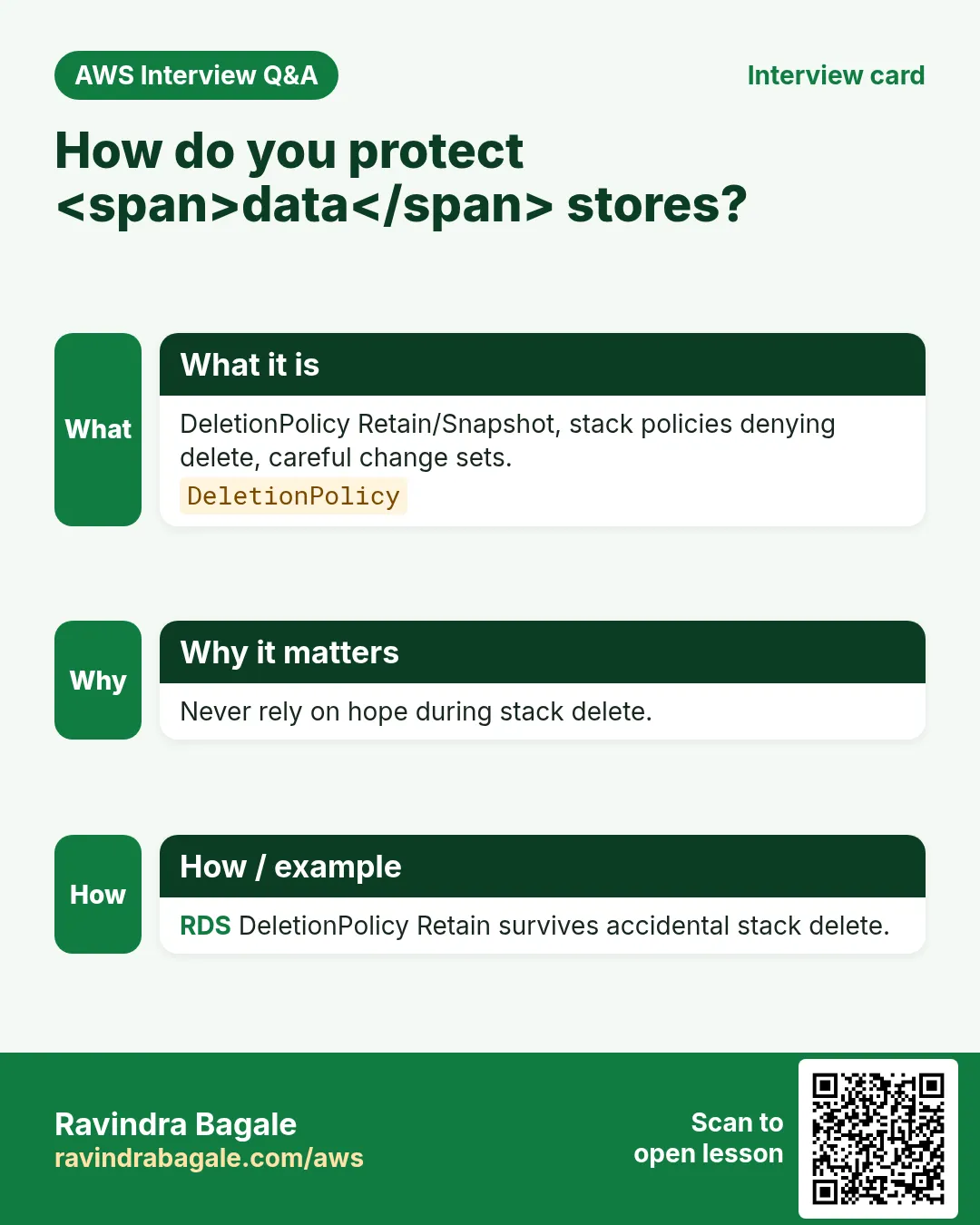
- Delete the stack after verifying DeletionPolicy.
- Confirm no leftover buckets with your prefix.
8. Common errors and fixes
Each row is a real mistake students and juniors hit. Read the fix before you panic.
| Error / symptom | Fix |
|---|---|
| Updated prod without change set | Always change set + peer review. |
| Circular dependency between resources | Split stacks or use DependsOn carefully. |
| Hard-coded account id | Use Pseudo parameters AWS::AccountId. |
| Stack stuck DELETE_FAILED | Empty S3/ENIs; check Retention. |
| Drift ignored for months | Weekly drift + reopen tickets. |
| Nested stack parameters explosion | Pass maps carefully; document contracts. |
| IAM star in template for speed | Scope actions and resources. |
| No rollback triggers on ALM | Add CloudWatch alarm rollback triggers. |
| Edited resource in console | Re-import or reconcile template. |
| Wrong YAML indent | Use cfn-lint before deploy. |
9. Troubleshooting checklist
- CREATE_FAILED → Events tab first line.
- cfn-lint locally before upload.
- Check service quotas (EIP, VPC).
- Permissions: cloudformation + iam PassRole.
- Change set empty? Template identical.
- Export name already exists — unique exports.
10. FAQ
Q. Is CFN free?
Service is free; you pay for resources created.
Q. Can CFN manage all AWS services?
Most; gaps use custom resources / CDK.
Q. YAML or JSON?
YAML for humans; JSON fine for generators.
Q. StackSets?
One template → many accounts/regions.
Q. Replace Terraform overnight?
No — migrate module by module.
11. Interview Q&A
Q. What is a stack?
A deployed instance of a template.
Q. Change set?
Preview of resource changes before update.
Q. Drift detection?
Find manual changes vs template.
Q. Nested vs cross-stack?
Nested=parent owns children; cross-stack uses Exports/Imports.
Q. Rollback?
Failed create/update returns to prior good state when possible.
Q. CFN vs Terraform state?
CFN state is AWS-managed; TF state is yours (S3/Dynamo).
12. Tips in English, Marathi and Hindi
Ravindra Bagale's Tip (EN)
If you cannot explain the change set in one sentence, do not execute it.
Ravindra Bagale's Tip (MR)
Change set एक वाक्यात समजत नसेल तर execute नका.
Tip (HI)
Change set एक वाक्य में नहीं समझा तो execute मत करना।
Try at home
- Run cfn-lint on a sample template.
- Draw stack vs change set vs drift.
- List three resources you would never edit only in console.
In short
- CloudFormation = native AWS IaC stacks.
- Change sets and drift keep prod honest.
- Parameters/mappings/outputs structure templates.
- Pick CFN/CDK/TF based on org constraints.
Revision, interview and comparison cards
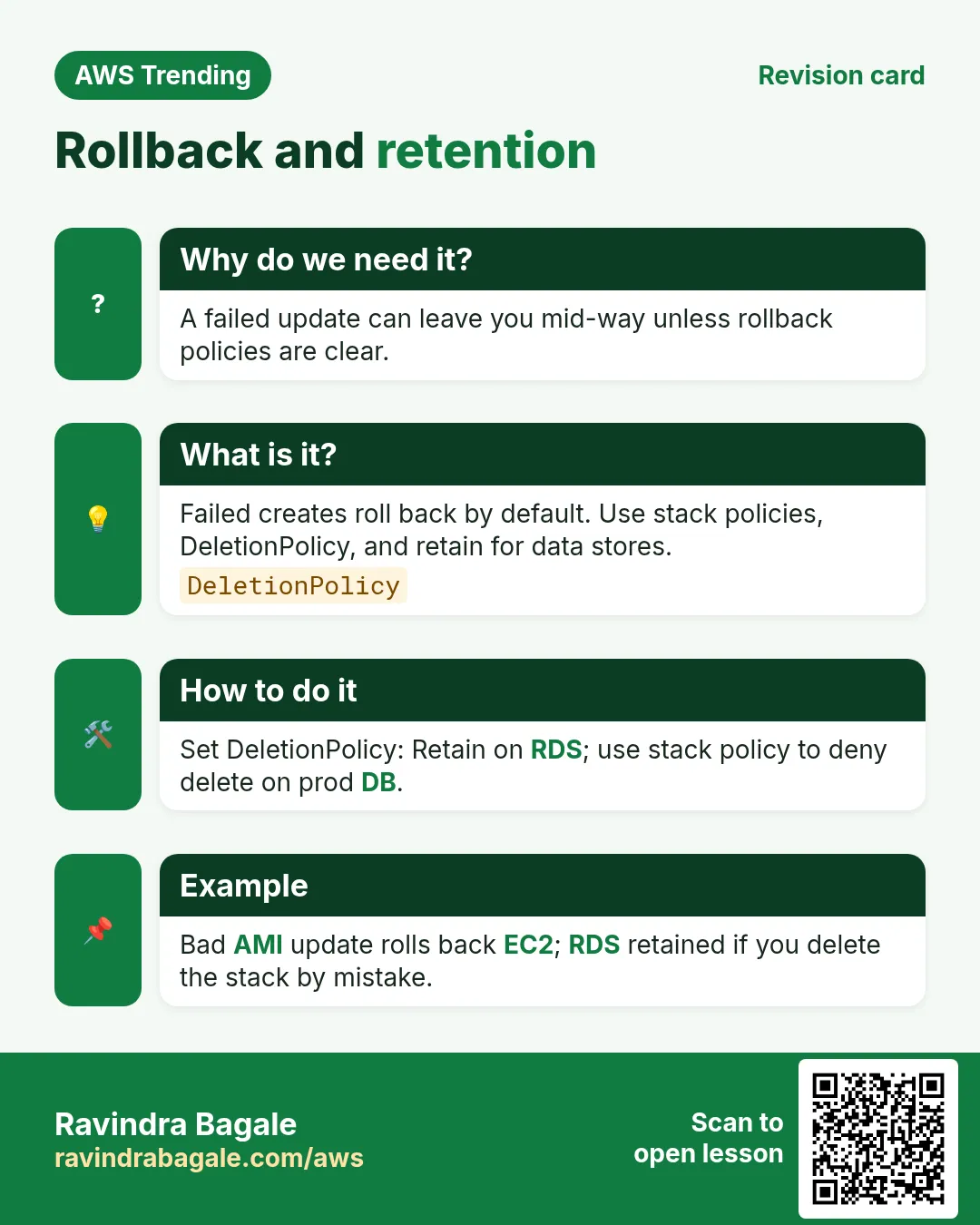
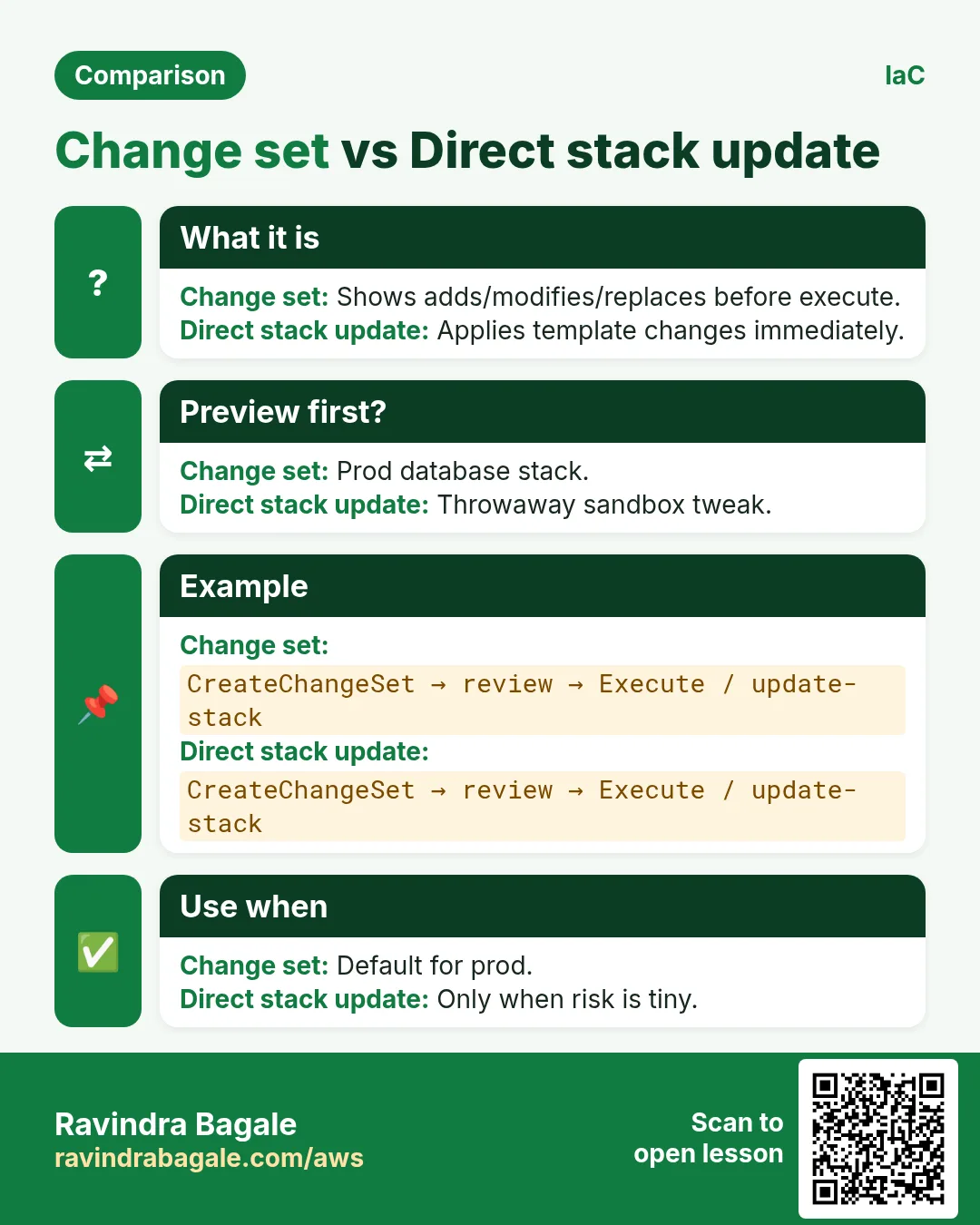
Revise this lesson in a few minutes. Save the cards on your phone or download them as PNG files. The QR code on each card opens this lesson.
More cards: Ravi Sir's Cards.
Practise this chapter
Interview questions and answers
A change set says a storage resource will be replaced. What do you check before executing it?
Find the property forcing replacement, note the affected physical resource and check data retention and application references. Compare the proposed new resource to the intended settings. After applying in the lab, use stack events and outputs to verify exactly what changed.
Check your understanding
Choose an answer, then compare your reasoning with the explanation.
Practice Tasks
Practice checks run in your browser. They check the answer for this exercise; they do not create resources or connect to your AWS account.
About this scenarioLondon Legal LLP is a law business in London. Oliver Hughes looks after its IT and cloud work. They count money in GBP and run their AWS resources in the eu-west-2 Region. In the tasks below you do real jobs for them using what this lesson teaches. All names, account IDs, IP addresses and numbers are made up for practice.
0 / 16
Easy List stacks
See what is deployed.
List stacks in eu-west-2.
- Read the task and decide which AWS service it is about.
- Write aws, then the service name, then the operation (the action word).
- Add each needed flag (--name) followed by its value from the task.
- Flags can be in any order. Click Check answer.
Easy Describe stack
Status and outputs.
Describe stack londonlegal-web.
- Read the task and decide which AWS service it is about.
- Write aws, then the service name, then the operation (the action word).
- Add each needed flag (--name) followed by its value from the task.
- Flags can be in any order. Click Check answer.
Easy Validate template
Catch YAML errors.
Validate template file://tpl.yaml.
- Read the task and decide which AWS service it is about.
- Write aws, then the service name, then the operation (the action word).
- Add each needed flag (--name) followed by its value from the task.
- Flags can be in any order. Click Check answer.
Easy CFN service fee dollars classroom
Service free resources billed.
CloudFormation service fee in USD for the control plane itself in this classroom (enter 0)?
- Write down the numbers the task gives you.
- Work it out step by step on paper.
- Type only the final answer in the box.
- Click Check answer.
Easy Min AZs for reliable tip
Reliability pillar.
Minimum AZs often recommended for prod (enter 2)?
- Write down the numbers the task gives you.
- Work it out step by step on paper.
- Type only the final answer in the box.
- Click Check answer.
Easy Apply the lesson: scenario 6
Before deploying a CloudFormation template, which named linting tool can catch template issues? Enter the tool name.
- Read the situation and identify what you need to decide.
- Work through the relevant concept or calculation.
- Enter only the requested term or number.
- Check your answer, then read the explanation.
Medium Stack events
Debug CREATE_FAILED.
Describe stack events for londonlegal-web.
- Read the task and decide which AWS service it is about.
- Write aws, then the service name, then the operation (the action word).
- Add each needed flag (--name) followed by its value from the task.
- Flags can be in any order. Click Check answer.
Medium Detect drift
Find console edits.
Detect drift on stack londonlegal-web.
- Read the task and decide which AWS service it is about.
- Write aws, then the service name, then the operation (the action word).
- Add each needed flag (--name) followed by its value from the task.
- Flags can be in any order. Click Check answer.
Medium Delete stack
Cleanup labs.
Delete stack londonlegal-lab.
- Read the task and decide which AWS service it is about.
- Write aws, then the service name, then the operation (the action word).
- Add each needed flag (--name) followed by its value from the task.
- Flags can be in any order. Click Check answer.
Medium Describe stacks only
Read-only ops role.
Allow cloudformation:DescribeStacks on all stacks (*).
- Start with { "Version": "2012-10-17", "Statement": [ ... ] }.
- In each statement write Effect, Action and Resource.
- Give only what the task needs (least privilege).
- Use double quotes and commas correctly. Click Check answer.
Medium Parameter JSON
Env names as parameters.
JSON Parameters ProjectName learn.
- Start from the top-level keys the task names.
- Indent child keys with 2 spaces (no tabs).
- Fill in each property with the value from the task.
- Click Check answer. Key order does not matter.
Medium Apply the lesson: scenario 12
A stack is deleted, but its bucket must remain. Which DeletionPolicy value expresses that intent?
- Read the situation and identify what you need to decide.
- Work through the relevant concept or calculation.
- Enter only the requested term or number.
- Check your answer, then read the explanation.
Hard Create change set
Preview prod updates.
Create change set cs1 on stack londonlegal-web with template file://tpl.yaml.
- Read the task and decide which AWS service it is about.
- Write aws, then the service name, then the operation (the action word).
- Add each needed flag (--name) followed by its value from the task.
- Flags can be in any order. Click Check answer.
Hard Execute change set
Apply after review.
Execute change set cs1 on londonlegal-web.
- Read the task and decide which AWS service it is about.
- Write aws, then the service name, then the operation (the action word).
- Add each needed flag (--name) followed by its value from the task.
- Flags can be in any order. Click Check answer.
Hard PassRole for CFN
CFN needs PassRole carefully.
Allow iam:PassRole on arn:aws:iam::114543297314:role/londonlegal-cfn.
- Start with { "Version": "2012-10-17", "Statement": [ ... ] }.
- In each statement write Effect, Action and Resource.
- Give only what the task needs (least privilege).
- Use double quotes and commas correctly. Click Check answer.
Hard Outputs JSON
Export bucket name.
JSON Outputs BucketName Value my-lab-bucket.
- Start from the top-level keys the task names.
- Indent child keys with 2 spaces (no tabs).
- Fill in each property with the value from the task.
- Click Check answer. Key order does not matter.