What Is AWS IAM Identity Center (SSO) Explained
IAM Identity Center is the modern front door for humans. One login, many AWS accounts, temporary roles under the hood. Old-style IAM users with permanent keys are the backup plan — not the default.
In this chapter
- Identity Center vs old IAM users
- Permission sets = reusable role templates
- AWS access portal URL
- Users, groups, account assignments
- When Identity Center is the right default
1. Everyday example first
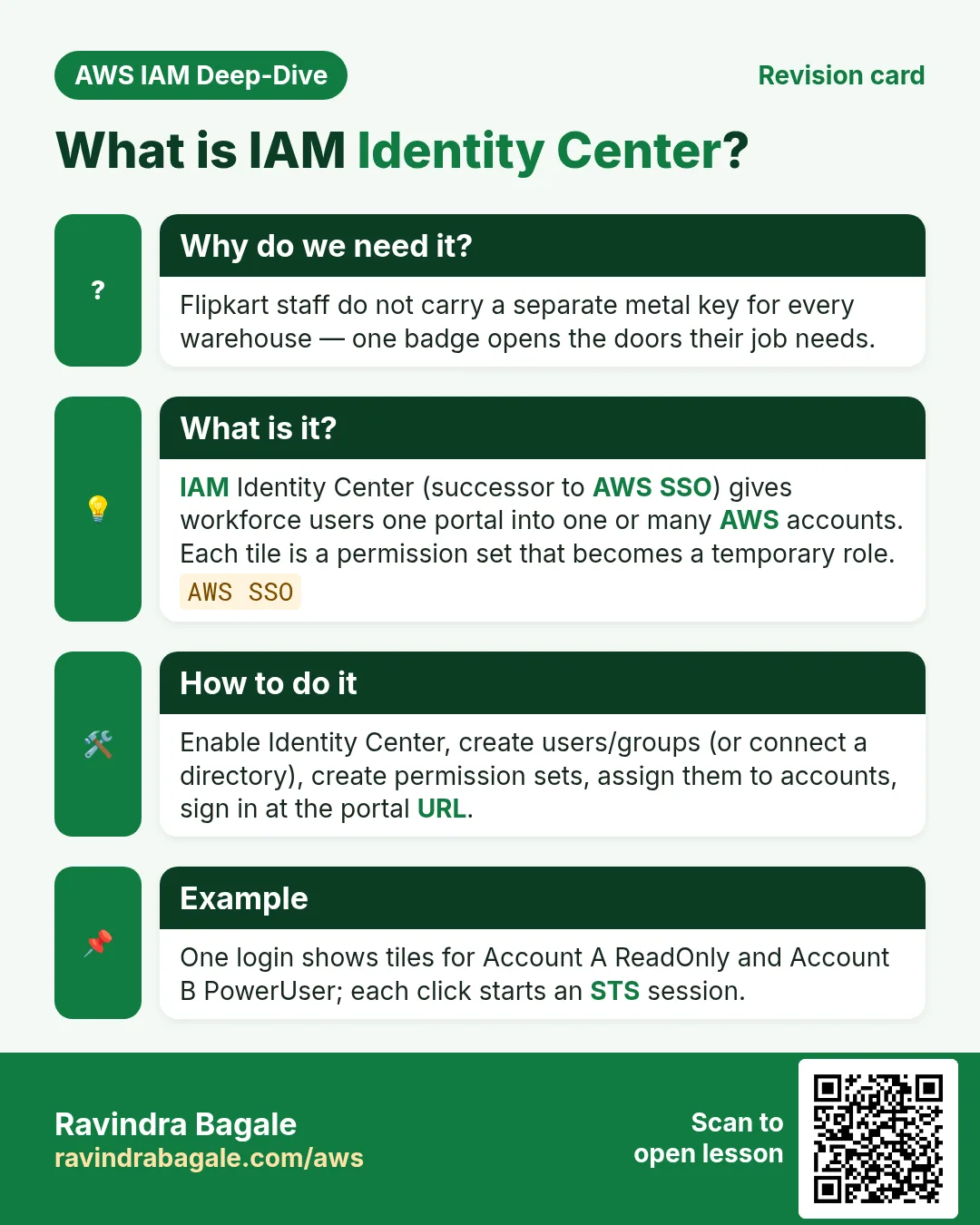
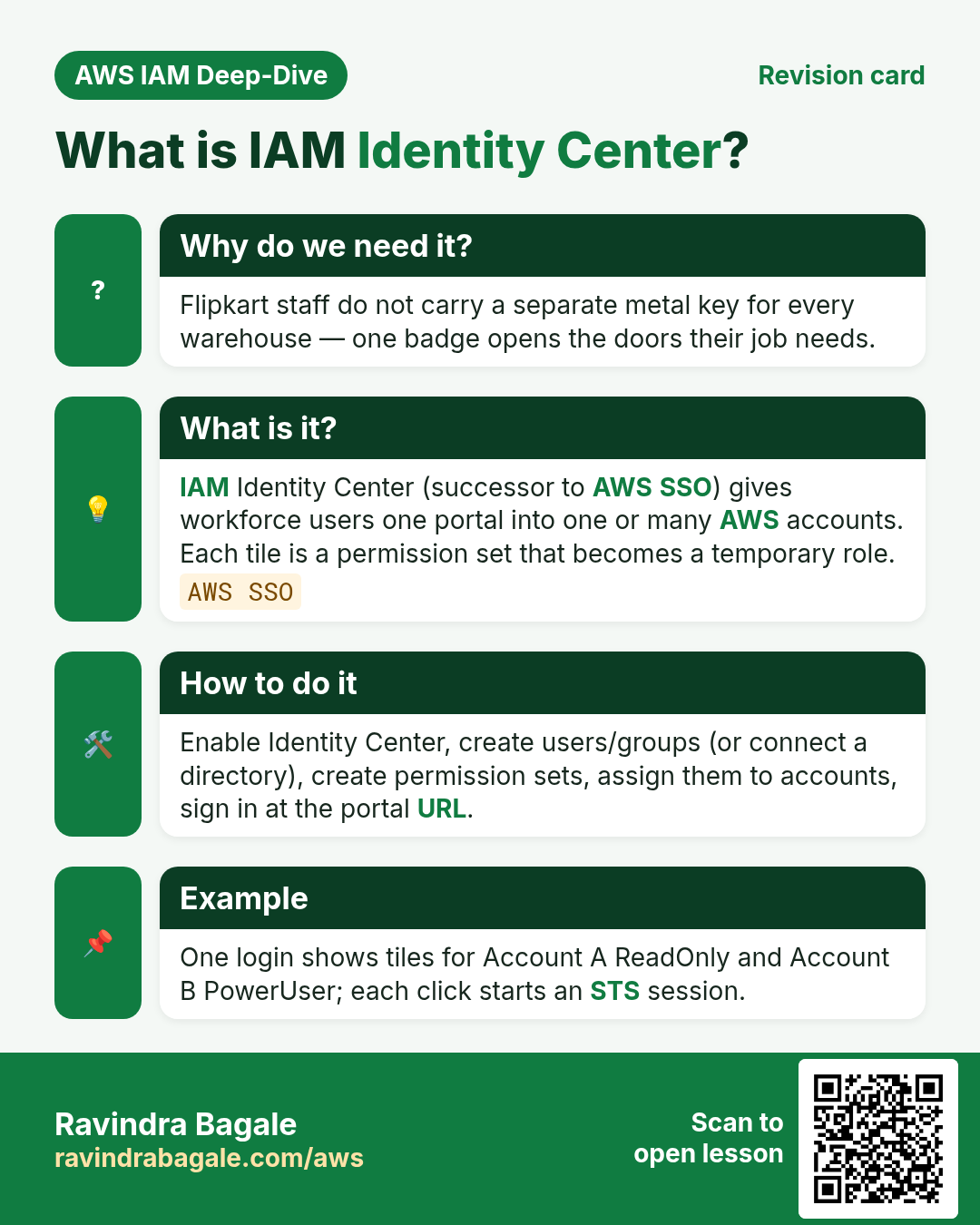
Flipkart staff do not carry a separate metal key for every warehouse. They badge in once; the system opens the doors their job needs. Identity Center is that badge for AWS accounts.
The warehouse story is made up for learning.
AWS IAM Identity Center (the successor name for what many still call AWS SSO) gives workforce users a single sign-on portal into one or many AWS accounts. Behind each “tile” is a permission set that becomes an IAM role with temporary credentials.
| Old habit | Identity Center habit |
|---|---|
| Create IAM user per person per account | One Identity Center user; assign accounts + permission sets |
| Long-lived access keys for CLI | aws sso login → temporary keys |
| Copy AdministratorAccess to every user | Permission sets: ReadOnly, PowerUser, Admin break-glass |
2. Core words
Start with a person who needs to read a development account and has no reason to edit production. The identity source supplies people and groups. Put the person in a development group. A permission set describes the AWS access the group should get. An assignment connects the group, the chosen account and the permission set. After the person signs in to the AWS access portal, that assignment describes the account and role they should see.
Test the three parts separately. Portal sign-in confirms account authentication for that person. Seeing Development with the right permission set confirms the assignment is visible. Opening that role and reading one assigned resource confirms its permissions work. If Production appears by mistake, find which person or group assignment granted it instead of making the development policy broader.
- AWS access portal — the HTTPS URL users bookmark to pick account + role.
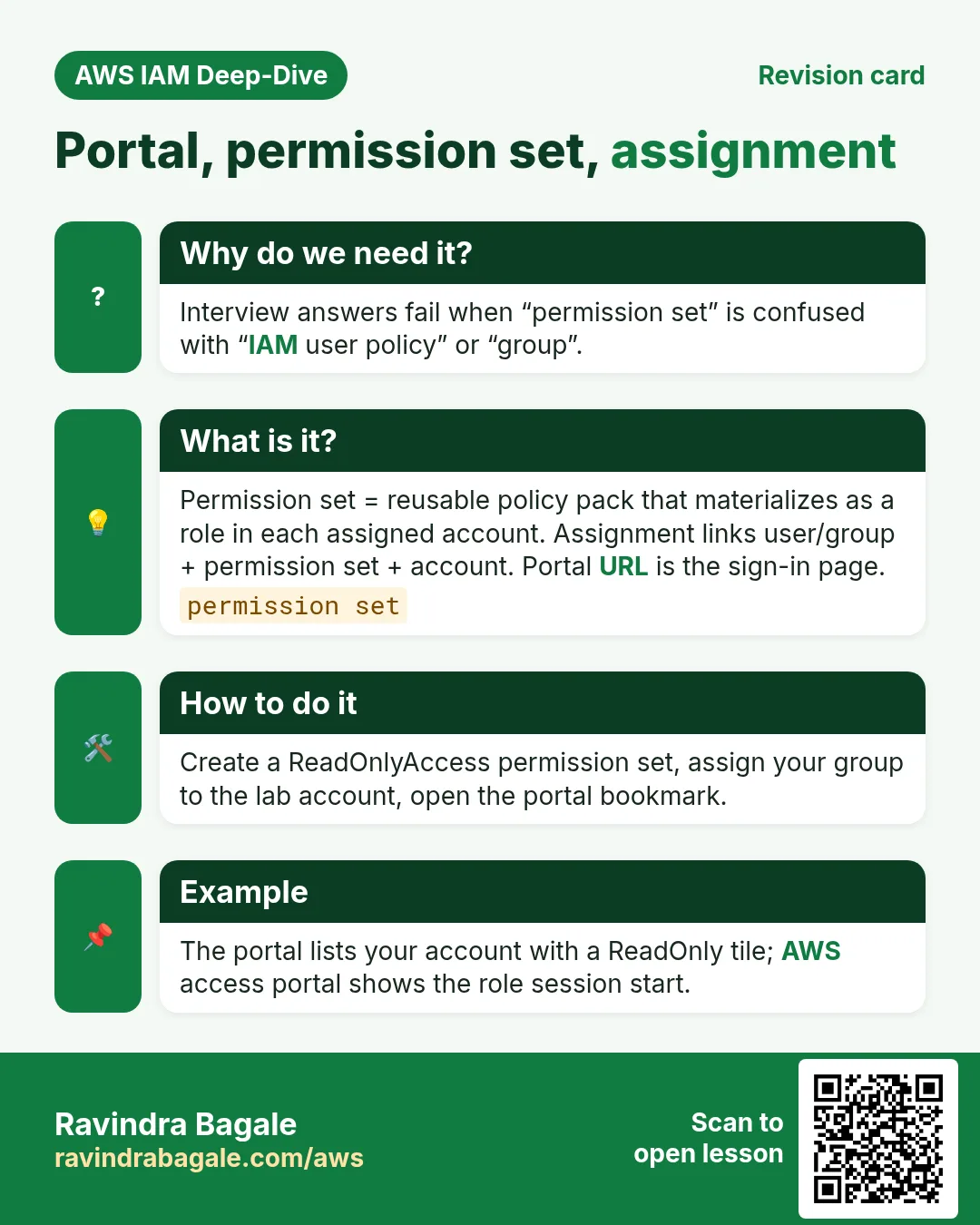
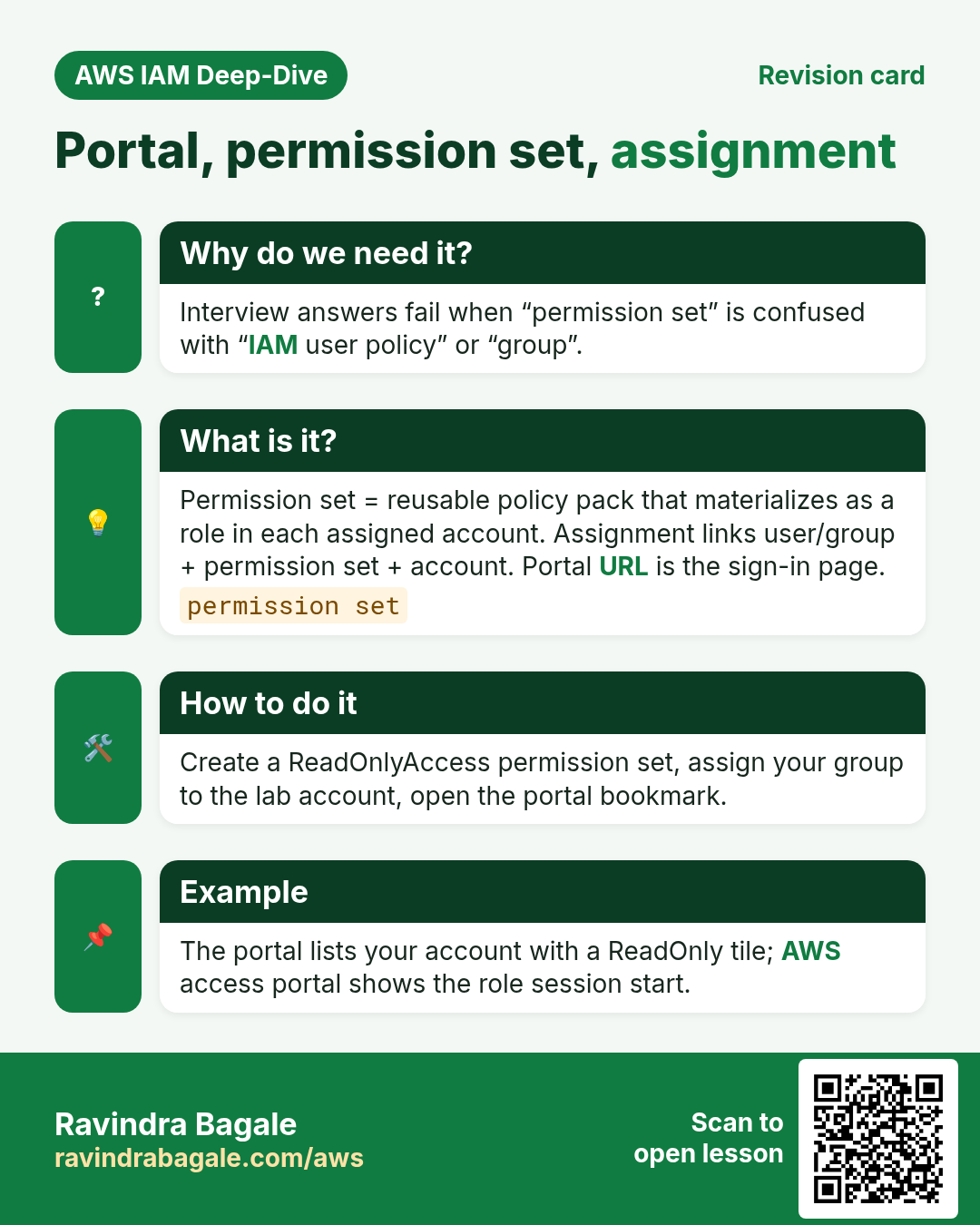
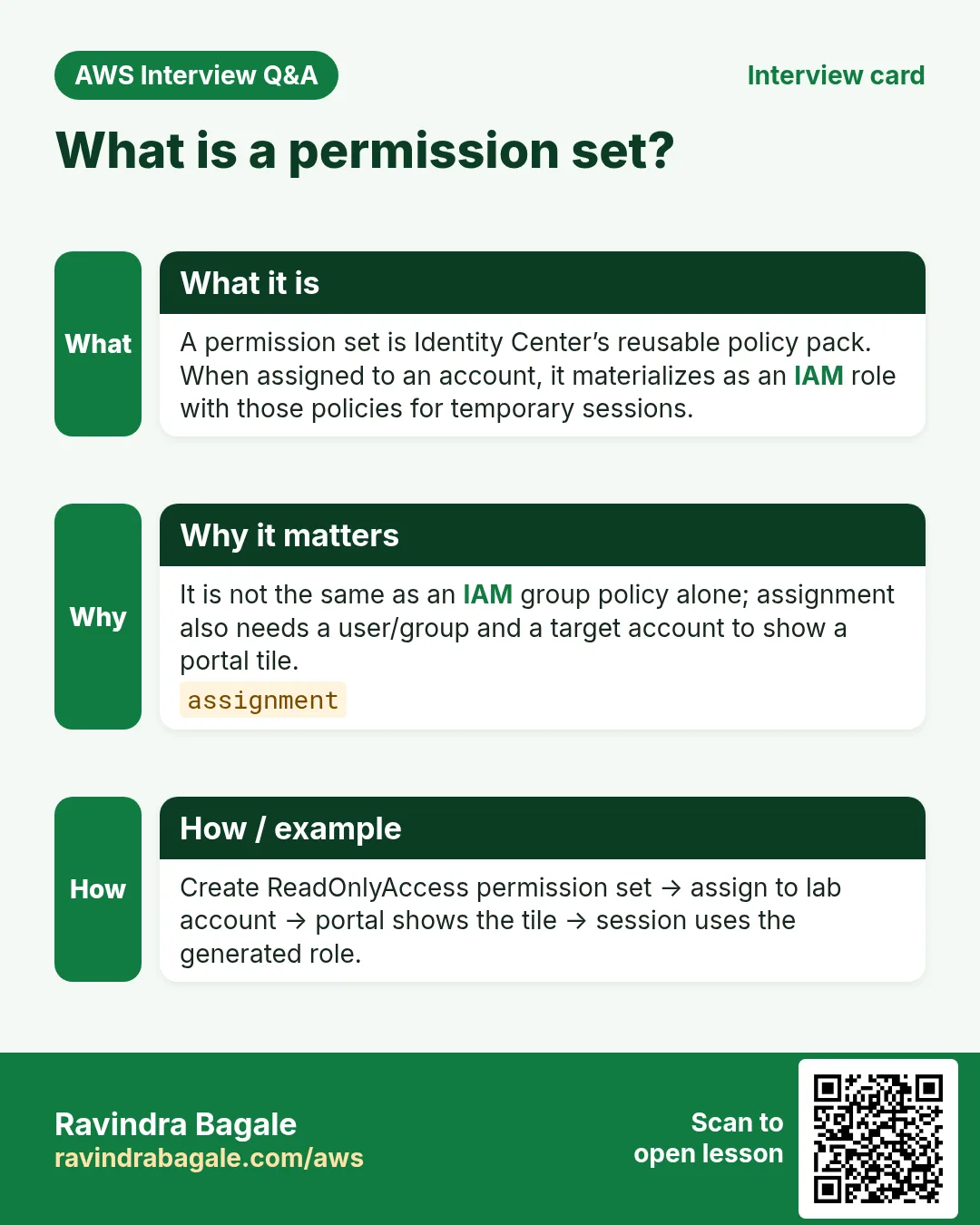
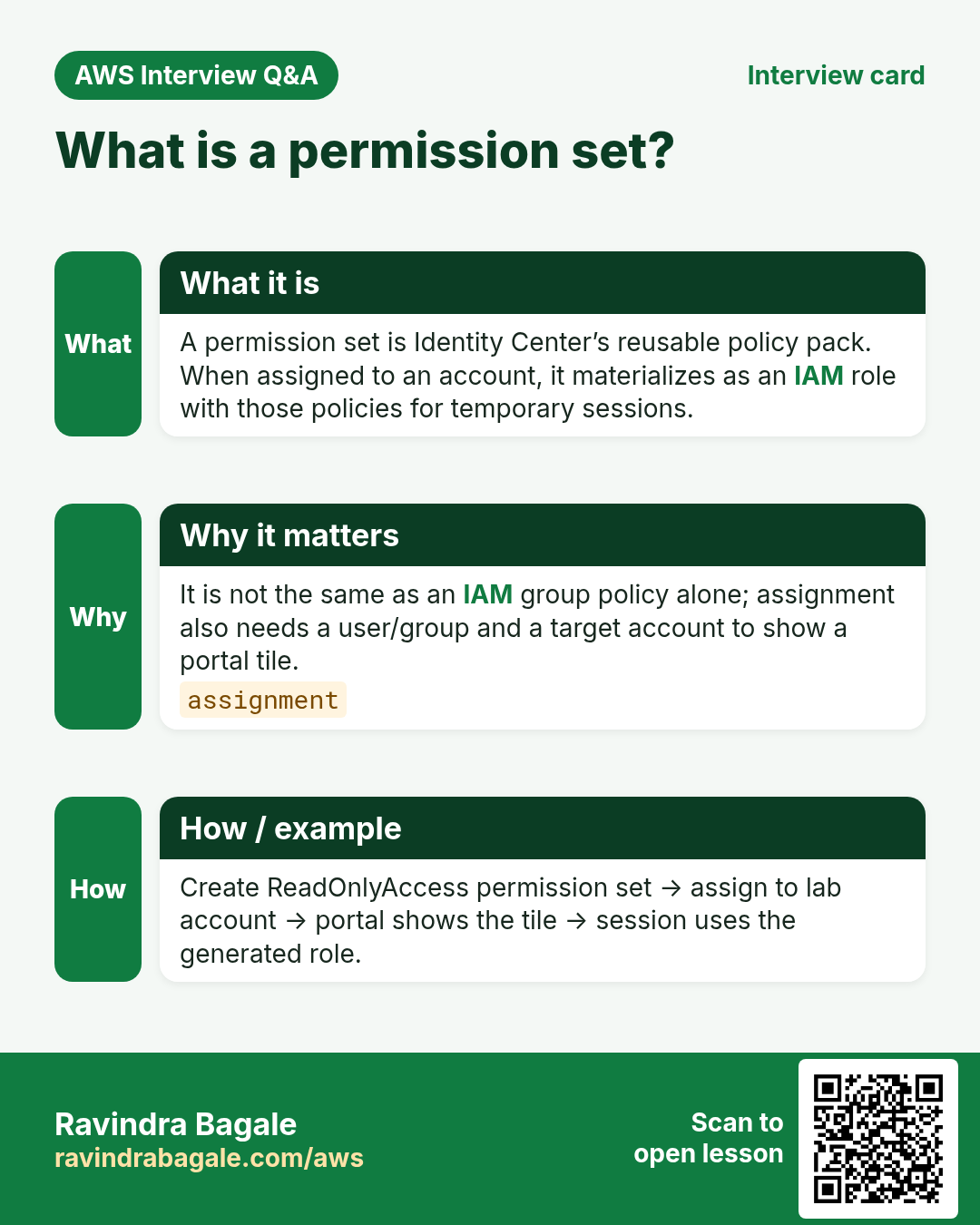
- Permission set — template of policies; Identity Center creates/updates a role per account assignment.
- Identity source — Identity Center directory, Active Directory, or external IdP (Okta, Entra ID, etc.).
- Account assignment — user/group + permission set + AWS account.
3. Identity Center vs IAM users
Interviewers ask which you prefer for a 50-person company with 5 AWS accounts.
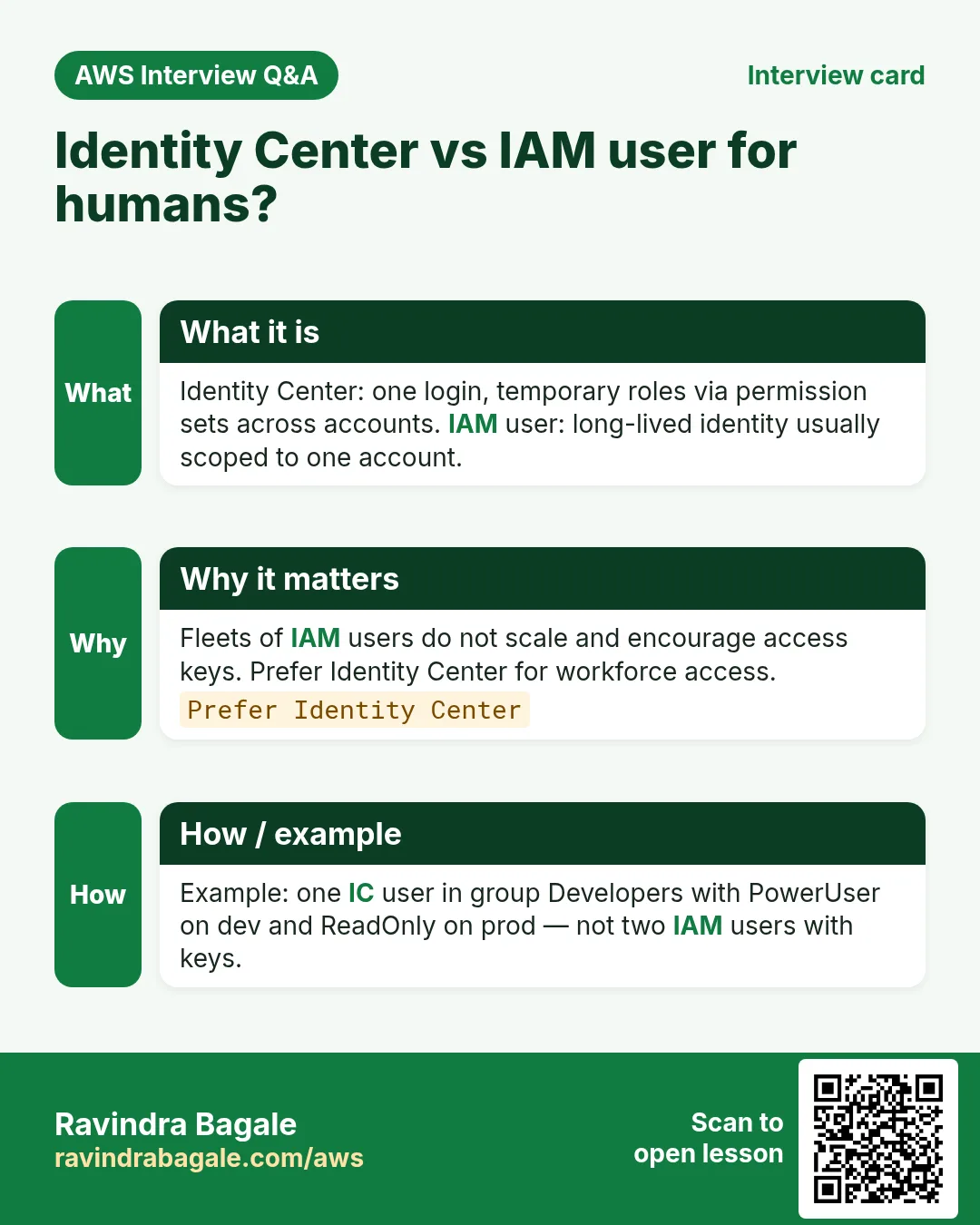
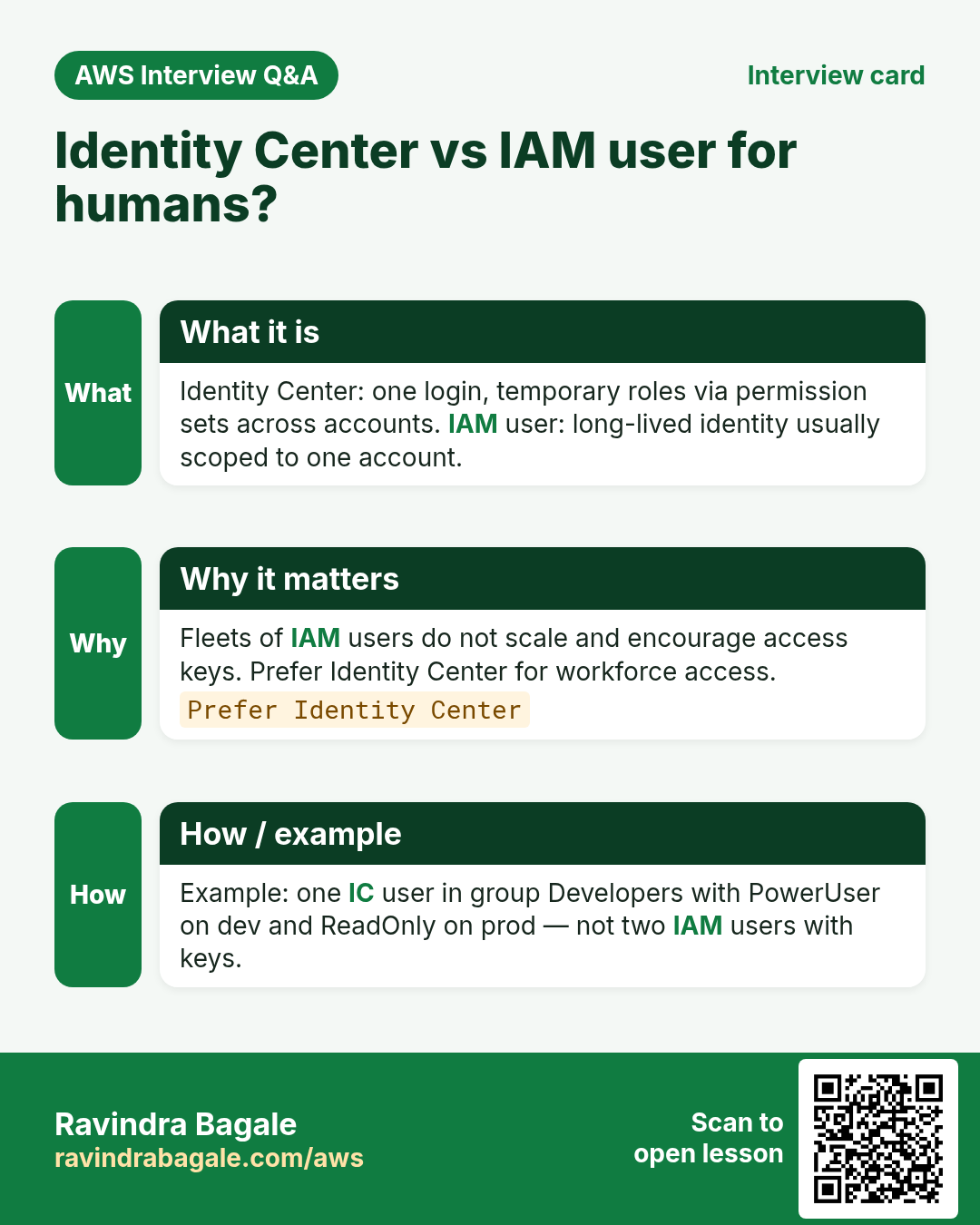
- Prefer Identity Center for humans: one place to hire/fire, MFA, and short sessions.
- Keep IAM users rare: break-glass, legacy automation not yet on roles, or tiny sandbox with one learner (still MFA).
- Workloads (EC2, Lambda) still use IAM roles — not Identity Center users.
Ravindra Bagale's Tip
Calling it “AWS SSO” in conversation is fine — people still search that name. On the console, look for IAM Identity Center.
Common errors: cause and safe next check
Portal sign-in works but the expected account is missing
Authentication is only the first step. In an organization instance, check the intended user or group, group membership, target AWS account and permission-set assignment with the administrator. A successful login does not grant an account assignment automatically.
The account appears but the requested role is absent
The account and permission set must be assigned together to the right user or group. Check the completed assignment rather than asking for AdministratorAccess as a shortcut. Assignment processing can take a few minutes.
CLI login succeeds but the wrong account is used
An SSO session can be shared by profiles that select different accounts and roles. Check the named profile’s account and role selection and its caller identity. Do not treat a browser success message as proof of which account the next terminal request uses.
Practical questions and full answers
Can one SSO session support separate development and production profiles?
Yes. The recommended sso-session configuration can be reused by more than one profile, while each profile selects its own account and role. Keeping names clear helps avoid using a production profile for an intended development read.
Does an account instance provide the same AWS-account portal access as an organization instance?
No. Current account instances support application assignments, not AWS-account portal access or multi-account permissions. For the account-and-permission-set flow discussed here, confirm that the administrator is using an organization instance.
Who controls MFA when a company uses an external identity provider?
The external IdP manages MFA for those identities. Identity Center assignments still determine which AWS accounts and permission sets are available. Login security and account authorization are related, but are not the same configuration.
4. Interview angles
Q. SSO vs IAM user?
SSO/Identity Center: one login, temp roles; IAM user: long-lived per account.
Q. Permission set?
Reusable policy pack that becomes a role in each assigned account.
Q. Where do CLI creds come from?
aws sso login caches temporary creds via STS.
Q. Workloads on Identity Center?
No — attach IAM roles to compute.
Q. Old name?
AWS Single Sign-On (AWS SSO).
Try at home
- Find the Identity Center console in your lab account (may need org/management account).
- Next: enable it and create a permission set step by step.
In short
- Identity Center = SSO portal for humans.
- Permission sets become temporary roles.
- Prefer it over fleets of IAM users.
- Compute still uses IAM roles.
Separate sign-in from permissions
Create a test group, select one lab account and assign a read-only permission set. The test user signs in successfully and sees that account, while a write attempt remains denied. Remove the exercise assignment afterward.
Interview check Why can somebody sign in but see no account?
Authentication identifies the user. Account assignments and the permission set determine which AWS account access the user receives.
Practise this chapter
Interview questions and answers
How would you explain why signing into the access portal does not guarantee AWS access?
The identity source authenticates the person, while an account assignment connects that person or group to a permission set in a particular account. I would verify sign-in, appearance of the expected assignment, and one authorized service action as three separate checks.
Check your understanding
Choose an answer, then compare your reasoning with the explanation.
Practice Tasks
Practice checks run in your browser. They check the answer for this exercise; they do not create resources or connect to your AWS account.
About this scenarioSahyadri Clinic is a healthcare business in Satara. Dr. Anil Deshmukh looks after its IT and cloud work. They count money in INR and run their AWS resources in the ap-south-1 Region. In the tasks below you do real jobs for them using what this lesson teaches. All names, account IDs, IP addresses and numbers are made up for practice.
0 / 10
Easy Configure a named profile
Profiles keep keys for different accounts apart.
Start the interactive setup for a profile named sahyadriclinic-prod.
- Read the task and decide which AWS service it is about.
- Write aws, then the service name, then the operation (the action word).
- Add each needed flag (--name) followed by its value from the task.
- Flags can be in any order. Click Check answer.
Easy Check who you are logged in as
Always confirm the account and identity before running changes.
Show the account ID and ARN of the identity your CLI is using.
- Read the task and decide which AWS service it is about.
- Write aws, then the service name, then the operation (the action word).
- Add each needed flag (--name) followed by its value from the task.
- Flags can be in any order. Click Check answer.
Easy How many addresses in a /16?
Picking a VPC size needs this count.
Sahyadri Clinic plans the VPC 10.94.0.0/16. How many IP addresses does it hold in total?
- Write down the numbers the task gives you.
- Work it out step by step on paper.
- Type only the final answer in the box.
- Click Check answer.
Easy Port for SSH
Security group rules need the right port.
Which TCP port must the security group open for SSH?
- Write down the numbers the task gives you.
- Work it out step by step on paper.
- Type only the final answer in the box.
- Click Check answer.
Easy Show where you are
Before you copy or delete anything, you must know which folder you are in.
Dr. Anil Deshmukh logged in to the Sahyadri Clinic server and is not sure which folder the terminal is in. Print the current folder path.
- Find the Linux command that does this job.
- Add the options (like -r or -h) the task needs.
- Add the file names, folders or users in the right order.
- Use sudo if the job changes system files or users. Click Check answer.
Medium List Identity Center instances
You need the instance ARN and identity store ID for SSO admin commands.
List the IAM Identity Center instances.
- Read the task and decide which AWS service it is about.
- Write aws, then the service name, then the operation (the action word).
- Add each needed flag (--name) followed by its value from the task.
- Flags can be in any order. Click Check answer.
Medium Log in with SSO
SSO gives short-lived keys, so no long-term access keys sit on your laptop.
Log in with IAM Identity Center for profile sahyadriclinic-dev.
- Read the task and decide which AWS service it is about.
- Write aws, then the service name, then the operation (the action word).
- Add each needed flag (--name) followed by its value from the task.
- Flags can be in any order. Click Check answer.
Medium Set the default Region of a profile
Setting region in the profile saves typing --region every time.
Set region to ap-south-1 for profile sahyadriclinic-prod using aws configure set.
- Read the task and decide which AWS service it is about.
- Write aws, then the service name, then the operation (the action word).
- Add each needed flag (--name) followed by its value from the task.
- Flags can be in any order. Click Check answer.
Medium Create access keys for a user
Access keys let a user run the AWS CLI. Store them safely and rotate them.
Create an access key for user anil.
- Read the task and decide which AWS service it is about.
- Write aws, then the service name, then the operation (the action word).
- Add each needed flag (--name) followed by its value from the task.
- Flags can be in any order. Click Check answer.
Hard Create a permission set
A permission set is a role template that Identity Center creates in each account.
Create permission set ReadOnly-sahyadriclinic in instance arn:aws:sso:::instance/ssoins-1234567890abcdef with session duration PT8H.
- Read the task and decide which AWS service it is about.
- Write aws, then the service name, then the operation (the action word).
- Add each needed flag (--name) followed by its value from the task.
- Flags can be in any order. Click Check answer.
Revision, comparison and interview cards
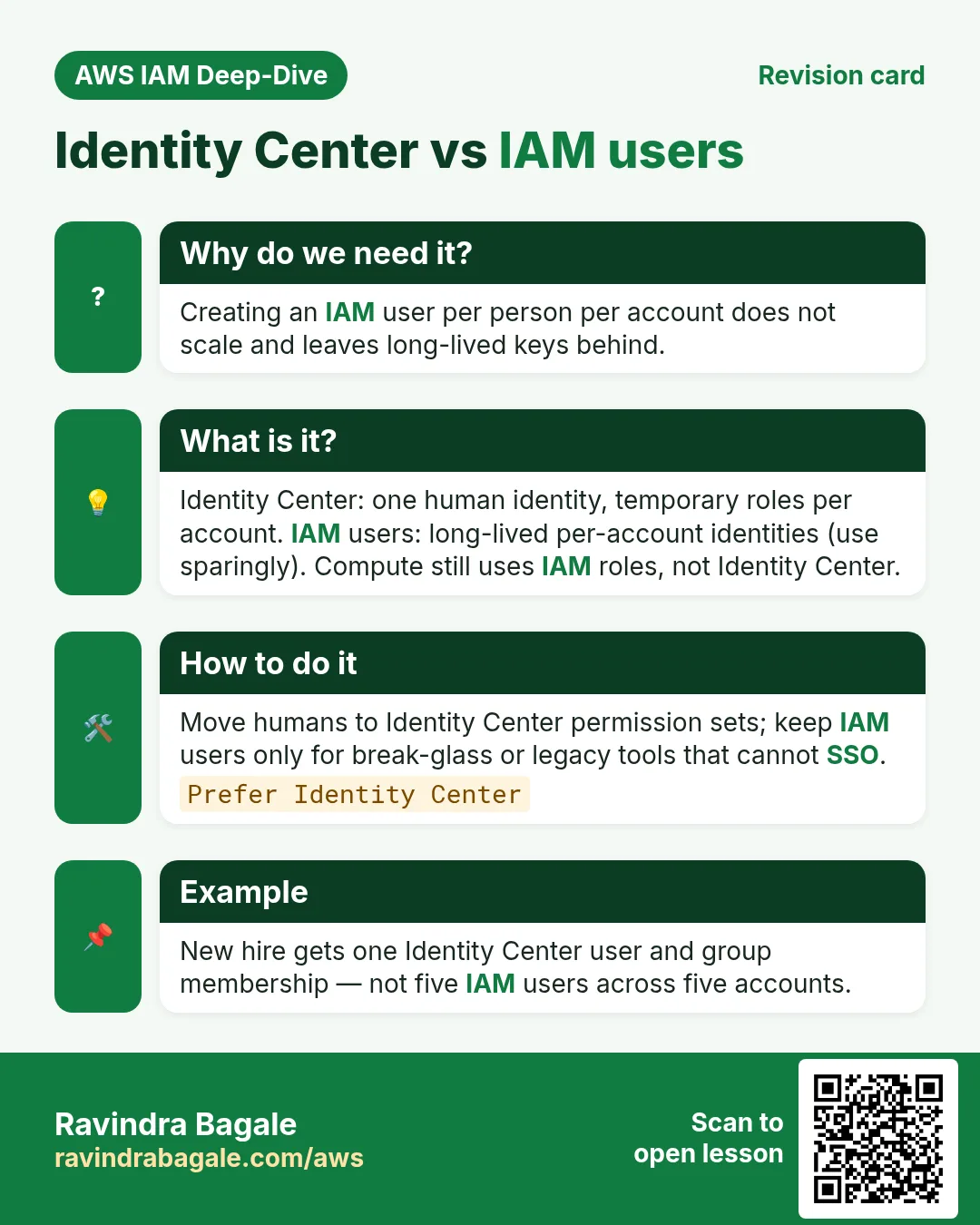
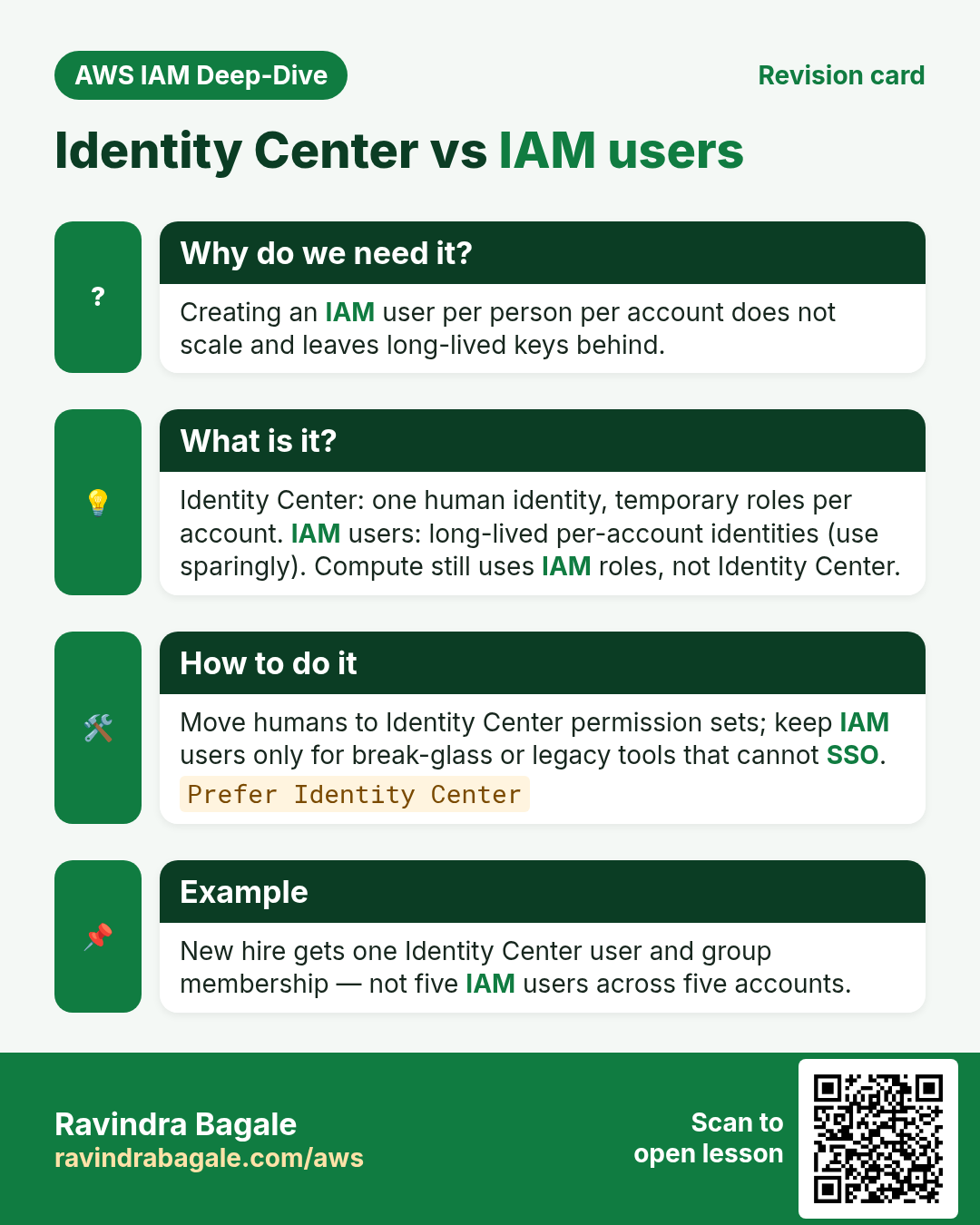
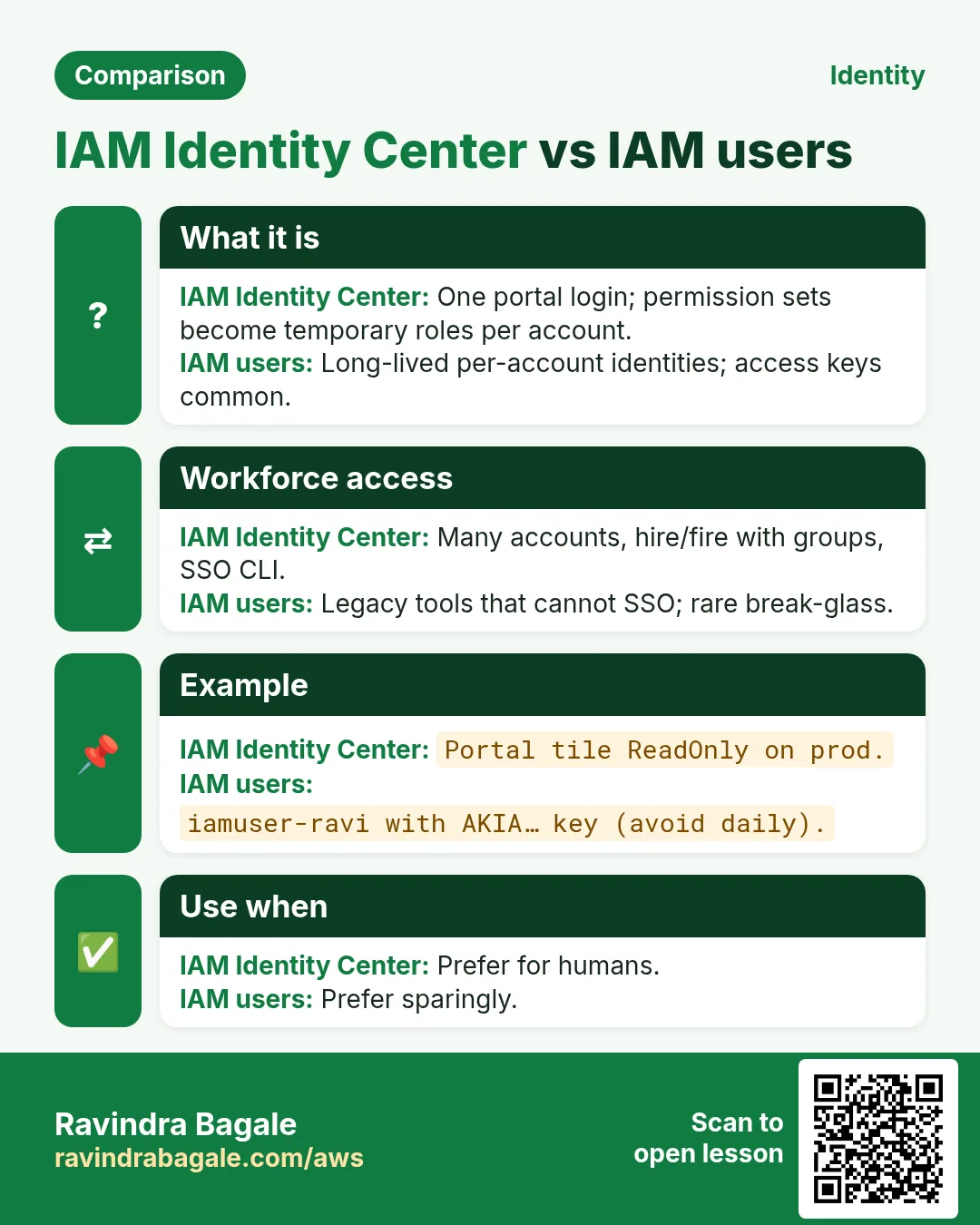
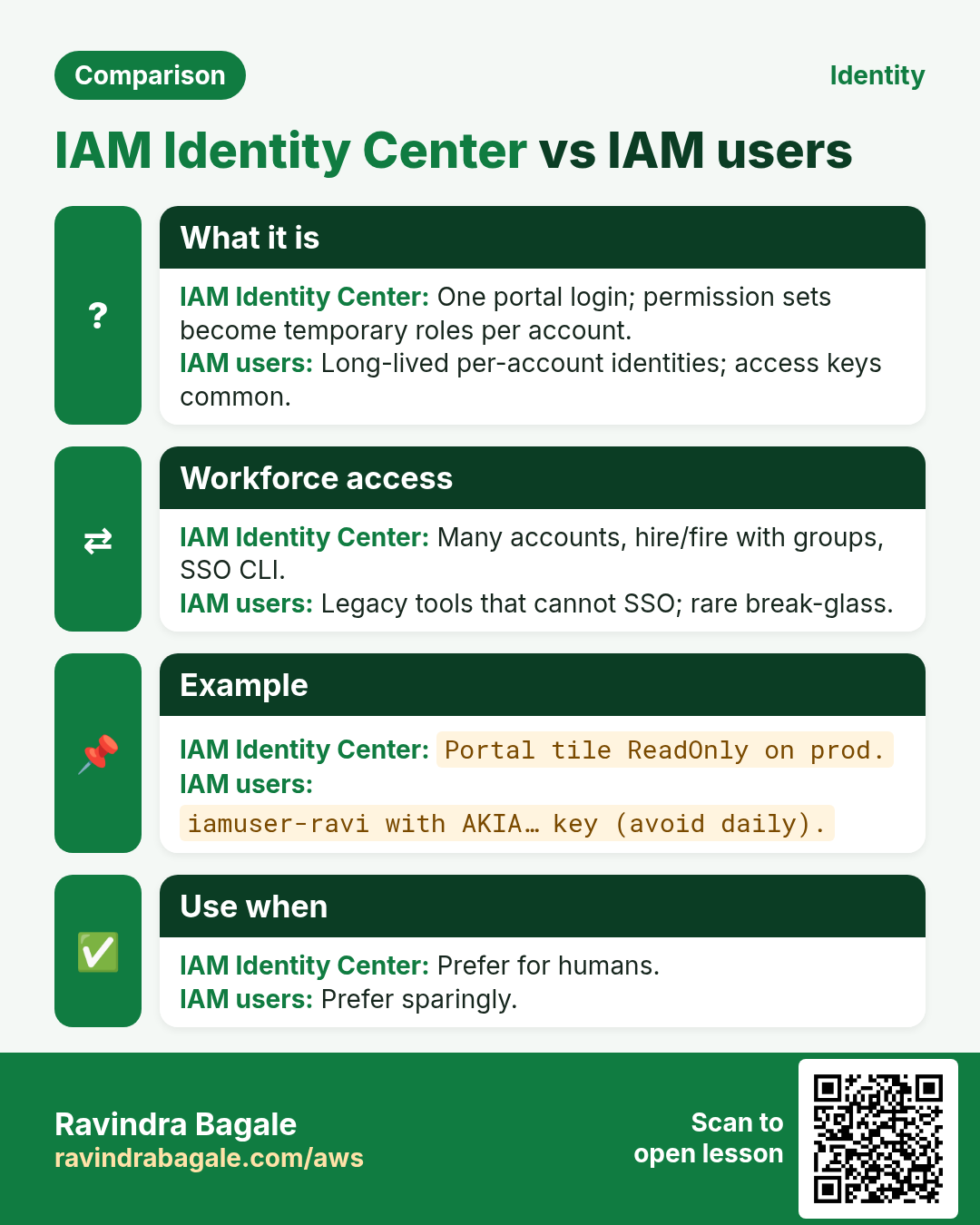
Revise this lesson in a few minutes. Save the cards on your phone or download them as PNG files. The QR code on each card opens this lesson.
More cards: Ravi Sir's Cards.