Terraform on AWS: Infrastructure as Code for Beginners
Clicking 40 screens to build a VPC is like cooking without a written recipe — you cannot repeat it for staging. Terraform is the written recipe for AWS: plan shows the shopping list, apply cooks it, state remembers what exists.
In this chapter
- Why IaC beats click-ops
- Providers, resources, plan, apply, destroy
- Remote state on S3 with state locking
- Modules, workspaces, and guardrails
- Lab, errors, FAQ, interview
1. Everyday example first
A Pune SaaS team rebuilt staging by hand every month and drifted from prod. One missed security group rule caused a night outage. Terraform made staging = prod shape, reviewed in Git.
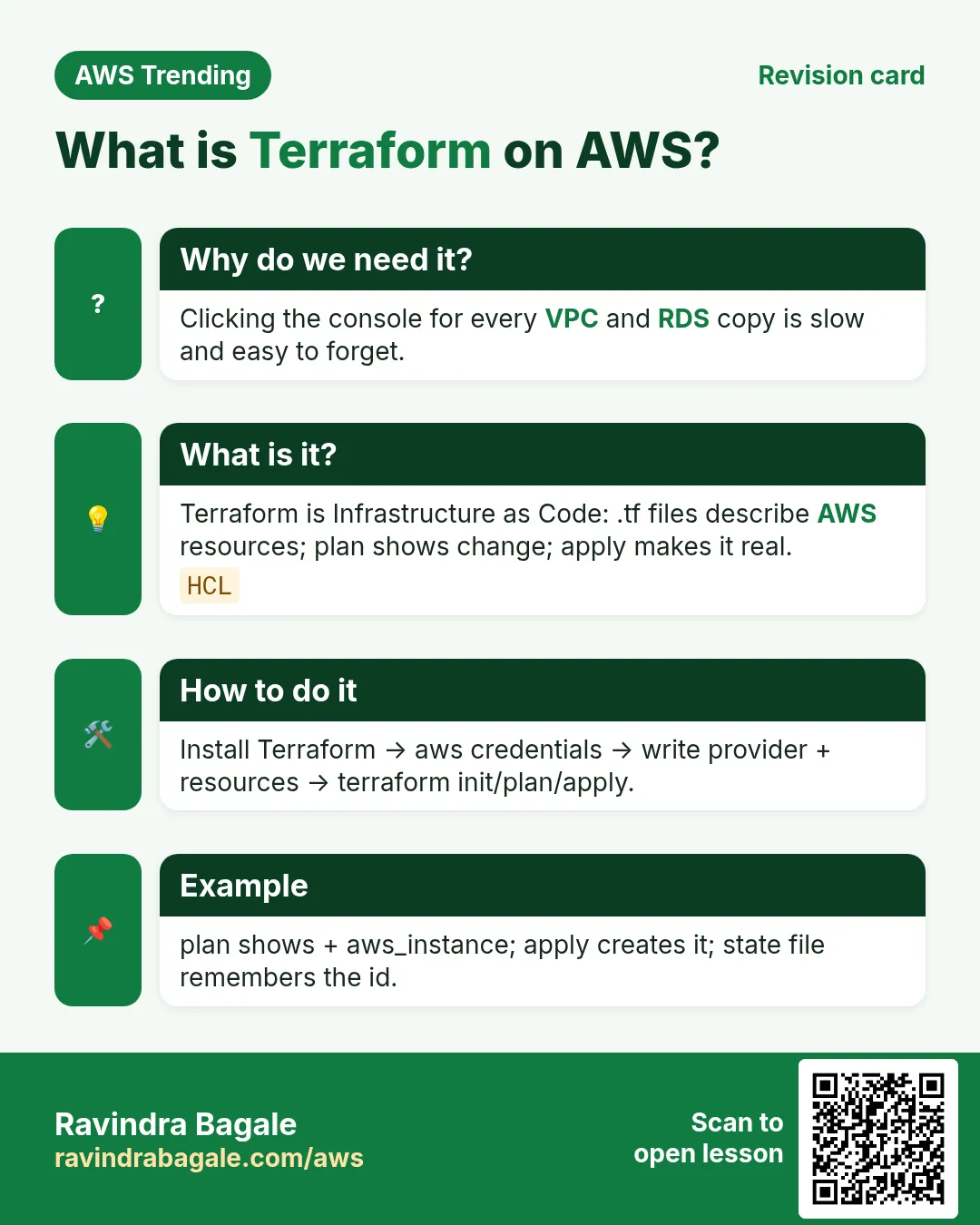
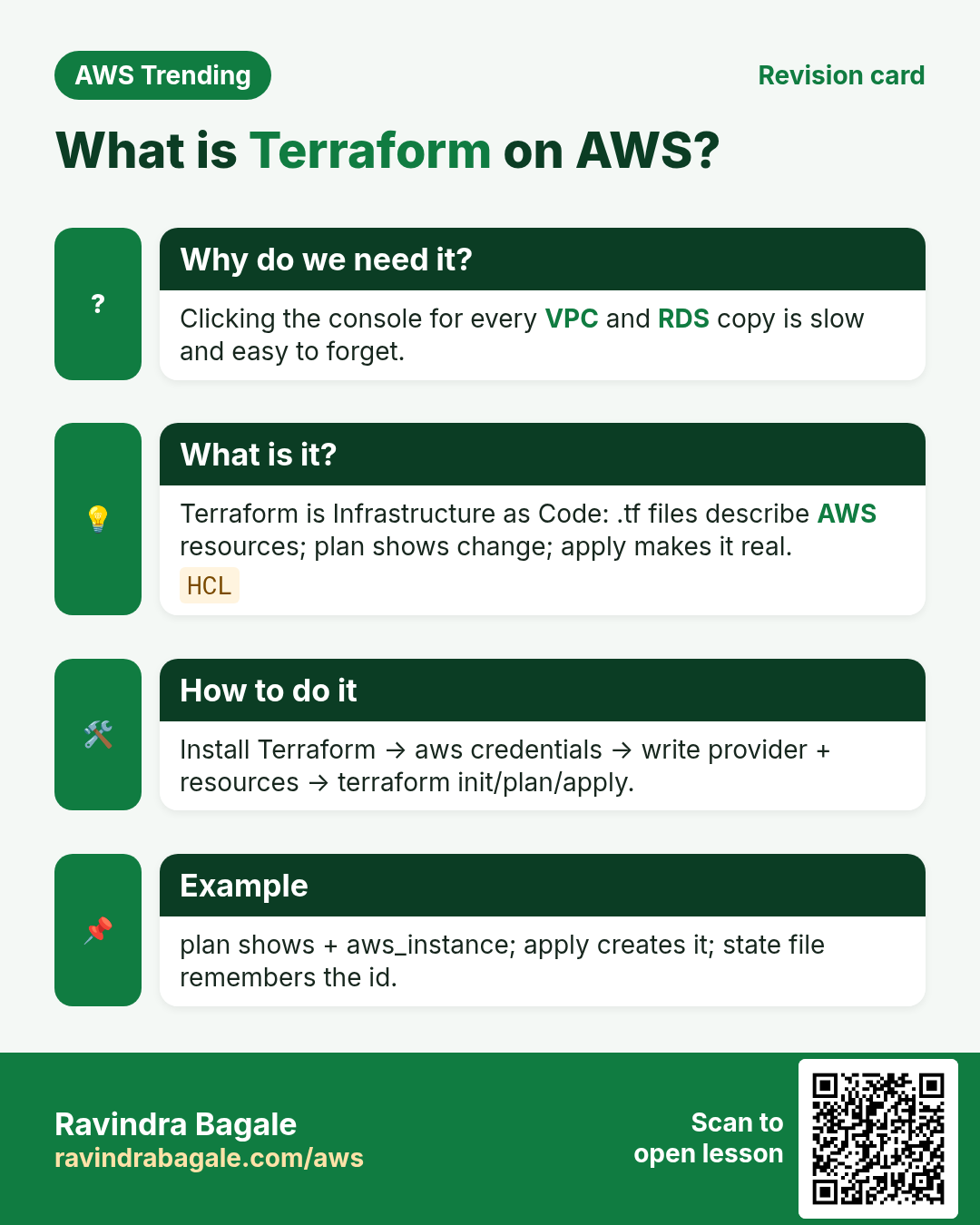
Terraform (HashiCorp) is infrastructure as code. You declare AWS resources in HCL. terraform plan shows the diff; apply makes it real; state tracks IDs so later plans know what already exists.
2. Core words
Suppose you need one storage bucket in a test account and a similar one for production. A Terraform configuration describes the desired resources. The AWS provider translates resource operations into AWS API calls. A state file records which actual resource corresponds to each address in that configuration. After a lab bucket is made, state can remember that aws_s3_bucket.logs refers to it. Read terraform plan to see the changes calculated from the current environment and desired code before you allow apply to make those changes.
| Word | Meaning | Picture |
|---|---|---|
| Provider | Plugin talking to AWS | Translator |
| Resource | One AWS object you manage | One dish on the menu |
| State | JSON map of real IDs | Kitchen inventory book |
| Plan | Dry-run diff | Shopping list before market |
| Module | Reusable folder of .tf | Shared recipe card |
| Backend | Where state is stored | Shared inventory in S3 |
3. Remote state (do this early)
Imagine two classmates share responsibility for the same test resources. The state tells Terraform what it already manages. A lock helps make sure only one run is changing that state at a time. The remote bucket also makes it possible to keep previous versions. A later run should use the same backend configuration for the same environment, and a different state key for a separate environment. Compare the key in your lab notes with the one Terraform is using before you plan the wrong stack.
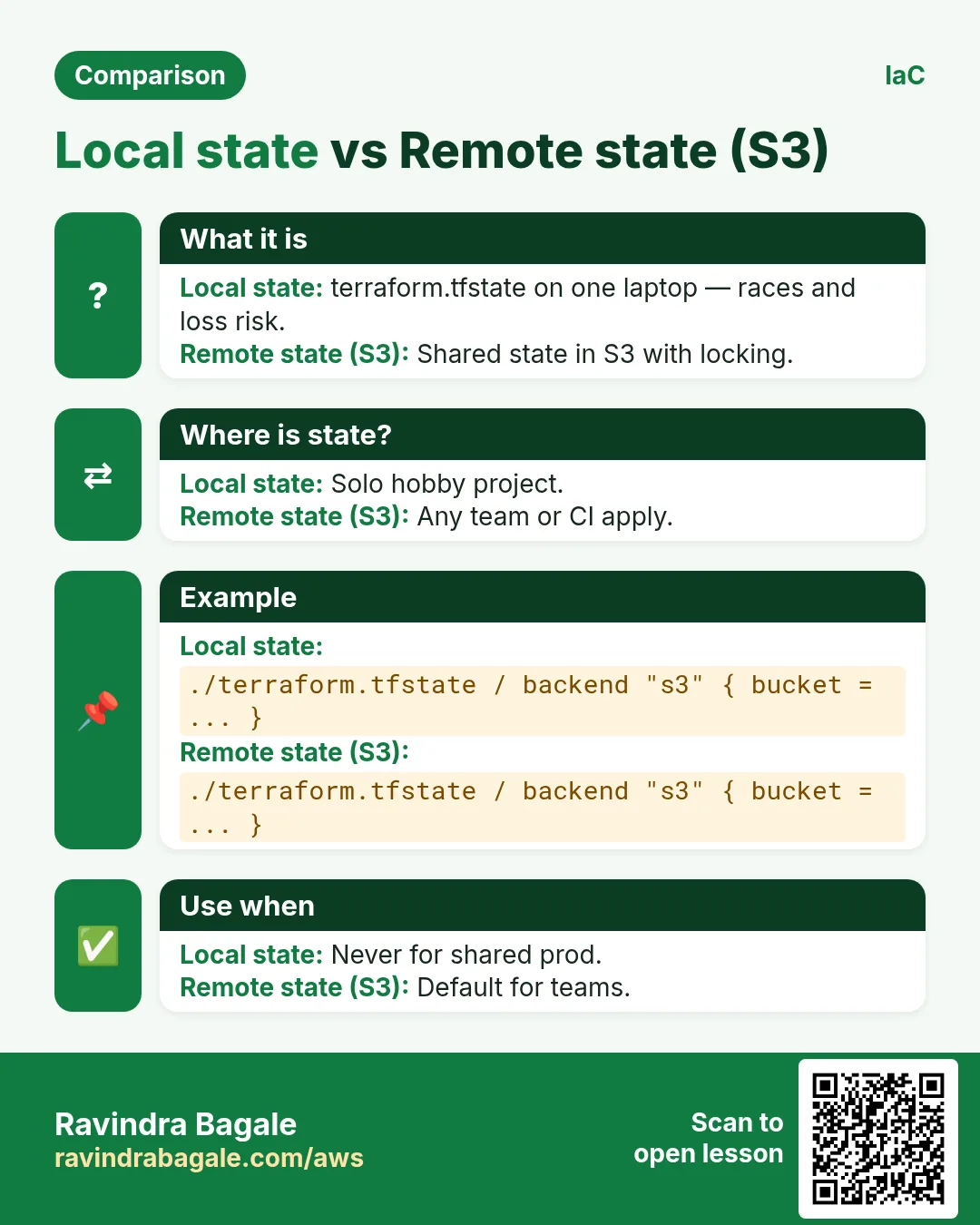
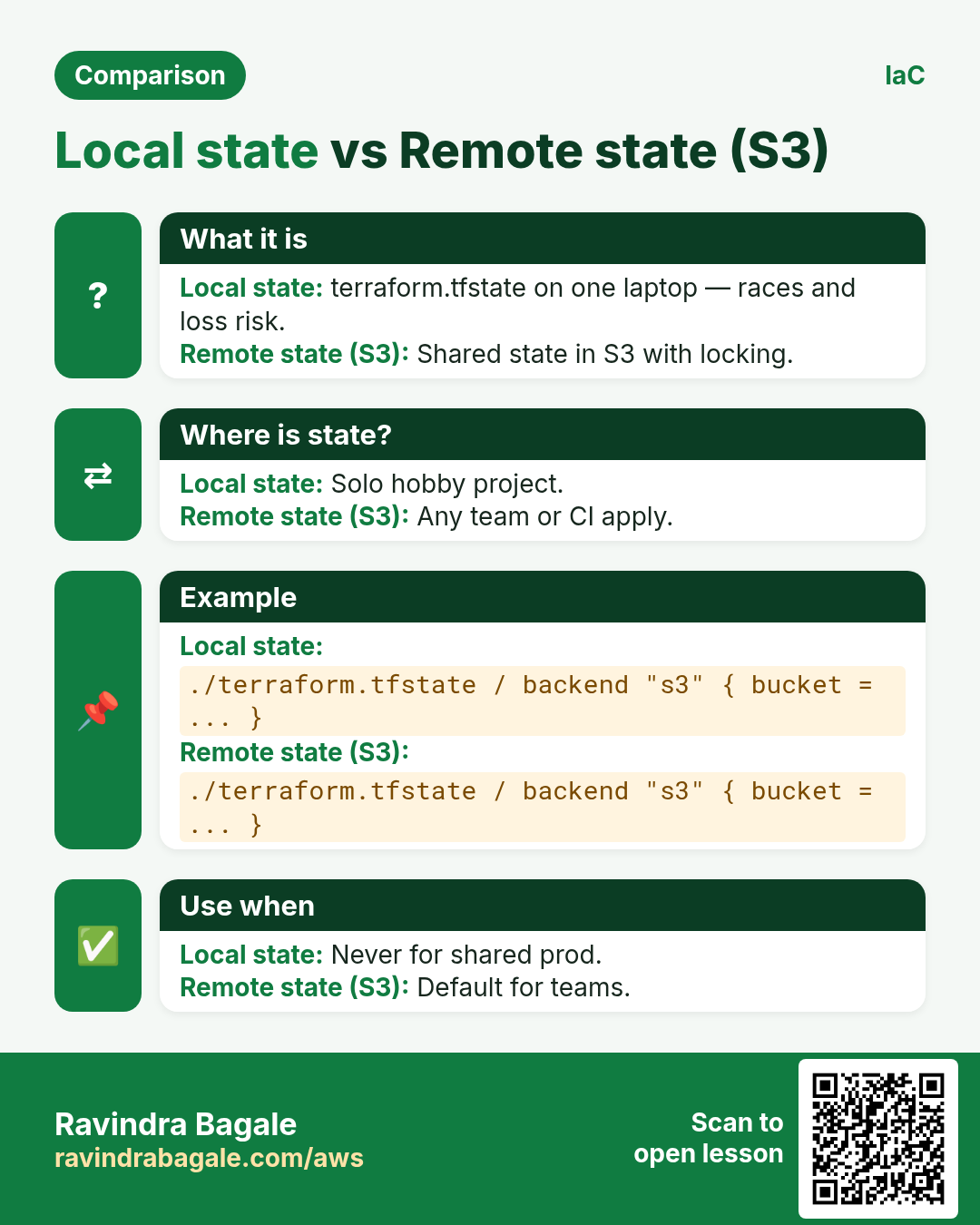
Local state on a laptop is how two people destroy each other's work.
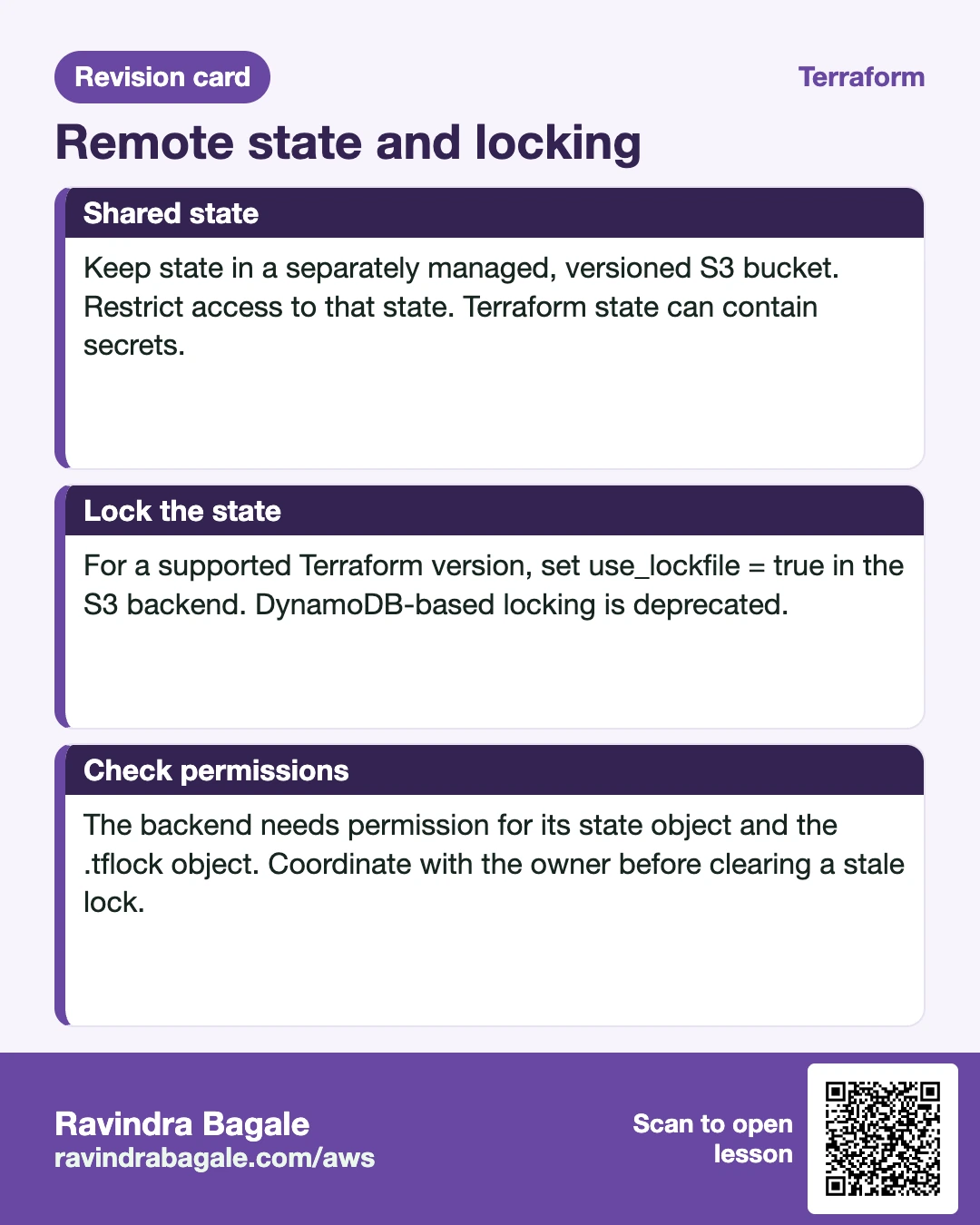
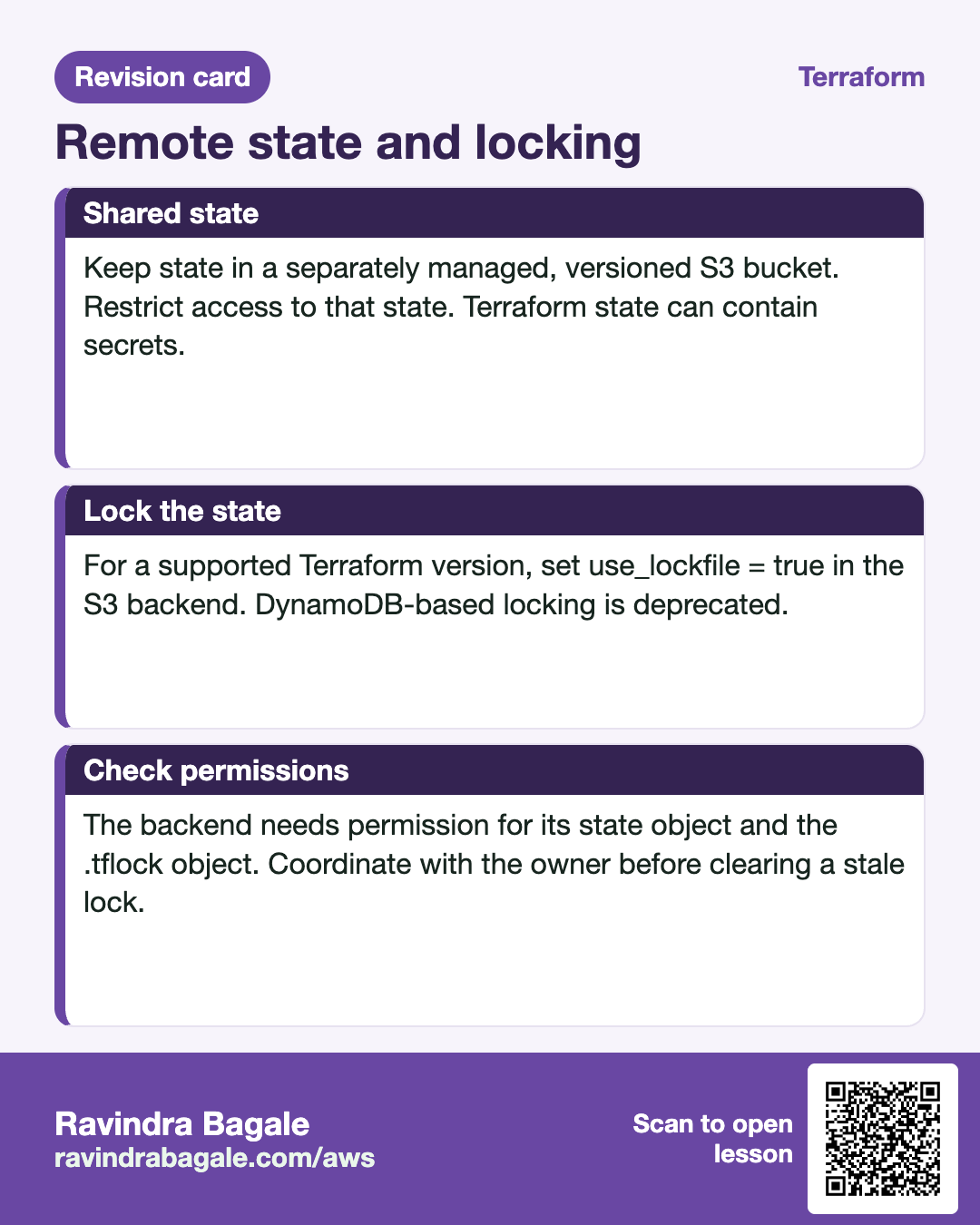
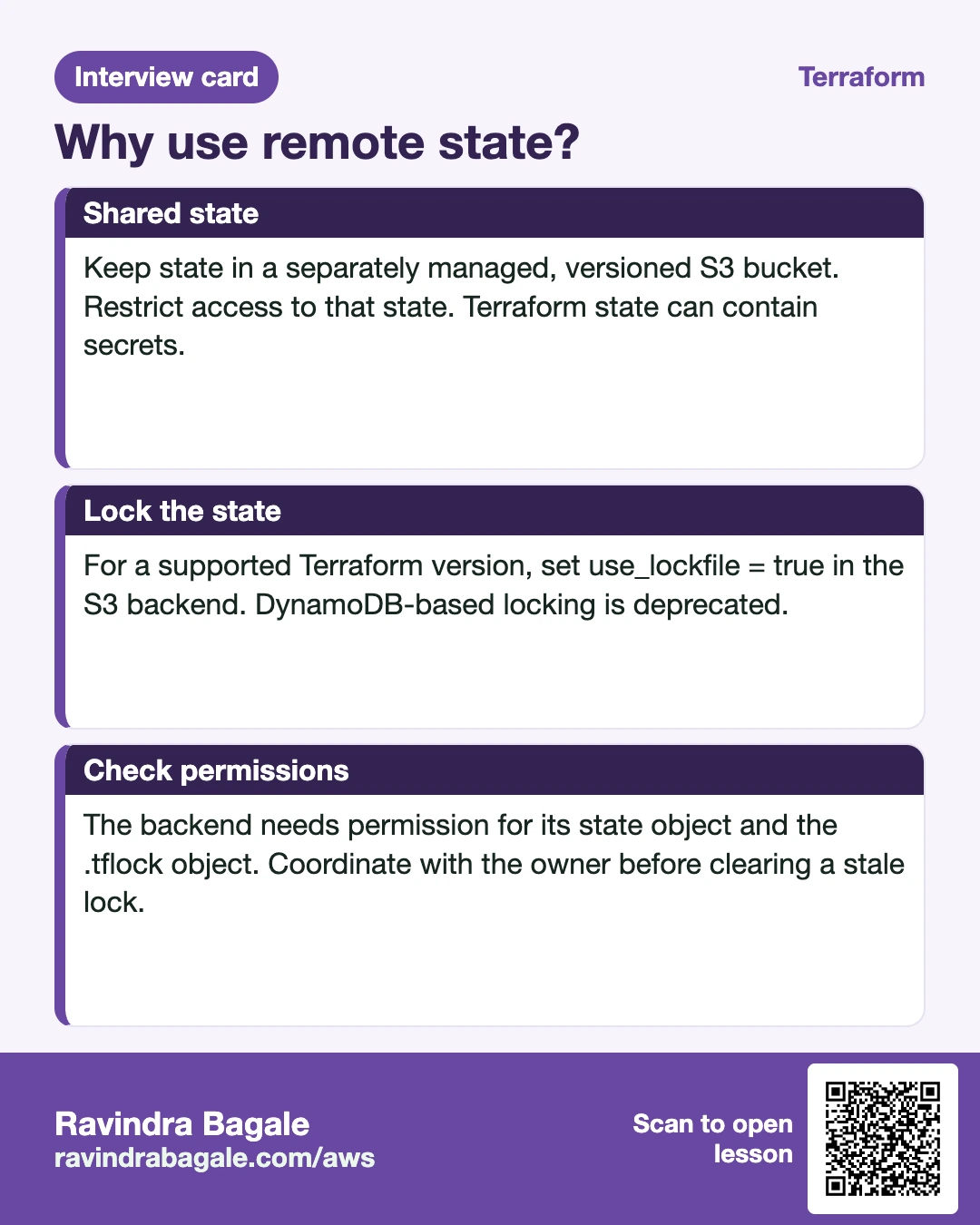
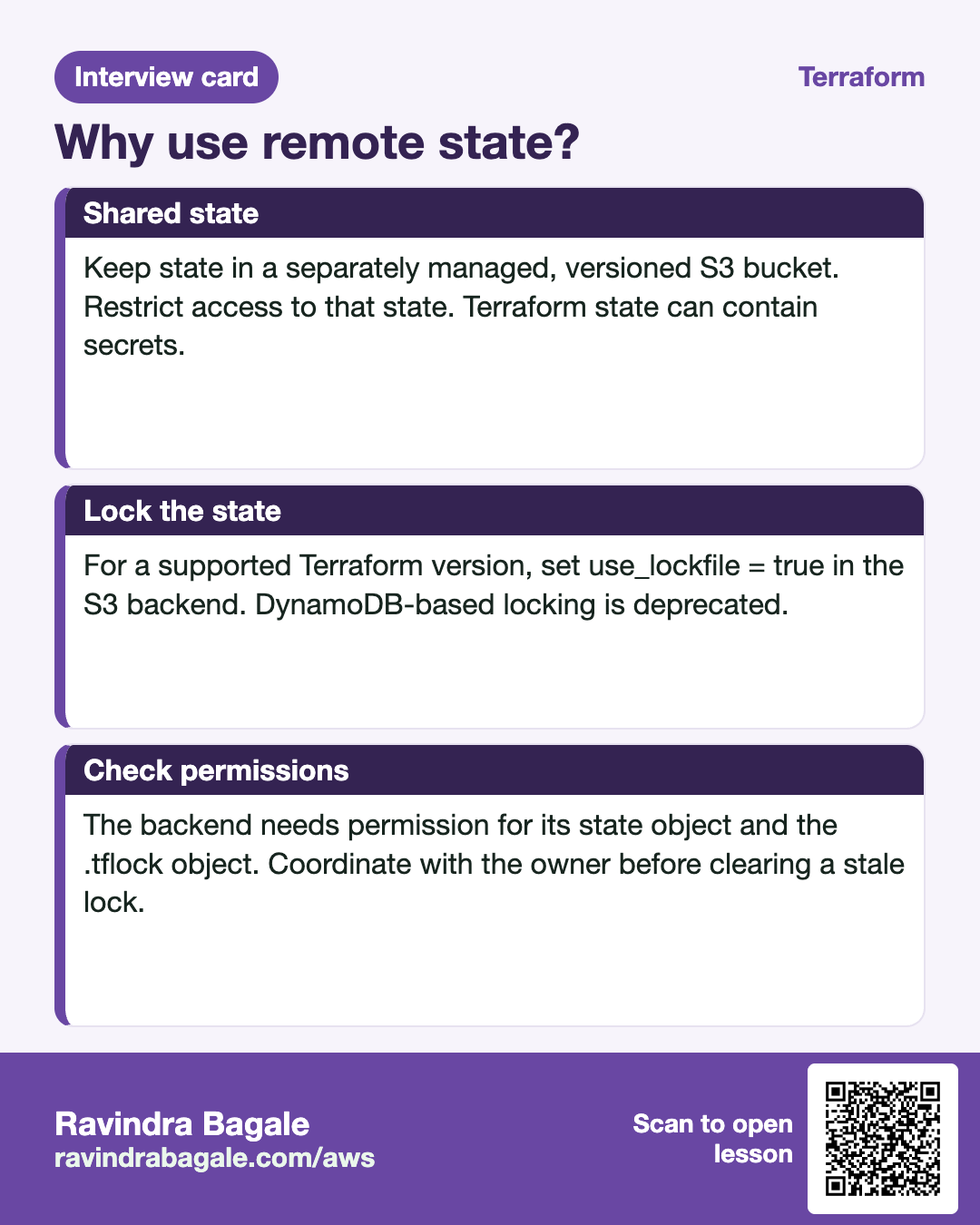
Store state in an S3 bucket with versioning and encrypt it. Set use_lockfile = true with a supported Terraform version so two writers cannot update the same state concurrently. DynamoDB-based locking is deprecated.
terraform {
  required_providers {
    aws = { source = "hashicorp/aws", version = "~> 5.0" }
  }
  backend "s3" {
    bucket         = "myorg-tfstate-ap-south-1"
    key            = "app/staging/terraform.tfstate"
    region         = "ap-south-1"
    use_lockfile   = true
    encrypt        = true
  }
}

provider "aws" { region = "ap-south-1" }

resource "aws_s3_bucket" "logs" {
  bucket = "myorg-staging-logs-example"
}
4. Industries
- Banks: separate AWS accounts + Terraform modules for VPC baselines.
- Startups: same module for dev/stage/prod with tfvars.
- Agencies: client VPCs from a private module registry.
- Data teams: Glue/S3 lakes described in code for audit.
- Platform teams: Terraform + CI (plan on PR, apply on merge).
5. Terraform vs CDK vs Console
| Tool | Strength | Watch-out |
|---|---|---|
| Console | Learning, emergencies | Not repeatable |
| CloudFormation/CDK | AWS-native deep integration | AWS-only comfort zone |
| Terraform | Multi-cloud, huge module ecosystem | State file is crown jewels |
Ravindra Bagale's Tip
Treat state like a password file: encrypt, lock, restrict IAM, never commit it.
6. Mini lab: bucket with plan/apply
Before applying the lab, read the plan symbols. A resource marked for addition should have the one lab bucket name you picked. If a plan shows a deletion or a different account, stop and inspect the configuration and credentials. After the apply, run a fresh plan against the same untouched lab. Expect no changes once the saved configuration and real resource agree. Check that the destroy plan names the lab bucket only, and keep the separate state backend intact.
Do this in ap-south-1 (Mumbai) unless your org forbids it. Set a budget alert first.
- Install Terraform; configure AWS CLI profile for a sandbox account.
- Write provider + aws_s3_bucket in main.tf.
- terraform init && terraform plan — read every line.
- terraform apply — auto-approve only in sandbox.
- Change a tag; plan again; see update in-place.
Cleanup (stop billing)
- terraform destroy in the sandbox.
- Confirm bucket gone in console.
7. Common errors and fixes
Each row is a real mistake students and juniors hit. Read the fix before you panic.
| Error / symptom | Fix |
|---|---|
| Error acquiring state lock | Check whether another run holds the lock and coordinate with its owner before clearing a stale lock. |
| Resource already exists | Import or rename; do not double-create. |
| Provider credentials | Wrong profile/region/SSO expired. |
| State drift | Someone clicked console — refresh / untaint carefully. |
| Force-unlocked casually | Only after you proved no other apply is running. |
| Committed .tfstate to Git | Rotate secrets; move to S3 backend; purge Git history if needed. |
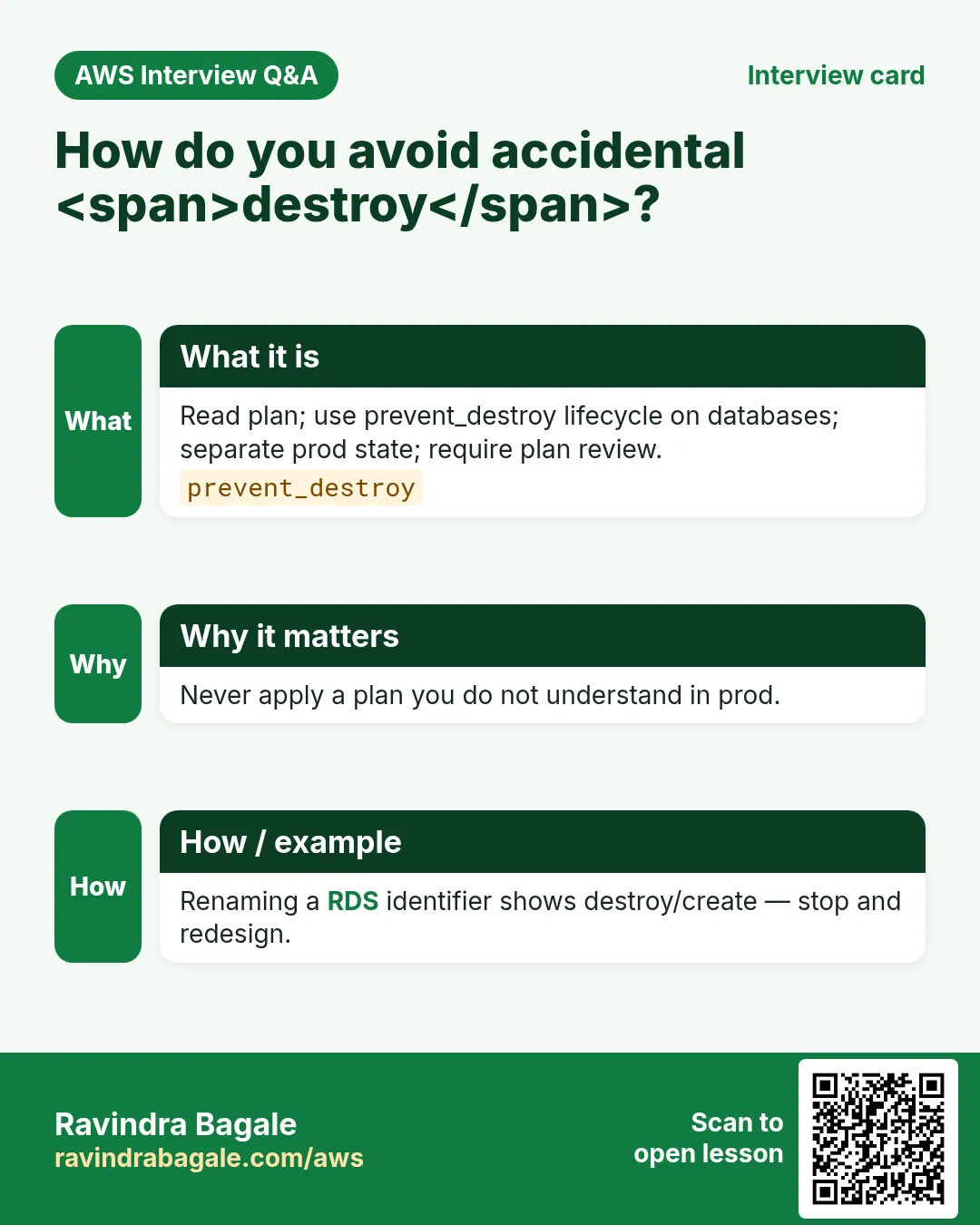
| Destructive plan on prod | Require plan artifact review; restrict who can apply. |
| Module version floating | Pin module versions. |
| count/for_each index shift | Use maps with stable keys, not bare lists, for renames. |
| AccessDenied on backend | Check permissions for the state bucket and object, and for its .tflock object when locking is enabled. |
8. Troubleshooting checklist
- terraform version and AWS_PROFILE echo.
- terraform init -reconfigure if backend changed.
- Read plan file before apply.
- terraform state list to see what Terraform thinks exists.
- For one bad object, prefer import over manual delete when unsure.
9. FAQ
Q. Is Terraform free?
Open source Terraform CLI is free; Terraform Cloud is optional paid collaboration.
Q. Can Terraform manage existing clicks?
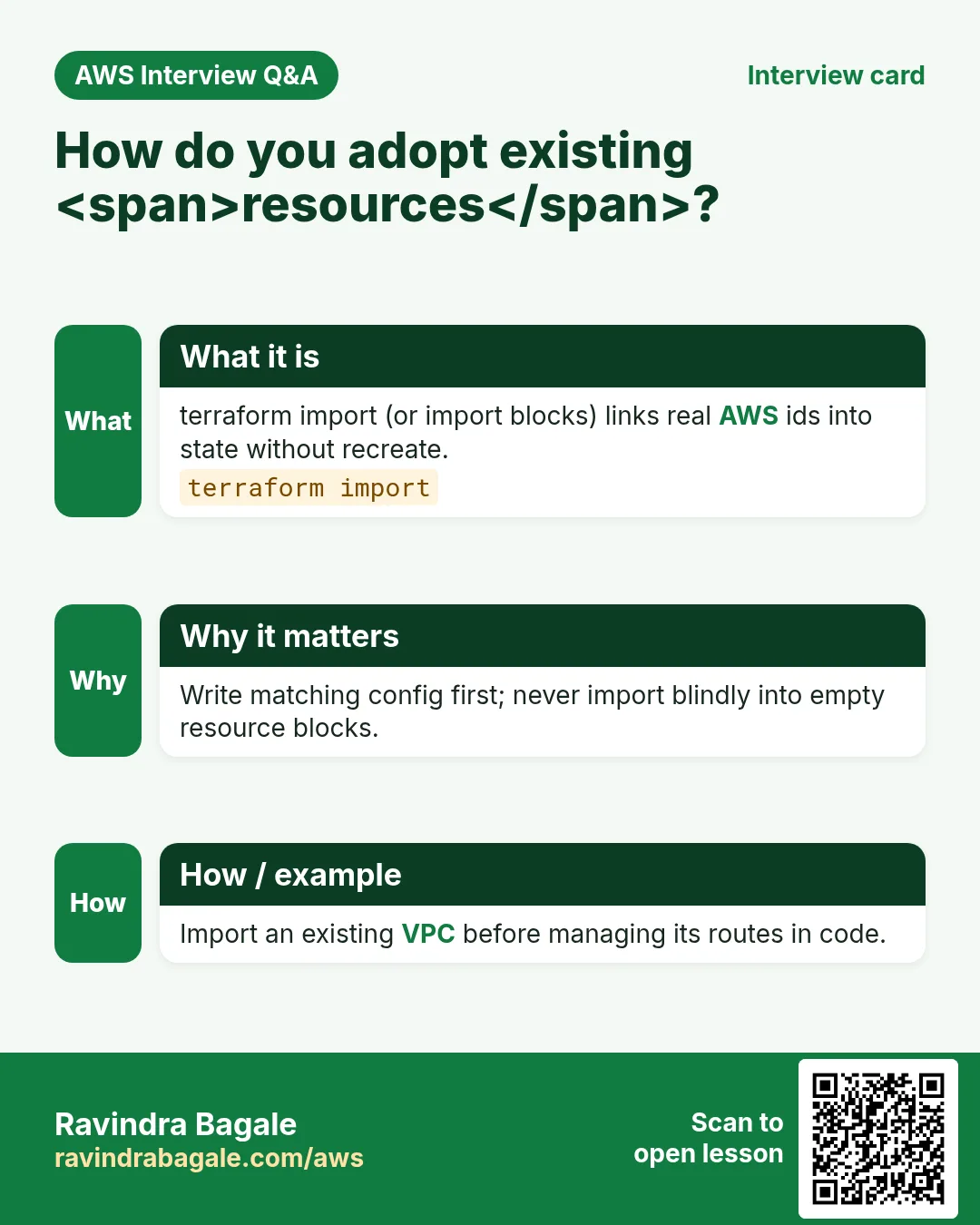
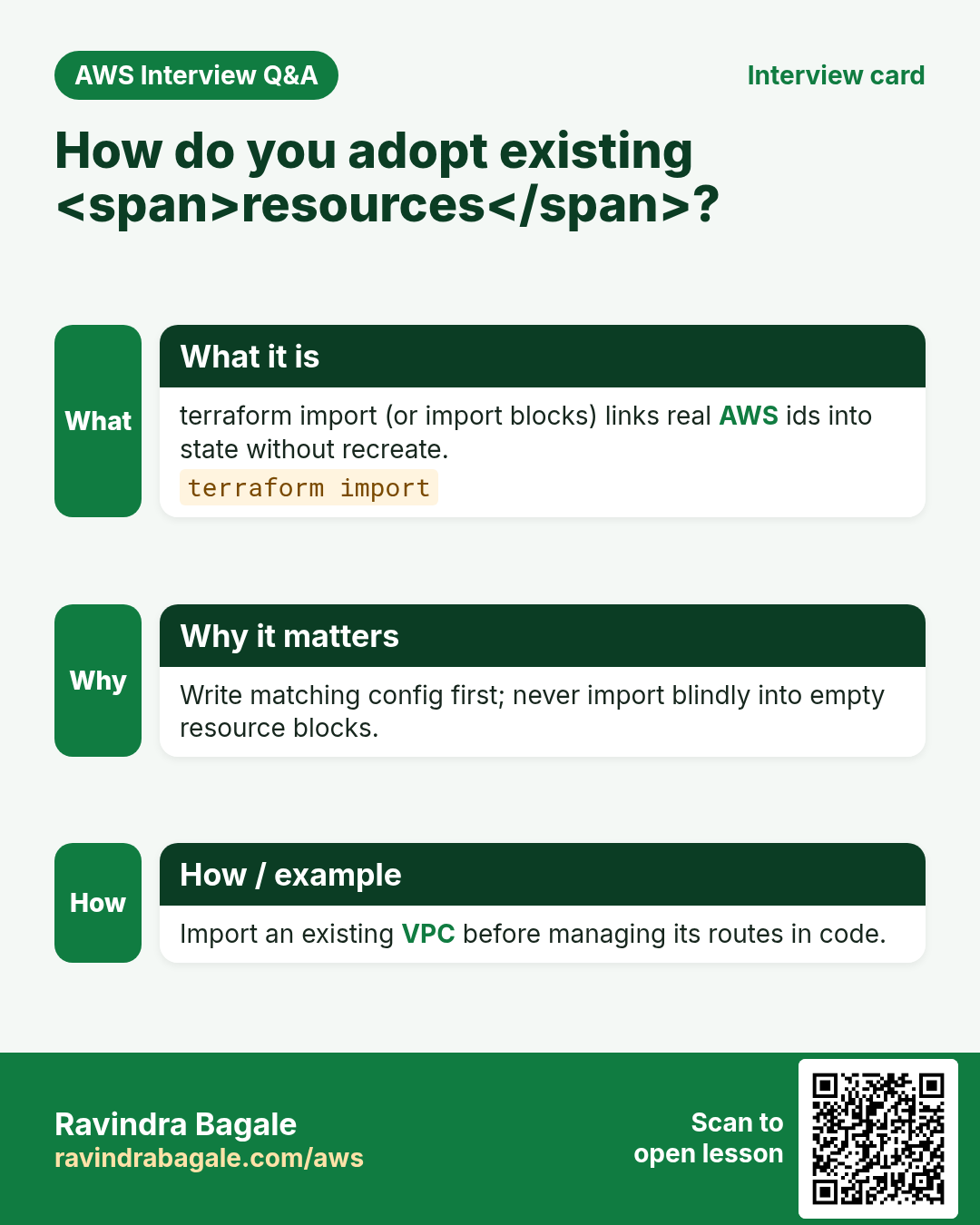
Yes — terraform import (and newer generate flows).
Q. Terraform or CDK?
Multi-cloud / existing TF modules → Terraform. Heavy AWS+TypeScript teams → CDK.
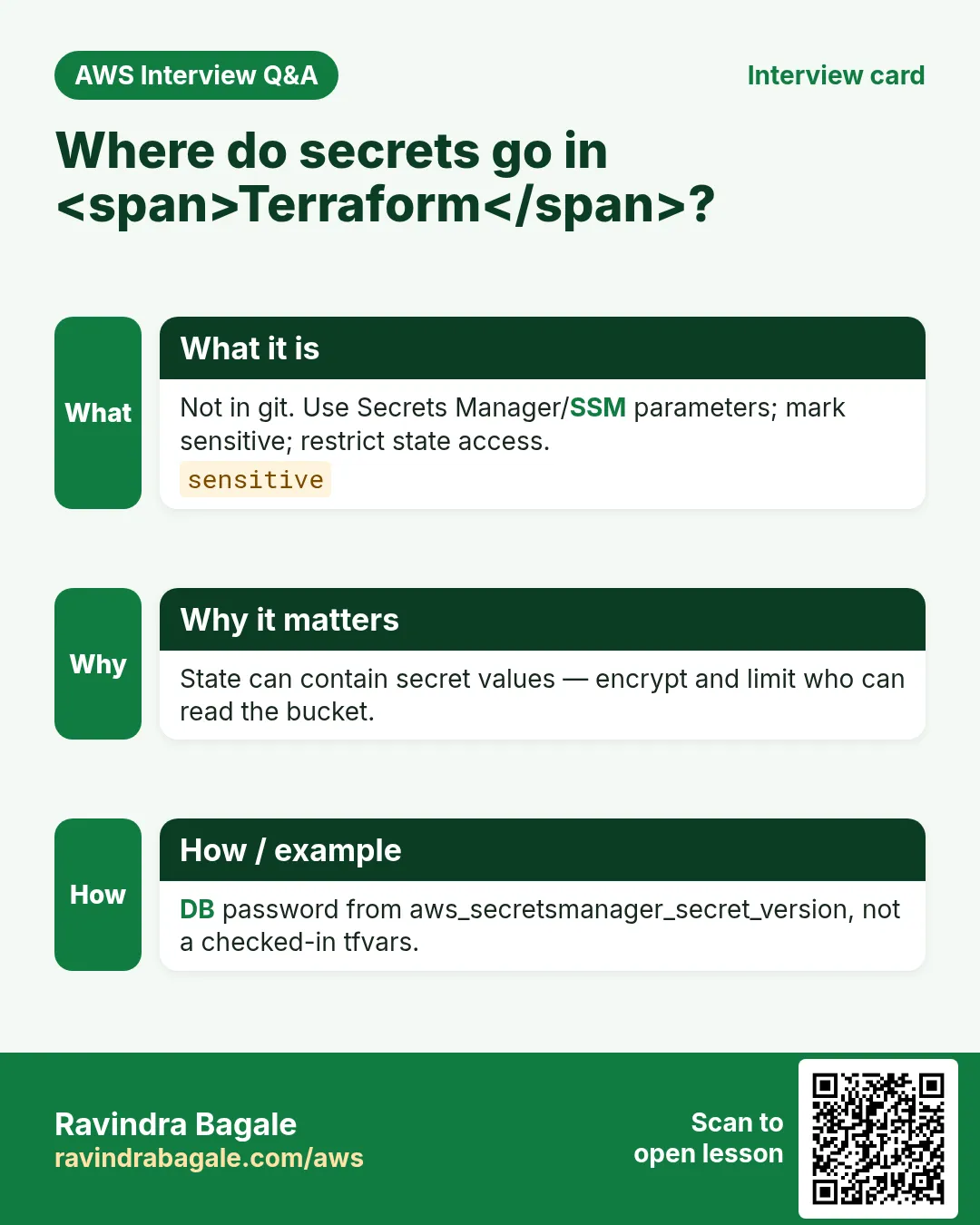
Q. How to secret-manage?
Use SSM/Secrets Manager data sources; never hardcode.
Q. Workspaces?
Lightweight separation; many teams prefer separate state keys/accounts.
10. Interview Q&A
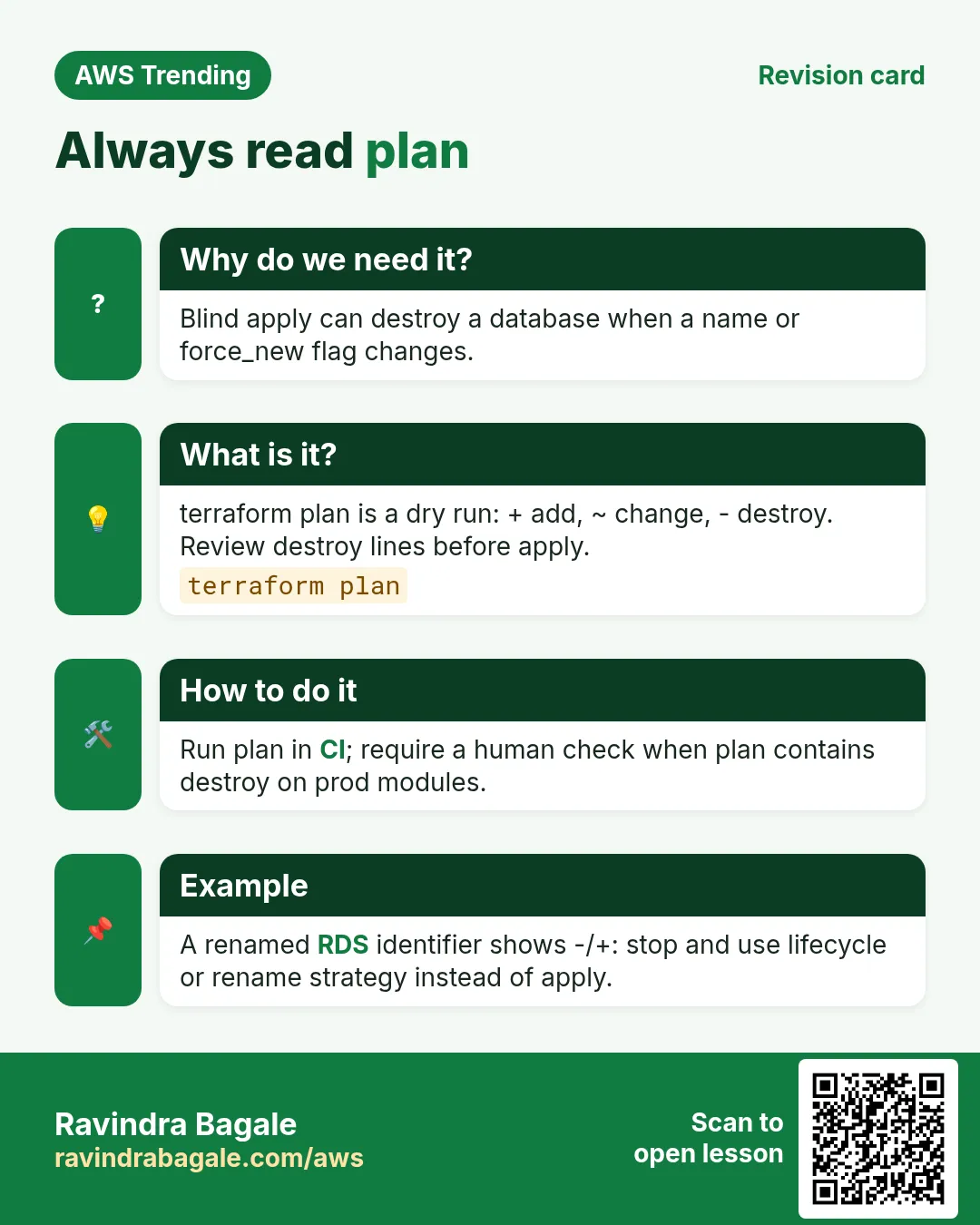
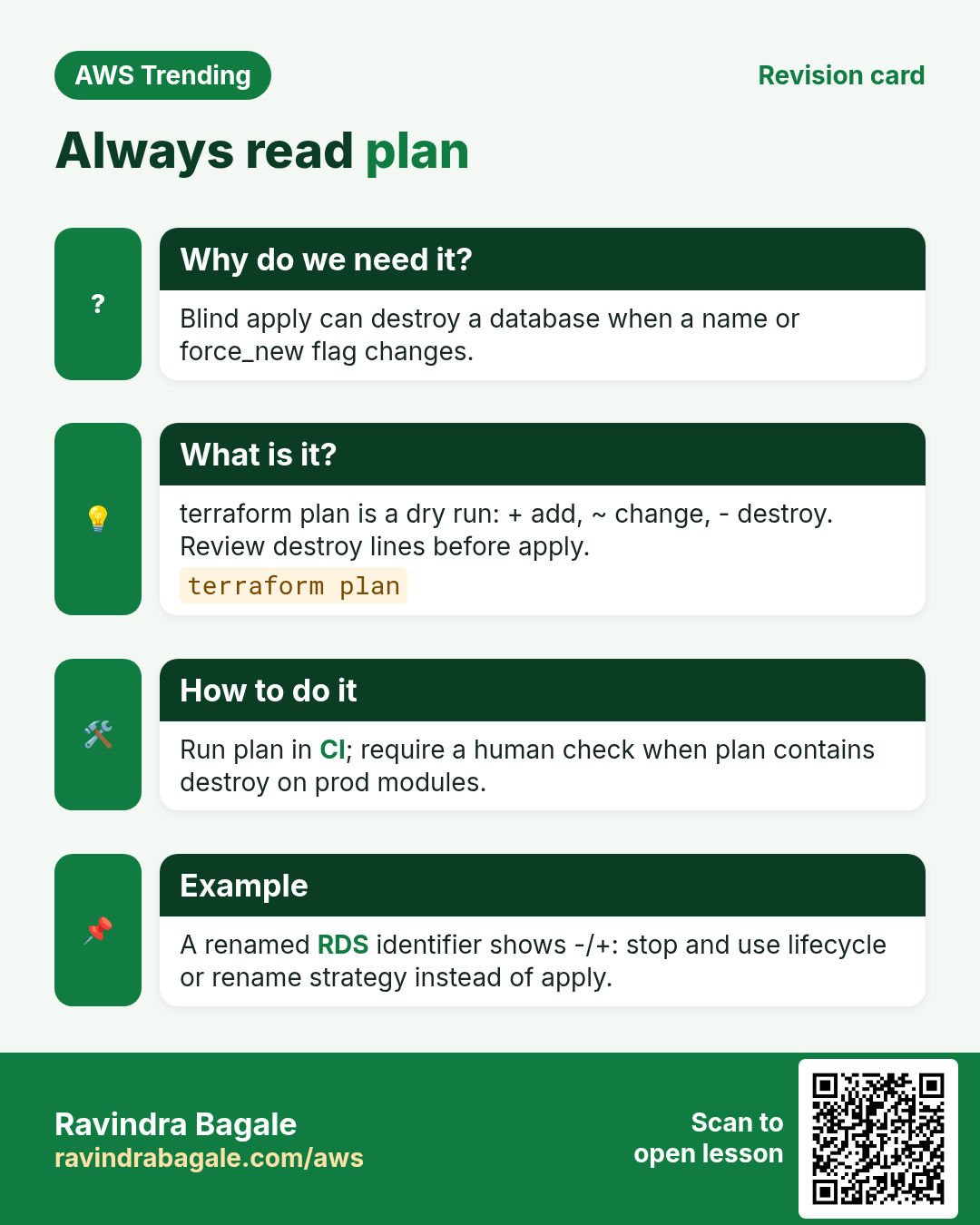
Q. What does terraform plan do?
Shows the create/update/destroy diff without changing AWS.
Q. Why remote state?
Share IDs safely across people and CI with locking.
Q. State file risk?
May contain sensitive values — protect like secrets.
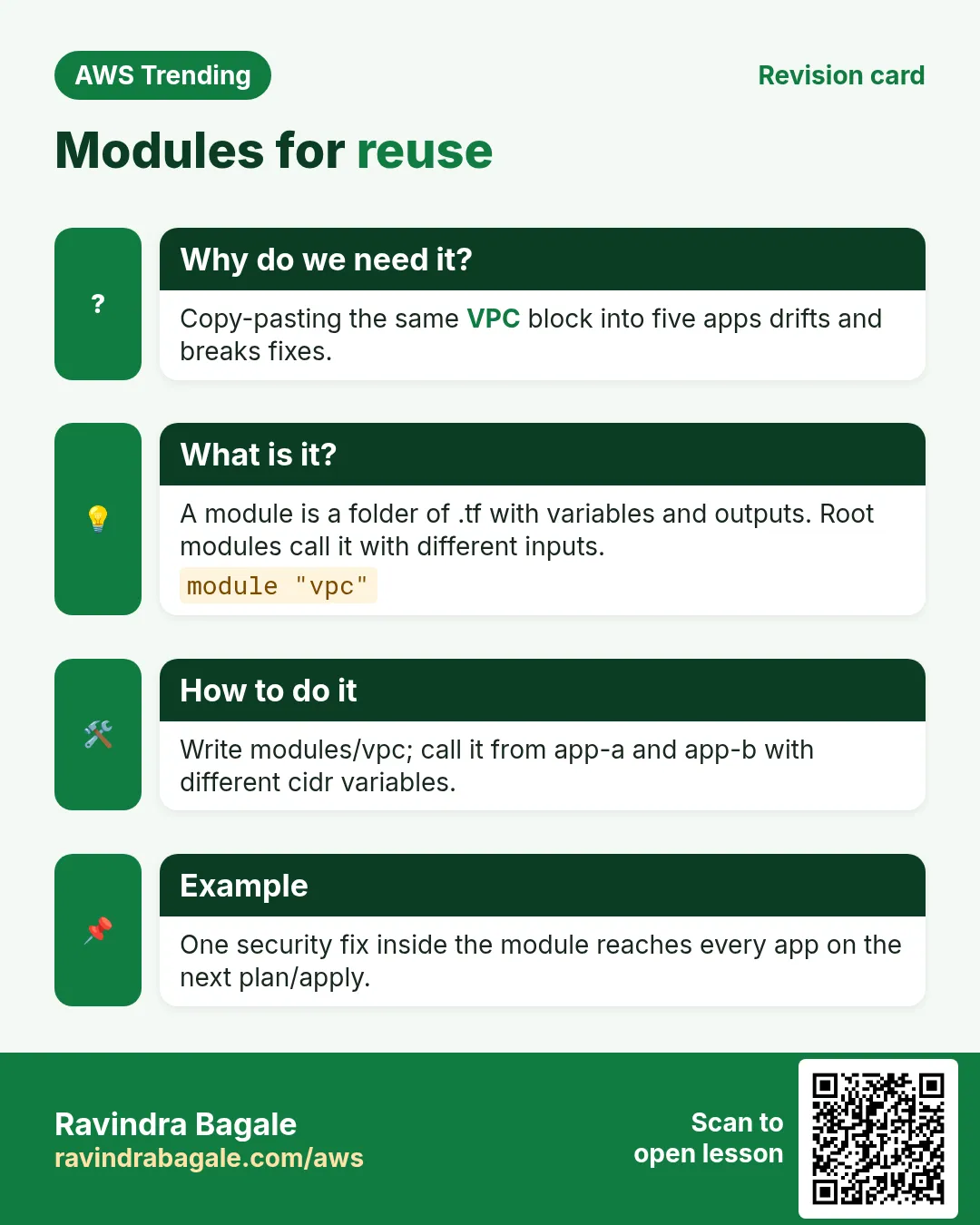
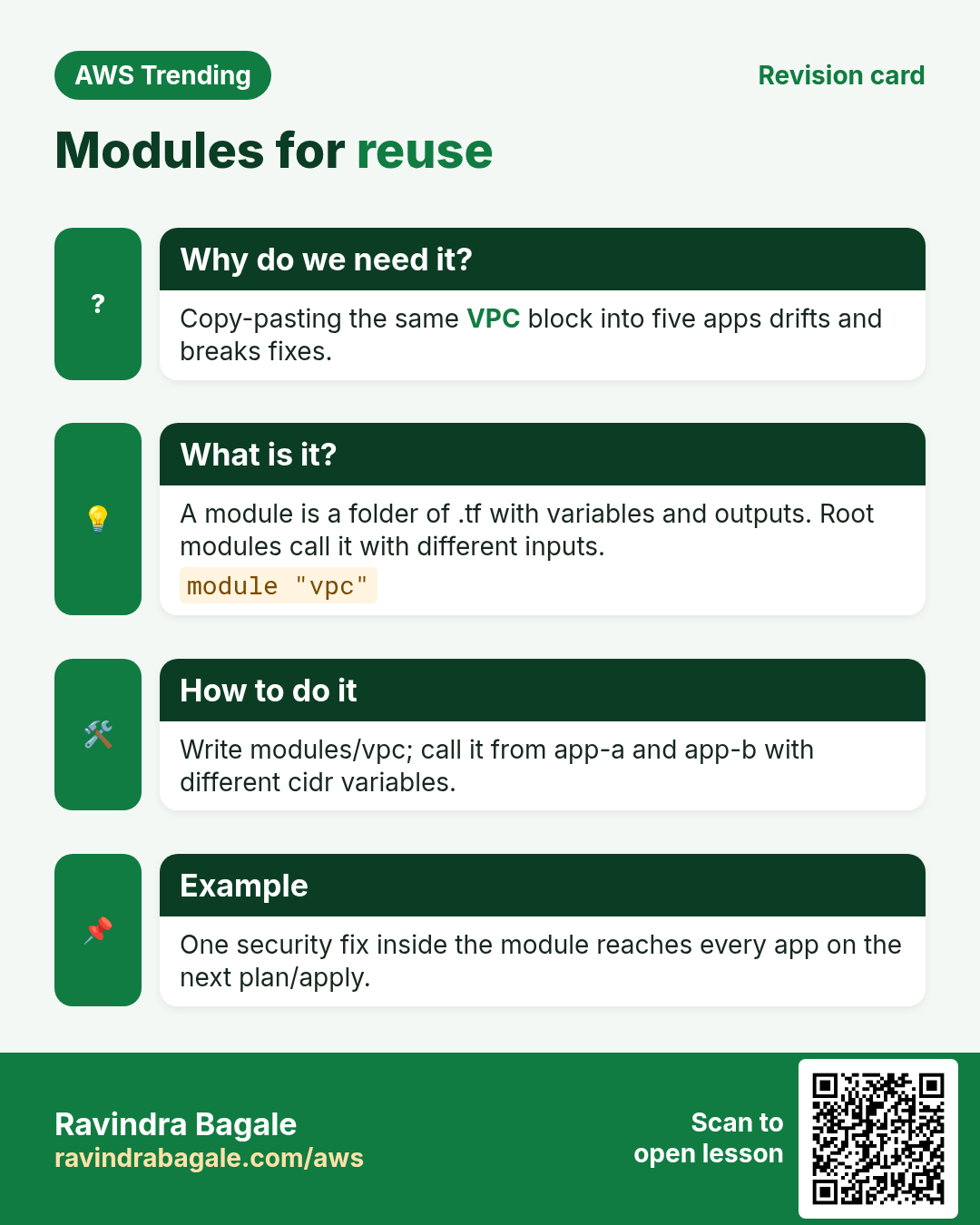
Q. Module benefit?
Reuse reviewed building blocks (VPC, ECS service).
Q. How do you stop prod accidents?
PR plan, approvals, least-privilege apply role, separate accounts.
Q. Drift detection?
Regular plans in CI; optional refresh policies.
11. Tips in English, Marathi and Hindi
Ravindra Bagale's Tip (EN)
Plan is a document. If you cannot explain a destroy line, do not apply.
Ravindra Bagale's Tip (MR)
Plan = document. Destroy ओळ समजत नसेल तर apply नको.
Tip (HI)
Plan एक दस्तावेज़ है — destroy लाइन समझ न आए तो apply मत करो।
Try at home
- Write a main.tf with one S3 bucket and one tag.
- Draw an S3 backend with its state object and lockfile on paper.
- List console clicks you did last week that should be code.
In short
- Terraform declares AWS in HCL; plan then apply.
- Remote state + lock are mandatory for teams.
- Pin versions; never commit state.
- Review destroys like production incidents.
Revision, interview and comparison cards
Revise this lesson in a few minutes. Save the cards on your phone or download them as PNG files. The QR code on each card opens this lesson.
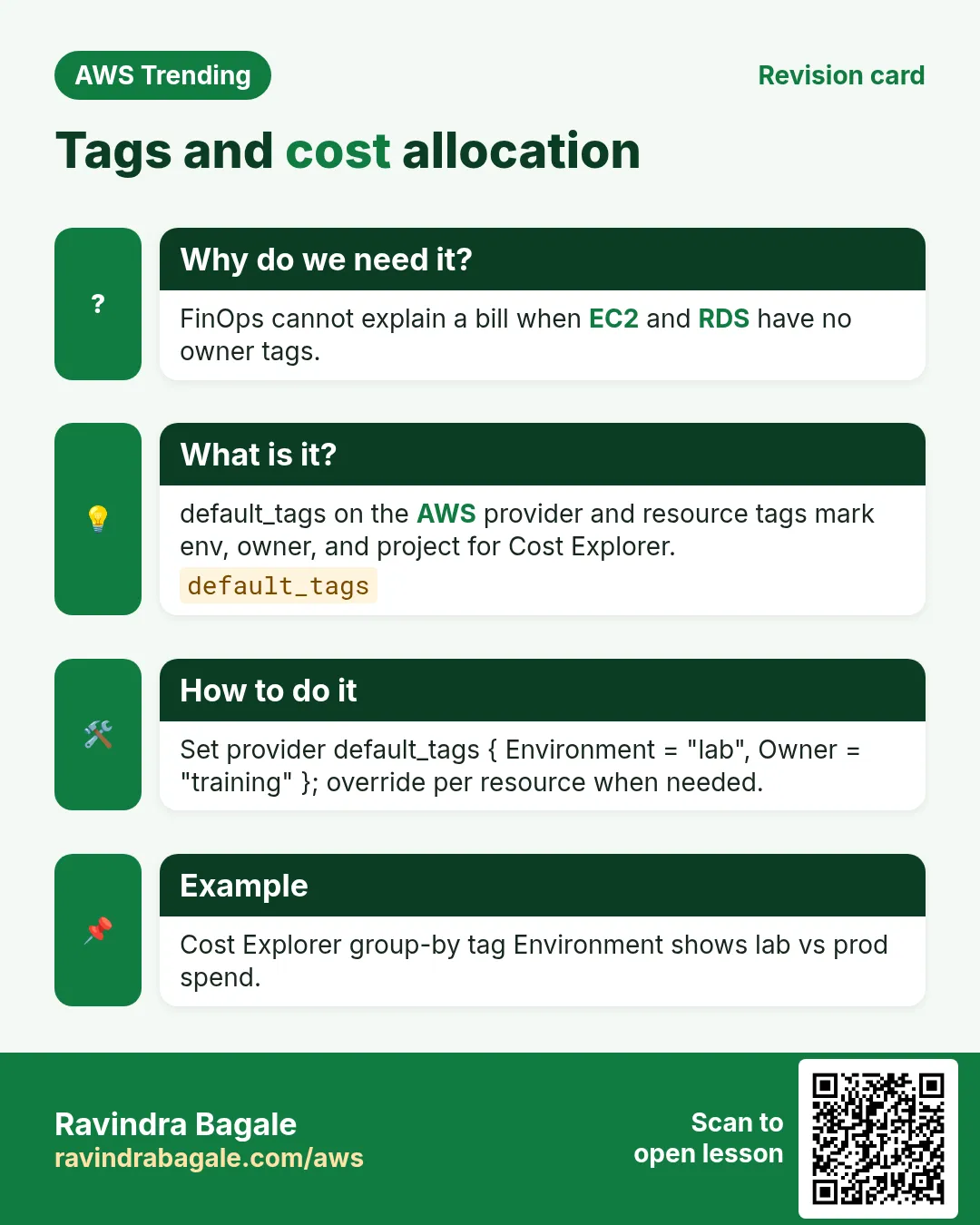
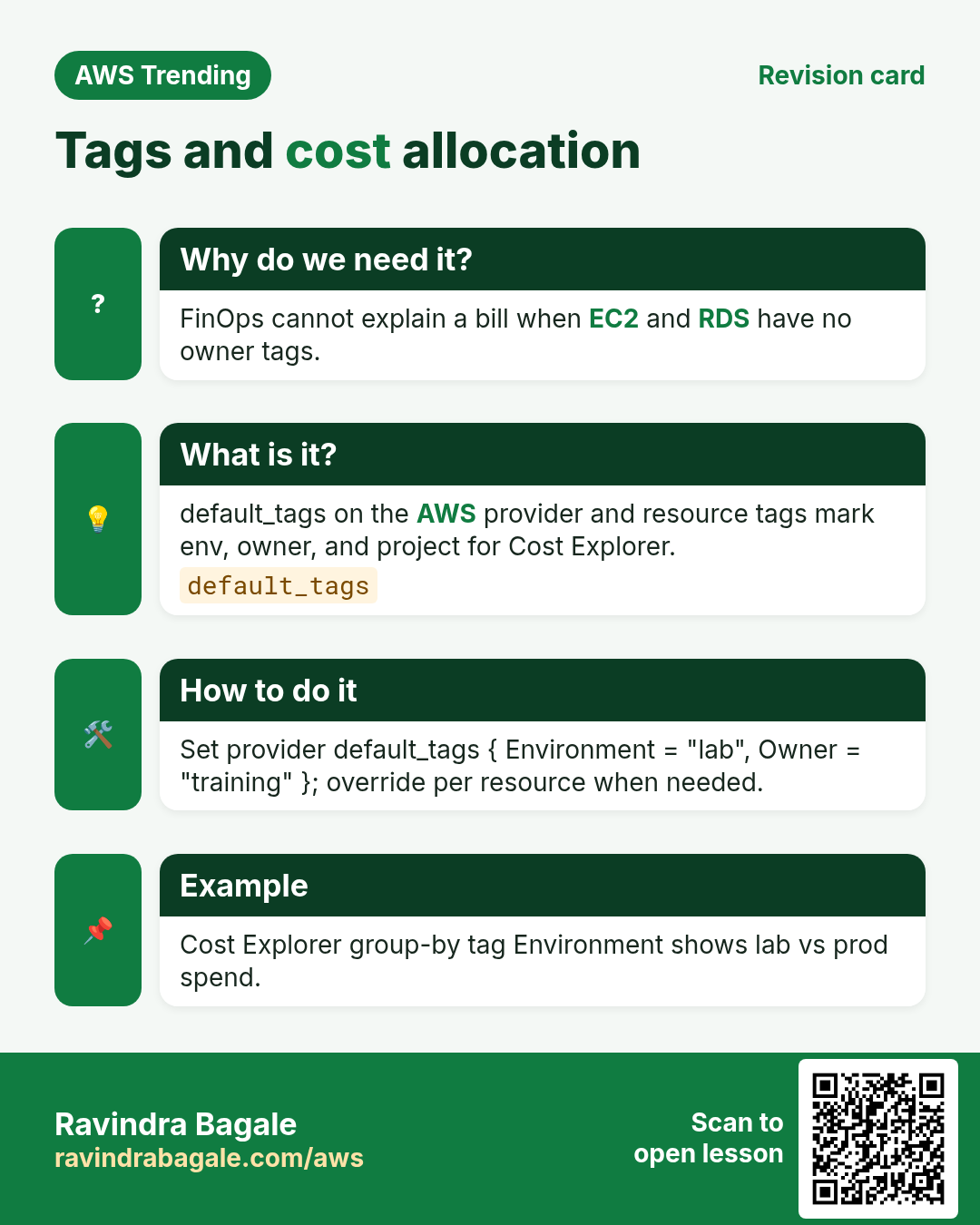
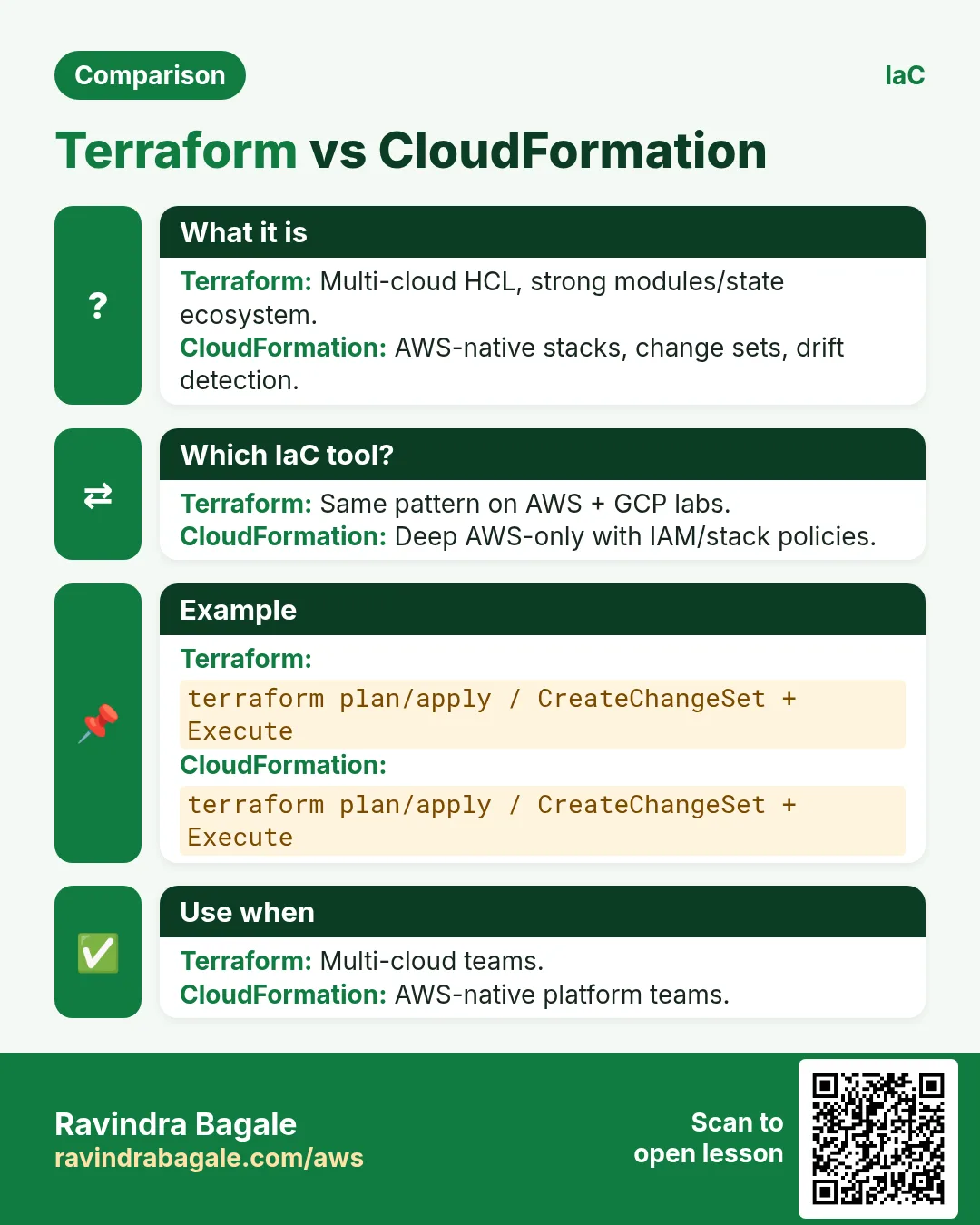
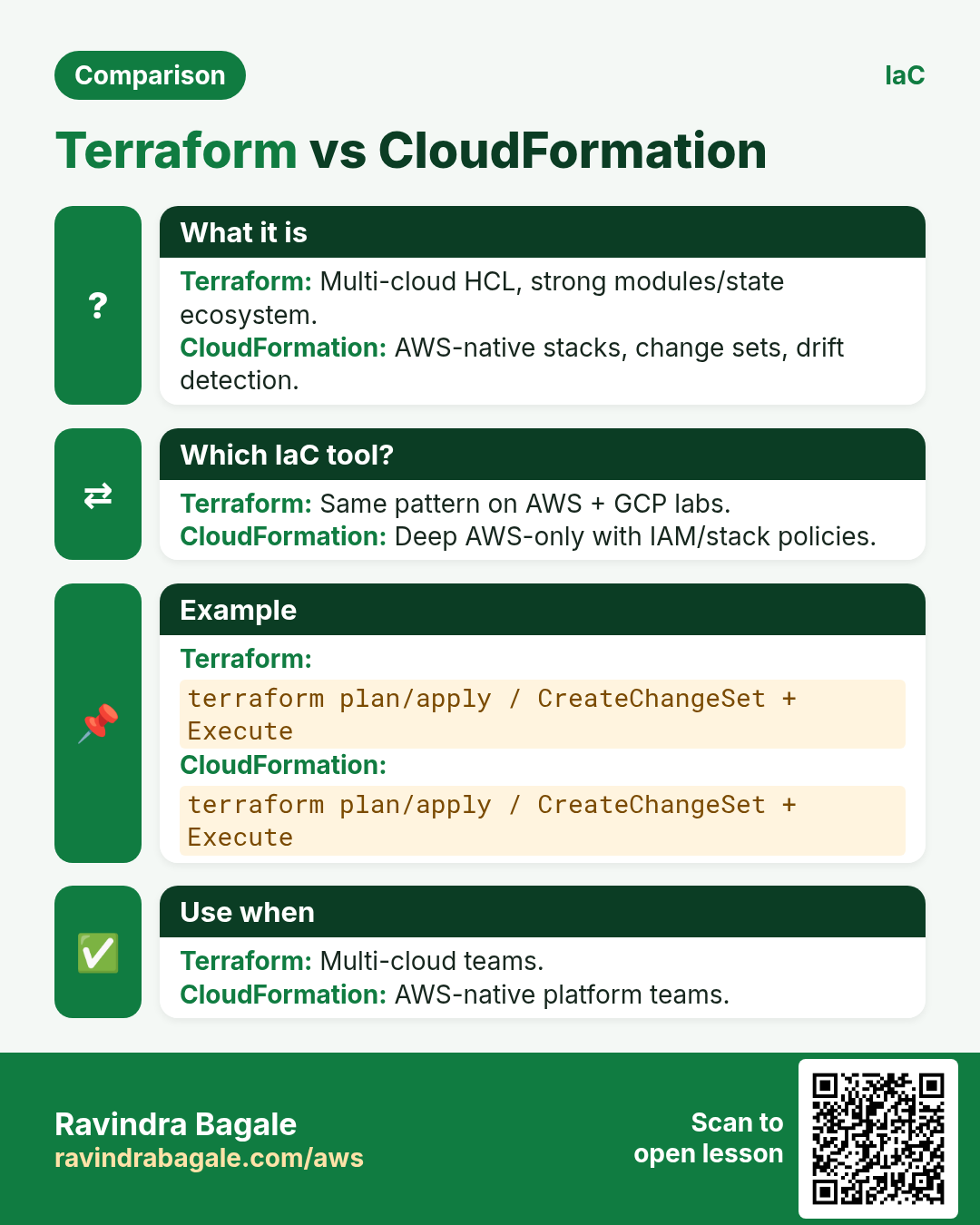
More cards: Ravi Sir's Cards.
Practise this chapter
Interview questions and answers
Why use both versioning and locking for shared Terraform state?
Versioning can give you an older state copy after a problematic change. Locking coordinates writers so two operations do not update the same state together. They solve different problems. Check the backend key and permissions before taking action on either the state file or its lock.
Check your understanding
Choose an answer, then compare your reasoning with the explanation.
Practice Tasks
Practice checks run in your browser. They check the answer for this exercise; they do not create resources or connect to your AWS account.
About this scenarioLondon Legal LLP is a law business in London. Oliver Hughes looks after its IT and cloud work. They count money in GBP and run their AWS resources in the eu-west-2 Region. In the tasks below you do real jobs for them using what this lesson teaches. All names, account IDs, IP addresses and numbers are made up for practice.
0 / 16
Easy terraform init
Download providers.
Run terraform init in the project folder.
- Find the Linux command that does this job.
- Add the options (like -r or -h) the task needs.
- Add the file names, folders or users in the right order.
- Use sudo if the job changes system files or users. Click Check answer.
Easy terraform plan
Preview changes.
Run terraform plan.
- Find the Linux command that does this job.
- Add the options (like -r or -h) the task needs.
- Add the file names, folders or users in the right order.
- Use sudo if the job changes system files or users. Click Check answer.
Easy terraform validate
Catch syntax errors.
Validate the Terraform configuration.
- Find the Linux command that does this job.
- Add the options (like -r or -h) the task needs.
- Add the file names, folders or users in the right order.
- Use sudo if the job changes system files or users. Click Check answer.
Easy terraform fmt
Keep style consistent.
Format Terraform files in place.
- Find the Linux command that does this job.
- Add the options (like -r or -h) the task needs.
- Add the file names, folders or users in the right order.
- Use sudo if the job changes system files or users. Click Check answer.
Easy List buckets after apply
Verify what Terraform made.
List S3 buckets in eu-west-2.
- Read the task and decide which AWS service it is about.
- Write aws, then the service name, then the operation (the action word).
- Add each needed flag (--name) followed by its value from the task.
- Flags can be in any order. Click Check answer.
Easy Who am I (sts)
Confirm which account Terraform uses.
Show the caller identity for the current AWS credentials.
- Read the task and decide which AWS service it is about.
- Write aws, then the service name, then the operation (the action word).
- Add each needed flag (--name) followed by its value from the task.
- Flags can be in any order. Click Check answer.
Easy Local state file count after init
terraform.tfstate is the usual local file.
How many primary local state files named terraform.tfstate does a simple project use?
- Write down the numbers the task gives you.
- Work it out step by step on paper.
- Type only the final answer in the box.
- Click Check answer.
Easy Example AZ count for HA
Multi-AZ needs 2+.
Minimum Availability Zones often recommended for HA?
- Write down the numbers the task gives you.
- Work it out step by step on paper.
- Type only the final answer in the box.
- Click Check answer.
Medium terraform apply auto-approve
Apply without prompt in CI.
Apply Terraform changes with auto-approve.
- Find the Linux command that does this job.
- Add the options (like -r or -h) the task needs.
- Add the file names, folders or users in the right order.
- Use sudo if the job changes system files or users. Click Check answer.
Medium terraform destroy auto-approve
Tear down lab.
Destroy all managed resources with auto-approve.
- Find the Linux command that does this job.
- Add the options (like -r or -h) the task needs.
- Add the file names, folders or users in the right order.
- Use sudo if the job changes system files or users. Click Check answer.
Medium terraform output
Read stack outputs.
Show Terraform outputs.
- Find the Linux command that does this job.
- Add the options (like -r or -h) the task needs.
- Add the file names, folders or users in the right order.
- Use sudo if the job changes system files or users. Click Check answer.
Medium terraform state list
See tracked resources.
List resources in Terraform state.
- Find the Linux command that does this job.
- Add the options (like -r or -h) the task needs.
- Add the file names, folders or users in the right order.
- Use sudo if the job changes system files or users. Click Check answer.
Medium Default tags JSON
Tag every resource.
JSON default_tags Project learn Env lab.
- Start from the top-level keys the task names.
- Indent child keys with 2 spaces (no tabs).
- Fill in each property with the value from the task.
- Click Check answer. Key order does not matter.
Medium terraform plan success exit code
Automation checks exit codes.
Typical success exit code for terraform plan with no error?
- Write down the numbers the task gives you.
- Work it out step by step on paper.
- Type only the final answer in the box.
- Click Check answer.
Medium CI role: list state bucket
CI needs read on state.
Allow s3:ListBucket on arn:aws:s3:::londonlegal-tfstate.
- Start with { "Version": "2012-10-17", "Statement": [ ... ] }.
- In each statement write Effect, Action and Resource.
- Give only what the task needs (least privilege).
- Use double quotes and commas correctly. Click Check answer.
Hard Remote state backend JSON
Teams share state in S3.
JSON backend s3 with bucket londonlegal-tfstate key app/terraform.tfstate region eu-west-2.
- Start from the top-level keys the task names.
- Indent child keys with 2 spaces (no tabs).
- Fill in each property with the value from the task.
- Click Check answer. Key order does not matter.