Shell Scripting Complete 9: Arithmetic, Exit Codes, set -euo pipefail and Error Handling
A script that keeps going after a failure is dangerous: it may delete the wrong folder or upload half a backup. In this chapter you learn bash arithmetic with $(( )) and (( )), decimals with bc and awk, what exit codes are and how to read $? and PIPESTATUS, how && and || chain steps, the safe header set -euo pipefail and its traps, and clean error handling with a die function, return codes and retries. Every topic starts with an everyday example and then shows examples from many industries.
In this chapter
- Do integer maths with $(( )) and (( ))
- Do decimal maths with bc or awk
- Read exit codes with $? and PIPESTATUS
- Chain steps with && and ||
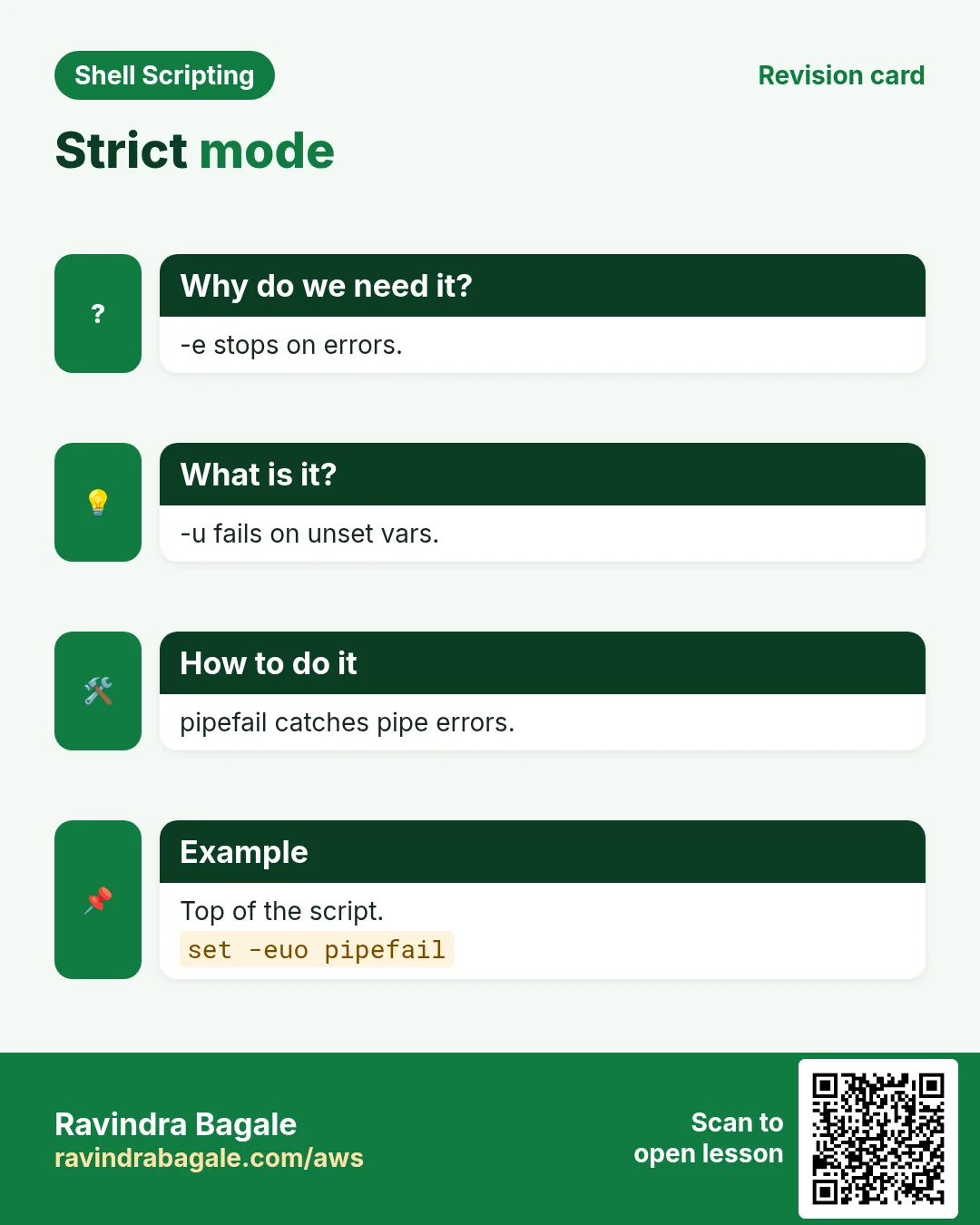
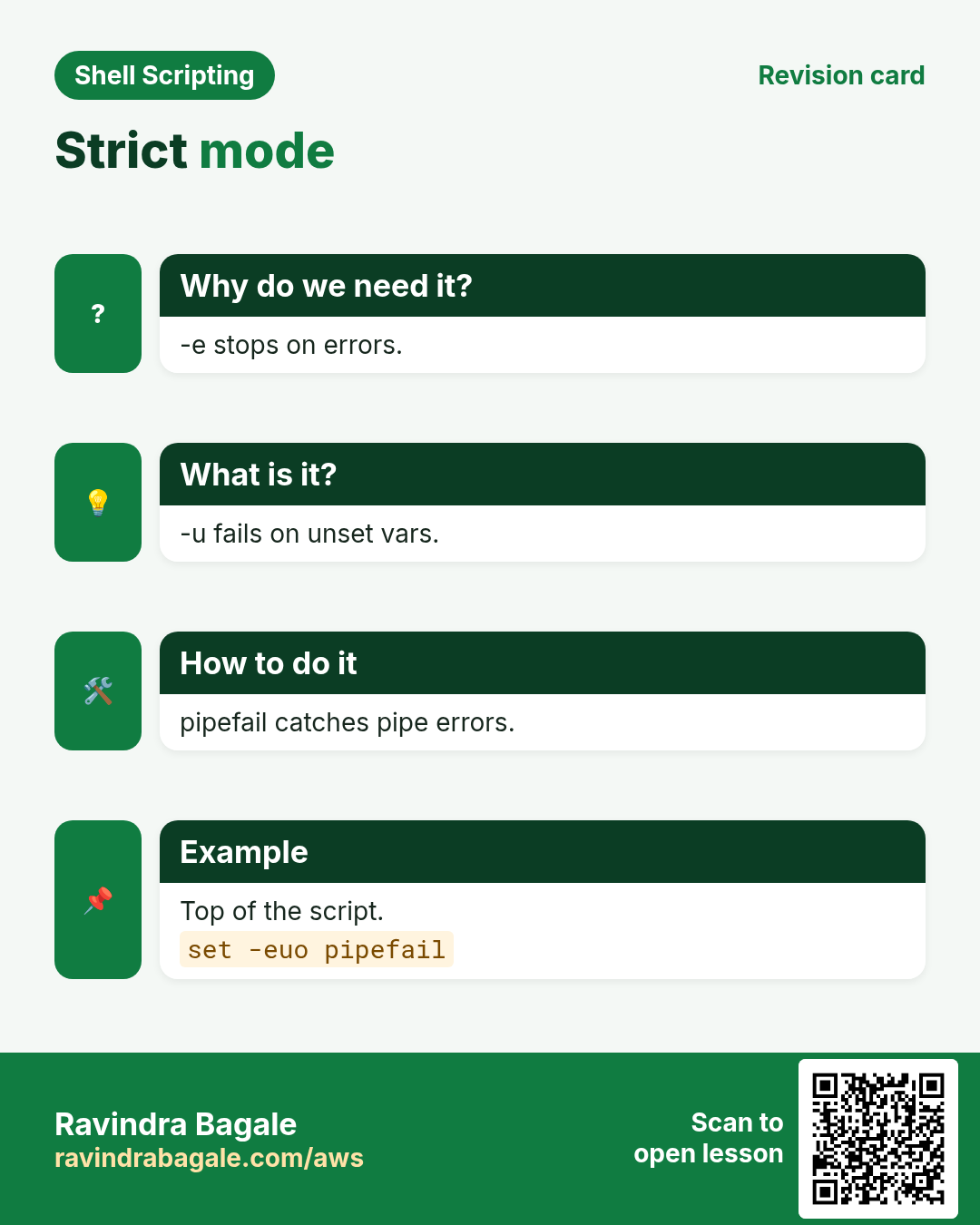
- Use set -euo pipefail safely
- Write die, retry and clean error messages
1. An everyday example: a pressure cooker whistle
In a Pune kitchen, the cooker whistle tells you what happened. Three whistles means done. No whistle means something is wrong and you check before serving. You would never serve dal without knowing it cooked. A command's exit code is that whistle: 0 means success, any other number means a problem, and a good script listens before moving to the next step.
Whistle = exit code. Listening = checking $? or using if. Stopping the meal if something is wrong = set -e or || die. Counting whistles = arithmetic with (( )). Trying again after the gas went off = a retry loop.
2. Integer maths with $(( )) and (( ))
Keep the result of arithmetic separate from the status of the command. value=$((2+3)) stores the number 5. In an if, (( value > 3 )) evaluates the expression and gives a success status for a nonzero result. After reading a number from a file or the command line, check that it matches the format you expect before using it in arithmetic. Try a valid value, a zero and a blank input. Write down how your script should respond to each case.
Counting files, adding totals, finding percentages for a disk alert: scripts do small maths all the time.
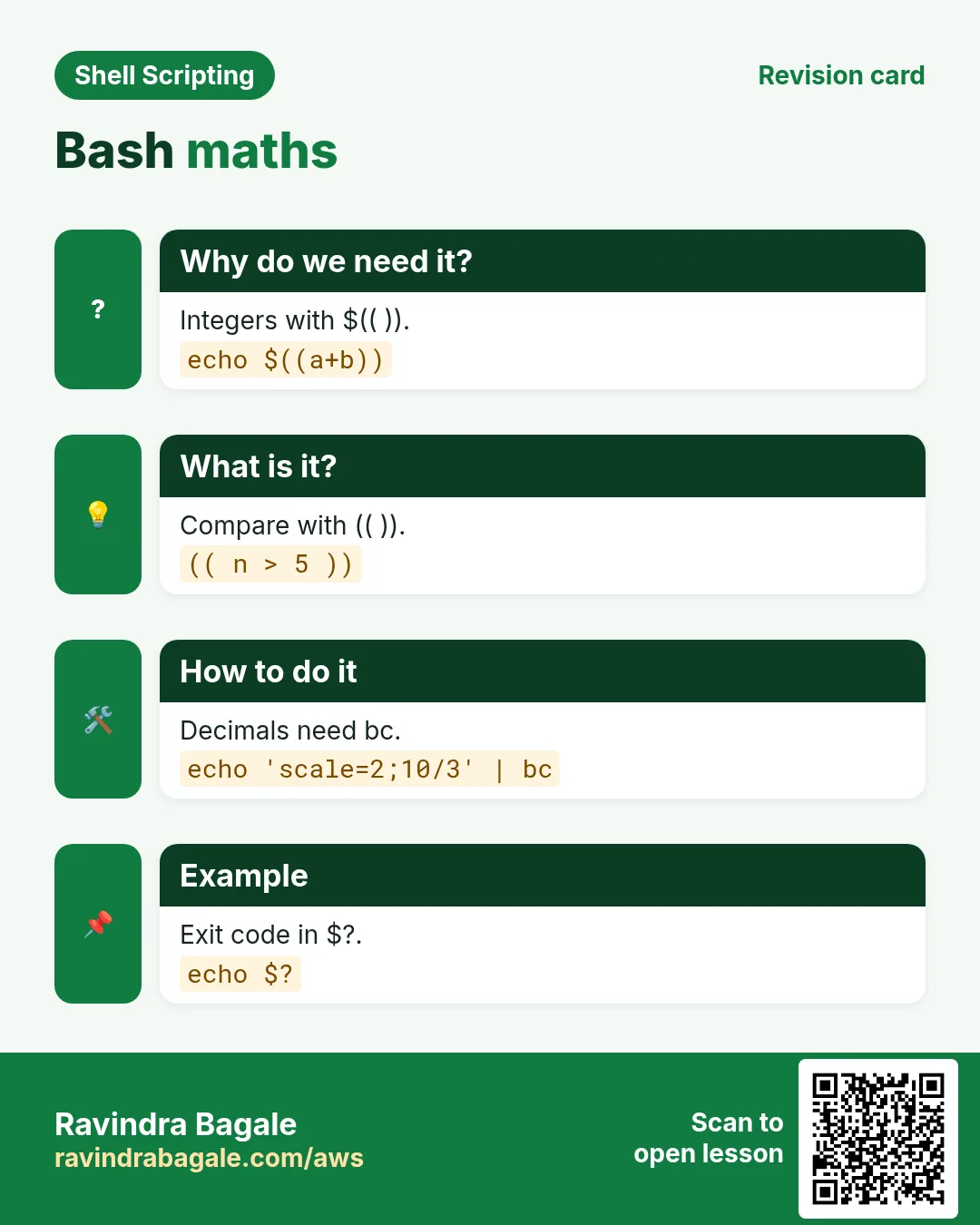
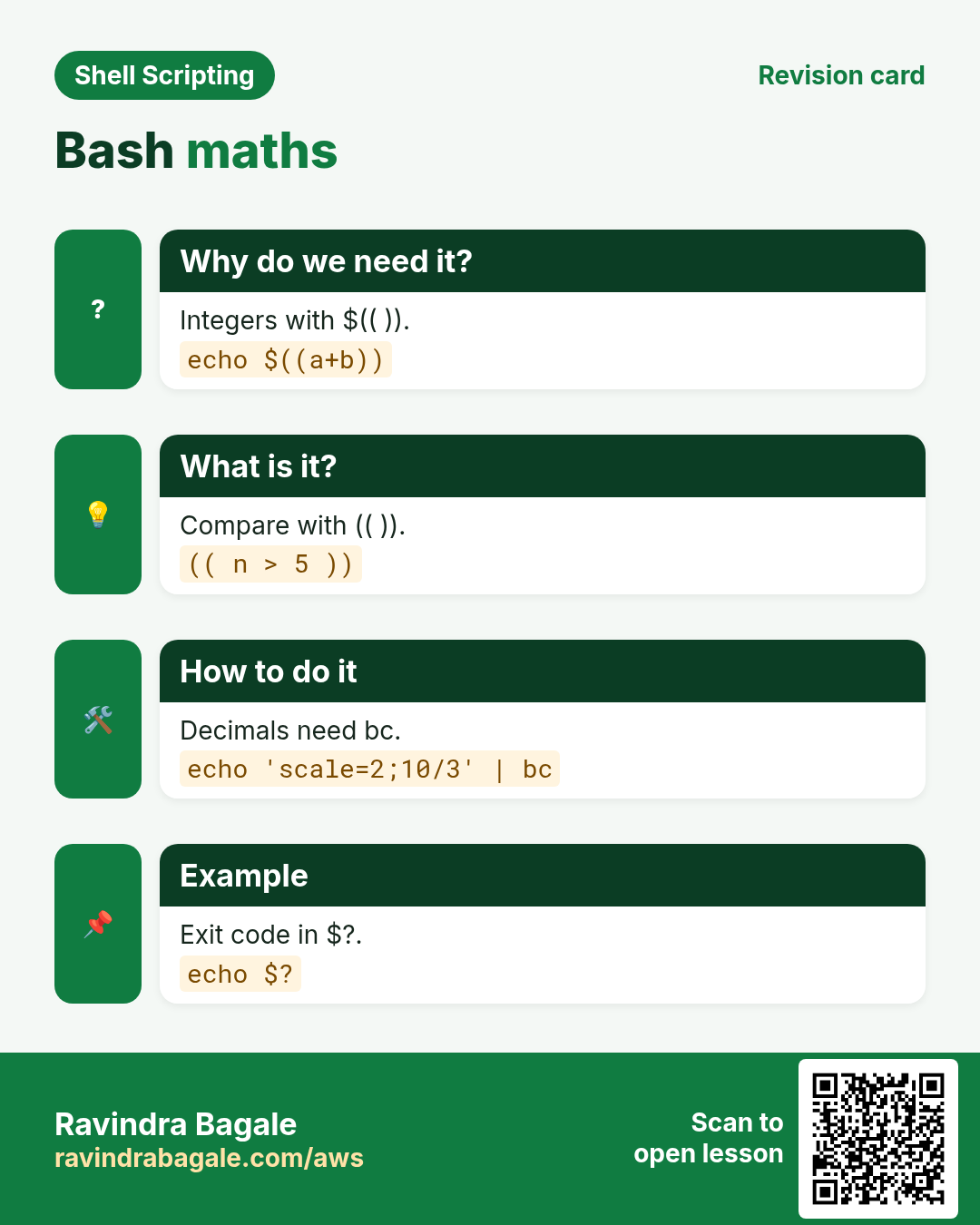
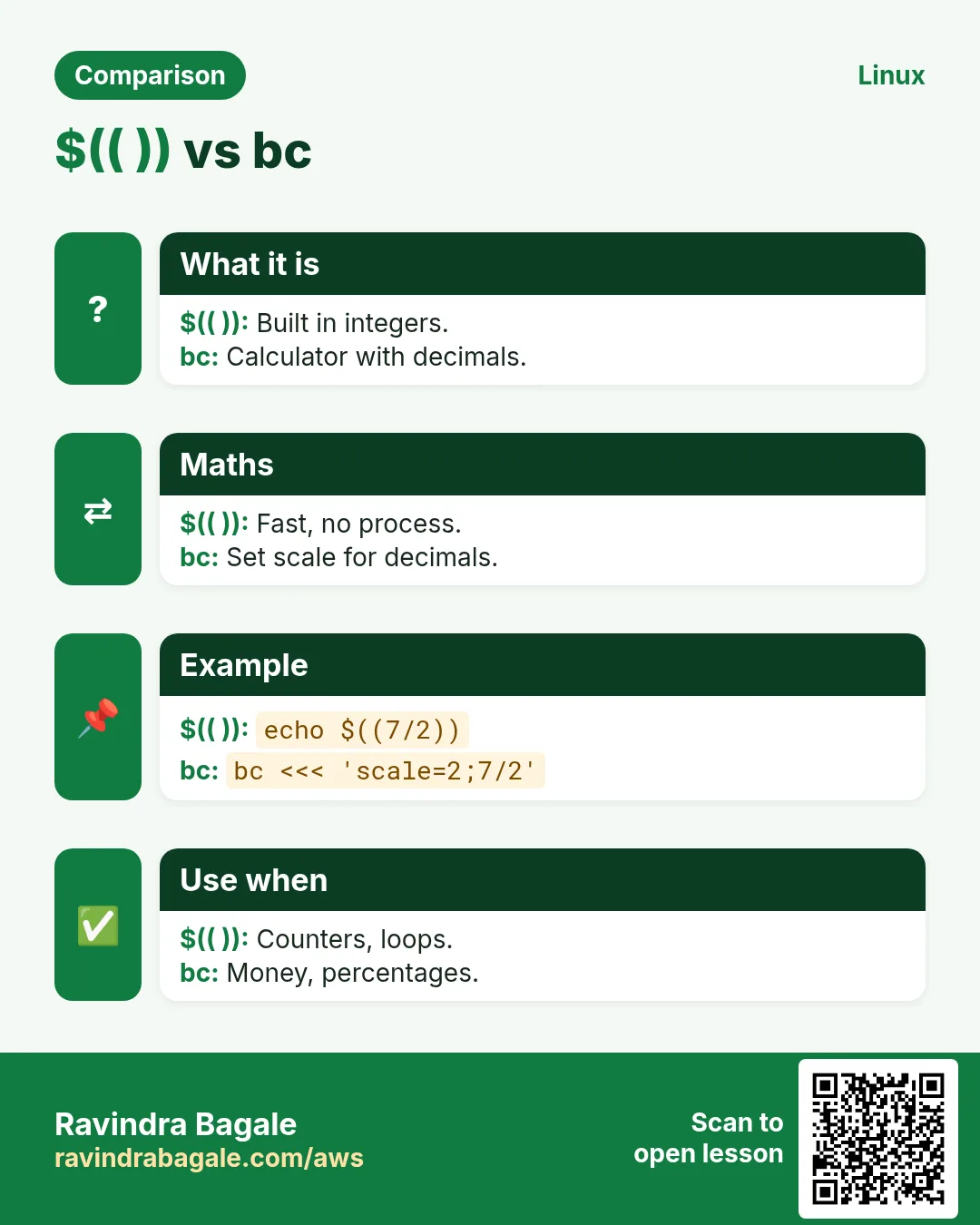
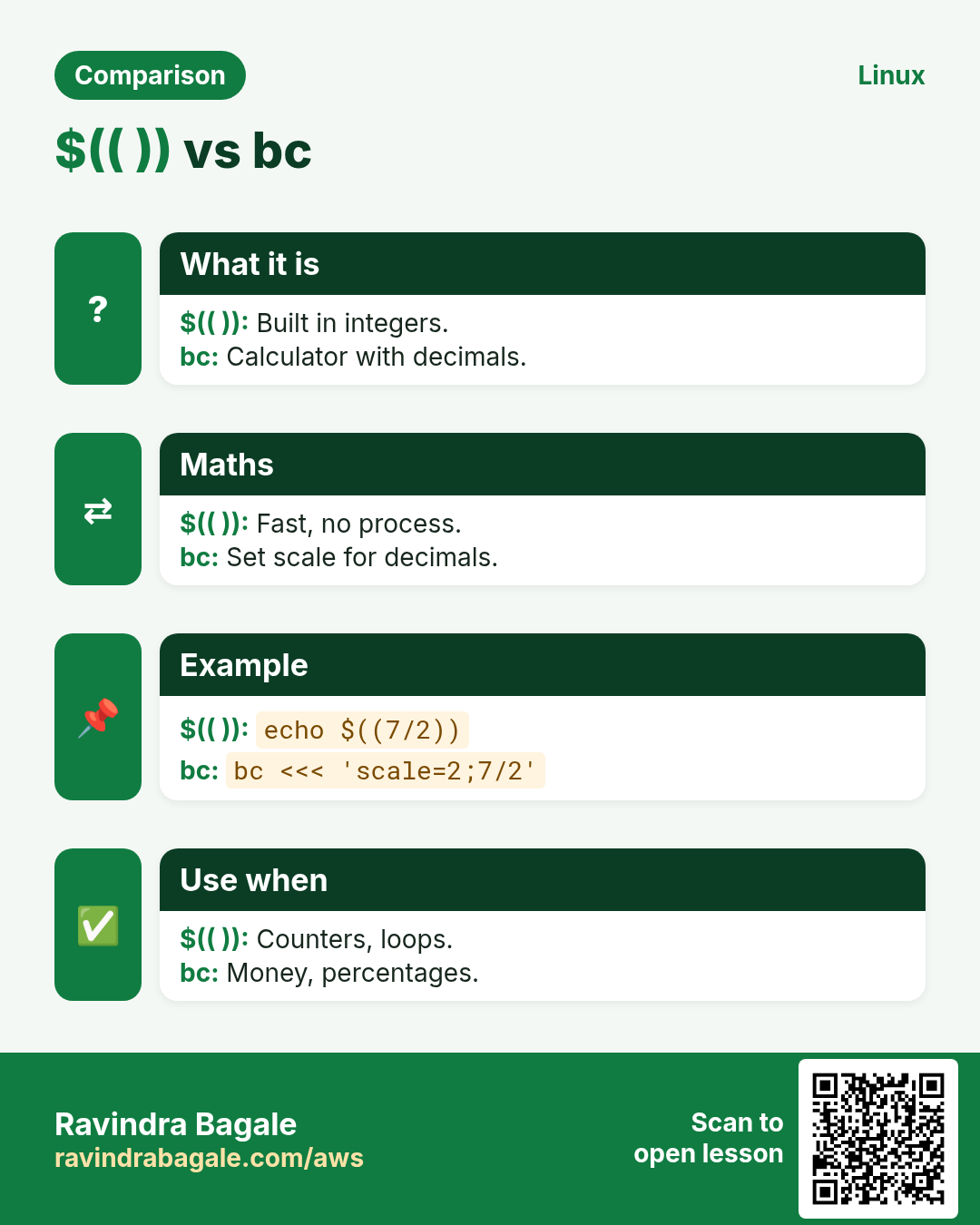
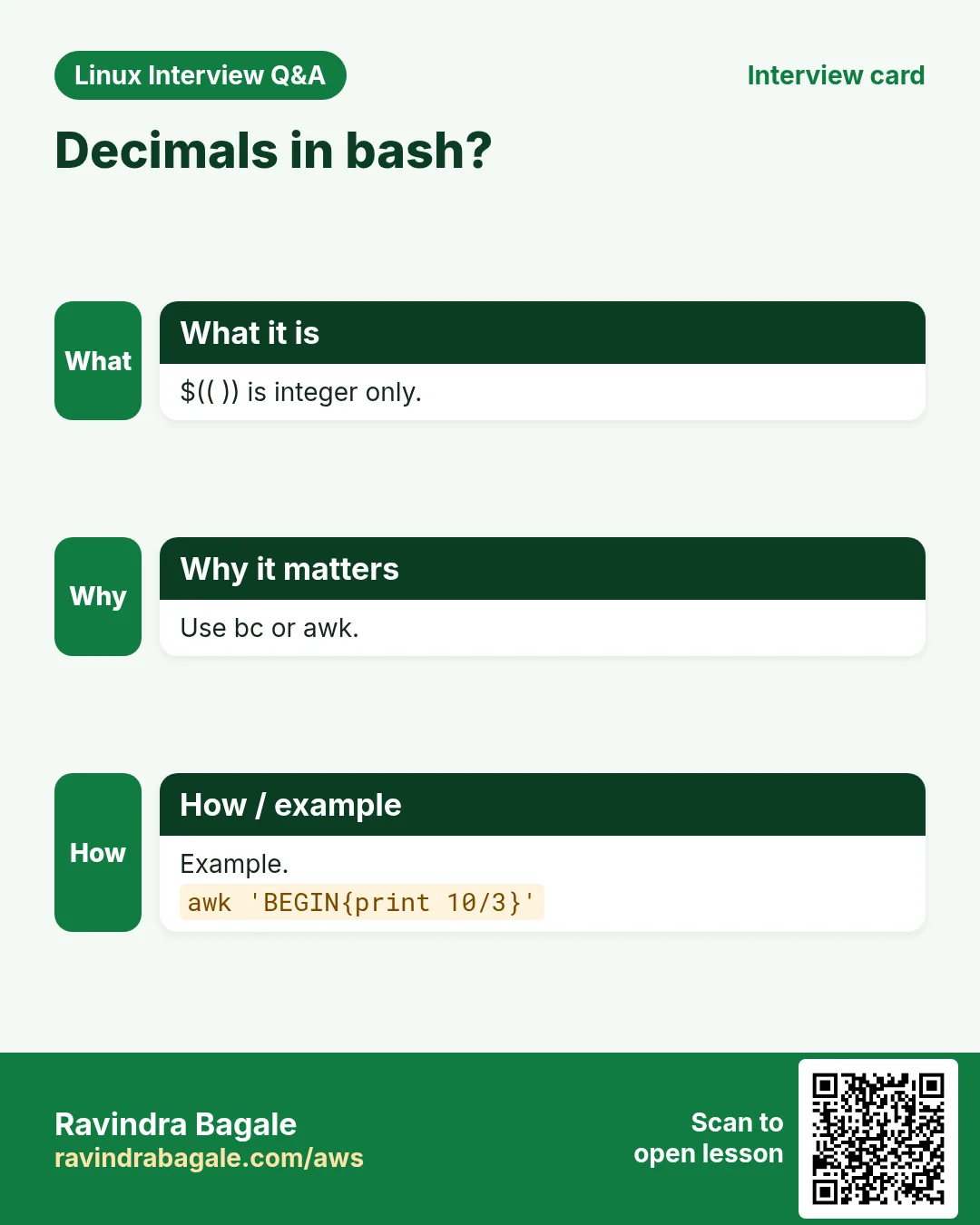
$(( expr )) gives the result as text. (( expr )) runs the maths and its exit code is 0 if the result is not zero, so it works as a test. Inside, you do not need $ before names. Operators: + - * / % ** and comparisons < > == !=. Division is integer only: 7/2 is 3. let and expr are older ways; prefer (( )).
| Form | Use |
|---|---|
| $((a+b)) | result as text |
| ((n++)) | increase n |
| ((a>b)) | test, exit 0 if true |
| $((7%3)) | remainder 1 |
| $((2**10)) | power 1024 |
- Add totals.
a=1200; b=850; echo $((a+b))Output:
2050No $ needed inside.
- Counter.
n=0; for f in *.log; do [[ -f $f ]] || continue; n=$((n + 1)); done; printf '%s\n' "$n"Output:
3Counts files.
- Percentage.
used=45; total=60; echo $((used*100/total))%Output:
75%Multiply first, then divide.
- Compare.
disk=91; (( disk > 85 )) && echo 'disk alert'Output:
disk alert(( )) as a test.
- Even or odd.
x=7; (( x % 2 == 0 )) && echo even || echo oddOutput:
oddRemainder check.
3. Decimals with bc and awk
Prices with paise, GST at 18 percent, average response time in ms: bash alone cannot do decimals.
bc is a calculator: echo 'scale=2; 10/3' | bc gives 3.33. scale sets decimal places. awk can also do it: awk 'BEGIN{printf "%.2f\n", 10/3}'. To compare decimals, let bc or awk return 1 or 0 and test that. Watch out: bc is not installed on some minimal images; awk almost always is.
- Divide with decimals.
echo 'scale=2; 10/3' | bcOutput:
3.33scale=2.
- GST.
price=499.50; echo "scale=2; $price*1.18" | bcOutput:
589.4118 percent added.
- awk average.
printf '120\n95\n310\n' | awk '{s+=$1} END{printf "%.1f\n", s/NR}'Output:
175.0Average response ms.
- Compare decimals.
load=3.75; (( $(echo "$load > 2.5" | bc) )) && echo highOutput:
highbc prints 1 for true.
4. Exit codes, $? and PIPESTATUS
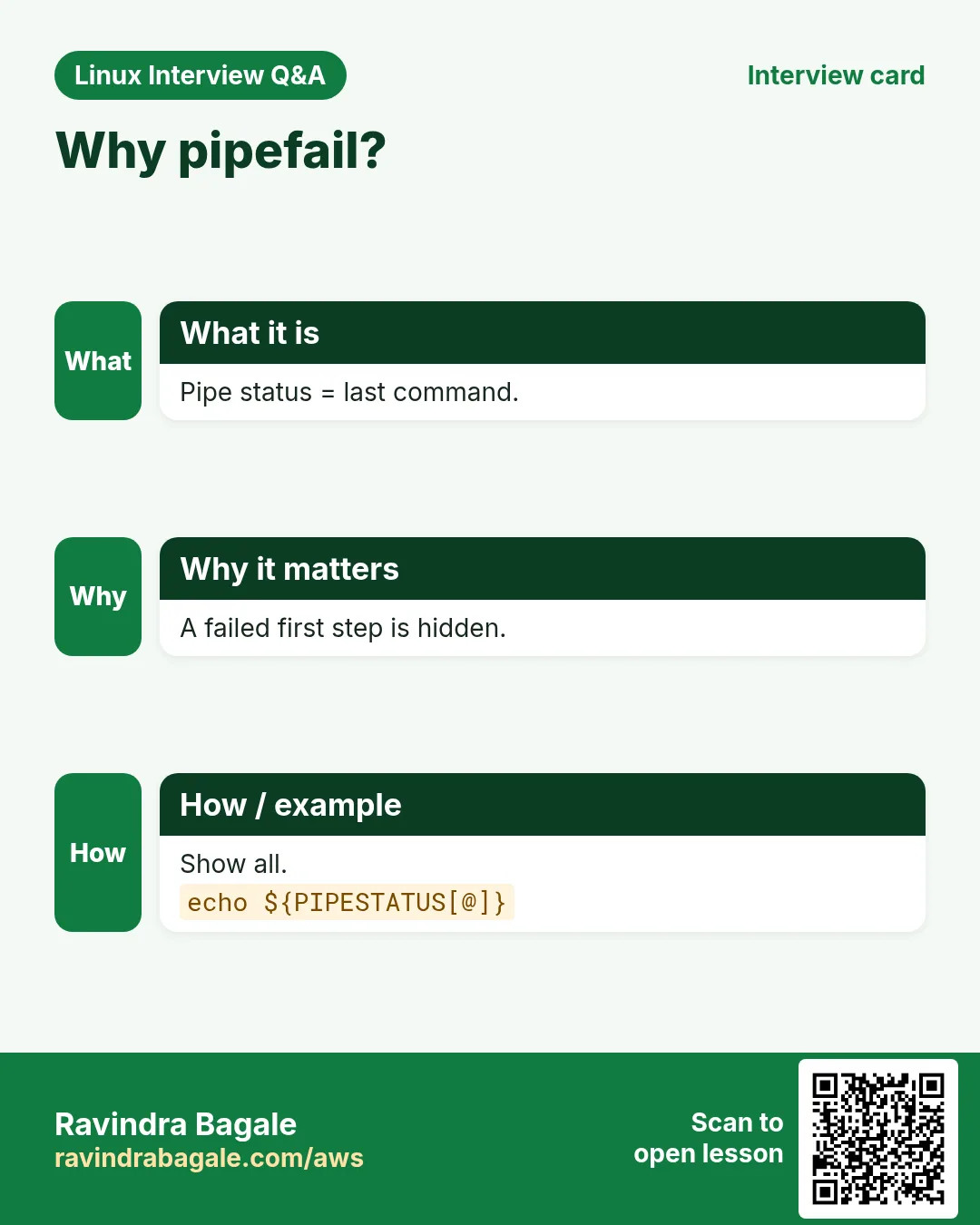
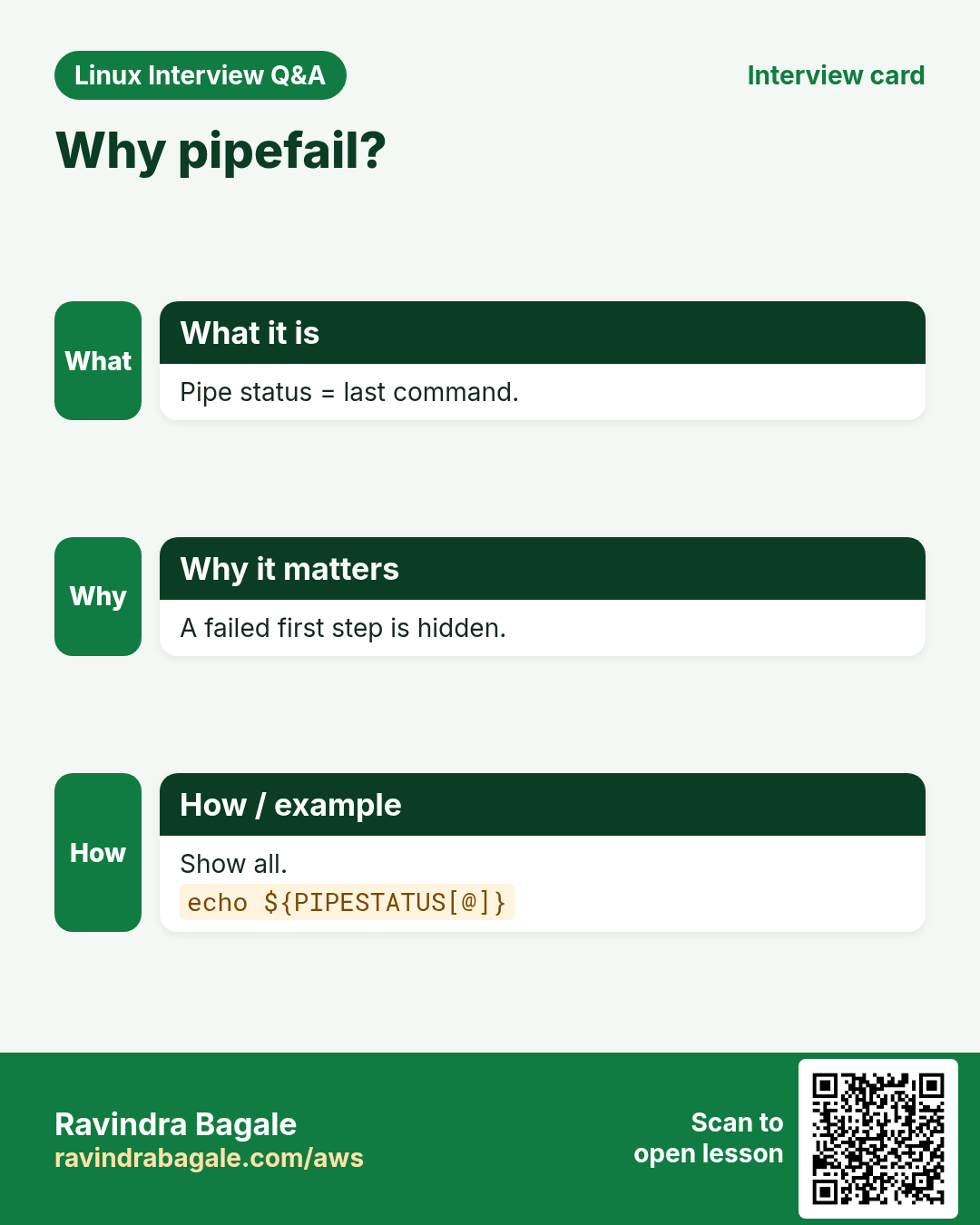
Read a pipeline as stages that each have their own status. In a practice shell, false | true gives you a simple failing first stage and successful last stage. With the default rule, the overall status is that of true. With pipefail set, it is nonzero. Immediately print "${PIPESTATUS[@]}" to locate which stage failed. Do that in a fresh run before another command overwrites the evidence. Apply the same thinking when a report produces a file even though the command that supplied its data failed.
Cron, CI systems and other scripts decide success or failure only from your exit code.
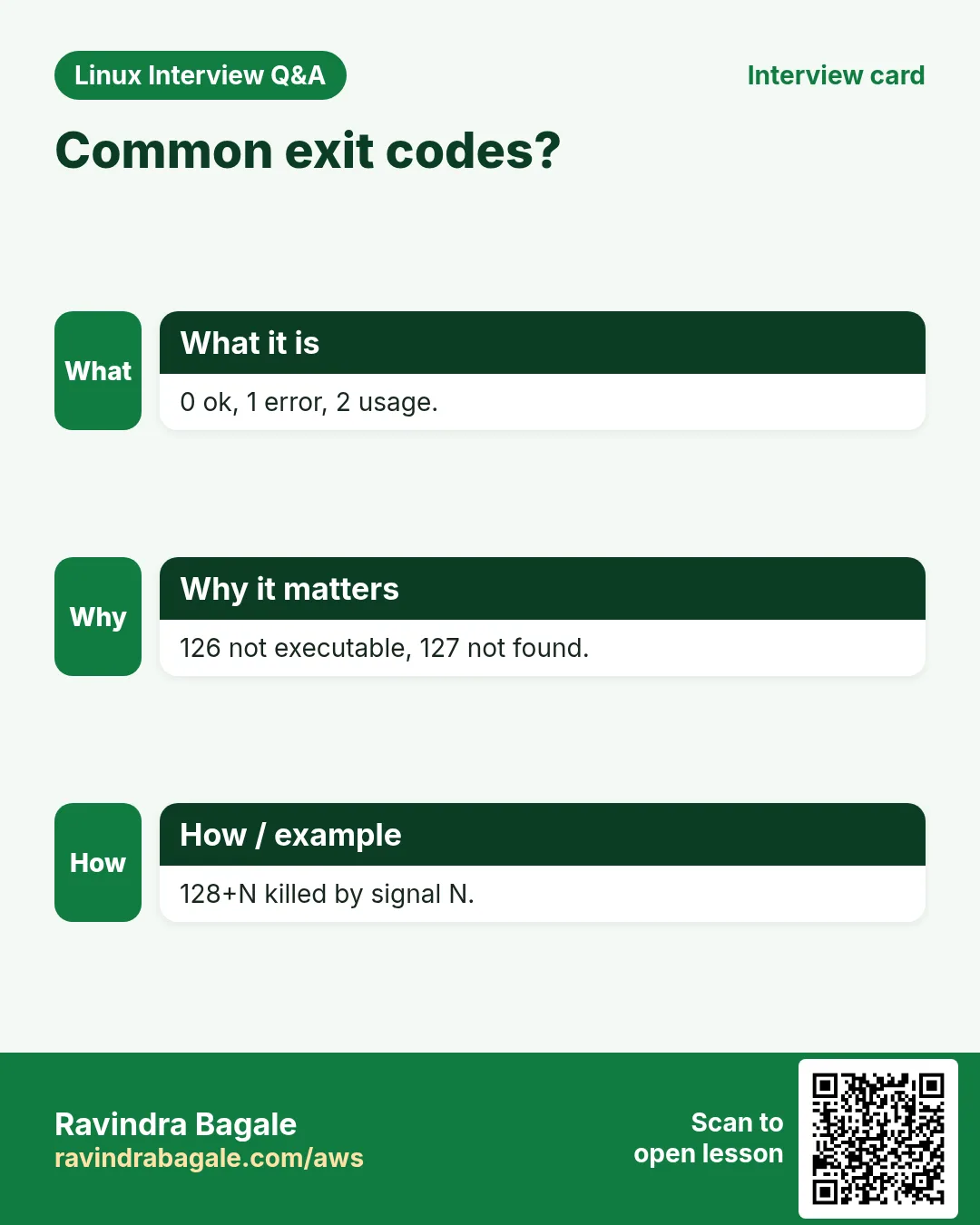
Every command ends with a number from 0 to 255. 0 means success. 1 is a general error, 2 is misuse, 126 is not executable, 127 is command not found, 130 is stopped by Ctrl+C, 137 is killed (often out of memory). $? holds the last code; read it right away because the next command replaces it. In a pipe, $? is the last command's code; ${PIPESTATUS[@]} has all of them. exit N ends a script, return N ends a function.
| Code | Meaning |
|---|---|
| 0 | success |
| 1 | general error |
| 2 | bad usage |
| 126 | not executable |
| 127 | command not found |
| 130 | Ctrl+C |
| 137 | killed by signal 9 |
- Success code.
ls /etc/hostname; echo $?Output:
/etc/hostname
0
0 = OK.
- Failure code.
ls /nope; echo $?Output:
ls: cannot access '/nope': No such file or directory
2
Not 0.
- Not found.
nosuchcmd; echo $?Output:
bash: nosuchcmd: command not found
127
127.
- Pipe codes.
false | true; echo "$? ${PIPESTATUS[@]}"Output:
0 1 0Last was true, first failed.
- Save it first.
grep -q ERROR app.log; rc=$?; echo "grep said $rc"Output:
grep said 11 means no match.
5. Chain steps with && and ||
Build then deploy only if the build worked; send an alert only if the check failed.
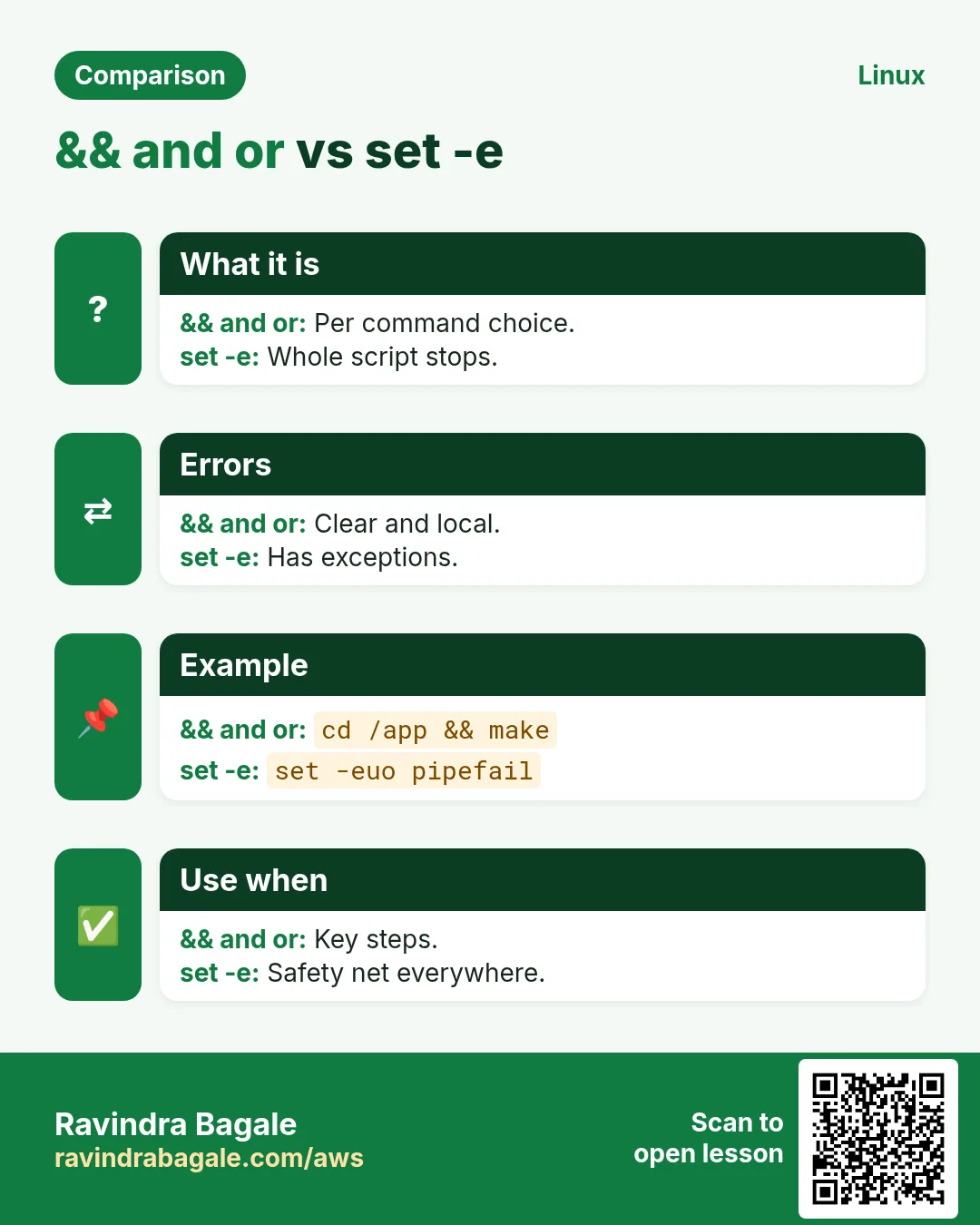
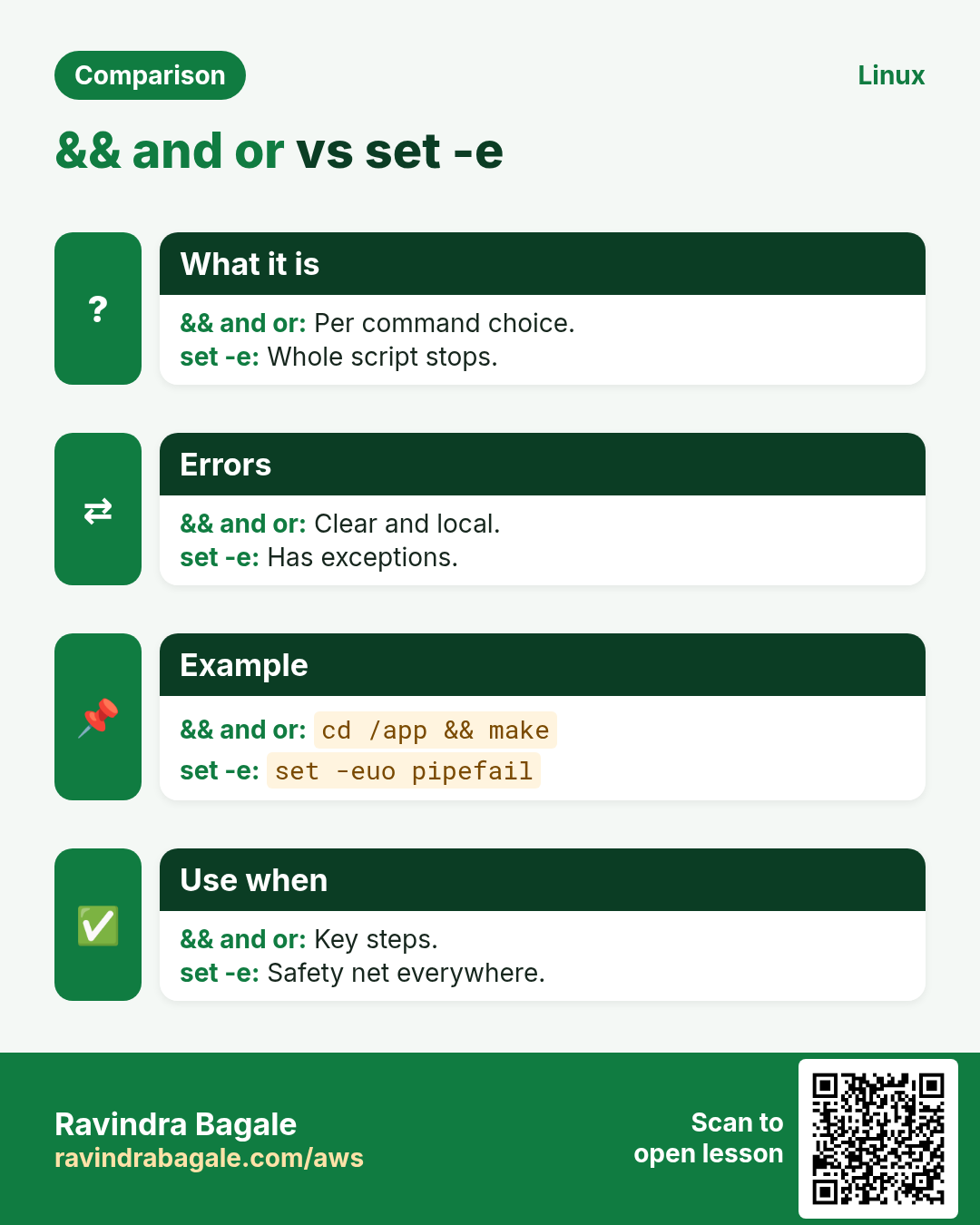
a && b runs b only if a succeeded. a || b runs b only if a failed. if cmd; then ... fi tests a command's exit code directly, so you rarely need $?. ! cmd flips the result. Be careful with a && b || c: c also runs if b fails, so it is not a true if-else; use if for important logic.
- Only on success.
mkdir -p /tmp/rel && cd /tmp/rel && pwdOutput:
/tmp/relStops at the first failure.
- Only on failure.
ping -c1 -W1 10.9.9.9 || echo 'gateway down'Output:
gateway downAlert path.
- if on a command.
if grep -q 'Out of memory' /var/log/syslog; then echo 'OOM seen'; fiOutput:
OOM seenNo $? needed.
- Negate.
if ! id deploy; then echo 'no deploy user'; fiOutput:
id: 'deploy': no such user
no deploy user
! flips.
6. The safe header: set -euo pipefail
By default bash ignores failures and unset variables. One typo like rm -rf "$DIR/" with empty DIR can be a disaster.
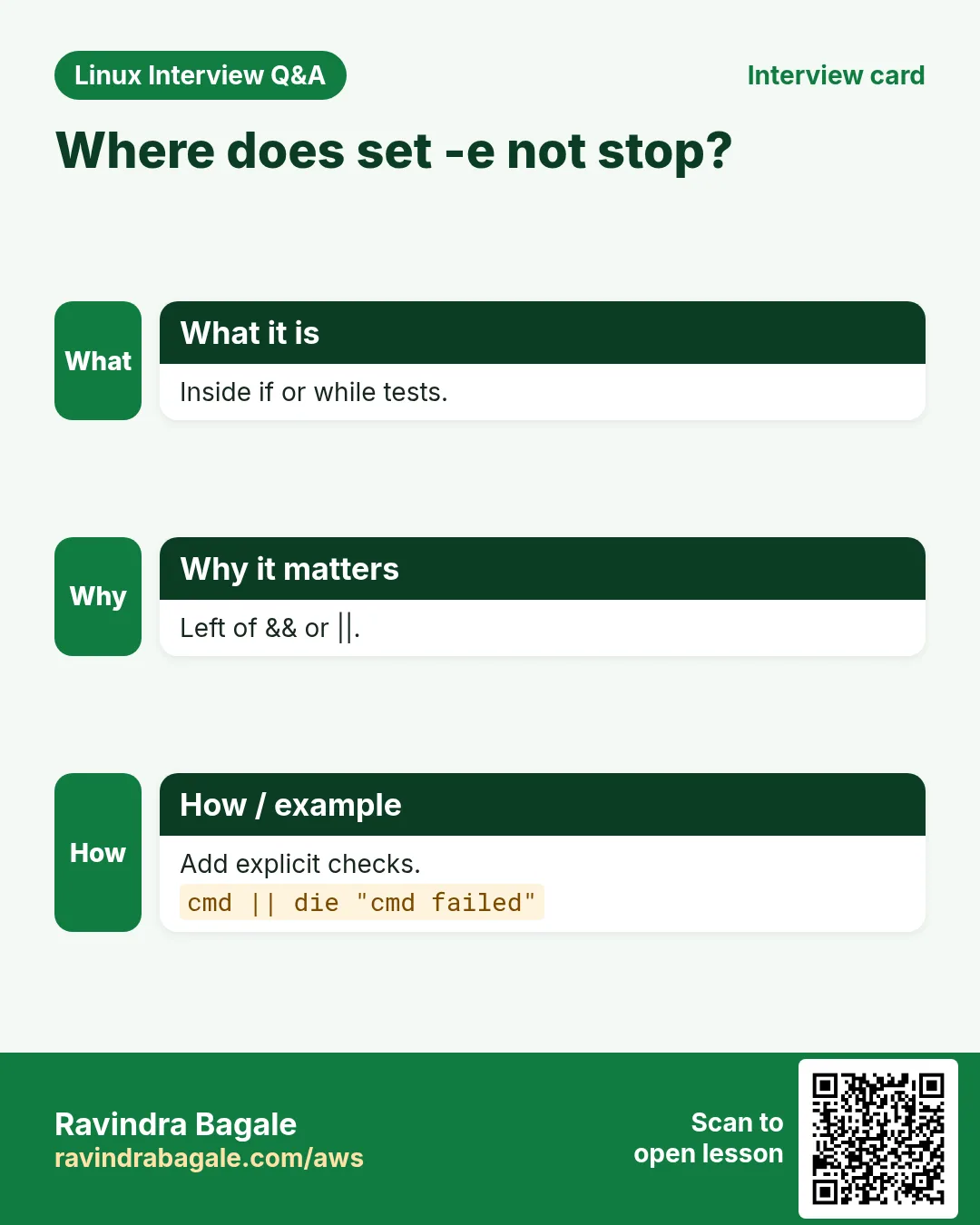
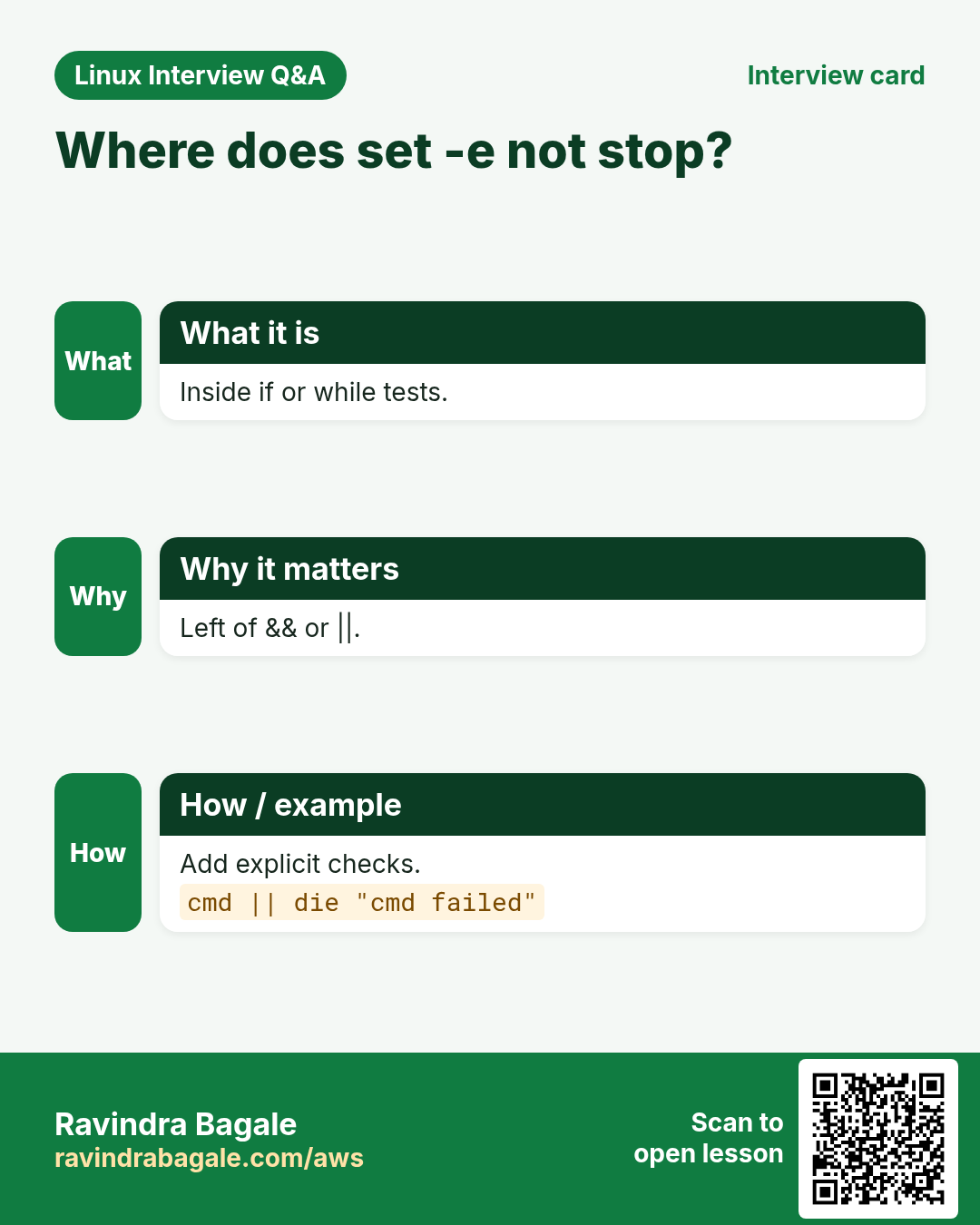
set -e exits on many unhandled failures. set -u treats unset variables as errors, and set -o pipefail makes a pipeline return the status of its rightmost failing command. Bash makes exceptions for tests in if and for commands before the final && or || in a list. A standalone ((n++)) returns status 1 when n starts at zero because the expression evaluates to the old value. Under set -e that status can stop your script. Use n=$((n+1)) for a simple increment. When you expect grep to find no match sometimes, handle status 1 separately and report real read errors.
| Option | Effect |
|---|---|
| -e | exit on error |
| -u | unset variable is error |
| -o pipefail | pipe fails if any part fails |
| -x | trace each command |
- Header.
#!/usr/bin/env bash
set -euo pipefail
First lines of a script.
- -u catches typos.
set -u; echo "$DIRR"Output:
bash: DIRR: unbound variableStops before damage.
- pipefail.
set -o pipefail; false | sort; echo $?Output:
1Without it you get 0.
- Counter trap.
set -e; n=0; ((n++)); echo neverScript exits; use n=$((n+1)).
- Allowed failure.
count=$(grep -c WARN app.log || true); echo $countOutput:
0No match is OK here.
7. Clear errors: stderr, die and usage
Error messages mixed into normal output break pipes and confuse the person on call at 3 a.m.
Send errors to stderr with echo 'msg' >&2. Write a small die function that prints the message and exits with a code. Print a usage line and exit 2 when arguments are wrong. Include the script name with ${0##*/} and what failed, so the message is useful in logs.
- To stderr.
echo 'config missing' >&2Output:
config missingNot in stdout.
- die function.
die(){ echo "${0##*/}: $*" >&2; exit "${2:-1}"; }
[[ -r app.conf ]] || die 'cannot read app.conf'
Output:
backup.sh: cannot read app.confClear and exits 1.
- Usage.
(( $# == 1 )) || { echo "usage: ${0##*/} ENV" >&2; exit 2; }Output:
usage: deploy.sh ENVExit 2 = bad usage.
- Return from a function.
is_up(){ curl -fs -o /dev/null "$1"; }; is_up https://example.com && echo upOutput:
upFunction returns curl's code.
8. Retries and timeouts
Retry when a repeated request can safely do the same work and the failure may be temporary. For example, retry a read-only lab status request that times out. Keep a small limit, leave time between attempts and log when the final attempt fails. A missing required file or a bad argument needs a correction before repeating. Test your retry function against a stub that fails twice then succeeds, and a stub that always fails. The first should stop on success; the second should stop at your limit and return a failure status.
Networks blink. A deploy should try a health check a few times before calling it a failure, and should not hang forever.
A retry loop runs a command up to N times with a sleep between tries and returns failure at the end. Double the sleep each time (backoff) to be kind to a busy server. timeout 10 cmd kills cmd after 10 seconds and returns 124. Combine both for safe network steps.
- Retry function.
retry(){ local n=$1 d=1 i; shift; for ((i=1;i<=n;i++)); do "$@" && return 0; echo "try $i failed" >&2; sleep $d; d=$((d*2)); done; return 1; }Backoff 1, 2, 4 seconds.
- Use it.
retry 3 curl -fsS http://localhost:8080/healthOutput:
try 1 failed
OK
Second try worked.
- Timeout.
timeout 5 sleep 30; echo $?Output:
124124 = timed out.
- Both.
retry 3 timeout 10 pg_isready -h db1 || die 'database not ready'Output:
db1:5432 - accepting connectionsSafe wait for a database.
9. Real examples from many industries
The same Linux skill shows up in every kind of company. Seeing it in many places helps you remember it.
Each row is a made-up team. It shows who uses this and how.
| Team and city | How they use it | Command |
|---|---|---|
| Nikhil, logistics, Pune | Stop the route import if the CSV download fails | set -euo pipefail |
| Grace, hospital, Nairobi | Alert when lab-results sync fails | rsync -a src/ dst/ || alert |
| Hiro, manufacturing, Osaka | Average sensor temp with decimals | awk '{s+=$1} END{print s/NR}' |
| Olivia, retail, Sydney | Retry the payment health check | retry 5 curl -fs "$URL" |
| Ahmed, telecom, Dubai | Disk percent alert | (( used*100/total > 90 )) |
| Sneha, edtech, Bengaluru | Usage error for bad arguments | exit 2 |
10. Common errors and how to fix them
Everyone hits these errors. Knowing the cause saves hours.
Read the exact message first. Then match it to a row below.
| Error you see | Why it happens | How to fix |
|---|---|---|
unbound variable | set -u and var not set | Set it or use a default.echo "${VAR:-}" |
Script exits silently after ((n++)) | n was 0, result 0, exit 1 under -e | Use n=$((n+1)).n=$((n+1)) |
value too great for base | Leading zero like 08 read as octal | Force base 10.echo $((10#08)) |
syntax error: invalid arithmetic operator | Decimal in $(( )) | Use bc or awk.echo '1.5+2' | bc |
division by 0 | Divisor empty or zero | Check before dividing.(( total > 0 )) && echo $((u*100/total)) |
Pipe failure not detected | No pipefail | Enable it.set -o pipefail |
Script stops when grep finds nothing | grep returns 1 under -e | Allow it.grep x f || true |
bc: command not found | Minimal image | Install bc or use awk.sudo dnf install -y bc |
Exit code 141 | SIGPIPE: reader closed early with pipefail | Avoid head on long pipes or ignore 141.yes | head -1 || true |
11. Troubleshooting step by step
When a script stops or does not stop, find which command returned what code.
Go top to bottom. Stop at the first step that shows the problem.
- Print last code.
echo $?- Pipe codes.
echo "${PIPESTATUS[@]}"- Trace.
bash -x script.sh- Show options.
echo $-; set -o | grep -E 'errexit|nounset|pipefail'- Find the failing line.
trap 'echo "failed at line $LINENO" >&2' ERR- Lint.
shellcheck script.sh12. Lab 1: Disk usage alert with maths and exit codes
Write diskcheck.sh that reads disk use for / and exits 1 with a message when it is above a limit, so cron or a monitor can act on it.
A full hands-on lab. Run every step on a test Linux machine (an EC2 instance, a VM, or WSL).
- Create script.
cat > ~/diskcheck.sh <<'X'
#!/usr/bin/env bash
set -euo pipefail
limit=${1:-85}
used=$(df --output=pcent / | tail -1 | tr -dc '0-9')
if (( used > limit )); then echo "disk / at ${used}% (limit ${limit}%)" >&2; exit 1; fi
echo "disk / ok at ${used}%"
X
chmod +x ~/diskcheck.sh- Run.
~/diskcheck.sh; echo "rc=$?"Output:
disk / ok at 41%
rc=0- Low limit.
~/diskcheck.sh 10; echo "rc=$?"Output:
disk / at 41% (limit 10%)
rc=1- Use in a chain.
~/diskcheck.sh 10 || echo 'send alert now'Output:
disk / at 41% (limit 10%)
send alert now- Lint.
shellcheck ~/diskcheck.sh && echo cleanOutput:
clean13. Lab 2: See set -e and pipefail in action
Run the same small script with and without the safe header to see how it changes failures.
A full hands-on lab. Run every step on a test Linux machine (an EC2 instance, a VM, or WSL).
- Unsafe script.
printf 'cat /nope | sort\necho "after: still running"\n' > ~/t.sh; bash ~/t.shOutput:
cat: /nope: No such file or directory
after: still running- Safe header.
sed -i '1i set -euo pipefail' ~/t.sh; bash ~/t.sh; echo "rc=$?"Output:
cat: /nope: No such file or directory
rc=1- Unset var.
bash -uc 'echo "$NOPE"'; echo "rc=$?"Output:
bash: line 1: NOPE: unbound variable
rc=1- Counter trap.
bash -ec 'n=0; ((n++)); echo reached'; echo "rc=$?"Output:
rc=1- Fixed counter.
bash -ec 'n=0; n=$((n+1)); echo reached $n'Output:
reached 1- Clean.
rm ~/t.shRavindra Bagale's Tip
Start every new script with set -euo pipefail, send errors to stderr, and exit with a non-zero code on failure. Then learn the few places -e surprises you (counters, grep with no match, if conditions) so the safe header helps you instead of confusing you.
Ravindra Bagale's Tip – मराठी
प्रत्येक नवी script set -euo pipefail ने सुरू करा, errors stderr ला पाठवा आणि failure वर non-zero code ने exit करा. मग -e जिथे आश्चर्य देतो त्या थोड्या जागा (counters, match नसलेला grep, if conditions) शिका म्हणजे safe header गोंधळ न करता मदत करतो.
Ravindra Bagale's Tip – हिंदी
हर नई script set -euo pipefail से शुरू कीजिए, errors stderr पर भेजिए और failure पर non-zero code से exit कीजिए. फिर -e जहाँ चौंकाता है वो कुछ जगहें (counters, बिना match का grep, if conditions) सीखिए ताकि safe header उलझाए नहीं, मदद करे.
14. Frequently asked questions
Q. Why is 0 success?
There is one way to succeed and many to fail.
Q. Max exit code?
255; larger wraps around.
Q. Is set -e enough?
No; also check important steps clearly.
Q. Floating point in bash?
No; use bc or awk.
Q. let vs (( ))?
Same; (( )) is clearer.
Q. Exit code of a function?
Its last command or return N.
Q. Why 124?
timeout killed the command.
Q. Ignore one failure?
cmd || true.
15. Interview questions and answers
Beginner level
Q. What is exit code 0?
Success.
Q. Where is the last code?
$?.
Q. Add two numbers?
$((a+b)).
Q. Run b only if a works?
a && b.
Mid level level
Q. What does pipefail do?
Pipe fails if any part fails.
Q. Decimal maths?
bc or awk.
Q. Code 127?
Command not found.
Q. Errors where?
stderr with >&2.
Senior level
Q. Where does set -e not trigger?
In if tests, && || lists, and negated commands.
Q. Why does ((n++)) kill scripts?
Result 0 gives exit 1 under -e.
Q. Design retries?
Limited tries, backoff, timeout, clear final error.
Q. Exit code 137?
Killed by signal 9, often OOM.
Try at home
- Write a GST calculator script that takes a price and rate and prints the tax and total with 2 decimals.
- Add a retry function to any script that pings a website 3 times before saying it is down.
Practise this chapter
Interview questions and answers
A pipeline creates a report, but the data producer failed. How should the script catch that?
Check the producer’s status and the pipeline result before publishing. In Bash, pipefail can surface a failure before the last stage, and PIPESTATUS can identify exactly where it occurred. Keep temporary output separate and give a useful error when the required input failed.
Check your understanding
Choose an answer, then compare your reasoning with the explanation.
Practice Tasks
Practice checks run in your browser. They check the answer for this exercise; they do not create resources or connect to your AWS account.
About this scenarioVidarbha Cotton Mills is a textiles business in Nagpur. Ganesh Wankhede looks after its IT and cloud work. They count money in INR and run their AWS resources in the ap-south-1 Region. In the tasks below you do real jobs for them using what this lesson teaches. All names, account IDs, IP addresses and numbers are made up for practice.
0 / 21
Easy Add
BIZ jobs must stop loudly when something fails.
Ganesh Wankhede at Vidarbha Cotton Mills has variables x and y. Print their sum with arithmetic expansion.
- Find the Linux command that does this job.
- Add the options (like -r or -h) the task needs.
- Add the file names, folders or users in the right order.
- Use sudo if the job changes system files or users. Click Check answer.
Easy Remainder
BIZ jobs must stop loudly when something fails.
Print the remainder of n divided by 7.
- Find the Linux command that does this job.
- Add the options (like -r or -h) the task needs.
- Add the file names, folders or users in the right order.
- Use sudo if the job changes system files or users. Click Check answer.
Easy Increment
BIZ jobs must stop loudly when something fails.
Increase variable count by one using double parens.
- Find the Linux command that does this job.
- Add the options (like -r or -h) the task needs.
- Add the file names, folders or users in the right order.
- Use sudo if the job changes system files or users. Click Check answer.
Easy Last exit code
BIZ jobs must stop loudly when something fails.
Print exit= followed by the exit code of the previous command.
- Find the Linux command that does this job.
- Add the options (like -r or -h) the task needs.
- Add the file names, folders or users in the right order.
- Use sudo if the job changes system files or users. Click Check answer.
Easy Strict mode
BIZ jobs must stop loudly when something fails.
Turn on exit-on-error, unset-variable error and pipeline failure together using long option names.
- Find the Linux command that does this job.
- Add the options (like -r or -h) the task needs.
- Add the file names, folders or users in the right order.
- Use sudo if the job changes system files or users. Click Check answer.
Easy Run if ok
BIZ jobs must stop loudly when something fails.
Run make and only if it succeeds run make install.
- Find the Linux command that does this job.
- Add the options (like -r or -h) the task needs.
- Add the file names, folders or users in the right order.
- Use sudo if the job changes system files or users. Click Check answer.
Easy Compare numbers
BIZ jobs must stop loudly when something fails.
Test if variable free is less than 10 using double parens.
- Find the Linux command that does this job.
- Add the options (like -r or -h) the task needs.
- Add the file names, folders or users in the right order.
- Use sudo if the job changes system files or users. Click Check answer.
Easy Exit code 3
BIZ jobs must stop loudly when something fails.
End the script with exit status 3.
- Find the Linux command that does this job.
- Add the options (like -r or -h) the task needs.
- Add the file names, folders or users in the right order.
- Use sudo if the job changes system files or users. Click Check answer.
Medium Power
BIZ jobs must stop loudly when something fails.
Print 2 to the power 10 with arithmetic expansion.
- Find the Linux command that does this job.
- Add the options (like -r or -h) the task needs.
- Add the file names, folders or users in the right order.
- Use sudo if the job changes system files or users. Click Check answer.
Medium Decimal result
BIZ jobs must stop loudly when something fails.
Print 22 divided by 7 with 2 decimals using bc.
- Find the Linux command that does this job.
- Add the options (like -r or -h) the task needs.
- Add the file names, folders or users in the right order.
- Use sudo if the job changes system files or users. Click Check answer.
Medium Only pipefail
BIZ jobs must stop loudly when something fails.
Turn on only the unset-variable and pipefail options in one short set.
- Find the Linux command that does this job.
- Add the options (like -r or -h) the task needs.
- Add the file names, folders or users in the right order.
- Use sudo if the job changes system files or users. Click Check answer.
Medium Or exit
BIZ jobs must stop loudly when something fails.
Change to /srv/app or exit with code 1 if that fails.
- Find the Linux command that does this job.
- Add the options (like -r or -h) the task needs.
- Add the file names, folders or users in the right order.
- Use sudo if the job changes system files or users. Click Check answer.
Medium Allow failure
BIZ jobs must stop loudly when something fails.
Under set -e, run grep -q ERROR app.log without stopping the script if no match.
- Find the Linux command that does this job.
- Add the options (like -r or -h) the task needs.
- Add the file names, folders or users in the right order.
- Use sudo if the job changes system files or users. Click Check answer.
Medium Test -ge
BIZ jobs must stop loudly when something fails.
Using double brackets, test if variable n is greater than or equal to 5.
- Find the Linux command that does this job.
- Add the options (like -r or -h) the task needs.
- Add the file names, folders or users in the right order.
- Use sudo if the job changes system files or users. Click Check answer.
Medium Random 1-6
BIZ jobs must stop loudly when something fails.
Print a random number from 1 to 6 like a dice.
- Find the Linux command that does this job.
- Add the options (like -r or -h) the task needs.
- Add the file names, folders or users in the right order.
- Use sudo if the job changes system files or users. Click Check answer.
Medium Negate
BIZ jobs must stop loudly when something fails.
Print missing only if file config.yml does not exist.
- Find the Linux command that does this job.
- Add the options (like -r or -h) the task needs.
- Add the file names, folders or users in the right order.
- Use sudo if the job changes system files or users. Click Check answer.
Medium let
BIZ jobs must stop loudly when something fails.
Use let to set total to price times qty.
- Find the Linux command that does this job.
- Add the options (like -r or -h) the task needs.
- Add the file names, folders or users in the right order.
- Use sudo if the job changes system files or users. Click Check answer.
Hard Pipe statuses
BIZ jobs must stop loudly when something fails.
Print the exit codes of every command in the last pipeline.
- Find the Linux command that does this job.
- Add the options (like -r or -h) the task needs.
- Add the file names, folders or users in the right order.
- Use sudo if the job changes system files or users. Click Check answer.
Hard ERR trap
BIZ jobs must stop loudly when something fails.
Set a trap that prints failed at line and the line number on any error.
- Find the Linux command that does this job.
- Add the options (like -r or -h) the task needs.
- Add the file names, folders or users in the right order.
- Use sudo if the job changes system files or users. Click Check answer.
Hard Retry loop
BIZ jobs must stop loudly when something fails.
Try curl -fs https://api.example.in up to 3 times, stopping at the first success.
- Find the Linux command that does this job.
- Add the options (like -r or -h) the task needs.
- Add the file names, folders or users in the right order.
- Use sudo if the job changes system files or users. Click Check answer.
Hard Integer check
BIZ jobs must stop loudly when something fails.
Test whether variable v contains only digits using a regex in double brackets.
- Find the Linux command that does this job.
- Add the options (like -r or -h) the task needs.
- Add the file names, folders or users in the right order.
- Use sudo if the job changes system files or users. Click Check answer.
16. Related chapters
- Linux Ops Refresh for DevOps
- Bash Scripting for Automation
- Linux grep and find Commands with Examples
- How to Set Up Passwordless SSH Between Linux Servers
In short
- $(( )) for integer maths; bc/awk for decimals.
- 0 = success; read $? at once.
- PIPESTATUS shows every pipe part.
- && on success, || on failure.
- set -euo pipefail with known traps.
- die to stderr, retry with backoff, timeout.
Revision, comparison and interview cards
Revise this lesson in a few minutes. Save the cards on your phone or download them as PNG files. The QR code on each card opens this lesson.
More cards: Ravi Sir's Cards.