AWS CLI ELB Commands: Create an Application Load Balancer
We build an Application Load Balancer from the terminal: target group, health checks, listener, path rules and HTTPS. Then we delete it in order.
In this chapter
- Create a target group with health checks
- Register and check targets
- Create the ALB and a listener
- Path rules and HTTPS
- Delete in the right order
1. The big picture: one front door, many counters
A bank has one entrance with a token machine. It sends each customer to a free counter and skips a closed counter. That is a load balancer.
ALB commands use aws elbv2: create-target-group, register-targets, create-load-balancer, create-listener, create-rule, describe-target-health.
2. Create a target group
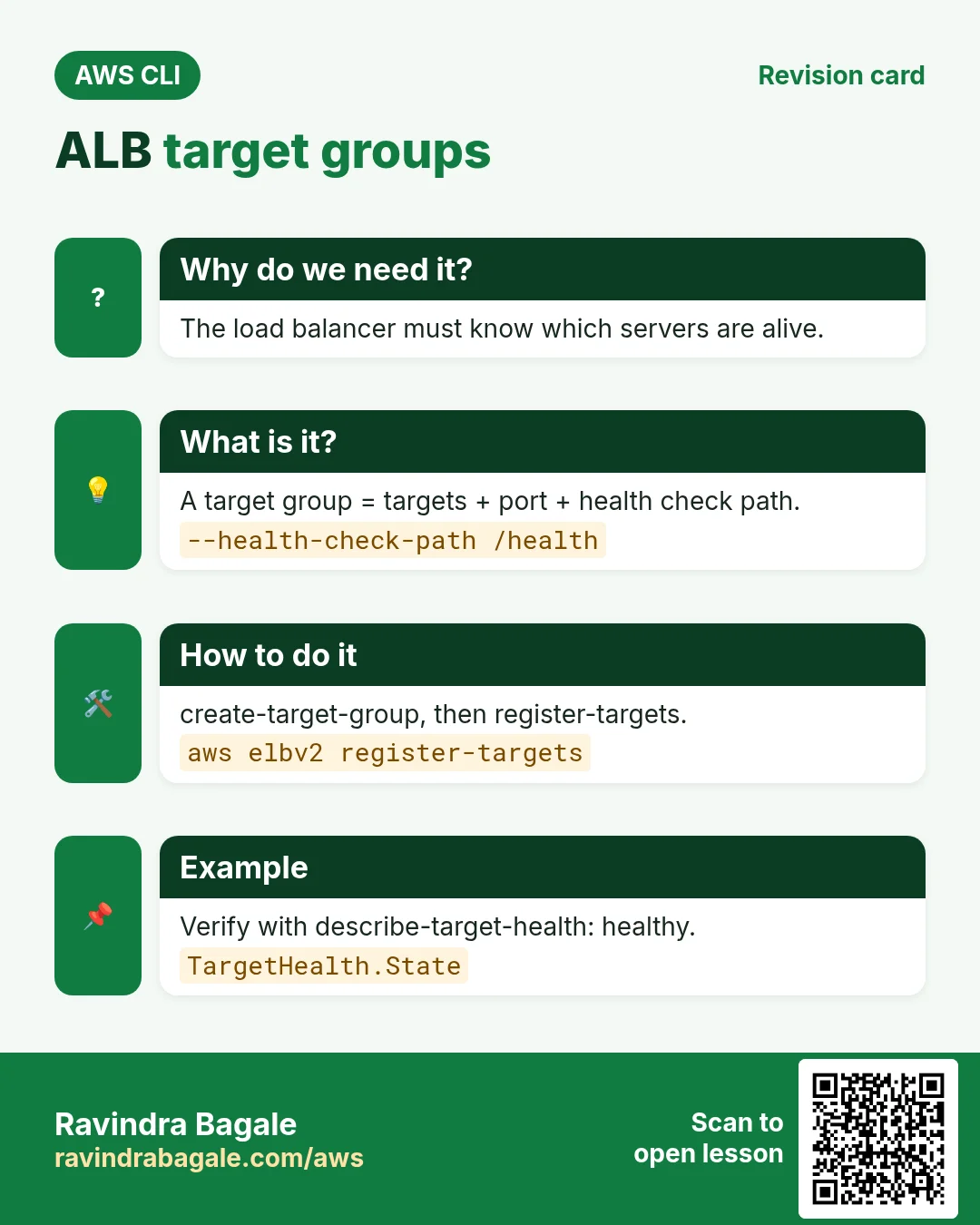
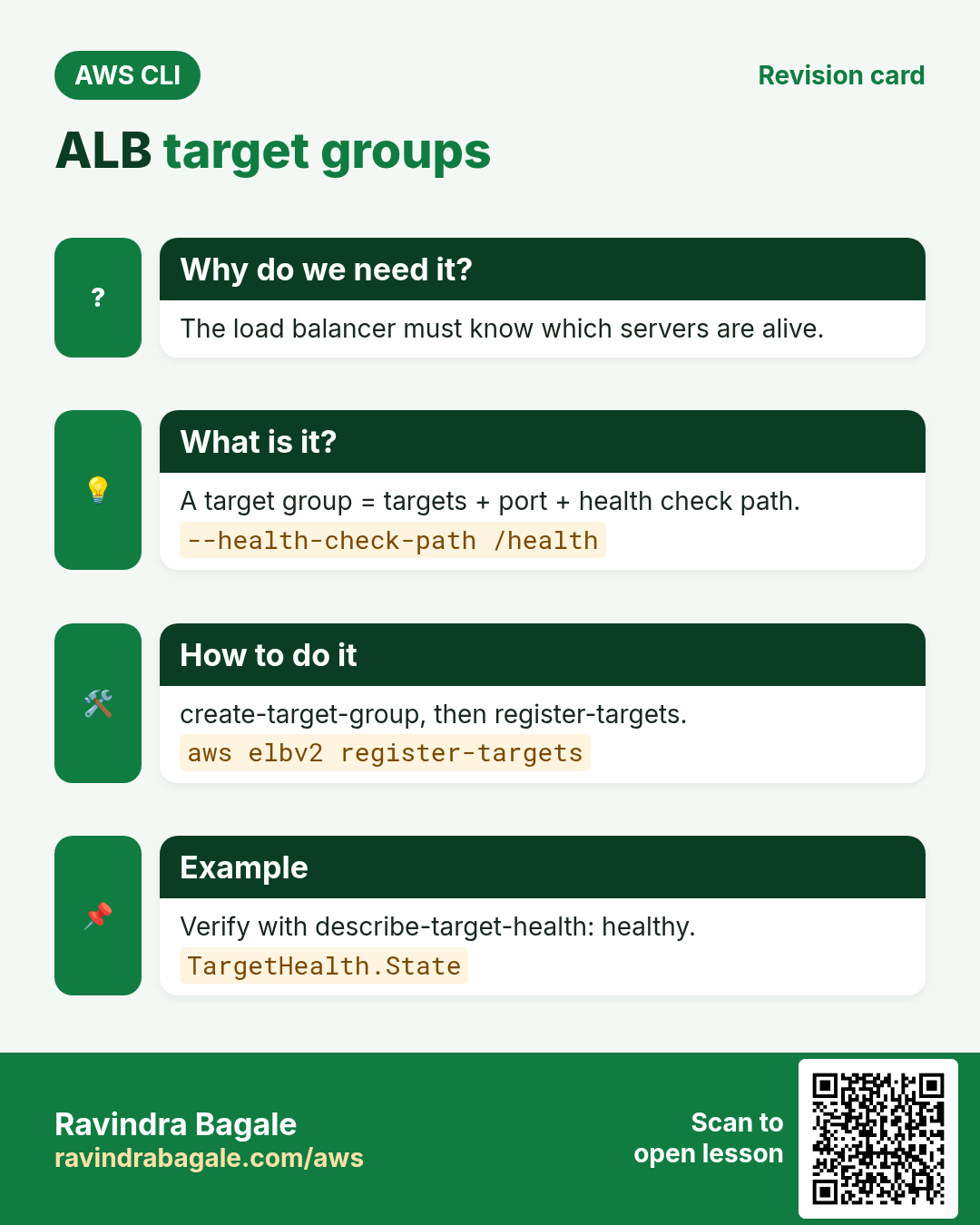
The load balancer must know which servers to send traffic to and how to test them.
A target group is a list of targets (instances, IPs or Lambda) with a port and a health check path.
- Create it.
TG=$(aws elbv2 create-target-group --name cli-web-tg --protocol HTTP --port 80 --vpc-id $VPC --health-check-path /health --health-check-interval-seconds 15 --query "TargetGroups[0].TargetGroupArn" --output text)
echo $TG
Expected output:
arn:aws:elasticloadbalancing:ap-south-1:111122223333:targetgroup/cli-web-tg/abc123- Register two instances.
aws elbv2 register-targets --target-group-arn $TG --targets Id=$I1 Id=$I2Expected output:
(no output means success)- Check health.
aws elbv2 describe-target-health --target-group-arn $TG --query "TargetHealthDescriptions[].[Target.Id,TargetHealth.State]" --output textExpected output:
i-0aaa...  healthy
i-0bbb...  healthy
3. Create the ALB and a listener
Target group, load balancer and listener are three different objects. The Application Load Balancer accepts requests at its DNS name. A listener accepts a protocol and port and runs rules. A target group supplies the registered backend addresses and health checks. For GET /reports, trace the request through the HTTP listener and matching rule to the intended group before checking the response at the application.
Use the target health command after registration and then test the public request. A healthy target means its configured health check passed. A wrong response path can still come from an unexpected listener rule or a backend that does not handle that path. For the lab, use distinguishable synthetic responses from the two backend groups and check both paths through the ALB DNS name.
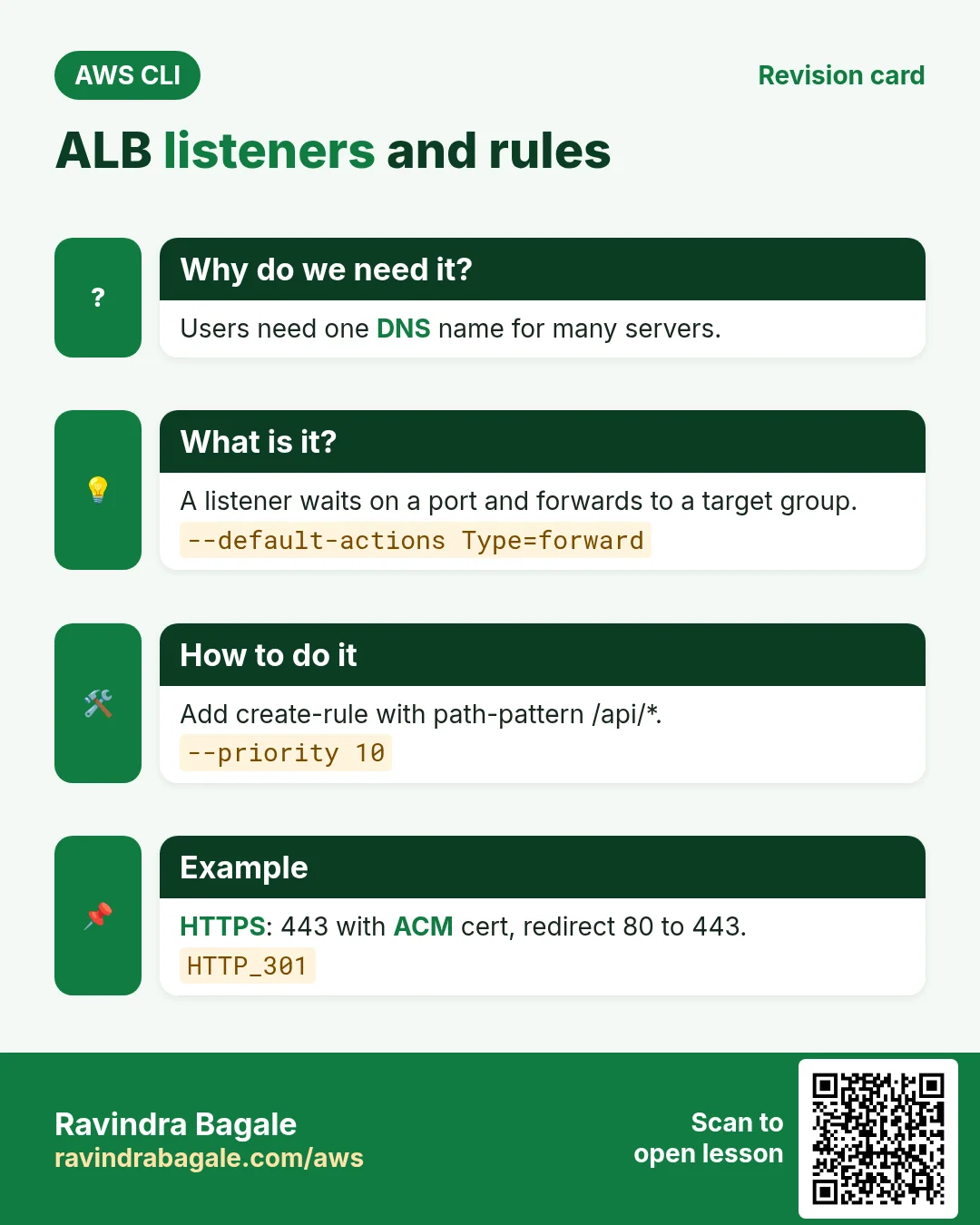
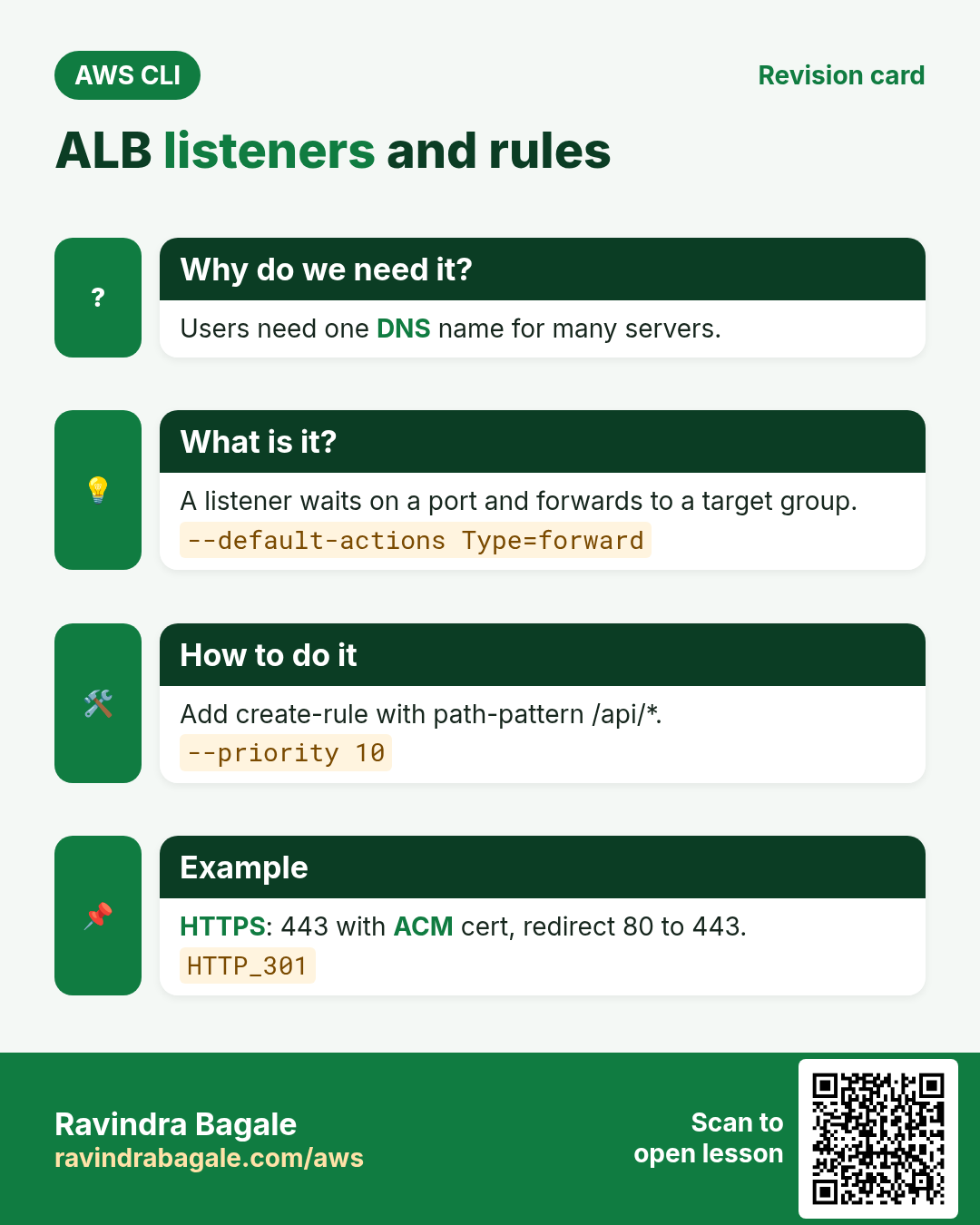
Users need one stable DNS name, not the IP of each server.
The ALB lives in public subnets with a security group. A listener waits on a port and forwards to a target group.
- Create the ALB.
ALB=$(aws elbv2 create-load-balancer --name cli-alb --type application --subnets $PUB1 $PUB2 --security-groups $ALBSG --query "LoadBalancers[0].LoadBalancerArn" --output text)
aws elbv2 wait load-balancer-available --load-balancer-arns $ALB && echo ready
Expected output:
ready- Add an HTTP listener.
L80=$(aws elbv2 create-listener --load-balancer-arn $ALB --protocol HTTP --port 80 --default-actions Type=forward,TargetGroupArn=$TG --query "Listeners[0].ListenerArn" --output text)Expected output:
(no output means success)- Get the DNS name and test.
DNS=$(aws elbv2 describe-load-balancers --load-balancer-arns $ALB --query "LoadBalancers[0].DNSName" --output text)
curl -s http://$DNS/health
Expected output:
OK4. Path rules
Use three checks with the same lab load balancer. First read the listener rules and find the priority and group for the sample path. A rule’s priority determines where it is evaluated, while the default action runs when no condition matches. A URL path condition is separate from which IP or instance responds to the backend health check.
Next use the target health command on each intended group and note the instance IDs it reports. Finally request the special lab path and another path meant to use the default group. Give the groups distinguishable sample responses before the test. If the default response appears for both requests, read the exact path and condition. If the matching group is correct but the intended page still fails, compare the app’s listener port and expected route on that target. Save the ALB DNS name from the creation output for all checks.
/api should go to API servers and everything else to web servers.
A rule has a priority, a condition (path or host) and an action (forward, redirect, fixed response).
- Forward /api/* to the API group.
aws elbv2 create-rule --listener-arn $L80 --priority 10 --conditions Field=path-pattern,Values="/api/*" --actions Type=forward,TargetGroupArn=$APITG --query "Rules[0].Priority" --output textExpected output:
10- List rules.
aws elbv2 describe-rules --listener-arn $L80 --query "Rules[].[Priority,Conditions[0].Values[0]]" --output textExpected output:
10       /api/*
default  None
5. HTTPS with an ACM certificate
Passwords and cookies must not travel in plain text.
An HTTPS listener on 443 uses an ACM certificate. The port 80 listener can redirect to 443.
- Create the 443 listener.
aws elbv2 create-listener --load-balancer-arn $ALB --protocol HTTPS --port 443 --certificates CertificateArn=$CERT --ssl-policy ELBSecurityPolicy-TLS13-1-2-2021-06 --default-actions Type=forward,TargetGroupArn=$TG --query "Listeners[0].Port"Expected output:
443- Redirect 80 to 443.
aws elbv2 modify-listener --listener-arn $L80 --default-actions "Type=redirect,RedirectConfig={Protocol=HTTPS,Port=443,StatusCode=HTTP_301}" --query "Listeners[0].DefaultActions[0].Type" --output textExpected output:
redirect- Verify.
curl -sI http://$DNS/ | head -2Expected output:
HTTP/1.1 301 Moved Permanently
Location: https://...:443/
6. Same action in Python, Node.js, Java, Go, .NET and PHP
Scripts start in the CLI. Apps call the same API through an SDK. Knowing both helps you move a tested command into real code.
Low-level CLI commands expose service operations. A high-level command or an automatically paginated list can make multiple requests. For example, aws elbv2 create-load-balancer --name web --subnets s1 s2 maps to the CreateLoadBalancer API.
Same action (CreateLoadBalancer) from code. Set the intended profile and Region for the SDK. Provider support and precedence can differ by SDK, and an explicit client setting can override defaults.
| Stack | Code |
|---|---|
| Python (boto3) | boto3.client("elbv2").create_load_balancer(Name="web",Subnets=["s1","s2"]) |
| Node.js (v3) | await elb.send(new CreateLoadBalancerCommand({Name:"web",Subnets:["s1","s2"]})); |
| Java (v2) | elb.createLoadBalancer(r -> r.name("web").subnets("s1","s2")); |
| Go (v2) | c.CreateLoadBalancer(ctx, &elasticloadbalancingv2.CreateLoadBalancerInput{Name: aws.String("web"), Subnets: []string{"s1","s2"}}) |
| .NET | await elb.CreateLoadBalancerAsync(new CreateLoadBalancerRequest{Name="web",Subnets=new(){"s1","s2"}}); |
| PHP | $elb->createLoadBalancer(["Name"=>"web","Subnets"=>["s1","s2"]]); |
7. Clean up so nothing keeps costing
Lab resources left running cost money and can be a security risk.
Delete in reverse order: children first, then parents.
- Delete the load balancer (listeners and rules go with it).
aws elbv2 delete-load-balancer --load-balancer-arn $ALB
aws elbv2 wait load-balancers-deleted --load-balancer-arns $ALB
Expected output:
(no output means success)- Delete target groups.
aws elbv2 delete-target-group --target-group-arn $TG
aws elbv2 delete-target-group --target-group-arn $APITG
Expected output:
(no output means success)- Verify.
aws elbv2 describe-load-balancers --names cli-albExpected output:
An error occurred (LoadBalancerNotFound) ...Ravindra Bagale's Tip
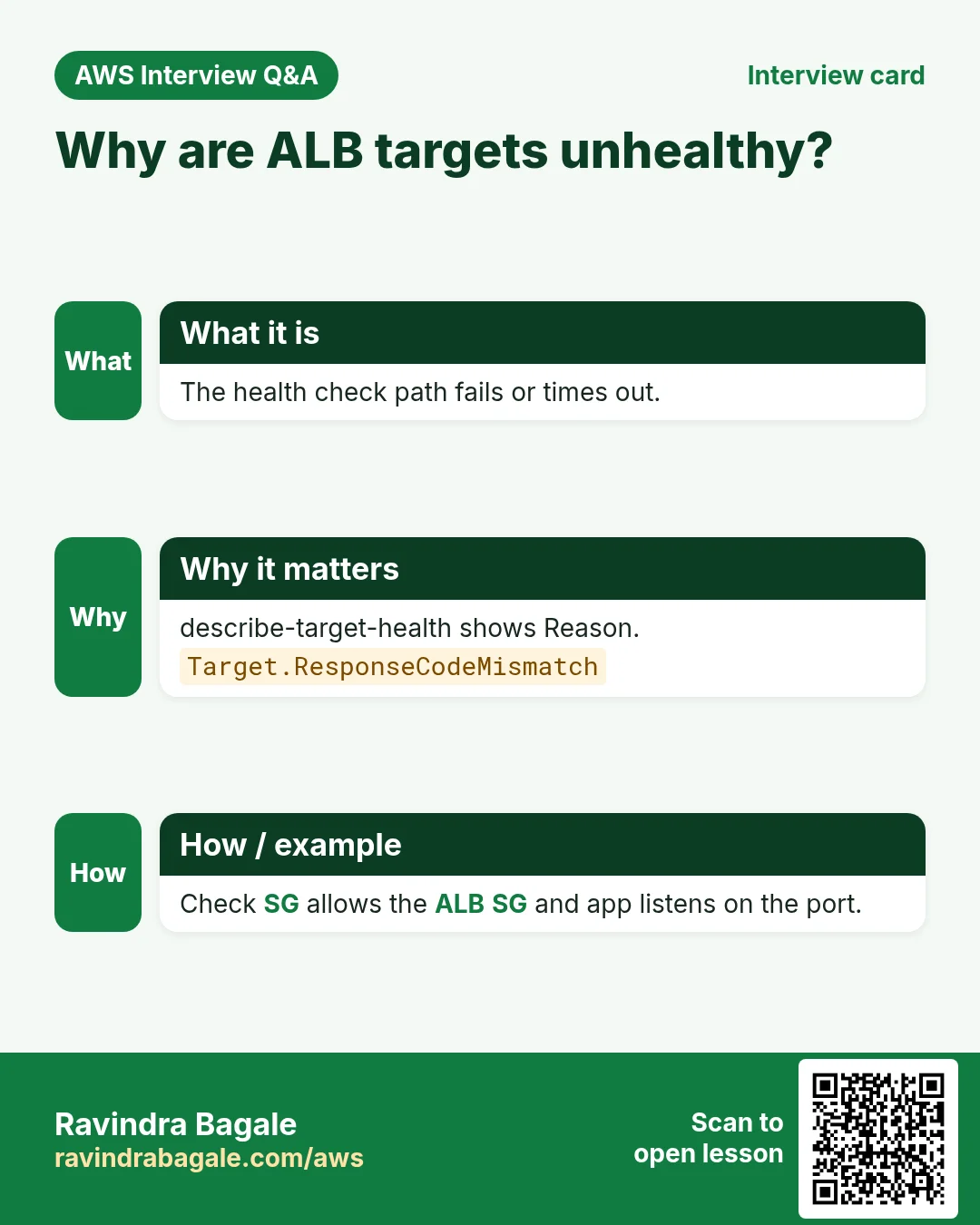
If targets stay unhealthy, check three things: the instance security group allows the ALB security group, the app listens on the port, and /health returns 200.
Common errors: cause and safe next check
create-load-balancer is run with only one subnet
A Regional Application Load Balancer needs subnets from at least two Availability Zones, unless you are using a Local Zone or Outpost design that the service documents separately. Inspect the subnet list and their zones before you retry the command.
The load balancer exists but browsers still fail
Creating the balancer is only one piece. It also needs a listener, a target group, and healthy registered targets. The balancer is ready when at least one healthy target exists in each enabled Availability Zone. Inspect target health before you open extra ports.
Instance security groups are checked while the balancer security group is ignored
Clients talk to the load balancer first. The instance must allow the health-check and traffic path that the balancer actually uses. Inspect both security groups and the health-check port before changing public access.
Practical questions and full answers
Why does an Application Load Balancer ask for at least two Availability Zones?
Selecting subnets from at least two Availability Zones lets the Regional balancer keep serving if one zone has trouble. A Local Zone or Outpost design follows its own documented subnet rules, so inspect the design you are actually building.
When is a new Application Load Balancer ready for clients?
It is ready to handle client requests when at least one registered target in each enabled Availability Zone is healthy. A balancer in the created state is not proof that traffic already has a healthy next hop.
Do I send users straight to an instance IP after the CLI succeeds?
No. Users should use the load balancer DNS name. Sending people to one instance bypasses the health checks and the two-zone design you just created.
8. Interview questions and answers
Q. ALB vs NLB?
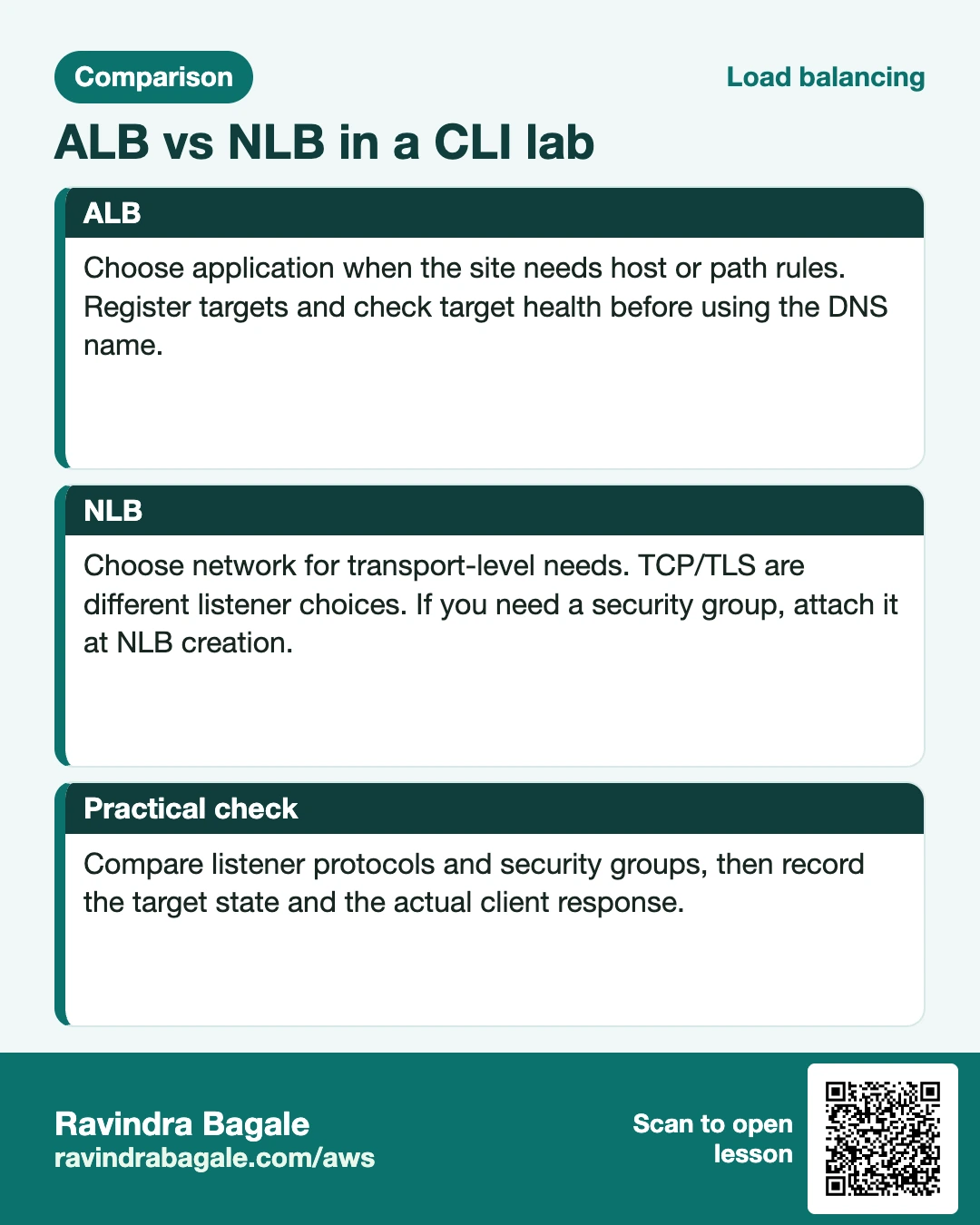
ALB is layer 7 (HTTP paths, hosts). NLB is layer 4 (TCP/UDP, static IPs, very fast).
Q. What is a target group?
A set of targets with a port and health check that a listener forwards to.
Q. Why two subnets?
An ALB must span at least two AZs for high availability.
Q. How do you see why a target is unhealthy?
describe-target-health shows State and Reason, like Target.ResponseCodeMismatch.
Q. How do you force HTTPS?
A port 80 listener with a redirect action to 443.
Try at home
- Put two EC2 web servers behind an ALB and refresh to see both host names.
- Stop one server and watch its target become unhealthy.
In short
- Target group first.
- ALB needs two AZ subnets.
- Listener forwards to TG.
- Rules by path or host.
- Delete ALB, then TGs.
Diagnose the health target before opening ports
Check DescribeTargetHealth and its reason codes. Make sure the configured listener points at the target group and the target permits the load balancer to reach the health check path. A public listener does not require an unrestricted target inbound rule.
Interview check Why does an ALB show 503 when the listener exists?
A listener can be available while no target is usable or registered. Check the actual rule, target group and target health before changing a security group.
Practise this chapter
Interview questions and answers
How do you prove two paths are being routed to the correct services?
I would use distinct responses in the two test groups, check each group’s target health, and send one exact request per path to the load balancer. If content is unexpected, I would compare the request to listener rules and look for the group that actually served it.
Check your understanding
Choose an answer, then compare your reasoning with the explanation.
Practice Tasks
Practice checks run in your browser. They check the answer for this exercise; they do not create resources or connect to your AWS account.
About this scenarioMumbai Dabba Express is a food delivery business in Mumbai. Tukaram Gaikwad looks after its IT and cloud work. They count money in INR and run their AWS resources in the ap-south-1 Region. In the tasks below you do real jobs for them using what this lesson teaches. All names, account IDs, IP addresses and numbers are made up for practice.
0 / 10
Easy List hosted zones
You need the zone ID to change records.
List all hosted zones in the account.
- Read the task and decide which AWS service it is about.
- Write aws, then the service name, then the operation (the action word).
- Add each needed flag (--name) followed by its value from the task.
- Flags can be in any order. Click Check answer.
Medium Check target health
If targets are unhealthy the site shows 502/503 errors.
Show the health of the targets in arn:aws:elasticloadbalancing:ap-south-1:117031344167:targetgroup/mumbaidabba-tg/6d0ecf831eec9f09.
- Read the task and decide which AWS service it is about.
- Write aws, then the service name, then the operation (the action word).
- Add each needed flag (--name) followed by its value from the task.
- Flags can be in any order. Click Check answer.
Medium Register servers in the target group
Only registered and healthy targets receive traffic.
Register instance i-0ba1443130b111a2b in target group arn:aws:elasticloadbalancing:ap-south-1:117031344167:targetgroup/mumbaidabba-tg/6d0ecf831eec9f09.
- Read the task and decide which AWS service it is about.
- Write aws, then the service name, then the operation (the action word).
- Add each needed flag (--name) followed by its value from the task.
- Flags can be in any order. Click Check answer.
Medium Create a target group
A target group is the list of servers the load balancer sends traffic to.
Create target group mumbaidabba-tg for HTTP on port 80 in vpc-00313441cadeadbee.
- Read the task and decide which AWS service it is about.
- Write aws, then the service name, then the operation (the action word).
- Add each needed flag (--name) followed by its value from the task.
- Flags can be in any order. Click Check answer.
Medium Kubernetes LoadBalancer Service
A Service of type LoadBalancer gets an AWS load balancer.
Write a Service of type LoadBalancer selecting app: web, port 80 to targetPort 8080.
- Start from the top-level keys the task names.
- Indent child keys with 2 spaces (no tabs).
- Fill in each property with the value from the task.
- Click Check answer. Key order does not matter.
Medium Create a hosted zone
A hosted zone holds all DNS records for your domain.
Create a public hosted zone for mumbaidabba.in, with caller reference mumbaidabba-2026-01.
- Read the task and decide which AWS service it is about.
- Write aws, then the service name, then the operation (the action word).
- Add each needed flag (--name) followed by its value from the task.
- Flags can be in any order. Click Check answer.
Hard Create an Application Load Balancer
An ALB needs at least two subnets in different AZs for high availability.
Create an ALB named mumbaidabba-alb in subnets subnet-01b0313441abbb1 and subnet-0b0313441abbb2 with security group sg-01a03134416a4c3b2.
- Read the task and decide which AWS service it is about.
- Write aws, then the service name, then the operation (the action word).
- Add each needed flag (--name) followed by its value from the task.
- Flags can be in any order. Click Check answer.
Hard Add an HTTP listener
The listener is what accepts traffic on a port and forwards it to a target group.
On load balancer arn:aws:elasticloadbalancing:ap-south-1:117031344167:loadbalancer/app/mumbaidabba-alb/50dc6c495c0c9188, create an HTTP listener on port 80 that forwards to arn:aws:elasticloadbalancing:ap-south-1:117031344167:targetgroup/mumbaidabba-tg/6d0ecf831eec9f09.
- Read the task and decide which AWS service it is about.
- Write aws, then the service name, then the operation (the action word).
- Add each needed flag (--name) followed by its value from the task.
- Flags can be in any order. Click Check answer.
Hard Create a Network Load Balancer
An NLB works at layer 4 (TCP/UDP) and handles huge traffic with a static IP per AZ.
Create a network load balancer named mumbaidabba-nlb in subnets subnet-01b0313441abbb1 and subnet-0b0313441abbb2.
- Read the task and decide which AWS service it is about.
- Write aws, then the service name, then the operation (the action word).
- Add each needed flag (--name) followed by its value from the task.
- Flags can be in any order. Click Check answer.
Hard Create or update a DNS record
UPSERT creates the record or updates it if it already exists.
Apply the record changes in change.json to hosted zone Z0123456789ABCDEFGHIJ.
- Read the task and decide which AWS service it is about.
- Write aws, then the service name, then the operation (the action word).
- Add each needed flag (--name) followed by its value from the task.
- Flags can be in any order. Click Check answer.
Revision, comparison and interview cards
Revise this lesson in a few minutes. Save the cards on your phone or download them as PNG files. The QR code on each card opens this lesson.
More cards: Ravi Sir's Cards.