AWS WAF Hands-On: Rate Rules, IP Sets, Geo, SQLi/XSS, Logging and Attachments
This is the hands-on WAF chapter. You will build rate-based rules, IP sets, geo match, SQLi/XSS protections, custom responses, attach the Web ACL to ALB / API Gateway / CloudFront / AppSync / Cognito, turn on logging to S3 CloudWatch Firehose, and prove a Block with curl → 403. CDN distribution setup itself stays in the CloudFront+WAF survey — we only attach and test here.
In this chapter
- How to create rate-based, IP set, geo and managed SQLi/XSS rules
- How to attach one Web ACL to each supported resource type
- How to enable logging and read a blocked request
- How to prove Block with curl 403 and custom bodies
- How to clean up without leaving billable associations
1. Everyday lab story
Kochi clinic portal (Priya Nair) runs behind an ALB in ap-south-1. Tonight we put a REGIONAL Web ACL on that ALB: office IP Allow, geo IN+AE, CRS+SQLi in Count then Block, rate 1000/5min on /login, custom 429 page, logs to S3. Nairobi booking API (Amina Okello) will reuse the same pattern on API Gateway.
For CloudFront attachment theory and HTTPS/OAC, open CloudFront and WAF survey.
2. Why hands-on matters
Console screenshots fade. A curl 403 in your notes proves the Block path. Logging proves you can forensics. Attachment mistakes (wrong scope/region) are the #1 silent failure.
3. What you will build
- IP set for office /32 addresses
- Geo match statement for IN and AE
- Rate-based rule on /login
- AWS Managed SQLi + CRS (Count→Block)
- Custom response 403/429 body
- Associate to ALB (and notes for API GW, CF, AppSync, Cognito)
- Logging to S3 (and Firehose/CW options)
- curl allow 200 + attack 403
4. How: IP set + geo + rate
Use one test site and one Web ACL. An IP set is a named list of address ranges your rule can refer to. A geographic condition checks a location associated with the request address. A rate-based rule groups requests by its configured key and watches for groups sending too many. Draw three lab requests: one from an allowed lab source, one that your test rule should count, and one from a busy source. Write which condition matches before selecting any action. This helps you see whether a mistake is in the match itself or the way the rule responds.
export AWS_REGION=ap-south-1
export NAME=rb-waf-handson-$(date +%s)

aws wafv2 create-ip-set --name $NAME-office --scope REGIONAL --region $AWS_REGION \
  --ip-address-version IPV4 --addresses 203.0.113.10/32 198.51.100.20/32
# note Id + LockToken from output

# rules.json sketch (priorities):
# 100 Allow if IPSetReference office
# 200 Block if NOT GeoMatch [IN, AE]   (careful with travel users)
# 500 Managed SQLi Count override
# 510 Managed CRS Count override
# 900 RateBasedStatement Limit=1000 AggregateKeyType=IP
#     scoped down with ByteMatch /login in ScopeDownStatement
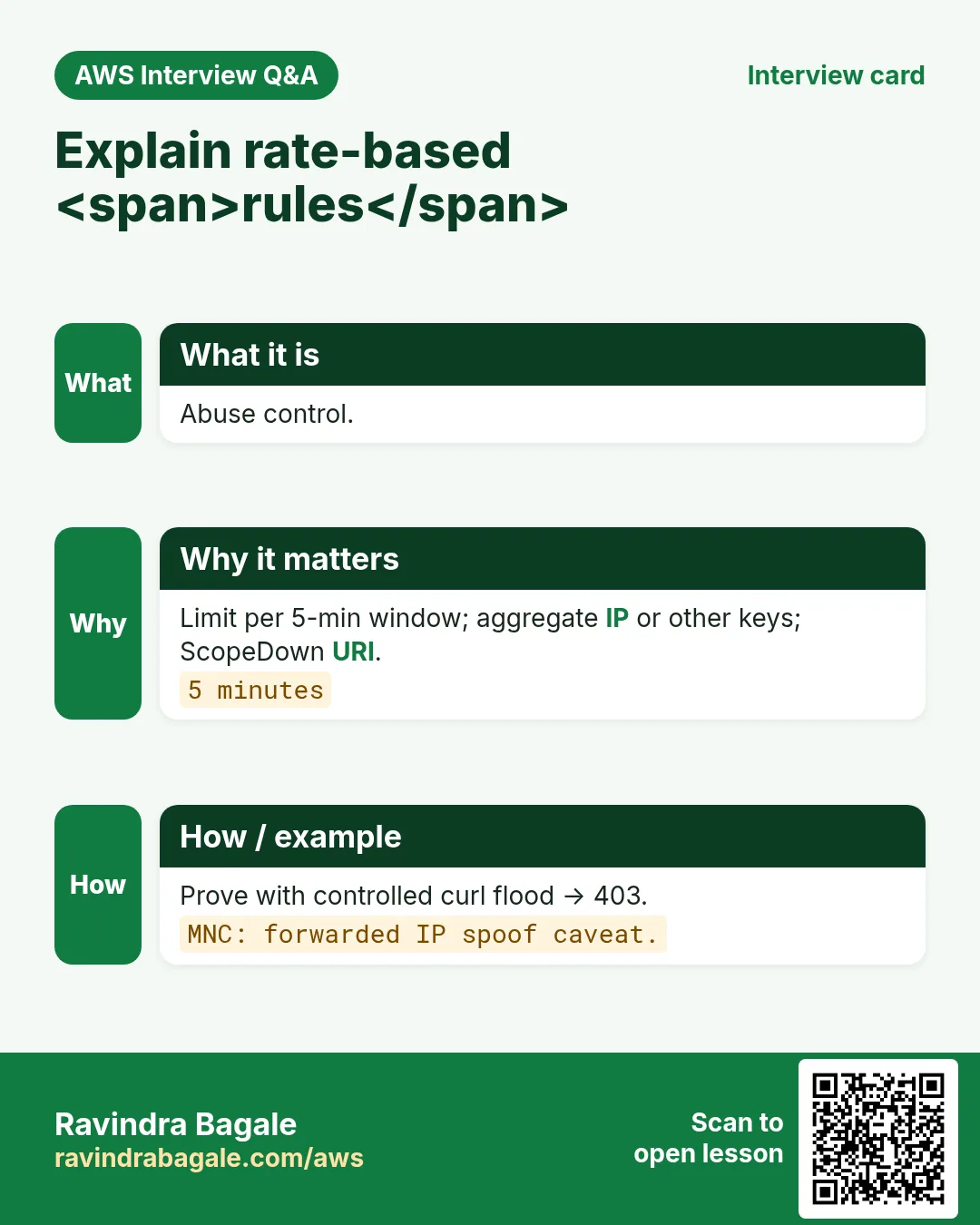
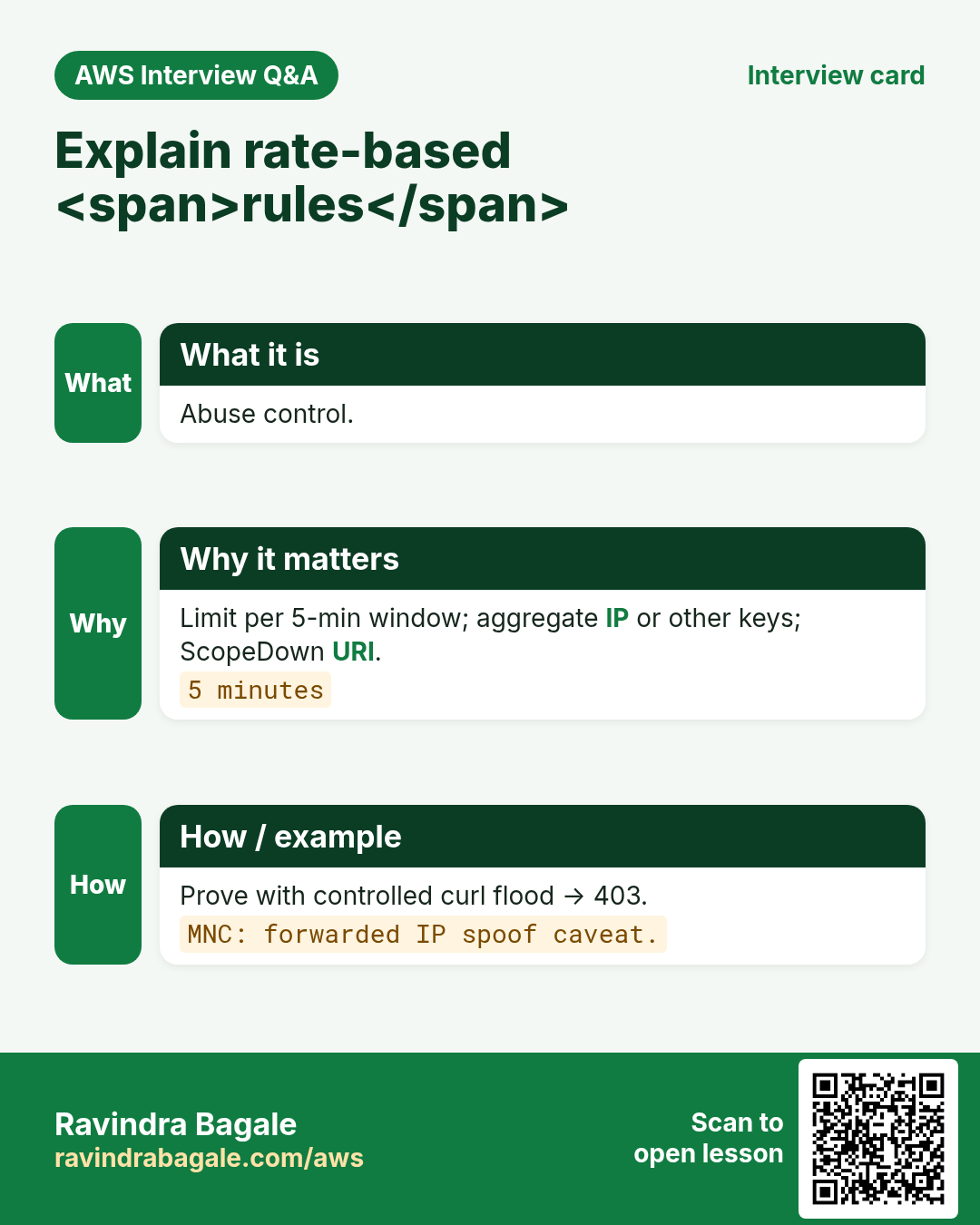
Rate-based aggregate keys: IP (default), forwarded IP (use with caution + fallback), HTTP method, query argument, header, cookie, label namespace. Pick the key that matches the abuse (credential stuffing → IP or username label).
5. SQLi and XSS managed rules
Prefer AWSManagedRulesSQLiRuleSet and XSS-related rules inside CRS over hand-rolled regex. Start in Count. Inspect sampled requests for false positives on rich text fields (Fatima Khan’s newsroom CMS in Dubai often needs exclusions on /admin/editor).
6. Custom responses
# Custom response body on the Web ACL, then reference from a Block action
# Example: 429 with JSON {"error":"slow_down","retry_after":60}
# Console: Web ACL → Custom response bodies → Add
# Or CLI create-web-acl / update-web-acl with CustomResponseBodies map
7. Attach to every supported resource
| Resource | How |
|---|---|
| Application Load Balancer | REGIONAL ACL; associate-web-acl with ALB ARN |
| API Gateway REST API | REGIONAL; associate the REST API stage ARN |
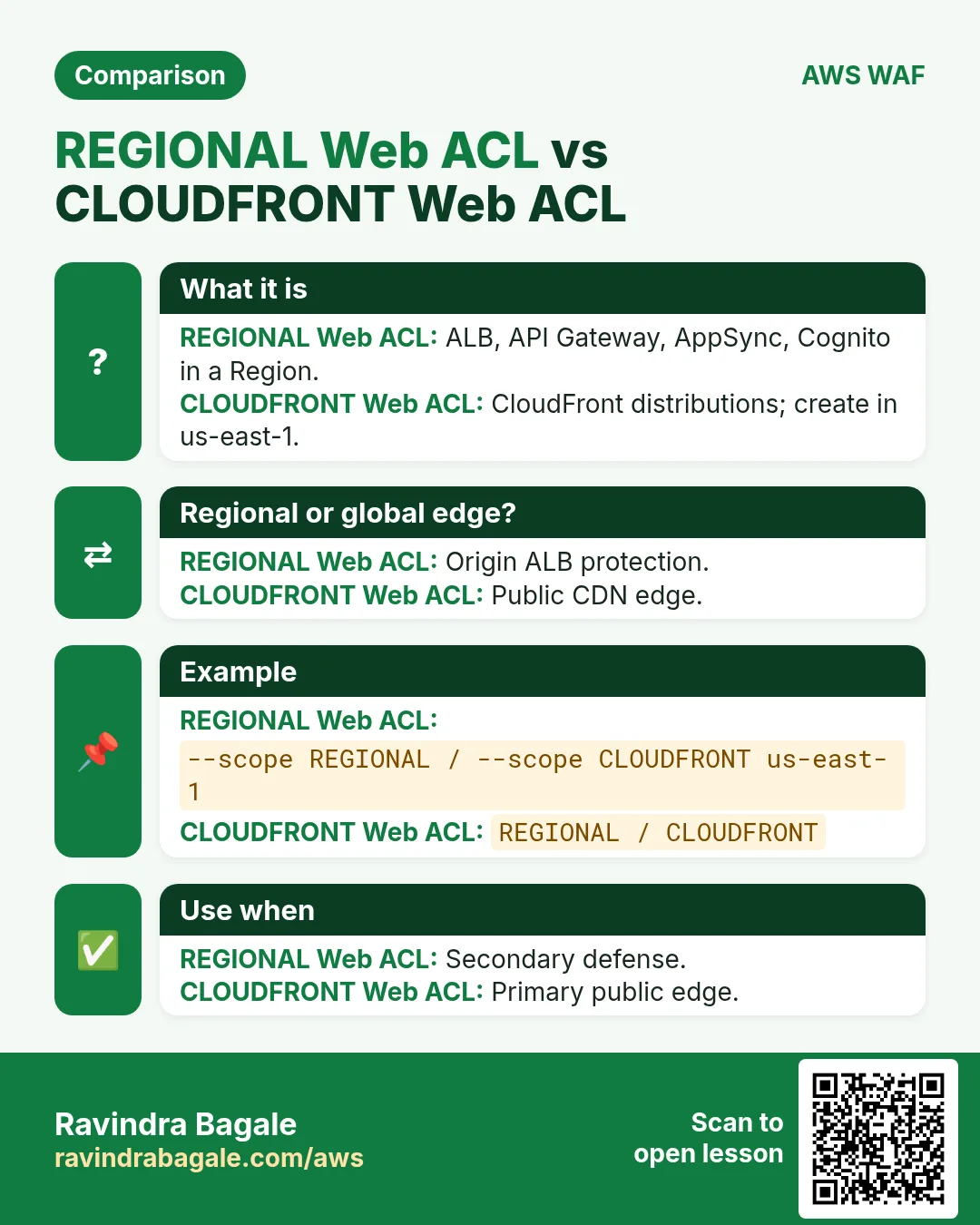
| CloudFront distribution | CLOUDFRONT ACL in us-east-1; set WebACLId on distribution |
| AppSync GraphQL API | REGIONAL associate to AppSync ARN |
| Cognito user pool | REGIONAL associate to user pool ARN (WAF for hosted UI / APIs as supported) |
# ALB
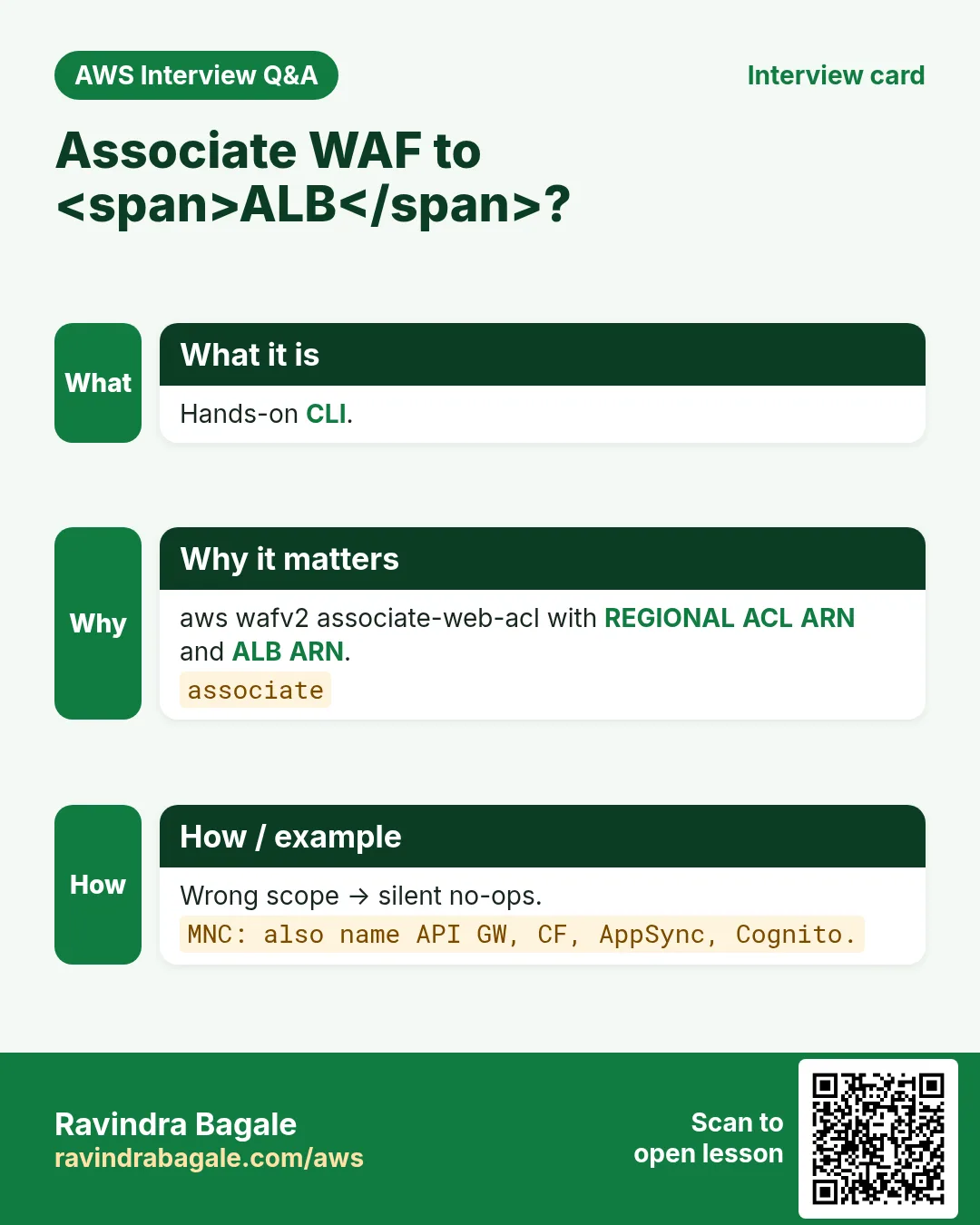
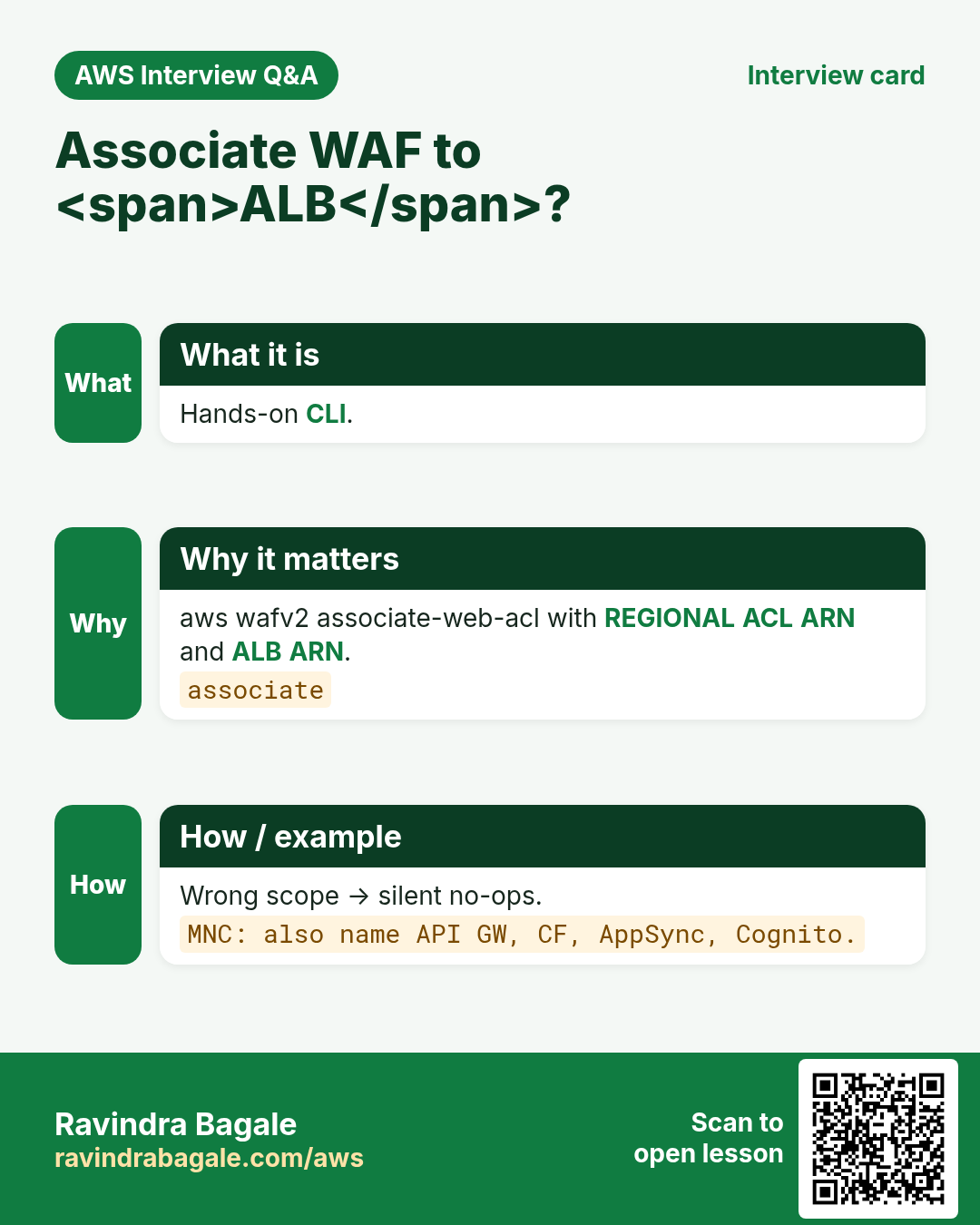
aws wafv2 associate-web-acl --web-acl-arn "$WEB_ACL_ARN" --resource-arn "$ALB_ARN" --region $AWS_REGION

# CloudFront (ACL must already exist in us-east-1 with --scope CLOUDFRONT)
aws cloudfront get-distribution-config --id E123 > /tmp/d.json
# set WebACLId to ACL ARN, raise ETag IfMatch, update-distribution
8. Logging to S3, CloudWatch Logs, Firehose
After a test request, find its log record using the time, resource and path. Look for the action and rule ID first. A matching rule in Count can appear as an observation, while the final action remains Allow. Compare it with a harmless request blocked by a known test rule. If your client sees a 403 but the record does not attribute it to WAF, investigate the origin and other access checks. The status code is a result and the log gives evidence about who made the decision.
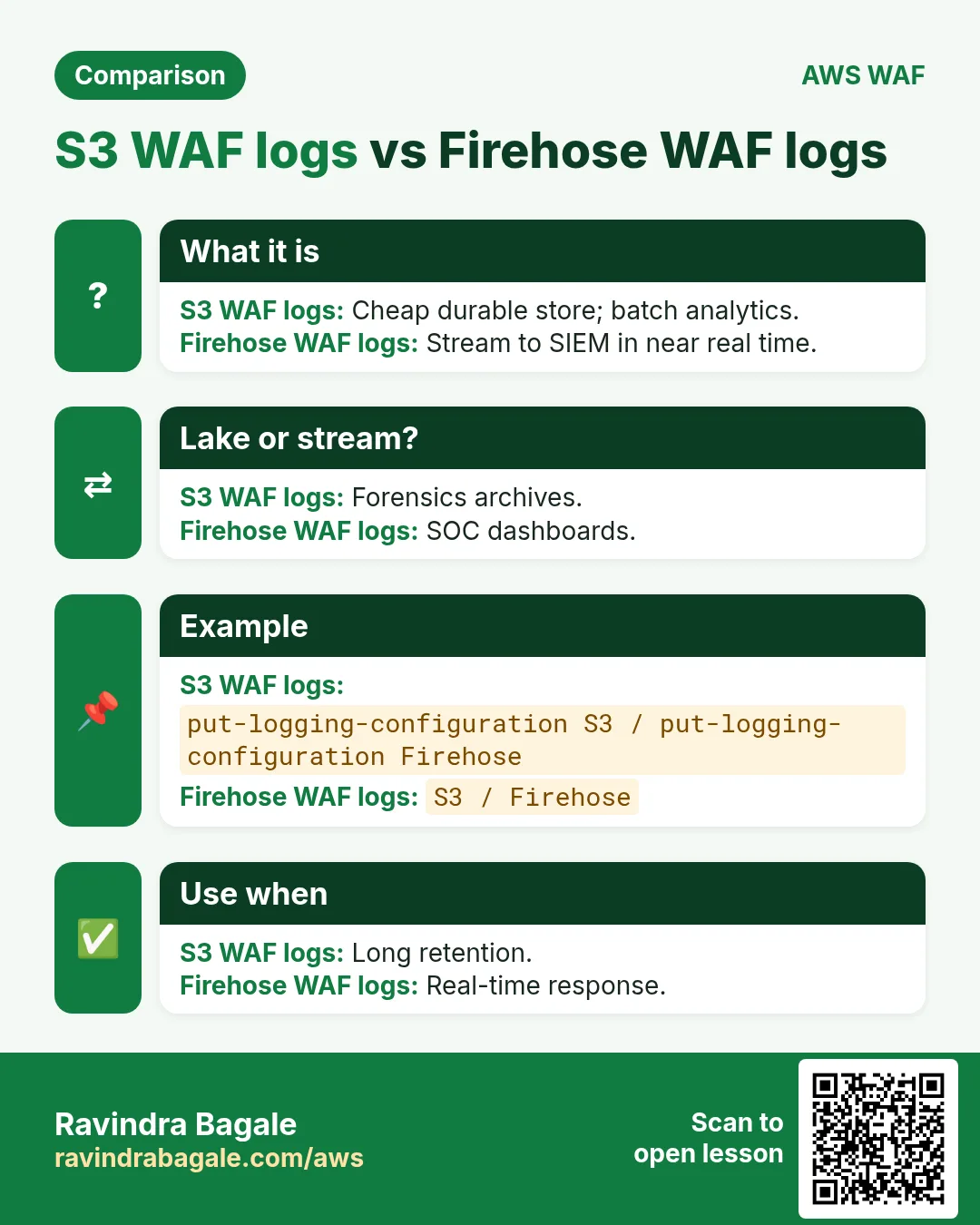
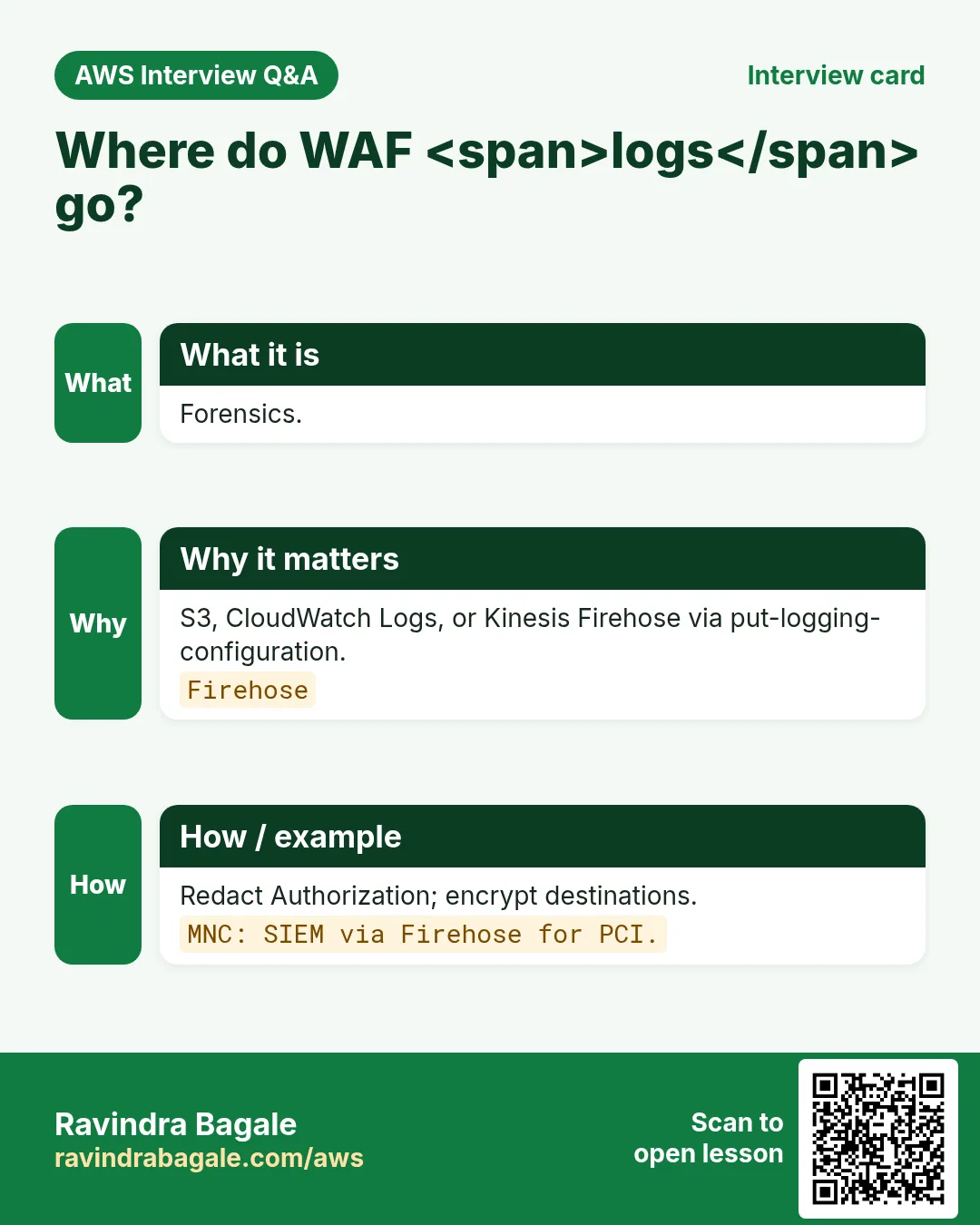
put-logging-configuration accepts destinations: S3 bucket (prefix AWSLogs/…), CloudWatch Logs log group (aws-waf-logs-*), or Kinesis Data Firehose (aws-waf-logs-*). Bucket/Firehose/log group names must start with aws-waf-logs- for some destinations — check current docs for your destination type. Encrypt with KMS where required and keep a lifecycle policy.
aws wafv2 put-logging-configuration --region $AWS_REGION --logging-configuration \
  ResourceArn=$WEB_ACL_ARN,LogDestinationConfigs=$LOG_BUCKET_ARN,RedactedFields=[]
# Then: aws s3 ls s3://aws-waf-logs-rb-lab/ --recursive | tail
9. Test with curl (200 and 403)
# ALLOW — normal homepage
curl -s -o /dev/null -w "%{http_code}\n" https://clinic.example.com/
# 200

# BLOCK — classic SQLi probe (after SQLi rules are in Block mode)
curl -s -o /dev/null -w "%{http_code}\n" \
  "https://clinic.example.com/search?q=1%27%20OR%20%271%27%3D%271"
# 403

# RATE — hammer /login from one IP (lab only)
for i in $(seq 1 1200); do curl -s -o /dev/null https://clinic.example.com/login & done
wait
curl -s -o /dev/null -w "%{http_code}\n" https://clinic.example.com/login
# 403 (once rate key exceeds Limit)
Only probe systems you own
SQLi strings and rate floods against foreign sites are illegal. Use lab hostnames you control.
10. Multi-industry attachments
- Fintech (Arjun Mehta): API Gateway + rate /otp + Firehose → SIEM
- Ecommerce (Lucas Meyer): CloudFront ACL + Bot Control + 429 HTML
- SaaS (Ananya Iyer): ALB + IP allow /hooks + CW Logs
- EdTech (Sofia Alvarez): CloudFront + Challenge on /courses
- Gov (Rahul Deshmukh): ALB + Cognito hosted UI WAF + S3 logs
11. Lab: ALB Web ACL with rate + SQLi + S3 logs
Use an isolated ALB or a paper trace of the same configuration. Send one known-good harmless request and expect the app’s normal response. Send a second harmless request chosen to match your lab rule and verify the configured Count or Block outcome in the log. When you switch that one rule from Count to Block, repeat both requests and keep the before and after signals. Remove only the lab association, resources and logs you made.
Do this in ap-south-1 (Mumbai) unless your org forbids it. Set a budget alert first.
- Create REGIONAL Web ACL in ap-south-1 with default Allow.
- Add office IP Allow (prio 100), geo optional, SQLi managed Count (500), rate /login 1000 (900).
- Associate to a lab ALB; enable S3 logging.
- curl homepage → 200; SQLi URL → (after Block flip) 403; save outputs.
- Flip SQLi Count→Block after reviewing sampled requests.
Cleanup (stop billing)
- Disassociate Web ACL from ALB.
- Delete logging config; empty log bucket prefixes.
- Delete Web ACL, IP sets, lab ALB if dedicated.
12. Common errors and fixes
Each row is a real mistake students and juniors hit. Read the fix before you panic.
| Error / symptom | Fix |
|---|---|
| Web ACL associated but still no blocks | Wrong scope (REGIONAL vs CLOUDFRONT) or rule still in Count. |
| Managed rule false-positive on legit traffic | Use Count first; add narrow Allow or label exclusion. |
| Rate-based rule never trips | Window/threshold too high; or IP header not the one you think (X-Forwarded-For). |
| 403 on health checks | Health checker IP not allowlisted at higher priority. |
| CAPTCHA on API clients | CAPTCHA/Challenge need a browser; use Block/rate for pure APIs. |
| Logs empty after put-logging-configuration | Destination ARN wrong; bucket policy missing wafv2.amazonaws.com. |
| Cannot associate to CloudFront | CLOUDFRONT Web ACLs must be created in us-east-1. |
| Shield Advanced bill shock | Advanced is monthly per org + data transfer; confirm before enable. |
| associate-web-acl InvalidResourceType | Wrong scope or ARN type (e.g. CLOUDFRONT ARN with REGIONAL ACL). |
| Rate test never 403 | Limit too high or requests not hitting ScopeDown URI. |
| Firehose destination rejected | Name must match aws-waf-logs-* pattern. |
13. Troubleshooting checklist
- Confirm Web ACL scope matches resource type.
- Open Sampled requests for the last 3 hours.
- Diff priorities: is an Allow above your Block?
- curl -v with and without the attack payload.
- Check WAF logs in S3/Firehose for ruleId and action.
- For CloudFront: confirm us-east-1 Web ACL and distribution id.
- For ALB: confirm association ARN equals the listener’s load balancer.
- If Shield Advanced: check protection status and health checks.
14. FAQ
Q. Is AWS WAF the same as a network firewall?
No. WAF inspects HTTP/HTTPS (Layer 7). Network Firewall / Security Groups cover lower layers. Shield covers volumetric DDoS.
Q. Do I need WAF if I already have CloudFront?
CloudFront caches and TLS-terminates; WAF adds Layer-7 rules. Many teams attach WAF to the distribution. See the CloudFront+WAF survey chapter.
Q. Count vs Block — when?
Count for learning and low-confidence rules; Block when false-positive rate is acceptable.
Q. Shield Standard vs Advanced in one line?
Standard is free automatic L3/L4 on AWS; Advanced adds L7 DDoS tools, SRT, cost protection, health-based detection for a fee.
Q. Can I attach one ACL to many ALBs?
Yes — same region/scope. Watch blast radius of a bad rule.
Q. Where do CloudFront WAF logs land?
Same put-logging-configuration; ACL lives in us-east-1.
Q. RedactedFields why?
Hide Authorization, cookies, or sensitive query args from logs.
Q. AppSync and Cognito really supported?
Yes for WAFv2 associations listed in current AWS docs — verify ARN format.
15. Interview Q&A
Q. Show the CLI to associate a Web ACL to an ALB.
aws wafv2 associate-web-acl --web-acl-arn … --resource-arn ALB_ARN.
Q. How do you prove a Block in an interview?
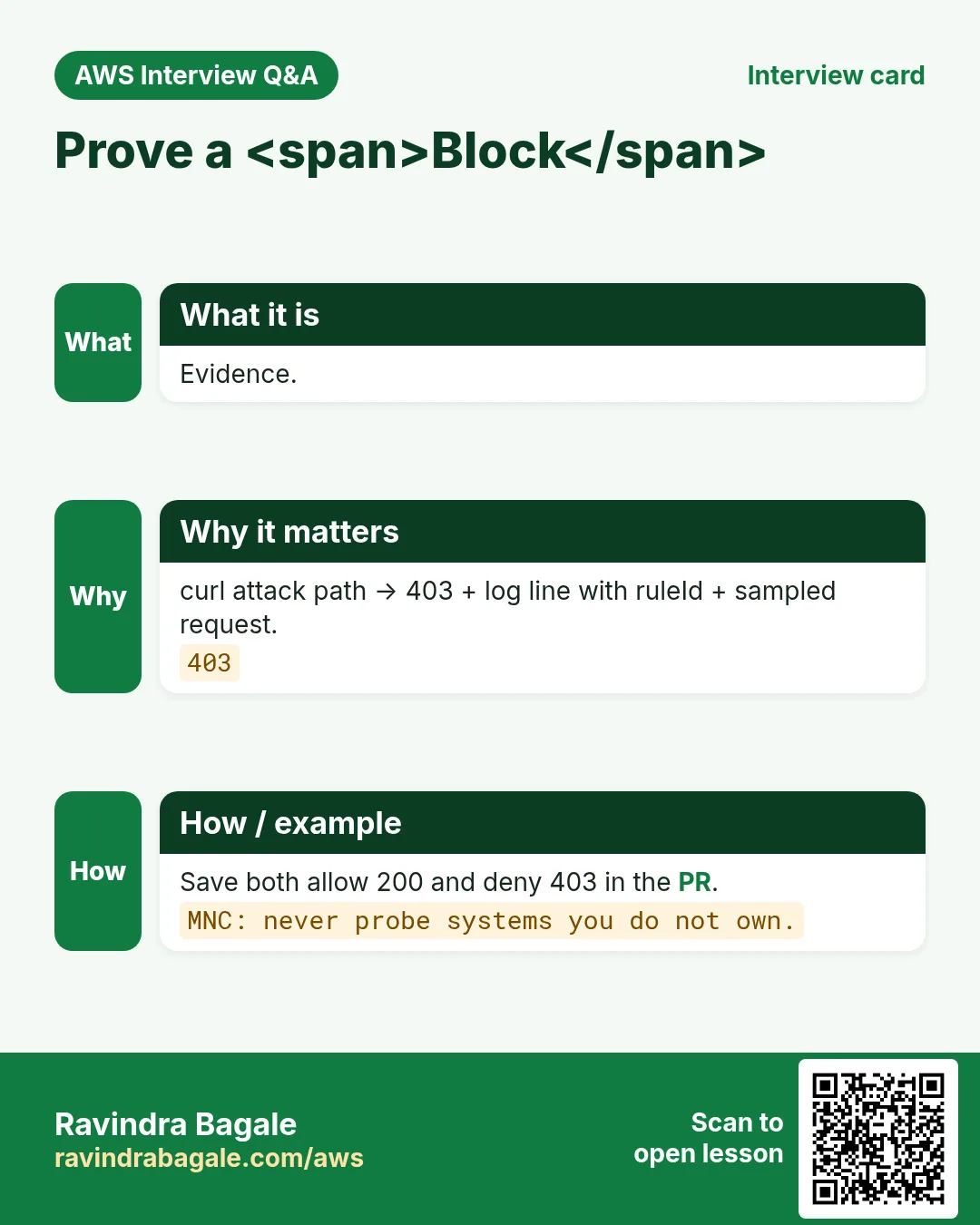
curl attack path → 403 + matching log line with ruleId.
Q. Rate-based window length?
5 minutes (requests per 5-minute window).
Q. Why us-east-1 for CloudFront ACL?
Global service requirement for CLOUDFRONT scope.
Q. MNC: design logging for PCI app.
Firehose → SIEM, redact auth headers, KMS CMK, 1-year freeze.
Q. MNC: false positive on SQLi rule during demo.
Revert that rule to Count; narrow Allow for the URI; never disable whole ACL.
Q. Custom response vs default 403?
Custom can set code/body/headers for UX and client handling.
Q. Forwarded IP aggregate risk?
Clients can spoof X-Forwarded-For unless you restrict to trusted proxies.
16. Tips in English, Marathi and Hindi
Ravindra Bagale's Tip (EN)
Always save a 200 and a 403 in the PR. Logging before Block has saved every team I coach.
Ravindra Bagale's Tip (MR)
PR मध्ये 200 आणि 403 save करा. Block आधी logging = बचाव.
Tip (HI)
PR में 200 और 403 दोनों लगाएं। Block से पहले logging चालू करें.
Try at home
- Build IP set + rate rule on a lab ALB; capture 403.
- Enable S3 logging; find one Block JSON line.
- Write attach steps for API Gateway in 5 bullets.
In short
- Hands-on = IP/geo/rate/managed + attach + logs + curl.
- Scope must match resource; CF ACL in us-east-1.
- Count then Block; prove with 403.
- Log destinations need correct naming/permissions.
- CDN deep-dive stays in the survey chapter.
17. ScopeDown and nested statements
Rate-based and managed groups can use a ScopeDownStatement so only /login or only application/json bodies are inspected. Nest AND/OR/NOT carefully — test with Count. Nested depth has service limits; prefer labels over deep trees.
# Pseudo rule: rate only on /login POST
RateBasedStatement:
  Limit: 1000
  AggregateKeyType: IP
  ScopeDownStatement:
    AndStatement:
      Statements:
        - ByteMatchStatement: {SearchString: /login, FieldToMatch: UriPath, ...}
        - ByteMatchStatement: {SearchString: POST, FieldToMatch: Method, ...}
18. Bot Control and Account Takeover notes
AWS WAF Bot Control (common/targeted) and Account Takeover Prevention are managed add-ons with extra cost. Use Targeted Bot Control when scrapers ignore robots.txt (Sofia Alvarez LMS). Use ATP on /login /signup for credential stuffing (Arjun Mehta fintech). Still start in Count.
19. IAM for WAF deploy roles
- wafv2:CreateWebACL / UpdateWebACL / DeleteWebACL on lab resources
- wafv2:AssociateWebACL / DisassociateWebACL
- wafv2:PutLoggingConfiguration + S3/Firehose permissions on destinations
- iam:CreateServiceLinkedRole for WAF logging when first used
- Deny wafv2:DeleteWebACL without tag Environment=lab in production accounts
20. End-to-end allow/deny matrix
| Case | Expected |
|---|---|
| Office IP GET / | 200 Allow rule |
| Foreign IP GET / (if geo block on) | 403 geo Block |
| Any IP GET /search with SQLi probe | 403 SQLi (after Block flip) |
| Any IP 1200× POST /login | 403 rate-based |
| Health checker GET /health | 200 Allow prio 100 |
21. WAF design checklist before you publish
- Write the threat in one sentence (bot scrape, SQLi, credential stuffing, country block).
- Choose scope: CloudFront (global) vs regional (ALB/API GW/AppSync).
- List default action: Allow with Block rules, or Block with Allow exceptions.
- Decide priority bands: 0–99 emergency, 100–499 allowlists, 500–899 managed, 900+ rate.
- Start risky new rules in Count for 24–72 hours, then flip to Block.
- Plan CAPTCHA/Challenge only where a human can solve them (not pure APIs).
- Enable logging to S3 or Firehose before the first Block go-live.
- Document the curl allow test and the 403 deny test.
- Name the owner on-call for false-positive unlocks.
- Link back to the CloudFront+WAF survey chapter for CDN/HTTPS basics.
22. Copy-paste WAF CLI runbook
# Region for REGIONAL Web ACL (ALB / API GW). Use --scope CLOUDFRONT + us-east-1 for CDN.
export AWS_REGION=ap-south-1
export NAME=rb-waf-lab-$(date +%s)

# IP set (office allowlist example)
aws wafv2 create-ip-set --name $NAME-office --scope REGIONAL --region $AWS_REGION \
  --ip-address-version IPV4 --addresses 203.0.113.10/32

# Web ACL skeleton (default Allow; add rules in console or JSON)
aws wafv2 create-web-acl --name $NAME --scope REGIONAL --region $AWS_REGION \
  --default-action Allow={} --visibility-config SampledRequestsEnabled=true,CloudWatchMetricsEnabled=true,MetricName=$NAME \
  --rules file://rules.json

# Associate to ALB
aws wafv2 associate-web-acl --web-acl-arn $WEB_ACL_ARN --resource-arn $ALB_ARN --region $AWS_REGION

# Logging
aws wafv2 put-logging-configuration --logging-configuration \
  ResourceArn=$WEB_ACL_ARN,LogDestinationConfigs=$LOG_BUCKET_ARN

# Test
curl -s -o /dev/null -w "%{http_code}\n" https://app.example.com/
# expect 200 for allow path; 403 for blocked path
23. Priority bands that interviewers love
- 0–99: emergency Block / IP denylist (fastest kill switch)
- 100–199: explicit Allow for partners / health checks / office IP
- 200–499: geo / ASN / bot control early filters
- 500–799: AWS Managed Rules (SQLi, XSS, WordPress, Linux, Windows)
- 800–899: custom body / header / URI matches
- 900–999: rate-based rules (last line before default)
Lower number = higher priority. First matching terminating action wins. Count never terminates — evaluation continues.
24. Industry story bank (reuse the pattern)
Use the same WAF pattern across industries — only change IP sets, geo lists, URI paths, and rate thresholds.
- Fintech (Arjun Mehta, UPI wallet, Mumbai): rate-limit /login and /otp; CAPTCHA on password reset.
- Healthcare (Priya Nair, clinic portal, Kochi): geo allow India+UAE; Block SQLi on /api/patients.
- EdTech (Sofia Alvarez, LMS, Bogotá): Challenge on scraping /courses; Allow CDN health.
- Ecommerce (Lucas Meyer, D2C, Berlin): Bot Control on flash-sale; custom 429 HTML.
- Media (Fatima Khan, newsroom, Dubai): rate on /search; Block known bad ASNs.
- SaaS (Ananya Iyer, B2B CRM, Bengaluru): IP allow partner webhooks; Block rest on /hooks.
- Logistics (Kenji Watanabe, fleet API, Tokyo): geo Japan+SG; rate on /track.
- Government (Rahul Deshmukh, state portal, Nagpur): managed Core Rule Set + CAPTCHA on forms.
- Gaming (Mei Chen, matchmaking API, Singapore): Shield Advanced + WAF rate on /join.
- Travel (Amina Okello, booking, Nairobi): geo allow Africa+EU partners; Block card-testing paths.
25. False-positive unlock runbook
- Find the blocked request in Sampled requests or WAF logs (rule id + label).
- Reproduce with curl -v and the same headers/body.
- If Count would have been enough, flip Block→Count for that rule only.
- Add a narrow Allow rule at higher priority (specific URI + IP) rather than disabling the whole managed group.
- Label-match exclusions inside managed rule groups when AWS supports them for that group.
- Re-test allow and deny paths; leave a ticket with request id.
- Never set default action to Allow and delete all rules under pressure.
26. What good looks like in a PR review
- Scope (REGIONAL vs CLOUDFRONT) matches the resource.
- Priorities documented in a table in the PR.
- New managed rules started in Count with a flip date.
- Logging destination exists and is encrypted.
- curl 200 and curl 403 proofs pasted.
- Link to CloudFront+WAF survey for CDN/TLS context.
- Shield Advanced decision recorded (yes/no + reason).
27. Related chapters on this site
- CloudFront + WAF survey (CDN, HTTPS, light WAF): open chapter
- Well-Architected Framework (security pillar context): next chapter after this series.
- S3 bucket policy projects (origin hardening behind OAC).
28. Metric and alarm starter pack
Create these CloudWatch alarms on day one so an attack is not a Slack surprise. Thresholds are starting points — tune per app.
- WAF BlockedRequests Sum > N for 5 minutes on the Web ACL metric
- WAF CountedRequests Sum high on a rule still in Count (review before flip)
- ALB HTTPCode_Target_5XX_Count spike
- ASG GroupInServiceInstances at MaxSize for 10 minutes
- Shield Advanced DDoSDetected = 1 (if subscribed)
- CloudFront 4xx/5xx error rate
- Route 53 health check Unhealthy
- WAF logging delivery errors (Firehose throttles)
29. Sampled requests reading guide
- Open Web ACL → Sampled requests → pick a rule.
- Note action (Count/Block), URI, country, and matched data.
- Decide: true positive (keep Block), false positive (Count or exclude), or need CAPTCHA.
- Export request ids into the ticket for auditors.
- Never tune only from memory — tune from samples + logs.
30. WAF + Shield glossary (exam friendly)
| Term | Meaning |
|---|---|
| Web ACL | Container of rules + default action |
| Scope | REGIONAL or CLOUDFRONT |
| Managed rule group | AWS/marketplace signatures |
| Label | Tag for downstream rules |
| Rate-based | Threshold per 5-minute window |
| SRT | Shield Response Team (Advanced) |
| Protection group | Bundle of Shield Advanced protections |
| Firewall Manager | Org-wide security policy deployment |
| Cost protection | Advanced reimbursement path for attack-driven charges |
| Challenge | Silent browser JS challenge action |
31. Fifteen-minute tabletop script
- Minute 0–2: Inject scenario (“CF 5xx + Shield metric up” or “login 403 storm”).
- Minute 2–5: Classify L3/L4 vs L7; name the runbook.
- Minute 5–10: Say aloud the first three console clicks + who to page.
- Minute 10–13: Customer comms one-liner.
- Minute 13–15: Note one gap to fix in the real runbook.
32. Cost notes (approximate mindset)
WAF charges for Web ACLs, rules, and request units; Bot Control/ATP add-ons cost more. Shield Advanced has a monthly org fee plus data-transfer related charges — confirm on the AWS pricing page the day you buy. Logging to Firehose/S3/CW adds storage and throughput cost. Always set budgets.
33. Security hygiene beyond WAF
- Lock origins so clients cannot bypass CloudFront (SG, OAC, custom header).
- Least-privilege IAM for wafv2:* on deploy roles.
- Encrypt log buckets; block public access on log buckets.
- Quarterly review of IP sets and geo lists (people travel; offices move).
- Redact Authorization and cookie headers in WAF logs.
- Keep a break-glass Allow rule documented but disabled.
34. Pairing with other AWS chapters on this site
Read S3 policy projects when hardening origins behind OAC. Read Well-Architected (next after this series) for the security pillar checklist. Read the CloudFront+WAF survey when you need CDN caching and HTTPS step-by-step.
35. Request flow deep dive (teacher board)
A browser hits https://app.example.com/login. DNS (Route 53) returns CloudFront. TLS ends at CloudFront. WAF Web ACL (CLOUDFRONT, us-east-1) evaluates rules by priority. A Count rule on CRS may label the request. A rate-based rule may Block with 403. If Allow, CloudFront cache or origin fetch runs. Origin ALB may have a second REGIONAL Web ACL. Shield watches volumetric patterns the whole time. Logs land in S3/Firehose for the SOC.
- DNS resolve and TLS handshake (Shield sees floods here).
- WAF evaluation at edge (L7).
- Cache hit/miss at CloudFront.
- Origin request to ALB; optional regional WAF.
- ASG target serves app; health checks continue.
- Metrics + logs + optional SRT.
36. Rule JSON anatomy (read aloud)
{
  "Name": "RateLogin1000",
  "Priority": 900,
  "Action": {"Block": {"CustomResponse": {"ResponseCode": 429}}},
  "VisibilityConfig": {
    "SampledRequestsEnabled": true,
    "CloudWatchMetricsEnabled": true,
    "MetricName": "RateLogin1000"
  },
  "Statement": {
    "RateBasedStatement": {
      "Limit": 1000,
      "AggregateKeyType": "IP",
      "ScopeDownStatement": {
        "ByteMatchStatement": {
          "SearchString": "/login",
          "FieldToMatch": {"UriPath": {}},
          "TextTransformations": [{"Priority": 0, "Type": "LOWERCASE"}],
          "PositionalConstraint": "STARTS_WITH"
        }
      }
    }
  }
}
37. Text transformations cheat sheet
- LOWERCASE — normalise path/header compares
- URL_DECODE / URL_DECODE_UNI — catch encoded probes
- HTML_ENTITY_DECODE — body HTML tricks
- CMD_LINE — OS command obfuscation (with care)
- Compress whitespace / Strip — reduce bypass noise
- Apply in priority order inside the rule
38. Office-hours mini drills (students)
- Drill 1: Explain why Count does not stop later rules (2 minutes).
- Drill 2: Given priorities 10 Block IP, 100 Allow /health, 500 CRS — what happens to office IP hitting /health?
- Drill 3: Write curl that should 403 under SQLi Block.
- Drill 4: Name three Shield Advanced-only features.
- Drill 5: Sketch Runbook B first three steps from memory.
- Drill 6: Where must a CloudFront Web ACL be created?
- Drill 7: Who wins — managed Block vs later Allow at higher number?
- Drill 8: Redact which headers in WAF logs for a bank?
39. Change calendar (safe rollout)
- Day 0: ACL + logging + Allow default + health Allow rule
- Day 1: Managed groups in Count
- Day 2–3: Review sampled; add exclusions
- Day 4: Flip SQLi/CRS to Block off-peak
- Day 5: Rate-based on /login in Count then Block
- Day 7: CAPTCHA on password reset only
- Day 14: Firewall Manager baseline if org-ready
- Day 30: Tabletop + Advanced decision revisit
Revision, interview and comparison cards
Revise this lesson in a few minutes. Save the cards on your phone or download them as PNG files. The QR code on each card opens this lesson.
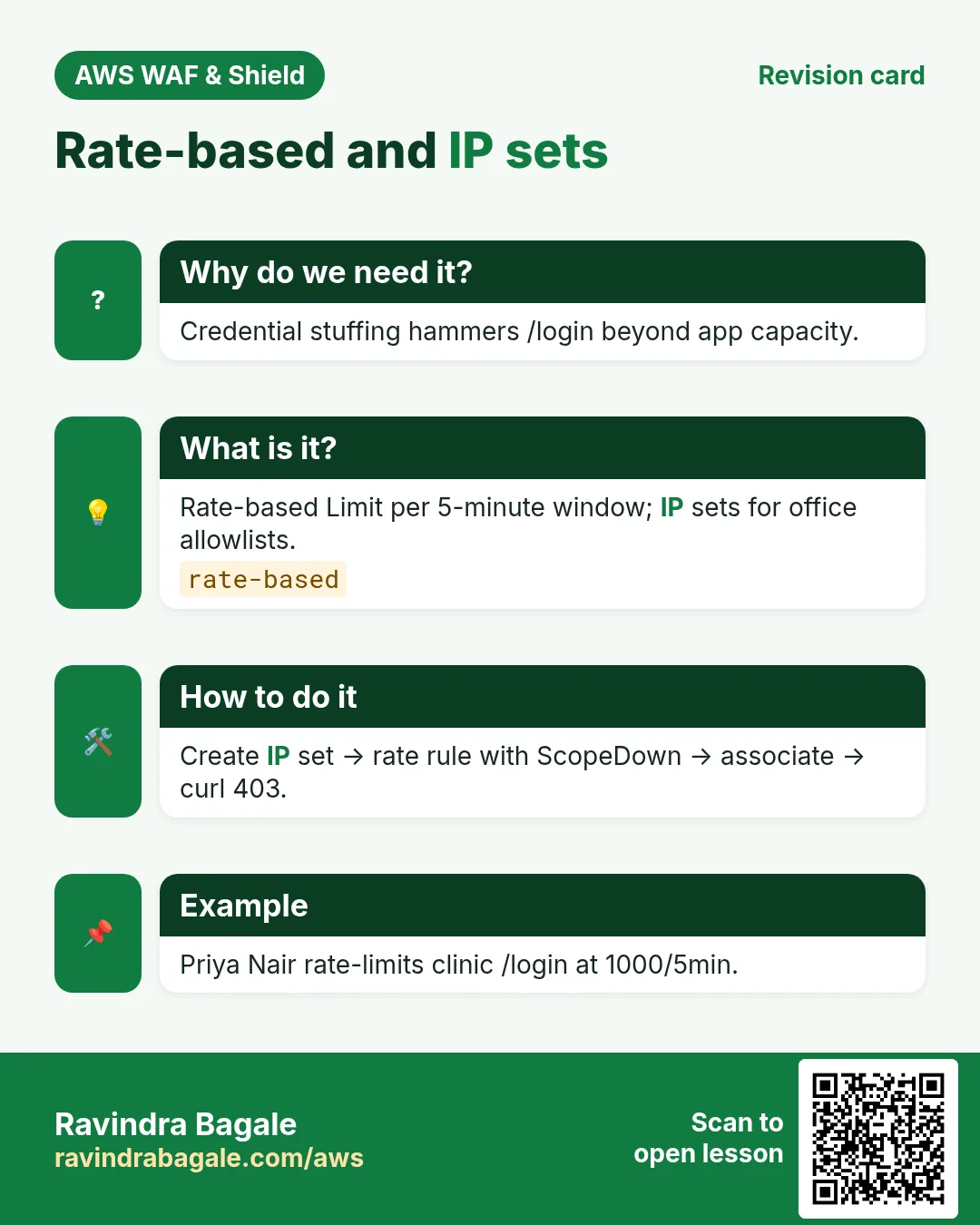
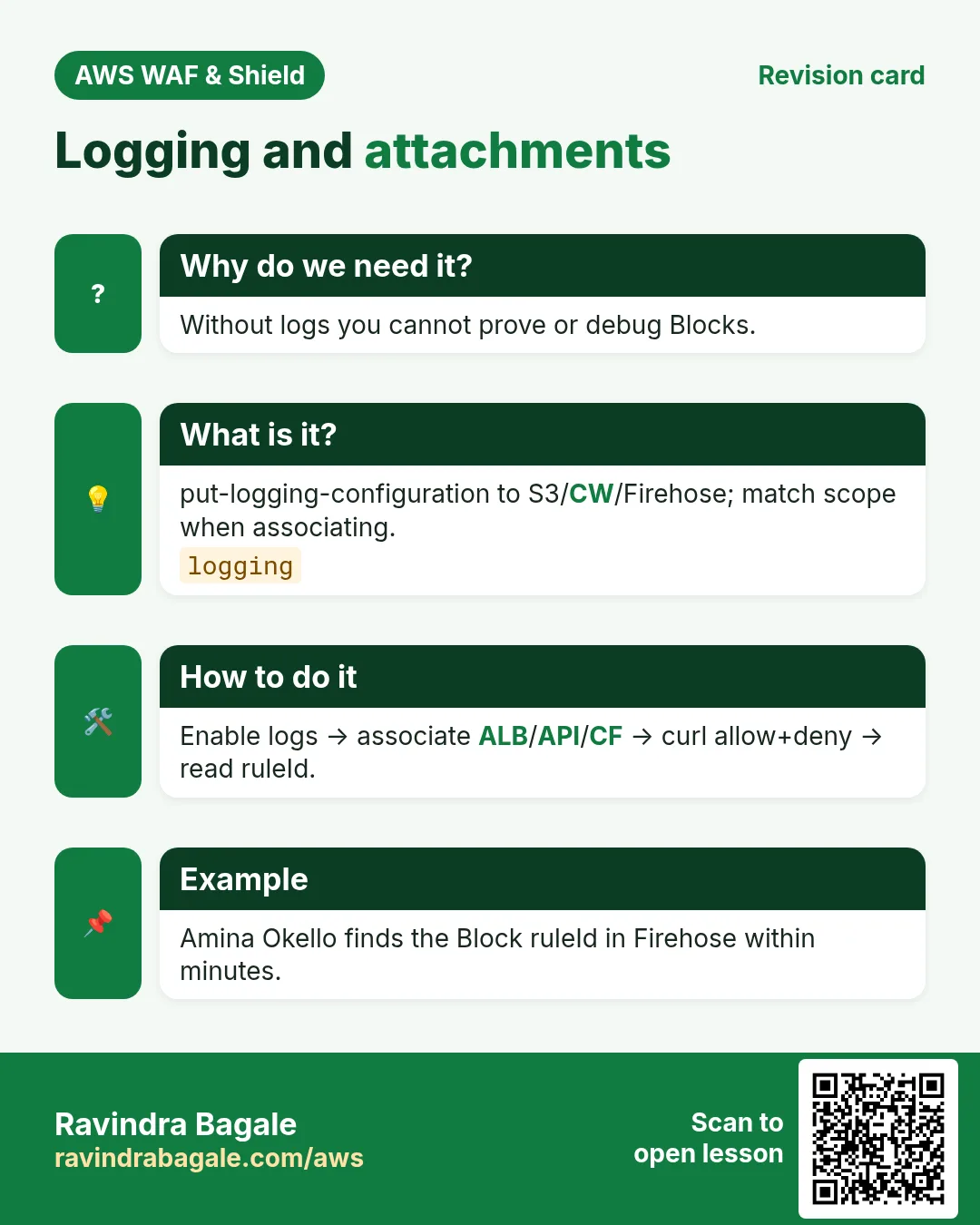
More cards: Ravi Sir's Cards.
Practise this chapter
Interview questions and answers
A harmless test request receives a 403. How can you tell whether WAF made that decision?
Use the request time, resource and path to locate its record. Read the action and matching or terminating rule. If WAF logs an allow decision, look at the application or origin access policy for the 403. One status code alone cannot tell you where it came from.
Check your understanding
Choose an answer, then compare your reasoning with the explanation.
Practice Tasks
Practice checks run in your browser. They check the answer for this exercise; they do not create resources or connect to your AWS account.
About this scenarioVidarbha Cotton Mills is a textiles business in Nagpur. Ganesh Wankhede looks after its IT and cloud work. They count money in INR and run their AWS resources in the ap-south-1 Region. In the tasks below you do real jobs for them using what this lesson teaches. All names, account IDs, IP addresses and numbers are made up for practice.
0 / 16
Easy Rate window 5 minutes — enter 5
Window.
Enter the rate-based window length in minutes.
- Write down the numbers the task gives you.
- Work it out step by step on paper.
- Type only the final answer in the box.
- Click Check answer.
Easy Block often returns 403 — enter 403
Proof.
HTTP status often seen on WAF Block (enter 403).
- Write down the numbers the task gives you.
- Work it out step by step on paper.
- Type only the final answer in the box.
- Click Check answer.
Easy Find the source of a sampled web request
The WAF dashboard shows 200 matches. You need to find the matched rule and path for one particular request in your authorized test. Which AWS WAF feature produces request-level records?
- Read the situation and identify what you need to decide.
- Work through the relevant concept or calculation.
- Enter only the requested term or number.
- Check your answer, then read the explanation.
Easy Rate Limit JSON
1000.
JSON Limit 1000.
- Start from the top-level keys the task names.
- Indent child keys with 2 spaces (no tabs).
- Fill in each property with the value from the task.
- Click Check answer. Key order does not matter.
Easy List Web ACLs REGIONAL
Lab.
List Web ACLs scope REGIONAL.
- Read the task and decide which AWS service it is about.
- Write aws, then the service name, then the operation (the action word).
- Add each needed flag (--name) followed by its value from the task.
- Flags can be in any order. Click Check answer.
Medium Choose an ALB web ACL scope
You are associating a new web ACL directly with an Application Load Balancer in ap-south-1. Enter the WAF scope value.
- Read the situation and identify what you need to decide.
- Work through the relevant concept or calculation.
- Enter only the requested term or number.
- Check your answer, then read the explanation.
Medium Choose the address source for aggregation
A lab ALB receives requests directly from clients, with no trusted forwarding proxy. For an IP-based WAF rate rule, which address should the rule use rather than a client-supplied forwarded header?
- Read the situation and identify what you need to decide.
- Work through the relevant concept or calculation.
- Enter only the requested term or number.
- Check your answer, then read the explanation.
Medium Move one verified rule from observation to enforcement
On your staging application, a managed SQL injection rule is overridden to Count. You verified its behavior against approved test cases and legitimate requests. Which terminating action should you configure for the selected rule if the goal is to reject matching requests?
- Read the situation and identify what you need to decide.
- Work through the relevant concept or calculation.
- Enter only the requested term or number.
- Check your answer, then read the explanation.
Medium AggregateKeyType IP JSON
IP key.
JSON AggregateKeyType IP.
- Start from the top-level keys the task names.
- Indent child keys with 2 spaces (no tabs).
- Fill in each property with the value from the task.
- Click Check answer. Key order does not matter.
Medium List IP sets REGIONAL
Office.
List IP sets scope REGIONAL.
- Read the task and decide which AWS service it is about.
- Write aws, then the service name, then the operation (the action word).
- Add each needed flag (--name) followed by its value from the task.
- Flags can be in any order. Click Check answer.
Medium List resources for Web ACL
Associations.
List resources for Web ACL.
- Read the task and decide which AWS service it is about.
- Write aws, then the service name, then the operation (the action word).
- Add each needed flag (--name) followed by its value from the task.
- Flags can be in any order. Click Check answer.
Hard Name a Firehose logging destination
You are creating an Amazon Data Firehose delivery stream for AWS WAF logs. Type the required prefix, including its final hyphen.
- Read the situation and identify what you need to decide.
- Work through the relevant concept or calculation.
- Enter only the requested term or number.
- Check your answer, then read the explanation.
Hard Locate the rule behind a public HTTP 403
A synthetic readiness request through the public ALB listener returns HTTP 403. You find the matching blocked WAF log event. Which log field names the rule that stopped evaluation?
- Read the situation and identify what you need to decide.
- Work through the relevant concept or calculation.
- Enter only the requested term or number.
- Check your answer, then read the explanation.
Hard Geo country IN JSON
India.
JSON CountryCode IN.
- Start from the top-level keys the task names.
- Indent child keys with 2 spaces (no tabs).
- Fill in each property with the value from the task.
- Click Check answer. Key order does not matter.
Hard ScopeDown /login JSON
Login.
JSON UriPath /login.
- Start from the top-level keys the task names.
- Indent child keys with 2 spaces (no tabs).
- Fill in each property with the value from the task.
- Click Check answer. Key order does not matter.
Hard Get logging configuration
Read logs cfg.
Get logging configuration for a Web ACL.
- Read the task and decide which AWS service it is about.
- Write aws, then the service name, then the operation (the action word).
- Add each needed flag (--name) followed by its value from the task.
- Flags can be in any order. Click Check answer.