Shell Scripting Complete 5: Bash Loops with for, while, until, while read and IFS
Loops let a script repeat work: check fifty servers, resize a thousand photos, read every line of a CSV, or retry until a service comes up. This chapter covers for over lists and files, C-style for, while, until, break and continue, and the most important loop in real scripts: while IFS= read -r, which reads a file line by line and splits fields safely. You will also learn the pipe-subshell trap, process substitution, reading CSVs and running loops in parallel.
In this chapter
- Loop over lists, globs and ranges with for
- Use C-style for and while/until
- Control loops with break and continue
- Read files with while IFS= read -r
- Split CSV fields with IFS
- Avoid the pipe subshell trap
1. An everyday example: a teacher taking attendance
A teacher opens the register and goes name by name: read a name, call it, mark P or A, move to the next, stop at the end. If a student has left the school, she skips the name. If the bell rings she stops early. That is exactly a while-read loop with continue and break.
Register = the input file. One name per line = one line per loop. Columns roll no, name, class = fields split by IFS. Skip a name = continue. Bell rings = break. End of register = read returns false.
2. for over a list
The simplest way to repeat the same command for a few known items: servers, users, environments.
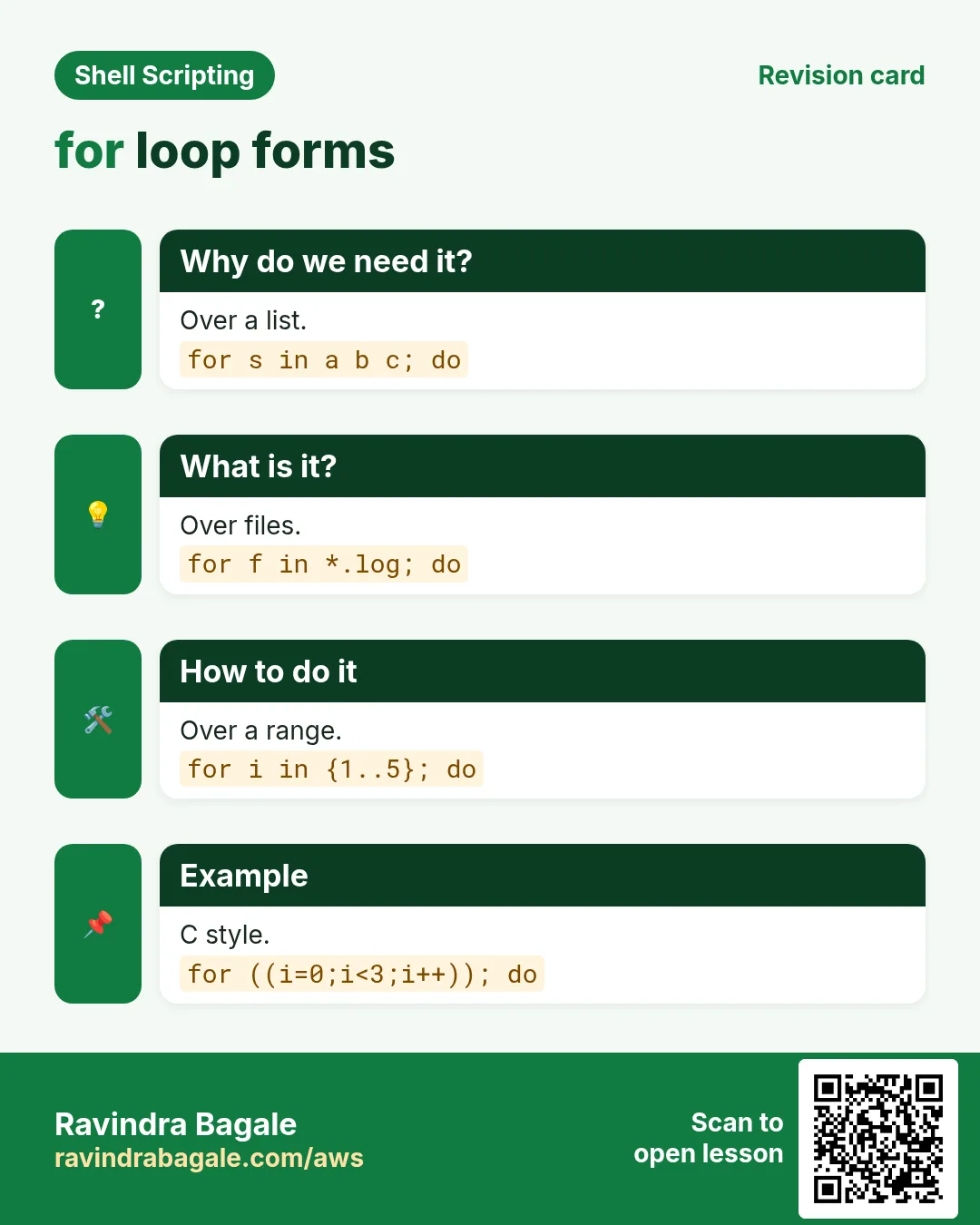
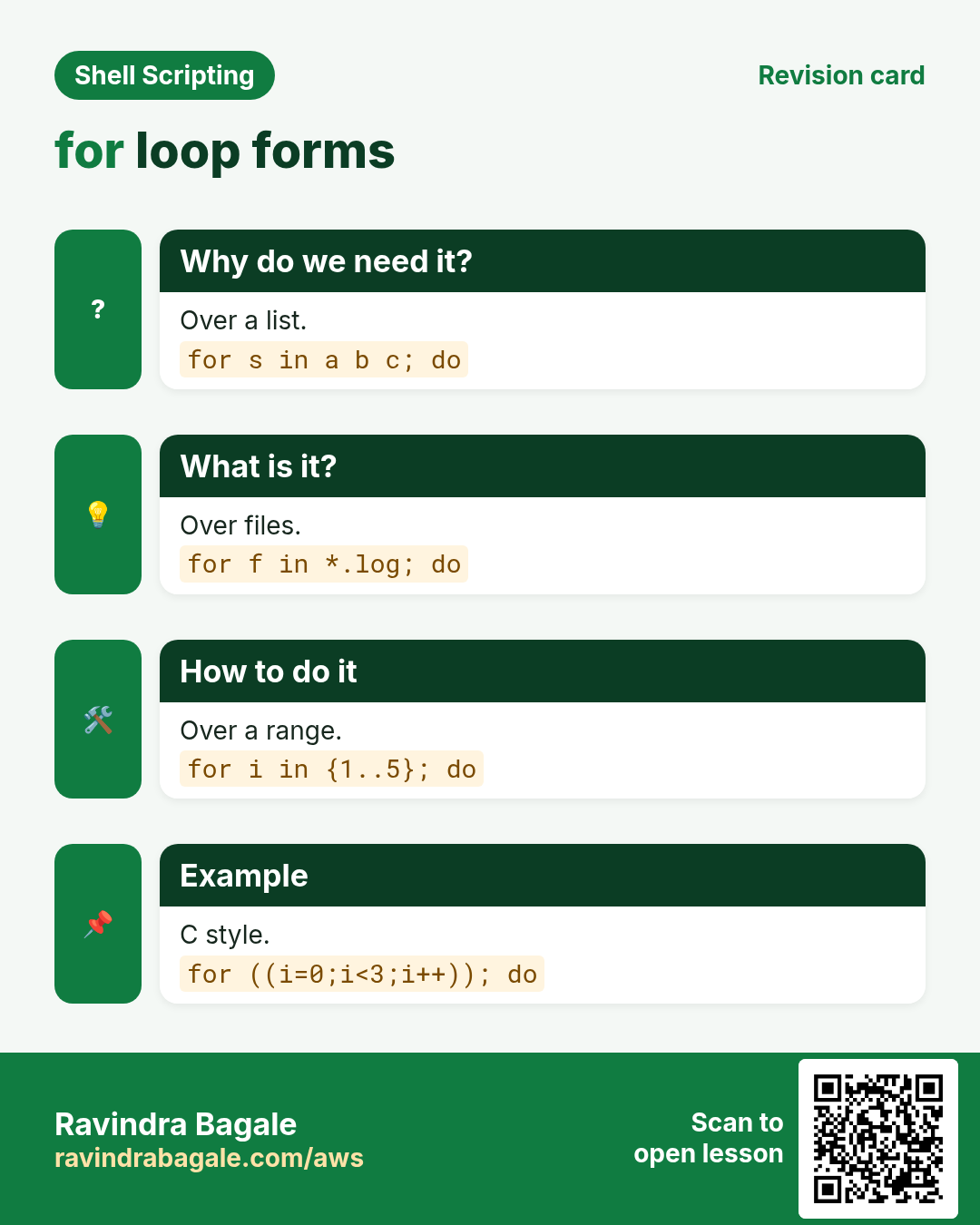
for name in item1 item2 item3; do ...; done. Each loop name holds the next item. The list can be words, "$@", a glob like *.csv, a brace range {1..5}, or $(command) (careful: splits on spaces).
- Words.
for env in dev stage prod; do echo "deploying to $env"; doneOutput:
deploying to dev
deploying to stage
deploying to prod
Three items, three runs.
- Brace range.
for i in {1..3}; do echo "day $i"; doneOutput:
day 1
day 2
day 3
{1..3} makes 1 2 3.
- Step and zero pad.
echo {01..10..3}Output:
01 04 07 10Start, end, step.
- Arguments.
set -- 'my file' other; for a in "$@"; do echo "[$a]"; doneOutput:
[my file]
[other]
"$@" keeps spaces.
3. for over files with globs
A wildcard such as *.log is expanded by the shell into matching filenames before the loop runs. Create two lab files, including one name with a space, and have the loop print "$file" in brackets. Each match should be one complete filename. Run the same loop in an empty folder. By default Bash can leave the pattern as literal text if nothing matches. Use a file check or choose the shell’s nullglob behavior deliberately when an empty set should mean zero iterations.
Bulk work on files is the most common loop: rename, compress, convert, upload.
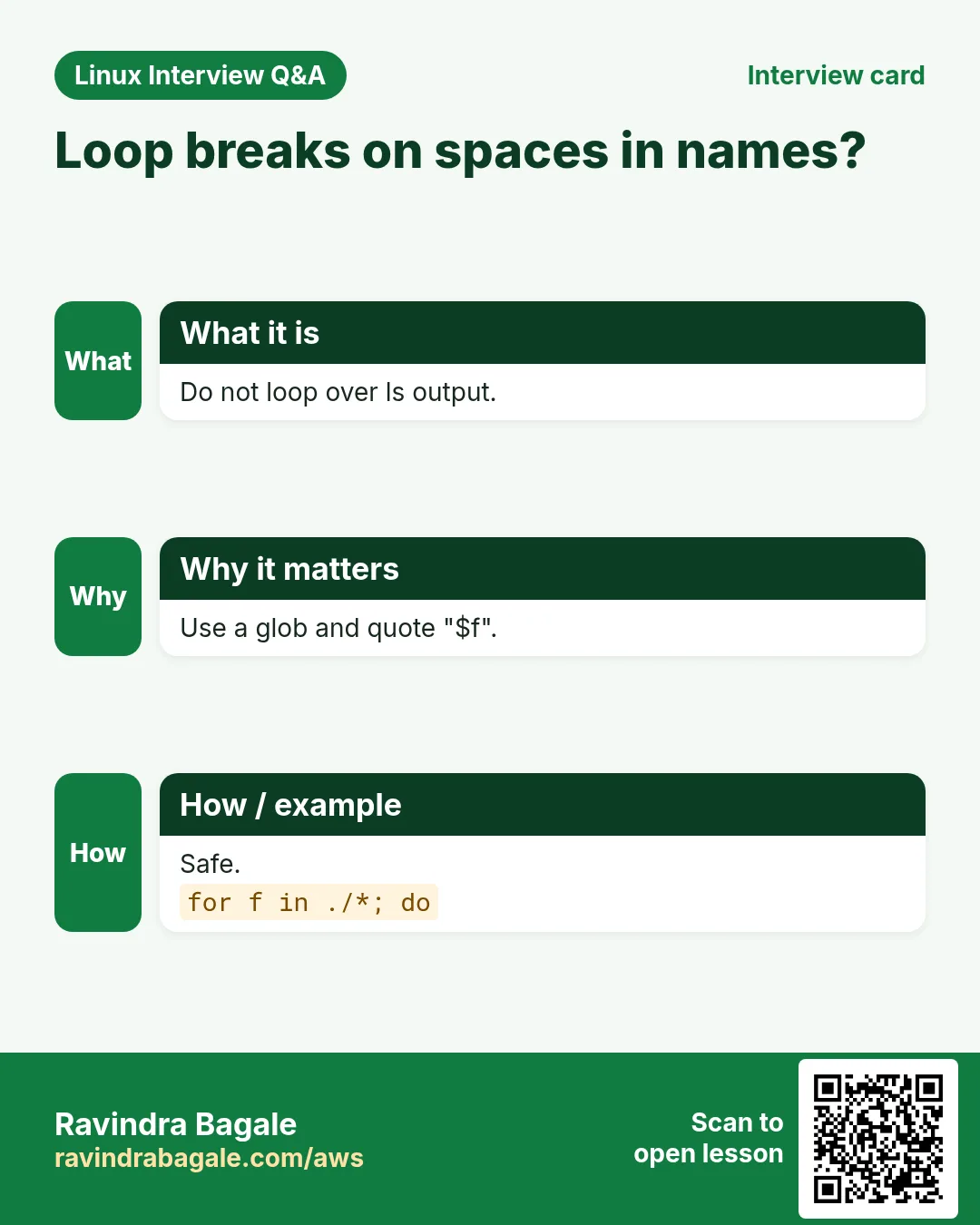
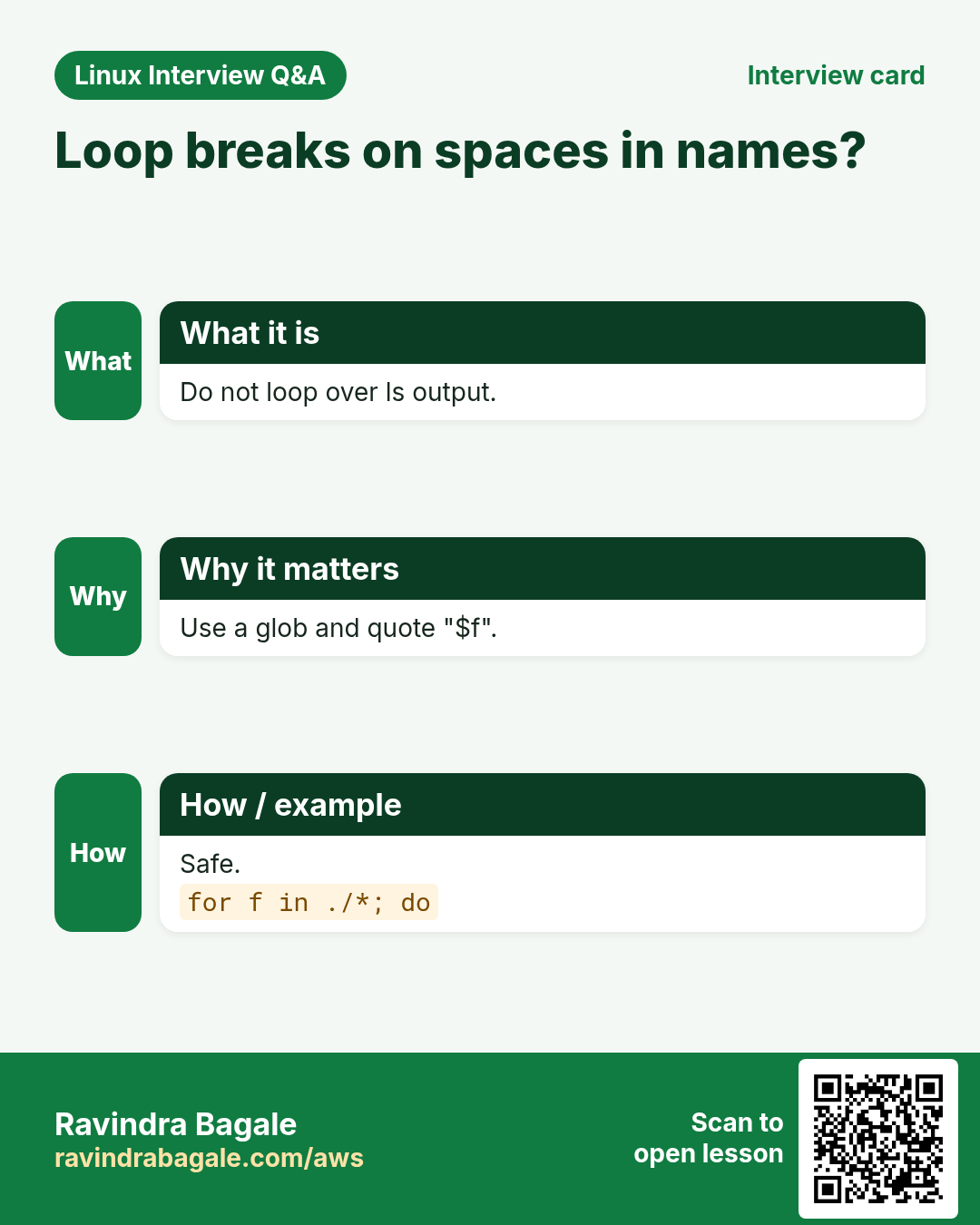
for f in *.log handles names with spaces correctly (do not use $(ls)). Quote "$f" inside. If nothing matches, bash keeps the pattern itself (*.log); add shopt -s nullglob so the loop simply runs zero times. For sub-folders use shopt -s globstar and **/*.log, or find.
- Compress logs.
for f in /tmp/demo/*.log; do gzip -k "$f" && echo "zipped $f"; doneOutput:
zipped /tmp/demo/app.log
zipped /tmp/demo/web server.log
The name with a space works.
- Nothing matches.
for f in /tmp/none/*.csv; do echo "got $f"; doneOutput:
got /tmp/none/*.csvThe pattern itself came through.
- nullglob fixes it.
shopt -s nullglob; for f in /tmp/none/*.csv; do echo "got $f"; done; echo doneOutput:
doneZero runs.
- Change extensions.
for f in *.jpeg; do mv -- "$f" "${f%.jpeg}.jpg"; done; lsOutput:
a.jpg b.jpg-- protects names starting with -.
4. C-style for and seq
When you need a counter with a variable end (for example $n retries), brace ranges do not work.
for (( i=1; i<=n; i++ )); do ...; done works like C or Java: start, condition, step. {1..$n} does NOT work because braces expand before variables. seq 1 $n also works and supports decimals and -w for zero padding.
- Counter.
n=3; for (( i=1; i<=n; i++ )); do echo "try $i of $n"; doneOutput:
try 1 of 3
try 2 of 3
try 3 of 3
Variables work here.
- Braces fail.
n=3; echo {1..$n}Output:
{1..3}Not expanded.
- seq.
for i in $(seq -w 8 10); do echo "file_$i"; doneOutput:
file_08
file_09
file_10
-w pads to equal width.
- Count down.
for (( i=3; i>0; i-- )); do echo $i; sleep 1; done; echo goOutput:
3
2
1
go
i-- goes down.
5. while and until
Sometimes you do not know how many times to loop: wait until a port opens, retry until a download works.
while COMMAND; do ...; done repeats while the command returns 0. until COMMAND repeats while it fails (until it works). Always have a way out: a counter or a timeout, so the loop cannot run forever. while true; do ...; done is an endless loop you leave with break.
- Wait for a port.
tries=0; until nc -z localhost 8080 || (( ++tries > 5 )); do echo "waiting ($tries)"; sleep 2; doneOutput:
waiting (1)
waiting (2)
Stops when the port opens or after 5 tries.
- While counter.
n=1; while (( n <= 3 )); do echo "round $n"; ((n++)); doneOutput:
round 1
round 2
round 3
Condition checked each time.
- Retry a download.
for i in 1 2 3; do curl -fsS -o /tmp/p.html https://example.com && break; echo "retry $i"; sleep 3; done; ls -l /tmp/p.htmlOutput:
-rw-r--r-- 1 asha asha 1256 Oct 25 /tmp/p.htmlbreak leaves on success.
- Watch a file grow.
while sleep 5; do wc -l < /var/log/syslog; doneOutput:
3410
3415
Ctrl+C to stop.
6. break and continue
Real data has bad rows to skip and moments to stop early.
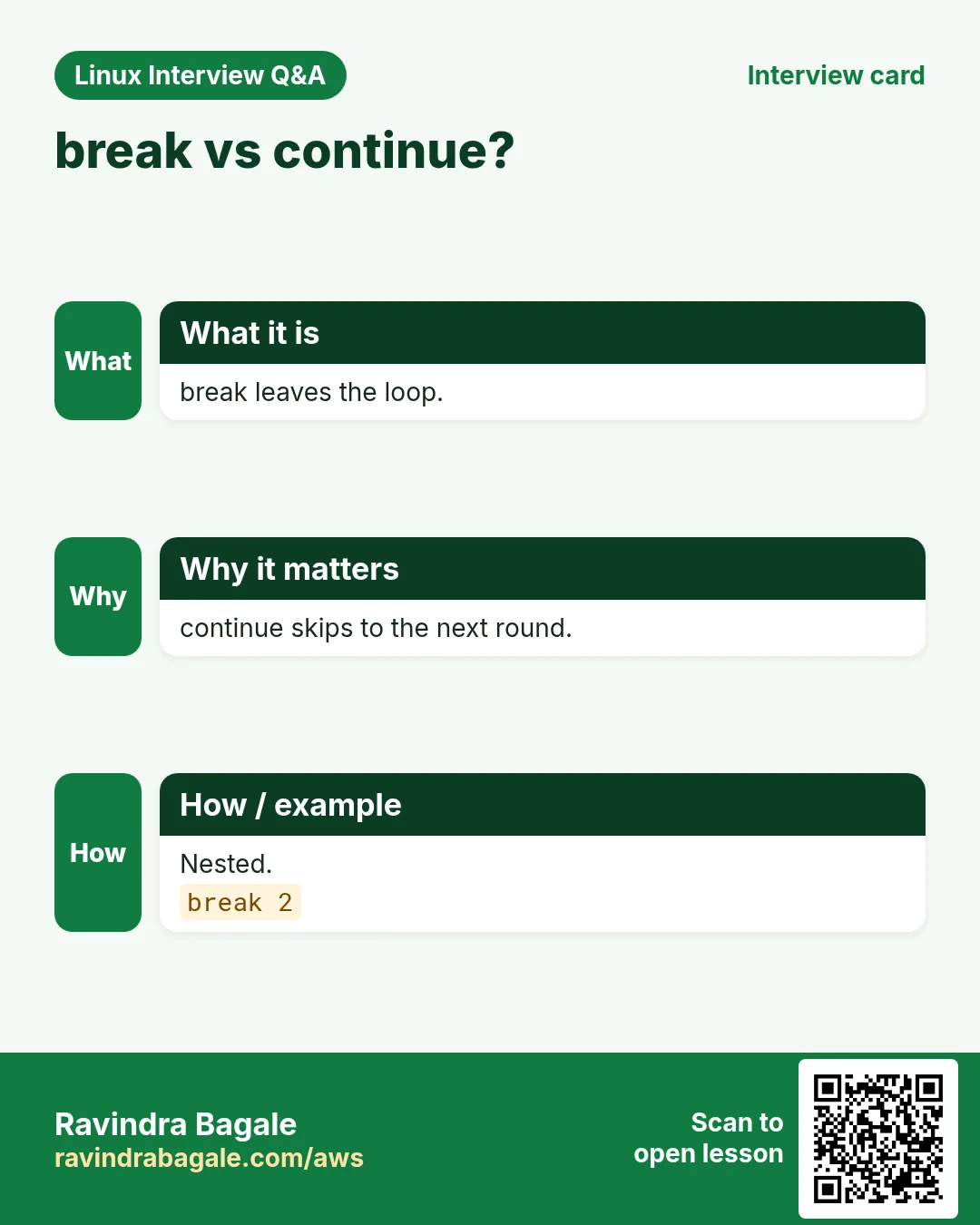
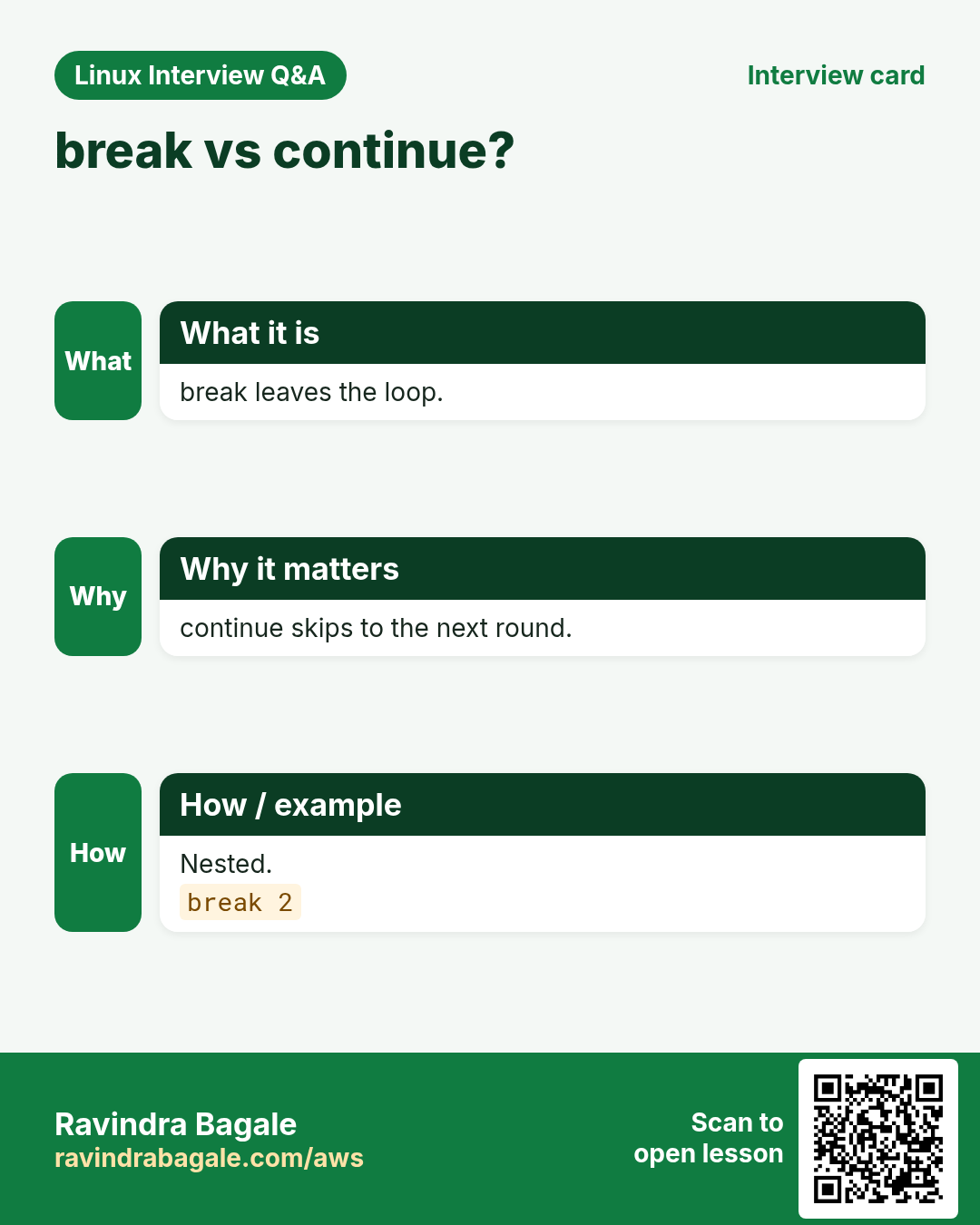
continue skips the rest of this round and starts the next. break leaves the loop completely. In nested loops break 2 and continue 2 act on the outer loop.
- Skip comments.
printf 'web1\n#old\nweb2\n' | while read -r h; do [[ $h == \#* ]] && continue; echo "ping $h"; doneOutput:
ping web1
ping web2
Lines starting with # are skipped.
- Stop at the first error.
for f in a.txt b.txt c.txt; do [[ -f $f ]] || { echo "missing $f, stopping"; break; }; echo "ok $f"; doneOutput:
ok a.txt
missing b.txt, stopping
break leaves the loop.
- Nested break 2.
for r in 1 2; do for c in a b; do [[ $c == b ]] && break 2; echo $r$c; done; doneOutput:
1aBoth loops ended.
7. while IFS= read -r: read a file line by line
Understand each part of IFS= read -r line. The empty IFS keeps leading and trailing whitespace, -r keeps backslashes literal, and line is the variable for the current row. Put a leading space and a backslash in one small test input. Print each result inside brackets so you can see what was kept. Reading one line at a time is different from splitting a structured CSV file with commas inside quoted fields. Use a CSV reader for that format when the values can contain delimiters.
Host lists, user lists and exports are line-based files. This is the correct, safe way to process them. for line in $(cat file) splits on every space and is wrong.
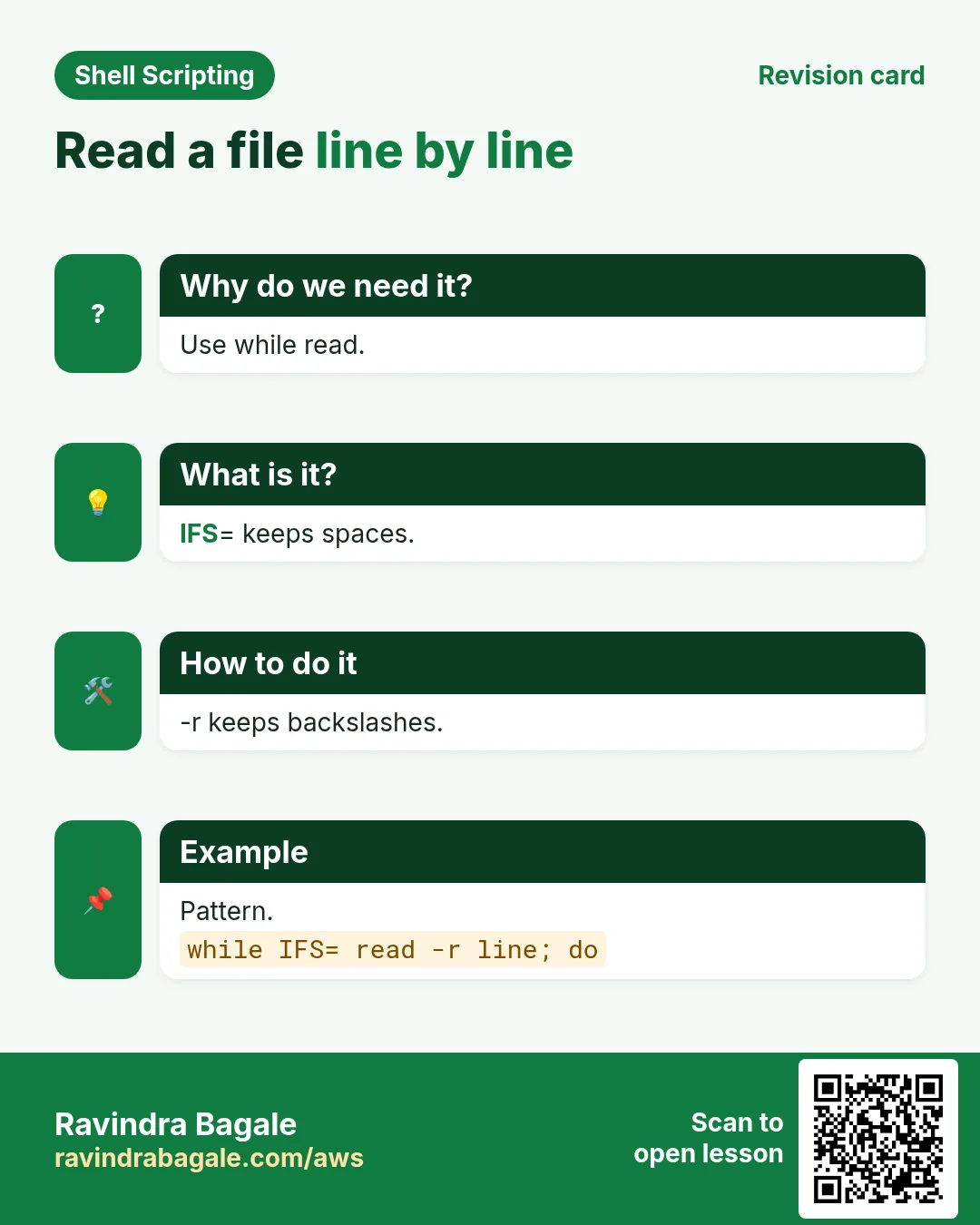
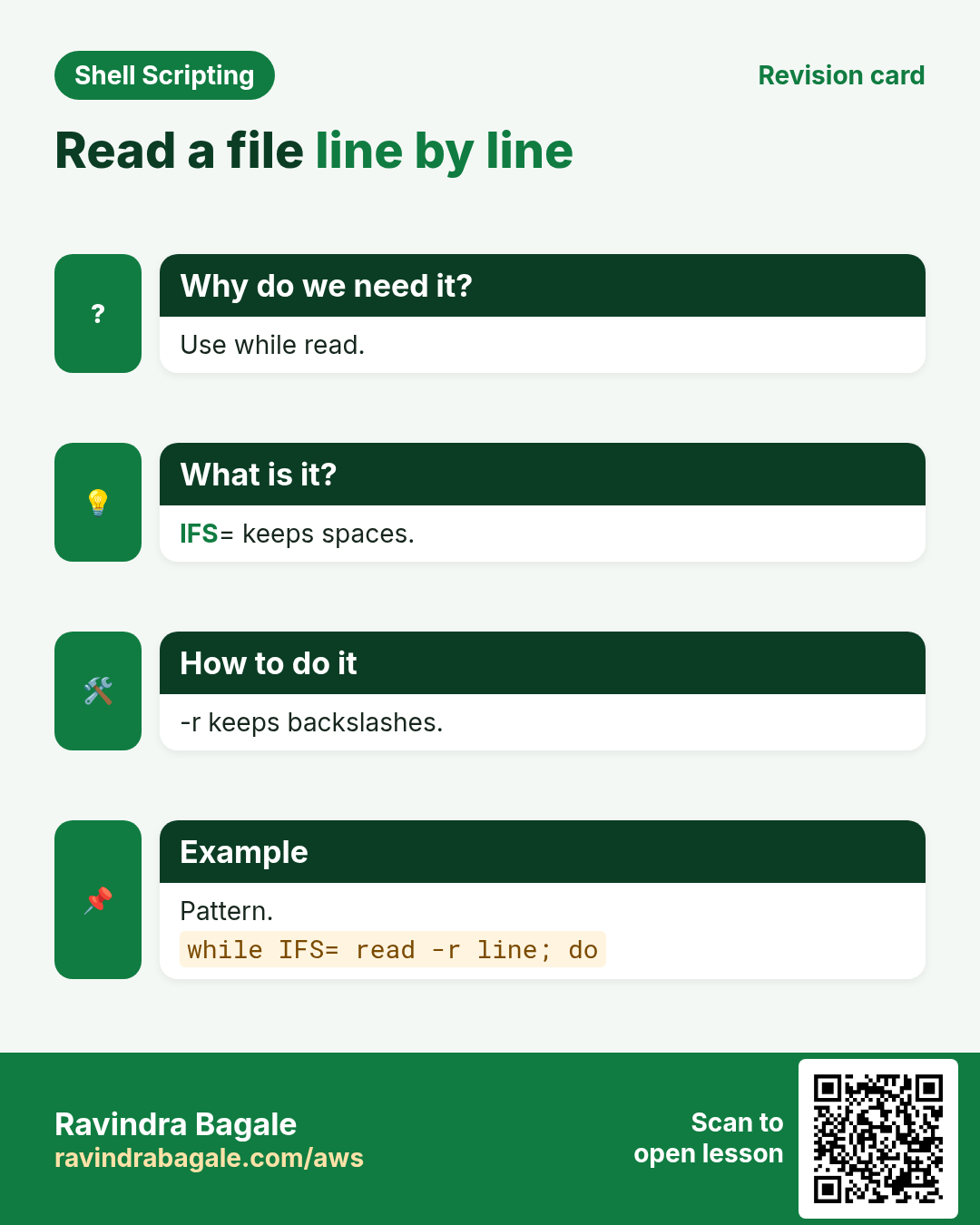
while IFS= read -r line; do ...; done < file. IFS= stops trimming of leading and trailing spaces. -r stops backslash processing. < file at the end feeds the loop. If the last line has no new line, add || [[ -n $line ]] so it is not lost. Use read -u 3 with 3< file when the body also reads from the keyboard or runs ssh.
- Basic.
printf ' indented line\nC:\\path\n' | tee demo.txt; while IFS= read -r line; do echo "[$line]"; done < demo.txtOutput:
[  indented line]
[C:\path]
Spaces and backslash kept.
- Wrong way.
for line in $(cat demo.txt); do echo "[$line]"; doneOutput:
[indented]
[line]
[C:\path]
Split on spaces.
- Last line without new line.
printf 'a\nb' | while IFS= read -r l || [[ -n $l ]]; do echo $l; doneOutput:
a
b
b is not lost.
- ssh eats stdin.
while read -r h; do ssh -n "$h" uptime; done < hosts.txtOutput:
web1: 10:00 up 3 days
web2: 10:00 up 9 days
-n stops ssh reading the list.
8. IFS: split fields (CSV, /etc/passwd)
Most data has columns separated by a comma, colon or tab. read can split them into named variables.
IFS=, read -r a b c splits the line on commas into a, b and c. The last variable gets the rest of the line. Setting IFS before read changes it only for that read. Use IFS=: for /etc/passwd and IFS=$'\t' for tab files. For CSVs with quoted commas inside fields, use a real CSV tool (python, csvkit, mlr).
- CSV.
printf 'id,name,city\n1,Asha,Pune\n2,Rohit,Satara\n' | tee people.csv; tail -n +2 people.csv | while IFS=, read -r id name city; do echo "$name lives in $city"; doneOutput:
Asha lives in Pune
Rohit lives in Satara
tail -n +2 skips the header.
- passwd.
while IFS=: read -r user _ uid _ _ home shell; do (( uid >= 1000 && uid < 65000 )) && echo "$user $home"; done < /etc/passwdOutput:
asha /home/asha
rohit /home/rohit
_ throws away columns.
- Rest of the line.
IFS=: read -r a rest <<< 'one:two:three'; echo "$a | $rest"Output:
one | two:threeThe last variable takes the rest.
- Tab separated.
printf 'sku\tqty\nA1\t5\n' | while IFS=$'\t' read -r s q; do echo "$s=$q"; doneOutput:
sku=qty
A1=5
$'\t' is a tab.
9. The pipe subshell trap and process substitution
Try counting two input lines with the loop on the right of a pipeline, then with the loop fed from a file. In typical Bash settings the pipeline runs the loop in a separate shell, so its counter can change inside and still be zero in the parent afterward. Redirection feeds the current shell’s loop, so the counter stays at two. Print once inside and once after the loop in both versions. The changed second output shows which shell held the variable.
A very common surprise: you count inside a loop fed by a pipe and the count is 0 afterwards.
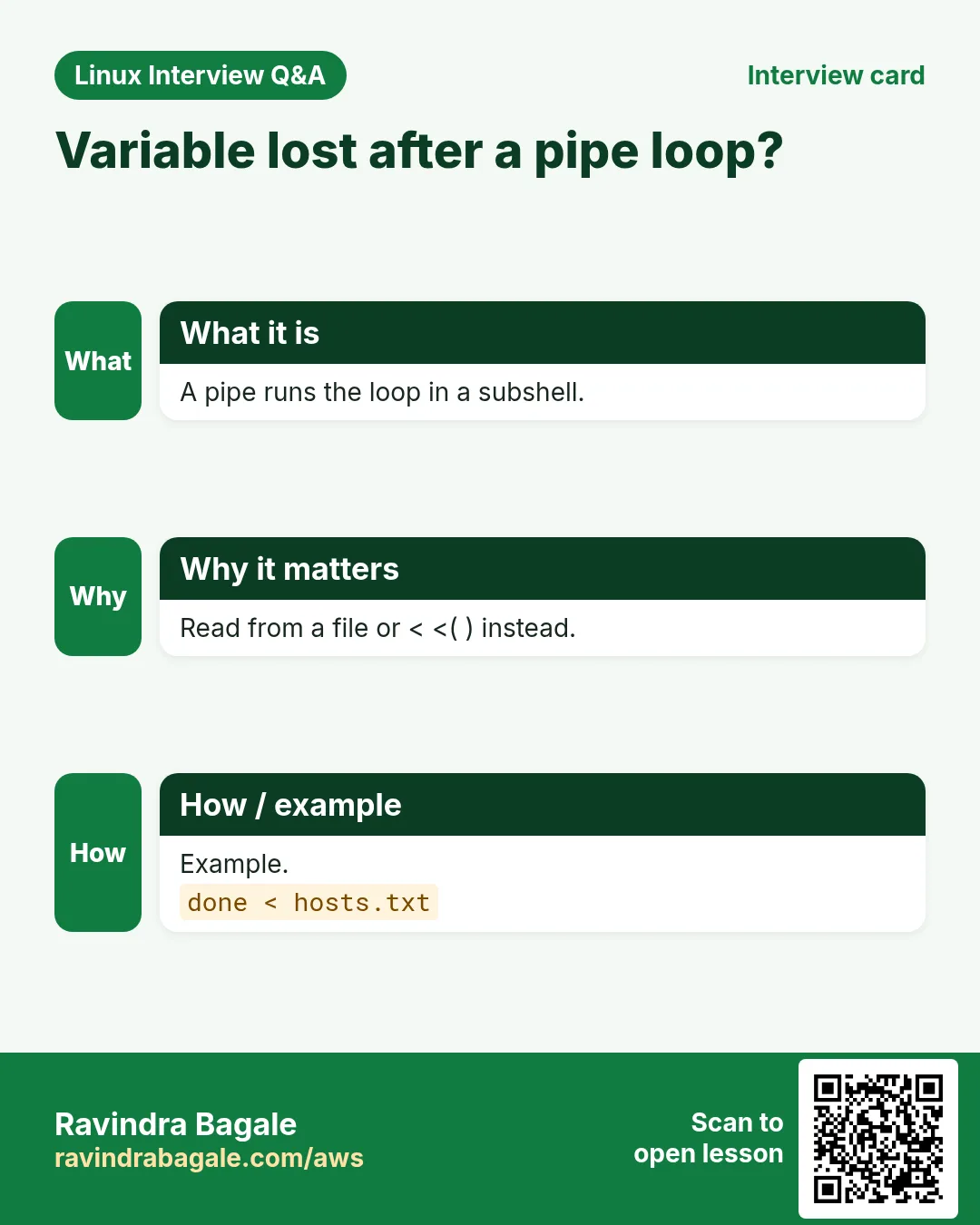
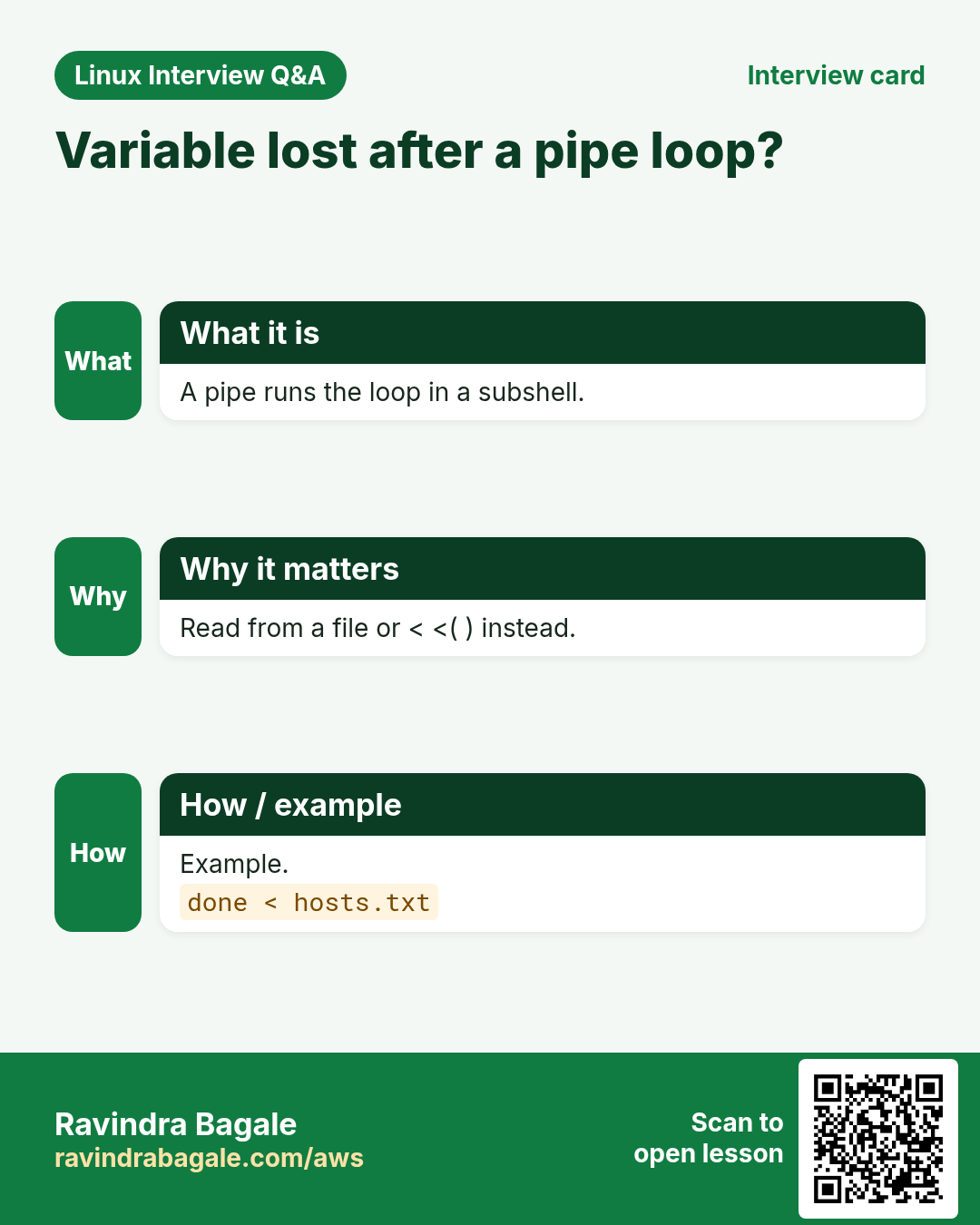
In cmd | while read ...; done the loop runs in a subshell, so variables set inside are lost after done. Fix 1: feed with < file. Fix 2: process substitution done < <(cmd). Fix 3: shopt -s lastpipe in scripts. Process substitution <(cmd) makes a command look like a file, also useful for diff <(a) <(b).
- The trap.
n=0; printf 'a\nb\nc\n' | while read -r x; do ((n++)); done; echo "count=$n"Output:
count=0The loop's n was in a subshell.
- Fixed.
n=0; while read -r x; do ((n++)); done < <(printf 'a\nb\nc\n'); echo "count=$n"Output:
count=3The loop now runs in the main shell.
- Compare two lists.
diff <(ls /etc | head -3) <(ls /etc | head -4)Output:
3a4
> apt
Each command acts like a file.
10. Speed: parallel loops, wait and xargs -P
Checking 200 servers one by one is slow. Running several at once can cut the time a lot.
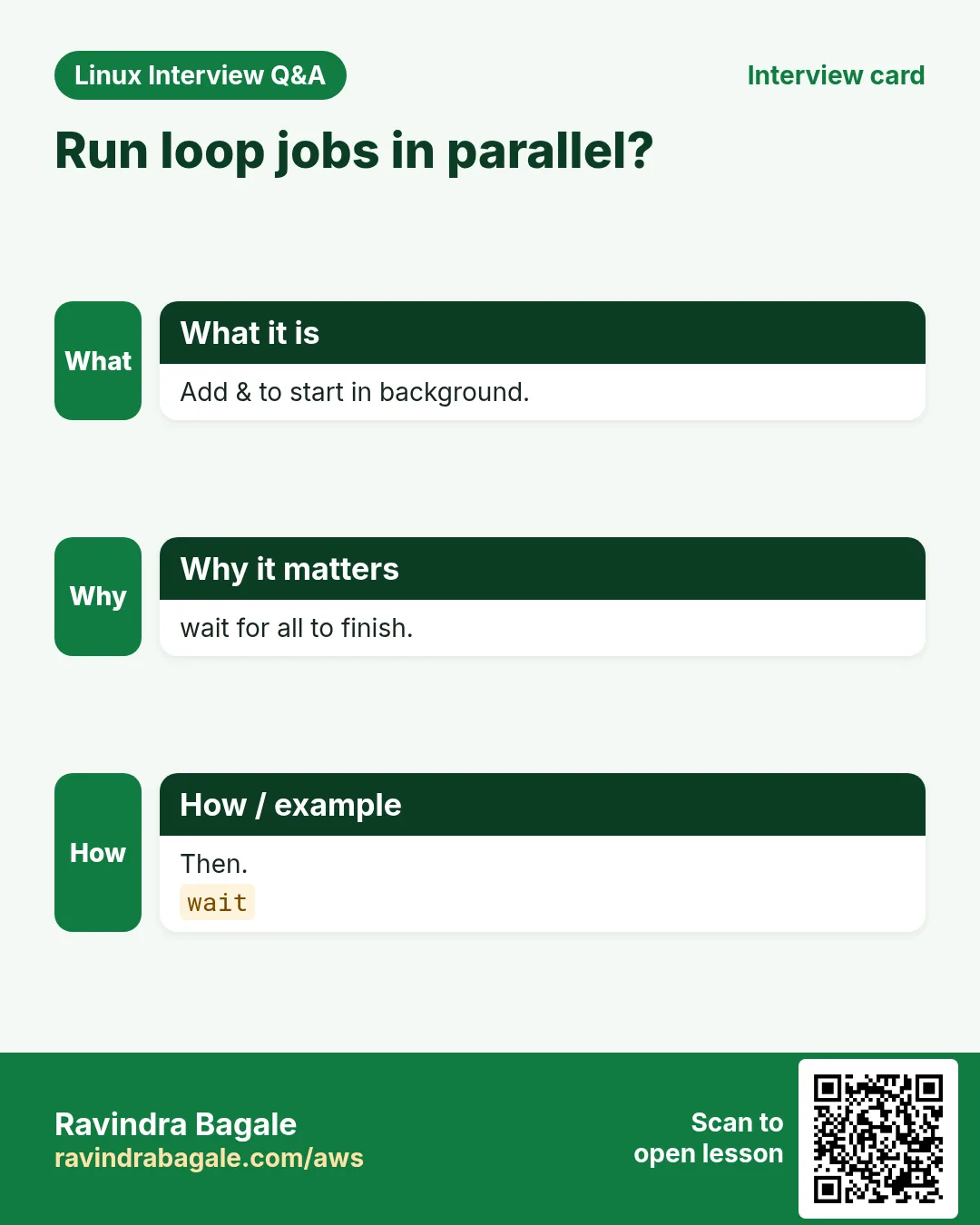
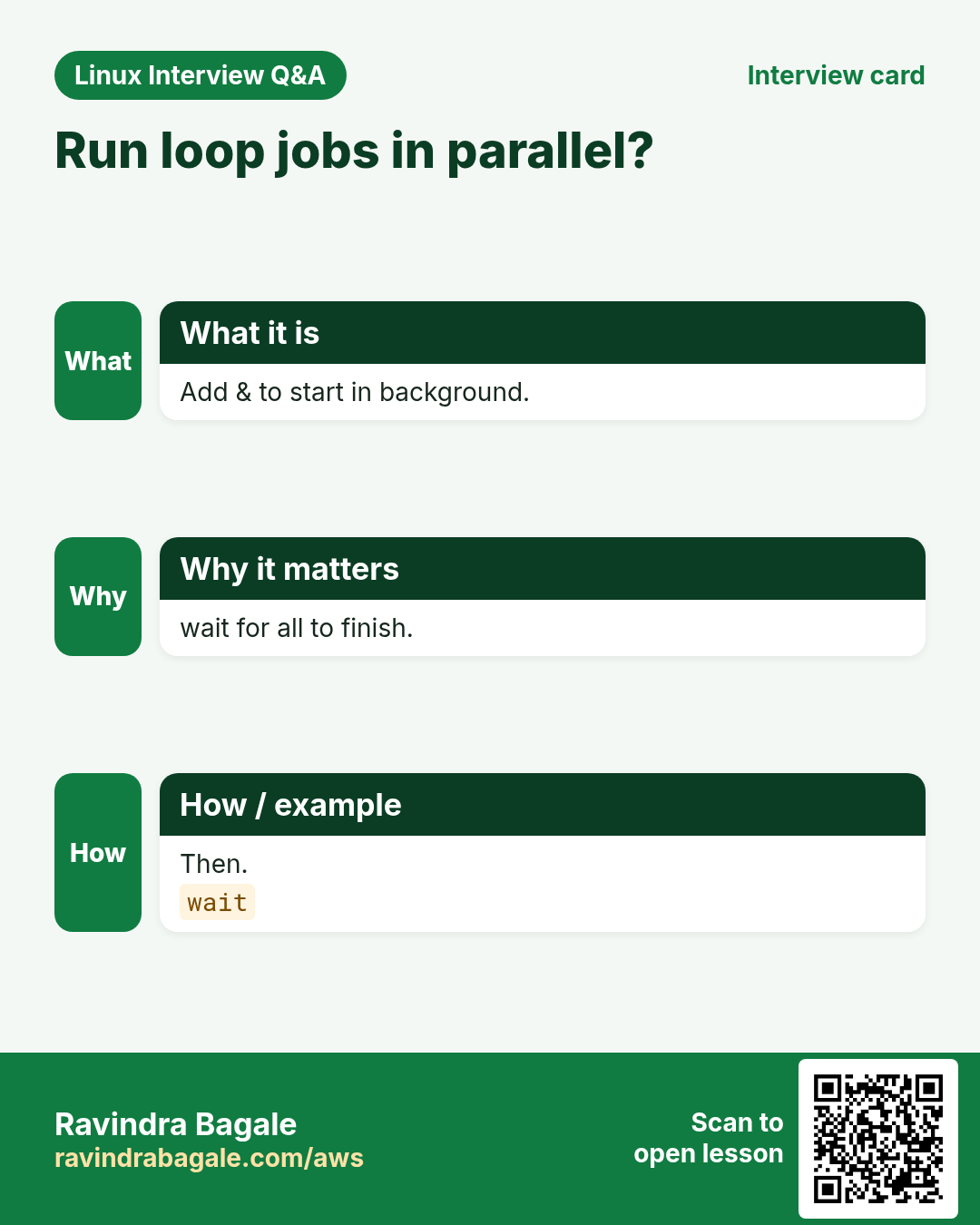
Put & after a command inside the loop to run it in the background, then wait after the loop for all of them. Limit how many run together, for example with xargs -P 8 or by waiting every N jobs. Write each job's output to its own file so lines do not mix.
- Background and wait.
for h in web1 web2 web3; do ( ping -c1 -W1 "$h" &>/dev/null && echo "$h up" || echo "$h down" ) & done; wait; echo all doneOutput:
web2 up
web1 up
web3 down
all done
Order changes; all finish before 'all done'.
- xargs -P.
printf '%s\n' web{1..6} | xargs -P 3 -I{} sh -c 'sleep 1; echo {} checked'Output:
web1 checked
web2 checked
web3 checked
web4 checked
web5 checked
web6 checked
Three at a time, about 2 seconds total.
- Time it.
time (for i in 1 2 3; do sleep 1 & done; wait)Output:
real 0m1.01sThree 1-second jobs in 1 second.
11. Real examples from many industries
The same Linux skill shows up in every kind of company. Seeing it in many places helps you remember it.
Each row is a made-up team. It shows who uses this and how.
| Team and city | How they use it | Command |
|---|---|---|
| Shruti, edtech, Pune | Bulk-create student folders from CSV | while IFS=, read -r id name; do mkdir -p "$id"; done |
| Noah, SaaS, Toronto | Wait for DB before app start | until pg_isready; do sleep 2; done |
| Priya, ad tech, Bengaluru | Parallel health checks | xargs -P 10 |
| Hans, automotive, Munich | Rotate logs with a glob loop | for f in *.log; do gzip "$f"; done |
| Aisha, govt portal, Nairobi | Users from /etc/passwd | while IFS=: read -r u _ uid _ |
| Diego, retail, Madrid | Retry API calls | for i in {1..5}; do curl -f ... && break; done |
12. Common errors and how to fix them
Everyone hits these errors. Knowing the cause saves hours.
Read the exact message first. Then match it to a row below.
| Error you see | Why it happens | How to fix |
|---|---|---|
Names with spaces split in the loop | for f in $(ls) used | Use a glob.for f in *; do |
Loop ran once with '*.csv' | No match and no nullglob | Enable nullglob.shopt -s nullglob |
{1..$n} printed literally | Braces before variables | Use C-style for or seq.for ((i=1;i<=n;i++)) |
Count is 0 after the loop | Pipe made a subshell | Use < <(cmd).done < <(cmd) |
Last line of the file skipped | No new line at end | Add || [[ -n $line ]].while IFS= read -r l || [[ -n $l ]] |
Loop stopped after the first host | ssh read the rest of stdin | Use ssh -n.ssh -n "$h" cmd |
Leading spaces removed | IFS not empty | Use IFS=.while IFS= read -r l |
Endless loop, CPU 100% | No sleep and no exit | Add sleep and a counter.sleep 2; (( ++t > 10 )) && break |
syntax error near unexpected token `done' | Missing do | Add do.for x in a; do echo $x; done |
13. Troubleshooting step by step
Make the loop show each value before acting on it.
Go top to bottom. Stop at the first step that shows the problem.
- Show items.
for f in *.log; do printf '[%s]\n' "$f"; done- Count lines read.
wc -l < file- Find CR characters.
grep -c $'\r' file- Strip CR.
sed -i 's/\r$//' file- Trace one round.
bash -x s.sh 2>&1 | head -40- Lint.
shellcheck s.sh14. Lab 1: Users from a CSV
Read a CSV of new joiners with while IFS=, read -r, skip bad rows, and print the commands you would run.
A full hands-on lab. Run every step on a test Linux machine (an EC2 instance, a VM, or WSL).
- Folder and data.
mkdir -p ~/lab41 && cd ~/lab41 && printf 'user,team,shell\nmeera,dev,bash\n#skip,me,bash\n,ops,bash\nkunal,ops,zsh\n' | tee joiners.csv- Loop.
n=0; while IFS=, read -r u team sh; do [[ $u == \#* || -z $u ]] && continue; echo "useradd -m -s /bin/$sh -G $team $u"; ((n++)); done < <(tail -n +2 joiners.csv); echo "total $n"Output:
useradd -m -s /bin/bash -G dev meera
useradd -m -s /bin/zsh -G ops kunal
total 2- Why total works.
echo 'process substitution kept the loop in this shell'Output:
process substitution kept the loop in this shell- Check for Windows line ends.
grep -c $'\r' joiners.csvOutput:
0- Count rows.
tail -n +2 joiners.csv | wc -lOutput:
4- Lint idea.
echo 'run shellcheck on your script'Output:
run shellcheck on your script15. Lab 2: Retry and parallel check
Write a retry loop with until, then check many hosts in parallel with wait.
A full hands-on lab. Run every step on a test Linux machine (an EC2 instance, a VM, or WSL).
- Fake flaky command.
printf '#!/bin/bash\n(( RANDOM %% 3 == 0 ))\n' | tee flaky.sh && chmod +x flaky.sh- Retry.
t=0; until ./flaky.sh; do ((t++)); echo "failed $t"; (( t >= 10 )) && break; sleep 1; done; echo "finished after $t failures"Output:
failed 1
failed 2
finished after 2 failures- Hosts file.
printf 'localhost\n127.0.0.1\nno.such.host\n' | tee hosts.txt- Parallel.
while IFS= read -r h; do ( ping -c1 -W1 "$h" &>/dev/null && echo "$h up" || echo "$h down" ) & done < hosts.txt; waitOutput:
localhost up
127.0.0.1 up
no.such.host down- Time it.
time (while IFS= read -r h; do ping -c1 -W1 "$h" &>/dev/null & done < hosts.txt; wait)Output:
real 0m1.02s- xargs version.
xargs -P 3 -I{} ping -c1 -W1 {} < hosts.txt | grep -c 'bytes from'Output:
2Ravindra Bagale's Tip
For files use while IFS= read -r line; do ...; done < file. Never use for line in $(cat file). If you need variables after the loop, feed it with < <(command) instead of a pipe.
Ravindra Bagale's Tip – मराठी
Files साठी while IFS= read -r line; do ...; done < file वापरा. कधीही for line in $(cat file) नको. Loop नंतर variables लागत असतील तर pipe ऐवजी < <(command) ने द्या.
Ravindra Bagale's Tip – हिंदी
Files के लिए while IFS= read -r line; do ...; done < file इस्तेमाल कीजिए. कभी भी for line in $(cat file) नहीं. Loop के बाद variables चाहिए तो pipe की जगह < <(command) से दीजिए.
16. Frequently asked questions
Q. for or while?
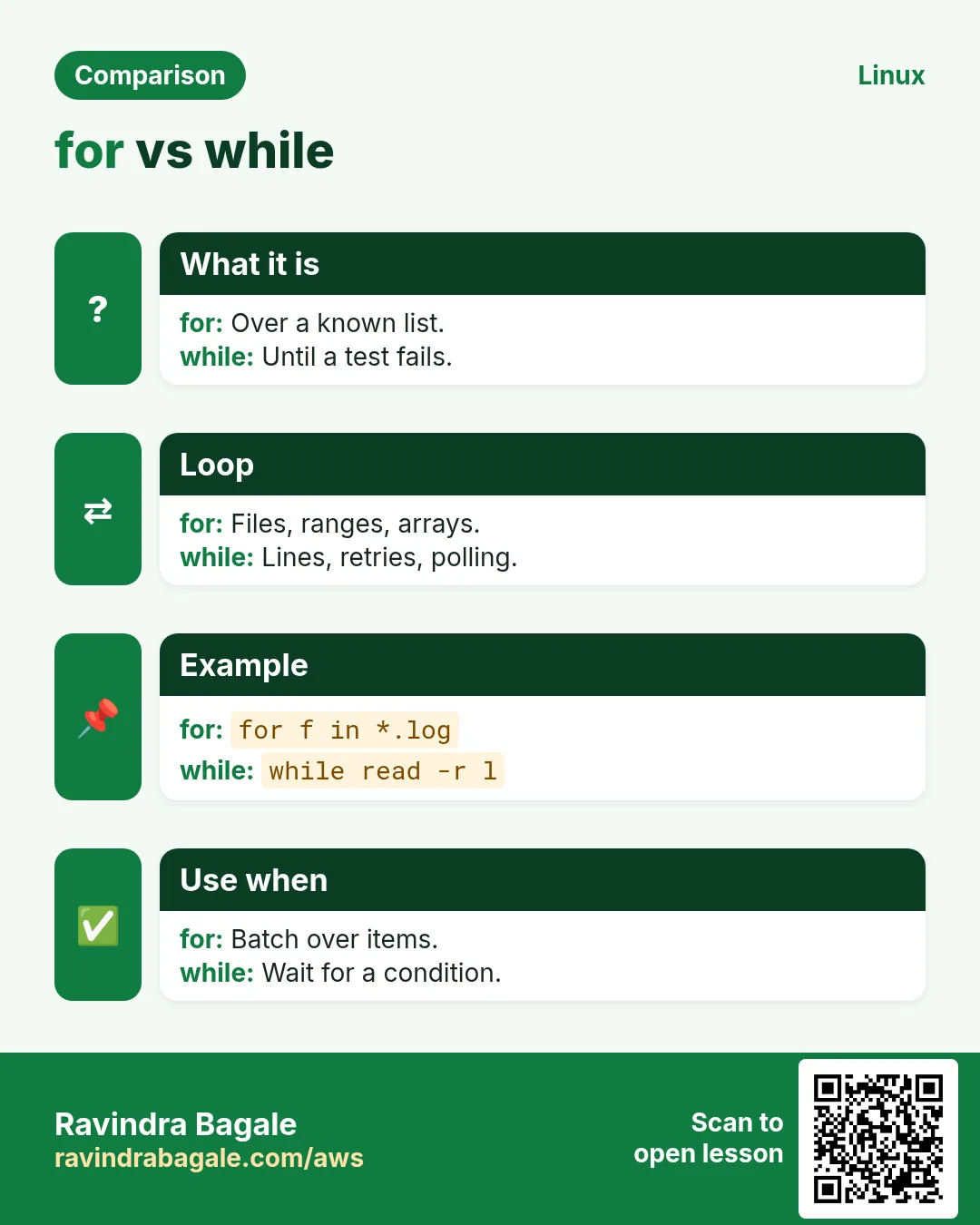
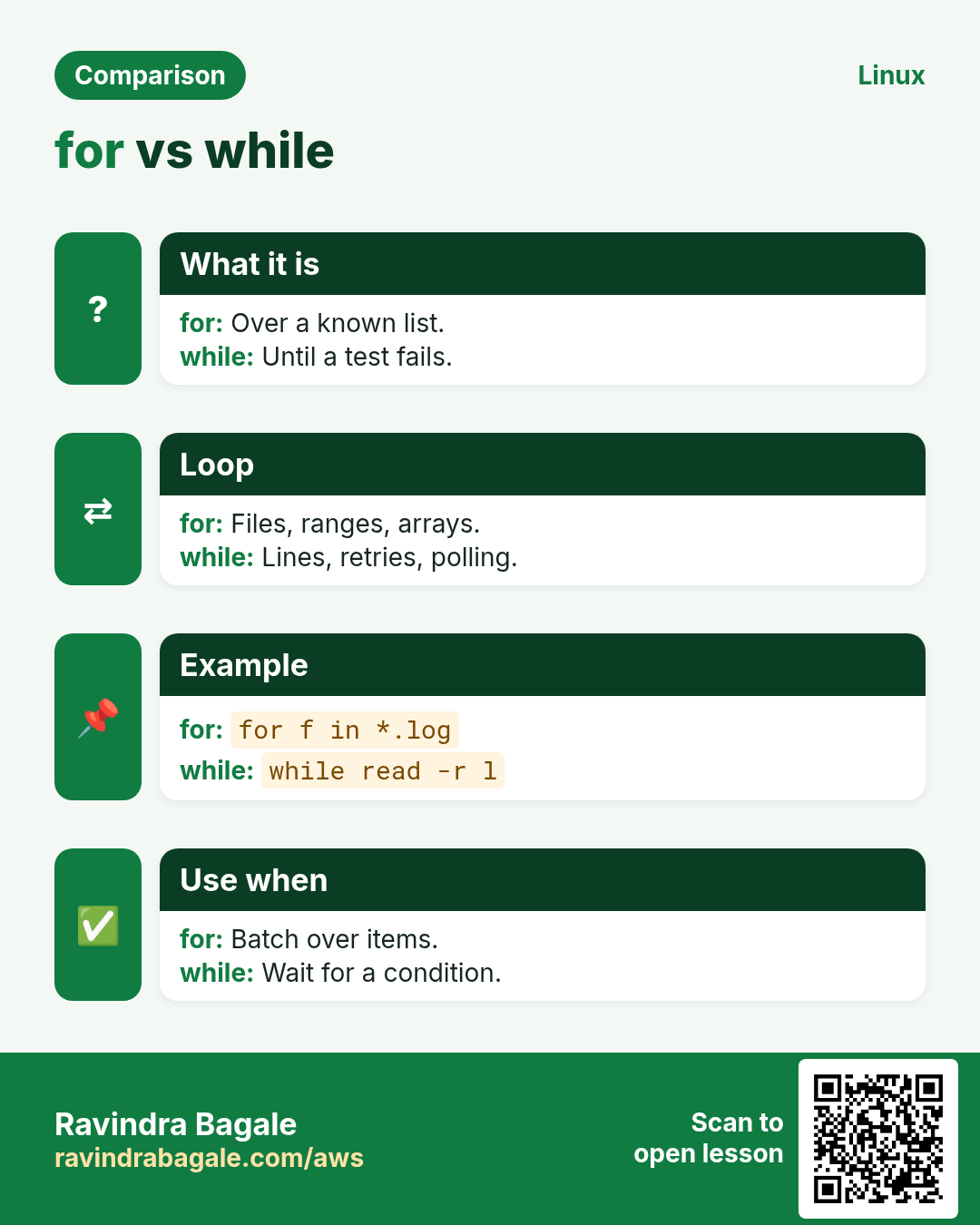
for for known lists, while for files and conditions.
Q. What does IFS= do?
Keeps leading/trailing spaces.
Q. Why -r?
Keeps backslashes.
Q. Loop over sub-folders?
globstar ** or find -print0 with read -d ''.
Q. Variables lost after loop?
Pipe subshell; use < <(cmd).
Q. Stop an endless loop?
Ctrl+C, and add a counter.
Q. Quoted commas in CSV?
Use a CSV tool.
Q. Limit parallel jobs?
xargs -P N or wait -n.
17. Interview questions and answers
Beginner level
Q. Loop 1 to 5?
for i in {1..5}.
Q. Skip one round?
continue.
Q. Leave a loop?
break.
Q. Loop over .txt files?
for f in *.txt.
Mid level level
Q. Read a file line by line?
while IFS= read -r l; do ...; done < f.
Q. until vs while?
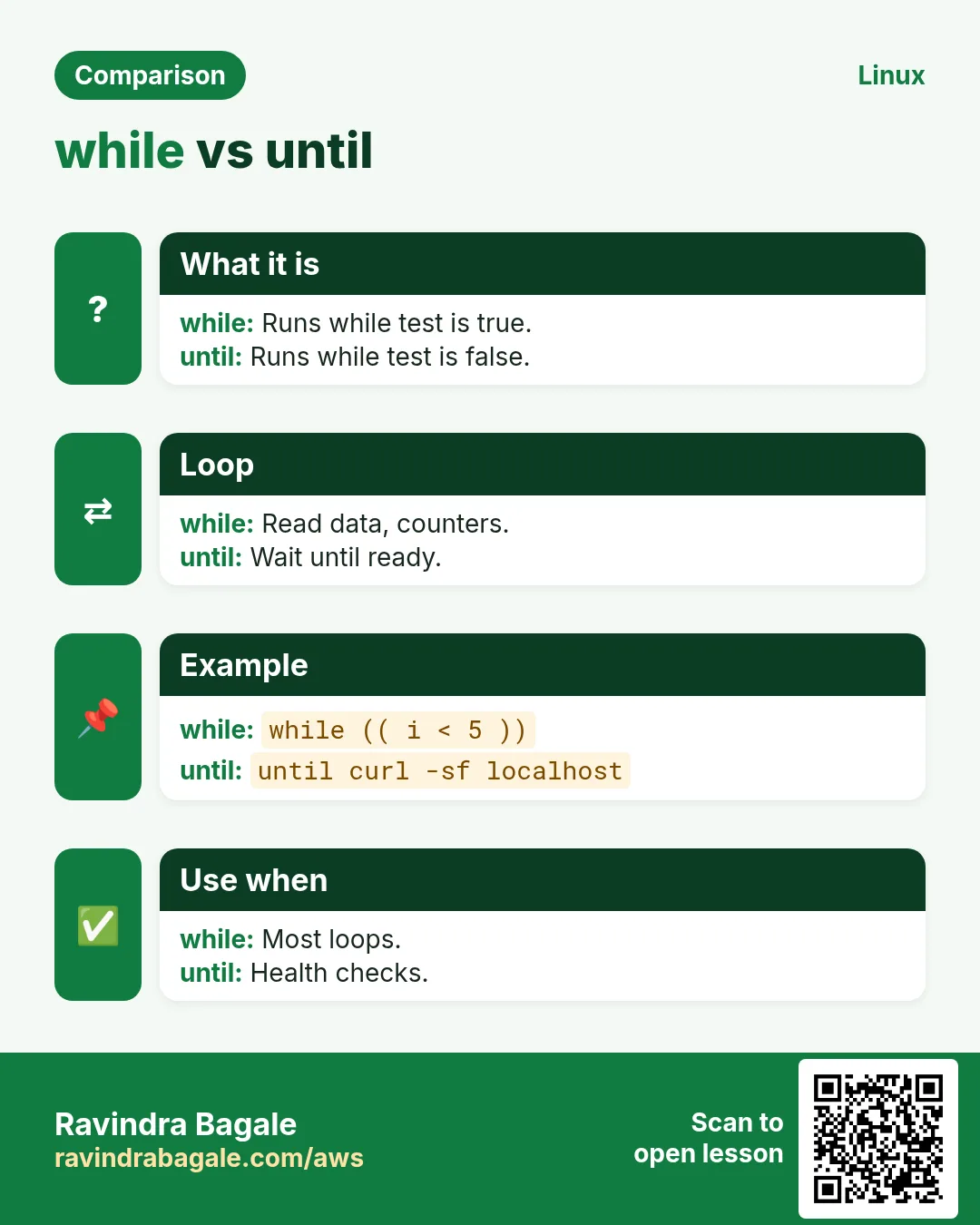
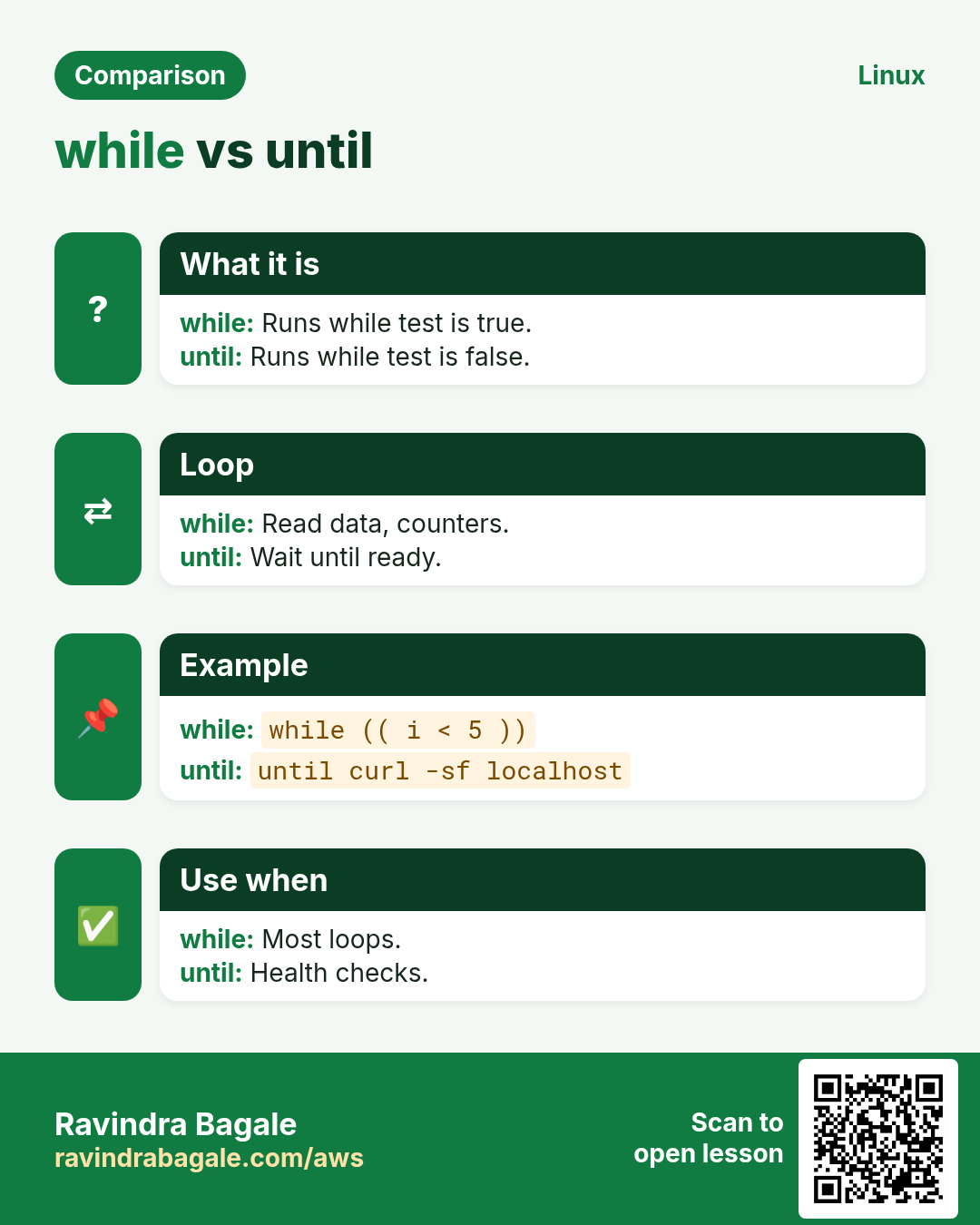
until runs while the test fails.
Q. Split a CSV line?
IFS=, read -r a b c.
Q. Why not for in $(cat)?
Splits on spaces, globs.
Senior level
Q. Explain the pipe subshell problem.
Each pipe part is a subshell; use process substitution or lastpipe.
Q. Handle file names with new lines?
find -print0 | while IFS= read -r -d '' f.
Q. Run 500 checks fast but safely?
xargs -P with a limit, timeouts, per-job logs.
Q. Loop that must not hang?
Timeouts on commands and a max retry counter.
Try at home
- Write a loop that prints the size of every .conf file in /etc with du, skipping ones you cannot read.
- Read /etc/passwd with IFS=: and print users whose shell is /bin/bash.
Practise this chapter
Interview questions and answers
A loop prints the right count inside a pipeline and zero after the loop. Why?
In typical Bash settings, pipeline stages run in separate shell environments. The counter changed inside the loop’s shell. Feed the loop from a file or suitable process substitution when you need its changes to survive in the current shell. Print the counter before and afterward to prove the change.
Check your understanding
Choose an answer, then compare your reasoning with the explanation.
Practice Tasks
Practice checks run in your browser. They check the answer for this exercise; they do not create resources or connect to your AWS account.
About this scenarioMilan Furniture is a furniture business in Milan. Giulia Rossi looks after its IT and cloud work. They count money in EUR and run their AWS resources in the eu-south-1 Region. In the tasks below you do real jobs for them using what this lesson teaches. All names, account IDs, IP addresses and numbers are made up for practice.
0 / 21
Easy Loop a list
BIZ runs the same job on hundreds of files and servers.
Loop over Pune Nashik Nagpur printing each as $c.
- Find the Linux command that does this job.
- Add the options (like -r or -h) the task needs.
- Add the file names, folders or users in the right order.
- Use sudo if the job changes system files or users. Click Check answer.
Easy Brace range
BIZ runs the same job on hundreds of files and servers.
Print the numbers 1 to 7 with a for loop over a brace range, variable i.
- Find the Linux command that does this job.
- Add the options (like -r or -h) the task needs.
- Add the file names, folders or users in the right order.
- Use sudo if the job changes system files or users. Click Check answer.
Easy Loop files
BIZ runs the same job on hundreds of files and servers.
Loop over *.pdf printing each file name quoted, variable f.
- Find the Linux command that does this job.
- Add the options (like -r or -h) the task needs.
- Add the file names, folders or users in the right order.
- Use sudo if the job changes system files or users. Click Check answer.
Easy Forever loop
BIZ runs the same job on hundreds of files and servers.
Write a loop that prints the date every 60 seconds forever.
- Find the Linux command that does this job.
- Add the options (like -r or -h) the task needs.
- Add the file names, folders or users in the right order.
- Use sudo if the job changes system files or users. Click Check answer.
Easy Read lines
BIZ runs the same job on hundreds of files and servers.
Read pincodes.txt line by line safely into line and print each.
- Find the Linux command that does this job.
- Add the options (like -r or -h) the task needs.
- Add the file names, folders or users in the right order.
- Use sudo if the job changes system files or users. Click Check answer.
Easy Wait for one job
BIZ runs the same job on hundreds of files and servers.
Wait for the background job whose PID is in bgpid.
- Find the Linux command that does this job.
- Add the options (like -r or -h) the task needs.
- Add the file names, folders or users in the right order.
- Use sudo if the job changes system files or users. Click Check answer.
Medium C-style
BIZ runs the same job on hundreds of files and servers.
Write a C-style for loop from 0 while less than 4, variable k, printing it.
- Find the Linux command that does this job.
- Add the options (like -r or -h) the task needs.
- Add the file names, folders or users in the right order.
- Use sudo if the job changes system files or users. Click Check answer.
Medium seq padded
BIZ runs the same job on hundreds of files and servers.
Print 1 to 12 padded to equal width with seq.
- Find the Linux command that does this job.
- Add the options (like -r or -h) the task needs.
- Add the file names, folders or users in the right order.
- Use sudo if the job changes system files or users. Click Check answer.
Medium Turn nullglob off
BIZ runs the same job on hundreds of files and servers.
Turn off the nullglob shell option.
- Find the Linux command that does this job.
- Add the options (like -r or -h) the task needs.
- Add the file names, folders or users in the right order.
- Use sudo if the job changes system files or users. Click Check answer.
Medium While counter
BIZ runs the same job on hundreds of files and servers.
Write a while loop that runs while x is at most 3, printing x and incrementing it.
- Find the Linux command that does this job.
- Add the options (like -r or -h) the task needs.
- Add the file names, folders or users in the right order.
- Use sudo if the job changes system files or users. Click Check answer.
Medium Until port
BIZ runs the same job on hundreds of files and servers.
Loop until port 5432 on localhost answers nc -z, sleeping 3 seconds each time.
- Find the Linux command that does this job.
- Add the options (like -r or -h) the task needs.
- Add the file names, folders or users in the right order.
- Use sudo if the job changes system files or users. Click Check answer.
Medium CSV fields
BIZ runs the same job on hundreds of files and servers.
Read vendors.csv split on commas into id, name and gst, printing name.
- Find the Linux command that does this job.
- Add the options (like -r or -h) the task needs.
- Add the file names, folders or users in the right order.
- Use sudo if the job changes system files or users. Click Check answer.
Medium Colon fields
BIZ runs the same job on hundreds of files and servers.
Read /etc/group split on colons into g, pw and gid, printing g and gid.
- Find the Linux command that does this job.
- Add the options (like -r or -h) the task needs.
- Add the file names, folders or users in the right order.
- Use sudo if the job changes system files or users. Click Check answer.
Medium Skip blank lines
BIZ runs the same job on hundreds of files and servers.
Inside a read loop, skip to the next line when line is empty.
- Find the Linux command that does this job.
- Add the options (like -r or -h) the task needs.
- Add the file names, folders or users in the right order.
- Use sudo if the job changes system files or users. Click Check answer.
Medium Stop on STOP
BIZ runs the same job on hundreds of files and servers.
Inside a loop, leave it when the variable w equals STOP.
- Find the Linux command that does this job.
- Add the options (like -r or -h) the task needs.
- Add the file names, folders or users in the right order.
- Use sudo if the job changes system files or users. Click Check answer.
Hard Hidden files in globs
BIZ runs the same job on hundreds of files and servers.
Turn on the shell option that makes * also match names starting with a dot.
- Find the Linux command that does this job.
- Add the options (like -r or -h) the task needs.
- Add the file names, folders or users in the right order.
- Use sudo if the job changes system files or users. Click Check answer.
Hard Keep the count
BIZ runs the same job on hundreds of files and servers.
Count lines of ls output into n so n survives the loop, using process substitution.
- Find the Linux command that does this job.
- Add the options (like -r or -h) the task needs.
- Add the file names, folders or users in the right order.
- Use sudo if the job changes system files or users. Click Check answer.
Hard lastpipe
BIZ runs the same job on hundreds of files and servers.
Turn on the option that runs the last part of a pipe in the current shell.
- Find the Linux command that does this job.
- Add the options (like -r or -h) the task needs.
- Add the file names, folders or users in the right order.
- Use sudo if the job changes system files or users. Click Check answer.
Hard Leave three
BIZ runs the same job on hundreds of files and servers.
Leave three nested loops at once.
- Find the Linux command that does this job.
- Add the options (like -r or -h) the task needs.
- Add the file names, folders or users in the right order.
- Use sudo if the job changes system files or users. Click Check answer.
Hard Four at a time
BIZ runs the same job on hundreds of files and servers.
Ping each host in hosts.txt once, four in parallel, with xargs.
- Find the Linux command that does this job.
- Add the options (like -r or -h) the task needs.
- Add the file names, folders or users in the right order.
- Use sudo if the job changes system files or users. Click Check answer.
Hard Null-safe find loop
BIZ runs the same job on hundreds of files and servers.
Loop over every .mp4 under media from find with null separators, printing each.
- Find the Linux command that does this job.
- Add the options (like -r or -h) the task needs.
- Add the file names, folders or users in the right order.
- Use sudo if the job changes system files or users. Click Check answer.
18. Related chapters
- Linux Ops Refresh for DevOps
- Bash Scripting for Automation
- Linux grep and find Commands with Examples
- How to Set Up Passwordless SSH Between Linux Servers
In short
- for walks lists, globs and ranges.
- for ((i=0;i
- while/until loop on a condition; always add an exit.
- continue skips, break leaves.
- while IFS= read -r line; do ...; done < file reads safely.
- Use < <(cmd) to keep variables after the loop.
Revision, comparison and interview cards
Revise this lesson in a few minutes. Save the cards on your phone or download them as PNG files. The QR code on each card opens this lesson.
More cards: Ravi Sir's Cards.