AWS STS Temporary Credentials and AssumeRole Explained
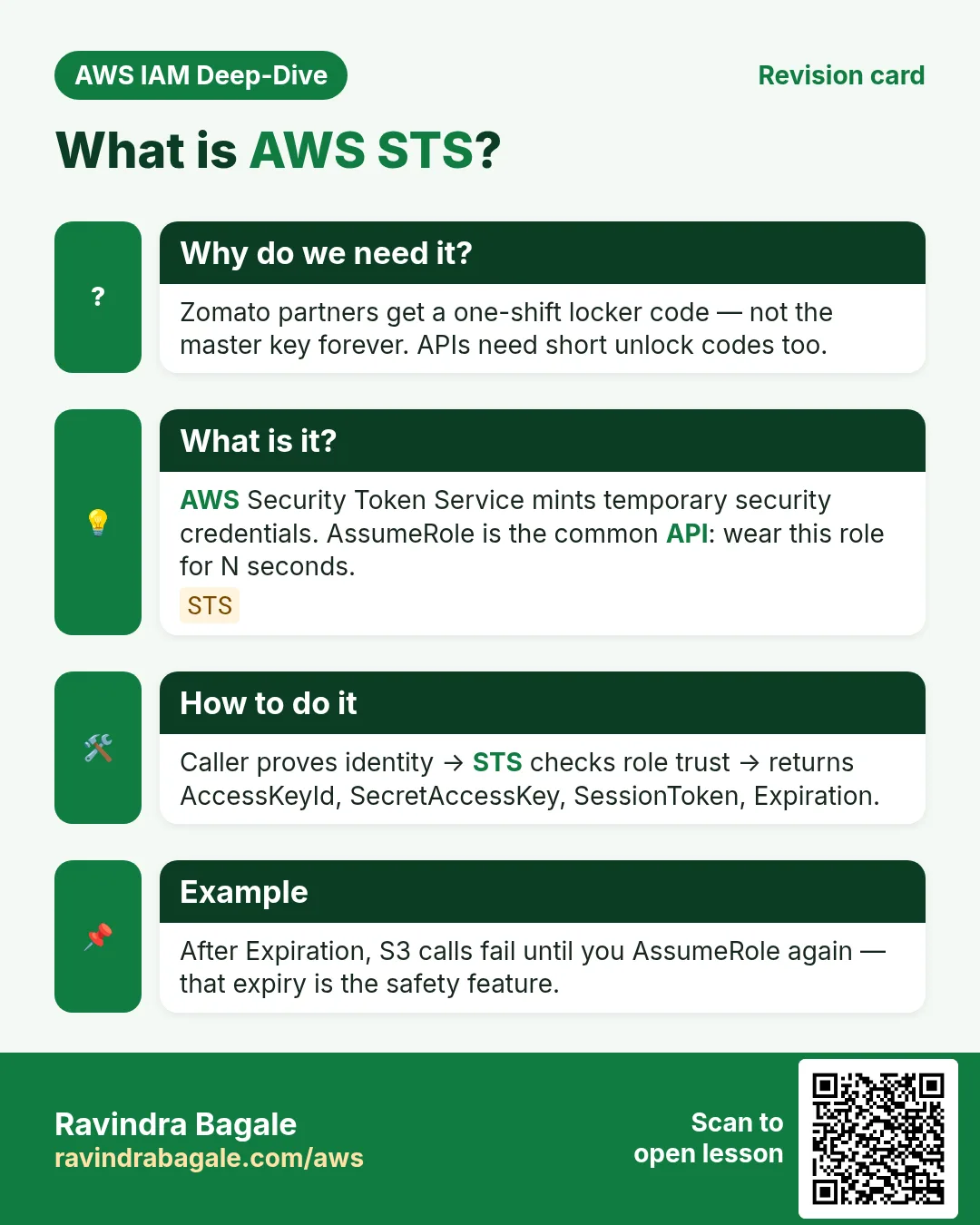
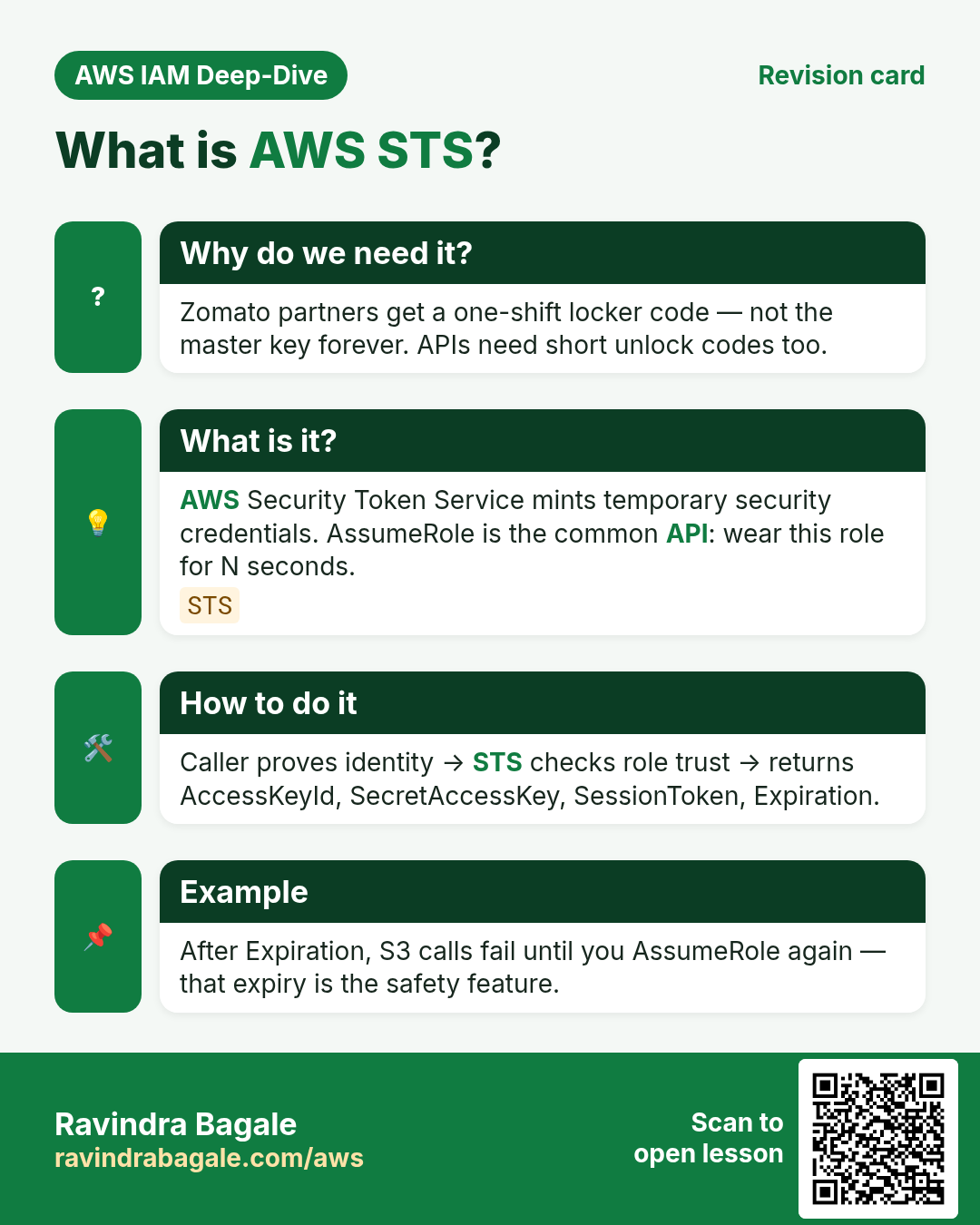
STS is the counter that prints temporary AWS keys. You ask for a role; STS gives an access key, secret key and session token that die after a few minutes or hours.
In this chapter
- What STS is and why it exists
- AssumeRole and the three credential parts
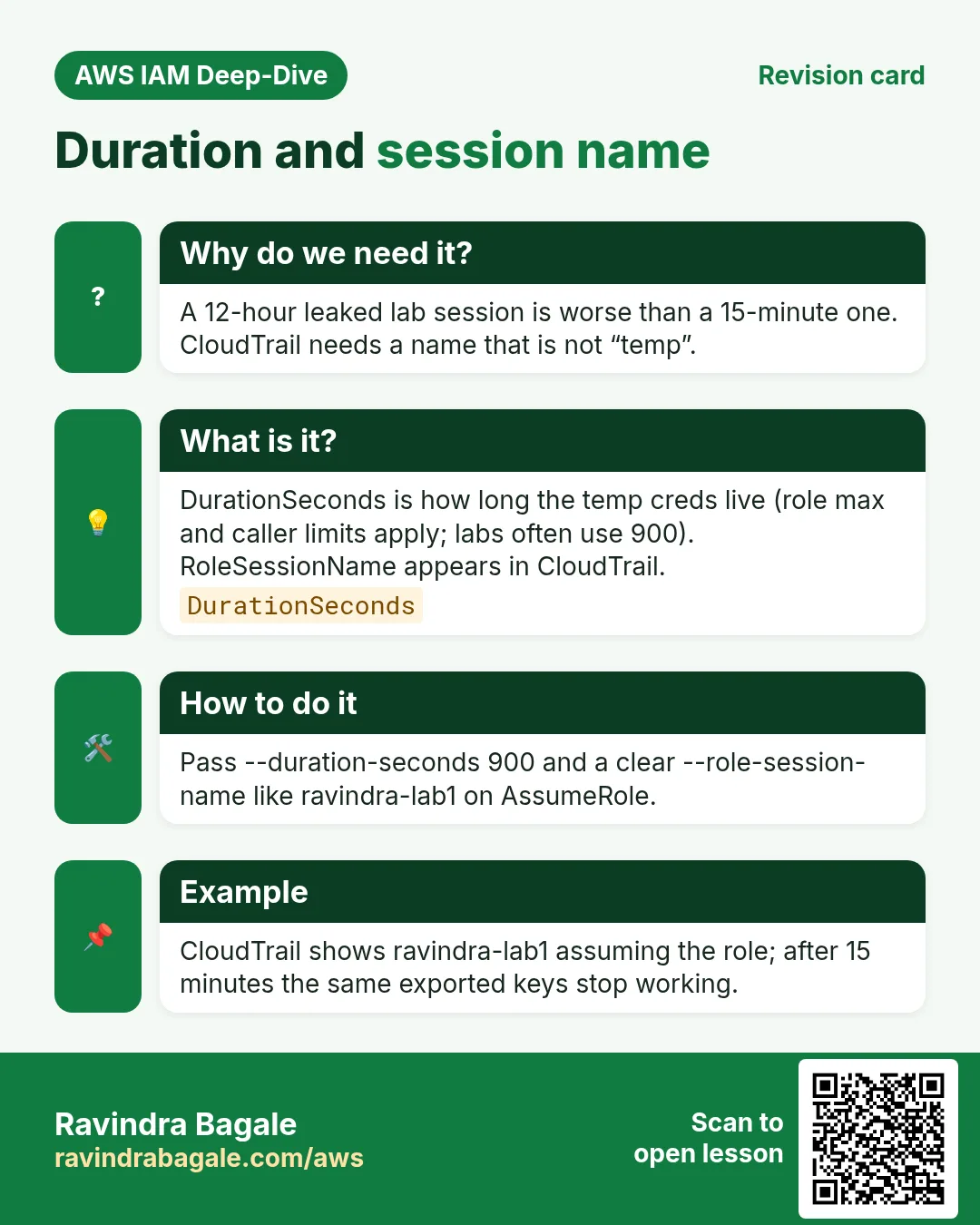
- Duration and session name
- Who may call AssumeRole
- Why temp beats long-lived keys
1. Everyday example first
Zomato delivery partners get a one-shift unlock code for the bike locker — not the master key forever. STS is that unlock code for AWS APIs.
Company names here are for teaching only; the locker story is made up.
AWS STS (Security Token Service) issues temporary security credentials. The most common API is AssumeRole: “Let me wear this role for N seconds.”
2. The three pieces
AWS STS is the Security Token Service. It creates temporary credentials when an authorized caller starts a session. Track three actors in an example. The original caller signs the AssumeRole request. STS checks that the caller may assume the target role. The temporary session signs a later request to the AWS service using the role’s granted access.
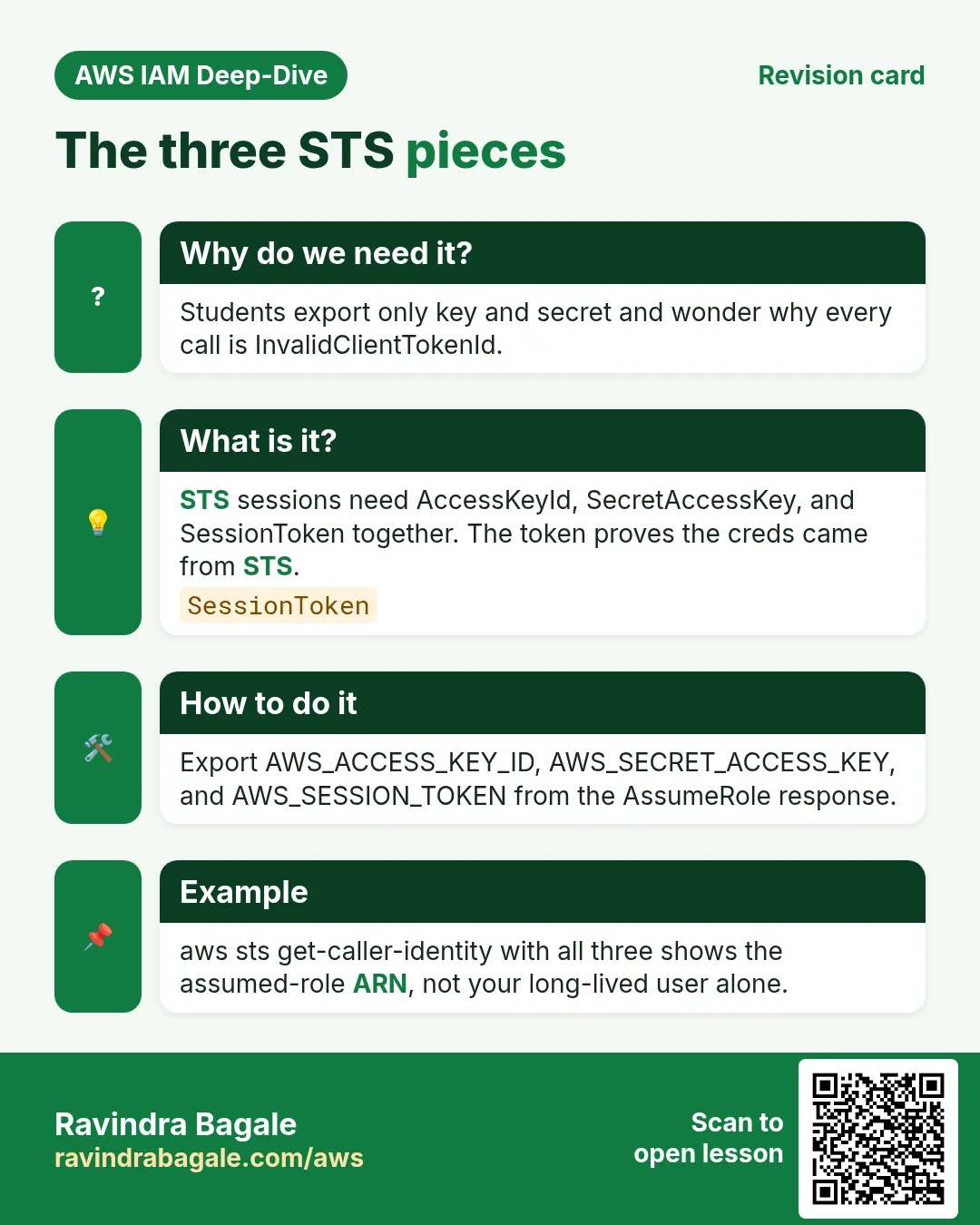
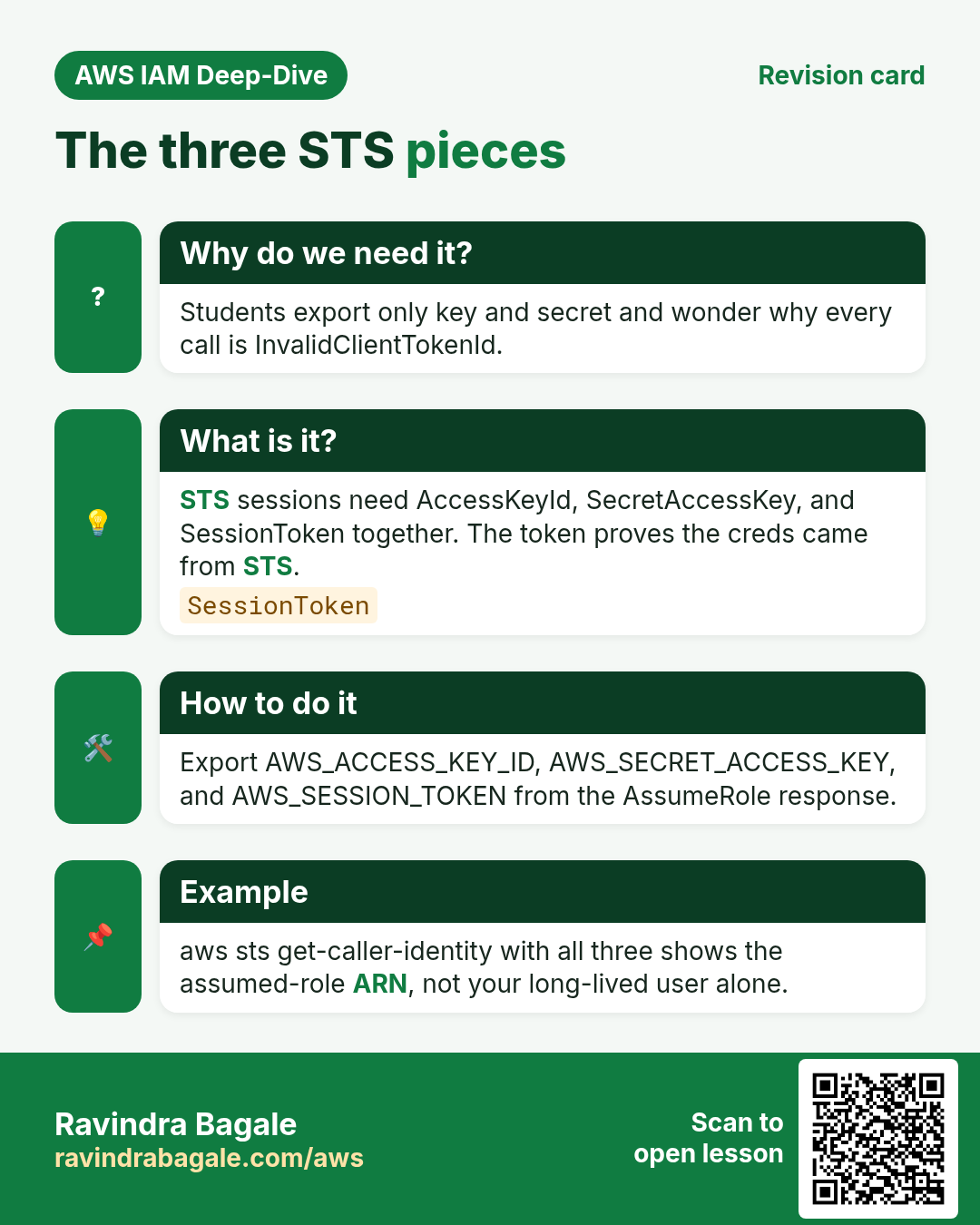
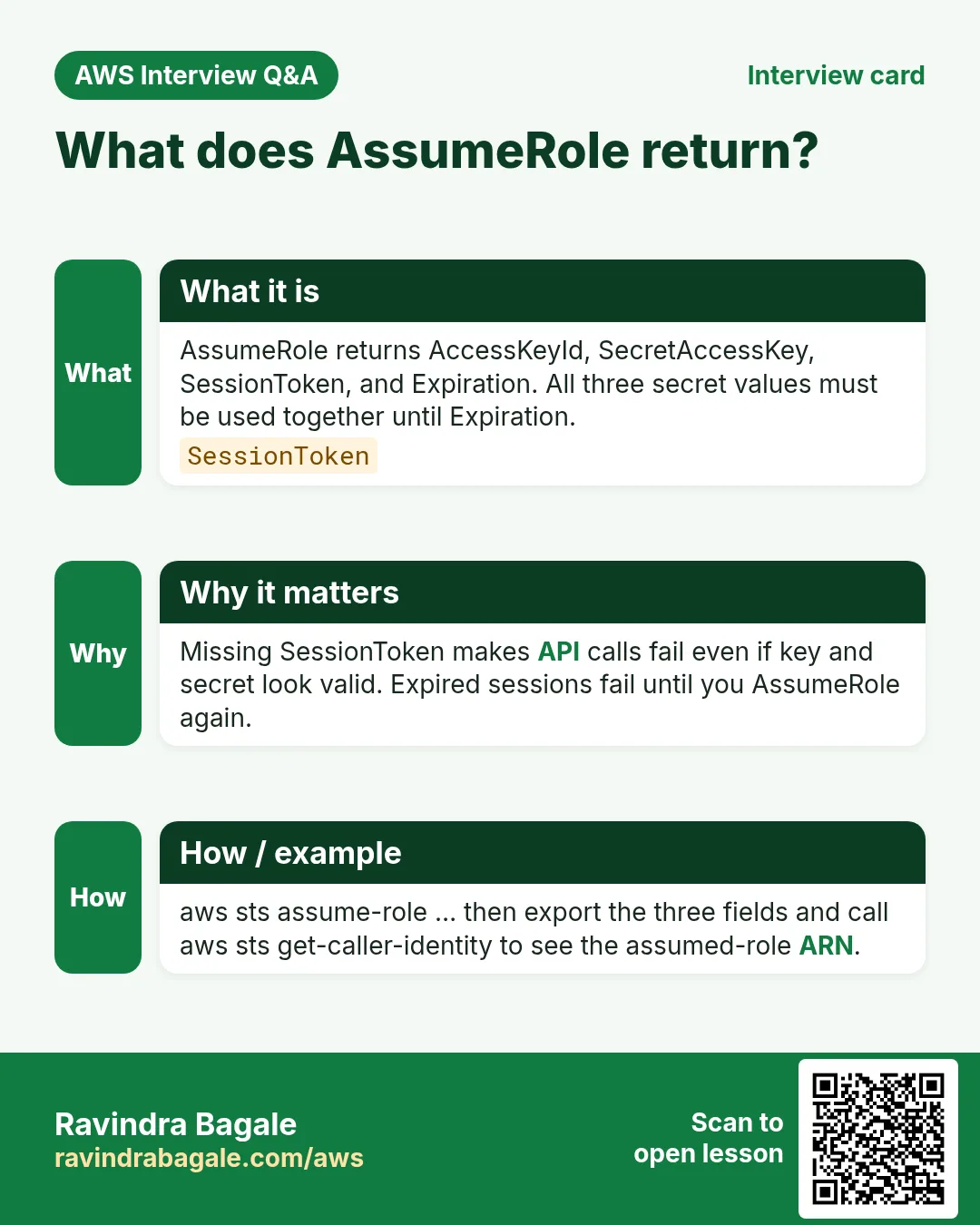
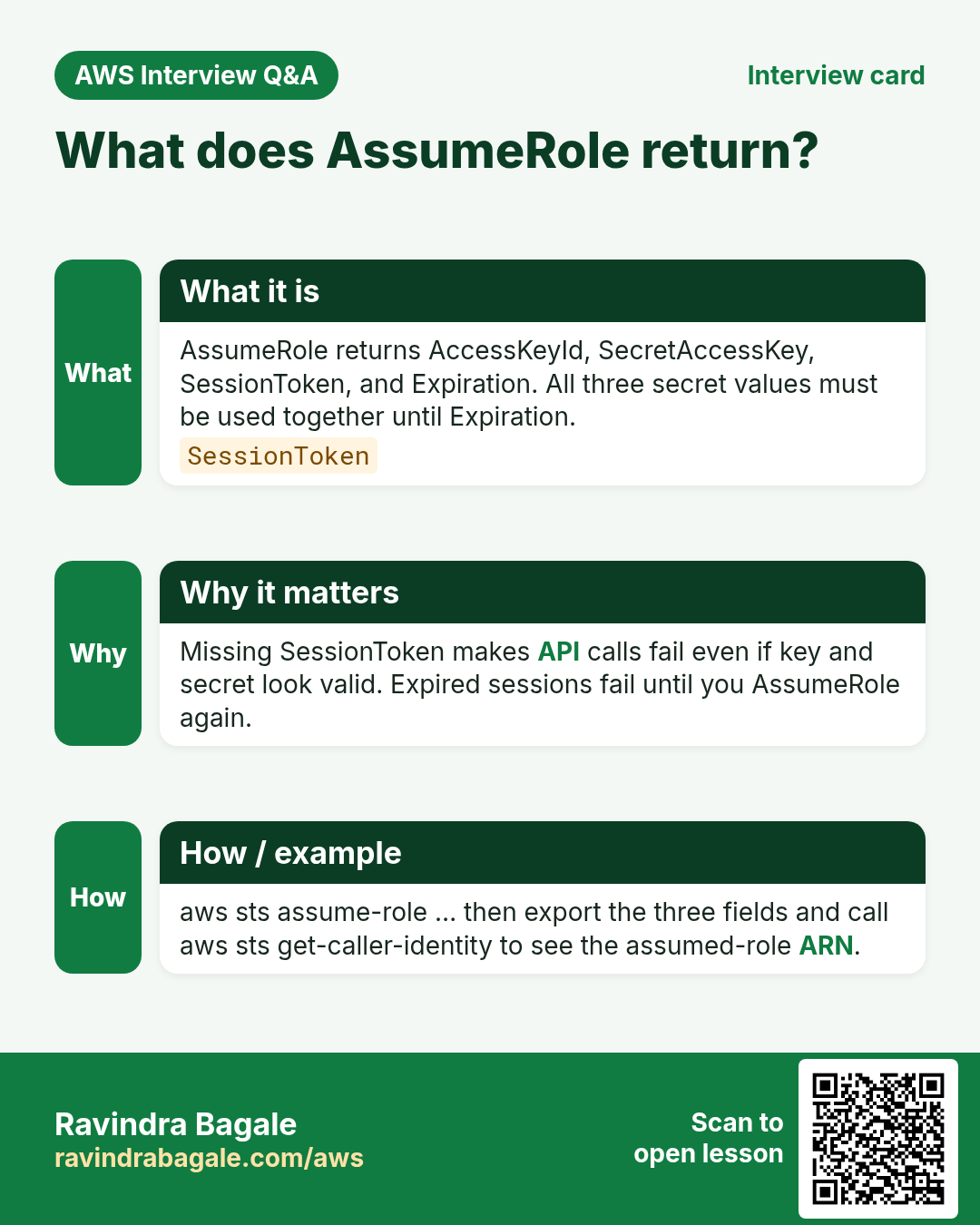
The response includes an access key ID, secret access key, and session token that must travel as one set. Expiration tells you when that set stops being valid. In your lab, inspect only the account and ARN from get-caller-identity. Before assuming, it identifies the original caller. Afterwards, it should identify the assumed role and session. If the STS call is denied you never got a new session. If S3 rejects the new session’s read, check the allowed resources for that role.
| Field | Meaning |
|---|---|
| AccessKeyId | Temporary ID (starts like ASIA… often) |
| SecretAccessKey | Temporary secret — treat like a password |
| SessionToken | Extra token required on every signed request |
| Expiration | ISO time when they stop working |
CLI and SDKs need all three when you use assumed-role credentials. Forgetting the session token is a common “InvalidClientTokenId” mistake.
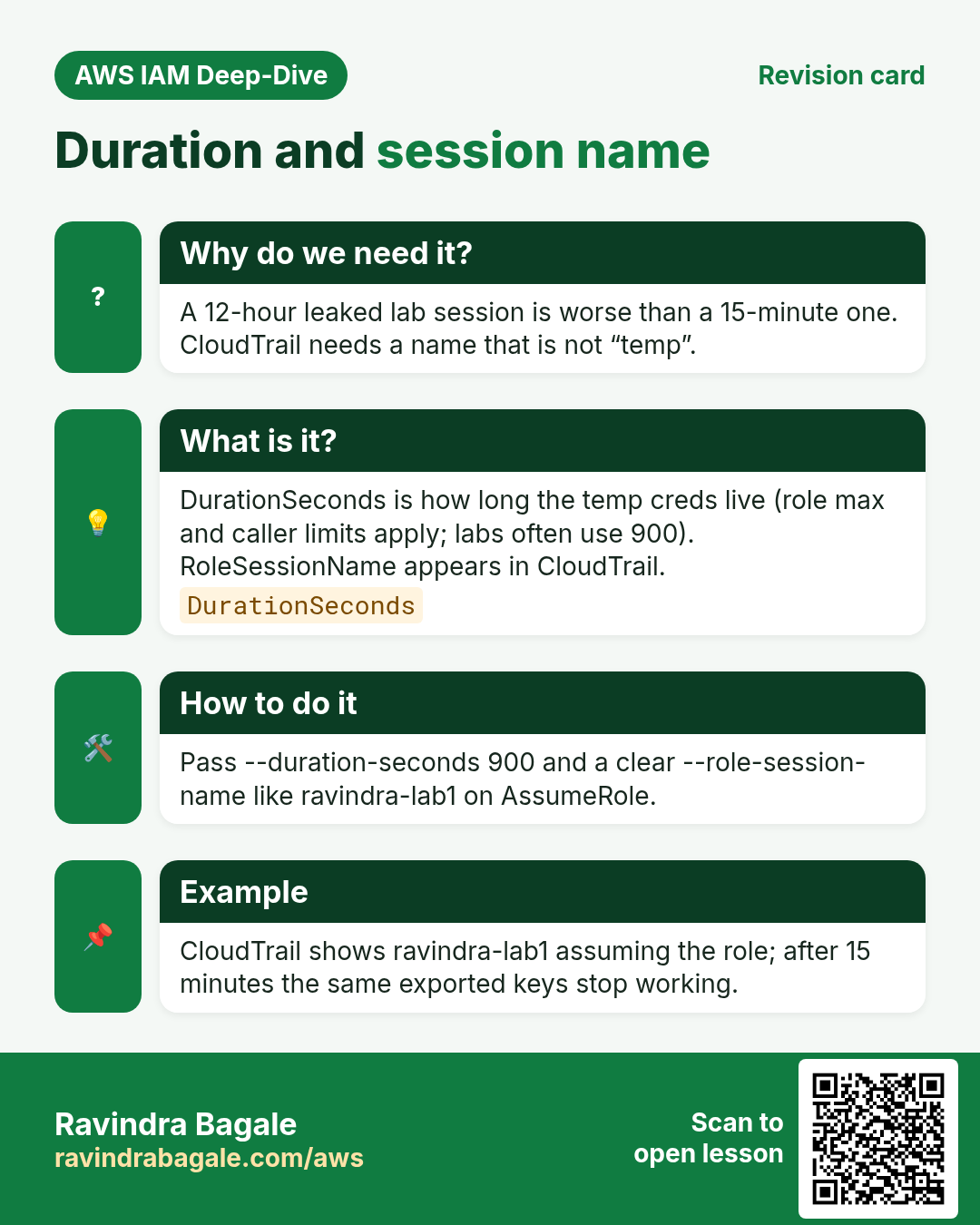
3. Duration and naming
- Default max session is often 1 hour; you can request less. Role settings can allow up to 12 hours for some roles.
RoleSessionNameappears in CloudTrail — use a clear name likeravi-lab-2026.- Optional MFA and external ID harden cross-account AssumeRole.
4. Why temporary wins
- Leaked session dies at expiration. Leaked IAM user key can live for years.
- Changing a role’s trust can prevent future assumptions. To cut off existing sessions for a supported IAM role, use AWS’s role-session revocation control. It adds an explicit denial for sessions issued before the selected time and can interrupt every current user of that role.
- CloudTrail shows who assumed what and when.
- EC2/Lambda instance profiles use STS under the hood automatically.
Ravindra Bagale's Tip
Never commit temporary keys to Git either. They are still secrets until Expiration. Prefer profiles and instance roles.
5. Interview angles
Q. What does STS return?
AccessKeyId, SecretAccessKey, SessionToken, Expiration.
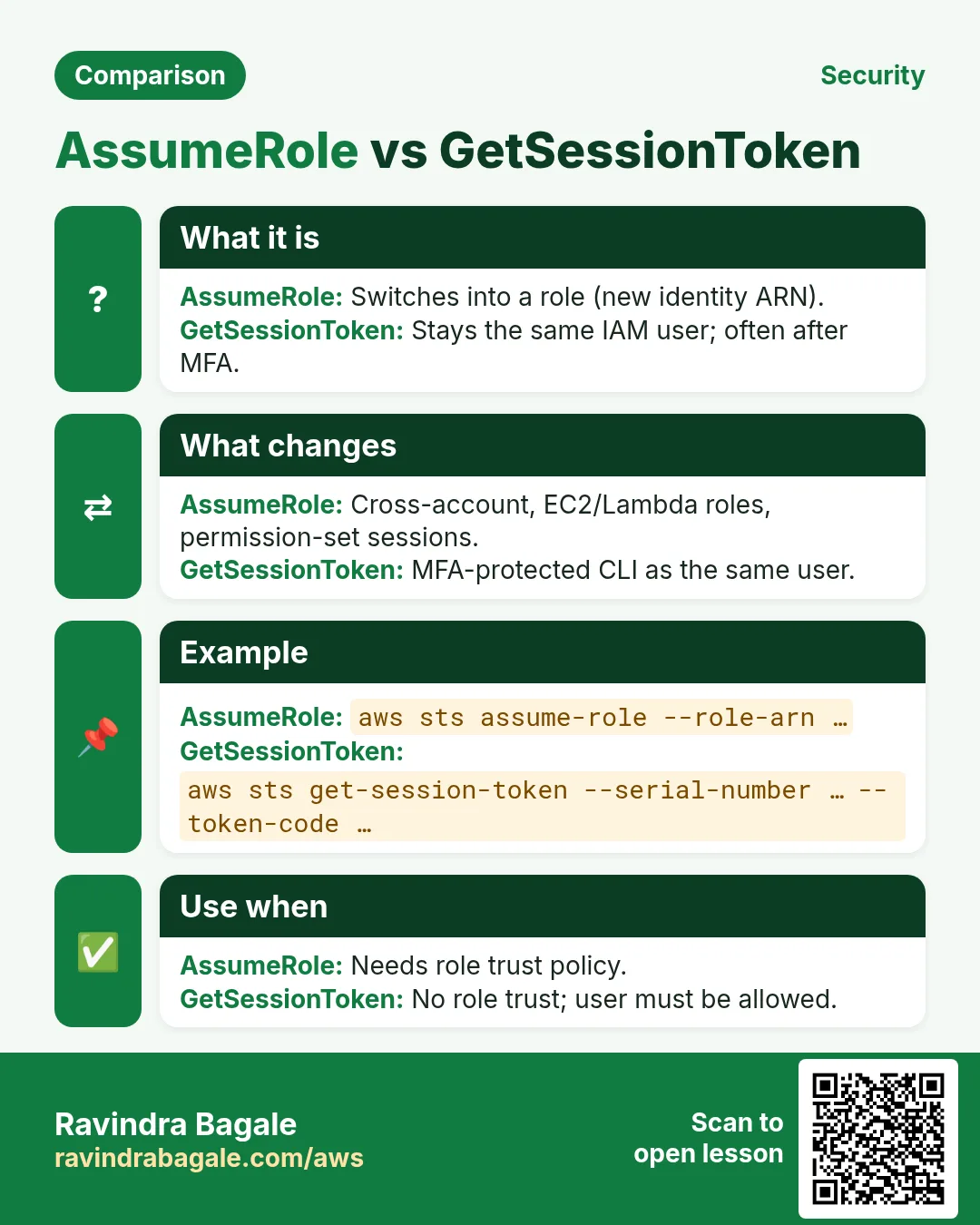
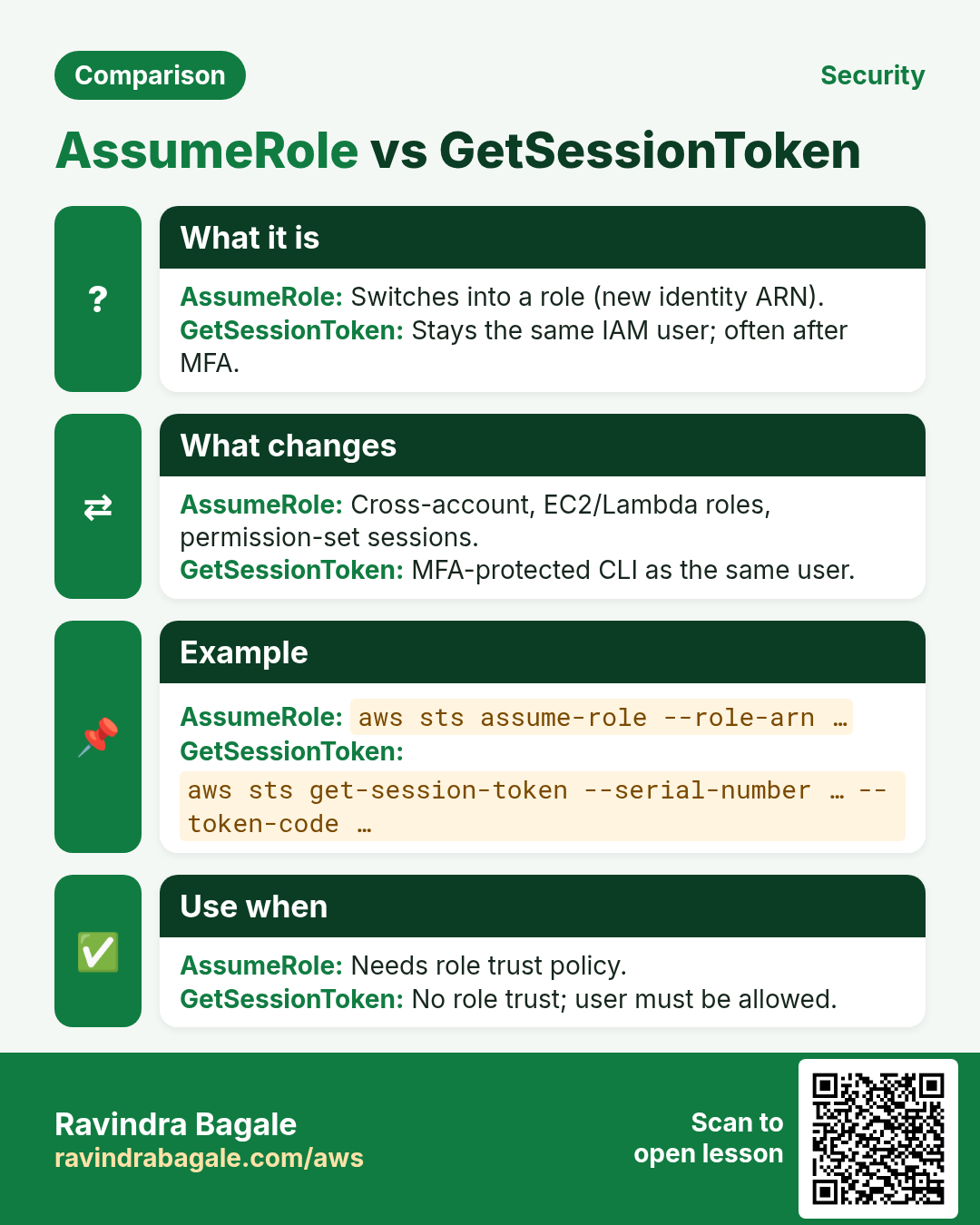
Q. AssumeRole vs GetSessionToken?
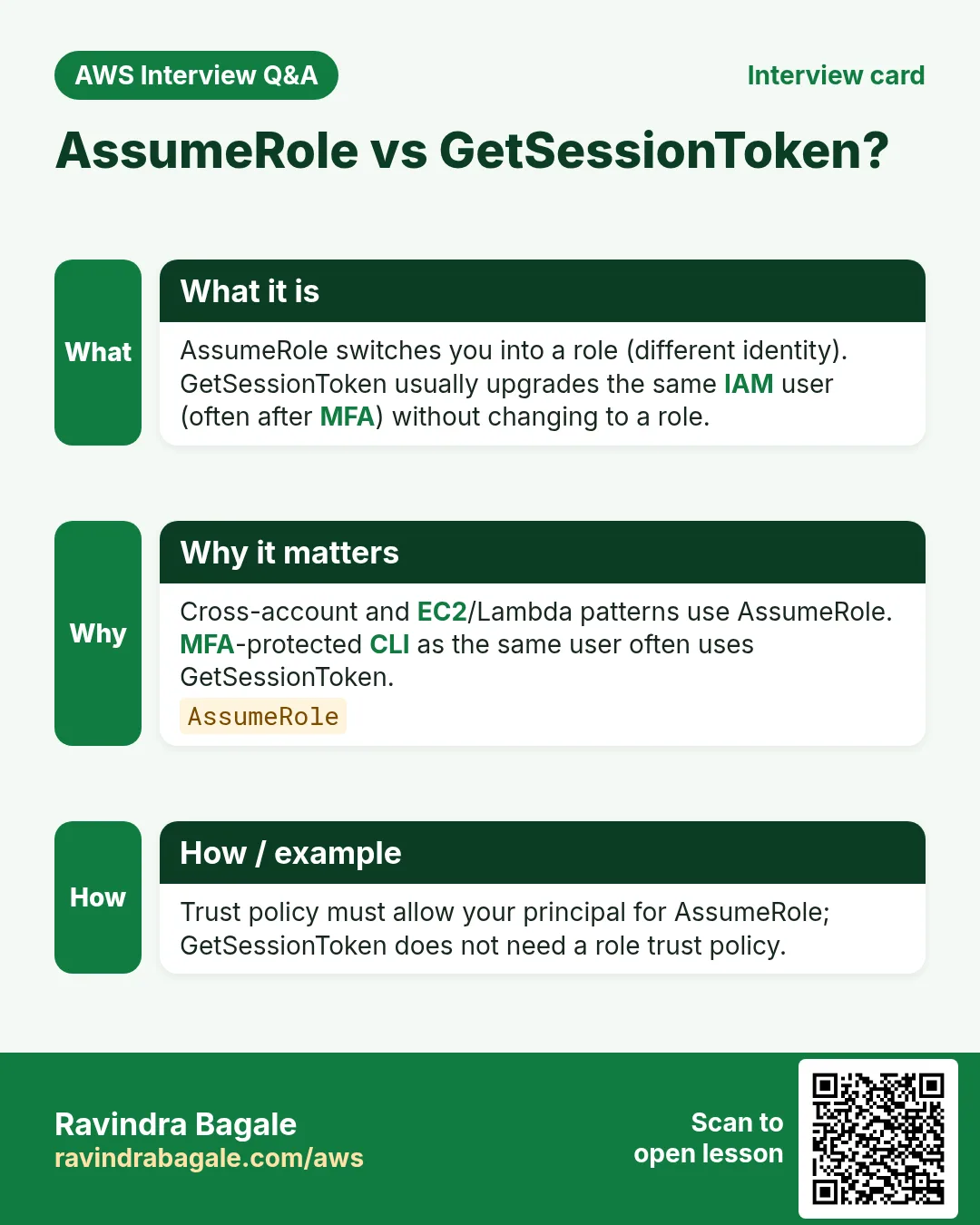
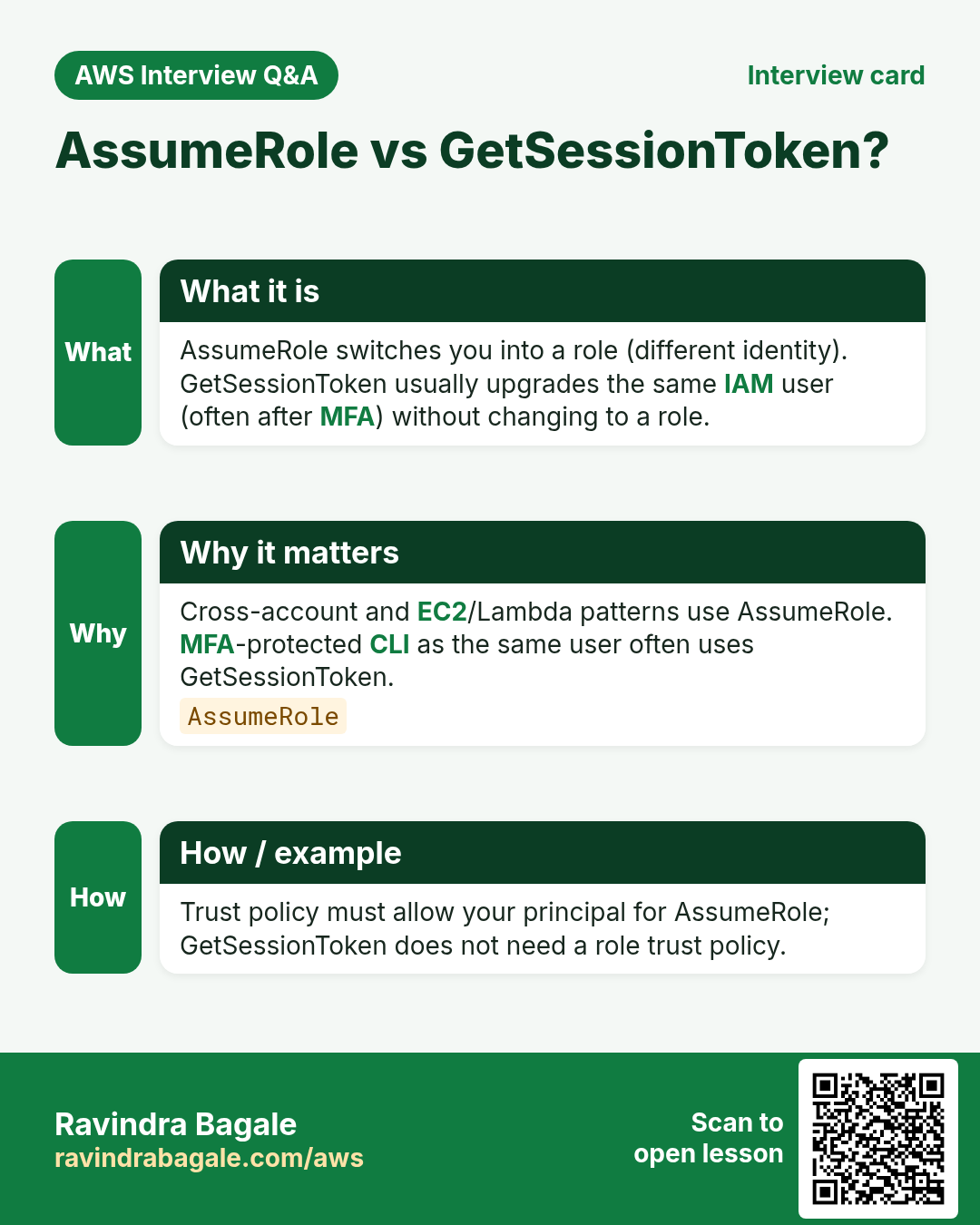
AssumeRole switches to a role; GetSessionToken often upgrades the same user (e.g. MFA).
Q. Why session token?
AWS needs it to prove the creds came from STS.
Q. Who can AssumeRole?
Principals listed in the role trust policy (and their own IAM allows sts:AssumeRole).
Q. Max duration?
Depends on role and caller; commonly up to 1–12 hours.
Try at home
- Read AWS docs page title only: “Temporary security credentials in IAM” — then come back and do the next lab.
- Next chapter: AssumeRole with the CLI step by step.
In short
- STS mints temporary AWS credentials.
- AssumeRole returns key + secret + session token.
- Sessions expire — that is the safety.
- Prefer STS/roles over permanent user keys.
Use the session, then check which principal it represents
Keep AccessKeyId, SecretAccessKey and SessionToken as a complete bundle. Inspect the Expiration time and use get-caller-identity in the new session. Missing the session token can look like a bad key even when the first two values match.
Interview check What is role chaining?
Using one assumed-role session to assume another role is role chaining. Its session is bounded by the one-hour role-chaining limit even when the target role normally allows longer.
Practise this chapter
Interview questions and answers
Where can an STS role workflow fail even though your IAM user can sign in?
The original caller may not be allowed to assume the target role or fail a condition in its trust. After a successful exchange, the temporary session can still lack resource access. I would compare identities before and after the exchange and diagnose each denied operation independently.
Check your understanding
Choose an answer, then compare your reasoning with the explanation.
Read an STS role session without exposing credentials
Before you start
- Use a read-only AWS CLI profile if available, or the sample ARNs supplied here. Do not copy a secret key into the exercise.
Inspect two synthetic caller identities under account 111122223333: arn:aws:iam::111122223333:user/Reader and arn:aws:sts::111122223333:assumed-role/LabReader/lab-run. Label the persistent identity and temporary role session.
Expected result: The iam user ARN identifies Reader. The sts assumed-role ARN identifies the LabReader role session named lab-run.
Write down the three required values in the credential set without writing any real values. Alongside them, document why the expiration needs checking.
Expected result: The access key ID, secret key and session token work together. Expiration tells you when this temporary set stops being valid.
If you have an approved named profile, run aws sts get-caller-identity --profile lab using your actual profile name. Compare its account and ARN with the expected signer before attempting other calls.
Expected result: An identity response reports the actual principal. An unexpected signer calls for profile troubleshooting rather than additional permissions.
If the result differs
- If an expected temporary request fails, check that the same credential set includes its token and has not expired. Do not print credentials into support output.
Finish and clean up
- Close a dedicated lab shell after using it. No resources were created.
Practice Tasks
Practice checks run in your browser. They check the answer for this exercise; they do not create resources or connect to your AWS account.
About this scenarioLatur Coaching Classes is a coaching business in Latur. Pooja Jadhav looks after its IT and cloud work. They count money in INR and run their AWS resources in the ap-south-1 Region. In the tasks below you do real jobs for them using what this lesson teaches. All names, account IDs, IP addresses and numbers are made up for practice.
0 / 10
Easy Check who you are logged in as
Always confirm the account and identity before running changes.
Show the account ID and ARN of the identity your CLI is using.
- Read the task and decide which AWS service it is about.
- Write aws, then the service name, then the operation (the action word).
- Add each needed flag (--name) followed by its value from the task.
- Flags can be in any order. Click Check answer.
Easy How many addresses in a /16?
Picking a VPC size needs this count.
Latur Coaching Classes plans the VPC 10.56.0.0/16. How many IP addresses does it hold in total?
- Write down the numbers the task gives you.
- Work it out step by step on paper.
- Type only the final answer in the box.
- Click Check answer.
Medium Assume a role
AssumeRole gives you short-lived keys for another role, often in another account.
Assume role arn:aws:iam::123666135775:role/Auditor with session name pooja-audit.
- Read the task and decide which AWS service it is about.
- Write aws, then the service name, then the operation (the action word).
- Add each needed flag (--name) followed by its value from the task.
- Flags can be in any order. Click Check answer.
Medium Decode an "access denied" message
Some errors come encoded; decoding shows exactly which policy blocked you.
Decode the authorization message stored in the shell variable $MSG.
- Read the task and decide which AWS service it is about.
- Write aws, then the service name, then the operation (the action word).
- Add each needed flag (--name) followed by its value from the task.
- Flags can be in any order. Click Check answer.
Medium Trust policy for an EC2 role
The trust policy says WHO may take the role.
Write a trust policy that lets ec2.amazonaws.com assume the role.
- Start with { "Version": "2012-10-17", "Statement": [ ... ] }.
- In each statement write Effect, Action and Resource.
- Give only what the task needs (least privilege).
- Use double quotes and commas correctly. Click Check answer.
Medium Trust policy for an ECS task role
The trust policy says WHO may take the role.
Write a trust policy that lets ecs-tasks.amazonaws.com assume the role.
- Start with { "Version": "2012-10-17", "Statement": [ ... ] }.
- In each statement write Effect, Action and Resource.
- Give only what the task needs (least privilege).
- Use double quotes and commas correctly. Click Check answer.
Medium Trust policy for a Lambda role
The trust policy says WHO may take the role.
Write a trust policy that lets lambda.amazonaws.com assume the role.
- Start with { "Version": "2012-10-17", "Statement": [ ... ] }.
- In each statement write Effect, Action and Resource.
- Give only what the task needs (least privilege).
- Use double quotes and commas correctly. Click Check answer.
Hard Let another account assume a role
Cross-account roles are safer than sharing access keys.
Write a trust policy that lets account 111122223333 assume this role.
- Start with { "Version": "2012-10-17", "Statement": [ ... ] }.
- In each statement write Effect, Action and Resource.
- Give only what the task needs (least privilege).
- Use double quotes and commas correctly. Click Check answer.
Hard Assume a role for 15 minutes
Shorter sessions lower the risk if keys leak.
Assume arn:aws:iam::123666135775:role/Deployer with session name deploy-job for 900 seconds.
- Read the task and decide which AWS service it is about.
- Write aws, then the service name, then the operation (the action word).
- Add each needed flag (--name) followed by its value from the task.
- Flags can be in any order. Click Check answer.
Hard Get a session token with MFA
Some actions need MFA. get-session-token returns keys that carry MFA proof.
Get a session token using MFA device arn:aws:iam::123666135775:mfa/pooja and the code 123456.
- Read the task and decide which AWS service it is about.
- Write aws, then the service name, then the operation (the action word).
- Add each needed flag (--name) followed by its value from the task.
- Flags can be in any order. Click Check answer.
Revision, comparison and interview cards
Revise this lesson in a few minutes. Save the cards on your phone or download them as PNG files. The QR code on each card opens this lesson.
More cards: Ravi Sir's Cards.