AWS CLI Secrets Manager and SSM Parameter Store Commands
We keep passwords out of code: Secrets Manager for secrets with rotation, Parameter Store for config, and SSM to run commands and open shells without SSH.
In this chapter
- Create and read a secret
- Update and rotate
- Parameter Store values
- Run Command
- Session Manager
1. The big picture: a bank locker
You keep jewellery in a bank locker, not under the bed, and the bank logs every visit. Secrets Manager and Parameter Store are lockers for passwords and settings, with IAM deciding who opens them.
Secrets use aws secretsmanager. Parameters, Run Command and sessions use aws ssm.
2. Create and read a secret
Use a disposable cli/db secret with made-up JSON fields for the practice client. The create command reads the JSON file and returns the secret’s ARN. The ARN is a resource identifier. The get-secret-value operation reads sensitive content under the caller’s permissions. Even selecting one field afterward can require retrieving the entire authorized secret into the client process.
Observe metadata such as resource name, version and labels rather than putting the sample password into logs. To test whether the right app role can retrieve the current version, run the sample in the expected Region and record a success marker with no secret values. If a retrieval fails, distinguish a missing secret name from access denial and from a service that rejects the credential after retrieval.
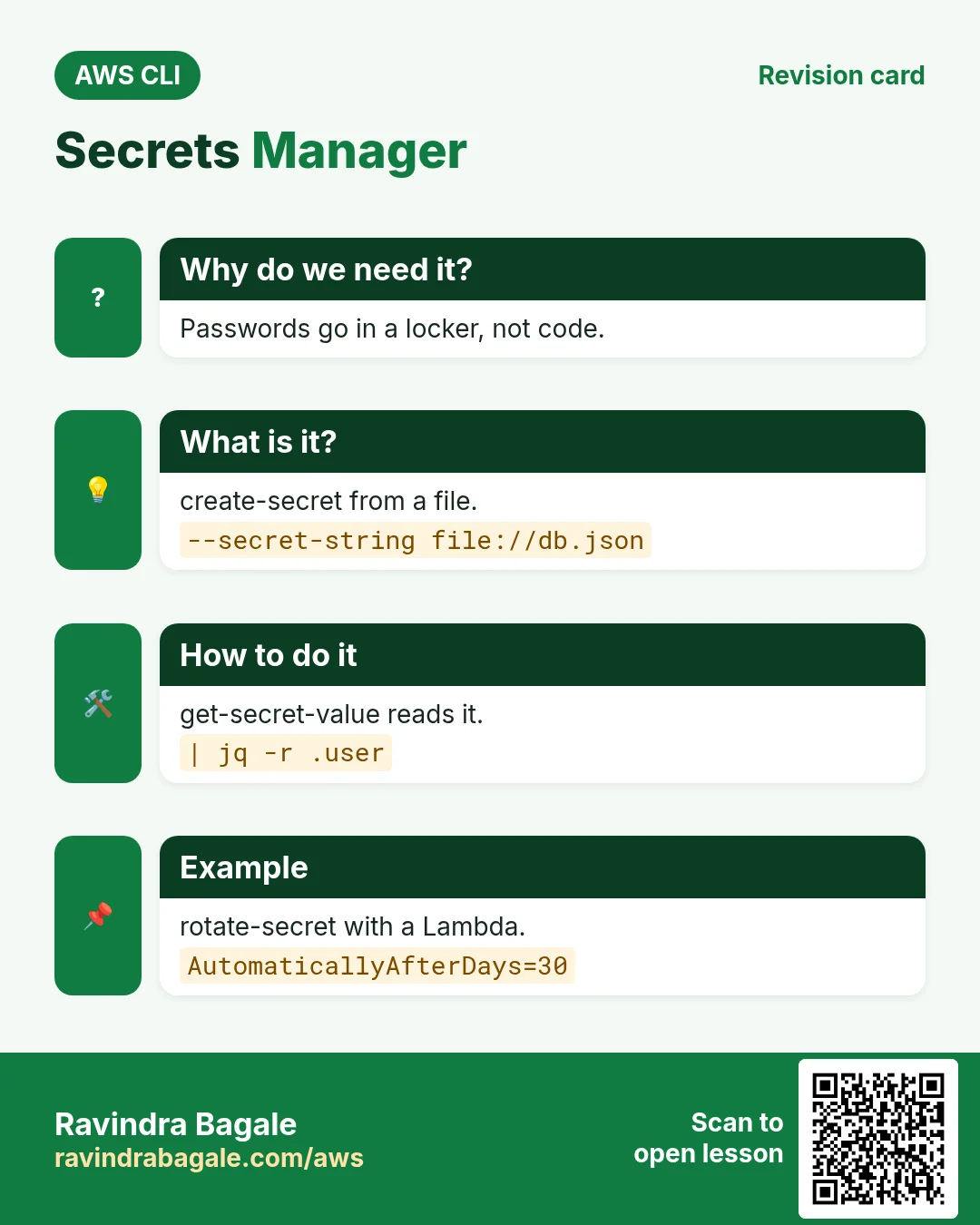
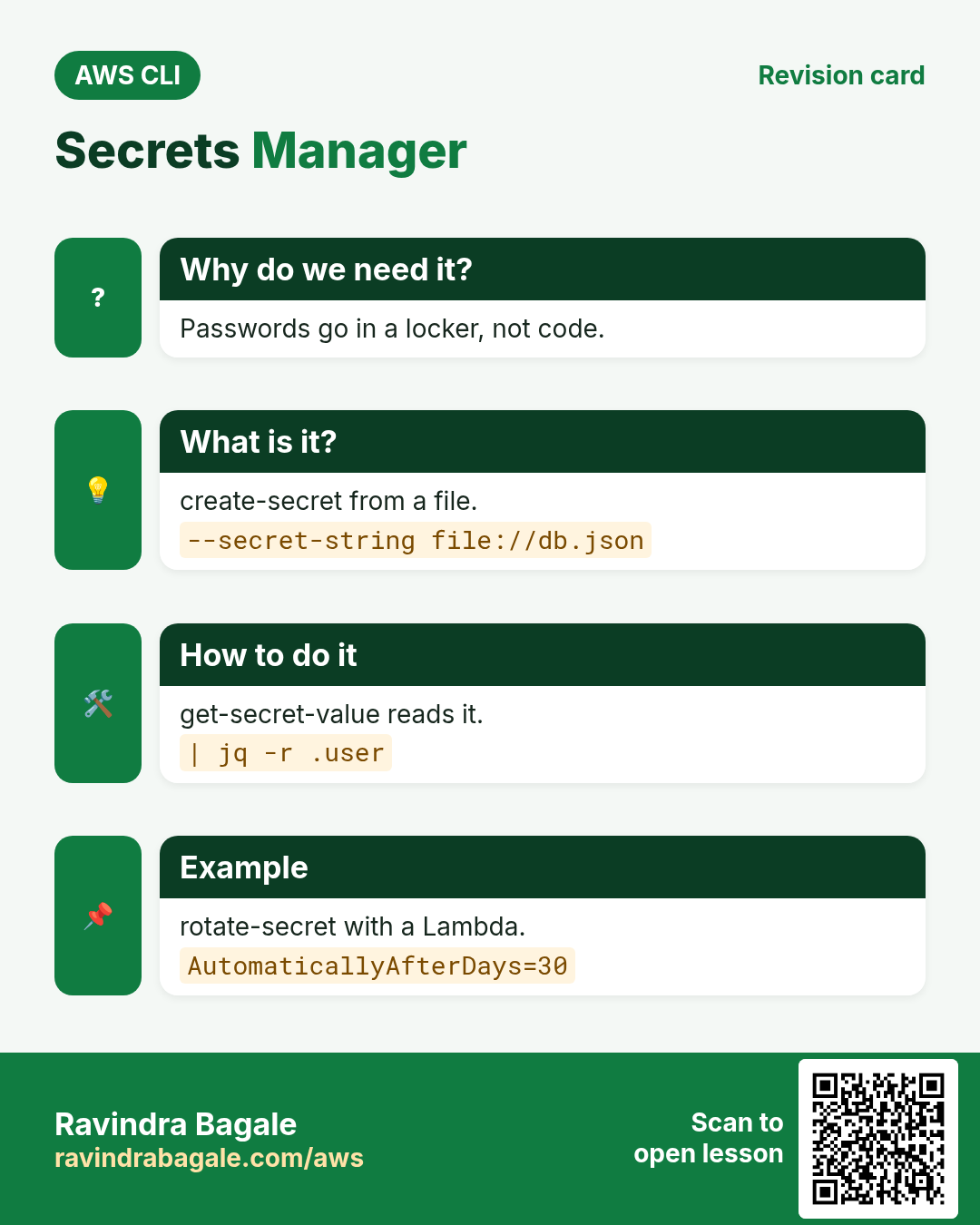
A DB password in code ends up in Git and everyone sees it.
create-secret stores a string or JSON encrypted with KMS. get-secret-value returns the current version.
- Create from a file.
printf '{"user":"app","pass":"S3cr3t!"}' > db.json
aws secretsmanager create-secret --name cli/db --secret-string file://db.json --query ARN --output text
rm db.json
Expected output:
arn:aws:secretsmanager:ap-south-1:111122223333:secret:cli/db-AbCdEf- Read one field.
aws secretsmanager get-secret-value --secret-id cli/db --query SecretString --output text | jq -r .userExpected output:
app3. Update and rotate
Secrets Manager can keep versions of a secret, with staging labels showing the current or pending version. Updating the stored text is only one part of password rotation. The application and the system that checks that password must agree on the new credential. A rotation process creates and tests the new credential before promoting it for use. An application that holds an old value too long can fail after the switch.
Use a disposable secret to observe only which version is current. Read its metadata before and after updating it, then run a synthetic application check without printing the value. Choose Parameter Store for suitable settings and Secrets Manager when its managed secret lifecycle matches the application's needs. In both services, the application’s role needs the relevant read permissions.
Passwords must change regularly without breaking the app.
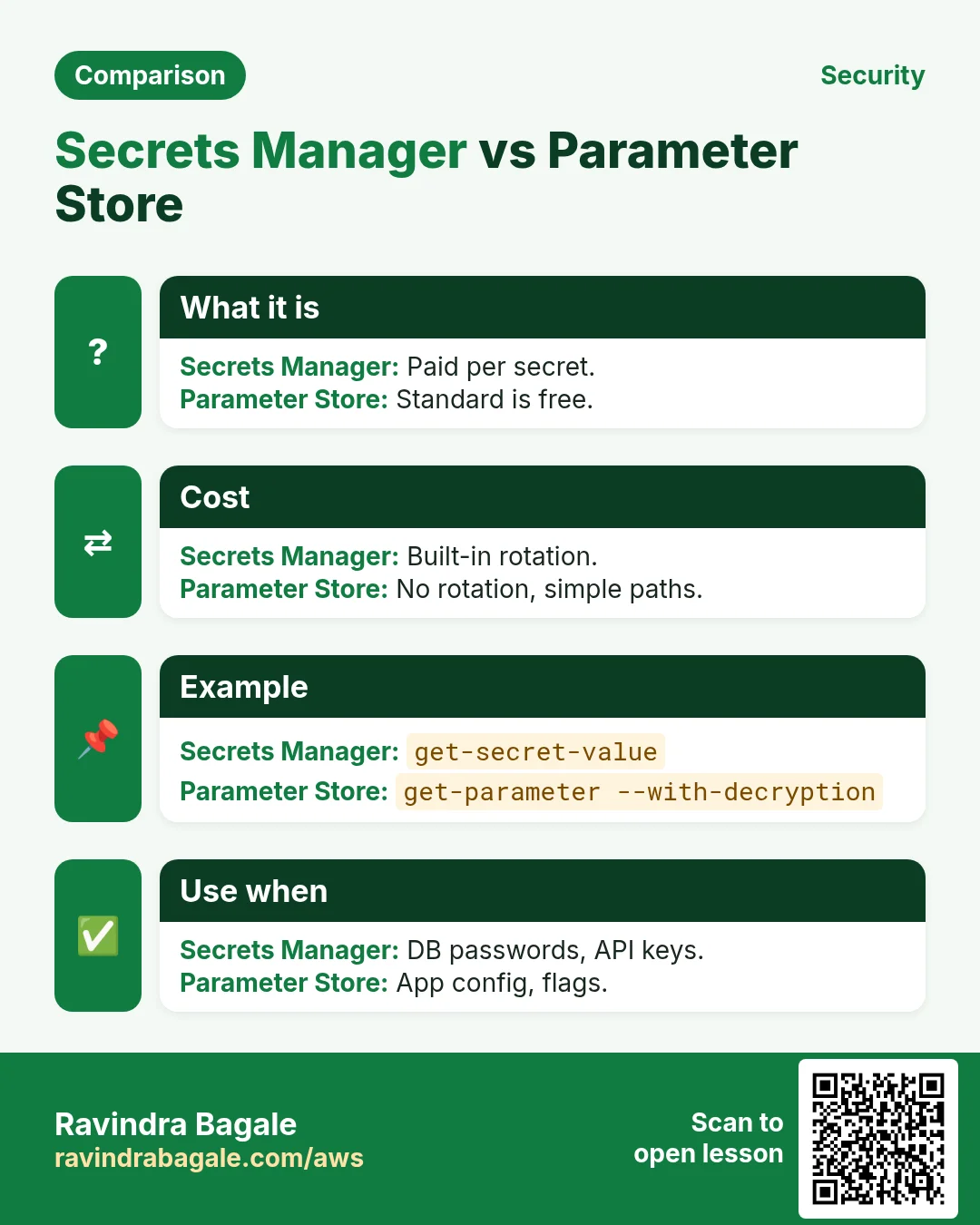
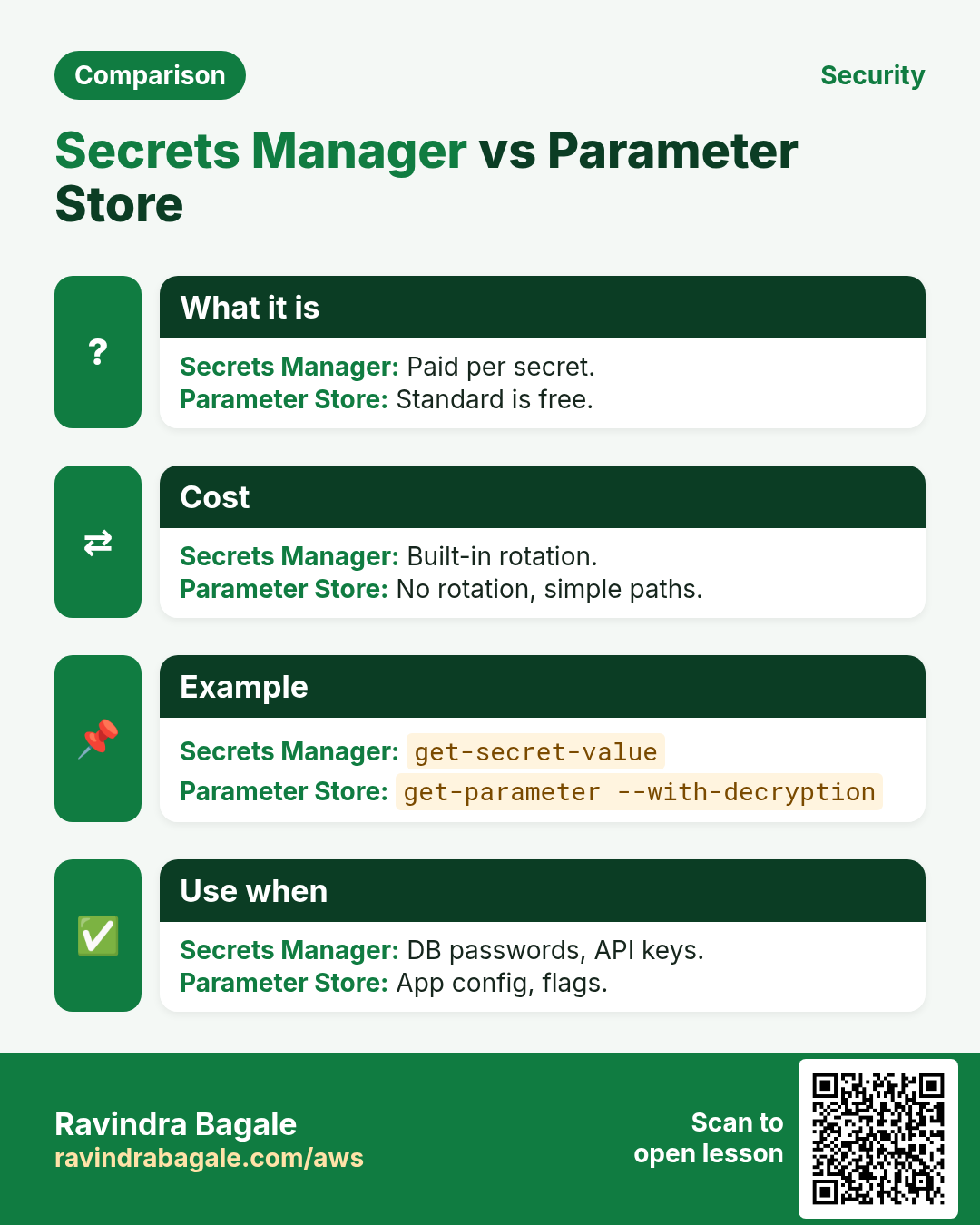
put-secret-value adds a new AWSCURRENT version. rotate-secret calls a Lambda on a schedule (RDS has ready-made ones).
- Put a new value.
aws secretsmanager put-secret-value --secret-id cli/db --secret-string '{"user":"app","pass":"N3w!"}' --query VersionStages --output textExpected output:
AWSCURRENT- Turn on 30-day rotation.
aws secretsmanager rotate-secret --secret-id cli/db --rotation-lambda-arn arn:aws:lambda:ap-south-1:111122223333:function:rotate-db --rotation-rules AutomaticallyAfterDays=30 --query VersionId --output textExpected output:
7e8f9a0b-...4. Parameter Store
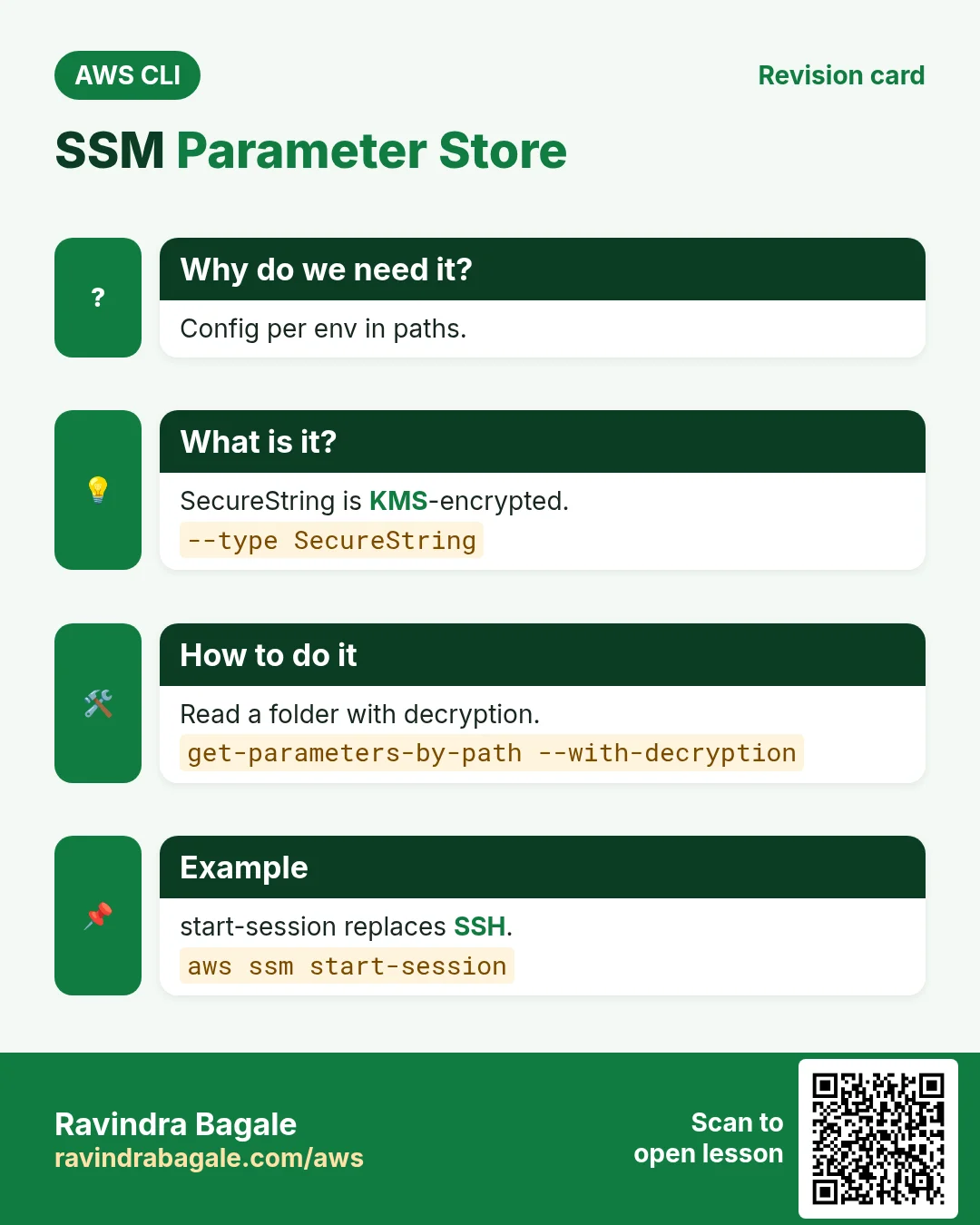
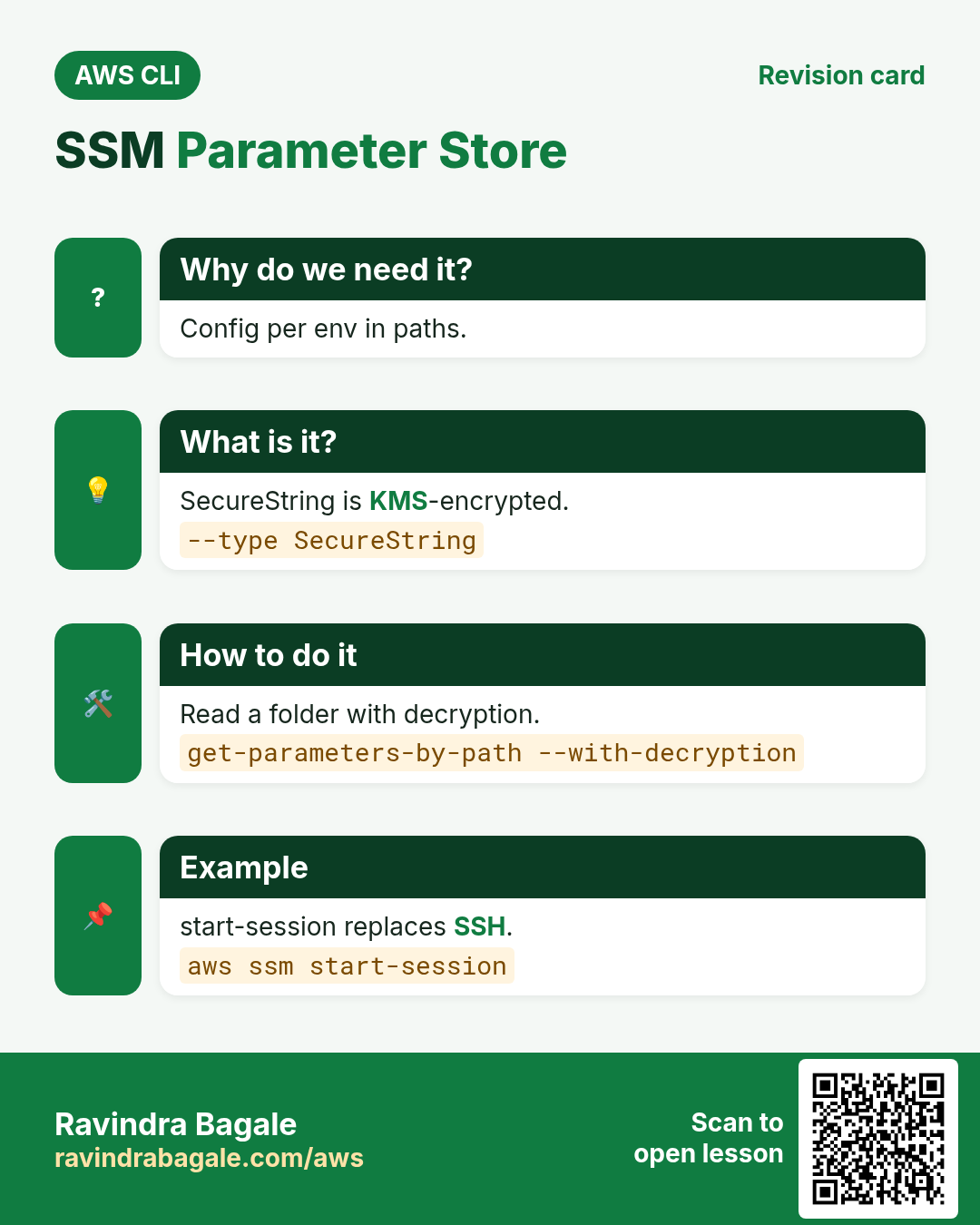
Settings like the API URL differ for dev and prod, and some must be encrypted.
put-parameter stores String, StringList or SecureString in a path like /app/dev/url. get-parameters-by-path reads a whole folder. Standard parameters are free.
- Store values.
aws ssm put-parameter --name /cli/dev/url --type String --value https://api.dev.example.com
aws ssm put-parameter --name /cli/dev/key --type SecureString --value abc123 --query Version --output text
Expected output:
1- Read a folder with decryption.
aws ssm get-parameters-by-path --path /cli/dev --with-decryption --query "Parameters[].[Name,Value]" --output textExpected output:
/cli/dev/key  abc123
/cli/dev/url  https://api.dev.example.com
5. Run Command and Session Manager
You need to patch 50 servers or get a shell, with port 22 closed.
Instances with the SSM agent and AmazonSSMManagedInstanceCore can take send-command. start-session opens a shell through AWS (needs the Session Manager plugin).
- List managed instances.
aws ssm describe-instance-information --query "InstanceInformationList[].[InstanceId,PingStatus]" --output textExpected output:
i-0abc123def4567890 Online- Run a command on tagged servers.
C=$(aws ssm send-command --document-name AWS-RunShellScript --targets Key=tag:env,Values=dev --parameters commands="uptime" --query Command.CommandId --output text)
sleep 5; aws ssm list-command-invocations --command-id $C --details --query "CommandInvocations[].CommandPlugins[0].Output" --output text
Expected output:
06:10:01 up 3 days, 2:14, 0 users, load average: 0.01- Open a shell.
aws ssm start-session --target i-0abc123def4567890Expected output:
Starting session with SessionId: you-0a1b2c3d
sh-5.2$
6. Same action in Python, Node.js, Java, Go, .NET and PHP
Scripts start in the CLI. Apps call the same API through an SDK. Knowing both helps you move a tested command into real code.
Low-level CLI commands expose service operations. A high-level command or an automatically paginated list can make multiple requests. For example, aws secretsmanager get-secret-value --secret-id cli/db maps to the Get secret API.
Same action (Get secret) from code. Set the intended profile and Region for the SDK. Provider support and precedence can differ by SDK, and an explicit client setting can override defaults.
| Stack | Code |
|---|---|
| Python (boto3) | boto3.client("secretsmanager").get_secret_value(SecretId="cli/db")["SecretString"] |
| Node.js (v3) | await sm.send(new GetSecretValueCommand({SecretId:"cli/db"})); |
| Java (v2) | sm.getSecretValue(r -> r.secretId("cli/db")).secretString(); |
| Go (v2) | c.GetSecretValue(ctx, &secretsmanager.GetSecretValueInput{SecretId: aws.String("cli/db")}) |
| .NET | await sm.GetSecretValueAsync(new GetSecretValueRequest{SecretId="cli/db"}); |
| PHP | $sm->getSecretValue(["SecretId"=>"cli/db"])["SecretString"]; |
7. Clean up so nothing keeps costing
Lab resources left running cost money and can be a security risk.
Delete in reverse order: children first, then parents.
- Delete the secret (7-day recovery window).
aws secretsmanager delete-secret --secret-id cli/db --recovery-window-in-days 7 --query DeletionDate --output textExpected output:
2026-10-31T11:00:00+05:30- Delete parameters.
aws ssm delete-parameters --names /cli/dev/url /cli/dev/key --query DeletedParameters --output textExpected output:
/cli/dev/url /cli/dev/key- Verify.
aws ssm get-parameters-by-path --path /cli/dev --query ParametersExpected output:
[]Ravindra Bagale's Tip
Read secrets into a variable, not onto the command line, and never print them in CI logs. Use --secret-string file:// so the value is not in shell history.
8. Interview questions and answers
Q. Secrets Manager vs Parameter Store?
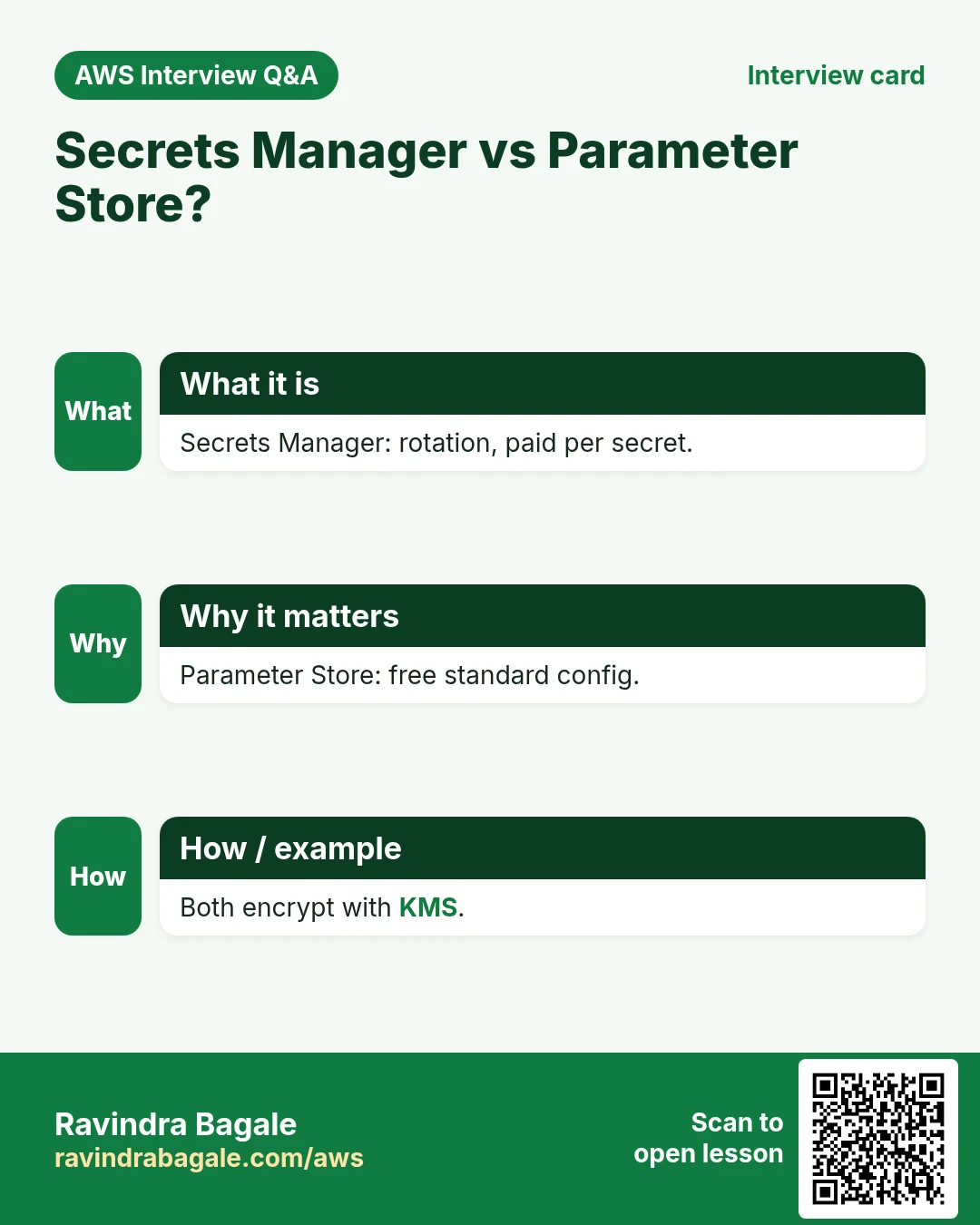
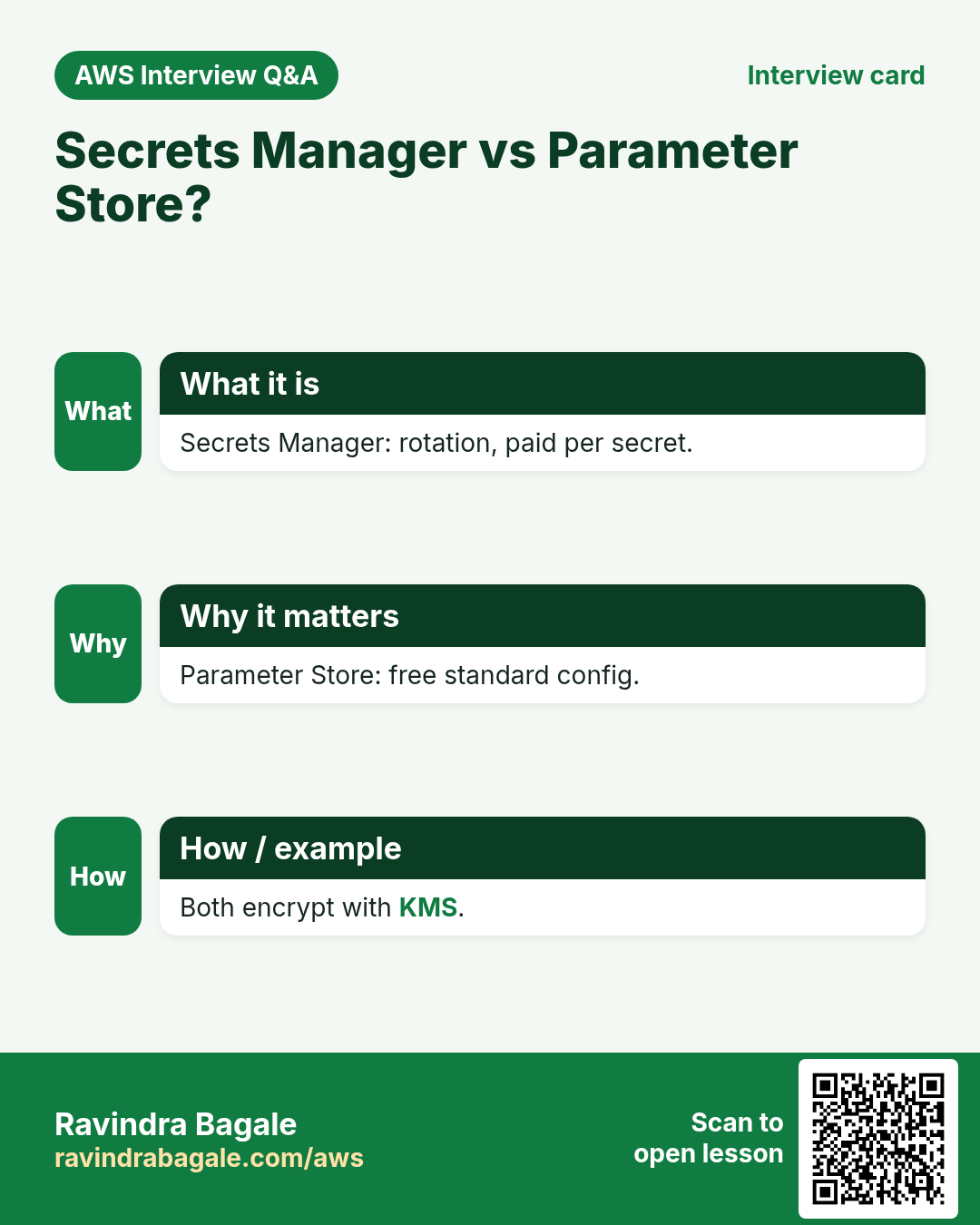
Secrets Manager has rotation and cross-account sharing at a cost per secret. Parameter Store is free for standard and good for config.
Q. What is SecureString?
A parameter encrypted with KMS; read it with --with-decryption.
Q. Why Session Manager over SSH?
No open port 22, no keys, IAM-controlled and logged.
Q. What does an instance need for SSM?
The SSM agent, network to SSM and the AmazonSSMManagedInstanceCore role policy.
Q. Can you undo delete-secret?
Yes, restore-secret during the recovery window.
Try at home
- Store a DB URL in Parameter Store and a password in Secrets Manager; read both in a script.
- Run uptime on all dev instances with send-command.
In short
- create-secret.
- get-secret-value.
- put-parameter SecureString.
- send-command by tag.
- start-session, no SSH.
Read only what the lab app is allowed to see
Use dummy values, a dedicated secret or parameter path and a narrow role. Avoid outputting real secret values in command logs. Check correct name/version and authorization before diagnosing a KMS failure.
Interview check Why can a SecureString read fail when parameter permissions look right?
Getting the parameter and decrypting it may require distinct permissions. Inspect the underlying KMS key and policy when a customer managed key is used.
Practise this chapter
Interview questions and answers
Why is updating the value in Secrets Manager different from completing rotation?
The application and the service authenticating it have to agree on the value. A rotation procedure updates, tests and promotes a version while the app handles its cache. I would verify version metadata and a synthetic connection instead of logging passwords.
Check your understanding
Choose an answer, then compare your reasoning with the explanation.
Practice Tasks
Practice checks run in your browser. They check the answer for this exercise; they do not create resources or connect to your AWS account.
About this scenarioMilan Furniture is a furniture business in Milan. Giulia Rossi looks after its IT and cloud work. They count money in EUR and run their AWS resources in the eu-south-1 Region. In the tasks below you do real jobs for them using what this lesson teaches. All names, account IDs, IP addresses and numbers are made up for practice.
0 / 11
Easy Read a secret
Apps read the secret at start-up instead of keeping it in a file.
Get the value of secret milanfurniture/prod/db.
- Read the task and decide which AWS service it is about.
- Write aws, then the service name, then the operation (the action word).
- Add each needed flag (--name) followed by its value from the task.
- Flags can be in any order. Click Check answer.
Easy Port for SSH
Security group rules need the right port.
Which TCP port must the security group open for SSH?
- Write down the numbers the task gives you.
- Work it out step by step on paper.
- Type only the final answer in the box.
- Click Check answer.
Easy Port for MySQL
The DB security group should open only this port, only to the app.
Milan Furniture's app talks to RDS MySQL. Which port should the DB security group allow?
- Write down the numbers the task gives you.
- Work it out step by step on paper.
- Type only the final answer in the box.
- Click Check answer.
Medium Read a decrypted parameter
Without --with-decryption you only see the encrypted blob.
Read /milanfurniture/prod/api-key and decrypt it.
- Read the task and decide which AWS service it is about.
- Write aws, then the service name, then the operation (the action word).
- Add each needed flag (--name) followed by its value from the task.
- Flags can be in any order. Click Check answer.
Medium Store an encrypted parameter
SecureString parameters are encrypted with KMS and are free for standard tier.
Store /milanfurniture/prod/api-key as a SecureString with the value abc123.
- Read the task and decide which AWS service it is about.
- Write aws, then the service name, then the operation (the action word).
- Add each needed flag (--name) followed by its value from the task.
- Flags can be in any order. Click Check answer.
Medium Read one secret only
Each app should read only its own secret.
Allow secretsmanager:GetSecretValue on arn:aws:secretsmanager:eu-south-1:126154182628:secret:milanfurniture/prod/db-* only.
- Start with { "Version": "2012-10-17", "Statement": [ ... ] }.
- In each statement write Effect, Action and Resource.
- Give only what the task needs (least privilege).
- Use double quotes and commas correctly. Click Check answer.
Medium Store a database password
Secrets Manager encrypts secrets and can rotate them; never put them in code.
Create secret milanfurniture/prod/db with the value from secret.json.
- Read the task and decide which AWS service it is about.
- Write aws, then the service name, then the operation (the action word).
- Add each needed flag (--name) followed by its value from the task.
- Flags can be in any order. Click Check answer.
Medium CloudFormation: web security group
Opening only 443 keeps the server safer.
Template with an AWS::EC2::SecurityGroup that allows TCP 443 from 0.0.0.0/0. Add a GroupDescription.
- Start from the top-level keys the task names.
- Indent child keys with 2 spaces (no tabs).
- Fill in each property with the value from the task.
- Click Check answer. Key order does not matter.
Hard Read all parameters under a path
A path groups config, like /app/prod/, so one call loads it all.
Get all parameters under /milanfurniture/prod, including sub-paths, decrypted.
- Read the task and decide which AWS service it is about.
- Write aws, then the service name, then the operation (the action word).
- Add each needed flag (--name) followed by its value from the task.
- Flags can be in any order. Click Check answer.
Hard Rotate a secret now
Rotation changes the password on a schedule or on demand.
Start rotation of secret milanfurniture/prod/db now.
- Read the task and decide which AWS service it is about.
- Write aws, then the service name, then the operation (the action word).
- Add each needed flag (--name) followed by its value from the task.
- Flags can be in any order. Click Check answer.
Hard Deny access from outside the office
An explicit Deny with aws:SourceIp blocks keys used from anywhere else.
Write one Deny statement: deny all actions (*) on all resources (*) when the source IP is NOT in 203.0.113.0/24.
- Start with { "Version": "2012-10-17", "Statement": [ ... ] }.
- In each statement write Effect, Action and Resource.
- Give only what the task needs (least privilege).
- Use double quotes and commas correctly. Click Check answer.
Revision, comparison and interview cards
Revise this lesson in a few minutes. Save the cards on your phone or download them as PNG files. The QR code on each card opens this lesson.
More cards: Ravi Sir's Cards.