Linux sed Command Tutorial: Find and Replace, Delete Lines and Edit Files In Place
sed is the stream editor. It reads text line by line, changes it with simple commands and prints the result, without opening an editor. You use it to find and replace, delete lines, print a range, add lines and edit config files from scripts on hundreds of servers.
In this chapter
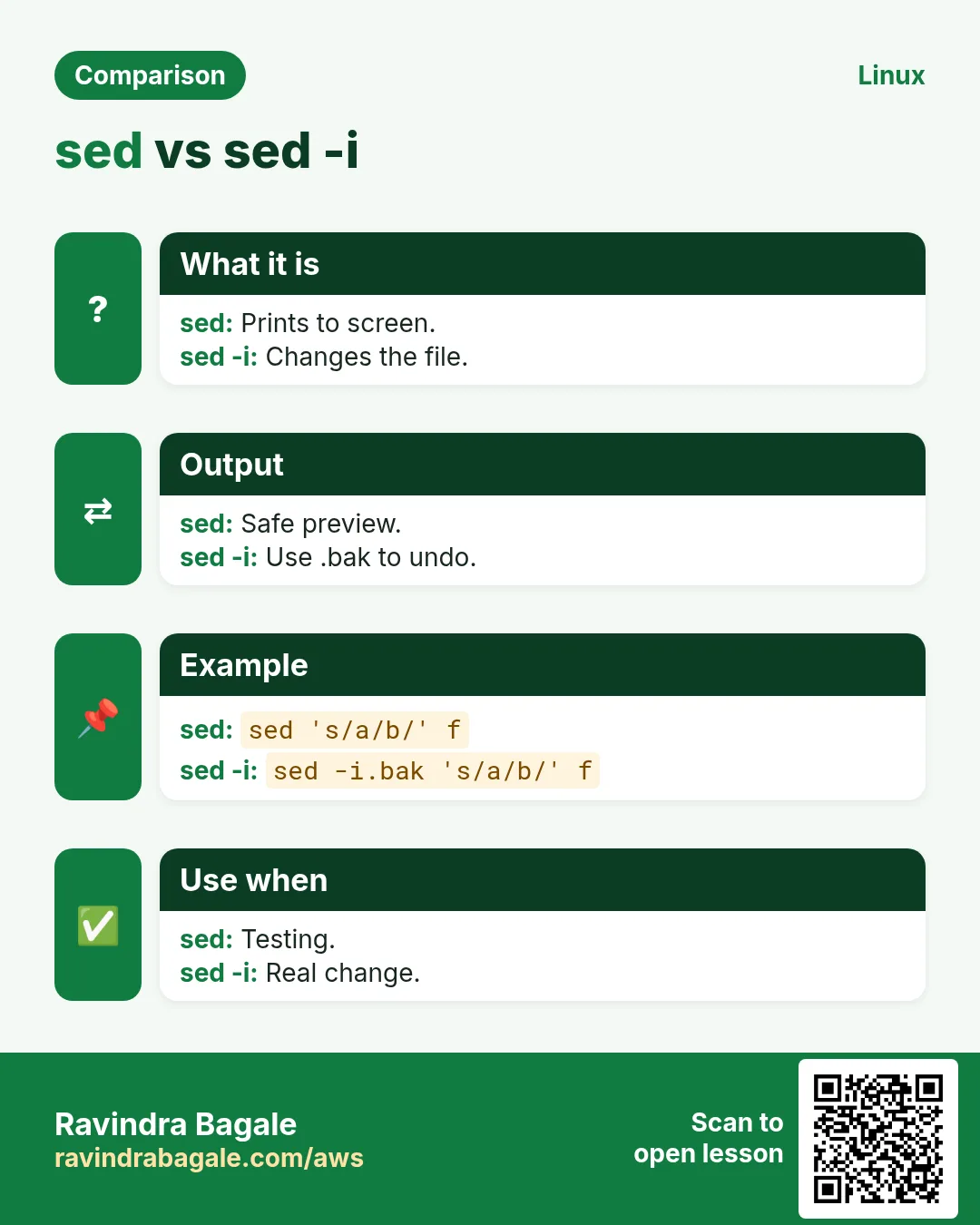
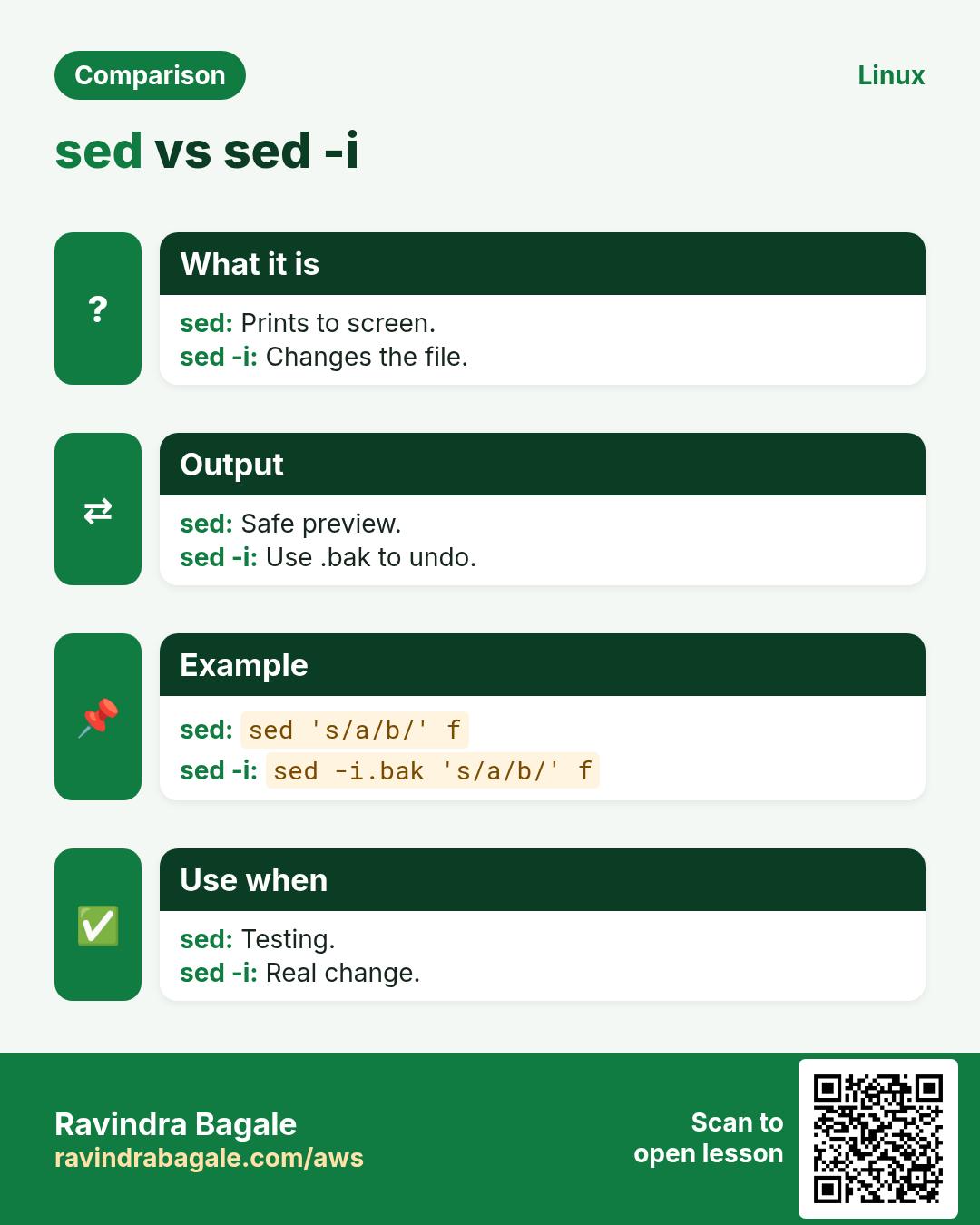
- Find and replace with s///
- Edit files in place safely with -i and backups
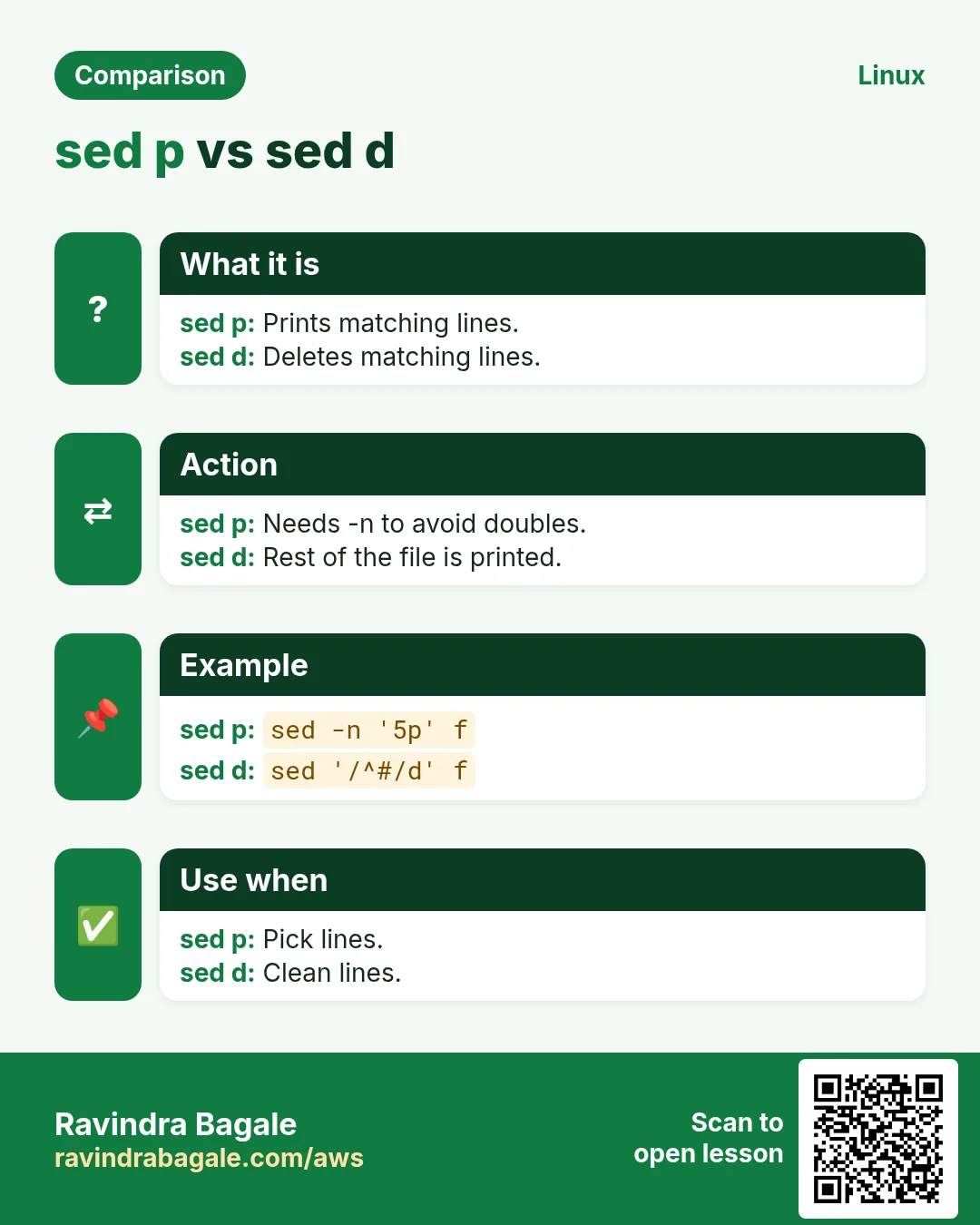
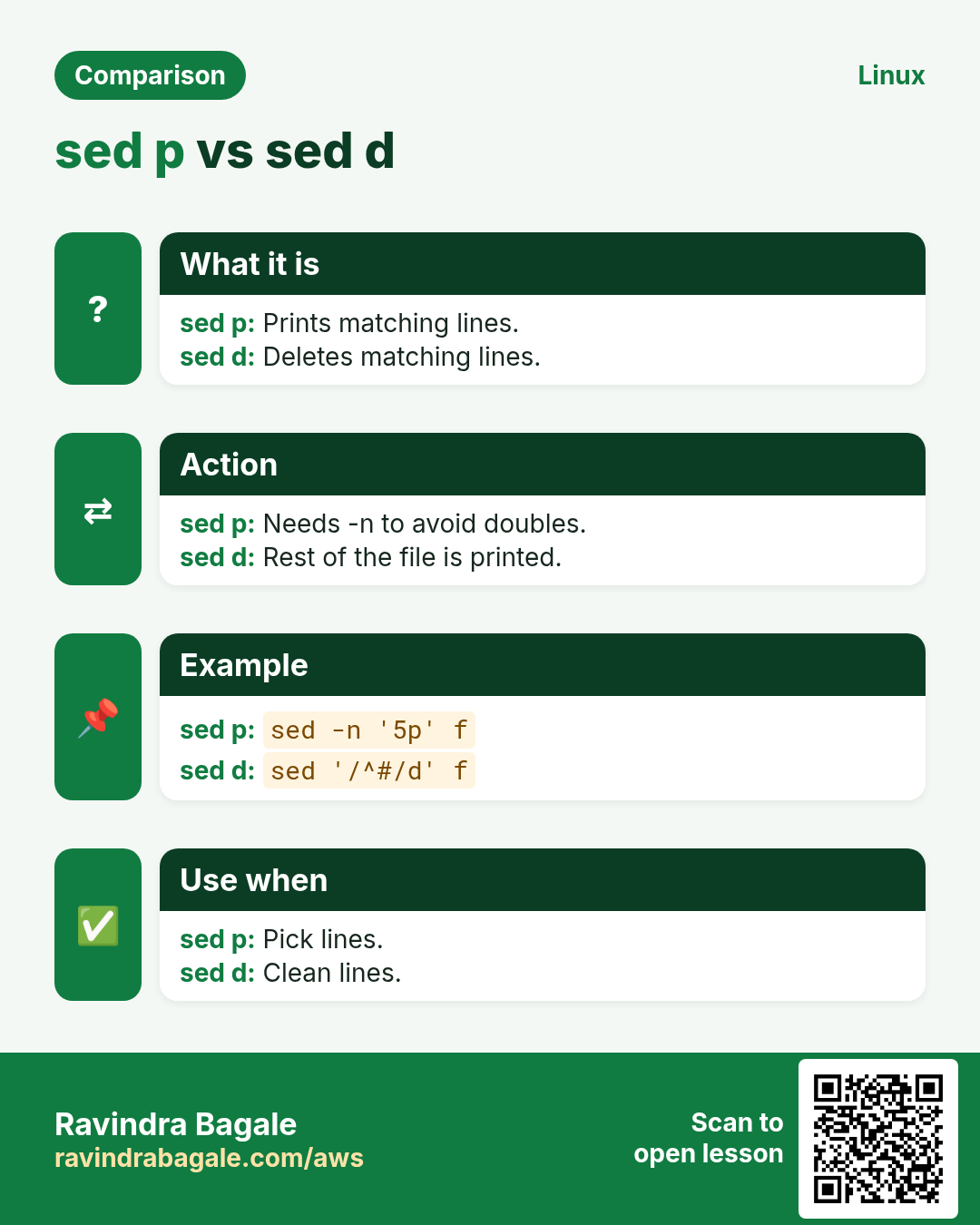
- Pick lines with addresses and ranges
- Delete, print, insert, append and change lines
- Use -E groups and back-references
- Run many commands and safe config edits
1. An everyday example: fixing a wedding card list
Anil typed 300 guest names for wedding cards. Later he found: 'Pune' was typed as 'Poona' everywhere, he must delete every line marked 'cancelled', print only guests 50 to 80 for his sister, add 'Shri' before some names, and he wants a backup of the original list in case he makes a mistake.
Replace Poona with Pune = sed 's/Poona/Pune/g'. Delete cancelled = sed '/cancelled/d'. Guests 50-80 = sed -n '50,80p'. Add Shri = sed 's/^/Shri /'. Backup = sed -i.bak.
2. Find and replace with s///
Read a sed substitution in pieces. In s/FOO/BAR/, FOO is the pattern, BAR is the replacement, and slashes separate the fields. By default the first match on each matching line changes. With a trailing g, every nonoverlapping match on that line changes. For the input FOO FOO, the first command writes BAR FOO to output and the second writes BAR BAR.
Preview an intended edit on a scratch copy before using -i. Read both a matching line and a deliberately nonmatching line in the preview. The source file still has the original text after a basic preview substitution. When using the backed-up in-place example, compare the result with the backup to prove only the expected lines changed.
Changing a hostname, version or path across a file by hand is slow and error-prone.
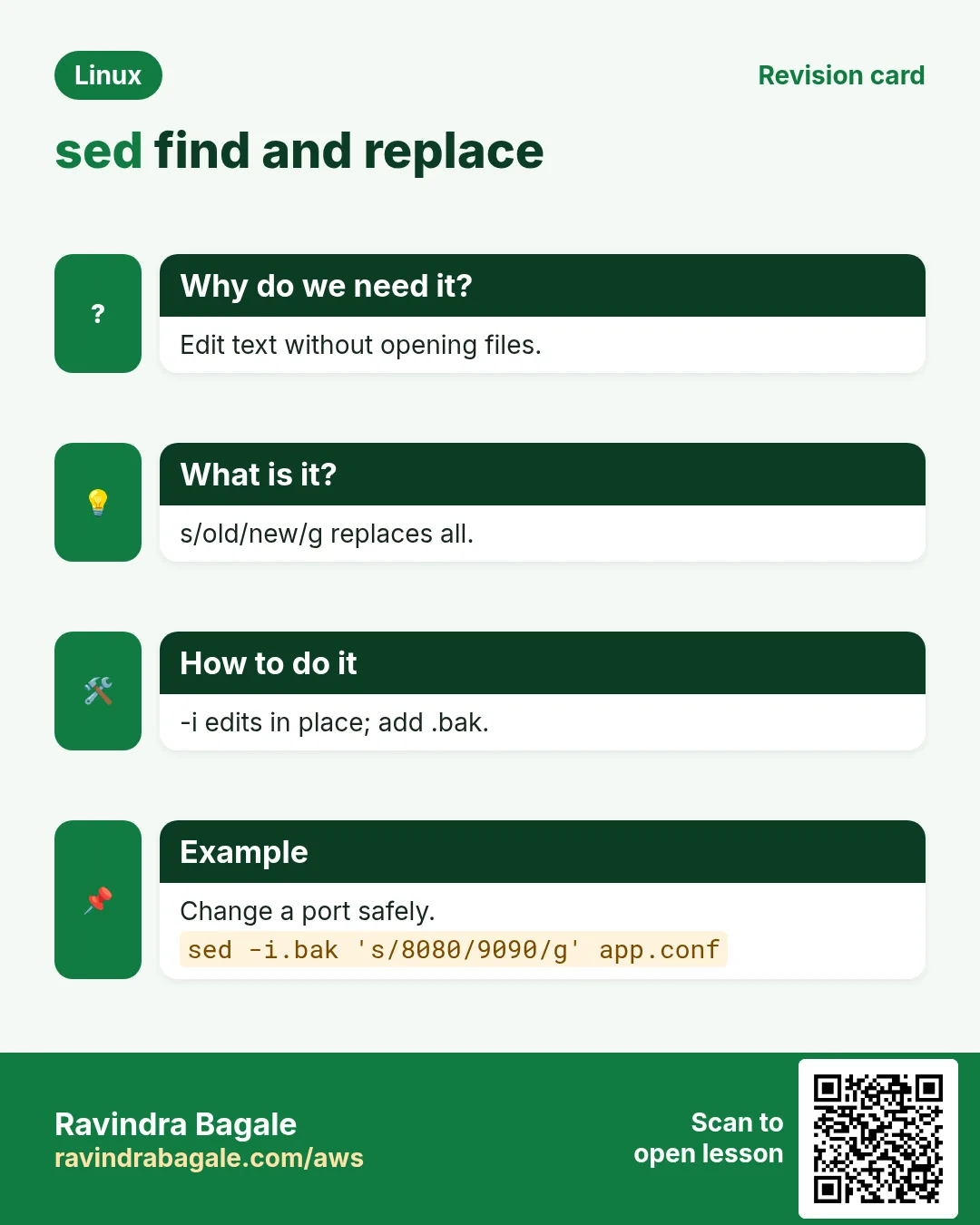
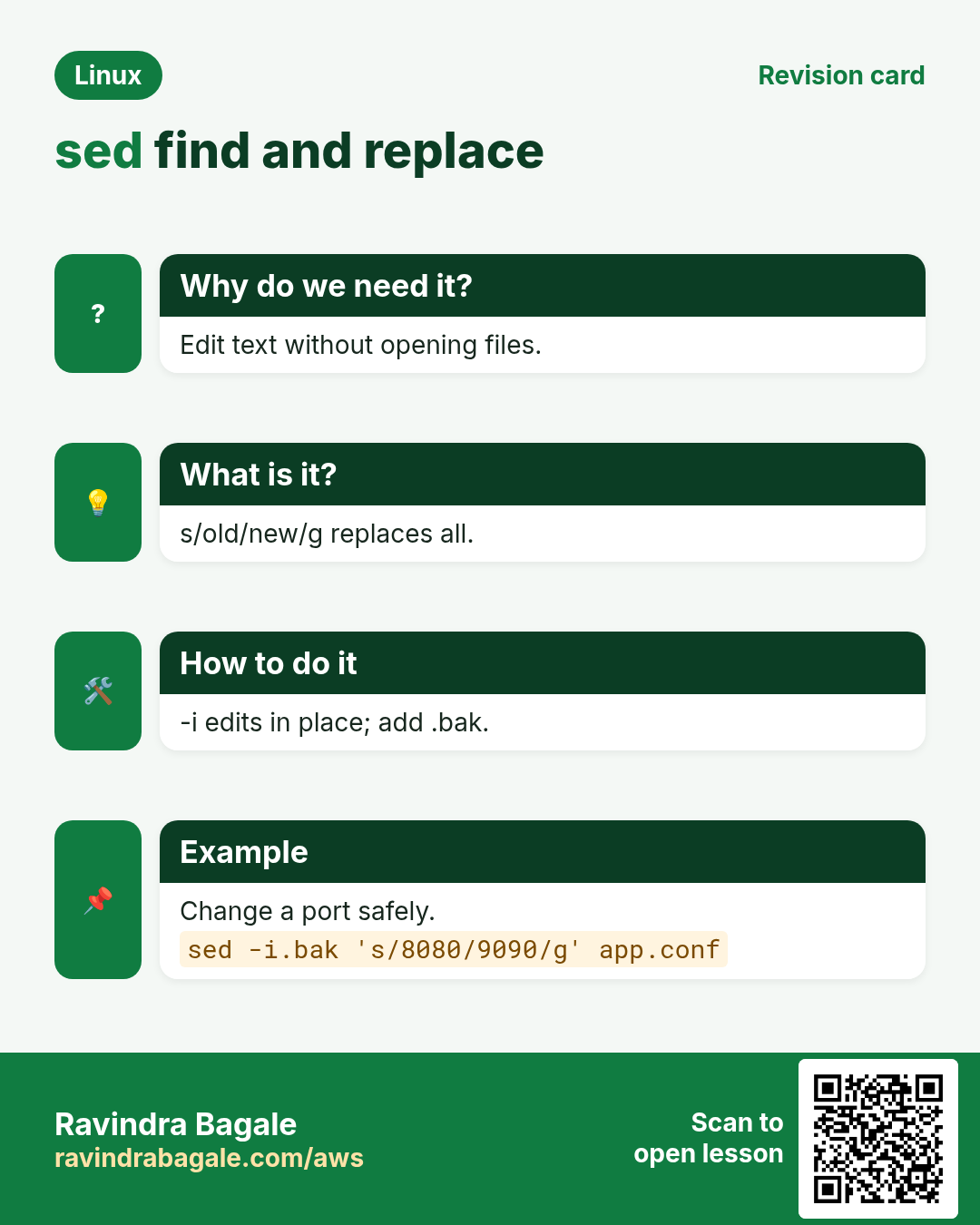
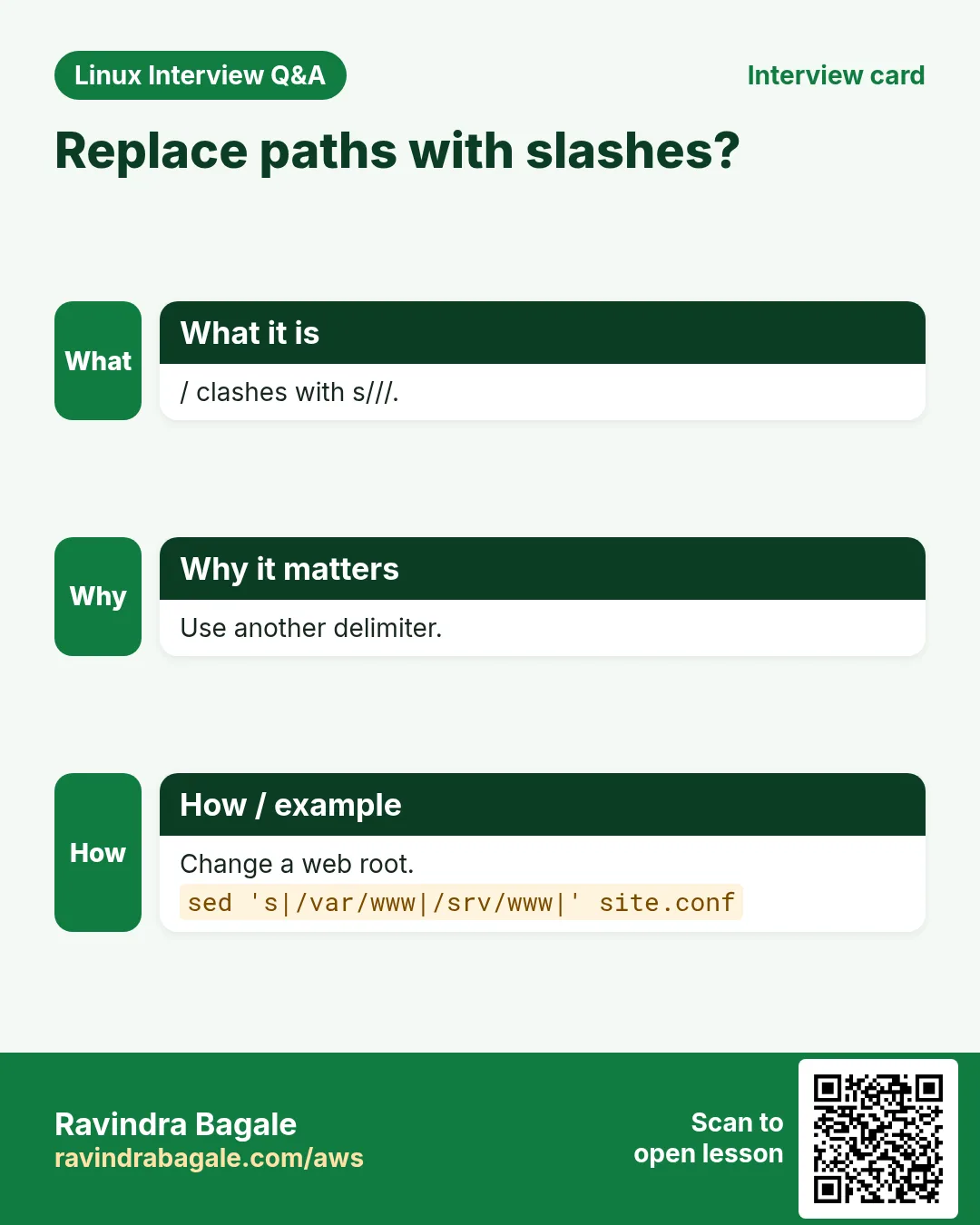
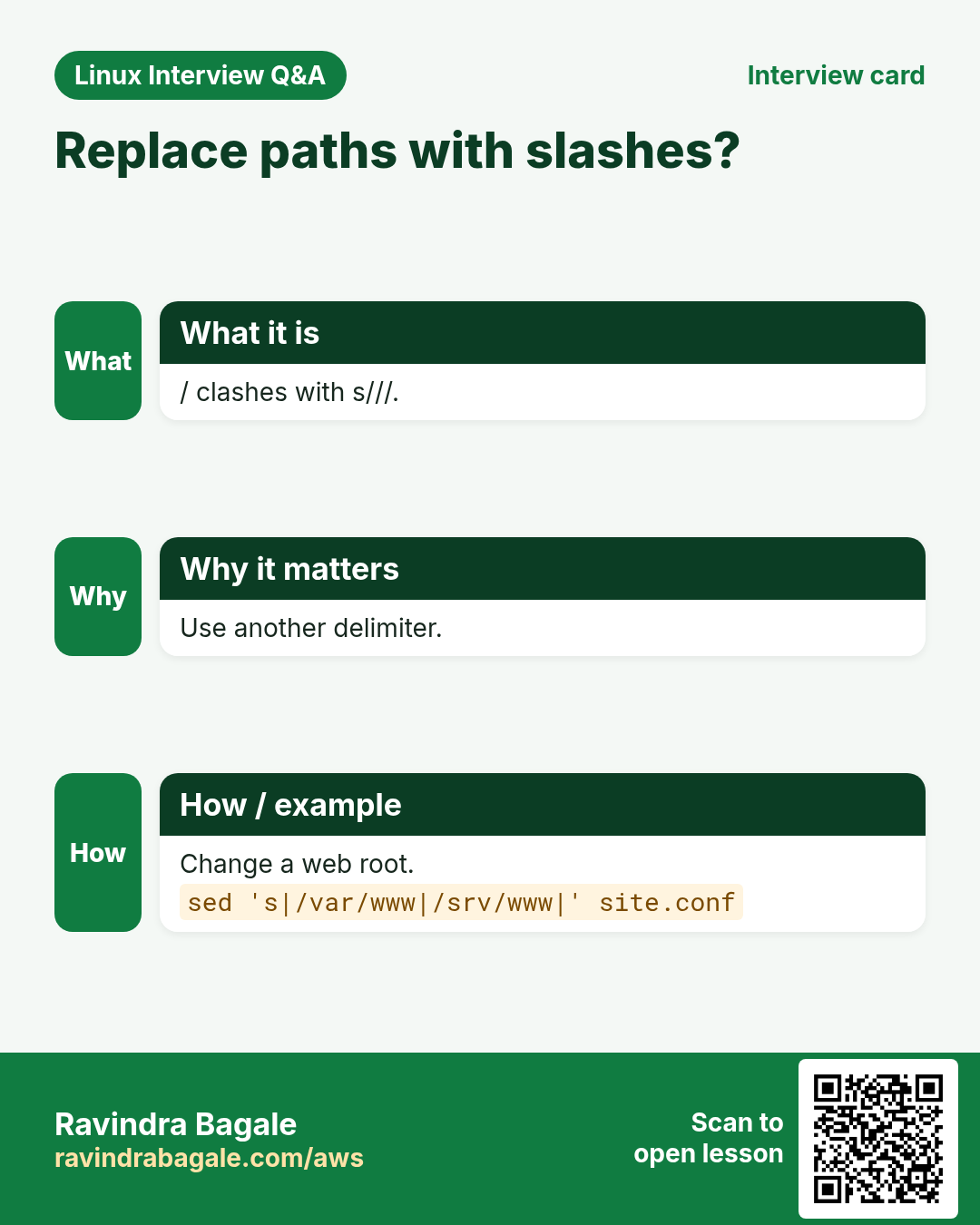
sed 's/old/new/' replaces the first match on each line. Flags: g all matches, i ignore case (GNU), 2 only the 2nd match, p print the changed line. Any character can be the separator: s#/old/path#/new/path# avoids escaping slashes. & in the replacement means 'the whole match'. Use double quotes only when you want a shell variable inside.
| Form | Does |
|---|---|
| s/a/b/ | First a on each line |
| s/a/b/g | Every a |
| s/a/b/2 | Only the 2nd a |
| s/a/b/gi | Every a, any case |
| s#/x#/y# | Other separator |
| s/.*/[&]/ | & = whole match |
- Replace the first match per line.
echo 'Poona to Poona' | sed 's/Poona/Pune/'Output:
Pune to PoonaOnly the first one changed.
- Replace all.
echo 'Poona to Poona' | sed 's/Poona/Pune/g'Output:
Pune to Puneg = global.
- Change a path with another separator.
echo 'root /var/www/old;' | sed 's#/var/www/old#/srv/shop#'Output:
root /srv/shop;No need to escape every /.
- Use a shell variable.
V=2.4.1; sed "s/^version=.*/version=$V/" app.iniOutput:
name=shop
version=2.4.1
Double quotes let $V expand.
- Wrap each match with &.
echo 'order 8812 and 8813' | sed -E 's/[0-9]+/#&/g'Output:
order #8812 and #8813& puts the matched number back.
- Only print lines that changed.
sed -n 's/ERROR/E!/p' app.log | head -2Output:
10:12:44 E! payment timeout
10:15:02 E! db refused
-n stops normal printing; p prints changed ones.
- Remove trailing spaces and Windows CR.
sed -i 's/[[:space:]]*$//' deploy.sh && cat -A deploy.sh | head -1Output:
#!/bin/bash$[[:space:]] also covers \r.
3. Edit files in place with -i (and keep a backup)
Scripts and automation must change real files, not just print. One wrong sed -i can break a server, so backups matter.
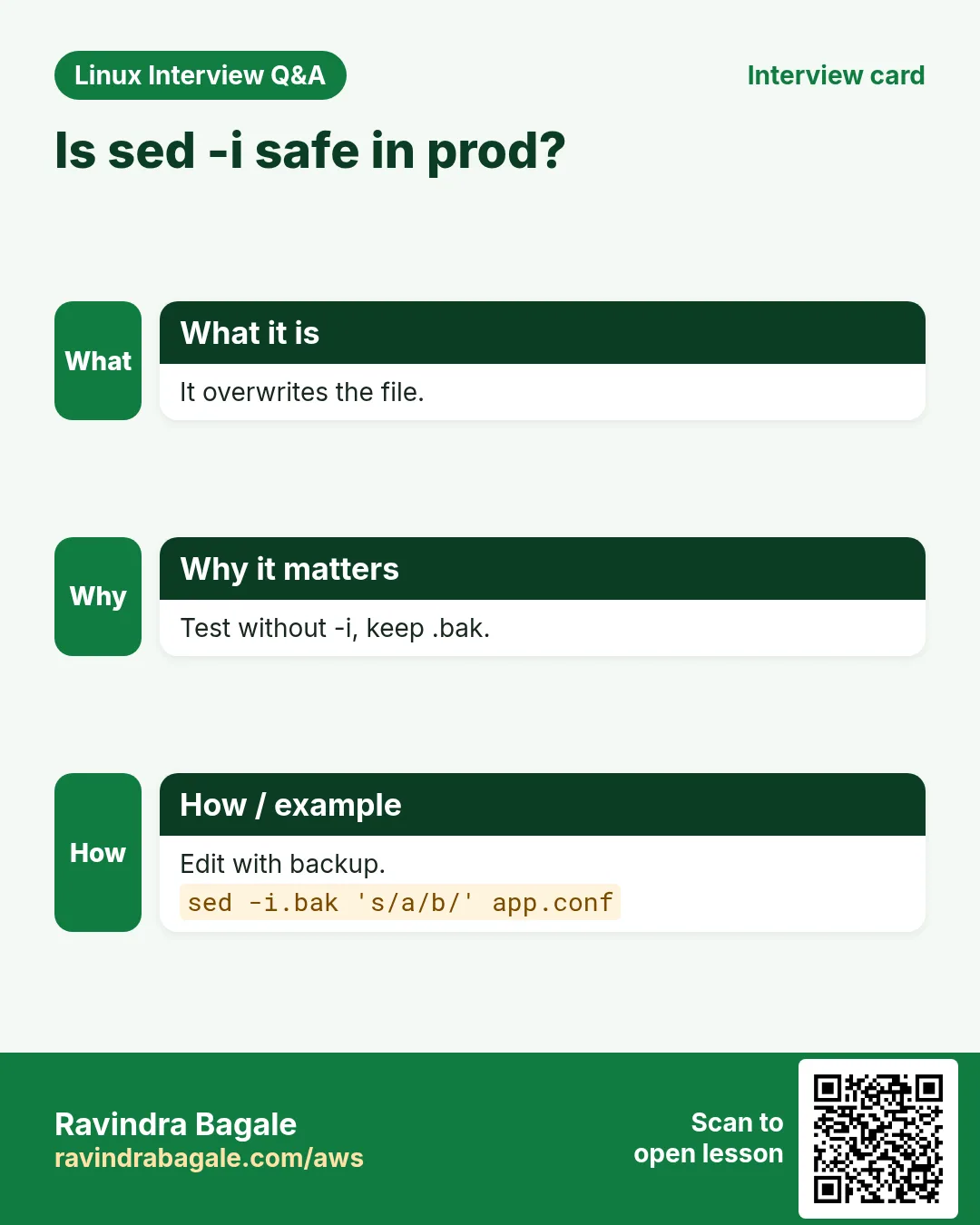
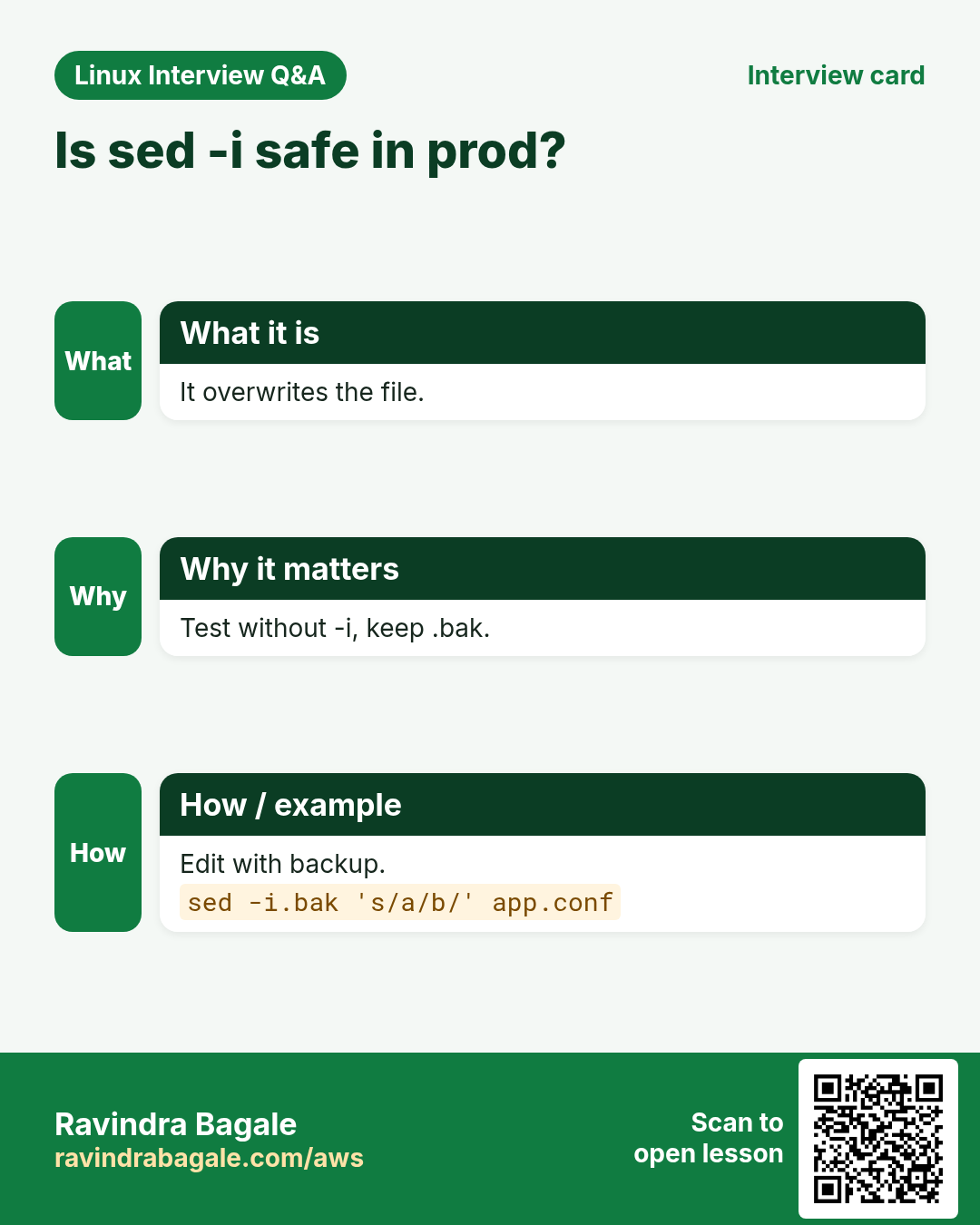
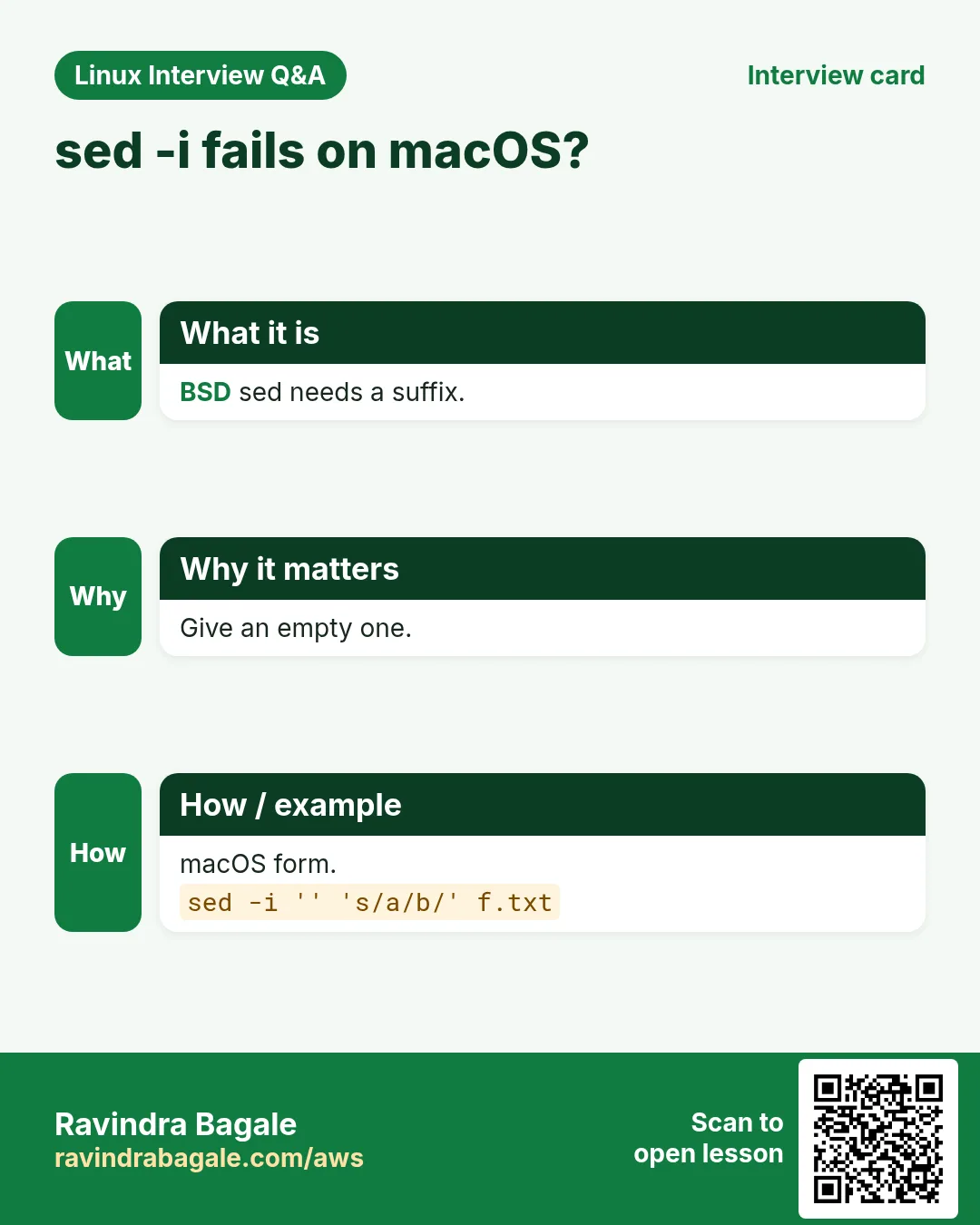
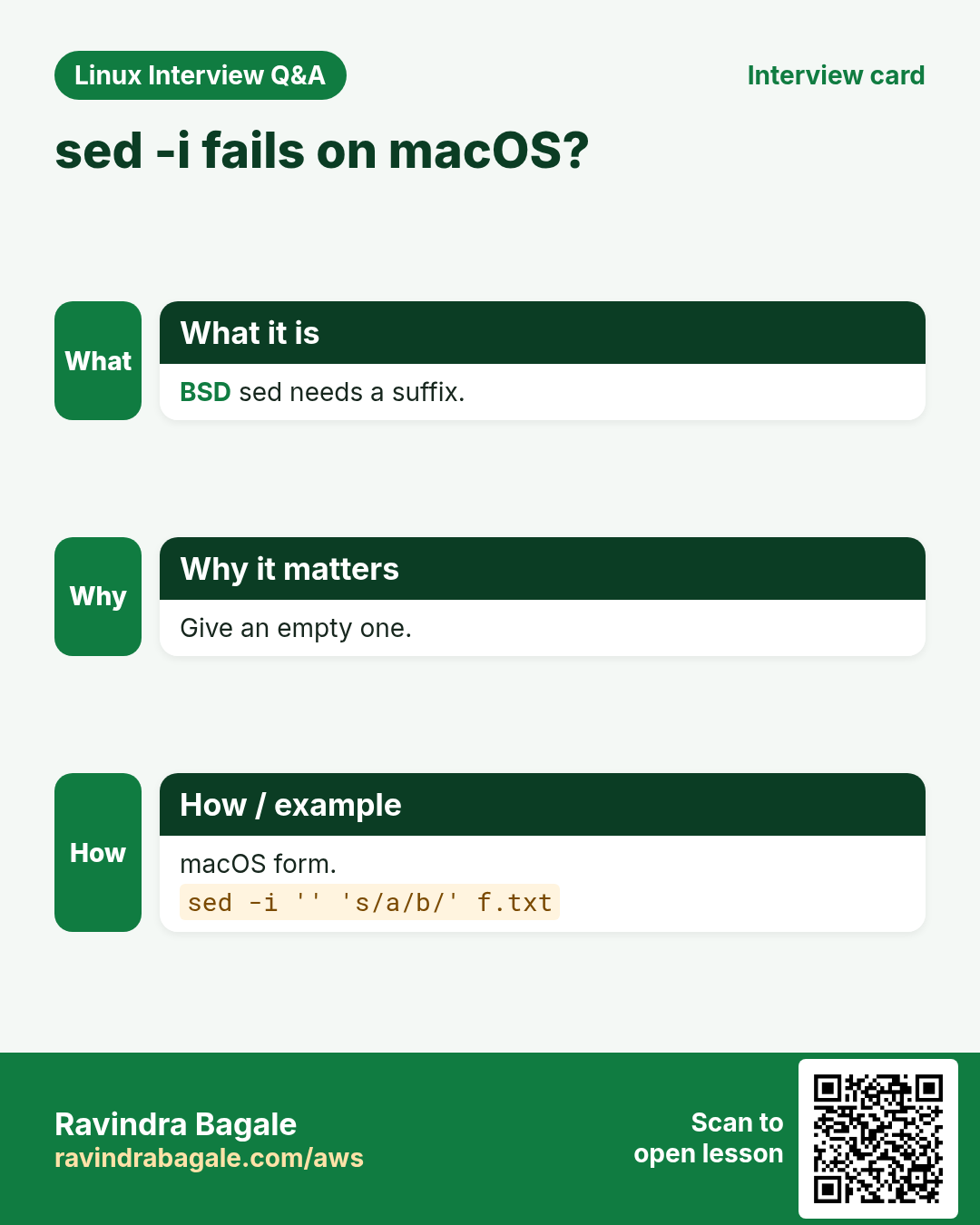
sed -i edits the file. sed -i.bak keeps the original as file.bak. On macOS (BSD sed) you must write sed -i '' for no backup. Always dry-run first without -i, or show a diff: sed 's/a/b/' f | diff f -. -i replaces the file, so it can change owner or break symlinks; use --follow-symlinks when the target is a link.
- Dry run first.
sed 's/^Port 22$/Port 2222/' /etc/ssh/sshd_config | diff /etc/ssh/sshd_config -Output:
17c17
< Port 22
---
> Port 2222
Shows exactly what will change.
- Edit with a backup.
sudo sed -i.bak 's/^Port 22$/Port 2222/' /etc/ssh/sshd_config && ls /etc/ssh/sshd_config*Output:
/etc/ssh/sshd_config /etc/ssh/sshd_config.bakThe original is safe in .bak.
- Validate before restart.
sudo sshd -t && sudo systemctl reload sshdOutput:
(no output)Never restart SSH without testing the config.
- Edit many files at once.
sed -i 's/old-db.local/db.prod.local/g' config/*.yml && grep -l db.prod.local config/*.ymlOutput:
config/app.yml
config/worker.yml
Every .yml file is updated.
- Restore from backup.
sudo mv /etc/ssh/sshd_config.bak /etc/ssh/sshd_configOutput:
(no output)Undo is one move.
4. Addresses: choose which lines
Often you want to change only line 5, only lines in a section, or only lines that contain a word.
Put an address before a command. N a line number, $ the last line, /re/ lines matching a regex, N,M a range, /start/,/end/ a regex range, N~S every S-th line from N (GNU), addr! all lines except addr. Example: sed '/^\[db\]/,/^\[/s/host=.*/host=10.0.0.9/' edits host only inside the [db] section.
| Address | Selects |
|---|---|
| 5 | Line 5 |
| $ | Last line |
| 2,8 | Lines 2 to 8 |
| /ERROR/ | Lines with ERROR |
| /start/,/end/ | From start to end match |
| 1~2 | Odd lines |
| /^#/! | Lines NOT starting with # |
- Print lines 20 to 25.
sed -n '20,25p' app.logOutput:
(6 lines)-n plus p prints only the range.
- Print the last line.
sed -n '$p' app.logOutput:
10:59:59 INFO shutdown$ is the last line.
- Change only inside a section.
sed '/^\[db\]/,/^\[/s/^host=.*/host=10.0.0.9/' app.iniOutput:
[web]
host=0.0.0.0
[db]
host=10.0.0.9
The web host is untouched.
- Logs between two times.
sed -n '/^10:00/,/^10:05/p' app.log | head -3Output:
10:00:01 INFO start
10:00:02 GET /
10:01:10 GET /cart
A regex range is great for time windows.
- Replace on every line except comments.
sed '/^#/!s/8080/9090/' app.confOutput:
# default 8080
port=9090
! negates the address.
- Every 2nd line.
seq 1 6 | sed -n '0~2p'Output:
2
4
6
first~step (GNU sed).
5. Delete, print, insert, append and change lines
Besides replace, you need to remove lines, add a new setting after a line, or replace a whole line.
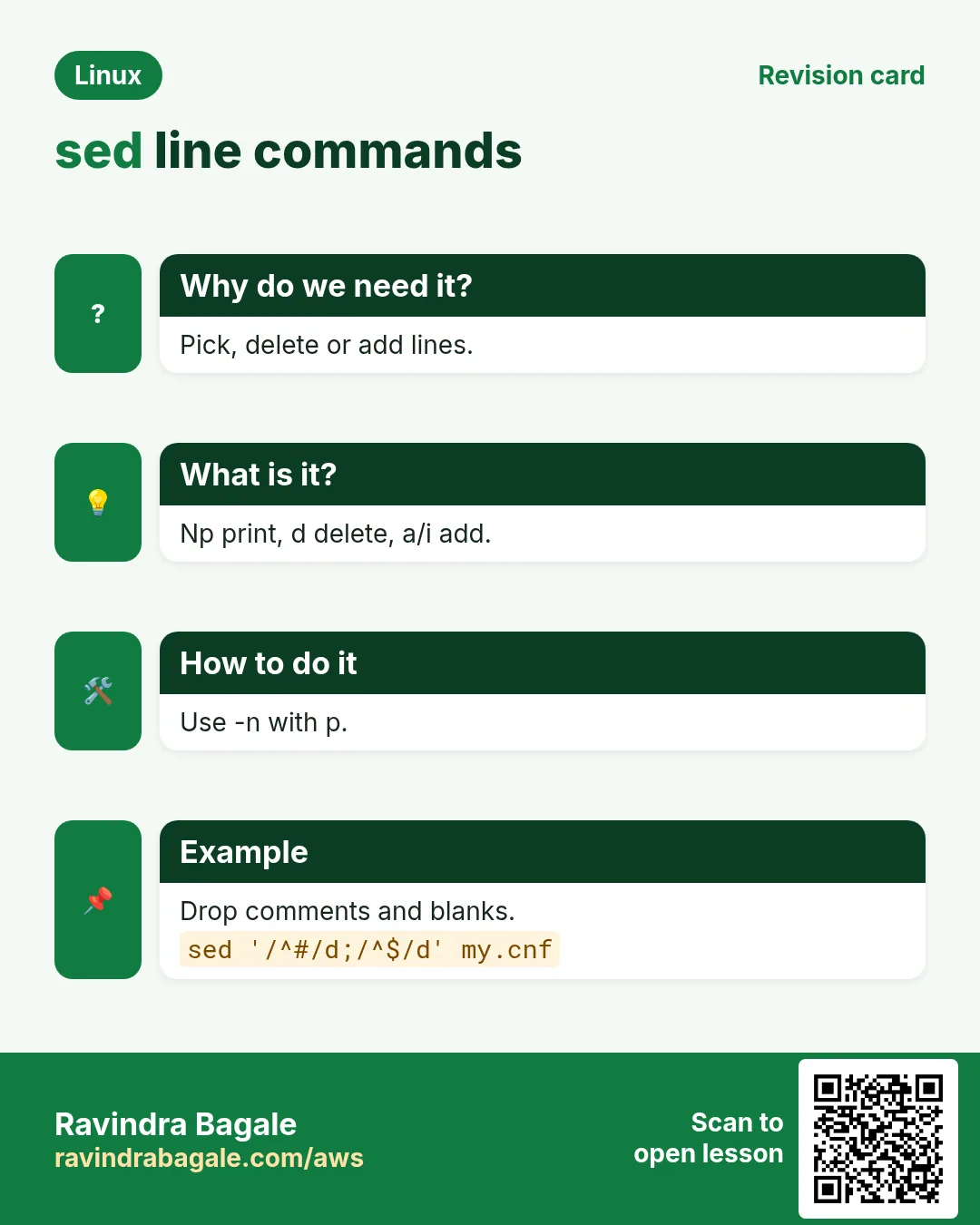
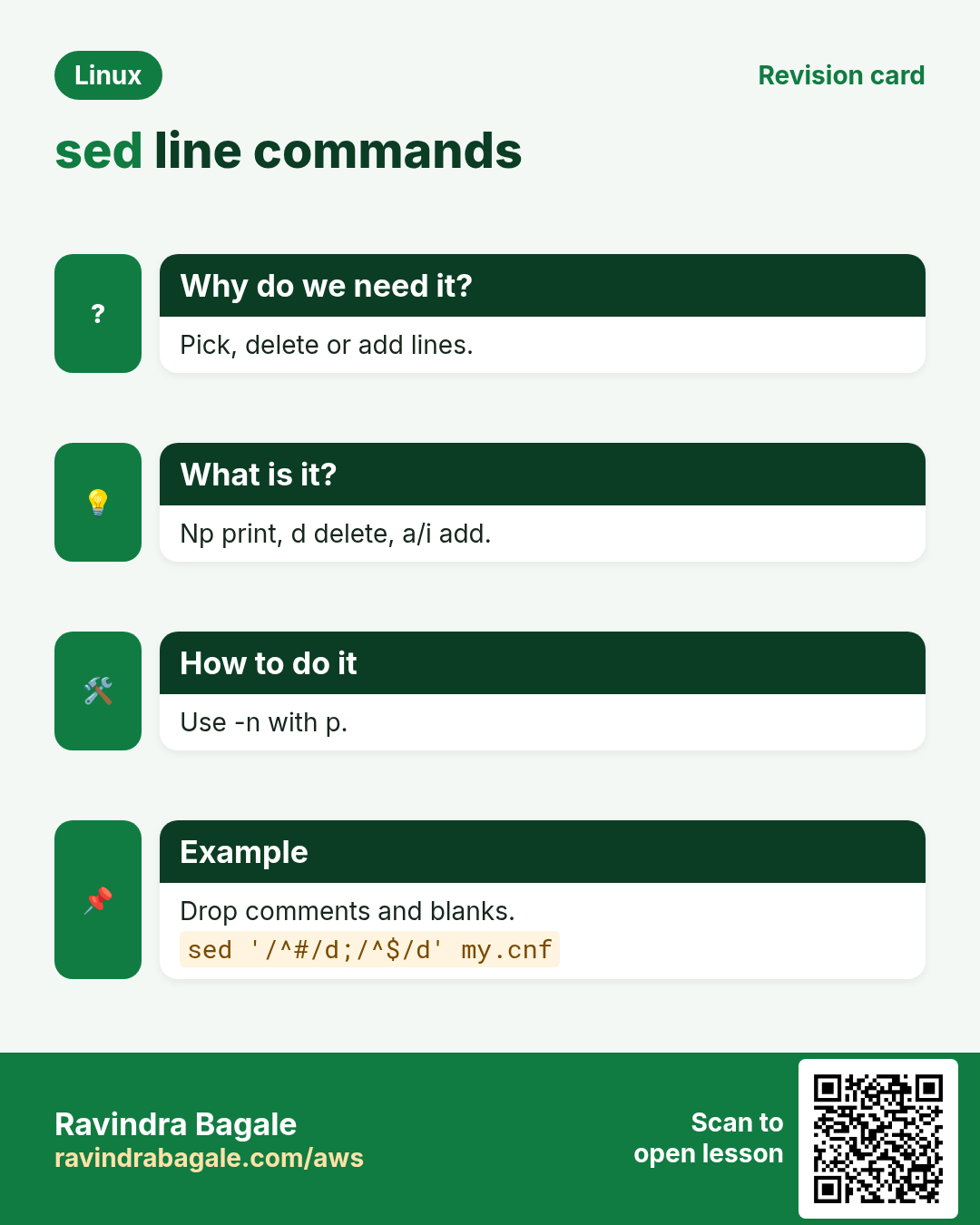
d deletes, p prints, i\ text inserts before, a\ text appends after, c\ text changes the whole line, = prints the line number, q quits (stop early, great for big files), r file reads a file in, w file writes matching lines out. GNU sed allows the one-line forms: '3i text', '/re/a text'.
- Delete comments and blank lines.
sed '/^#/d; /^$/d' nginx.conf | head -3Output:
user nginx;
worker_processes auto;
error_log /var/log/nginx/error.log;
Two commands separated by ;.
- Delete the first line (header).
sed '1d' sales.csv | head -2Output:
2026-10-01,Pune,4500
2026-10-01,Nashik,3200
Same as tail -n +2.
- Insert a line before line 1.
sed '1i # Managed by Ansible - do not edit' app.conf | head -2Output:
# Managed by Ansible - do not edit
port=8080
i inserts before.
- Append a setting after a match.
sed '/^\[mysqld\]/a max_connections=500' my.cnfOutput:
[mysqld]
max_connections=500
datadir=/var/lib/mysql
A adds after the matched line.
- Change a whole line.
sed '/^SELINUX=/c SELINUX=permissive' /etc/selinux/config | grep ^SELINUX=Output:
SELINUX=permissivec replaces the full line, whatever it was.
- Stop early on a huge file.
sed '10q' huge.log | wc -lOutput:
10q quits after line 10. Like head, but inside sed.
- Write matching lines to another file.
sed -n '/ERROR/w errors.txt' app.log && wc -l errors.txtOutput:
27 errors.txtw saves matches without a pipe.
6. Extended regex, groups and back-references
You need to swap parts, reformat dates or keep part of a match while changing the rest.
sed -E enables extended regex (+ ? {} | ( ) without backslashes). ( ) captures a group, and \1 \2 put the groups back in the replacement. GNU sed also has \U uppercase, \L lowercase and \E end case change in the replacement.
- Swap first and last name.
echo 'Bagale Ravindra' | sed -E 's/(\w+) (\w+)/\2 \1/'Output:
Ravindra Bagale\1 is the first group, \2 the second.
- Reformat a date.
echo '2026-10-25' | sed -E 's/([0-9]{4})-([0-9]{2})-([0-9]{2})/\3\/\2\/\1/'Output:
25/10/2026Three groups, written back in a new order.
- Mask card numbers in logs.
echo 'card=4111111111111111 ok' | sed -E 's/([0-9]{4})[0-9]{8}([0-9]{4})/\1********\2/'Output:
card=4111********1111 okKeeps first and last 4 digits.
- Uppercase a key name.
echo 'db_host=10.0.0.9' | sed -E 's/^([a-z_]+)=/\U\1\E=/'Output:
DB_HOST=10.0.0.9\U ... \E (GNU sed).
- Pull a value out.
sed -nE 's/.*version="([^"]+)".*/\1/p' package.xmlOutput:
3.2.0Print only the captured version.
7. Many commands, scripts and safe habits
Real edits need several steps in one pass, and must be safe to run again and again (idempotent).
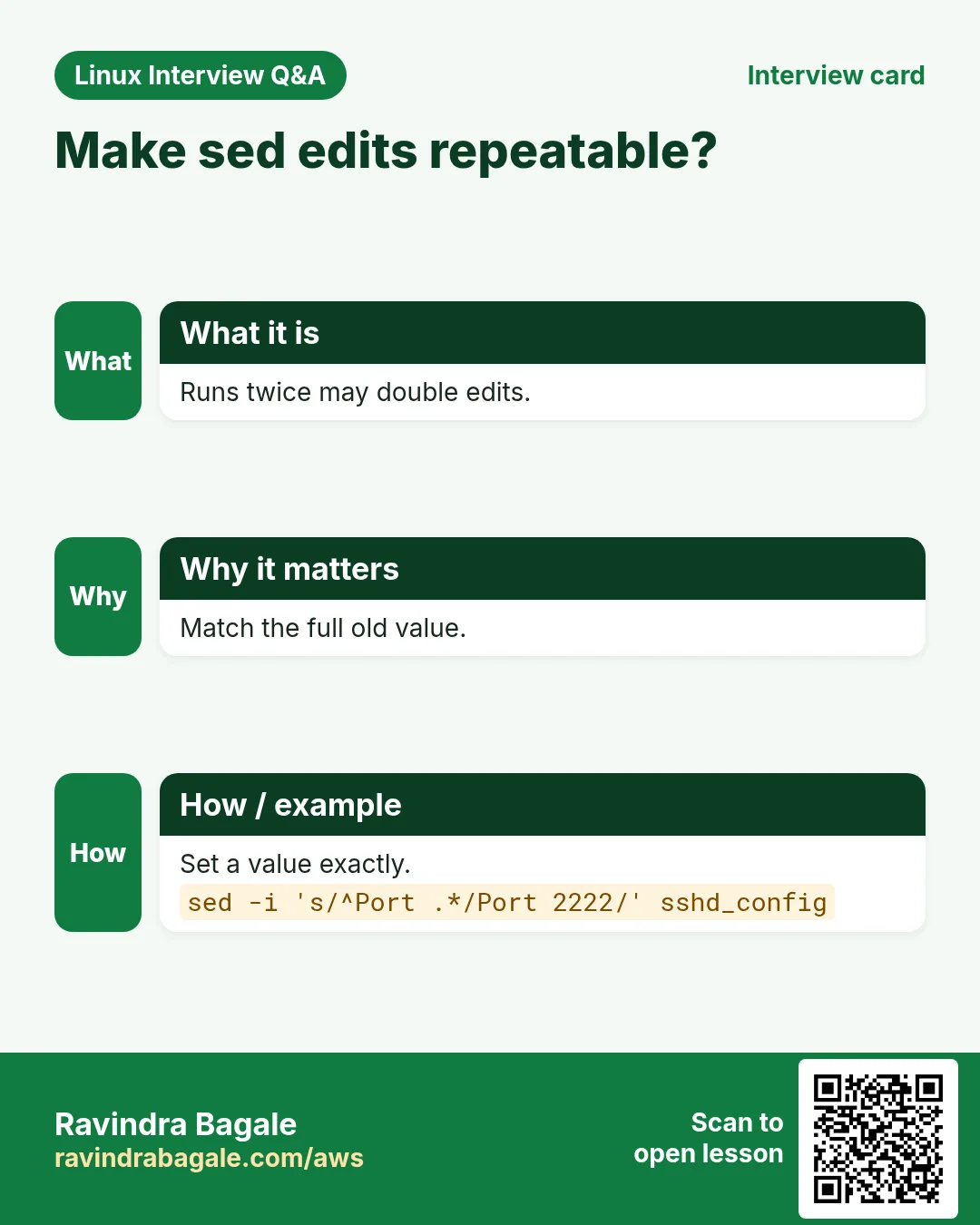
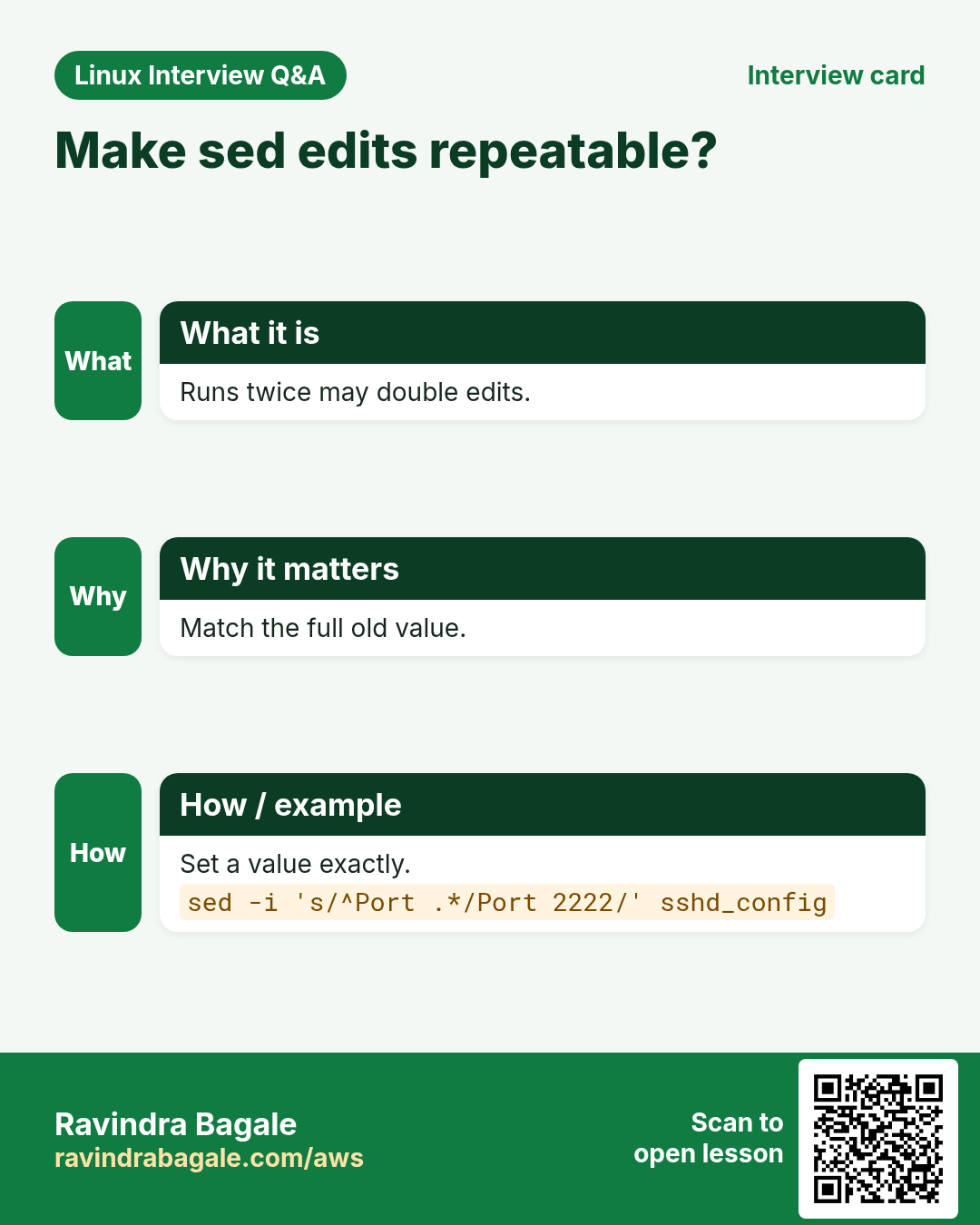
Join commands with ; or -e, or use { } to group commands under one address. Save long edits in a file and run sed -f edits.sed. To make edits idempotent, match the full current line (^key=.*) so a second run changes nothing. For structured files (JSON, YAML, XML) prefer jq, yq or xmlstarlet; for big configs prefer Ansible lineinfile.
- Two edits in one run.
sed -e 's/dev/prod/' -e '/debug/d' app.confOutput:
env=prod
port=8080
-e can repeat.
- Group commands under one address.
sed '/^\[db\]/,/^\[/{s/^user=.*/user=app/; s/^port=.*/port=5432/}' app.ini | sed -n '/\[db\]/,$p'Output:
[db]
user=app
port=5432
{ } applies both only inside [db].
- A sed script file.
printf 's/Poona/Pune/g\n/cancelled/d\n' > fix.sed && sed -f fix.sed guests.txt | wc -lOutput:
28812 cancelled lines removed and the city fixed.
- Idempotent set-or-add.
grep -q '^MaxAuthTries' /etc/ssh/sshd_config && sudo sed -i 's/^MaxAuthTries.*/MaxAuthTries 3/' /etc/ssh/sshd_config || echo 'MaxAuthTries 3' | sudo tee -a /etc/ssh/sshd_configOutput:
(no output, or MaxAuthTries 3)Runs safely many times.
- Number every line (= command).
sed -n '/ERROR/=' app.log | head -3Output:
57
90
131
= prints the line number of each match.
8. Real examples from many industries
The same Linux skill shows up in every kind of company. Seeing it in many places helps you remember it.
Each row is a made-up team. It shows who uses this and how.
| Team and city | How they use it | Command |
|---|---|---|
| Sanjay, Infra automation, Pune | Hardens SSH on 400 servers with backups | sed -i.bak 's/^#\?PermitRootLogin.*/PermitRootLogin no/' /etc/ssh/sshd_config |
| Elena, CI team, Warsaw | Bumps the version in files during release | sed -i "s/^version=.*/version=$TAG/" gradle.properties |
| Tunde, fintech, Lagos | Masks card numbers before shipping logs | sed -E 's/[0-9]{12}([0-9]{4})/XXXX\1/g' |
| Ayesha, analytics, Karachi | Cleans CSV exports: strips header and CR | sed '1d; s/\r$//' export.csv |
| Liam, SRE, Dublin | Pulls a 5-minute window from a big log | sed -n '/^10:00/,/^10:05/p' app.log |
| Neha, Docker builds, Bengaluru | Switches apt mirrors in a Dockerfile RUN step | sed -i 's#http://archive#http://in.archive#g' /etc/apt/sources.list |
9. Common errors and how to fix them
Everyone hits these errors. Knowing the cause saves hours.
Read the exact message first. Then match it to a row below.
| Error you see | Why it happens | How to fix |
|---|---|---|
sed: -e expression #1, char 9: unterminated `s' command | Missing a / or the separator appears inside the text | Count separators or use another one like #.sed 's#/a/b#/c/d#' f |
sed: -e expression #1, char 5: unknown option to `s' | A / inside a path ends the command early | Use # or | as separator.sed 's|/var/www|/srv|' f |
sed: can't read file.txt: No such file or directory | Wrong file name or path | Check with ls.ls -l file.txt |
sed: couldn't open temporary file ./sedXyz: Permission denied | -i needs write permission on the folder | Use sudo or edit where you can write.sudo sed -i 's/a/b/' /etc/app.conf |
sed: 1: "file": invalid command code f (macOS) | BSD sed -i needs a suffix argument | Use -i '' on macOS, or install gnu-sed.sed -i '' 's/a/b/' file |
Variable not replaced: shows $V literally | Single quotes stop the shell expanding $V | Use double quotes around the expression.sed "s/x/$V/" f |
Replacement broke because the value has / or & | / and & are special in the replacement | Escape them or use another separator.sed "s|x|${V//&/\\&}|" f |
sed: invalid reference \1 on `s' command's RHS | You used \1 without a ( ) group (or forgot -E) | Add -E with ( ) or use \( \) in basic mode.sed -E 's/(a)b/\1/' f |
Symlinked config replaced by a plain file after -i | -i writes a new file instead of the link | Use --follow-symlinks.sed -i --follow-symlinks 's/a/b/' link.conf |
sed changed nothing | Pattern does not match (case, spaces, \r) | Test with grep first, check cat -A.grep -n 'Port' f | cat -A |
10. Troubleshooting step by step
When a sed edit does not do what you expect, test it in small steps without -i.
Go top to bottom. Stop at the first step that shows the problem.
- Confirm the line exists and see hidden characters.
grep -n '^Port' /etc/ssh/sshd_config | cat -A- Run without -i and diff the result.
sed 's/^Port 22/Port 2222/' /etc/ssh/sshd_config | diff /etc/ssh/sshd_config -- Check which sed you have.
sed --version | head -1- Check quotes: print the final expression.
echo "s/^version=.*/version=$V/"- After -i, check the file and its owner.
ls -l /etc/ssh/sshd_config*- Validate the service config before reload.
sudo sshd -t; sudo nginx -t11. Lab 1: Clean up a guest list
Practise replace, delete, print ranges and backups on a safe file.
A full hands-on lab. Run every step on a test Linux machine (an EC2 instance, a VM, or WSL).
- Create the list.
mkdir -p ~/lab10 && cd ~/lab10 && for i in $(seq 1 100); do echo "$i,Guest$i,Poona$([ $((i%10)) -eq 0 ] && echo ',cancelled')"; done > guests.txt; head -2 guests.txtOutput:
1,Guest1,Poona
2,Guest2,Poona- Fix the city (dry run).
sed 's/Poona/Pune/g' guests.txt | head -2Output:
1,Guest1,Pune
2,Guest2,Pune- Apply with a backup.
sed -i.bak 's/Poona/Pune/g' guests.txt && ls guests*Output:
guests.txt guests.txt.bak- Delete cancelled guests.
sed -i '/cancelled/d' guests.txt && wc -l < guests.txtOutput:
90- Print guests 50 to 52.
sed -n '50,52p' guests.txtOutput:
55,Guest55,Pune
56,Guest56,Pune
57,Guest57,Pune- Add a title line at the top.
sed -i '1i id,name,city' guests.txt && head -1 guests.txtOutput:
id,name,city12. Lab 2: Safe, repeatable config edits
Edit an ini file by section, make the edit idempotent and roll back.
A full hands-on lab. Run every step on a test Linux machine (an EC2 instance, a VM, or WSL).
- Create an ini file.
cd ~/lab10 && printf '[web]\nhost=0.0.0.0\nport=80\n[db]\nhost=localhost\nport=3306\n' > app.iniOutput:
(no output)- Change only the db host.
sed -i.orig '/^\[db\]/,/^\[/s/^host=.*/host=10.0.0.9/' app.ini && cat app.iniOutput:
[web]
host=0.0.0.0
port=80
[db]
host=10.0.0.9
port=3306- Run it again: nothing changes.
sed '/^\[db\]/,/^\[/s/^host=.*/host=10.0.0.9/' app.ini | diff app.ini - && echo idempotentOutput:
idempotent- Append a setting under [db].
sed -i '/^\[db\]/a pool=20' app.ini && sed -n '/\[db\]/,$p' app.iniOutput:
[db]
pool=20
host=10.0.0.9
port=3306- Roll back.
mv app.ini.orig app.ini && grep host app.iniOutput:
host=0.0.0.0
host=localhostRavindra Bagale's Tip
Never run sed -i on a production config without first running the same command without -i (or piping it into diff), and always keep a backup with -i.bak. Then validate (nginx -t, sshd -t) before you reload.
Ravindra Bagale's Tip – मराठी
Production config वर sed -i चालवायच्या आधी तोच command -i शिवाय (किंवा diff मधे pipe करून) चालवा, आणि नेहमी -i.bak ने backup ठेवा. मग reload आधी validate (nginx -t, sshd -t).
Ravindra Bagale's Tip – हिंदी
Production config पर sed -i चलाने से पहले वही command बिना -i के (या diff में pipe करके) चलाएं, और हमेशा -i.bak से backup रखें. फिर reload से पहले validate (nginx -t, sshd -t) करें.
13. Frequently asked questions
Q. Does sed change my file?
Only with -i. Otherwise it prints the result and the file stays the same.
Q. What does the g at the end mean?
Global: replace every match on the line, not just the first.
Q. Why use # instead of /?
When the text has slashes (paths, URLs), another separator avoids escaping.
Q. sed or awk?
sed for line edits and replace. awk for columns, maths and reports.
Q. Can sed edit JSON or YAML?
It can for simple lines, but it is risky. Use jq or yq for structured data.
Q. Why does sed -i fail on macOS?
BSD sed needs a backup suffix: sed -i '' 's/a/b/' file.
Q. How do I print one line, say line 42?
sed -n '42p' file.
Q. How do I delete the last line?
sed '$d' file.
14. Interview questions and answers
Beginner level
Q. How do you replace all 'foo' with 'bar' in a file and save it?
sed -i 's/foo/bar/g' file (add .bak for a backup).
Q. How do you print lines 10 to 20?
sed -n '10,20p' file.
Q. How do you delete blank lines?
sed '/^$/d' file.
Q. What does -n do in sed?
Stops automatic printing, so only p prints.
Mid level level
Q. Replace only on lines that contain 'prod'.
sed '/prod/s/a/b/g' file.
Q. Add a line after a match.
sed '/^\[mysqld\]/a max_connections=500' my.cnf.
Q. Swap two words with groups.
sed -E 's/(\w+) (\w+)/\2 \1/'.
Q. How do you use a shell variable in sed?
Use double quotes: sed "s/x/$V/"; watch for / and & in the value.
Senior level
Q. Why is sed -i not truly in-place and why does it matter?
It writes a temp file and renames it: new inode, may reset ownership/SELinux context, breaks hard links and replaces symlinks (unless --follow-symlinks). Open file handles still see the old file.
Q. How do you make a sed config change idempotent in automation?
Match the full current line (^key=.*) and replace it, add only if missing (grep -q || echo >>), or use Ansible lineinfile/blockinfile.
Q. Extract a time window from a 20 GB log fast.
sed -n '/^10:00/,/^10:05/{p;/^10:05/q}' stops at the end; or awk with time compare; LC_ALL=C helps.
Q. Safely insert a value that may contain / and &.
Escape it first: esc=$(printf '%s' "$V" | sed 's/[&/\]/\\&/g'); then sed "s/x/$esc/". Or use a different tool (envsubst, templates).
Try at home
- Write 10 lines of a shopping list. Use sed to change 'kg' to 'KG', delete lines with 'chips', and print only lines 3 to 6.
- Copy /etc/hosts to your home folder and practise sed -i.bak on the copy, then compare with diff.
Practise this chapter
Interview questions and answers
How would you safely change a repeated token only on intended lines?
I would choose a narrow address or matching pattern, preview without editing and compare examples that should and should not change. I would decide whether all occurrences on one line need the global flag. Then I would use the backed-up scratch edit and compare it with the original.
Check your understanding
Choose an answer, then compare your reasoning with the explanation.
Practice Tasks
Practice checks run in your browser. They check the answer for this exercise; they do not create resources or connect to your AWS account.
About this scenarioAmravati Agro Market is a agriculture business in Amravati. Anjali Thakre looks after its IT and cloud work. They count money in INR and run their AWS resources in the ap-south-1 Region. In the tasks below you do real jobs for them using what this lesson teaches. All names, account IDs, IP addresses and numbers are made up for practice.
0 / 16
Easy Replace first match
Fix a typo in output.
Print notes.txt with the first 'colour' on each line replaced by 'color'. Use s/colour/color/ in quotes.
- Find the Linux command that does this job.
- Add the options (like -r or -h) the task needs.
- Add the file names, folders or users in the right order.
- Use sudo if the job changes system files or users. Click Check answer.
Easy Replace all matches
Every http must become https.
Print links.txt replacing every http: with https: on every line.
- Find the Linux command that does this job.
- Add the options (like -r or -h) the task needs.
- Add the file names, folders or users in the right order.
- Use sudo if the job changes system files or users. Click Check answer.
Easy Print one line
See only line 5.
Print only line 5 of data.txt with sed.
- Find the Linux command that does this job.
- Add the options (like -r or -h) the task needs.
- Add the file names, folders or users in the right order.
- Use sudo if the job changes system files or users. Click Check answer.
Easy Delete blank lines
Clean output.
Print list.txt without empty lines using sed and the pattern ^$.
- Find the Linux command that does this job.
- Add the options (like -r or -h) the task needs.
- Add the file names, folders or users in the right order.
- Use sudo if the job changes system files or users. Click Check answer.
Easy Drop the header
CSV header breaks sums.
Print leads.csv without its first line using sed.
- Find the Linux command that does this job.
- Add the options (like -r or -h) the task needs.
- Add the file names, folders or users in the right order.
- Use sudo if the job changes system files or users. Click Check answer.
Easy Global flag
Replace every match on a line.
Which single letter at the end of s/a/b/ replaces all matches on a line?
- Write down the numbers the task gives you.
- Work it out step by step on paper.
- Type only the final answer in the box.
- Click Check answer.
Medium Edit a file in place
Change the port in the real file.
Change every 8080 to 9090 directly inside app.conf.
- Find the Linux command that does this job.
- Add the options (like -r or -h) the task needs.
- Add the file names, folders or users in the right order.
- Use sudo if the job changes system files or users. Click Check answer.
Medium In place with a backup
Undo is easy with a .bak.
Replace every DEBUG with INFO inside log.conf, keeping a backup log.conf.bak.
- Find the Linux command that does this job.
- Add the options (like -r or -h) the task needs.
- Add the file names, folders or users in the right order.
- Use sudo if the job changes system files or users. Click Check answer.
Medium Print a line range
Read part of a big file.
Print lines 10 to 20 of app.log with sed.
- Find the Linux command that does this job.
- Add the options (like -r or -h) the task needs.
- Add the file names, folders or users in the right order.
- Use sudo if the job changes system files or users. Click Check answer.
Medium Delete comment lines
Show only active config.
Print my.cnf without lines starting with #.
- Find the Linux command that does this job.
- Add the options (like -r or -h) the task needs.
- Add the file names, folders or users in the right order.
- Use sudo if the job changes system files or users. Click Check answer.
Medium Stop after 3 lines
Fast on huge files.
Print the first 3 lines of big.log with sed and quit.
- Find the Linux command that does this job.
- Add the options (like -r or -h) the task needs.
- Add the file names, folders or users in the right order.
- Use sudo if the job changes system files or users. Click Check answer.
Medium Different delimiter for paths
Slashes in paths clash with s///.
Replace /var/www with /srv/www in site.conf, printing the result. Use | as the delimiter.
- Find the Linux command that does this job.
- Add the options (like -r or -h) the task needs.
- Add the file names, folders or users in the right order.
- Use sudo if the job changes system files or users. Click Check answer.
Hard Append a line after a match
Add a setting under its section.
In php.ini (in place), add the line max_execution_time = 60 after the line matching ^\[PHP\].
- Find the Linux command that does this job.
- Add the options (like -r or -h) the task needs.
- Add the file names, folders or users in the right order.
- Use sudo if the job changes system files or users. Click Check answer.
Hard Swap with groups
Turn "Last, First" into "First Last".
Using -E, print names.txt changing 'Patil, Asha' style lines to 'Asha Patil'. Pattern: s/([^,]+), (.+)/\2 \1/.
- Find the Linux command that does this job.
- Add the options (like -r or -h) the task needs.
- Add the file names, folders or users in the right order.
- Use sudo if the job changes system files or users. Click Check answer.
Hard Two edits in one run
One pass is faster and safer.
In one sed command with two -e options, print app.env with dev replaced by prod and then 8080 replaced by 80 (first match each).
- Find the Linux command that does this job.
- Add the options (like -r or -h) the task needs.
- Add the file names, folders or users in the right order.
- Use sudo if the job changes system files or users. Click Check answer.
Hard Write matches to a file
Split errors out.
Using sed -n, write lines of api.log that contain TIMEOUT into timeouts.txt.
- Find the Linux command that does this job.
- Add the options (like -r or -h) the task needs.
- Add the file names, folders or users in the right order.
- Use sudo if the job changes system files or users. Click Check answer.
15. Related chapters
- Linux Ops Refresh for DevOps
- Bash Scripting for Automation
- Linux grep and find Commands with Examples
- How to Set Up Passwordless SSH Between Linux Servers
In short
- s/old/new/g replaces; any separator works.
- -i edits; -i.bak keeps a backup; dry-run first.
- Addresses: N, $, /re/, N,M, /a/,/b/, !.
- d p i a c q = w are the line commands.
- -E with ( ) and \1 for reordering.
- Make edits idempotent and validate configs.
Revision, comparison and interview cards
Revise this lesson in a few minutes. Save the cards on your phone or download them as PNG files. The QR code on each card opens this lesson.
More cards: Ravi Sir's Cards.