AWS CLI SNS Commands: Create Topic, Subscribe and Publish
We send one message to many receivers: create a topic, subscribe email and SQS, publish, filter and clean up.
In this chapter
- Create a topic
- Subscribe email and SQS
- Publish messages
- Use filter policies
- Send SMS and clean up
1. The big picture: a WhatsApp group
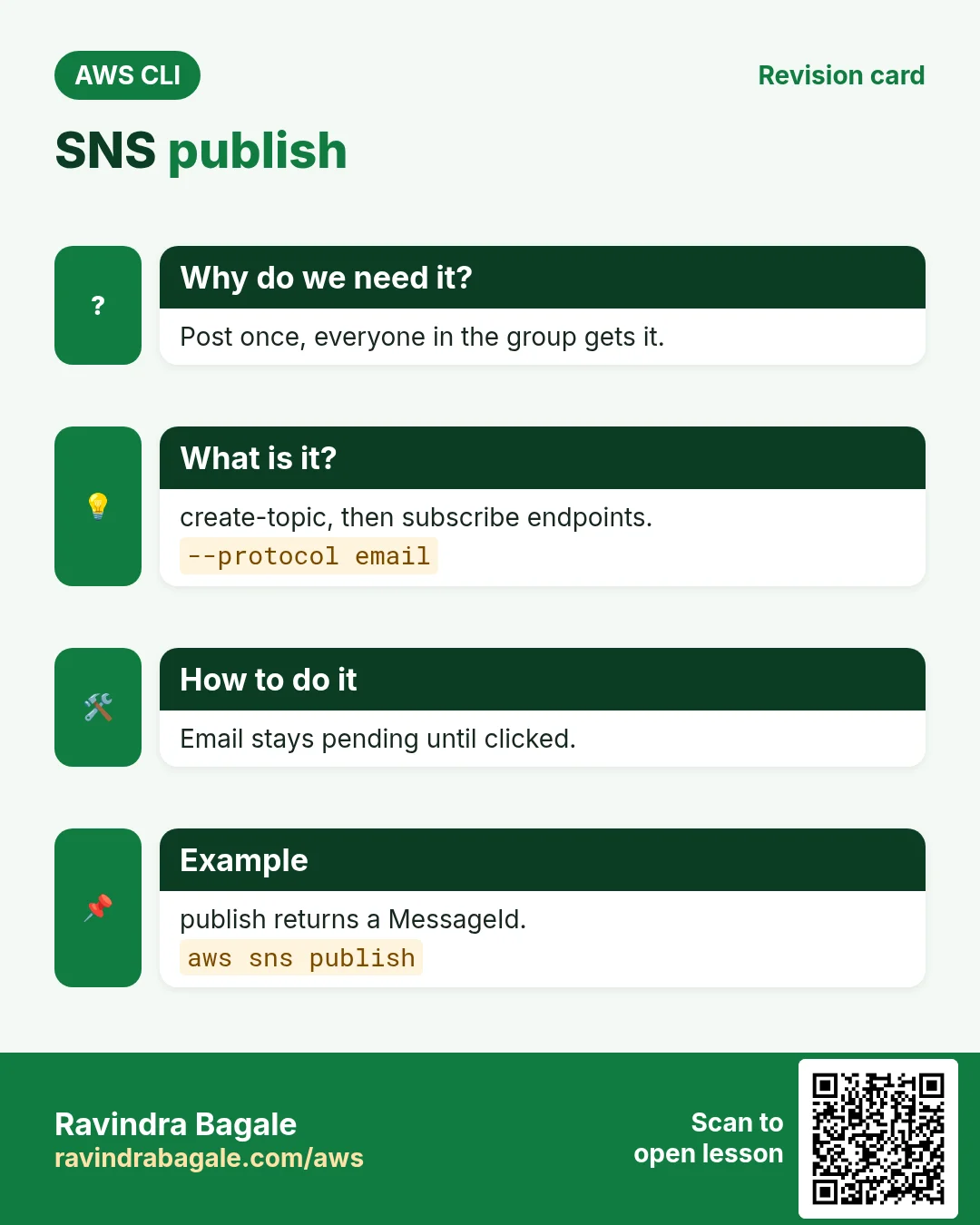
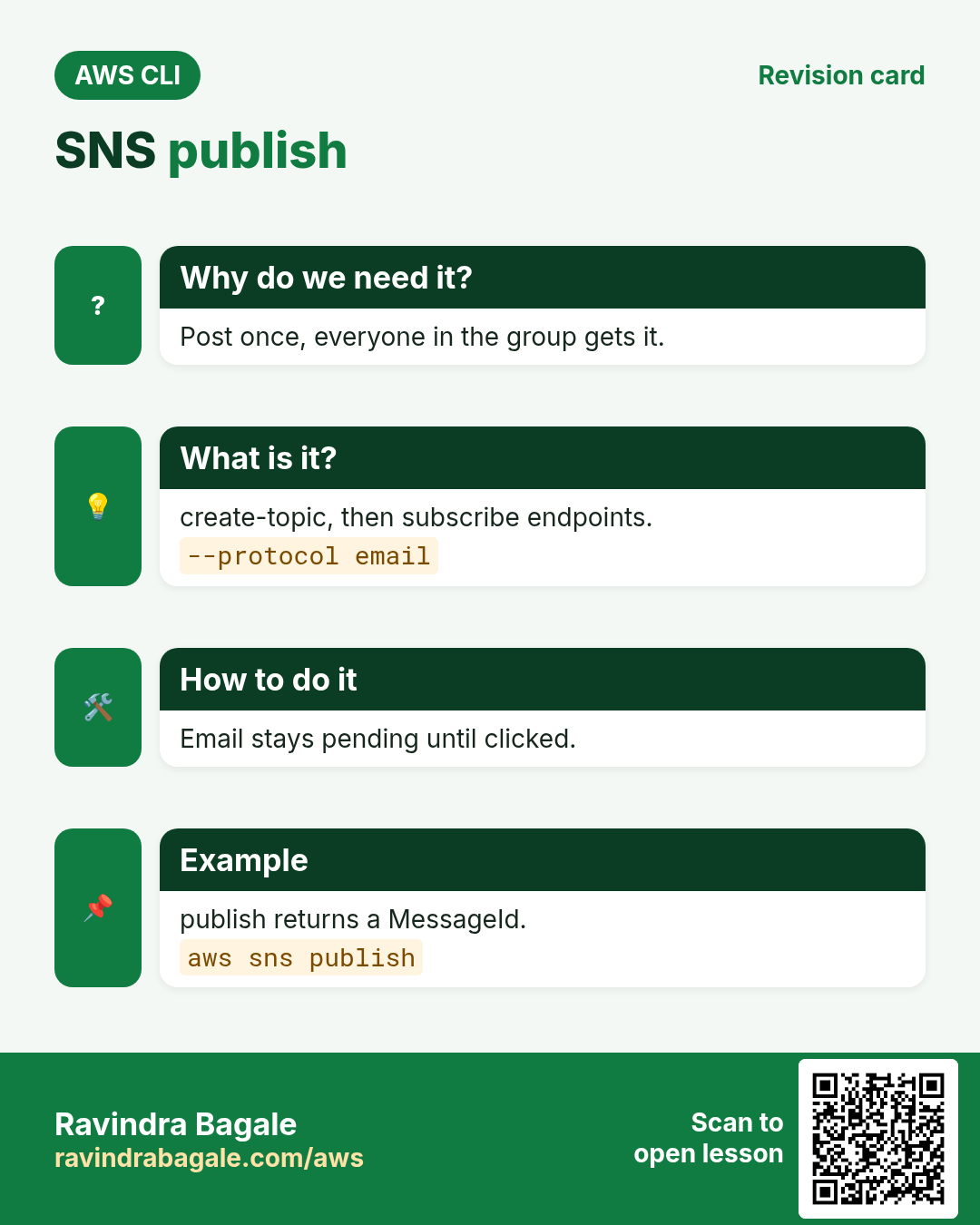
You post once in a society WhatsApp group and every member gets it. SNS is that group: you publish once to a topic and every subscriber gets a copy.
Commands are in aws sns: create-topic, subscribe, publish, set-subscription-attributes, delete-topic.
2. Create a topic
Many systems need the same news, like "order placed".
A topic is a named channel with an ARN. Standard topics are fast; FIFO topics keep order.
- Create it.
T=$(aws sns create-topic --name cli-alerts --query TopicArn --output text)
echo $T
Expected output:
arn:aws:sns:ap-south-1:111122223333:cli-alerts- List topics.
aws sns list-topics --query "Topics[].TopicArn" --output textExpected output:
arn:aws:sns:ap-south-1:111122223333:cli-alerts3. Subscribe
Think through a single publish before using the commands. The publisher sends to the topic ARN. Each subscription names a destination, such as your classroom inbox or an SQS queue. An email subscription must be confirmed by the recipient. A queue destination needs permission to accept delivery from the intended SNS topic.
With your lab topic, publish one tagged message and check the relevant subscriber. If you add a filter, send two messages whose filter fields differ. For a filter that selects priority=high, the high-priority message should arrive and the low-priority one should be left out after the setting takes effect. The returned message ID tells you the topic accepted the publish. It does not identify which subscriptions received the message.
People want email and programs want a queue.
subscribe takes a protocol (email, sqs, lambda, https, sms) and an endpoint. Email needs a click to confirm.
- Subscribe an email.
aws sns subscribe --topic-arn $T --protocol email --notification-endpoint you@example.comExpected output:
{"SubscriptionArn": "pending confirmation"}- Subscribe an SQS queue.
Q=arn:aws:sqs:ap-south-1:111122223333:cli-q
aws sns subscribe --topic-arn $T --protocol sqs --notification-endpoint $Q --attributes RawMessageDelivery=true --query SubscriptionArn --output text
Expected output:
arn:aws:sns:ap-south-1:111122223333:cli-alerts:5e6f...- List subscriptions.
aws sns list-subscriptions-by-topic --topic-arn $T --query "Subscriptions[].[Protocol,SubscriptionArn]" --output textExpected output:
email  PendingConfirmation
sqs    arn:aws:sns:...:5e6f...
4. Publish
Your app must announce an event once without knowing who listens.
publish sends a message with an optional subject and message attributes. It returns a MessageId.
- Publish a message.
aws sns publish --topic-arn $T --subject "Order" --message "Order 101 placed" --message-attributes '{"type":{"DataType":"String","StringValue":"order"}}' --query MessageId --output textExpected output:
b7c8d9e0-1234-5678-9abc-def012345678- Send one SMS.
aws sns publish --phone-number +919800000000 --message "OTP 4321" --query MessageId --output textExpected output:
f1e2d3c4-...5. Filter policies
Start by locating the subscription ARN, which identifies which destination will receive the policy. The topic ARN identifies the channel and is what you publish to. With the filter set on one subscription, an unfiltered subscription on the same topic may still receive both events. This makes it useful to keep one approved lab subscriber for comparison.
Work through the synthetic example before running the commands. One publish has the expected priority field, and one carries a different value. Record both message IDs. The matching subscription should receive the first after the filter is active; the comparison subscription can receive both. If no message arrives, confirm the exact topic and endpoint before investigating the policy. If both arrive where one was expected, inspect the policy scope and allow time for its update to take effect.
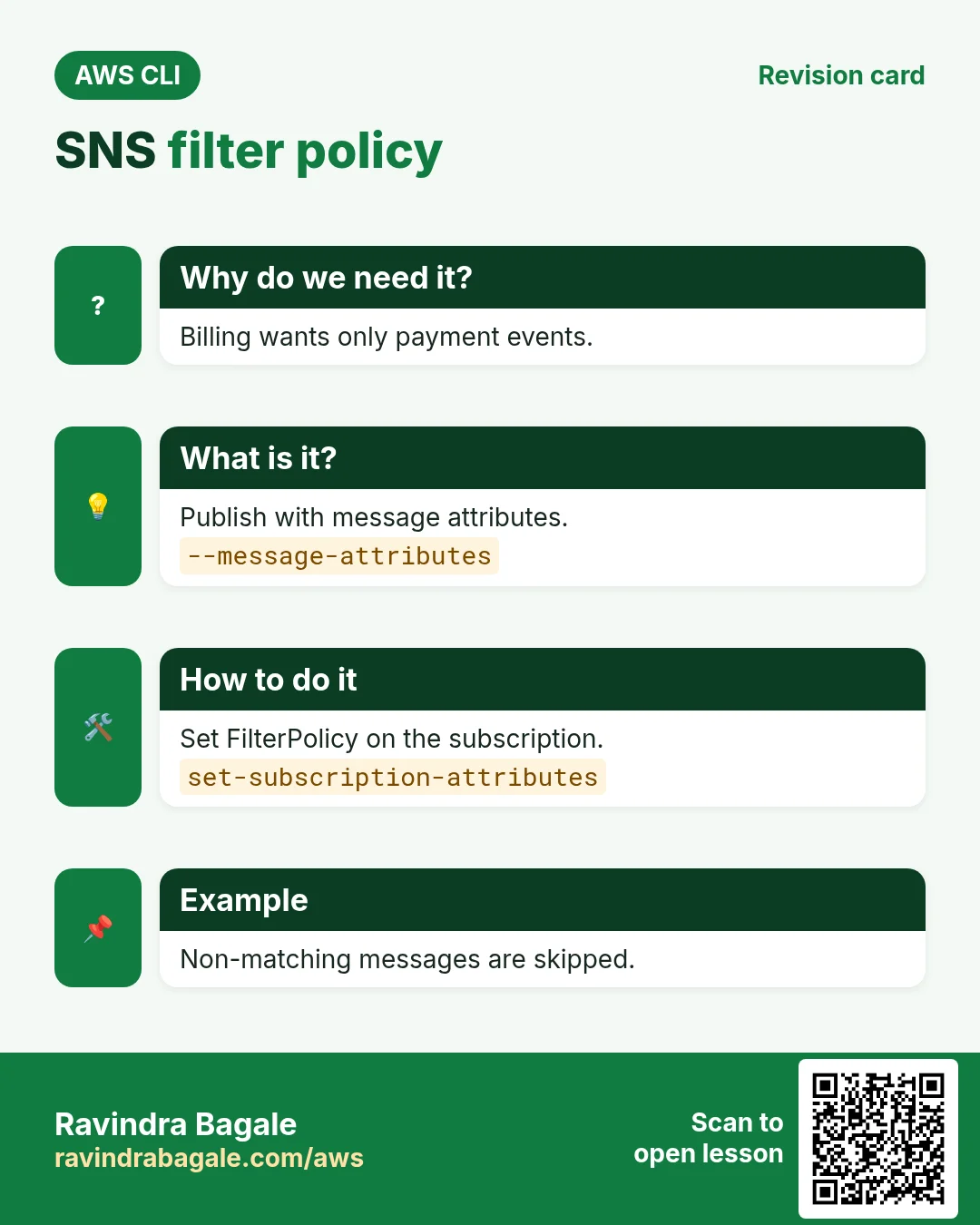
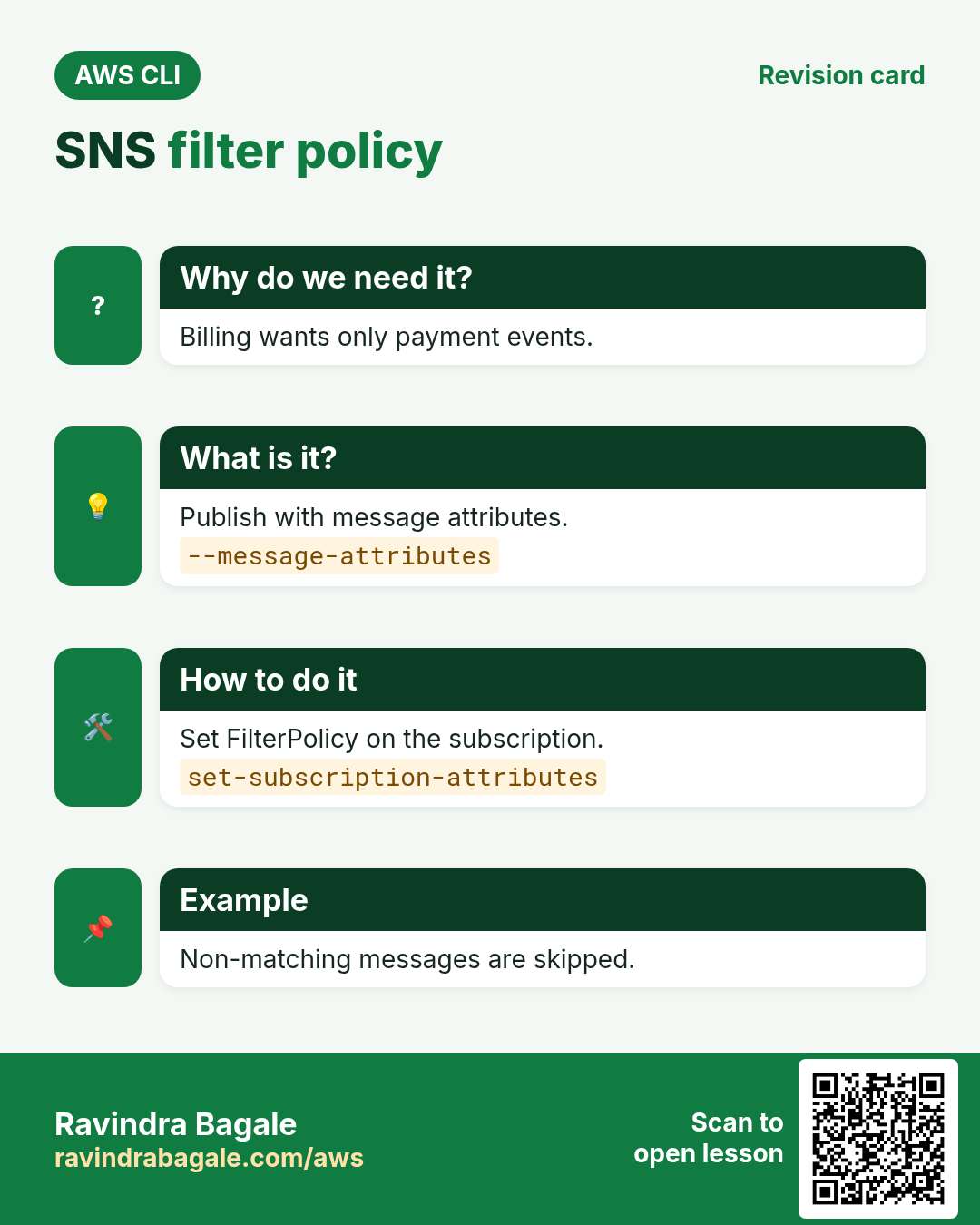
The billing queue wants only payment events, not every message.
A FilterPolicy on a subscription lets through only messages whose attributes match.
- Set a filter.
S=$(aws sns list-subscriptions-by-topic --topic-arn $T --query "Subscriptions[?Protocol=='sqs'].SubscriptionArn" --output text)
aws sns set-subscription-attributes --subscription-arn $S --attribute-name FilterPolicy --attribute-value '{"type":["payment"]}'
Expected output:
(no output means success)- Verify.
aws sns get-subscription-attributes --subscription-arn $S --query Attributes.FilterPolicy --output textExpected output:
{"type":["payment"]}6. Same action in Python, Node.js, Java, Go, .NET and PHP
Scripts start in the CLI. Apps call the same API through an SDK. Knowing both helps you move a tested command into real code.
Low-level CLI commands expose service operations. A high-level command or an automatically paginated list can make multiple requests. For example, aws sns publish --topic-arn $T --message "hi" maps to the Publish API.
Same action (Publish) from code. Set the intended profile and Region for the SDK. Provider support and precedence can differ by SDK, and an explicit client setting can override defaults.
| Stack | Code |
|---|---|
| Python (boto3) | boto3.client("sns").publish(TopicArn=T,Message="hi") |
| Node.js (v3) | await sns.send(new PublishCommand({TopicArn:T,Message:"hi"})); |
| Java (v2) | sns.publish(r -> r.topicArn(t).message("hi")); |
| Go (v2) | c.Publish(ctx, &sns.PublishInput{TopicArn: aws.String(t), Message: aws.String("hi")}) |
| .NET | await sns.PublishAsync(new PublishRequest{TopicArn=t,Message="hi"}); |
| PHP | $sns->publish(["TopicArn"=>$t,"Message"=>"hi"]); |
7. Clean up so nothing keeps costing
Lab resources left running cost money and can be a security risk.
Delete in reverse order: children first, then parents.
- Delete the topic (subscriptions go too).
aws sns delete-topic --topic-arn $TExpected output:
(no output means success)- Verify.
aws sns list-topics --query "Topics[?contains(TopicArn,'cli-alerts')]"Expected output:
[]Ravindra Bagale's Tip
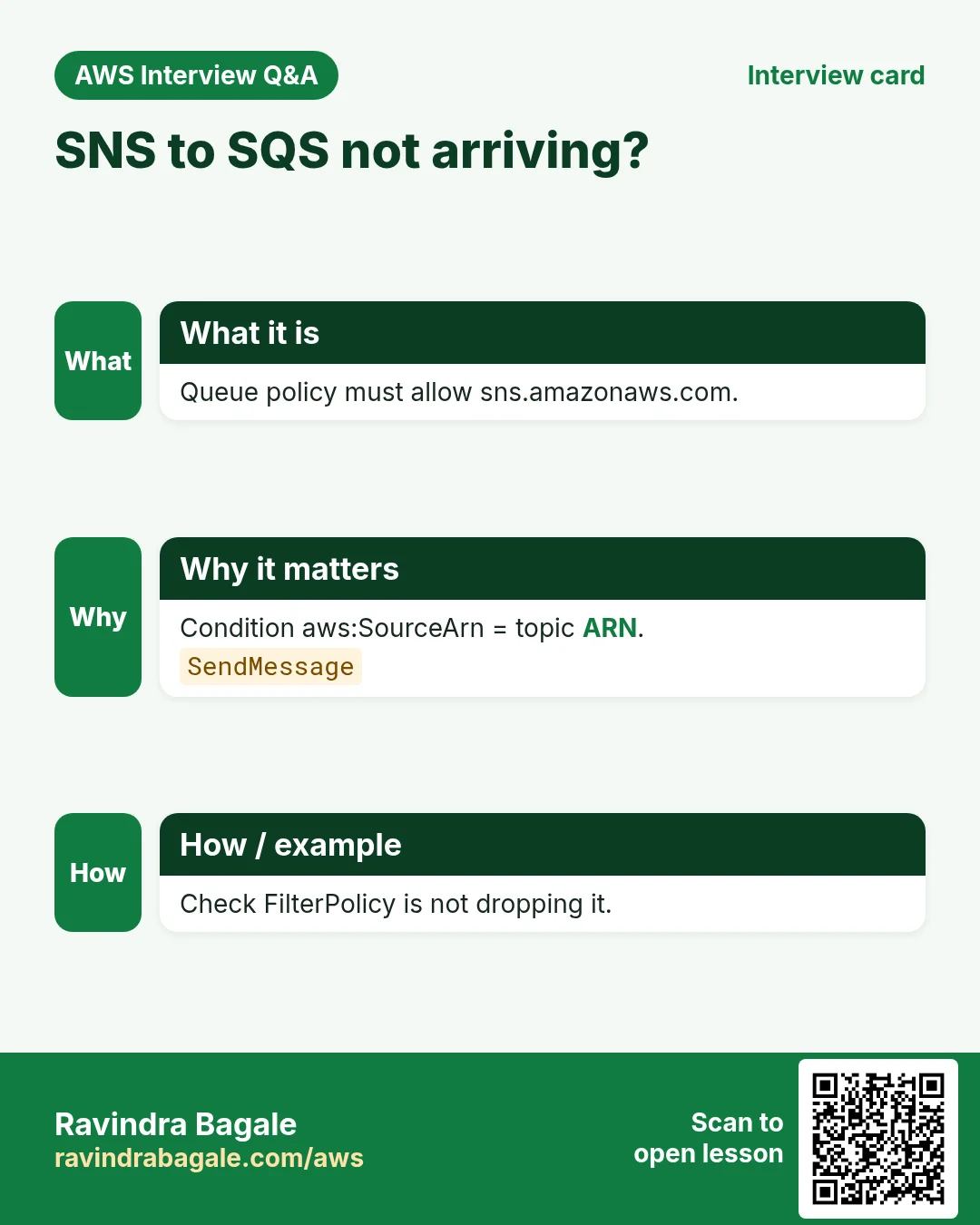
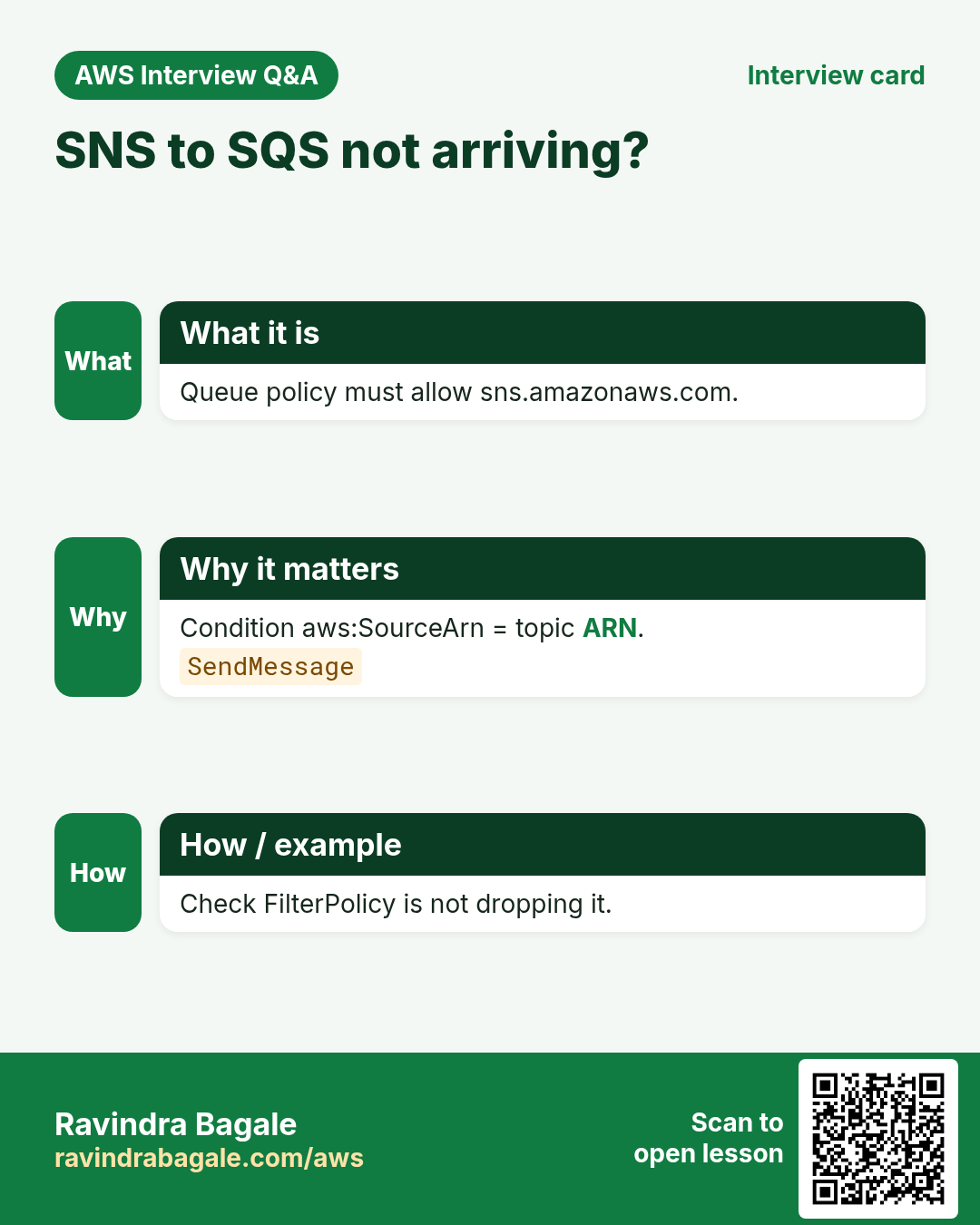
For SNS to SQS, the queue policy must allow sns.amazonaws.com to SendMessage with your topic as the source, or messages silently never arrive.
Common errors: cause and safe next check
subscribe returns success, but the email never receives publish messages
Email subscriptions must be confirmed before the address can receive messages. The CLI example often shows SubscriptionArn as pending confirmation. Check the inbox for the Amazon SNS confirm link and confirm before you republish.
publish is sent to the topic name instead of the topic ARN
create-topic returns a TopicArn. Publish and subscribe need that ARN, not only the short name. Inspect the create-topic output and pass the ARN in later commands.
Someone adds personal details into the topic name
Official guidance says not to put personally identifiable or sensitive information in topic names, because names can appear in other AWS services. Use a short synthetic name and keep private data out of the name field.
Practical questions and full answers
What is the usual order of SNS CLI work?
Create a topic with create-topic, note the TopicArn, subscribe an endpoint with subscribe, confirm the subscription when the protocol requires it, then publish messages to the topic ARN. That order matches the beginner path in the SNS developer guide.
Why does an email subscribe show pending confirmation?
After you subscribe an email address, you must confirm the subscription from the email Amazon SNS sends before that address can start receiving messages. Until then, delivery to that email endpoint should not be expected.
Can I change a topic from standard to FIFO after creation?
During creation you choose the topic type and name. After creating a topic, you cannot change the topic type or name. If you need FIFO, create a new topic with the correct type and naming rules, then move subscribers carefully.
8. Interview questions and answers
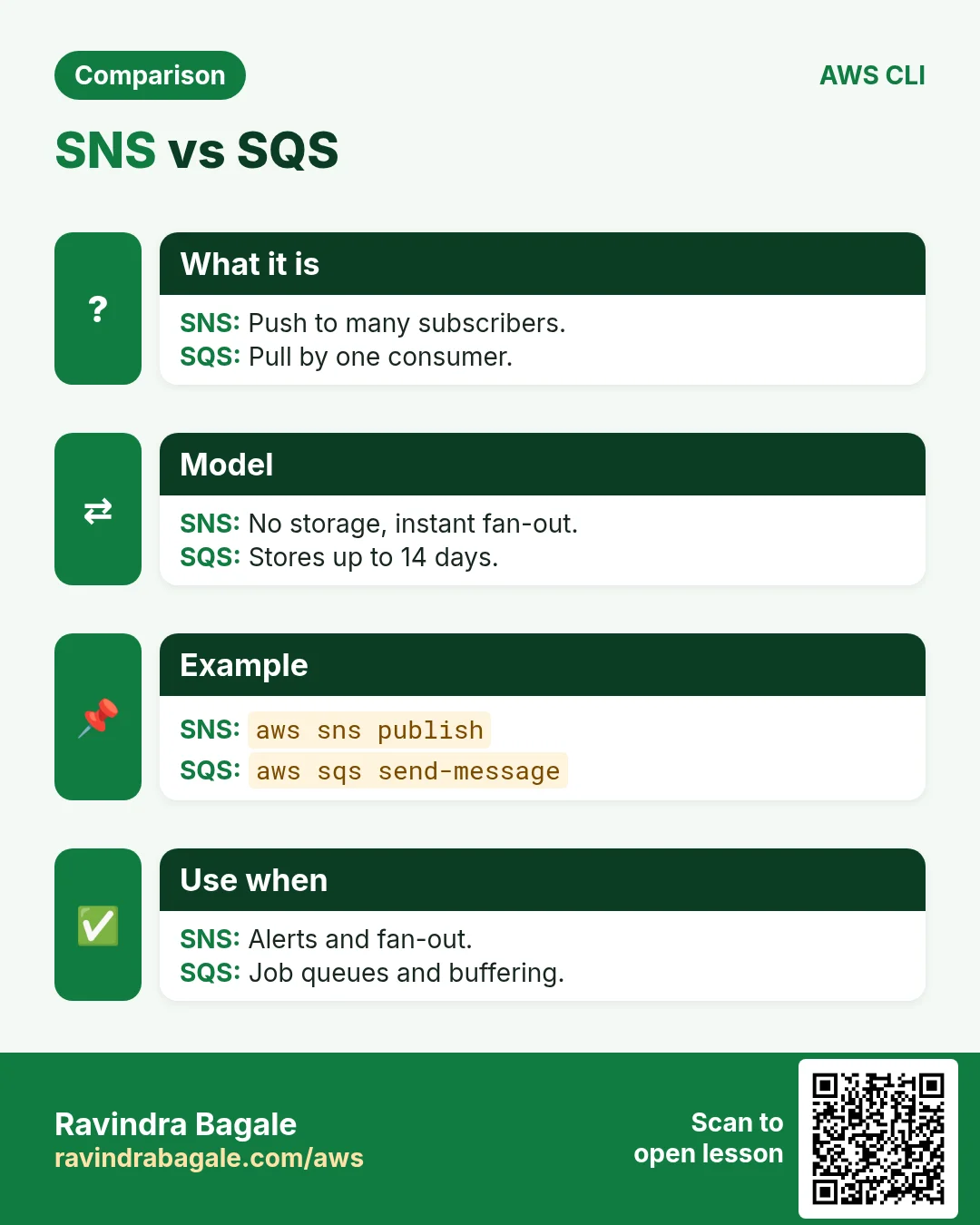
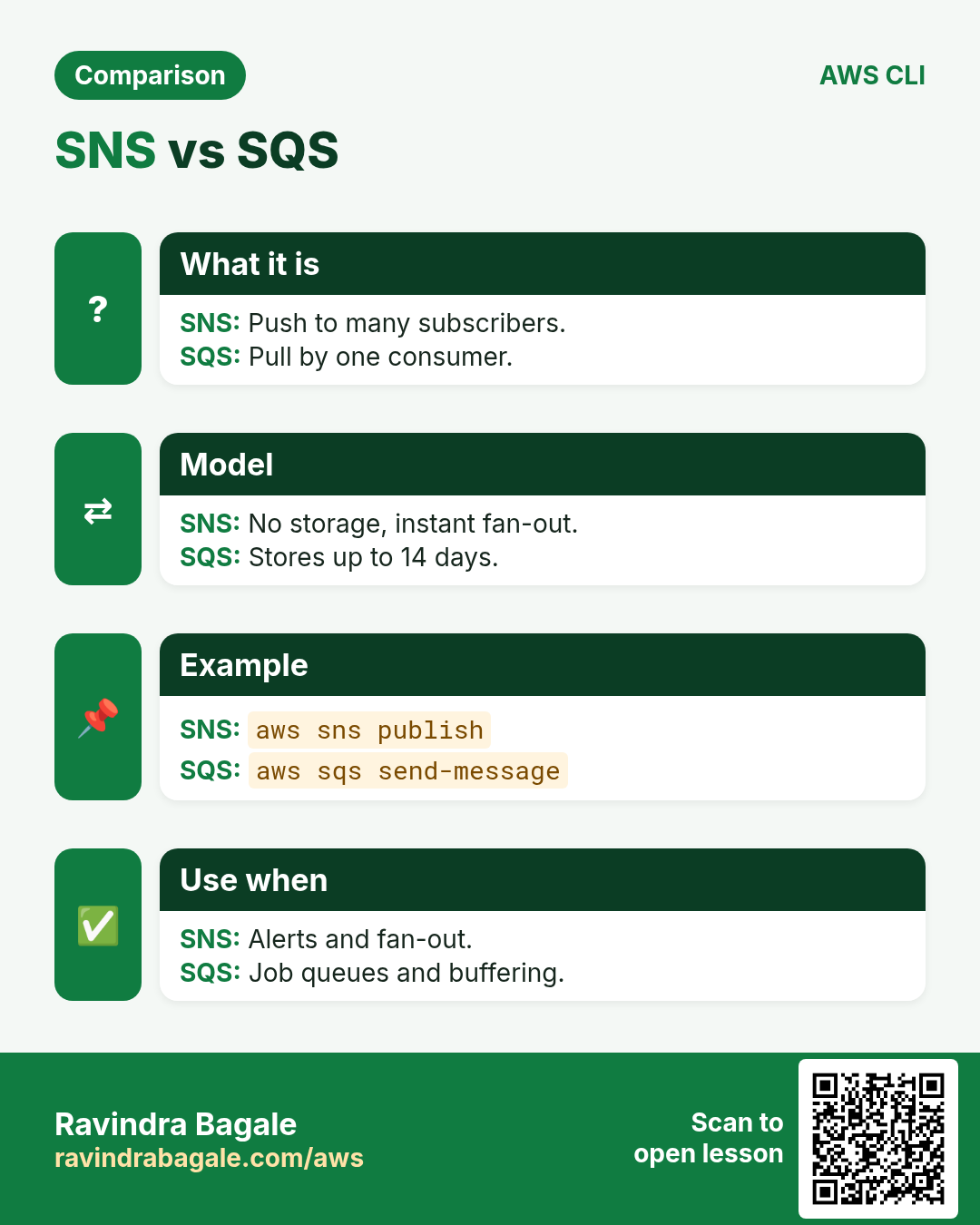
Q. SNS vs SQS?
SNS pushes to many subscribers. SQS stores messages until one consumer pulls them.
Q. What is fan-out?
One SNS topic delivering to many SQS queues.
Q. Why pending confirmation?
Email endpoints must confirm to prevent spam.
Q. What does a filter policy do?
Drops messages whose attributes do not match for that subscription.
Q. What is RawMessageDelivery?
Sends only the message body, without the SNS JSON wrapper.
Try at home
- Fan out one topic to two queues and publish once.
- Add a filter so one queue gets only type=payment.
In short
- create-topic.
- subscribe protocol + endpoint.
- Confirm email.
- publish once.
- FilterPolicy.
Confirm a subscription before testing a publish
Create a dedicated topic and one email subscription. Confirm it from the receiving inbox, then publish one harmless message. A returned MessageId identifies the publish call; verify subscriber delivery separately.
Interview check Is a successful publish a guarantee of email receipt?
No. The topic accepted the message, but a subscription must be confirmed and delivery can fail downstream.
Practise this chapter
Interview questions and answers
How would you diagnose one SNS subscription that gets no messages?
I would confirm the topic accepts a synthetic publish, then inspect that subscription’s confirmation, destination permissions and filter scope. I would send a matching and a nonmatching event and check the intended endpoint. The publisher cannot tell all of that from its message ID.
Check your understanding
Choose an answer, then compare your reasoning with the explanation.
Practice Tasks
Practice checks run in your browser. They check the answer for this exercise; they do not create resources or connect to your AWS account.
About this scenarioStockholm Games is a gaming business in Stockholm. Erik Lindqvist looks after its IT and cloud work. They count money in SEK and run their AWS resources in the eu-north-1 Region. In the tasks below you do real jobs for them using what this lesson teaches. All names, account IDs, IP addresses and numbers are made up for practice.
0 / 11
Easy Publish to one topic
An alerting app only needs to publish.
Allow sns:Publish on arn:aws:sns:eu-north-1:124495484726:sthlmgames-alerts only.
- Start with { "Version": "2012-10-17", "Statement": [ ... ] }.
- In each statement write Effect, Action and Resource.
- Give only what the task needs (least privilege).
- Use double quotes and commas correctly. Click Check answer.
Easy Publish a message
One publish reaches email, SMS, SQS and Lambda subscribers together.
Publish the message "Stock low in Stockholm" with subject "Stock alert" to arn:aws:sns:eu-north-1:124495484726:sthlmgames-alerts.
- Read the task and decide which AWS service it is about.
- Write aws, then the service name, then the operation (the action word).
- Add each needed flag (--name) followed by its value from the task.
- Flags can be in any order. Click Check answer.
Easy Create an SNS topic
A topic is a channel: publish once, every subscriber gets it.
Create topic sthlmgames-alerts.
- Read the task and decide which AWS service it is about.
- Write aws, then the service name, then the operation (the action word).
- Add each needed flag (--name) followed by its value from the task.
- Flags can be in any order. Click Check answer.
Easy Create a queue
A queue holds work safely until a worker is ready.
Create queue sthlmgames-orders.
- Read the task and decide which AWS service it is about.
- Write aws, then the service name, then the operation (the action word).
- Add each needed flag (--name) followed by its value from the task.
- Flags can be in any order. Click Check answer.
Medium Send an SMS directly
SNS can send a one-off SMS to a phone number without a topic.
Send the SMS "Your OTP is 482913" to +919800000001.
- Read the task and decide which AWS service it is about.
- Write aws, then the service name, then the operation (the action word).
- Add each needed flag (--name) followed by its value from the task.
- Flags can be in any order. Click Check answer.
Medium Producer may only send
The web app should add jobs but never read or delete them.
Allow sqs:SendMessage on arn:aws:sqs:eu-north-1:124495484726:sthlmgames-orders only.
- Start with { "Version": "2012-10-17", "Statement": [ ... ] }.
- In each statement write Effect, Action and Resource.
- Give only what the task needs (least privilege).
- Use double quotes and commas correctly. Click Check answer.
Medium Subscribe an email
Email subscribers must click the confirm link before they receive messages.
Subscribe ops@sthlmgames.se by email to arn:aws:sns:eu-north-1:124495484726:sthlmgames-alerts.
- Read the task and decide which AWS service it is about.
- Write aws, then the service name, then the operation (the action word).
- Add each needed flag (--name) followed by its value from the task.
- Flags can be in any order. Click Check answer.
Medium Delete a processed message
If you do not delete it, the message comes back after the visibility timeout.
Delete the message with receipt handle stored in $RH from https://sqs.eu-north-1.amazonaws.com/124495484726/sthlmgames-orders.
- Read the task and decide which AWS service it is about.
- Write aws, then the service name, then the operation (the action word).
- Add each needed flag (--name) followed by its value from the task.
- Flags can be in any order. Click Check answer.
Hard Add a subscription filter policy
A filter policy sends a subscriber only the messages it cares about.
Set the FilterPolicy of subscription arn:aws:sns:eu-north-1:124495484726:sthlmgames-alerts:4b1c-77 to {"type":["refund"]}.
- Read the task and decide which AWS service it is about.
- Write aws, then the service name, then the operation (the action word).
- Add each needed flag (--name) followed by its value from the task.
- Flags can be in any order. Click Check answer.
Hard Subscribe a queue to a topic
Fan-out: one SNS message is copied to many SQS queues for different workers.
Subscribe queue arn:aws:sqs:eu-north-1:124495484726:sthlmgames-billing to arn:aws:sns:eu-north-1:124495484726:sthlmgames-alerts.
- Read the task and decide which AWS service it is about.
- Write aws, then the service name, then the operation (the action word).
- Add each needed flag (--name) followed by its value from the task.
- Flags can be in any order. Click Check answer.
Hard Attach a dead-letter queue
After a few failed tries, bad messages move to a DLQ instead of blocking the queue.
Set the attributes in attrs.json (a RedrivePolicy) on https://sqs.eu-north-1.amazonaws.com/124495484726/sthlmgames-orders.
- Read the task and decide which AWS service it is about.
- Write aws, then the service name, then the operation (the action word).
- Add each needed flag (--name) followed by its value from the task.
- Flags can be in any order. Click Check answer.
Revision, comparison and interview cards
Revise this lesson in a few minutes. Save the cards on your phone or download them as PNG files. The QR code on each card opens this lesson.
More cards: Ravi Sir's Cards.