AWS SDK STS: Assume Role, Cross-Account Access and Temporary Credentials (Python, PHP, Node.js)
STS gives out short-lived keys. We check who we are with GetCallerIdentity, assume a role in another account, build SDK clients from the temporary keys, add an external ID and MFA, and let the SDK refresh role credentials by itself — in Python, PHP and Node.js. The example: an agency with Noah in Sydney managing client accounts, and Aditi in Delhi auditing them.
In this chapter
- Check identity with GetCallerIdentity
- Assume a role
- Use temporary credentials in clients
- Add external ID and MFA
- Use auto-refreshing providers
1. The big picture: the visitor badge
At a client office you show your ID at reception and get a visitor badge that opens only certain floors and expires at 6 pm. AssumeRole is reception; the temporary credentials are the badge.
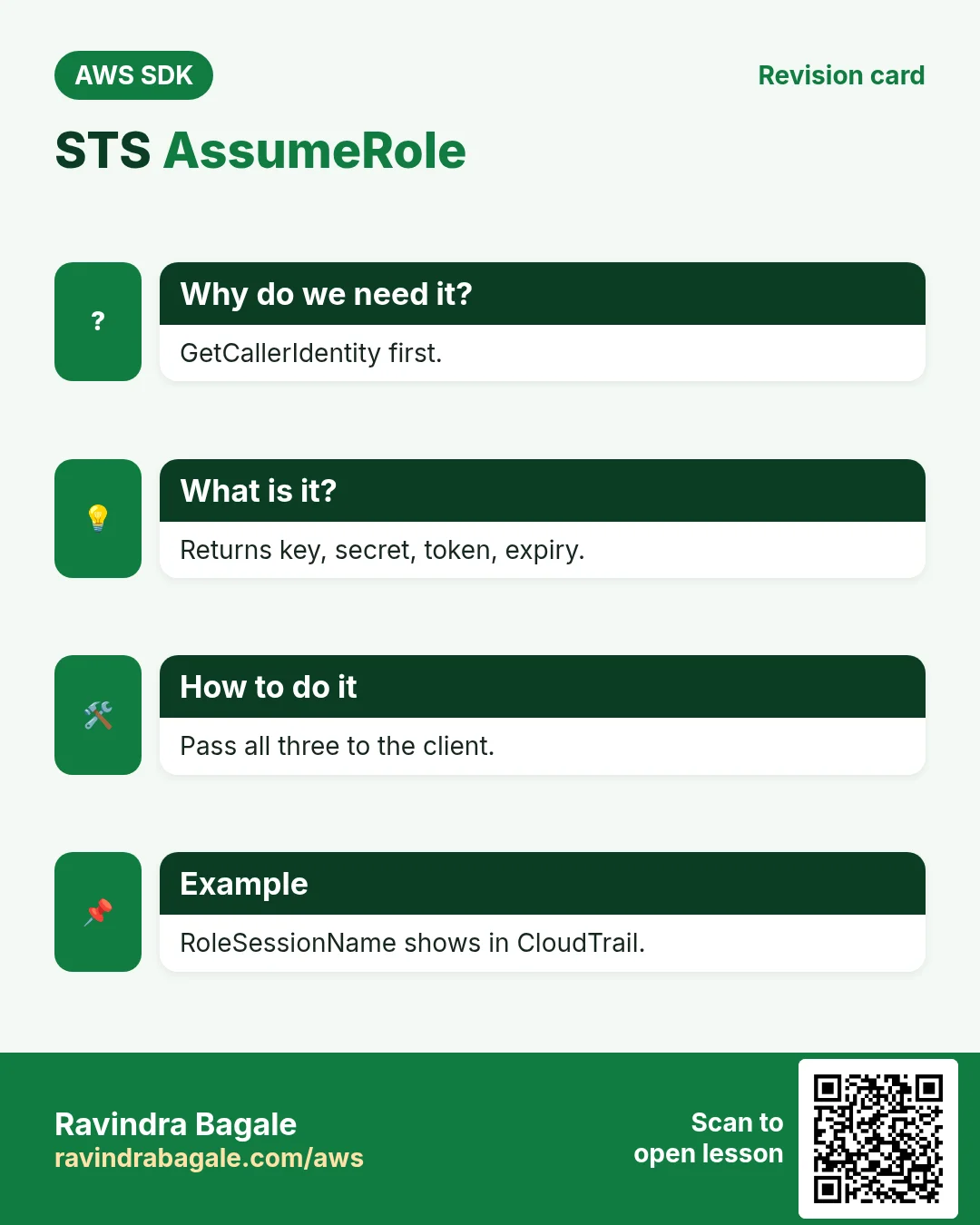
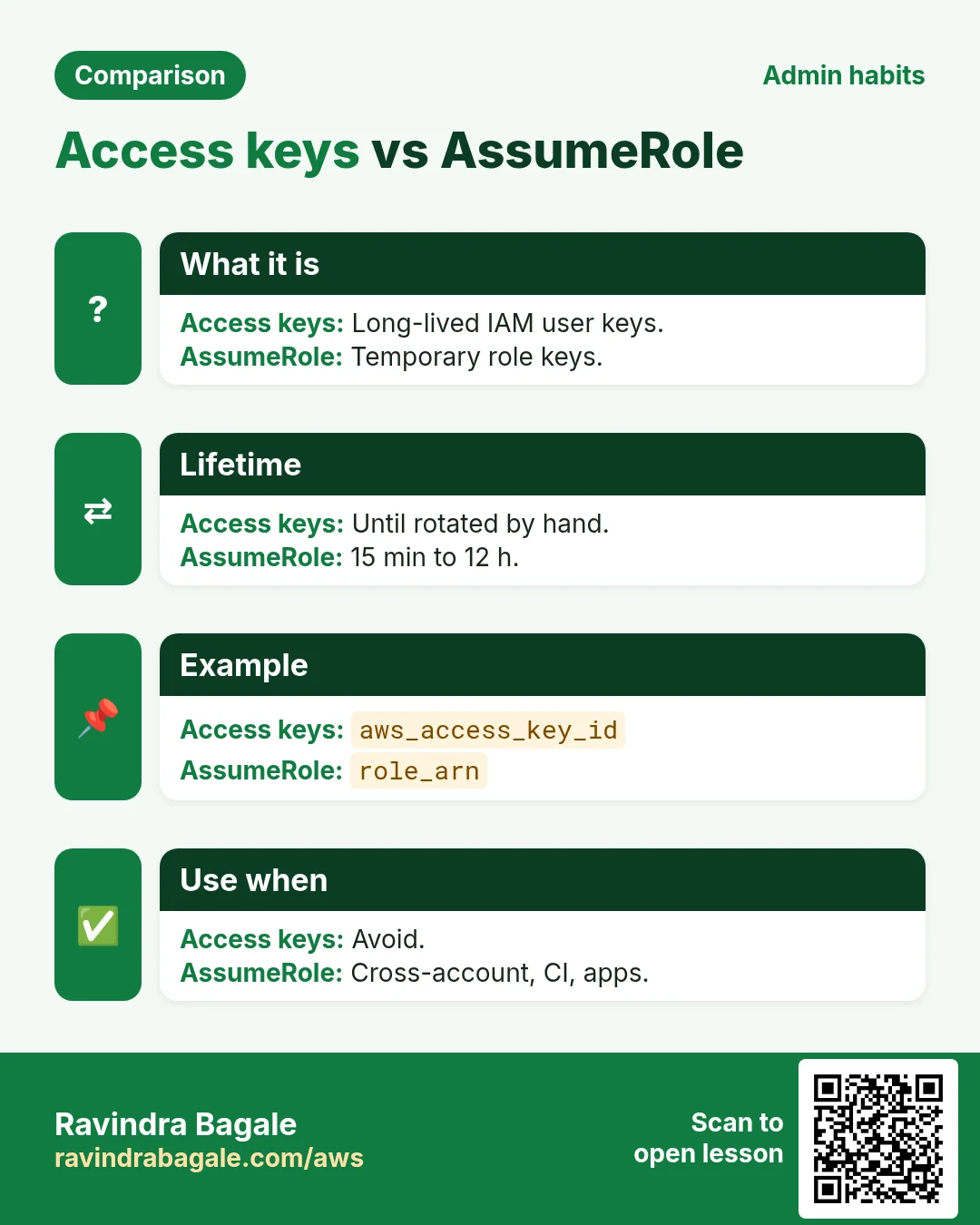
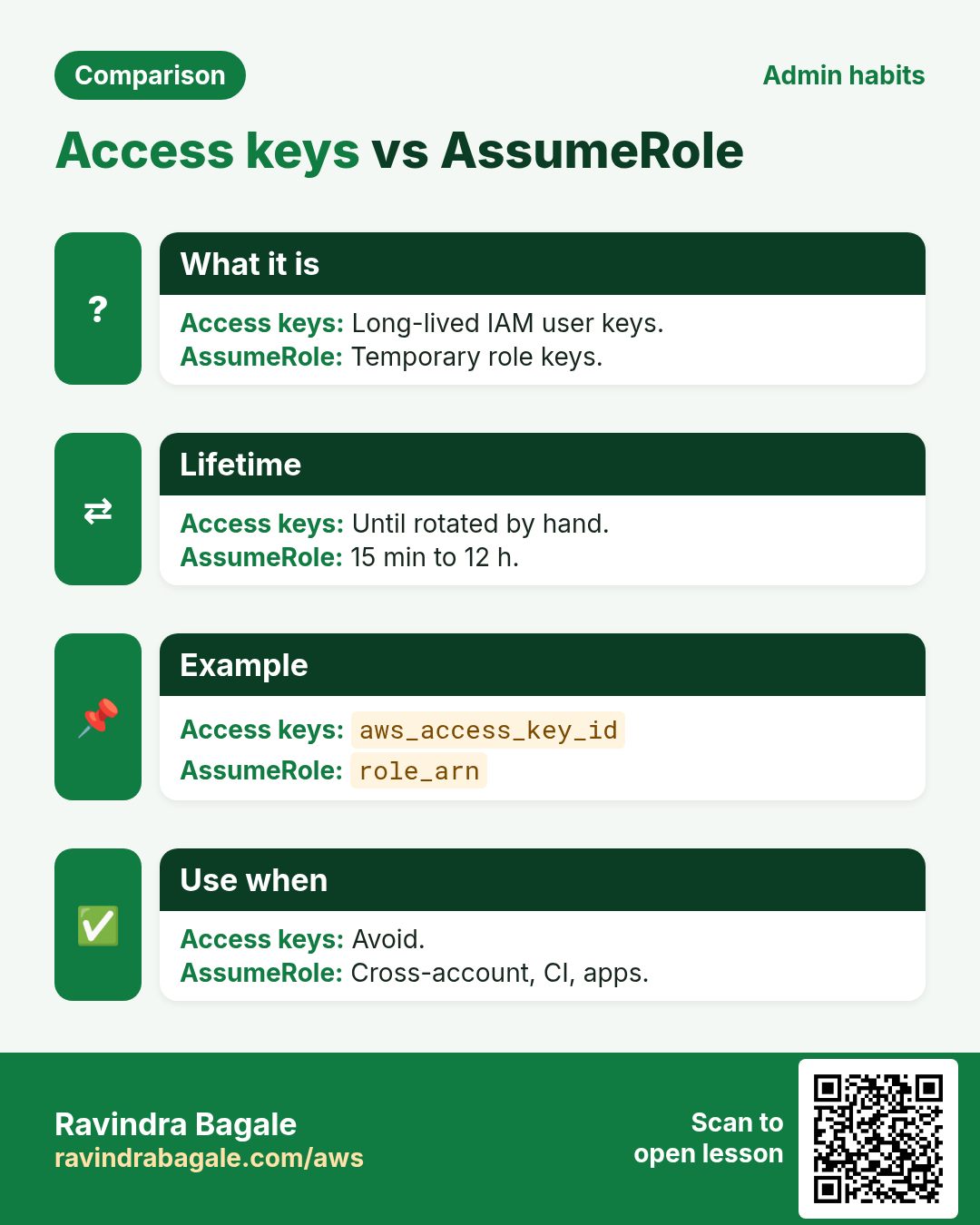
AssumeRole returns AccessKeyId, SecretAccessKey, SessionToken and Expiration (15 min to 12 h). The role's trust policy says who may assume it; its permissions say what the badge can do.
2. Who am I?
Before Noah runs anything against a client in Auckland, he checks which account and role his script is using.
GetCallerIdentity needs no permissions and returns Account, UserId and Arn.
- Python.
import boto3
sts = boto3.client("sts")
me = sts.get_caller_identity()
print(me["Account"], me["Arn"])
Expected output:
111111111111 arn:aws:iam::111111111111:user/noah- Node.js.
import { STSClient, GetCallerIdentityCommand } from "@aws-sdk/client-sts";
const sts = new STSClient({ region: "ap-southeast-2" });
const me = await sts.send(new GetCallerIdentityCommand({}));
console.log(me.Account, me.Arn);
Expected output:
111111111111 arn:aws:iam::111111111111:user/noah- PHP.
<?php
require "vendor/autoload.php";
$sts = new Aws\Sts\StsClient(["region" => "ap-southeast-2"]);
$me = $sts->getCallerIdentity();
echo $me["Account"], " ", $me["Arn"], PHP_EOL;
Expected output:
111111111111 arn:aws:iam::111111111111:user/noah- Verify with the CLI.
aws sts get-caller-identity --query Arn --output textExpected output:
arn:aws:iam::111111111111:user/noah3. Assume a role in another account
Write the two accounts and their responsibilities before running the example. Your source account owns the caller identity, while the target account owns the role and its protected resources. The ARN supplied to AssumeRole includes that target account and role name. The session name identifies this particular request. The approved target role trust and the source caller’s authorization both need to support the intended assumption.
Once STS issues the temporary set, create the later client using the new role provider. Compare the new caller ARN with your original one. A request signed by the original credentials still has the original rights, even if assumption worked in another process. In the lab, read one exact permitted resource from the assumed session and keep the temporary keys out of the diagnostic output. When testing an SDK refreshable provider, inspect identity before and after reloading or expiry without copying long-lived credentials.
The Auckland client (account 222222222222) gave the agency a role called AgencyOps with read access to S3 and EC2.
Call AssumeRole with RoleArn and a RoleSessionName (shows in CloudTrail). Then pass the three keys to a new client.
- Python: assume and build an S3 client.
c = sts.assume_role(RoleArn="arn:aws:iam::222222222222:role/AgencyOps",
    RoleSessionName="noah-audit", DurationSeconds=3600)["Credentials"]
s3 = boto3.client("s3", aws_access_key_id=c["AccessKeyId"],
    aws_secret_access_key=c["SecretAccessKey"], aws_session_token=c["SessionToken"])
print(c["Expiration"], [b["Name"] for b in s3.list_buckets()["Buckets"]][:2])
Expected output:
2026-10-24 08:40:00+00:00 ['kiwi-shop-assets', 'kiwi-shop-logs']- Node.js: assume and build an EC2 client.
import { AssumeRoleCommand } from "@aws-sdk/client-sts";
import { EC2Client, DescribeInstancesCommand } from "@aws-sdk/client-ec2";
const { Credentials: c } = await sts.send(new AssumeRoleCommand({
  RoleArn: "arn:aws:iam::222222222222:role/AgencyOps", RoleSessionName: "noah-ec2" }));
const ec2 = new EC2Client({ region: "ap-southeast-2", credentials: {
  accessKeyId: c.AccessKeyId, secretAccessKey: c.SecretAccessKey, sessionToken: c.SessionToken } });
const r = await ec2.send(new DescribeInstancesCommand({}));
console.log(r.Reservations.length, "reservations");
Expected output:
3 reservations- PHP: assume and pass credentials.
<?php
$c = $sts->assumeRole(["RoleArn" => "arn:aws:iam::222222222222:role/AgencyOps",
    "RoleSessionName" => "noah-php"])["Credentials"];
$s3 = new Aws\S3\S3Client(["region" => "ap-southeast-2", "credentials" => [
    "key" => $c["AccessKeyId"], "secret" => $c["SecretAccessKey"], "token" => $c["SessionToken"]]]);
echo count($s3->listBuckets()["Buckets"]), " buckets", PHP_EOL;
Expected output:
2 buckets- Verify: who am I now, using the role keys.
AWS_ACCESS_KEY_ID=... AWS_SECRET_ACCESS_KEY=... AWS_SESSION_TOKEN=... aws sts get-caller-identity --query Arn --output textExpected output:
arn:aws:sts::222222222222:assumed-role/AgencyOps/noah-audit4. External ID and MFA
In the cross-account pattern, the caller asks STS to assume an approved role owned by another account. An external ID is an agreed value a third-party service can send when requesting that particular customer role. The trust policy can require it so the third party identifies the intended customer request. It is a condition value, not a substitute for checking the caller principal. MFA separately proves that the permitted request came with an appropriate additional authentication factor.
Read the original account and role-session account from caller-identity output. A denied AssumeRole call means no target session was created. A successful assume followed by a failed resource request means the session exists, so check the granted action, resource and applicable policy controls in that second step.
Aditi's audit tool in Delhi serves 40 companies; an external ID stops one customer tricking it into another's account. Admin roles also demand MFA.
The trust policy checks sts:ExternalId; pass ExternalId in AssumeRole. For MFA pass SerialNumber and TokenCode.
- Trust policy on the client's role (JSON).
{"Version": "2012-10-17", "Statement": [{
  "Effect": "Allow",
  "Principal": {"AWS": "arn:aws:iam::333333333333:role/AuditTool"},
  "Action": "sts:AssumeRole",
  "Condition": {"StringEquals": {"sts:ExternalId": "acme-7f3a91"}}}]}
Expected output:
(saved in role AuditReadOnly)- Python: assume with ExternalId.
c = sts.assume_role(RoleArn="arn:aws:iam::444444444444:role/AuditReadOnly",
    RoleSessionName="aditi-audit", ExternalId="acme-7f3a91")["Credentials"]
print("ok until", c["Expiration"])
Expected output:
ok until 2026-10-24 07:55:00+00:00- Node.js: assume with MFA.
const r = await sts.send(new AssumeRoleCommand({
  RoleArn: "arn:aws:iam::222222222222:role/AgencyAdmin", RoleSessionName: "noah-admin",
  SerialNumber: "arn:aws:iam::111111111111:mfa/noah", TokenCode: "492817" }));
console.log("admin until", r.Credentials.Expiration.toISOString());
Expected output:
admin until 2026-10-24T07:55:00.000Z- PHP: a wrong external ID fails.
<?php
try { $sts->assumeRole(["RoleArn" => "arn:aws:iam::444444444444:role/AuditReadOnly",
    "RoleSessionName" => "x", "ExternalId" => "wrong"]); }
catch (Aws\Exception\AwsException $e) { echo $e->getAwsErrorCode(), PHP_EOL; }
Expected output:
AccessDenied5. Let the SDK refresh for you
A nightly job in Frankfurt runs 3 hours; one-hour keys would expire half way.
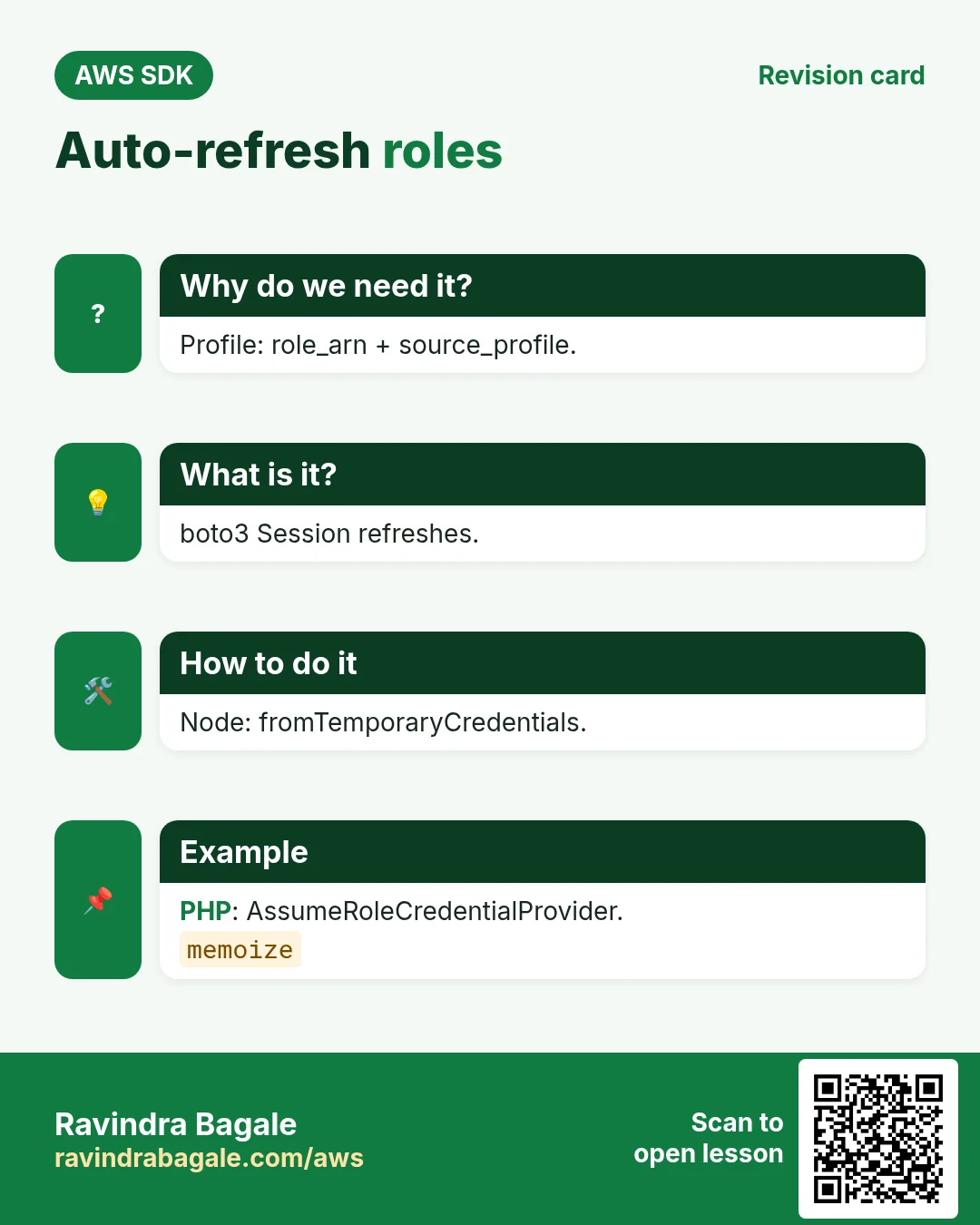
Use role profiles (role_arn + source_profile) or the SDK's assume-role provider. They renew keys before Expiration automatically.
- ~/.aws/config profile for all three SDKs.
[profile kiwi]
role_arn = arn:aws:iam::222222222222:role/AgencyOps
source_profile = default
role_session_name = nightly
region = ap-southeast-2
Expected output:
(saved)- Python: use the profile; boto3 refreshes.
s = boto3.Session(profile_name="kiwi")
print(s.client("sts").get_caller_identity()["Arn"])
Expected output:
arn:aws:sts::222222222222:assumed-role/AgencyOps/nightly- Node.js: fromTemporaryCredentials provider.
import { fromTemporaryCredentials } from "@aws-sdk/credential-providers";
import { S3Client, ListBucketsCommand } from "@aws-sdk/client-s3";
const s3 = new S3Client({ region: "ap-southeast-2", credentials: fromTemporaryCredentials({
  params: { RoleArn: "arn:aws:iam::222222222222:role/AgencyOps", RoleSessionName: "nightly" } }) });
console.log((await s3.send(new ListBucketsCommand({}))).Buckets.length);
Expected output:
2- PHP: AssumeRoleCredentialProvider with memoize.
<?php
use Aws\Credentials\{AssumeRoleCredentialProvider, CredentialProvider};
$p = new AssumeRoleCredentialProvider(["client" => $sts, "assume_role_params" => [
    "RoleArn" => "arn:aws:iam::222222222222:role/AgencyOps", "RoleSessionName" => "nightly"]]);
$s3 = new Aws\S3\S3Client(["region" => "ap-southeast-2", "credentials" => CredentialProvider::memoize($p)]);
echo count($s3->listBuckets()["Buckets"]), PHP_EOL;
Expected output:
26. The same call in Java, Go, .NET and the CLI
Teams often mix languages. Once you know the call in Python, PHP and Node.js, the other SDKs are the same API with different syntax.
All of them call the AssumeRole API. Use the CLI line to test it quickly from a terminal.
| Stack | Code |
|---|---|
| AWS CLI | aws sts assume-role --role-arn arn:aws:iam::222222222222:role/AgencyOps --role-session-name noah |
| Java v2 | StsAssumeRoleCredentialsProvider p = StsAssumeRoleCredentialsProvider.builder().stsClient(sts).refreshRequest(r -> r.roleArn(arn).roleSessionName("noah")).build(); |
| Go v2 | cfg.Credentials = aws.NewCredentialsCache(stscreds.NewAssumeRoleProvider(sts.NewFromConfig(cfg), arn)) |
| .NET | var creds = new AssumeRoleAWSCredentials(new BasicAWSCredentials(k, s), arn, "noah"); |
7. Clean up so nothing keeps costing
Lab resources left running cost money and can be a security risk.
Delete in reverse order: children first, then parents.
- Nothing to delete: temporary credentials expire by themselves. Remove test roles if you made them.
aws iam delete-role --role-name AuditReadOnlyExpected output:
(no output means success)Ravindra Bagale's Tip
Give every RoleSessionName a person or job name; it is how you find who did what in CloudTrail.
8. Interview questions and answers
Q. What does AssumeRole return?
AccessKeyId, SecretAccessKey, SessionToken and Expiration.
Q. What controls who can assume a role?
The role's trust policy.
Q. Why an external ID?
To prevent the confused-deputy problem for third-party access.
Q. How long do role sessions last?
15 minutes to the role's max (up to 12 hours); default 1 hour.
Q. How to avoid expiry in long jobs?
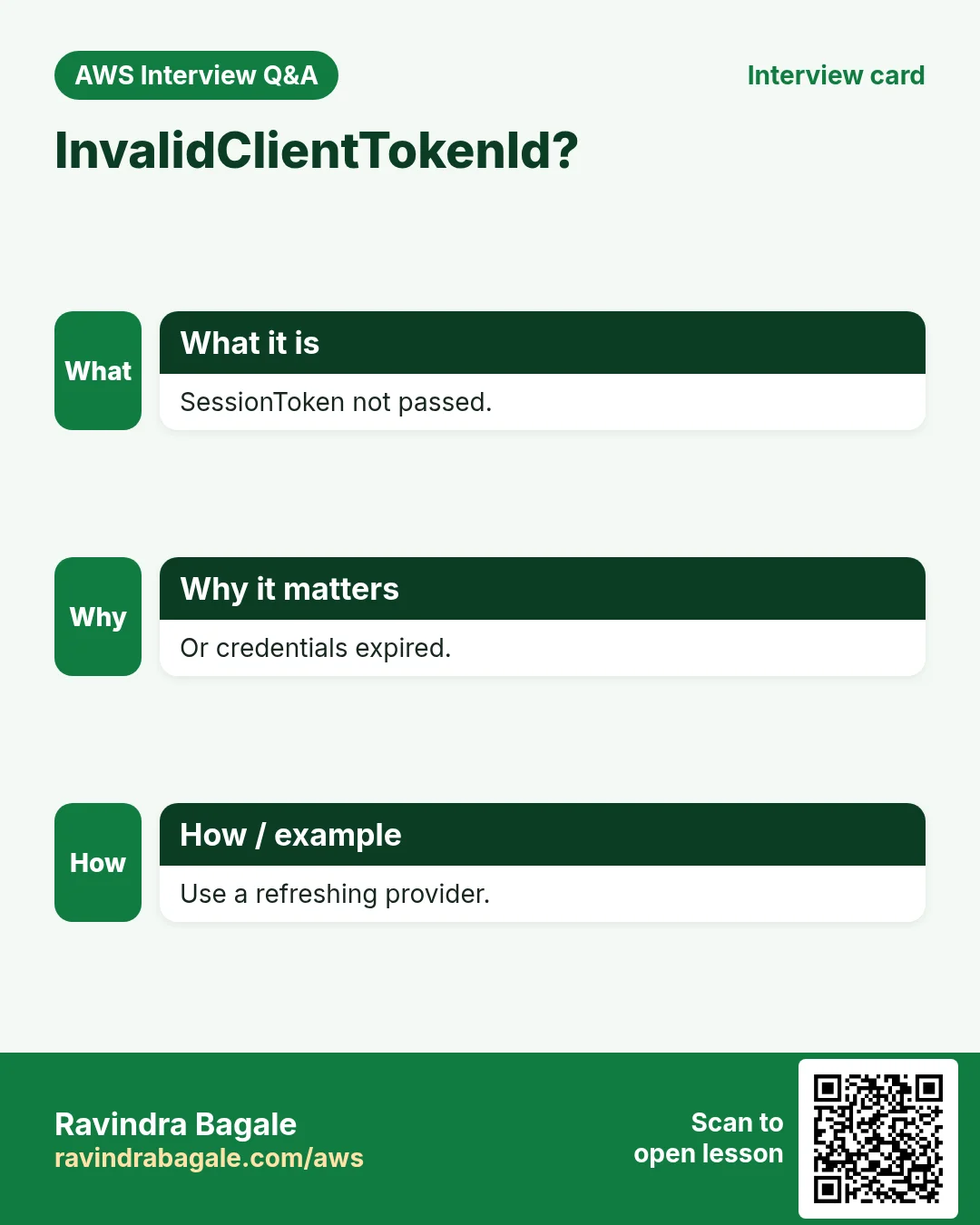
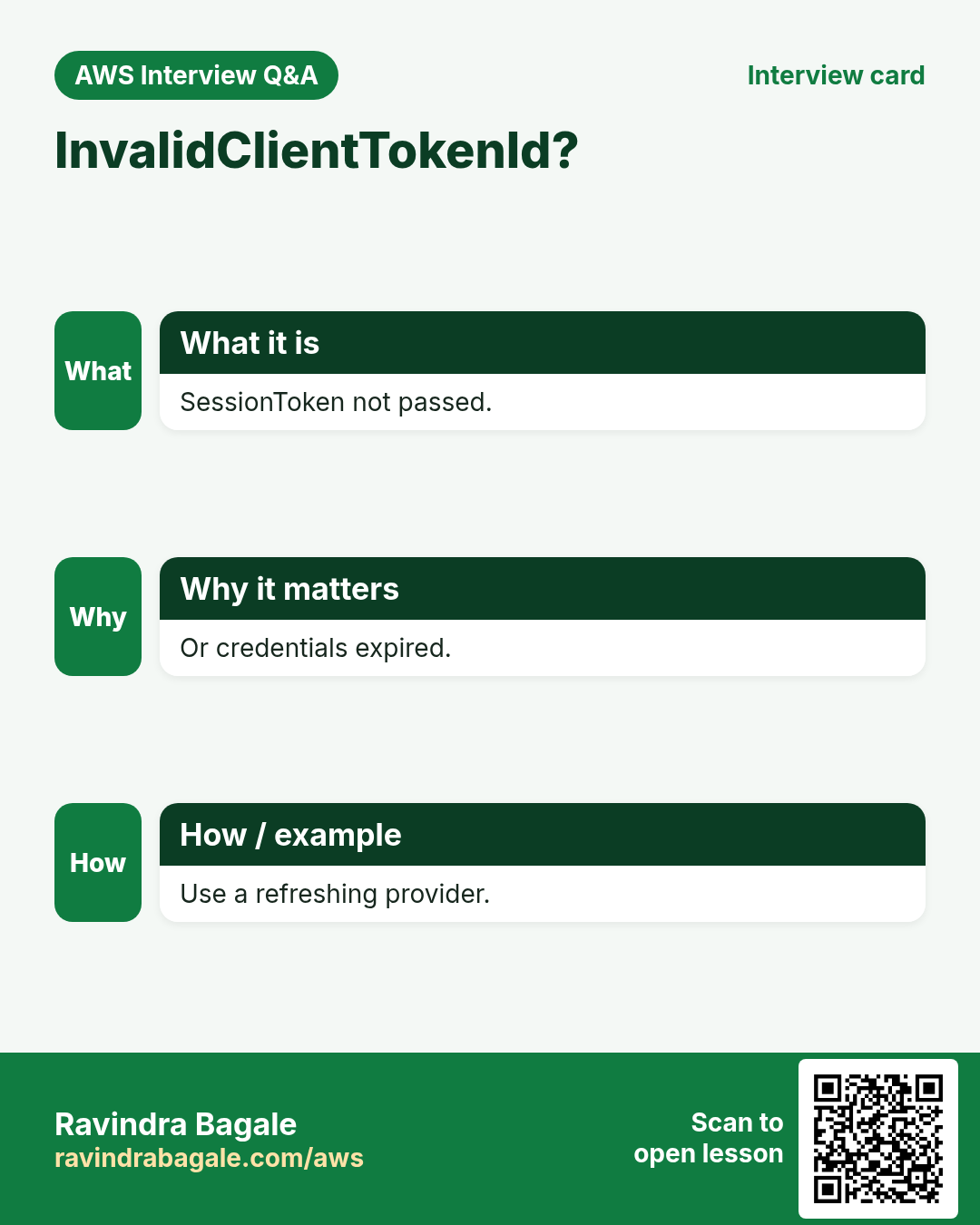
Use a refreshing provider or role profile instead of static keys.
Try at home
- Write a Python script that loops over three client account IDs, assumes AgencyOps in each and counts S3 buckets.
- Use AssumeRole with a session policy that allows only s3:ListBucket.
In short
- GetCallerIdentity first.
- AssumeRole → 3 keys.
- Pass SessionToken too.
- ExternalId / MFA conditions.
- Refreshing providers.
Trace which account owns the role and who calls it
Use disposable cross-account roles, record the source and target ARN and test a narrow read. Check the target trust policy and the source permissions, then run GetCallerIdentity with the temporary session.
Interview check Does the role's name alone prove cross-account access?
No. Confirm the returned account and assumed-role ARN plus the expected session scope, and keep actual credential material private.
Practise this chapter
Interview questions and answers
Why would a third-party integration use a trust condition with an external ID?
The external ID helps the provider specify the intended customer context for an authorized cross-account role request. I would still restrict which principal can assume the role and give the role narrow permissions. I would validate the identity after assumption and the exact permitted resource call.
Check your understanding
Choose an answer, then compare your reasoning with the explanation.
Practice Tasks
Practice checks run in your browser. They check the answer for this exercise; they do not create resources or connect to your AWS account.
About this scenarioSydney Surf School is a sports training business in Sydney. Liam O'Brien looks after its IT and cloud work. They count money in AUD and run their AWS resources in the ap-southeast-2 Region. In the tasks below you do real jobs for them using what this lesson teaches. All names, account IDs, IP addresses and numbers are made up for practice.
0 / 10
Easy Check who you are logged in as
Always confirm the account and identity before running changes.
Show the account ID and ARN of the identity your CLI is using.
- Read the task and decide which AWS service it is about.
- Write aws, then the service name, then the operation (the action word).
- Add each needed flag (--name) followed by its value from the task.
- Flags can be in any order. Click Check answer.
Easy How many addresses in a /16?
Picking a VPC size needs this count.
Sydney Surf School plans the VPC 10.153.0.0/16. How many IP addresses does it hold in total?
- Write down the numbers the task gives you.
- Work it out step by step on paper.
- Type only the final answer in the box.
- Click Check answer.
Medium Assume a role
AssumeRole gives you short-lived keys for another role, often in another account.
Assume role arn:aws:iam::107908505706:role/Auditor with session name liam-audit.
- Read the task and decide which AWS service it is about.
- Write aws, then the service name, then the operation (the action word).
- Add each needed flag (--name) followed by its value from the task.
- Flags can be in any order. Click Check answer.
Medium Decode an "access denied" message
Some errors come encoded; decoding shows exactly which policy blocked you.
Decode the authorization message stored in the shell variable $MSG.
- Read the task and decide which AWS service it is about.
- Write aws, then the service name, then the operation (the action word).
- Add each needed flag (--name) followed by its value from the task.
- Flags can be in any order. Click Check answer.
Medium Trust policy for an EC2 role
The trust policy says WHO may take the role.
Write a trust policy that lets ec2.amazonaws.com assume the role.
- Start with { "Version": "2012-10-17", "Statement": [ ... ] }.
- In each statement write Effect, Action and Resource.
- Give only what the task needs (least privilege).
- Use double quotes and commas correctly. Click Check answer.
Medium Trust policy for an ECS task role
The trust policy says WHO may take the role.
Write a trust policy that lets ecs-tasks.amazonaws.com assume the role.
- Start with { "Version": "2012-10-17", "Statement": [ ... ] }.
- In each statement write Effect, Action and Resource.
- Give only what the task needs (least privilege).
- Use double quotes and commas correctly. Click Check answer.
Medium Trust policy for a Lambda role
The trust policy says WHO may take the role.
Write a trust policy that lets lambda.amazonaws.com assume the role.
- Start with { "Version": "2012-10-17", "Statement": [ ... ] }.
- In each statement write Effect, Action and Resource.
- Give only what the task needs (least privilege).
- Use double quotes and commas correctly. Click Check answer.
Hard Let another account assume a role
Cross-account roles are safer than sharing access keys.
Write a trust policy that lets account 111122223333 assume this role.
- Start with { "Version": "2012-10-17", "Statement": [ ... ] }.
- In each statement write Effect, Action and Resource.
- Give only what the task needs (least privilege).
- Use double quotes and commas correctly. Click Check answer.
Hard Assume a role for 15 minutes
Shorter sessions lower the risk if keys leak.
Assume arn:aws:iam::107908505706:role/Deployer with session name deploy-job for 900 seconds.
- Read the task and decide which AWS service it is about.
- Write aws, then the service name, then the operation (the action word).
- Add each needed flag (--name) followed by its value from the task.
- Flags can be in any order. Click Check answer.
Hard Get a session token with MFA
Some actions need MFA. get-session-token returns keys that carry MFA proof.
Get a session token using MFA device arn:aws:iam::107908505706:mfa/liam and the code 123456.
- Read the task and decide which AWS service it is about.
- Write aws, then the service name, then the operation (the action word).
- Add each needed flag (--name) followed by its value from the task.
- Flags can be in any order. Click Check answer.
Revision, comparison and interview cards
Revise this lesson in a few minutes. Save the cards on your phone or download them as PNG files. The QR code on each card opens this lesson.
More cards: Ravi Sir's Cards.