AWS CLI Route 53 Commands: Hosted Zones and DNS Records
We control names on the internet: hosted zones, A, CNAME and alias records, health checks, DNS tests and cleanup.
In this chapter
- Create a hosted zone
- Add and change records
- Use alias records
- Health checks
- Test DNS and delete
1. The big picture: the phone contacts list
You save "Aai" in contacts and the phone finds the number. DNS saves "shop.example.com" and finds the server IP. Route 53 is the contacts list for your domain.
Commands are in aws route53: create-hosted-zone, change-resource-record-sets, list-resource-record-sets, create-health-check, test-dns-answer.
2. Hosted zone
Your domain needs a place where its records live.
A public hosted zone holds records and gives 4 name servers. caller-reference must be unique each time.
- Create the zone.
Z=$(aws route53 create-hosted-zone --name example.com --caller-reference cli-$(date +%s) --query HostedZone.Id --output text)
echo $Z
Expected output:
/hostedzone/Z0123456789ABCDEFGHIJ- See the name servers.
aws route53 get-hosted-zone --id $Z --query DelegationSet.NameServers --output textExpected output:
ns-123.awsdns-15.com ns-456.awsdns-57.net ns-789.awsdns-34.org ns-1011.awsdns-62.co.uk3. Add and change records
DNS answers questions about names. For example, an A record associates a name with an IPv4 address. Creating a public hosted zone produces authoritative nameservers for that zone. The parent domain or registrar must point its delegation to those nameservers for ordinary clients to find it. Two hosted zones with the same name can hold different records, and clients only follow the configured delegation.
Use an approved disposable subdomain. Confirm an UPSERT changes the intended hosted zone and wait for Route 53 to report INSYNC. Ask its authoritative server for the lab record, then ask your normal resolver. The normal resolver can still report the previous answer while its cached record is valid. A surprising result at the authoritative server suggests the wrong zone or record, while a discrepancy at the resolver points you to delegation or caching.
You bought a server and want www to point at it.
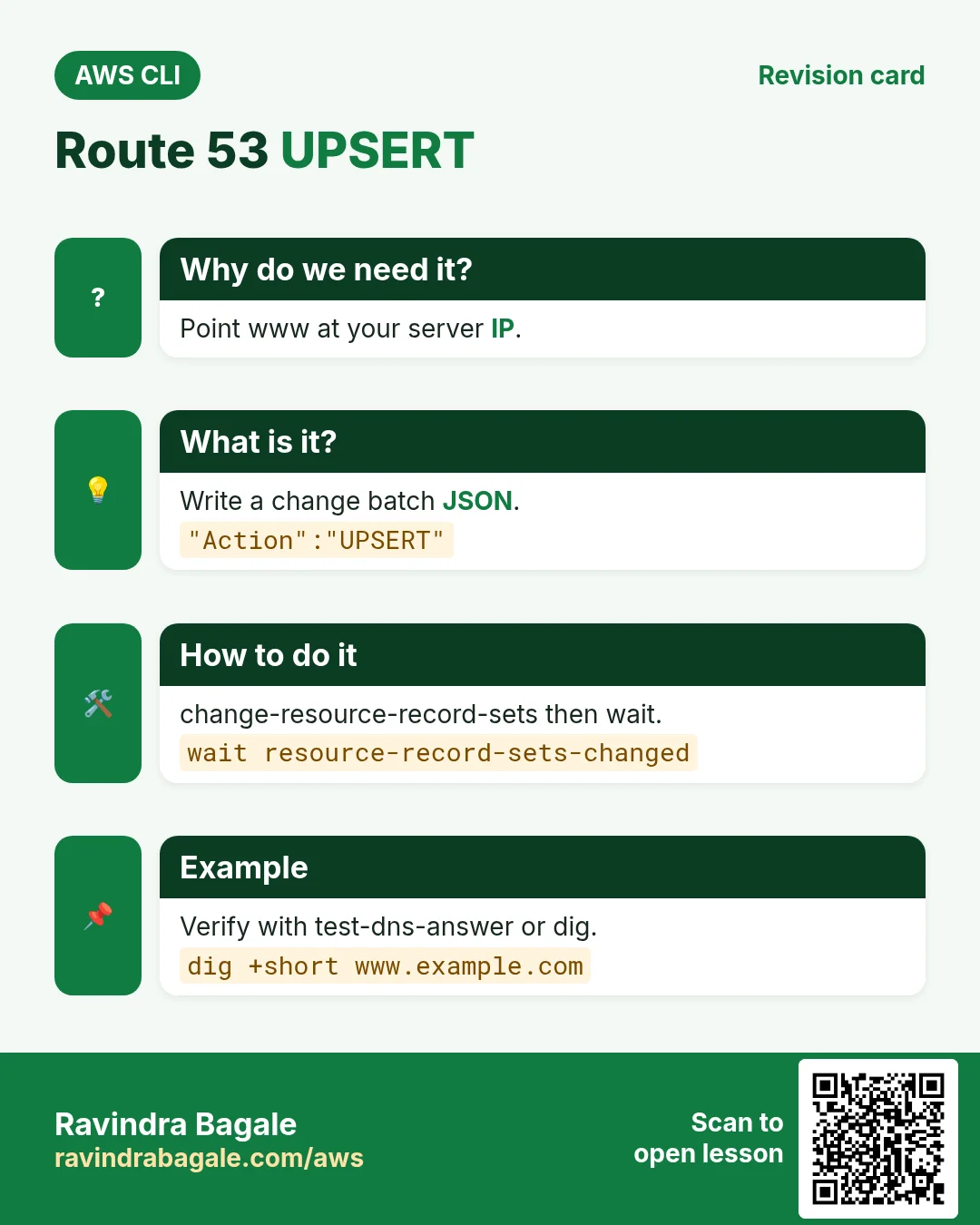
change-resource-record-sets takes a change batch with CREATE, DELETE or UPSERT. UPSERT creates or updates.
- Write the change.
cat > a.json <<J
{"Changes":[{"Action":"UPSERT","ResourceRecordSet":{"Name":"www.example.com","Type":"A","TTL":300,"ResourceRecords":[{"Value":"15.252.55.24"}]}}]}
J
Expected output:
(no output means success)- Apply and wait.
C=$(aws route53 change-resource-record-sets --hosted-zone-id $Z --change-batch file://a.json --query ChangeInfo.Id --output text)
aws route53 wait resource-record-sets-changed --id $C
aws route53 get-change --id $C --query ChangeInfo.Status --output text
Expected output:
INSYNC- List records.
aws route53 list-resource-record-sets --hosted-zone-id $Z --query "ResourceRecordSets[].[Name,Type]" --output textExpected output:
example.com.  NS
example.com.  SOA
www.example.com.  A
4. Alias records
Suppose your approved zone is example.com and the AWS load balancer has its own DNS name. A Route 53 alias lets a supported record direct clients to that AWS target. The lab needs the hosted zone ID of the zone you are editing and, in the alias target configuration, the hosted zone ID associated with the target AWS resource. The two values describe different objects.
Submit the change in the lab zone and wait using its change ID. Then inspect the DNS answer. For an alias A record a recursive query returns IPv4 answers when appropriate; it does not display the load balancer host as a normal CNAME response. Compare the intended alias target in the zone with authoritative and recursive results. Use the zone’s established test subdomain before changing real customer records.
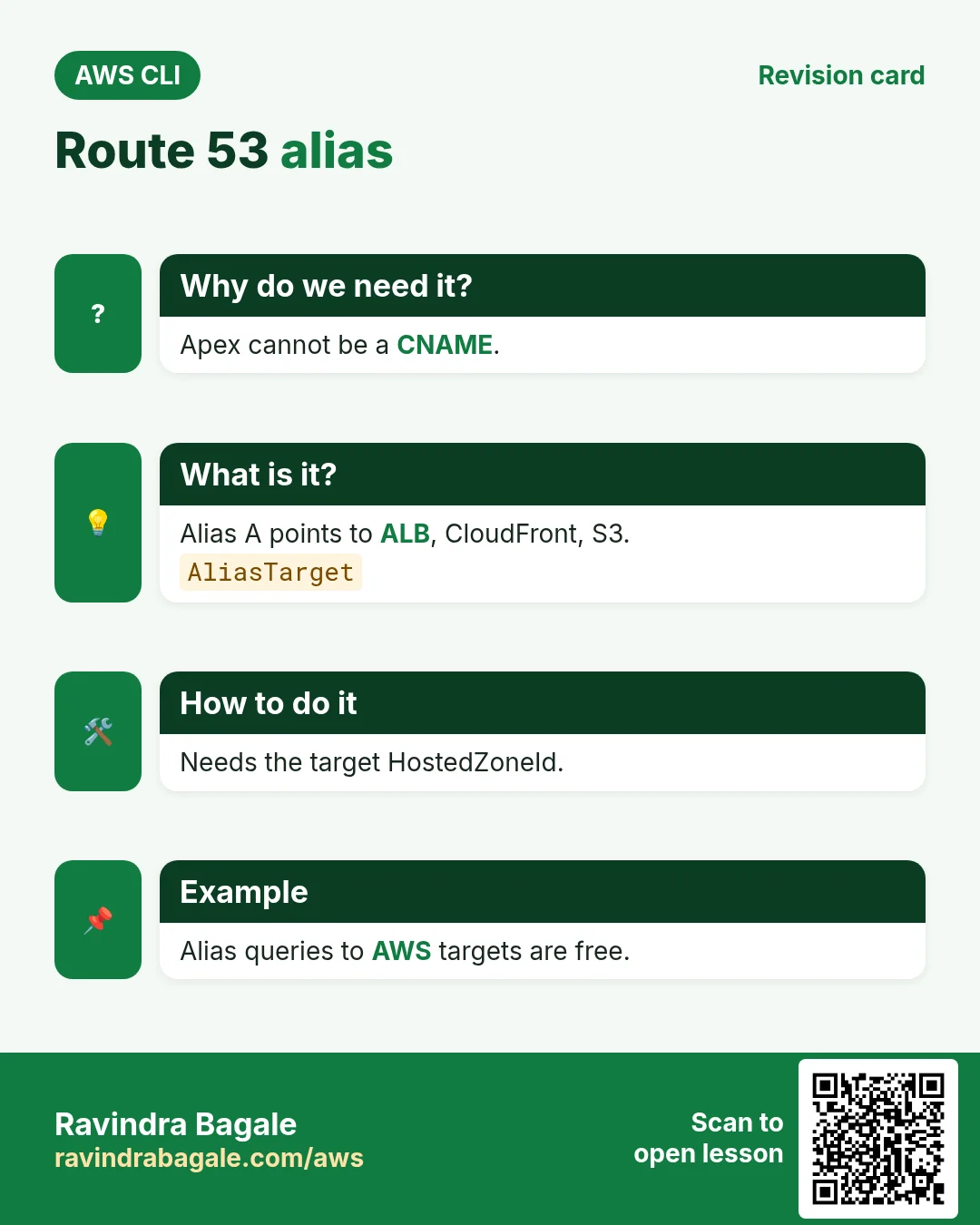
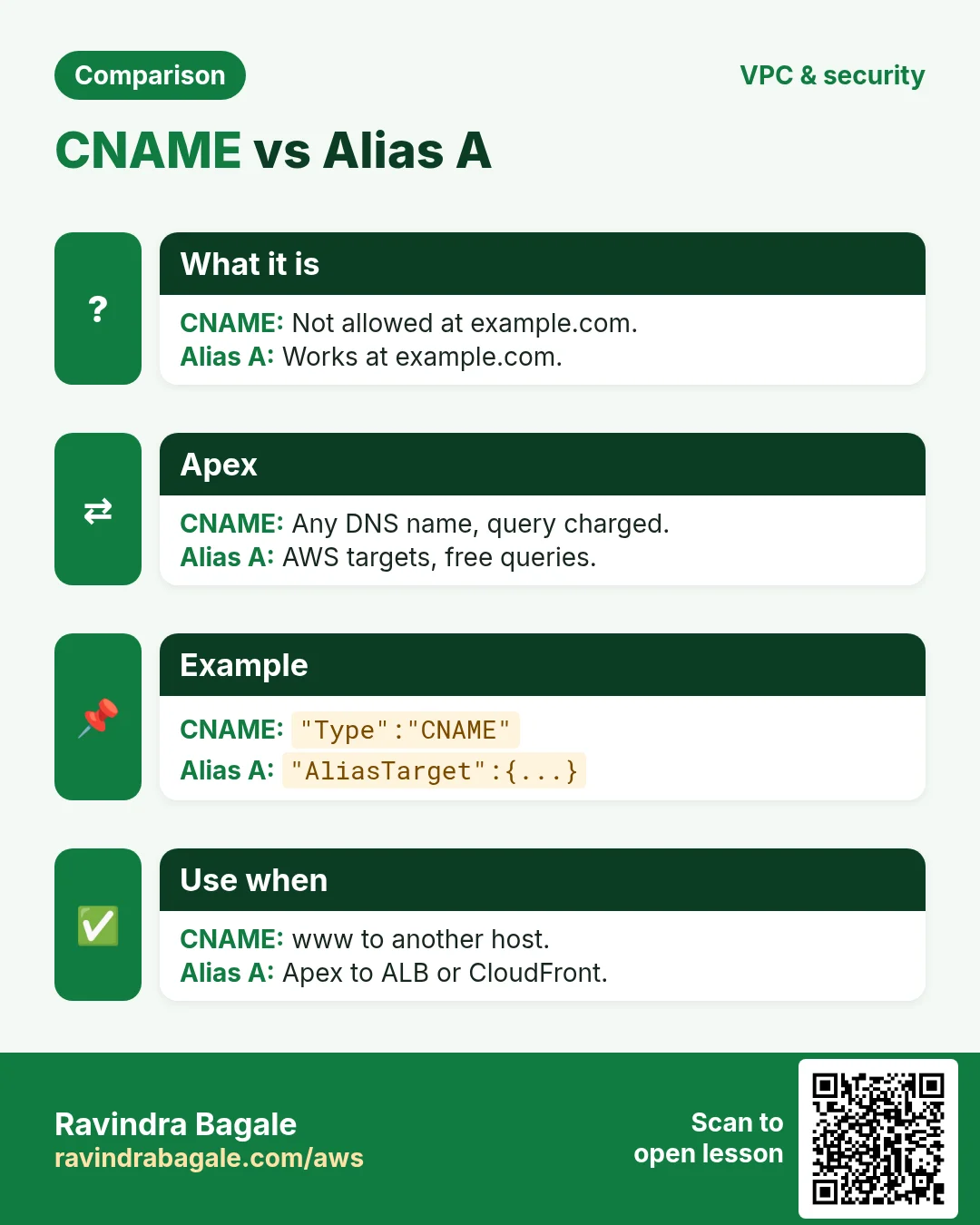
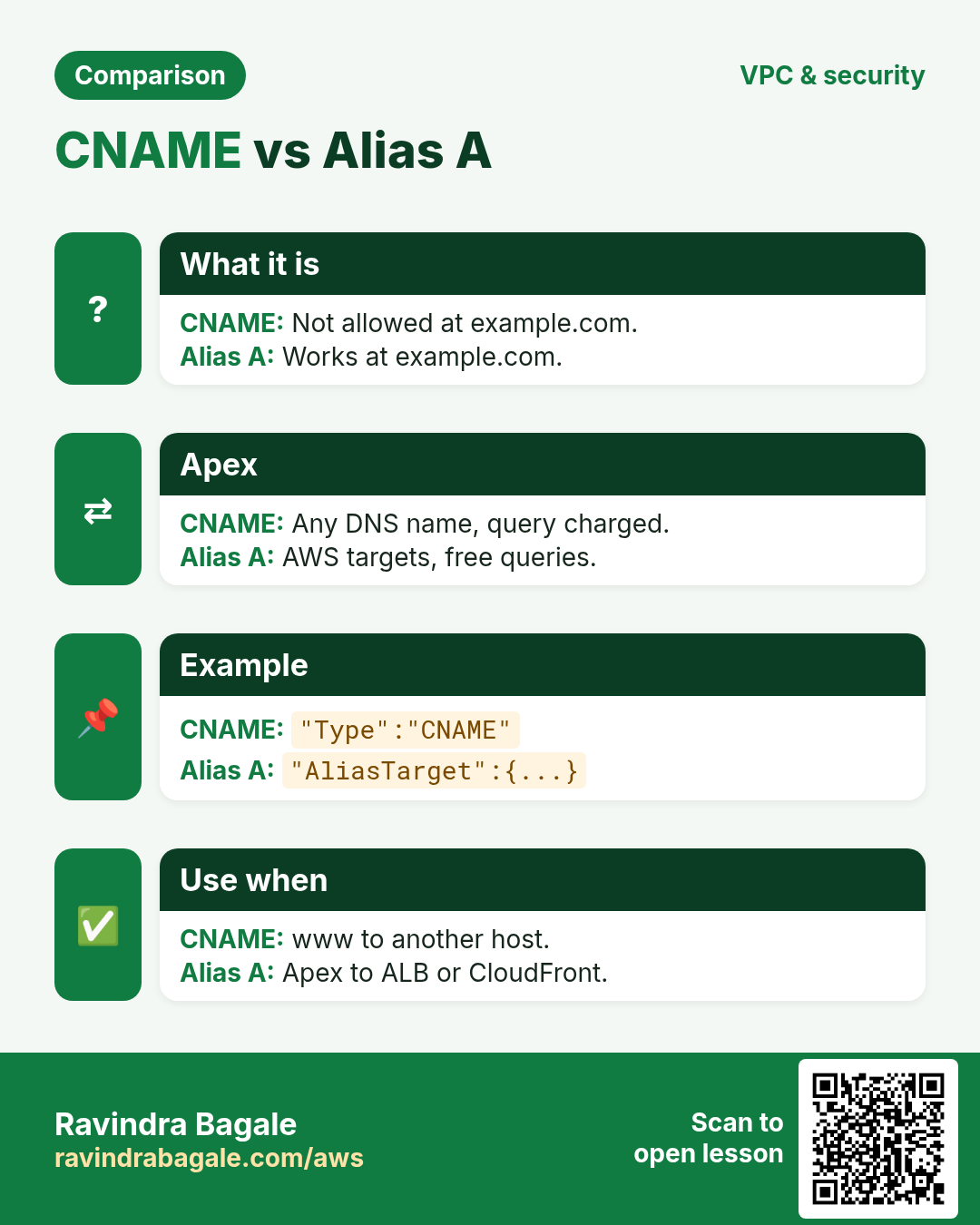
The root domain example.com cannot be a CNAME, but you want it on a load balancer.
An alias A record points to AWS resources (ALB, CloudFront, S3 website) for free queries. It needs the target hosted zone id.
- Alias the apex to an ALB.
cat > al.json <<J
{"Changes":[{"Action":"UPSERT","ResourceRecordSet":{"Name":"example.com","Type":"A","AliasTarget":{"HostedZoneId":"ZP97RAFLXTNZK","DNSName":"cli-alb-123.ap-south-1.elb.amazonaws.com","EvaluateTargetHealth":true}}}]}
J
aws route53 change-resource-record-sets --hosted-zone-id $Z --change-batch file://al.json --query ChangeInfo.Status --output text
Expected output:
PENDING5. Health checks and testing
If a server dies, DNS should stop sending people to it.
create-health-check probes a URL. Failover records use it. test-dns-answer asks Route 53 what it would reply.
- Create a health check.
H=$(aws route53 create-health-check --caller-reference hc-$(date +%s) --health-check-config Type=HTTPS,FullyQualifiedDomainName=www.example.com,Port=443,ResourcePath=/,RequestInterval=30,FailureThreshold=3 --query HealthCheck.Id --output text)
echo $H
Expected output:
a1b2c3d4-5678-90ab-cdef-111122223333- Test the answer.
aws route53 test-dns-answer --hosted-zone-id $Z --record-name www.example.com --record-type A --query "[RecordData,ResponseCode]" --output textExpected output:
15.252.55.24 NOERROR- Check from your machine.
dig +short www.example.com @ns-123.awsdns-15.comExpected output:
15.252.55.246. Same action in Python, Node.js, Java, Go, .NET and PHP
Scripts start in the CLI. Apps call the same API through an SDK. Knowing both helps you move a tested command into real code.
Low-level CLI commands expose service operations. A high-level command or an automatically paginated list can make multiple requests. For example, aws route53 change-resource-record-sets --hosted-zone-id $Z --change-batch file://a.json maps to the Upsert record API.
Same action (Upsert record) from code. Set the intended profile and Region for the SDK. Provider support and precedence can differ by SDK, and an explicit client setting can override defaults.
| Stack | Code |
|---|---|
| Python (boto3) | boto3.client("route53").change_resource_record_sets(HostedZoneId=z,ChangeBatch=batch) |
| Node.js (v3) | await r53.send(new ChangeResourceRecordSetsCommand({HostedZoneId:z,ChangeBatch:batch})); |
| Java (v2) | r53.changeResourceRecordSets(r -> r.hostedZoneId(z).changeBatch(batch)); |
| Go (v2) | c.ChangeResourceRecordSets(ctx, &route53.ChangeResourceRecordSetsInput{HostedZoneId: aws.String(z), ChangeBatch: batch}) |
| .NET | await r53.ChangeResourceRecordSetsAsync(new ChangeResourceRecordSetsRequest{HostedZoneId=z,ChangeBatch=batch}); |
| PHP | $r53->changeResourceRecordSets(["HostedZoneId"=>$z,"ChangeBatch"=>$batch]); |
7. Clean up so nothing keeps costing
Lab resources left running cost money and can be a security risk.
Delete in reverse order: children first, then parents.
- Delete records you added (zone must have only NS and SOA).
sed -i s/UPSERT/DELETE/ a.json al.json
aws route53 change-resource-record-sets --hosted-zone-id $Z --change-batch file://a.json
aws route53 change-resource-record-sets --hosted-zone-id $Z --change-batch file://al.json
Expected output:
(no output means success)- Delete the health check and zone.
aws route53 delete-health-check --health-check-id $H
aws route53 delete-hosted-zone --id $Z --query ChangeInfo.Status --output text
Expected output:
PENDING- Verify.
aws route53 list-hosted-zones-by-name --dns-name example.com --query "HostedZones[?Name=='example.com.']"Expected output:
[]Ravindra Bagale's Tip
A hosted zone costs about 0.50 USD per month even if unused. Delete test zones, and remember NS changes at the registrar can take up to 48 hours.
Common errors: cause and safe next check
Records are created in the wrong hosted zone
A hosted zone has the same name as its domain, but an account can have more than one zone over time. Confirm the hosted zone ID for the domain you intend before you call change-resource-record-sets.
A private zone is used when internet clients need the name
Public hosted zones serve internet routing. Private hosted zones serve Amazon VPC routing. Inspect whether callers are on the internet or only inside a VPC, then use the matching zone type.
Someone debates alias versus CNAME without checking the live record needs
Record choices depend on the target and on what Route 53 allows for that name. Prefer reading the current record-type guidance during rebase instead of forcing one type from memory. Start by listing existing records and the target you need to reach.
Practical questions and full answers
What is a hosted zone?
A hosted zone is a container for records. Those records hold information about how to route traffic for a domain and its subdomains. The hosted zone has the same name as the domain.
What is the difference between public and private hosted zones?
Public hosted zones contain records that specify how you want to route traffic on the internet. Private hosted zones contain records that specify how you want to route traffic in an Amazon VPC. Pick the type that matches who must resolve the name.
Where should I look before changing DNS with the CLI?
Confirm the hosted zone ID, the record name, the record type, and the values you intend to publish. Then apply a change batch carefully. Re-check TTL and record-type rules from the current Route 53 developer guide during rebase if a change is rejected.
8. Interview questions and answers
Q. A vs CNAME vs alias?
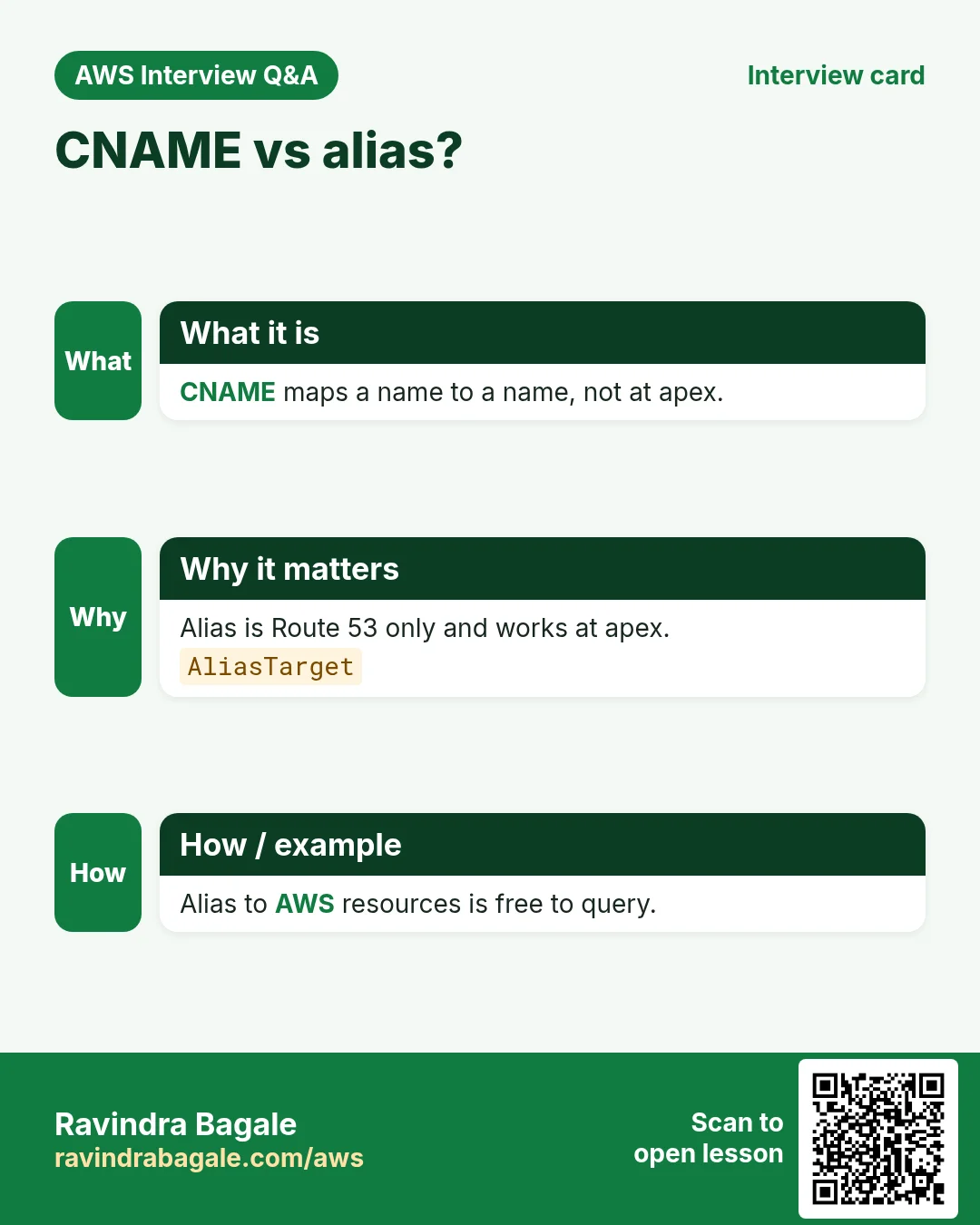
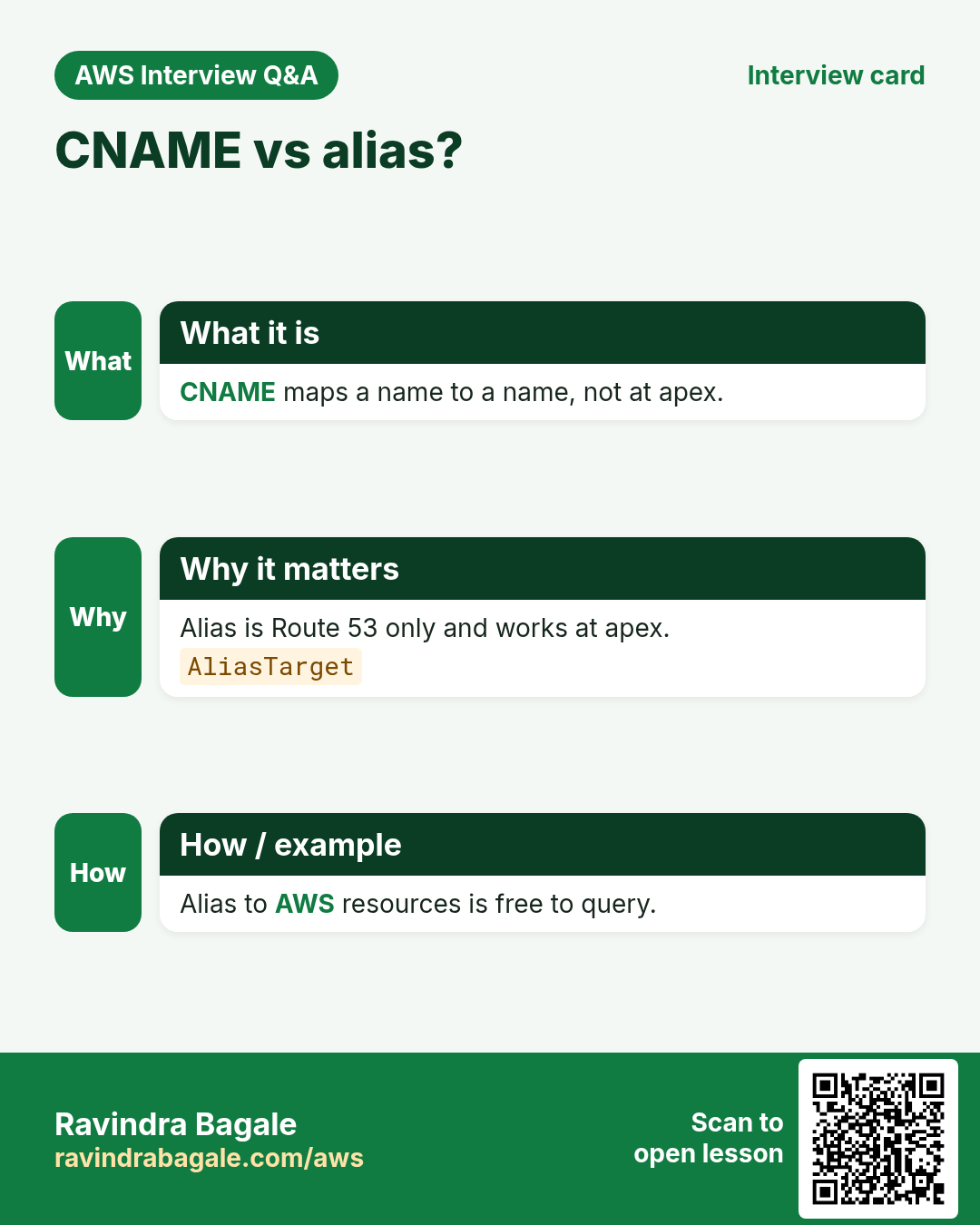
A maps to an IP. CNAME maps to another name (not at apex). Alias is Route 53 only, works at apex and points to AWS resources.
Q. What does UPSERT do?
Creates the record if missing, updates it if present.
Q. What is TTL?
Seconds resolvers cache the answer.
Q. Why caller-reference?
Idempotency: a unique string so a retry does not create two zones.
Q. Routing policies?
Simple, weighted, latency, failover, geolocation, multivalue.
Try at home
- Create a weighted pair of A records 70/30 and test with test-dns-answer.
- Add a TXT record for domain verification.
In short
- create-hosted-zone.
- Change batch JSON.
- UPSERT.
- Alias at apex.
- Delete records before zone.
Check authoritative DNS before waiting on caches
Use a disposable delegated zone or subdomain. After a change reaches INSYNC, query the authoritative server and check the parent delegation, then test normal recursive resolution. Remove your lab records and delegation before deleting the zone.
Interview check Does INSYNC mean every client cache saw the new record?
No. It confirms propagation to Route 53 authoritative servers; recursive caches may still hold the old record for the remaining TTL.
Practise this chapter
Interview questions and answers
How would you troubleshoot a lab DNS change that works for some clients but not others?
I would confirm the intended hosted zone and parent delegation, then query the authoritative servers directly. I would compare those answers with affected recursive resolvers and inspect remaining TTL where available. The source of the mismatch determines whether to update the zone or wait for caches.
Check your understanding
Choose an answer, then compare your reasoning with the explanation.
Practice Tasks
Practice checks run in your browser. They check the answer for this exercise; they do not create resources or connect to your AWS account.
About this scenarioMaple Leaf Books is a bookselling business in Toronto. Emily Tremblay looks after its IT and cloud work. They count money in CAD and run their AWS resources in the ca-central-1 Region. In the tasks below you do real jobs for them using what this lesson teaches. All names, account IDs, IP addresses and numbers are made up for practice.
0 / 12
Easy List hosted zones
You need the zone ID to change records.
List all hosted zones in the account.
- Read the task and decide which AWS service it is about.
- Write aws, then the service name, then the operation (the action word).
- Add each needed flag (--name) followed by its value from the task.
- Flags can be in any order. Click Check answer.
Easy Find the database endpoint
Your app connects using the endpoint name, not an IP.
Describe DB instance mapleleafbooks-db.
- Read the task and decide which AWS service it is about.
- Write aws, then the service name, then the operation (the action word).
- Add each needed flag (--name) followed by its value from the task.
- Flags can be in any order. Click Check answer.
Easy Biggest orders first
Querying the database is daily work after you set up RDS.
Show order id and amount, biggest amount first.
Tables: customers(id, name, city) and orders(id, customer_id, amount, odate).
- Find the table the task is about (see the table list above the box).
- Write the SQL statement step by step: what, from where, which rows.
- End the statement with ;
- Click Check answer. Your query runs on a practice copy of the table.
Easy Filter customers by city
Querying the database is daily work after you set up RDS.
List the names of customers in Pune.
Tables: customers(id, name, city) and orders(id, customer_id, amount, odate).
- Find the table the task is about (see the table list above the box).
- Write the SQL statement step by step: what, from where, which rows.
- End the statement with ;
- Click Check answer. Your query runs on a practice copy of the table.
Medium Create a hosted zone
A hosted zone holds all DNS records for your domain.
Create a public hosted zone for mapleleafbooks.ca, with caller reference mapleleafbooks-2026-01.
- Read the task and decide which AWS service it is about.
- Write aws, then the service name, then the operation (the action word).
- Add each needed flag (--name) followed by its value from the task.
- Flags can be in any order. Click Check answer.
Medium List records in a zone
Check what A, CNAME and MX records exist before you change them.
List the record sets in hosted zone Z0123456789ABCDEFGHIJ.
- Read the task and decide which AWS service it is about.
- Write aws, then the service name, then the operation (the action word).
- Add each needed flag (--name) followed by its value from the task.
- Flags can be in any order. Click Check answer.
Medium Remove small orders
Querying the database is daily work after you set up RDS.
Delete orders with amount below 200.
Tables: customers(id, name, city) and orders(id, customer_id, amount, odate).
- Find the table the task is about (see the table list above the box).
- Write the SQL statement step by step: what, from where, which rows.
- End the statement with ;
- Click Check answer. Your query runs on a practice copy of the table.
Medium Orders with customer names
Querying the database is daily work after you set up RDS.
Show each customer name with each order amount.
Tables: customers(id, name, city) and orders(id, customer_id, amount, odate).
- Find the table the task is about (see the table list above the box).
- Write the SQL statement step by step: what, from where, which rows.
- End the statement with ;
- Click Check answer. Your query runs on a practice copy of the table.
Medium Total sales
Querying the database is daily work after you set up RDS.
Show the total of all order amounts as one number.
Tables: customers(id, name, city) and orders(id, customer_id, amount, odate).
- Find the table the task is about (see the table list above the box).
- Write the SQL statement step by step: what, from where, which rows.
- End the statement with ;
- Click Check answer. Your query runs on a practice copy of the table.
Hard Create or update a DNS record
UPSERT creates the record or updates it if it already exists.
Apply the record changes in change.json to hosted zone Z0123456789ABCDEFGHIJ.
- Read the task and decide which AWS service it is about.
- Write aws, then the service name, then the operation (the action word).
- Add each needed flag (--name) followed by its value from the task.
- Flags can be in any order. Click Check answer.
Hard Sales per customer
Querying the database is daily work after you set up RDS.
Show customer_id and total amount per customer, only where total is above 1000.
Tables: customers(id, name, city) and orders(id, customer_id, amount, odate).
- Find the table the task is about (see the table list above the box).
- Write the SQL statement step by step: what, from where, which rows.
- End the statement with ;
- Click Check answer. Your query runs on a practice copy of the table.
Hard Customers with no orders
Querying the database is daily work after you set up RDS.
List names of customers who have never ordered.
Tables: customers(id, name, city) and orders(id, customer_id, amount, odate).
- Find the table the task is about (see the table list above the box).
- Write the SQL statement step by step: what, from where, which rows.
- End the statement with ;
- Click Check answer. Your query runs on a practice copy of the table.
Revision, comparison and interview cards
Revise this lesson in a few minutes. Save the cards on your phone or download them as PNG files. The QR code on each card opens this lesson.
More cards: Ravi Sir's Cards.