tcpdump and Linux Network Troubleshooting: Capture Packets and Fix Connection Problems Step by Step
Sometimes every tool says 'fine' but users still see errors. Then you need to see the real packets. tcpdump captures traffic on an interface so you can prove whether a request arrived, whether a reply left, and what went wrong. This chapter covers tcpdump step by step (interfaces, filters, saving to files, reading TCP flags) and then a complete network troubleshooting method that joins it with ip, ss, dig, curl, nc and firewall checks.
In this chapter
- Capture packets with tcpdump safely
- Write filters by host, port and protocol
- Save and read pcap files
- Read TCP flags: SYN, ACK, RST, FIN
- Check firewalls: firewalld, iptables, nftables
- Follow a full troubleshooting method
1. An everyday example: the CCTV at the shop door
A customer says 'I came to your shop and nobody served me'. The staff says 'nobody came'. You check the CCTV at the door: did the customer enter? Did staff go to them? Did they leave angry? The video settles it.
The door = network interface. CCTV = tcpdump. Customer entering = SYN. Staff greeting = SYN-ACK. Shutter pulled down = RST. The recording you show the owner = a .pcap file.
2. tcpdump basics: -i, -n, -c
Start by deciding where you can observe the test. A packet capture records network data seen on the selected interface. Traffic between two programs on the same machine can use lo, the loopback interface. A capture on the external interface can therefore miss a valid local request. In the lab, run a short, bounded capture on lo, make a request to the local server and identify the two port numbers. Limit the capture to the lab conversation so you can read the result without collecting unrelated traffic.
Capturing on the wrong interface, or with name lookups on, gives no output or slow output.
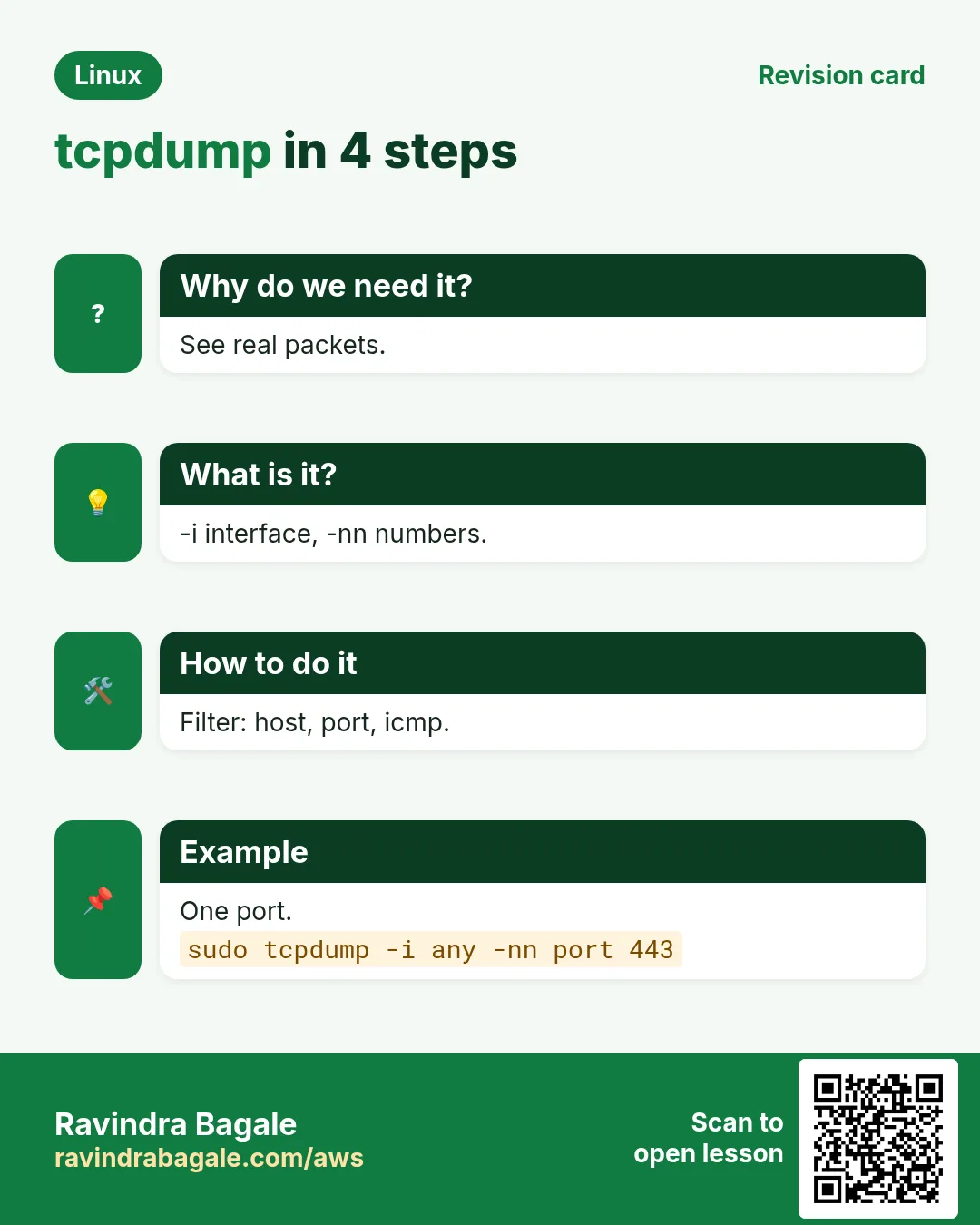
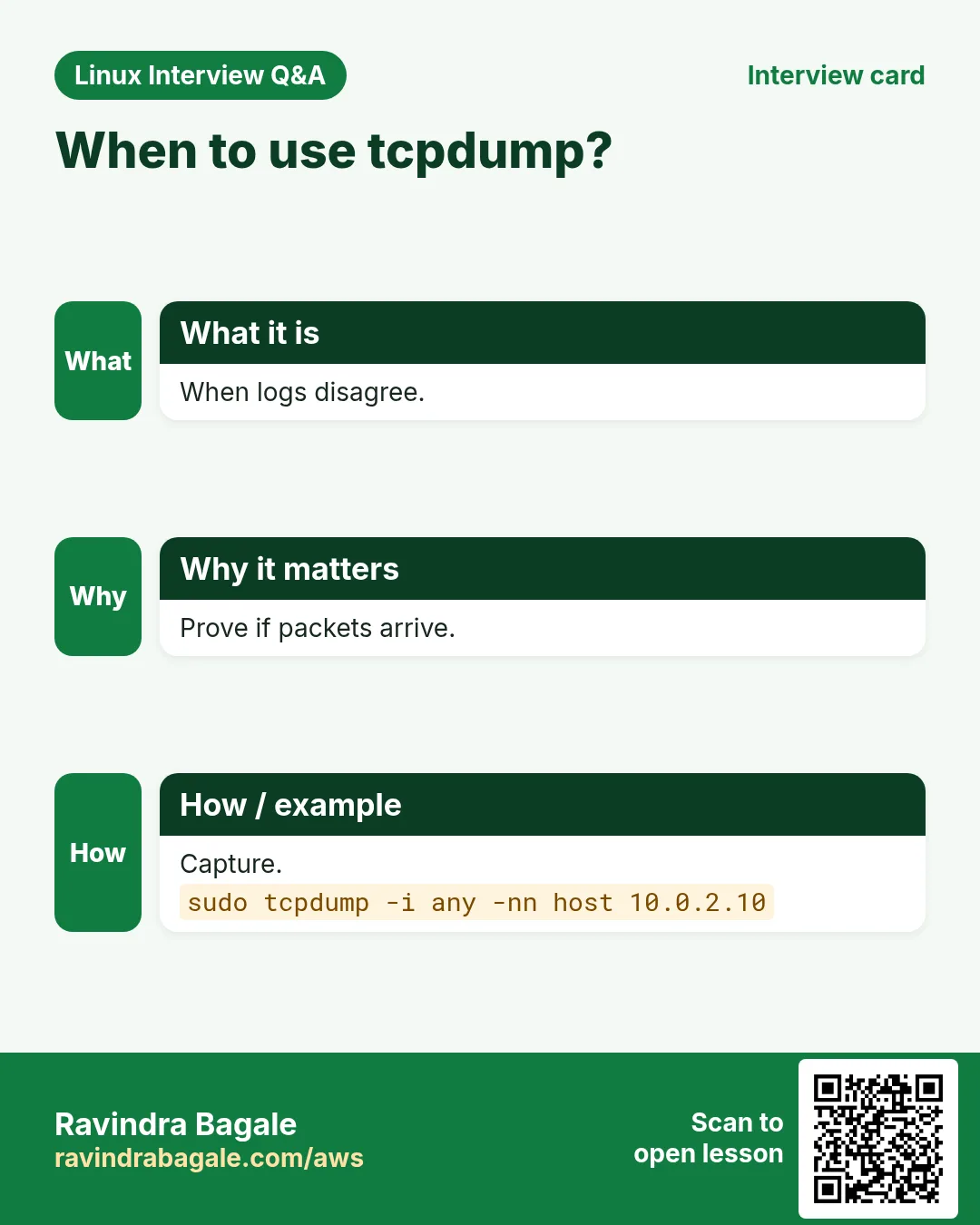
Needs root. -D lists interfaces, -i IFACE picks one (any = all), -n no DNS (use -nn for no port names too), -c N stops after N packets, -v/-vv more detail. Always add a filter on busy servers.
- Interfaces.
sudo tcpdump -DOutput:
1.eth0 [Up, Running]
2.any (Pseudo-device that captures on all interfaces)
3.lo [Up, Running, Loopback]
Pick eth0 or any.
- Ten packets.
sudo tcpdump -i eth0 -nn -c 10Output:
10:01:02.1 IP 10.0.1.25.22 > 203.0.113.9.51514: Flags [P.], length 108
10 packets captured
Mostly your own SSH.
- Not found.
tcpdump -i eth0Output:
tcpdump: eth0: You don't have permission to capture on that deviceUse sudo.
3. Filters: host, net, port, protocol
A busy server sends thousands of packets per second. Filters show only what matters.
BPF filters go at the end: host IP, src host / dst host, net 10.0.3.0/24, port 443, portrange 8000-8100, tcp/udp/icmp. Join with and, or, not, and brackets in quotes. Put SSH out with 'not port 22' so you do not capture yourself.
| Filter | Meaning |
|---|---|
| host 10.0.3.40 | To or from this IP |
| src host X | Only from X |
| port 5432 | This port either side |
| tcp / udp / icmp | Protocol |
| not port 22 | Hide SSH |
| net 10.0.3.0/24 | A subnet |
- Database traffic.
sudo tcpdump -i eth0 -nn host 10.0.3.40 and port 5432Output:
IP 10.0.1.25.40110 > 10.0.3.40.5432: Flags [S]
IP 10.0.3.40.5432 > 10.0.1.25.40110: Flags [S.]
Handshake ok.
- Only pings.
sudo tcpdump -i any -nn icmpOutput:
IP 10.0.1.25 > 8.8.8.8: ICMP echo request
IP 8.8.8.8 > 10.0.1.25: ICMP echo reply
Request and reply seen.
- DNS queries.
sudo tcpdump -i any -nn udp port 53Output:
IP 10.0.1.25.38211 > 10.0.0.2.53: 4411+ A? shop.example.com.
IP 10.0.0.2.53 > 10.0.1.25.38211: 4411 1/0/0 A 93.184.216.34
See the question and answer.
- Combine.
sudo tcpdump -i eth0 -nn 'tcp and (port 80 or port 443) and not host 10.0.1.5'Output:
(packets)Quotes around brackets.
4. Reading TCP flags in tcpdump output
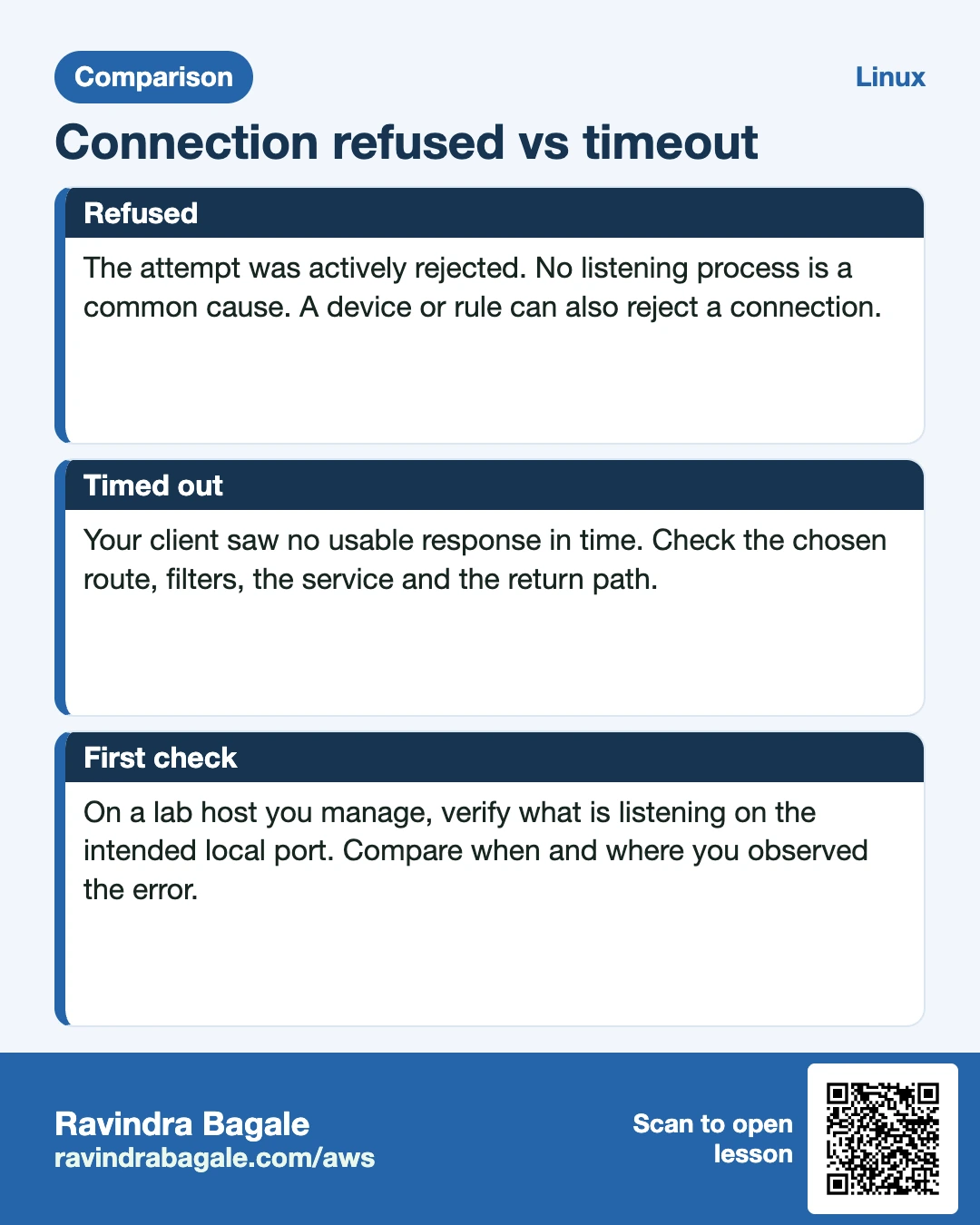
Compare a good connection and a refused connection to your own lab service. For a typical TCP connection, one side sends a SYN to start, the other replies with SYN and ACK, and the first replies with ACK. In tcpdump’s flag display, [S], [S.] and [.] can represent those three messages. The service port stays the same and the client uses a temporary port. A reset, often shown as [R.], is different evidence from a SYN with no reply observed. Recheck the capture location before interpreting an absent reply.
The flags tell you exactly why a connection fails: dropped, refused or reset.
[S] SYN, [S.] SYN-ACK, [.] ACK, [P.] data, [F.] FIN, [R] or [R.] reset. Repeated [S] with nothing back = firewall drop or no route. [S] then [R.] = port closed. Data then [R] = app aborted. Filter SYNs only with 'tcp[tcpflags] & tcp-syn != 0'.
| Flag | Name | Meaning |
|---|---|---|
| [S] | SYN | Start |
| [S.] | SYN-ACK | Server agrees |
| [P.] | PUSH-ACK | Data |
| [F.] | FIN | Polite close |
| [R.] | RST | Refused/abort |
- Dropped by firewall.
sudo tcpdump -i eth0 -nn port 6379Output:
IP 10.0.1.25.5001 > 10.0.3.41.6379: Flags [S]
IP 10.0.1.25.5001 > 10.0.3.41.6379: Flags [S]
IP 10.0.1.25.5001 > 10.0.3.41.6379: Flags [S]
Retries, no answer: timeout.
- Refused.
sudo tcpdump -i eth0 -nn port 6380Output:
IP 10.0.1.25.5002 > 10.0.3.41.6380: Flags [S]
IP 10.0.3.41.6380 > 10.0.1.25.5002: Flags [R.]
Host up, no listener.
- Only new connections.
sudo tcpdump -i eth0 -nn 'tcp[tcpflags] & tcp-syn != 0 and tcp[tcpflags] & tcp-ack == 0'Output:
Flags [S] lines onlyCount connection attempts.
5. -w and -r: save and read pcap files
You often need to capture during an incident and analyse later, or send the capture to the network team or Wireshark.
-w file.pcap writes raw packets (no screen output). -r file.pcap reads it, and you can add filters while reading. -C 100 -W 5 rotates five 100 MB files. -s 0 full packets (default today). -A prints ASCII payload, -X hex+ASCII.
- Capture to a file.
sudo tcpdump -i eth0 -nn -c 2000 -w /tmp/api.pcap port 443Output:
tcpdump: listening on eth0
2000 packets captured
Saved.
- Read and filter.
tcpdump -nn -r /tmp/api.pcap 'tcp[tcpflags] & tcp-rst != 0' | head -3Output:
IP 10.0.1.25.443 > 198.51.100.7.60211: Flags [R.]Find resets.
- Ring buffer.
sudo tcpdump -i eth0 -nn -C 100 -W 5 -w /var/tmp/ring.pcap port 5432Output:
(runs until stopped)Never fills the disk.
- See HTTP text.
sudo tcpdump -i lo -nn -A -c 20 port 8000Output:
GET /health HTTP/1.1
Host: 127.0.0.1:8000
Plain HTTP only; HTTPS is encrypted.
6. Firewalls: firewalld
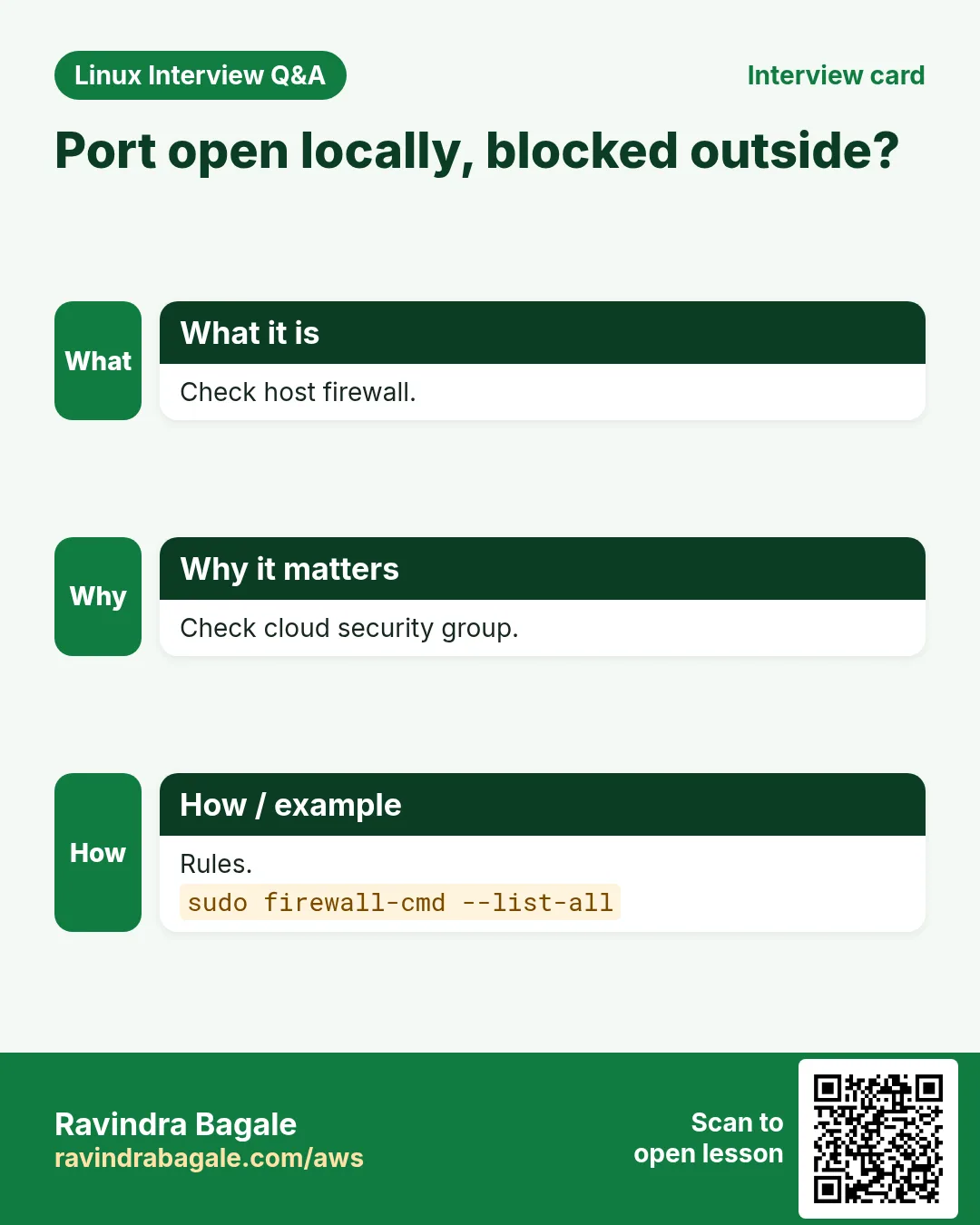
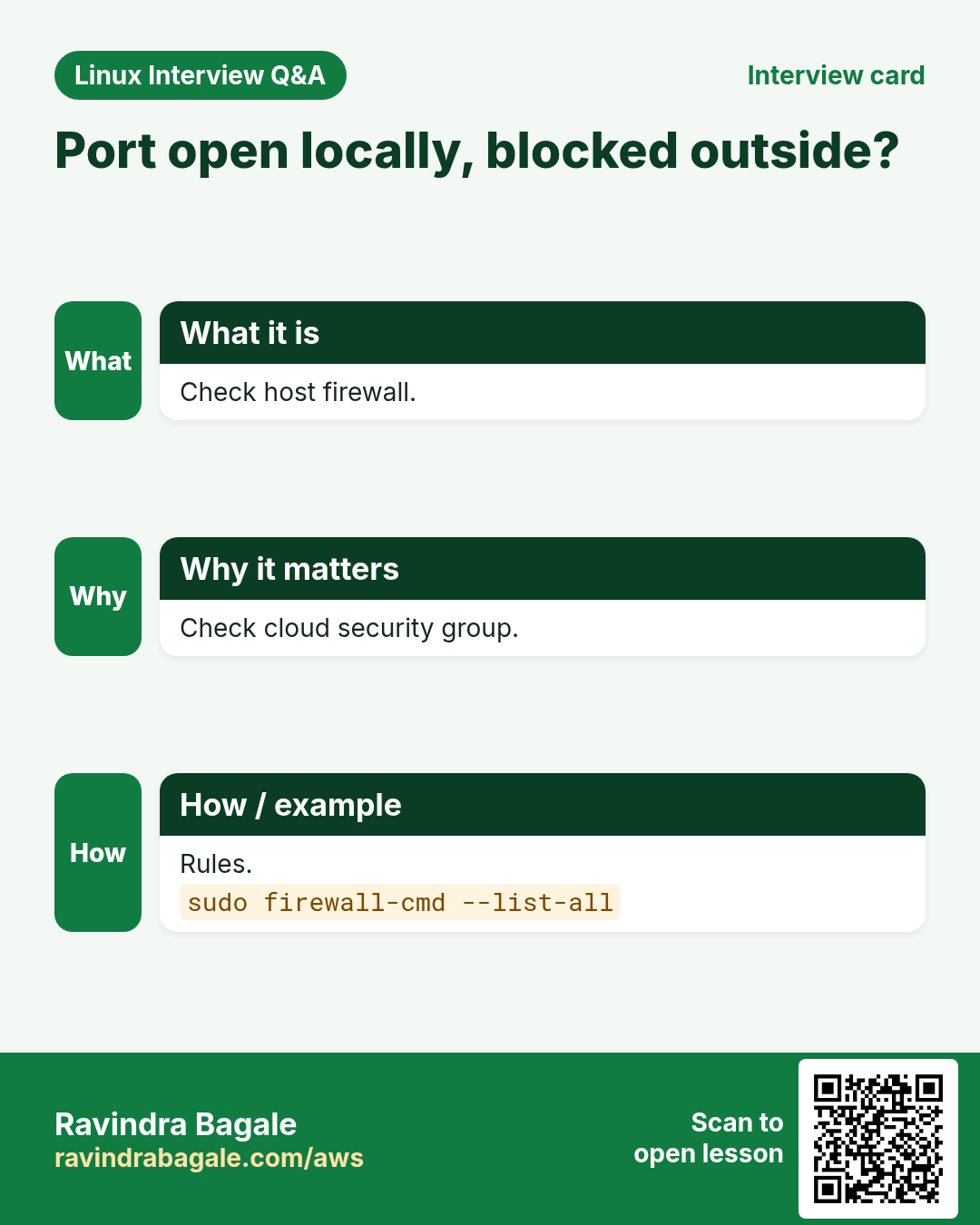
A port can be listening and reachable inside the host, yet blocked by the host firewall.
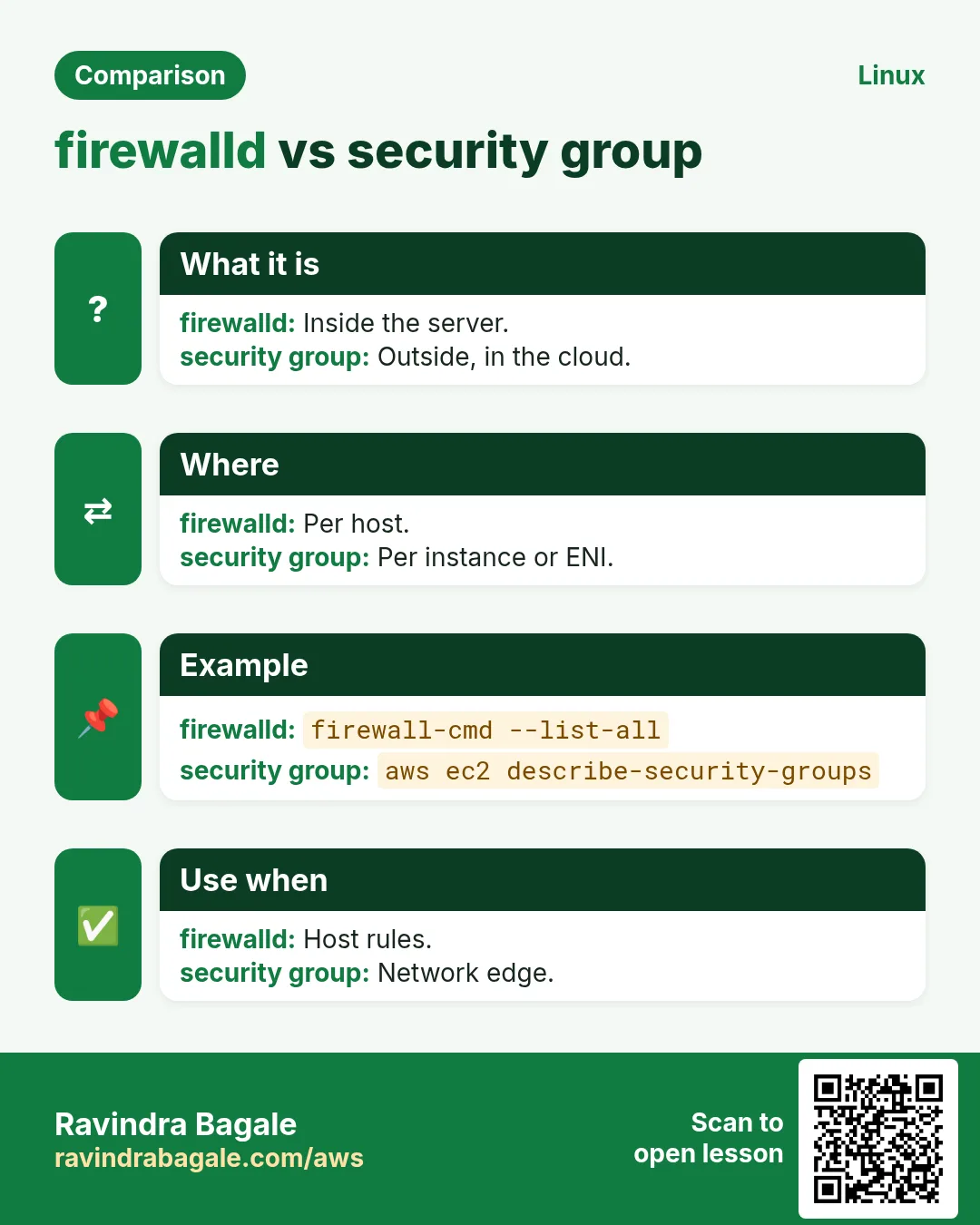
firewall-cmd --state, --list-all shows zone, services and ports. --add-port=8080/tcp --permanent then --reload makes it stick. --add-service=http uses names. Ubuntu often uses ufw (ufw status, ufw allow 8080/tcp).
- What is open?
sudo firewall-cmd --list-allOutput:
public (active)
  services: dhcpv6-client ssh
  ports:
Only SSH.
- Open 8080.
sudo firewall-cmd --add-port=8080/tcp --permanent && sudo firewall-cmd --reloadOutput:
success
success
Now allowed.
- ufw.
sudo ufw allow 8080/tcp && sudo ufw statusOutput:
8080/tcp ALLOW AnywhereUbuntu way.
7. Firewalls: iptables and nftables
Docker, Kubernetes and older servers add raw iptables/nft rules. You must be able to read them.
iptables -L -n -v --line-numbers lists rules with counters; watch the counter of a DROP rule rise while you test. nft list ruleset prints everything on newer systems. Counters that go up prove the rule matched.
- List with counters.
sudo iptables -L INPUT -n -v --line-numbersOutput:
num pkts bytes target prot source destination
1   9123 1.1M ACCEPT tcp  0.0.0.0/0 0.0.0.0/0 tcp dpt:22
2   41   2.4K DROP   tcp  0.0.0.0/0 0.0.0.0/0 tcp dpt:6379
41 packets dropped on 6379.
- nftables.
sudo nft list ruleset | head -8Output:
table inet filter {
  chain input {
    tcp dport 22 accept
Newer format.
8. Cloud layers: security groups and NACLs
In the cloud, packets can be blocked before they reach your server. tcpdump on the server then shows nothing.
Rule: if tcpdump on the target sees no SYN, the block is before the host (security group, NACL, route table, on-prem firewall). If it sees SYN and sends SYN-ACK, but the client never gets it, check the return path. VPC flow logs show ACCEPT/REJECT.
- Nothing arrives.
sudo tcpdump -i eth0 -nn port 5432 and host 10.0.1.25Output:
(no packets while client retries)Fix the security group.
- Check with the AWS CLI.
aws ec2 describe-security-groups --group-ids sg-0abc --query 'SecurityGroups[0].IpPermissions[].FromPort'Output:
[22, 443]5432 not allowed.
9. The full troubleshooting method
Suppose a request succeeds on the server but fails from a second lab machine. First check the process is listening on the intended address. Then capture a test connection at the server. If the opening request reaches this point, follow it to the listener and look at its reply. If it never appears, check the chosen route and the cloud and host network controls along that path. A security group is stateful and a subnet network ACL is stateless, so check the request and return directions when the ACL is involved.
A written method keeps you calm and gives clear evidence to other teams.
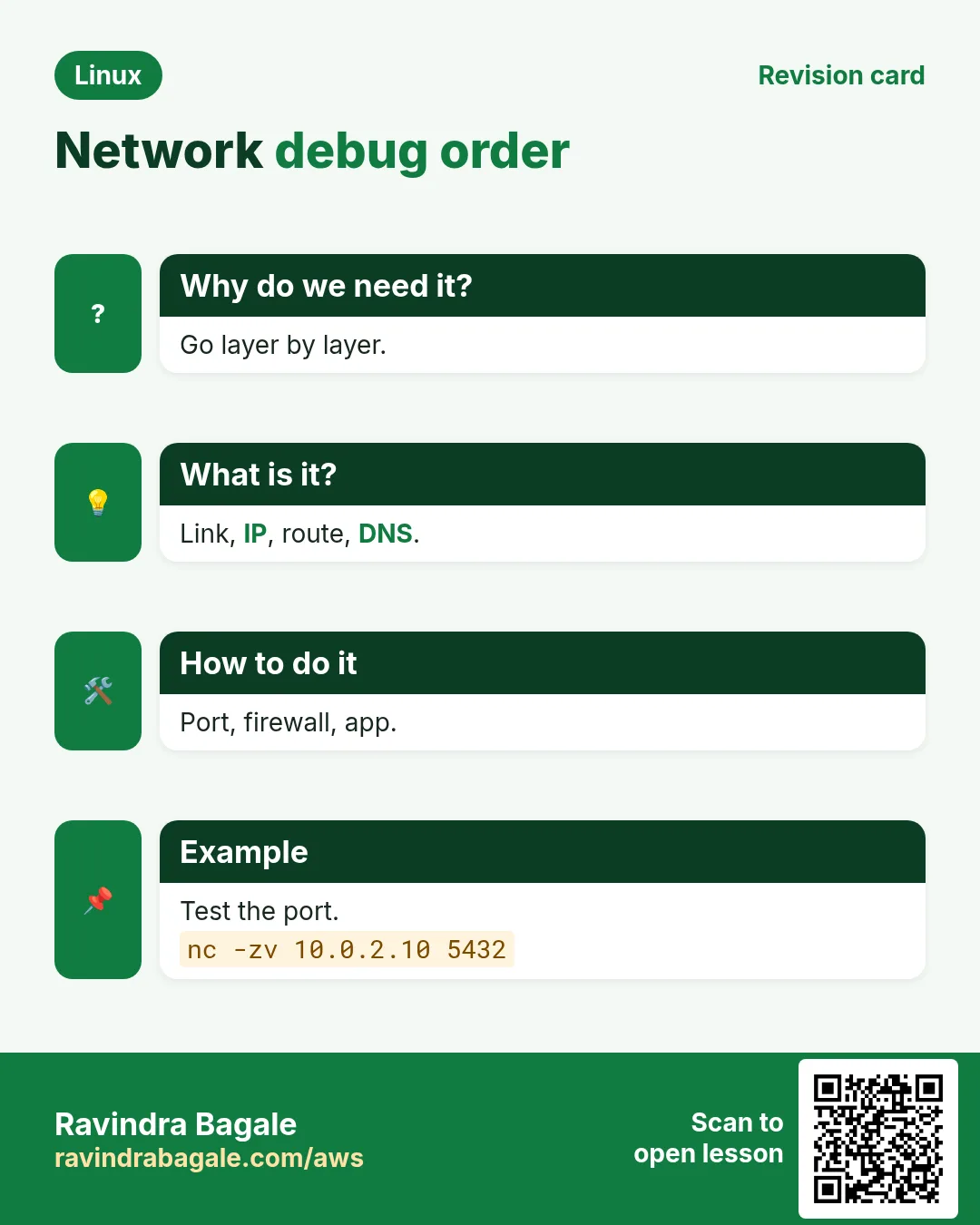
1 Define: who cannot reach what, since when. 2 Client: IP, route, DNS (getent, dig). 3 Path: mtr. 4 Port: nc -zv. 5 Server: ss -tulpn, app logs. 6 Firewall: host and cloud. 7 Packets: tcpdump on both ends at the same time. 8 Fix, then retest and write it down.
- Client side summary.
getent hosts db.internal; nc -zv -w 3 db.internal 5432Output:
10.0.3.40 db.internal
Ncat: TIMEOUT.
Name fine, port times out.
- Server side.
sudo ss -ltnp | grep 5432; sudo tcpdump -i eth0 -nn -c 5 port 5432Output:
LISTEN 0.0.0.0:5432
(no packets)
Listening, but nothing arrives: cloud firewall.
- After the fix.
nc -zv -w 3 db.internal 5432Output:
Ncat: Connected to 10.0.3.40:5432.Proved.
10. MTU and slow-but-working problems
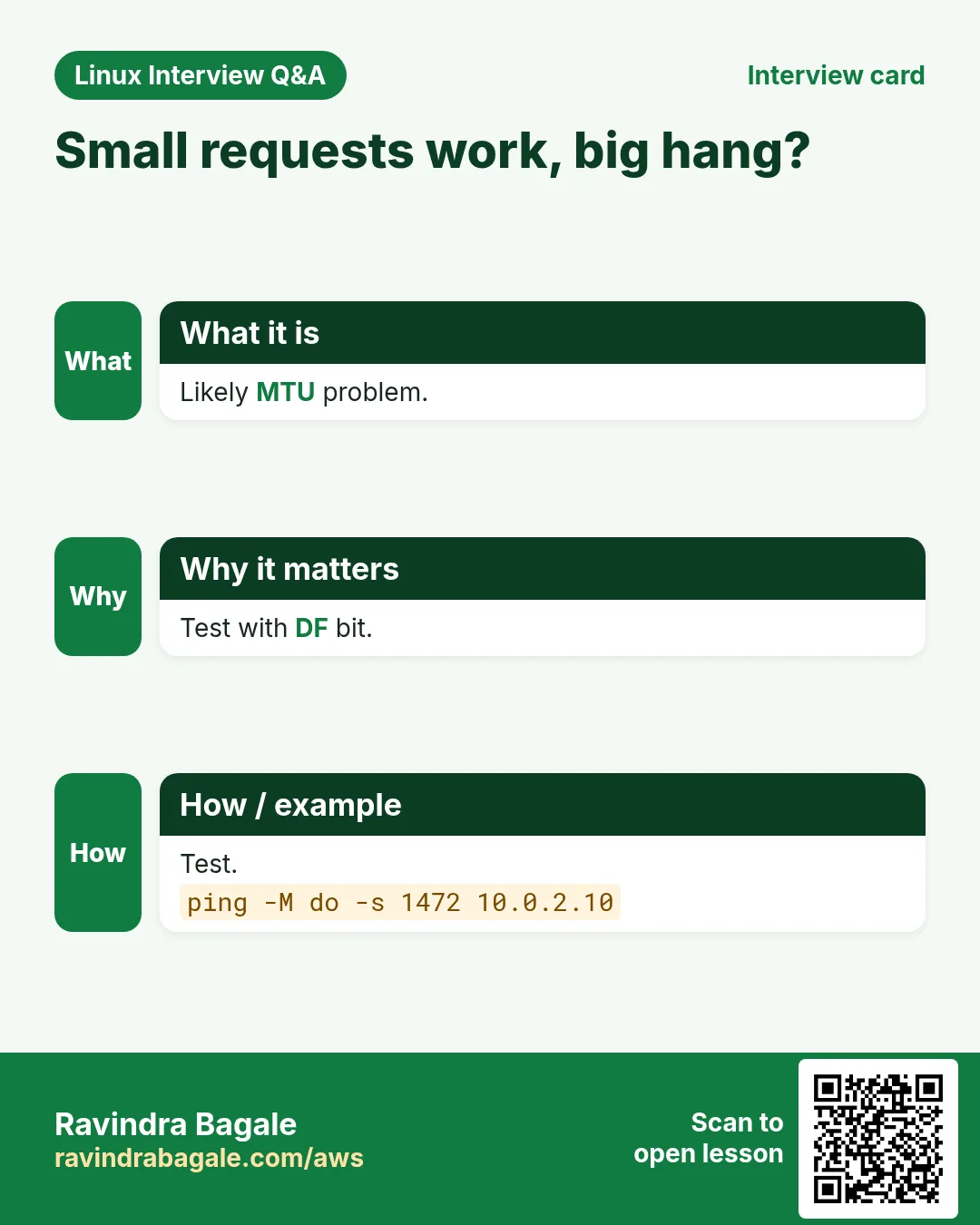
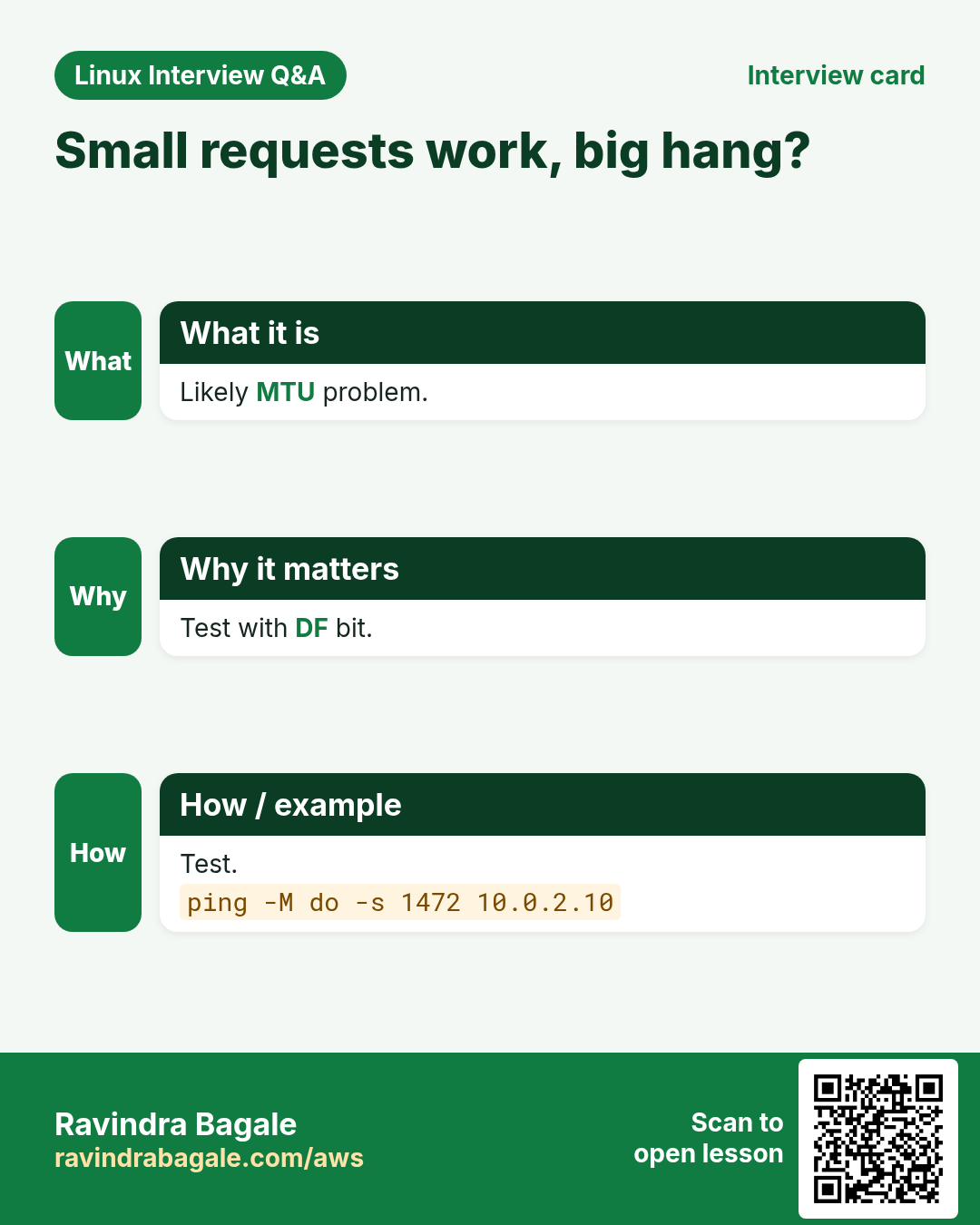
Small requests work, large uploads hang. This is often an MTU problem over VPNs or tunnels.
ping -M do -s 1472 HOST sends a 1500-byte packet that must not be fragmented. If it fails but -s 1372 works, the path MTU is lower. Fix by lowering interface MTU (ip link set eth0 mtu 1400) or MSS clamping on the router.
- Full size fails.
ping -c2 -M do -s 1472 10.8.0.20Output:
ping: local error: message too long, mtu=1400Path MTU 1400.
- Smaller works.
ping -c2 -M do -s 1372 10.8.0.20Output:
2 receivedConfirmed.
- Lower MTU.
sudo ip link set eth0 mtu 1400Output:
(no output)Temporary; set it permanently in the network config.
11. Reading logs during network issues
The kernel and services log drops, resets and timeouts that point to the cause.
journalctl -k shows kernel messages (link down, conntrack table full). journalctl -u nginx --since '10 min ago' for app side. dmesg -T | grep -i eth for driver issues. nstat or ss -s for retransmits.
- conntrack full.
journalctl -k --since '1 hour ago' | grep -i conntrackOutput:
nf_conntrack: table full, dropping packetRaise nf_conntrack_max.
- Link flapping.
dmesg -T | grep -i 'link is'Output:
eth0: Link is Down
eth0: Link is Up
Cable or NIC issue.
- Retransmits.
nstat -az TcpRetransSegsOutput:
TcpRetransSegs 18822Rising fast = packet loss.
12. Real examples from many industries
The same Linux skill shows up in every kind of company. Seeing it in many places helps you remember it.
Each row is a made-up team. It shows who uses this and how.
| Team and city | How they use it | Command |
|---|---|---|
| Shruti, payments, Pune | Captures both ends during incidents | sudo tcpdump -i eth0 -nn -w /tmp/pay.pcap port 443 |
| Tom, SaaS, Dublin | Ring buffers on API servers | tcpdump -C 100 -W 5 -w ring.pcap |
| Mei, e-sports, Shanghai | Finds MTU issues on VPN links | ping -M do -s 1472 HOST |
| Joseph, NGO, Kampala | Reads iptables counters | iptables -L -n -v |
| Ana, airline, Madrid | Checks conntrack messages | journalctl -k | grep conntrack |
| Rahul, college lab, Aurangabad | Teaches TCP flags with tcpdump | tcpdump -nn port 8000 |
13. Common errors and how to fix them
Everyone hits these errors. Knowing the cause saves hours.
Read the exact message first. Then match it to a row below.
| Error you see | Why it happens | How to fix |
|---|---|---|
tcpdump: permission denied | Not root | Use sudo.sudo tcpdump -D |
tcpdump: eth0: No such device exists | Wrong interface name | List interfaces.sudo tcpdump -D |
0 packets captured | Wrong interface or filter, or traffic blocked earlier | Try -i any and a wider filter.sudo tcpdump -i any -nn host IP |
syntax error in filter expression | Brackets not quoted or typo | Quote the whole filter.sudo tcpdump -nn 'port 80 or port 443' |
Flags [S] repeated, no reply | Dropped by firewall or no route | Check firewall layers.sudo firewall-cmd --list-all |
Flags [R.] after SYN | Port closed | Start service or fix port.sudo ss -ltnp |
nf_conntrack: table full, dropping packet | Too many tracked connections | Raise limit and find the cause.sudo sysctl net.netfilter.nf_conntrack_max |
ping: local error: message too long | Packet bigger than MTU with DF set | Find path MTU.tracepath HOST |
No space left on device (pcap) | Capture filled the disk | Use -c or -C/-W ring buffer.sudo tcpdump -C 100 -W 5 -w ring.pcap |
FirewallD is not running | firewalld stopped (maybe iptables/nft used) | Check which firewall is active.sudo nft list ruleset | head |
14. Troubleshooting step by step
Prove it with packets on both ends.
Go top to bottom. Stop at the first step that shows the problem.
- Client port test.
nc -zv -w 3 HOST PORT- Server listening?
sudo ss -ltnp- SYN arriving?
sudo tcpdump -i eth0 -nn -c 5 port PORT- Host firewall.
sudo firewall-cmd --list-all- Kernel drops.
journalctl -k -n 50- MTU.
ping -M do -s 1472 HOST15. Lab 1: See a handshake and a refusal
Capture on lo while connecting to an open and a closed port.
A full hands-on lab. Run every step on a test Linux machine (an EC2 instance, a VM, or WSL).
- Start a server.
python3 -m http.server 8000 --bind 127.0.0.1 &Output:
Serving HTTP- Start capture.
sudo tcpdump -i lo -nn 'port 8000 or port 8009'Output:
listening on lo- Open port.
curl -s -o /dev/null http://127.0.0.1:8000/Output:
Flags [S], [S.], [.], [P.] ...- Closed port.
curl http://127.0.0.1:8009/Output:
Flags [S] then [R.]- Stop.
Ctrl+COutput:
N packets captured16. Lab 2: Save, read and filter a capture
Save DNS traffic and read only the answers.
A full hands-on lab. Run every step on a test Linux machine (an EC2 instance, a VM, or WSL).
- Capture in background.
sudo tcpdump -i any -nn -c 20 -w /tmp/dns.pcap udp port 53 &Output:
listening- Make queries.
for n in example.com github.com; do dig +short $n; doneOutput:
93.184.216.34 ...- Read.
tcpdump -nn -r /tmp/dns.pcapOutput:
A? example.com. ... A 93.184.216.34- Only replies.
tcpdump -nn -r /tmp/dns.pcap 'src port 53'Output:
... 1/0/0 A ...- Clean up.
sudo rm /tmp/dns.pcapOutput:
(no output)Ravindra Bagale's Tip
Run tcpdump on both the client and the server at the same time. If the client sends SYN and the server never sees it, the problem is in between (firewall, security group, route). If the server sees it and answers, look at the return path. This one test ends most blame games.
Ravindra Bagale's Tip – मराठी
Client आणि server दोन्हीवर एकाच वेळी tcpdump चालवा. Client SYN पाठवतो आणि server ला कधी दिसत नाही तर problem मधे (firewall, security group, route). Server ला दिसतो आणि उत्तर देतो तर return path बघा. हा एक test बहुतेक blame games संपवतो.
Ravindra Bagale's Tip – हिंदी
Client और server दोनों पर एक साथ tcpdump चलाइए. Client SYN भेजे और server को न दिखे तो problem बीच में है (firewall, security group, route). Server को दिखे और जवाब दे तो return path देखिए. यह एक test ज़्यादातर blame games ख़त्म कर देता है.
17. Frequently asked questions
Q. Is tcpdump safe on production?
Yes with filters, -c or ring buffers; avoid capturing everything.
Q. Can I see HTTPS content?
No, it is encrypted; you see IPs, ports, sizes and TLS handshake.
Q. tcpdump vs Wireshark?
tcpdump captures on servers; open the pcap in Wireshark for a GUI.
Q. What is -nn?
No host and no port name lookups.
Q. Why -i any?
When you are not sure which interface carries the traffic.
Q. Captures contain secrets?
They may (tokens in plain HTTP). Protect and delete pcaps.
Q. Which firewall am I using?
Check firewalld state, ufw status, or nft list ruleset.
Q. RST vs timeout?
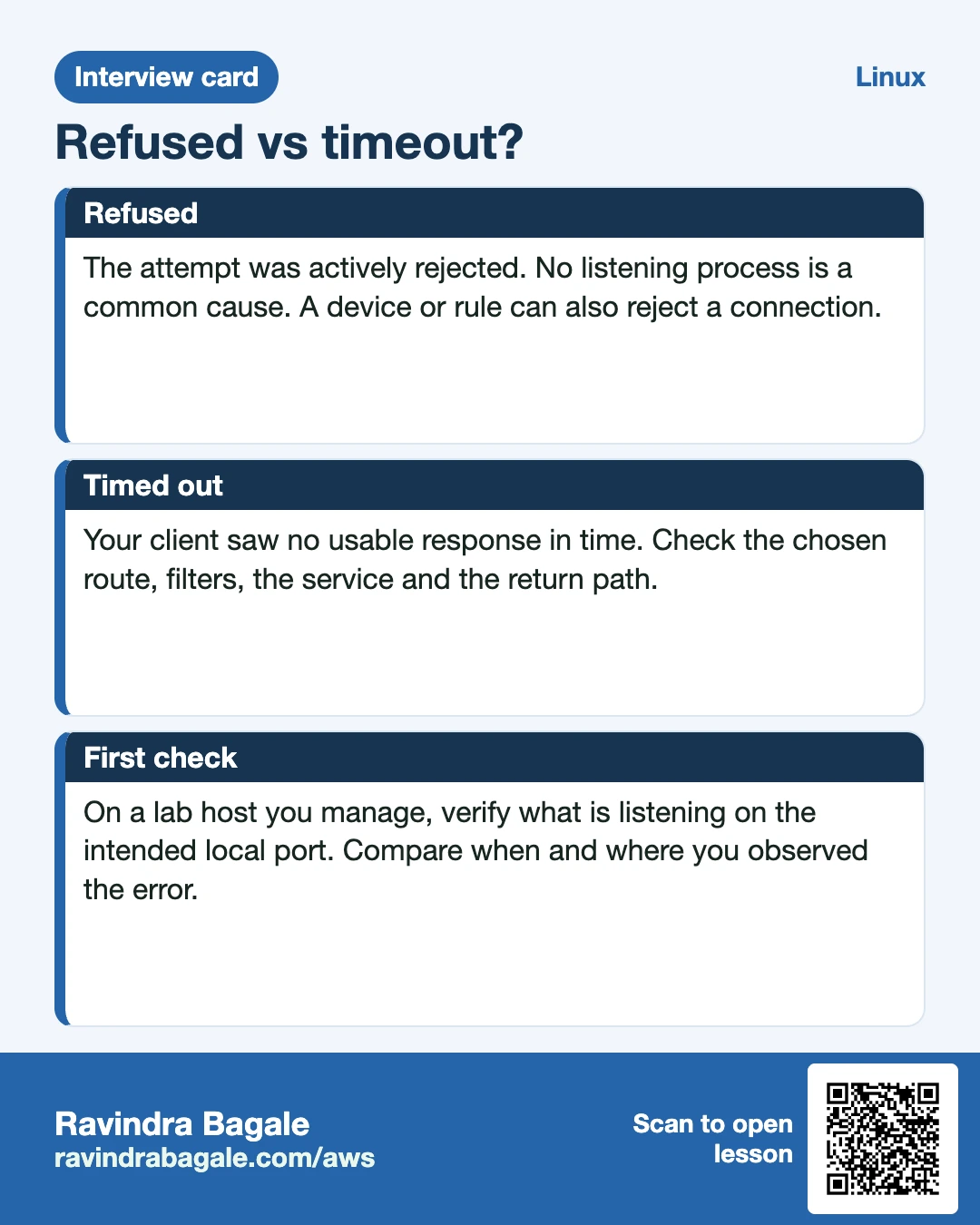
RST is an active 'no'; timeout is silence (drop).
18. Interview questions and answers
Beginner level
Q. Capture 10 packets on eth0?
sudo tcpdump -i eth0 -c 10.
Q. Filter port 443?
tcpdump port 443.
Q. Save to a file?
tcpdump -w file.pcap.
Q. List open firewall ports?
firewall-cmd --list-all.
Mid level level
Q. SYN with no reply means?
The capture shows no reply at that observation point. Check both directions, firewall rules, routing and the selected interface.
Q. Read only resets from a pcap?
tcpdump -r f.pcap 'tcp[tcpflags] & tcp-rst != 0'.
Q. Open 8080 permanently in firewalld?
--add-port=8080/tcp --permanent then --reload.
Q. Avoid filling disk with captures?
-C and -W ring buffer.
Senior level
Q. Intermittent timeouts to an API: plan?
mtr reports, tcpdump ring buffer both ends, retransmit counters, conntrack, correlate times.
Q. Large uploads hang over VPN?
MTU/MSS issue; test with ping -M do and fix MTU or clamp MSS.
Q. Server sees SYN and sends SYN-ACK, client times out?
Return path: asymmetric routing, NACL egress, or reverse firewall.
Q. How to share a capture safely?
Filter to needed traffic, trim, check for secrets, use secure transfer.
Try at home
- Capture your own ping and curl traffic, save it, and explain every flag you see.
- Write your own 8-step troubleshooting checklist with one command per step.
Practise this chapter
Interview questions and answers
What does a SYN with no reply in your own lab capture tell you?
It proves the opening packet was observed at that capture point and that this trace contains no matching reply. Check that you chose the right interface and capture direction, then examine the receiving listener and path. A missing captured packet alone does not identify the control that dropped it.
Check your understanding
Choose an answer, then compare your reasoning with the explanation.
Practice Tasks
Practice checks run in your browser. They check the answer for this exercise; they do not create resources or connect to your AWS account.
About this scenarioAmravati Agro Market is a agriculture business in Amravati. Anjali Thakre looks after its IT and cloud work. They count money in INR and run their AWS resources in the ap-south-1 Region. In the tasks below you do real jobs for them using what this lesson teaches. All names, account IDs, IP addresses and numbers are made up for practice.
0 / 17
Easy List interfaces
Packets are the proof in a network incident.
List interfaces tcpdump can capture on.
- Find the Linux command that does this job.
- Add the options (like -r or -h) the task needs.
- Add the file names, folders or users in the right order.
- Use sudo if the job changes system files or users. Click Check answer.
Easy Five packets
Packets are the proof in a network incident.
Capture 5 packets on ens5 with no name lookups.
- Find the Linux command that does this job.
- Add the options (like -r or -h) the task needs.
- Add the file names, folders or users in the right order.
- Use sudo if the job changes system files or users. Click Check answer.
Easy One port
Packets are the proof in a network incident.
Capture traffic on port 3306 on ens5, numeric.
- Find the Linux command that does this job.
- Add the options (like -r or -h) the task needs.
- Add the file names, folders or users in the right order.
- Use sudo if the job changes system files or users. Click Check answer.
Easy Only ICMP
Packets are the proof in a network incident.
Capture only ICMP on ens5, numeric.
- Find the Linux command that does this job.
- Add the options (like -r or -h) the task needs.
- Add the file names, folders or users in the right order.
- Use sudo if the job changes system files or users. Click Check answer.
Easy Read a capture
Packets are the proof in a network incident.
Read /tmp/tls.pcap without name lookups.
- Find the Linux command that does this job.
- Add the options (like -r or -h) the task needs.
- Add the file names, folders or users in the right order.
- Use sudo if the job changes system files or users. Click Check answer.
Easy Firewall rules
Packets are the proof in a network incident.
Show all firewalld settings of zone public.
- Find the Linux command that does this job.
- Add the options (like -r or -h) the task needs.
- Add the file names, folders or users in the right order.
- Use sudo if the job changes system files or users. Click Check answer.
Easy Reload firewall
Packets are the proof in a network incident.
Fully reload firewalld, resetting state too.
- Find the Linux command that does this job.
- Add the options (like -r or -h) the task needs.
- Add the file names, folders or users in the right order.
- Use sudo if the job changes system files or users. Click Check answer.
Easy nftables rules
Packets are the proof in a network incident.
Print only nftables table filter of family inet.
- Find the Linux command that does this job.
- Add the options (like -r or -h) the task needs.
- Add the file names, folders or users in the right order.
- Use sudo if the job changes system files or users. Click Check answer.
Medium One host
Packets are the proof in a network incident.
Capture traffic to or from 10.0.7.21 on any interface, numeric.
- Find the Linux command that does this job.
- Add the options (like -r or -h) the task needs.
- Add the file names, folders or users in the right order.
- Use sudo if the job changes system files or users. Click Check answer.
Medium Hide SSH
Packets are the proof in a network incident.
Capture on ens5, numeric, everything except port 22.
- Find the Linux command that does this job.
- Add the options (like -r or -h) the task needs.
- Add the file names, folders or users in the right order.
- Use sudo if the job changes system files or users. Click Check answer.
Medium Only from a host
Packets are the proof in a network incident.
Capture packets coming from 10.0.7.21 only, on ens5, numeric.
- Find the Linux command that does this job.
- Add the options (like -r or -h) the task needs.
- Add the file names, folders or users in the right order.
- Use sudo if the job changes system files or users. Click Check answer.
Medium Save a capture
Packets are the proof in a network incident.
Capture port 8443 on ens5 to /tmp/tls.pcap.
- Find the Linux command that does this job.
- Add the options (like -r or -h) the task needs.
- Add the file names, folders or users in the right order.
- Use sudo if the job changes system files or users. Click Check answer.
Medium ASCII payload
Packets are the proof in a network incident.
Show 15 packets on lo port 9000 with ASCII payload, numeric.
- Find the Linux command that does this job.
- Add the options (like -r or -h) the task needs.
- Add the file names, folders or users in the right order.
- Use sudo if the job changes system files or users. Click Check answer.
Medium Open a port
Packets are the proof in a network incident.
Open TCP 9443 permanently in firewalld.
- Find the Linux command that does this job.
- Add the options (like -r or -h) the task needs.
- Add the file names, folders or users in the right order.
- Use sudo if the job changes system files or users. Click Check answer.
Medium iptables counters
Packets are the proof in a network incident.
List INPUT rules numeric with counters and rule numbers.
- Find the Linux command that does this job.
- Add the options (like -r or -h) the task needs.
- Add the file names, folders or users in the right order.
- Use sudo if the job changes system files or users. Click Check answer.
Hard Ring buffer
Packets are the proof in a network incident.
Capture port 443 on ens5 into 3 files of 50 MB each at /var/tmp/r.pcap.
- Find the Linux command that does this job.
- Add the options (like -r or -h) the task needs.
- Add the file names, folders or users in the right order.
- Use sudo if the job changes system files or users. Click Check answer.
Hard MTU test
Packets are the proof in a network incident.
Ping 10.9.0.4 twice with 1400-byte payload and no fragmentation.
- Find the Linux command that does this job.
- Add the options (like -r or -h) the task needs.
- Add the file names, folders or users in the right order.
- Use sudo if the job changes system files or users. Click Check answer.
19. Related chapters
- Linux Ops Refresh for DevOps
- Bash Scripting for Automation
- Linux grep and find Commands with Examples
- How to Set Up Passwordless SSH Between Linux Servers
In short
- tcpdump -i, -nn, -c with a filter.
- Filters: host, port, net, protocol, and/or/not.
- Flags: S, S., ., P., F., R.
- -w saves, -r reads, -C/-W rotates.
- Check host and cloud firewalls.
- Capture on both ends to find where packets stop.
Revision, comparison and interview cards
Revise this lesson in a few minutes. Save the cards on your phone or download them as PNG files. The QR code on each card opens this lesson.
More cards: Ravi Sir's Cards.