AWS CLI Lambda Commands: Create, Invoke and Update Functions
We run code without servers: an execution role, a function from a zip, invoke, update, environment variables, versions, aliases and logs.
In this chapter
- Create an execution role
- Create and invoke a function
- Update code and configuration
- Versions and aliases
- Read logs and delete
1. The big picture: code on call
An electrician on call: you pay only when he comes and works. Lambda runs your code only when an event comes and bills by milliseconds.
Commands are in aws lambda: create-function, invoke, update-function-code, update-function-configuration, publish-version, create-alias, add-permission.
2. Execution role
The function needs permission to write logs and call other services.
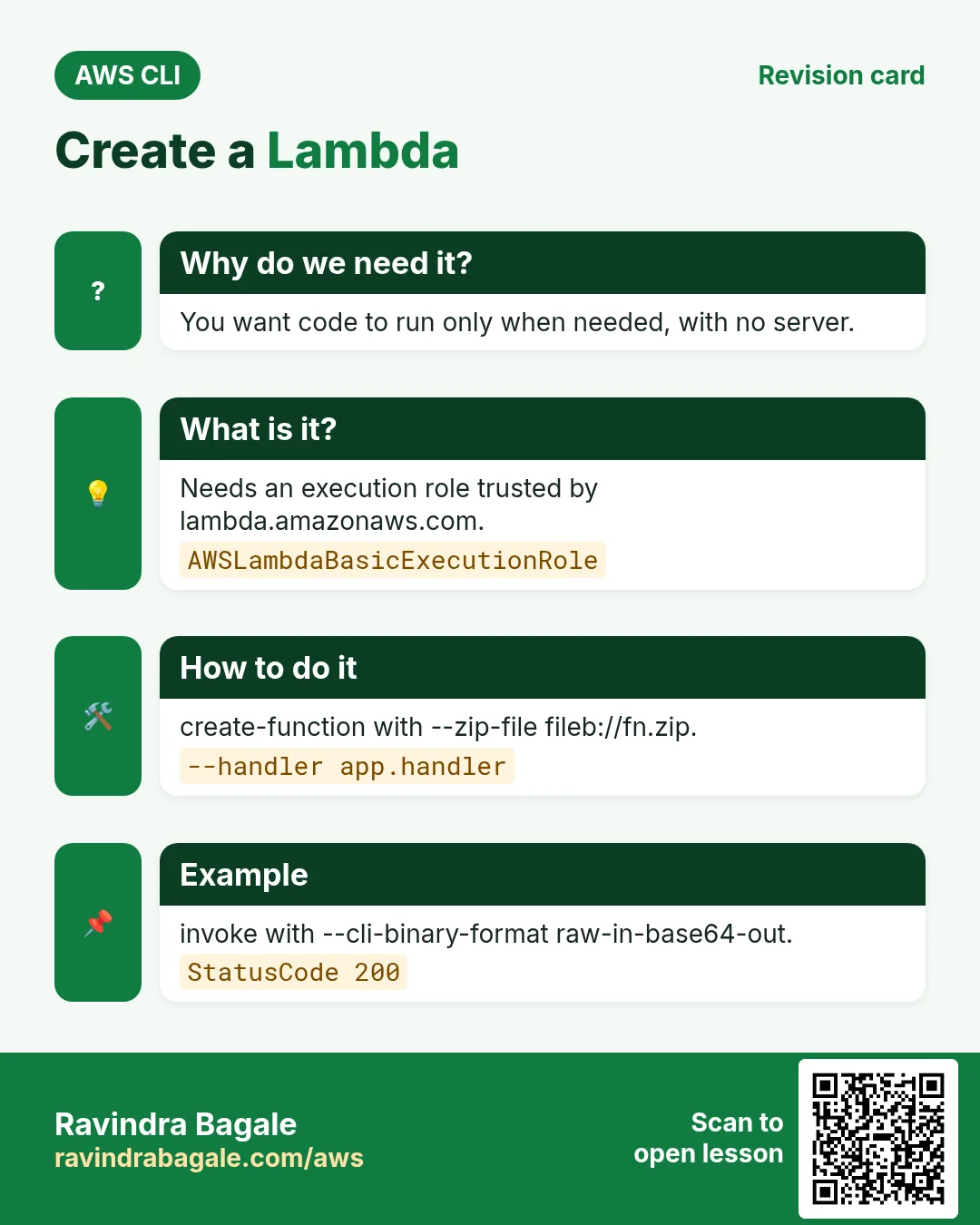
A role that lambda.amazonaws.com can assume, with AWSLambdaBasicExecutionRole for CloudWatch Logs.
- Create the role.
ROLE=$(aws iam create-role --role-name cli-lambda-role --assume-role-policy-document '{"Version":"2012-10-17","Statement":[{"Effect":"Allow","Principal":{"Service":"lambda.amazonaws.com"},"Action":"sts:AssumeRole"}]}' --query Role.Arn --output text)
aws iam attach-role-policy --role-name cli-lambda-role --policy-arn arn:aws:iam::aws:policy/service-role/AWSLambdaBasicExecutionRole
echo $ROLE
Expected output:
arn:aws:iam::111122223333:role/cli-lambda-role3. Create and invoke
The lab ZIP file contains the code that AWS uploads to cli-hello. In the configured handler name app.handler, app refers to the Python module and handler is the function inside that module. Keep the file, function name and configured handler in agreement. After the create call returns, use the existing waiter so the function can finish initializing before the invocation.
Send the known sample payload once and save the invocation’s output file. The AWS CLI response describes the invocation, while the file contains the handler’s returned payload. Compare that payload with the actual return value shown in the Python sample. If there is an import or handler error, inspect the ZIP structure and handler before trying to change the API or IAM role. If it invokes but cannot write logs or data, review the function execution role for that request.
You want to test small code in seconds, not set up a server.
create-function uploads a zip with runtime, handler and role. invoke runs it and writes the response to a file.
- Write and zip the code.
cat > app.py <<'P'
def handler(event, context):
    return {"msg": "hello " + event.get("name", "world")}
P
zip fn.zip app.py
Expected output:
adding: app.py (deflated 12%)- Create the function.
aws lambda create-function --function-name cli-hello --runtime python3.12 --handler app.handler --role $ROLE --zip-file fileb://fn.zip --query State --output text
aws lambda wait function-active-v2 --function-name cli-hello
Expected output:
Pending- Invoke it.
aws lambda invoke --function-name cli-hello --cli-binary-format raw-in-base64-out --payload '{"name":"Pune"}' out.json --query StatusCode
cat out.json
Expected output:
200
{"msg": "hello Pune"}
4. Update code and configuration
You fixed a bug and need a setting like a table name without changing code.
update-function-code uploads a new zip. update-function-configuration changes memory, timeout and environment variables.
- Upload new code.
zip fn.zip app.py
aws lambda update-function-code --function-name cli-hello --zip-file fileb://fn.zip --query LastUpdateStatus --output text
aws lambda wait function-updated-v2 --function-name cli-hello
Expected output:
InProgress- Set memory, timeout and an env var.
aws lambda update-function-configuration --function-name cli-hello --memory-size 256 --timeout 10 --environment "Variables={STAGE=dev}" --query "[MemorySize,Timeout]" --output textExpected output:
256 105. Versions, aliases and logs
The mutable function is represented by $LATEST. Publishing saves a numbered version of the function code and supported configuration. An alias gives a version a stable label such as lab. You can update the alias to a new numbered version after testing it so callers continue to use the same alias name.
Use one synthetic request and verify the invoked version before reading the output. If the alias points at version 1, editing $LATEST does not change what that alias runs. Publish the intended version, test it, and only then move the alias. In a synchronous invocation, check the returned function result and any FunctionError as well as the accompanying log. The service accepting the invoke request does not prove your handler succeeded.
Production must not change when you test. When it fails you need the logs.
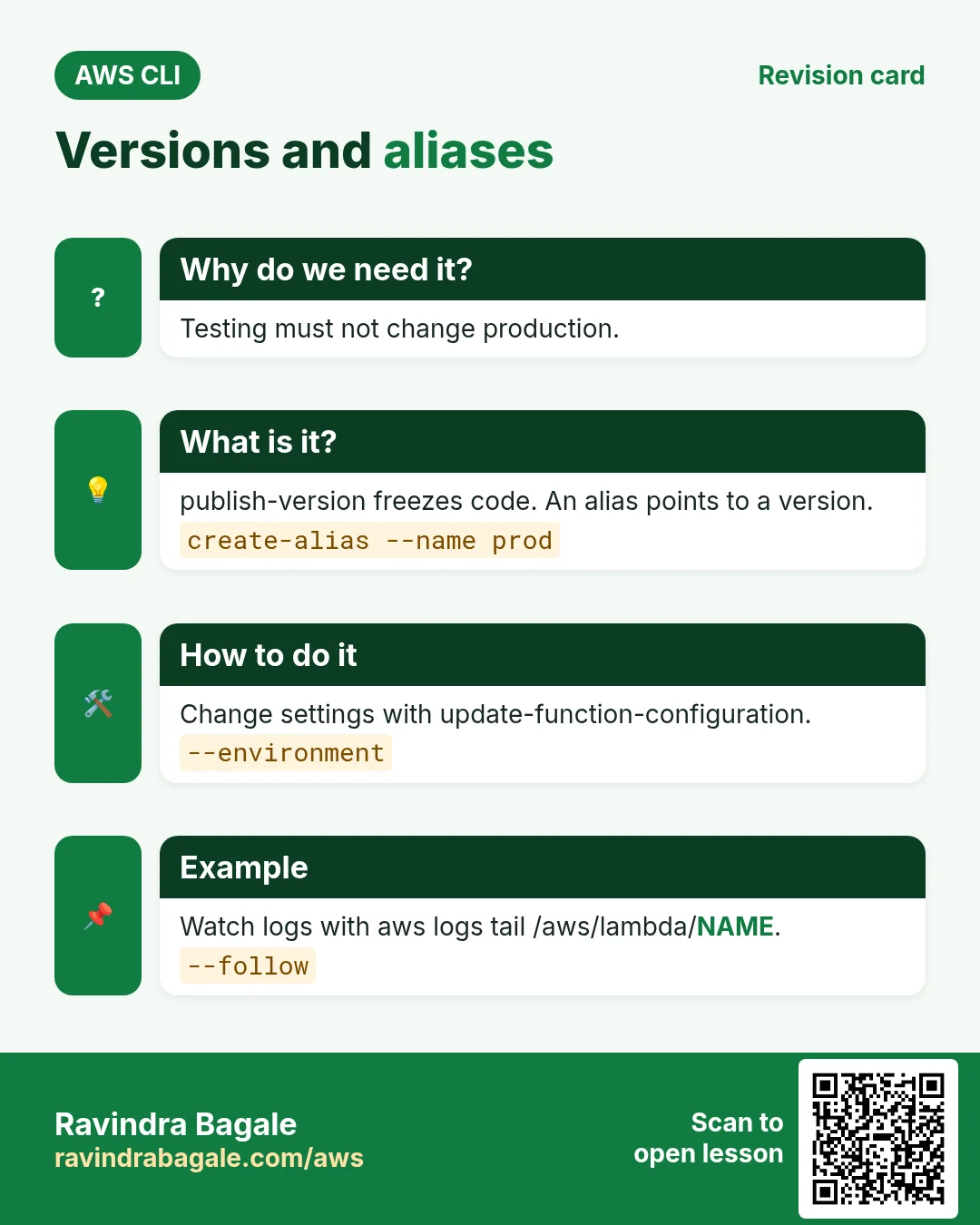
publish-version freezes the code as 1, 2, 3. An alias like prod points to a version. Logs go to /aws/lambda/NAME.
- Publish and alias.
V=$(aws lambda publish-version --function-name cli-hello --query Version --output text)
aws lambda create-alias --function-name cli-hello --name prod --function-version $V --query AliasArn --output text
Expected output:
arn:aws:lambda:ap-south-1:111122223333:function:cli-hello:prod- Tail logs live.
aws logs tail /aws/lambda/cli-hello --since 10m --followExpected output:
START RequestId: 3f2a... Version: 1
END RequestId: 3f2a...
REPORT ... Duration: 1.52 ms Billed Duration: 2 ms- Let S3 call the function.
aws lambda add-permission --function-name cli-hello --statement-id s3invoke --action lambda:InvokeFunction --principal s3.amazonaws.com --source-arn arn:aws:s3:::my-bucket --query Statement --output textExpected output:
{"Sid":"s3invoke","Effect":"Allow",...}6. Same action in Python, Node.js, Java, Go, .NET and PHP
Scripts start in the CLI. Apps call the same API through an SDK. Knowing both helps you move a tested command into real code.
Low-level CLI commands expose service operations. A high-level command or an automatically paginated list can make multiple requests. For example, aws lambda invoke --function-name cli-hello out.json maps to the Invoke API.
Same action (Invoke) from code. Set the intended profile and Region for the SDK. Provider support and precedence can differ by SDK, and an explicit client setting can override defaults.
| Stack | Code |
|---|---|
| Python (boto3) | boto3.client("lambda").invoke(FunctionName="cli-hello",Payload=b'{"name":"Pune"}')["Payload"].read() |
| Node.js (v3) | await lambda.send(new InvokeCommand({FunctionName:"cli-hello",Payload:Buffer.from('{"name":"Pune"}')})); |
| Java (v2) | lambda.invoke(r -> r.functionName("cli-hello").payload(SdkBytes.fromUtf8String("{}"))); |
| Go (v2) | c.Invoke(ctx, &lambda.InvokeInput{FunctionName: aws.String("cli-hello"), Payload: []byte(`{}`)}) |
| .NET | await lambda.InvokeAsync(new InvokeRequest{FunctionName="cli-hello",Payload="{}"}); |
| PHP | $lambda->invoke(["FunctionName"=>"cli-hello","Payload"=>"{}"]); |
7. Clean up so nothing keeps costing
Lab resources left running cost money and can be a security risk.
Delete in reverse order: children first, then parents.
- Delete the function (versions and aliases go too).
aws lambda delete-function --function-name cli-helloExpected output:
(no output means success)- Delete the log group.
aws logs delete-log-group --log-group-name /aws/lambda/cli-helloExpected output:
(no output means success)- Delete the role.
aws iam detach-role-policy --role-name cli-lambda-role --policy-arn arn:aws:iam::aws:policy/service-role/AWSLambdaBasicExecutionRole
aws iam delete-role --role-name cli-lambda-role
Expected output:
(no output means success)- Verify.
aws lambda get-function --function-name cli-helloExpected output:
An error occurred (ResourceNotFoundException) ...Ravindra Bagale's Tip
In AWS CLI v2, --payload is base64 by default. Add --cli-binary-format raw-in-base64-out or you get an Invalid base64 error.
Common errors: cause and safe next check
invoke fails and someone immediately raises memory or timeout to the maximum
First inspect the error type. A missing permission, a wrong function name, or a package that cannot start will not be fixed by a longer timeout. Read the returned error and the function configuration before you change limits.
A test with a tiny sample finishes, so the default 3-second timeout is left unchanged for real data
Function duration depends on data size and on other services the code calls. A tiny test can hide a timeout that appears with realistic input. Inspect a representative payload before you decide the timeout is enough.
create-function succeeds, but invoke cannot find the function
The name or qualifier you pass to invoke must match what you created, including the Region you configured in the CLI profile. Inspect the function name, Region, and latest configuration before you create a second function.
Practical questions and full answers
What is the default timeout, and how high can I set it?
For a standard Lambda function the default timeout is 3 seconds. For an on-demand Lambda Event Function you can set it from 1 second up to 1,800 seconds (30 minutes) using update-function-configuration. Additional modes have different limits. Check the integration and event source limits before using a long timeout. Choose a value that fits realistic work, not only the smallest test.
What is the difference between create-function and invoke?
create-function registers the function, its package, and its role. invoke runs that function for one event and returns the result. Updating code later is a separate command, such as update-function-code, so inspect which action you need.
Should I raise the timeout whenever a test is slow?
No. First inspect whether the code is waiting on another service, processing more data than you expected, or failing to start. Raise timeout when the work truly needs more time, and keep it within the limit of your execution mode and integration.
8. Interview questions and answers
Q. What is an execution role?
The IAM role Lambda assumes to run your code and call AWS.
Q. Version vs alias?
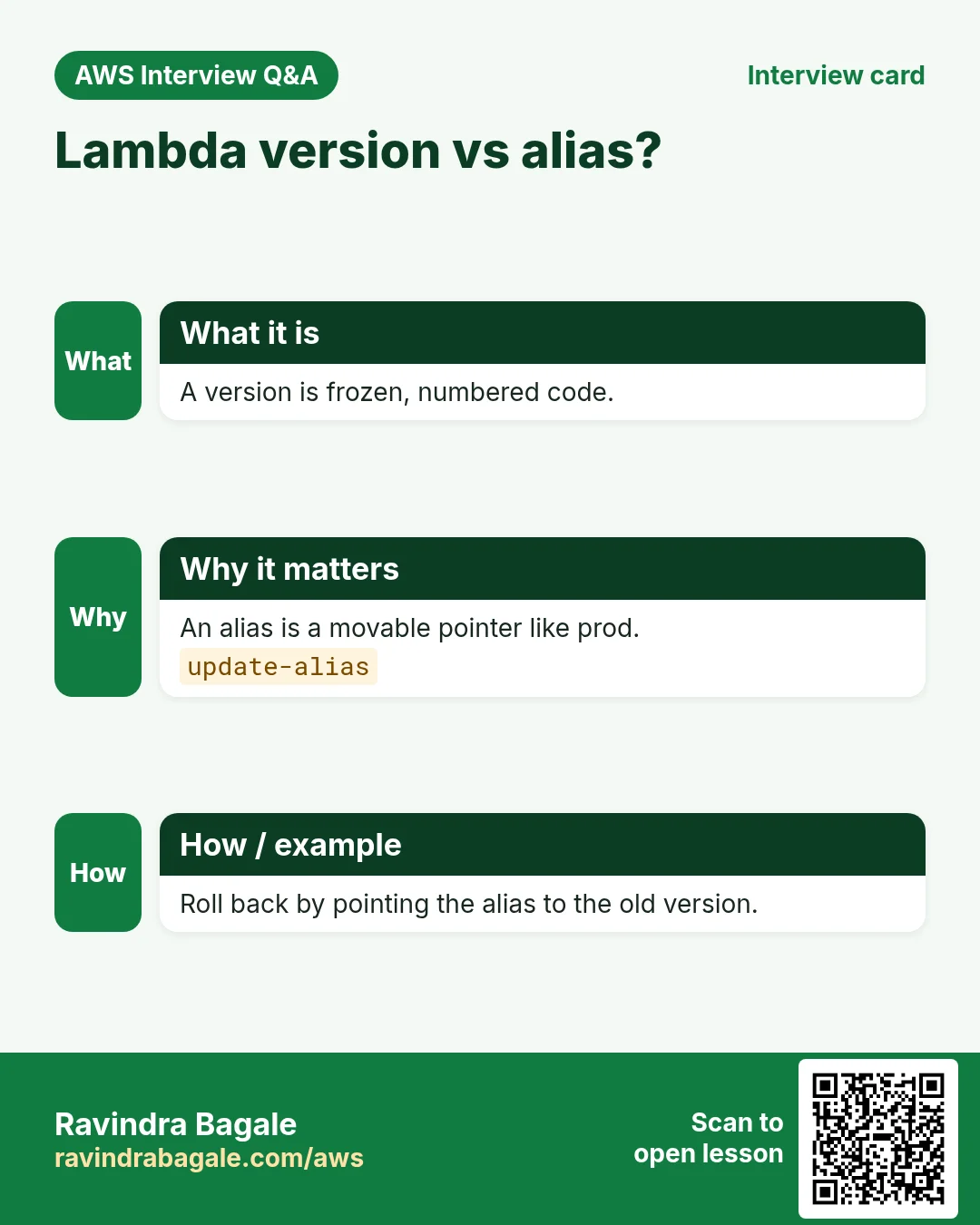
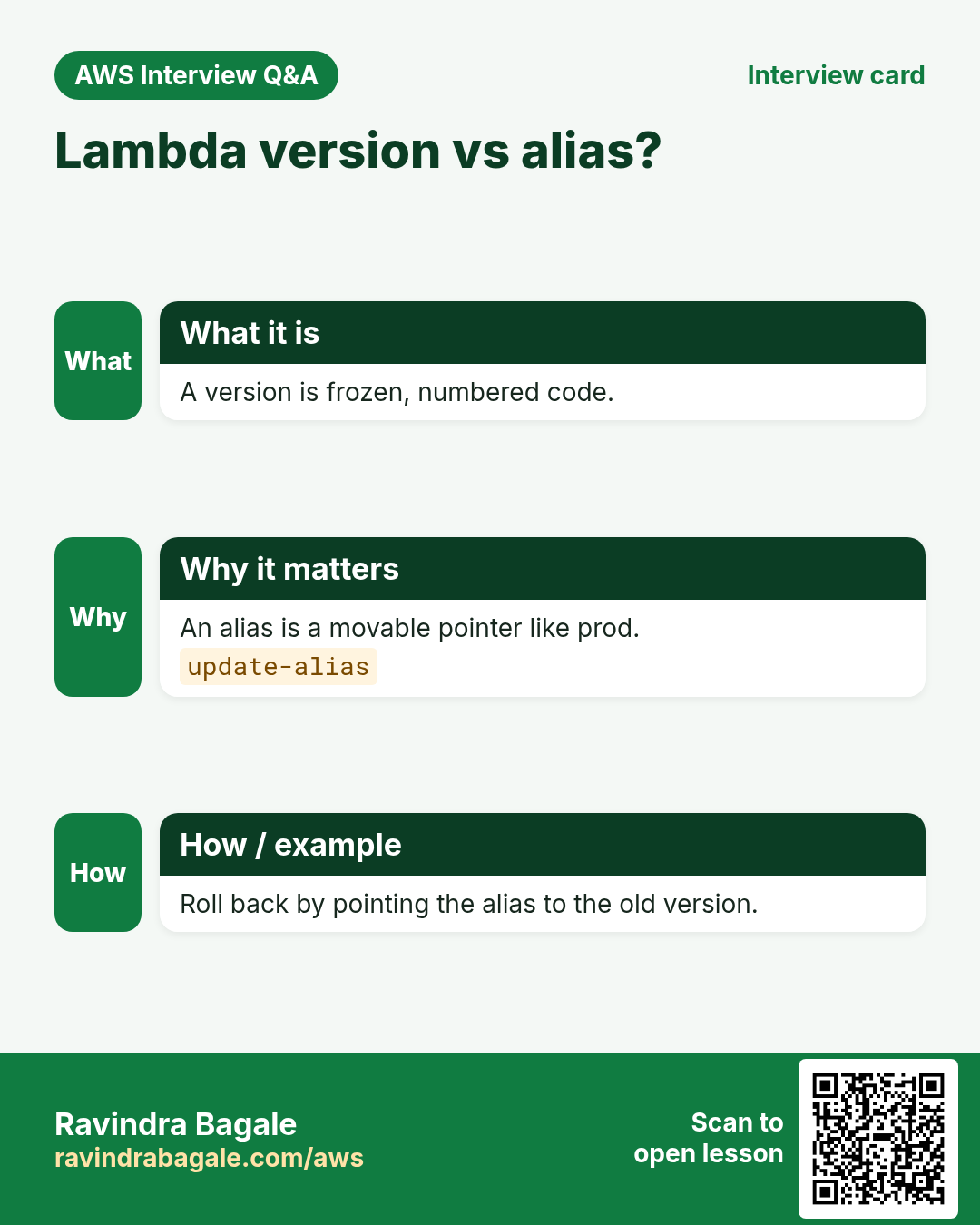
A version is frozen code. An alias is a movable name pointing to a version.
Q. Sync vs async invoke?
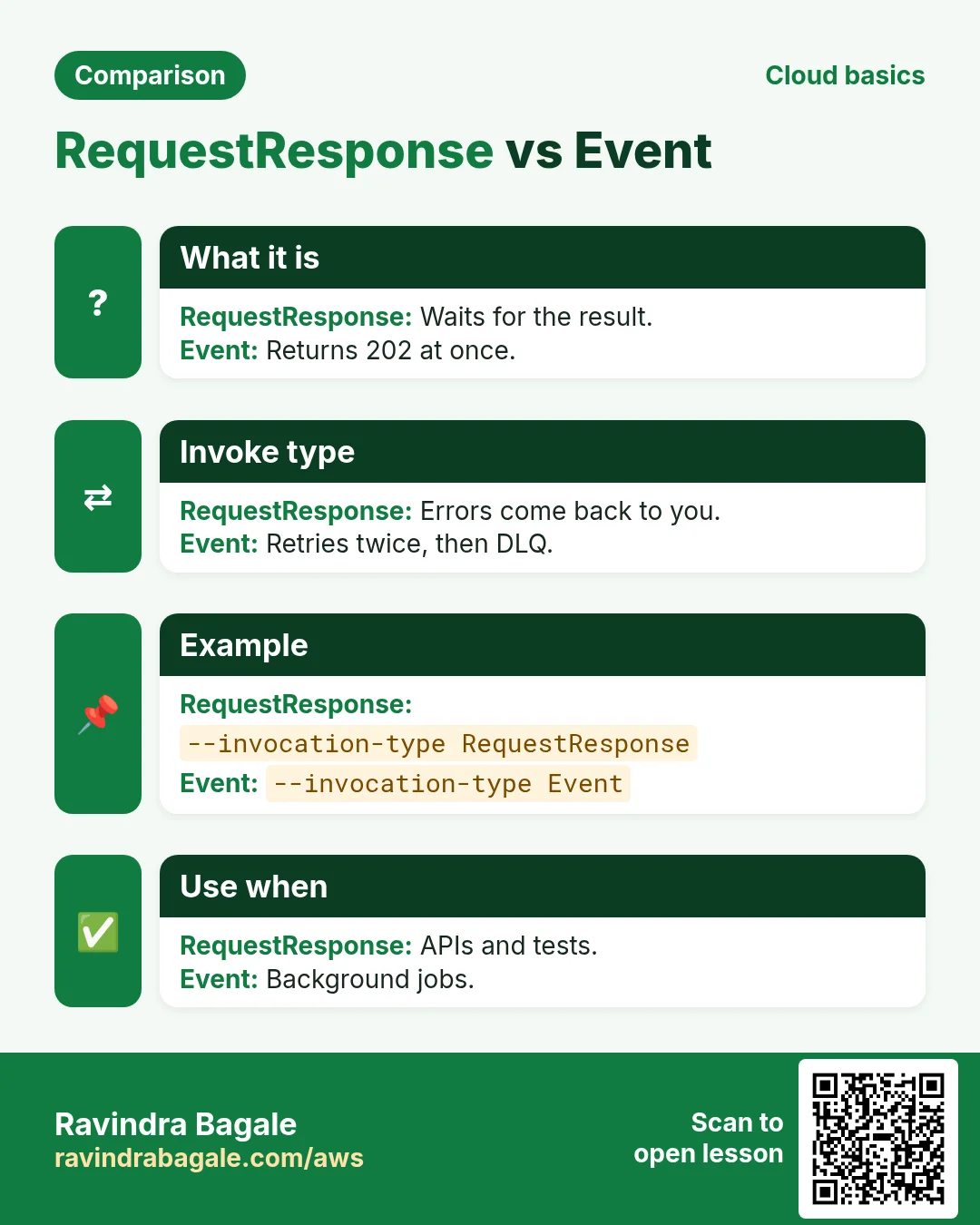
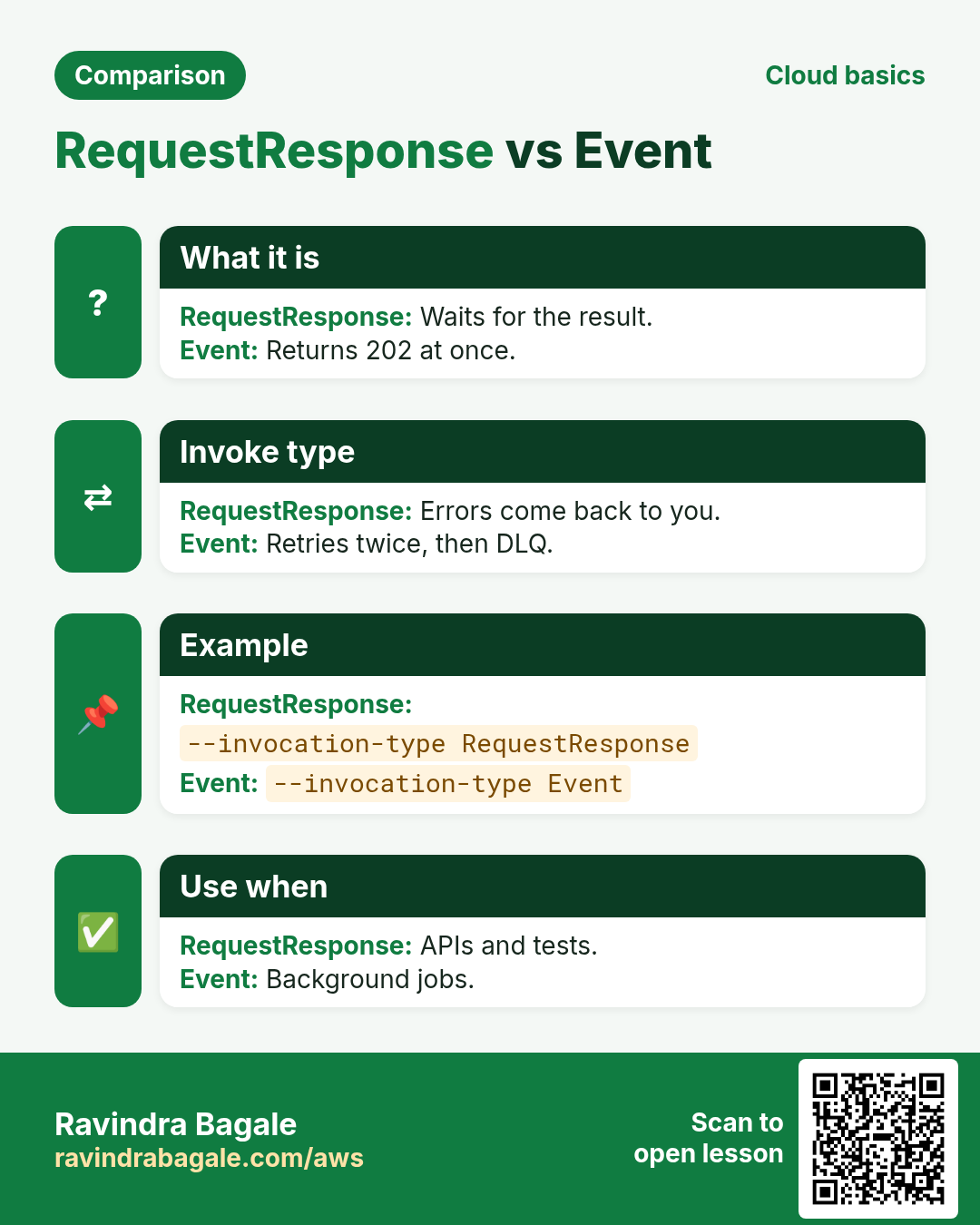
RequestResponse waits for the result. Event returns 202 and runs in the background.
Q. Why add-permission?
It is a resource policy letting another service (S3, API Gateway) invoke the function.
Q. Where are logs?
CloudWatch Logs group /aws/lambda/FUNCTION.
Try at home
- Create a function that returns the STAGE env var, change it and invoke again.
- Publish two versions and switch the prod alias between them.
In short
- Role first.
- create-function with a zip.
- Use raw-in-base64-out.
- publish-version + alias.
- aws logs tail.
Read both invocation metadata and handler output
With CLI v2, use fileb:// for a binary-safe JSON payload file or select the correct binary format for literal JSON. Inspect the output file and FunctionError independently. Wait for updates to complete before testing the changed function.
Interview check Can a synchronous Invoke request return successfully when the function throws?
Yes. Inspect FunctionError and decoded response, which report function-level failure separately from the Invoke API transport status.
Practise this chapter
Interview questions and answers
How could you update a Lambda function while retaining an easy rollback?
I would publish and test the new numbered version, then update the stable alias after it passes. I would verify requests use the expected version and return the expected payload. If the new version fails, I can repoint the alias to the known previous version.
Check your understanding
Choose an answer, then compare your reasoning with the explanation.
Practice Tasks
Practice checks run in your browser. They check the answer for this exercise; they do not create resources or connect to your AWS account.
About this scenarioNashik Vineyards is a wine and farming business in Nashik. Meera Joshi looks after its IT and cloud work. They count money in INR and run their AWS resources in the ap-south-1 Region. In the tasks below you do real jobs for them using what this lesson teaches. All names, account IDs, IP addresses and numbers are made up for practice.
0 / 12
Easy List functions
See which functions exist in this Region.
List the Lambda functions in ap-south-1.
- Read the task and decide which AWS service it is about.
- Write aws, then the service name, then the operation (the action word).
- Add each needed flag (--name) followed by its value from the task.
- Flags can be in any order. Click Check answer.
Medium Invoke a function
Invoke runs the function now and saves its answer in a file.
Invoke nashikvine-orders-fn and save the response to out.json.
- Read the task and decide which AWS service it is about.
- Write aws, then the service name, then the operation (the action word).
- Add each needed flag (--name) followed by its value from the task.
- Flags can be in any order. Click Check answer.
Medium Trust policy for a Lambda role
The trust policy says WHO may take the role.
Write a trust policy that lets lambda.amazonaws.com assume the role.
- Start with { "Version": "2012-10-17", "Statement": [ ... ] }.
- In each statement write Effect, Action and Resource.
- Give only what the task needs (least privilege).
- Use double quotes and commas correctly. Click Check answer.
Medium Change timeout and memory
More memory also gives more CPU; timeout stops runaway runs.
Set nashikvine-orders-fn to timeout 30 seconds and memory 512 MB.
- Read the task and decide which AWS service it is about.
- Write aws, then the service name, then the operation (the action word).
- Add each needed flag (--name) followed by its value from the task.
- Flags can be in any order. Click Check answer.
Medium Let a function write logs
Without these actions, Lambda logs never appear in CloudWatch.
Allow logs:CreateLogGroup, logs:CreateLogStream, logs:PutLogEvents on arn:aws:logs:*:*:* only.
- Start with { "Version": "2012-10-17", "Statement": [ ... ] }.
- In each statement write Effect, Action and Resource.
- Give only what the task needs (least privilege).
- Use double quotes and commas correctly. Click Check answer.
Medium Follow logs live
aws logs tail --follow is like tail -f for CloudWatch Logs.
Follow the log group /aws/lambda/nashikvine-orders-fn live.
- Read the task and decide which AWS service it is about.
- Write aws, then the service name, then the operation (the action word).
- Add each needed flag (--name) followed by its value from the task.
- Flags can be in any order. Click Check answer.
Hard Create a Lambda function
Lambda needs the code zip, a runtime, a handler name and an execution role.
Create function nashikvine-orders-fn: runtime python3.12, handler app.handler, role arn:aws:iam::107079156755:role/lambda-basic, code in function.zip.
- Read the task and decide which AWS service it is about.
- Write aws, then the service name, then the operation (the action word).
- Add each needed flag (--name) followed by its value from the task.
- Flags can be in any order. Click Check answer.
Hard Set environment variables
Keep settings like table names out of the code.
Set the environment variable TABLE=nashikvine-orders on nashikvine-orders-fn.
- Read the task and decide which AWS service it is about.
- Write aws, then the service name, then the operation (the action word).
- Add each needed flag (--name) followed by its value from the task.
- Flags can be in any order. Click Check answer.
Hard Invoke with a JSON payload
In CLI v2, raw JSON needs --cli-binary-format raw-in-base64-out.
Invoke nashikvine-orders-fn with payload {"orderId":"o-101"} (raw JSON) and save the reply in out.json.
- Read the task and decide which AWS service it is about.
- Write aws, then the service name, then the operation (the action word).
- Add each needed flag (--name) followed by its value from the task.
- Flags can be in any order. Click Check answer.
Hard Lambda GB-seconds
Lambda bills memory × time.
1,000,000 invocations, 512 MB memory, 200 ms each. How many GB-seconds?
- Write down the numbers the task gives you.
- Work it out step by step on paper.
- Type only the final answer in the box.
- Click Check answer.
Hard Connect an SQS queue to Lambda
An event source mapping makes Lambda poll the queue and process messages in batches.
Create an event source mapping from queue arn:aws:sqs:ap-south-1:107079156755:nashikvine-orders to nashikvine-orders-fn with batch size 10.
- Read the task and decide which AWS service it is about.
- Write aws, then the service name, then the operation (the action word).
- Add each needed flag (--name) followed by its value from the task.
- Flags can be in any order. Click Check answer.
Hard Let S3 call your function
A resource-based permission is needed before S3 can invoke the function.
Add permission statement s3invoke to nashikvine-orders-fn so s3.amazonaws.com can call lambda:InvokeFunction from bucket arn:aws:s3:::nashikvine-uploads.
- Read the task and decide which AWS service it is about.
- Write aws, then the service name, then the operation (the action word).
- Add each needed flag (--name) followed by its value from the task.
- Flags can be in any order. Click Check answer.
Revision, comparison and interview cards
Revise this lesson in a few minutes. Save the cards on your phone or download them as PNG files. The QR code on each card opens this lesson.
More cards: Ravi Sir's Cards.