Linux Commands A-Z Part 8: uniq, useradd, usermod, vim, vmstat, xargs, yum, zcat and More with Examples
This is Part 8, the last part of the Linux Commands A-Z reference: uniq to zip. These commands count and de-duplicate data, show uptime and load, create, change and remove users, build LVM volume groups, edit files in vim, watch memory and CPU trends, see who is logged in, repeat a command on a timer, count lines, find where a program lives, run commands on many files with xargs, compress with xz, answer prompts with yes, install packages with yum and read compressed logs with zcat. Every command has why, what, an options table and step-by-step examples with real output and its meaning. With this part the A-Z reference is complete, and the index page links every command to its section or to the chapter that already covers it in depth.
In this chapter
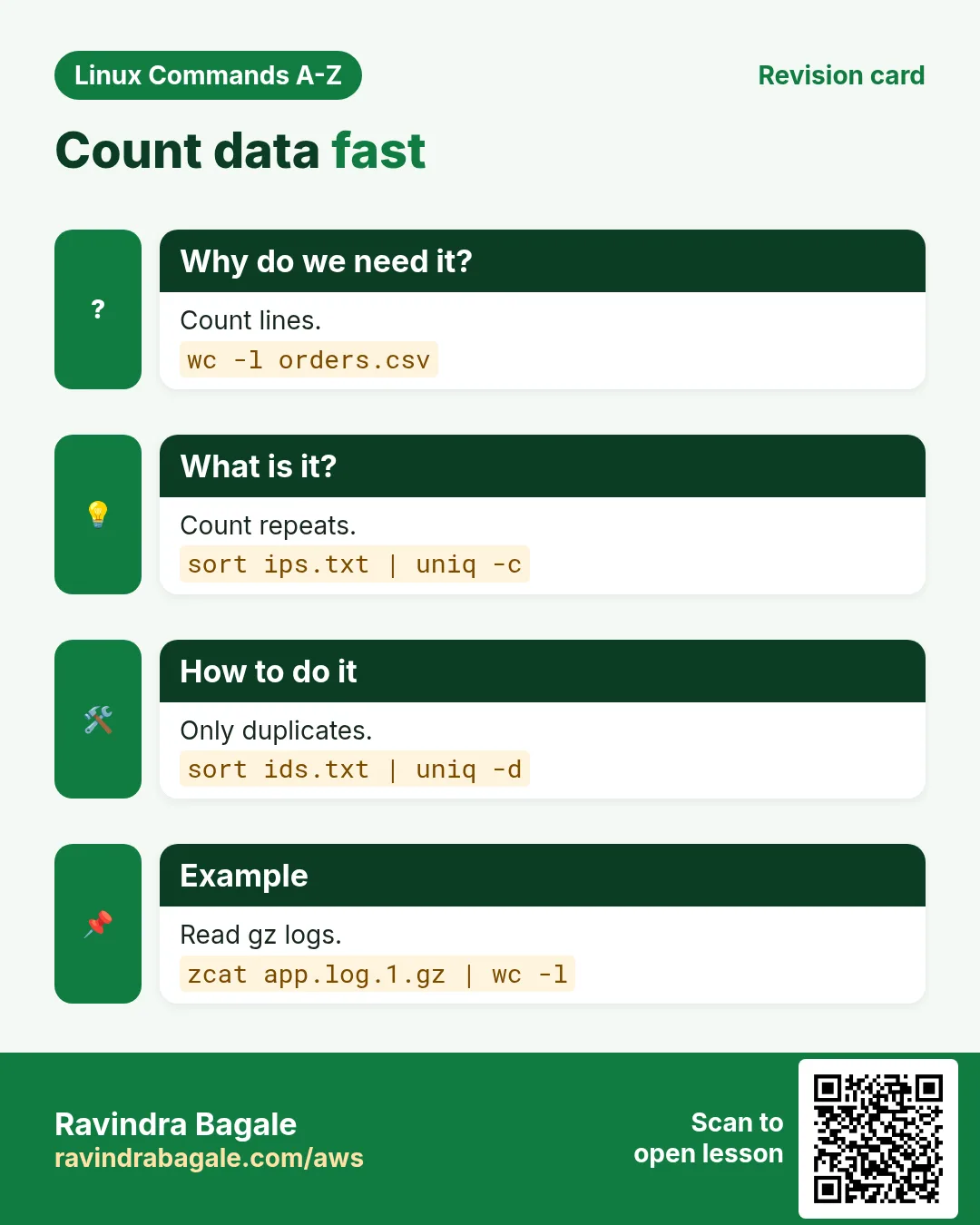
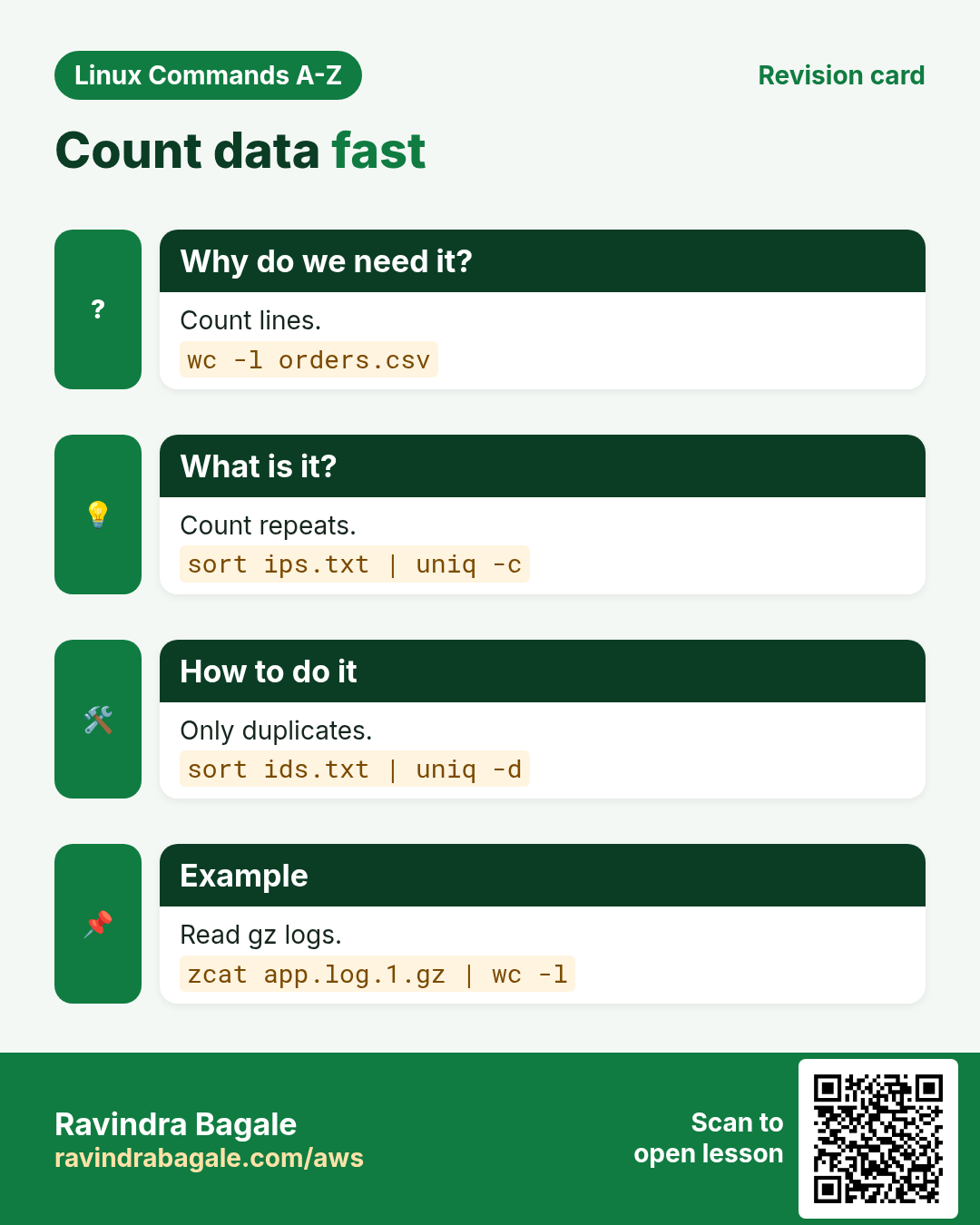
- Count and de-duplicate data with sort, uniq and wc
- Read load with uptime, w and vmstat
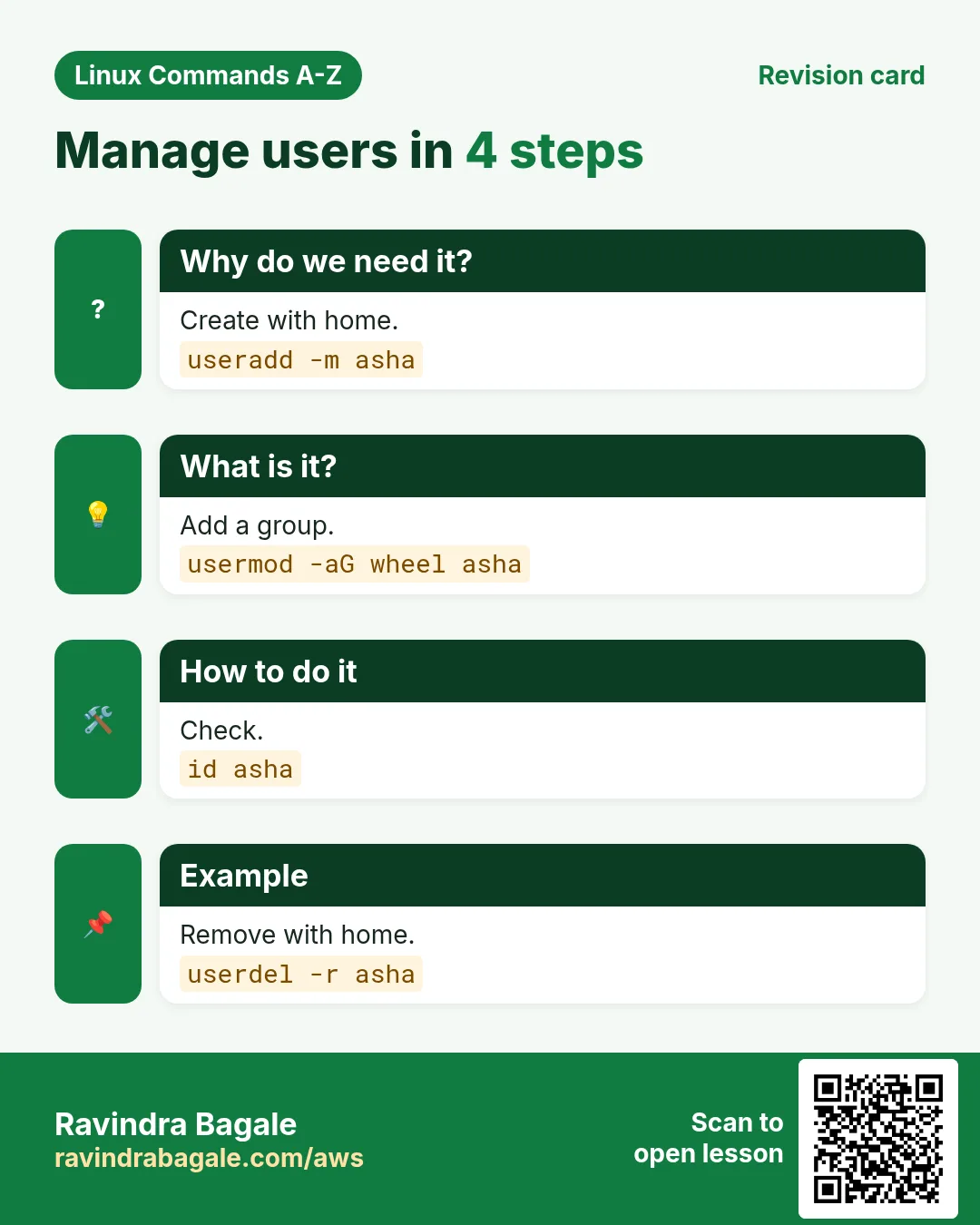
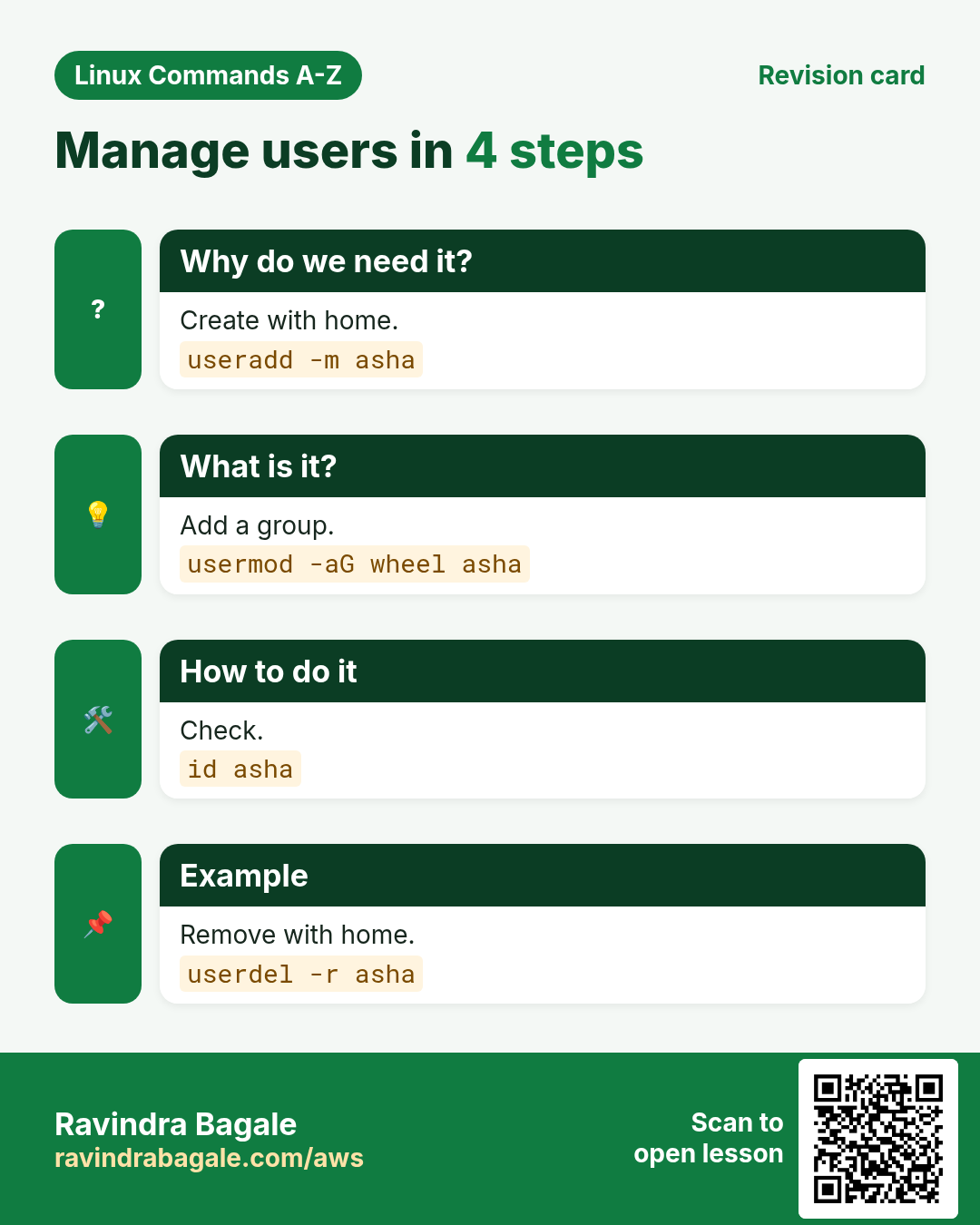
- Manage users with useradd, usermod and userdel
- Build storage with vgcreate
- Edit config files fast in vim
- Repeat checks with watch and batch work with xargs
- Find programs with which, whereis and whoami
- Compress with xz, read with zcat and install with yum
1. An everyday example: a Pune housing society office
The secretary removes duplicate names from the visitor book, counts the entries, checks how long the lift has run without a break, adds new members, changes a flat owner, removes someone who sold the flat, joins two parking areas into one, edits the notice board, checks the water tank level every hour, sees who is in the office right now, and stores old registers in tight bundles that can still be read.
Duplicates are uniq, counting is wc, the lift is uptime, members are useradd, usermod and userdel, joined parking is vgcreate, the notice board is vim, the hourly tank check is watch and vmstat, who is in is w and who, and the bundles are xz and zcat.
2. A log report in one line using Part 8 commands
Before the deep dives, see how these commands chain into a real report.
Read compressed logs, pick a field, count, rank.
| Step | Command |
|---|---|
| Read old gz logs | zcat access.log.*.gz |
| Pick IPs | cut -d" " -f1 |
| Group | sort |
| Count | uniq -c |
| Rank | sort -rn | head |
- Run the report.
zcat access.log.*.gz | cut -d" " -f1 | sort | uniq -c | sort -rn | head -3Output:
  9120 10.0.4.22
  3311 10.0.4.9
   870 203.0.113.7
10.0.4.22 sent the most requests.
- Count total lines.
zcat access.log.*.gz | wc -lOutput:
48211About 48 thousand requests in old logs.
3. A user and package audit using Part 8 commands
Security teams in banks, hospitals and SaaS companies ask every month: who can log in, who is logged in now, which tools are installed and where they live. This section answers all of that with Part 8 commands only, so you can run it on any server in a few minutes and paste the output into an audit ticket.
Count real users, list sessions, check tools, check packages, and watch the result for changes.
| Audit question | Command | What a good answer looks like |
|---|---|---|
| How many login users? | grep -c "/bin/bash$" /etc/passwd | 4 |
| Who is on now? | w -h | ravi pts/0 10.0.4.9 ... |
| Which shell am I? | whoami; echo $SHELL | ravi /bin/bash |
| Where is the tool? | which aws; whereis aws | /usr/local/bin/aws |
| Is the package up to date? | yum check-update openssl | no output means current |
| Count failed logins | grep -c "Failed password" /var/log/secure | a small number |
- List shell users and count them.
grep "/bin/bash$" /etc/passwd | cut -d: -f1 | sort | uniq | wc -lOutput:
4Four accounts can open a shell. Compare this with the approved list from HR; any extra name is a finding.
- Rank failed login sources.
grep "Failed password" /var/log/secure | awk '{print $(NF-3)}' | sort | uniq -c | sort -rn | head -3Output:
    312 203.0.113.50
     41 198.51.100.7
      3 10.0.4.9
One outside IP tried 312 times. Block it in the security group and keep the output as evidence.
- See who is logged in and what they run.
wOutput:
 21:10:04 up 41 days,  3:02,  2 users,  load average: 0.31, 0.28, 0.25
USER     TTY      FROM         LOGIN@   IDLE   WHAT
ravi     pts/0    10.0.4.9     20:55    0.00s  w
neha     pts/1    10.0.4.22    19:40    1:10m  vim app.yml
Two people are on. Neha has been idle for over an hour inside vim; ask before you restart anything she may be editing.
- Check tools in a loop with xargs.
echo aws git docker jq | xargs -n 1 whichOutput:
/usr/local/bin/aws
/usr/bin/git
/usr/bin/docker
/usr/bin/which: no jq in (/usr/local/bin:/usr/bin)
jq is missing. Install it with sudo yum install -y jq and run the check again.
- Watch the session count during a change window.
watch -n 10 "who | wc -l"Output:
Every 10.0s: who | wc -l

2
The screen refreshes every 10 seconds. If the number jumps during a maintenance window, someone new has logged in and you should check who.
4. Industry recipes with Part 8 commands
The same small commands solve very different problems in retail, healthcare, finance, telecom and manufacturing. Seeing them in real settings helps you remember them for interviews and for on-call nights.
Five recipes, each with the command, the output and what to do next.
| Industry | Problem | Command |
|---|---|---|
| Retail | sort orders.csv | uniq -d | duplicate orders |
| Healthcare | zcat hl7.log.gz | wc -l | message count |
| Finance | vmstat 5 3 | batch load |
| Telecom | xz -T0 cdr.log | archive |
| Manufacturing | watch -n 30 ls sensor/ | new files |
- Retail: find duplicate order ids.
cut -d, -f1 orders.csv | sort | uniq -dOutput:
ORD-88121
ORD-90412
Two orders were saved twice. Send the ids to the payments team before customers are charged again.
- Healthcare: count lab messages in yesterday's log.
zcat hl7-2026-10-26.log.gz | grep -c "^MSH"Output:
18422About 18 thousand lab messages arrived. If the usual number is 25 thousand, ask the lab interface team what stopped.
- Finance: check the night batch server.
vmstat 5 3Output:
procs -----------memory---------- ---swap-- -----io---- -system-- ------cpu-----
 r  b   swpd   free   buff  cache   si   so    bi    bo   in   cs us sy id wa st
 3  4      0 412000  20100 3100000    0    0  9100  4200  900 1500 22  6 30 42  0
wa is 42 and b is 4: the batch is waiting on disk, not CPU. Move it to faster storage or spread the jobs.
- Telecom: compress call records with all CPUs.
xz -T0 -k cdr-2026-10.log && ls -lh cdr-2026-10.log*Output:
-rw-r--r-- 1 ops ops 9.8G cdr-2026-10.log
-rw-r--r-- 1 ops ops 610M cdr-2026-10.log.xz
10 GB became 610 MB. Keep the original until you upload and check the .xz file.
- Manufacturing: wait for sensor files.
watch -n 30 "ls sensor/ | wc -l"Output:
Every 30.0s: ls sensor/ | wc -l

144
144 files have arrived. When the number stops growing during a shift, the plant gateway may be down.
5. uniq: Remove or count repeated lines
Write web, db, web on separate lines. uniq -c counts adjacent runs, so the two web entries appear separately. Sort and run it again to see the total, 2 for web and 1 for db. Leave the original order in place if you are tracking how long each sequential state lasted. Pick the method based on the question the count should answer.
uniq in depth: remove and count duplicates
Which IP hit the site most? How many orders per city? Which error repeats? Sort the lines, then uniq -c counts them.
uniq removes adjacent duplicate lines, so input is usually sorted first. -c prefixes counts, -d shows only duplicated lines, -u only unique ones, -i ignores case, -f N skips fields. sort -u is a shortcut when you only need unique lines.
Common options
| Option | What it does |
|---|---|
sort | uniq | Unique lines. |
-c | Count each. |
-d | Only repeated. |
-u | Only once. |
-i | Ignore case. |
- Top IPs.
cut -d" " -f1 access.log | sort | uniq -c | sort -rn | head -3Output:
   4210 49.36.12.8
    980 103.21.4.7
    120 10.0.1.5
One IP sends most traffic; check if it is a bot.
- Orders per city.
cut -d, -f2 orders.csv | sort | uniq -cOutput:
  310 Mumbai
  452 Pune
Pune leads.
- Duplicated user ids.
sort ids.txt | uniq -dOutput:
u1042One id appears twice: a data bug.
- Without sort.
printf "a\nb\na\n" | uniqOutput:
a
b
a
Not adjacent, so not removed: sort first.
Practise this in the tasks below: Practice tasks
Real use: A Laxmi Road jeweller counts daily sales per item with sort | uniq -c on the billing export.
6. uptime: Show uptime and load
uptime in depth: how long and how loaded
Did the server reboot last night? Is it overloaded right now? uptime answers in one line.
uptime prints current time, how long since boot, logged-in users and load average for 1, 5 and 15 minutes. Compare load with the CPU count (nproc): load above it means work is queuing. -p pretty format, -s boot time.
Common options
| Option | What it does |
|---|---|
uptime | One line. |
-p | Pretty. |
-s | Boot time. |
nproc | CPU count. |
cat /proc/loadavg | Raw values. |
- Check.
uptimeOutput:
11:42:10 up 41 days, 3:10, 2 users, load average: 0.42, 0.51, 0.48Stable, light load.
- Rebooted?
uptime -sOutput:
2026-10-27 02:13:44It restarted at 2:13 AM: find out why.
- Overloaded?
uptime; nprocOutput:
load average: 9.80, 8.40, 6.10
4
Load 9.8 on 4 CPUs: work is queuing.
- Pretty.
uptime -pOutput:
up 6 weeks, 2 days, 3 hoursEasy for a report.
Practise this in the tasks below: Practice tasks
Real use: A Kothrud clinic chain checks uptime -s every morning to catch silent power-cut reboots of its billing box.
7. useradd: Create a user
useradd in depth: create users
A new developer joins, or an app needs its own service account. Create it properly with a home, shell and groups.
useradd creates an account. -m makes the home folder, -s sets the shell, -G adds extra groups, -c a comment, -u a UID, -r a system account, -e an expiry date. Then set a password with passwd or add an SSH key.
Common options
| Option | What it does |
|---|---|
-m | Make home. |
-s /bin/bash | Shell. |
-G wheel,devs | Extra groups. |
-r -s /sbin/nologin | Service account. |
-e 2026-12-31 | Expiry. |
-c "Name" | Full name. |
- A developer.
sudo useradd -m -s /bin/bash -G devs -c "Sneha Patil" sneha; id snehaOutput:
uid=1005(sneha) gid=1005(sneha) groups=1005(sneha),1002(devs)Home, shell and group ready.
- Set a first password.
sudo passwd snehaOutput:
passwd: all authentication tokens updated successfully.She can log in.
- A service account.
sudo useradd -r -s /sbin/nologin -d /srv/billing billingNo login shell: safer.
- A contractor with expiry.
sudo useradd -m -e 2026-12-31 vendor1; sudo chage -l vendor1 | grep "Account expires"Output:
Account expires : Dec 31, 2026Locks itself at year end.
Practise this in the tasks below: Practice tasks
Real use: A Wakad IT services firm creates every contractor with useradd -e so access ends with the contract.
8. userdel: Delete a user
userdel in depth: remove users
When someone leaves, their account must go, but their files may be needed for audit. Decide first, then remove.
userdel removes an account. -r also removes the home folder and mail spool. It refuses if the user is logged in; -f forces. Files elsewhere stay with a bare UID owner; find them with find / -nouser. Locking (usermod -L) is often safer first.
Common options
| Option | What it does |
|---|---|
userdel user | Remove account. |
-r | And home. |
-f | Force. |
find / -nouser | Orphan files. |
usermod -L | Lock instead. |
- Back up the home.
sudo tar czf /backup/amit-home.tgz /home/amitKept for audit.
- Remove with home.
sudo userdel -r amitAccount and home gone.
- Still logged in.
sudo userdel -r rahulOutput:
userdel: user rahul is currently used by process 4410End the session first.
- Find leftovers.
sudo find / -xdev -nouser 2>/dev/null | head -2Output:
/srv/reports/q3.xlsx
/tmp/amit-test
Give these to a new owner.
Practise this in the tasks below: Practice tasks
Real use: A Viman Nagar BPO backs up the home folder, then runs userdel -r on the agent's last day.
9. usermod: Change a user
usermod in depth: change users
Someone moves to the DevOps team, needs docker access, changes name or goes on long leave. usermod changes an existing account.
usermod -aG adds groups (always use -a with -G, or other groups are removed). -L locks, -U unlocks, -s changes the shell, -d -m moves the home, -l renames, -e sets expiry. Group changes apply at next login.
Common options
| Option | What it does |
|---|---|
-aG docker user | Add a group. |
-L / -U | Lock / unlock. |
-s /sbin/nologin | No login. |
-l new old | Rename. |
-e 2026-11-30 | Expiry. |
- Give docker access.
sudo usermod -aG docker sneha; id -nG snehaOutput:
sneha devs dockerWorks after she logs in again.
- The -a mistake.
sudo usermod -G docker raj; id -nG rajOutput:
raj dockerdevs was removed: always use -aG.
- Lock during leave.
sudo usermod -L priya; sudo passwd -S priyaOutput:
priya LK 2026-10-27 0 99999 7 -1 (Password locked.)Locked, files untouched.
- Unlock on return.
sudo usermod -U priyaAccess back.
Practise this in the tasks below: Practice tasks
Real use: A Magarpatta fintech locks accounts with usermod -L for employees on sabbatical and unlocks them on return.
10. vgcreate: Create an LVM volume group
vgcreate in depth: build an LVM volume group
You want one big flexible storage pool from several disks, so volumes can grow later without downtime. That pool is a volume group.
vgcreate makes a volume group from physical volumes (pvcreate, Part 5). vgs and vgdisplay show it, vgextend adds a disk, vgreduce removes one. Then lvcreate (Part 4) carves logical volumes from it.
Common options
| Option | What it does |
|---|---|
vgcreate vg pv... | Create. |
vgs | Summary. |
vgdisplay vg | Detail. |
vgextend vg pv | Add a disk. |
vgreduce vg pv | Remove a disk. |
- Prepare disks.
sudo pvcreate /dev/xvdf /dev/xvdgOutput:
  Physical volume "/dev/xvdf" successfully created.
  Physical volume "/dev/xvdg" successfully created.
Two PVs.
- Create the group.
sudo vgcreate vgdata /dev/xvdf /dev/xvdgOutput:
Volume group "vgdata" successfully createdA 200 GB pool.
- Check it.
sudo vgsOutput:
  VG     #PV #LV #SN Attr   VSize   VFree
  vgdata   2   0   0 wz--n- 199.99g 199.99g
All free for volumes.
- Grow it later.
sudo pvcreate /dev/xvdh && sudo vgextend vgdata /dev/xvdhOutput:
Volume group "vgdata" successfully extended300 GB, no downtime.
Practise this in the tasks below: Practice tasks
Real use: A Hinjewadi analytics firm builds vgdata from three EBS disks and grows it each quarter as data arrives.
11. vim: Edit files in the terminal
vim in depth: edit files on any server
Many Linux servers have vi or vim without a GUI. A minimal installation can omit them. You must be able to open a config, change a line, save and quit.
vim has modes. Normal mode moves and edits (dd delete line, yy copy, p paste, u undo, /text search, gg top, G bottom). i enters Insert mode, Esc returns. Commands start with : like :w save, :q quit, :wq save and quit, :q! quit without saving, :%s/a/b/g replace, :set number.
Common options
| Option | What it does |
|---|---|
i / Esc | Insert / normal. |
:wq | Save and quit. |
:q! | Quit, discard. |
dd / u | Delete line / undo. |
/text | Search. |
:%s/a/b/g | Replace all. |
+42 | Open at line 42. |
- Open at an error line.
vim +42 /etc/nginx/nginx.confOutput:
(cursor on line 42)Straight to the problem.
- Change and save.
i ... Esc :wqOutput:
"/etc/nginx/nginx.conf" 88L, 2410B writtenSaved.
- Replace a port everywhere.
:%s/8080/9090/gOutput:
3 substitutions on 3 linesAll three changed.
- Read-only file.
:wOutput:
E45: 'readonly' option is set (add ! to override)Open with sudo instead.
Practise this in the tasks below: Practice tasks
Real use: A Deccan college lab teaches vim in the first Linux session because every exam server has no GUI.
12. vmstat: Memory, CPU and I/O summary
vmstat in depth: memory, CPU and IO over time
top shows a moment; vmstat shows a trend every few seconds, so you see swapping, IO wait or CPU queues build up.
vmstat DELAY COUNT prints rows: r runnable processes, b blocked, swpd and free memory, si/so swap in/out, bi/bo block IO, us sy id wa st CPU. The first row is the average since boot. -S M shows megabytes, -w wide.
Common options
| Option | What it does |
|---|---|
vmstat 2 5 | 5 rows, 2 s apart. |
-S M | Megabytes. |
-w | Wide. |
si / so | Swap in / out. |
r / b | Run queue / blocked. |
- Watch for 10 seconds.
vmstat -S M 2 5Output:
procs ---memory--- --swap-- ---io--- ----cpu----
 r  b swpd free  si  so  bi  bo us sy id wa st
 1  0    0  812   0   0  10  40  8  2 89  1  0
Healthy: low wa, no swapping.
- Memory pressure.
vmstat 2 3 | tail -1Output:
3 2 1024 60 450 620 900 1200 20 10 30 40 0High si/so: the box is swapping.
- CPU queue.
vmstat 1 3 | tail -1Output:
14 0 0 2000 0 0 0 5 95 5 0 0 014 waiting on 4 CPUs: add CPU or fix the hot loop.
- Log a trend.
vmstat -t 60 60 > vm-hour.logOne hour, timestamped.
Practise this in the tasks below: Practice tasks
Real use: A Pimpri ERP vendor runs vmstat 60 during month-end close to prove whether the slowdown is RAM or disk.
13. w: Who is logged in and what they do
w in depth: who is on and what they run
Before a reboot, check who is logged in and what they are doing, so you do not cut a colleague's migration.
w shows uptime and load like uptime, then one row per session: user, TTY, from where, login time, idle time and current command. -h hides the header, -s short format. who gives less detail; last shows history.
Common options
| Option | What it does |
|---|---|
w | All sessions. |
w user | One user. |
-h | No header. |
-s | Short. |
wall "msg" | Message all. |
- Before a reboot.
wOutput:
11:55:02 up 41 days,  2 users,  load average: 0.30, 0.25, 0.20
USER  TTY   FROM        LOGIN@  IDLE  WHAT
ravi  pts/0 10.0.0.12   11:40   0.00s w
meena pts/1 10.0.0.31   10:02   2.00s psql billing
Meena is in psql: ask first.
- One user.
w -h meenaOutput:
meena pts/1 10.0.0.31 10:02 2.00s psql billingSame row, no header.
- Warn everyone.
sudo wall "Reboot at 12:30 for kernel patch"Output:
Broadcast message from ravi@web01 (pts/0): Reboot at 12:30 for kernel patchEveryone sees it.
- Idle sessions.
w -h | awk "\$5 ~ /days/"Output:
test pts/3 10.0.0.9 Mon10 3days -bashA forgotten session.
Practise this in the tasks below: Practice tasks
Real use: A Swargate transport office runs w before every patch window so no dispatcher session is cut.
14. watch: Run a command again and again
watch in depth: repeat a command and see changes
Waiting for a pod to become Ready, a disk to fill or a queue to drain? watch reruns the command every few seconds.
watch runs a command every 2 seconds full screen. -n sets the interval, -d highlights differences, -t hides the header, -g exits when output changes, -e exits on error. Quote commands with pipes.
Common options
| Option | What it does |
|---|---|
-n 5 | Every 5 s. |
-d | Highlight changes. |
-t | No header. |
-g | Stop on change. |
"a | b" | Quote pipes. |
- Watch disk.
watch -n 5 df -h /dataOutput:
Every 5.0s: df -h /data
/dev/xvdf  100G  71G  29G  71% /data
Updates live during the copy.
- Highlight changes.
watch -d "ss -tn state established | wc -l"Output:
143Connection count changes are highlighted.
- Stop when done.
watch -g -n 10 "kubectl get pod api-0 | tail -1"Output:
api-0 1/1 RunningExits once the pod changes state.
- Queue drain.
watch -n 30 "redis-cli llen jobs"Output:
(integer) 1240Count falls as workers finish.
Practise this in the tasks below: Practice tasks
Real use: A Hadapsar fulfilment centre keeps watch -n 30 on the order queue during flash sales.
15. wc: Count lines, words, bytes
wc in depth: count lines, words and bytes
How many errors today? How many users in the CSV? How big is the payload? wc counts.
wc prints lines, words and bytes. -l lines only, -w words, -c bytes, -m characters (multi-byte aware), -L longest line. With many files it adds a total. Reading from a pipe prints only the number.
Common options
| Option | What it does |
|---|---|
-l | Lines. |
-w | Words. |
-c | Bytes. |
-m | Characters. |
-L | Longest line. |
- Count errors.
grep -c ERROR app.log; grep ERROR app.log | wc -lOutput:
57
57
Same result two ways.
- Rows in a CSV.
wc -l users.csvOutput:
1001 users.csv1000 users plus a header.
- Many files.
wc -l *.logOutput:
  120 api.log
  340 web.log
  460 total
Total at the end.
- Marathi text.
echo "पुणे" | wc -c; echo "पुणे" | wc -mOutput:
13
5
Bytes and characters differ for Devanagari.
Practise this in the tasks below: Practice tasks
Real use: A Shaniwar Peth publisher checks wc -w on every Marathi article to stay within the print word limit.
16. whereis: Find binary, source and man page
whereis in depth: binary, source and man page
Is a tool installed at all, and where is its man page? whereis searches standard system folders.
whereis lists the binary, source and manual files for a name from standard locations, not your PATH. -b binaries only, -m man pages only, -s sources. It does not see aliases or functions; use type for that.
Common options
| Option | What it does |
|---|---|
whereis name | All. |
-b | Binaries. |
-m | Man pages. |
-s | Sources. |
- Find a tool.
whereis nginxOutput:
nginx: /usr/sbin/nginx /usr/share/nginx /usr/share/man/man8/nginx.8.gzBinary and man page.
- Not installed.
whereis htopOutput:
htop:Nothing found: install it.
- Man page only.
whereis -m crontabOutput:
crontab: /usr/share/man/man1/crontab.1.gz /usr/share/man/man5/crontab.5.gzTwo sections exist.
- Binary only.
whereis -b python3Output:
python3: /usr/bin/python3 /usr/local/bin/python3Two copies on disk.
Practise this in the tasks below: Practice tasks
Real use: A Chinchwad support desk asks customers for whereis output to confirm their agent package installed.
17. which: Show the path of a command
which in depth: the file PATH will run
Two Java versions are installed and the wrong one runs. which shows the first match on PATH.
which prints the full path of the command that PATH resolves first. -a shows all matches. It is an external program, so it may miss aliases and functions; type and command -v are more exact in scripts.
Common options
| Option | What it does |
|---|---|
which name | First match. |
-a | All matches. |
command -v | Builtin check. |
echo $PATH | Search order. |
- Which java?
which javaOutput:
/usr/bin/javaThe system Java runs.
- All of them.
which -a javaOutput:
/usr/bin/java
/opt/jdk-21/bin/java
JDK 21 is later on PATH.
- Fix PATH.
export PATH=/opt/jdk-21/bin:$PATH; which javaOutput:
/opt/jdk-21/bin/javaNow JDK 21 wins.
- Script check.
command -v docker >/dev/null || echo "install docker"Output:
install dockerMissing tool detected.
Practise this in the tasks below: Practice tasks
Real use: A Baner fintech CI image prints which -a java at start so build logs show the JDK used.
18. who: Show logged-in users
who in depth: logged-in users and boot
Quick check: who is logged in, from where, and when did the system boot?
who lists logged-in sessions with terminal, login time and source. -b last boot time, -r run level, -q names and count, -H headers. who am i shows your own session. w adds what each user runs.
Common options
| Option | What it does |
|---|---|
who | Sessions. |
-b | Boot time. |
-q | Names and count. |
-H | Headers. |
who am i | My session. |
- Who is on?
whoOutput:
ravi   pts/0  2026-10-27 11:40 (10.0.0.12)
meena  pts/1  2026-10-27 10:02 (10.0.0.31)
Two people.
- Last boot.
who -bOutput:
system boot 2026-09-16 08:31Up since mid-September.
- Count.
who -qOutput:
ravi meena
# users=2
Two sessions.
- My session.
who am iOutput:
ravi pts/0 2026-10-27 11:40 (10.0.0.12)Your IP shows.
Practise this in the tasks below: Practice tasks
Real use: A Kalyani Nagar hotel IT team logs who -q hourly to spot logins outside the night-audit window.
19. whoami: Print your user name
whoami in depth: which user am I
After sudo, su or inside a container, it is easy to forget which user you are. Scripts also need to refuse to run as root, or insist on it.
whoami prints the effective user name. id -un is the same; id shows UID, groups too. In scripts compare $(id -u) with 0 to detect root.
Common options
| Option | What it does |
|---|---|
whoami | User name. |
id -un | Same. |
id -u | UID. |
id | Full identity. |
- Who am I?
whoamiOutput:
raviYour own user.
- With sudo.
sudo whoamiOutput:
rootCommands run as root.
- Root guard.
[ "$(id -u)" -eq 0 ] || { echo "run as root"; exit 1; }Output:
run as rootScript stops early.
- In a container.
docker run --rm alpine whoamiOutput:
rootContainers often default to root: set USER.
Practise this in the tasks below: Practice tasks
Real use: A Kharadi security team flags any Dockerfile whose image prints root for whoami.
20. xargs: Build commands from input
xargs in depth: turn lines into arguments
find gives a list of files and you want to delete, compress or copy each. xargs feeds the list to a command, in batches or in parallel.
xargs reads items from stdin and runs a command with them as arguments. -0 pairs with find -print0 for safe names with spaces, -n sets items per run, -P runs in parallel, -I {} places the item anywhere, -r skips running on empty input, -t prints each command.
Common options
| Option | What it does |
|---|---|
-0 | Null separated. |
-n 1 | One per run. |
-P 4 | 4 in parallel. |
-I {} | Placeholder. |
-r | Skip if empty. |
-t | Show commands. |
- Compress old logs.
find /var/log/app -name "*.log" -mtime +7 -print0 | xargs -0 -r gzip -vOutput:
api-2026-10-12.log: 88.1% -- replaced with api-2026-10-12.log.gzSafe with spaces, nothing runs if empty.
- Parallel pings.
cat hosts.txt | xargs -P 8 -I {} ping -c1 -W1 {}Output:
64 bytes from 10.0.1.5: icmp_seq=1 ttl=64 time=0.4 msEight at a time.
- Placeholder.
ls *.csv | xargs -I {} cp {} /backup/{}.bakEach file copied with a new name.
- See what runs.
echo a b c | xargs -n 1 -t echoOutput:
echo a
a
echo b
b
echo c
c
One run per item.
Practise this in the tasks below: Practice tasks
Real use: A Bhosari CNC workshop uses find -print0 | xargs -0 -P 4 to convert the day's machine logs to CSV.
21. xz: Compress files with xz
xz in depth: strongest common compression
Archiving a year of logs or shipping a big release, you want the smallest file and do not mind waiting longer. xz gives that.
xz compresses a file to .xz and removes the original; -d or unxz decompresses, -k keeps the original, -0 to -9 sets level, -T0 uses all CPUs, -l lists ratio, xzcat reads without extracting. tar cJf makes .tar.xz. Detailed comparison is in the compression chapter.
Common options
| Option | What it does |
|---|---|
xz file | Compress. |
-d | Decompress. |
-k | Keep original. |
-9 -T0 | Max, all CPUs. |
-l | Info. |
xzcat | Read. |
- Compress, keep original.
xz -k -T0 audit-2025.log; ls -lh audit-2025.log*Output:
-rw-r--r-- 1 ravi ravi 2.1G audit-2025.log
-rw-r--r-- 1 ravi ravi  96M audit-2025.log.xz
About 22 times smaller.
- Ratio.
xz -l audit-2025.log.xz | tail -1Output:
1 1 95.8 MiB 2,048.0 MiB 0.047 CRC64 audit-2025.log.xz4.7% of the original.
- Read without extracting.
xzcat audit-2025.log.xz | grep -c "login failed"Output:
3120Search a compressed archive.
- Tar with xz.
tar cJf release-4.2.tar.xz release/Smallest release download.
Practise this in the tasks below: Practice tasks
Real use: A Shivajinagar government office keeps seven years of audit logs as .xz to fit its storage budget.
22. yes: Print a line again and again
yes in depth: repeat an answer or make load
An old installer keeps asking "Continue? [y/N]". yes answers for you. It can also make quick test data or CPU load.
yes prints y (or any text you give) forever until stopped. Pipe it into a prompting command, cut it with head -n for N lines, or run it to load one CPU core. Prefer a tool's own -y flag when it has one.
Common options
| Option | What it does |
|---|---|
yes | Print y forever. |
yes text | Repeat text. |
| head -n 5 | Limit. |
yes > /dev/null & | CPU load. |
-y flag | Prefer the tool flag. |
- Answer prompts.
yes | ./legacy-install.sh | tail -1Output:
Install complete.Every prompt got y.
- Test lines.
yes "order,Pune,100" | head -n 3Output:
order,Pune,100
order,Pune,100
order,Pune,100
Quick test data.
- Load a CPU.
yes > /dev/null & top -b -n 1 | grep yesOutput:
4512 ravi 20 0 8.3m 1.8m R 99.7 0.0 yesOne core at 100% to test alerts.
- Stop it.
kill %1Output:
[1]+ Terminated yes > /dev/nullLoad gone.
Practise this in the tasks below: Practice tasks
Real use: A Kharadi monitoring team runs yes > /dev/null on a test box to check that CPU alerts reach the on-call phone.
23. yum: Old package tool on RHEL and CentOS
yum in depth: packages on older Red Hat systems
Amazon Linux 2, CentOS 7 and RHEL 7 still run many production servers. Their package tool is yum; on newer systems yum is an alias for dnf.
yum install, remove, update and search manage RPM packages with dependencies; info shows details, list installed lists them, provides finds which package owns a file, history shows and undoes transactions, -y answers yes. Same commands as dnf (Part 2).
Common options
| Option | What it does |
|---|---|
install -y pkg | Install. |
remove pkg | Remove. |
update | Update all. |
search word | Search. |
provides */file | Who owns a file. |
history undo N | Roll back. |
- Install.
sudo yum install -y httpdOutput:
Installed:
  httpd-2.4.62-1.amzn2.x86_64
Complete!
Apache installed.
- Which package has a file?
yum provides "*/bin/dig"Output:
bind-utils-9.11.4-26.P2.amzn2.13.x86_64 : Utilities for querying DNS name serversInstall bind-utils for dig.
- History.
sudo yum history | head -4Output:
ID | Command line   | Date and time    | Action(s)
 42 | update         | 2026-10-27 02:00 | Update
Last night's update is 42.
- Undo it.
sudo yum history undo 42 -yOutput:
Complete!Packages back to before.
Practise this in the tasks below: Practice tasks
Real use: A Hinjewadi insurance firm still patches its Amazon Linux 2 claim servers with yum update during the Sunday window.
24. zcat: Read .gz files without unpacking
zcat in depth: read gzip files without extracting
Rotated logs are .gz. To search last week's errors you do not want to extract gigabytes to disk first.
zcat prints the decompressed content of .gz files to stdout and leaves them compressed. zgrep searches, zless pages, zdiff compares. -f also passes plain files through. xzcat and bzcat do the same for .xz and .bz2.
Common options
| Option | What it does |
|---|---|
zcat f.gz | Print. |
zgrep pat f.gz | Search. |
zless f.gz | Page. |
zcat -f * | Plain too. |
xzcat / bzcat | Other formats. |
- Read a rotated log.
zcat /var/log/messages-20261020.gz | head -1Output:
Oct 14 00:00:01 web01 systemd[1]: Started Daily rotation of log files.No extraction needed.
- Count errors in a week.
zcat app.log.*.gz | grep -c ERROROutput:
812Across all rotated files.
- Search directly.
zgrep -h "order 5512" app.log.3.gzOutput:
2026-10-24 18:02:11 order 5512 payment timeoutFound the old incident.
- Mixed files.
zcat -f app.log app.log.1.gz | wc -lOutput:
91240Plain and gzip together.
Practise this in the tasks below: Practice tasks
Real use: A Viman Nagar airline ops team uses zgrep to trace a passenger complaint through two weeks of compressed booking logs.
25. Commands in this range already covered in depth
These commands already have a full why, what and how section in an earlier chapter. Repeating them here would only make the page longer.
Each link opens the exact section with options, examples and output.
unzip: Extract zip files: -l, -d, -o and -qwget: Download files: -O, -c, -q and --mirrorzip: Create zip files: -r, -e, -x and -9
26. Real examples from many industries
The same Linux skill shows up in every kind of company. Seeing it in many places helps you remember it.
Each row is a made-up team. It shows who uses this and how.
| Team and city | How they use it | Command |
|---|---|---|
| Neha, telecom, Magarpatta | Counts call failures | sort | uniq -c |
| Sagar, bank IT, Baner | Onboards users | useradd -m -G finance |
| Meera, pharma, Bhosari | Watches batch servers | vmstat 5 |
| Vikram, logistics, Chakan | Grows storage | vgcreate vgdata /dev/xvdf |
| Pooja, edtech, Aundh | Bulk renames files | find . -name "*.tmp" | xargs rm |
| Nikhil, media, Koregaon Park | Archives logs | xz -T0 big.log |
27. Common errors and how to fix them
Everyone hits these errors. Knowing the cause saves hours.
Read the exact message first. Then match it to a row below.
| Error you see | Why it happens | How to fix |
|---|---|---|
useradd: user 'ravi' already exists | Name taken | Use usermod or pick another name.id ravi |
usermod: user ravi is currently used by process 2211 | User is logged in | Ask them to log out or stop the process.pkill -u ravi |
userdel: user ravi is currently used by process 2211 | User still running processes | Stop processes then delete.sudo pkill -u ravi; sudo userdel -r ravi |
usermod: group 'dockr' does not exist | Typo in group name | Check with getent group.getent group docker |
Device /dev/xvdf excluded by a filter. | Disk has old signatures | Check with wipefs; clean only if sure.sudo wipefs /dev/xvdf |
E212: Can't open file for writing | No permission in vim | Save with sudo tee.:w !sudo tee % > /dev/null |
E325: ATTENTION Found a swap file | Another vim open or crashed | Recover or delete the .swp.vim -r file |
xargs: unmatched single quote; by default quotes are special to xargs unless you use the -0 option | Filename with quote | Use find -print0 with xargs -0.find . -print0 | xargs -0 ls |
xz: file.xz: File format not recognized | Not an xz file | Check with file.file file.xz |
gzip: stdin: not in gzip format | zcat on non-gzip file | Use xzcat or cat.file app.log.1 |
Error: Unable to find a match: htopp | Package name wrong | Search the name.yum search htop |
which: no kubectl in (/usr/local/bin:/usr/bin) | Not installed or not in PATH | Install it or fix PATH.echo $PATH |
28. Troubleshooting step by step
When a Part 8 command does not do what you expect, go through these steps.
Go top to bottom. Stop at the first step that shows the problem.
- Is the input sorted?
sort file | uniq -c- Does the user exist?
id ravi; getent passwd ravi- Is it installed?
which tool; rpm -q tool- What file type is it?
file archive- Names with spaces?
find . -print0 | xargs -0 echo- Is the box overloaded?
uptime; vmstat 1 529. Lab 1: Onboard and offboard a user
After changing the test user’s groups, start a new session and run id there. An old shell can still have the group list it received at login. Verify that the intended lab member can read the shared file. When offboarding, review the sample user’s files and retest access for the remaining group. The account change is only one part of the result.
Create a user with a group, check it, lock it, then remove it with its home.
A full hands-on lab. Run every step on a test Linux machine (an EC2 instance, a VM, or WSL).
- Create.
sudo groupadd labteam; sudo useradd -m -G labteam -s /bin/bash labuser- Check.
id labuserOutput:
uid=1005(labuser) gid=1005(labuser) groups=1005(labuser),1006(labteam)- Lock.
sudo usermod -L labuser; sudo passwd -S labuserOutput:
labuser LK- Remove.
sudo userdel -r labuser; sudo groupdel labteam; id labuserOutput:
id: labuser: no such user30. Lab 2: Compress, count and watch logs
Check the compressed sample without losing the original. Read it through the decompression tool, count and compare one known record with the plain file. Check the disk size separately. A smaller file tells you the bytes were compressed. The count and record checks tell you whether the reader in your workflow can still access the data.
Make a test log, compress it with xz, count it with xzcat and wc, and watch its size.
A full hands-on lab. Run every step on a test Linux machine (an EC2 instance, a VM, or WSL).
- Make a log.
yes "GET /api 200" | head -n 100000 > /tmp/t.log; wc -l /tmp/t.logOutput:
100000 /tmp/t.log- Compress.
xz -k /tmp/t.log; ls -lh /tmp/t.log*- Count.
xzcat /tmp/t.log.xz | uniq -cOutput:
100000 GET /api 200- Watch.
watch -n 2 ls -lh /tmp/t.log.xz- Clean.
rm /tmp/t.log /tmp/t.log.xzRavindra Bagale's Tip
Always sort before uniq, test xargs with echo first, and never userdel -r before you back up the home folder. Small checks save big mistakes.
Ravindra Bagale's Tip – मराठी
uniq आधी नेहमी sort, xargs आधी echo ने test, आणि home folder backup केल्याशिवाय कधीही userdel -r नको. छोटे checks मोठ्या चुका वाचवतात.
Ravindra Bagale's Tip – हिंदी
uniq से पहले हमेशा sort, xargs पहले echo से test, और home folder backup किए बिना कभी userdel -r नहीं. छोटे checks बड़ी गलतियाँ बचाते हैं.
31. Frequently asked questions
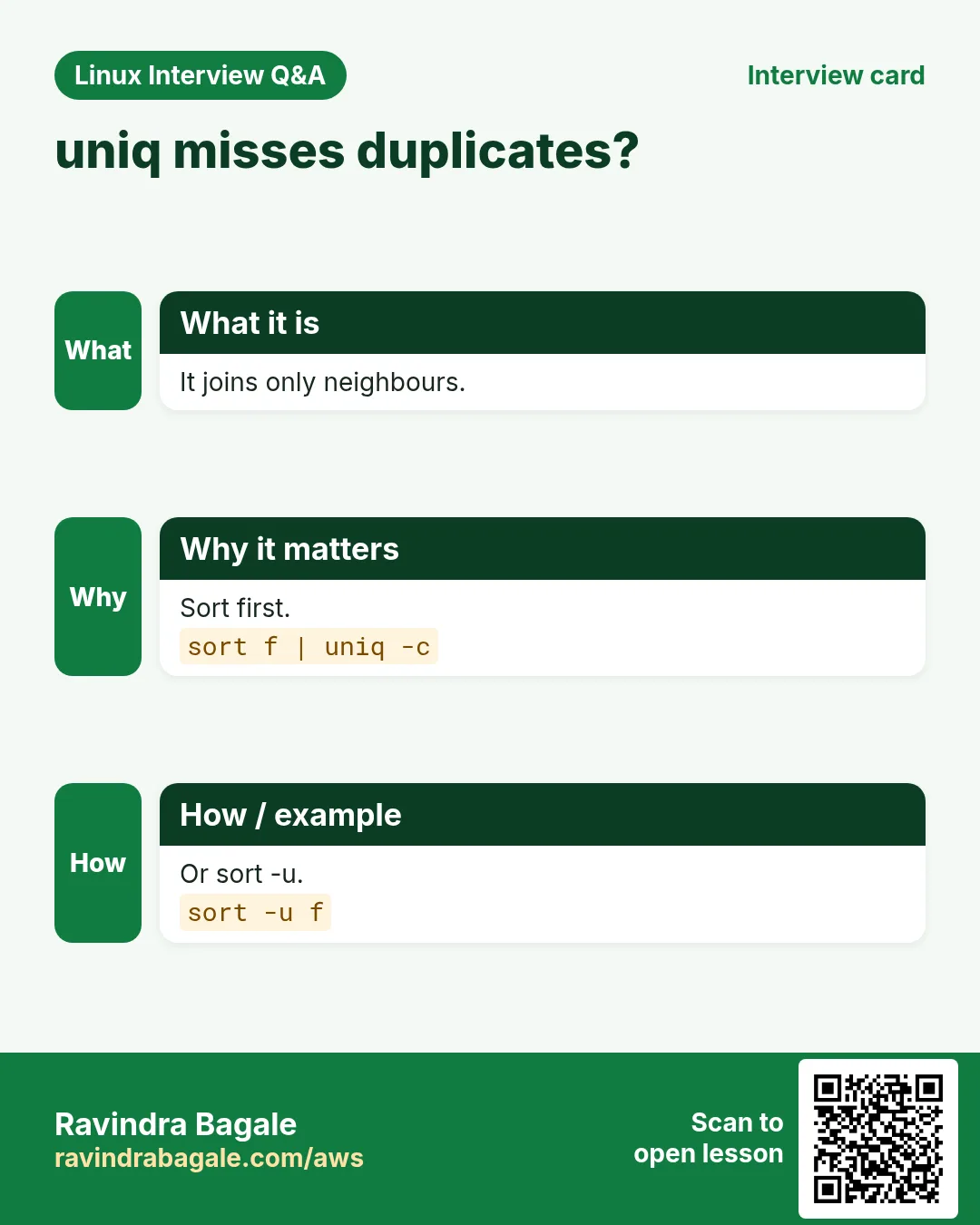
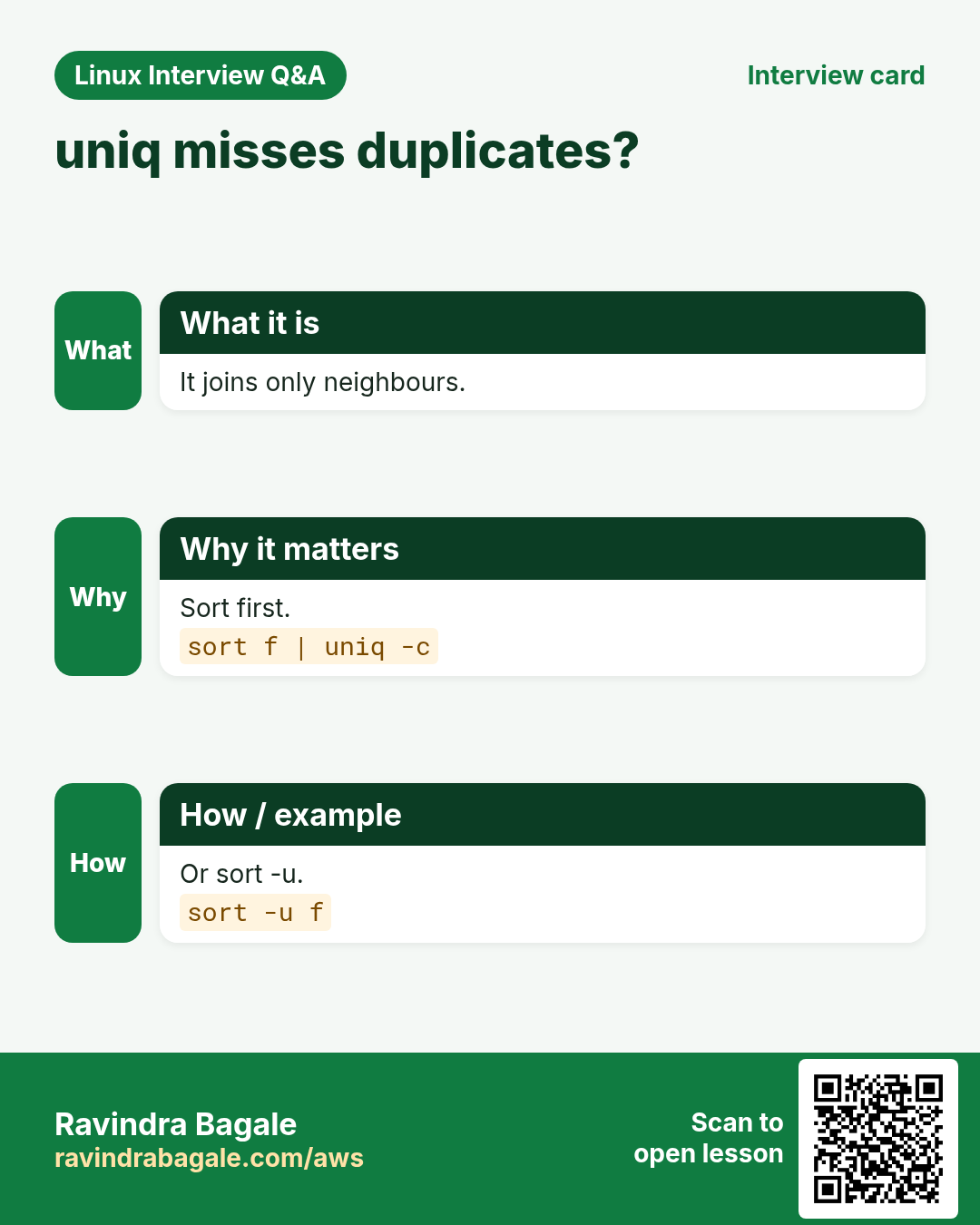
Q. Why does uniq miss duplicates?
It only joins neighbouring lines; sort first.
Q. yum or dnf?
On new RHEL and Amazon Linux 2023, yum points to dnf.
Q. w or who?
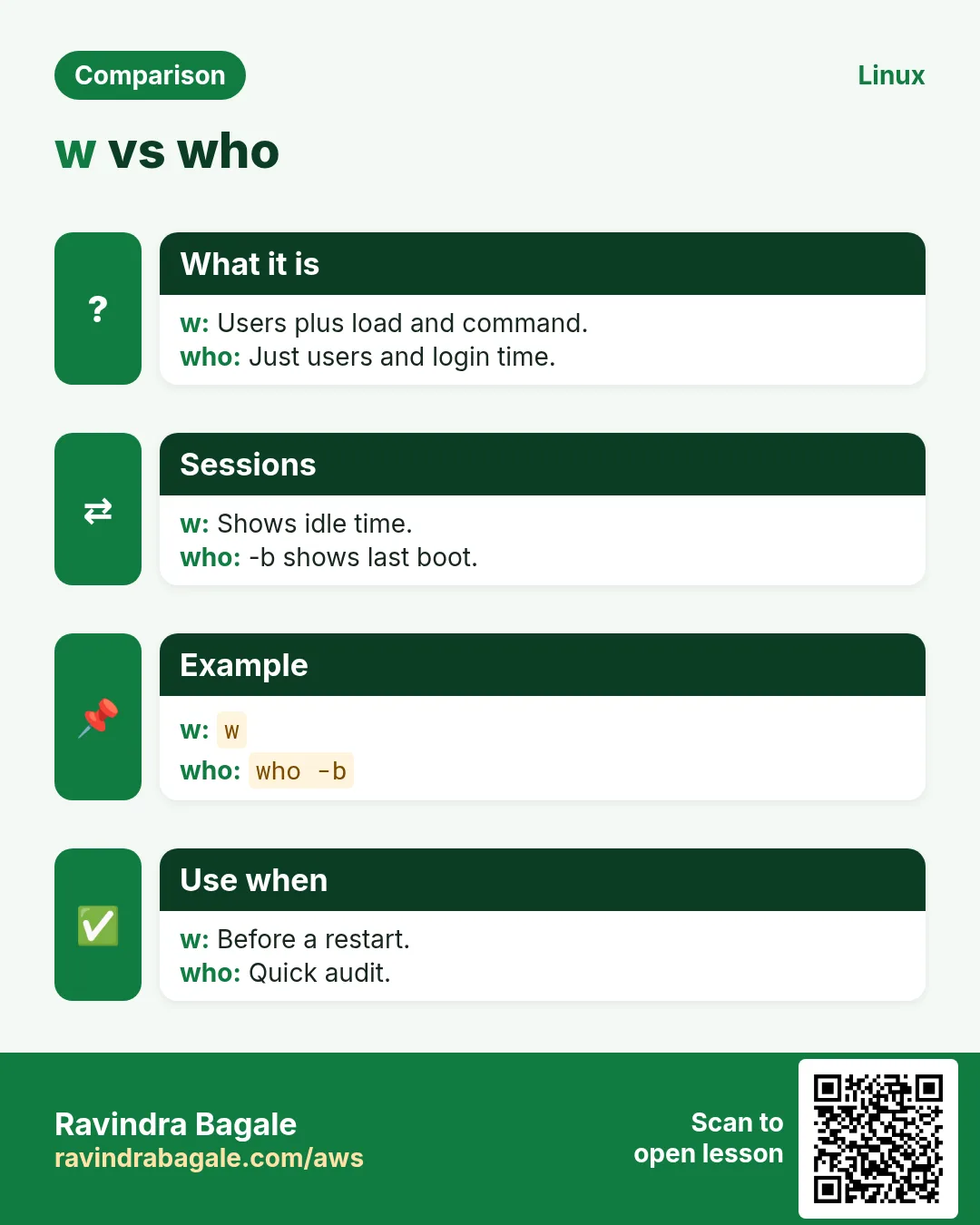
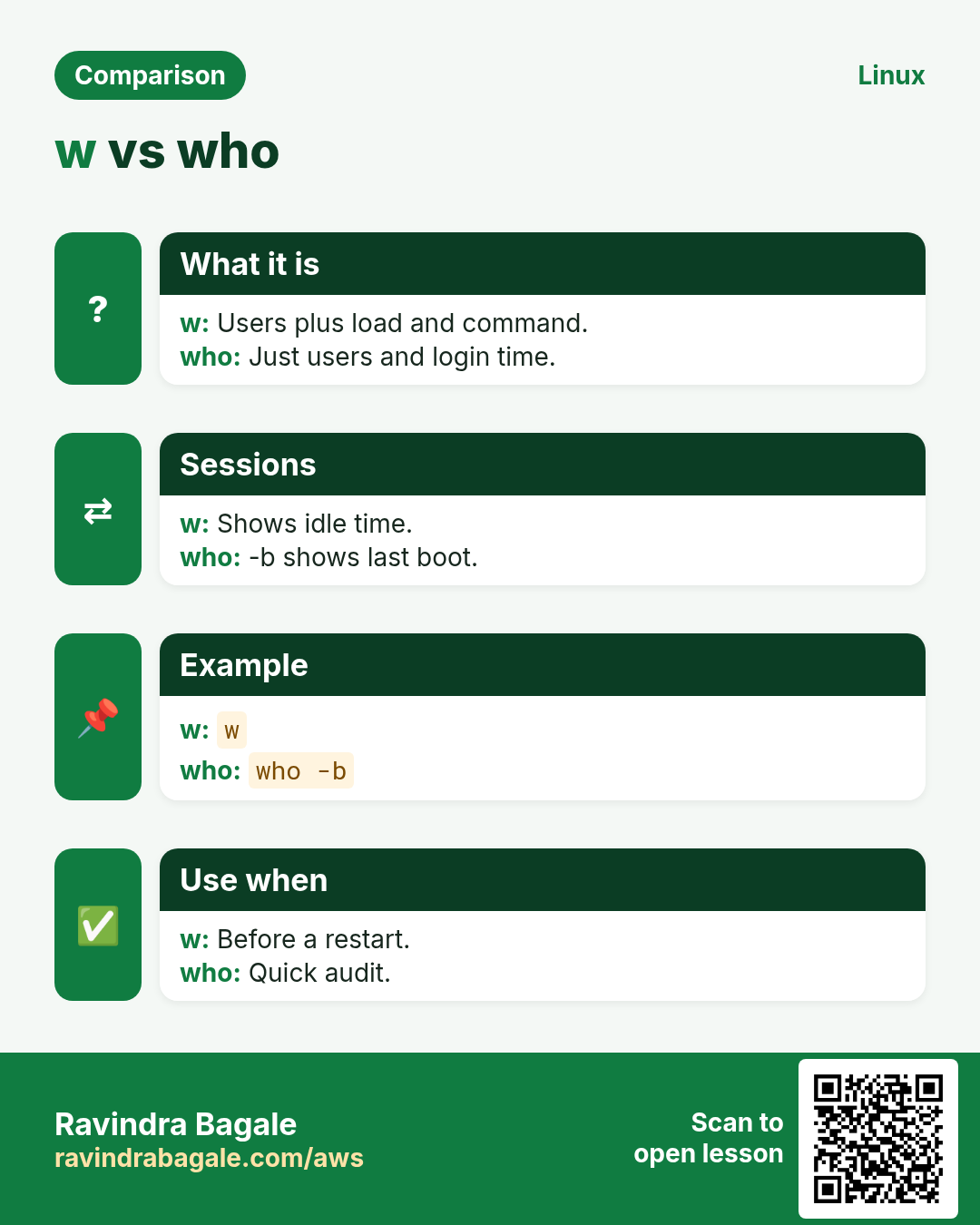
w also shows load and what each user runs.
Q. xz or gzip?
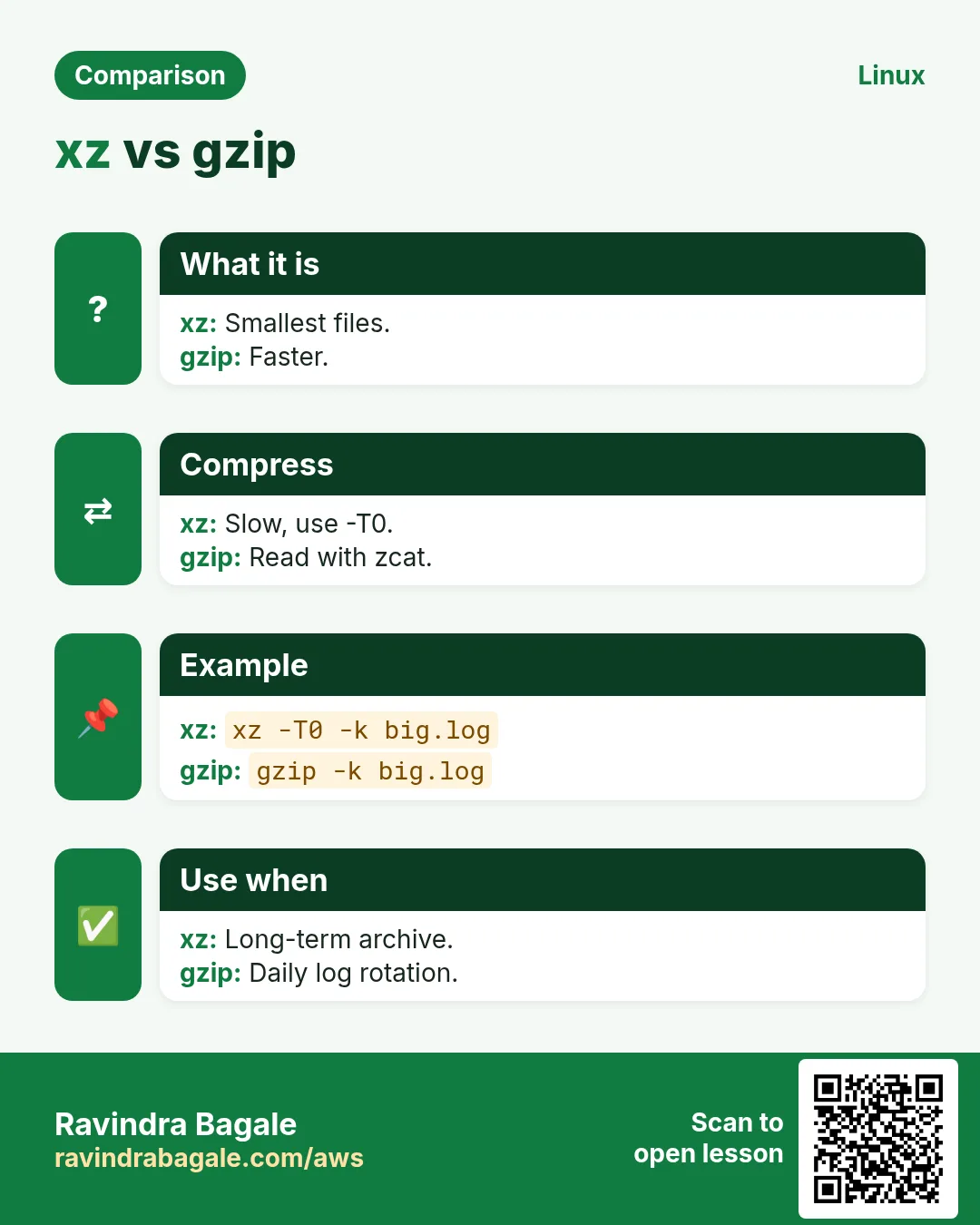
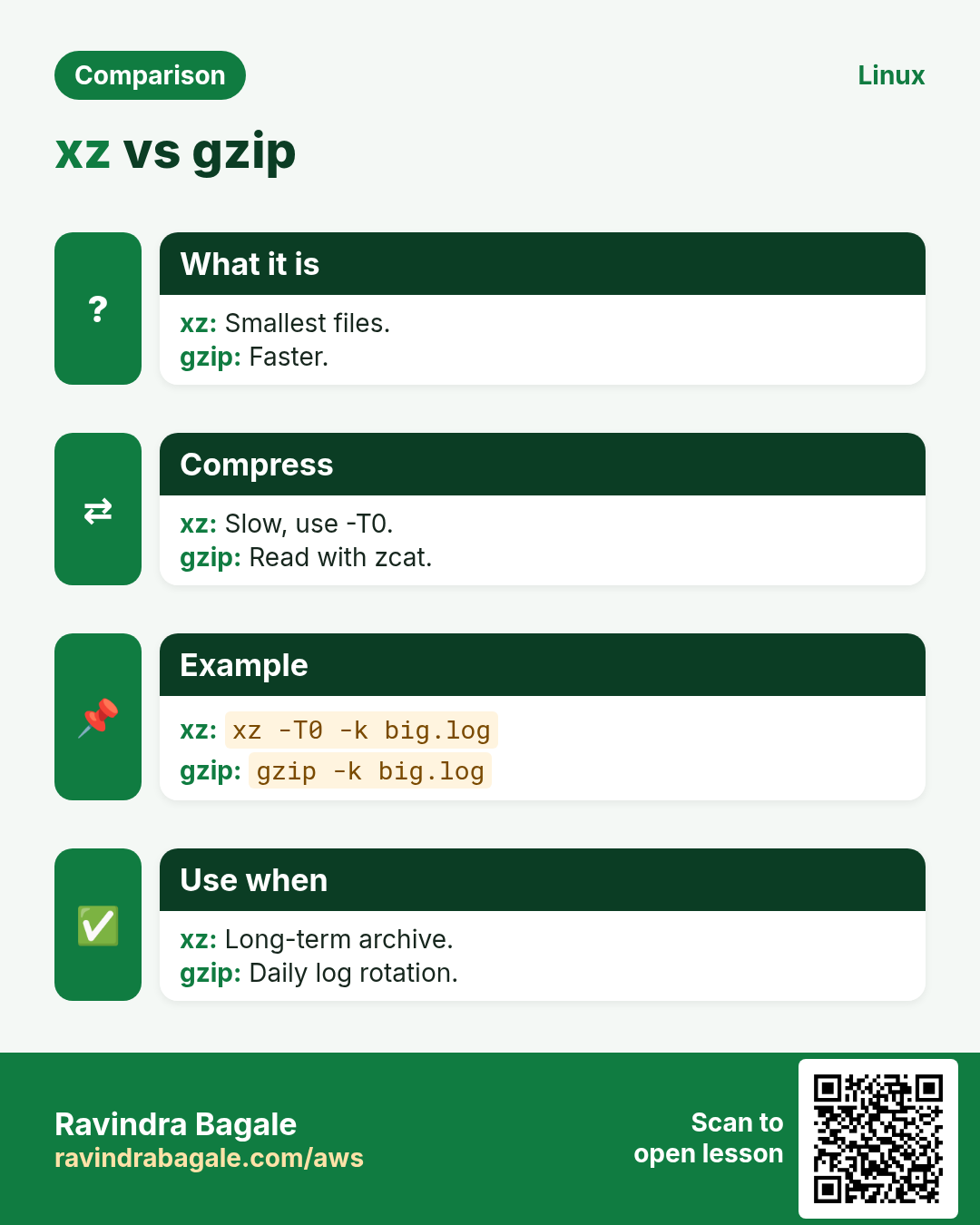
xz is smaller but slower; gzip is faster.
Q. How do I quit vim?
Esc then :q! to quit without saving or :wq to save.
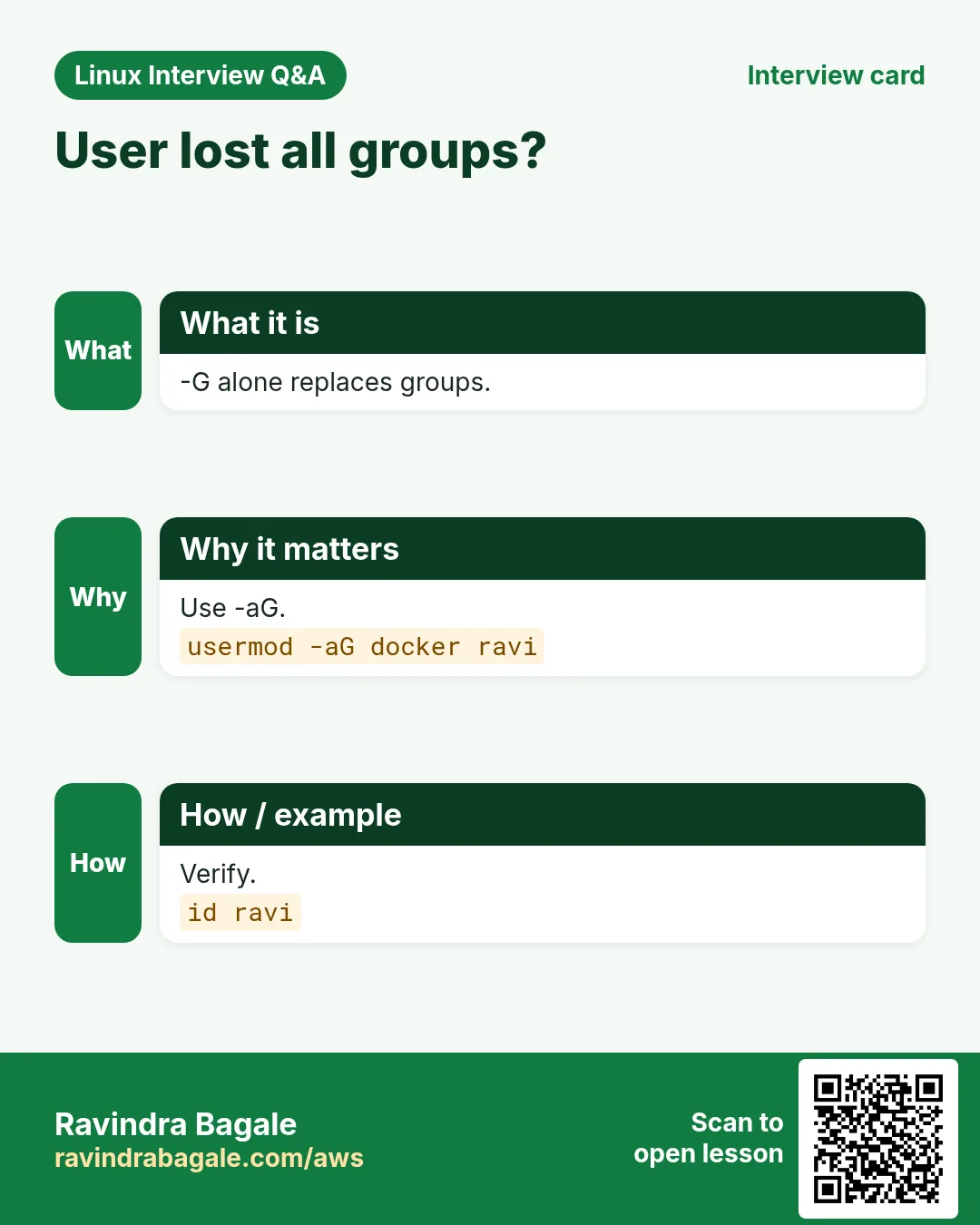
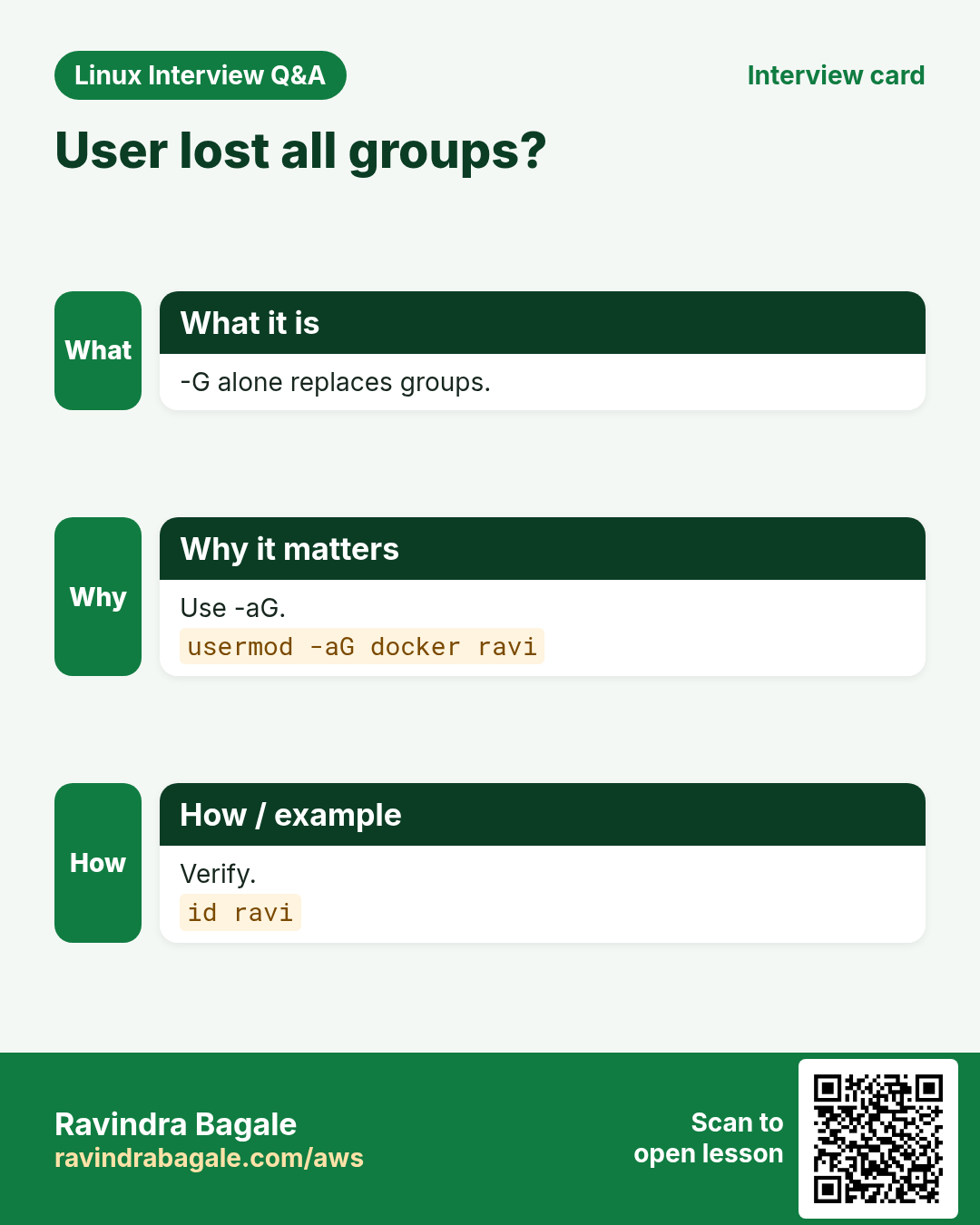
Q. usermod -G or -aG?
-aG adds; -G alone replaces all groups.
32. Interview questions and answers
Beginner level
Q. Count lines in a file?
wc -l file.
Q. Who am I?
whoami.
Q. Install a package?
sudo yum install name.
Q. System uptime?
uptime.
Mid level level
Q. Top 5 repeated lines?
sort | uniq -c | sort -rn | head -5.
Q. Add a user to docker group safely?
usermod -aG docker user.
Q. Delete many files safely?
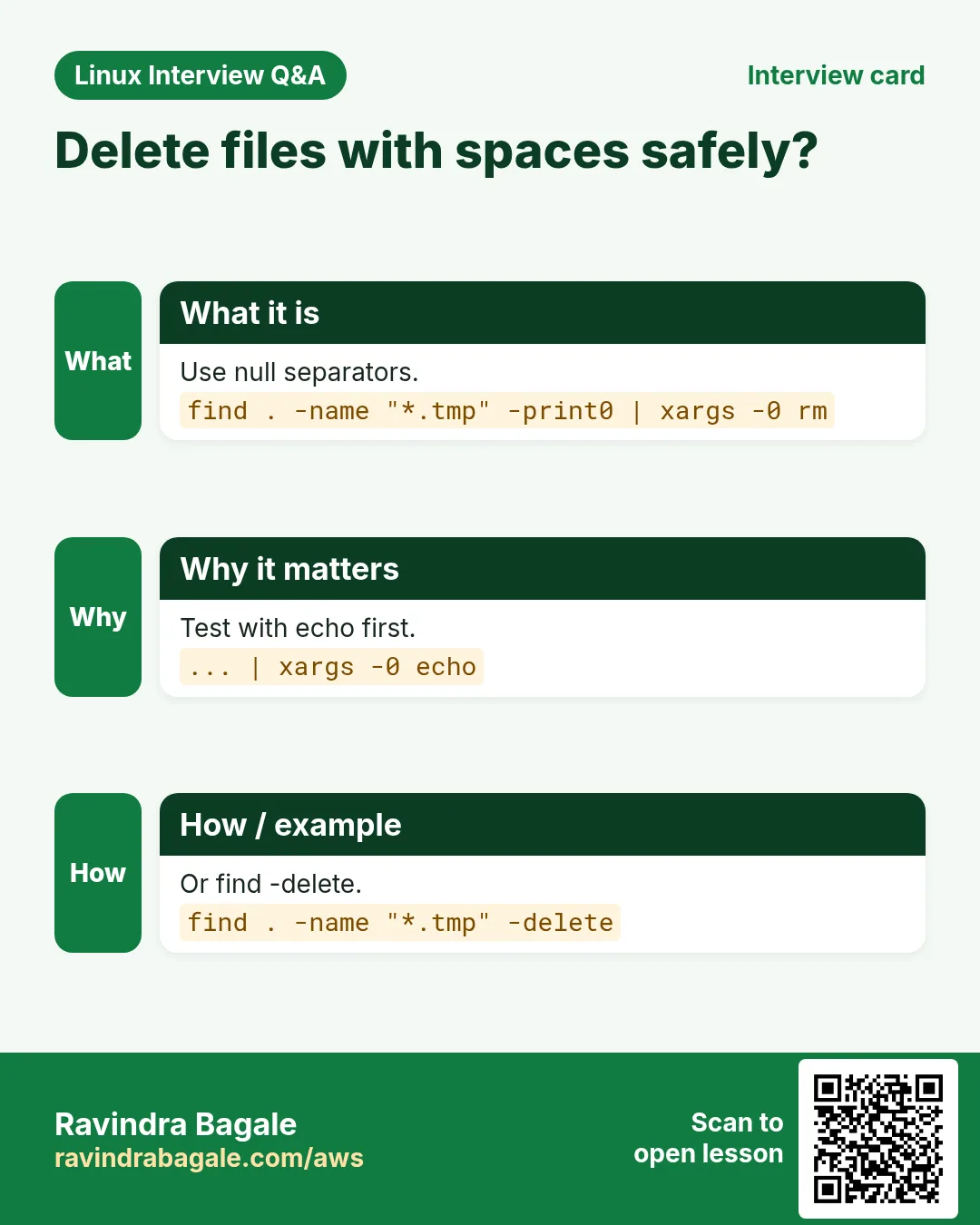
find -print0 | xargs -0 rm.
Q. Read a .gz log without unzipping?
zcat or zgrep.
Senior level
Q. Box is slow; uptime shows load 20. Steps?
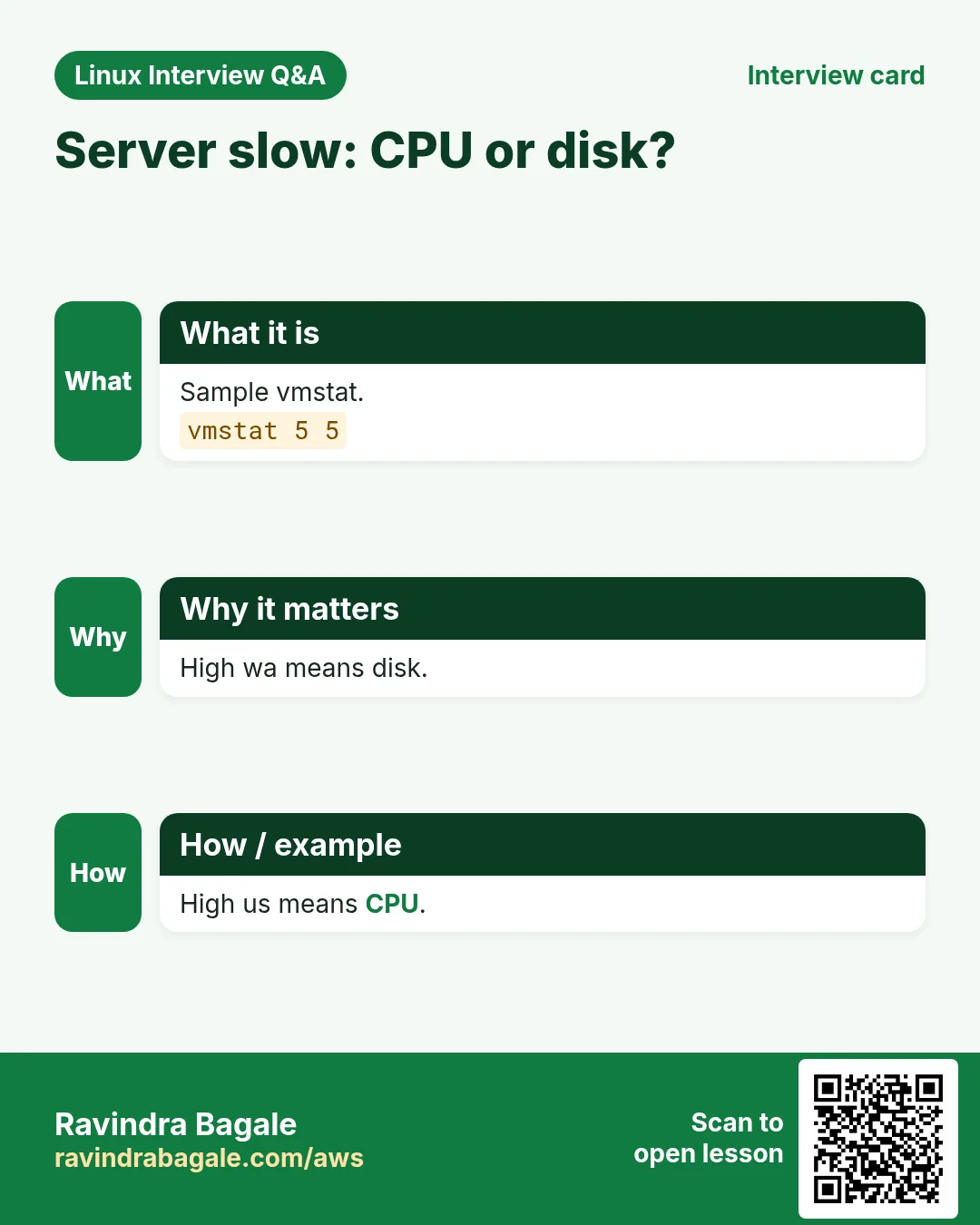
vmstat for r, b and wa, top, then disk or CPU owner.
Q. Design user offboarding.
Lock, kill sessions, archive home with tar, userdel -r, audit sudoers.
Q. Add 500 GB to a full LVM volume.
pvcreate, vgextend, lvextend -r.
Q. Logs eat disk. Plan?
logrotate with compress, xz old, zcat to read, watch df.
Try at home
- Find the top 10 words in a text file using tr, sort, uniq and wc.
- Create two users in one group and remove them.
- Run vmstat 2 10 while a tar backup runs and note wa.
- Compress a log with gzip and xz and compare sizes.
Practise this chapter
Interview questions and answers
You added a test user to a shared group but a terminal still cannot access the folder. What would you verify?
Check saved group membership and the groups of the actual running session. Open a fresh lab login and use id there before retesting access. Also inspect the folder’s group and traversal mode. The stored account setting and a process’s active credentials can differ.
Check your understanding
Choose an answer, then compare your reasoning with the explanation.
Practice Tasks
Practice checks run in your browser. They check the answer for this exercise; they do not create resources or connect to your AWS account.
About this scenarioVidarbha Cotton Mills is a textiles business in Nagpur. Ganesh Wankhede looks after its IT and cloud work. They count money in INR and run their AWS resources in the ap-south-1 Region. In the tasks below you do real jobs for them using what this lesson teaches. All names, account IDs, IP addresses and numbers are made up for practice.
0 / 20
Easy Open at a line
BIZ runs Linux servers and uses commands from uniq to zip daily.
Open nginx.conf in vim with the cursor at line 40.
- Find the Linux command that does this job.
- Add the options (like -r or -h) the task needs.
- Add the file names, folders or users in the right order.
- Use sudo if the job changes system files or users. Click Check answer.
Easy Count words
BIZ runs Linux servers and uses commands from uniq to zip daily.
Count the words in essay.txt.
- Find the Linux command that does this job.
- Add the options (like -r or -h) the task needs.
- Add the file names, folders or users in the right order.
- Use sudo if the job changes system files or users. Click Check answer.
Easy Find a binary
BIZ runs Linux servers and uses commands from uniq to zip daily.
Show the full path of the python3 command from PATH.
- Find the Linux command that does this job.
- Add the options (like -r or -h) the task needs.
- Add the file names, folders or users in the right order.
- Use sudo if the job changes system files or users. Click Check answer.
Easy Binary and man page
BIZ runs Linux servers and uses commands from uniq to zip daily.
Show where the binary and manual for rsync live.
- Find the Linux command that does this job.
- Add the options (like -r or -h) the task needs.
- Add the file names, folders or users in the right order.
- Use sudo if the job changes system files or users. Click Check answer.
Easy Install package
BIZ runs Linux servers and uses commands from uniq to zip daily.
Install the package tcpdump without asking for confirmation.
- Find the Linux command that does this job.
- Add the options (like -r or -h) the task needs.
- Add the file names, folders or users in the right order.
- Use sudo if the job changes system files or users. Click Check answer.
Easy Read gz
BIZ runs Linux servers and uses commands from uniq to zip daily.
Print the contents of audit.1.gz without unzipping it to disk.
- Find the Linux command that does this job.
- Add the options (like -r or -h) the task needs.
- Add the file names, folders or users in the right order.
- Use sudo if the job changes system files or users. Click Check answer.
Easy Three yes lines
BIZ runs Linux servers and uses commands from uniq to zip daily.
Print the word agree exactly 3 times using yes.
- Find the Linux command that does this job.
- Add the options (like -r or -h) the task needs.
- Add the file names, folders or users in the right order.
- Use sudo if the job changes system files or users. Click Check answer.
Easy Count lines
BIZ runs Linux servers and uses commands from uniq to zip daily.
Count the lines in vendors.csv.
- Find the Linux command that does this job.
- Add the options (like -r or -h) the task needs.
- Add the file names, folders or users in the right order.
- Use sudo if the job changes system files or users. Click Check answer.
Medium Count repeats
BIZ runs Linux servers and uses commands from uniq to zip daily.
Count how many times each line appears in cities.txt (sort first).
- Find the Linux command that does this job.
- Add the options (like -r or -h) the task needs.
- Add the file names, folders or users in the right order.
- Use sudo if the job changes system files or users. Click Check answer.
Medium Only duplicates
BIZ runs Linux servers and uses commands from uniq to zip daily.
Show only lines that repeat in sorted skus.txt.
- Find the Linux command that does this job.
- Add the options (like -r or -h) the task needs.
- Add the file names, folders or users in the right order.
- Use sudo if the job changes system files or users. Click Check answer.
Medium Create user with home
BIZ runs Linux servers and uses commands from uniq to zip daily.
Create the user farhan with a home folder.
- Find the Linux command that does this job.
- Add the options (like -r or -h) the task needs.
- Add the file names, folders or users in the right order.
- Use sudo if the job changes system files or users. Click Check answer.
Medium Delete user and home
BIZ runs Linux servers and uses commands from uniq to zip daily.
Delete the user oldintern and the home folder.
- Find the Linux command that does this job.
- Add the options (like -r or -h) the task needs.
- Add the file names, folders or users in the right order.
- Use sudo if the job changes system files or users. Click Check answer.
Medium Add to group
BIZ runs Linux servers and uses commands from uniq to zip daily.
Add the user sneha to the group auditors without removing other groups.
- Find the Linux command that does this job.
- Add the options (like -r or -h) the task needs.
- Add the file names, folders or users in the right order.
- Use sudo if the job changes system files or users. Click Check answer.
Medium Change shell
BIZ runs Linux servers and uses commands from uniq to zip daily.
Change the login shell of the user ftpbot to /sbin/nologin.
- Find the Linux command that does this job.
- Add the options (like -r or -h) the task needs.
- Add the file names, folders or users in the right order.
- Use sudo if the job changes system files or users. Click Check answer.
Medium vmstat samples
BIZ runs Linux servers and uses commands from uniq to zip daily.
Print vmstat every 3 seconds, 4 times.
- Find the Linux command that does this job.
- Add the options (like -r or -h) the task needs.
- Add the file names, folders or users in the right order.
- Use sudo if the job changes system files or users. Click Check answer.
Medium Watch memory
BIZ runs Linux servers and uses commands from uniq to zip daily.
Run free -m every 4 seconds with watch.
- Find the Linux command that does this job.
- Add the options (like -r or -h) the task needs.
- Add the file names, folders or users in the right order.
- Use sudo if the job changes system files or users. Click Check answer.
Medium Decompress xz
BIZ runs Linux servers and uses commands from uniq to zip daily.
Decompress scans.tar.xz but keep the .xz file.
- Find the Linux command that does this job.
- Add the options (like -r or -h) the task needs.
- Add the file names, folders or users in the right order.
- Use sudo if the job changes system files or users. Click Check answer.
Medium Search gz
BIZ runs Linux servers and uses commands from uniq to zip daily.
Search for ERROR inside app.3.gz without unzipping.
- Find the Linux command that does this job.
- Add the options (like -r or -h) the task needs.
- Add the file names, folders or users in the right order.
- Use sudo if the job changes system files or users. Click Check answer.
Hard Make a volume group
BIZ runs Linux servers and uses commands from uniq to zip daily.
Create the volume group vgmedia from /dev/nvme2n1.
- Find the Linux command that does this job.
- Add the options (like -r or -h) the task needs.
- Add the file names, folders or users in the right order.
- Use sudo if the job changes system files or users. Click Check answer.
Hard Safe xargs delete
BIZ runs Linux servers and uses commands from uniq to zip daily.
Find files ending in .part under /dl and remove them safely with xargs, even with spaces.
- Find the Linux command that does this job.
- Add the options (like -r or -h) the task needs.
- Add the file names, folders or users in the right order.
- Use sudo if the job changes system files or users. Click Check answer.
33. Related chapters
- Linux Commands A-Z Index
- Linux Ops Refresh for DevOps
- Bash Scripting for Automation
- Linux grep and find Commands with Examples
- How to Set Up Passwordless SSH Between Linux Servers
In short
- uniq, wc, xargs: count and batch.
- uptime, w, who, vmstat, watch: load and people.
- useradd, usermod, userdel: users.
- vgcreate: storage.
- vim, which, whereis, whoami: tools.
- xz, zcat, yes, yum: packages and archives.
Revision, comparison and interview cards
Revise this lesson in a few minutes. Save the cards on your phone or download them as PNG files. The QR code on each card opens this lesson.
More cards: Ravi Sir's Cards.