Linux Security Hardening: firewalld, ufw, iptables, nftables, fail2ban, SELinux, AppArmor and auditd
A server on the internet is attacked within minutes: bots try SSH passwords, scan ports and look for old software. Hardening means closing every door you do not need and watching the ones you keep. This chapter teaches host firewalls (firewalld, ufw, iptables, nftables), fail2ban to block brute force, SSH hardening, SELinux and AppArmor to limit what a hacked app can do, and auditd to record who changed what.
In this chapter
- Open only needed ports with firewalld or ufw
- Read and write iptables and nftables rules
- Block brute force with fail2ban
- Harden SSH and updates
- Fix SELinux and AppArmor denials safely
- Audit file changes with auditd
1. An everyday example: securing your housing society
Your society in Kothrud has one main gate with a watchman, a register for visitors, a rule that delivery boys cannot go above the ground floor, and a CCTV that records the lift. If someone keeps trying wrong flat numbers, the watchman stops letting him in for the day.
Main gate = firewall (only needed ports). Watchman blocking the repeat offender = fail2ban. Delivery-boy floor rule = SELinux/AppArmor (an app may only touch its own files). CCTV = auditd. Visitor register = logs.
2. Updates and the attack surface
Most break-ins use old, known bugs. Fewer running services = fewer doors.
Update regularly: dnf upgrade --security or apt upgrade. Enable automatic security updates (dnf-automatic, unattended-upgrades). List listening ports with ss -tulpn and disable services you do not use.
- Security updates.
sudo dnf upgrade --security -yOutput:
Upgraded: openssl-3.0.8-2 ...Patched.
- Auto on Ubuntu.
sudo apt install -y unattended-upgrades && sudo dpkg-reconfigure -plow unattended-upgradesOutput:
Automatically download and install stable updates? YesDaily patches.
- Remove a service.
sudo systemctl disable --now rpcbindOutput:
Removed ... rpcbind.serviceOne door closed.
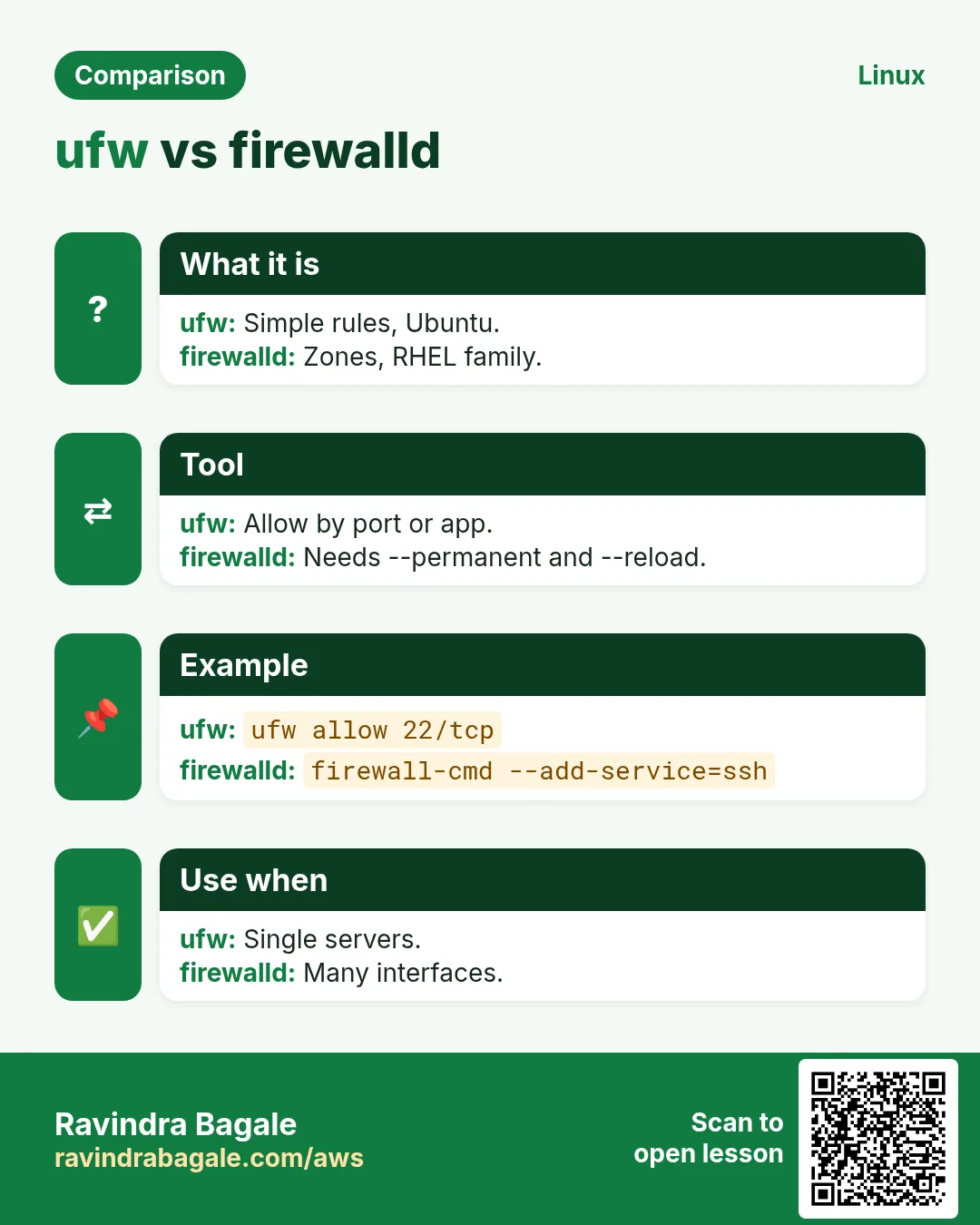
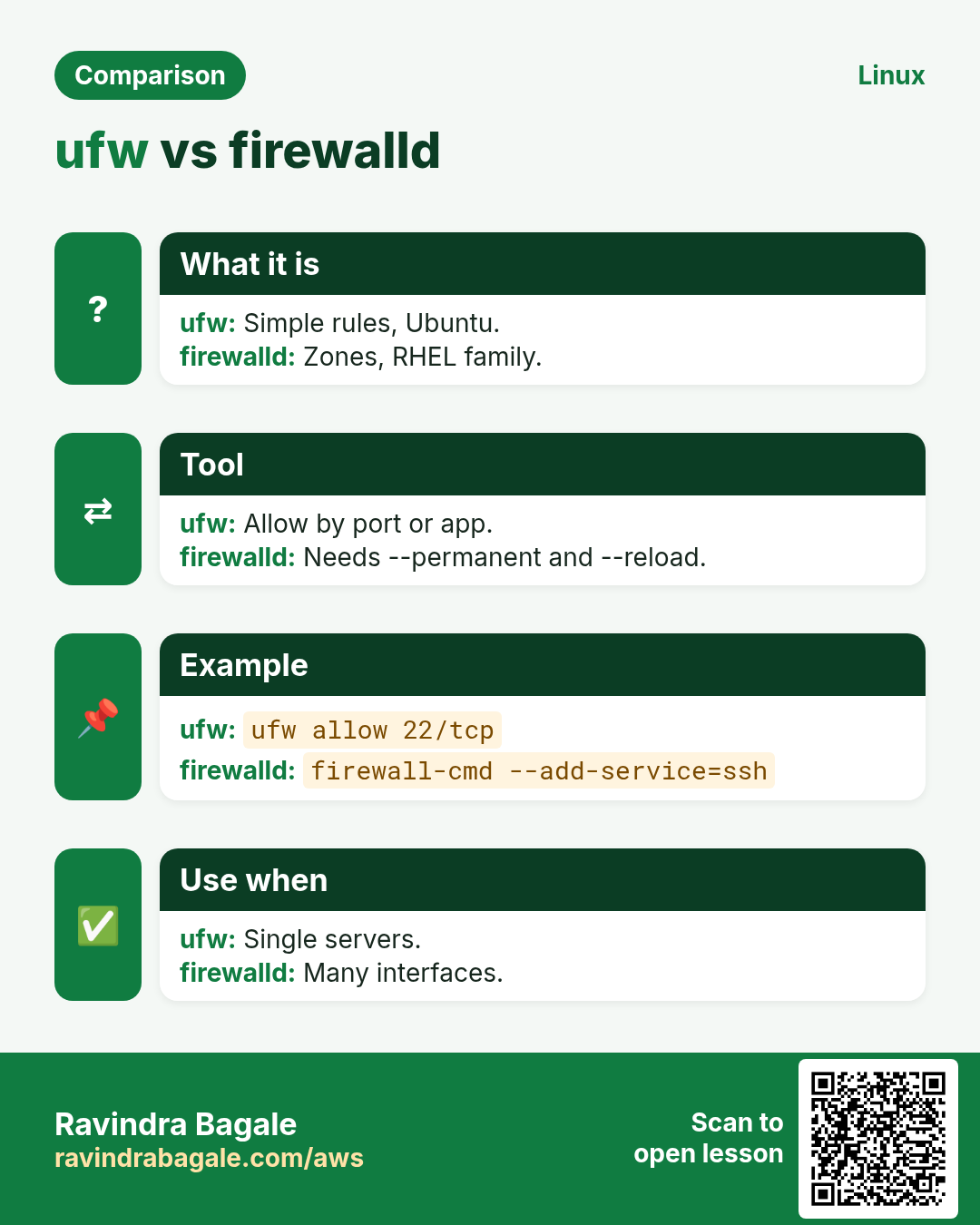
3. firewalld (RHEL, Amazon Linux, Fedora)
Start by drawing the incoming path. On EC2 a request can first meet a subnet ACL and a security group, then encounter the firewall in Linux, then reach a listening process. The firewall in Linux still matters when an existing cloud rule allows the request. In firewalld, a zone groups rules for assigned interfaces or sources. Read the active zones before changing a rule. Compare the lab request with what the active zone lists so you know your change is aimed at the connection you are testing.
firewalld is the default host firewall on Red Hat family systems.
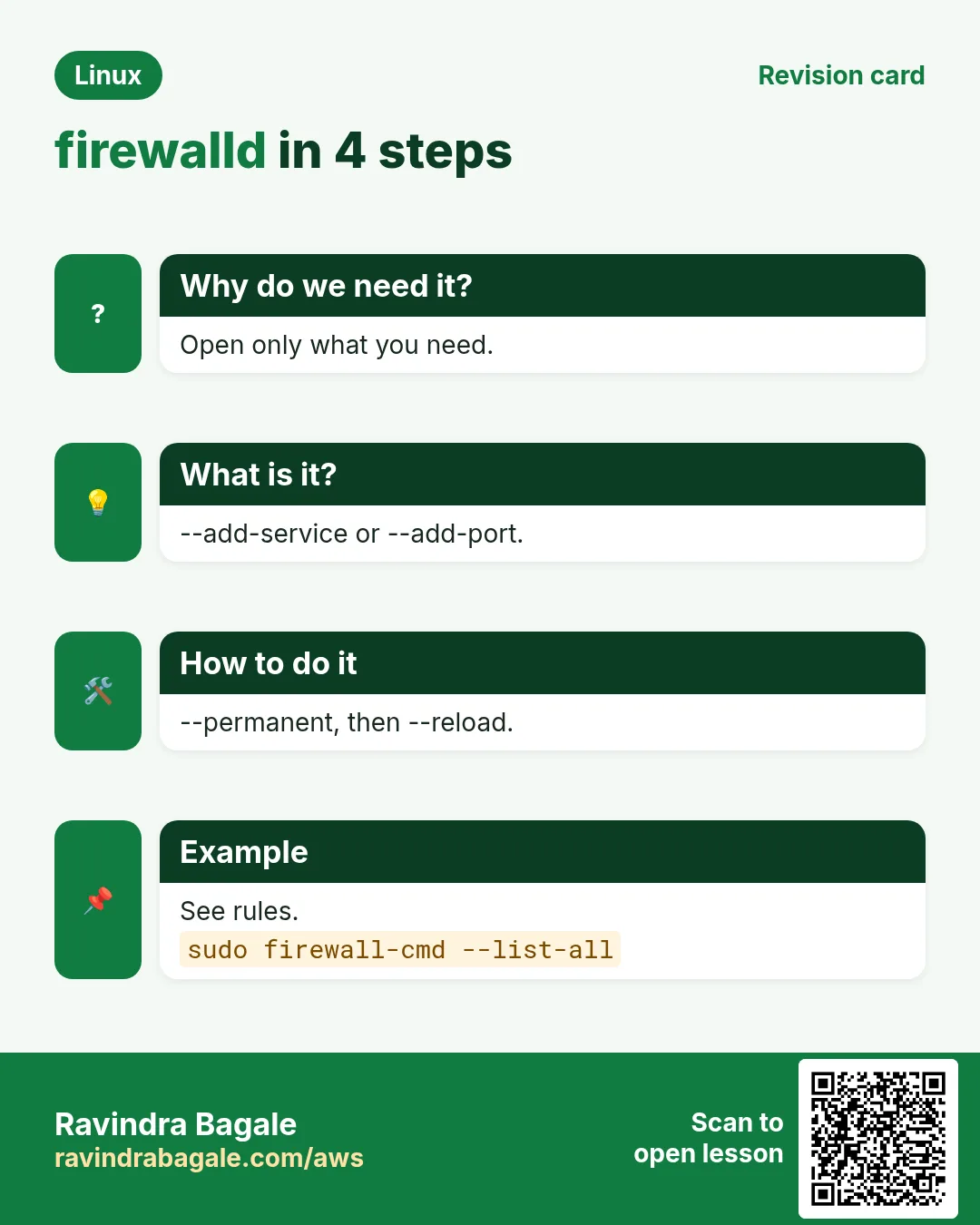
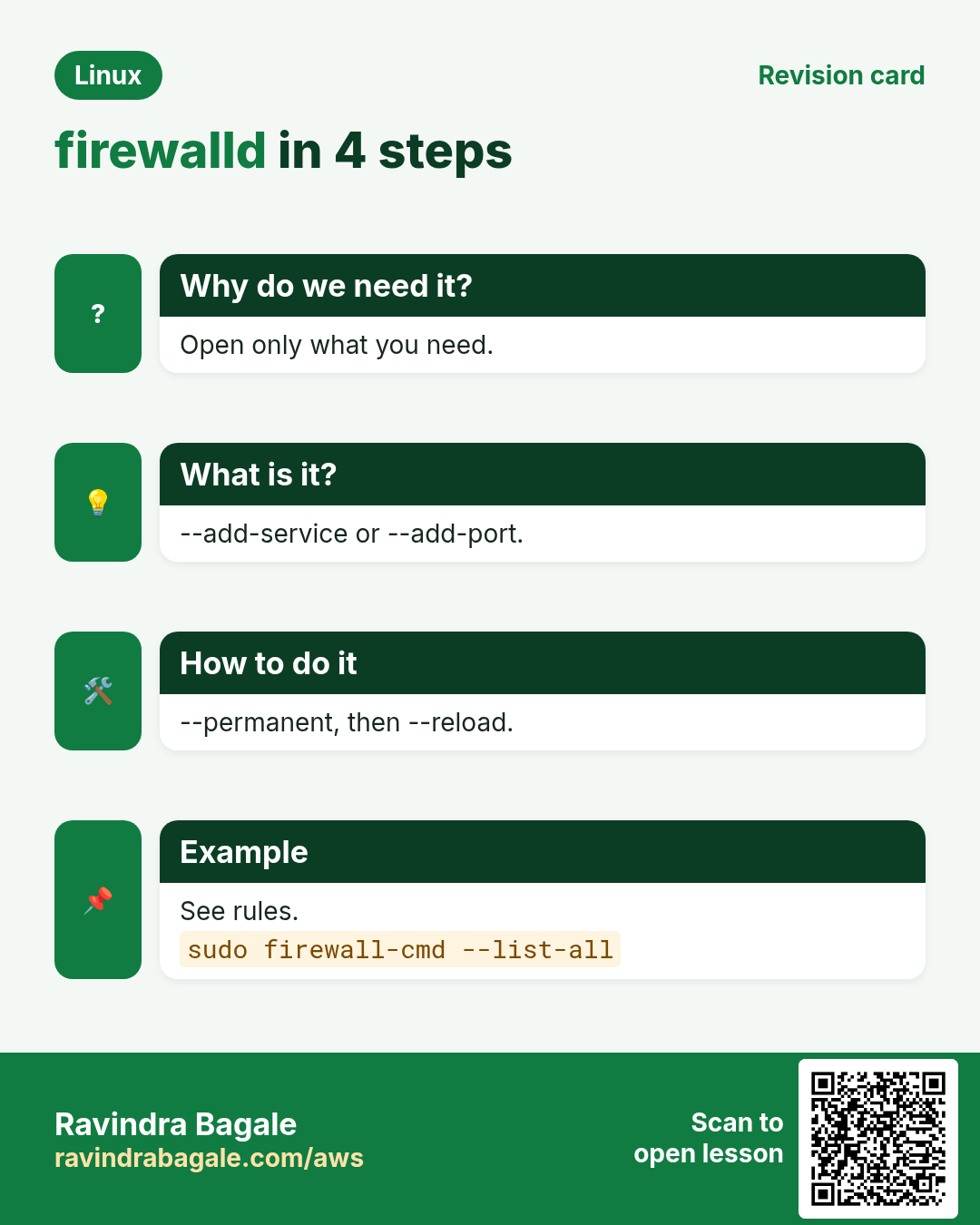
Zones group rules; public is default. --add-service=http or --add-port=8443/tcp. --permanent writes to disk; then --reload. --list-all shows the zone. Rich rules allow a port only from one IP. --remove-service closes it again.
- State.
sudo firewall-cmd --state && sudo firewall-cmd --get-active-zonesOutput:
running
public
  interfaces: ens5
On.
- Allow web.
sudo firewall-cmd --permanent --add-service=http --add-service=https && sudo firewall-cmd --reloadOutput:
success
success
80 and 443 open.
- Only office IP for SSH.
sudo firewall-cmd --permanent --add-rich-rule='rule family=ipv4 source address=203.0.113.10 service name=ssh accept' && sudo firewall-cmd --permanent --remove-service=ssh && sudo firewall-cmd --reloadOutput:
successSSH from one IP.
4. ufw (Ubuntu)
ufw is the simple firewall front end on Ubuntu and Debian.
Allow SSH before enabling, or you lock yourself out. ufw allow OpenSSH, ufw allow 443/tcp, ufw allow from IP to any port 5432. ufw enable, ufw status numbered, ufw delete N. Default: deny incoming, allow outgoing.
- Safe start.
sudo ufw allow OpenSSH && sudo ufw enableOutput:
Rules updated
Firewall is active and enabled on system startup
SSH kept.
- DB from app only.
sudo ufw allow from 10.0.2.15 to any port 5432 proto tcpOutput:
Rule addedLeast access.
- Review.
sudo ufw status numberedOutput:
[ 1] OpenSSH ALLOW IN Anywhere
[ 2] 5432/tcp ALLOW IN 10.0.2.15
Delete by number.
5. iptables: the classic rules
Many old scripts, Docker and Kubernetes still use iptables, so you must read it.
Tables (filter, nat) hold chains (INPUT, OUTPUT, FORWARD). Rules are checked top to bottom; first match wins. -A appends, -I inserts at top, -D deletes. -j ACCEPT/DROP/REJECT. Save with iptables-save; restore with iptables-restore.
- Read with numbers.
sudo iptables -L INPUT -n --line-numbersOutput:
1 ACCEPT tcp -- 0.0.0.0/0 0.0.0.0/0 tcp dpt:22
2 DROP   all -- 0.0.0.0/0 0.0.0.0/0
Order matters.
- Block an attacker.
sudo iptables -I INPUT -s 198.51.100.7 -j DROPOutput:
(no output)Top of the chain.
- Save.
sudo iptables-save | sudo tee /etc/sysconfig/iptablesOutput:
*filter
:INPUT ACCEPT ...
Survives reboot (with iptables-services).
6. nftables: the modern replacement
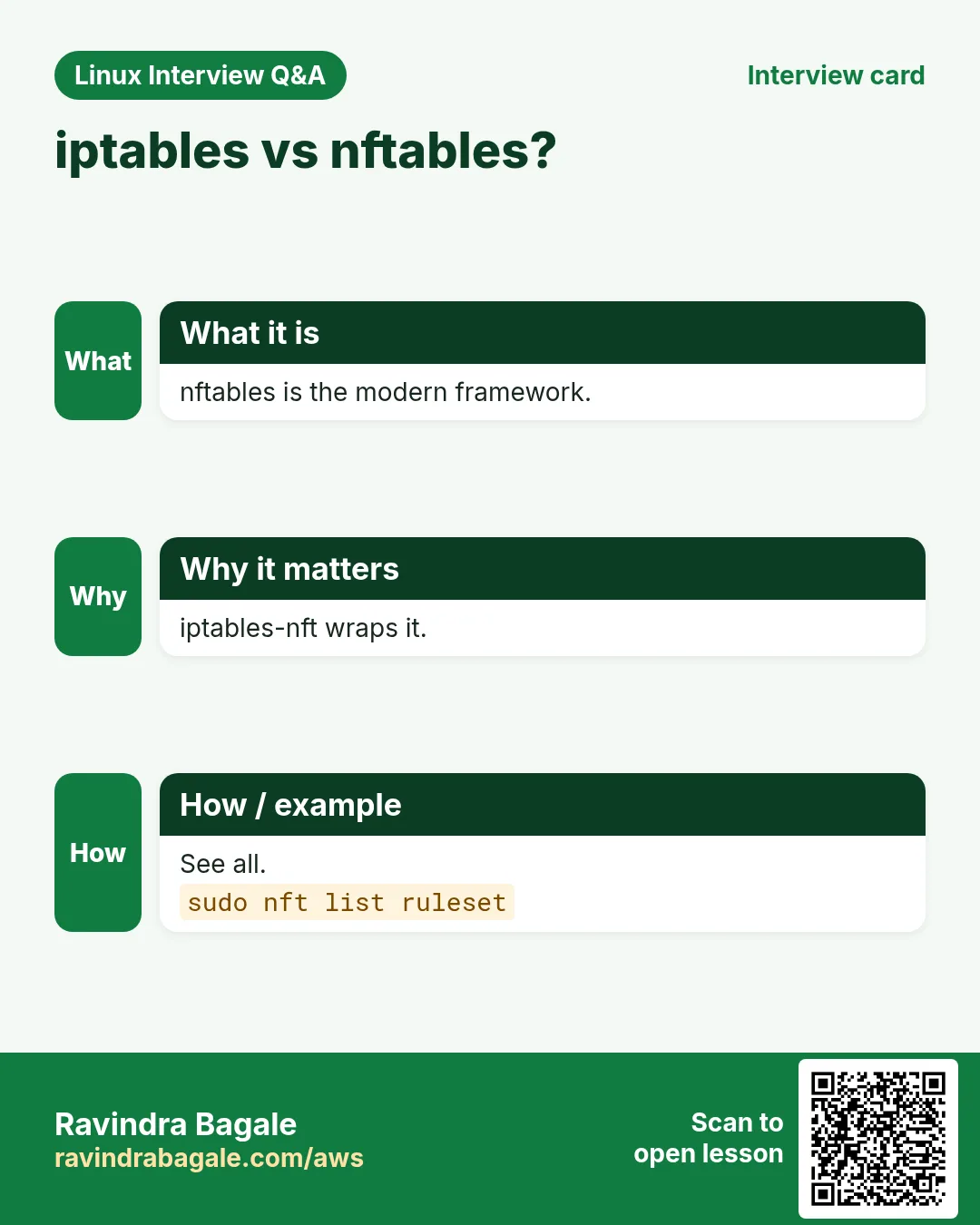
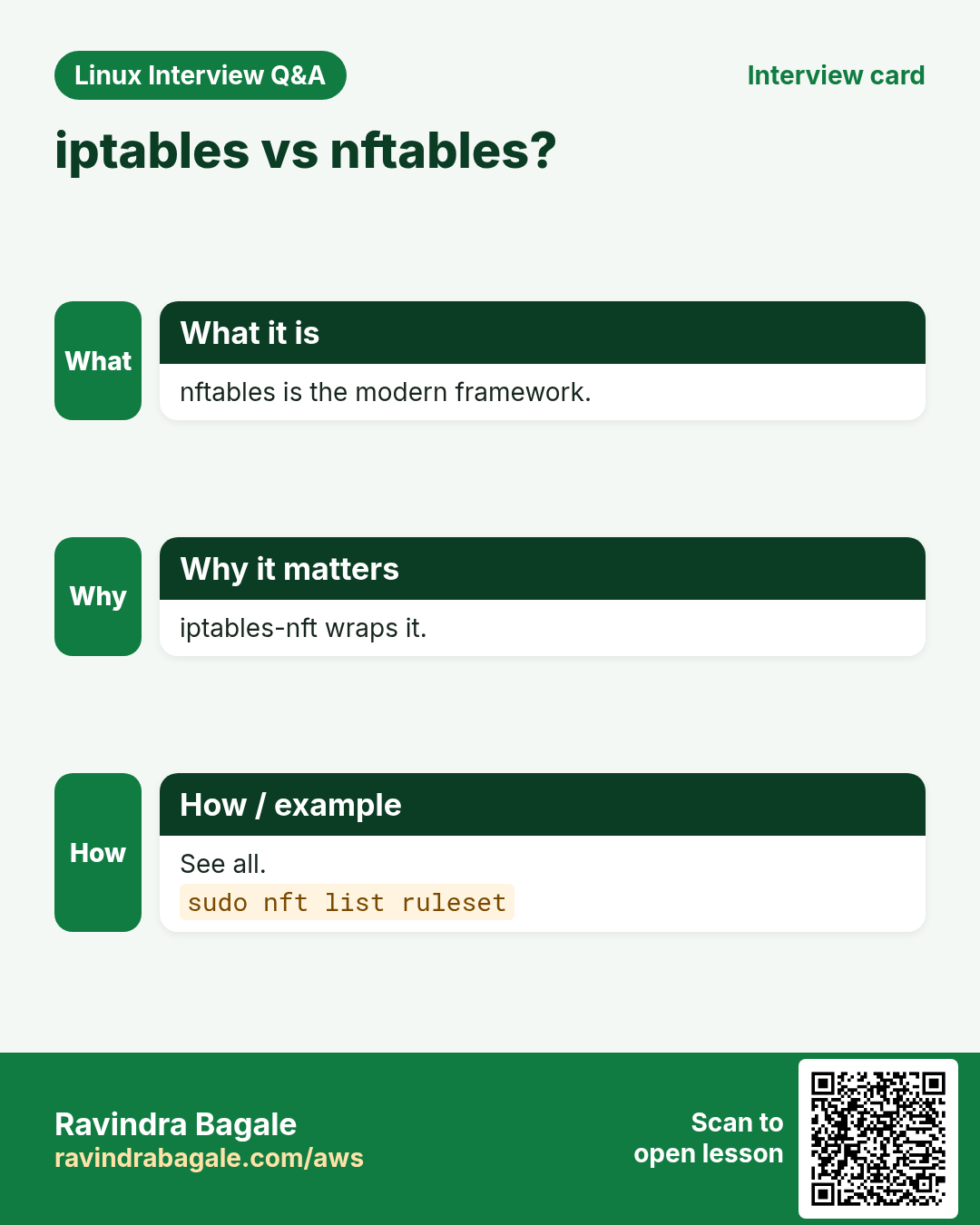
New distros use nftables underneath firewalld and iptables-nft.
One tool, nft, for IPv4 and IPv6. Tables of a family (inet = both), chains with a hook and policy, and rules. nft list ruleset shows everything. Config in /etc/nftables.conf; load with nft -f. Sets let one rule match many IPs.
- Create a table and chain.
sudo nft add table inet web && sudo nft add chain inet web input '{ type filter hook input priority 0; policy accept; }'Output:
(no output)Ready for rules.
- Allow 443.
sudo nft add rule inet web input tcp dport 443 acceptOutput:
(no output)Added.
- Blocklist set.
sudo nft add set inet web bad '{ type ipv4_addr; }' && sudo nft add element inet web bad '{ 198.51.100.7 }' && sudo nft insert rule inet web input ip saddr @bad dropOutput:
(no output)One rule, many IPs.
7. SSH hardening
SSH is the most attacked port on any Linux server.
In /etc/ssh/sshd_config.d/10-hard.conf: PermitRootLogin no, PasswordAuthentication no, KbdInteractiveAuthentication no, MaxAuthTries 3, AllowUsers deploy, ClientAliveInterval 300. Test with sshd -t, then reload. Keep a second session open while testing.
- Test config.
sudo sshd -t && echo OKOutput:
OKNo syntax errors.
- Effective values.
sudo sshd -T | grep -E 'permitrootlogin|passwordauthentication'Output:
permitrootlogin no
passwordauthentication no
Applied.
- Reload.
sudo systemctl reload sshdOutput:
(no output)Existing sessions stay.
8. fail2ban: block brute force
Thousands of failed SSH logins per day fill logs and risk weak accounts.
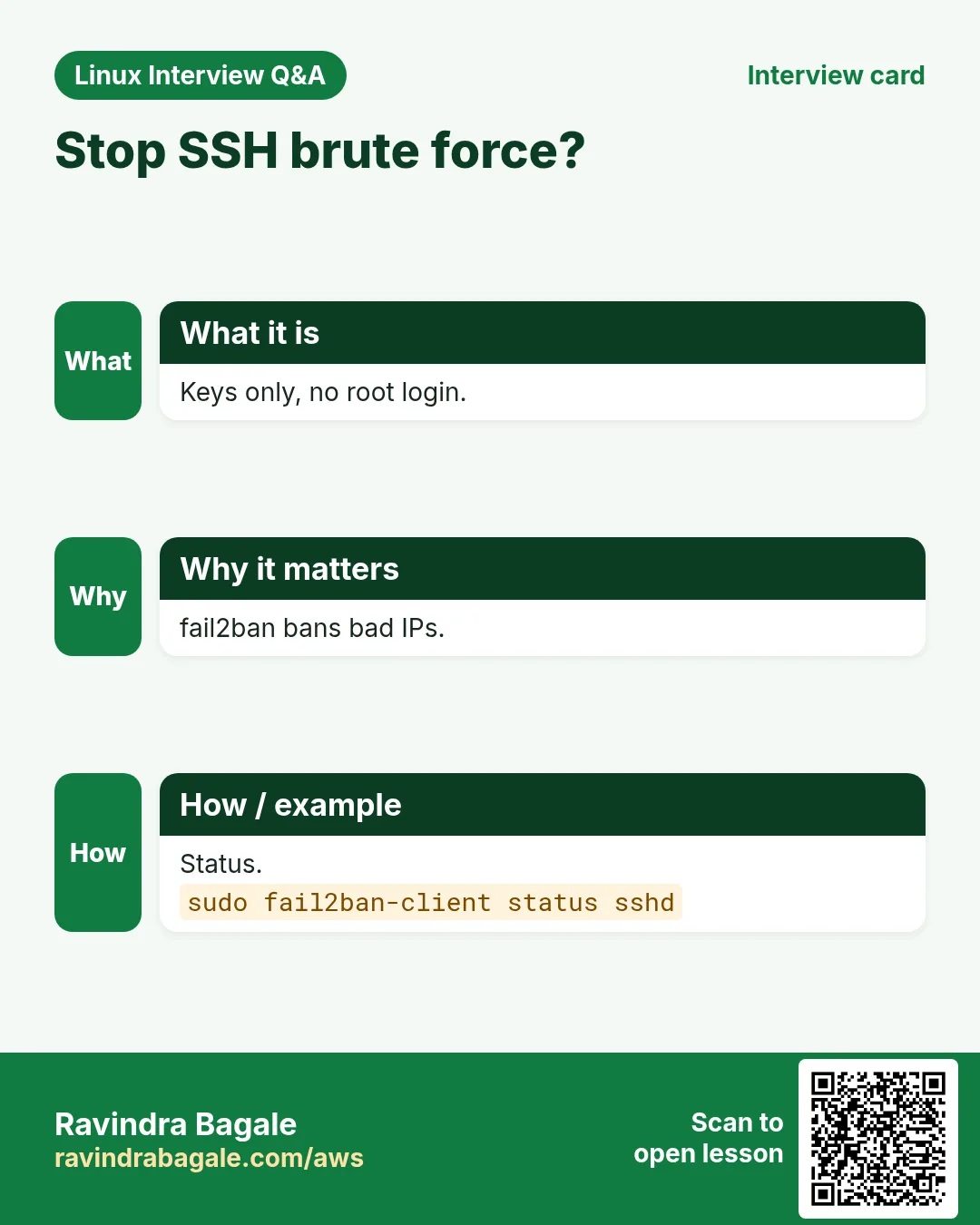
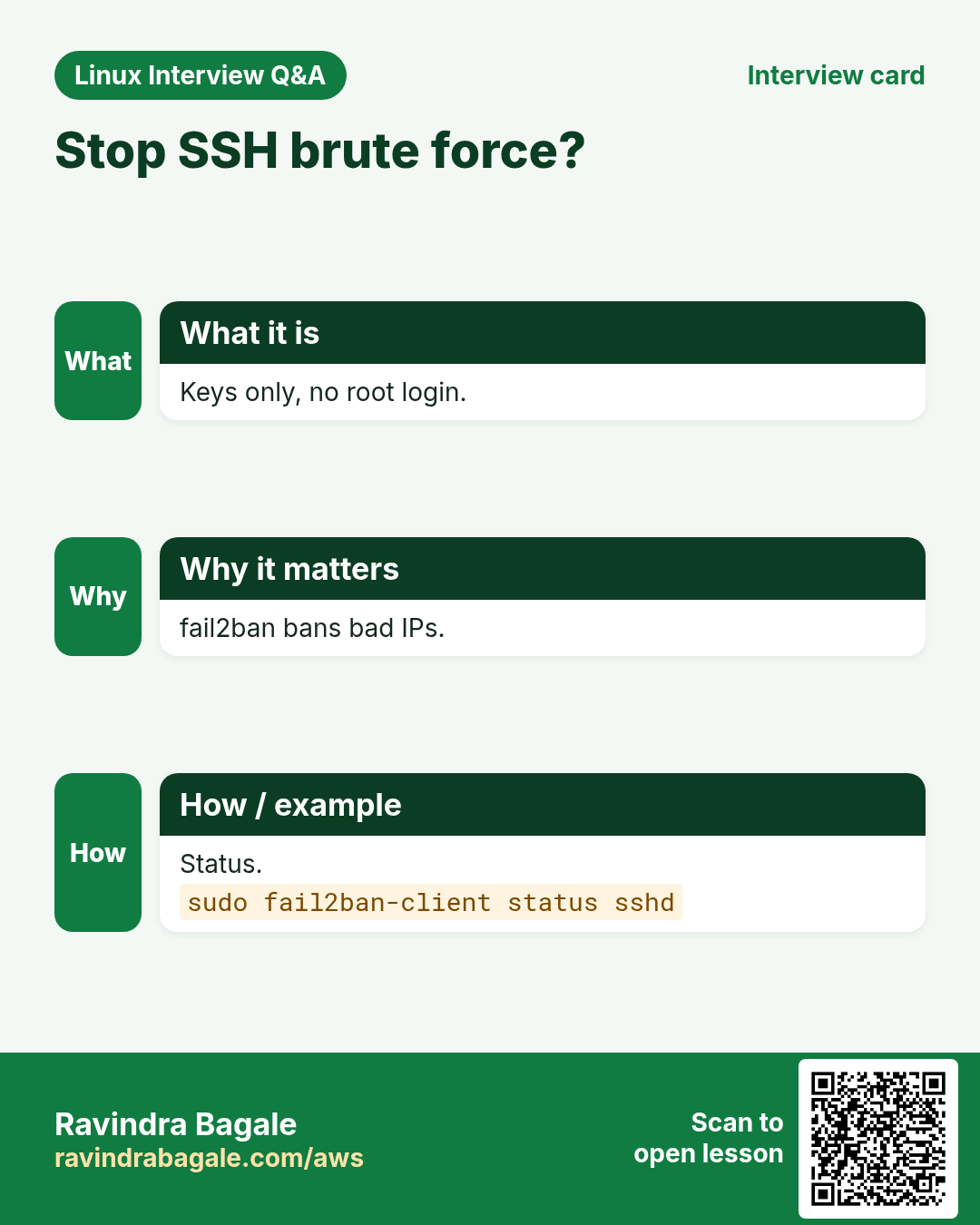
fail2ban reads logs, counts failures per IP and adds a firewall ban. Configure in /etc/fail2ban/jail.local (never edit jail.conf): [sshd] enabled = true, maxretry = 5, findtime = 10m, bantime = 1h. fail2ban-client status sshd shows bans; set sshd unbanip IP removes one.
- Install.
sudo dnf install -y fail2ban && sudo systemctl enable --now fail2banOutput:
Created symlink ... fail2ban.serviceRunning.
- Jail status.
sudo fail2ban-client status sshdOutput:
Currently failed: 3
Total banned: 41
Banned IP list: 198.51.100.7 ...
Working.
- Unban yourself.
sudo fail2ban-client set sshd unbanip 203.0.113.10Output:
1Removed.
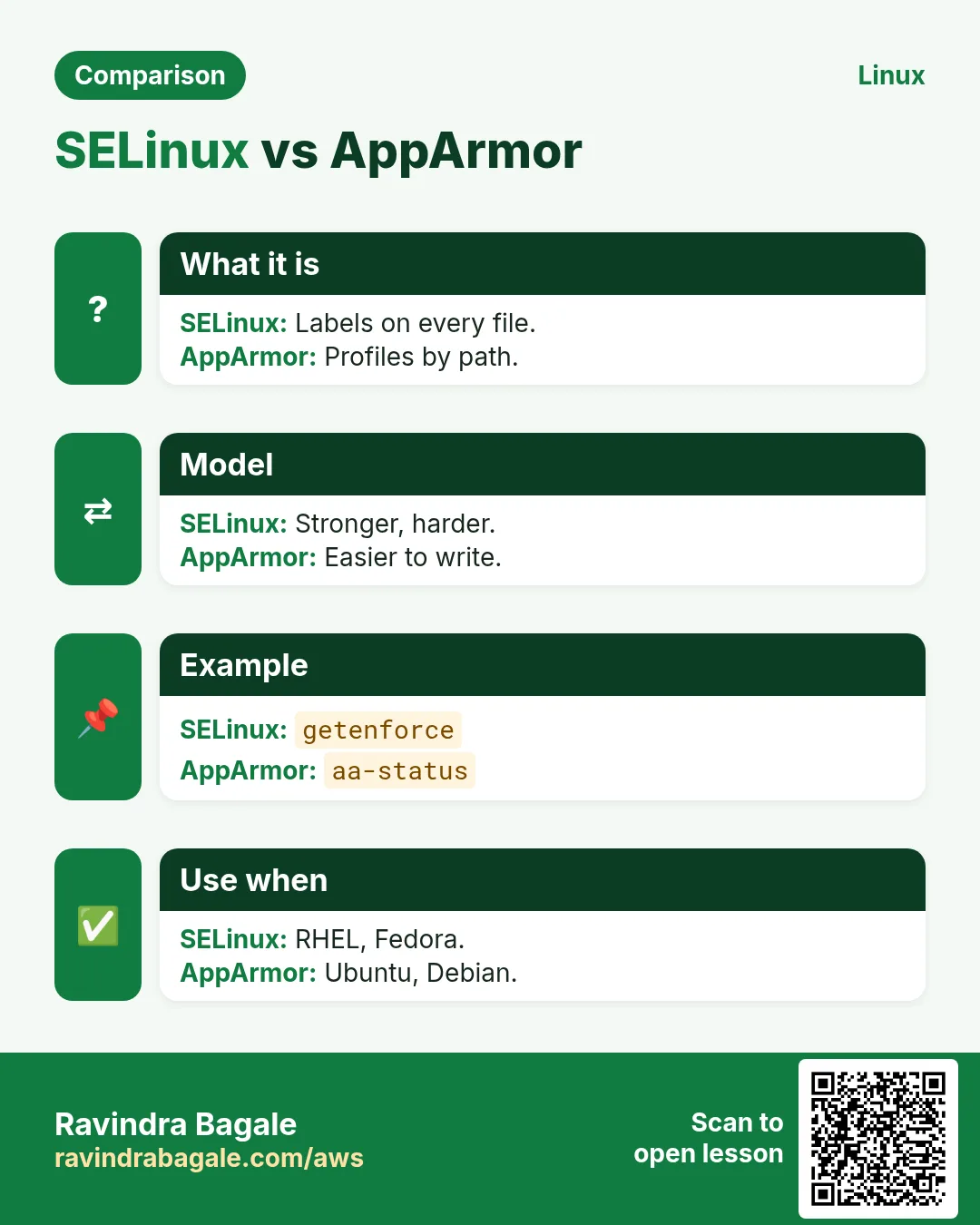
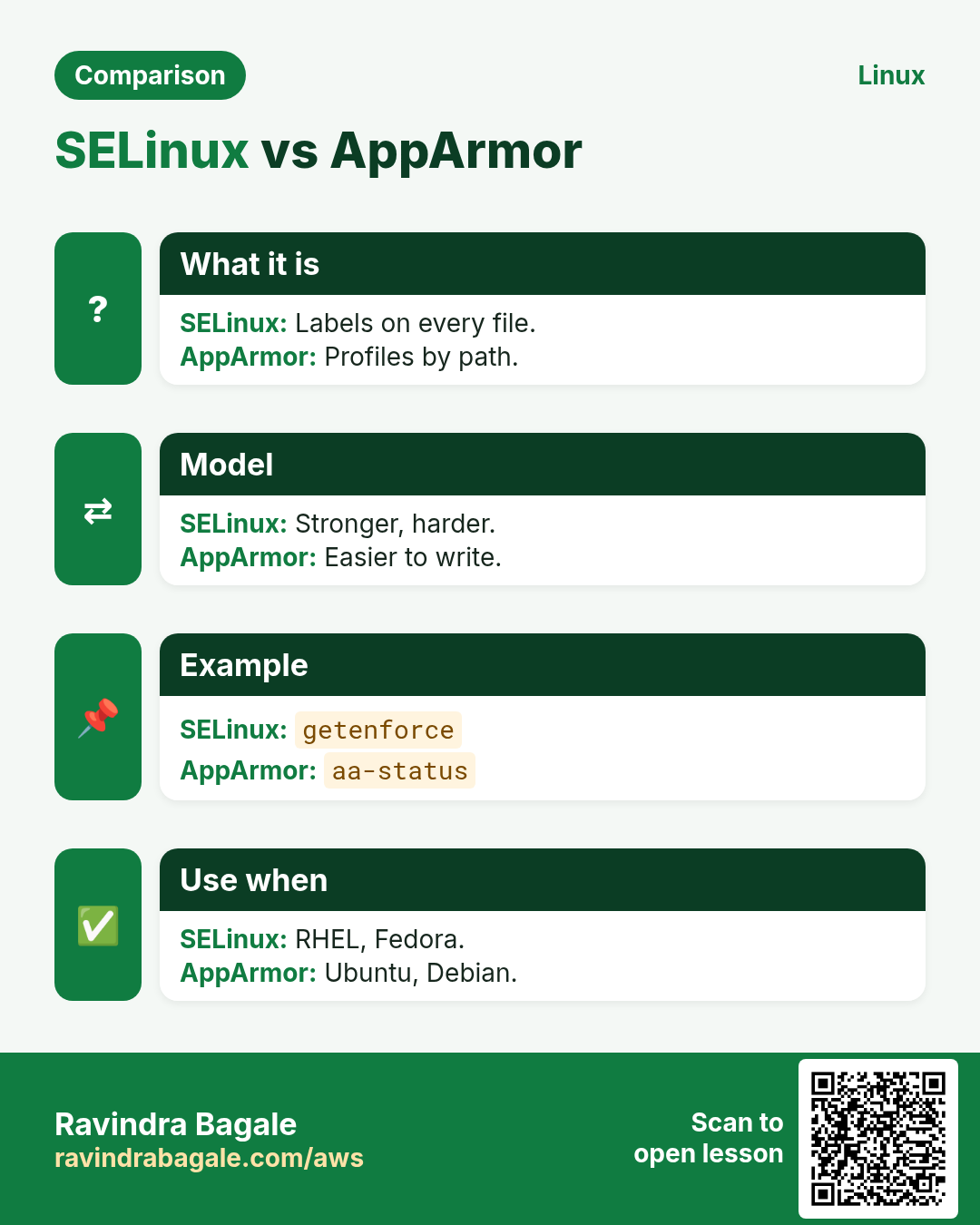
9. SELinux: modes, labels, booleans
Sometimes the file owner and mode look correct and a web server still cannot read a file. Check the security label with ls -Z and read the recorded denial. In SELinux, labels describe processes and objects, and policy decides which actions a process label can perform on a file label. Compare a known working lab file with the denied one before changing permissions. If the label is wrong for that directory, restore the expected policy label. Check the same request again and look for a fresh denial if it still fails.
SELinux stops a hacked web server from reading /etc/shadow, but it also blocks wrong setups. Learn to fix it, not disable it.
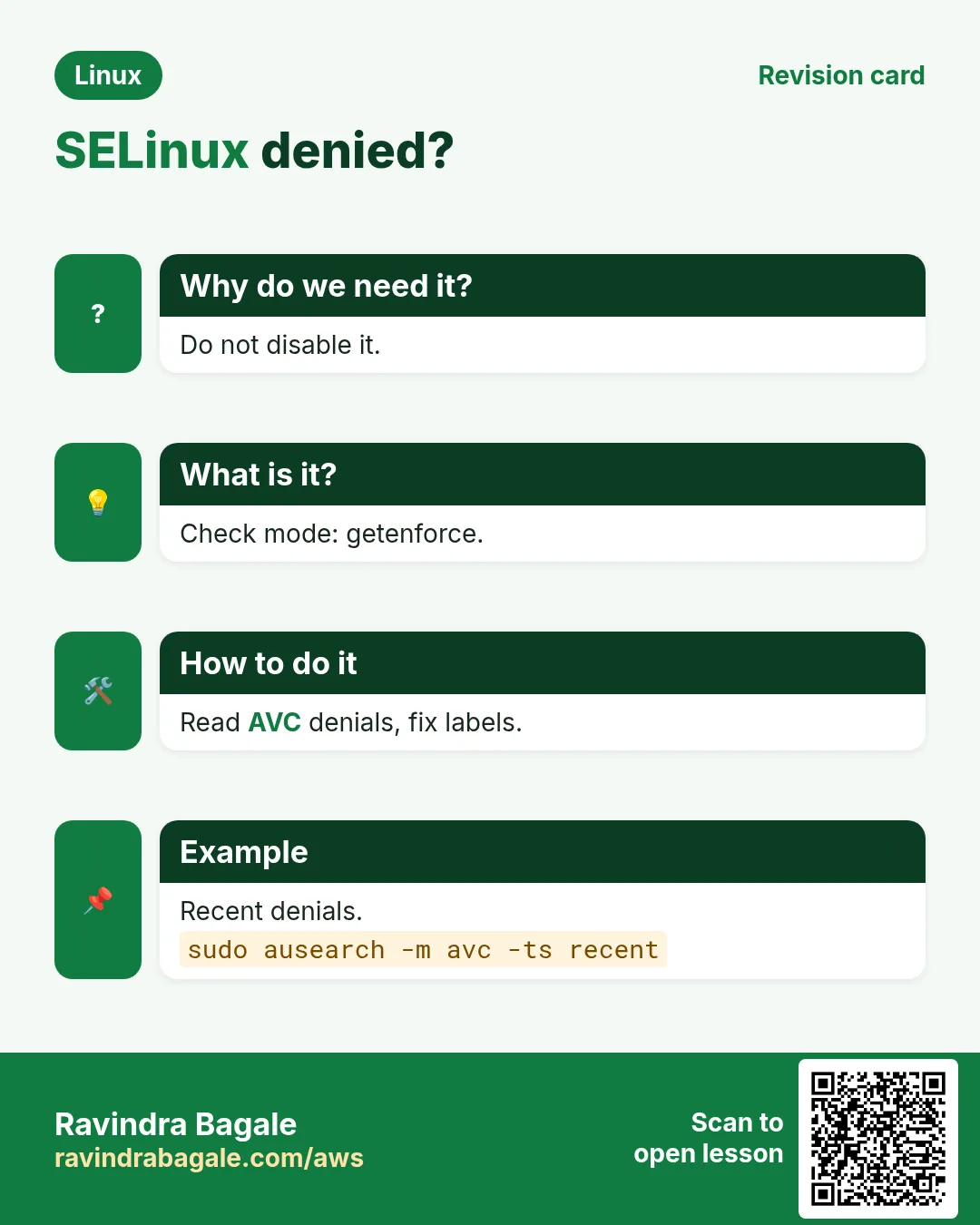
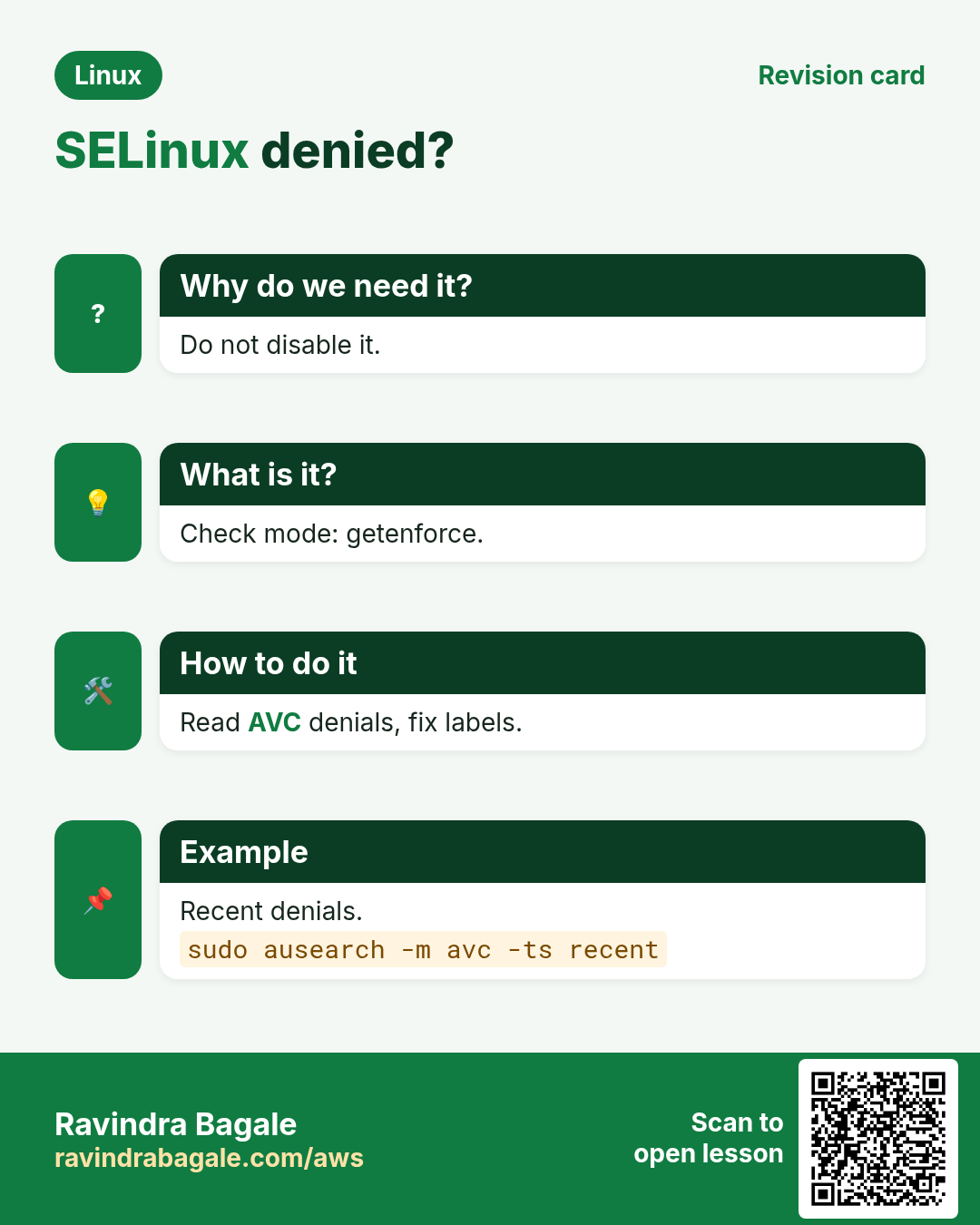
getenforce shows Enforcing, Permissive or Disabled. Every file and process has a label (ls -Z, ps -Z). A denial is logged as AVC in /var/log/audit/audit.log. Fixes: restorecon -Rv PATH (reset labels), semanage fcontext to add a rule, setsebool -P to turn on a boolean, semanage port -a for a new port. ausearch -m avc -ts recent and audit2why explain denials.
- Mode.
getenforceOutput:
EnforcingGood.
- Why 403?
sudo ausearch -m avc -ts recent | audit2whyOutput:
type=AVC ... comm="nginx" name="index.html" scontext=httpd_t tcontext=user_home_t
 Was caused by: Missing type enforcement
Wrong label.
- Label a new web folder.
sudo semanage fcontext -a -t httpd_sys_content_t '/srv/www(/.*)?' && sudo restorecon -Rv /srv/wwwOutput:
Relabeled /srv/www/index.html from default_t to httpd_sys_content_tFixed for good.
- Allow app to call network.
sudo setsebool -P httpd_can_network_connect onOutput:
(no output)Proxy to backend works.
10. AppArmor (Ubuntu, SUSE)
Ubuntu uses AppArmor profiles per program instead of SELinux labels.
aa-status lists profiles in enforce or complain mode. Profiles live in /etc/apparmor.d. Denials show in journalctl -k as apparmor="DENIED". aa-complain PROFILE logs without blocking for testing; aa-enforce turns blocking back on. Edit the profile, then apparmor_parser -r FILE.
- Status.
sudo aa-status | head -4Output:
apparmor module is loaded.
41 profiles are loaded.
37 profiles are in enforce mode.
On.
- Find denials.
sudo journalctl -k | grep 'apparmor="DENIED"' | tail -2Output:
apparmor="DENIED" operation="open" profile="/usr/sbin/mysqld" name="/data/mysql/"New data dir.
- Reload a profile.
sudo apparmor_parser -r /etc/apparmor.d/usr.sbin.mysqldOutput:
(no output)After adding /data/mysql/ rules.
11. auditd: who changed what
Think of a file’s modification time as a time clue. An audit record can provide more context if the relevant rule was already collecting events. In your lab, choose a disposable file, make one known change and search for the associated audit event. Read the operation, target path, time and identity fields together. The login identity can help trace a command started through sudo. If there is no event, check whether the audit service was running and whether a rule matched the file when you changed it.
Compliance (PCI, ISO, banks) and incident review need a record of changes to key files.
auditctl -w FILE -p wa -k KEY watches writes and attribute changes. Persist rules in /etc/audit/rules.d/*.rules and load with augenrules --load. ausearch -k KEY finds events; aureport gives summaries. Logs in /var/log/audit/audit.log.
- Watch sudoers.
sudo auditctl -w /etc/sudoers -p wa -k sudoersOutput:
(no output)Live rule.
- Who touched it?
sudo ausearch -k sudoers -i | tail -3Output:
type=SYSCALL ... auid=ravi uid=root comm="vim" name="/etc/sudoers"auid = real login user.
- Persist.
echo '-w /etc/ssh/sshd_config -p wa -k sshcfg' | sudo tee /etc/audit/rules.d/ssh.rules && sudo augenrules --loadOutput:
No rules
enabled 1
Loaded at boot.
- Summary.
sudo aureport --login --failed | head -5Output:
Failed Login Report
1. 10/25/26 21:02 root 198.51.100.7 ssh no
Failed logins.
12. Users, sudo and file permissions checks
Weak accounts and world-writable files undo all other hardening.
Find users with UID 0: awk -F: '$3==0' /etc/passwd. Lock unused accounts with usermod -L. Find SUID files: find / -xdev -perm -4000. Find world-writable: find / -xdev -type f -perm -0002. Check last logins with last and lastb.
- Extra root?
awk -F: '$3==0' /etc/passwdOutput:
root:x:0:0:root:/root:/bin/bashOnly root: good.
- SUID list.
sudo find / -xdev -perm -4000 -type f 2>/dev/null | head -4Output:
/usr/bin/passwd
/usr/bin/sudo
/usr/bin/su
Compare with a known list.
- Bad logins.
sudo lastb | head -3Output:
admin ssh:notty 198.51.100.7 Sun Oct 25 21:01Bots.
13. Real examples from many industries
The same Linux skill shows up in every kind of company. Seeing it in many places helps you remember it.
Each row is a made-up team. It shows who uses this and how.
| Team and city | How they use it | Command |
|---|---|---|
| Sameer, fintech, Pune | auditd rules for RBI audit | auditctl -w /etc/sudoers -p wa |
| Olivia, SaaS, Toronto | fail2ban on every bastion | fail2ban-client status sshd |
| Ahmed, telecom, Riyadh | nftables sets for blocklists | nft add element |
| Mei, e-commerce, Shanghai | SELinux booleans for nginx proxy | setsebool -P httpd_can_network_connect on |
| Tom, university, Melbourne | ufw on lab servers | ufw allow OpenSSH |
| Neha, hospital, Nashik | AppArmor for MySQL data dir | aa-status |
14. Common errors and how to fix them
Everyone hits these errors. Knowing the cause saves hours.
Read the exact message first. Then match it to a row below.
| Error you see | Why it happens | How to fix |
|---|---|---|
ERROR: Could not load logfile ... fail2ban | Wrong backend or log path | Use backend = systemd for journald systems.sudo fail2ban-client -d |
Locked out after ufw enable | SSH not allowed first | Use the cloud console; ufw allow OpenSSH.sudo ufw allow OpenSSH |
firewall-cmd rule gone after reboot | Added without --permanent | Add with --permanent and reload.sudo firewall-cmd --runtime-to-permanent |
nginx 403 with correct permissions | SELinux label wrong | restorecon or semanage fcontext.ls -Z /srv/www |
nginx 502: connect() failed (13: Permission denied) | SELinux blocks network connect | Enable the boolean.sudo setsebool -P httpd_can_network_connect on |
ValueError: Port tcp/8081 already defined | Port already labeled | Use -m to modify.sudo semanage port -m -t http_port_t -p tcp 8081 |
apparmor="DENIED" in logs | Profile does not allow the path | Add the path and reload the profile.sudo aa-complain /usr/sbin/mysqld |
iptables: No chain/target/match by that name | Typo or missing module | Check chain name and case.sudo iptables -L -n |
Permission denied (publickey) after hardening | Passwords off but no key installed | Add key via console, then retry.sudo sshd -T | grep pubkey |
auditctl: Error sending add rule request (Operation not permitted) | Rules locked (-e 2) | Edit rules.d and reboot.sudo auditctl -s |
15. Troubleshooting step by step
When something is blocked, ask which layer blocked it.
Go top to bottom. Stop at the first step that shows the problem.
- Is the port open in the host firewall?
sudo firewall-cmd --list-all- Banned by fail2ban?
sudo fail2ban-client status sshd- SELinux denial?
sudo ausearch -m avc -ts recent- AppArmor denial?
sudo journalctl -k | grep DENIED- SSH config?
sudo sshd -T- Cloud security group?
aws ec2 describe-security-groups16. Lab 1: Firewall and fail2ban
Open only web ports and ban a brute-force IP.
A full hands-on lab. Run every step on a test Linux machine (an EC2 instance, a VM, or WSL).
- Allow web.
sudo firewall-cmd --permanent --add-service=https && sudo firewall-cmd --reloadOutput:
success- Install fail2ban.
sudo dnf install -y fail2banOutput:
Complete!- Jail.
printf '[sshd]\nenabled = true\nmaxretry = 3\nbantime = 15m\n' | sudo tee /etc/fail2ban/jail.localOutput:
[sshd] ...- Start.
sudo systemctl enable --now fail2banOutput:
Created symlink- Ban test IP.
sudo fail2ban-client set sshd banip 198.51.100.99 && sudo fail2ban-client status sshdOutput:
Banned IP list: 198.51.100.9917. Lab 2: Fix an SELinux denial
Serve a site from /srv/site with SELinux enforcing.
A full hands-on lab. Run every step on a test Linux machine (an EC2 instance, a VM, or WSL).
- Make content.
sudo mkdir -p /srv/site && echo hi | sudo tee /srv/site/index.htmlOutput:
hi- Point nginx root to /srv/site and reload.
sudo systemctl reload nginx && curl -s -o /dev/null -w '%{http_code}\n' localhostOutput:
403- Read the denial.
sudo ausearch -m avc -ts recent | audit2whyOutput:
Missing type enforcement- Fix label.
sudo semanage fcontext -a -t httpd_sys_content_t '/srv/site(/.*)?' && sudo restorecon -Rv /srv/siteOutput:
Relabeled- Test.
curl -s localhostOutput:
hiRavindra Bagale's Tip
Before you enable any firewall or change sshd, keep a second SSH session open and test a new login from a third window. If the new login fails, fix it from the open session. This one habit prevents most lock-outs.
Ravindra Bagale's Tip – मराठी
कोणताही firewall enable किंवा sshd बदलण्याआधी दुसरं SSH session उघडं ठेवा आणि तिसऱ्या window मधून नवं login test करा. नवं login fail झालं तर उघड्या session मधून fix करा. ही एक सवय बहुतेक lock-outs टाळते.
Ravindra Bagale's Tip – हिंदी
कोई भी firewall enable करने या sshd बदलने से पहले दूसरा SSH session खुला रखिए और तीसरी window से नया login test कीजिए. नया login fail हो तो खुले session से ठीक कीजिए. यह एक आदत ज़्यादातर lock-outs रोकती है.
18. Frequently asked questions
Q. firewalld or ufw?
Use what the distro ships: firewalld on RHEL, ufw on Ubuntu.
Q. Do I need a host firewall in the cloud?
Yes, as a second layer to security groups.
Q. iptables or nftables?
nftables for new work; read iptables for old.
Q. Can I just disable SELinux?
No; set permissive briefly to debug, then fix.
Q. Does fail2ban replace keys?
No; use keys and fail2ban together.
Q. Change the SSH port?
Reduces noise, not real security.
Q. What is auid in audit logs?
The original login user, even after sudo.
Q. How often to patch?
Security updates weekly or automatic.
19. Interview questions and answers
Beginner level
Q. Check SELinux mode?
getenforce.
Q. Allow HTTPS in ufw?
ufw allow 443/tcp.
Q. Disable root SSH login?
PermitRootLogin no.
Q. What is fail2ban?
Bans IPs after failed logins.
Mid level level
Q. firewalld rule lost after reboot?
Add --permanent then --reload.
Q. nginx 403 on new folder with SELinux?
semanage fcontext + restorecon.
Q. Block one IP with iptables?
iptables -I INPUT -s IP -j DROP.
Q. Watch a file with auditd?
auditctl -w FILE -p wa -k KEY.
Senior level
Q. Harden a fresh internet server: plan?
Patch, sudo user, keys only, firewall 22/80/443, fail2ban, SELinux enforcing, auditd, monitoring.
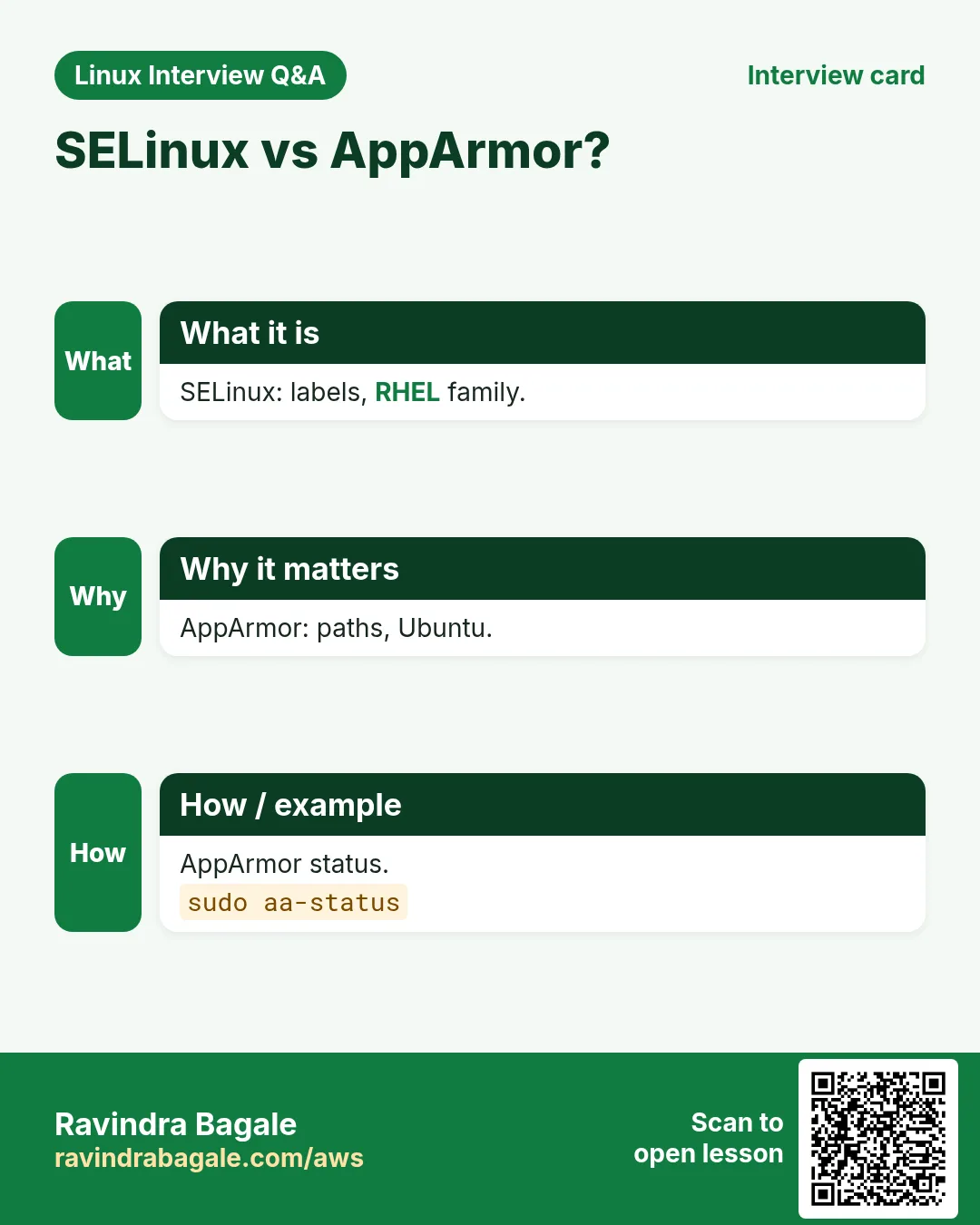
Q. SELinux vs AppArmor?
SELinux labels every object; AppArmor uses path profiles per program.
Q. Defense in depth on AWS?
SG, NACL, host firewall, IAM, SELinux, patching, logging.
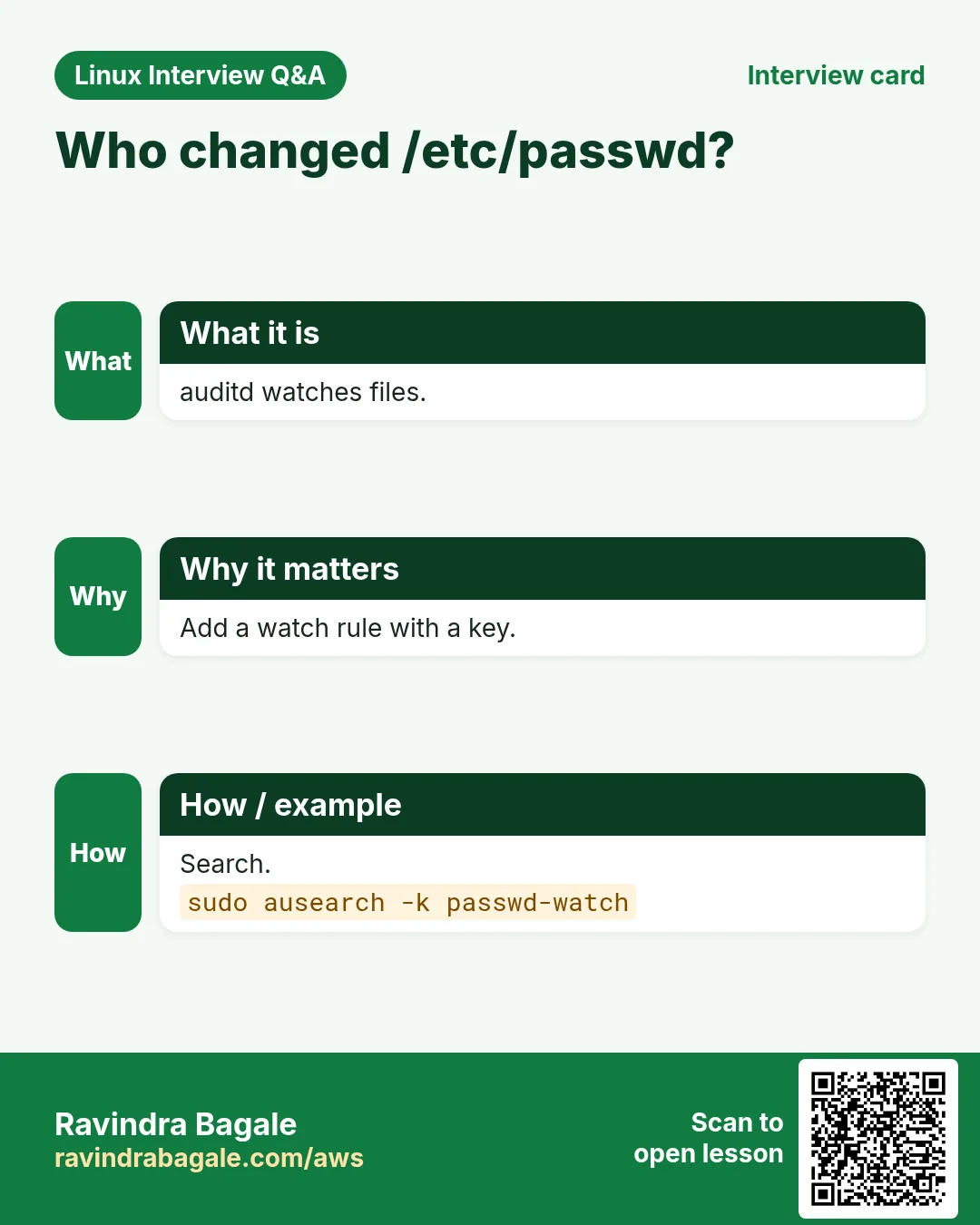
Q. Prove who edited sshd_config?
auditd watch key; ausearch -k shows auid and time.
Try at home
- On a test VM, apply the six-step hardening flow and write down every command.
- Add an auditd watch on /etc/passwd, add a user, and find the event with ausearch.
Practise this chapter
Interview questions and answers
Why would changing chmod fail to fix a web server read denied by SELinux?
Inspect the file’s label, the process context and the relevant denial. SELinux policy can deny an operation that ordinary ownership and mode permit. Restore an expected lab label if it is wrong, then repeat the same request before changing more settings.
Check your understanding
Choose an answer, then compare your reasoning with the explanation.
Practice Tasks
Practice checks run in your browser. They check the answer for this exercise; they do not create resources or connect to your AWS account.
About this scenarioVidarbha Cotton Mills is a textiles business in Nagpur. Ganesh Wankhede looks after its IT and cloud work. They count money in INR and run their AWS resources in the ap-south-1 Region. In the tasks below you do real jobs for them using what this lesson teaches. All names, account IDs, IP addresses and numbers are made up for practice.
0 / 20
Easy Zone rules
Every open door on a BIZ server gets attacked.
Show all rules of the public zone, naming the zone.
- Find the Linux command that does this job.
- Add the options (like -r or -h) the task needs.
- Add the file names, folders or users in the right order.
- Use sudo if the job changes system files or users. Click Check answer.
Easy Reload firewalld
Every open door on a BIZ server gets attacked.
Fully reload firewalld, resetting connection state too.
- Find the Linux command that does this job.
- Add the options (like -r or -h) the task needs.
- Add the file names, folders or users in the right order.
- Use sudo if the job changes system files or users. Click Check answer.
Easy Allow HTTP in ufw
Every open door on a BIZ server gets attacked.
Allow TCP port 80 with ufw.
- Find the Linux command that does this job.
- Add the options (like -r or -h) the task needs.
- Add the file names, folders or users in the right order.
- Use sudo if the job changes system files or users. Click Check answer.
Easy List INPUT
Every open door on a BIZ server gets attacked.
List INPUT rules numerically with line numbers, verbose.
- Find the Linux command that does this job.
- Add the options (like -r or -h) the task needs.
- Add the file names, folders or users in the right order.
- Use sudo if the job changes system files or users. Click Check answer.
Easy nft ruleset
Every open door on a BIZ server gets attacked.
Show the whole nftables ruleset.
- Find the Linux command that does this job.
- Add the options (like -r or -h) the task needs.
- Add the file names, folders or users in the right order.
- Use sudo if the job changes system files or users. Click Check answer.
Easy fail2ban overview
Every open door on a BIZ server gets attacked.
Show fail2ban status of the nginx-http-auth jail.
- Find the Linux command that does this job.
- Add the options (like -r or -h) the task needs.
- Add the file names, folders or users in the right order.
- Use sudo if the job changes system files or users. Click Check answer.
Easy SELinux status
Every open door on a BIZ server gets attacked.
Show SELinux status plus file and process contexts.
- Find the Linux command that does this job.
- Add the options (like -r or -h) the task needs.
- Add the file names, folders or users in the right order.
- Use sudo if the job changes system files or users. Click Check answer.
Easy Search audit key
Every open door on a BIZ server gets attacked.
Search audit events with key users, interpreted.
- Find the Linux command that does this job.
- Add the options (like -r or -h) the task needs.
- Add the file names, folders or users in the right order.
- Use sudo if the job changes system files or users. Click Check answer.
Easy Test sshd
Every open door on a BIZ server gets attacked.
Test the sshd config file /etc/ssh/sshd_config.new.
- Find the Linux command that does this job.
- Add the options (like -r or -h) the task needs.
- Add the file names, folders or users in the right order.
- Use sudo if the job changes system files or users. Click Check answer.
Medium Open 8443
Every open door on a BIZ server gets attacked.
Permanently open TCP port 8443 in firewalld.
- Find the Linux command that does this job.
- Add the options (like -r or -h) the task needs.
- Add the file names, folders or users in the right order.
- Use sudo if the job changes system files or users. Click Check answer.
Medium Close FTP
Every open door on a BIZ server gets attacked.
Permanently remove the ftp service.
- Find the Linux command that does this job.
- Add the options (like -r or -h) the task needs.
- Add the file names, folders or users in the right order.
- Use sudo if the job changes system files or users. Click Check answer.
Medium Delete rule 3
Every open door on a BIZ server gets attacked.
Delete ufw rule number 3.
- Find the Linux command that does this job.
- Add the options (like -r or -h) the task needs.
- Add the file names, folders or users in the right order.
- Use sudo if the job changes system files or users. Click Check answer.
Medium Drop an IP
Every open door on a BIZ server gets attacked.
Insert a rule at the top dropping 192.0.2.44.
- Find the Linux command that does this job.
- Add the options (like -r or -h) the task needs.
- Add the file names, folders or users in the right order.
- Use sudo if the job changes system files or users. Click Check answer.
Medium Ban an IP
Every open door on a BIZ server gets attacked.
Ban 192.0.2.55 in the sshd jail.
- Find the Linux command that does this job.
- Add the options (like -r or -h) the task needs.
- Add the file names, folders or users in the right order.
- Use sudo if the job changes system files or users. Click Check answer.
Medium Allow nginx DB
Every open door on a BIZ server gets attacked.
Permanently let httpd connect to databases (httpd_can_network_connect_db).
- Find the Linux command that does this job.
- Add the options (like -r or -h) the task needs.
- Add the file names, folders or users in the right order.
- Use sudo if the job changes system files or users. Click Check answer.
Medium Relabel /var/www
Every open door on a BIZ server gets attacked.
Restore SELinux labels recursively on /var/www/html, verbose.
- Find the Linux command that does this job.
- Add the options (like -r or -h) the task needs.
- Add the file names, folders or users in the right order.
- Use sudo if the job changes system files or users. Click Check answer.
Medium Watch passwd
Every open door on a BIZ server gets attacked.
Add an audit watch on /etc/passwd for writes and attributes, key users.
- Find the Linux command that does this job.
- Add the options (like -r or -h) the task needs.
- Add the file names, folders or users in the right order.
- Use sudo if the job changes system files or users. Click Check answer.
Hard Redis from app
Every open door on a BIZ server gets attacked.
Allow 10.0.2.20 to reach TCP port 6379 only.
- Find the Linux command that does this job.
- Add the options (like -r or -h) the task needs.
- Add the file names, folders or users in the right order.
- Use sudo if the job changes system files or users. Click Check answer.
Hard Delete rule 2
Every open door on a BIZ server gets attacked.
Delete INPUT rule number 2.
- Find the Linux command that does this job.
- Add the options (like -r or -h) the task needs.
- Add the file names, folders or users in the right order.
- Use sudo if the job changes system files or users. Click Check answer.
Hard Label port 8090
Every open door on a BIZ server gets attacked.
Allow httpd to use TCP 8090 via SELinux port type http_port_t.
- Find the Linux command that does this job.
- Add the options (like -r or -h) the task needs.
- Add the file names, folders or users in the right order.
- Use sudo if the job changes system files or users. Click Check answer.
20. Related chapters
- Linux Ops Refresh for DevOps
- Bash Scripting for Automation
- Linux grep and find Commands with Examples
- How to Set Up Passwordless SSH Between Linux Servers
In short
- Patch and remove unused services first.
- firewalld/ufw: allow only what you need; --permanent.
- iptables first match wins; nftables is the modern tool.
- SSH: keys only, no root; fail2ban for brute force.
- SELinux/AppArmor: fix labels and profiles, never disable.
- auditd records who changed key files.
Revision, comparison and interview cards
Revise this lesson in a few minutes. Save the cards on your phone or download them as PNG files. The QR code on each card opens this lesson.
More cards: Ravi Sir's Cards.