How to Install LAMP and LEMP Stack on Ubuntu (EC2)
In the previous chapter we built LAMP on Amazon Linux. Now we do the same job on Ubuntu, where the package names, the PHP service name and the PHP set-up are different. We write an Ubuntu lamp.sh, fix Apache downloading .php files, switch the same website from Apache to Nginx (LEMP), and connect Nginx to PHP. On the way we learn to read error messages, handle the apt lock error, and take our first steps inside the MySQL database shell.
In this class
- Why a dynamic website needs a database, and how Ubuntu differs from Amazon Linux for LAMP
- An Ubuntu
lamp.sh:apt-get,apache2 mysql-server php php-fpm, the version-namedphp8.x-fpmservice, removing Ubuntu's defaultindex.html - Fix Apache downloading
.php:a2enmod proxy_fcgi setenvifanda2enconf php8.x-fpm - Switch from Apache to Nginx and keep
/var/www/html; clear the browser cache with Disable cache - The Nginx PHP
locationblock, the right socket version,nginx -tand reload - Read four common errors, and the "status bottom lines" habit
- The apt lock error, and
sudo chmodon a file that root owns - First steps in MySQL:
sudo mysql,ALTER USER,mysql -u root -p, hidden password typing, and why real setups keep the database on its own server
1. Why: dynamic sites need a database
Classroom line
Yesterday we did LAMP/LEMP on Amazon Linux; today we do the same on Ubuntu.
Class मधलं वाक्य
"Kal aapan LAMP LEMP Amazon Linux madhe baghitla, aaj tech Ubuntu madhe karun baghaycha ahe."
काल आपण LAMP LEMP Amazon Linux मध्ये बघितलं, आज तेच Ubuntu मध्ये करून बघायचं आहे.
Classroom line
Yesterday we did LAMP/LEMP on Amazon Linux; today we do the same on Ubuntu.
A static site only shows files. A dynamic site takes data from you and keeps it:
- A sign-up form saves your name, email and password.
- A login form checks them against what was saved.
- An upload form stores your photo or document details.
All of that is saved in a database, such as MySQL. The PHP code talks to the database in a language called SQL, which we learn in coming chapters. In this chapter we install the whole stack, so it's ready for that.
Classroom line
Until we learn SQL, PHP and MySQL won't talk.
Class मधलं वाक्य
"Jo paryant aapan SQL shikanar nahi to paryant PHP ani MySQL madhla connection honar nahi."
जोपर्यंत आपण SQL शिकणार नाही तोपर्यंत PHP आणि MySQL मधलं connection होणार नाही.
Classroom line
Until we learn SQL, PHP and MySQL won't talk.
2. What changes on Ubuntu
Identify the Ubuntu stack you really installed
Run cat /etc/os-release on the server so you know which Ubuntu release is answering. Check the installed PHP version with php -v. That displays the command-line runtime. The web server needs the matching PHP-FPM service and a route to its configured socket. Write the actual service and socket names from your lab instead of copying a version number from a different machine.
If the package names and status commands differ from Amazon Linux, that is expected. Write a small table in your notes with the operating system, web server package, database service and PHP-FPM service. Use the Ubuntu column throughout this chapter and the Amazon Linux column for the previous lab.
Classroom line
Now we do the same work in Ubuntu.
Class मधलं वाक्य
आता हेच काम आपल्याला Ubuntu मध्ये करायचं आहे.
Classroom line – हिंदी
"Yahi kaam abhi hume Ubuntu ke andar karna hai."
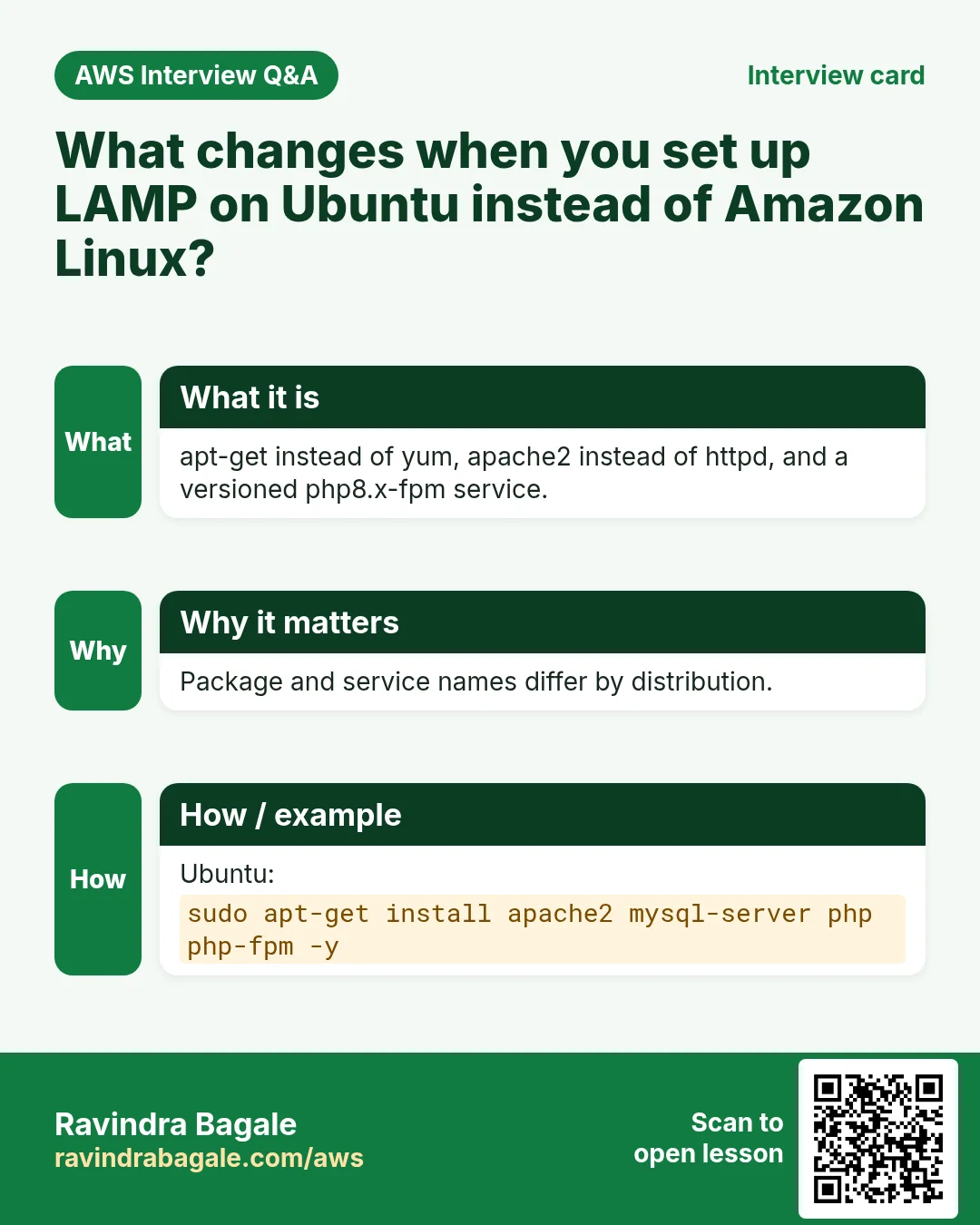
The stack is the same: Linux, a web server, a database, PHP. The names around it change:
- Package manager:
apt-getinstead ofyum. - Apache is the package
apache2(nothttpd), and its service isapache2. - Database: Ubuntu offers
mysql-server(MySQL itself). Its service ismysql. - PHP: install
phpandphp-fpm. Ubuntu installs its own default PHP version; you don't type a version. - The php-fpm service has the version in its name, for example
php8.3-fpm. Find your version withphp -v(it printsPHP 8.3.x ...) orls /run/php/(it showsphp8.3-fpm.sock). - Ubuntu's Apache puts a default
index.htmlin/var/www/html. - Apache doesn't hand PHP to php-fpm until you switch it on (section 5).
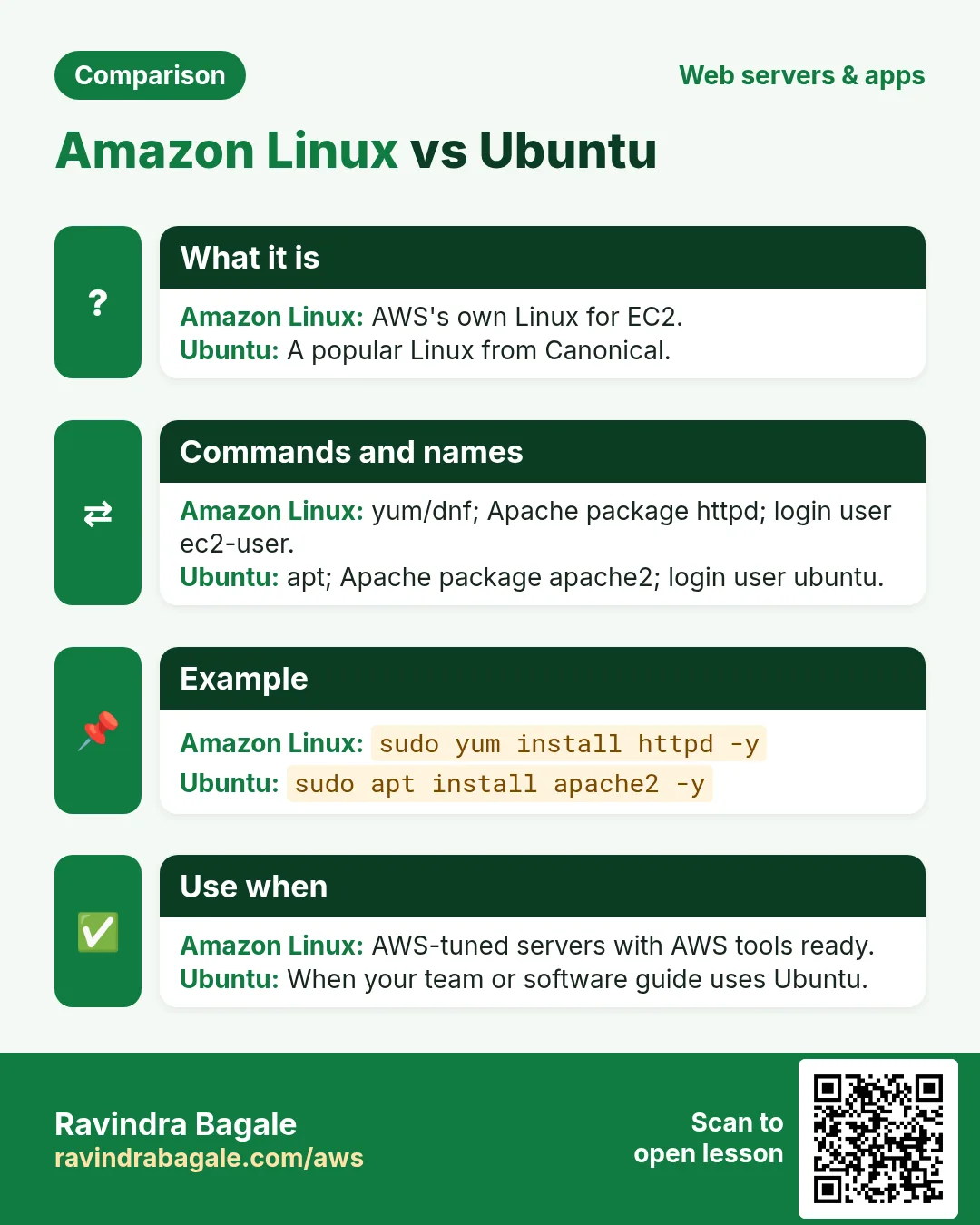
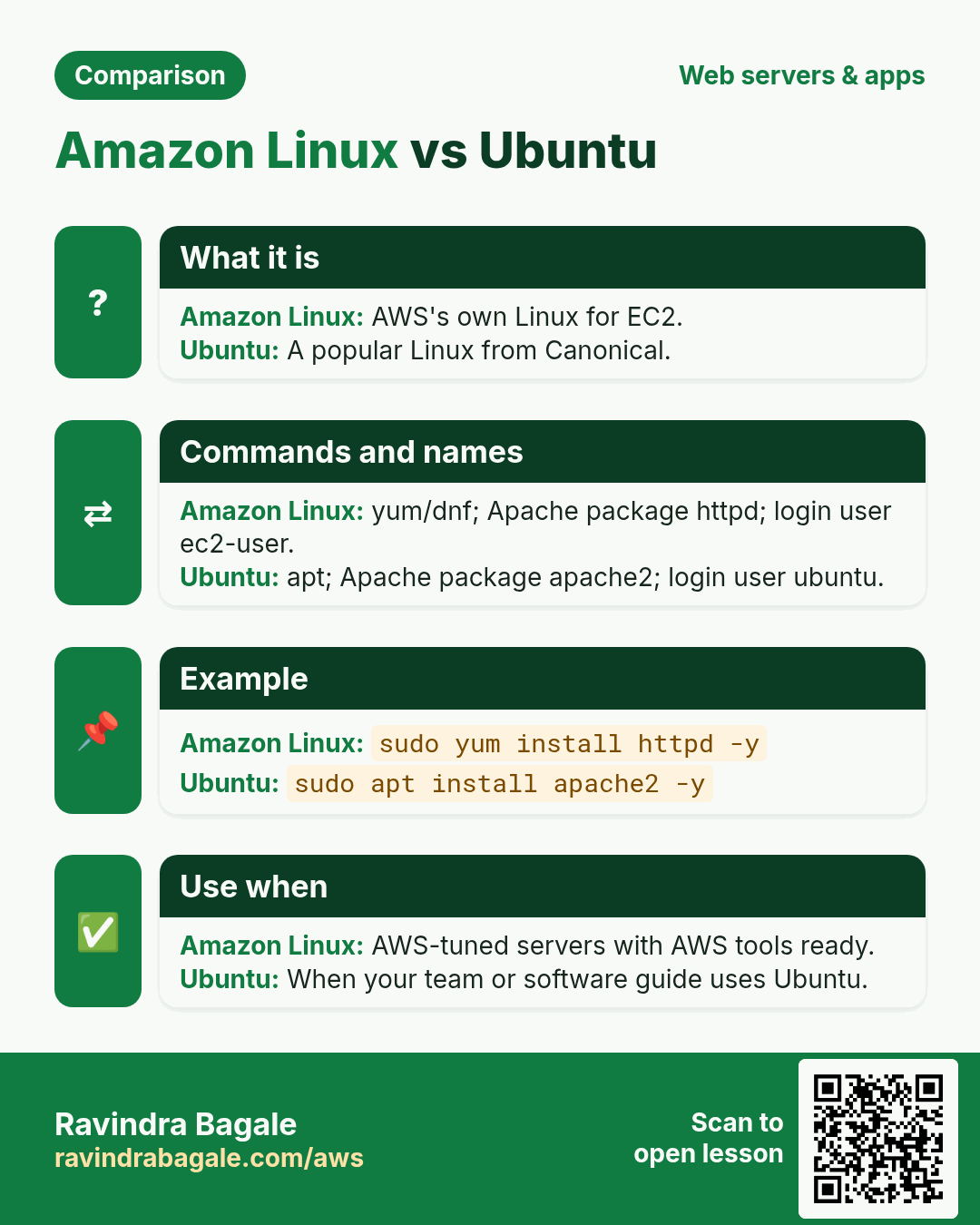
Figure 1. The same LAMP stack on Amazon Linux and Ubuntu: different package manager, package names, PHP service name and PHP set-up.
3. How: the Ubuntu lamp.sh script
Launch an Ubuntu EC2 server with SSH (22) from your IP and HTTP (80) allowed, and connect as ubuntu.
Step 1. In your home folder, open a new file. Don't use sudo here; the script should belong to you:
cd ~
nano lamp.sh
Step 2. Type the script:
#!/bin/bash
sudo apt-get update
sudo apt-get install apache2 mysql-server php php-fpm -y
PHPV=$(php -r 'echo PHP_MAJOR_VERSION.".".PHP_MINOR_VERSION;')
sudo service apache2 start
sudo service mysql start
sudo service php$PHPV-fpm start
cd /var/www/html
sudo rm -f index.html
sudo touch index.html index.php
echo "html page" | sudo tee index.html
echo "<?php phpinfo(); ?>" | sudo tee index.php
What each part does:
sudo apt-get updaterefreshes Ubuntu's package list first.- One line installs Apache, MySQL, PHP and php-fpm, with
-yso the script never stops at a question. PHPV=...asks PHP for its own version (for example8.3) and keeps it in a variable. Sophp$PHPV-fpmbecomesphp8.3-fpmon your server, and the script works whatever version Ubuntu installs. (If you type a version yourself, such asphp8.5-fpm, and your Ubuntu doesn't have it, you getUnable to locate packageorUnit php8.5-fpm.service not found.)- The three
service ... startlines start Apache, MySQL and php-fpm. sudo rm -f index.htmlremoves Ubuntu's default Apache page, so you see your own page.- The
teelines write the two test pages as root (exactly as in the previous chapter).
Writing a file with several lines. For a longer page, use a heredoc: everything up to the EOF line goes into the file.
cat <<'EOF' | sudo tee index.php
<?php
phpinfo();
?>
EOF
Step 3. Save, make it executable and run it:
chmod +x lamp.sh
./lamp.sh
4. Two errors you may meet while running it
4.1 chmod says "Operation not permitted"
If you created the file with sudo nano lamp.sh, it belongs to root. Then chmod +x lamp.sh (or chmod u+x lamp.sh) as ubuntu fails with Operation not permitted: only the owner or root can change permissions.
- Check the owner:
ls -l lamp.shshowsroot root. - Use sudo:
sudo chmod +x lamp.sh. - Better next time: create your scripts in
~withoutsudo.
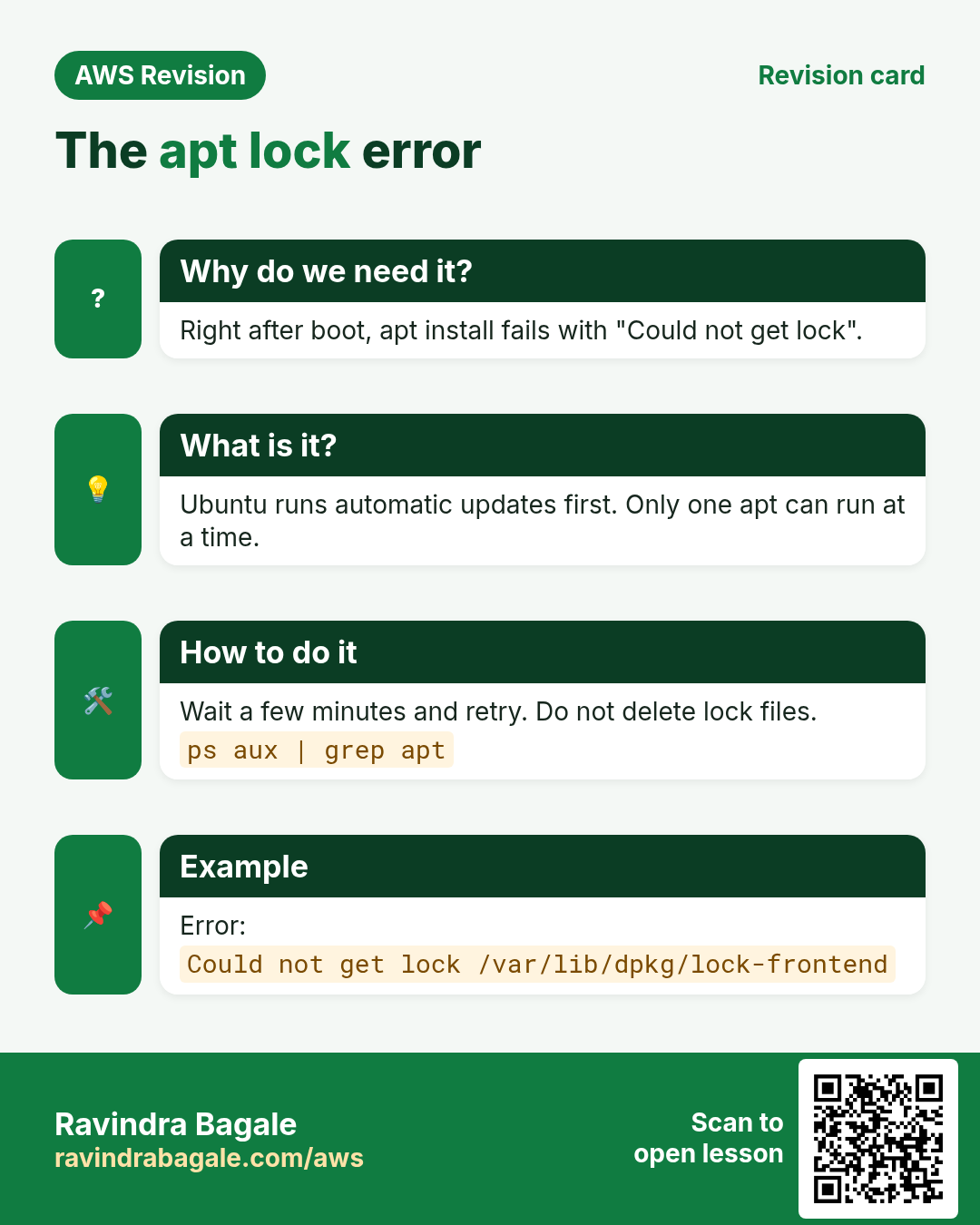
4.2 apt says "Could not get lock"
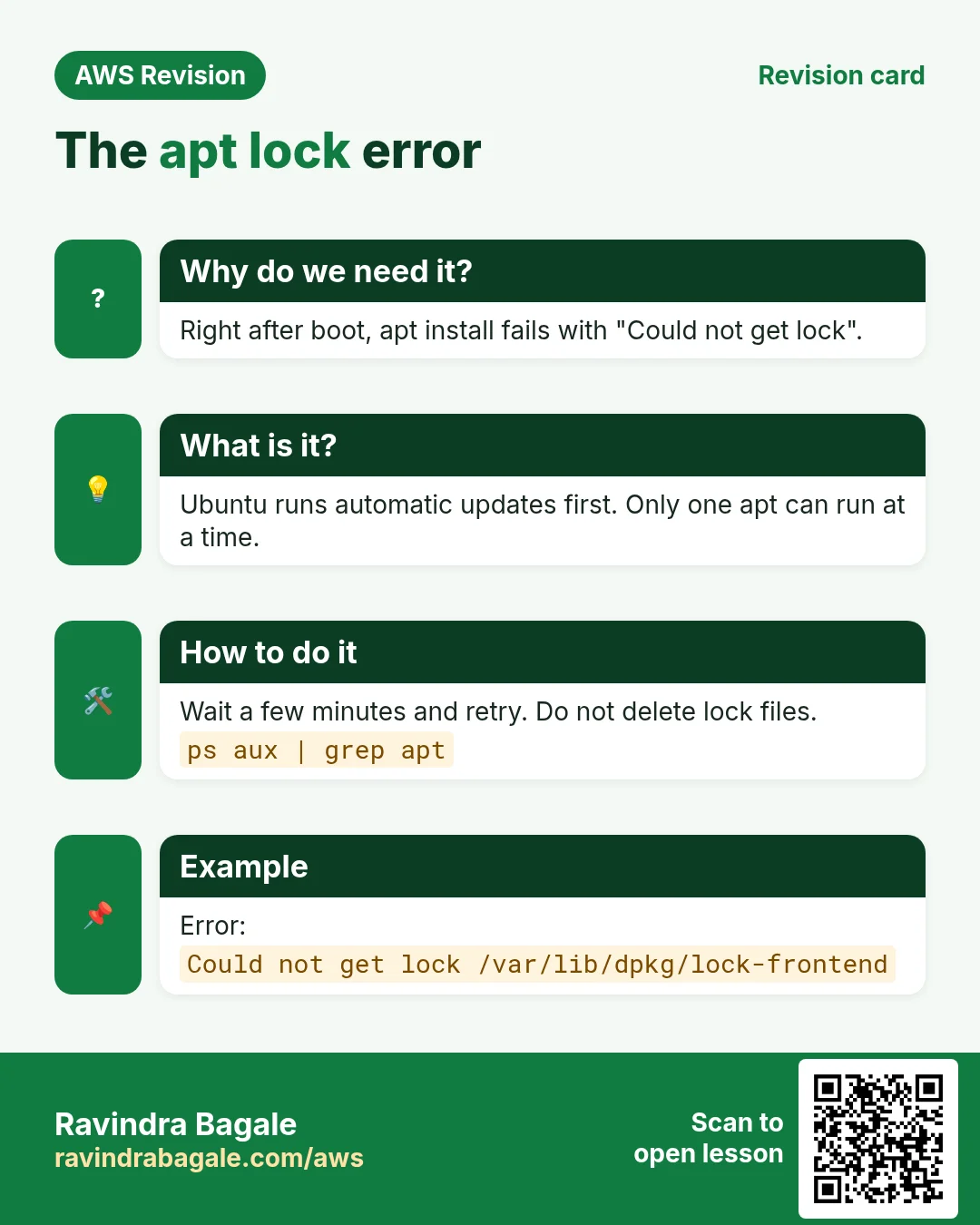
Symptom. E: Could not get lock /var/lib/dpkg/lock-frontend. It is held by process 1234 (apt-get).
Cause. Another install is still running. On a new Ubuntu server, the automatic updates often run in the first minutes after boot, or an earlier apt-get of yours hasn't finished.
Classroom line
Lock error means the earlier install is still running.
Class मधलं वाक्य
"Lock file mhanje aadhicha installation ajun chalu ahe."
Lock file म्हणजे आधीचं installation अजून चालू आहे.
Classroom line
Lock error means the earlier install is still running.
Fix:
- Wait a few minutes and run the command again.
- Check what is running:
ps aux | grep -i apt. - If it's still stuck after a long wait, reboot the server:
sudo reboot. - Never delete the lock files while apt is running. Two installs writing at once can break the package database.
5. Ubuntu Apache downloads index.php: switch on the PHP hand-off
Step 1. Open http://PUBLIC_IP/index.html. You see html page.
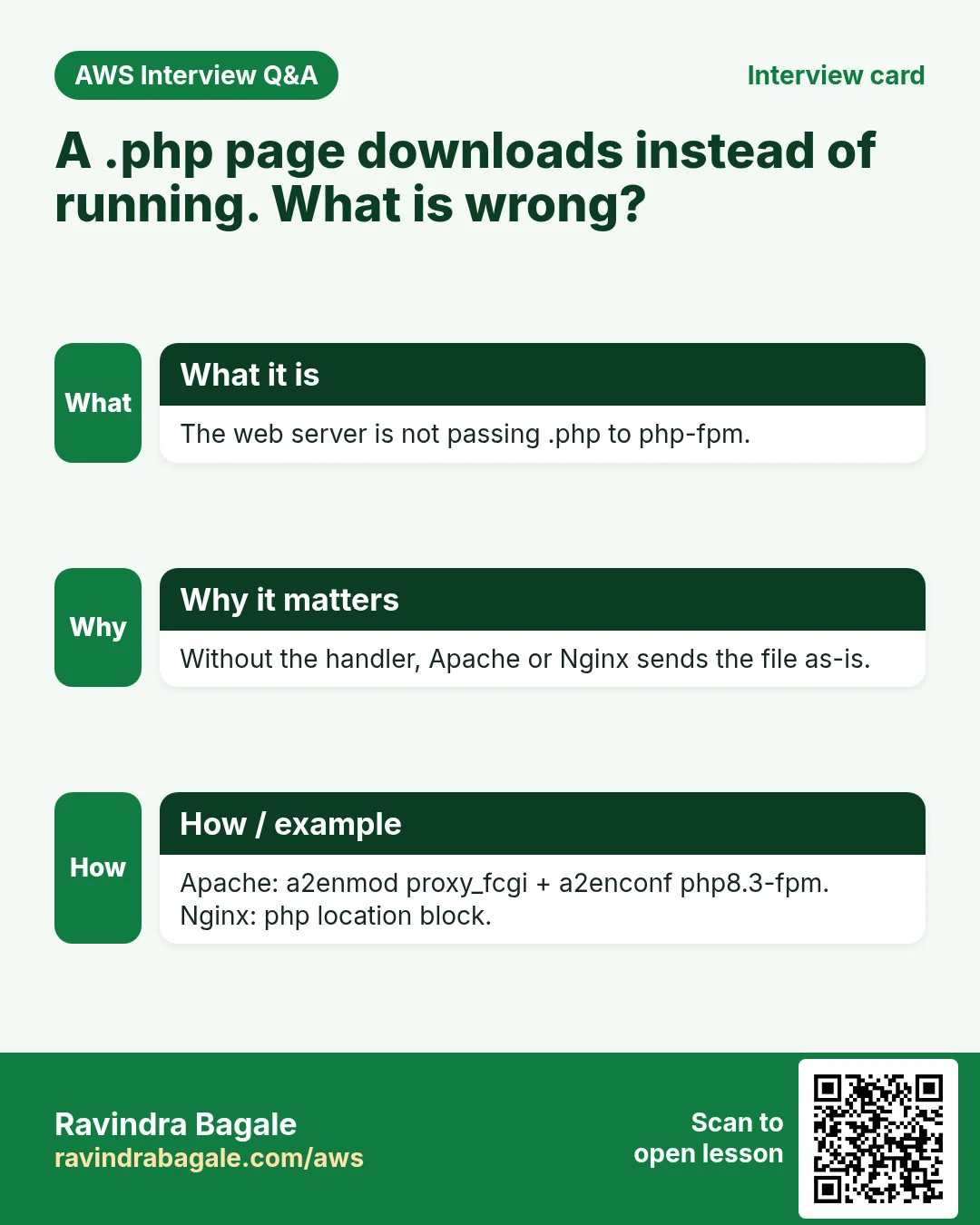
Step 2. Open http://PUBLIC_IP/index.php. On Ubuntu, the browser downloads the file instead of showing the PHP page.
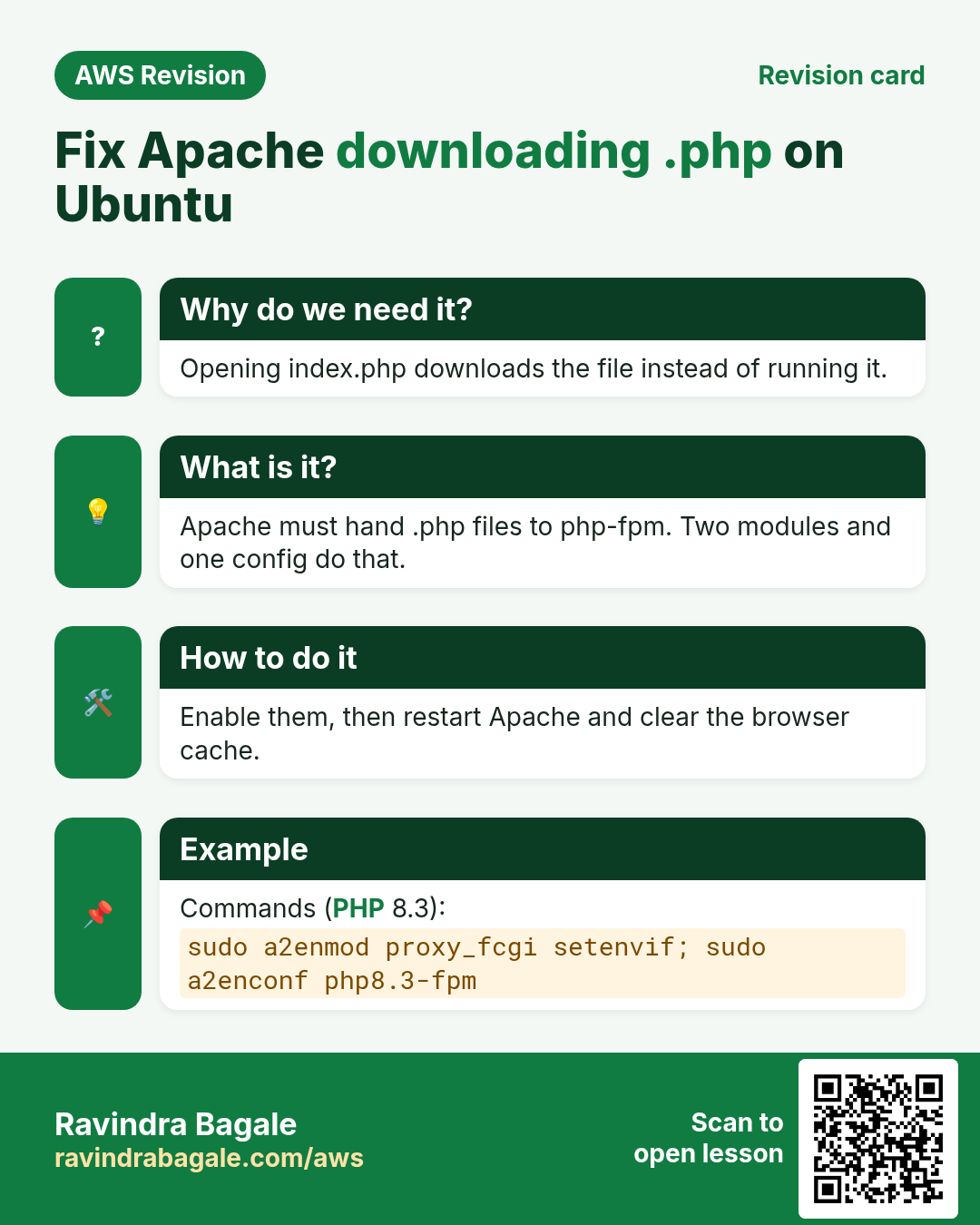
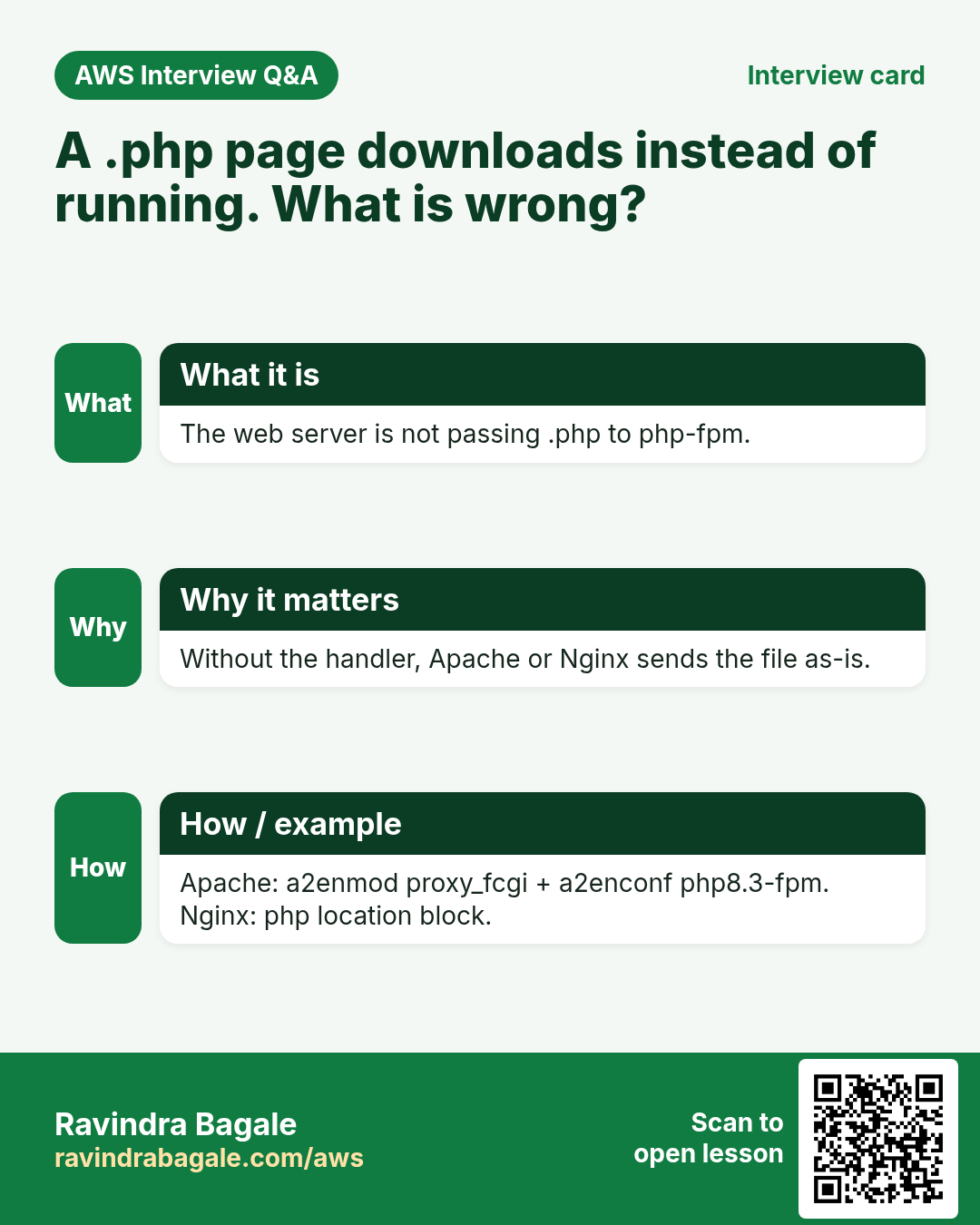
php-fpm is installed and running, but Ubuntu's Apache has no rule yet that sends .php files to it. So Apache sends the file as it is.
Step 3. Switch the hand-off on (use your version from php -v):
sudo a2enmod proxy_fcgi setenvif
sudo a2enconf php8.3-fpm
sudo service apache2 restart
a2enmodswitches on Apache modules:proxy_fcgilets Apache talk to php-fpm,setenvifis needed by its config.a2enconfswitches on the config filephp8.3-fpm.confthat sends.phpto the php-fpm socket.- The restart loads both.
Step 4. Refresh http://PUBLIC_IP/index.php. The PHP information page appears, with Server API: FPM/FastCGI and Build Provider: Ubuntu.
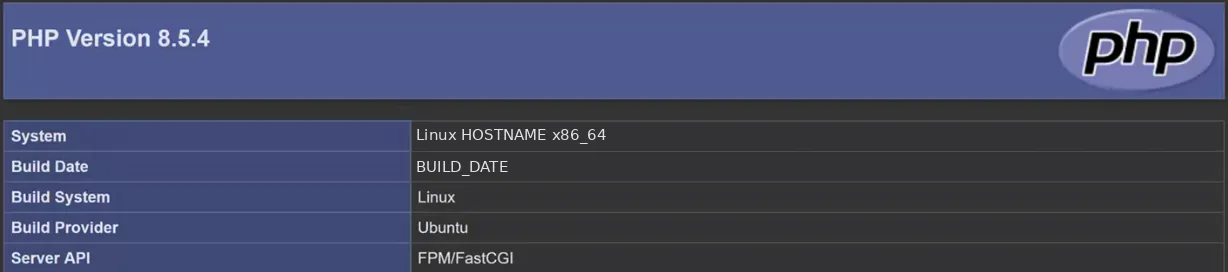
Whiteboard: PHP on Ubuntu: Build Provider Ubuntu and Server API FPM/FastCGI, so Apache now hands PHP to php-fpm.
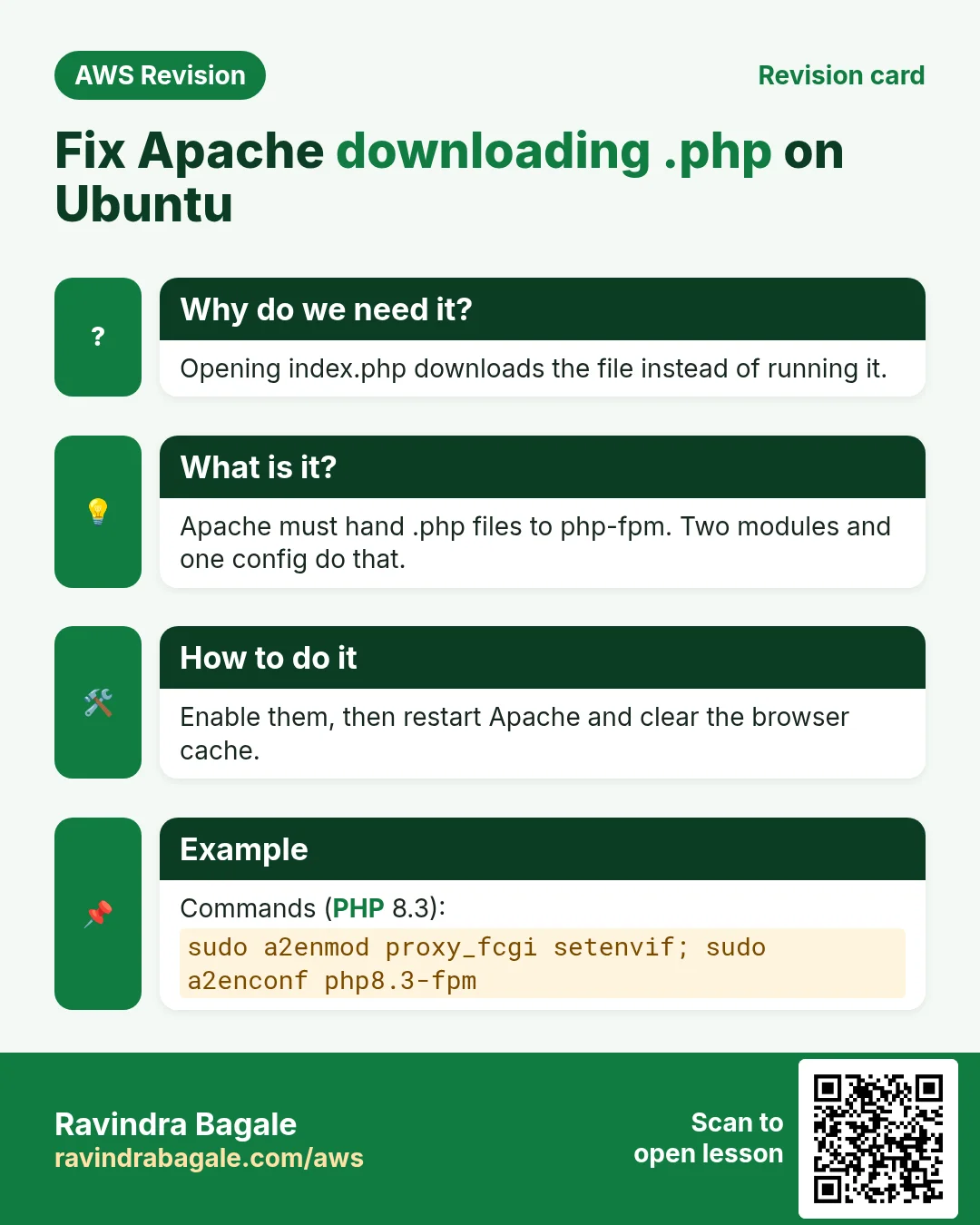
Figure 2. Ubuntu Apache downloads .php until you run a2enmod proxy_fcgi setenvif and a2enconf php8.x-fpm, then restart apache2.
The final lamp.sh. Add the fix to the script, after the start lines, so a new server works first time:
sudo a2enmod proxy_fcgi setenvif
sudo a2enconf php$PHPV-fpm
sudo service apache2 restart
On Amazon Linux
These a2en... commands exist only on Ubuntu. On Amazon Linux the PHP config is already in /etc/httpd/conf.d/, so you only restart php-fpm and then httpd (previous chapter).
6. Read the error: four messages, and the bottom lines
Errors look scary, but each one tells you what went wrong. Read the message before you try anything.
command not found: a typo in the command, or the program isn't installed. Example:ngnix -t. Check the spelling, or install the package.Operation not permitted(orPermission denied): you needsudo, or you aren't the owner of the file. Example:chmod +x lamp.shon a root-owned file (section 4.1).Unit ... not found: that service isn't installed, or its name is wrong. Example:sudo service php-fpm starton Ubuntu givesUnit php-fpm.service not found, because the name isphp8.3-fpm.Job for ... failed: the service is installed but crashed while starting. The reason is in its status.
Figure 3. Four common messages: command not found, operation not permitted, unit not found, job failed; what each usually means and what to do.
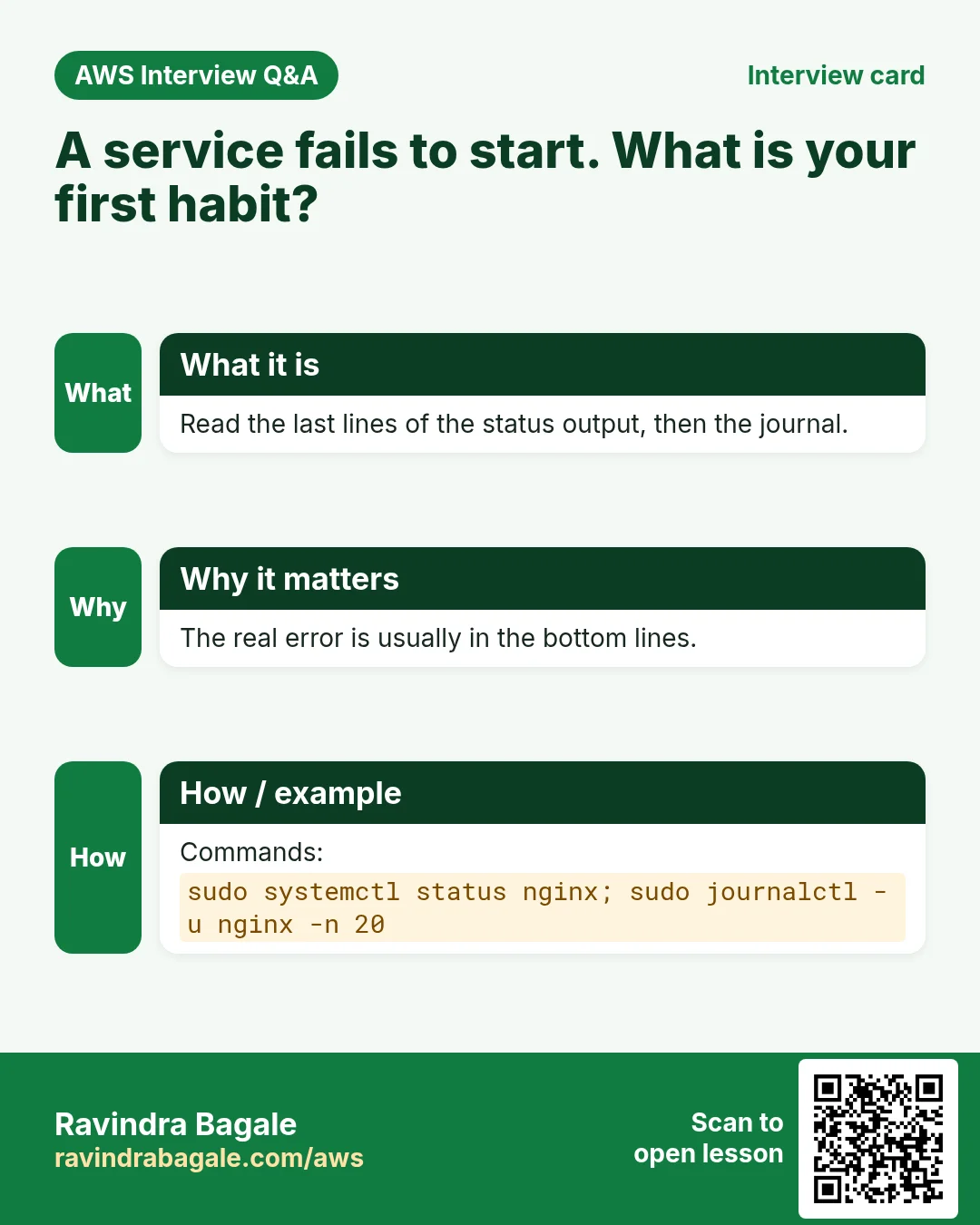
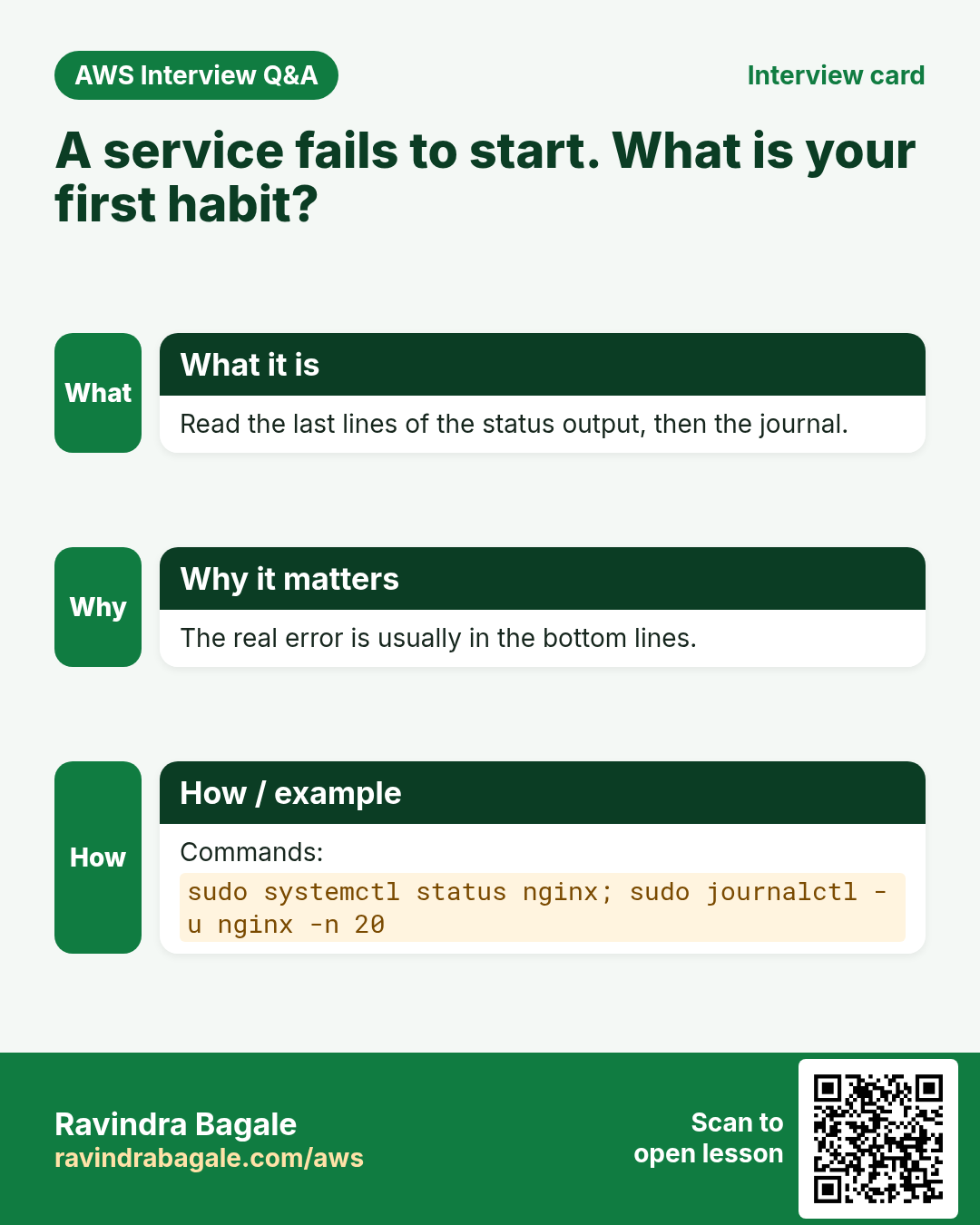
The status habit. When a service fails, look at the status of that service:
sudo service apache2 status
Classroom line
Check the status of whichever software stopped.
Class मधलं वाक्य
"Jo bi software band padlela ahe, tyachach status baghaycha."
जो बी software बंद पडलेला आहे, त्याचाच status बघायचा.
Classroom line
Check the status of whichever software stopped.
- The top says what happened:
Active: failed. - The bottom lines say why. Two common ones:
Address already in use ... could not bind to address [::]:80: another web server already has port 80. Stop it.unknown directiveorInvalid command: a typo in a config file. The line number is in the message.
- Fix the reason, then start the service again.
Classroom line
Someone else is using the port.
Class मधलं वाक्य
"Port number konitari vaparta."
Port number कोणीतरी वापरतं.
Classroom line
Someone else is using the port.
Figure 4. The status of a failed service: the top says it failed, the bottom lines give the real reason, here port 80 already in use.
7. LEMP: switch the same website to Nginx
Many companies run Nginx instead of Apache. You can switch a server to Nginx and keep the same website files.
Step 1. Free port 80. Only one web server can own it:
sudo service apache2 stop
sudo systemctl disable apache2
(disable stops Apache from taking the port again at the next boot.)
Step 2. Install and start Nginx:
sudo apt-get install nginx -y
sudo service nginx start
Step 3. Check the web root. Open /etc/nginx/sites-available/default and find the root line. On Ubuntu it is already root /var/www/html;, the same folder Apache used. (If yours points elsewhere, change it to /var/www/html.)
Step 4. Test and reload:
sudo nginx -t
sudo service nginx reload
Step 5. Open http://PUBLIC_IP/index.html. The same html page, now served by Nginx.
Figure 5. Animation: stop Apache to free port 80, start Nginx with the same /var/www/html, test and reload: same files, new server.
A lemp.sh for new servers. Copy the script and swap the web server:
cp lamp.sh lemp.sh
nano lemp.sh
Change the install line to sudo apt-get install nginx mysql-server php-fpm -y, change apache2 to nginx in the start line, and delete the three a2en.../apache2 restart lines (they are Apache-only). Then add the Nginx PHP block from section 9.
Still seeing the old page? The browser cache
After switching servers or editing a page, the browser may still show the old copy it saved earlier. Turn the cache off while you work:
- Right-click the page, Inspect.
- Open the Network tab.
- Tick Disable cache.
- Keep the developer tools open and refresh.
Classroom line
Right-click, Inspect, Network, tick Disable cache.
Class मधलं वाक्य
"Page la right click kara, inspect madhe ja, network madhe disable cache la tick kara."
Page ला right click करा, inspect मध्ये जा, network मध्ये disable cache ला tick करा.
Classroom line
Right-click, Inspect, Network, tick Disable cache.

Whiteboard: Developer tools, Network tab: tick Disable cache, keep the tools open, and refresh.
8. Why Nginx also downloads .php
Open http://PUBLIC_IP/index.php on Nginx: the browser downloads it again. Nginx, like Ubuntu's Apache, needs a rule that sends .php files to php-fpm.
Classroom line
If the URL ends in .php, hand that page to php-fpm.
Class मधलं वाक्य
जर URL .php ने संपत असेल, तर ते page उचला आणि php-fpm ला द्या.
Classroom line – हिंदी
"Agar URL .php pe khatam hota hai, to us page ko uthao aur php-fpm ko de do."
9. How: the Nginx PHP location block
Match the PHP socket at both ends
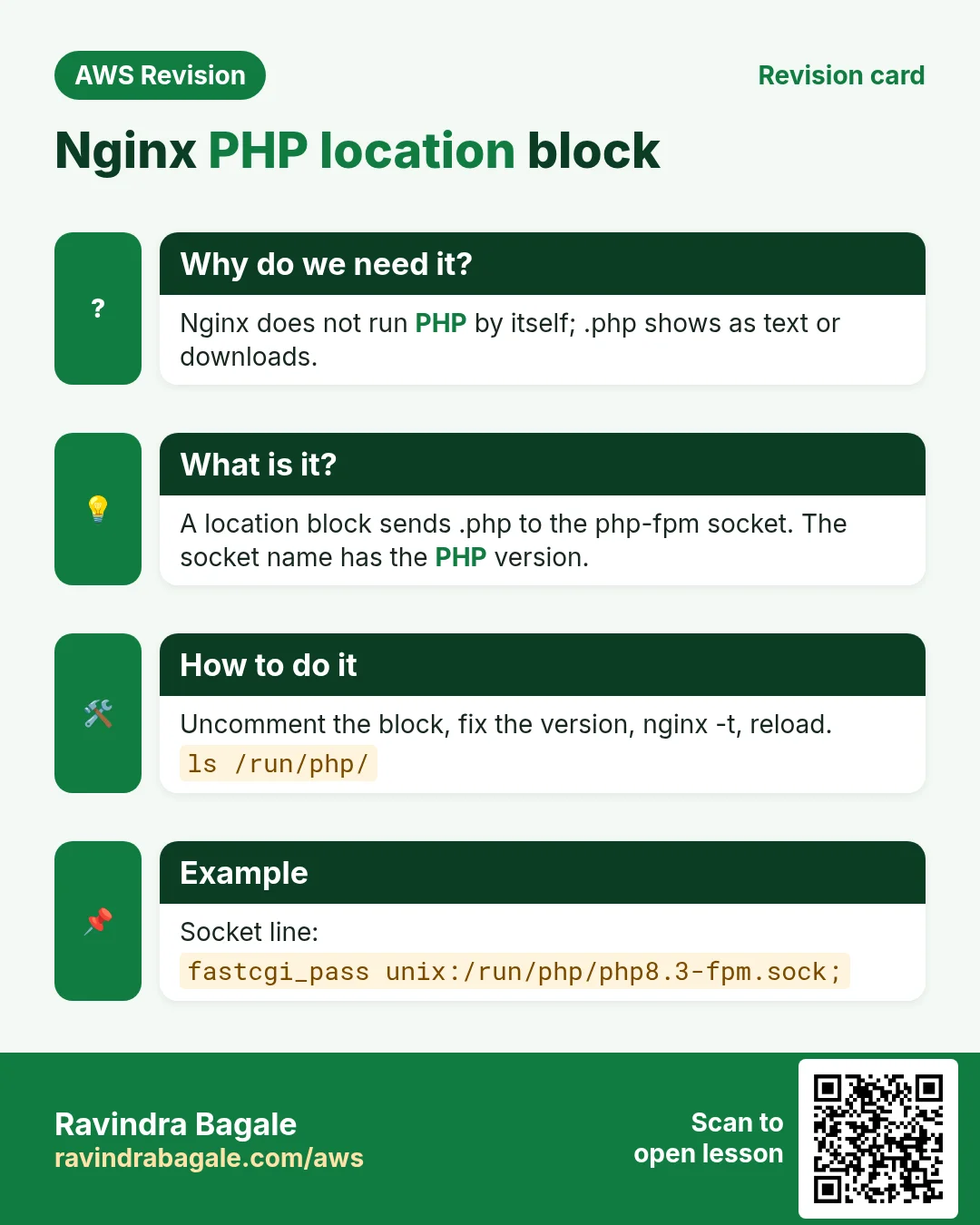
A Unix socket is a local communication endpoint represented as a path. Nginx’s PHP rule sends a request to the path in fastcgi_pass. PHP-FPM must listen at the same path and the web server must be allowed to use it. Confirm the installed FPM service is active and inspect the matching socket under /run/php/ before editing the Nginx block.
Use a local test to compare the static page with the PHP page. If the static page loads and PHP gives 502 Bad Gateway, look at the error log and the FPM service and socket. If you simply download the PHP file, the request may have missed the PHP handler. Correct the host/path selection first and verify the result before exposing the site.
Step 1. Find your php-fpm socket:
ls /run/php/
It shows something like php8.3-fpm.sock.
Step 2. Edit the site file (the real file is in sites-available; sites-enabled/default is only a link to it):
sudo nano /etc/nginx/sites-available/default
Step 3. In the index line, add index.php:
index index.php index.html index.htm index.nginx-debian.html;
Step 4. Further down, find the commented block under # pass PHP scripts to FastCGI server. Remove the # from the location line, the include line, the php-fpm fastcgi_pass line and the closing }. Leave the 127.0.0.1:9000 line commented. Put your socket in fastcgi_pass:
location ~ \.php$ {
    include snippets/fastcgi-php.conf;
    fastcgi_pass unix:/run/php/php8.3-fpm.sock;
}
location ~ \.php$matches every URL that ends in.php. (~means a regular expression,\.is a real dot,$is the end.)include snippets/fastcgi-php.conf;adds Ubuntu's standard PHP settings.fastcgi_passis where php-fpm listens. A wrong version here (for examplephp8.5-fpm.sockwhen you have 8.3) gives a 502 Bad Gateway.
Step 5. Test the config, then reload:
sudo nginx -t
sudo service nginx reload
nginx -t must say syntax is ok and test is successful. If it shows an error, it names the file and line; fix it before reloading. A reload keeps the site up while Nginx reads the new config.
Step 6. Refresh http://PUBLIC_IP/index.php (with Disable cache ticked). The PHP information page appears, now through Nginx: your LEMP stack works.
Figure 6. The Nginx server block for PHP: same web root, index.php in the index line, location ~ \.php$ with the socket of your PHP version, then nginx -t and reload.
10. First steps in MySQL
What is SQL? SQL (Structured Query Language) is the language for working with relational databases: creating tables, saving rows, reading them back. MySQL and MariaDB both use it. Common SQL databases:
- Open source: MySQL, MariaDB, PostgreSQL.
- Commercial: Oracle Database (common in large enterprises such as banks), Microsoft SQL Server, IBM Db2.
- Managed on AWS: Amazon Aurora (compatible with MySQL and PostgreSQL) and Amazon RDS.
MySQL is one of the most widely used of all.
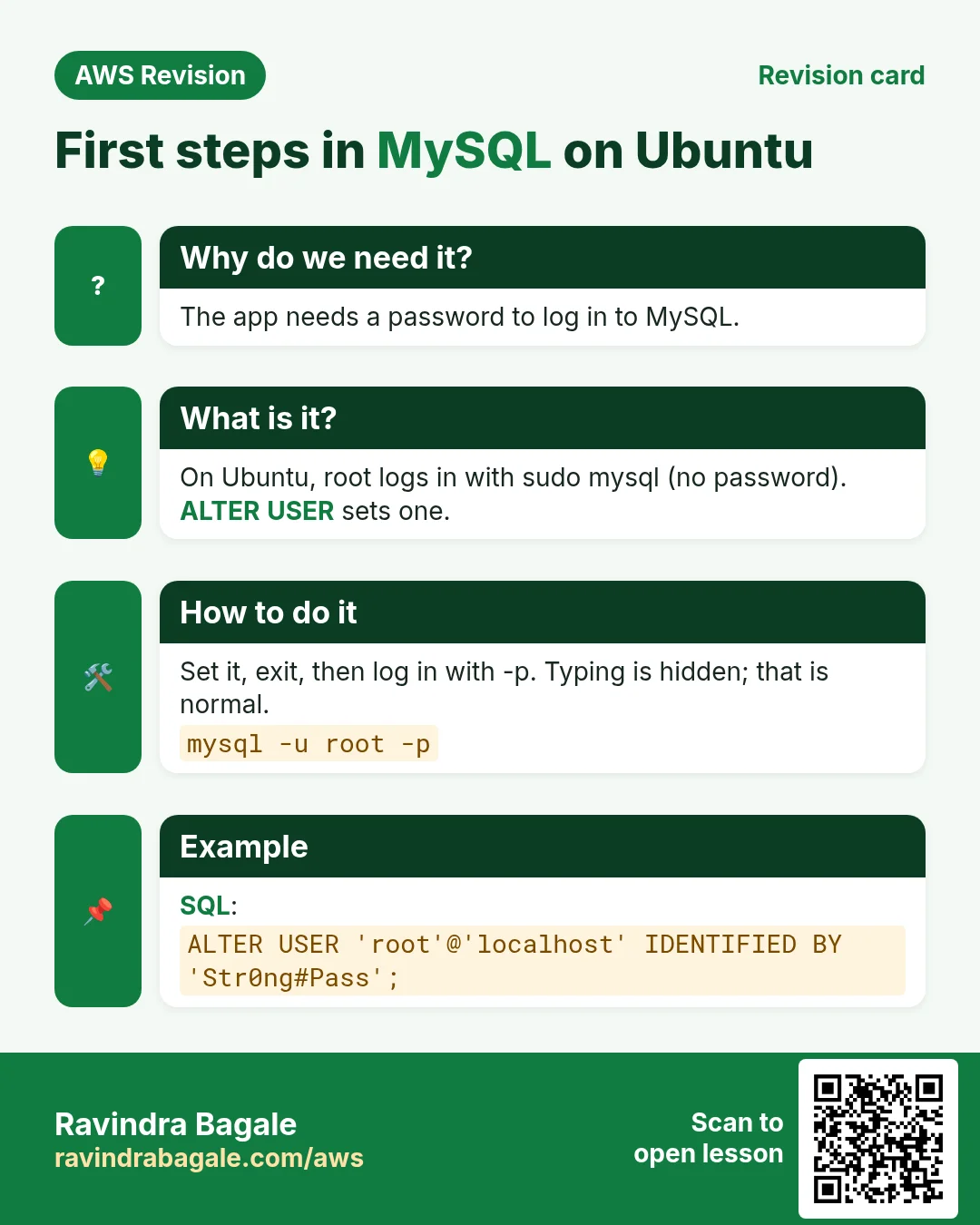
Step 1. Open the database shell. On Ubuntu, the MySQL root user logs in through the Linux root account at first, so use sudo:
sudo mysql
The prompt changes to mysql>. You are now inside the database, not in Linux.
Classroom line
Linux commands like ls, cd don't work in the DB shell.
Class मधलं वाक्य
"Ithe Linux chya command chalat nahi, ls, cd kahi chalnar nahi."
इथे Linux च्या command चालत नाही, ls, cd काही चालणार नाही.
Classroom line
Linux commands like ls, cd don't work in the DB shell.
Step 2. Give the database admin a password:
ALTER USER 'root'@'localhost' IDENTIFIED WITH caching_sha2_password BY 'YOUR_STRONG_PASSWORD';
'root'is the database administrator (a MySQL user, not the Linux root).'localhost'means this login is allowed only from the same server.IDENTIFIED WITH caching_sha2_password BYswitches root to normal password login with this password.- Use a long, unique password that you don't use anywhere else, and keep the quotes and the
;at the end.
Step 3. Leave the shell:
exit;
Step 4. Log in again, now with the password:
mysql -u root -p
-u root is the user, and -p makes MySQL ask for the password. Never type the password after -p on the command line: it would be saved in your shell history.
Step 5. At Enter password:, type the password. Nothing appears while you type, not even stars. That's normal; it isn't stuck. Press Enter, and you are back at mysql>.
Classroom line
The cursor doesn't move while typing the password.
Class मधलं वाक्य
"Ithe password enter kartana cursor halat nahi bar ka."
इथे password enter करताना cursor हलत नाही बर का.
Classroom line
The cursor doesn't move while typing the password.
Figure 7. Animation: sudo mysql opens the database shell, ALTER USER sets the root password, exit; leaves, mysql -u root -p logs in again, and the password doesn't show while you type.
Ravindra Bagale's Tip
On Amazon Linux with MariaDB, the same steps are sudo mariadb, then ALTER USER 'root'@'localhost' IDENTIFIED BY 'YOUR_STRONG_PASSWORD';, exit; and mysql -u root -p.
11. Web server and database on separate servers
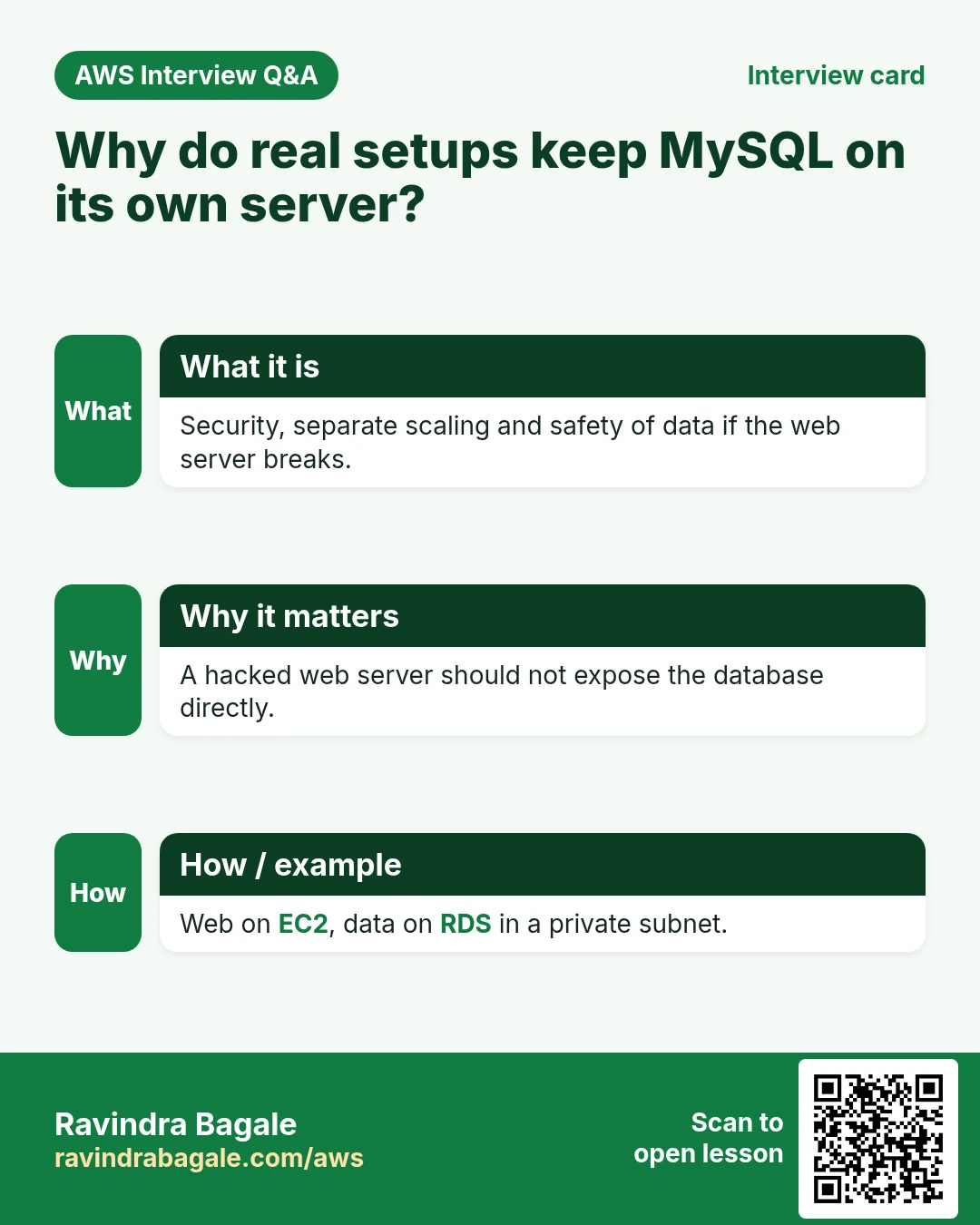
In practice we run everything on one server. Real websites usually keep the database on its own server (or on Amazon RDS), which accepts connections only from the web server.
If an attacker breaks into the web server, the data isn't sitting on the same machine. The database server also gets its own size, backups and security rules. We build this later with Amazon RDS.
Figure 8. Practice: web server, PHP and MySQL on one server. Real setups: the database on a separate server that only accepts the web server.
12. Clean up: stop the instance
When you finish practising, Instance state > Stop instance in the EC2 console (check the region first). A stopped instance doesn't charge for running time; terminate test servers you don't need any more.
13. The whole flow on one page
- Ubuntu LAMP:
sudo apt-get update, thensudo apt-get install apache2 mysql-server php php-fpm -y. - Start
apache2,mysqlandphp8.x-fpm(find the version withphp -vorls /run/php/); remove Ubuntu's defaultindex.html. .phpdownloads on Apache:a2enmod proxy_fcgi setenvif,a2enconf php8.x-fpm, restart apache2.- Root-owned script:
sudo chmod +x. apt lock: wait, never delete lock files. - Read the message; for a failed service, read the status bottom lines.
- LEMP: stop and disable apache2, install and start nginx, root stays
/var/www/html. - Nginx PHP:
index.phpin the index line,location ~ \.php$with your socket,nginx -t, reload. - Old page? DevTools, Network, Disable cache.
- MySQL:
sudo mysql,ALTER USER ... ;,exit;,mysql -u root -p(the password stays hidden). - Real setups put the database on its own server. Stop instances after practice.
Hands-on lab: LAMP and LEMP on Ubuntu
Same stack as Amazon Linux, different package names and PHP hand-off. This lab installs on Ubuntu with apt, fixes the "downloads .php" problem for Apache and for Nginx, and checks phpinfo both ways.
- Refresh apt and install LAMP packages
- Command:
sudo apt-get update && sudo apt-get install apache2 mysql-server php php-fpm -y - You should see:
Reading package lists... Done, then download lines, finallydonewith noUnable to locate package. - Check:
php -vprints a version;ls /run/php/shows aphpX.Y-fpm.sock. - Why: Ubuntu uses
aptandmysql-server(notmariadb105-server). The socket version must match what you put in Nginx later.
- Command:
- Start Apache, MySQL and php-fpm
- Command:
sudo service apache2 start && sudo service mysql start && sudo service $(ls /run/php/*fpm.sock | sed 's|.*/||;s|.sock||') start - You should see: Each returns quietly or
Redirecting to /bin/systemctl …. - Check:
systemctl is-active apache2 mysql→activetwice. - Why: Ubuntu names the fpm service with the version, for example
php8.3-fpm.
- Command:
- Remove the default page and write phpinfo
- Command:
cd /var/www/html && sudo rm -f index.html && echo "<?php phpinfo();" | sudo tee info.php - You should see:
info.phplisted byls. - Check: File exists and is owned by root.
- Why: Ubuntu ships a default
index.htmlthat hides your tests until you remove it.
- Command:
- Fix Apache downloading .php
- Command:
PHPV=$(php -r 'echo PHP_MAJOR_VERSION.".".PHP_MINOR_VERSION;') && sudo a2enmod proxy_fcgi setenvif && sudo a2enconf php${PHPV}-fpm && sudo service apache2 restart - You should see:
Enabling module …/Enabling conf …, then apache2 restarts. - Check: Browser
http://PUBLIC_IP/info.phpshows the PHP info page, not a download. - Why: Apache must hand .php to php-fpm through those two enables.
- Command:
- Switch the same files to Nginx (LEMP)
- Command:
sudo service apache2 stop && sudo apt-get install nginx -y && sudo service nginx start - You should see: Apache releases port 80; Nginx becomes active.
- Check:
curl -I http://localhost/showsServer: nginx. - Why: Only one process can own port 80. Stop Apache before starting Nginx.
- Command:
- Wire the Nginx PHP location block
- Do:
sudo nano /etc/nginx/sites-available/default. Under# pass PHP scripts to FastCGI server, uncomment thelocation ~ \.php$block. Setfastcgi_pass unix:/run/php/phpX.Y-fpm.sock;to the socket fromls /run/php/. Addindex.phpto theindexline. Save. - You should see: File saved; socket path matches
ls /run/php/. - Check: Leave the
127.0.0.1:9000line commented. - Why: Wrong socket version → 502 Bad Gateway. Edit
sites-available/default(sites-enabled is a symlink).
- Do:
- Test Nginx config and reload
- Command:
sudo nginx -t && sudo service nginx reload - You should see:
syntax is okandtest is successful. - Check:
curl -s http://localhost/info.php | grep -o 'PHP Version' | head -1printsPHP Version. - Why: Never reload before
nginx -tpasses.
- Command:
- Set a MySQL root password the safe way
- Command:
sudo mysql -e "ALTER USER 'root'@'localhost' IDENTIFIED WITH mysql_native_password BY 'ChangeMe_Strong1';" && sudo mysql -u root -pChangeMe_Strong1 -e 'SELECT 1;' - You should see: First command quiet; second prints a
1row. - Check: Prefer interactive
sudo mysql -u root -p(password stays hidden) for daily use. - Why: Never put a real production password on the command line; this lab value is disposable.
exitleaves the client.
- Command:
- Clean up
- Do:
sudo rm -f /var/www/html/info.php. EC2 → Instance state → Stop (or Terminate if you are done). - You should see: info.php gone; instance Stopped.
- Check: Confirm billing: stopped instances still keep the EBS volume.
- Why: phpinfo must not stay public; idle servers cost money.
- Do:
14. Try at home
Try at home
Task 1: LAMP on Ubuntu
- Launch an Ubuntu server with SSH and HTTP allowed.
- Write
lamp.shfrom section 3 in your home folder,chmod +x, and run it. - Open
index.php. If it downloads, add thea2enmod/a2enconflines and restart apache2. - Run
sudo service php-fpm starton purpose. Read theUnit ... not foundmessage and start the right service.
Task 2: switch to LEMP
- Stop and disable apache2, then install and start Nginx.
- Add the PHP
locationblock with your socket version, runsudo nginx -t, and reload. - Tick Disable cache and open
index.phpthrough Nginx. - Start apache2 again while Nginx runs, and read the status bottom lines.
Task 3: MySQL
sudo mysql, set a strong root password withALTER USER, andexit;.- Log in with
mysql -u root -p. - Stop the instance when you're done.
Common errors and fixes
| Error / symptom | Fix |
|---|---|
Unable to locate package php8.x | Install php php-fpm without forcing a version; read the version from php -v. |
| Browser downloads .php on Apache | Run a2enmod proxy_fcgi setenvif, a2enconf phpX.Y-fpm, restart apache2. |
502 Bad Gateway on Nginx PHP pages | Socket path wrong or php-fpm stopped. Match ls /run/php/ and start the fpm service. |
Could not get lock /var/lib/dpkg/lock | Another apt is still running. Wait or reboot; do not delete lock files. |
bind() … Address already in use | Apache still holds 80: sudo service apache2 stop. |
Password seems stuck at -p prompt | Characters are hidden on purpose. Type the password and press Enter. |
FAQ
Q. Why Ubuntu if we already did Amazon Linux?
Companies use both. Package names and service names differ; you need both habits.
Q. mysql_secure_installation?
Optional wizard. ALTER USER sets the root password directly for this lab.
Q. sites-available or sites-enabled?
Edit sites-available/default. sites-enabled usually only contains a symlink.
Q. Can Apache and Nginx run together?
Yes on different ports; on port 80 only one at a time.
Recap
In short
- Dynamic sites save sign-ups, logins and uploads in a database; PHP talks to it in SQL.
- On Ubuntu:
apt-get,apache2,mysql-server,php php-fpm; the PHP service is version-named (php8.x-fpm), found withphp -vorls /run/php/. - Ubuntu's Apache downloads
.phpuntila2enmod proxy_fcgi setenvif+a2enconf php8.x-fpm+ restart. - Errors: command not found, operation not permitted, unit not found, job failed. For a failed service, the status bottom lines give the reason.
- A root-owned file needs
sudo chmod; an apt lock means another install is running, so wait. - Switch to Nginx: stop apache2, install nginx, same
/var/www/html; add thelocation ~ \.php$block with your socket,nginx -t, reload. - Disable cache in DevTools when the browser shows an old page.
- MySQL:
sudo mysql,ALTER USER 'root'@'localhost' ...,mysql -u root -p; the password doesn't show. Real setups keep the database on a separate server.
Practise this chapter
Interview questions and answers
What does it suggest if the browser downloads the PHP file instead of displaying output?
The request may have been served as a static file rather than passed to PHP-FPM. Keep the test private, inspect the selected host and PHP handler, and confirm that a simple controlled PHP endpoint returns output.
Why can the same web application work on Amazon Linux and fail when the config is pasted to Ubuntu?
The program can be portable while distribution package names, enabled modules and runtime socket paths differ. Confirm the OS and active service settings before applying configuration, then test the same static and dynamic URLs.
Check your understanding
Choose an answer, then compare your reasoning with the explanation.
Practice Tasks
Practice checks run in your browser. They check the answer for this exercise; they do not create resources or connect to your AWS account.
About this scenarioKonkan Cashews is a food export business in Ratnagiri. Prakash Sawant looks after its IT and cloud work. They count money in INR and run their AWS resources in the ap-south-1 Region. In the tasks below you do real jobs for them using what this lesson teaches. All names, account IDs, IP addresses and numbers are made up for practice.
0 / 12
Easy Install a package on Ubuntu
Ubuntu uses apt. Package names differ: on Ubuntu Apache is apache2.
Install the apache2 package on Ubuntu without being asked to confirm.
- Find the Linux command that does this job.
- Add the options (like -r or -h) the task needs.
- Add the file names, folders or users in the right order.
- Use sudo if the job changes system files or users. Click Check answer.
Easy Install a package on Amazon Linux
dnf is the package manager on Amazon Linux 2023. -y answers yes for you.
Install the httpd package on Amazon Linux 2023 without being asked to confirm.
- Find the Linux command that does this job.
- Add the options (like -r or -h) the task needs.
- Add the file names, folders or users in the right order.
- Use sudo if the job changes system files or users. Click Check answer.
Easy Restart a service after a change
Config changes only apply after the service restarts or reloads.
Restart the nginx service.
- Find the Linux command that does this job.
- Add the options (like -r or -h) the task needs.
- Add the file names, folders or users in the right order.
- Use sudo if the job changes system files or users. Click Check answer.
Easy Check if a service is running
When a site is down, first check whether the web server process is running.
Show the status of the httpd service.
- Find the Linux command that does this job.
- Add the options (like -r or -h) the task needs.
- Add the file names, folders or users in the right order.
- Use sudo if the job changes system files or users. Click Check answer.
Easy Log in to MariaDB
The mysql client lets you run SQL on the database server.
Open the MariaDB client as user root and ask for the password.
- Find the Linux command that does this job.
- Add the options (like -r or -h) the task needs.
- Add the file names, folders or users in the right order.
- Use sudo if the job changes system files or users. Click Check answer.
Easy Biggest orders first
Querying the database is daily work after you set up RDS.
Show order id and amount, biggest amount first.
Tables: customers(id, name, city) and orders(id, customer_id, amount, odate).
- Find the table the task is about (see the table list above the box).
- Write the SQL statement step by step: what, from where, which rows.
- End the statement with ;
- Click Check answer. Your query runs on a practice copy of the table.
Easy Filter customers by city
Querying the database is daily work after you set up RDS.
List the names of customers in Pune.
Tables: customers(id, name, city) and orders(id, customer_id, amount, odate).
- Find the table the task is about (see the table list above the box).
- Write the SQL statement step by step: what, from where, which rows.
- End the statement with ;
- Click Check answer. Your query runs on a practice copy of the table.
Medium Start a service now and at boot
enable makes it start after reboot; --now also starts it right away.
Enable the nginx service and start it immediately, in one command.
- Find the Linux command that does this job.
- Add the options (like -r or -h) the task needs.
- Add the file names, folders or users in the right order.
- Use sudo if the job changes system files or users. Click Check answer.
Medium Remove small orders
Querying the database is daily work after you set up RDS.
Delete orders with amount below 200.
Tables: customers(id, name, city) and orders(id, customer_id, amount, odate).
- Find the table the task is about (see the table list above the box).
- Write the SQL statement step by step: what, from where, which rows.
- End the statement with ;
- Click Check answer. Your query runs on a practice copy of the table.
Medium Orders with customer names
Querying the database is daily work after you set up RDS.
Show each customer name with each order amount.
Tables: customers(id, name, city) and orders(id, customer_id, amount, odate).
- Find the table the task is about (see the table list above the box).
- Write the SQL statement step by step: what, from where, which rows.
- End the statement with ;
- Click Check answer. Your query runs on a practice copy of the table.
Hard Sales per customer
Querying the database is daily work after you set up RDS.
Show customer_id and total amount per customer, only where total is above 1000.
Tables: customers(id, name, city) and orders(id, customer_id, amount, odate).
- Find the table the task is about (see the table list above the box).
- Write the SQL statement step by step: what, from where, which rows.
- End the statement with ;
- Click Check answer. Your query runs on a practice copy of the table.
Hard Customers with no orders
Querying the database is daily work after you set up RDS.
List names of customers who have never ordered.
Tables: customers(id, name, city) and orders(id, customer_id, amount, odate).
- Find the table the task is about (see the table list above the box).
- Write the SQL statement step by step: what, from where, which rows.
- End the statement with ;
- Click Check answer. Your query runs on a practice copy of the table.
Quick revision cards
Revise this lesson in two minutes. Save the cards on your phone or download them as PNG files. The QR code on each card opens its lesson.
More cards: Ravi Sir's Cards.