AWS Systems Manager: Session Manager, Patch and Run Command Explained
Opening port 22 to the world so you can SSH is an old habit — and a gift to scanners. AWS Systems Manager (SSM) lets you start a shell with Session Manager, run commands on fleets, patch on a schedule, and store parameters — without bastion sprawl.
In this chapter
- Why SSM beats open SSH bastions
- What Session Manager, Run Command, Patch, Parameter Store are
- How to enable managed instances safely
- Industries using SSM for ops
- Lab, errors, FAQ, interview
1. Everyday example first
An Indore team manages 40 Amazon Linux boxes. Instead of sharing one PEM file on WhatsApp, instances use an IAM role with AmazonSSMManagedInstanceCore. Ops start Session Manager from the console, run a script with Run Command, and patch on Sundays via Patch Manager.
2. Why Systems Manager?
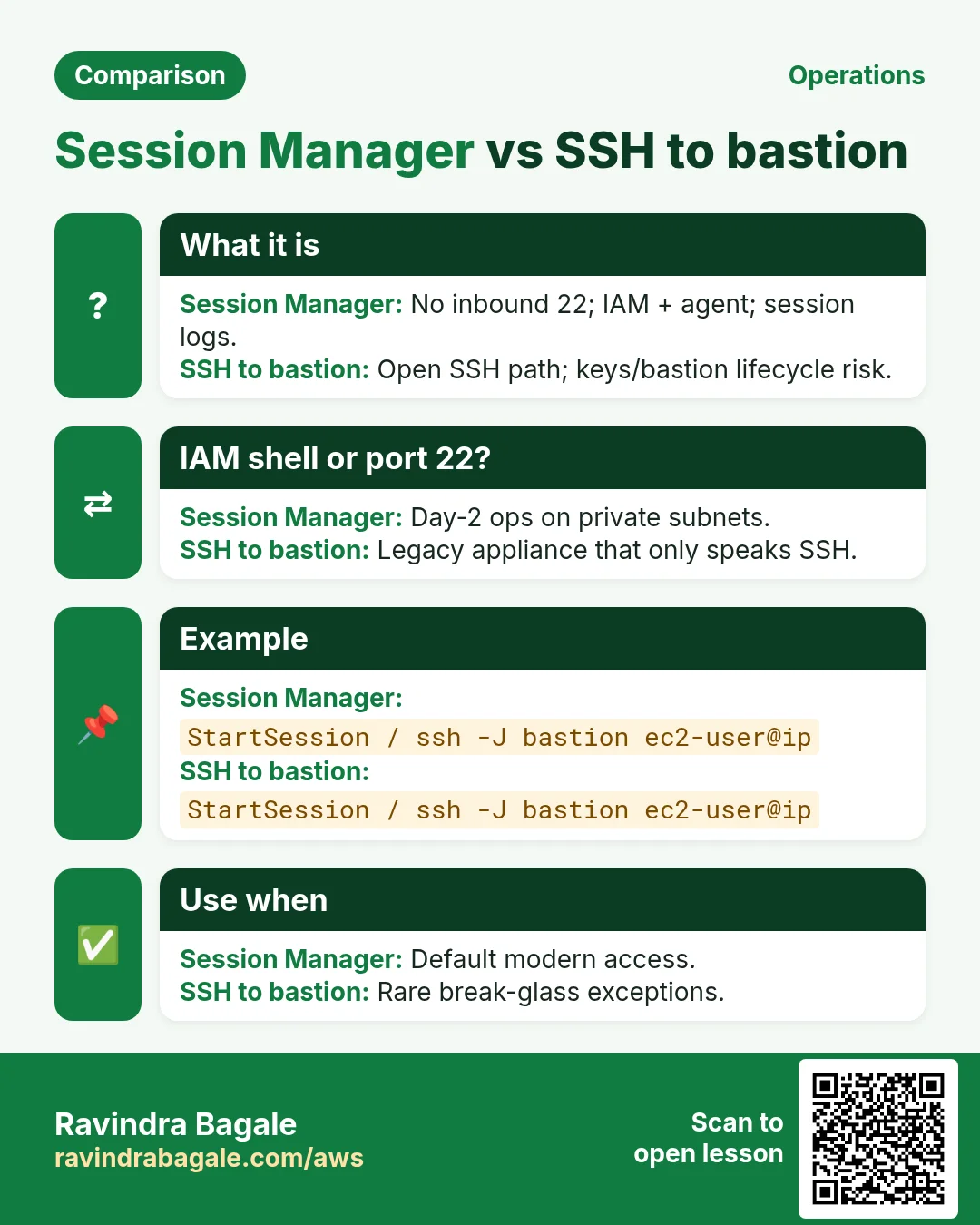
Bastions need patching, keys, and network paths. SSM Agent + IAM gives auditable sessions, API-driven commands, and patch compliance — better for fleets and auditors.
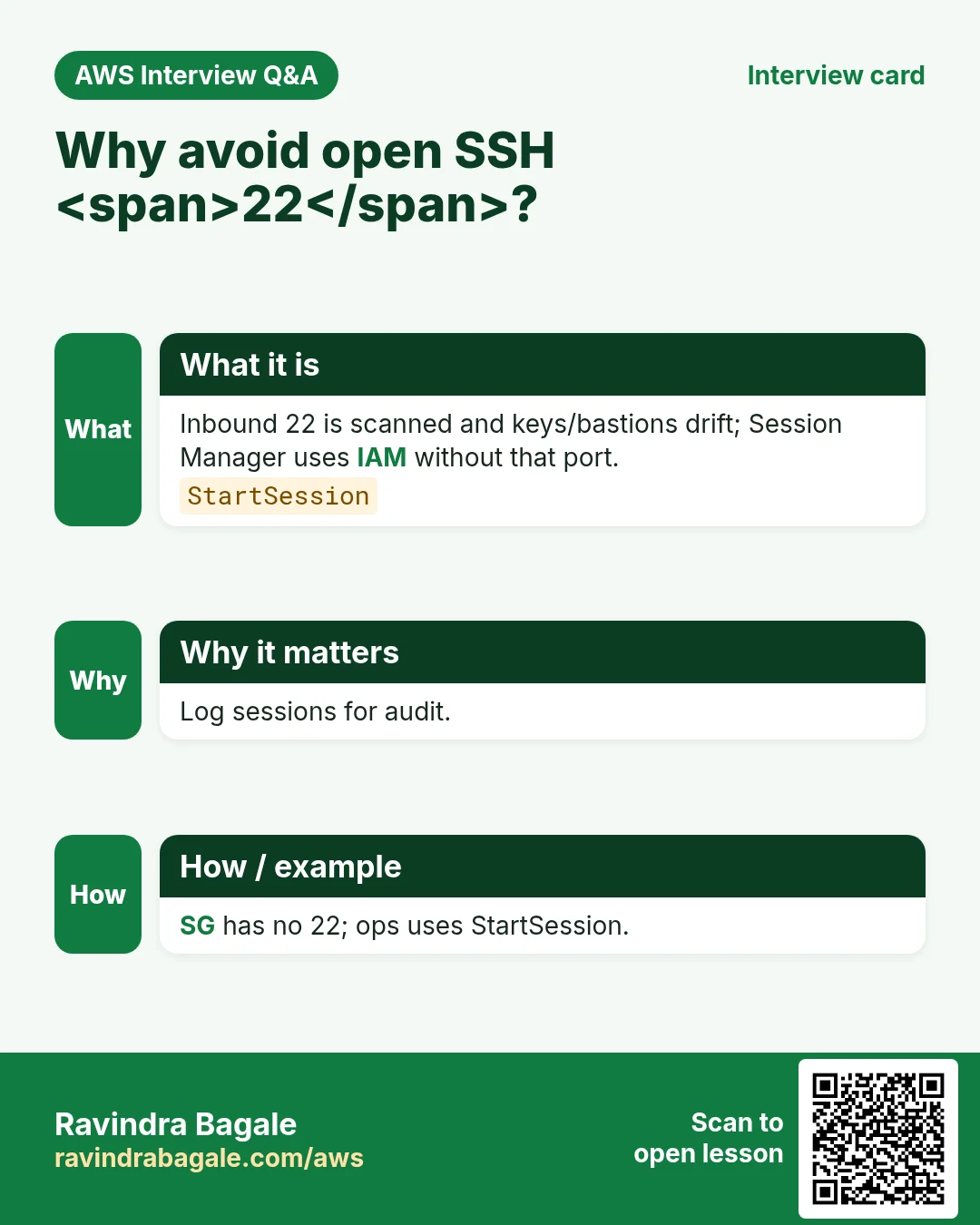
- No inbound 22 required when using Session Manager
- Fleet-wide scripts with Run Command
- Patch baselines and compliance reports
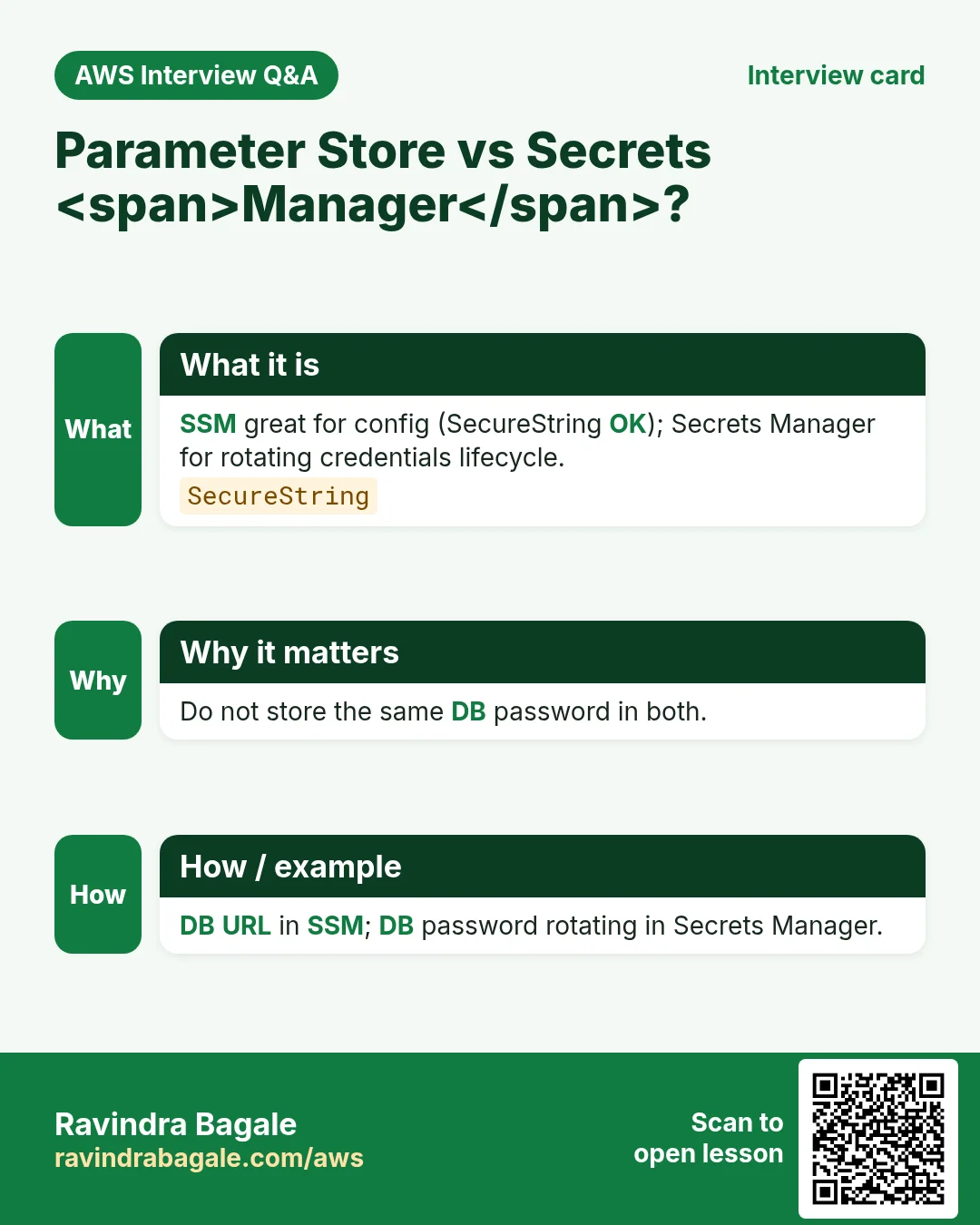
- Parameter Store for config (Secrets Manager for secrets)
3. What is in SSM?
Start with a Linux instance that has no incoming SSH rule. The Systems Manager Agent runs on the node and establishes the connections that the service uses to manage it. The node needs permission to register and communicate. A person opening a session needs their own permission to start one. A console entry showing the node is online means the systems can communicate; it is a separate check from whether your user can log in. Draw node, agent, service and operator before testing the session.
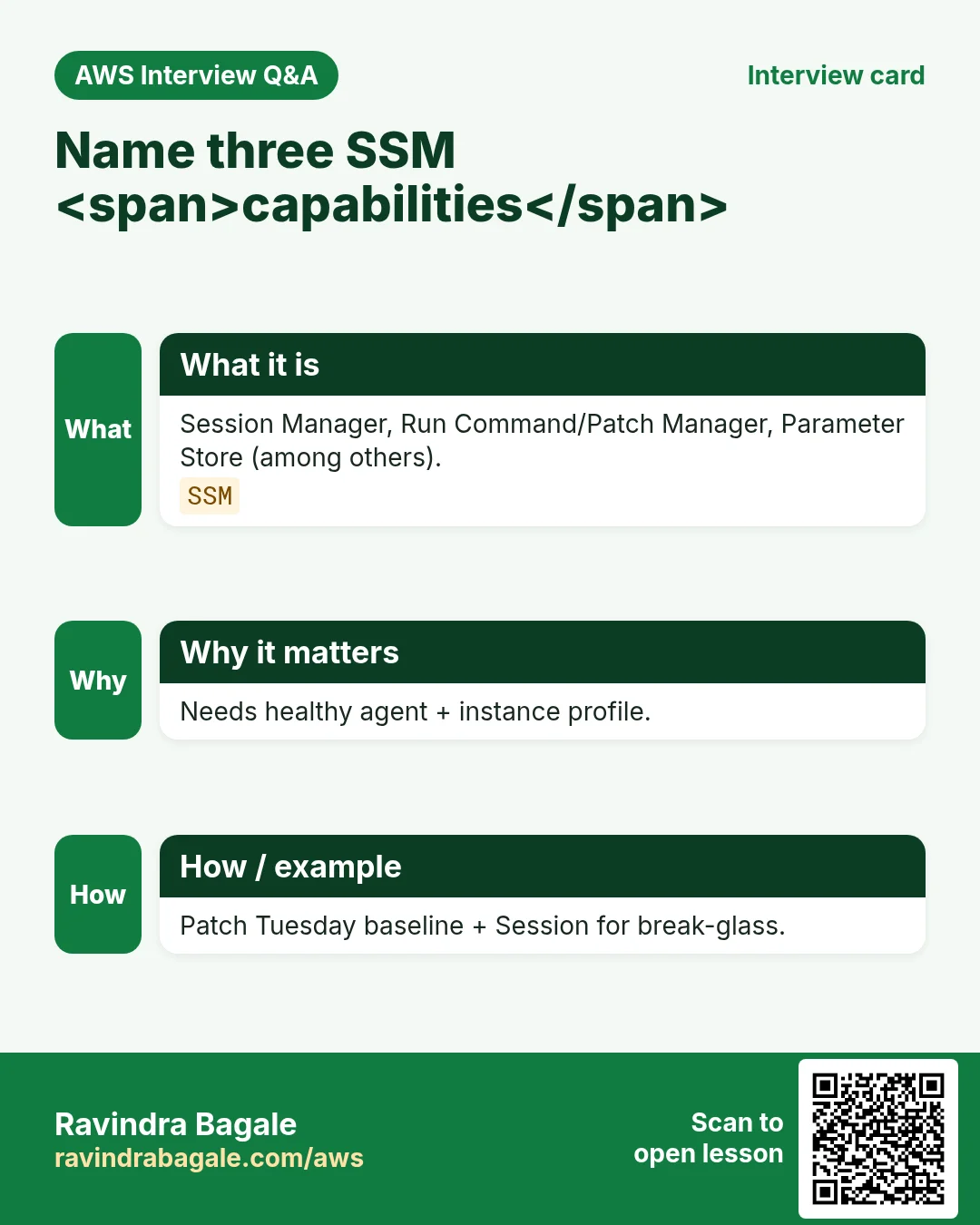
Systems Manager is a suite. Session Manager opens an interactive shell or port forward through the SSM API. Run Command executes documents. Patch Manager applies baselines. Parameter Store holds hierarchical config. Inventory and State Manager add desired-state tooling.
| Capability | Plain job |
|---|---|
| Session Manager | Shell/port-forward without SSH keys |
| Run Command | Run a document on many instances |
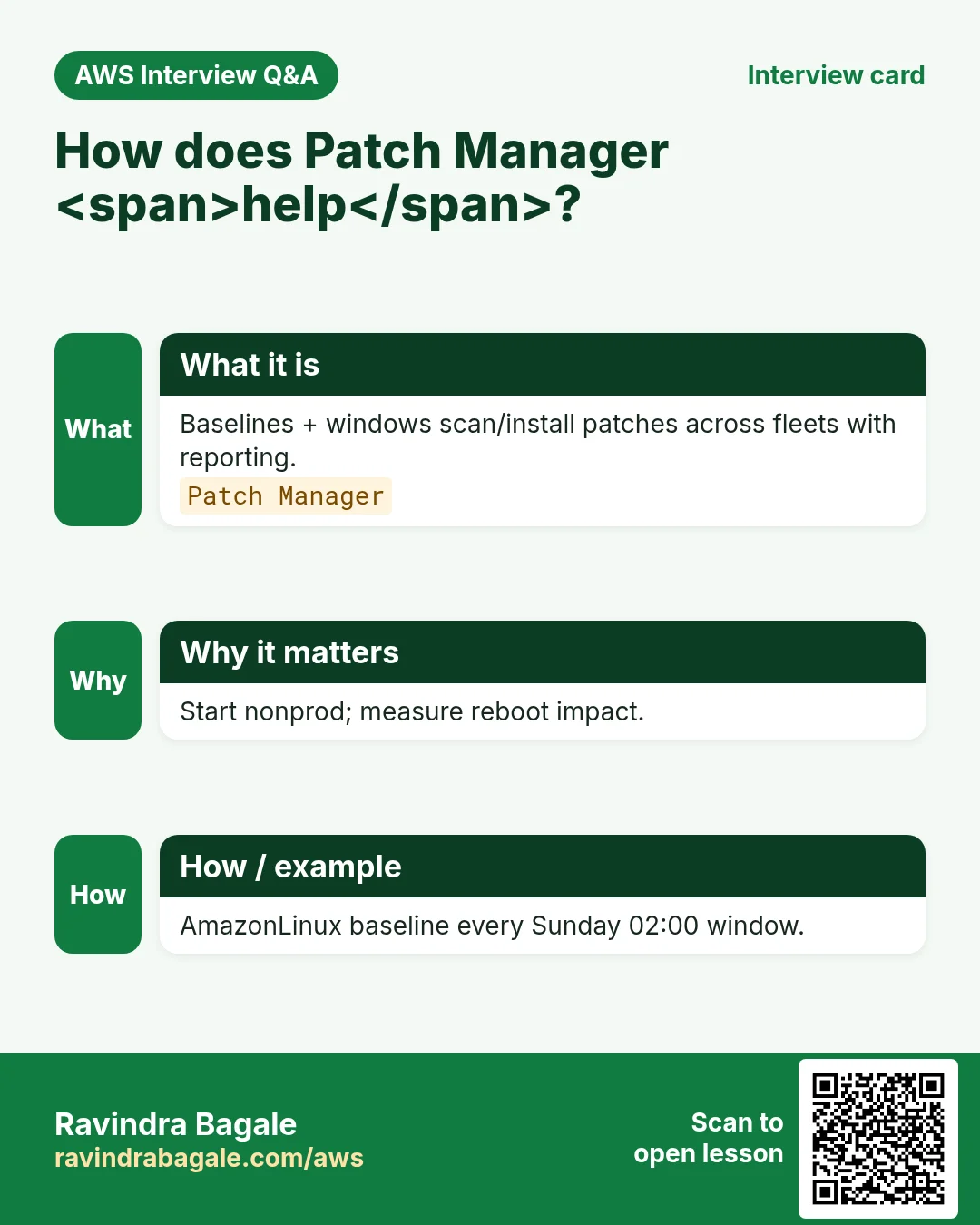
| Patch Manager | Define baselines and maintenance windows |
| Parameter Store | Config strings/paths; advanced tier available |
| Inventory | Collect OS/app metadata |
4. How to enable a safe managed node
Choose the tool by the outcome. Session Manager is for an interactive terminal. Run Command asks the managed node to execute a document and report a result. Patch Manager helps apply a planned patch policy, usually in a controlled window. On the same lab host, compare a terminal check such as whoami with a short Run Command output. Record the node ID and current status so you can tell whether a problem is about the wrong target, the agent connection or the command itself.
- Attach AmazonSSMManagedInstanceCore (or tighter clone) to the instance role.
- Ensure agent installed/running (AL2023 usually has it).
- VPC endpoints for SSM if private subnets without NAT (com.amazonaws.region.ssm etc.).
- Start Session Manager; confirm CloudTrail/Session logs to S3/CW if required.
- Create a Run Command doc or use AWS-RunShellScript for a controlled script.
- Define a patch baseline and maintenance window off-peak.
- Store non-secret config in Parameter Store (/app/dev/db_host).
- Use Secrets Manager for DB passwords; reference from apps.
- Least privilege: separate who can StartSession vs SendCommand.
- Remove public :22 from security groups when Session Manager works.
# Mental model
# SSM agent → managed instance
# Session Manager (no SSH inbound)
# Patch Manager baselines + Run Command docs
5. Parameter Store vs Secrets Manager
| Store | Use for |
|---|---|
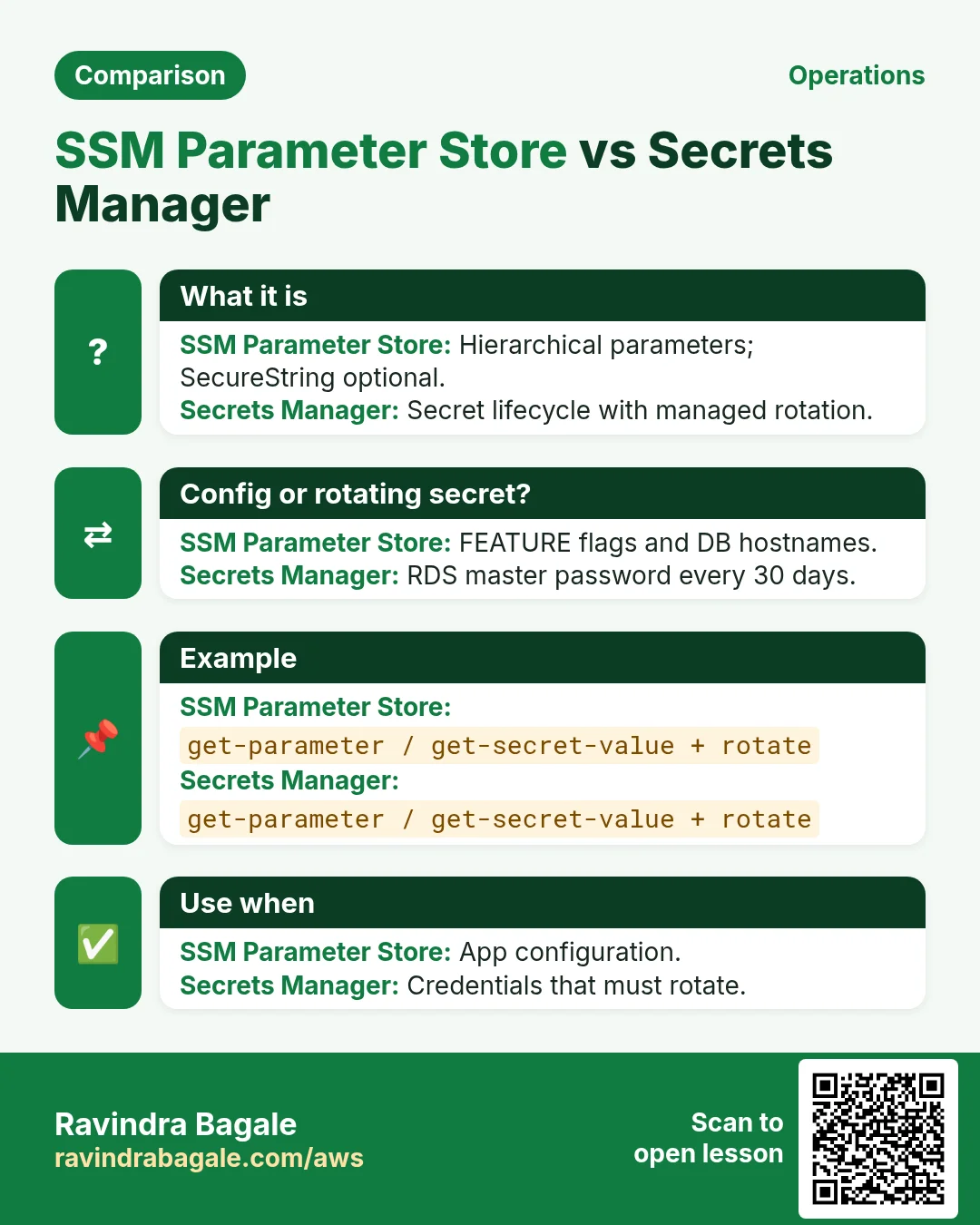
| Parameter Store | Config, feature flags, license paths |
| Secrets Manager | Rotating secrets, RDS integration |
| SSM Advanced tier | Larger params / higher throughput |
6. Multi-industry notes
Factories use Run Command to push agent configs to shop-floor gateways. Banks log every Session Manager start to a central bucket for audit. Startups kill bastion costs by going Session Manager-only in private subnets.
7. Industries and roles
- IT ops: fleet patching weekends
- DevOps: pipeline Run Command smoke tests
- Security: remove SSH keys from laptops
- SaaS: parameterized configs per env
- Healthcare: audited access to clinical jump boxes
8. Lab: Session Manager on a tiny EC2
Expect the disposable instance to appear online before opening a session. Read its identity in the terminal and compare with the intended lab instance. In Run Command, find the returned output and status for that same node. If it never appears, check agent service, Region, permissions and network connectivity to required service endpoints. End the session and remove the disposable resources afterward.
Do this in ap-south-1 (Mumbai) unless your org forbids it. Set a budget alert first.
- Launch Amazon Linux 2023 with SSM-capable role; no public SSH rule.
- Confirm Managed Instances shows Online.
- Start Session Manager; run whoami and hostnamectl.
- SendCommand uname -a; view output in console.
- Create parameter /lab/hello = world; read with get-parameter.
Cleanup (stop billing)
- Terminate instance; delete parameter; remove lab role if unused.
- Delete VPC endpoints if you created only for lab.
9. Common errors and fixes
Each row is a real mistake students and juniors hit. Read the fix before you panic.
| Error / symptom | Fix |
|---|---|
| Agent Offline forever | Check role, DNS, endpoints/NAT, agent service. |
| Opened 22 “just in case” | Close when SSM works; reduce attack surface. |
| Shared PEM still in Slack | Rotate; prefer SSM only. |
| Everyone allowed SendCommand | Separate break-glass role. |
| Secrets in Parameter Store Standard as plaintext habit | Use SecureString + KMS or Secrets Manager. |
| Patch without maintenance window | Avoid random reboots at noon. |
| No session logging | Enable to S3/CloudWatch for audit. |
| Wrong region in CLI | Target instance region. |
| SSM on Windows without agent config | Install/configure official agent. |
| Bastion + SSM both unmanaged | Pick one path; document. |
10. Troubleshooting checklist
- TargetNotConnected: agent/IAM/network path.
- AccessDenied StartSession: missing ssm:StartSession + tunnel perms.
- Run Command pending: instance busy or agent stuck — restart agent.
- Patch status NonCompliant: review baseline exclusions.
- Parameter NotFound: path typo or wrong account.
- Private subnet: add interface endpoints for ssm, ssmmessages, ec2messages.
11. FAQ
Q. Is Session Manager free?
No SSM charge for many features; data transfer/logs may cost — check pricing.
Q. Replace bastion fully?
Often yes for EC2; edge cases remain.
Q. Hybrid servers?
SSM hybrid activation for on-prem.
Q. Ansible vs Run Command?
Both ok; Run Command is AWS-native quick fleet ops.
Q. Parameter Store free tier?
Standard parameters have free tier limits.
Q. Port forward?
Session Manager supports port forwarding use cases.
12. Interview Q&A
Q. What is Session Manager?
SSM feature for shell/port-forward without inbound SSH.
Q. Managed instance prerequisites?
Agent + IAM role + network to SSM endpoints.
Q. Run Command vs SSH script?
API-audited fleet execution with documents.
Q. Patch Manager?
Baselines + windows to drive OS patch compliance.
Q. SecureString?
KMS-encrypted parameter value.
Q. Why remove port 22?
Shrink attack surface; rely on IAM + SSM.
13. Tips in English, Marathi and Hindi
Ravindra Bagale's Tip (EN)
If Session Manager works, delete the “temporary” SSH rule the same day. Temporary rules become permanent holes.
Ravindra Bagale's Tip (MR)
Session Manager चाललं की त्याच दिवशी temporary SSH rule काढा.
Tip (HI)
Session Manager चलते ही उसी दिन temporary SSH rule हटाओ — अस्थायी छेद स्थायी हो जाते हैं।
Try at home
- List the three VPC interface endpoints often needed for private SSM.
- Write an IAM bullet: who may StartSession on prod tags only.
- Compare Parameter Store vs Secrets Manager in 3 lines.
In short
- SSM manages instances without open SSH.
- Session Manager + Run Command + Patch cover daily ops.
- Parameters for config; Secrets Manager for secrets.
- Log sessions and least-privilege the verbs.
Revision, interview and comparison cards
Revise this lesson in a few minutes. Save the cards on your phone or download them as PNG files. The QR code on each card opens this lesson.
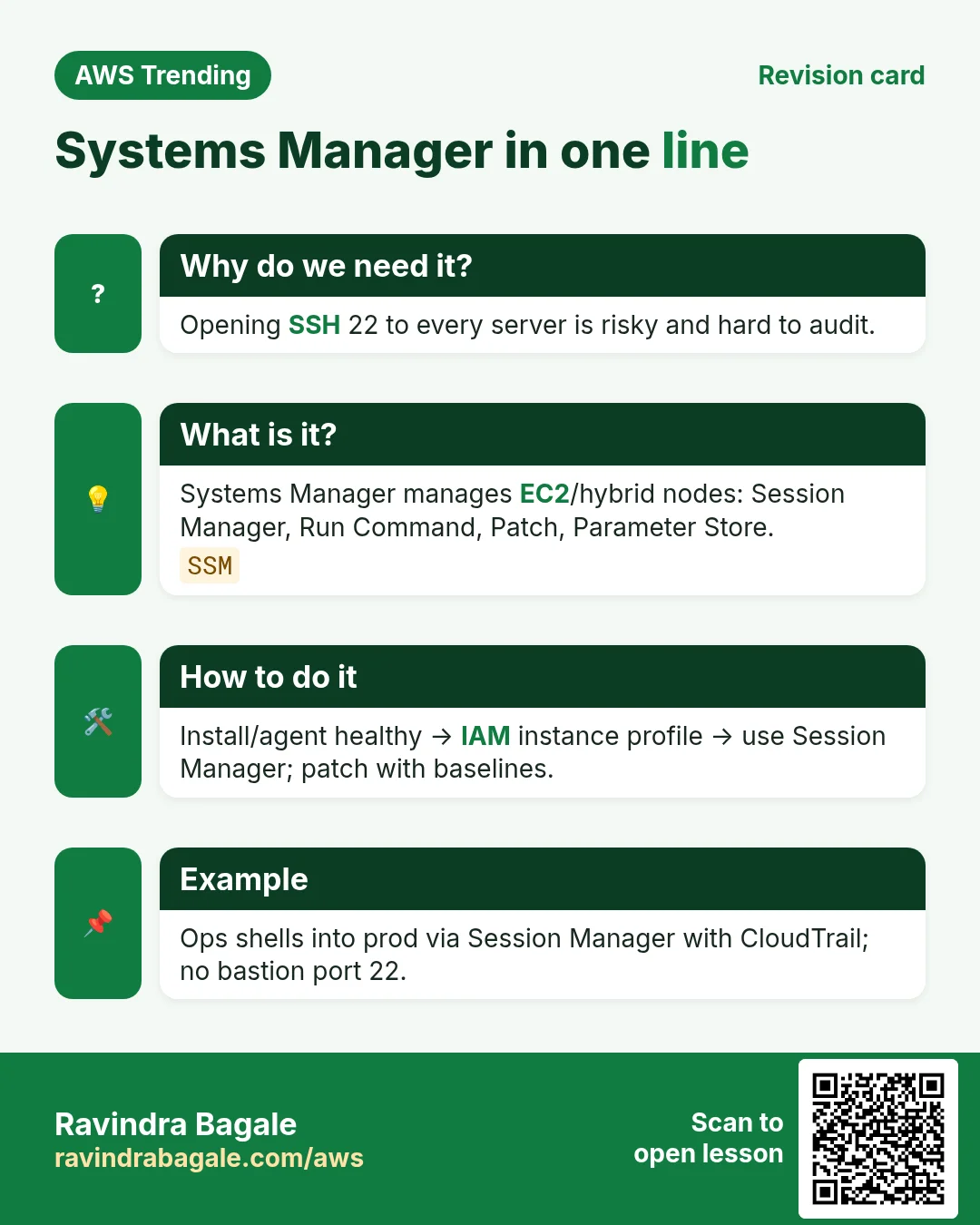
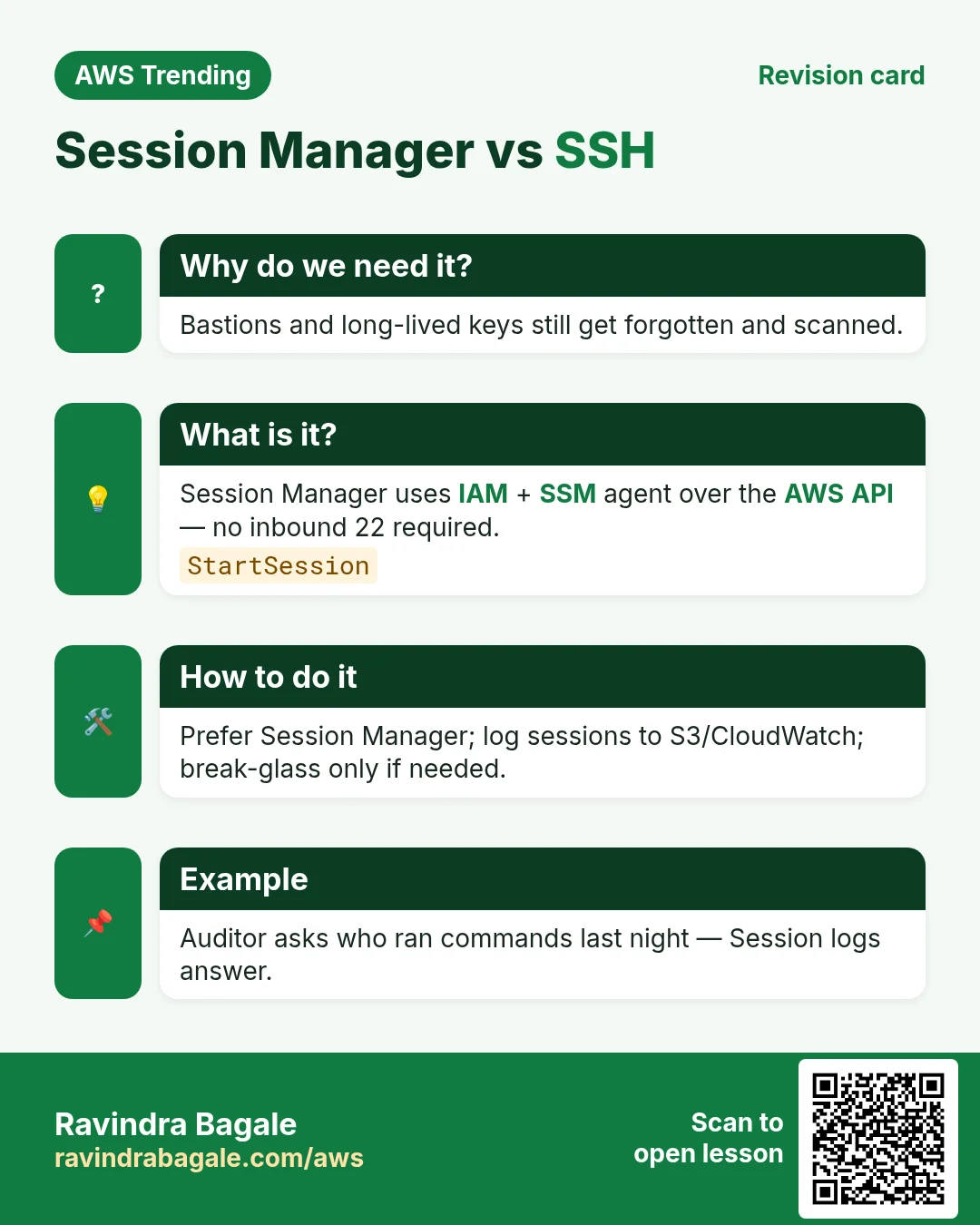
More cards: Ravi Sir's Cards.
Practise this chapter
Interview questions and answers
An EC2 instance is online in Systems Manager, but your user cannot start a session. What does “online” prove?
It shows the node registered and communicated with the service. The operator still needs permission to start the selected session. Check the user’s grant, target and Region. Test with an approved lab identity rather than exposing an inbound SSH rule to fix the denial.
Check your understanding
Choose an answer, then compare your reasoning with the explanation.
Practice Tasks
Practice checks run in your browser. They check the answer for this exercise; they do not create resources or connect to your AWS account.
About this scenarioLondon Legal LLP is a law business in London. Oliver Hughes looks after its IT and cloud work. They count money in GBP and run their AWS resources in the eu-west-2 Region. In the tasks below you do real jobs for them using what this lesson teaches. All names, account IDs, IP addresses and numbers are made up for practice.
0 / 16
Easy Describe instance information
See managed nodes.
Describe instance information.
- Read the task and decide which AWS service it is about.
- Write aws, then the service name, then the operation (the action word).
- Add each needed flag (--name) followed by its value from the task.
- Flags can be in any order. Click Check answer.
Easy Get connection status
Agent online?
Get connection status for i-0123456789abcdef0.
- Read the task and decide which AWS service it is about.
- Write aws, then the service name, then the operation (the action word).
- Add each needed flag (--name) followed by its value from the task.
- Flags can be in any order. Click Check answer.
Easy List documents
Automation docs.
List SSM documents.
- Read the task and decide which AWS service it is about.
- Write aws, then the service name, then the operation (the action word).
- Add each needed flag (--name) followed by its value from the task.
- Flags can be in any order. Click Check answer.
Easy Apply the lesson: scenario 4
Which Systems Manager feature can provide an interactive session without opening inbound SSH port 22?
- Read the situation and identify what you need to decide.
- Work through the relevant concept or calculation.
- Enter only the requested term or number.
- Check your answer, then read the explanation.
Easy Apply the lesson: scenario 5
The instance has the correct IAM role but is not an online managed node. Which software agent should you inspect first?
- Read the situation and identify what you need to decide.
- Work through the relevant concept or calculation.
- Enter only the requested term or number.
- Check your answer, then read the explanation.
Medium Get parameter
Config values.
Get parameter /londonlegal/db-host with decryption.
- Read the task and decide which AWS service it is about.
- Write aws, then the service name, then the operation (the action word).
- Add each needed flag (--name) followed by its value from the task.
- Flags can be in any order. Click Check answer.
Medium List commands
Recent Run Command.
List commands.
- Read the task and decide which AWS service it is about.
- Write aws, then the service name, then the operation (the action word).
- Add each needed flag (--name) followed by its value from the task.
- Flags can be in any order. Click Check answer.
Medium Describe patch baselines
Patch policy.
Describe patch baselines.
- Read the task and decide which AWS service it is about.
- Write aws, then the service name, then the operation (the action word).
- Add each needed flag (--name) followed by its value from the task.
- Flags can be in any order. Click Check answer.
Medium List inventory entries
Collected facts.
List inventory entries for i-0123456789abcdef0.
- Read the task and decide which AWS service it is about.
- Write aws, then the service name, then the operation (the action word).
- Add each needed flag (--name) followed by its value from the task.
- Flags can be in any order. Click Check answer.
Medium Allow GetParameter one
App config LP.
Allow ssm:GetParameter on arn:aws:ssm:eu-west-2:114543297314:parameter/londonlegal/db-host.
- Start with { "Version": "2012-10-17", "Statement": [ ... ] }.
- In each statement write Effect, Action and Resource.
- Give only what the task needs (least privilege).
- Use double quotes and commas correctly. Click Check answer.
Medium Session preference JSON
Prefer SSM over SSH22.
JSON prefer_session_manager true.
- Start from the top-level keys the task names.
- Indent child keys with 2 spaces (no tabs).
- Fill in each property with the value from the task.
- Click Check answer. Key order does not matter.
Medium Apply the lesson: scenario 12
An application credential needs managed secret storage and a rotation workflow. Which AWS service taught here is a suitable starting point?
- Read the situation and identify what you need to decide.
- Work through the relevant concept or calculation.
- Enter only the requested term or number.
- Check your answer, then read the explanation.
Medium Bastion open 22 bad — 0
Prefer SSM.
Is permanent open SSH 22 to bastion best practice? Enter 0 for no.
- Write down the numbers the task gives you.
- Work it out step by step on paper.
- Type only the final answer in the box.
- Click Check answer.
Hard Send AWS-RunShellScript
Fleet shell.
Send command AWS-RunShellScript to i-0123456789abcdef0 with comment lab.
- Read the task and decide which AWS service it is about.
- Write aws, then the service name, then the operation (the action word).
- Add each needed flag (--name) followed by its value from the task.
- Flags can be in any order. Click Check answer.
Hard Allow StartSession
Session LP.
Allow ssm:StartSession on arn:aws:ec2:eu-west-2:114543297314:instance/i-0123456789abcdef0.
- Start with { "Version": "2012-10-17", "Statement": [ ... ] }.
- In each statement write Effect, Action and Resource.
- Give only what the task needs (least privilege).
- Use double quotes and commas correctly. Click Check answer.
Hard Patch window JSON
Maintenance.
JSON window cron sun-02:00.
- Start from the top-level keys the task names.
- Indent child keys with 2 spaces (no tabs).
- Fill in each property with the value from the task.
- Click Check answer. Key order does not matter.