AWS SDK Error Handling, Retries, Pagination and Waiters (Python, PHP, Node.js)
Real AWS calls fail sometimes: a bucket is missing, a request is throttled, the network drops. Here we catch errors properly in Python, PHP and Node.js, tune retries and timeouts, read long lists page by page, wait for resources with waiters and switch on logging.
In this chapter
- Catch service errors by error code
- Configure retry mode and max attempts
- Set connect and read timeouts
- Paginate with paginators
- Use waiters and debug logging
1. The big picture: a courier delivery
Carlos runs a bakery in Madrid and sends cakes by courier. If nobody answers the door, the courier tries again later (retry). If the address does not exist, trying again is pointless (a real error). A big order goes in several vans (pages). And he waits until the parcel shows "delivered" before he calls the customer (waiter).
Every SDK raises a typed error with an error code (NoSuchBucket, AccessDenied, ThrottlingException) and an HTTP status. Throttling and 5xx errors are retried automatically. 4xx errors like AccessDenied are not.
2. Catch errors by code
A user uploads to a bucket name with a typo. You want a clear message, not a stack trace.
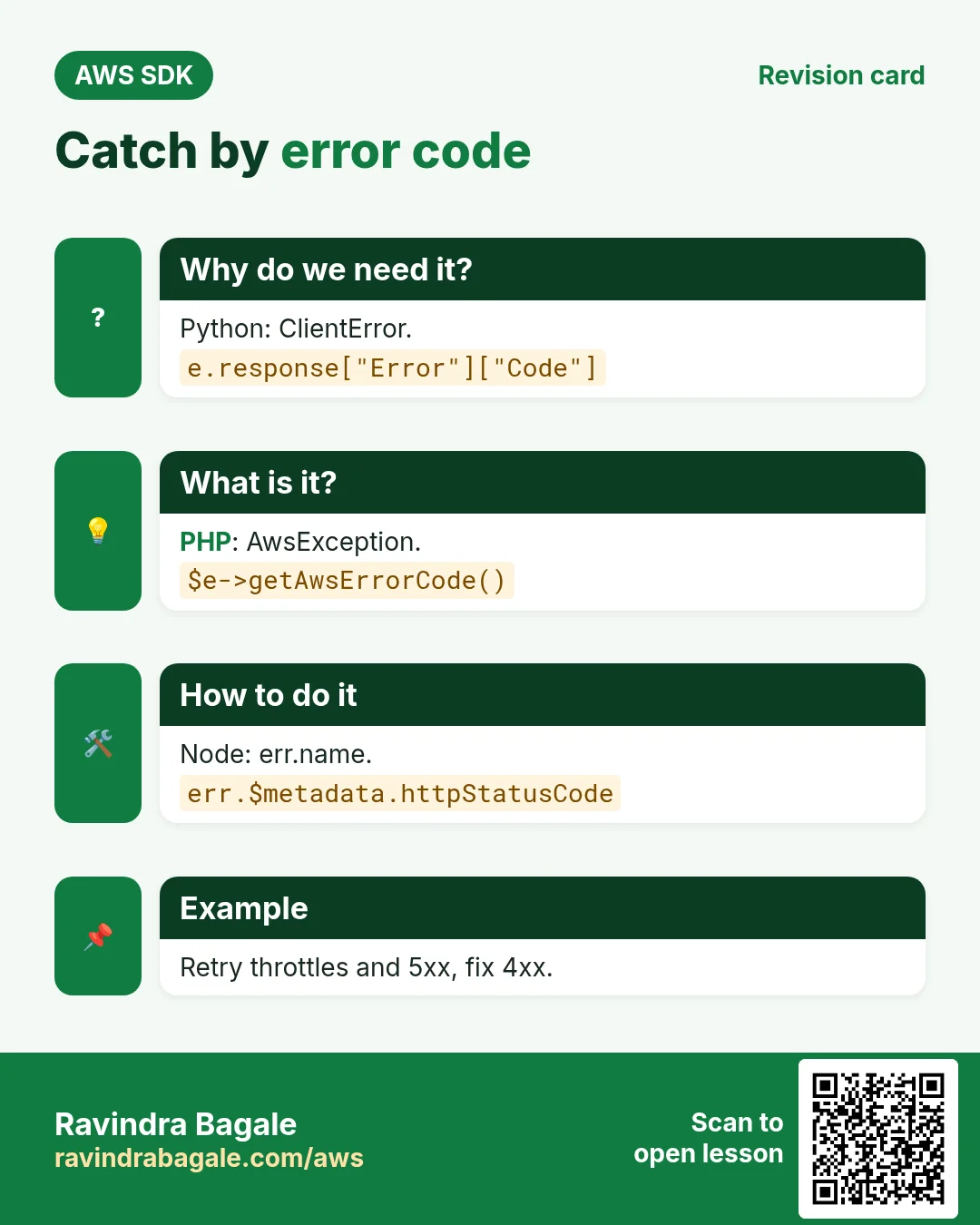
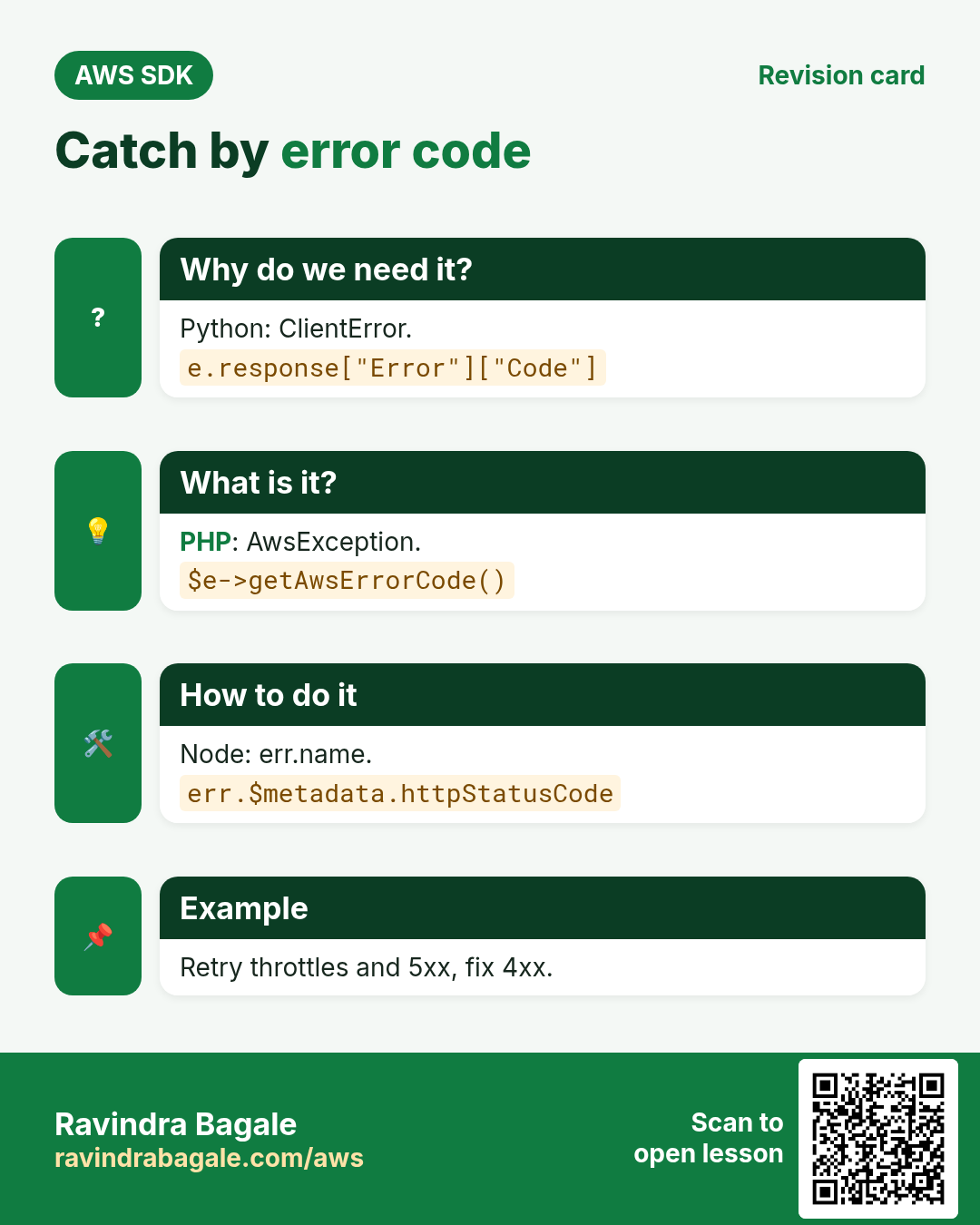
boto3 raises botocore.exceptions.ClientError; PHP throws Aws\Exception\AwsException; Node throws an error whose name is the code and $metadata.httpStatusCode is the status.
- Python: catch ClientError and read the code.
import boto3
from botocore.exceptions import ClientError

s3 = boto3.client("s3", region_name="eu-west-1")
try:
    s3.head_bucket(Bucket="carlos-bakery-no-such-bucket")
except ClientError as e:
    code = e.response["Error"]["Code"]
    status = e.response["ResponseMetadata"]["HTTPStatusCode"]
    print("Failed:", code, status)
Expected output:
Failed: 404 404- Python: handle specific codes differently.
import boto3
from botocore.exceptions import ClientError

ddb = boto3.client("dynamodb", region_name="eu-west-1")
try:
    ddb.describe_table(TableName="Orders-Missing")
except ClientError as e:
    if e.response["Error"]["Code"] == "ResourceNotFoundException":
        print("Table not found, create it first")
    else:
        raise
Expected output:
Table not found, create it first- PHP: catch AwsException.
<?php
require "vendor/autoload.php";
use Aws\DynamoDb\DynamoDbClient;
use Aws\Exception\AwsException;

$ddb = new DynamoDbClient(["region" => "eu-west-1"]);
try {
    $ddb->describeTable(["TableName" => "Orders-Missing"]);
} catch (AwsException $e) {
    echo "Failed: ", $e->getAwsErrorCode(), " ", $e->getStatusCode(), PHP_EOL;
}
Expected output:
Failed: ResourceNotFoundException 400- Node.js: check error.name and the HTTP status.
import { DynamoDBClient, DescribeTableCommand } from "@aws-sdk/client-dynamodb";

const ddb = new DynamoDBClient({ region: "eu-west-1" });
try {
  await ddb.send(new DescribeTableCommand({ TableName: "Orders-Missing" }));
} catch (err) {
  console.log("Failed:", err.name, err.$metadata?.httpStatusCode);
}
Expected output:
Failed: ResourceNotFoundException 400- Verify: the CLI shows the same code.
aws dynamodb describe-table --table-name Orders-Missing --region eu-west-1 2>&1 | head -2Expected output:
An error occurred (ResourceNotFoundException) when calling the DescribeTable operation: Requested resource not found3. Retries and timeouts
A connection timeout says the program did not get the expected response in time. It does not always tell you whether AWS performed the operation. A retry repeats the request, and backoff spaces out retries to give a busy service time to recover. Use the SDK’s documented retry behavior for transient failures and check the error code before retrying a request that was invalid or denied.
Suppose a create request reaches AWS, but your program loses the reply. For an operation that supports an idempotency token, repeat the same intent with the same token and parameters. This lets the service recognize the repeat. If you generate a new token for every attempt or the operation has no such support, use a deliberate read-back or stable application key before retrying changes.
A flash sale sends thousands of writes per second and some get throttled. A slow network should not hang your web request for a minute.
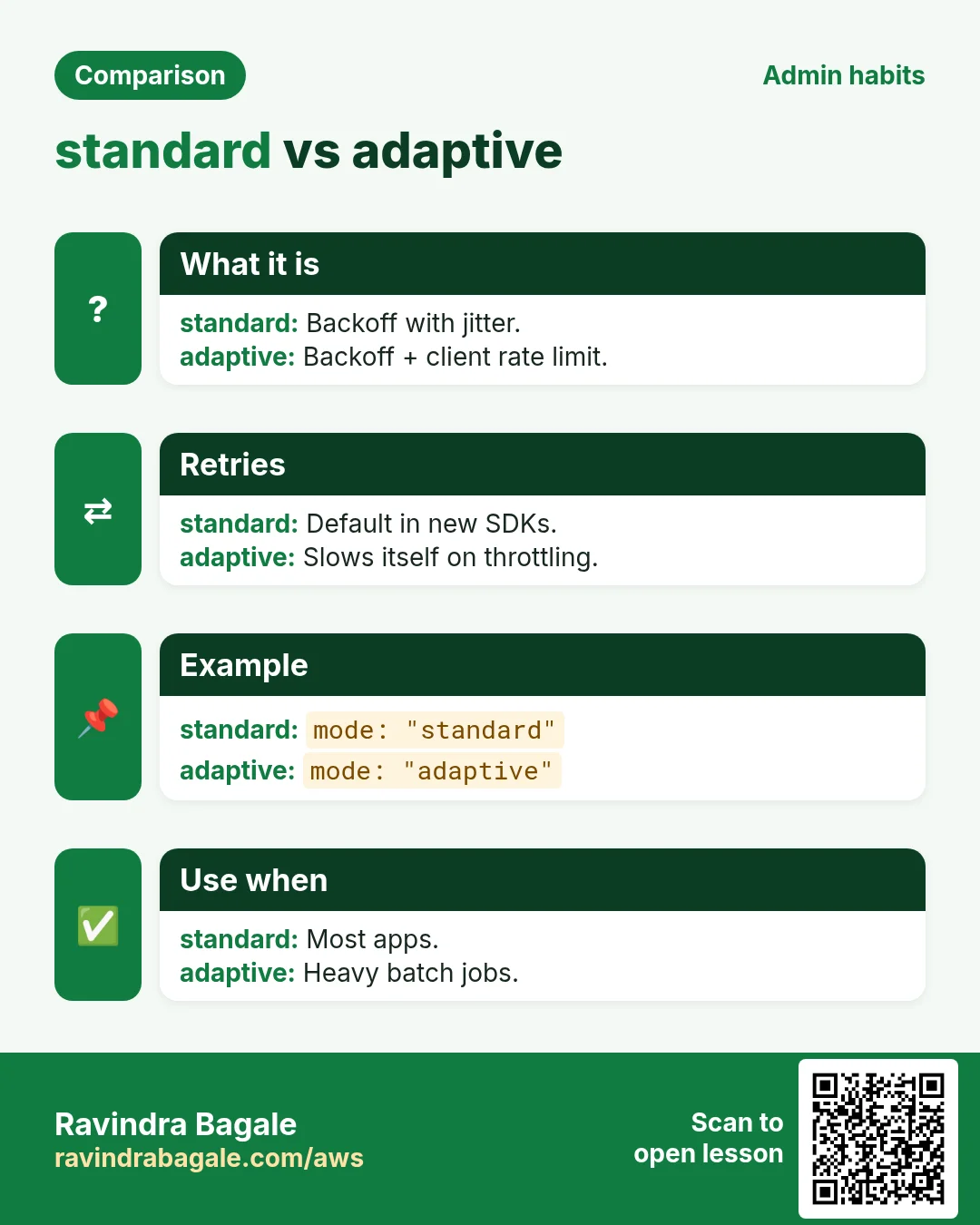
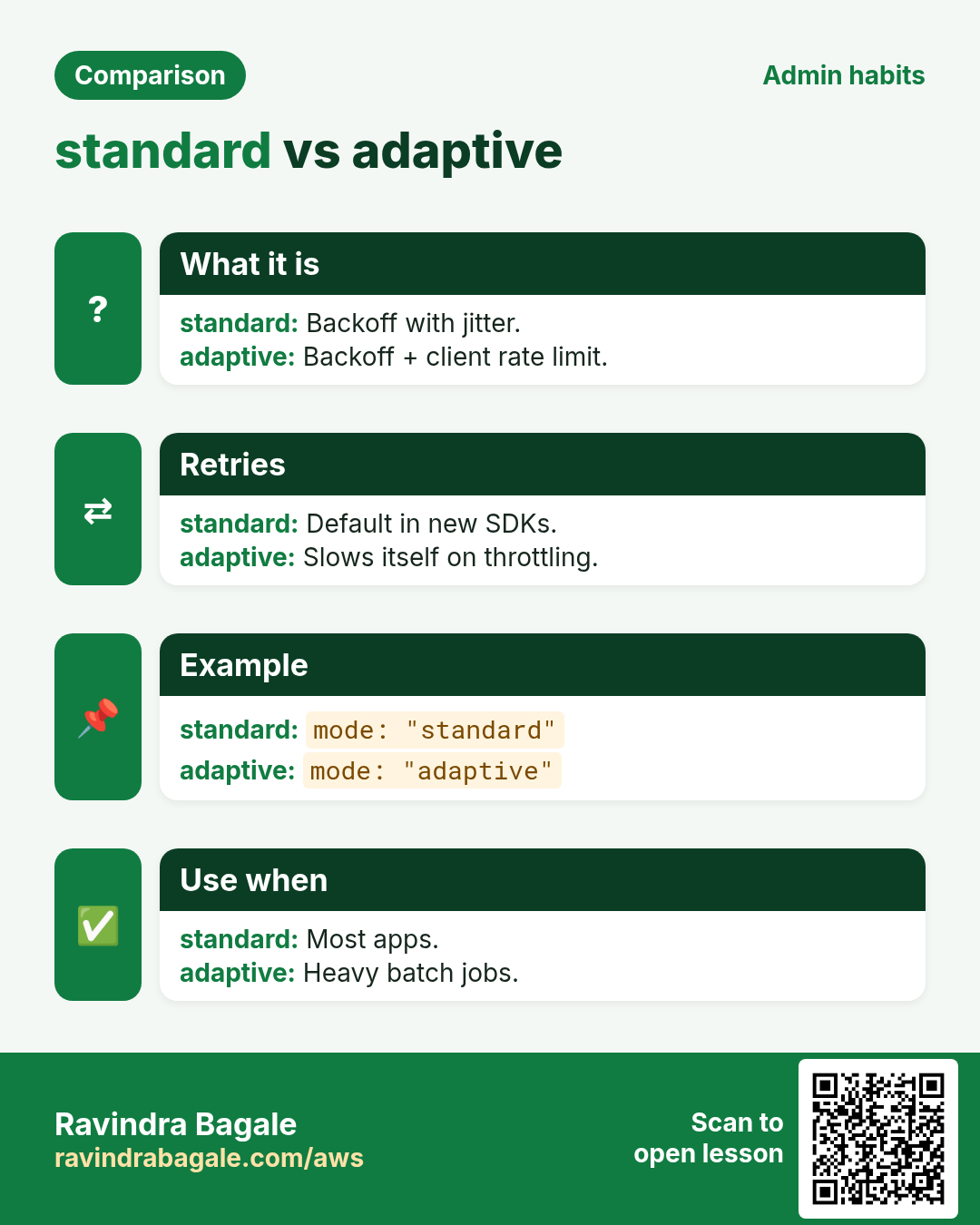
Retry modes: legacy, standard (default in newer SDKs) and adaptive (adds client-side rate limiting). Set max attempts and connect/read timeouts on the client.
- Python: pass a botocore Config.
import boto3
from botocore.config import Config

cfg = Config(
    retries={"max_attempts": 5, "mode": "adaptive"},
    connect_timeout=3,
    read_timeout=10,
)
s3 = boto3.client("s3", region_name="us-east-1", config=cfg)
print(s3.meta.config.retries)
Expected output:
{'max_attempts': 5, 'mode': 'adaptive'}- PHP: set retries and http timeouts.
<?php
require "vendor/autoload.php";
use Aws\S3\S3Client;

$s3 = new S3Client([
    "region"  => "us-east-1",
    "retries" => ["mode" => "standard", "max_attempts" => 5],
    "http"    => ["connect_timeout" => 3, "timeout" => 10],
]);
echo "Client ready with 5 attempts", PHP_EOL;
Expected output:
Client ready with 5 attempts- Node.js: maxAttempts, retryMode and a request handler with timeouts.
import { S3Client } from "@aws-sdk/client-s3";
import { NodeHttpHandler } from "@smithy/node-http-handler";

const s3 = new S3Client({
  region: "us-east-1",
  maxAttempts: 5,
  retryMode: "adaptive",
  requestHandler: new NodeHttpHandler({ connectionTimeout: 3000, requestTimeout: 10000 }),
});
console.log("maxAttempts:", await s3.config.maxAttempts());
Expected output:
maxAttempts: 5- Or set retries for all SDKs with env vars.
export AWS_RETRY_MODE=standard
export AWS_MAX_ATTEMPTS=5
python -c "import boto3;print(boto3.client('s3').meta.config.retries)"
Expected output:
{'mode': 'standard', 'total_max_attempts': 5}- Verify: count how many retries happened on a response.
import boto3
r = boto3.client("s3").list_buckets()
print("Retries:", r["ResponseMetadata"]["RetryAttempts"])
Expected output:
Retries: 04. Pagination
Imagine listing five objects and asking the service for at most two per page. The first result contains keys A and B plus a continuation token. The next request uses that token unchanged and returns C and D with another token. The last returns E and no further token. Your application now has five keys. Counting only the first response would under-report the data.
Read the SDK paginator example as a loop over responses. Print or process each page’s items rather than just the last page. In one test, include a page that has no retained items after filtering but still has a next token. A paginator should continue in that case. If the request fails halfway through, decide how the program will report partial progress instead of treating an incomplete traversal as a complete inventory.
A London agency has 2,500 objects in a bucket, but one ListObjectsV2 call returns at most 1,000. Without pagination you silently miss data.
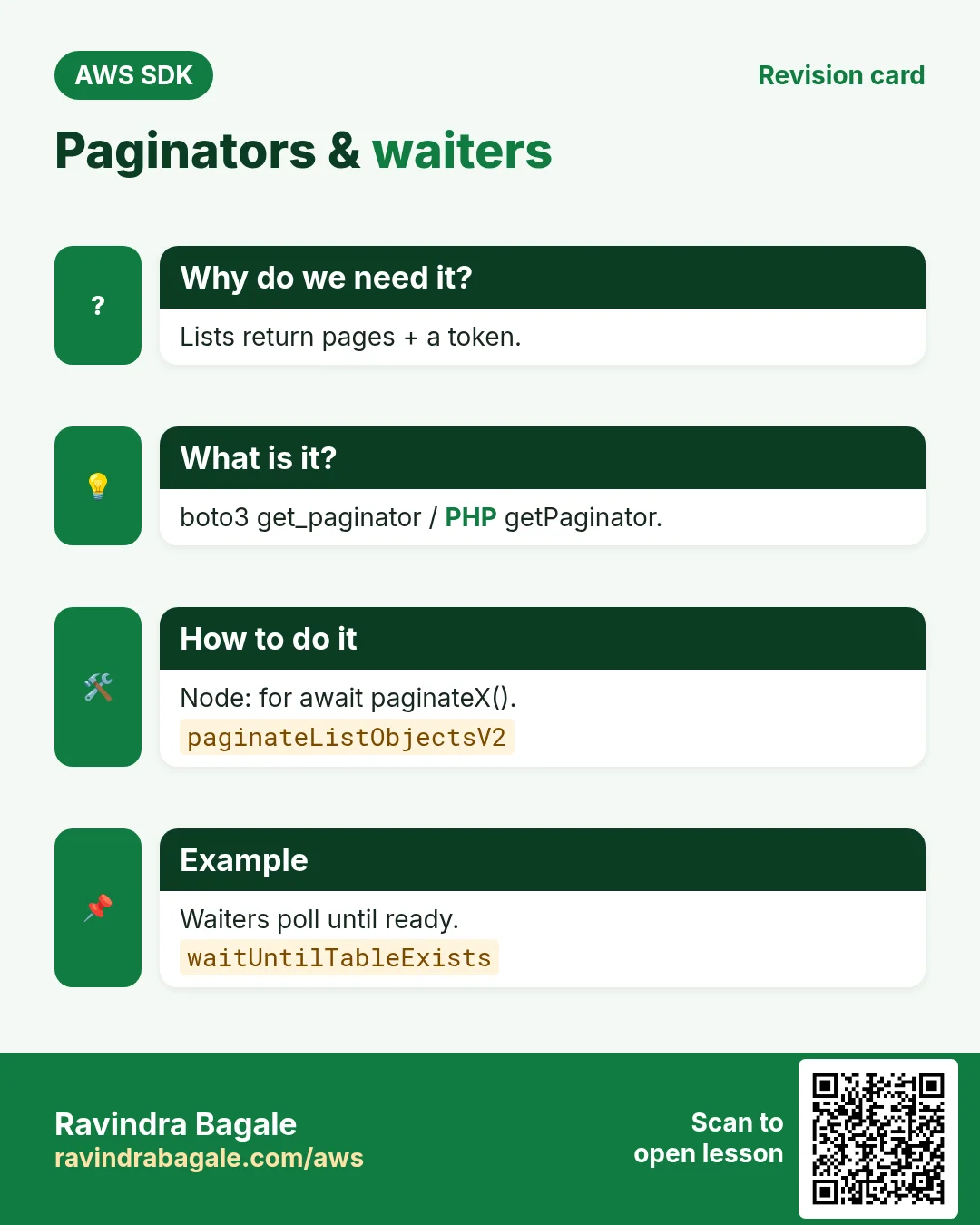
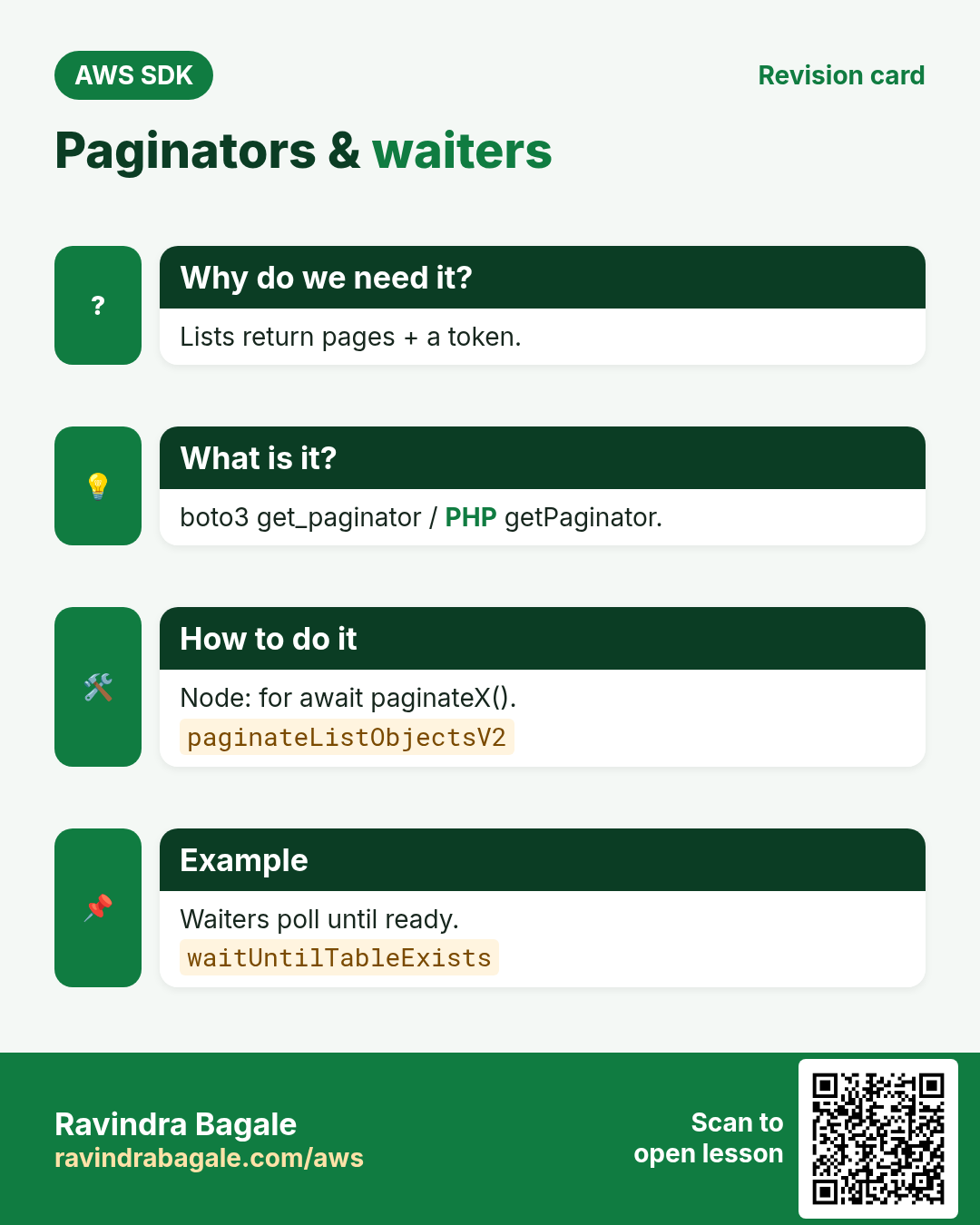
Each SDK has paginators that follow NextToken / ContinuationToken for you: boto3 get_paginator, PHP getPaginator, Node paginateListObjectsV2.
- Python: count every object with a paginator.
import boto3

s3 = boto3.client("s3")
pages = s3.get_paginator("list_objects_v2").paginate(Bucket="london-agency-assets")
total = 0
for page in pages:
    total += page.get("KeyCount", 0)
print("Objects:", total)
Expected output:
Objects: 2500- PHP: getPaginator.
<?php
require "vendor/autoload.php";
$s3 = new Aws\S3\S3Client(["region" => "eu-west-2"]);
$total = 0;
foreach ($s3->getPaginator("ListObjectsV2", ["Bucket" => "london-agency-assets"]) as $page) {
    $total += $page["KeyCount"];
}
echo "Objects: $total", PHP_EOL;
Expected output:
Objects: 2500- Node.js: for await over paginateListObjectsV2.
import { S3Client, paginateListObjectsV2 } from "@aws-sdk/client-s3";

const s3 = new S3Client({ region: "eu-west-2" });
let total = 0;
for await (const page of paginateListObjectsV2({ client: s3 }, { Bucket: "london-agency-assets" })) {
  total += page.KeyCount ?? 0;
}
console.log("Objects:", total);
Expected output:
Objects: 2500- Verify: the CLI count matches.
aws s3api list-objects-v2 --bucket london-agency-assets --query "length(Contents)"Expected output:
25005. Waiters
After creating a DynamoDB table or launching EC2 you must wait until it is ready before using it.
A waiter polls a describe call until a success state, with a delay and max attempts, and fails cleanly if it never gets there.
- Python: wait for a table to exist.
import boto3

ddb = boto3.client("dynamodb", region_name="eu-west-1")
waiter = ddb.get_waiter("table_exists")
waiter.wait(TableName="Orders", WaiterConfig={"Delay": 5, "MaxAttempts": 24})
print("Orders table is ACTIVE")
Expected output:
Orders table is ACTIVE- PHP: waitUntil.
<?php
require "vendor/autoload.php";
$ddb = new Aws\DynamoDb\DynamoDbClient(["region" => "eu-west-1"]);
$ddb->waitUntil("TableExists", ["TableName" => "Orders", "@waiter" => ["delay" => 5, "maxAttempts" => 24]]);
echo "Orders table is ACTIVE", PHP_EOL;
Expected output:
Orders table is ACTIVE- Node.js: waitUntilTableExists.
import { DynamoDBClient, waitUntilTableExists } from "@aws-sdk/client-dynamodb";

const ddb = new DynamoDBClient({ region: "eu-west-1" });
const r = await waitUntilTableExists({ client: ddb, maxWaitTime: 120 }, { TableName: "Orders" });
console.log("Waiter state:", r.state);
Expected output:
Waiter state: SUCCESS- Verify: status is ACTIVE.
aws dynamodb describe-table --table-name Orders --region eu-west-1 --query Table.TableStatus --output textExpected output:
ACTIVE6. Logging and request IDs
When AWS Support asks "what was the request ID?", or a call is slow, you need to see what the SDK sent.
boto3 has set_stream_logger; PHP has the debug option; Node takes a logger such as console. Every response carries a RequestId.
- Python: turn on debug logs for botocore.
import boto3, logging

boto3.set_stream_logger("botocore", logging.DEBUG)
r = boto3.client("sts").get_caller_identity()
print("RequestId:", r["ResponseMetadata"]["RequestId"])
Expected output:
DEBUG - botocore.endpoint - Making request for OperationModel(name=GetCallerIdentity)
...
RequestId: 4c1d7a2e-9b1f-4f5e-a3c2-1d2e3f4a5b6c- PHP: debug option prints the HTTP wire.
<?php
require "vendor/autoload.php";
$sts = new Aws\Sts\StsClient(["region" => "us-east-1", "debug" => ["logfn" => fn($m) => error_log($m), "http" => true]]);
$r = $sts->getCallerIdentity();
echo "RequestId: ", $r["@metadata"]["headers"]["x-amzn-requestid"], PHP_EOL;
Expected output:
RequestId: 4c1d7a2e-9b1f-4f5e-a3c2-1d2e3f4a5b6c- Node.js: pass console as logger.
import { STSClient, GetCallerIdentityCommand } from "@aws-sdk/client-sts";
const sts = new STSClient({ region: "us-east-1", logger: console });
const r = await sts.send(new GetCallerIdentityCommand({}));
console.log("RequestId:", r.$metadata.requestId);
Expected output:
{ clientName: 'STSClient', commandName: 'GetCallerIdentityCommand', ... }
RequestId: 4c1d7a2e-9b1f-4f5e-a3c2-1d2e3f4a5b6c
7. The same call in Java, Go, .NET and the CLI
Teams often mix languages. Once you know the call in Python, PHP and Node.js, the other SDKs are the same API with different syntax.
All of them call the ListObjectsV2 with pagination API. Use the CLI line to test it quickly from a terminal.
| Stack | Code |
|---|---|
| AWS CLI | aws s3api list-objects-v2 --bucket b # CLI paginates automatically |
| Java v2 | s3.listObjectsV2Paginator(r -> r.bucket("b")).contents().forEach(o -> System.out.println(o.key())); |
| Go v2 | p := s3.NewListObjectsV2Paginator(client, &s3.ListObjectsV2Input{Bucket: aws.String("b")}) |
| .NET | await foreach (var o in s3.Paginators.ListObjectsV2(new() { BucketName = "b" }).S3Objects) Console.WriteLine(o.Key); |
8. Clean up so nothing keeps costing
Lab resources left running cost money and can be a security risk.
Delete in reverse order: children first, then parents.
- Unset the retry env vars.
unset AWS_RETRY_MODE AWS_MAX_ATTEMPTS
env | grep -c AWS_MAX_ATTEMPTS
Expected output:
0Ravindra Bagale's Tip
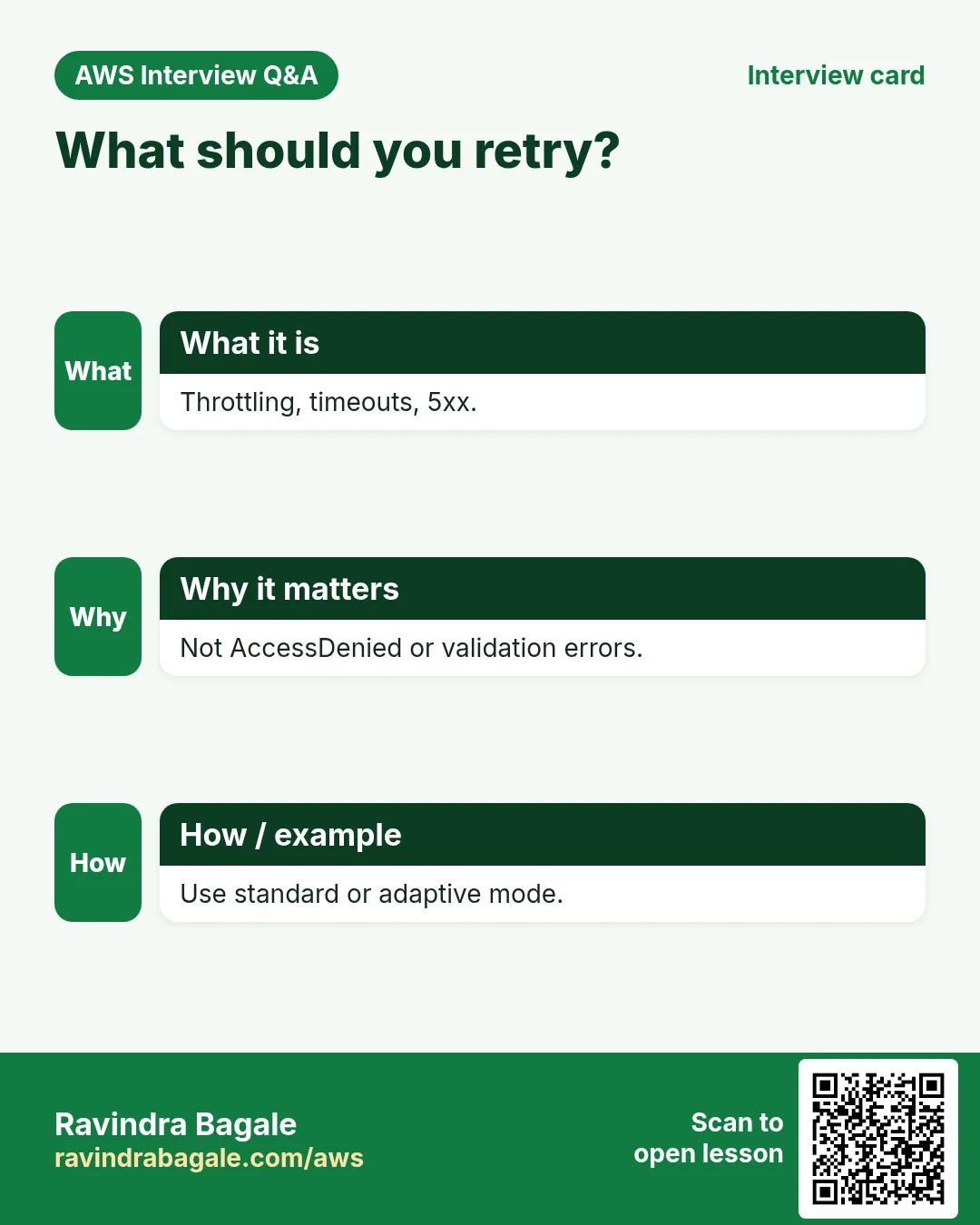
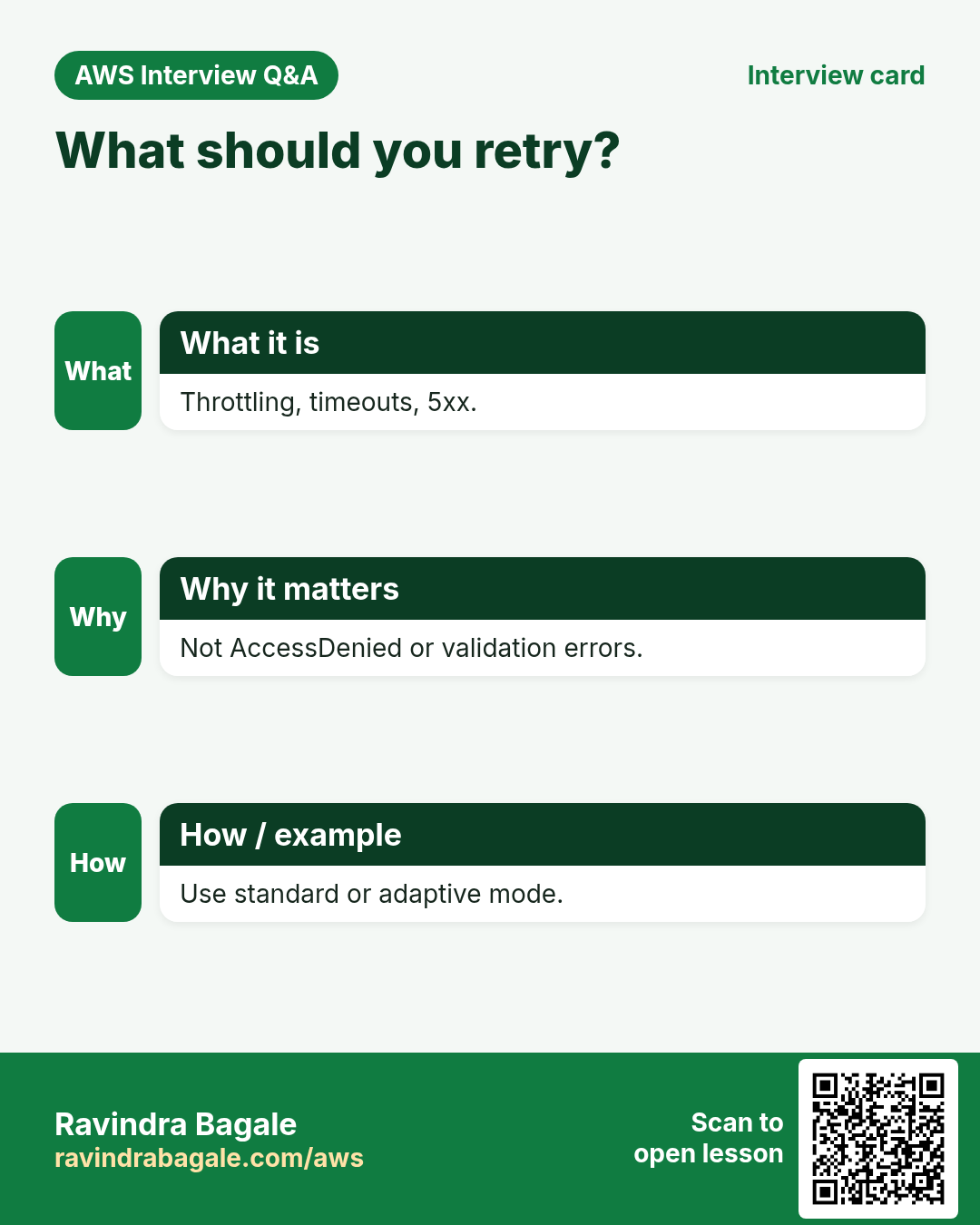
Retry only what is safe to retry. Throttling, timeouts and 5xx: yes. AccessDenied, ValidationException and NoSuchKey: fix the cause instead.
9. Interview questions and answers
Q. Which errors does the SDK retry automatically?
Throttling errors, transient network errors, timeouts and 5xx server errors.
Q. What is the difference between standard and adaptive retry mode?
Standard uses exponential backoff with jitter; adaptive also rate-limits the client when it sees throttling.
Q. Why use paginators?
Most list APIs return one page plus a token. Paginators follow the tokens so you never miss items.
Q. What is a waiter?
A helper that polls a describe API until a resource reaches a state or times out.
Q. How do you read the error code in each SDK?
boto3 e.response["Error"]["Code"], PHP $e->getAwsErrorCode(), Node err.name.
Try at home
- Write a script in each language that lists all IAM roles with a paginator and prints the count.
- Make a call fail with a wrong region and print the error code in all three languages.
In short
- Catch by error code, not by message text.
- Retries: standard or adaptive, max attempts.
- Always set timeouts.
- Paginators read every page.
- Waiters wait; logs show RequestId.
Separate a retriable error from a wrong request
In a mocked test, return throttling once then success. Add an access denial and verify the caller surfaces it. Simulate two pages and assert both are processed. Waiters check later state separately from retries for one request.
Interview check Should app code blindly retry every exception?
No. Invalid requests and permission failures usually need correction. Use SDK retry policy for appropriate transient errors, plus idempotency for requests with side effects.
Practise this chapter
Interview questions and answers
How would you handle an ambiguous timeout during an SDK create call?
I would check whether the API supports retrying the same intent with a stable token and parameters. I would use the documented retry policy for suitable errors. If create status is still unclear, I would inspect existing resources or an application record before risking a duplicate.
Check your understanding
Choose an answer, then compare your reasoning with the explanation.
Practice Tasks
Practice checks run in your browser. They check the answer for this exercise; they do not create resources or connect to your AWS account.
About this scenarioThane Housing Society is a real estate business in Thane. Mahesh Patwardhan looks after its IT and cloud work. They count money in INR and run their AWS resources in the ap-south-1 Region. In the tasks below you do real jobs for them using what this lesson teaches. All names, account IDs, IP addresses and numbers are made up for practice.
0 / 12
Easy Create a route table
A route table decides where traffic from a subnet goes.
Create a route table in vpc-000a43afa3deadbee.
- Read the task and decide which AWS service it is about.
- Write aws, then the service name, then the operation (the action word).
- Add each needed flag (--name) followed by its value from the task.
- Flags can be in any order. Click Check answer.
Easy Protect an SSH key file
SSH refuses to use a key file that other users can read.
Make thanehousing-key.pem readable only by its owner and nobody else (no write).
- Find the Linux command that does this job.
- Add the options (like -r or -h) the task needs.
- Add the file names, folders or users in the right order.
- Use sudo if the job changes system files or users. Click Check answer.
Easy Connect to an EC2 server
SSH with a key file is the standard way to log in to a Linux EC2 instance.
Log in to the server 13.172.20.5 as ec2-user using the key thanehousing-key.pem.
- Find the Linux command that does this job.
- Add the options (like -r or -h) the task needs.
- Add the file names, folders or users in the right order.
- Use sudo if the job changes system files or users. Click Check answer.
Easy Port for SSH
Security group rules need the right port.
Which TCP port must the security group open for SSH?
- Write down the numbers the task gives you.
- Work it out step by step on paper.
- Type only the final answer in the box.
- Click Check answer.
Medium Link a subnet to a route table
Until you associate it, a subnet uses the main route table.
Associate subnet subnet-02200b43bcb3bb1 with route table rtb-02200b43bcb3bb22.
- Read the task and decide which AWS service it is about.
- Write aws, then the service name, then the operation (the action word).
- Add each needed flag (--name) followed by its value from the task.
- Flags can be in any order. Click Check answer.
Medium Add the internet route
A subnet is "public" only when its route table sends 0.0.0.0/0 to an internet gateway.
In route table rtb-02200b43bcb3bb22, send all internet traffic (0.0.0.0/0) to igw-0200b43bcb3aa11.
- Read the task and decide which AWS service it is about.
- Write aws, then the service name, then the operation (the action word).
- Add each needed flag (--name) followed by its value from the task.
- Flags can be in any order. Click Check answer.
Medium Copy your public key to another server
After this, you can SSH to that server without a password.
Copy your public key to user ec2-user on 10.0.7.25.
- Find the Linux command that does this job.
- Add the options (like -r or -h) the task needs.
- Add the file names, folders or users in the right order.
- Use sudo if the job changes system files or users. Click Check answer.
Medium Create an SSH key pair
Passwordless SSH between servers needs a key pair on the first server.
Create a new SSH key pair of type ed25519.
- Find the Linux command that does this job.
- Add the options (like -r or -h) the task needs.
- Add the file names, folders or users in the right order.
- Use sudo if the job changes system files or users. Click Check answer.
Medium Upload a file to the server
scp copies files over SSH, so it uses the same key and user.
Upload index.html from your laptop to /home/ec2-user/ on 13.172.20.5 using thanehousing-key.pem.
- Find the Linux command that does this job.
- Add the options (like -r or -h) the task needs.
- Add the file names, folders or users in the right order.
- Use sudo if the job changes system files or users. Click Check answer.
Hard Create a NAT gateway
Private servers use a NAT gateway (in a public subnet) to download updates.
Create a NAT gateway in public subnet subnet-02200b43bcb3bb1 using Elastic IP allocation eipalloc-0200b43bcb3dd44.
- Read the task and decide which AWS service it is about.
- Write aws, then the service name, then the operation (the action word).
- Add each needed flag (--name) followed by its value from the task.
- Flags can be in any order. Click Check answer.
Hard Route private traffic through NAT
The private route table must send 0.0.0.0/0 to the NAT gateway, not the internet gateway.
In private route table rtb-02200b43bcb3bb22, send 0.0.0.0/0 to NAT gateway nat-000b43bcb3cc33.
- Read the task and decide which AWS service it is about.
- Write aws, then the service name, then the operation (the action word).
- Add each needed flag (--name) followed by its value from the task.
- Flags can be in any order. Click Check answer.
Hard Allow SSH only from the office
Opening SSH to everyone invites attacks. Allow only your office IP (/32).
On sg-02200a43aba34c3b2, allow inbound TCP port 22 only from the office IP 49.36.7.10.
- Read the task and decide which AWS service it is about.
- Write aws, then the service name, then the operation (the action word).
- Add each needed flag (--name) followed by its value from the task.
- Flags can be in any order. Click Check answer.
Revision, comparison and interview cards
Revise this lesson in a few minutes. Save the cards on your phone or download them as PNG files. The QR code on each card opens this lesson.
More cards: Ravi Sir's Cards.