AWS CLI CloudFormation Commands: Deploy, Update and Delete Stacks
We build infrastructure from a file: validate a template, deploy a stack with parameters, preview with change sets, read outputs and events, detect drift and delete.
In this chapter
- Validate a template
- Deploy a stack
- Preview with change sets
- Outputs, events and drift
- Delete safely
1. The big picture: a house plan
An architect draws a plan once and the builder makes the same house again and again. A CloudFormation template is the plan; a stack is the house built from it.
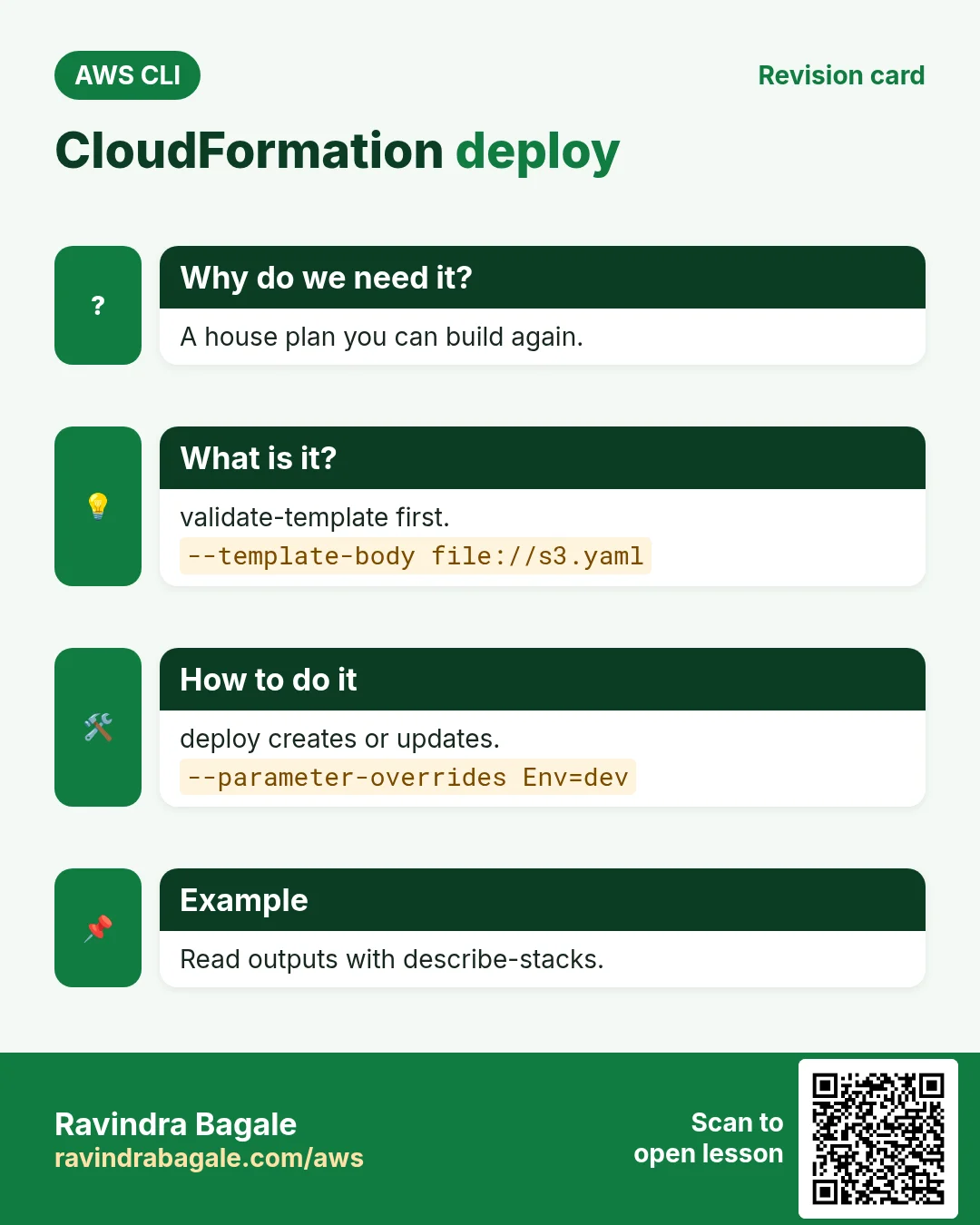
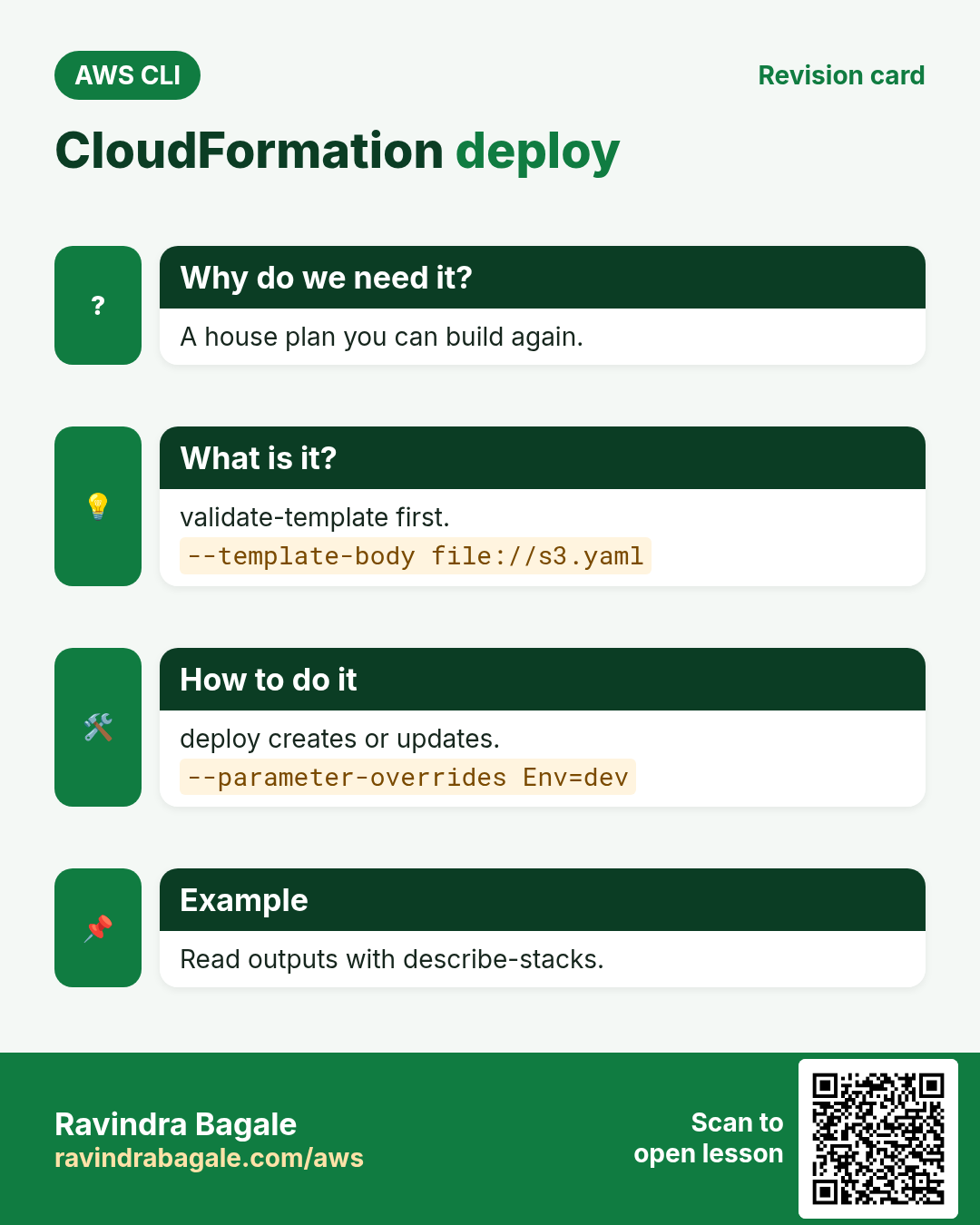
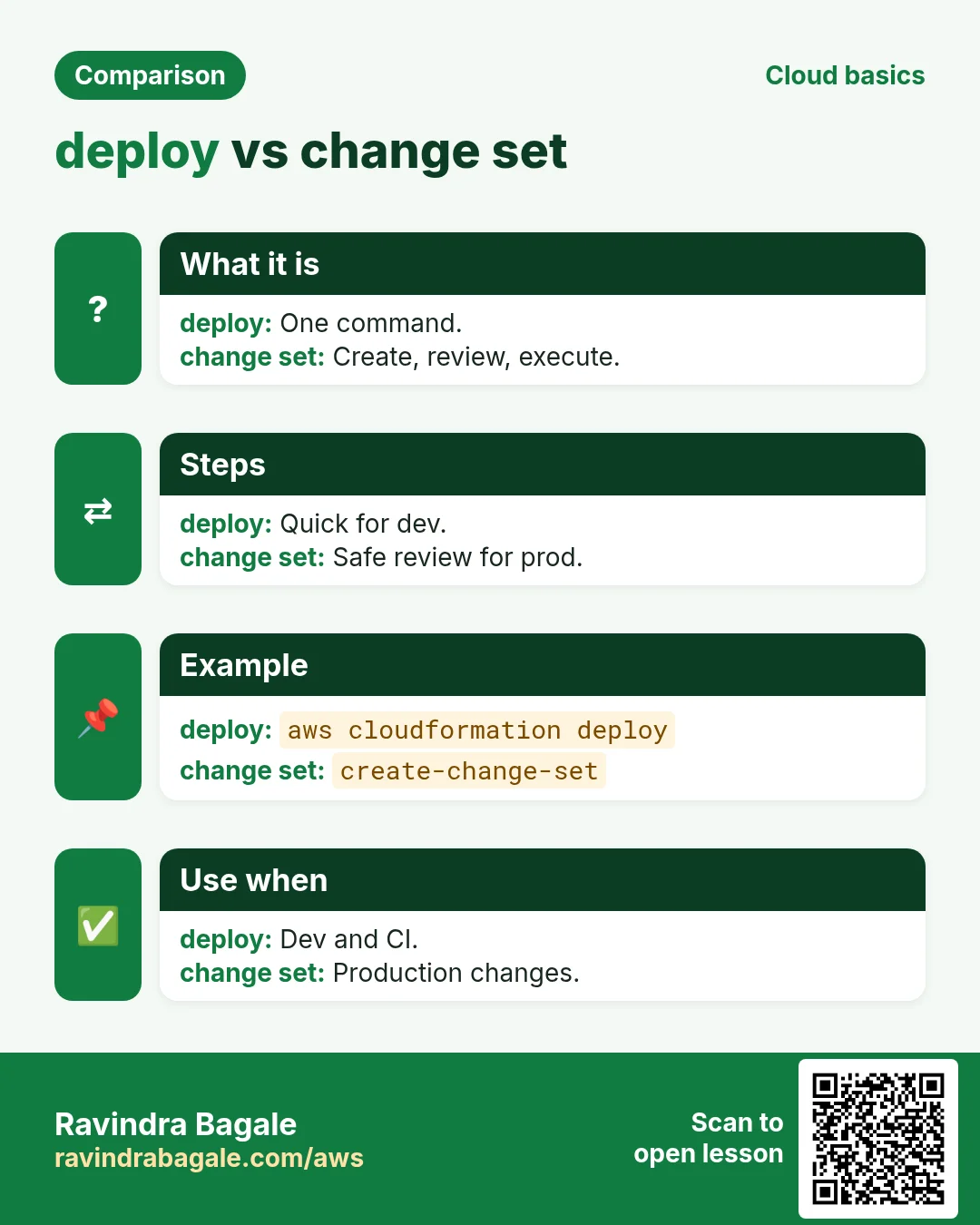
Commands are in aws cloudformation. deploy creates or updates in one step; create-change-set lets you preview first.
2. Template and validate
A template is a description of resources and their relationships. A parameter is a value you supply at deployment, a logical ID names an item in the template, and a physical ID identifies its created AWS resource. Outputs expose selected values after deployment. If your template creates a practice bucket, its logical ID can stay constant even if a property change would replace the actual bucket.
Use the commands to check different things in sequence. Validation checks the template format. A change set previews what AWS plans to add, change or remove with the supplied parameters. Executing that change set makes actual changes. Read stack events after execution for errors and rollback. Review the scope and preview first, especially when a resource might contain data.
Clicking in the console cannot be repeated or reviewed.
A template has Parameters, Resources and Outputs. validate-template checks syntax before you spend time.
- Write a small template.
cat > s3.yaml <<'Y'
Parameters:
  Env: {Type: String, AllowedValues: [dev, prod], Default: dev}
Resources:
  Bucket:
    Type: AWS::S3::Bucket
    Properties:
      Tags: [{Key: env, Value: !Ref Env}]
Outputs:
  BucketName: {Value: !Ref Bucket}
Y
Expected output:
(no output means success)- Validate.
aws cloudformation validate-template --template-body file://s3.yaml --query "Parameters[].ParameterKey" --output textExpected output:
Env3. Deploy
One command should create the stack the first time and update it later.
deploy makes and runs a change set for you. --parameter-overrides sets values. --capabilities is needed for IAM resources.
- Deploy the stack.
aws cloudformation deploy --stack-name cli-s3 --template-file s3.yaml --parameter-overrides Env=dev --tags project=cliExpected output:
Waiting for changeset to be created..
Waiting for stack create/update to complete
Successfully created/updated stack - cli-s3- Read outputs.
aws cloudformation describe-stacks --stack-name cli-s3 --query "Stacks[0].[StackStatus,Outputs[0].OutputValue]" --output textExpected output:
CREATE_COMPLETE cli-s3-bucket-1a2b3c4d5e6f- Run again with no change.
aws cloudformation deploy --stack-name cli-s3 --template-file s3.yaml --parameter-overrides Env=devExpected output:
No changes to deploy. Stack cli-s3 is up to date4. Change sets
Use the lesson’s cli-s3 practice stack and Env=dev parameter. Validation reads the template and describes its accepted parameters. Deployment uses the parameter to decide what to create and returns stack state and outputs after its change. Save the output bucket name before testing so you know which resource belongs to this stack.
When you change a property in the disposable template, look at the preview before executing it. One simple tag change can modify the existing bucket. A change that requires a different physical name can require replacement. Check the preview resource action, then compare stack events and the resulting physical ID. This gives students visible evidence of when one logical resource retained its underlying object and when CloudFormation created another.
In production you must see what will be replaced before it happens.
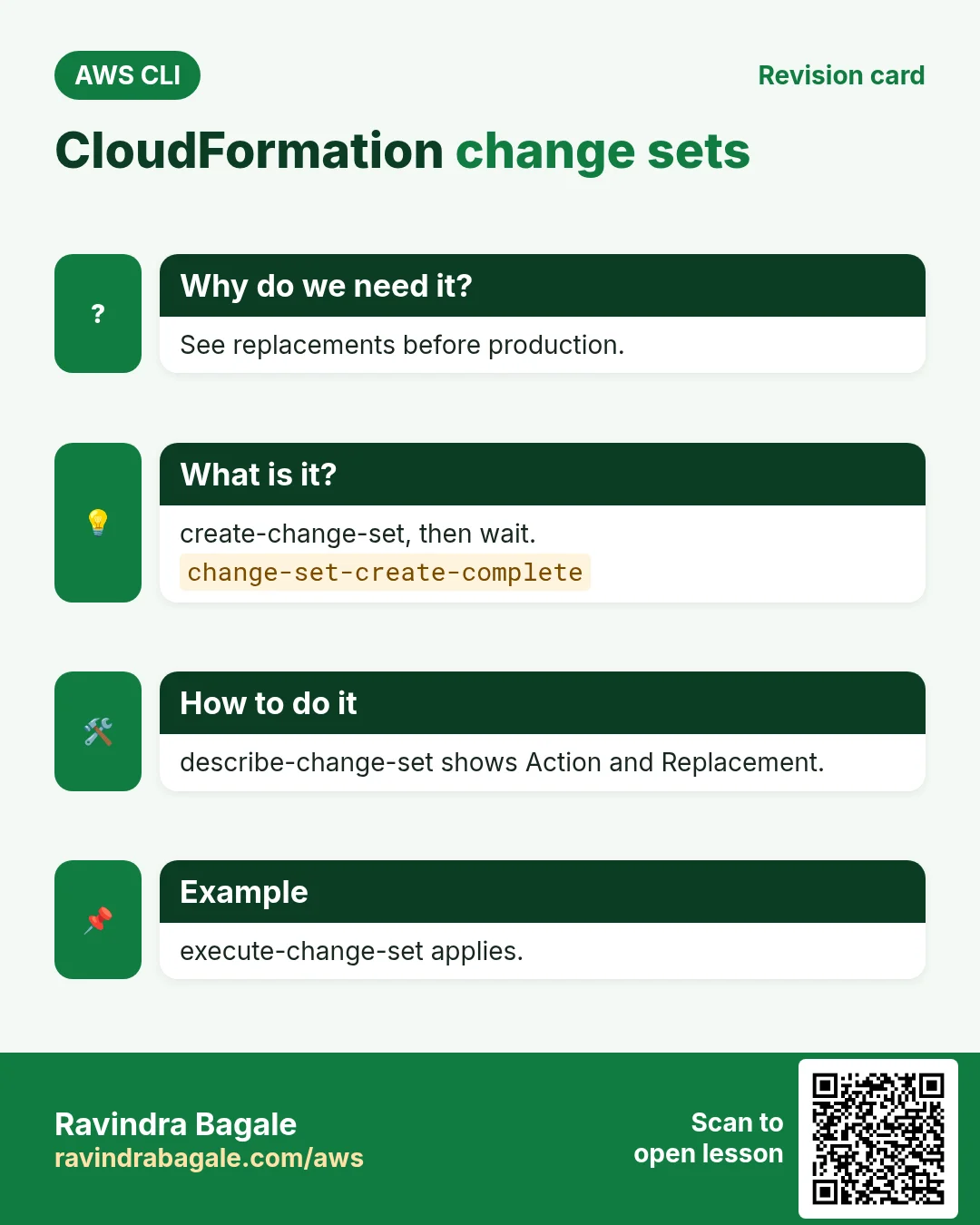
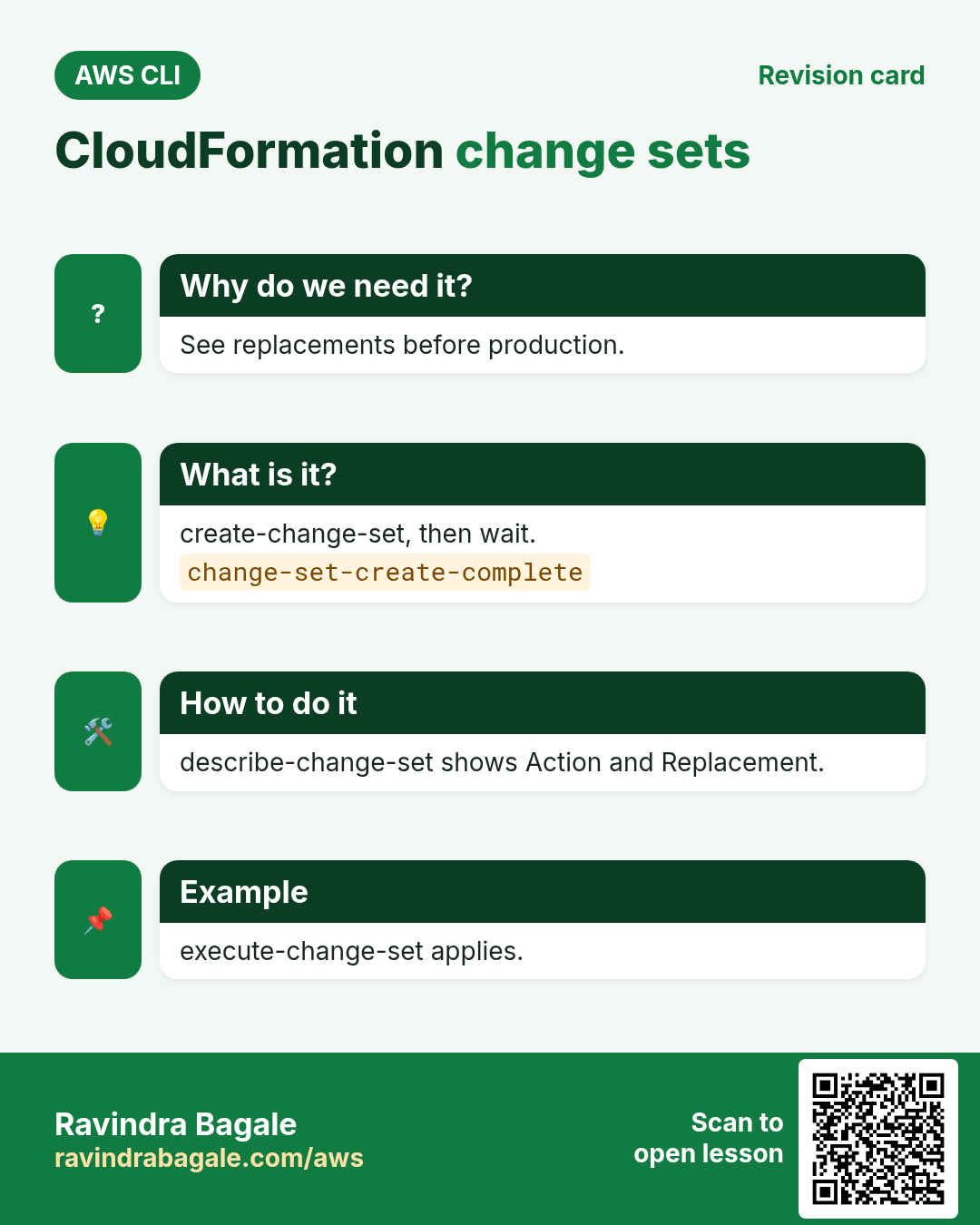
create-change-set prepares changes; describe-change-set lists Add, Modify, Remove and Replacement; execute-change-set applies.
A change set can show Action: Modify and Replacement: True for the same resource. The logical resource stays in the template, but AWS must create a new physical resource. Check what would happen to the original data and physical identifier. A preview can identify that replacement before execution, while stack events show the actual result after execution.
- Prepare a change.
aws cloudformation create-change-set --stack-name cli-s3 --change-set-name to-prod --template-body file://s3.yaml --parameters ParameterKey=Env,ParameterValue=prod --query Id --output text
aws cloudformation wait change-set-create-complete --stack-name cli-s3 --change-set-name to-prod
Expected output:
arn:aws:cloudformation:ap-south-1:111122223333:changeSet/to-prod/...- Preview.
aws cloudformation describe-change-set --stack-name cli-s3 --change-set-name to-prod --query "Changes[].ResourceChange.[Action,LogicalResourceId,Replacement]" --output textExpected output:
Modify Bucket False- Execute.
aws cloudformation execute-change-set --stack-name cli-s3 --change-set-name to-prod
aws cloudformation wait stack-update-complete --stack-name cli-s3
Expected output:
(no output means success)5. Events and drift
When a stack fails you need the reason; when someone edits in the console you need to know.
describe-stack-events shows each step with reasons. detect-stack-drift compares real resources with the template.
- Find failures.
aws cloudformation describe-stack-events --stack-name cli-s3 --query "StackEvents[?contains(ResourceStatus,'FAILED')].[LogicalResourceId,ResourceStatusReason]" --output textExpected output:
(empty when healthy)- Detect drift.
D=$(aws cloudformation detect-stack-drift --stack-name cli-s3 --query StackDriftDetectionId --output text)
sleep 10; aws cloudformation describe-stack-drift-detection-status --stack-drift-detection-id $D --query StackDriftStatus --output text
Expected output:
IN_SYNC6. Same action in Python, Node.js, Java, Go, .NET and PHP
Scripts start in the CLI. Apps call the same API through an SDK. Knowing both helps you move a tested command into real code.
Low-level CLI commands expose service operations. A high-level command or an automatically paginated list can make multiple requests. For example, aws cloudformation describe-stacks --stack-name cli-s3 maps to the Describe stack API.
Same action (Describe stack) from code. Set the intended profile and Region for the SDK. Provider support and precedence can differ by SDK, and an explicit client setting can override defaults.
| Stack | Code |
|---|---|
| Python (boto3) | boto3.client("cloudformation").describe_stacks(StackName="cli-s3")["Stacks"][0]["StackStatus"] |
| Node.js (v3) | await cfn.send(new DescribeStacksCommand({StackName:"cli-s3"})); |
| Java (v2) | cfn.describeStacks(r -> r.stackName("cli-s3")).stacks().get(0).stackStatus(); |
| Go (v2) | c.DescribeStacks(ctx, &cloudformation.DescribeStacksInput{StackName: aws.String("cli-s3")}) |
| .NET | await cfn.DescribeStacksAsync(new DescribeStacksRequest{StackName="cli-s3"}); |
| PHP | $cfn->describeStacks(["StackName"=>"cli-s3"]); |
7. Clean up so nothing keeps costing
Lab resources left running cost money and can be a security risk.
Delete in reverse order: children first, then parents.
- Empty the bucket (stacks cannot delete non-empty buckets).
B=$(aws cloudformation describe-stacks --stack-name cli-s3 --query "Stacks[0].Outputs[0].OutputValue" --output text)
aws s3 rm s3://$B --recursive
Expected output:
(no output means success)- Delete the stack.
aws cloudformation delete-stack --stack-name cli-s3
aws cloudformation wait stack-delete-complete --stack-name cli-s3
Expected output:
(no output means success)- Verify.
aws cloudformation describe-stacks --stack-name cli-s3Expected output:
An error occurred (ValidationError) ... Stack with id cli-s3 does not existRavindra Bagale's Tip
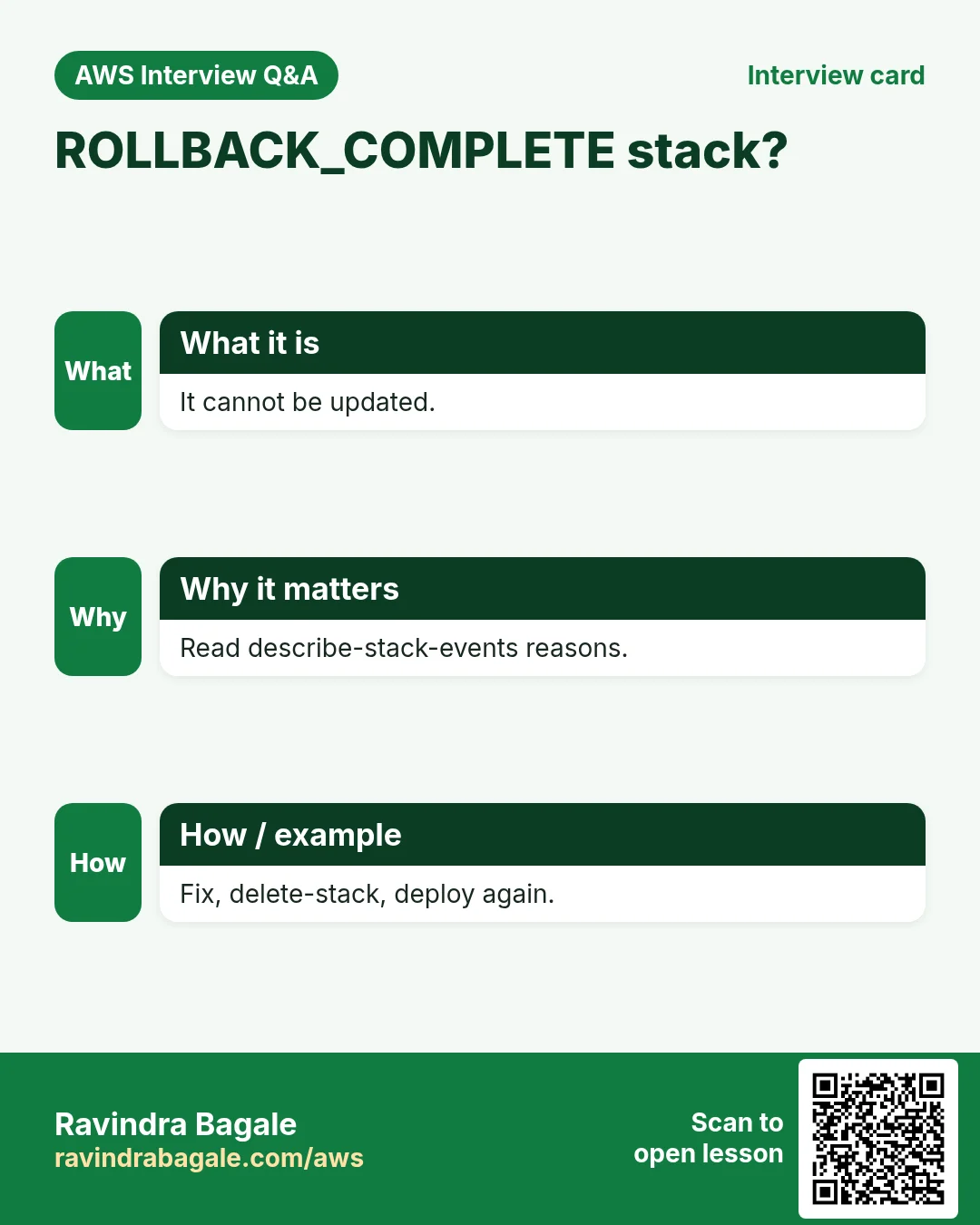
A stack in ROLLBACK_COMPLETE cannot be updated. Read the events, fix the template, delete the stack and deploy again.
8. Interview questions and answers
Q. Template vs stack?
A template is the file; a stack is the live set of resources created from it.
Q. deploy vs create-stack?
deploy creates or updates using change sets and waits; create-stack only creates.
Q. Why change sets?
To preview adds, modifies and replacements before applying.
Q. What is drift?
A difference between the template and the real resource, often from manual edits.
Q. When is --capabilities needed?
When the template creates IAM resources (CAPABILITY_IAM or CAPABILITY_NAMED_IAM).
Try at home
- Add a second parameter for versioning and deploy dev and prod stacks.
- Change a bucket tag in the console and detect drift.
In short
- validate-template.
- deploy = create or update.
- Change sets preview.
- Events show reasons.
- Empty buckets before delete.
Read the change and the stack outcome separately
Inspect a disposable change set for creates, modifications and replacements before executing. After execution, wait and inspect stack events for why it succeeded or rolled back. Audit retained resources after deleting the stack.
Interview check Does a successful change set creation promise the update will succeed?
No. A change set shows anticipated changes. Actual deployment can still fail due to permissions, quotas, dependencies or validation.
Practise this chapter
Interview questions and answers
What do you look for when someone says their change set only shows Modify?
I would inspect the replacement field, the affected property and what data or endpoints depend on the original physical resource. If the preview is approved, I would watch stack events after execution. A targeted preview is valuable but does not itself prove the change will succeed.
Check your understanding
Choose an answer, then compare your reasoning with the explanation.
Practice Tasks
Practice checks run in your browser. They check the answer for this exercise; they do not create resources or connect to your AWS account.
About this scenarioAmravati Agro Market is a agriculture business in Amravati. Anjali Thakre looks after its IT and cloud work. They count money in INR and run their AWS resources in the ap-south-1 Region. In the tasks below you do real jobs for them using what this lesson teaches. All names, account IDs, IP addresses and numbers are made up for practice.
0 / 12
Easy Delete a stack
Deleting the stack removes every resource it created.
Delete stack amravatiagro-test.
- Read the task and decide which AWS service it is about.
- Write aws, then the service name, then the operation (the action word).
- Add each needed flag (--name) followed by its value from the task.
- Flags can be in any order. Click Check answer.
Easy Validate a template
Catch syntax mistakes before you deploy.
Validate the template file template.yaml.
- Read the task and decide which AWS service it is about.
- Write aws, then the service name, then the operation (the action word).
- Add each needed flag (--name) followed by its value from the task.
- Flags can be in any order. Click Check answer.
Easy CloudFormation: a versioned bucket
Infrastructure as code makes setups repeatable.
Write a CloudFormation YAML template with one S3 bucket named amravatiagro-docs that has versioning Enabled.
- Start from the top-level keys the task names.
- Indent child keys with 2 spaces (no tabs).
- Fill in each property with the value from the task.
- Click Check answer. Key order does not matter.
Medium Deploy a stack
deploy creates the stack or updates it with a change set, in one command.
Deploy template.yaml as stack amravatiagro-net.
- Read the task and decide which AWS service it is about.
- Write aws, then the service name, then the operation (the action word).
- Add each needed flag (--name) followed by its value from the task.
- Flags can be in any order. Click Check answer.
Medium Read stack outputs
Outputs give you values like the VPC ID or URL after deploy.
Describe stack amravatiagro-net.
- Read the task and decide which AWS service it is about.
- Write aws, then the service name, then the operation (the action word).
- Add each needed flag (--name) followed by its value from the task.
- Flags can be in any order. Click Check answer.
Medium CloudFormation: on-demand table
On-demand tables need no capacity planning.
Template with a DynamoDB table amravatiagro-orders, partition key orderId (String), billing mode PAY_PER_REQUEST.
- Start from the top-level keys the task names.
- Indent child keys with 2 spaces (no tabs).
- Fill in each property with the value from the task.
- Click Check answer. Key order does not matter.
Medium CloudFormation: web security group
Opening only 443 keeps the server safer.
Template with an AWS::EC2::SecurityGroup that allows TCP 443 from 0.0.0.0/0. Add a GroupDescription.
- Start from the top-level keys the task names.
- Indent child keys with 2 spaces (no tabs).
- Fill in each property with the value from the task.
- Click Check answer. Key order does not matter.
Medium CloudFormation: VPC and subnet
A template rebuilds the network the same way every time.
Template with a VPC 10.108.0.0/16 and a subnet 10.108.1.0/24 inside it (use !Ref for the VPC).
- Start from the top-level keys the task names.
- Indent child keys with 2 spaces (no tabs).
- Fill in each property with the value from the task.
- Click Check answer. Key order does not matter.
Medium See stack events
Events show which resource failed and why.
Show the events of stack amravatiagro-net.
- Read the task and decide which AWS service it is about.
- Write aws, then the service name, then the operation (the action word).
- Add each needed flag (--name) followed by its value from the task.
- Flags can be in any order. Click Check answer.
Hard Deploy a stack that creates IAM roles
You must acknowledge IAM changes with --capabilities.
Deploy app.yaml as stack amravatiagro-app. It creates named IAM roles.
- Read the task and decide which AWS service it is about.
- Write aws, then the service name, then the operation (the action word).
- Add each needed flag (--name) followed by its value from the task.
- Flags can be in any order. Click Check answer.
Hard CloudFormation: parameter + Ref
Parameters let one template serve dev and prod.
Add a String parameter EnvName and use it with !Sub in a bucket name like ${EnvName}-logs.
- Start from the top-level keys the task names.
- Indent child keys with 2 spaces (no tabs).
- Fill in each property with the value from the task.
- Click Check answer. Key order does not matter.
Hard Deploy with parameter values
Parameters let one template serve dev and prod.
Deploy template.yaml as amravatiagro-net with parameter Env=prod.
- Read the task and decide which AWS service it is about.
- Write aws, then the service name, then the operation (the action word).
- Add each needed flag (--name) followed by its value from the task.
- Flags can be in any order. Click Check answer.
Revision, comparison and interview cards
Revise this lesson in a few minutes. Save the cards on your phone or download them as PNG files. The QR code on each card opens this lesson.
More cards: Ravi Sir's Cards.