AWS IAM Administrator Best Practices: Root, MFA and Break-Glass
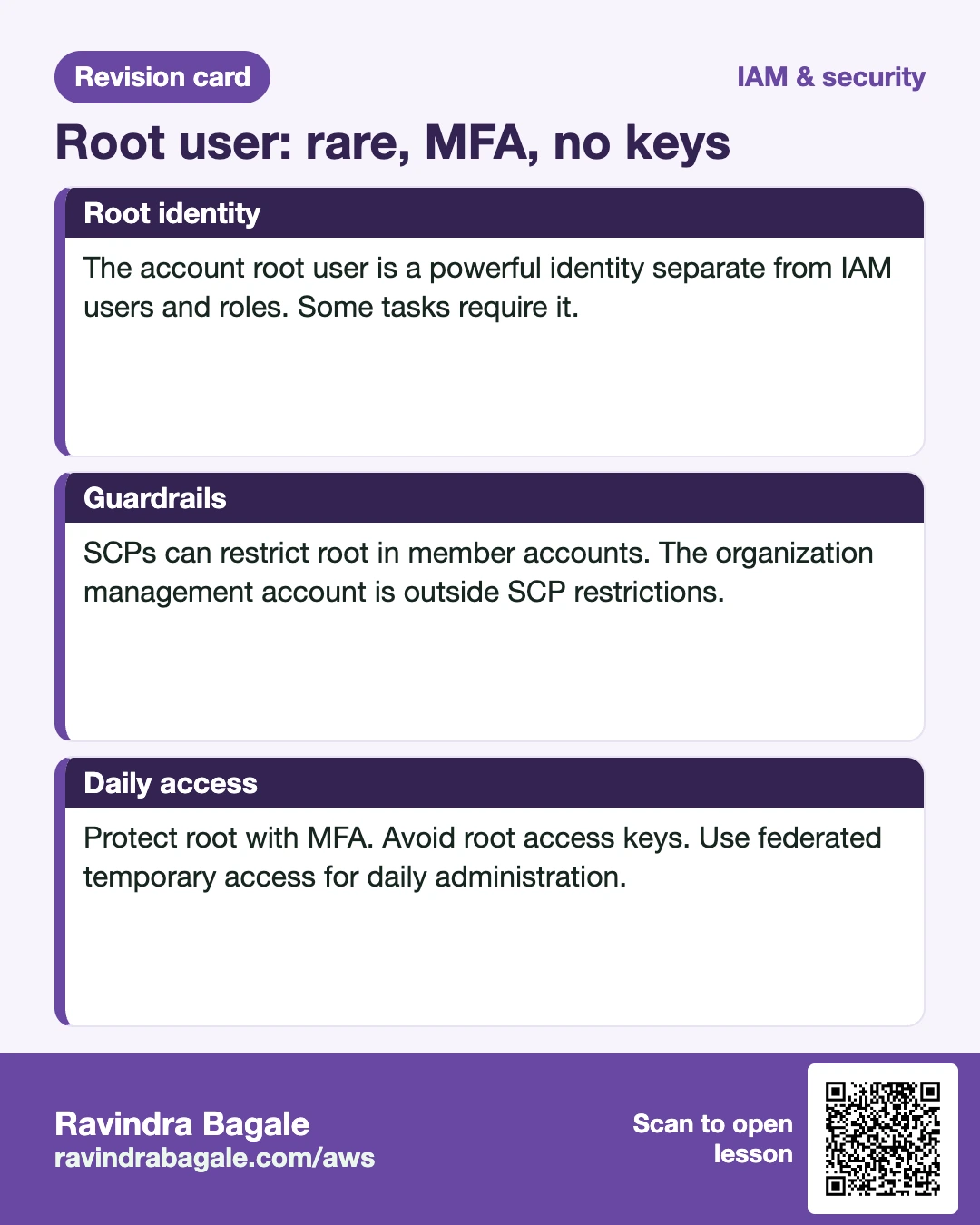
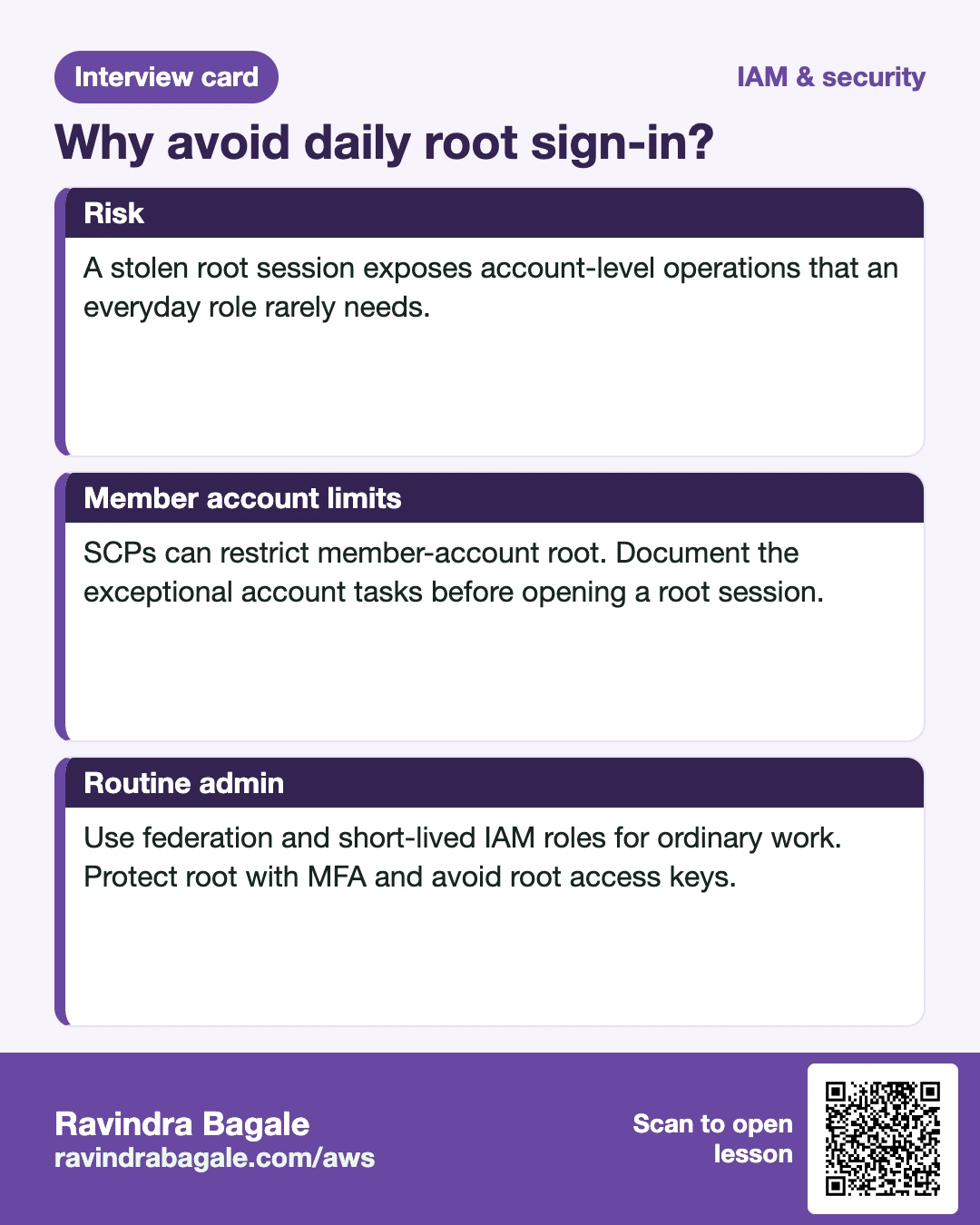
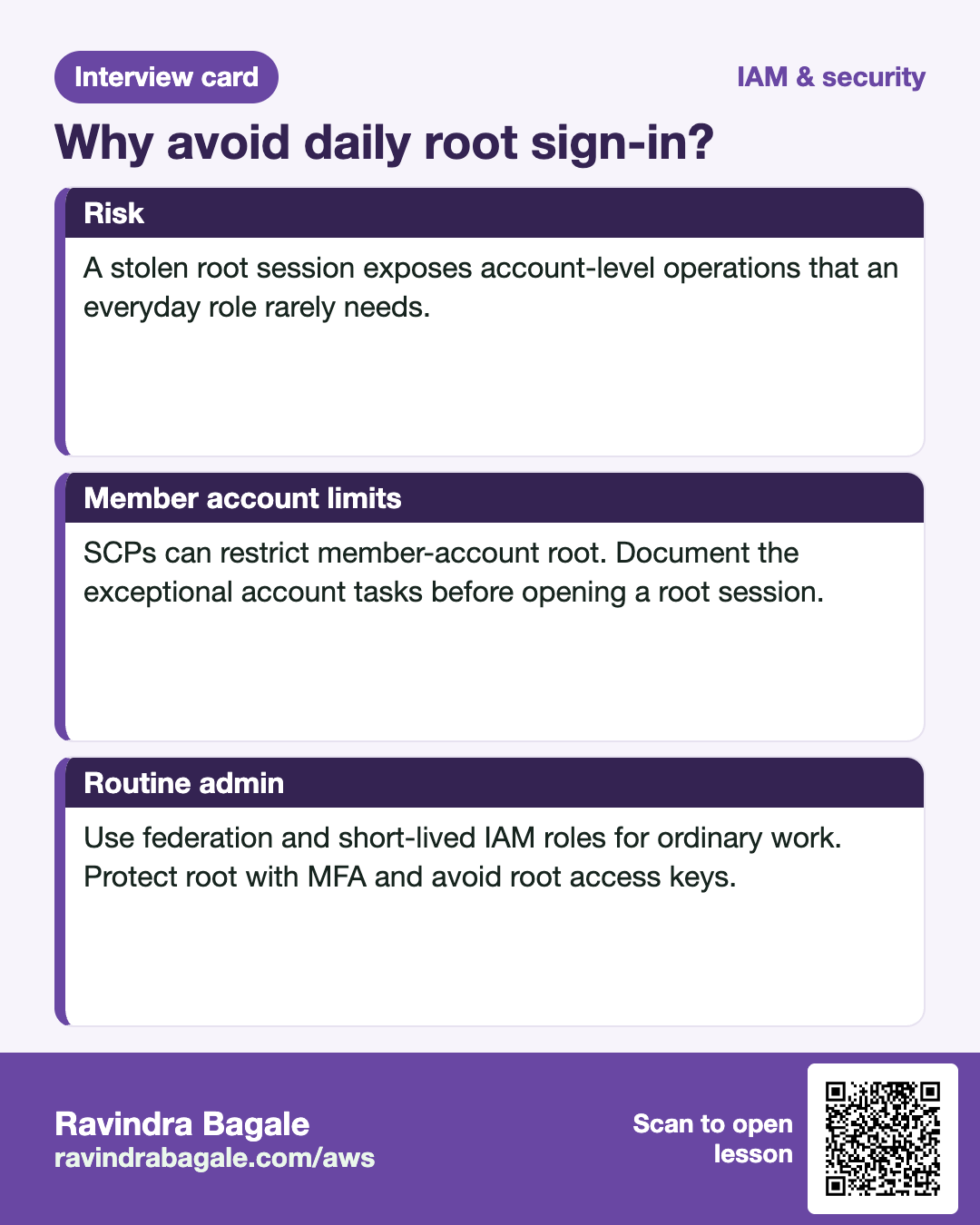
The root user is the master key to the whole AWS shop. You use it to open once, turn on MFA, create an admin path, then lock it away. Daily work uses IAM roles or Identity Center — never root.
In this chapter
- Why root is not for daily work
- MFA on root and humans
- Break-glass admin pattern
- Permission boundaries overview
- CloudTrail and recovery habits
1. Everyday example first
Your flat’s main door key is not lent to the delivery person every day. You give a temporary building gate code instead. Root is the main door key of the AWS account.
The root user is the email+password that created the account. It bypasses almost every IAM deny. A leak means the attacker can close your account, change billing, or wipe resources.
2. Root checklist
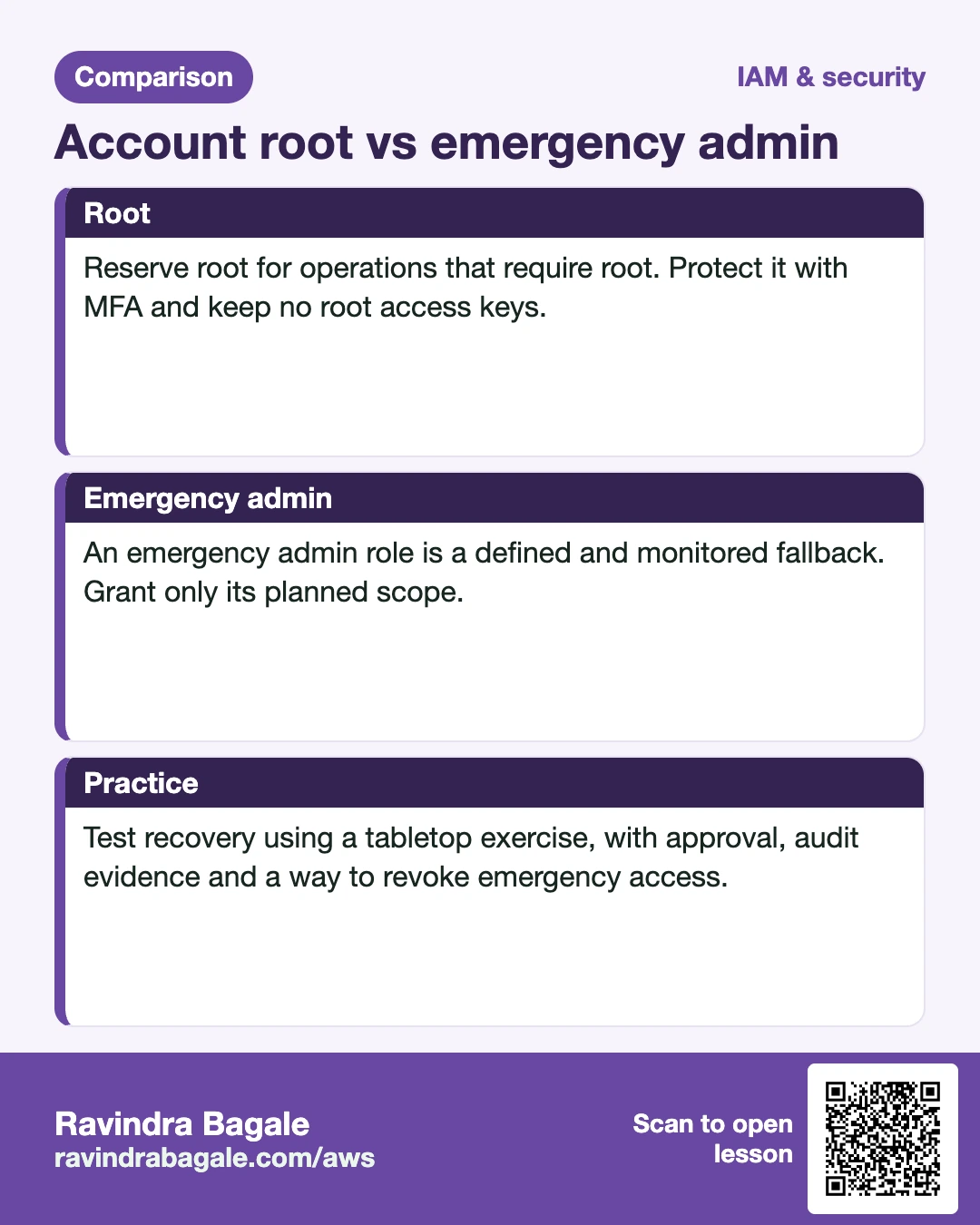
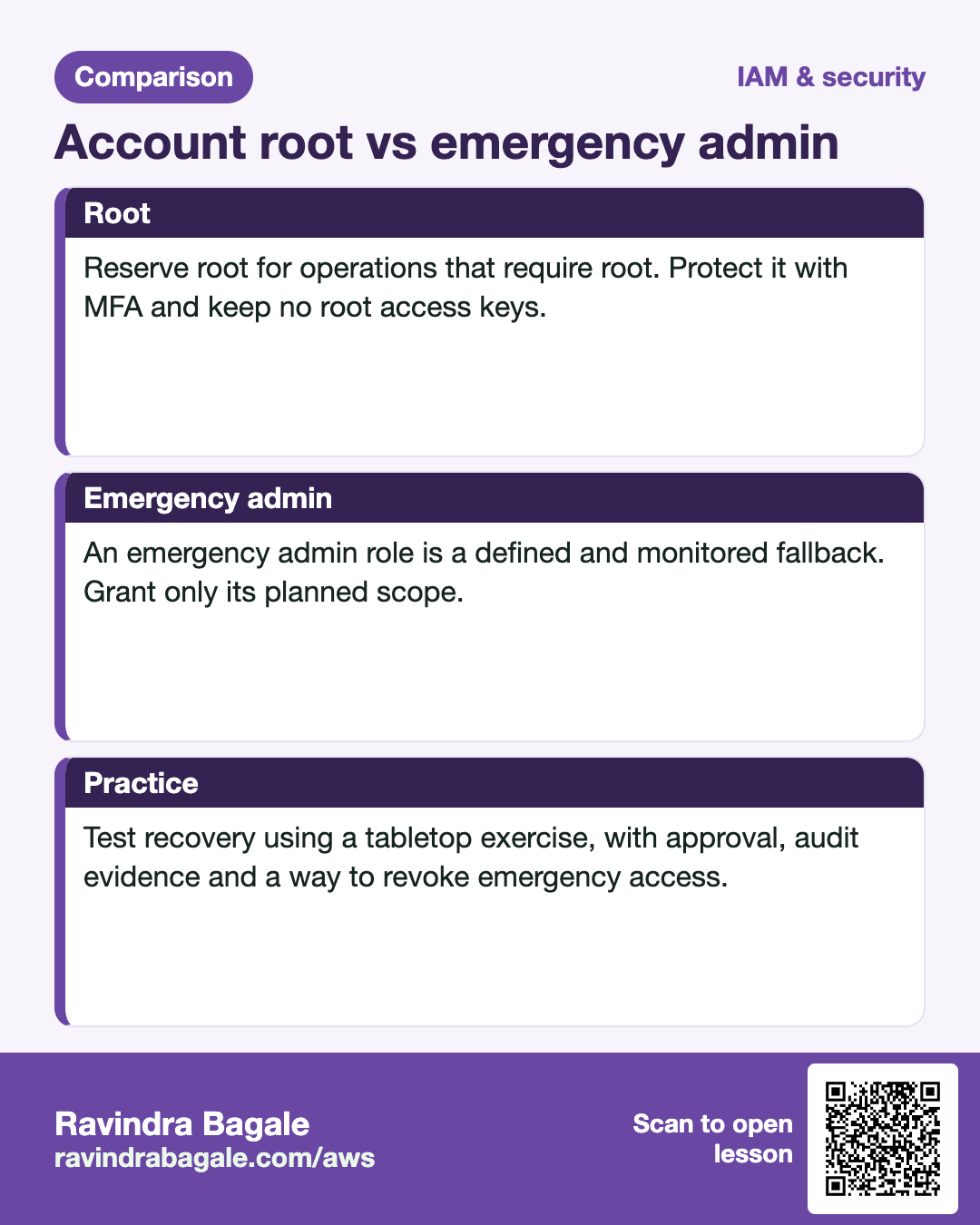
- Turn on MFA for root (hardware key preferred for production). Store backup codes offline.
- Do not create access keys for root.
- Use root only for a short list: account settings, billing contacts, changing support plan, breaking a bad SCP, recovering MFA — then sign out.
- Create an admin path: Identity Center Admin permission set or a tightly controlled IAM admin role — not a shared “admin” password on WhatsApp.
3. Break-glass
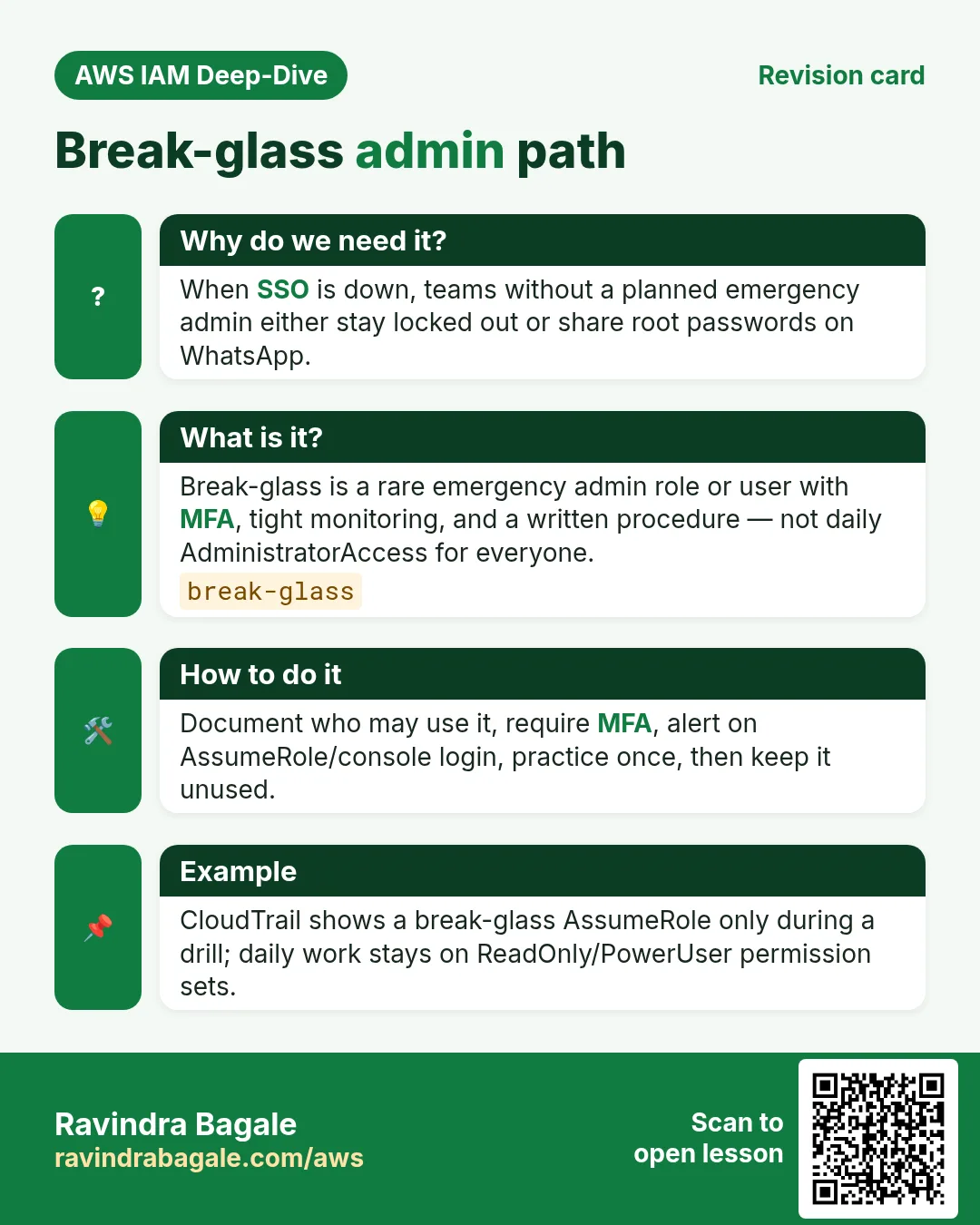
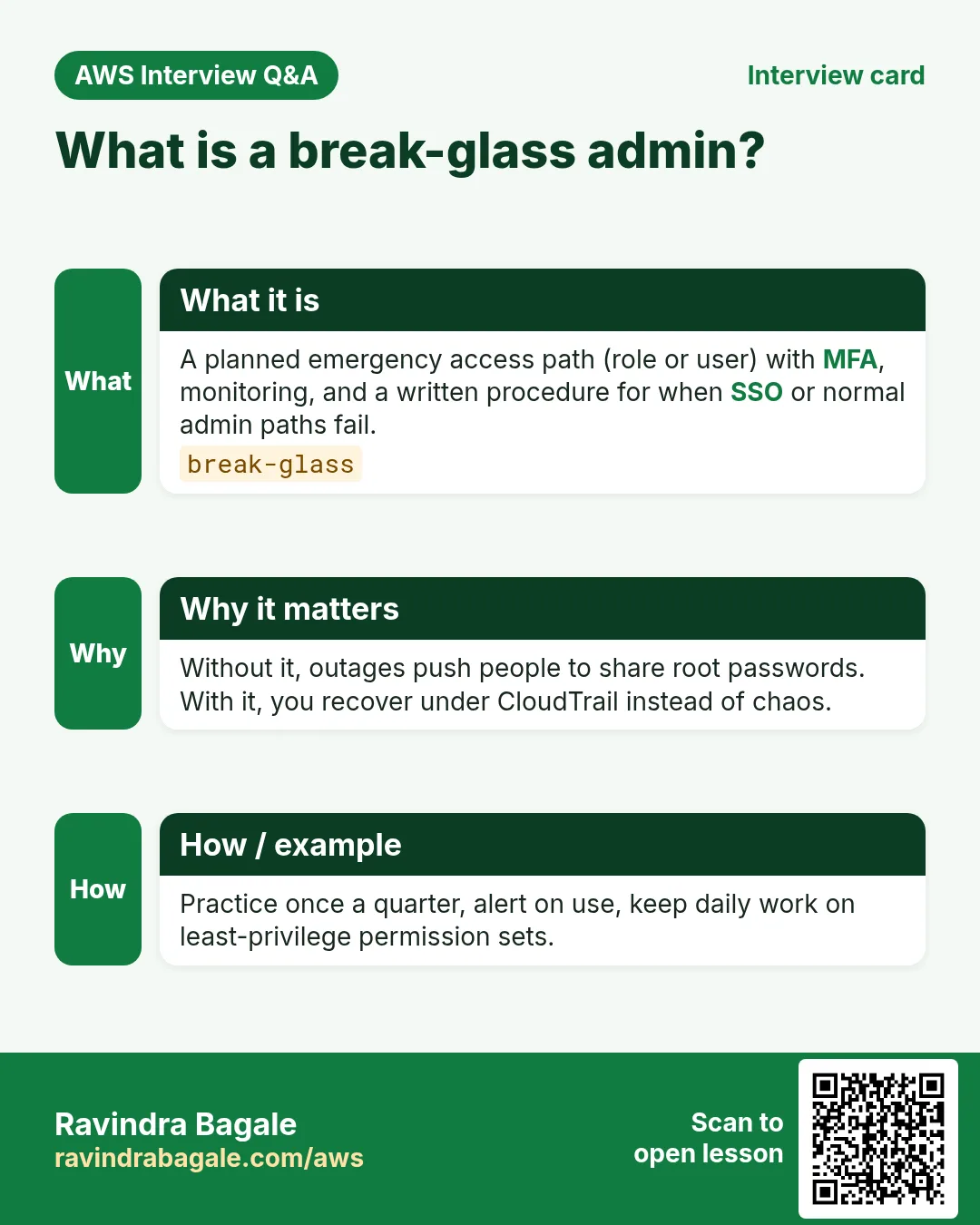
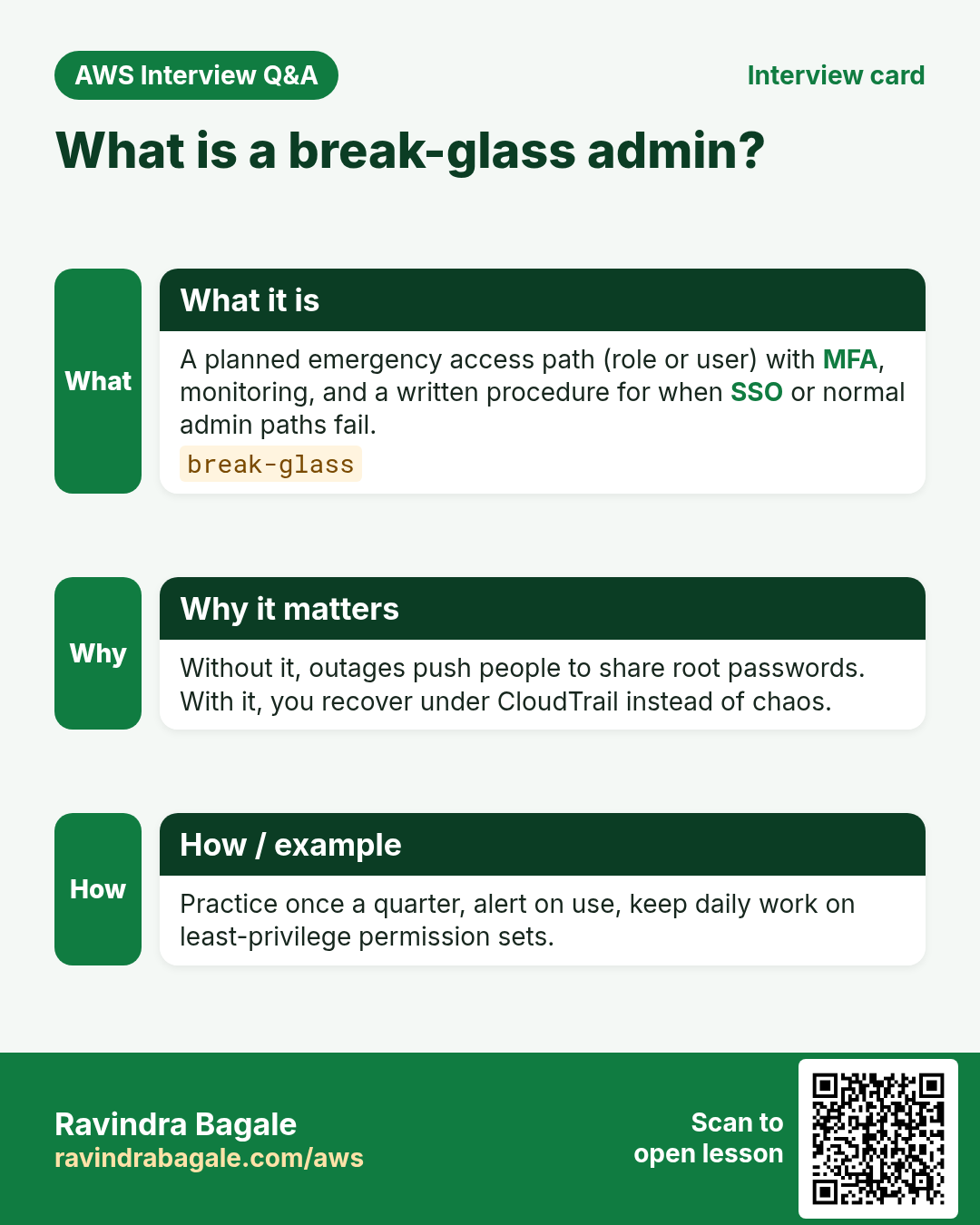
A break-glass procedure gives authorized staff emergency access if the everyday sign-in path is unavailable. First identify the failure you are planning for. A backup login that depends on the same unavailable login service cannot cover that outage. Keep the emergency identity tightly controlled, require independent verification, and record who can authorize and review its use.
Walk through the plan without using the root account for the exercise. Name the person who declares the incident, the approved access route, the minimum task, the evidence saved and the person who closes access afterwards. Check that CloudTrail or your approved logs can distinguish the emergency action from an everyday admin session. The AWS account root user represents the account owner and remains reserved for the tasks that require it.
If SSO breaks at 2 a.m., someone still needs a way in — without making every developer an Administrator.
- Break-glass role/user: high power, MFA mandatory, used only in incidents, monitored by CloudTrail alarms.
- Store credentials in a sealed process (password manager / hardware key), not in the team chat.
- Practice assume/login once a quarter so the process works.
- After use: rotate secrets and write a short incident note.
4. Permission boundaries (overview)
A permissions boundary is a maximum ceiling on what an identity can ever be granted. Even if someone attaches AdministratorAccess, the boundary can cap them at (for example) only their project prefix. Useful when you let builders create roles.
You do not need to master every boundary JSON tonight — know the word and that it is a safety rail for delegated admin.
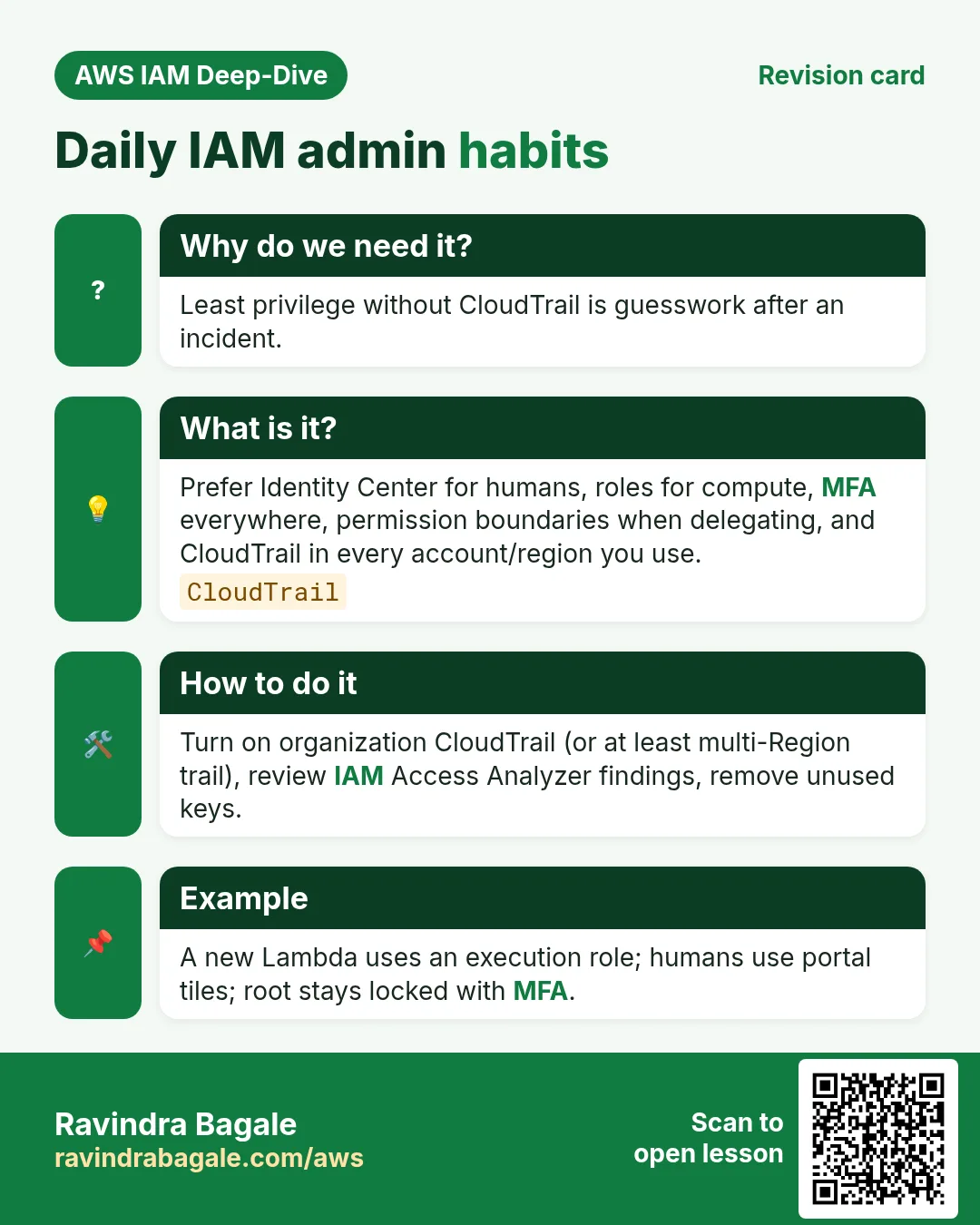
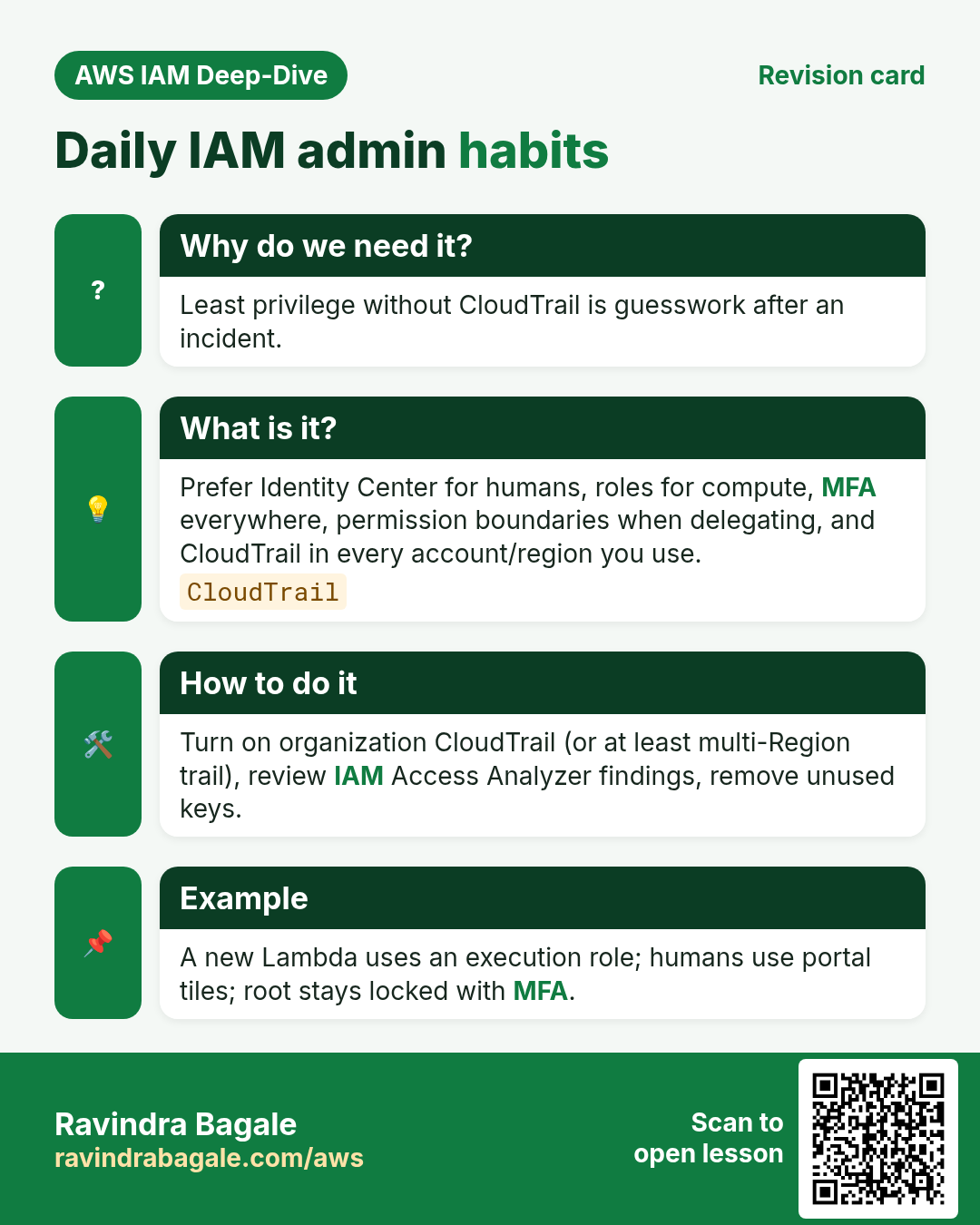
5. Daily admin habits
- MFA on every human.
- CloudTrail (and preferably Organization trail) on.
- Least privilege permission sets; separate billing from engineering where possible.
- No long-lived keys on laptops for daily work — SSO or roles.
- Review unused users/keys monthly.
Ravindra Bagale's Tip
Beginners paste root password into shared Google Docs “for the team”. That is how accounts get mined for crypto. Use Identity Center invites instead.
6. Interview angles
Q. Why not root daily?
Unlimited power; breach = full account.
Q. Break-glass?
Rare emergency admin path with MFA and audit.
Q. Permission boundary?
Ceiling on max permissions an identity can receive.
Q. Root access keys?
Never create them.
Q. First hour on a new account?
Root MFA, no root keys, set up Identity Center or admin role, enable CloudTrail.
Try at home
- Confirm root MFA is on in your lab account; remove any root access keys if they exist.
- Next: read IAM policy JSON deeply (Effect, Action, Resource, Condition).
In short
- Root is rare; MFA; no root keys.
- Break-glass is planned emergency access.
- Permission boundaries cap delegated power.
- CloudTrail + least privilege every day.
Practise the emergency sequence without using root for ordinary work
Record who can access recovery email and MFA, how a second authorized person approves use, and where the audit evidence will be stored. Use a tabletop scenario rather than performing emergency actions in a production account.
Interview check What should an emergency role provide?
A controlled temporary path with explicit scope, monitored use and a deactivation plan. Root and long-lived access keys are not routine administrative credentials.
Practise this chapter
Interview questions and answers
What would you verify in an emergency-access rehearsal?
I would verify who authorizes access, how the alternate identity is authenticated, which approved task becomes possible and where the session is logged. After the test, I would confirm the emergency access ended and record the result without using root for ordinary work.
Check your understanding
Choose an answer, then compare your reasoning with the explanation.
Rehearse the emergency access decision
Before you start
- Use a tabletop scenario with no root login or production changes.
Write the failure: the everyday identity provider cannot serve sign-in requests. Name the approved coordinator and alternate identity path, then mark whether it independently survives this failure.
Expected result: An alternate relying on the same unavailable provider does not cover this outage.
Choose one approved simulated recovery task and define the identity and minimum action needed. Record which second person confirms use and where the event would be recorded.
Expected result: The plan names a limited operation, an approval owner and an audit location instead of sharing daily administrator credentials.
Walk through ending the role session and reviewing the audit record. Record what proves the incident procedure is closed.
Expected result: The evidence shows the emergency path ended, the required recovery check completed and no further exception remains.
If the result differs
- If the plan does not name who approves or how access is reviewed, fix the document before performing any real emergency test.
Finish and clean up
- Close the tabletop record. No cloud access or keys were changed.
Practice Tasks
Practice checks run in your browser. They check the answer for this exercise; they do not create resources or connect to your AWS account.
About this scenarioSeoul Beauty Lab is a cosmetics business in Seoul. Ji-woo Park looks after its IT and cloud work. They count money in KRW and run their AWS resources in the ap-northeast-2 Region. In the tasks below you do real jobs for them using what this lesson teaches. All names, account IDs, IP addresses and numbers are made up for practice.
0 / 12
Easy Create an IAM user
Every person should have their own user, never the root user.
Create an IAM user named jiwoo.
- Read the task and decide which AWS service it is about.
- Write aws, then the service name, then the operation (the action word).
- Add each needed flag (--name) followed by its value from the task.
- Flags can be in any order. Click Check answer.
Easy Add a user to a group
The user gets all the group's permissions at once.
Add jiwoo to the Developers group.
- Read the task and decide which AWS service it is about.
- Write aws, then the service name, then the operation (the action word).
- Add each needed flag (--name) followed by its value from the task.
- Flags can be in any order. Click Check answer.
Medium Create a key pair
You need a key pair to SSH into new Linux instances.
Create a key pair named seoulbeauty-key.
- Read the task and decide which AWS service it is about.
- Write aws, then the service name, then the operation (the action word).
- Add each needed flag (--name) followed by its value from the task.
- Flags can be in any order. Click Check answer.
Medium List a user's MFA devices
Auditors check that every user with console access has MFA.
List the MFA devices of user jiwoo.
- Read the task and decide which AWS service it is about.
- Write aws, then the service name, then the operation (the action word).
- Add each needed flag (--name) followed by its value from the task.
- Flags can be in any order. Click Check answer.
Medium Attach a managed policy to a group
AWS managed policies are ready-made and kept up to date by AWS.
Attach the AWS managed policy arn:aws:iam::aws:policy/ReadOnlyAccess to the group Auditors.
- Read the task and decide which AWS service it is about.
- Write aws, then the service name, then the operation (the action word).
- Add each needed flag (--name) followed by its value from the task.
- Flags can be in any order. Click Check answer.
Hard Require MFA to delete
Risky actions should need MFA, so a stolen password is not enough.
Deny s3:DeleteObject on arn:aws:s3:::seoulbeauty-data/* when MFA is not present (aws:MultiFactorAuthPresent is false).
- Start with { "Version": "2012-10-17", "Statement": [ ... ] }.
- In each statement write Effect, Action and Resource.
- Give only what the task needs (least privilege).
- Use double quotes and commas correctly. Click Check answer.
Hard Test a policy before using it
The policy simulator tells you if an action would be allowed, without doing it.
Check whether user arn:aws:iam::119519391020:user/jiwoo may call s3:GetObject.
- Read the task and decide which AWS service it is about.
- Write aws, then the service name, then the operation (the action word).
- Add each needed flag (--name) followed by its value from the task.
- Flags can be in any order. Click Check answer.
Hard Deny access from outside the office
An explicit Deny with aws:SourceIp blocks keys used from anywhere else.
Write one Deny statement: deny all actions (*) on all resources (*) when the source IP is NOT in 203.0.113.0/24.
- Start with { "Version": "2012-10-17", "Statement": [ ... ] }.
- In each statement write Effect, Action and Resource.
- Give only what the task needs (least privilege).
- Use double quotes and commas correctly. Click Check answer.
Hard Block other Regions (SCP style)
Data rules (like keeping data in one country) are enforced with aws:RequestedRegion.
Deny ec2:* on * when aws:RequestedRegion is not ap-northeast-2.
- Start with { "Version": "2012-10-17", "Statement": [ ... ] }.
- In each statement write Effect, Action and Resource.
- Give only what the task needs (least privilege).
- Use double quotes and commas correctly. Click Check answer.
Hard Allow only on tagged servers
Tag conditions let one team control only its own servers.
Allow ec2:StopInstances on any instance (*) only when the instance tag Team equals seoulbeauty.
- Start with { "Version": "2012-10-17", "Statement": [ ... ] }.
- In each statement write Effect, Action and Resource.
- Give only what the task needs (least privilege).
- Use double quotes and commas correctly. Click Check answer.
Hard Deny requests without HTTPS
aws:SecureTransport false means plain HTTP; deny it to protect data in transit.
Bucket policy: deny s3:* for everyone (*) on seoulbeauty-data and its objects when aws:SecureTransport is false.
- Start with { "Version": "2012-10-17", "Statement": [ ... ] }.
- In each statement write Effect, Action and Resource.
- Give only what the task needs (least privilege).
- Use double quotes and commas correctly. Click Check answer.
Hard Put the role in the instance profile
The profile is empty until you add the role to it.
Add role seoulbeauty-ec2-role to instance profile seoulbeauty-ec2-profile.
- Read the task and decide which AWS service it is about.
- Write aws, then the service name, then the operation (the action word).
- Add each needed flag (--name) followed by its value from the task.
- Flags can be in any order. Click Check answer.
Revision, comparison and interview cards
Revise this lesson in a few minutes. Save the cards on your phone or download them as PNG files. The QR code on each card opens this lesson.
More cards: Ravi Sir's Cards.