Linux Complete Capstone: Linux Admin Labs to Build, Secure, Monitor and Fix a Production Server
This capstone puts the whole Linux Complete series together. You will take one fresh Rocky Linux 9 server and turn it into a production web server for a small company: build it (users, storage, packages, web app), secure it (SSH, firewall, SELinux, updates, auditing), monitor it (metrics, logs, alerts, health checks), back it up and restore it, and then fix six broken scenarios the way an on-call admin does. Every lab has exact commands and expected outputs, so you can check yourself step by step.
In this chapter
- Build a production server from a fresh install with a written plan
- Harden SSH, firewall, SELinux, sudo and updates
- Set up metrics, logs, alerts and health checks
- Automate backups and prove a restore
- Fix six real break-and-fix scenarios
- Write a runbook and a handover note
1. An everyday example: opening a new clinic
Dr. Kulkarni opens a small clinic in Kothrud. First the place is built: rooms, power, furniture, the reception computer. Then it is secured: locks, a CCTV camera, a cupboard for medicines with a key. Then it is monitored: a register at reception, a fridge thermometer for vaccines, a daily check. Patient files are photocopied every evening and kept at home. And when something breaks, a fuse, a leaking tap, the staff know whom to call and what to check first.
Building the clinic = install, users, storage, packages and the app. Locks and CCTV = SSH keys, firewall, SELinux and auditd. Register and thermometer = metrics, logs and alerts. Evening photocopies = backups. Knowing whom to call = runbooks and break-fix skills.
2. Capstone brief and the build plan
Real admins never start typing commands straight away. A one-page plan avoids rework and makes the server repeatable.
The brief: Shree Traders, a Pune distributor, needs an internal orders web app. Requirements: Rocky Linux 9 VM with 2 vCPU, 4 GB RAM, a 20 GB OS disk and a 10 GB data disk; nginx in front of a small Python app on port 8000; data on LVM at /srv/app; only SSH key logins; firewall open for 22 (office subnet only), 80 and 443; daily backups kept 14 days; alerts when disk passes 80 percent or the app health check fails. Write this plan first and keep it in /root/PLAN.md.
| Item | Choice | Why |
|---|---|---|
| OS | Rocky Linux 9 minimal | Stable RHEL clone, 10-year support |
| Storage | LVM vg_data/lv_app XFS at /srv/app | Grow later without downtime |
| Web | nginx reverse proxy to 127.0.0.1:8000 | App never exposed directly |
| App runtime | systemd service as user app | Restart on failure, logs in journal |
| Access | SSH keys, no root, admins group with sudo | Least privilege and audit trail |
| Backup | restic to backup host, 14 daily | Encrypted, deduplicated, tested |
| Monitoring | node_exporter plus health check timer | Metrics and simple alerts |
- Record the server facts at the start.
hostnamectl | egrep 'Static|Operating|Kernel'; nproc; free -h | awk '/Mem/{print $2}'; lsblk -dno NAME,SIZEOutput:
   Static hostname: localhost
  Operating System: Rocky Linux 9.4 (Blue Onyx)
            Kernel: Linux 5.14.0-427.el9.x86_64
2
3.6Gi
vda 20G
vdb 10G
Matches the plan: 2 CPUs, about 4 GB, and the extra 10 GB disk vdb.
- Set hostname, time zone and time sync.
sudo hostnamectl set-hostname orders01.shree.local; sudo timedatectl set-timezone Asia/Kolkata; sudo systemctl enable --now chronyd; chronyc tracking | grep -E 'Reference|System time'Output:
Reference ID    : A29FC801 (time.cloudflare.com)
System time     : 0.000012 seconds fast of NTP time
Correct time matters for logs, TLS and backups.
- Patch fully before anything else and reboot into the new kernel.
sudo dnf -y upgrade >/dev/null; sudo needs-restarting -r; echo rc=$?Output:
Core libraries or services have been updated since boot-up:
  * kernel
Reboot is required to fully utilize these updates.
rc=1
rc=1 means reboot needed; reboot now while the server is not yet live.
3. Build: users, sudo and storage
Shared root logins and data on the OS disk are the two most common causes of messy, unsafe servers.
Create named admin accounts in an admins group with sudo, a locked service account app that owns the application, and put application data on its own LVM volume so it can grow and be backed up separately. Use XFS, mount by UUID and verify with mount -a before rebooting.
- Create admins and the service account.
sudo groupadd admins; sudo useradd -m -G admins ravi; sudo useradd -m -G admins asha; sudo useradd -r -m -d /srv/app -s /sbin/nologin app; echo '%admins ALL=(ALL) ALL' | sudo tee /etc/sudoers.d/admins; sudo visudo -cf /etc/sudoers.d/adminsOutput:
%admins ALL=(ALL) ALL
/etc/sudoers.d/admins: parsed OK
Named people, a group rule, and a service user that cannot log in.
- Create LVM on the data disk.
sudo pvcreate /dev/vdb; sudo vgcreate vg_data /dev/vdb; sudo lvcreate -n lv_app -L 6G vg_data; sudo mkfs.xfs -q /dev/vg_data/lv_app; sudo lvs vg_dataOutput:
  Physical volume "/dev/vdb" successfully created.
  Volume group "vg_data" successfully created
  Logical volume "lv_app" created.
  LV     VG      Attr       LSize
  lv_app vg_data -wi-a----- 6.00g
4 GB is left free in the VG to grow later.
- Mount it persistently and fix ownership and SELinux label.
u=$(sudo blkid -s UUID -o value /dev/vg_data/lv_app); echo "UUID=$u /srv/app xfs defaults,nodev,nosuid 0 0" | sudo tee -a /etc/fstab; sudo mount -a; sudo chown app:app /srv/app; sudo restorecon -Rv /srv/app; findmnt /srv/appOutput:
UUID=8c2e... /srv/app xfs defaults,nodev,nosuid 0 0
TARGET   SOURCE                       FSTYPE OPTIONS
/srv/app /dev/mapper/vg_data-lv_app xfs    rw,nosuid,nodev,relatime
nodev and nosuid add safety on a data mount.
4. Build: deploy the app with systemd and nginx
A browser reaches Nginx, and Nginx reaches the app through a separate connection. systemd supervises the app’s process. Test from the inside out in the lab: check the unit, make a test request to the app’s address, then make the same request through the proxy. If the first request works and the second fails, compare the upstream address in the Nginx error log. Keep the result for each link so you can explain where the path broke.
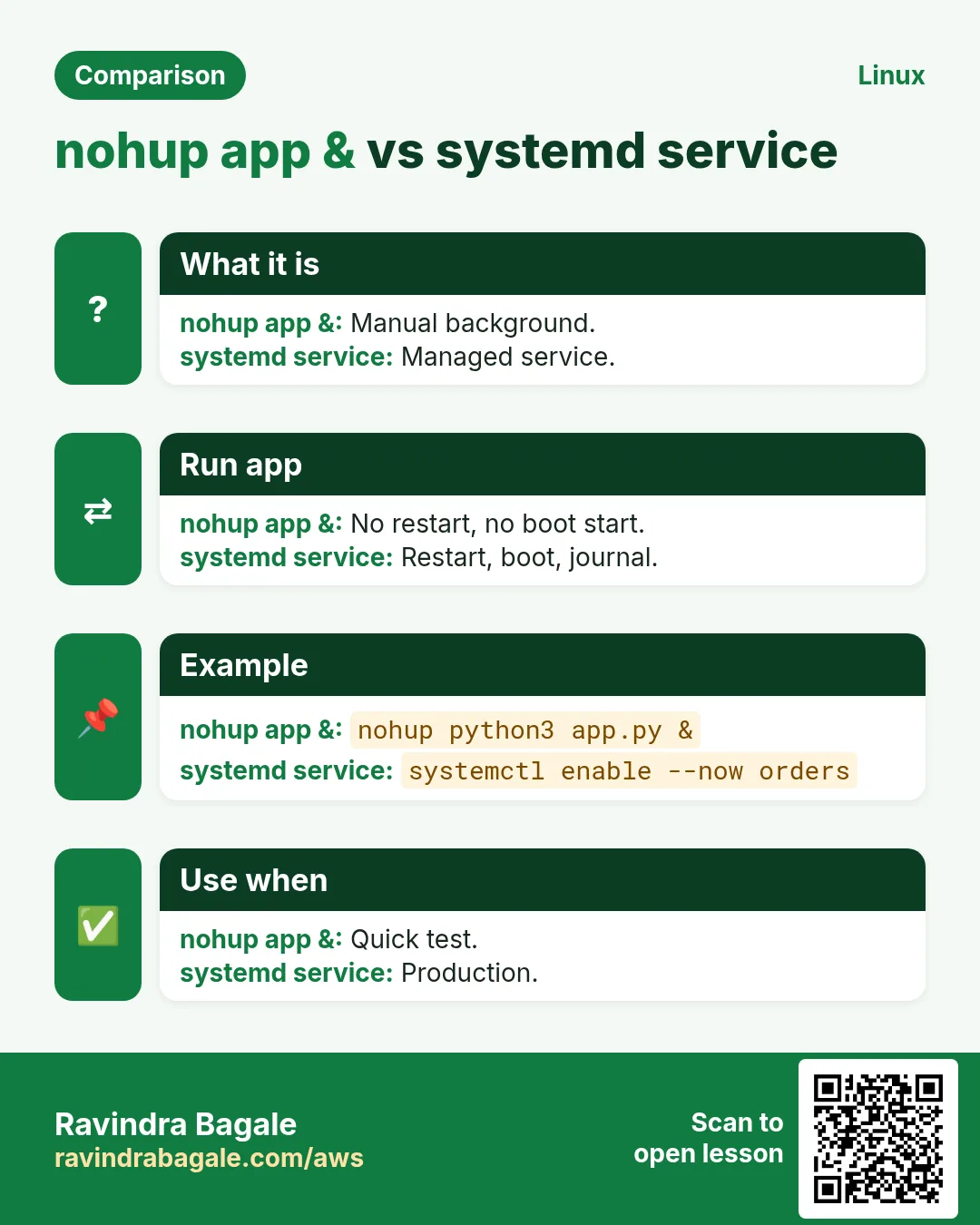
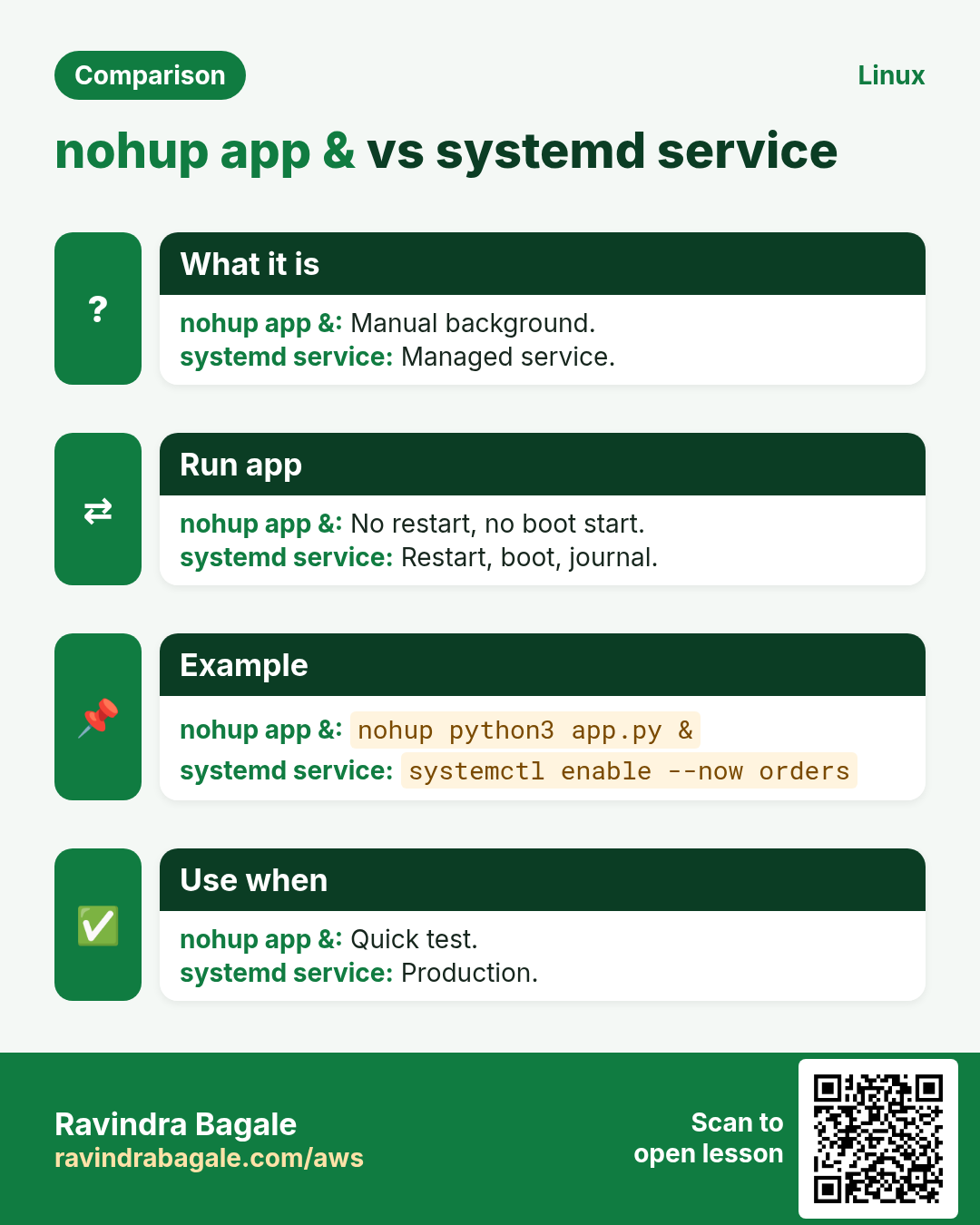
Running an app by hand in a terminal dies when you log out and does not restart after a crash or reboot.
Install Python and nginx, put the app in /srv/app, run it as a systemd service under the app user on 127.0.0.1:8000 with Restart=on-failure and basic hardening, and put nginx in front on port 80. SELinux needs the httpd_can_network_connect boolean so nginx can proxy.
- Install packages and a tiny app.
sudo dnf -y install nginx python3 >/dev/null; sudo -u app tee /srv/app/app.py >/dev/null <<'PY'
from http.server import BaseHTTPRequestHandler, HTTPServer
class H(BaseHTTPRequestHandler):
    def do_GET(self):
        body = b'ok' if self.path == '/health' else b'Shree Traders orders'
        self.send_response(200); self.end_headers(); self.wfile.write(body)
HTTPServer(('127.0.0.1', 8000), H).serve_forever()
PY
ls -l /srv/app/app.py
Output:
-rw-r--r--. 1 app app 297 Oct 26 11:20 /srv/app/app.pyA stand-in app with a /health endpoint for monitoring.
- Create the systemd unit with hardening.
sudo tee /etc/systemd/system/orders.service >/dev/null <<'U'
[Unit]
Description=Shree orders app
After=network-online.target
[Service]
User=app
WorkingDirectory=/srv/app
ExecStart=/usr/bin/python3 /srv/app/app.py
Restart=on-failure
RestartSec=3
NoNewPrivileges=yes
ProtectSystem=strict
ReadWritePaths=/srv/app
PrivateTmp=yes
[Install]
WantedBy=multi-user.target
U
sudo systemctl daemon-reload; sudo systemctl enable --now orders; curl -s 127.0.0.1:8000/health
Output:
okThe app now starts at boot, restarts on crash and cannot write outside /srv/app.
- Put nginx in front.
sudo tee /etc/nginx/conf.d/orders.conf >/dev/null <<'N'
server { listen 80; server_name orders01.shree.local;
  location / { proxy_pass http://127.0.0.1:8000; proxy_set_header Host $host; } }
N
sudo setsebool -P httpd_can_network_connect on; sudo nginx -t && sudo systemctl enable --now nginx; curl -s localhost/
Output:
nginx: the configuration file /etc/nginx/nginx.conf syntax is ok
nginx: configuration file /etc/nginx/nginx.conf test is successful
Shree Traders orders
nginx -t before reload, and the boolean is persistent with -P.
5. Secure: SSH, firewall and SELinux
A public server gets SSH password-guessing attempts within minutes of going online.
Use SSH keys only, disable root login and passwords, allow only the admins group, and test from a second session before closing the first. Open only 22 for the office subnet and 80/443 for everyone with firewalld rich rules. Keep SELinux enforcing and check for denials.
| Control | Setting | Check |
|---|---|---|
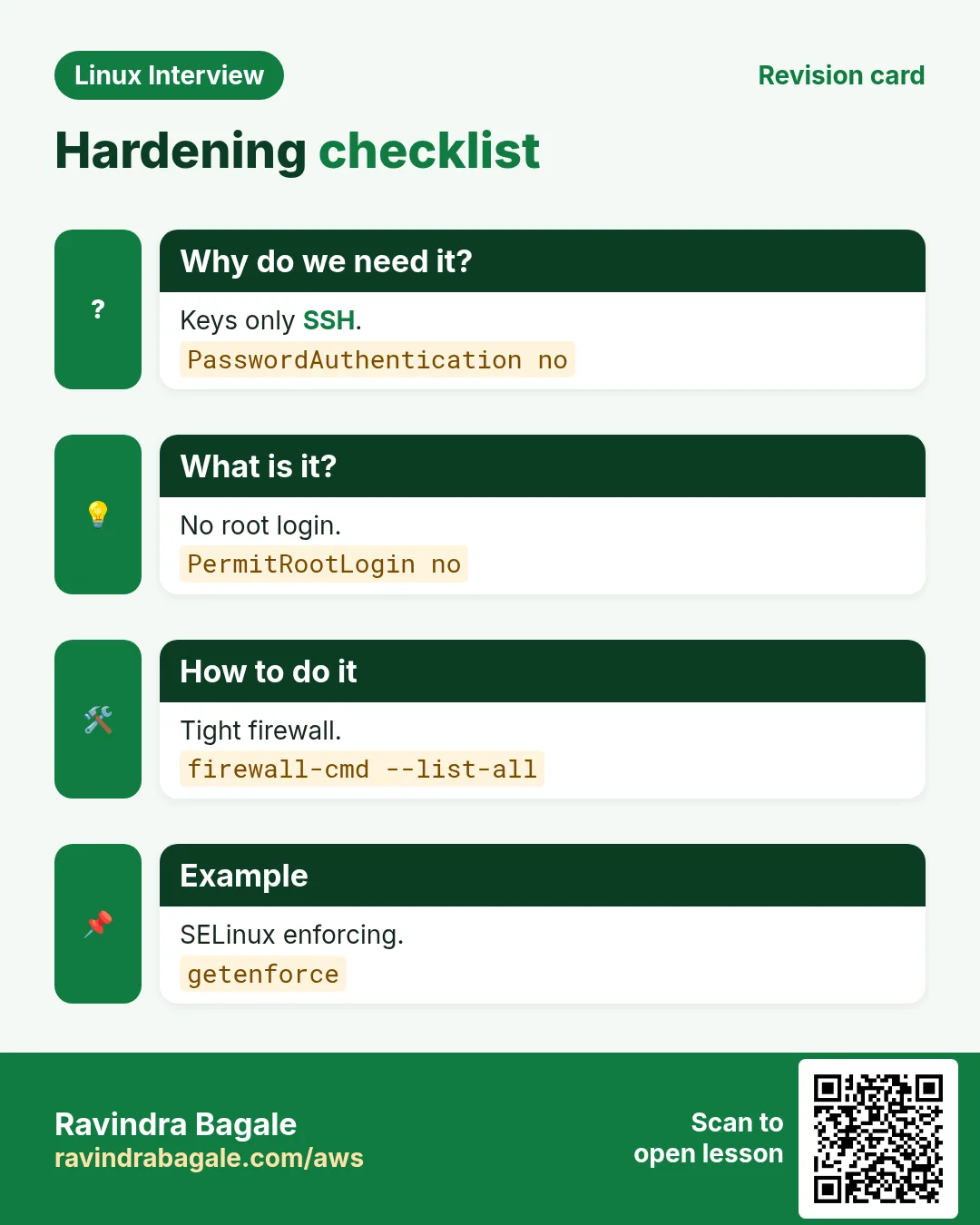
| Root login | PermitRootLogin no | sshd -T | grep permitrootlogin |
| Passwords | PasswordAuthentication no | sshd -T | grep passwordauth |
| Who | AllowGroups admins | sshd -T | grep allowgroups |
| Firewall | 22 from 10.20.0.0/24 only | firewall-cmd --list-all |
| SELinux | Enforcing | getenforce |
| Brute force | fail2ban sshd jail | fail2ban-client status sshd |
- Harden sshd with a drop-in file.
sudo tee /etc/ssh/sshd_config.d/10-hardening.conf >/dev/null <<'S'
PermitRootLogin no
PasswordAuthentication no
KbdInteractiveAuthentication no
AllowGroups admins
MaxAuthTries 3
S
sudo sshd -t && sudo systemctl reload sshd; sudo sshd -T | egrep 'permitrootlogin|passwordauthentication|allowgroups'
Output:
permitrootlogin no
passwordauthentication no
allowgroups admins
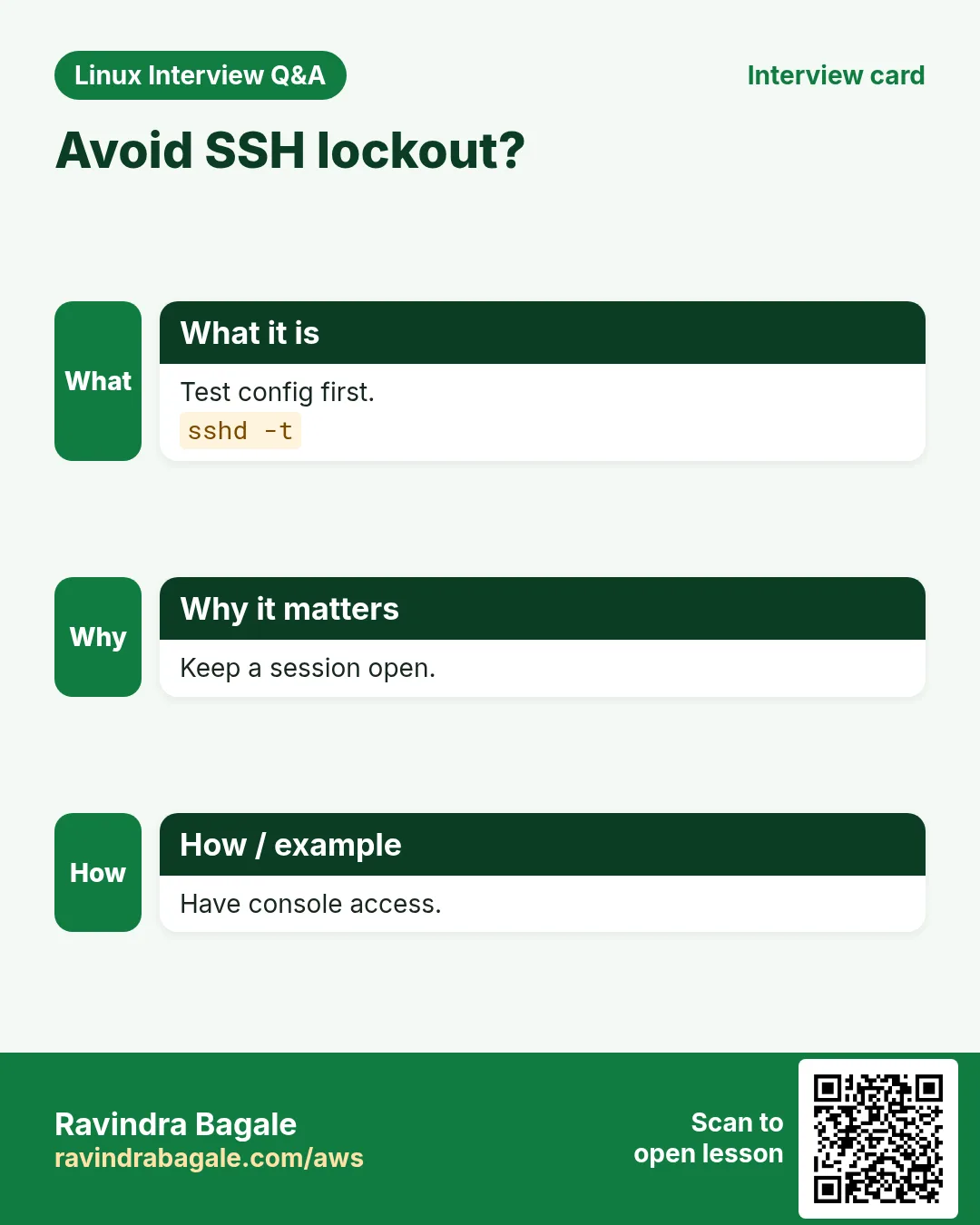
sshd -t first; keep your current session open while testing a new one.
- Restrict SSH to the office subnet and open web ports.
sudo firewall-cmd --permanent --remove-service=ssh; sudo firewall-cmd --permanent --add-rich-rule='rule family=ipv4 source address=10.20.0.0/24 service name=ssh accept'; sudo firewall-cmd --permanent --add-service={http,https}; sudo firewall-cmd --reload; sudo firewall-cmd --list-all | egrep 'services|rule'Output:
  services: cockpit dhcpv6-client http https
	rule family="ipv4" source address="10.20.0.0/24" service name="ssh" accept
Add the rich rule before removing ssh in real life so you never lock yourself out.
- Confirm SELinux and look for denials.
getenforce; sudo ausearch -m AVC -ts today 2>&1 | tail -1; sudo dnf -y remove cockpit-ws >/dev/null; sudo firewall-cmd --permanent --remove-service=cockpit; sudo firewall-cmd --reloadOutput:
Enforcing
<no matches>
success
success
No denials, and the unused cockpit service is removed to shrink the attack surface.
6. Secure: updates, fail2ban, auditing and TLS
Most real breaches use known, already-patched bugs, and without an audit trail you cannot even tell what happened.
Turn on automatic security updates with dnf-automatic, add fail2ban for SSH, add auditd rules for sudoers and SSH config changes, and enable HTTPS. For an internal name use a company CA or a self-signed certificate for the lab; for a public name use Let's Encrypt with certbot.
- Automatic security updates.
sudo dnf -y install dnf-automatic >/dev/null; sudo sed -i 's/^upgrade_type.*/upgrade_type = security/; s/^apply_updates.*/apply_updates = yes/' /etc/dnf/automatic.conf; sudo systemctl enable --now dnf-automatic.timer; systemctl list-timers dnf-automatic.timer --no-pager | sed -n 2pOutput:
Tue 2026-10-27 06:12:41 IST 18h left - - dnf-automatic.timer dnf-automatic.serviceSecurity patches apply daily; kernels still need a planned reboot.
- fail2ban and audit rules.
sudo dnf -y install epel-release >/dev/null && sudo dnf -y install fail2ban >/dev/null; printf '[sshd]\nenabled = true\nmaxretry = 4\nbantime = 1h\n' | sudo tee /etc/fail2ban/jail.d/sshd.local >/dev/null; sudo systemctl enable --now fail2ban; printf -- '-w /etc/sudoers -p wa -k priv\n-w /etc/sudoers.d/ -p wa -k priv\n-w /etc/ssh/sshd_config.d/ -p wa -k sshcfg\n' | sudo tee /etc/audit/rules.d/50-admin.rules >/dev/null; sudo augenrules --load >/dev/null; sudo auditctl -l | wc -lOutput:
3Three watches loaded; any edit to sudo or SSH config is now recorded with the user's login id.
- Enable HTTPS with a lab certificate.
sudo openssl req -x509 -newkey rsa:2048 -nodes -days 365 -subj '/CN=orders01.shree.local' -keyout /etc/pki/tls/private/orders.key -out /etc/pki/tls/certs/orders.crt 2>/dev/null; sudo tee -a /etc/nginx/conf.d/orders.conf >/dev/null <<'N'
server { listen 443 ssl; server_name orders01.shree.local;
  ssl_certificate /etc/pki/tls/certs/orders.crt; ssl_certificate_key /etc/pki/tls/private/orders.key;
  location / { proxy_pass http://127.0.0.1:8000; } }
N
sudo nginx -t 2>&1 | tail -1; sudo systemctl reload nginx; curl -sk https://localhost/health
Output:
nginx: configuration file /etc/nginx/nginx.conf test is successful
ok
For production use a real CA; the steps in nginx stay the same.
7. Monitor: metrics, logs, health checks and alerts
Users should never be the first to tell you the site is down or the disk is full.
Expose metrics with node_exporter for Prometheus, keep the journal persistent and size-limited, rotate app logs, and add a small systemd timer that checks the health URL and disk usage every minute and sends an alert (here to a webhook) when a threshold is crossed. Test the alert by actually breaking something.
- Persistent, size-limited journal.
sudo mkdir -p /etc/systemd/journald.conf.d; printf '[Journal]\nStorage=persistent\nSystemMaxUse=500M\n' | sudo tee /etc/systemd/journald.conf.d/size.conf >/dev/null; sudo systemctl restart systemd-journald; journalctl --disk-usageOutput:
Archived and active journals take up 24.0M in the file system.Logs survive reboots and cannot fill the disk.
- A health check script and timer.
sudo tee /usr/local/bin/healthcheck >/dev/null <<'H'
#!/usr/bin/env bash
set -uo pipefail
msg=''
curl -fsS -m 5 http://127.0.0.1/health >/dev/null || msg+='app health failed; '
use=$(df --output=pcent /srv/app | tail -1 | tr -dc 0-9)
(( use >= 80 )) && msg+="disk /srv/app ${use}%; "
if [[ -n $msg ]]; then logger -t healthcheck "ALERT $msg"; curl -fsS -m 5 -d "text=orders01: $msg" "${ALERT_URL:-http://10.20.0.5/hook}" >/dev/null || true; fi
H
sudo chmod 755 /usr/local/bin/healthcheck
printf '[Unit]\nDescription=health\n[Service]\nType=oneshot\nExecStart=/usr/local/bin/healthcheck\n' | sudo tee /etc/systemd/system/healthcheck.service >/dev/null
printf '[Unit]\nDescription=health every minute\n[Timer]\nOnCalendar=minutely\n[Install]\nWantedBy=timers.target\n' | sudo tee /etc/systemd/system/healthcheck.timer >/dev/null
sudo systemctl daemon-reload; sudo systemctl enable --now healthcheck.timer; systemctl is-active healthcheck.timer
Output:
activeEvery minute it checks the app and the disk and alerts only on problems.
- Test the alert by stopping the app.
sudo systemctl stop orders; sleep 65; journalctl -t healthcheck -n 1 --no-pager -o cat; sudo systemctl start ordersOutput:
ALERT app health failed;The alert fired. An alert you have never seen fire is an alert you cannot trust.
8. Backup and restore
Create one known test record and note what it should contain. Back up the intended data and configuration, restore it to an isolated path and prove the restored app can read the record. Include the permissions it needs. Time the exercise from the restore action to the first confirmed read. In your handover, record the source, restore location and result so another student can perform the same check.
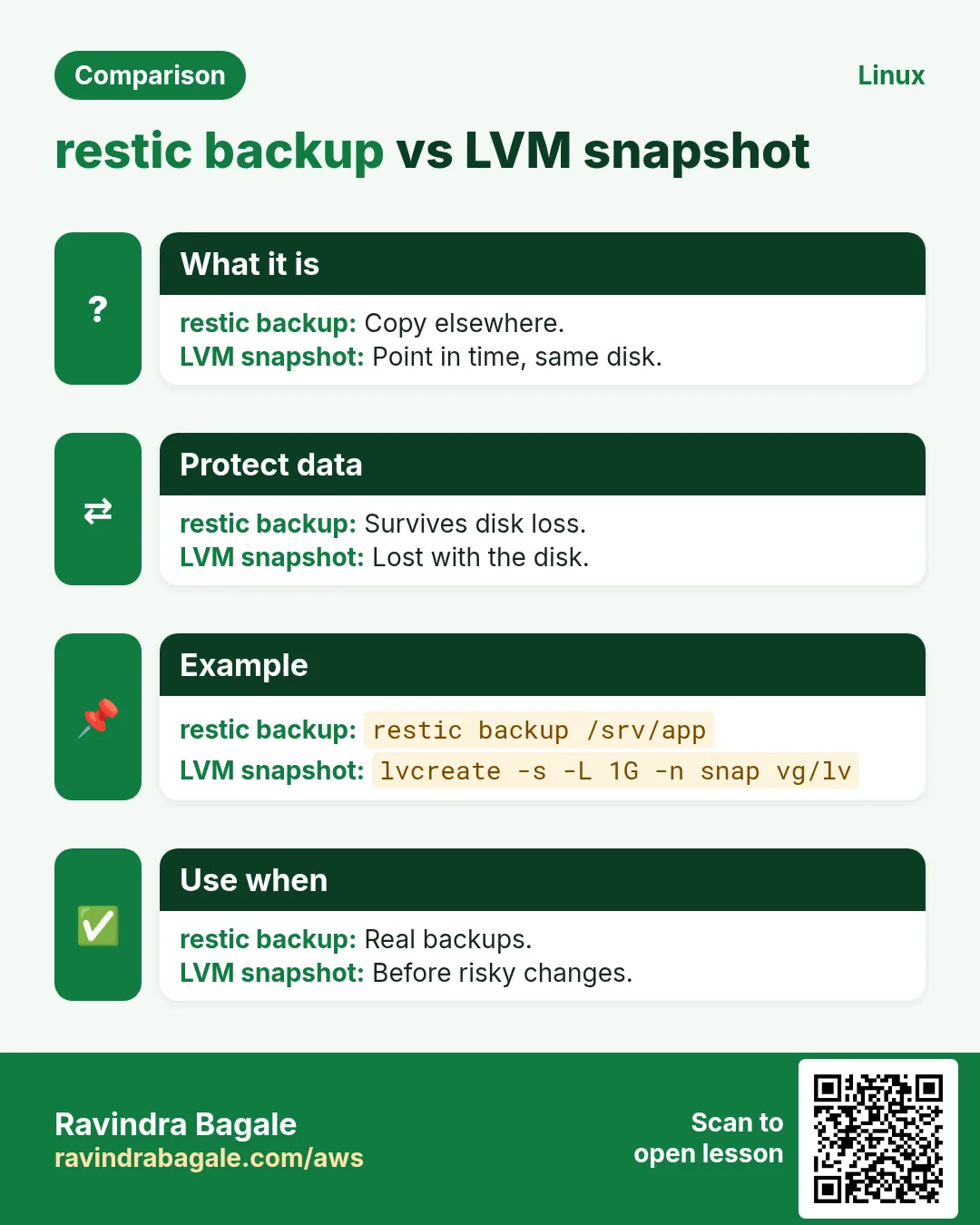
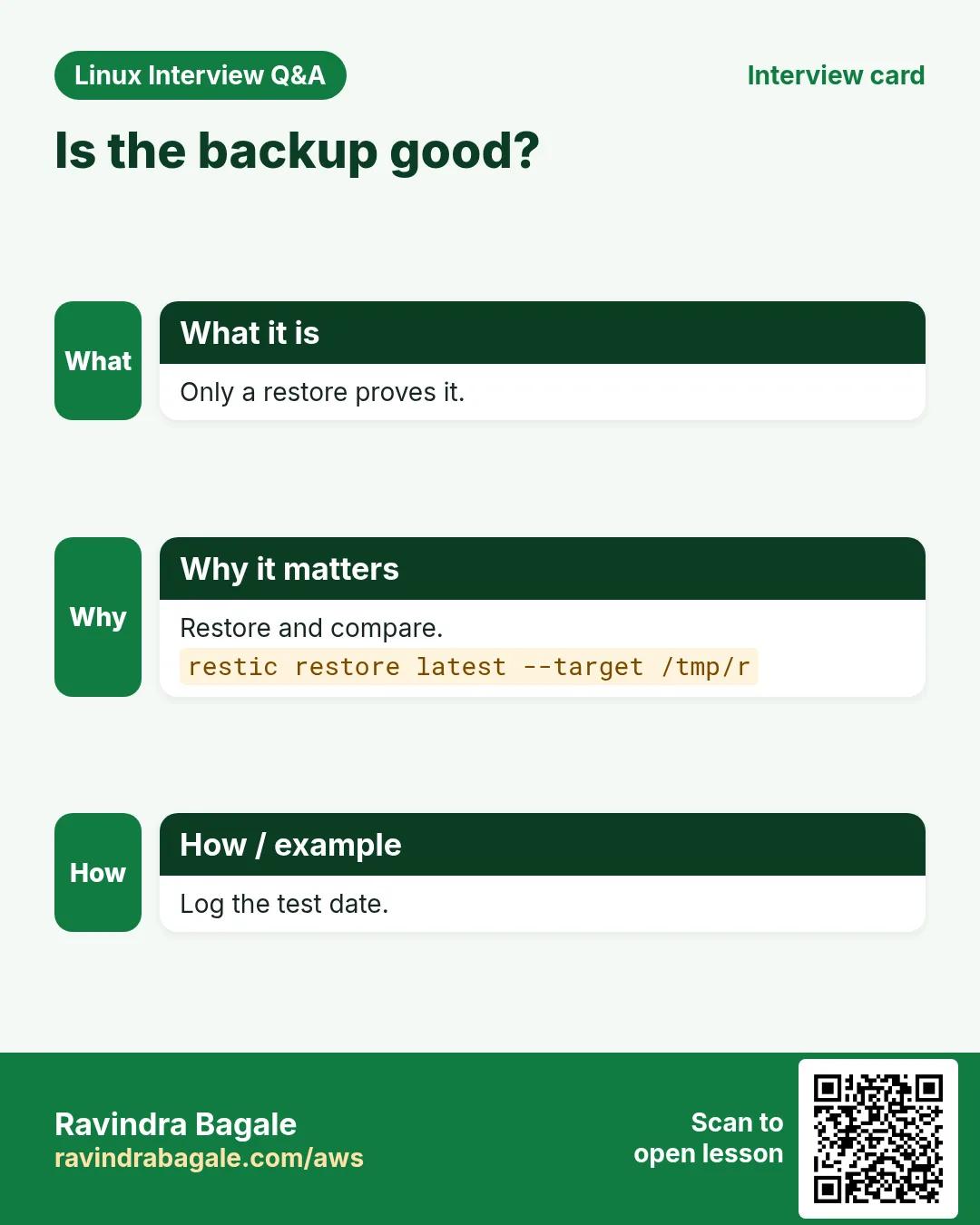
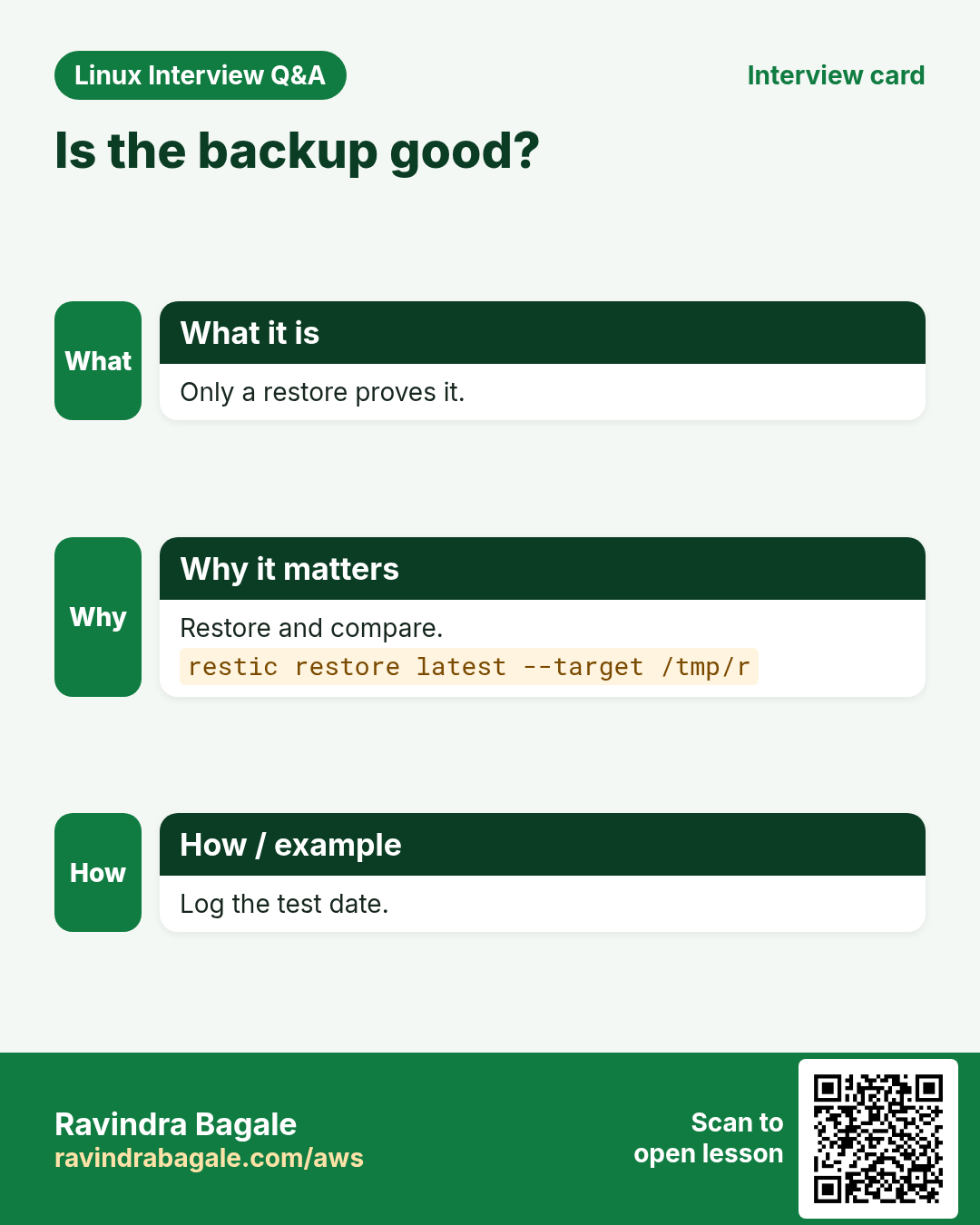
A backup that has never been restored is only a hope. Disks fail, people delete things, and ransomware encrypts data.
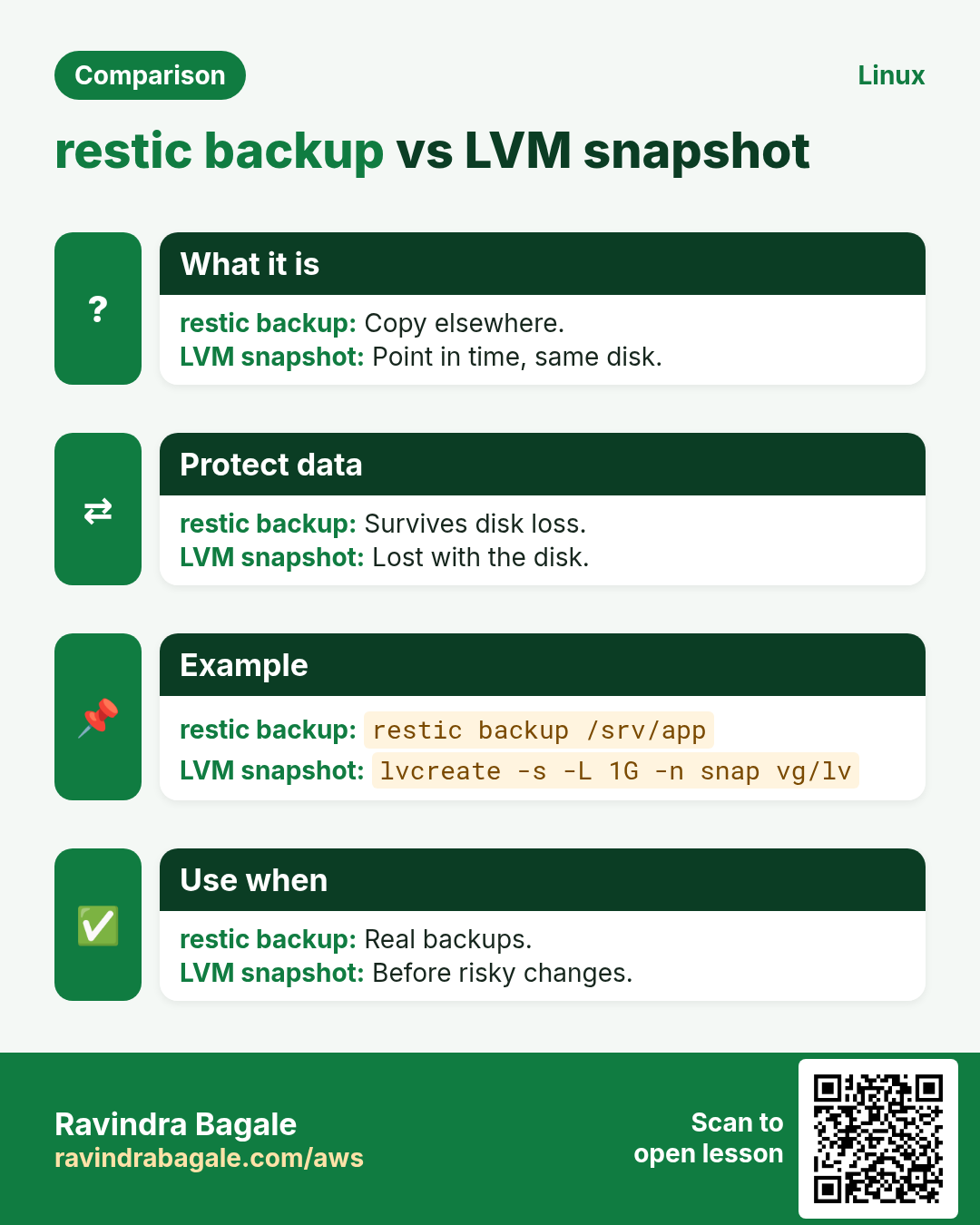
Back up /srv/app, /etc and a list of installed packages with restic to a separate backup host over SFTP, encrypted. Run it nightly with a systemd timer, keep 14 daily and 4 weekly snapshots, and restore to a temporary folder every month to prove it works. Follow 3-2-1: three copies, two kinds of media, one off site.
- Initialise the repository.
sudo dnf -y install restic >/dev/null; export RESTIC_REPOSITORY=sftp:backup@10.20.0.9:/backups/orders01 RESTIC_PASSWORD_FILE=/root/.restic-pass; sudo -E restic init | tail -1Output:
created restic repository 3f9a1c22be at sftp:backup@10.20.0.9:/backups/orders01Keep the password file safe and a copy offline; without it the backup is useless.
- Run a backup and apply retention.
rpm -qa | sort | sudo tee /root/pkglist.txt >/dev/null; sudo -E restic backup /srv/app /etc /root/pkglist.txt --tag nightly -q; sudo -E restic forget --keep-daily 14 --keep-weekly 4 --prune -q; sudo -E restic snapshots --compact | tail -2Output:
3c1d7e2a  2026-10-26 11:48:03  orders01  nightly  /etc, /root/pkglist.txt, /srv/app
1 snapshots
Then wrap these lines in a script with a nightly systemd timer.
- Prove a restore.
sudo -E restic restore latest --target /tmp/restore --include /srv/app/app.py -q; diff /srv/app/app.py /tmp/restore/srv/app/app.py && echo restore-okOutput:
restore-okIdentical file restored. Write the date in the runbook each time you test.
9. Fix: six production break-and-fix scenarios
Interviewers and on-call shifts both test whether you can find the cause quickly and safely, not whether you remember every flag.
Ask a partner to break your server with the commands below while you look away, then fix it using the method: symptom, scope, recent changes, logs, resources, fix, verify, write down. Each scenario shows the break, the clue and the fix.
| Scenario | Symptom | Root cause |
|---|---|---|
| 1 | 502 Bad Gateway | App service stopped or crashed |
| 2 | 502 with app running | SELinux boolean turned off |
| 3 | Writes fail, disk full | Huge log file in /srv/app |
| 4 | Cannot SSH from office | Firewall rich rule removed |
| 5 | Server boots to emergency mode | Bad fstab line |
| 6 | Site slow, load high | Runaway CPU process |
- Scenario 1 and 2: 502 Bad Gateway.
curl -sI localhost | head -1; systemctl is-active orders; getsebool httpd_can_network_connect; sudo tail -1 /var/log/nginx/error.logOutput:
HTTP/1.1 502 Bad Gateway
active
httpd_can_network_connect --> off
... connect() to 127.0.0.1:8000 failed (13: Permission denied) while connecting to upstream
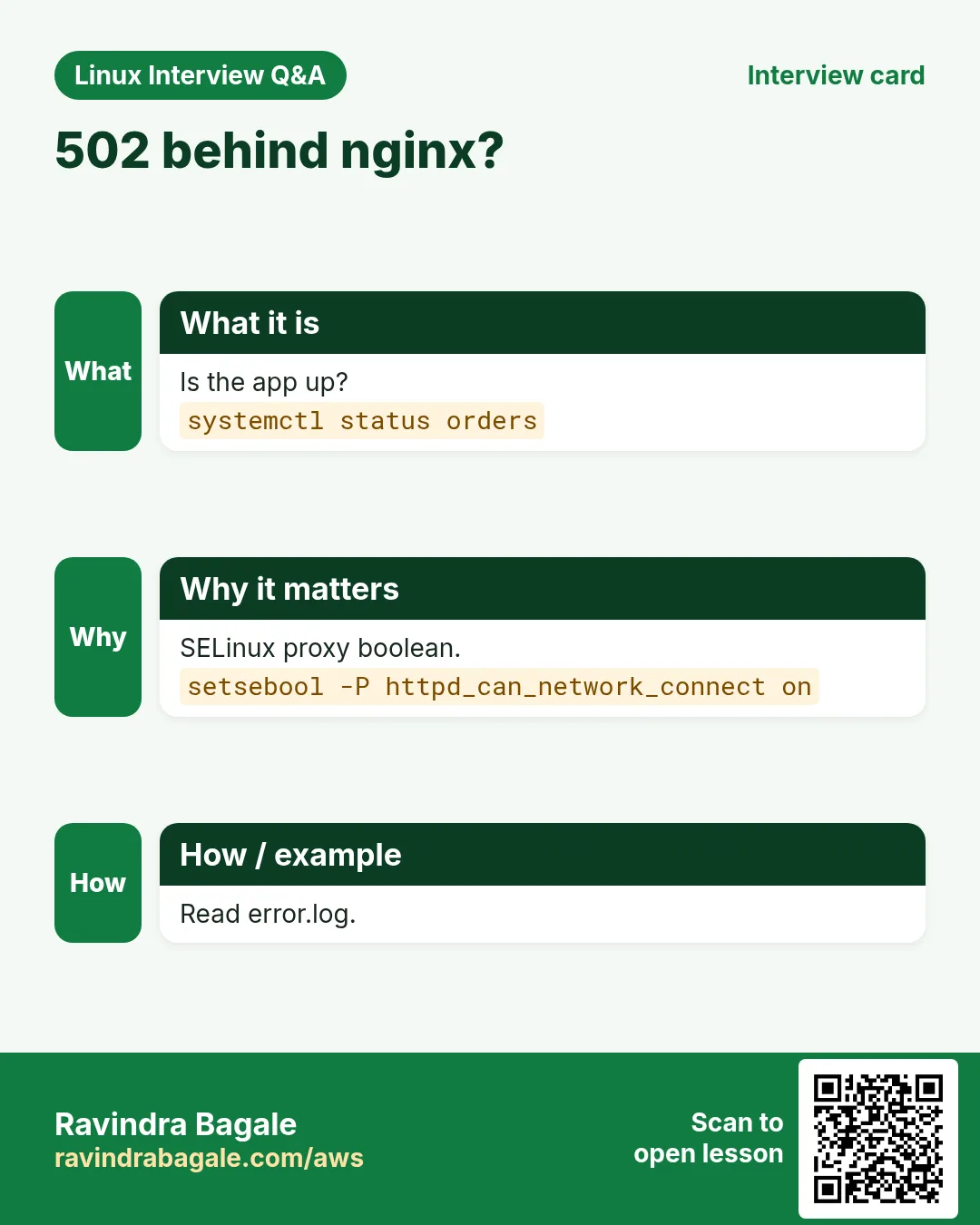
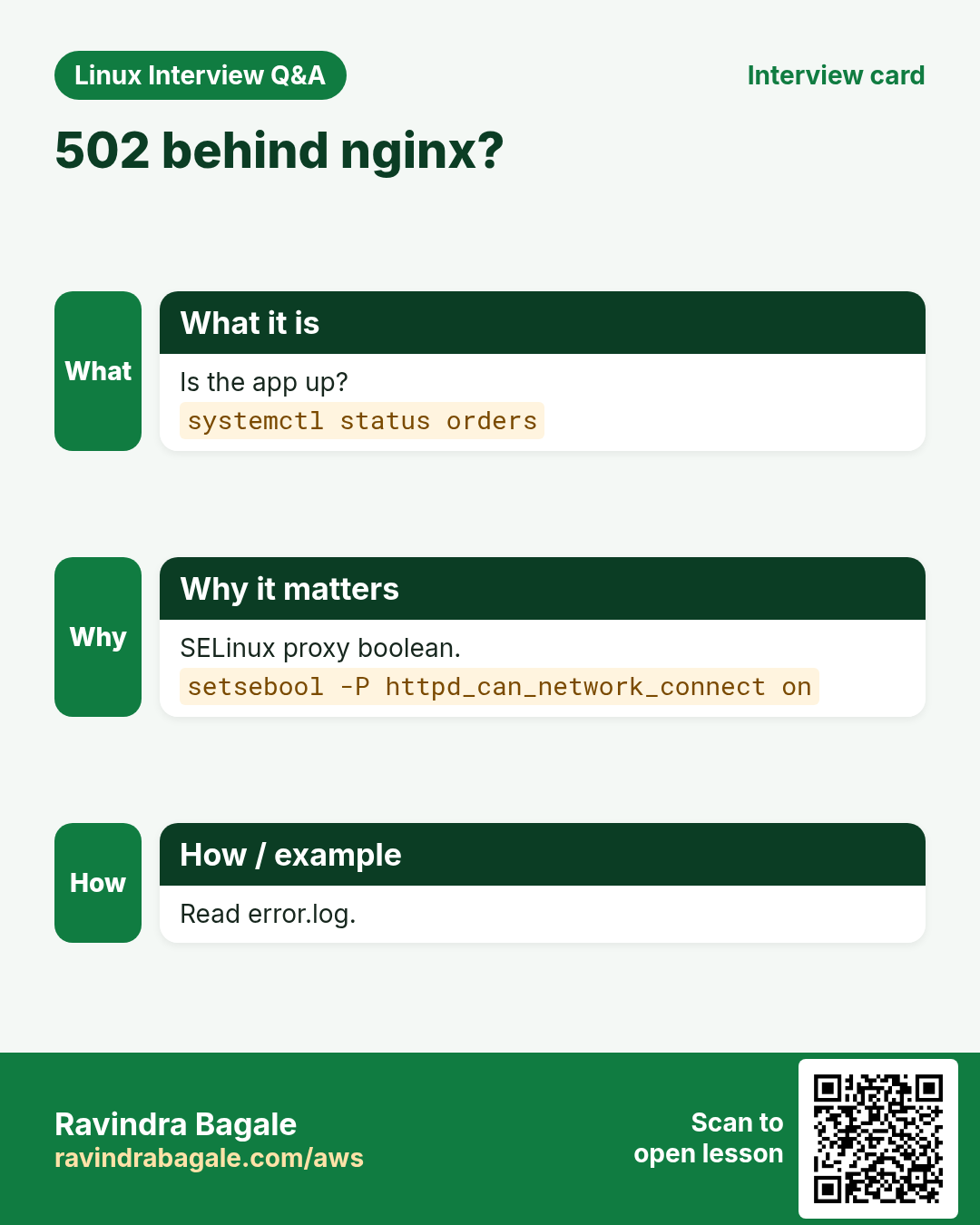
App is up, but permission denied plus the boolean off points to SELinux. Fix: setsebool -P httpd_can_network_connect on. If the app were inactive, check journalctl -u orders and start it.
- Scenario 3: disk full.
df -h /srv/app | tail -1; sudo du -xah /srv/app | sort -h | tail -2; sudo lsof +L1 | tail -1Output:
/dev/mapper/vg_data-lv_app  6.0G  6.0G   20K 100% /srv/app
5.7G	/srv/app/debug.log
6.0G	/srv/app
Truncate instead of deleting if a process holds it: sudo truncate -s 0 /srv/app/debug.log. Then add logrotate, or grow: lvextend -r -L +2G /dev/vg_data/lv_app.
- Scenarios 4, 5 and 6: SSH, emergency mode and high load.
sudo firewall-cmd --list-rich-rules | wc -l; findmnt --verify 2>&1 | tail -1; ps -eo pid,user,%cpu,cmd --sort=-%cpu | head -2Output:
0
   1 parse errors, 0 errors, 0 warnings
    PID USER  %CPU CMD
   4121 app   99.3 python3 -c while True: pass
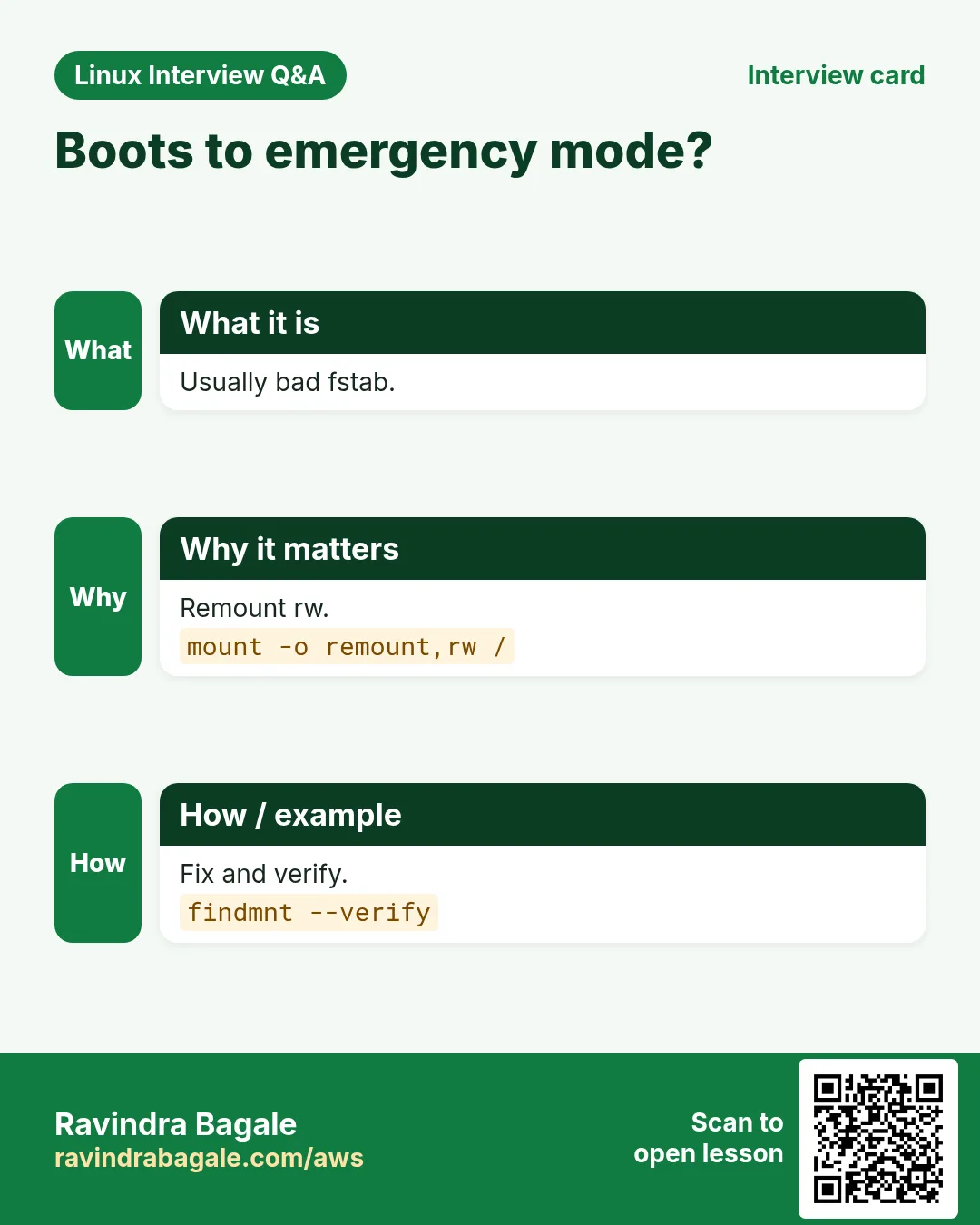
No rich rule: re-add it from the console. fstab parse error: fix the line from the emergency shell after mount -o remount,rw /. Runaway process: confirm with the owner, then kill 4121 and find why it started.
10. Runbook, handover and final checklist
Write the runbook for a classmate who missed the build. Include the service name and URL, a known response, where to find errors, and how to return to the previous test setting. Ask them to follow the steps from a fresh terminal. Add the missing host or service name wherever they have to guess. The handover is complete when they can reproduce the expected check and explain what to read when it fails.
A server only one person understands is a risk. A runbook lets anyone on the team handle it at 2 a.m.
Write /root/RUNBOOK.md with: what the server does, how to reach it, services and ports, where data and logs live, how to deploy, how to restore, the six scenarios and their fixes, and who to call. Then run a final checklist script that checks every requirement from the plan and prints PASS or FAIL.
- A final checklist script.
cat > check.sh <<'C'
#!/usr/bin/env bash
ok(){ printf '%-28s %s\n' "$1" "$( eval "$2" >/dev/null 2>&1 && echo PASS || echo FAIL)"; }
ok 'SELinux enforcing' '[[ $(getenforce) == Enforcing ]]'
ok 'root ssh disabled' 'sshd -T | grep -q "permitrootlogin no"'
ok 'password ssh disabled' 'sshd -T | grep -q "passwordauthentication no"'
ok 'app healthy' 'curl -fs localhost/health'
ok 'https healthy' 'curl -fsk https://localhost/health'
ok 'data mounted' 'findmnt /srv/app'
ok 'backup timer' 'systemctl is-active restic-backup.timer'
ok 'health timer' 'systemctl is-active healthcheck.timer'
ok 'auto updates' 'systemctl is-active dnf-automatic.timer'
ok 'no failed units' '[[ -z $(systemctl --failed --no-legend) ]]'
C
sudo bash check.sh
Output:
SELinux enforcing            PASS
root ssh disabled            PASS
password ssh disabled        PASS
app healthy                  PASS
https healthy                PASS
data mounted                 PASS
backup timer                 PASS
health timer                 PASS
auto updates                 PASS
no failed units              PASS
Every line maps back to a requirement in PLAN.md.
- Reboot and run it again.
sudo systemctl reboot
# after login
sudo bash check.sh | grep -c PASS
Output:
10The real proof: everything comes back on its own after a reboot.
- Write the handover note.
cat /root/HANDOVER.txtOutput:
orders01.shree.local (10.20.0.21), Rocky 9.4. nginx :80/:443 -> orders.service :8000 (user app). Data /srv/app on vg_data/lv_app (6G, 4G free). SSH keys only, admins group, office subnet. Backups restic nightly 01:30 to 10.20.0.9, last restore test 2026-10-26 OK. Alerts via healthcheck.timer. Runbook /root/RUNBOOK.md.Five lines a new teammate can act on immediately.
11. Real examples from many industries
The same Linux skill shows up in every kind of company. Seeing it in many places helps you remember it.
Each row is a made-up team. It shows who uses this and how.
| Team and city | How they use it | Command |
|---|---|---|
| Ravi, distributor IT, Pune | Builds the orders server for Shree Traders | systemctl enable --now orders |
| Asha, hospital, Nashik | Uses the same plan for a lab reports server | restic snapshots |
| Liam, SaaS startup, Melbourne | Turns the checklist into an Ansible role | ansible-playbook site.yml --check |
| Aiko, school board, Kyoto | Hardens SSH and firewall for a results portal | sshd -T | grep allowgroups |
| Carlos, retail chain, Mexico City | Runs monthly restore drills | restic restore latest --target /tmp/r |
| Snehal, sugar factory, Baramati | Adds disk alerts after a full-disk outage | df --output=pcent /srv/app |
12. Common errors and how to fix them
Everyone hits these errors. Knowing the cause saves hours.
Read the exact message first. Then match it to a row below.
| Error you see | Why it happens | How to fix |
|---|---|---|
502 Bad Gateway | App down or SELinux blocks nginx proxy | Check the service, then the boolean.setsebool -P httpd_can_network_connect on |
Permission denied (publickey) | Key not in authorized_keys or wrong perms | Fix .ssh permissions and context.chmod 700 ~/.ssh; chmod 600 ~/.ssh/authorized_keys; restorecon -Rv ~/.ssh |
orders.service: Failed with result 'exit-code' | App crashed or path wrong | Read the journal.journalctl -u orders -n 30 --no-pager |
Read-only file system on /srv/app | ProtectSystem=strict without ReadWritePaths | Add ReadWritePaths.systemctl edit orders |
No space left on device | Logs filled the data volume | Truncate, rotate or extend.lvextend -r -L +2G /dev/vg_data/lv_app |
Fatal: unable to open config file (restic) | Repository or password env missing | Export both variables.export RESTIC_REPOSITORY=... RESTIC_PASSWORD_FILE=/root/.restic-pass |
nginx: [emerg] cannot load certificate | Wrong path or SELinux label on cert | Check path and restorecon.restorecon -Rv /etc/pki/tls |
You are in emergency mode | Bad /etc/fstab line | Remount rw and fix fstab.mount -o remount,rw /; vi /etc/fstab |
Connection timed out on SSH | Firewall rich rule missing | Re-add it from the console.firewall-cmd --permanent --add-rich-rule='rule family=ipv4 source address=10.20.0.0/24 service name=ssh accept' |
13. Troubleshooting step by step
When the production server misbehaves, follow the same order every time and write down what you find.
Go top to bottom. Stop at the first step that shows the problem.
- Is it up and reachable?
curl -sI https://orders01.shree.local -k | head -1- Which service is unhappy?
systemctl --failed; systemctl status orders nginx --no-pager | grep Active- What do the logs say?
journalctl -p err -b --no-pager | tail -20- Resources: CPU, memory, disk.
uptime; free -h; df -h- Security layers: SELinux and firewall.
ausearch -m AVC -ts recent; firewall-cmd --list-all- What changed recently?
dnf history | head -5; ausearch -k priv -ts today | tail -314. Lab 1: Build and secure orders01 end to end
On a fresh Rocky 9 VM, follow sections 1 to 5 and finish with all security checks passing.
A full hands-on lab. Run every step on a test Linux machine (an EC2 instance, a VM, or WSL).
- Write PLAN.md and record facts.
wc -l /root/PLAN.md; hostnameOutput:
24 /root/PLAN.md
orders01.shree.local- Users, sudo and LVM.
getent group admins; findmnt -no SOURCE /srv/appOutput:
admins:x:1001:ravi,asha
/dev/mapper/vg_data-lv_app- App and nginx.
curl -s localhost/; systemctl is-enabled orders nginxOutput:
Shree Traders orders
enabled
enabled- SSH and firewall hardening.
sshd -T | grep -c -E 'permitrootlogin no|passwordauthentication no'; firewall-cmd --list-servicesOutput:
2
dhcpv6-client http https- Updates, fail2ban, audit, TLS.
systemctl is-active dnf-automatic.timer fail2ban auditd; curl -sk https://localhost/healthOutput:
active
active
active
ok
15. Lab 2: Monitor, back up, break and fix
Add monitoring and backups, then have a partner run all six break scenarios; fix each within 10 minutes and log it.
A full hands-on lab. Run every step on a test Linux machine (an EC2 instance, a VM, or WSL).
- Health timer and alert test.
systemctl stop orders; sleep 65; journalctl -t healthcheck -n1 -o cat; systemctl start ordersOutput:
ALERT app health failed;- Backup and restore test.
restic snapshots --compact | tail -1; restic restore latest --target /tmp/r -q && ls /tmp/r/srv/appOutput:
1 snapshots
app.py- Partner breaks: SELinux boolean off.
curl -sI localhost | head -1; getsebool httpd_can_network_connectOutput:
HTTP/1.1 502 Bad Gateway
httpd_can_network_connect --> off- Fix and verify.
setsebool -P httpd_can_network_connect on; curl -sI localhost | head -1Output:
HTTP/1.1 200 OK- Partner breaks: fills the disk. Fix and log.
truncate -s 0 /srv/app/debug.log; df --output=pcent /srv/app | tail -1; echo '2026-10-26 12:30 disk full, truncated debug.log, added logrotate' >> /root/INCIDENTS.logOutput:
2%- Final checklist after reboot.
bash check.sh | grep -c PASSOutput:
10Ravindra Bagale's Tip
Do this capstone twice. The first time, follow every step. The second time, build the server from your own PLAN.md and RUNBOOK.md without looking at this page. If you can do that, you can confidently say in an interview that you have built, secured, monitored and fixed a production Linux server, and explain every choice.
Ravindra Bagale's Tip – मराठी
हा capstone दोनदा करा. पहिल्यांदा प्रत्येक step follow करा. दुसऱ्यांदा हे page न बघता स्वतःच्या PLAN.md आणि RUNBOOK.md वरून server build करा. ते जमलं तर interview मधे आत्मविश्वासाने सांगू शकता की तुम्ही production Linux server build, secure, monitor आणि fix केला आहे, आणि प्रत्येक निवड समजावू शकता.
Ravindra Bagale's Tip – हिंदी
यह capstone दो बार कीजिए. पहली बार हर step follow कीजिए. दूसरी बार यह page देखे बिना अपने PLAN.md और RUNBOOK.md से server build कीजिए. अगर ऐसा कर पाए, तो interview में भरोसे से कह सकते हैं कि आपने production Linux server build, secure, monitor और fix किया है, और हर फैसला समझा सकते हैं.
16. Frequently asked questions
Q. Can I use Ubuntu instead of Rocky?
Yes. Swap dnf for apt, firewalld for ufw and SELinux for AppArmor; the plan stays the same.
Q. Do I need a cloud account?
No. A local VM in VirtualBox, KVM or UTM is enough. A second small VM acts as the backup host.
Q. Why a self-signed certificate?
Only for the lab. In production use Let's Encrypt or your company CA.
Q. Should I use Prometheus and Grafana?
Yes, for real fleets. The health timer here is the minimum that works on one server.
Q. How long does the capstone take?
About 4 to 6 hours the first time, under 2 hours the second time.
Q. Can I put this on my CV?
Yes, as a project. Push PLAN.md, RUNBOOK.md and scripts to a Git repo with no secrets.
Q. What if I lock myself out of SSH?
Use the VM console, fix the firewall or sshd file, and always keep one session open while testing.
Q. Should I automate this with Ansible?
Yes, as the next step. Turn each section into a role and rebuild the server with one command.
17. Interview questions and answers
Beginner level
Q. Why put app data on a separate volume?
To grow it and back it up separately, and to stop it filling the OS disk.
Q. Why run the app as a service user?
Least privilege: a compromised app cannot act as root.
Q. What does nginx -t do?
Tests the config before reload.
Q. Why test a restore?
Only a restore proves the backup works.
Mid level level
Q. How do you avoid locking yourself out when hardening SSH?
sshd -t, keep a session open, test a new login, have console access.
Q. Why does nginx get 502 with SELinux enforcing?
httpd_can_network_connect is off.
Q. How do you alert without a full monitoring stack?
A systemd timer running a check script that logs and calls a webhook.
Q. What does ProtectSystem=strict do?
Makes the filesystem read-only for the service except ReadWritePaths.
Senior level
Q. How would you turn this into a fleet of 50 servers?
Ansible roles or images, config in Git, central metrics and logs, staged patching.
Q. What would you change for high availability?
Two app servers behind a load balancer, shared or replicated data, health-based failover.
Q. How do you prove compliance?
OpenSCAP scans, audit logs, a checklist script in CI and stored reports.
Q. How do you decide RPO and RTO?
With the business: how much data loss and downtime is acceptable, then design backups to meet it.
Try at home
- Build orders01 on a home VM from start to finish, then run check.sh after a reboot.
- Ask a friend to break it with any two scenarios and time your fixes.
- Publish your PLAN.md, RUNBOOK.md and scripts in a Git repo, without secrets.
Practise this chapter
Interview questions and answers
A training service works when tested directly and fails through Nginx. How do you continue?
Keep the successful app request as your baseline. Inspect the upstream address in the Nginx configuration and error at the same time. Recheck reachability from the proxy. After fixing the link, repeat the original proxied request and record both results in the runbook.
Check your understanding
Choose an answer, then compare your reasoning with the explanation.
Practice Tasks
Practice checks run in your browser. They check the answer for this exercise; they do not create resources or connect to your AWS account.
About this scenarioAmravati Agro Market is a agriculture business in Amravati. Anjali Thakre looks after its IT and cloud work. They count money in INR and run their AWS resources in the ap-south-1 Region. In the tasks below you do real jobs for them using what this lesson teaches. All names, account IDs, IP addresses and numbers are made up for practice.
0 / 22
Easy Hostname
BIZ is putting a new production server live.
Anjali Thakre is putting a Amravati Agro Market server live. Set its hostname to web02.shree.local.
- Find the Linux command that does this job.
- Add the options (like -r or -h) the task needs.
- Add the file names, folders or users in the right order.
- Use sudo if the job changes system files or users. Click Check answer.
Easy Time zone
BIZ is putting a new production server live.
Set the time zone to Europe/London for a UK branch server.
- Find the Linux command that does this job.
- Add the options (like -r or -h) the task needs.
- Add the file names, folders or users in the right order.
- Use sudo if the job changes system files or users. Click Check answer.
Easy Physical volume
BIZ is putting a new production server live.
Initialise /dev/vdc as an LVM physical volume.
- Find the Linux command that does this job.
- Add the options (like -r or -h) the task needs.
- Add the file names, folders or users in the right order.
- Use sudo if the job changes system files or users. Click Check answer.
Easy Make XFS
BIZ is putting a new production server live.
Create an XFS filesystem on /dev/vg_data/lv_app.
- Find the Linux command that does this job.
- Add the options (like -r or -h) the task needs.
- Add the file names, folders or users in the right order.
- Use sudo if the job changes system files or users. Click Check answer.
Easy Test nginx
BIZ is putting a new production server live.
Test nginx and dump the full merged configuration.
- Find the Linux command that does this job.
- Add the options (like -r or -h) the task needs.
- Add the file names, folders or users in the right order.
- Use sudo if the job changes system files or users. Click Check answer.
Easy Test sshd
BIZ is putting a new production server live.
Test sshd config for errors, naming the main config file explicitly.
- Find the Linux command that does this job.
- Add the options (like -r or -h) the task needs.
- Add the file names, folders or users in the right order.
- Use sudo if the job changes system files or users. Click Check answer.
Easy Ban status
BIZ is putting a new production server live.
Unban IP 10.0.0.9 from the sshd jail in fail2ban.
- Find the Linux command that does this job.
- Add the options (like -r or -h) the task needs.
- Add the file names, folders or users in the right order.
- Use sudo if the job changes system files or users. Click Check answer.
Easy Journal size
BIZ is putting a new production server live.
Shrink the journal to at most 200M.
- Find the Linux command that does this job.
- Add the options (like -r or -h) the task needs.
- Add the file names, folders or users in the right order.
- Use sudo if the job changes system files or users. Click Check answer.
Easy Run checklist
BIZ is putting a new production server live.
Run the final checklist script check.sh with a trace, as root.
- Find the Linux command that does this job.
- Add the options (like -r or -h) the task needs.
- Add the file names, folders or users in the right order.
- Use sudo if the job changes system files or users. Click Check answer.
Medium Reboot needed?
BIZ is putting a new production server live.
After patching, list services that need a restart.
- Find the Linux command that does this job.
- Add the options (like -r or -h) the task needs.
- Add the file names, folders or users in the right order.
- Use sudo if the job changes system files or users. Click Check answer.
Medium Service user
BIZ is putting a new production server live.
Create a system user shop with home /srv/shop and no login shell.
- Find the Linux command that does this job.
- Add the options (like -r or -h) the task needs.
- Add the file names, folders or users in the right order.
- Use sudo if the job changes system files or users. Click Check answer.
Medium Check sudoers
BIZ is putting a new production server live.
Check the main sudoers file and all included files for syntax errors, quietly.
- Find the Linux command that does this job.
- Add the options (like -r or -h) the task needs.
- Add the file names, folders or users in the right order.
- Use sudo if the job changes system files or users. Click Check answer.
Medium Reload units
BIZ is putting a new production server live.
After editing orders.service, make systemd re-read units and then restart orders.
- Find the Linux command that does this job.
- Add the options (like -r or -h) the task needs.
- Add the file names, folders or users in the right order.
- Use sudo if the job changes system files or users. Click Check answer.
Medium Effective sshd
BIZ is putting a new production server live.
Print the effective sshd configuration and keep only the permitrootlogin line.
- Find the Linux command that does this job.
- Add the options (like -r or -h) the task needs.
- Add the file names, folders or users in the right order.
- Use sudo if the job changes system files or users. Click Check answer.
Medium Web services
BIZ is putting a new production server live.
Permanently allow only the https service in firewalld.
- Find the Linux command that does this job.
- Add the options (like -r or -h) the task needs.
- Add the file names, folders or users in the right order.
- Use sudo if the job changes system files or users. Click Check answer.
Medium Load audit rules
BIZ is putting a new production server live.
Search the audit log for events with key sshcfg.
- Find the Linux command that does this job.
- Add the options (like -r or -h) the task needs.
- Add the file names, folders or users in the right order.
- Use sudo if the job changes system files or users. Click Check answer.
Medium List timers
BIZ is putting a new production server live.
List all systemd timers, including inactive ones.
- Find the Linux command that does this job.
- Add the options (like -r or -h) the task needs.
- Add the file names, folders or users in the right order.
- Use sudo if the job changes system files or users. Click Check answer.
Medium Snapshots
BIZ is putting a new production server live.
List only restic snapshots tagged nightly.
- Find the Linux command that does this job.
- Add the options (like -r or -h) the task needs.
- Add the file names, folders or users in the right order.
- Use sudo if the job changes system files or users. Click Check answer.
Hard Proxy boolean
BIZ is putting a new production server live.
Allow nginx to connect to a database port, persistently, in SELinux.
- Find the Linux command that does this job.
- Add the options (like -r or -h) the task needs.
- Add the file names, folders or users in the right order.
- Use sudo if the job changes system files or users. Click Check answer.
Hard Restore latest
BIZ is putting a new production server live.
Restore the latest restic snapshot into /tmp/restore-test.
- Find the Linux command that does this job.
- Add the options (like -r or -h) the task needs.
- Add the file names, folders or users in the right order.
- Use sudo if the job changes system files or users. Click Check answer.
Hard Free space now
BIZ is putting a new production server live.
Empty /srv/app/access.log in place without deleting it.
- Find the Linux command that does this job.
- Add the options (like -r or -h) the task needs.
- Add the file names, folders or users in the right order.
- Use sudo if the job changes system files or users. Click Check answer.
Hard Emergency remount
BIZ is putting a new production server live.
After rd.break, remount /sysroot read-write.
- Find the Linux command that does this job.
- Add the options (like -r or -h) the task needs.
- Add the file names, folders or users in the right order.
- Use sudo if the job changes system files or users. Click Check answer.
18. Related chapters
- Linux Ops Refresh for DevOps
- Bash Scripting for Automation
- Linux grep and find Commands with Examples
- How to Set Up Passwordless SSH Between Linux Servers
In short
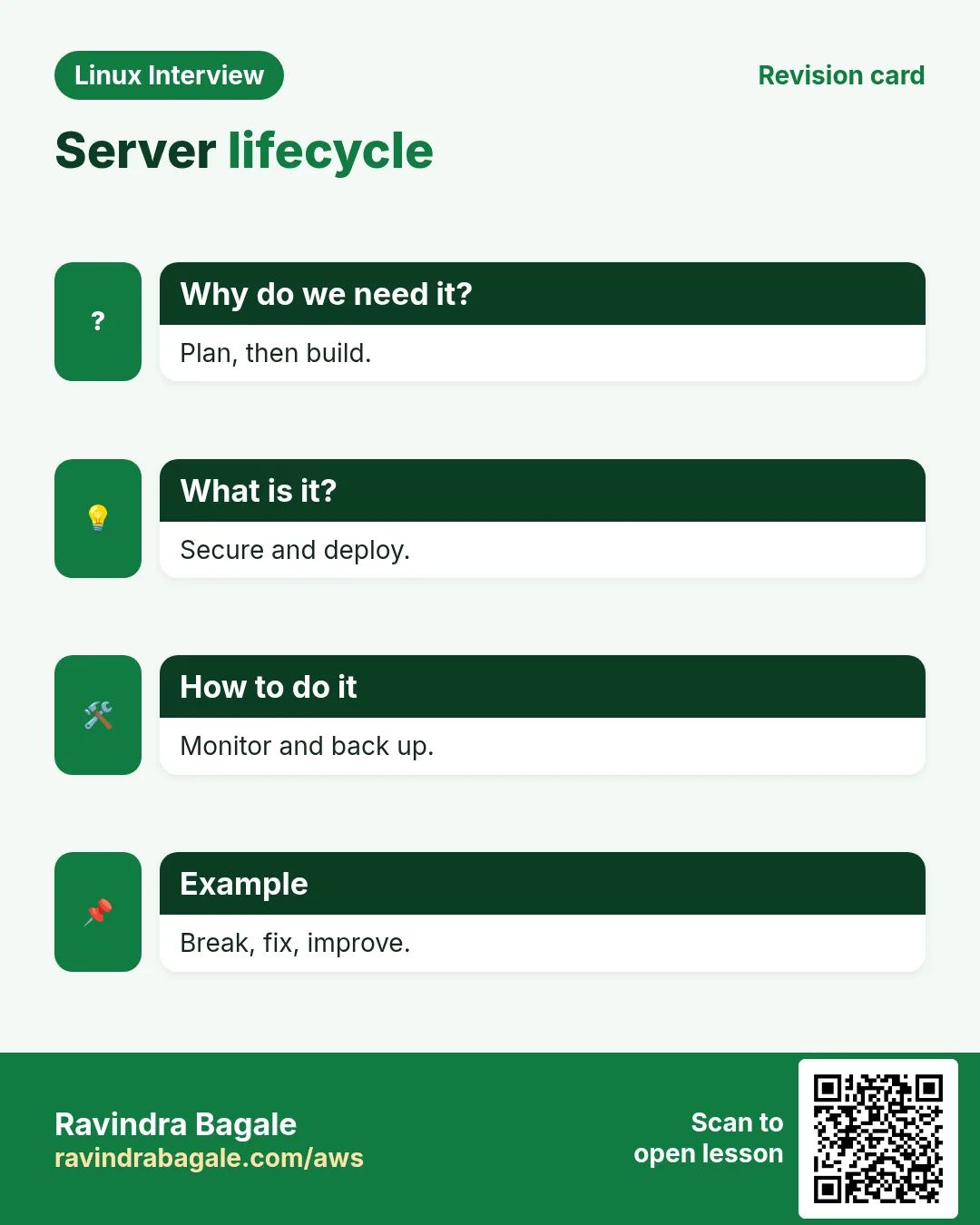
- Plan first, then build.
- Named users, sudo, data on LVM.
- systemd for the app, nginx in front.
- Keys only SSH, tight firewall, SELinux enforcing.
- Alerts tested by breaking things.
- Backups proven by restore, and a runbook for everyone.
Revision, comparison and interview cards
Revise this lesson in a few minutes. Save the cards on your phone or download them as PNG files. The QR code on each card opens this lesson.
More cards: Ravi Sir's Cards.