Linux Troubleshooting Playbook: 20 Real Production Cases with Commands and Fixes
This chapter is a playbook: 20 real problems that happen on Linux servers, each with the symptom, the commands to find the cause, and the fix. They use everything from the earlier chapters: systemd, logs, disks, networking, performance, security and the kernel. Read the method first, then practise the cases until the first three commands come to you without thinking.
In this chapter
- Follow one calm method for every incident
- Solve disk, memory and CPU cases
- Solve service, boot and log cases
- Solve network, DNS and TLS cases
- Solve permission, SELinux and SSH cases
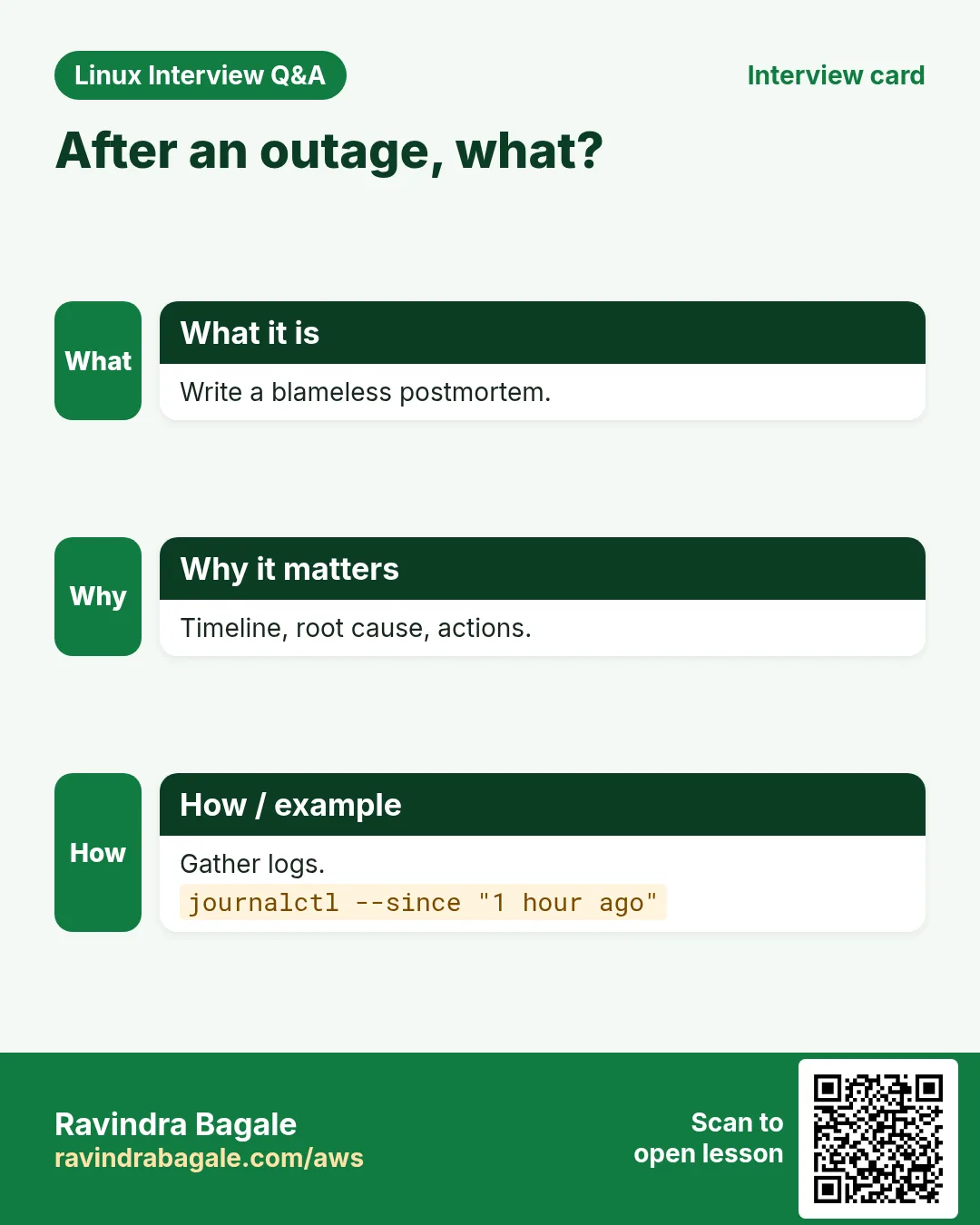
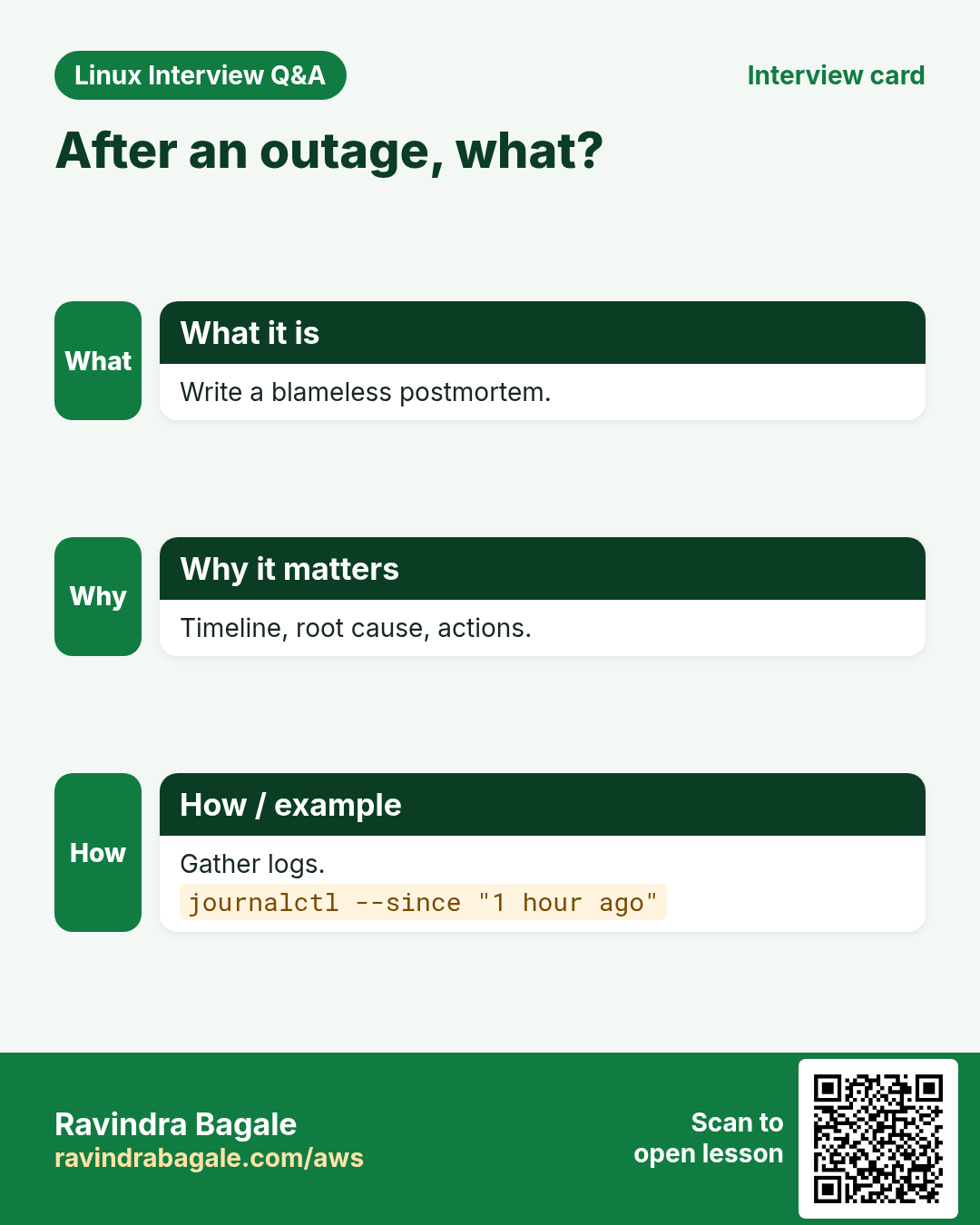
- Write a short incident note
1. An everyday example: a family doctor
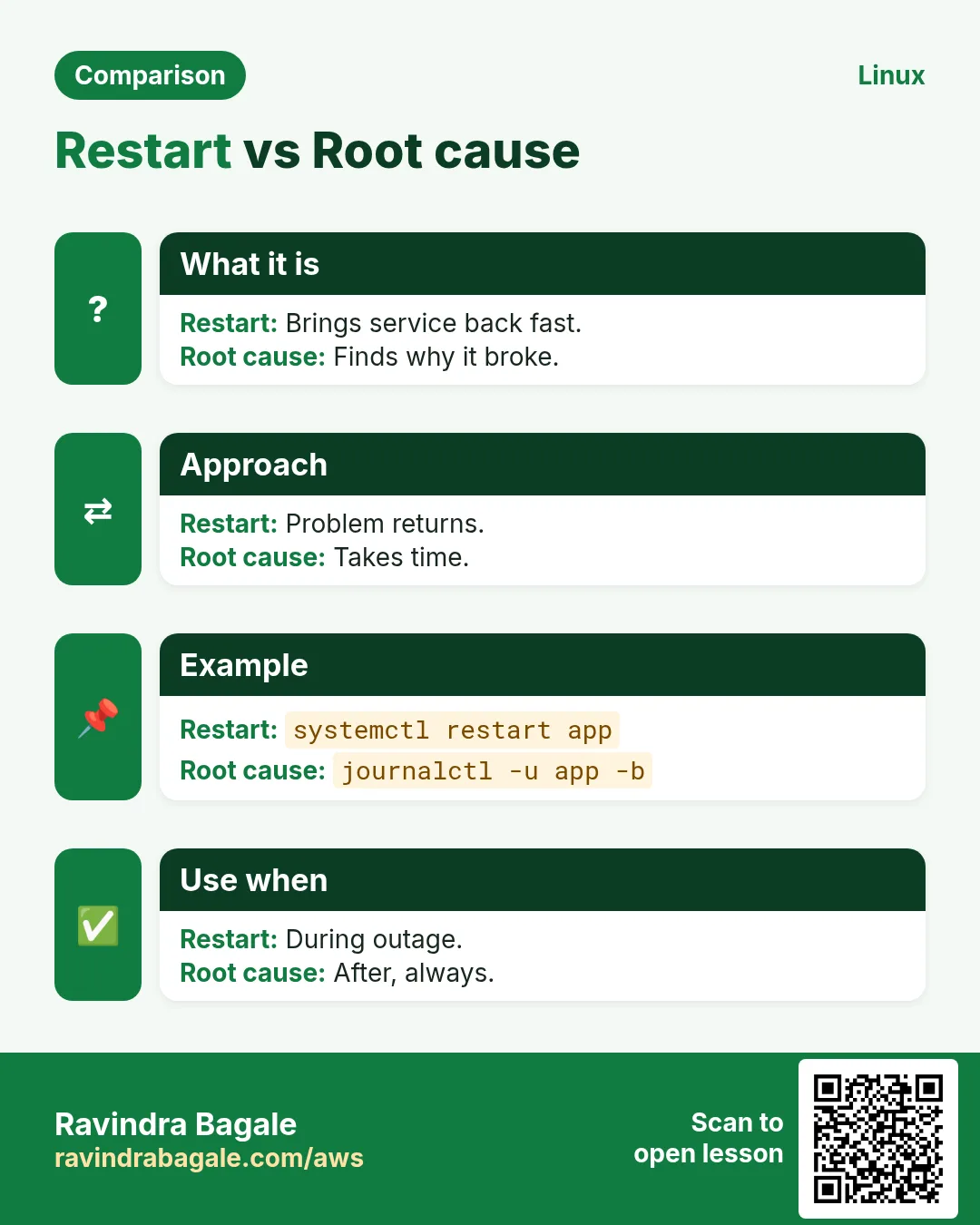
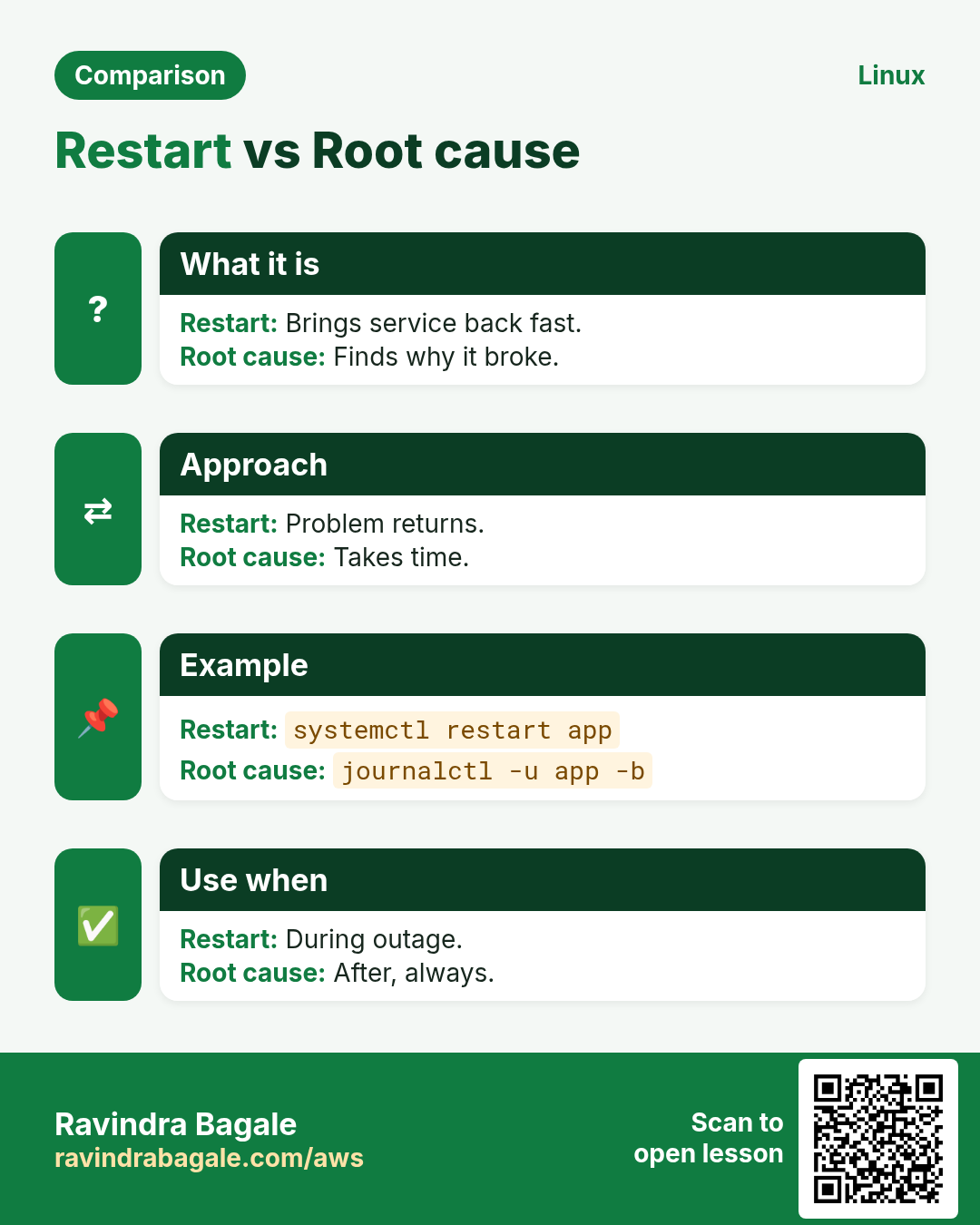
When you visit a family doctor in Sadashiv Peth with fever, she does not guess. She asks when it started, checks temperature, pulse and BP, looks at old reports, then decides. If it is serious she first gives relief, then finds the root cause.
When did it start = what changed (deploys, updates). Temperature and pulse = uptime, df, free, systemctl --failed. Old reports = journalctl, sar. Relief first = restore service (restart, rollback). Root cause later = the incident note.
2. Case 1: Disk full, app cannot write
Symptom: 'No space left on device' in app logs.
Cause and fix: Find the big folder with du; old logs or a runaway file. Clean, then set logrotate.
- Which filesystem?
df -hOutput:
/dev/nvme0n1p1 20G 20G 0 100% /Root full.
- Biggest folders.
sudo du -xh --max-depth=2 / | sort -h | tail -5Output:
14G /var/log/appLogs.
- Shrink journal too.
sudo journalctl --vacuum-size=200MOutput:
Vacuuming done, freed 1.1GSpace back.
3. Case 2: df says full, du says small
Symptom: df shows 100% but du adds up to much less.
Cause and fix: A deleted file is still held open by a process. Restart that process.
- Find deleted open files.
sudo lsof +L1Output:
java 3011 app 9w REG ... 9.8G /var/log/shop.log (deleted)9.8 GB held.
- Free it.
sudo systemctl restart shop-apiOutput:
(no output)Released.
4. Case 3: No inodes left
A filesystem uses blocks to hold file contents and inodes to track file objects and their metadata. A directory with many very small files can run out of inodes while still having room for bytes. Compare df -h and df -i for the same mount. If only the inode count is exhausted, look for a process creating large numbers of files. Remove old lab files using your retention rule, then check that you can create a test file and that the inode count fell.
Symptom: 'No space left' but df -h shows free space.
Cause and fix: Millions of tiny files (sessions, cache). Count with df -i and delete old ones.
- Inodes.
df -i /varOutput:
/dev/nvme1n1 6.5M 6.5M 0 100% /varOut of inodes.
- Where?
sudo find /var -xdev -type f | cut -d/ -f2-4 | sort | uniq -c | sort -n | tail -3Output:
5900000 var/lib/phpPHP sessions.
- Delete old.
sudo find /var/lib/php/sessions -type f -mmin +1440 -deleteOutput:
(no output)Cleaned.
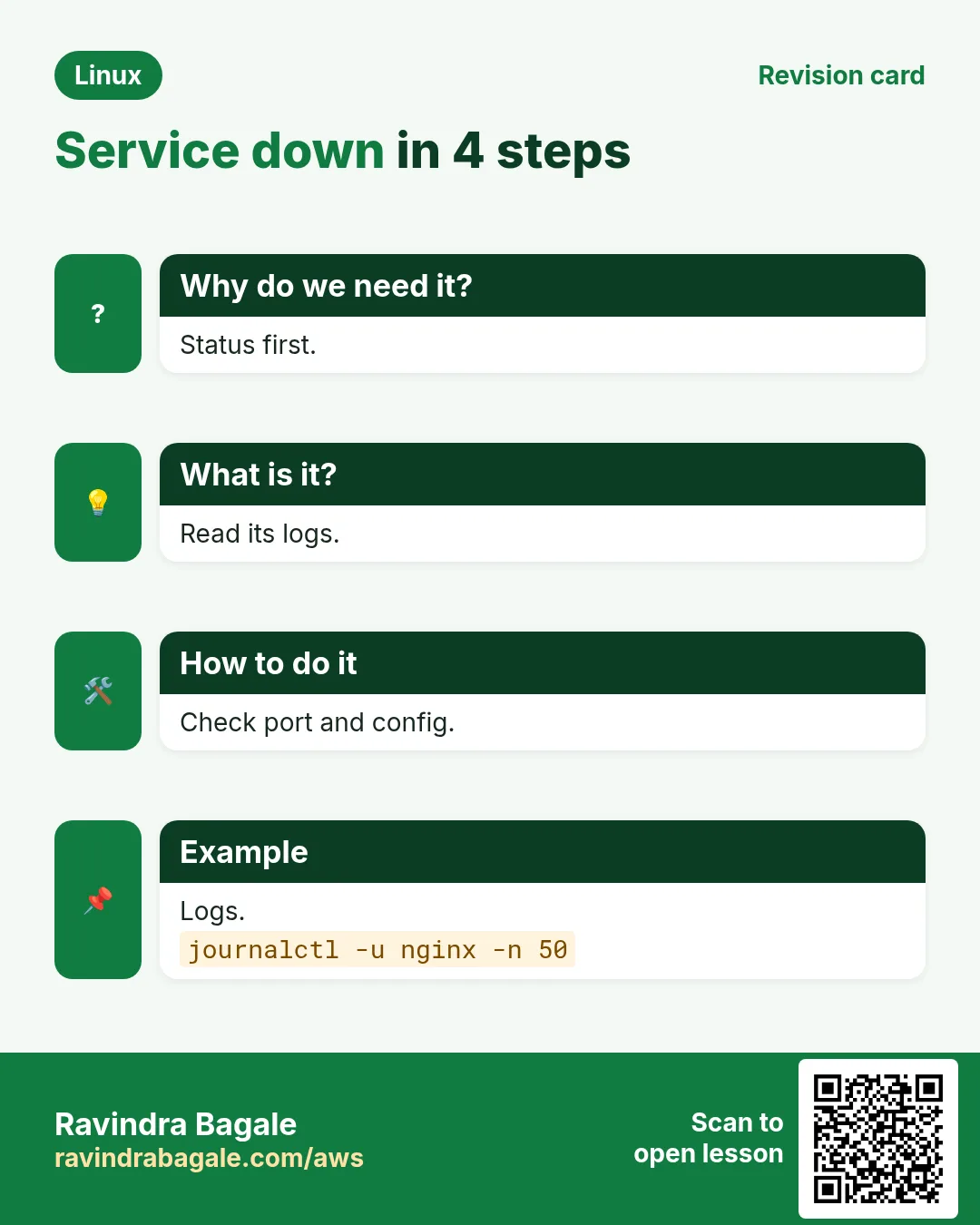
5. Case 4: Service fails to start
Symptom: systemctl start returns an error; the site is down.
Cause and fix: Read status and the unit's journal; often a bad config, missing file or busy port.
- Status.
systemctl status nginx --no-pager | tail -3Output:
nginx: [emerg] unknown directive "servr_name" in /etc/nginx/conf.d/shop.conf:3Typo.
- Test config.
sudo nginx -tOutput:
nginx: configuration file /etc/nginx/nginx.conf test failedFix line 3.
- Start.
sudo systemctl restart nginx && systemctl is-active nginxOutput:
activeUp.
6. Case 5: Port already in use
When the log says the address is already in use, write down the exact address and port from the log. Use ss -ltnp on the lab host and look for the matching local listening row. If the owner is an older copy of your service, find its unit or command before stopping it. If another expected app owns the port, choose a different port for your test. Repeat the listener check and make one request afterward. That verifies both that your process now owns the address and that it responds.
Symptom: 'bind() to 0.0.0.0:80 failed (98: Address already in use)'.
Cause and fix: Another process (old copy, apache) holds the port. Find and stop it.
- Who has :80?
sudo ss -ltnp 'sport = :80'Output:
LISTEN 0 511 *:80 users:(("httpd",pid=901,fd=4))Apache.
- Stop and disable.
sudo systemctl disable --now httpdOutput:
Removed ... httpd.servicePort free.
7. Case 6: Service keeps restarting
Symptom: Status shows 'activating (auto-restart)' and restarts every few seconds.
Cause and fix: The app crashes on start (missing env, DB down). Read the last logs before the restart.
- Logs.
journalctl -u shop-api -n 20 --no-pagerOutput:
Error: DATABASE_URL is not set
shop-api.service: Main process exited, code=exited, status=1
Env missing.
- Add env.
sudo systemctl edit shop-apiOutput:
[Service]
EnvironmentFile=/etc/shop/api.env
Then restart.
8. Case 7: High CPU, site slow
Symptom: Load 12 on 4 cores; pages time out.
Cause and fix: Find the process with top; check if it is traffic, a loop or a cron job. Restart or scale, then fix code.
- Who?
top -b -n 1 -o %CPU | head -9Output:
3011 app 395 12.0 javaJava.
- Which threads?
top -H -b -n 1 -p 3011 | head -10Output:
3044 app 99.0 java
3045 app 98.0 java
Hot threads.
- Thread dump for devs.
sudo -u app jstack 3011 | grep -A5 'nid=0xbe4'Output:
"report-worker" ... RUNNABLE at ...ReportService.loopInfinite loop.
9. Case 8: Out of memory kills
Symptom: The app dies randomly; dmesg says 'Killed process'.
Cause and fix: Memory leak or too many workers. Confirm OOM, cap with MemoryMax, add swap or RAM, fix the leak.
- Confirm.
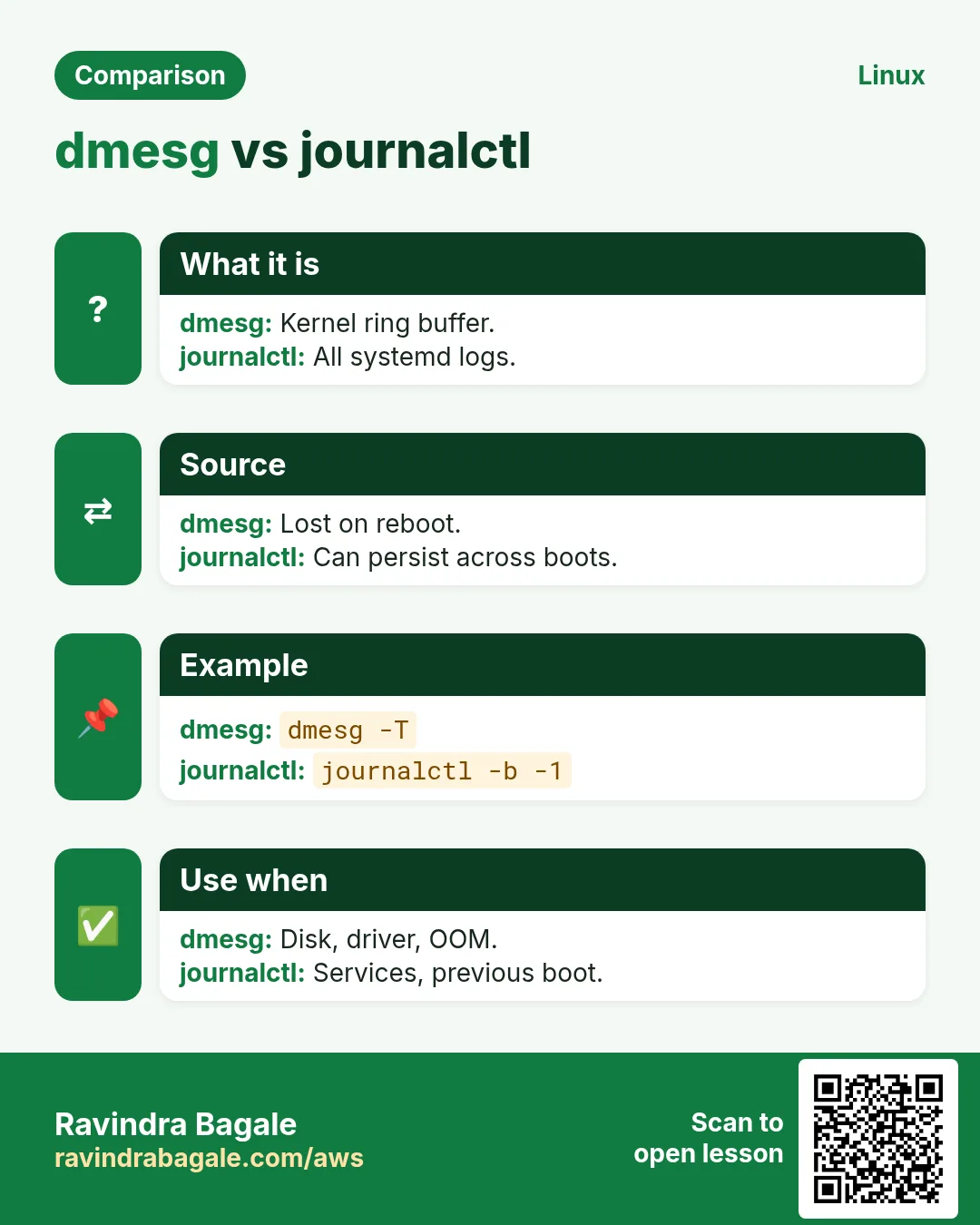
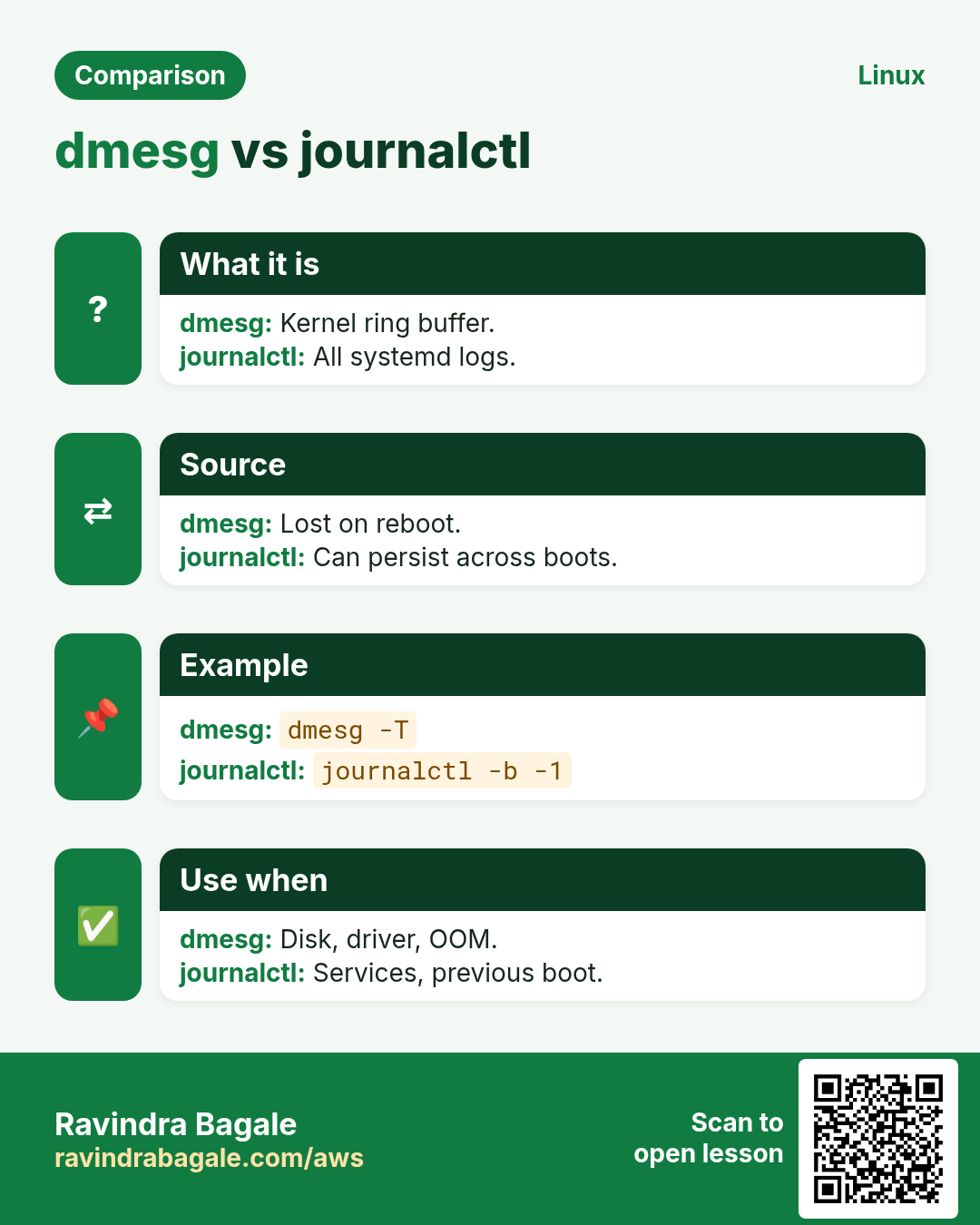
journalctl -k | grep -i 'killed process' | tail -2Output:
Out of memory: Killed process 4121 (node) total-vm:3.1GOOM.
- Watch growth.
ps -o pid,rss,cmd -C node --sort=-rss | head -3Output:
4500 2900120 node server.jsRSS grows.
- Cap.
sudo systemctl set-property web.service MemoryMax=1500MOutput:
(no output)Limits blast radius.
10. Case 9: Slow disk, high iowait
Symptom: vmstat wa above 40; DB queries slow.
Cause and fix: Find the busy disk and process with iostat and iotop. Often a backup at peak time or EBS burst credits gone.
- Disk.
iostat -xz 1 3Output:
nvme1n1 ... w_await 85.0 %util 100Saturated.
- Process.
sudo iotop -oPa -n 3 -b | head -5Output:
2810 root 3.1 G tar czf /backupBackup at noon.
- Move backup to night.
sudo systemctl edit --full backup.timerOutput:
OnCalendar=*-*-* 02:30Fixed.
11. Case 10: Cannot SSH in
Symptom: 'Connection timed out' or 'Permission denied (publickey)'.
Cause and fix: Timeout = network/firewall/security group. Permission denied = key, user or permissions on ~/.ssh.
- Verbose client.
ssh -v deploy@15.0.0.10 2>&1 | tail -3Output:
debug1: Offering public key: id_ed25519
Permission denied (publickey).
Key refused.
- Server log (via console).
sudo journalctl -u sshd -n 5Output:
Authentication refused: bad ownership or modes for directory /home/deploy/.sshPermissions.
- Fix.
sudo chmod 700 /home/deploy/.ssh && sudo chmod 600 /home/deploy/.ssh/authorized_keys && sudo chown -R deploy: /home/deploy/.sshOutput:
(no output)Login works.
12. Case 11: DNS not resolving
Symptom: curl: (6) Could not resolve host.
Cause and fix: Check resolv.conf and the resolver; test with dig against a known server.
- Test.
dig +short api.payments.exampleOutput:
(empty)No answer.
- Which resolver?
resolvectl status | grep 'DNS Servers'Output:
DNS Servers: 10.0.0.250Corporate DNS.
- Ask public DNS.
dig +short api.payments.example @1.1.1.1Output:
52.1.2.3Internal DNS is broken; tell the network team.
13. Case 12: Website returns 502
A reverse proxy receives a browser request and opens a separate connection to the app behind it. A 502 tells you that the proxy produced a response but did not get a usable reply from its upstream. In the lab, check the upstream address and port in the error log and test that endpoint from the proxy host. An app that answers locally may be bound to a different address than the proxy uses. Once the upstream check passes, repeat the original URL through the proxy to verify the whole path.
Symptom: nginx shows 502 Bad Gateway.
Cause and fix: The backend is down or nginx cannot reach it (wrong port, SELinux).
- nginx error log.
sudo tail -2 /var/log/nginx/error.logOutput:
connect() to 127.0.0.1:8080 failed (111: Connection refused)Backend down.
- Backend.
curl -sI http://127.0.0.1:8080/healthOutput:
curl: (7) Failed to connectNot listening.
- Start backend.
sudo systemctl restart shop-api && curl -s http://127.0.0.1:8080/healthOutput:
okFixed.
14. Case 13: Permission denied for the app
Symptom: App log: 'EACCES: permission denied, open /data/uploads/x.png'.
Cause and fix: Check owner, mode and parent folders with namei; then SELinux.
- Walk the path.
namei -l /data/uploads/x.pngOutput:
drwxr-x--- root root data
drwxr-xr-x app app uploads
/data blocks others.
- Fix.
sudo chmod 755 /dataOutput:
(no output)App can enter.
15. Case 14: SELinux blocks a new setup
Symptom: Correct Unix permissions but still 403 or 'Permission denied'.
Cause and fix: Read AVC denials; fix with restorecon, semanage or setsebool. Never disable SELinux.
- Denials.
sudo ausearch -m avc -ts recent | audit2why | head -4Output:
scontext=httpd_t tcontext=default_t ... Missing type enforcementLabel.
- Fix.
sudo semanage fcontext -a -t httpd_sys_content_t '/data/web(/.*)?' && sudo restorecon -Rv /data/webOutput:
Relabeled ...Works.
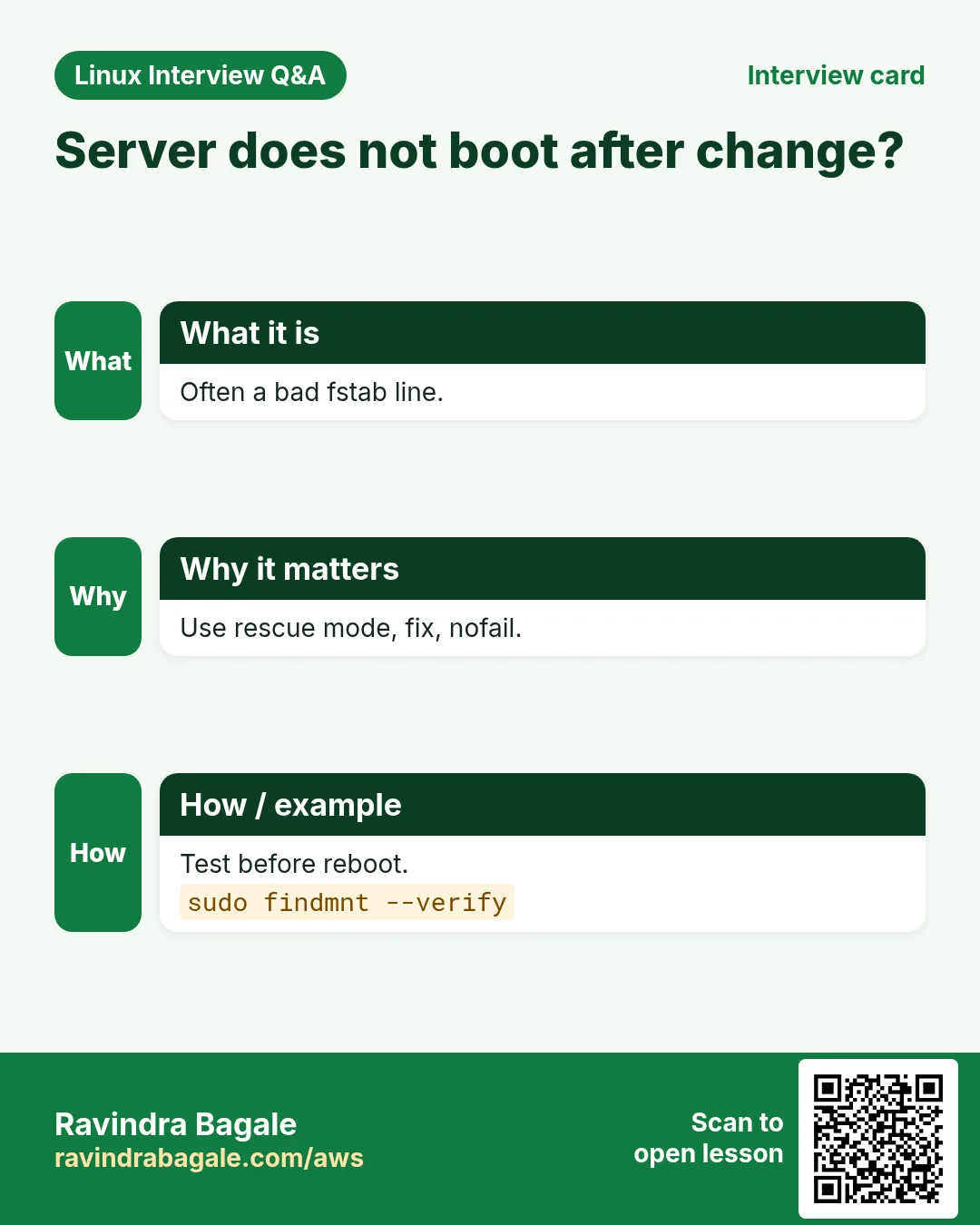
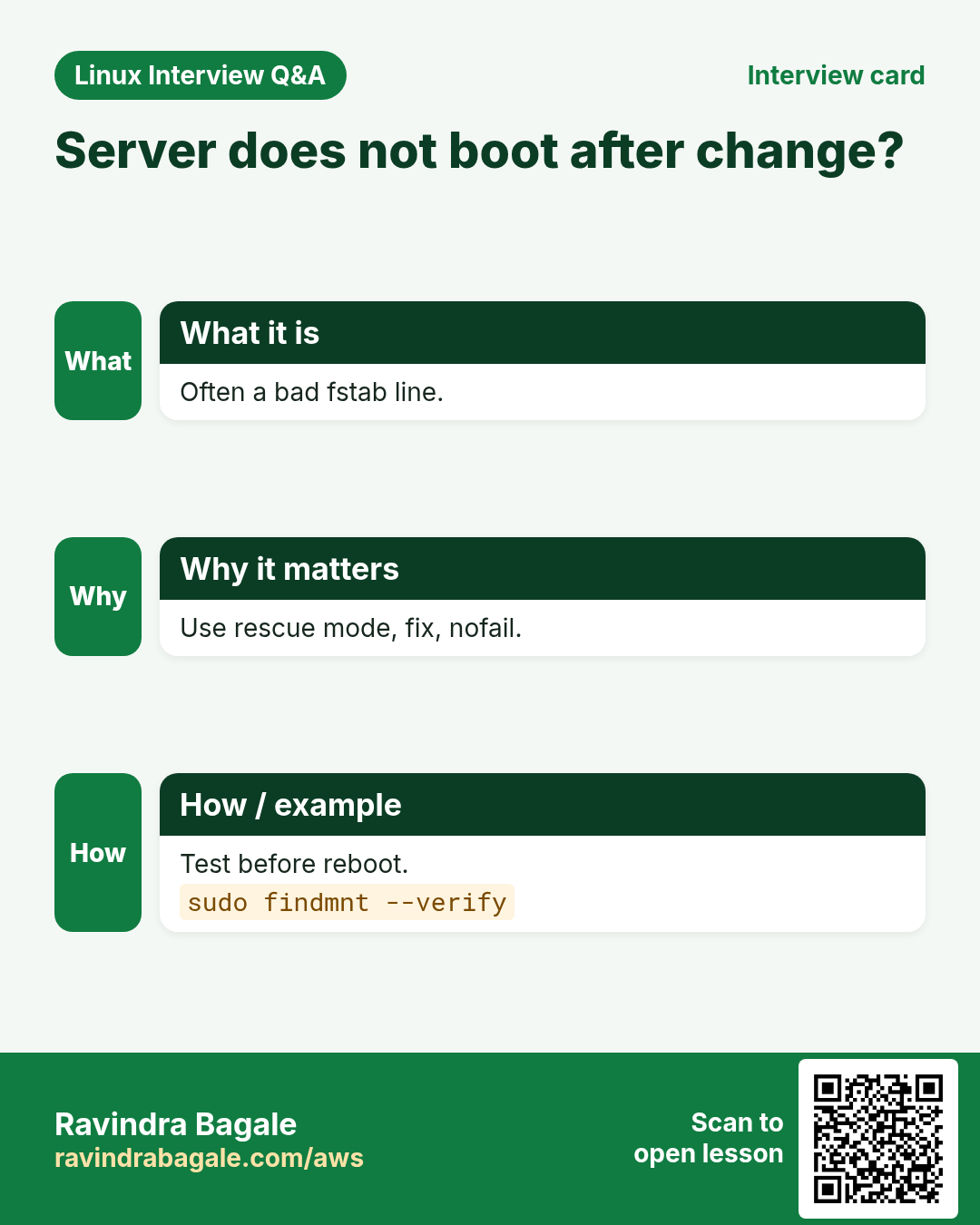
16. Case 15: Server will not boot after fstab edit
Symptom: Boot drops to emergency mode: 'Dependency failed for /data'.
Cause and fix: A wrong UUID or missing disk in /etc/fstab. Fix in emergency shell or console; use nofail for extra disks.
- Real UUIDs.
blkidOutput:
/dev/nvme1n1: UUID="7c1e..." TYPE="xfs"Compare with fstab.
- Fix the line.
sudo vi /etc/fstabOutput:
UUID=7c1e... /data xfs defaults,nofail 0 2nofail protects boot.
- Test before reboot.
sudo mount -a && findmnt --verifyOutput:
Success, no errors or warningsSafe.
17. Case 16: Time is wrong, TLS and logs break
Symptom: 'certificate is not yet valid' and log times look odd.
Cause and fix: NTP is off or blocked. Enable chrony and check sync.
- Status.
timedatectl | grep -E 'synchronized|NTP'Output:
System clock synchronized: no
NTP service: inactive
Not syncing.
- Enable.
sudo systemctl enable --now chronyd && chronyc tracking | grep 'System time'Output:
System time : 0.000012 seconds fastSynced.
18. Case 17: TLS certificate expired
Symptom: Browsers show 'Your connection is not private'.
Cause and fix: Check the expiry date; renew with certbot and reload; fix the renewal timer.
- Expiry.
echo | openssl s_client -connect shop.example.com:443 -servername shop.example.com 2>/dev/null | openssl x509 -noout -enddateOutput:
notAfter=Oct 24 09:12:00 2026 GMTExpired yesterday.
- Renew.
sudo certbot renew --deploy-hook 'systemctl reload nginx'Output:
Congratulations, all renewals succeededFixed.
- Timer.
systemctl list-timers | grep certbotOutput:
... certbot-renew.timerAuto from now.
19. Case 18: Cron job did not run
Symptom: The nightly report was not created.
Cause and fix: Check cron logs; PATH is minimal in cron and % must be escaped. Use full paths.
- Did it start?
sudo journalctl -u crond -S today | grep reportOutput:
CROND[8812]: (app) CMD (report.sh > /tmp/r.log)Ran.
- Its error.
cat /tmp/r.logOutput:
report.sh: line 4: aws: command not foundPATH.
- Fix in crontab.
crontab -l | head -2Output:
PATH=/usr/local/bin:/usr/bin:/bin
30 1 * * * /opt/report.sh
Works next night.
20. Case 19: Network is slow or drops
Symptom: Uploads stall and connections reset under load.
Cause and fix: Check drops, retransmits and conntrack table; raise limits or fix the NIC/MTU.
- Drops.
ip -s link show ens5 | grep -A1 RXOutput:
RX: ... dropped 15422Drops.
- Conntrack full?
sudo journalctl -k | grep -i conntrack | tail -1Output:
nf_conntrack: table full, dropping packetTable full.
- Raise.
sudo sysctl -w net.netfilter.nf_conntrack_max=524288Output:
net.netfilter.nf_conntrack_max = 524288Persist in sysctl.d.
21. Case 20: Server hacked? Unknown process
Symptom: A strange process uses 100% CPU (crypto miner) and connects out.
Cause and fix: Isolate first (security group), collect evidence, find the entry point, then rebuild from a clean image and rotate keys.
- What is it?
ls -l /proc/6666/exe && sudo ss -tnp | grep 6666Output:
/proc/6666/exe -> /tmp/.x/kdevtmpfsi
ESTAB ... 45.9.x.x:3333 pid=6666
Miner.
- How did it persist?
sudo crontab -l -u www-dataOutput:
* * * * * /tmp/.x/k.shCron.
- Who logged in?
sudo last -a | head -5Output:
www-data ... (exploit via app)Web app exploit.
22. Real examples from many industries
The same Linux skill shows up in every kind of company. Seeing it in many places helps you remember it.
Each row is a made-up team. It shows who uses this and how.
| Team and city | How they use it | Command |
|---|---|---|
| Rahul, e-commerce SRE, Pune | Uses the playbook in Diwali sale | journalctl -p err -S -1h |
| Emma, bank, Edinburgh | Incident notes for regulators | last -a |
| Yusuf, logistics, Istanbul | Disk and inode alerts | df -i |
| Ana, health-tech, Lisbon | Certificate expiry checks | openssl x509 -noout -enddate |
| Wei, gaming, Singapore | conntrack tuning at launches | sysctl net.netfilter.nf_conntrack_max |
| Shruti, ed-tech, Pune | Cron PATH fixes | crontab -l |
23. Common errors and how to fix them
Everyone hits these errors. Knowing the cause saves hours.
Read the exact message first. Then match it to a row below.
| Error you see | Why it happens | How to fix |
|---|---|---|
No space left on device | Disk or inodes full | df -h and df -i, then clean.df -i |
Address already in use | Port taken | Find with ss -ltnp.sudo ss -ltnp |
Main process exited, code=exited, status=1/FAILURE | App crashed at start | Read the unit journal.journalctl -u UNIT -n 30 |
Killed process (OOM) | Memory exhausted | Find the user; cap and fix.journalctl -k | grep -i killed |
Connection timed out (ssh) | Firewall or SG | Check rules and route.nc -zv HOST 22 |
Could not resolve host | DNS | dig against another server.dig @1.1.1.1 HOST |
502 Bad Gateway | Backend down/unreachable | Check nginx error log and backend.tail /var/log/nginx/error.log |
Dependency failed for /data | Bad fstab line | Fix UUID; add nofail.findmnt --verify |
certificate has expired | Renewal failed | certbot renew and check timer.sudo certbot renew --dry-run |
nf_conntrack: table full, dropping packet | Conntrack limit | Raise nf_conntrack_max.sysctl net.netfilter.nf_conntrack_count |
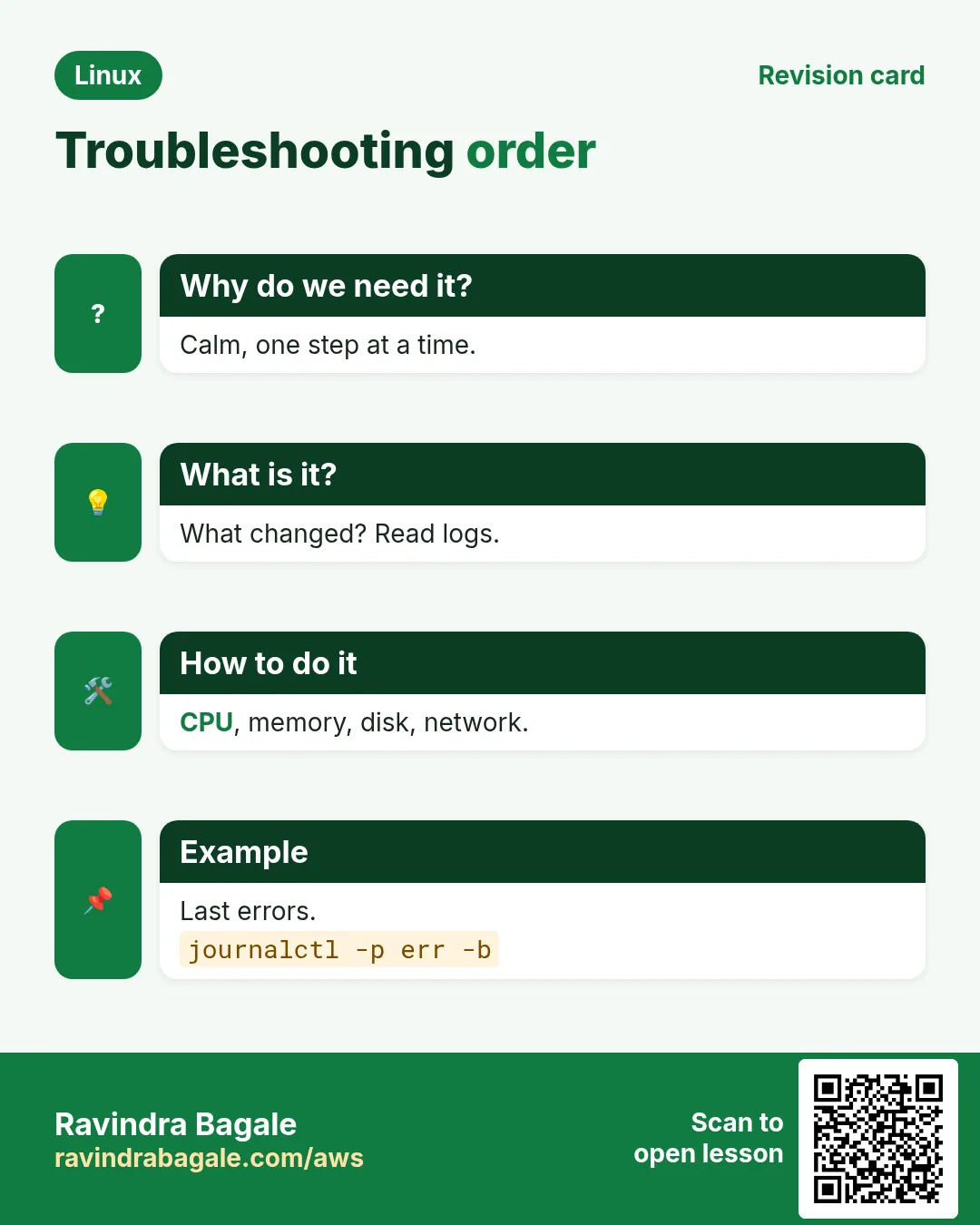
24. Troubleshooting step by step
The first five minutes of any incident.
Go top to bottom. Stop at the first step that shows the problem.
- Load
uptime- Disk and inodes
df -h; df -i- Memory
free -h- Failed units
systemctl --failed- Recent errors
journalctl -p err -S -1h --no-pager | tail -30- Kernel
dmesg -T | tail- Listening ports
sudo ss -ltnp25. Lab 1: Break and fix a disk
Fill a small filesystem, hide a deleted open file, and recover space.
A full hands-on lab. Run every step on a test Linux machine (an EC2 instance, a VM, or WSL).
- Small FS.
truncate -s 200M /tmp/d.img && mkfs.ext4 -q /tmp/d.img && sudo mkdir -p /mnt/d && sudo mount /tmp/d.img /mnt/dOutput:
(no output)- Hold a file open.
sudo bash -c 'exec 3>/mnt/d/big; dd if=/dev/zero bs=1M count=150 >&3; sleep 600' &Output:
150+0 records- Delete it.
sudo rm /mnt/d/big && df -h /mnt/dOutput:
Use% 80%- Find it.
sudo lsof +L1 | grep /mnt/dOutput:
bash ... /mnt/d/big (deleted)- Free it.
sudo pkill -f 'sleep 600' && df -h /mnt/dOutput:
Use% 1%26. Lab 2: Break and fix a service
Cause a port clash and a bad config, then fix both with the playbook.
A full hands-on lab. Run every step on a test Linux machine (an EC2 instance, a VM, or WSL).
- Take port 80.
sudo python3 -m http.server 80 &Output:
Serving HTTP on 0.0.0.0 port 80- Restart nginx.
sudo systemctl restart nginxOutput:
Job for nginx.service failed- Find the cause.
sudo ss -ltnp 'sport = :80'Output:
python3 pid=...- Fix.
sudo pkill -f 'http.server 80' && sudo systemctl restart nginxOutput:
(no output)- Verify.
systemctl is-active nginx && curl -sI localhost | head -1Output:
active
HTTP/1.1 200 OKRavindra Bagale's Tip
Keep a one-page incident note for every problem: time it started, what users saw, the commands you ran and what they showed, the fix, and how to stop it happening again. After ten notes you will have your own playbook, and interviews become easy.
Ravindra Bagale's Tip – मराठी
प्रत्येक problem साठी एक page incident note ठेवा: कधी सुरू, users ना काय दिसलं, चालवलेल्या commands आणि त्यांनी काय दाखवलं, fix, आणि परत होऊ नये म्हणून काय. दहा notes नंतर तुमचं स्वतःचं playbook तयार, आणि interviews सोपे.
Ravindra Bagale's Tip – हिंदी
हर problem के लिए एक page का incident note रखिए: कब शुरू हुआ, users को क्या दिखा, कौन सी commands चलाईं और उन्होंने क्या दिखाया, fix, और दोबारा न हो इसके लिए क्या. दस notes के बाद आपका अपना playbook तैयार, और interviews आसान.
27. Frequently asked questions
Q. Restart first or investigate first?
Collect quick evidence (2 min), then restore service.
Q. Where to start?
uptime, df, free, systemctl --failed, journalctl -p err.
Q. What is root cause?
The first thing that, if fixed, stops it happening again.
Q. Should I reboot?
Last resort; you lose evidence.
Q. How to avoid fstab lockouts?
nofail and mount -a before reboot.
Q. Hacked server: clean it?
No, rebuild and rotate secrets.
Q. What to put in the note?
Timeline, impact, cause, fix, prevention.
Q. How to practise?
Break things on purpose in a test VM.
28. Interview questions and answers
Beginner level
Q. First commands on a slow server?
uptime, free -h, df -h, top.
Q. See failed services?
systemctl --failed.
Q. Errors in last hour?
journalctl -p err -S -1h.
Q. Who uses port 80?
ss -ltnp.
Mid level level
Q. df full but du small?
Deleted open file; lsof +L1 and restart.
Q. No space but df shows free?
Inodes; df -i.
Q. 502 from nginx?
Check error.log and backend port.
Q. Cron works by hand, not in cron?
PATH/env; use full paths.
Senior level
Q. Walk through a production outage.
Impact, timeline, evidence, restore, root cause, prevention, note.
Q. Server compromised: steps?
Isolate, snapshot evidence, find entry, rebuild, rotate keys, patch.
Q. Boot fails after change?
Console/rescue, read journal -b -1, fix fstab or grub, add nofail.
Q. Intermittent drops under load?
Check NIC drops, conntrack, somaxconn, retransmits via ss -s and nstat.
Try at home
- Pick any 5 cases and recreate them on a test VM, then write a one-page incident note for each.
- Write your own 'first five minutes' script with the trouble commands.
Practise this chapter
Interview questions and answers
Nginx returns 502. How would you narrow the cause?
Check the error time and identify the upstream address in the log. Test that address and port from the Nginx host. A local app can be healthy on a different interface while the upstream path fails. Fix the identified issue and test the original URL again.
Check your understanding
Choose an answer, then compare your reasoning with the explanation.
Practice Tasks
Practice checks run in your browser. They check the answer for this exercise; they do not create resources or connect to your AWS account.
About this scenarioAmravati Agro Market is a agriculture business in Amravati. Anjali Thakre looks after its IT and cloud work. They count money in INR and run their AWS resources in the ap-south-1 Region. In the tasks below you do real jobs for them using what this lesson teaches. All names, account IDs, IP addresses and numbers are made up for practice.
0 / 18
Easy Inodes of /home
Fast fixes keep BIZ online.
Show inode usage of /home.
- Find the Linux command that does this job.
- Add the options (like -r or -h) the task needs.
- Add the file names, folders or users in the right order.
- Use sudo if the job changes system files or users. Click Check answer.
Easy Disk with types
Fast fixes keep BIZ online.
Show disk usage human-readable with filesystem types.
- Find the Linux command that does this job.
- Add the options (like -r or -h) the task needs.
- Add the file names, folders or users in the right order.
- Use sudo if the job changes system files or users. Click Check answer.
Easy Failed units
Fast fixes keep BIZ online.
List failed systemd service units only.
- Find the Linux command that does this job.
- Add the options (like -r or -h) the task needs.
- Add the file names, folders or users in the right order.
- Use sudo if the job changes system files or users. Click Check answer.
Easy Test nginx
Fast fixes keep BIZ online.
Test nginx config and dump the full merged config.
- Find the Linux command that does this job.
- Add the options (like -r or -h) the task needs.
- Add the file names, folders or users in the right order.
- Use sudo if the job changes system files or users. Click Check answer.
Easy Time sync
Fast fixes keep BIZ online.
Show time and NTP sync status.
- Find the Linux command that does this job.
- Add the options (like -r or -h) the task needs.
- Add the file names, folders or users in the right order.
- Use sudo if the job changes system files or users. Click Check answer.
Easy User crontab
Fast fixes keep BIZ online.
List the crontab of user backup.
- Find the Linux command that does this job.
- Add the options (like -r or -h) the task needs.
- Add the file names, folders or users in the right order.
- Use sudo if the job changes system files or users. Click Check answer.
Medium Top of /var
Fast fixes keep BIZ online.
Show sizes one level deep under /var, human, one filesystem.
- Find the Linux command that does this job.
- Add the options (like -r or -h) the task needs.
- Add the file names, folders or users in the right order.
- Use sudo if the job changes system files or users. Click Check answer.
Medium Deleted open files
Fast fixes keep BIZ online.
List deleted-but-open files only under /var.
- Find the Linux command that does this job.
- Add the options (like -r or -h) the task needs.
- Add the file names, folders or users in the right order.
- Use sudo if the job changes system files or users. Click Check answer.
Medium Errors 30 min
Fast fixes keep BIZ online.
Show error-priority journal entries from the last 30 minutes.
- Find the Linux command that does this job.
- Add the options (like -r or -h) the task needs.
- Add the file names, folders or users in the right order.
- Use sudo if the job changes system files or users. Click Check answer.
Medium Unit last 50
Fast fixes keep BIZ online.
Show the last 50 lines of the php-fpm unit journal.
- Find the Linux command that does this job.
- Add the options (like -r or -h) the task needs.
- Add the file names, folders or users in the right order.
- Use sudo if the job changes system files or users. Click Check answer.
Medium Who has 3306
Fast fixes keep BIZ online.
Show the listener on TCP 3306 with process.
- Find the Linux command that does this job.
- Add the options (like -r or -h) the task needs.
- Add the file names, folders or users in the right order.
- Use sudo if the job changes system files or users. Click Check answer.
Medium Walk a path
Fast fixes keep BIZ online.
Show permissions of every part of /srv/app/data/a.csv.
- Find the Linux command that does this job.
- Add the options (like -r or -h) the task needs.
- Add the file names, folders or users in the right order.
- Use sudo if the job changes system files or users. Click Check answer.
Medium Recent AVCs
Fast fixes keep BIZ online.
Search SELinux AVC denials since today, interpreted.
- Find the Linux command that does this job.
- Add the options (like -r or -h) the task needs.
- Add the file names, folders or users in the right order.
- Use sudo if the job changes system files or users. Click Check answer.
Medium Chrony sources
Fast fixes keep BIZ online.
Show chrony time sources verbose.
- Find the Linux command that does this job.
- Add the options (like -r or -h) the task needs.
- Add the file names, folders or users in the right order.
- Use sudo if the job changes system files or users. Click Check answer.
Medium Test renewal
Fast fixes keep BIZ online.
List certificates certbot manages with expiry dates.
- Find the Linux command that does this job.
- Add the options (like -r or -h) the task needs.
- Add the file names, folders or users in the right order.
- Use sudo if the job changes system files or users. Click Check answer.
Medium Recent logins
Fast fixes keep BIZ online.
Show the last 10 logins with hostnames at the end.
- Find the Linux command that does this job.
- Add the options (like -r or -h) the task needs.
- Add the file names, folders or users in the right order.
- Use sudo if the job changes system files or users. Click Check answer.
Hard Verify fstab
Fast fixes keep BIZ online.
Verify /etc/fstab before reboot with findmnt.
- Find the Linux command that does this job.
- Add the options (like -r or -h) the task needs.
- Add the file names, folders or users in the right order.
- Use sudo if the job changes system files or users. Click Check answer.
Hard Conntrack count
Fast fixes keep BIZ online.
Read the conntrack count straight from /proc.
- Find the Linux command that does this job.
- Add the options (like -r or -h) the task needs.
- Add the file names, folders or users in the right order.
- Use sudo if the job changes system files or users. Click Check answer.
29. Related chapters
- Linux Ops Refresh for DevOps
- Bash Scripting for Automation
- Linux grep and find Commands with Examples
- How to Set Up Passwordless SSH Between Linux Servers
In short
- Read the exact error and ask what changed.
- Health check: uptime, df, free, failed units, recent errors.
- Disk: df -h, df -i, du, lsof +L1.
- Service: status, journal, ss -ltnp, config test.
- Network/security: dig, curl, ausearch, firewall, SG.
- Restore first, then fix the root cause and write it down.
Revision, comparison and interview cards
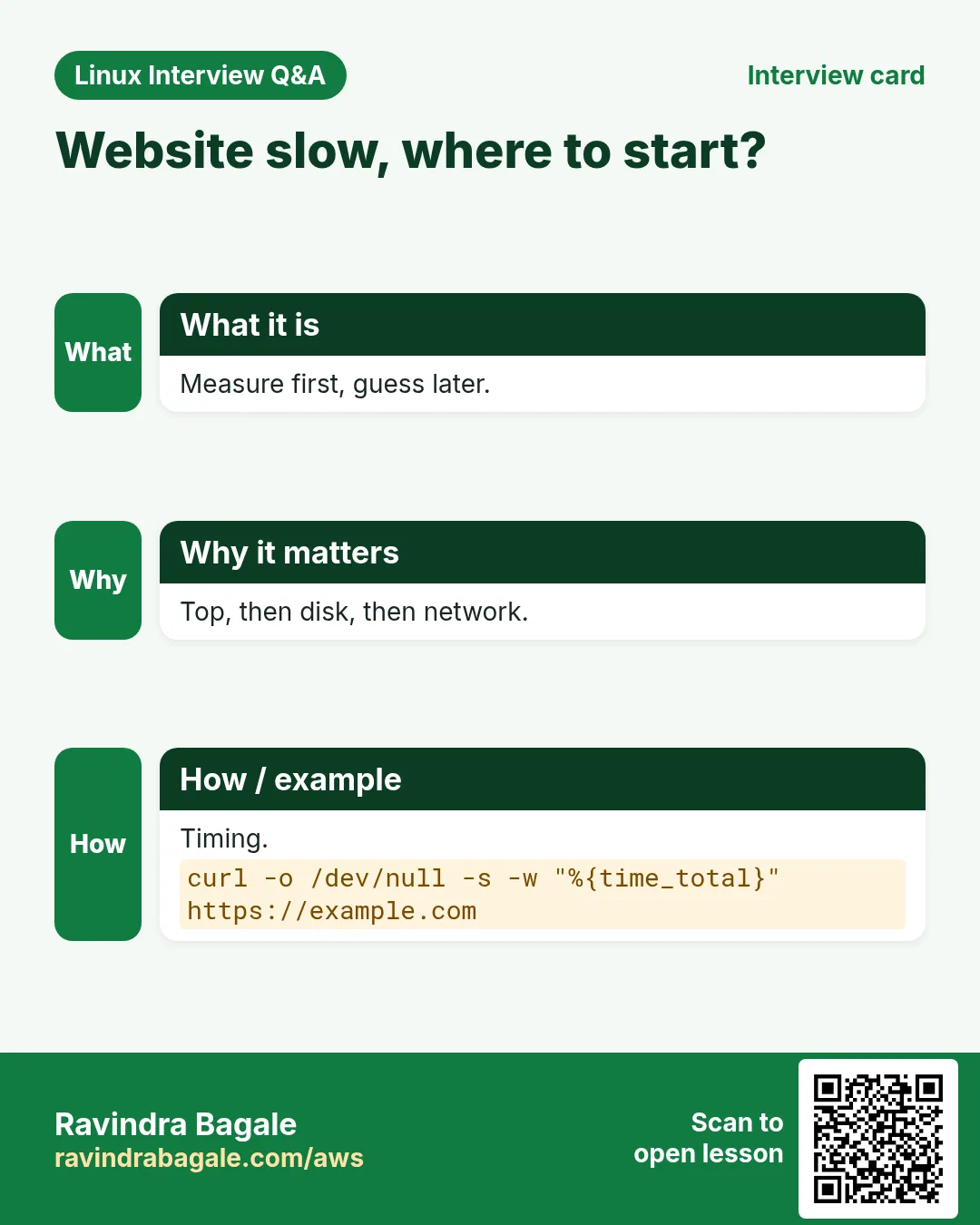
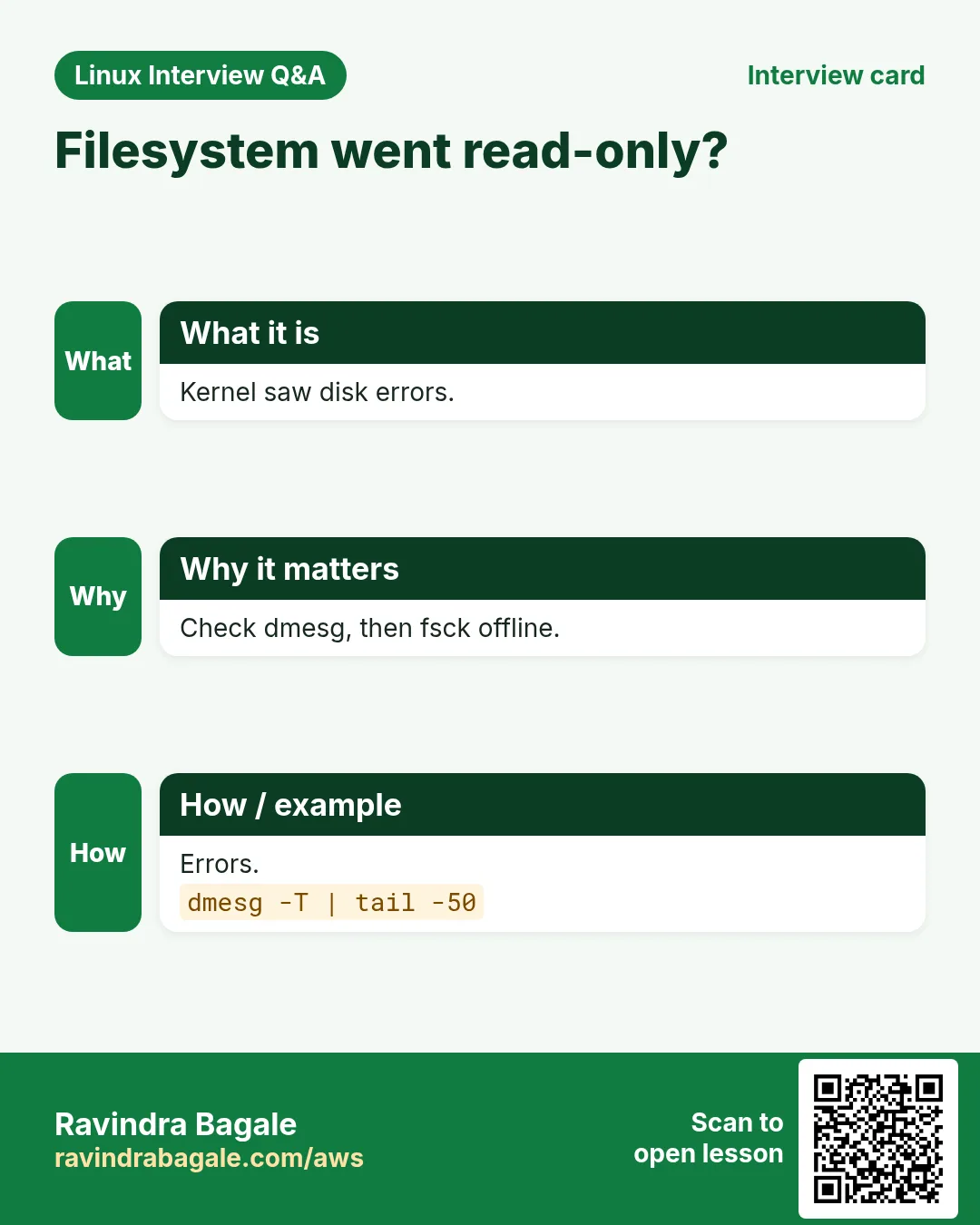
Revise this lesson in a few minutes. Save the cards on your phone or download them as PNG files. The QR code on each card opens this lesson.
More cards: Ravi Sir's Cards.