What Is an AWS IAM Role and When to Use It
An IAM role is a temporary jacket. A person or a service puts it on, gets short-lived keys, does the job, and takes it off. No permanent access key stuck on a laptop.
In this chapter
- Role vs user vs group
- Trust policy vs permissions policy
- Who uses roles: EC2, Lambda, humans
- When a role beats an IAM user
- Cross-account role idea
1. Everyday example first
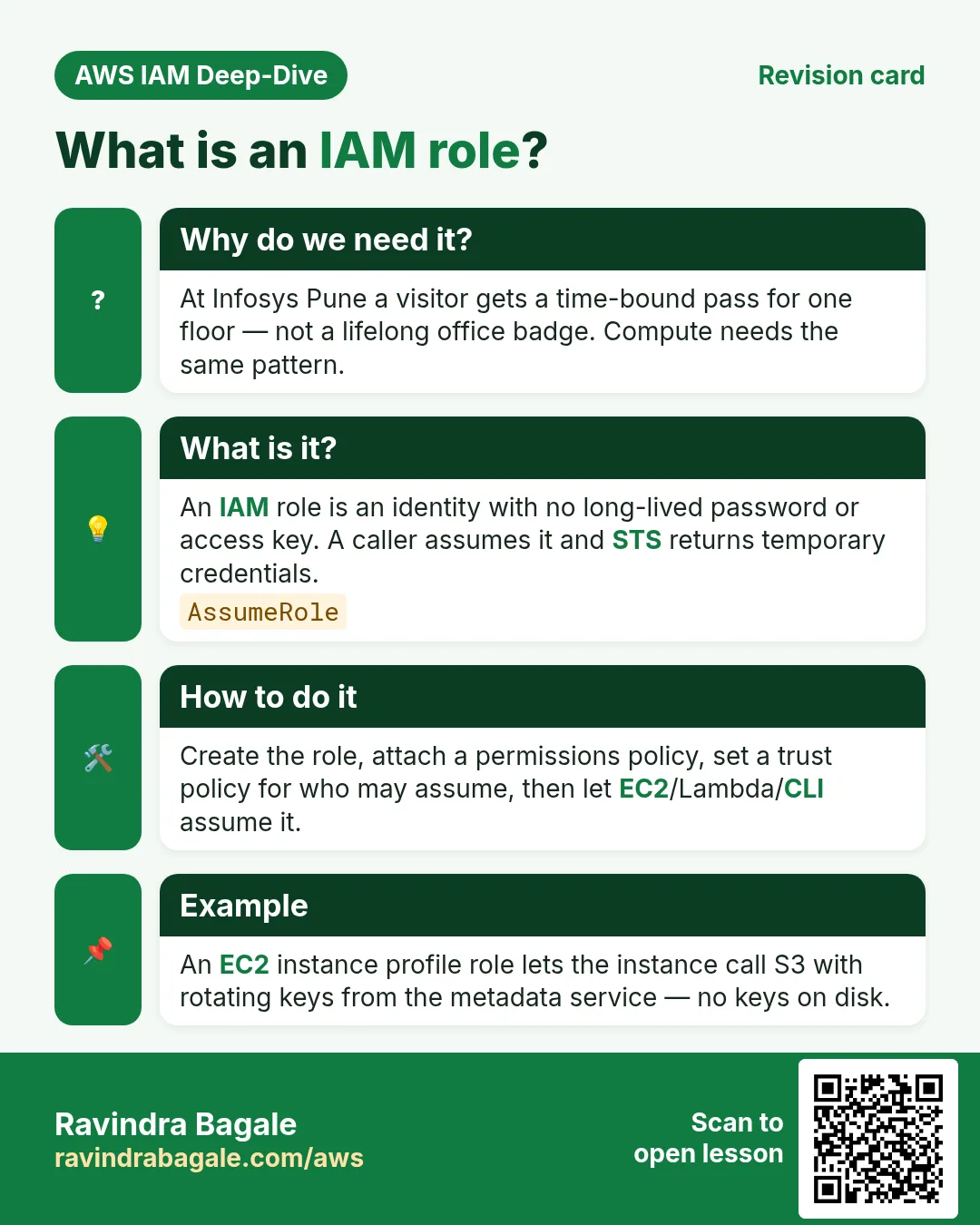
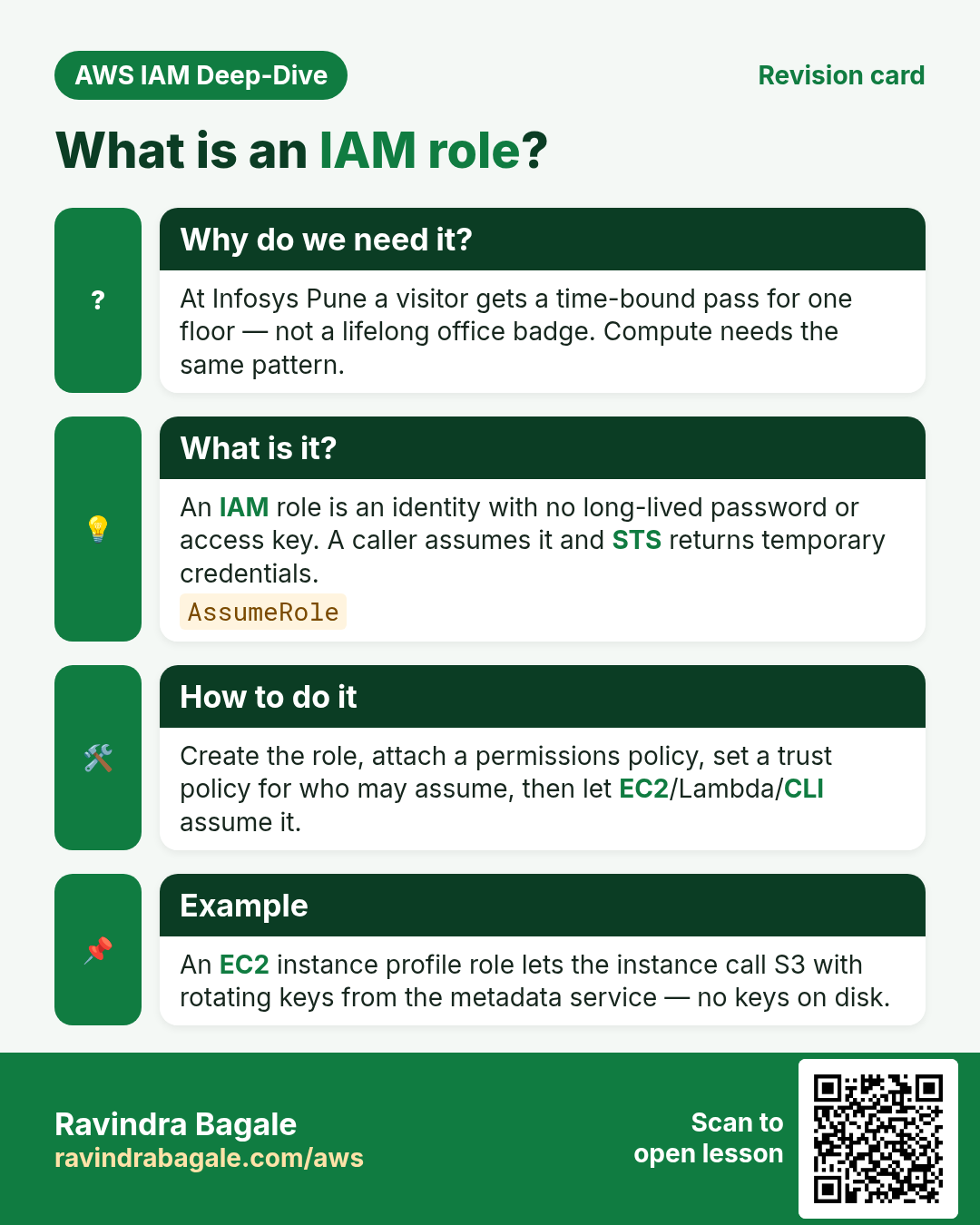
At Infosys Pune, a visitor does not get a permanent office badge. Security gives a time-bound visitor pass for one floor. AWS roles work the same way — temporary permission, not a lifelong key.
The names and floors in this story are made up for learning.
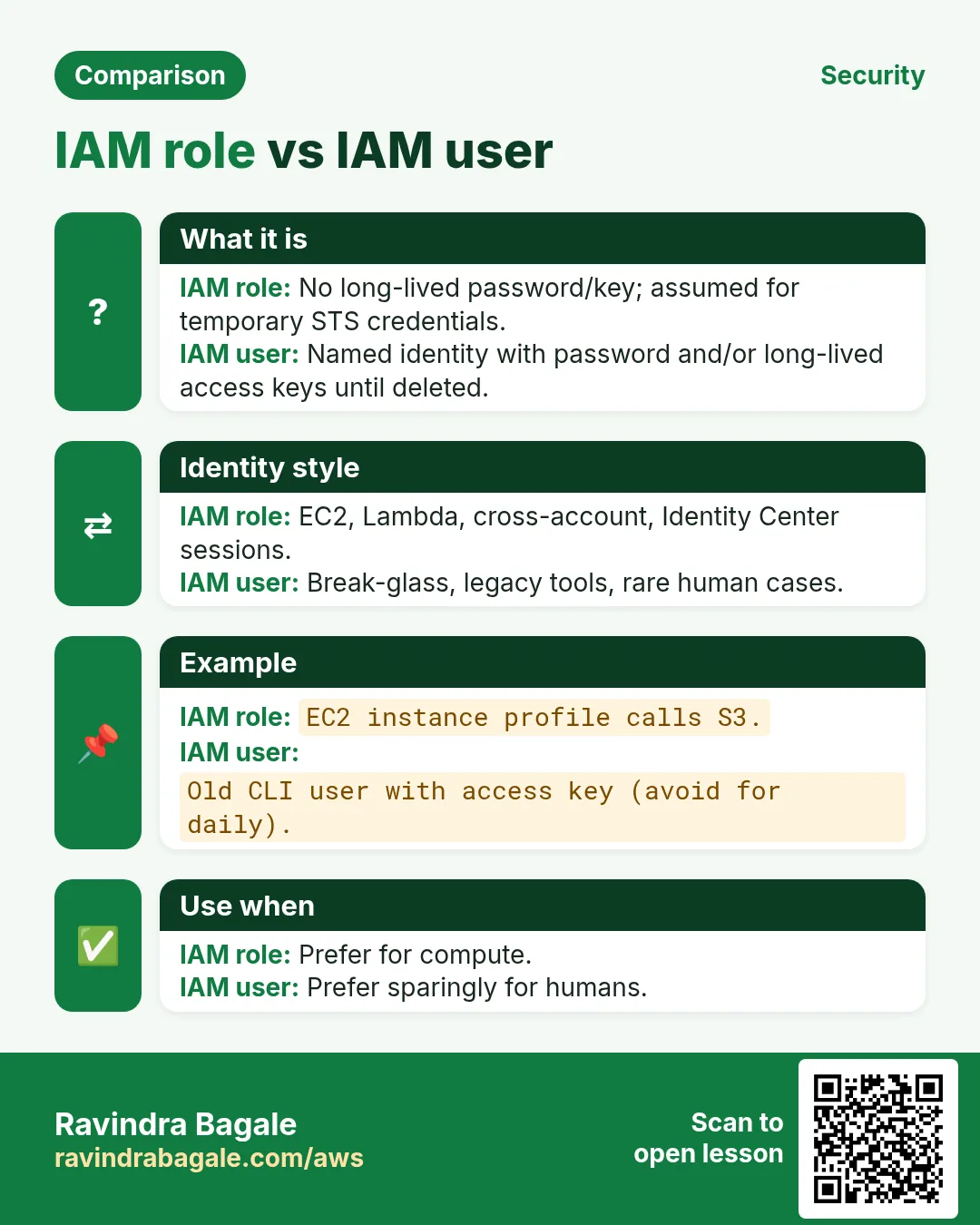
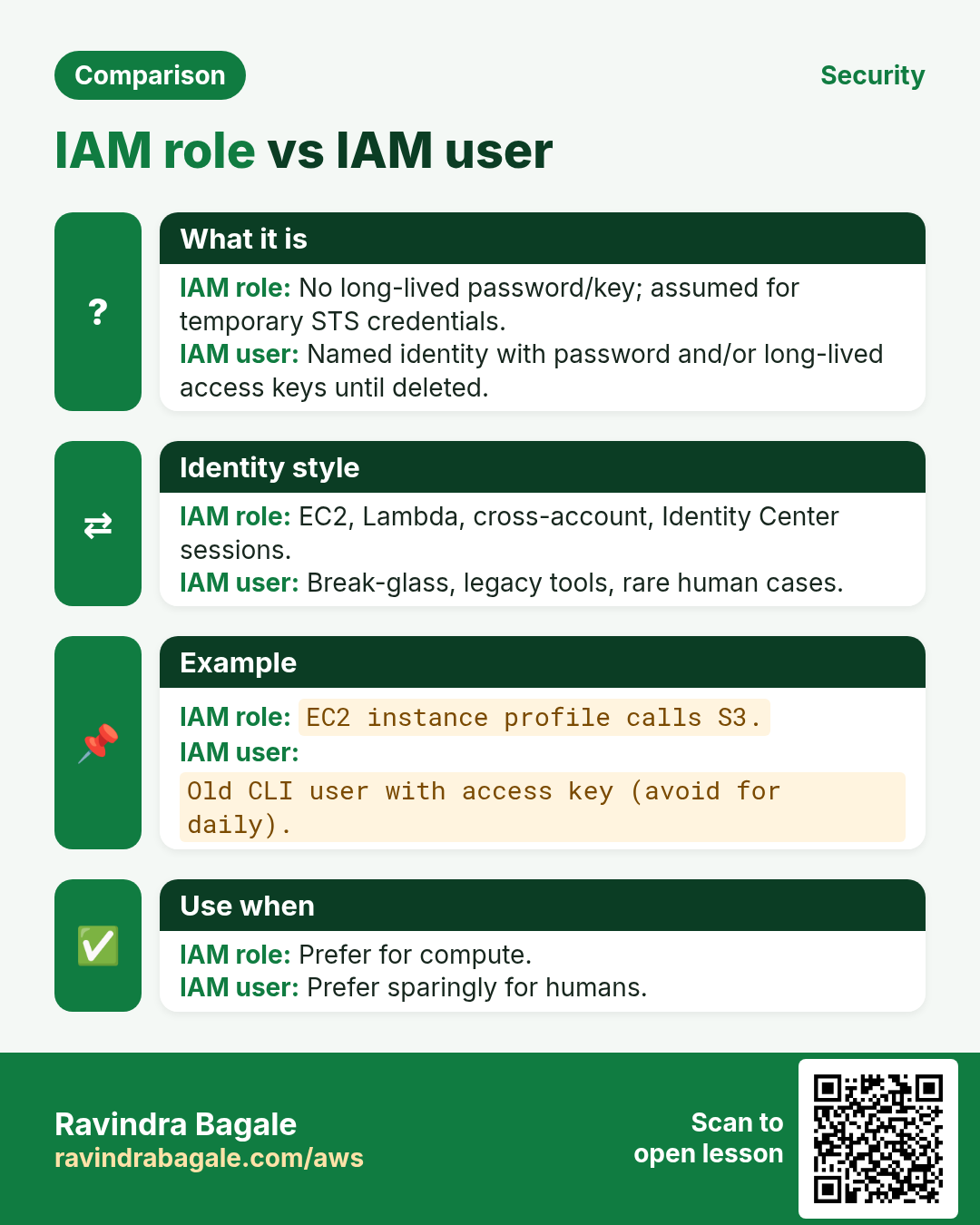
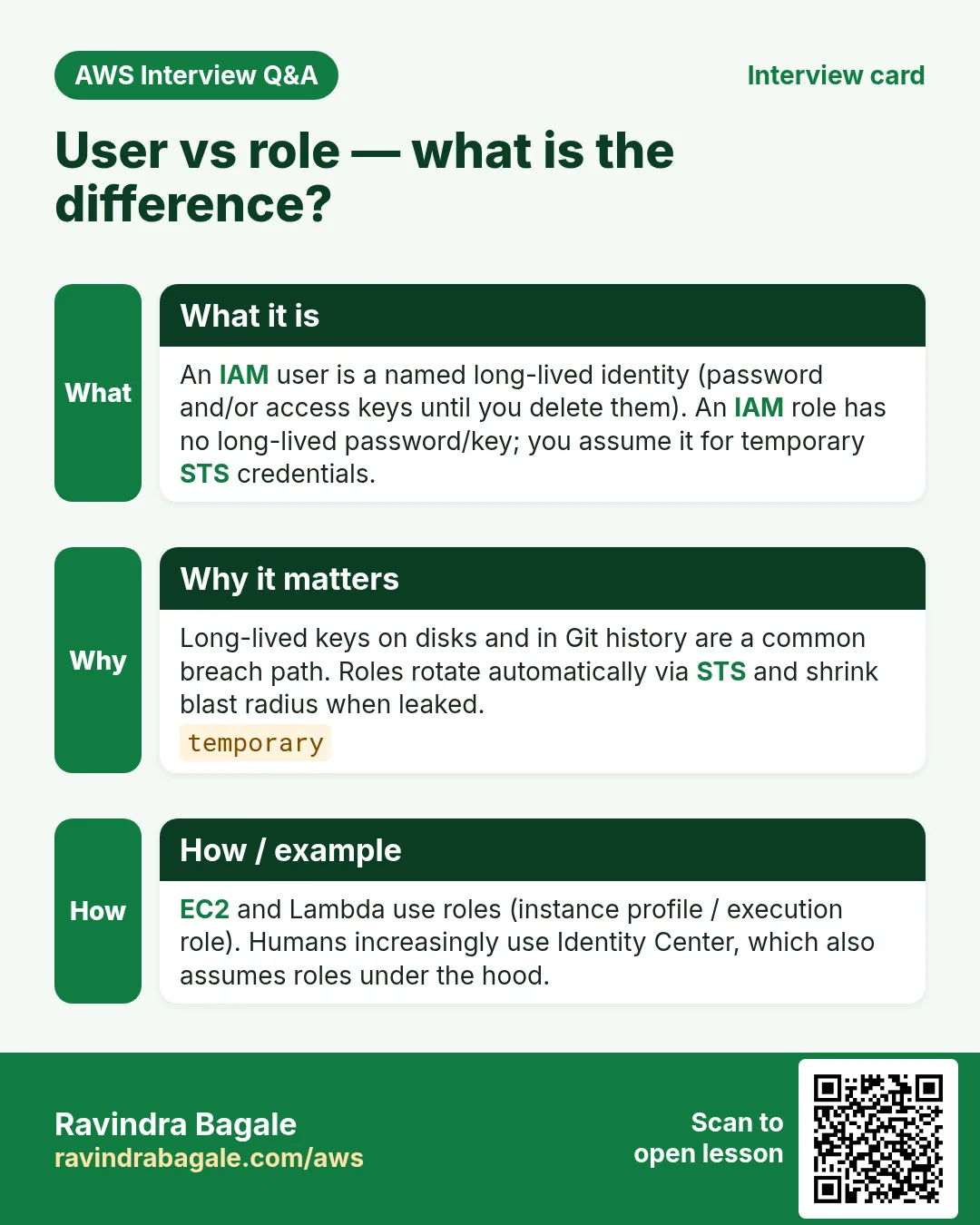
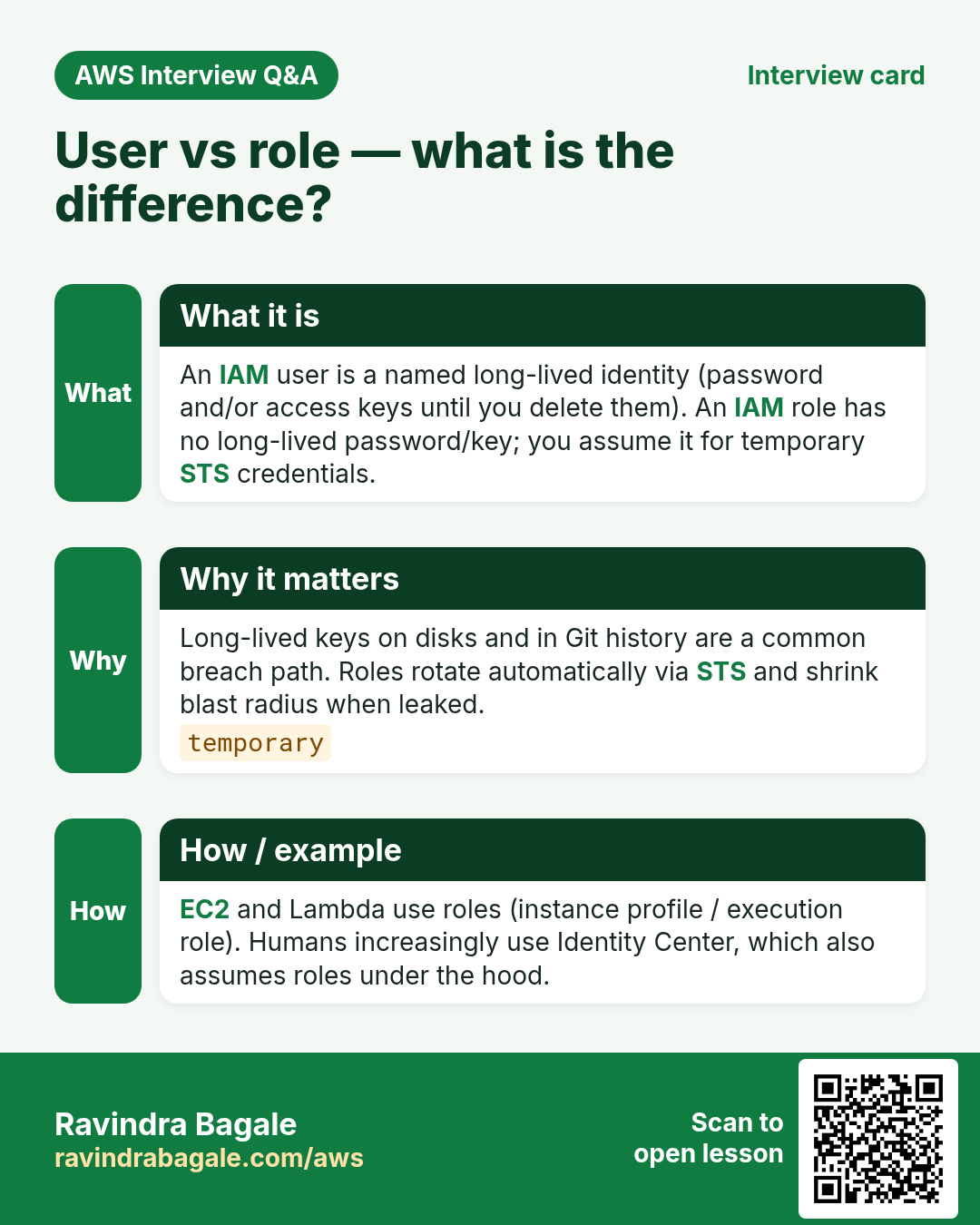
An IAM role is an identity that has no long-lived password or access key of its own. Someone (or something) assumes the role and receives temporary credentials from STS.
| Identity | Lives how long? | Typical use |
|---|---|---|
| IAM user | Until you delete it | Named human (older style) |
| Group | Until you delete it | Bundle of policies for many users |
| Role | Credentials expire (minutes–hours) | EC2, Lambda, SSO, cross-account |
2. Two policies on every role
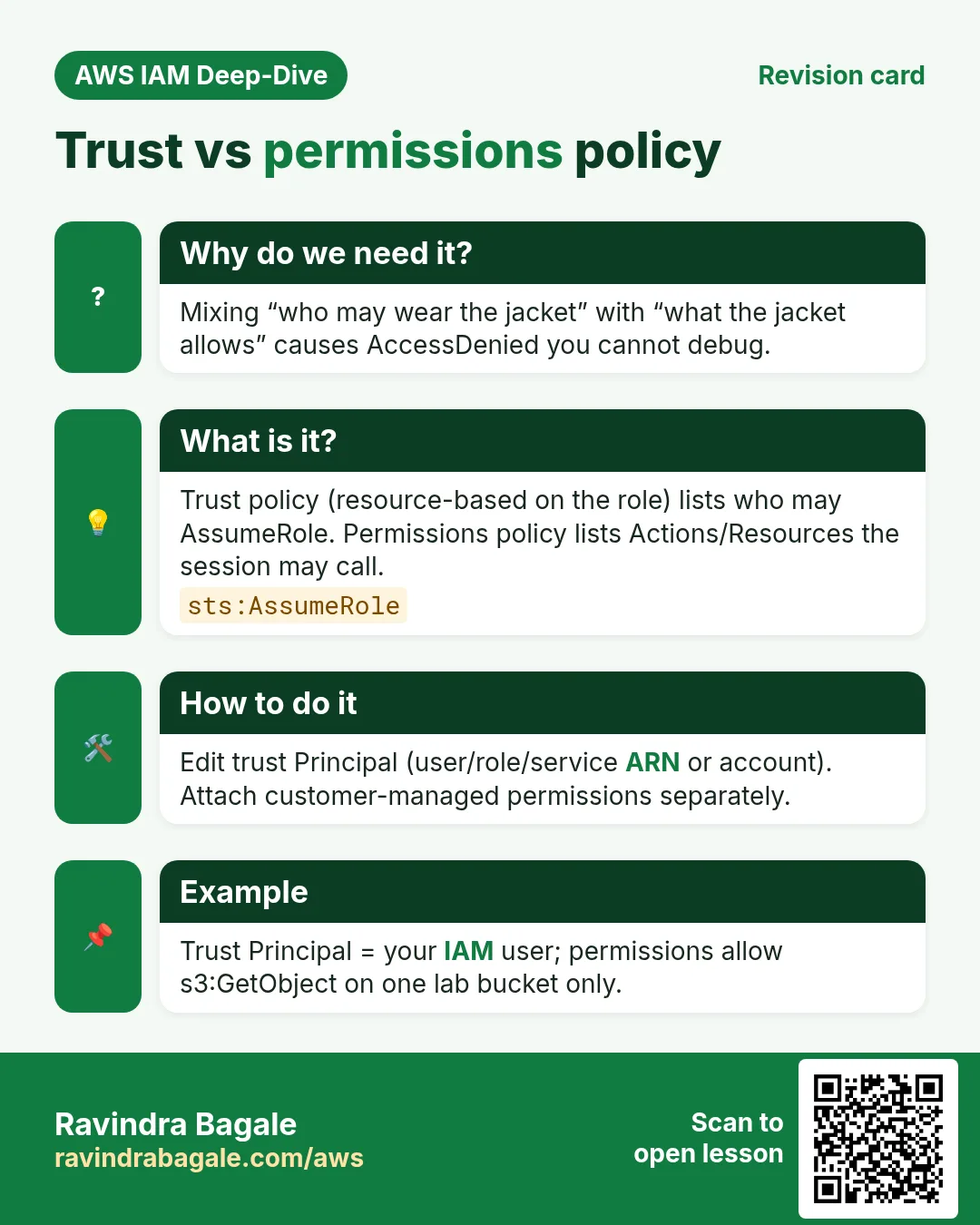
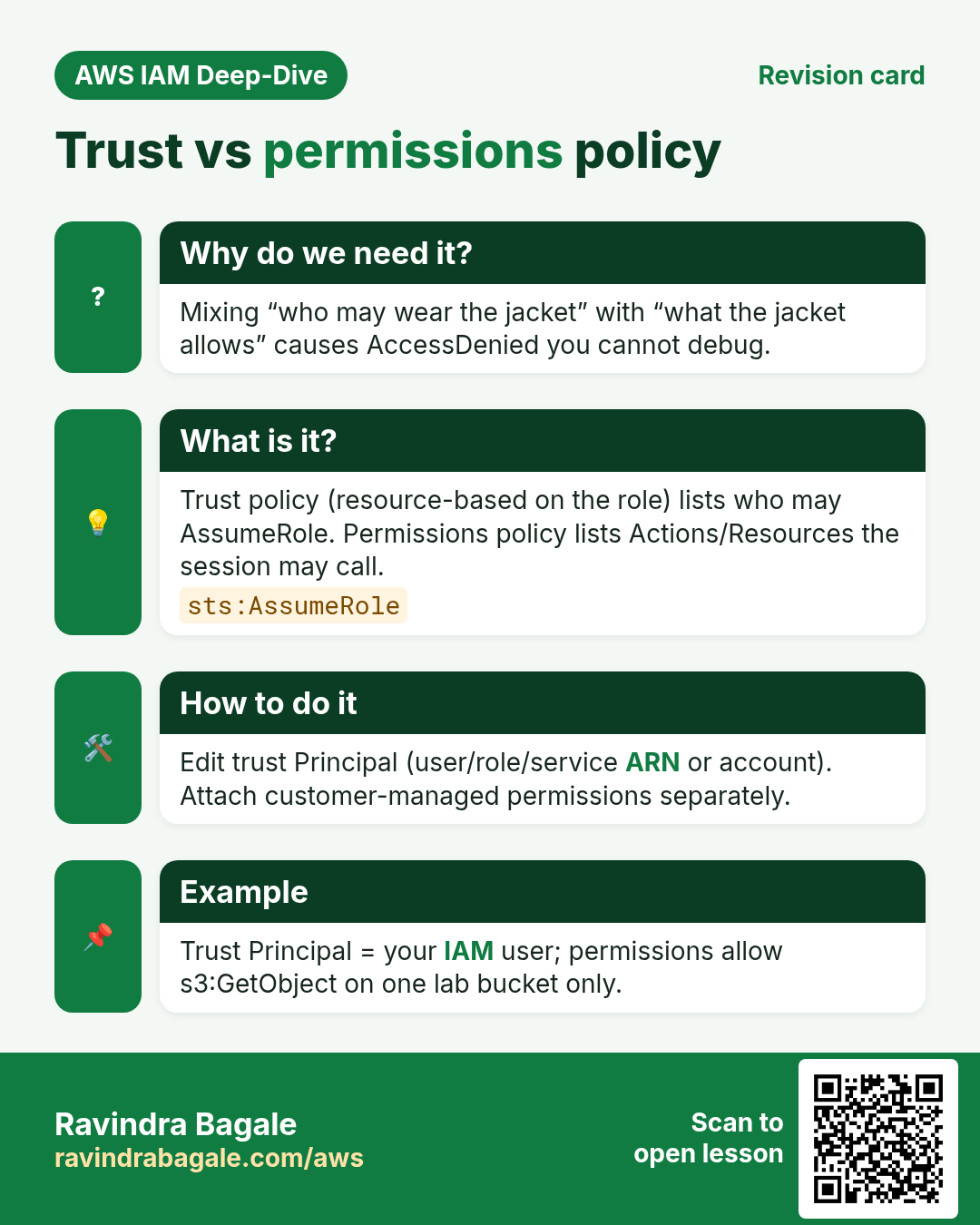
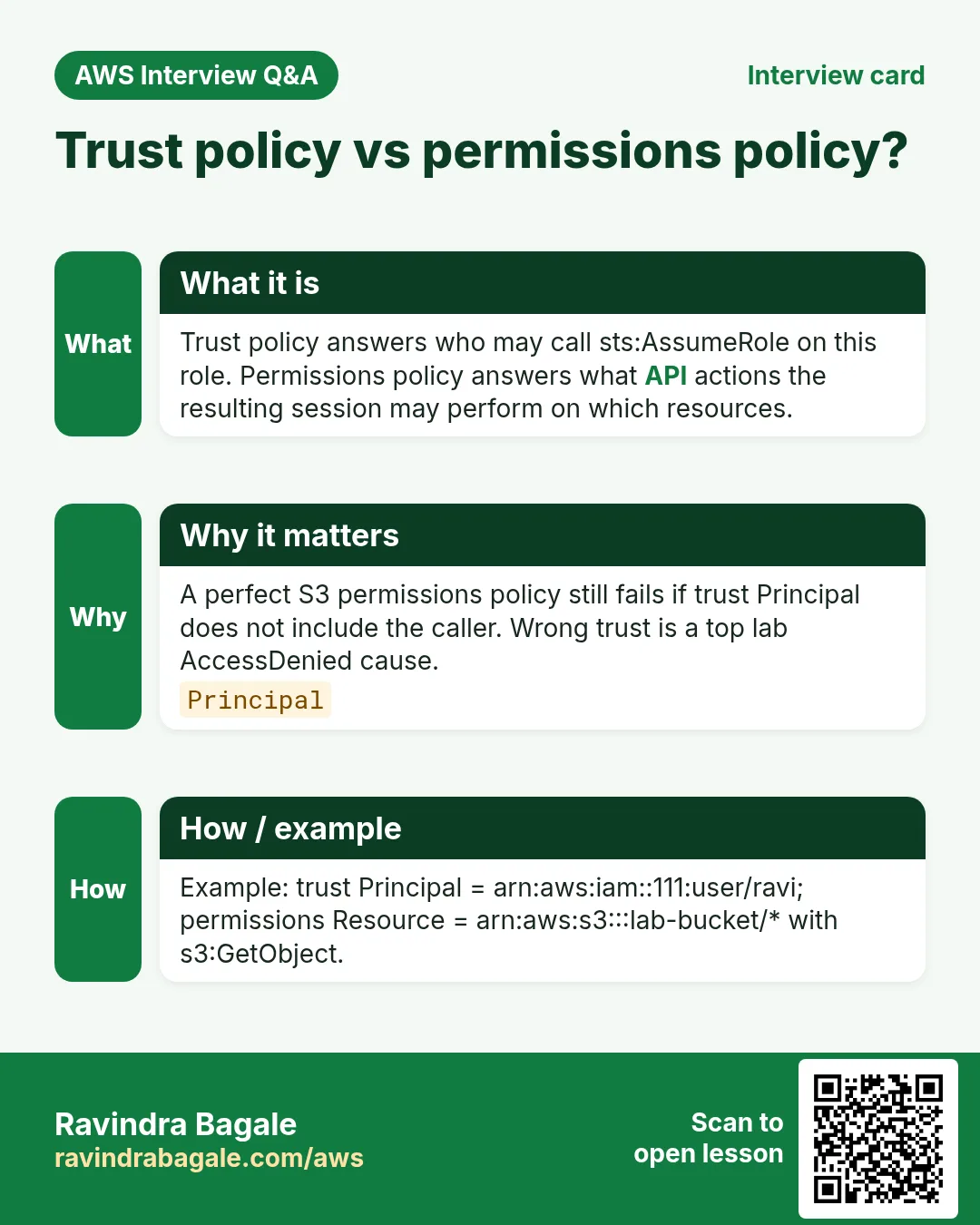
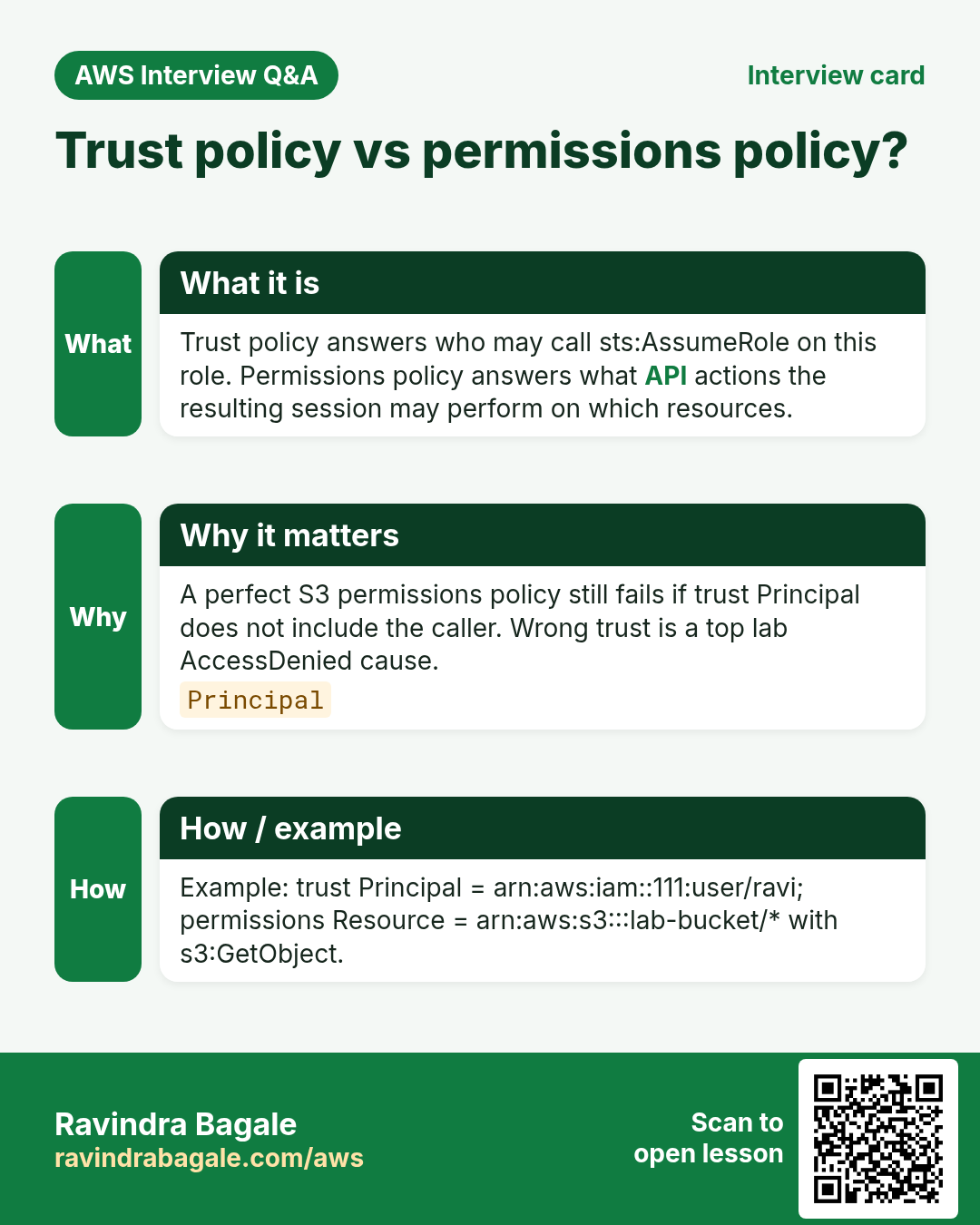
Read an IAM role as two separate decisions. The trust policy controls which principal can enter the role. A permissions policy controls what a role session can do after it enters. Suppose only the EC2 service can assume a role and the role allows one report read in S3. The task code on the authorized EC2 instance can use its temporary role credentials for that read. Granting report access on the role does not make an unrelated Lambda function able to assume it.
A session is a time-limited use of the role with temporary credentials. Several sessions can use the same role. Changing or ending one session is different from deleting the role. To trace a permission test, start by checking the caller identity from inside the workload that made the request. Then compare its action and resource with the allowed permissions.
Beginners mix these up in interviews. One answers “who may wear the jacket”. The other answers “what the jacket can do”.
- Trust policy (resource-based on the role): who can call
sts:AssumeRole— e.g. EC2, Lambda, another account, SAML/OIDC. - Permissions policy (identity): Allow/Deny actions on resources — e.g.
s3:GetObjecton one bucket. - Without trust, nobody can assume. Without permissions, the assumed session can do almost nothing useful.
{
  "Version": "2012-10-17",
  "Statement": [{
    "Effect": "Allow",
    "Principal": { "Service": "ec2.amazonaws.com" },
    "Action": "sts:AssumeRole"
  }]
}
That trust snippet says: only the EC2 service may assume this role. Attach a separate permissions policy for S3/DynamoDB/etc.
3. When to use a role
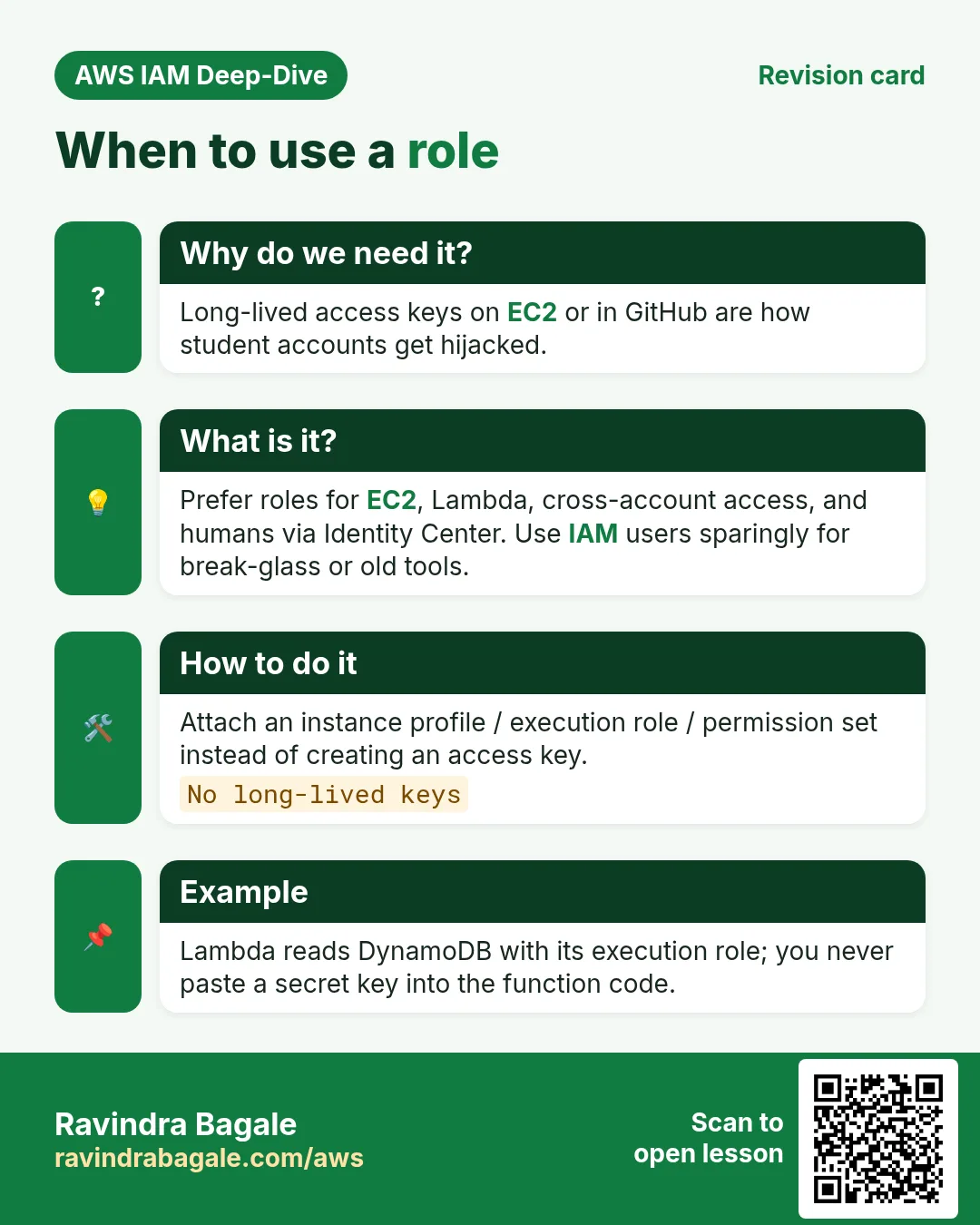
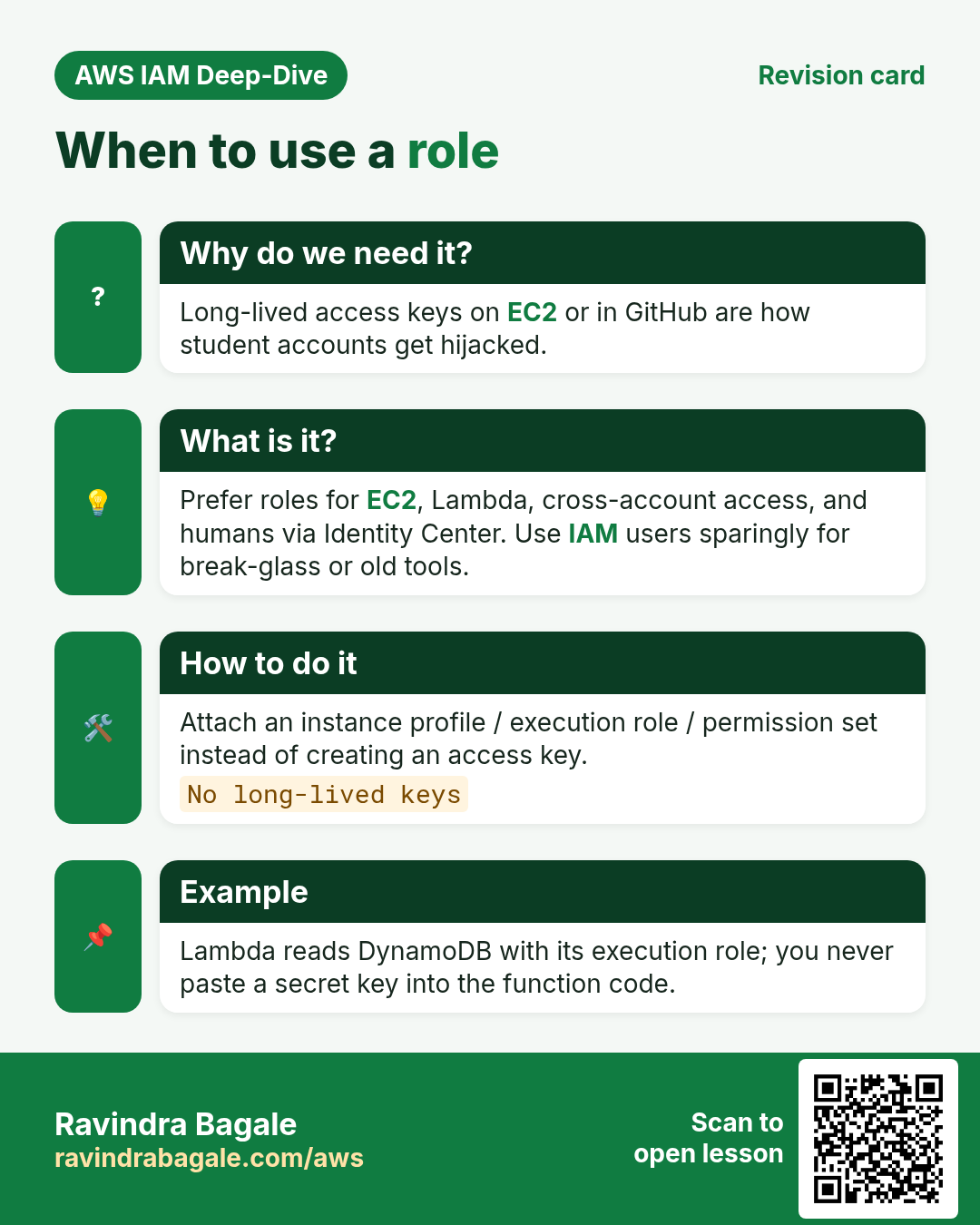
- EC2 / ECS / Lambda — never put access keys in code or on disk. Attach a role.
- Humans via Identity Center (SSO) — user picks a permission set; AWS issues temporary role credentials.
- Cross-account — Account A trusts Account B’s admin (or a role) to assume a role in A.
- Break-glass admin — rare high-power role with MFA and logging, not daily AdministratorAccess on a user.
Ravindra Bagale's Tip
Students often create an IAM user with AdministratorAccess and paste keys into .env. Prefer a role (or Identity Center). Keys leak; role sessions expire.
Common errors: cause and safe next check
An assumed role cannot do everything the original user could do
For requests made with role-session credentials, the role’s permissions apply instead of simply adding the original user’s rights. Identify the session and inspect its required actions. Do not assume that an administrator who switches roles remains an administrator inside a narrow role.
A role is created but EC2 still cannot select it
An EC2 role must be carried by an instance profile. Creating a role and creating that container are separate API/CLI actions, although the IAM console normally handles both for an EC2 use case. Check the intended profile association rather than creating a permanent access key.
The role policy was changed but an Allow still fails
The request may also be limited by an applicable boundary or organization policy, or match an explicit Deny. Read the error and applicable policy conditions before asking for a change. Temporary credentials do not bypass those controls.
Practical questions and full answers
Does the role disappear when a session expires?
No. The role is the reusable IAM identity; the credentials issued for one session have a limited lifetime. Expiry of one session is not deletion of the role. A later authorized session can receive new temporary credentials.
Does changing roles in a browser switch my existing terminal too?
Do not assume so. A terminal chooses credentials from its own profile, environment and other providers. Verify its active identity separately. A browser role selection is not proof of the identity used by an already-open CLI process.
Is iam:PassRole the same as assuming a role?
No. PassRole lets an authorized caller assign an approved role to an AWS service. Assuming a role creates a role session with temporary credentials. A deployer can need PassRole while the service later assumes the role to do its own work.
4. Interview angles
Q. User vs role?
User has long-lived creds; role is assumed for temporary creds.
Q. Trust vs permissions?
Trust = who may assume; permissions = what the session can do.
Q. Why roles on EC2?
Instance metadata hands rotating creds; no keys on disk.
Q. Can a role have a password?
No. You assume it; you do not “log in as the role” with a password.
Q. Cross-account role?
Trust policy Principal is another account (or role ARN).
Try at home
- Open IAM → Roles and read the trust policy of any lab role you already have.
- Next: learn STS AssumeRole and session tokens.
In short
- A role is temporary credentials via AssumeRole.
- Trust policy ≠ permissions policy.
- Prefer roles over long-lived keys for compute.
- Identity Center uses roles under the hood for humans.
Check which role the code actually received
Compare aws sts get-caller-identity from your local profile and from the lab workload. An assumed-role ARN includes the session name. Keep credential values out of the output you share.
Interview check Why can an EC2 role exist but not be selectable for an instance?
EC2 associates an instance profile containing the role. When using the API or CLI, creating and attaching that profile are separate operations.
Practise this chapter
Interview questions and answers
How would you explain a role to a learner who only knows IAM users?
A role is an AWS identity with a trust rule and permissions that authorized callers can use for a limited session. The session gets temporary credentials. The person or service asking to use the role and the session later accessing AWS resources are separate requests to check.
Check your understanding
Choose an answer, then compare your reasoning with the explanation.
Trace AWS role trust, assignment and file access
Before you start
- Use two synthetic callers, EC2 and Lambda, and an imaginary report role that trusts EC2 only. No cloud access is required.
Draw one line from the EC2 service to the role and label it assume. Draw a second line from the new role session to the sample S3 object and label it read.
Expected result: The first line tests trust. The second tests what the role session may do.
Read this policy outcome: the role allows the sample object read. Decide what happens if Lambda tries to assume the same role.
Expected result: The S3 permission does not satisfy the Lambda service principal’s missing trust.
Keep EC2 authorized to assume and change the requested resource to an unrelated object. Diagnose which line fails and name what an AWS caller-identity read should show in an actual lab.
Expected result: The session can be issued but the unrelated object read is denied in the scenario. Caller identity names the active role session.
If the result differs
- If the trust and permissions were written as a single vague rule, write down which principal is evaluated and which AWS action each line represents.
Finish and clean up
- No identities or permissions need to be changed.
Practice Tasks
Practice checks run in your browser. They check the answer for this exercise; they do not create resources or connect to your AWS account.
About this scenarioAurangabad Pharma is a pharmaceuticals business in Chhatrapati Sambhajinagar. Dr. Farhan Shaikh looks after its IT and cloud work. They count money in INR and run their AWS resources in the ap-south-1 Region. In the tasks below you do real jobs for them using what this lesson teaches. All names, account IDs, IP addresses and numbers are made up for practice.
0 / 12
Medium Trust policy for an EC2 role
The trust policy says WHO may take the role.
Write a trust policy that lets ec2.amazonaws.com assume the role.
- Start with { "Version": "2012-10-17", "Statement": [ ... ] }.
- In each statement write Effect, Action and Resource.
- Give only what the task needs (least privilege).
- Use double quotes and commas correctly. Click Check answer.
Medium Trust policy for a Lambda role
The trust policy says WHO may take the role.
Write a trust policy that lets lambda.amazonaws.com assume the role.
- Start with { "Version": "2012-10-17", "Statement": [ ... ] }.
- In each statement write Effect, Action and Resource.
- Give only what the task needs (least privilege).
- Use double quotes and commas correctly. Click Check answer.
Medium Attach a policy to a role
The role needs permissions: attach a policy to say what it may do.
Attach arn:aws:iam::aws:policy/AmazonS3ReadOnlyAccess to role abadpharma-ec2-role.
- Read the task and decide which AWS service it is about.
- Write aws, then the service name, then the operation (the action word).
- Add each needed flag (--name) followed by its value from the task.
- Flags can be in any order. Click Check answer.
Medium Let a function write logs
Without these actions, Lambda logs never appear in CloudWatch.
Allow logs:CreateLogGroup, logs:CreateLogStream, logs:PutLogEvents on arn:aws:logs:*:*:* only.
- Start with { "Version": "2012-10-17", "Statement": [ ... ] }.
- In each statement write Effect, Action and Resource.
- Give only what the task needs (least privilege).
- Use double quotes and commas correctly. Click Check answer.
Medium Assume a role
AssumeRole gives you short-lived keys for another role, often in another account.
Assume role arn:aws:iam::112055250461:role/Auditor with session name farhan-audit.
- Read the task and decide which AWS service it is about.
- Write aws, then the service name, then the operation (the action word).
- Add each needed flag (--name) followed by its value from the task.
- Flags can be in any order. Click Check answer.
Medium Trust policy for an ECS task role
The trust policy says WHO may take the role.
Write a trust policy that lets ecs-tasks.amazonaws.com assume the role.
- Start with { "Version": "2012-10-17", "Statement": [ ... ] }.
- In each statement write Effect, Action and Resource.
- Give only what the task needs (least privilege).
- Use double quotes and commas correctly. Click Check answer.
Hard Let another account assume a role
Cross-account roles are safer than sharing access keys.
Write a trust policy that lets account 111122223333 assume this role.
- Start with { "Version": "2012-10-17", "Statement": [ ... ] }.
- In each statement write Effect, Action and Resource.
- Give only what the task needs (least privilege).
- Use double quotes and commas correctly. Click Check answer.
Hard Allow PassRole for one role
To launch EC2 with a role, the user needs iam:PassRole on that role.
Allow iam:PassRole on arn:aws:iam::112055250461:role/abadpharma-ec2-role only.
- Start with { "Version": "2012-10-17", "Statement": [ ... ] }.
- In each statement write Effect, Action and Resource.
- Give only what the task needs (least privilege).
- Use double quotes and commas correctly. Click Check answer.
Hard Put the role in the instance profile
The profile is empty until you add the role to it.
Add role abadpharma-ec2-role to instance profile abadpharma-ec2-profile.
- Read the task and decide which AWS service it is about.
- Write aws, then the service name, then the operation (the action word).
- Add each needed flag (--name) followed by its value from the task.
- Flags can be in any order. Click Check answer.
Hard Create an instance profile
EC2 uses a role through an instance profile, a small wrapper around the role.
Create an instance profile named abadpharma-ec2-profile.
- Read the task and decide which AWS service it is about.
- Write aws, then the service name, then the operation (the action word).
- Add each needed flag (--name) followed by its value from the task.
- Flags can be in any order. Click Check answer.
Hard Create a role with a trust policy
A role is an identity that services or people "assume". The trust policy says who may assume it.
Create a role named abadpharma-ec2-role using the trust policy in trust.json.
- Read the task and decide which AWS service it is about.
- Write aws, then the service name, then the operation (the action word).
- Add each needed flag (--name) followed by its value from the task.
- Flags can be in any order. Click Check answer.
Hard Give a running EC2 its role
With the profile attached, apps on the server get temporary keys automatically.
Associate instance profile abadpharma-ec2-profile with instance i-01a40525502111a2b.
- Read the task and decide which AWS service it is about.
- Write aws, then the service name, then the operation (the action word).
- Add each needed flag (--name) followed by its value from the task.
- Flags can be in any order. Click Check answer.
Revision, comparison and interview cards
Revise this lesson in a few minutes. Save the cards on your phone or download them as PNG files. The QR code on each card opens this lesson.
More cards: Ravi Sir's Cards.