AWS CLI S3 Commands: cp, sync and s3api Examples
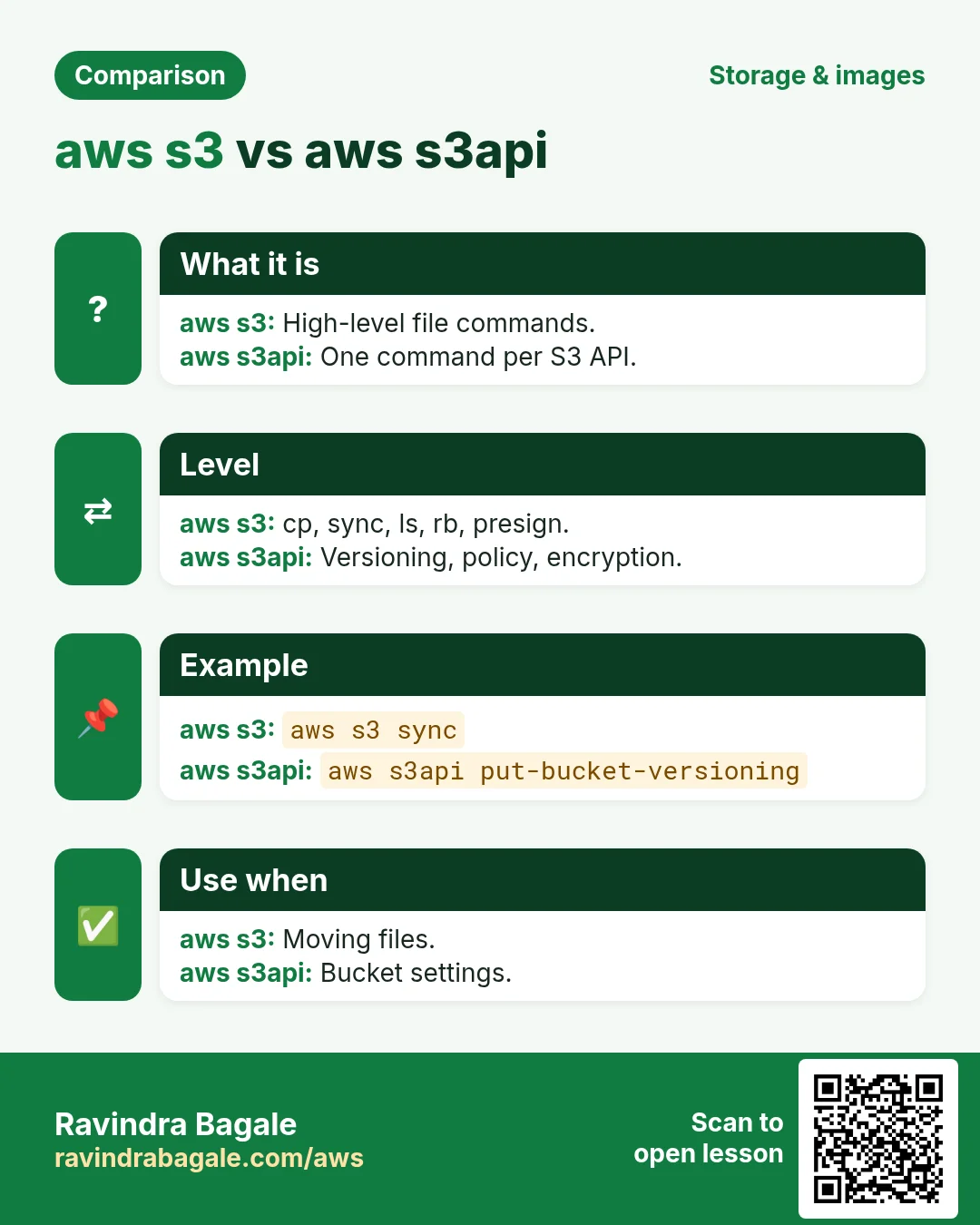
S3 has two command sets. aws s3 is easy, like copy and paste for files. aws s3api gives every API action. We use both.
In this chapter
- Make and remove buckets
- cp, mv, sync, ls, rm
- Versioning, encryption and public access block with s3api
- Presigned URLs
- Lifecycle rules
1. The big picture: s3 vs s3api
Think of a courier office. The front desk (aws s3) takes your parcel in one step. The back office (aws s3api) lets you set every detail on the form.
aws s3 = high-level commands (cp, sync, ls, mb, rb, rm, mv, presign). aws s3api = low-level, one command per API (put-bucket-versioning, put-object, get-bucket-policy...).
2. Create and list buckets
Everything in S3 lives in a bucket.
aws s3 mb s3://name makes a bucket in your region. aws s3 ls lists buckets or objects.
- Make a bucket.
B=ravi-cli-lab-$RANDOM
aws s3 mb s3://$B --region ap-south-1
Expected output:
make_bucket: ravi-cli-lab-12345- List buckets.
aws s3 lsExpected output:
2026-10-24 11:02:10 ravi-cli-lab-12345- Same with s3api (needs LocationConstraint outside us-east-1).
aws s3api create-bucket --bucket $B-2 --region ap-south-1 --create-bucket-configuration LocationConstraint=ap-south-1Expected output:
{ "Location": "http://ravi-cli-lab-12345-2.s3.amazonaws.com/" }- Verify the region.
aws s3api get-bucket-location --bucket $BExpected output:
{ "LocationConstraint": "ap-south-1" }3. Copy, move, sync and delete files
An S3 key is the object’s name inside a bucket. In s3://LAB/reports/day1.csv, the bucket is LAB and the full key is reports/day1.csv. Commands that act on a prefix can affect multiple keys. Before running them, read the source and destination from left to right so upload, download and remote copy are not confused.
Try a dedicated prefix with local day1.csv and remote old.csv. A dry-run sync from local to remote shows the changes without applying them. Adding --delete can make it plan removal of remote keys absent from the local source. Inspect every proposed deletion, keep the prefix limited to disposable data, then check the exact object keys after the real sync. Use cp when you need to transfer a single file without reconciling a whole prefix.
Uploading a website or backup folder is the most common S3 job.
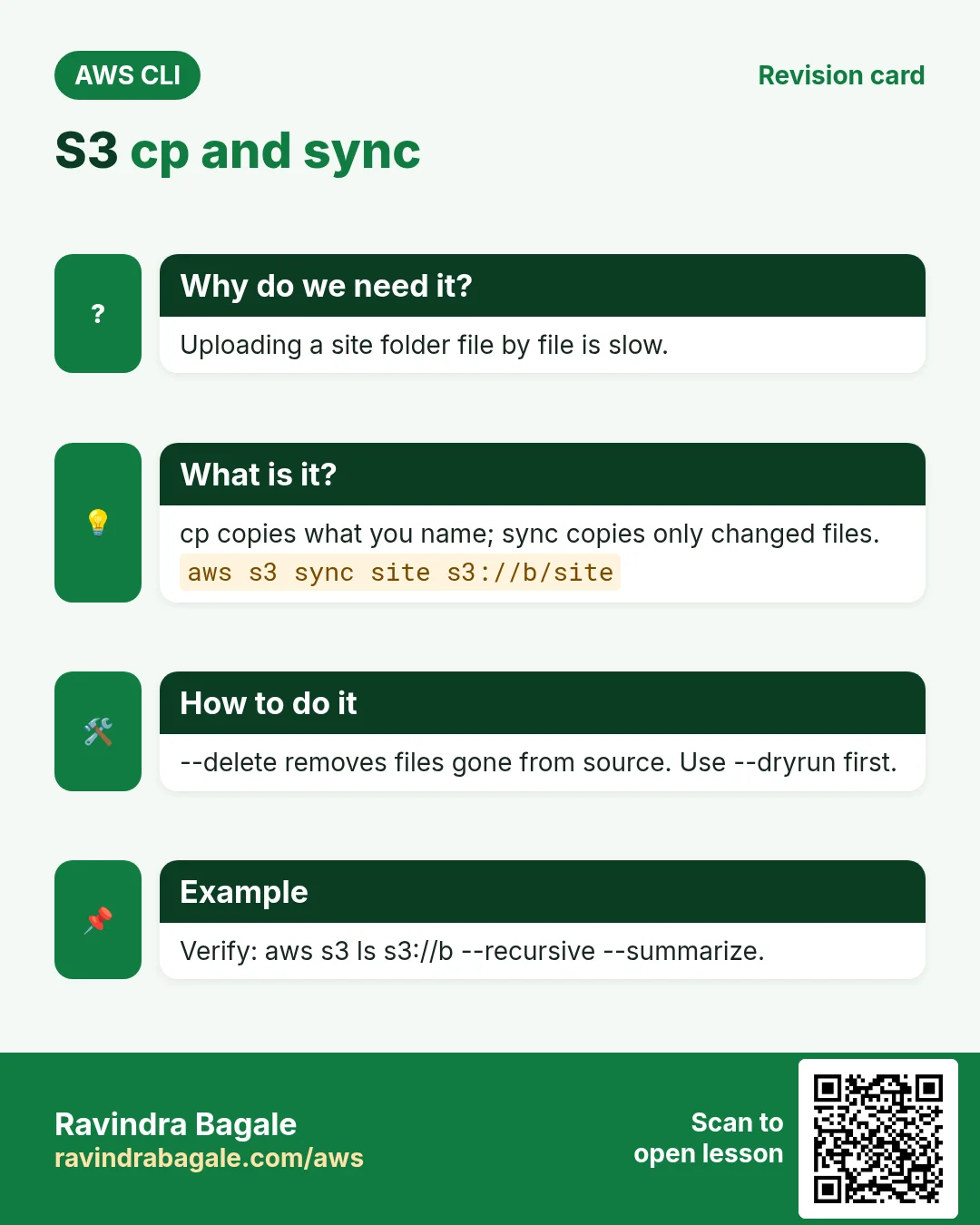
cp copies one file (or a folder with --recursive). sync copies only changed files. --delete also removes files gone from the source. --exclude/--include filter names.
- Upload a file.
echo hello > a.txt
aws s3 cp a.txt s3://$B/docs/a.txt
Expected output:
upload: ./a.txt to s3://ravi-cli-lab-12345/docs/a.txt- Read it back to the screen.
aws s3 cp s3://$B/docs/a.txt -Expected output:
hello- Sync a folder.
mkdir -p site && echo "<h1>Hi</h1>" > site/index.html
aws s3 sync site s3://$B/site --exclude "*.tmp"
Expected output:
upload: site/index.html to s3://ravi-cli-lab-12345/site/index.html- Run sync again: nothing to do.
aws s3 sync site s3://$B/siteExpected output:
(no output)- Preview a delete-sync.
aws s3 sync site s3://$B/site --delete --dryrunExpected output:
(dryrun) delete: s3://.../site/old.html- List recursively with sizes.
aws s3 ls s3://$B --recursive --human-readable --summarizeExpected output:
2026-10-24 11:05:01    6 Bytes docs/a.txt
Total Objects: 2
Total Size: 18 Bytes- Move and remove.
aws s3 mv s3://$B/docs/a.txt s3://$B/archive/a.txt
aws s3 rm s3://$B/archive/a.txt
Expected output:
move: s3://.../docs/a.txt to s3://.../archive/a.txt
delete: s3://.../archive/a.txt
4. Secure the bucket with s3api
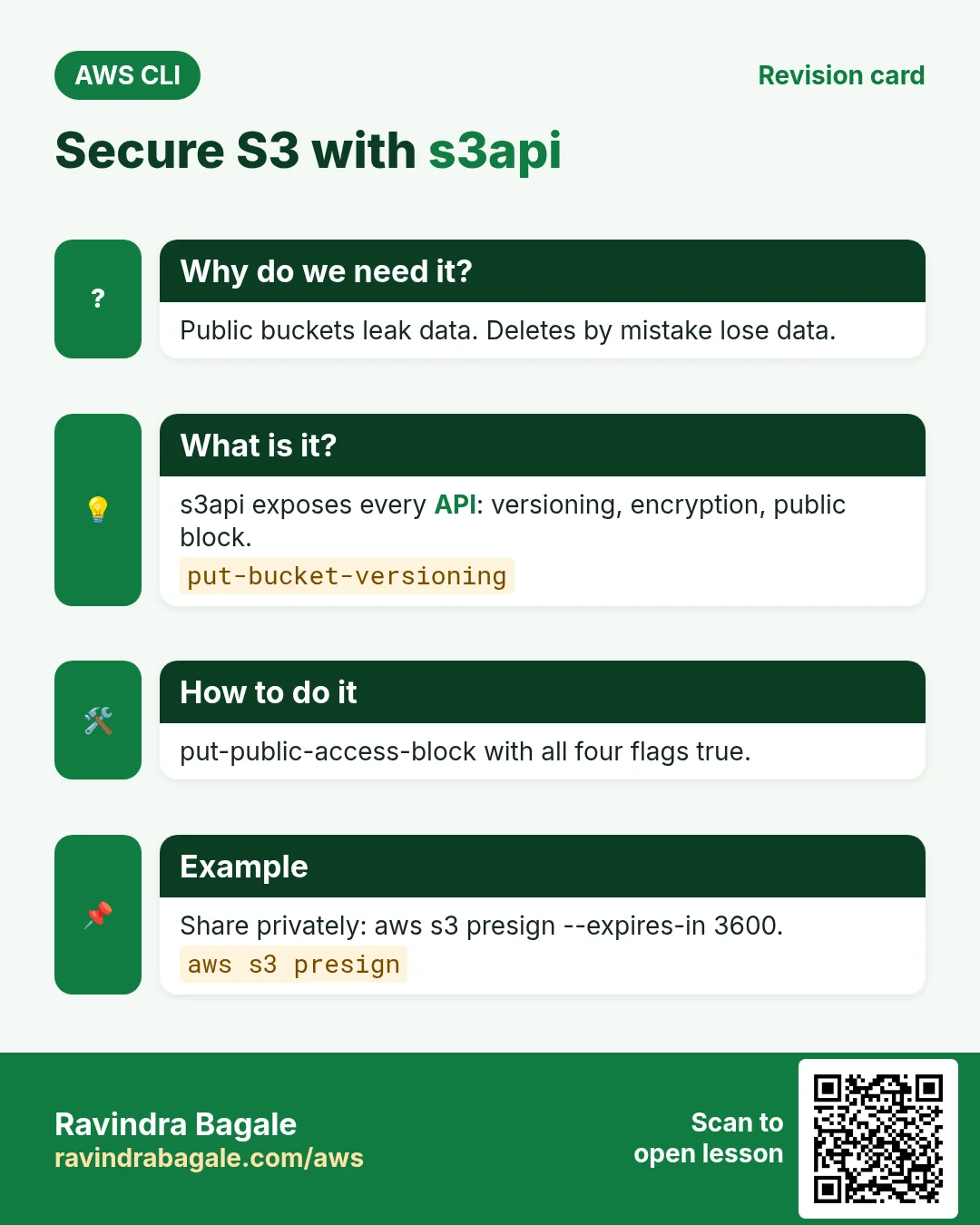
Most S3 leaks come from public buckets. Versioning saves you from accidental deletes.
These settings have no aws s3 shortcut, so we use s3api.
- Block all public access.
aws s3api put-public-access-block --bucket $B --public-access-block-configuration BlockPublicAcls=true,IgnorePublicAcls=true,BlockPublicPolicy=true,RestrictPublicBuckets=trueExpected output:
(no output means success)- Turn on versioning.
aws s3api put-bucket-versioning --bucket $B --versioning-configuration Status=EnabledExpected output:
(no output means success)- Verify versioning.
aws s3api get-bucket-versioning --bucket $BExpected output:
{ "Status": "Enabled" }- Default encryption with SSE-S3.
aws s3api put-bucket-encryption --bucket $B --server-side-encryption-configuration '{"Rules":[{"ApplyServerSideEncryptionByDefault":{"SSEAlgorithm":"AES256"}}]}'Expected output:
(no output means success)- Check an object's metadata.
aws s3api head-object --bucket $B --key site/index.html --query "[ContentLength,ServerSideEncryption]"Expected output:
[ 12, "AES256" ]- List object versions.
aws s3api list-object-versions --bucket $B --prefix site/ --query "Versions[].[Key,VersionId,IsLatest]" --output textExpected output:
site/index.html 3HL4kqtJlcpXroDTDmJ... True5. Presigned URLs and lifecycle
Work through an object called reports/day1.csv in your practice bucket. By default, a visitor who does not have permission should not be able to open it through a plain object URL. A presigned URL contains the signed information needed to allow a particular request for a limited time under the signer’s permissions. Share it only in the controlled lab, because someone who receives it can use it while it remains valid.
Use the chapter’s aws s3 presign example with the specific object. The command prints a URL. Opening that URL should read the intended sample object. The command does not change the bucket policy or turn on public access. Compare the plain URL and the signed URL using a client with no separate AWS session. If neither reads the file, recheck the signer’s permission, object key and validity.
A lifecycle rule has a separate job. It applies a configured storage transition or expiration as objects age. A presigned URL expiring does not delete its object. An object expiration can also behave differently when S3 Versioning is enabled, so inspect the versioning setup before treating the current view as proof that all object versions and storage charges are gone.
Share one private file for one hour, and delete old logs automatically.
aws s3 presign makes a signed link. put-bucket-lifecycle-configuration sets rules by prefix and age.
- Create a 1-hour link.
aws s3 presign s3://$B/site/index.html --expires-in 3600Expected output:
https://ravi-cli-lab-12345.s3.ap-south-1.amazonaws.com/site/index.html?X-Amz-Algorithm=...&X-Amz-Expires=3600...- Open it with curl.
curl -s "<paste URL>"Expected output:
<h1>Hi</h1>- Expire logs/ after 30 days.
aws s3api put-bucket-lifecycle-configuration --bucket $B --lifecycle-configuration '{"Rules":[{"ID":"logs30","Status":"Enabled","Filter":{"Prefix":"logs/"},"Expiration":{"Days":30}}]}'Expected output:
(no output means success)- Verify the rule.
aws s3api get-bucket-lifecycle-configuration --bucket $B --query "Rules[0].[ID,Expiration.Days]" --output textExpected output:
logs30 306. Same action in Python, Node.js, Java, Go, .NET and PHP
Scripts start in the CLI. Apps call the same API through an SDK. Knowing both helps you move a tested command into real code.
Low-level CLI commands expose service operations. A high-level command or an automatically paginated list can make multiple requests. For example, aws s3 cp a.txt s3://B/a.txt maps to the PutObject API.
Same action (PutObject) from code. Set the intended profile and Region for the SDK. Provider support and precedence can differ by SDK, and an explicit client setting can override defaults.
| Stack | Code |
|---|---|
| Python (boto3) | boto3.client("s3").upload_file("a.txt", B, "a.txt") |
| Node.js (v3) | await s3.send(new PutObjectCommand({Bucket:B, Key:"a.txt", Body: fs.readFileSync("a.txt")})); |
| Java (v2) | s3.putObject(r -> r.bucket(B).key("a.txt"), RequestBody.fromFile(Paths.get("a.txt"))); |
| Go (v2) | f, _ := os.Open("a.txt"); c.PutObject(ctx, &s3.PutObjectInput{Bucket:&b, Key:aws.String("a.txt"), Body:f}) |
| .NET | await s3.PutObjectAsync(new PutObjectRequest{BucketName=B, Key="a.txt", FilePath="a.txt"}); |
| PHP | $s3->putObject(["Bucket"=>$b,"Key"=>"a.txt","SourceFile"=>"a.txt"]); |
7. Clean up so nothing keeps costing
Lab resources left running cost money and can be a security risk.
Delete in reverse order: children first, then parents.
- Delete all objects and the bucket (non-versioned objects).
aws s3 rb s3://$B --force
aws s3 rb s3://$B-2
Expected output:
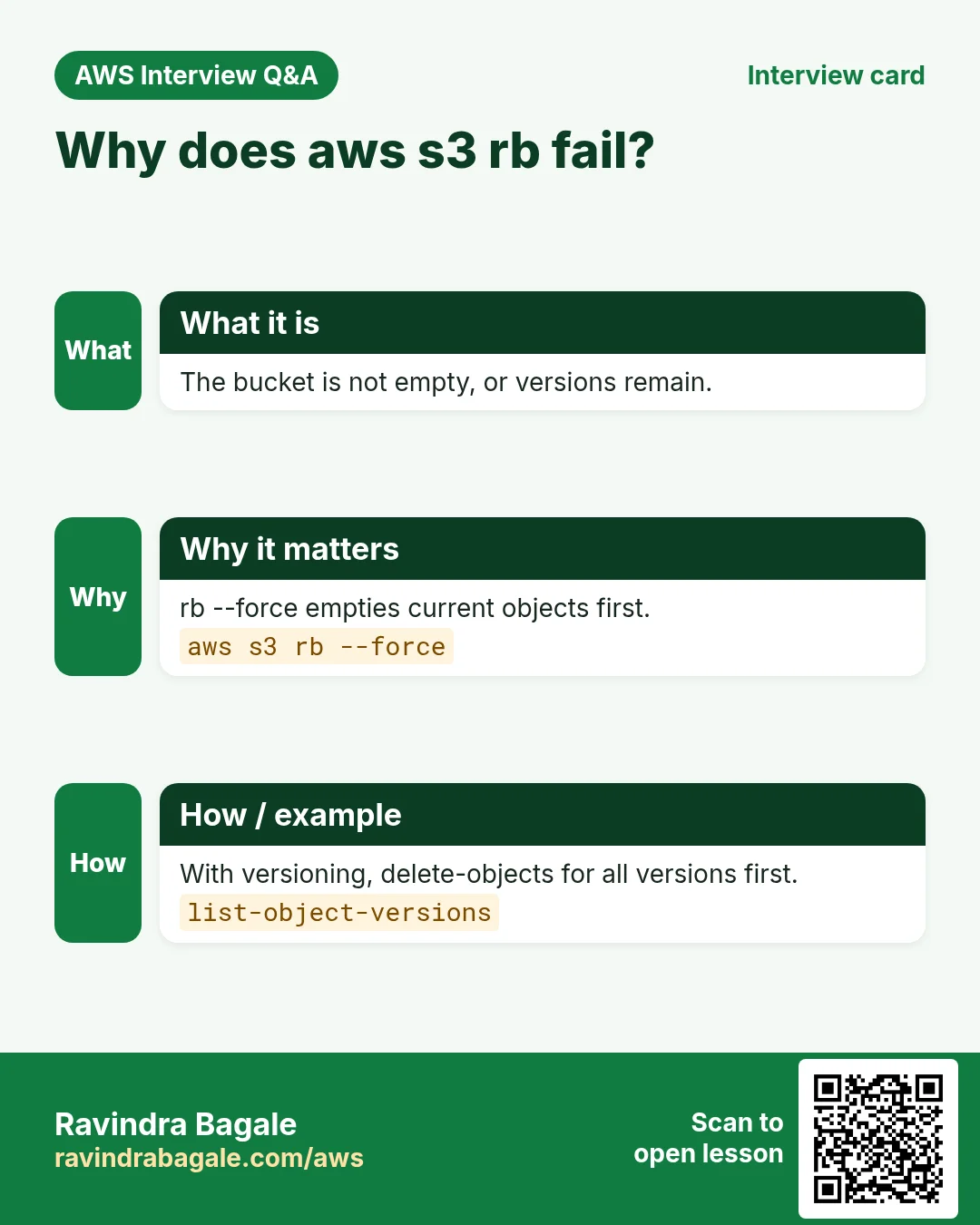
remove_bucket: ravi-cli-lab-12345- If versioning blocks it, delete versions first.
aws s3api delete-objects --bucket $B --delete "$(aws s3api list-object-versions --bucket $B --query '{Objects: Versions[].{Key:Key,VersionId:VersionId}}')"Expected output:
(no output means success)- Verify.
aws s3 ls | grep ravi-cli-lab || echo goneExpected output:
goneRavindra Bagale's Tip
Run sync --delete with --dryrun first, every time. It shows exactly what will be deleted.
8. Interview questions and answers
Q. aws s3 vs aws s3api?
s3 is high-level for files (cp, sync). s3api exposes every S3 API, like versioning and policies.
Q. cp vs sync?
cp copies what you name. sync copies only new or changed files.
Q. How do you share a private object for a short time?
aws s3 presign with --expires-in.
Q. Why does rb fail on a versioned bucket?
Old versions and delete markers still exist. Delete them first.
Q. How do you stop public exposure?
put-public-access-block with all four settings true.
Try at home
- Host a static site folder with sync and check it with a presigned URL.
- Add a lifecycle rule that moves backups/ to Glacier after 60 days.
In short
- mb, ls, cp, sync, rm, rb.
- s3api for versioning, encryption, public block.
- presign for short sharing.
- Lifecycle cleans old data.
- rb --force to clean up.
Preview sync before putting remote data at risk
Test with a dedicated bucket prefix and a file that exists only at the destination. Run the same sync with --dryrun and review every proposed delete. A versioned bucket may retain versions even when the current object disappears.
Interview check When does sync differ from cp?
Sync compares source and destination and copies differences. A recursive cp copies objects matching its request without the same synchronization logic.
Practise this chapter
Interview questions and answers
Which questions would you ask before approving a sync that uses --delete?
I would identify the source, destination and exact prefix, then inspect a dry run for proposed removals. I would confirm those destination items are disposable or recoverable through an existing plan. After the approved sync, I would compare the remaining object keys with the intended result.
Check your understanding
Choose an answer, then compare your reasoning with the explanation.
Practice Tasks
Practice checks run in your browser. They check the answer for this exercise; they do not create resources or connect to your AWS account.
About this scenarioParis Fashion Hub is a fashion business in Paris. Camille Laurent looks after its IT and cloud work. They count money in EUR and run their AWS resources in the eu-west-3 Region. In the tasks below you do real jobs for them using what this lesson teaches. All names, account IDs, IP addresses and numbers are made up for practice.
0 / 11
Easy Upload a file to S3
aws s3 cp works like Linux cp, but one side is S3.
Upload report.pdf to s3://parisfashion-invoices-2026/reports/report.pdf.
- Read the task and decide which AWS service it is about.
- Write aws, then the service name, then the operation (the action word).
- Add each needed flag (--name) followed by its value from the task.
- Flags can be in any order. Click Check answer.
Easy List files in a bucket folder
Check that the upload worked and see file sizes.
List the objects under s3://parisfashion-invoices-2026/reports/.
- Read the task and decide which AWS service it is about.
- Write aws, then the service name, then the operation (the action word).
- Add each needed flag (--name) followed by its value from the task.
- Flags can be in any order. Click Check answer.
Easy Create a bucket
A bucket is the top-level container for your files in S3.
Create the bucket parisfashion-invoices-2026 in eu-west-3.
- Read the task and decide which AWS service it is about.
- Write aws, then the service name, then the operation (the action word).
- Add each needed flag (--name) followed by its value from the task.
- Flags can be in any order. Click Check answer.
Easy Delete one object
Remove files you no longer need so you do not pay to store them.
Delete s3://parisfashion-invoices-2026/tmp/test.txt.
- Read the task and decide which AWS service it is about.
- Write aws, then the service name, then the operation (the action word).
- Add each needed flag (--name) followed by its value from the task.
- Flags can be in any order. Click Check answer.
Medium Read an object's metadata
head-object shows size, type and version without downloading the file.
Show the metadata of key reels/v1.mp4 in bucket parisfashion-media.
- Read the task and decide which AWS service it is about.
- Write aws, then the service name, then the operation (the action word).
- Add each needed flag (--name) followed by its value from the task.
- Flags can be in any order. Click Check answer.
Medium Download a whole S3 folder
With --recursive, cp copies every object under a prefix.
Download everything under s3://parisfashion-invoices-2026/2026/ into the local folder ./invoices.
- Read the task and decide which AWS service it is about.
- Write aws, then the service name, then the operation (the action word).
- Add each needed flag (--name) followed by its value from the task.
- Flags can be in any order. Click Check answer.
Medium Make a temporary download link
A pre-signed URL shares one private file for a short time, without making the bucket public.
Create a pre-signed URL for s3://parisfashion-invoices-2026/inv-101.pdf that expires in 3600 seconds.
- Read the task and decide which AWS service it is about.
- Write aws, then the service name, then the operation (the action word).
- Add each needed flag (--name) followed by its value from the task.
- Flags can be in any order. Click Check answer.
Medium Sync a website folder to S3
sync uploads only new or changed files and can remove deleted ones.
Sync the local folder ./site to s3://parisfashion-web/ and delete files in S3 that are no longer in ./site.
- Read the task and decide which AWS service it is about.
- Write aws, then the service name, then the operation (the action word).
- Add each needed flag (--name) followed by its value from the task.
- Flags can be in any order. Click Check answer.
Medium Attach a bucket policy from a file
Long JSON is easier to keep in a file; file:// tells the CLI to read it.
Apply the bucket policy saved in policy.json to bucket parisfashion-web.
- Read the task and decide which AWS service it is about.
- Write aws, then the service name, then the operation (the action word).
- Add each needed flag (--name) followed by its value from the task.
- Flags can be in any order. Click Check answer.
Medium Upload to a cheaper storage class
Rarely used files cost less in Standard-IA.
Upload archive-2025.zip to s3://parisfashion-archive/ using the STANDARD_IA storage class.
- Read the task and decide which AWS service it is about.
- Write aws, then the service name, then the operation (the action word).
- Add each needed flag (--name) followed by its value from the task.
- Flags can be in any order. Click Check answer.
Medium Turn on versioning
Versioning keeps old copies, so an overwrite or delete can be undone.
Enable versioning on bucket parisfashion-invoices-2026.
- Read the task and decide which AWS service it is about.
- Write aws, then the service name, then the operation (the action word).
- Add each needed flag (--name) followed by its value from the task.
- Flags can be in any order. Click Check answer.
Revision, comparison and interview cards
Revise this lesson in a few minutes. Save the cards on your phone or download them as PNG files. The QR code on each card opens this lesson.
More cards: Ravi Sir's Cards.