Create an IAM Role and Policy for EC2 and Lambda Step by Step
Build least-privilege access for S3 read: one customer-managed policy, an EC2 instance role, and a Lambda execution role. Prove both, then clean up.
In this chapter
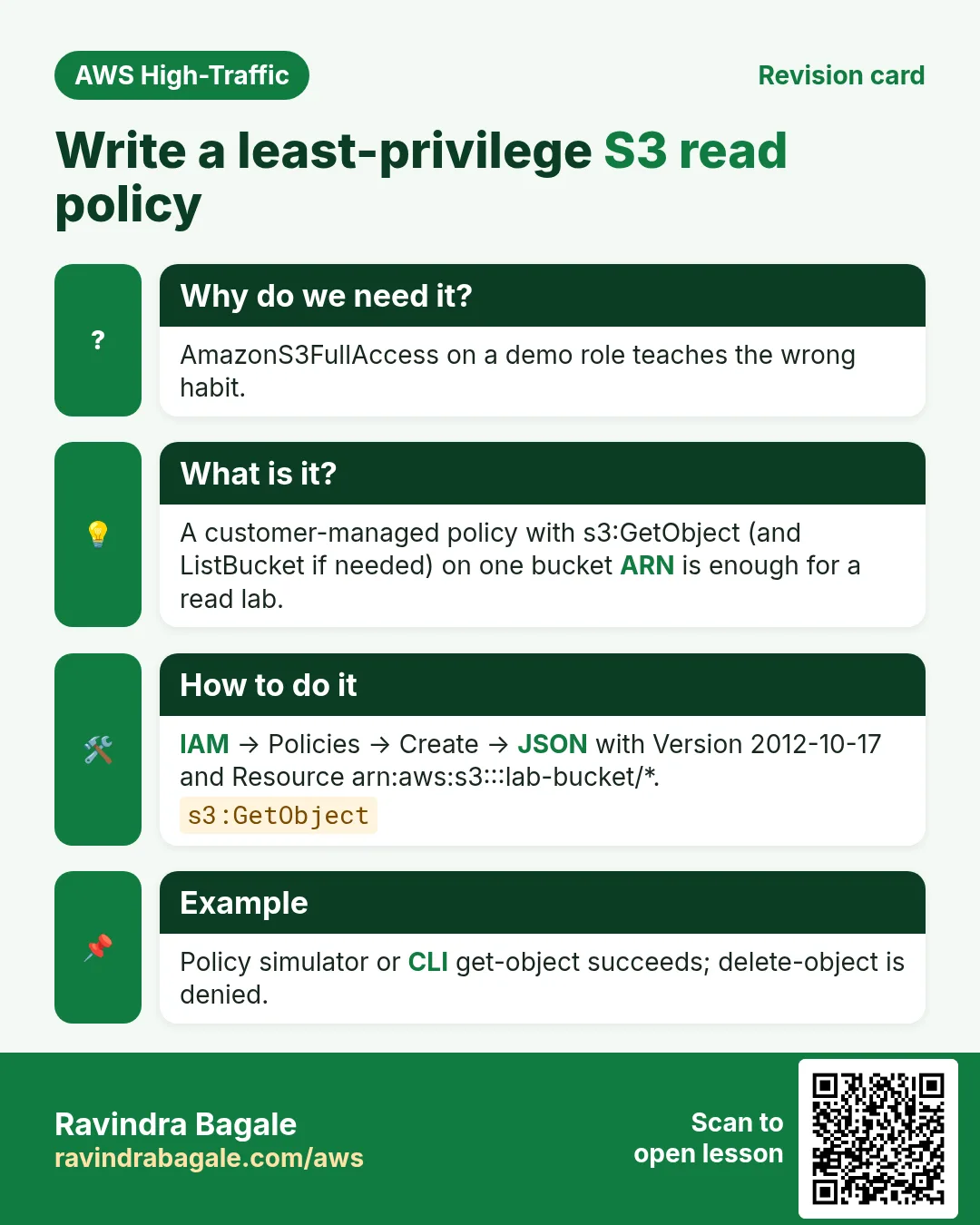
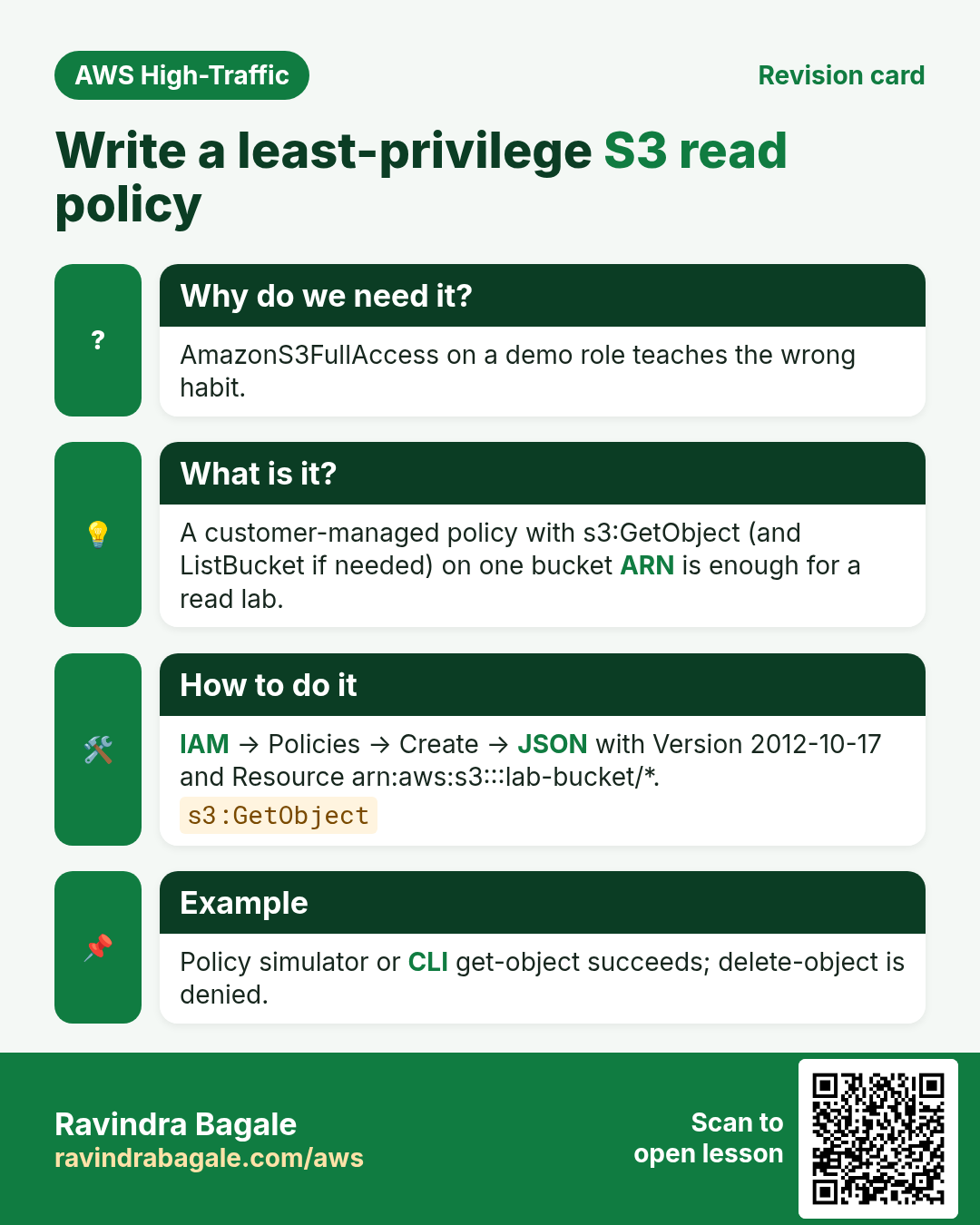
- Create a tight S3 read policy
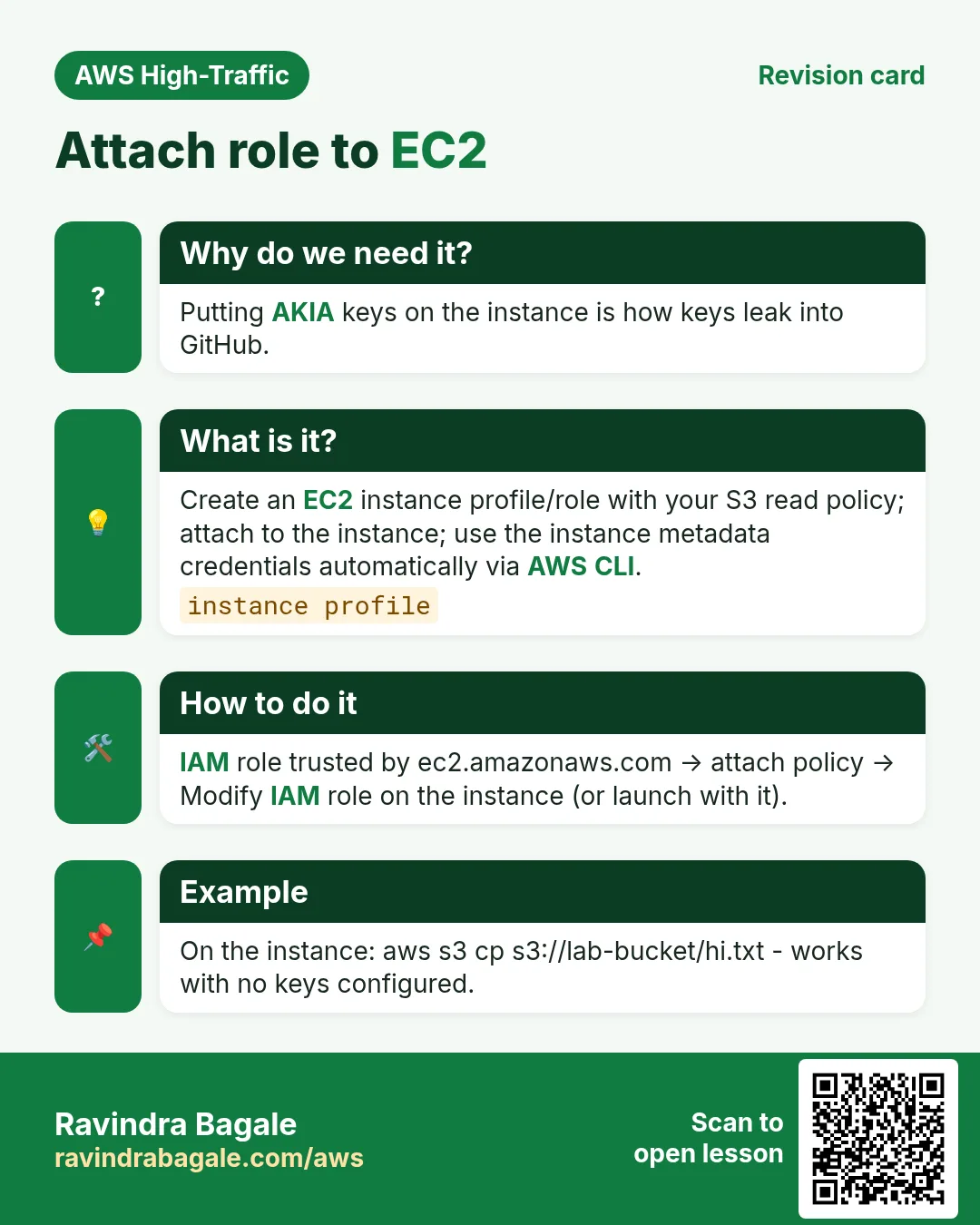
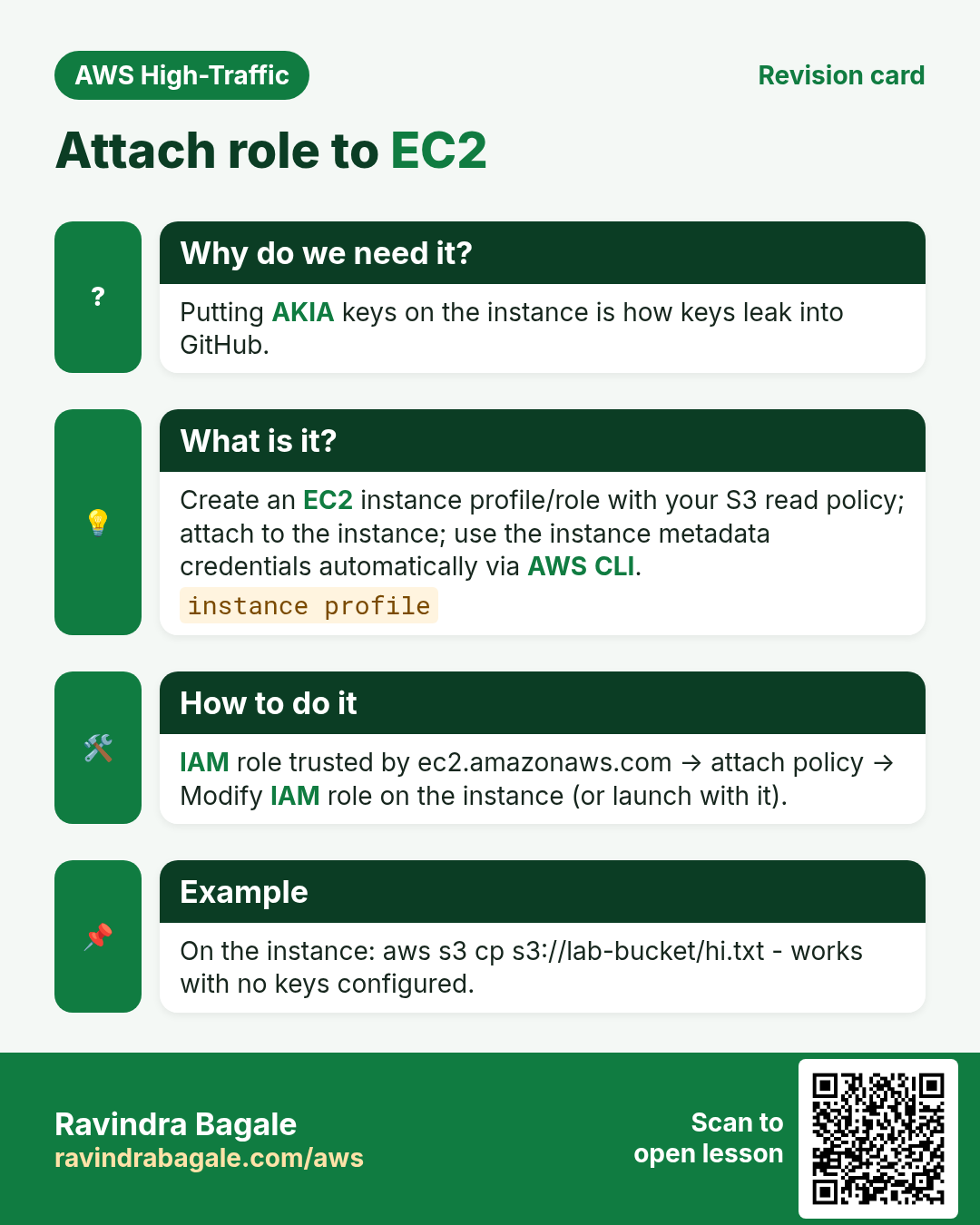
- EC2 instance profile / role
- Lambda execution role + basic logs
- Verify with CLI and a tiny function
- Cleanup roles and policy
Everyday example before the lab
Why this lab matters
In a fictional stationery shop, the stock-checking program should read the stock file but must not replace it. A second program reads the same file when an order arrives. One narrow read policy describes the job, while separate EC2 and Lambda roles identify which service is doing it. This lab separates the worker’s data access from the administrator’s permission to assign a role, so a denied setup step is not mistaken for a denied file read.
1. Lab: click by click
Region ap-south-1. Create a private bucket yourname-iam-lab and upload hello.txt with body ok. Replace names/account id.
A. Customer managed policy
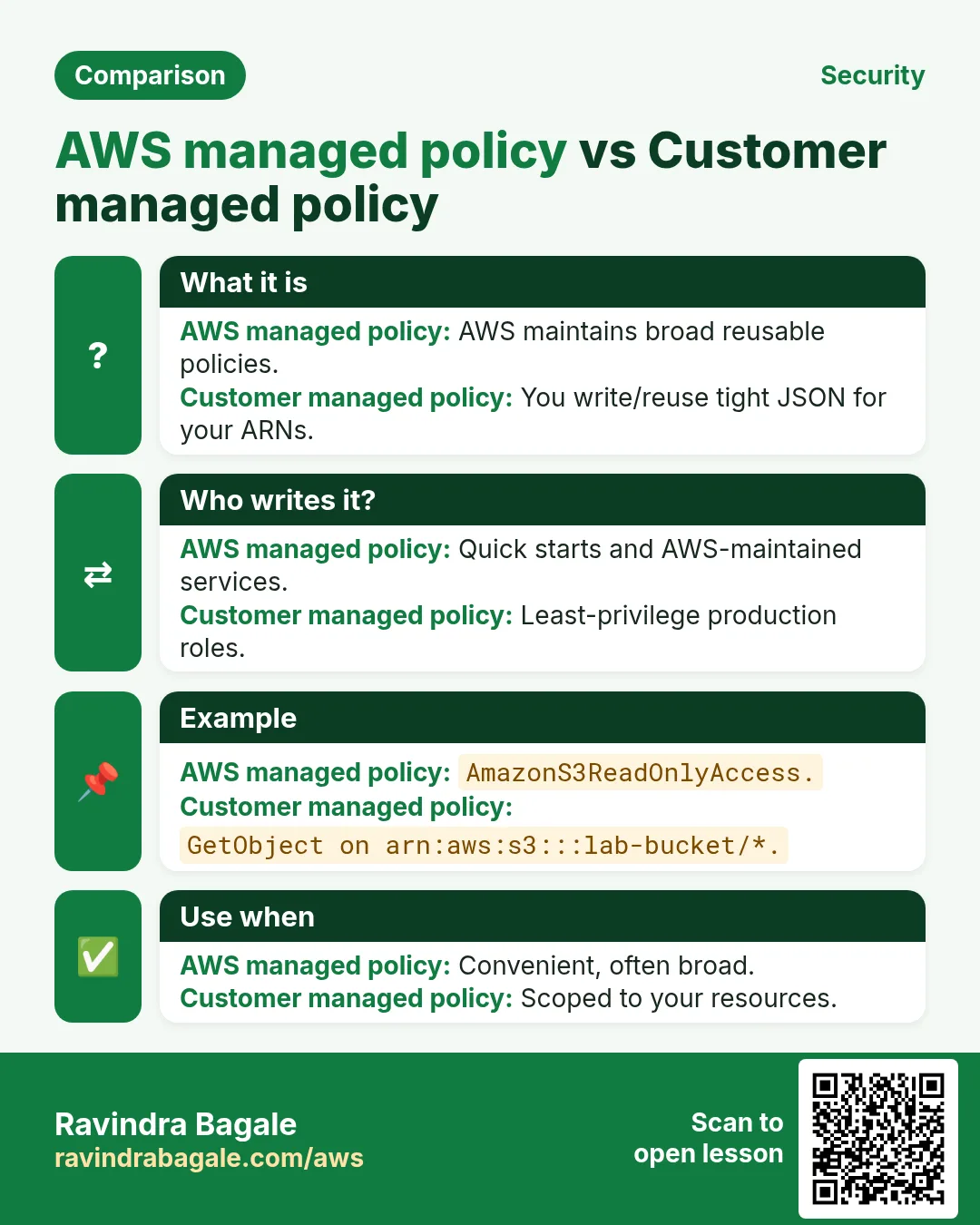
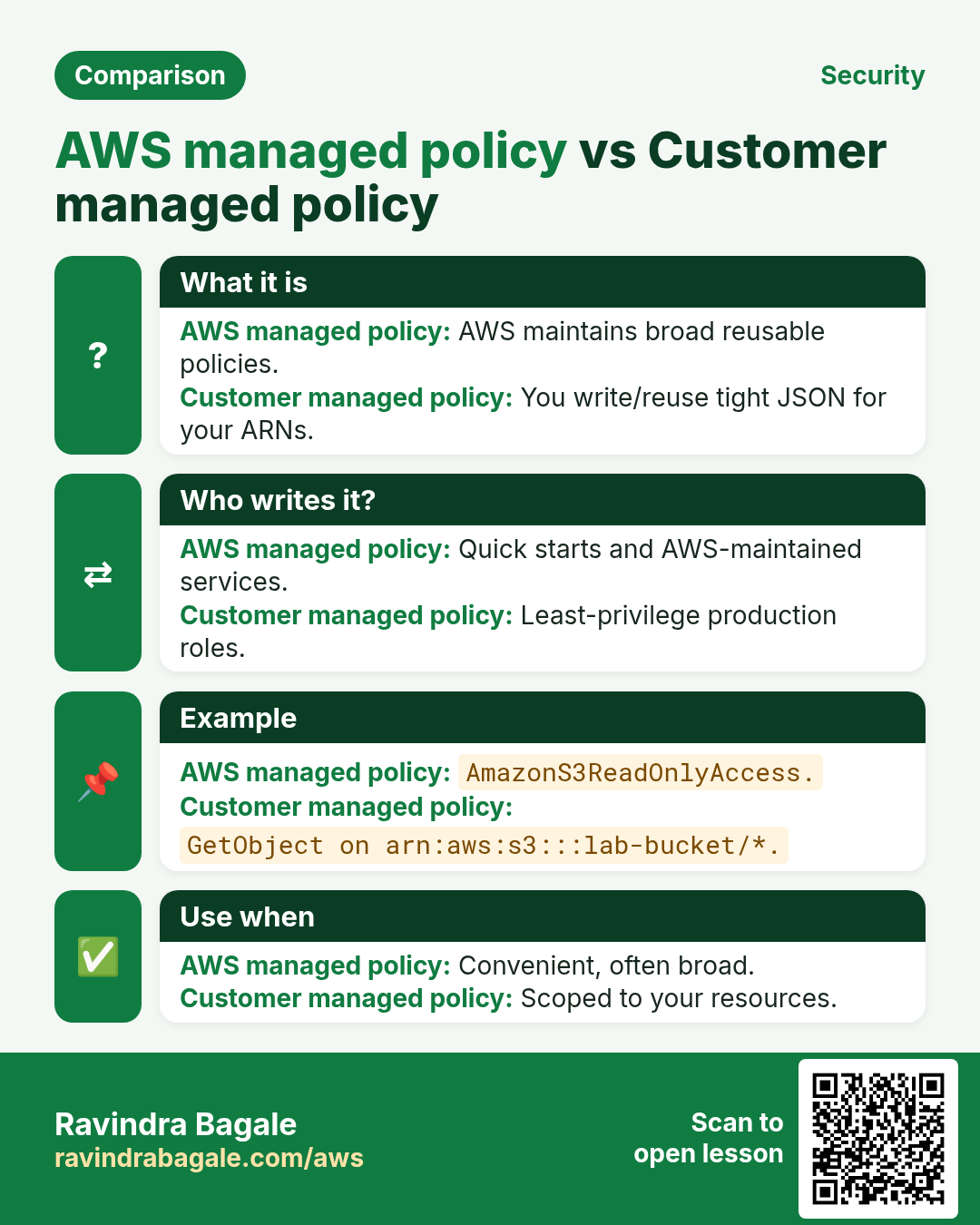
This lab creates one reusable policy for a small S3 action. A customer managed policy is yours to edit and can be attached to more than one role. First identify the lab object and the exact operation it needs. Then set up one role that EC2 can use and a separate role that Lambda can use. Both workloads can have the same narrow S3 permission although different services must be able to assume their respective roles.
A role has an Amazon Resource Name, usually shortened to ARN. It identifies the role when you assign it to a workload. The role’s trust controls which service can assume it. The deployer’s iam:PassRole permission controls which role the deployer can assign. A deployment error referring to PassRole is about that assignment, while a running function’s S3 error concerns the role used for the request.
- IAM → Policies → Create policy → JSON.
- Paste (replace BUCKET):
{
  "Version": "2012-10-17",
  "Statement": [
    {
      "Sid": "ListBucket",
      "Effect": "Allow",
      "Action": ["s3:ListBucket"],
      "Resource": "arn:aws:s3:::BUCKET"
    },
    {
      "Sid": "ReadObjects",
      "Effect": "Allow",
      "Action": ["s3:GetObject"],
      "Resource": "arn:aws:s3:::BUCKET/*"
    }
  ]
}- Name:
lab-s3-read-one-bucket. Create.
B. EC2 role
Follow one sample read from the server rather than from your own terminal credentials. Assign the approved EC2 role, then run the caller-identity check on the server itself. In EC2, the instance profile is the service mechanism that makes a role available to the instance. The temporary role session it supplies should appear in the caller ARN.
Use the approved read on the exact private S3 object in the policy. If that object reads correctly but an unrelated key was expected to be denied, try the negative test as the same caller and compare results. If the check instead shows your personal identity, identify the SDK or CLI provider that signed it before expanding permissions on the role. Then repeat the later Lambda exercise and compare the ARN to confirm the two workloads are using their own roles.
- IAM → Roles → Create role → AWS service → EC2.
- Attach
lab-s3-read-one-bucketonly (not Admin). Role name:lab-ec2-s3-read. - EC2 → instance → Actions → Security → Modify IAM role →
lab-ec2-s3-read. - On EC2:
aws sts get-caller-identity
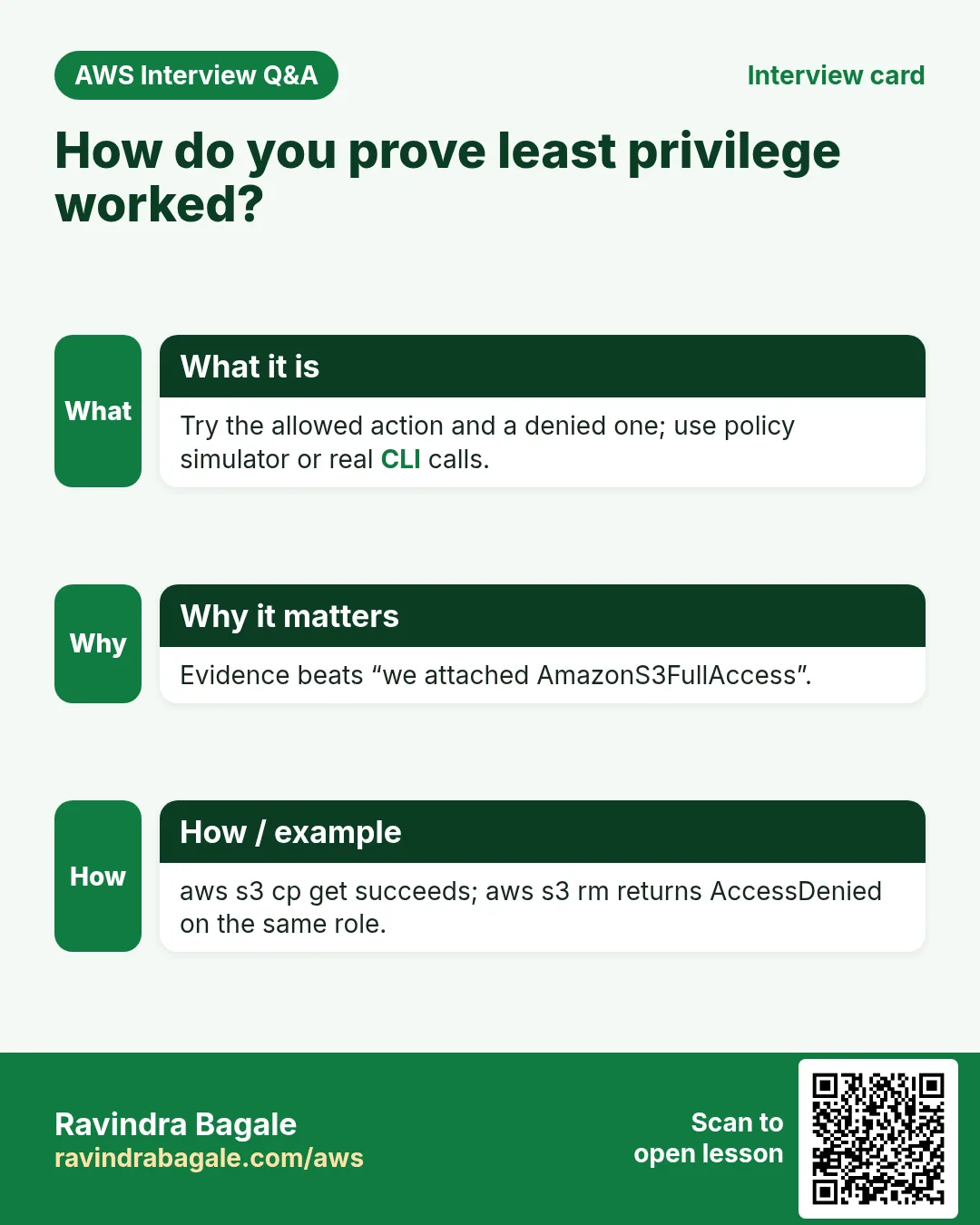
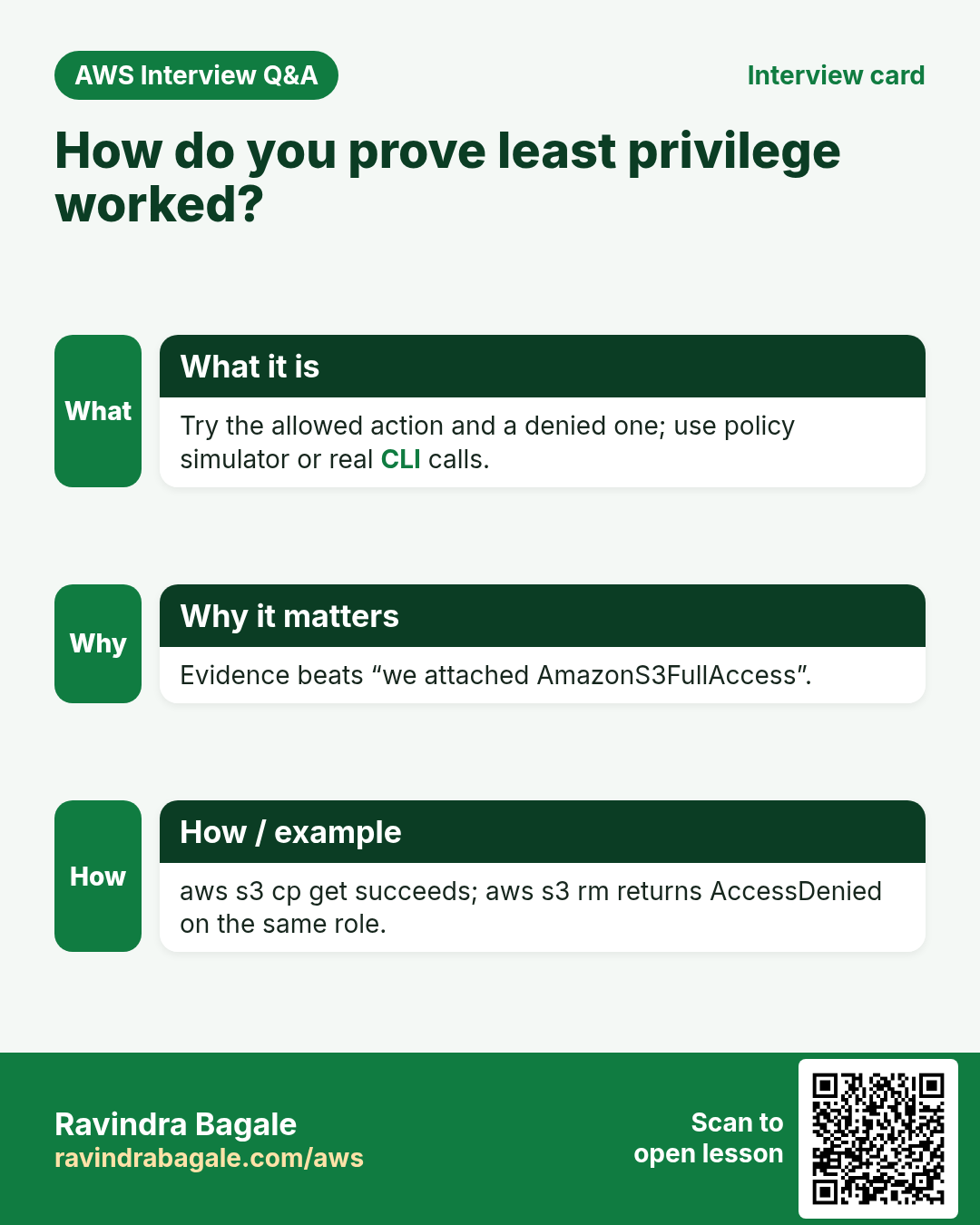
aws s3 cp s3://BUCKET/hello.txt -
# expect: ok
# aws s3 cp s3://SOME-OTHER-BUCKET/x .   # should fail AccessDenied
C. Lambda role
- IAM → Roles → Create role → Lambda. Attach
lab-s3-read-one-bucketandAWSLambdaBasicExecutionRole. Name:lab-lambda-s3-read. - Lambda → Create function
lab-s3-get, Python 3.12, use existing rolelab-lambda-s3-read. - Code:
import boto3, os
def lambda_handler(event, context):
    b = os.environ["BUCKET"]
    body = boto3.client("s3").get_object(Bucket=b, Key="hello.txt")["Body"].read().decode()
return {"ok": True, "body": body}- Env
BUCKET=your bucket. Deploy → Test. Expected JSON with"body": "ok".
Cleanup
- Delete Lambda function. Remove IAM role from EC2 (or terminate lab instance).
- Delete roles
lab-ec2-s3-read,lab-lambda-s3-read. Delete policylab-s3-read-one-bucket. - Empty and delete the lab bucket.
Common errors: cause and safe next check
The role is absent from the EC2 dropdown
That dropdown lists instance profiles. The IAM console creates a matching profile for an EC2 role, but a role made through an API or CLI may not have one. Check that the intended EC2 role is contained in the intended profile; changing only a role name does not create a profile.
S3 read succeeds but Lambda logs are missing
S3 data permissions and CloudWatch Logs permissions are different. Read Configuration → Permissions to identify the function’s actual execution role, then inspect its logging permissions. A successful object read does not prove that log delivery is authorized.
Assigning the role fails with iam:PassRole
The person configuring the service needs permission to pass the approved role. This is separate from the S3 permissions used by the workload. Ask the administrator to review the exact role ARN and target service; do not broaden the workload’s bucket access to solve a deployer error.
Practical questions and full answers
How can I tell that the EC2 test used the intended role?
In the existing caller-identity output, inspect the Account and Arn fields locally. An assumed-role ARN should name the intended role and session. Successful S3 output alone could come from a different configured identity, so do not skip this identity check.
Must the Lambda code assume its own execution role?
No. Lambda assumes its execution role when the function runs. The SDK can use the supplied temporary credentials. An extra AssumeRole call to the same role is unnecessary for this lab and can fail without a separate self-trust configuration.
Why can the plain sample file work while a KMS-encrypted file fails?
An object encrypted with an AWS KMS customer managed key can need kms:Decrypt in addition to the S3 read permission. Ask the key administrator to inspect the applicable key access as well as the object permission. Do not switch off encryption or grant access to every key just to make a different file behave like the plain practice sample.
2. Interview angles
Q. Why instance role not access keys?
Keys get stolen from disk; role creds rotate via metadata.
Q. Why two statements List + Get?
ListBucket on bucket ARN; GetObject on object ARN.
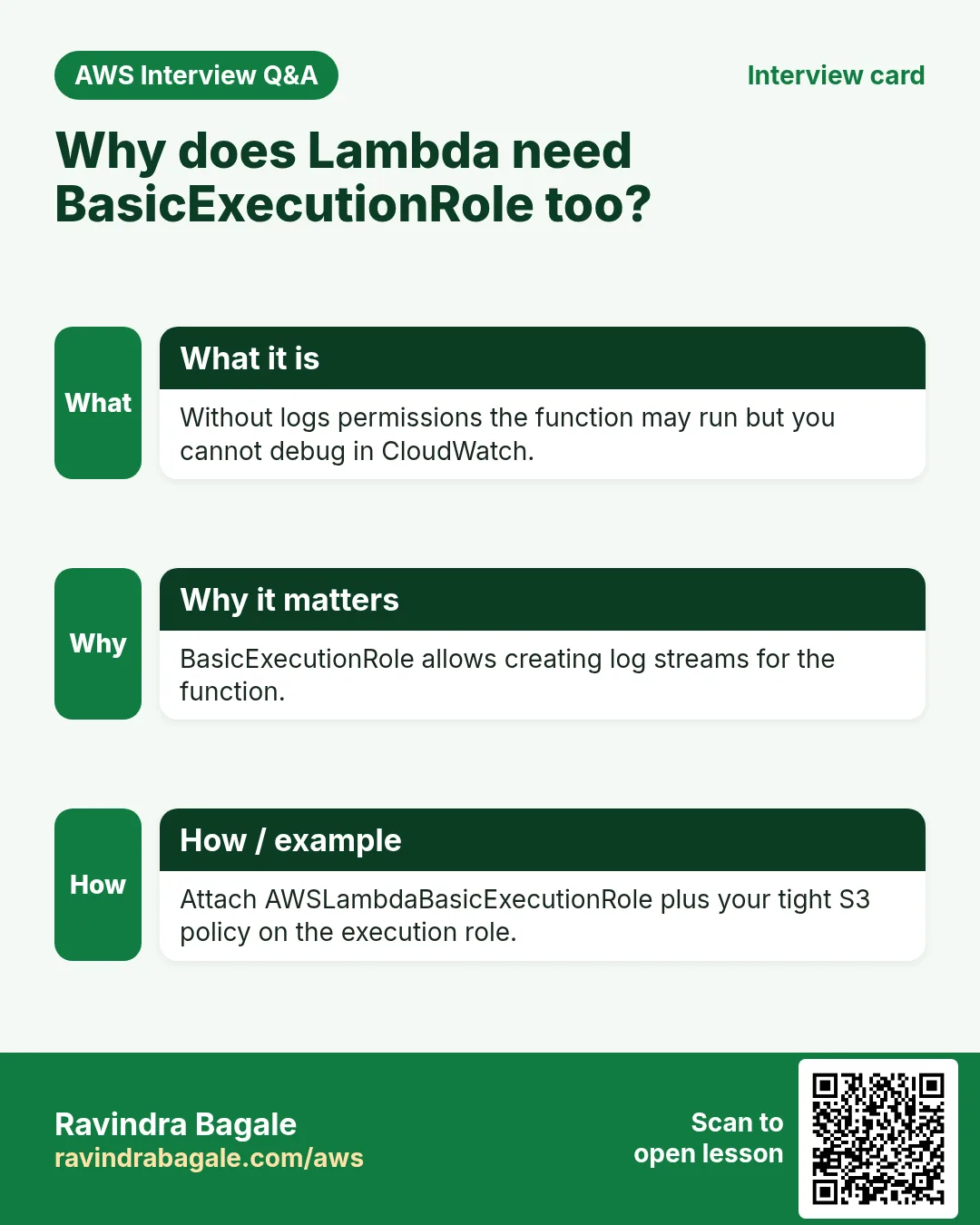
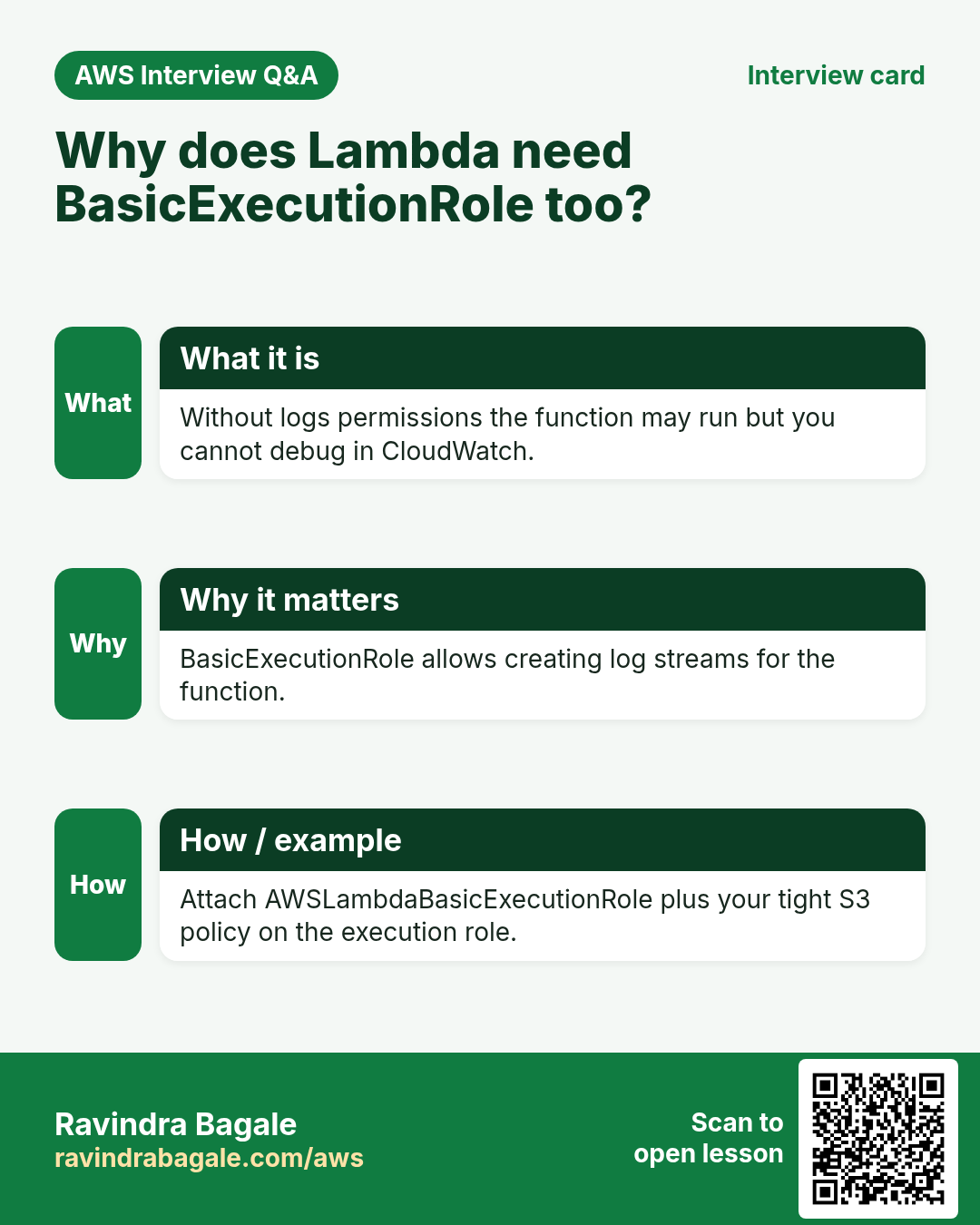
Q. Basic execution role?
Writes CloudWatch Logs.
Q. Admin policy on Lambda?
Breaks least privilege — avoid.
Try at home
- Add s3:PutObject for a prefix only and test deny outside prefix.
- Try the same role pattern for DynamoDB GetItem.
In short
- Customer managed policy → attach to roles.
- EC2 instance role + Lambda execution role.
- Prove allow and deny; then delete lab artifacts.
Separate trust, role permissions and assignment
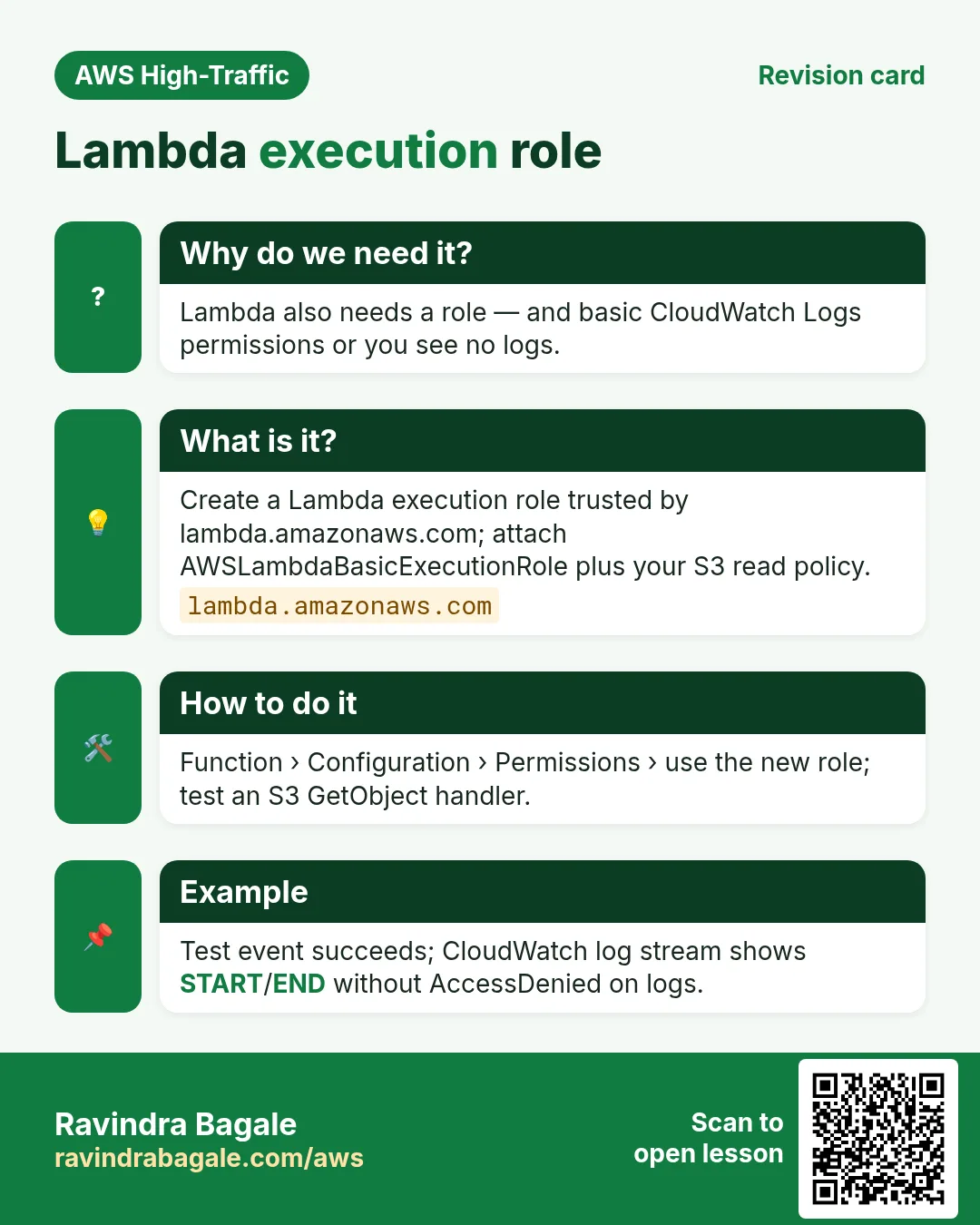
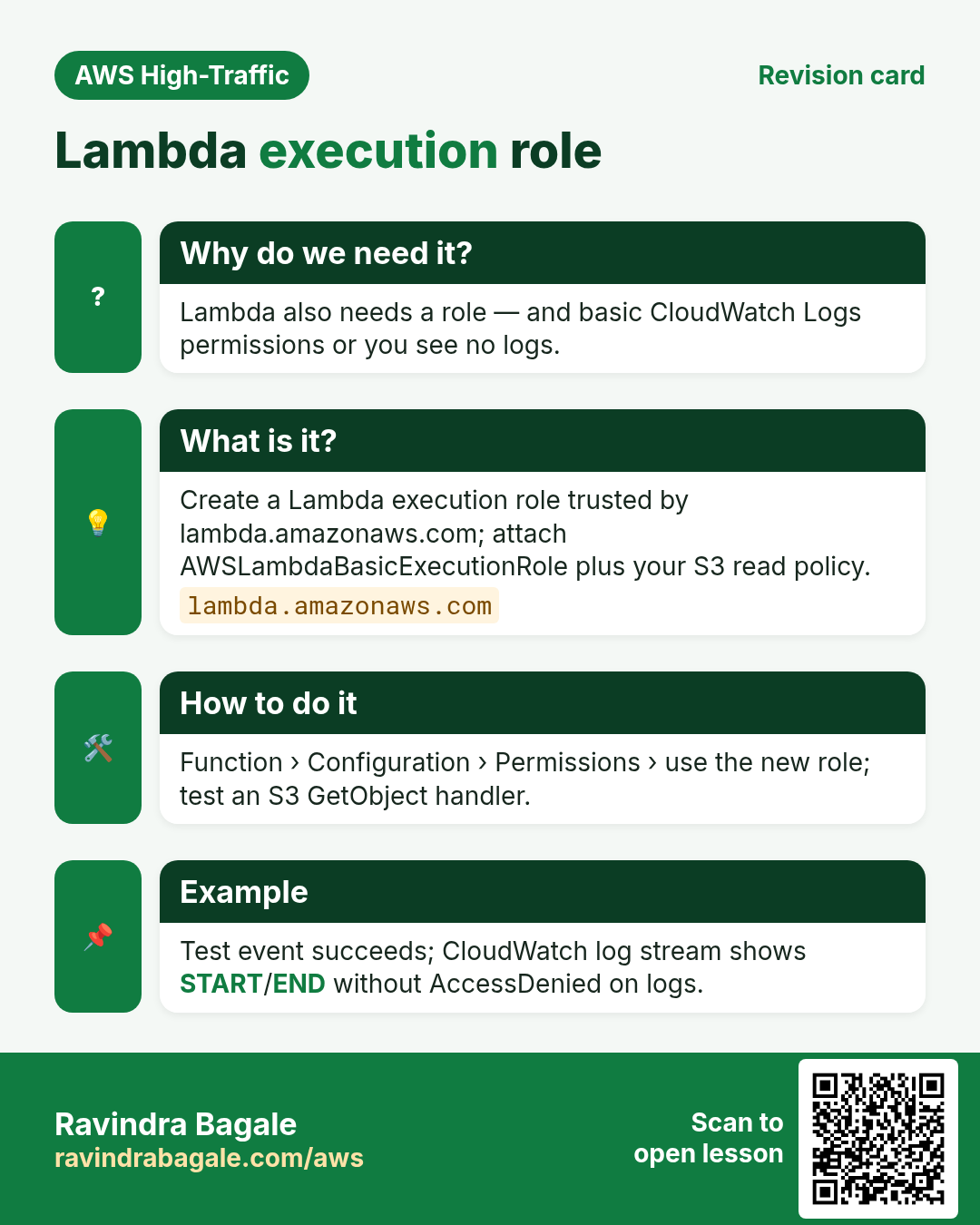
A Lambda role trusts lambda.amazonaws.com, its permissions allow the needed target resource, and the deployer needs permission to assign that role. Recheck the actual function's role and a log from one invocation after editing.
Interview check What does PassRole grant to a deployer?
It allows the deployer to pass a specified role to an approved AWS service where supported. The service assumes it; the deployer does not receive the role credentials from PassRole.
Practise this chapter
Interview questions and answers
Why might Lambda deploy correctly but fail to read S3?
Deployment can succeed when the deployer may pass the role and Lambda can assume it. The function still calls S3 using that role’s permissions. I would verify the attached role and the exact bucket or object, then inspect other applicable policy or encryption controls.
Check your understanding
Choose an answer, then compare your reasoning with the explanation.
Practice Tasks
Practice checks run in your browser. They check the answer for this exercise; they do not create resources or connect to your AWS account.
About this scenarioBavaria Motors is a automobile business in Munich. Lukas Becker looks after its IT and cloud work. They count money in EUR and run their AWS resources in the eu-central-1 Region. In the tasks below you do real jobs for them using what this lesson teaches. All names, account IDs, IP addresses and numbers are made up for practice.
0 / 12
Easy List functions
See which functions exist in this Region.
List the Lambda functions in eu-central-1.
- Read the task and decide which AWS service it is about.
- Write aws, then the service name, then the operation (the action word).
- Add each needed flag (--name) followed by its value from the task.
- Flags can be in any order. Click Check answer.
Medium Trust policy for a Lambda role
The trust policy says WHO may take the role.
Write a trust policy that lets lambda.amazonaws.com assume the role.
- Start with { "Version": "2012-10-17", "Statement": [ ... ] }.
- In each statement write Effect, Action and Resource.
- Give only what the task needs (least privilege).
- Use double quotes and commas correctly. Click Check answer.
Medium Invoke a function
Invoke runs the function now and saves its answer in a file.
Invoke bavariamotors-orders-fn and save the response to out.json.
- Read the task and decide which AWS service it is about.
- Write aws, then the service name, then the operation (the action word).
- Add each needed flag (--name) followed by its value from the task.
- Flags can be in any order. Click Check answer.
Medium Change timeout and memory
More memory also gives more CPU; timeout stops runaway runs.
Set bavariamotors-orders-fn to timeout 30 seconds and memory 512 MB.
- Read the task and decide which AWS service it is about.
- Write aws, then the service name, then the operation (the action word).
- Add each needed flag (--name) followed by its value from the task.
- Flags can be in any order. Click Check answer.
Medium Let a function write logs
Without these actions, Lambda logs never appear in CloudWatch.
Allow logs:CreateLogGroup, logs:CreateLogStream, logs:PutLogEvents on arn:aws:logs:*:*:* only.
- Start with { "Version": "2012-10-17", "Statement": [ ... ] }.
- In each statement write Effect, Action and Resource.
- Give only what the task needs (least privilege).
- Use double quotes and commas correctly. Click Check answer.
Medium Trust policy for an EC2 role
The trust policy says WHO may take the role.
Write a trust policy that lets ec2.amazonaws.com assume the role.
- Start with { "Version": "2012-10-17", "Statement": [ ... ] }.
- In each statement write Effect, Action and Resource.
- Give only what the task needs (least privilege).
- Use double quotes and commas correctly. Click Check answer.
Hard Create a Lambda function
Lambda needs the code zip, a runtime, a handler name and an execution role.
Create function bavariamotors-orders-fn: runtime python3.12, handler app.handler, role arn:aws:iam::106249807804:role/lambda-basic, code in function.zip.
- Read the task and decide which AWS service it is about.
- Write aws, then the service name, then the operation (the action word).
- Add each needed flag (--name) followed by its value from the task.
- Flags can be in any order. Click Check answer.
Hard Set environment variables
Keep settings like table names out of the code.
Set the environment variable TABLE=bavariamotors-orders on bavariamotors-orders-fn.
- Read the task and decide which AWS service it is about.
- Write aws, then the service name, then the operation (the action word).
- Add each needed flag (--name) followed by its value from the task.
- Flags can be in any order. Click Check answer.
Hard Invoke with a JSON payload
In CLI v2, raw JSON needs --cli-binary-format raw-in-base64-out.
Invoke bavariamotors-orders-fn with payload {"orderId":"o-101"} (raw JSON) and save the reply in out.json.
- Read the task and decide which AWS service it is about.
- Write aws, then the service name, then the operation (the action word).
- Add each needed flag (--name) followed by its value from the task.
- Flags can be in any order. Click Check answer.
Hard Lambda GB-seconds
Lambda bills memory × time.
1,000,000 invocations, 512 MB memory, 200 ms each. How many GB-seconds?
- Write down the numbers the task gives you.
- Work it out step by step on paper.
- Type only the final answer in the box.
- Click Check answer.
Hard Connect an SQS queue to Lambda
An event source mapping makes Lambda poll the queue and process messages in batches.
Create an event source mapping from queue arn:aws:sqs:eu-central-1:106249807804:bavariamotors-orders to bavariamotors-orders-fn with batch size 10.
- Read the task and decide which AWS service it is about.
- Write aws, then the service name, then the operation (the action word).
- Add each needed flag (--name) followed by its value from the task.
- Flags can be in any order. Click Check answer.
Hard Let S3 call your function
A resource-based permission is needed before S3 can invoke the function.
Add permission statement s3invoke to bavariamotors-orders-fn so s3.amazonaws.com can call lambda:InvokeFunction from bucket arn:aws:s3:::bavariamotors-uploads.
- Read the task and decide which AWS service it is about.
- Write aws, then the service name, then the operation (the action word).
- Add each needed flag (--name) followed by its value from the task.
- Flags can be in any order. Click Check answer.
Revision, comparison and interview cards
Revise this lesson in a few minutes. Save the cards on your phone or download them as PNG files. The QR code on each card opens this lesson.
More cards: Ravi Sir's Cards.