What Is Amazon DynamoDB? NoSQL vs RDS MySQL
You already used RDS MySQL with EC2. Tables, rows, JOINs, fixed schema. Many serverless apps need a different store: single-digit millisecond reads, no server to patch, and a bill that follows requests. That store is Amazon DynamoDB. This chapter compares NoSQL to RDS and teaches keys.
In this chapter
- NoSQL vs RDS MySQL in plain words
- Table, item, attribute, partition key, sort key
- How to pick a good key
- On-demand vs provisioned pricing
- When DynamoDB and when RDS
1. A story: the attendance sheet that exploded
A college app wrote every tap of "I am present" into one MySQL table. On festival day, 40,000 taps in ten minutes queued up. The RDS instance CPU hit 100%. The team did not need JOINs that day — they needed fast writes keyed by student id and date.
They moved attendance to DynamoDB: partition key studentId, sort key date. Writes spread across partitions. The festival survived.
2. What is DynamoDB?
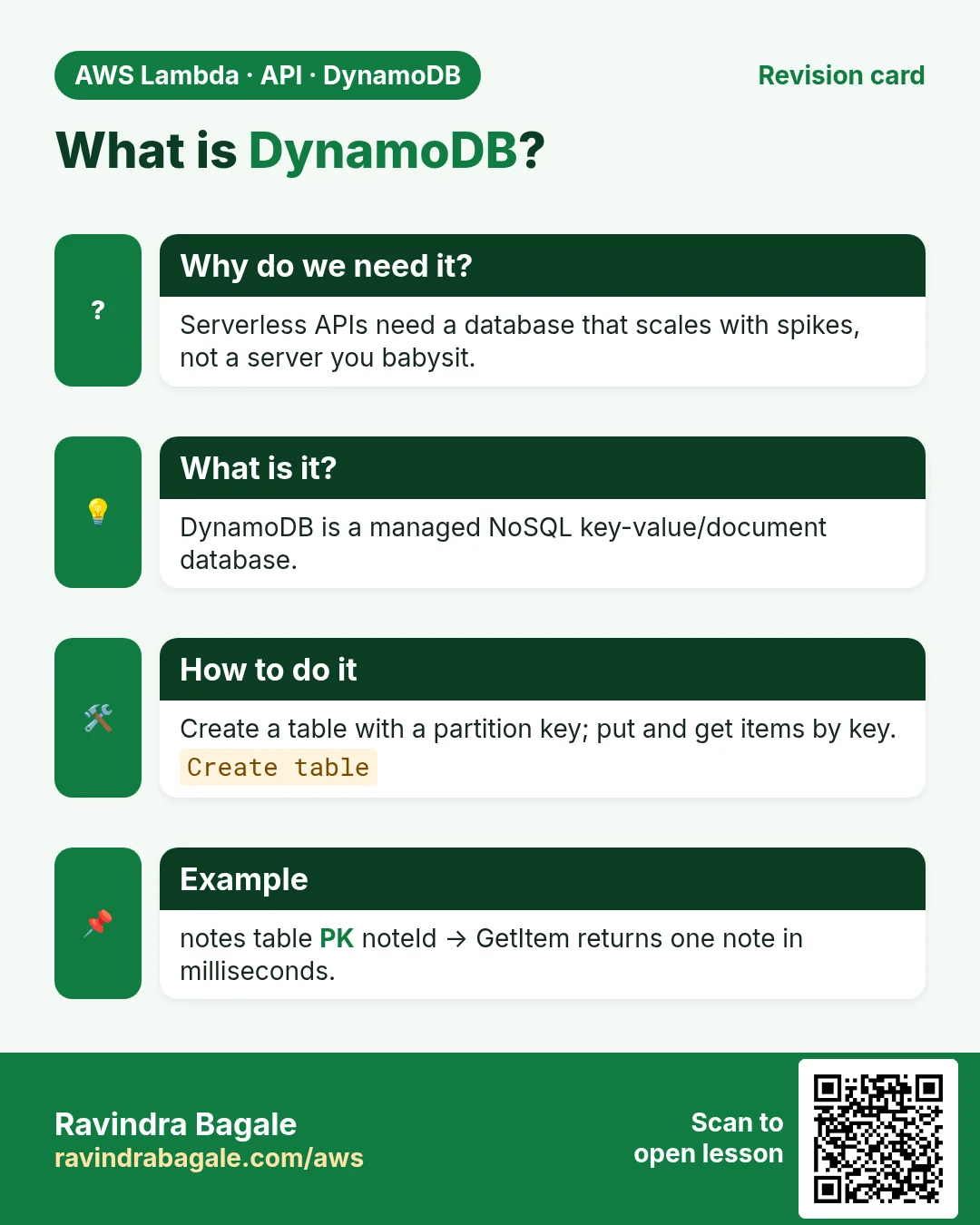
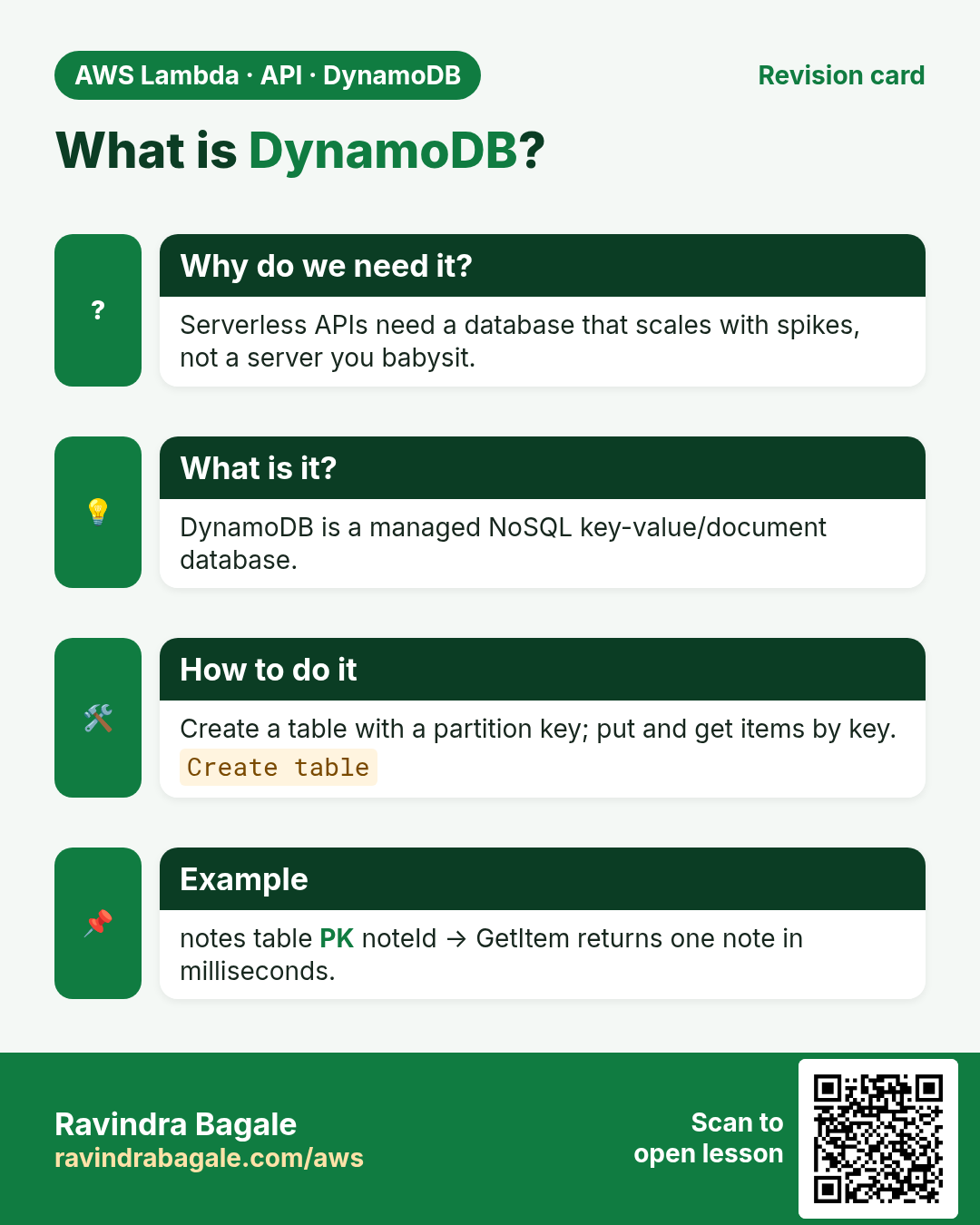
Serverless APIs often need a database that scales with Lambda and does not ask you to choose instance size at 2 AM.
Amazon DynamoDB is a fully managed NoSQL key-value and document database. You create a table, define keys, then Put/Get/Query items. AWS handles disks, replicas and partitioning.
| Word | Meaning | MySQL cousin |
|---|---|---|
| Table | A collection of items with the same key schema | Table |
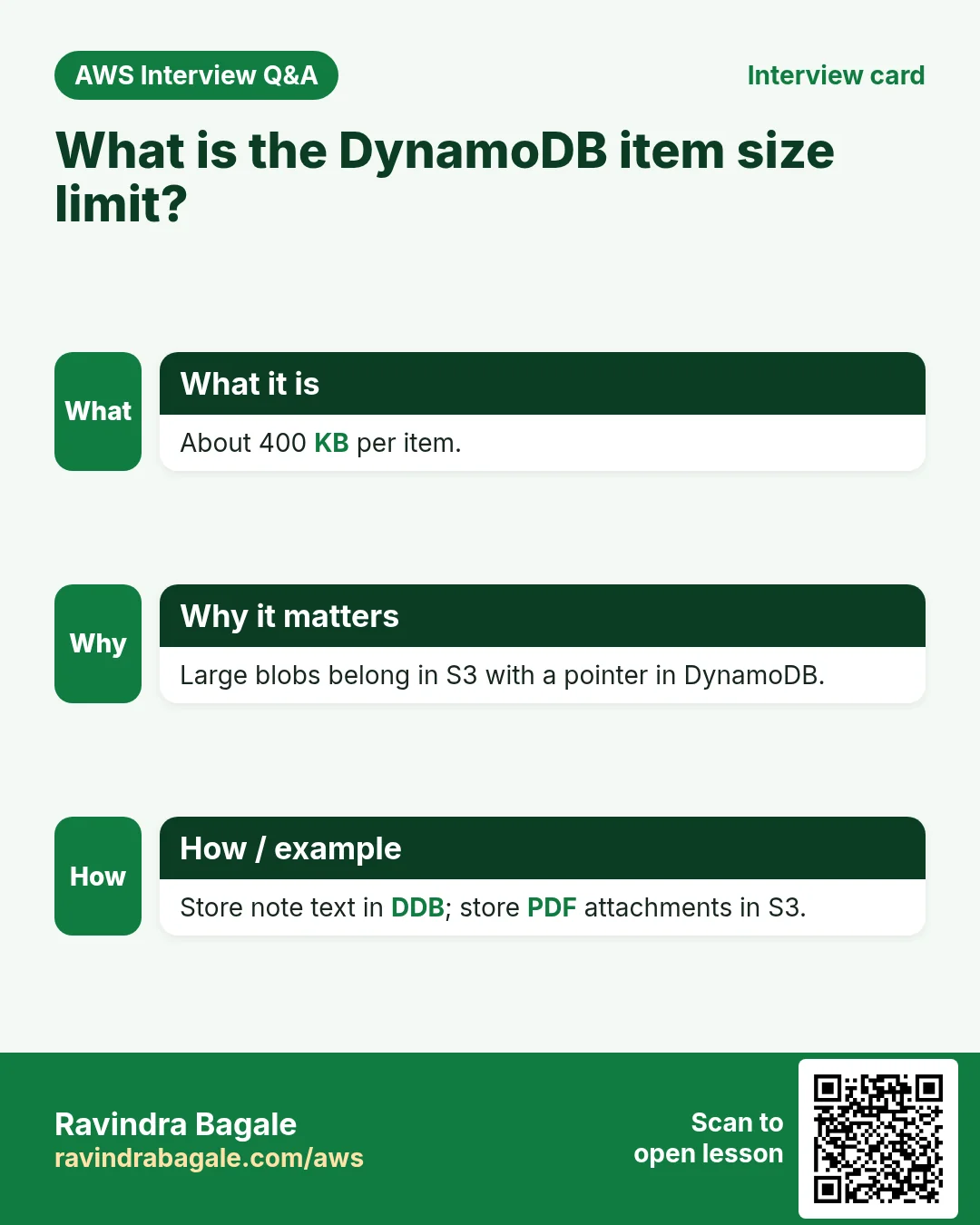
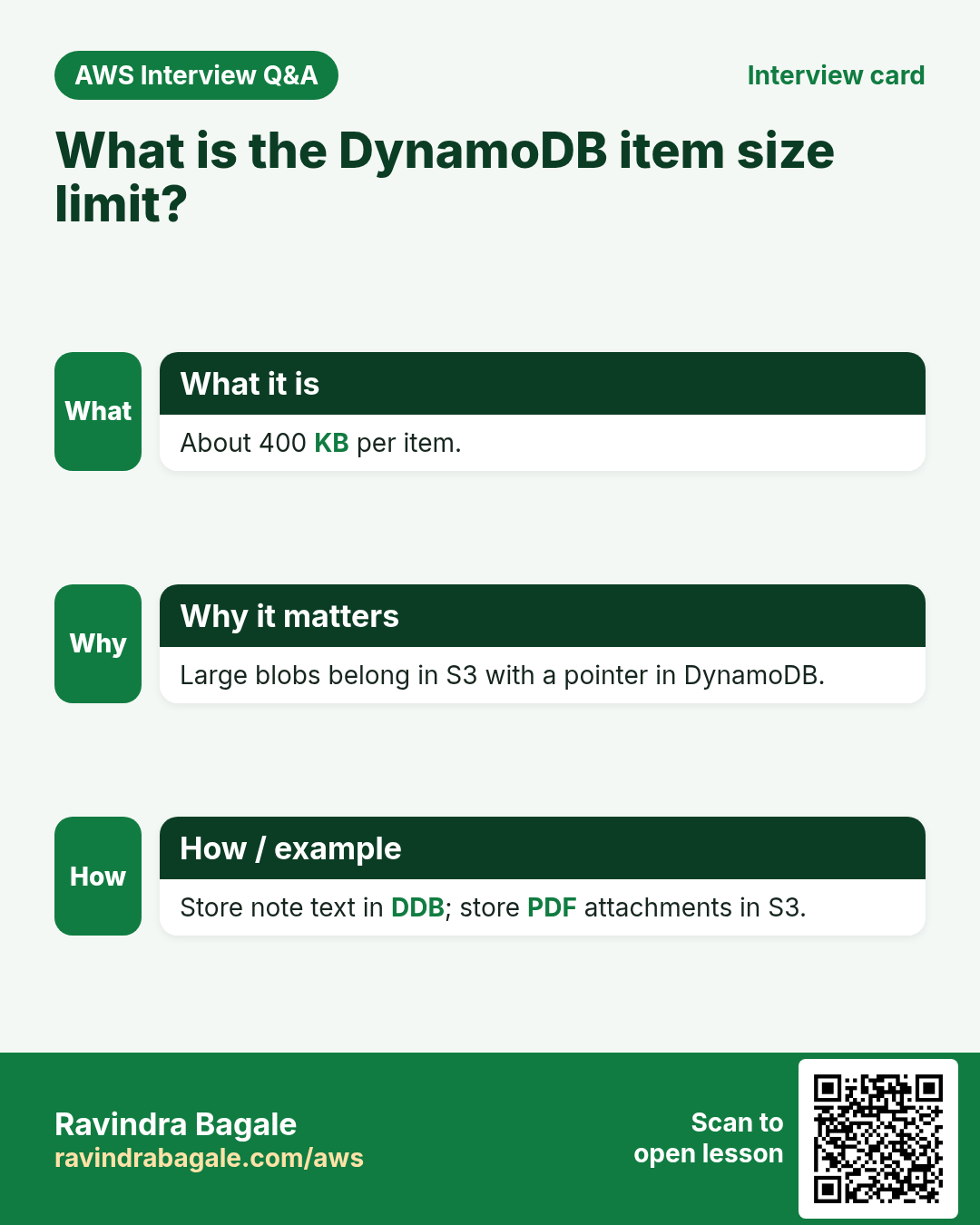
| Item | One record (up to 400 KB) | Row |
| Attribute | A field on an item; items in one table can differ | Column (but flexible) |
| Partition key (PK) | Required; decides which partition stores the item | Shard key idea |
| Sort key (SK) | Optional; sorts items that share a PK | No direct twin |
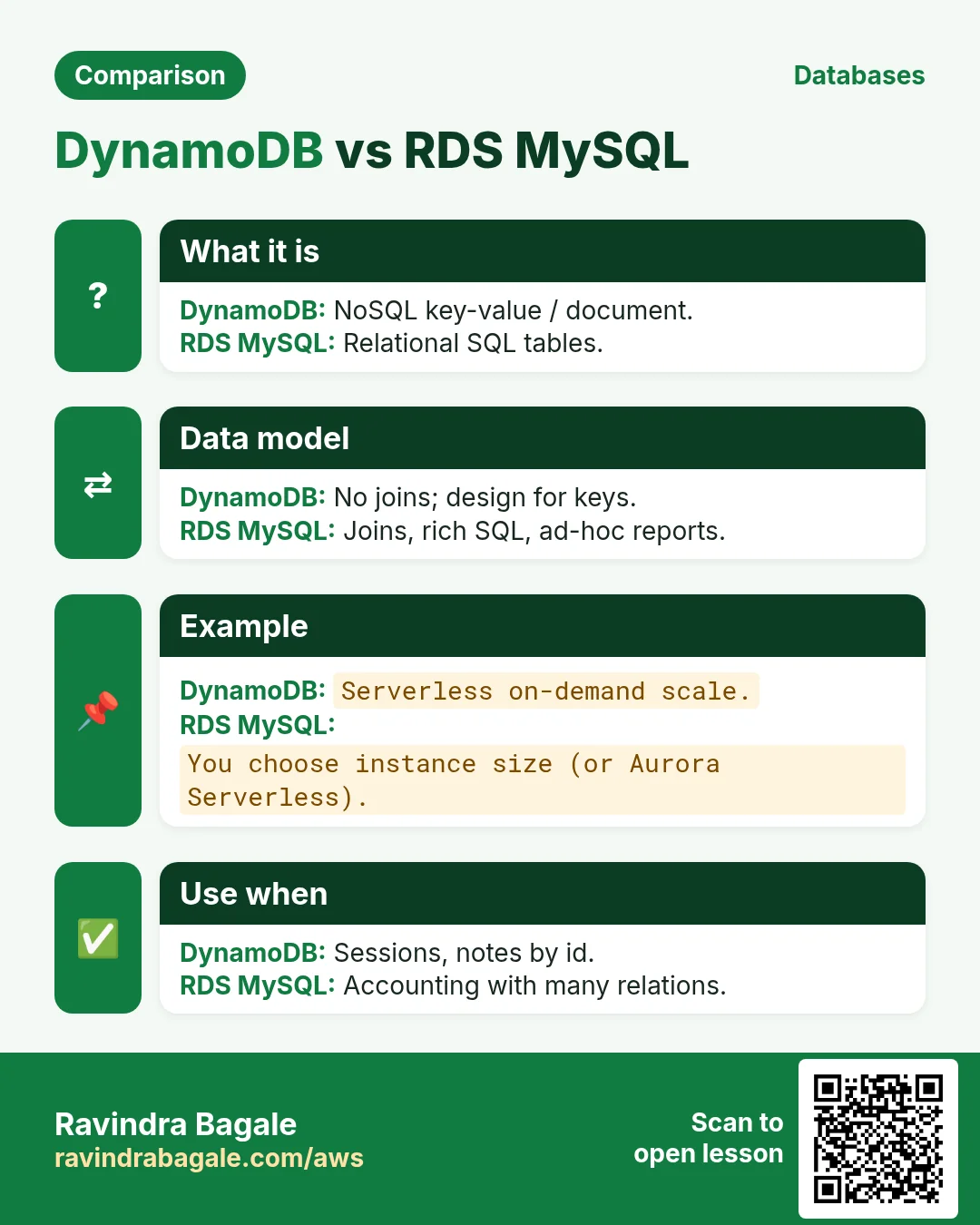
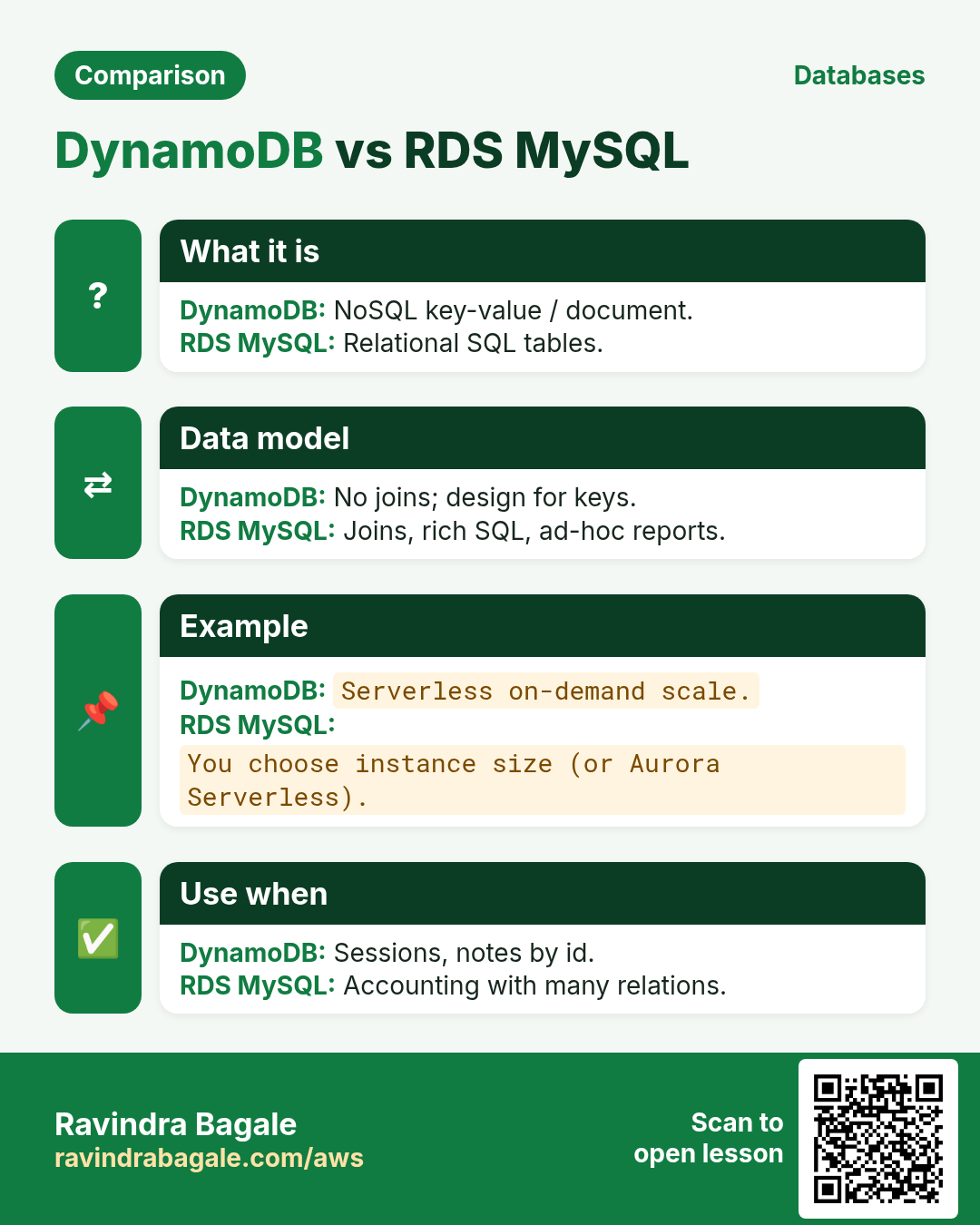
3. NoSQL vs RDS MySQL
| Topic | DynamoDB | RDS MySQL |
|---|---|---|
| Schema | Flexible attributes per item | Fixed columns + migrations |
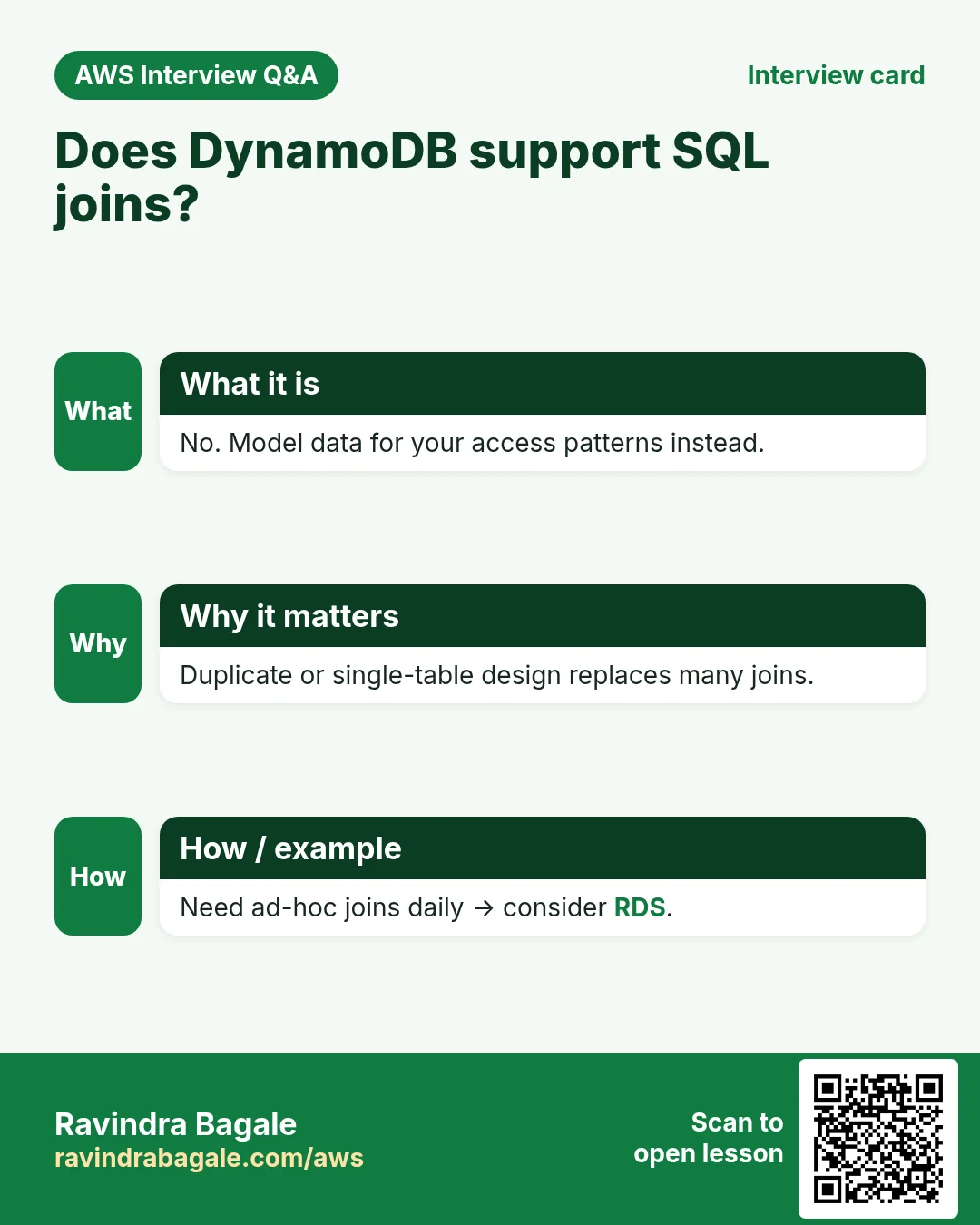
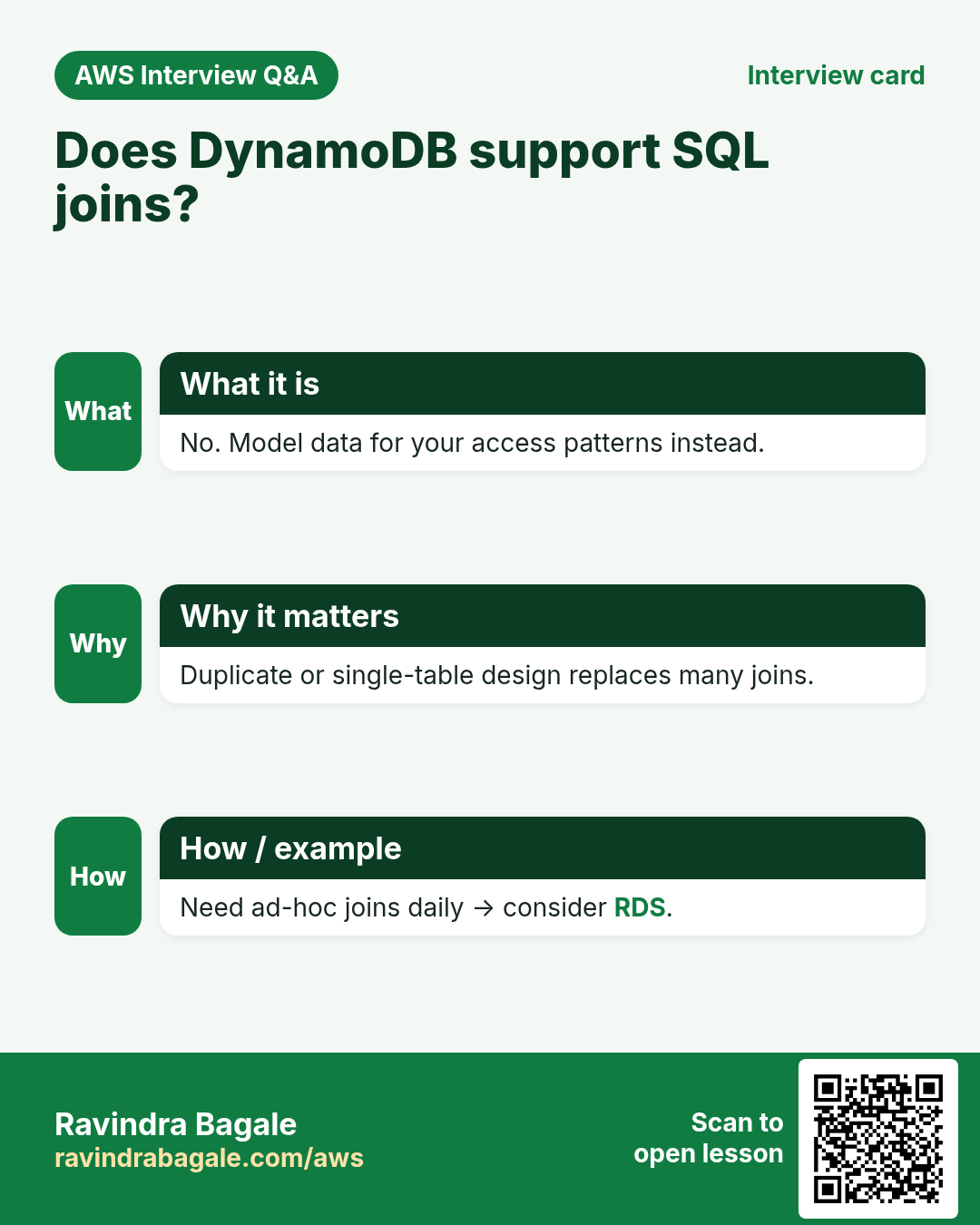
| Joins | No joins — model data for your access patterns | JOINs are normal |
| Scaling | Partitions; on-demand or provisioned capacity | Vertical instance size + read replicas |
| Server management | None | You pick class, patch, storage |
| Query style | GetItem / Query by key; Scan is expensive | SQL SELECT with WHERE anywhere |
| Best fit | Known access patterns, high scale, serverless | Ad-hoc reports, complex relations |
Ravindra Bagale's Tip
If you cannot list your top 5 queries before you design the table, start with RDS — or spend more time on access patterns first.
Design the read before choosing the key
A course app needs to list one student’s attendance by date. Start with the question the application will repeatedly ask.
Read all steps
- Write the application question
The app knows the student ID and a date range. Those known values should guide the table design. An item is one stored record, and its attributes are named values such as studentId and status.
- Group by the partition key
With studentId as the partition key, the app can identify the item collection for S42. The design must also consider distribution and traffic; one extremely busy key can become a workload problem.
- Use the sort key for the range
A sort key such as an ISO-format date lets Query narrow the collection to the needed dates using a key condition. In this simple design, one student/date pair identifies one attendance item.
- Compare with Scan
Scan reads across table or index items; adding a filter does not turn it into a targeted key lookup. Another access pattern, such as all absences in a department, may need another key design or index.

4. Picking a good key
Start from the questions the attendance app must answer
A teacher asks for one student’s attendance in October. Use studentId as the partition key and an ordered date as the sort key for this example. The partition key selects one student’s group of items. The sort key supports a range within that group. The combination identifies one record.
Now ask for all students absent on one date. The first key design does not directly answer this question with the same Query. Plan a suitable index or another representation if that access pattern is common. Assign the schema based on the questions and expected load, not just on the names of the fields already on the form.
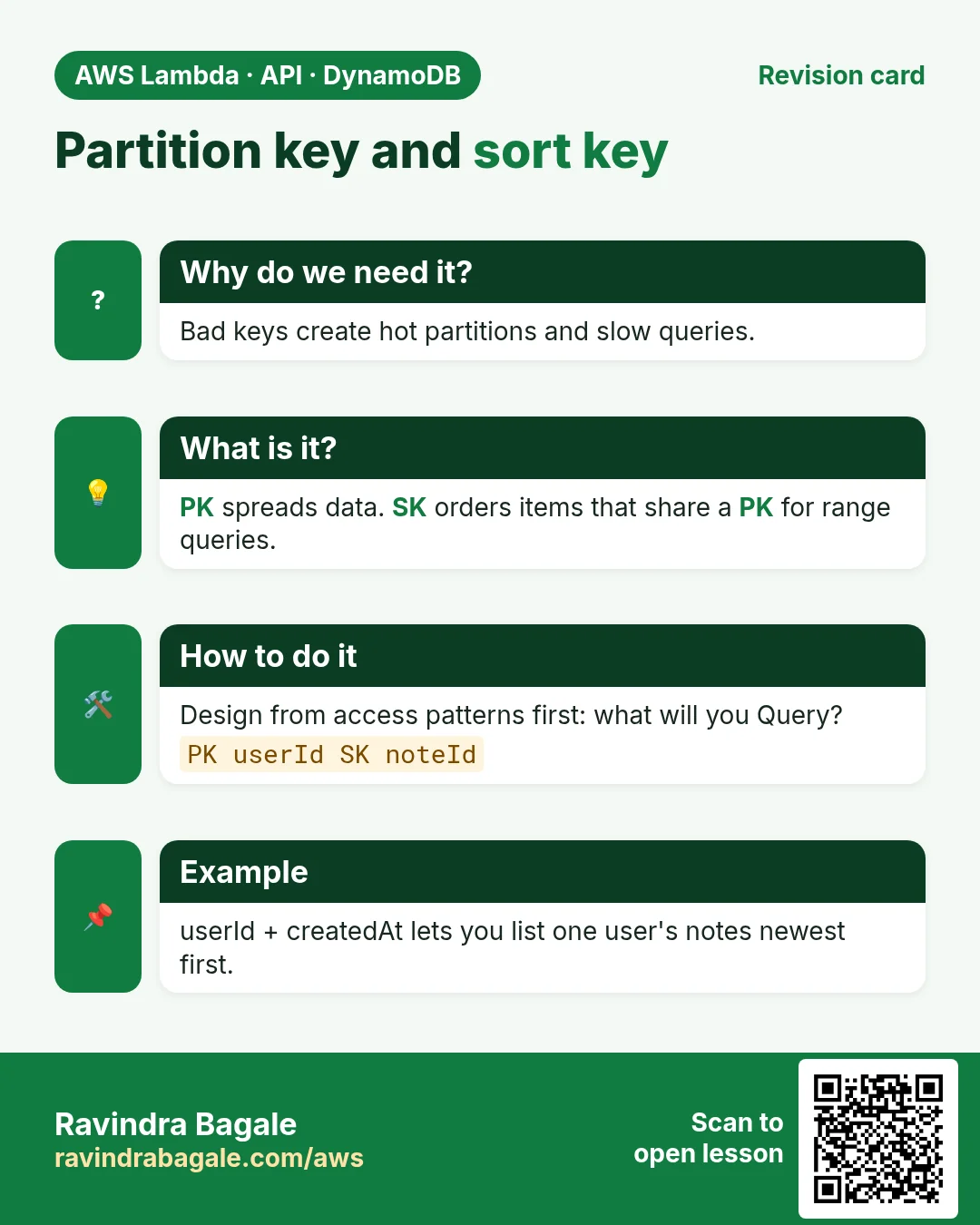
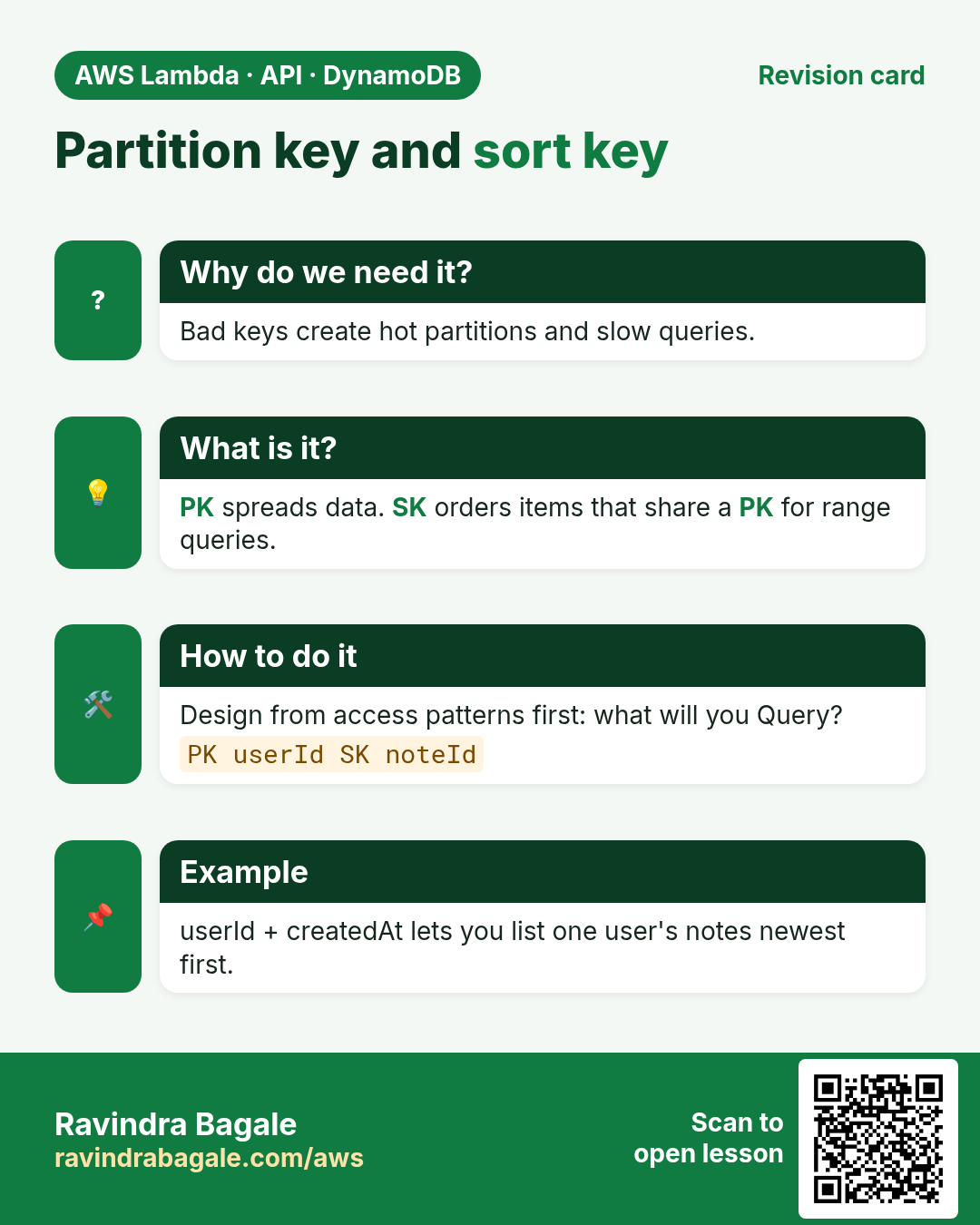
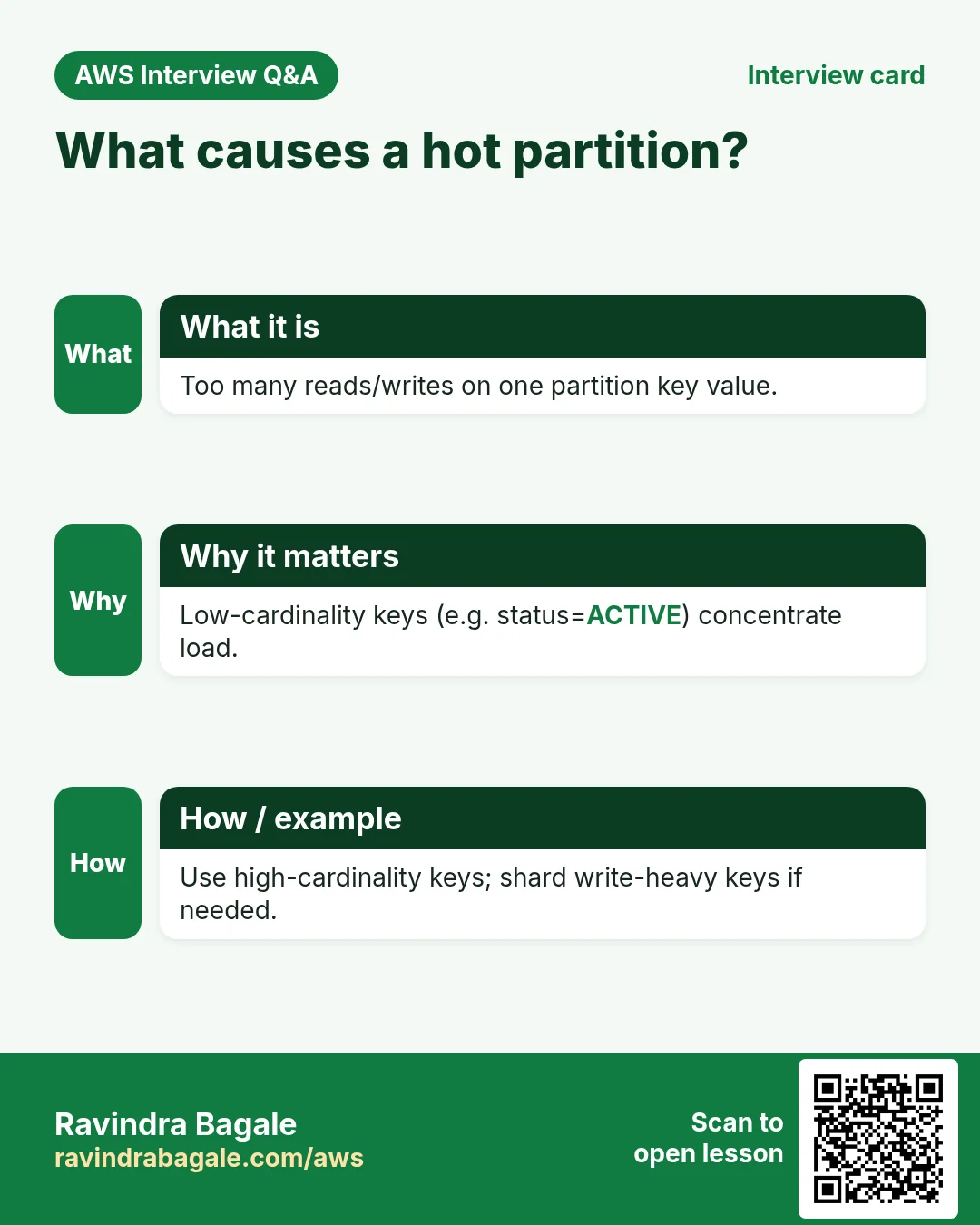
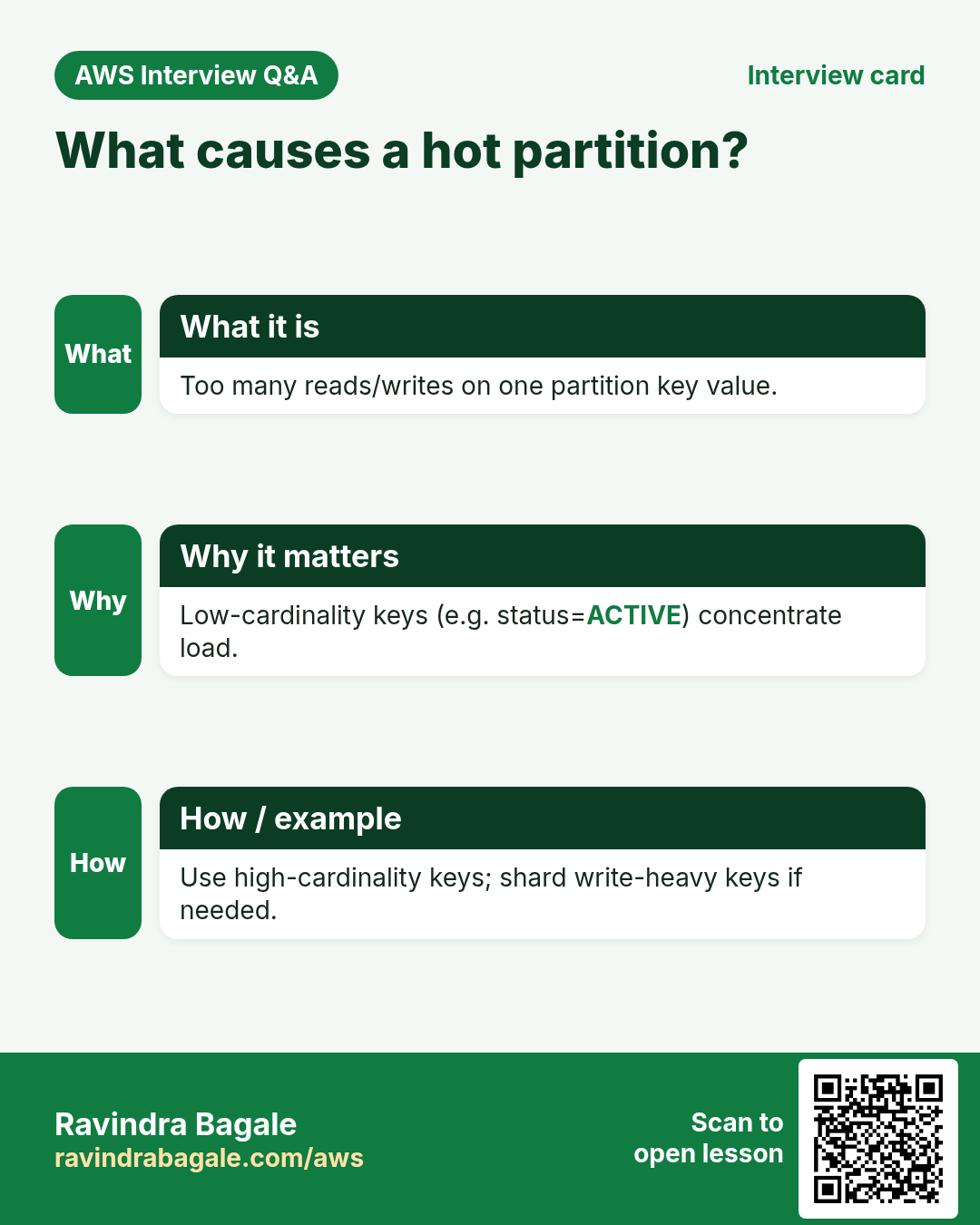
The partition key spreads load. A bad key (only "ALL" or only today's date for every write) creates a hot partition and throttling.
- High cardinality PK: many distinct values (userId, orderId, deviceId).
- Add a sort key when you need a range under one PK (messages by time, versions by number).
- Never use a single constant as the only PK for a high-write table.
- Example attendance: PK
studentId, SKYYYY-MM-DD→ one student's month is a Query.
5. On-demand vs provisioned
Base the capacity choice on observed work
A festival attendance app can be quiet for days and busy at the start of an event. On-demand capacity is a practical starting point when traffic is uncertain. Provisioned mode lets a team specify throughput and optionally configure scaling around a known workload. Both modes still require a key design that distributes the intended access pattern.
List the read and write operations expected on a normal day and during arrival. In a lab, observe request consumption and throttling metrics for the same synthetic workload. Select the capacity mode after understanding the load and compare the current cost assumptions. A mode choice cannot turn one heavily concentrated key into a balanced workload by itself.
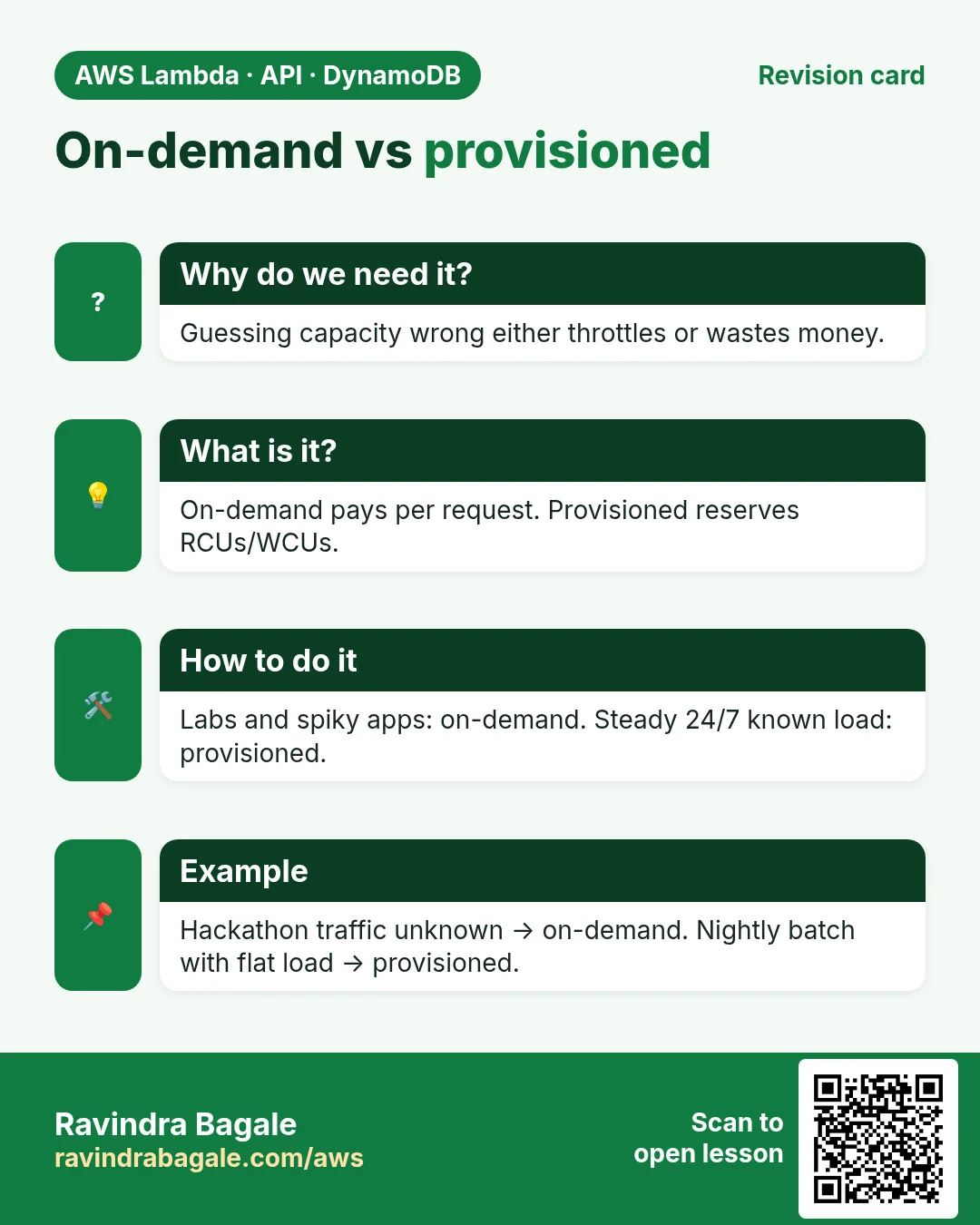
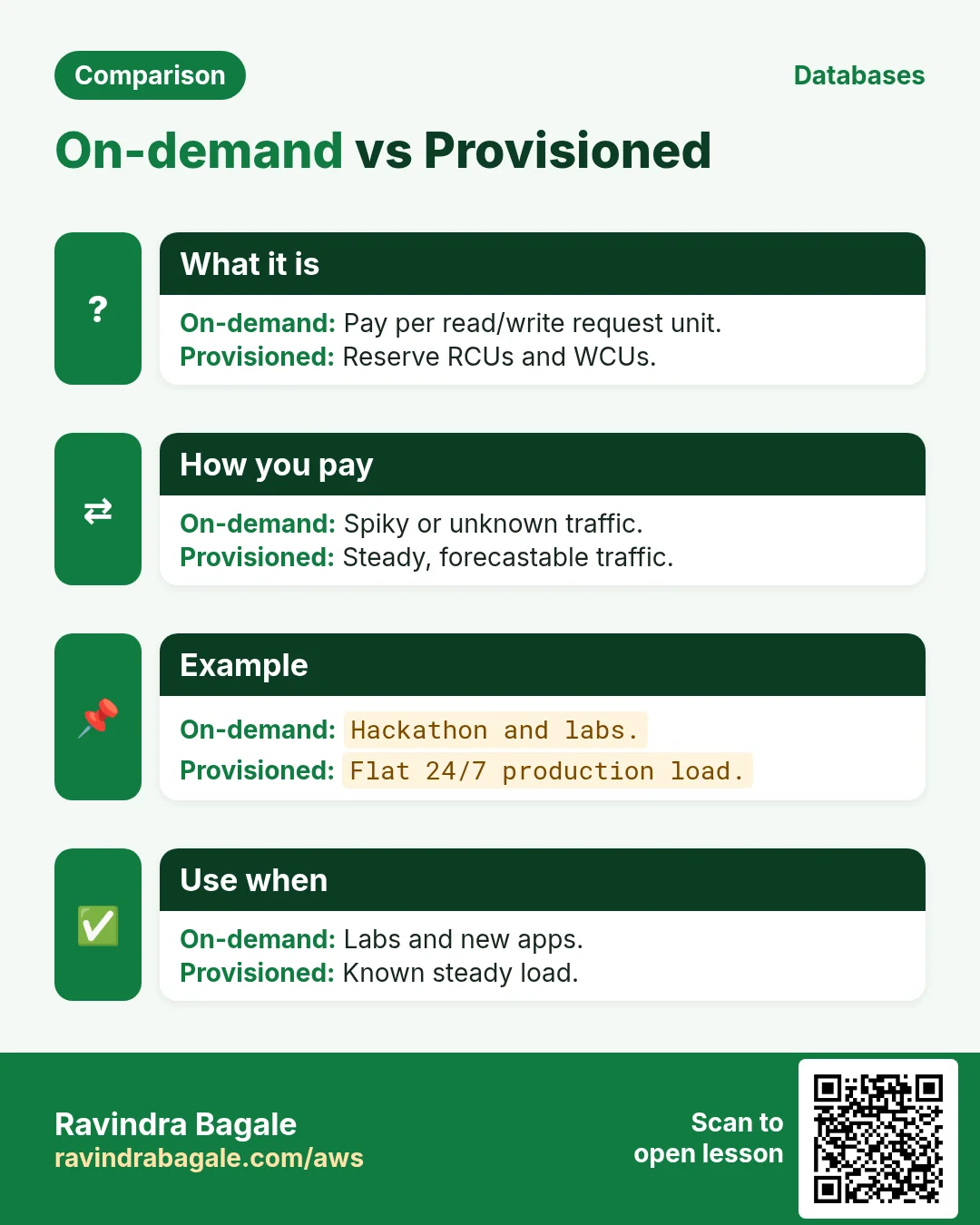
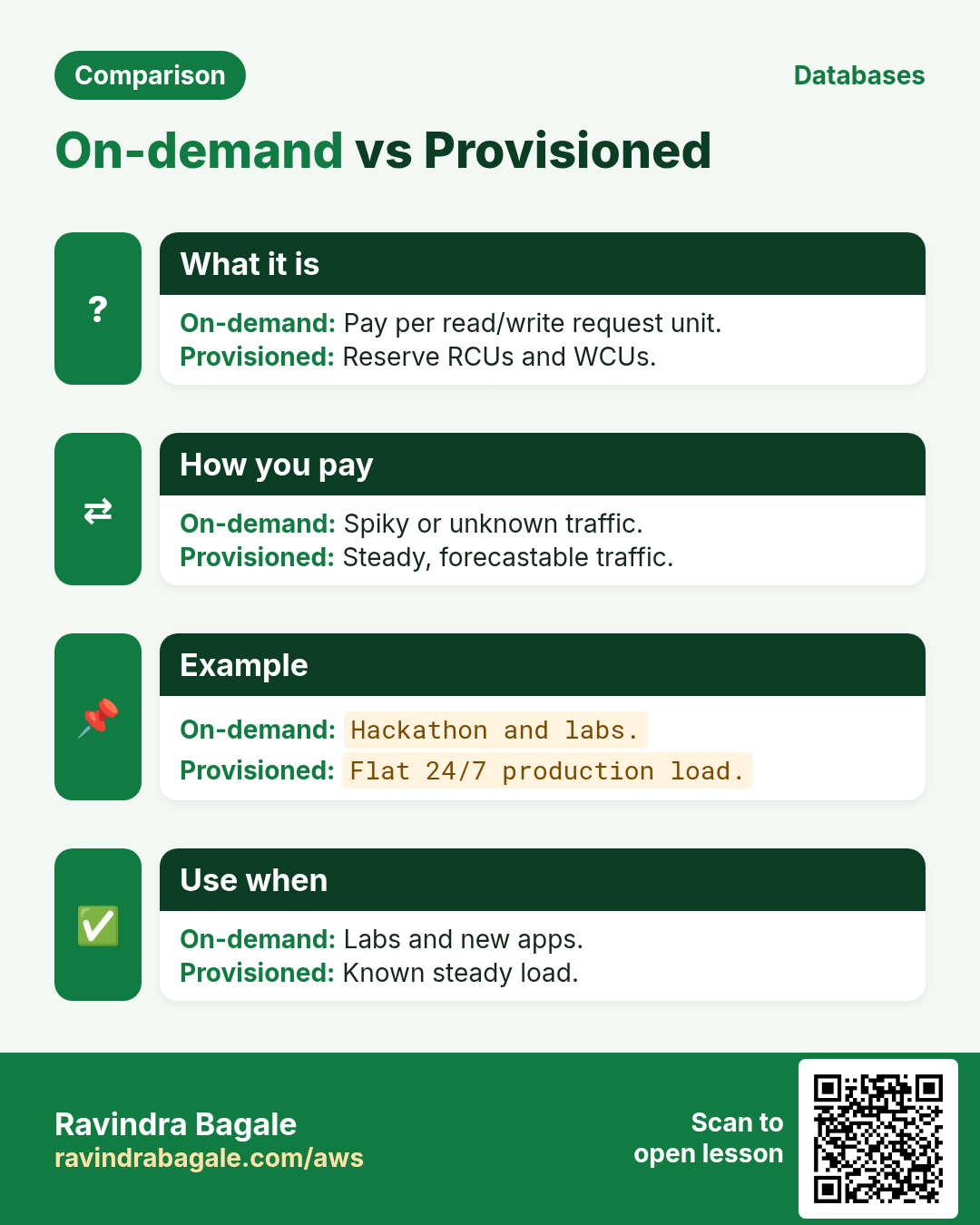
Capacity mode decides how you pay and whether you must forecast traffic.
| Mode | You pay for | Pick when |
|---|---|---|
| On-demand | Each read/write request unit | Spiky, new, or unknown traffic; less ops |
| Provisioned | Provisioned RCUs/WCUs per hour (even if idle) | Steady, predictable traffic you can forecast |
New and student projects: start on-demand. Move to provisioned (often with auto scaling) when graphs look flat and utilization stays high.
6. When DynamoDB vs when RDS
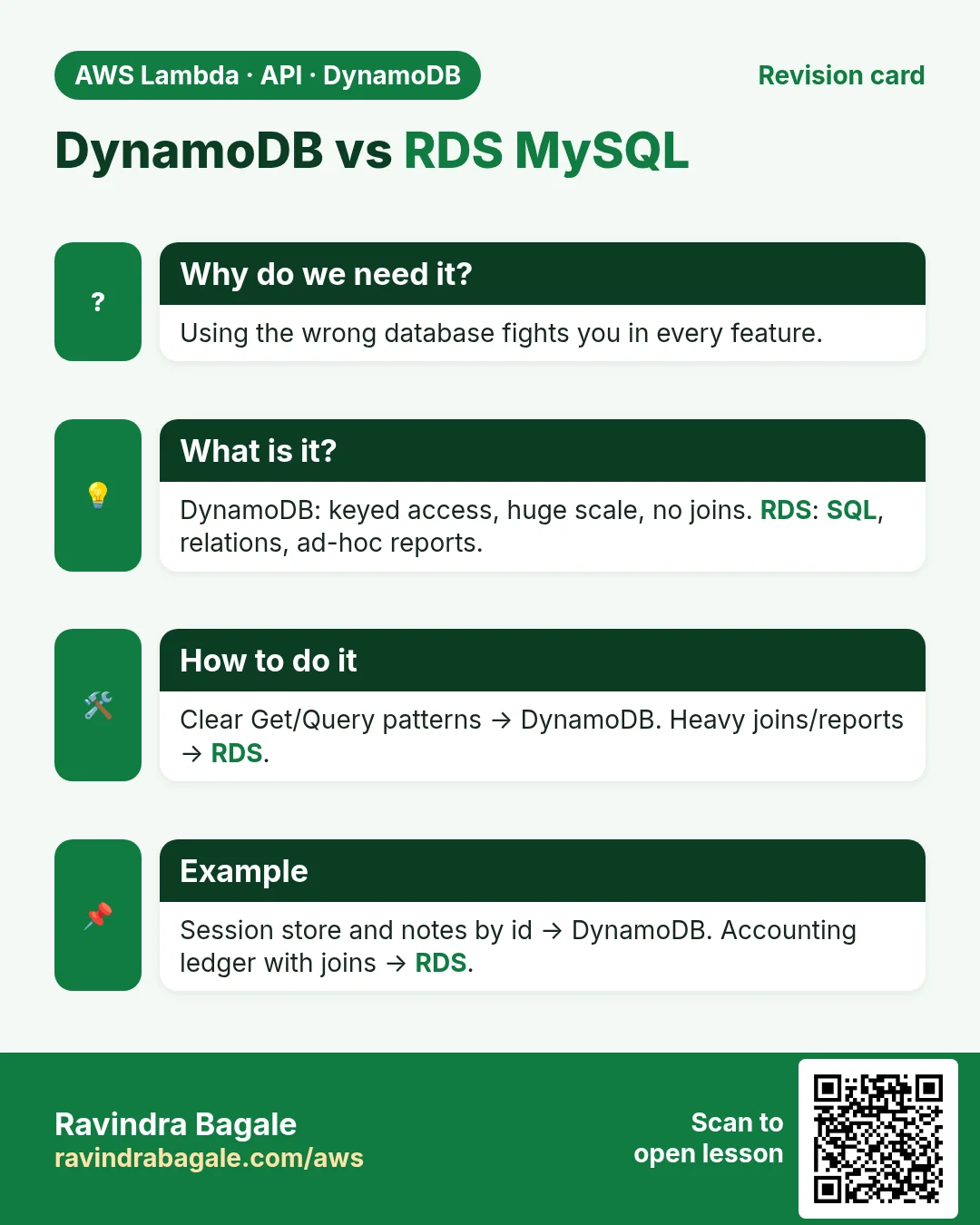
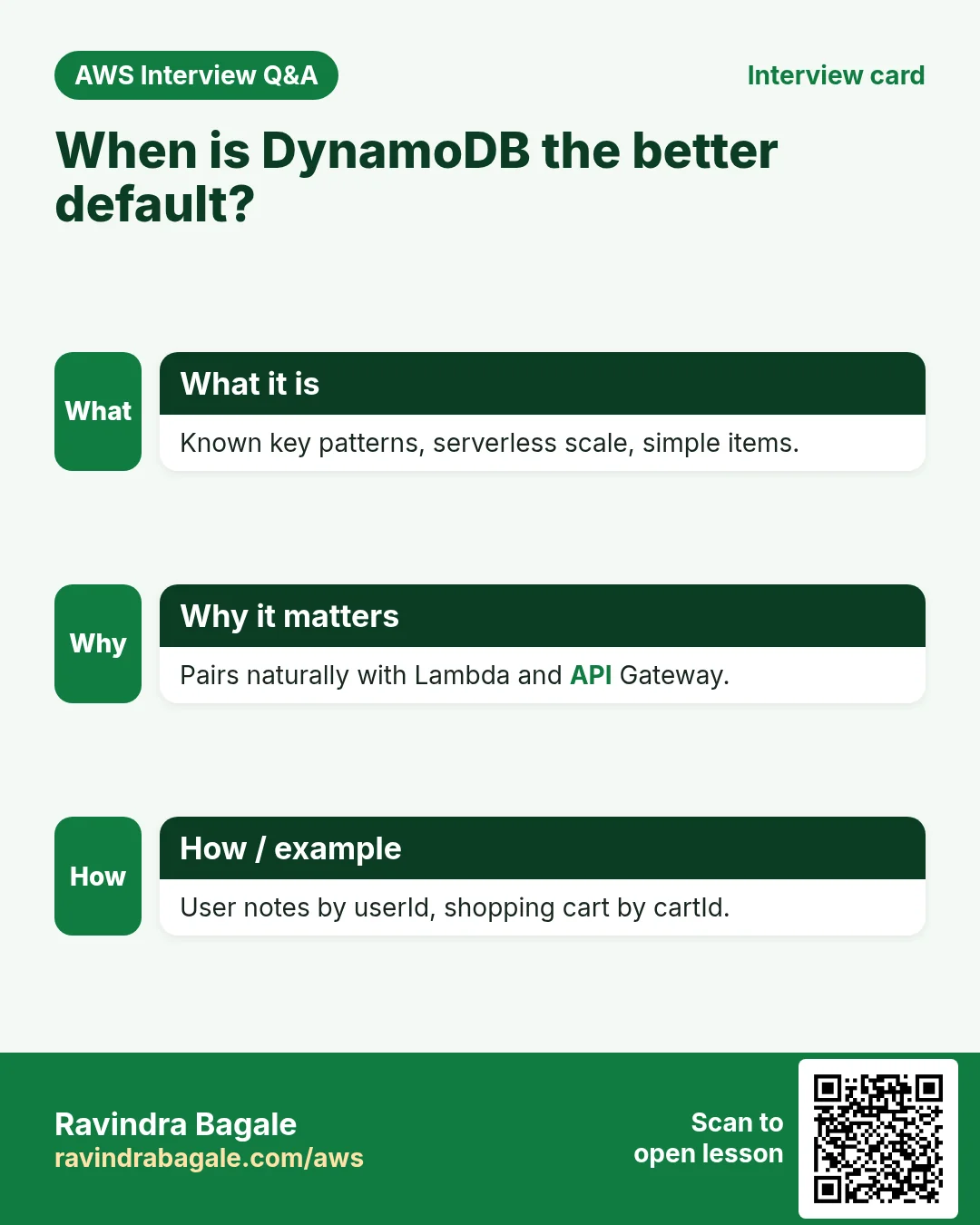
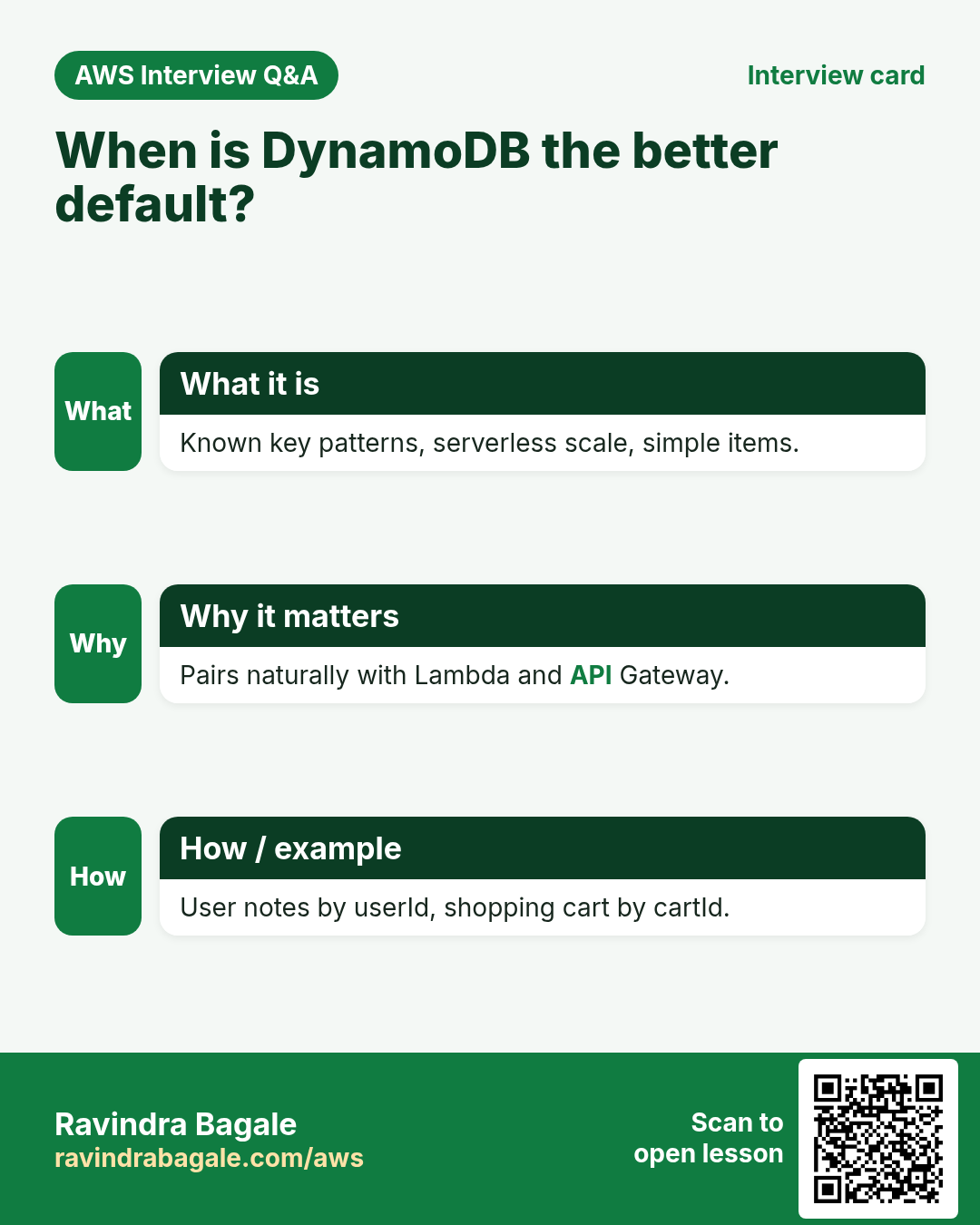
- Choose DynamoDB: session stores, user profiles by id, IoT readings by device+time, shopping carts, serverless apps with clear keys.
- Choose RDS: reporting with many ad-hoc filters, strong relational integrity across many tables, existing SQL skills/tools, complex transactions across entities.
- Sometimes both: DynamoDB for the hot API path, RDS or Redshift for analytics (export via Streams / ETL).
7. Lab: create a table in the console
- DynamoDB → Tables → Create table. Name:
AttendanceLab. - Partition key:
studentId(String). Sort key:date(String). Why: one student, many dates. - Table settings: On-demand. Create table. Wait until Status = Active.
- Explore items → Create item. studentId
S001, date2026-10-23, attribute present = true (Boolean). Create. - Create a second item for S001 on 2026-10-22. Query with PK S001 — both rows return. A Scan also works but touch every item (costly later).
Cleanup
- Delete table
AttendanceLab(Actions → Delete).
Common errors and fixes
These are synthetic practice situations. Diagnose the signal before changing a resource; no infrastructure changes are needed to read this guide.
GetItem rejects a key that looks correct.
In the attendance example, studentId alone identifies a group of dates, not one attendance item. GetItem needs both studentId and date, with the exact attribute names and types in the table schema. Compare the supplied key with that schema before retrying. A missing sort key is a request error, not proof that the student has no attendance.
A second save removed fields from the first item.
PutItem with the same complete primary key replaces the existing item; it is not a merge. For example, saving only studentId, date and present can remove a previously stored remark. Use UpdateItem when the intention is to change selected attributes, and use a condition when overwriting another writer must be prevented. Decide the intended behavior before changing application code.
A successful write is not visible in an immediate read.
The default eventually consistent read can briefly show older committed data. First check the table, Region and full key. If this workflow needs the latest completed write, a table GetItem can request ConsistentRead. A GSI cannot provide strongly consistent reads, so do not add that option to an index query and expect it to work.
Practical FAQ: decisions during real work
Does flexible schema mean every value can have any type?
No. Non-key attributes may differ across items, but the primary-key attributes must follow the declared key schema. The application still needs to validate fields such as present and date so that later processing has a clear contract. A managed database does not decide what a valid attendance record means for your app.
Can two people safely edit the same attendance record?
A read followed by an unconditional write can overwrite a change made between those operations. A conditional write can require the expected current value or version. If that condition fails, reread the record and resolve the conflict; do not report success or blindly repeat the old write. The failure is useful evidence that the record changed.
Does selecting fewer returned fields always make a read cheaper?
Not for a DynamoDB Query: capacity depends on the items read, not just the attributes returned. A projection can reduce response bytes, but it is not a substitute for a selective key condition. Compare consumed capacity and the access pattern rather than assuming that a small JSON response means a cheap database operation.
8. Interview questions
Q. What is DynamoDB?
Managed NoSQL key-value/document database with single-digit ms performance at any scale.
Q. Partition key vs sort key?
PK required, distributes items. SK optional, orders items that share a PK and enables range queries.
Q. On-demand vs provisioned?
On-demand pays per request; provisioned pays for reserved capacity per hour.
Q. Why avoid Scan?
Scan reads the whole table or index; you pay for every item examined. Prefer Query with keys.
Q. DynamoDB or RDS for a blog with random admin reports?
Often RDS — reports need flexible SQL. Use DynamoDB for the public read path if traffic is huge and keys are clear.
Try at home
- Design keys for a chat app: list messages in a room by time. Write PK/SK on paper.
- Create a second on-demand table OrdersLab with only PK orderId and put three items.
In short
- DynamoDB = managed NoSQL; design around keys and access patterns.
- PK spreads data; SK sorts under one PK.
- On-demand for spiky/unknown; provisioned for steady forecast load.
- RDS for rich SQL/relations; DynamoDB for keyed high-scale serverless.
Start with a question, then draw the key
A shop needs order O-107 immediately when support gets a call. An orderId key can answer that read directly. A different request, all orders for one customer newest first, needs a customerId and date access pattern. Write both questions before creating a table.
Interview check Can a partition key repeat?
Yes when the table also has a sort key. The whole key pair must be unique; when there is no sort key, the partition key itself must be unique.
Practise this chapter
Check your understanding
Choose an answer, then compare your reasoning with the explanation.
Practice Tasks
Practice checks run in your browser. They check the answer for this exercise; they do not create resources or connect to your AWS account.
About this scenarioMumbai Dabba Express is a food delivery business in Mumbai. Tukaram Gaikwad looks after its IT and cloud work. They count money in INR and run their AWS resources in the ap-south-1 Region. In the tasks below you do real jobs for them using what this lesson teaches. All names, account IDs, IP addresses and numbers are made up for practice.
0 / 12
Easy Biggest orders first
Querying the database is daily work after you set up RDS.
Show order id and amount, biggest amount first.
Tables: customers(id, name, city) and orders(id, customer_id, amount, odate).
- Find the table the task is about (see the table list above the box).
- Write the SQL statement step by step: what, from where, which rows.
- End the statement with ;
- Click Check answer. Your query runs on a practice copy of the table.
Easy Filter customers by city
Querying the database is daily work after you set up RDS.
List the names of customers in Pune.
Tables: customers(id, name, city) and orders(id, customer_id, amount, odate).
- Find the table the task is about (see the table list above the box).
- Write the SQL statement step by step: what, from where, which rows.
- End the statement with ;
- Click Check answer. Your query runs on a practice copy of the table.
Easy Find the database endpoint
Your app connects using the endpoint name, not an IP.
Describe DB instance mumbaidabba-db.
- Read the task and decide which AWS service it is about.
- Write aws, then the service name, then the operation (the action word).
- Add each needed flag (--name) followed by its value from the task.
- Flags can be in any order. Click Check answer.
Medium Total sales
Querying the database is daily work after you set up RDS.
Show the total of all order amounts as one number.
Tables: customers(id, name, city) and orders(id, customer_id, amount, odate).
- Find the table the task is about (see the table list above the box).
- Write the SQL statement step by step: what, from where, which rows.
- End the statement with ;
- Click Check answer. Your query runs on a practice copy of the table.
Medium Orders with customer names
Querying the database is daily work after you set up RDS.
Show each customer name with each order amount.
Tables: customers(id, name, city) and orders(id, customer_id, amount, odate).
- Find the table the task is about (see the table list above the box).
- Write the SQL statement step by step: what, from where, which rows.
- End the statement with ;
- Click Check answer. Your query runs on a practice copy of the table.
Medium Remove small orders
Querying the database is daily work after you set up RDS.
Delete orders with amount below 200.
Tables: customers(id, name, city) and orders(id, customer_id, amount, odate).
- Find the table the task is about (see the table list above the box).
- Write the SQL statement step by step: what, from where, which rows.
- End the statement with ;
- Click Check answer. Your query runs on a practice copy of the table.
Medium Fix a city
Querying the database is daily work after you set up RDS.
Customer 5 moved to Rome. Update the record.
Tables: customers(id, name, city) and orders(id, customer_id, amount, odate).
- Find the table the task is about (see the table list above the box).
- Write the SQL statement step by step: what, from where, which rows.
- End the statement with ;
- Click Check answer. Your query runs on a practice copy of the table.
Medium Turn on Multi-AZ
Multi-AZ keeps a standby copy in another AZ and fails over automatically.
Modify mumbaidabba-db to be Multi-AZ and apply the change immediately.
- Read the task and decide which AWS service it is about.
- Write aws, then the service name, then the operation (the action word).
- Add each needed flag (--name) followed by its value from the task.
- Flags can be in any order. Click Check answer.
Hard Sales per customer
Querying the database is daily work after you set up RDS.
Show customer_id and total amount per customer, only where total is above 1000.
Tables: customers(id, name, city) and orders(id, customer_id, amount, odate).
- Find the table the task is about (see the table list above the box).
- Write the SQL statement step by step: what, from where, which rows.
- End the statement with ;
- Click Check answer. Your query runs on a practice copy of the table.
Hard Customers with no orders
Querying the database is daily work after you set up RDS.
List names of customers who have never ordered.
Tables: customers(id, name, city) and orders(id, customer_id, amount, odate).
- Find the table the task is about (see the table list above the box).
- Write the SQL statement step by step: what, from where, which rows.
- End the statement with ;
- Click Check answer. Your query runs on a practice copy of the table.
Hard Create a MySQL database
RDS runs the database for you: backups, patches and failover are managed.
Create RDS instance mumbaidabba-db: engine mysql, class db.t3.micro, 20 GiB storage, master user admin, master password from $DB_PASS.
- Read the task and decide which AWS service it is about.
- Write aws, then the service name, then the operation (the action word).
- Add each needed flag (--name) followed by its value from the task.
- Flags can be in any order. Click Check answer.
Hard Create a read replica
Read replicas take report and read traffic off the main database.
Create read replica mumbaidabba-db-ro from source mumbaidabba-db.
- Read the task and decide which AWS service it is about.
- Write aws, then the service name, then the operation (the action word).
- Add each needed flag (--name) followed by its value from the task.
- Flags can be in any order. Click Check answer.
Revision, comparison and interview cards
Revise this lesson in a few minutes. Save the cards on your phone or download them as PNG files. The QR code on each card opens this lesson.
More cards: Ravi Sir's Cards.