What Is Amazon S3? S3 vs EBS vs EFS, Storage Classes and Pricing Explained
How to Add, Format and Mount an EBS Volume on EC2 gave a server its own disk. That disk is great for the OS and a database. But photos, videos, backups and logs need a different home. This chapter explains why that home is Amazon S3. We compare S3 with EBS and EFS, learn buckets, objects and keys, understand durability and availability, see every storage class with prices, and finish with a full console and CLI lab.
In this chapter
- Why EBS and EFS are the wrong place for millions of user files
- What S3 is: bucket, object, key, prefix, Region
- Durability (11 nines) vs availability, in plain words
- Every storage class with a price table, and why S3 is cheap
- Upload code in Node, Python, Java, PHP, .NET and Go
- A full lab: bucket, upload, aws s3 cp, ls, sync, cleanup
1. A photo-app story
Priya builds a small photo-sharing app. She puts it on one EC2 server with a 20 GB EBS disk. Users upload photos into /var/www/uploads.
The app becomes popular. In two months the disk is full. She adds a second server behind a load balancer. Now half the photos are on server 1 and half on server 2. Users see broken images.
She needs one place that every server can reach, that never fills up, that can serve a photo over a URL, and that charges only for what is stored. That place is Amazon S3.
2. The limits of EBS for user files
EBS is the disk we already know. Before we leave it, we must see exactly where it hurts, so the choice of S3 makes sense.
Watch what changes when Priya adds a second server
Start with Priya’s photo pune.jpg. The first EC2 server receives the upload, writes a file under /var/www/uploads, and returns a link. It works when every request goes to that server. Now put a second EC2 server behind the load balancer. If the upload reached server A and the next request reaches server B, server B may answer 404 because its own disk has no copy of that file.
Draw both disks and circle where the photo was written. A larger EBS volume on server A would give server A more space. It would leave server B looking at a different filesystem. This is a shared-data design problem as well as a storage-capacity problem. With S3, both app servers can put and get the photo in the same bucket using its object key.
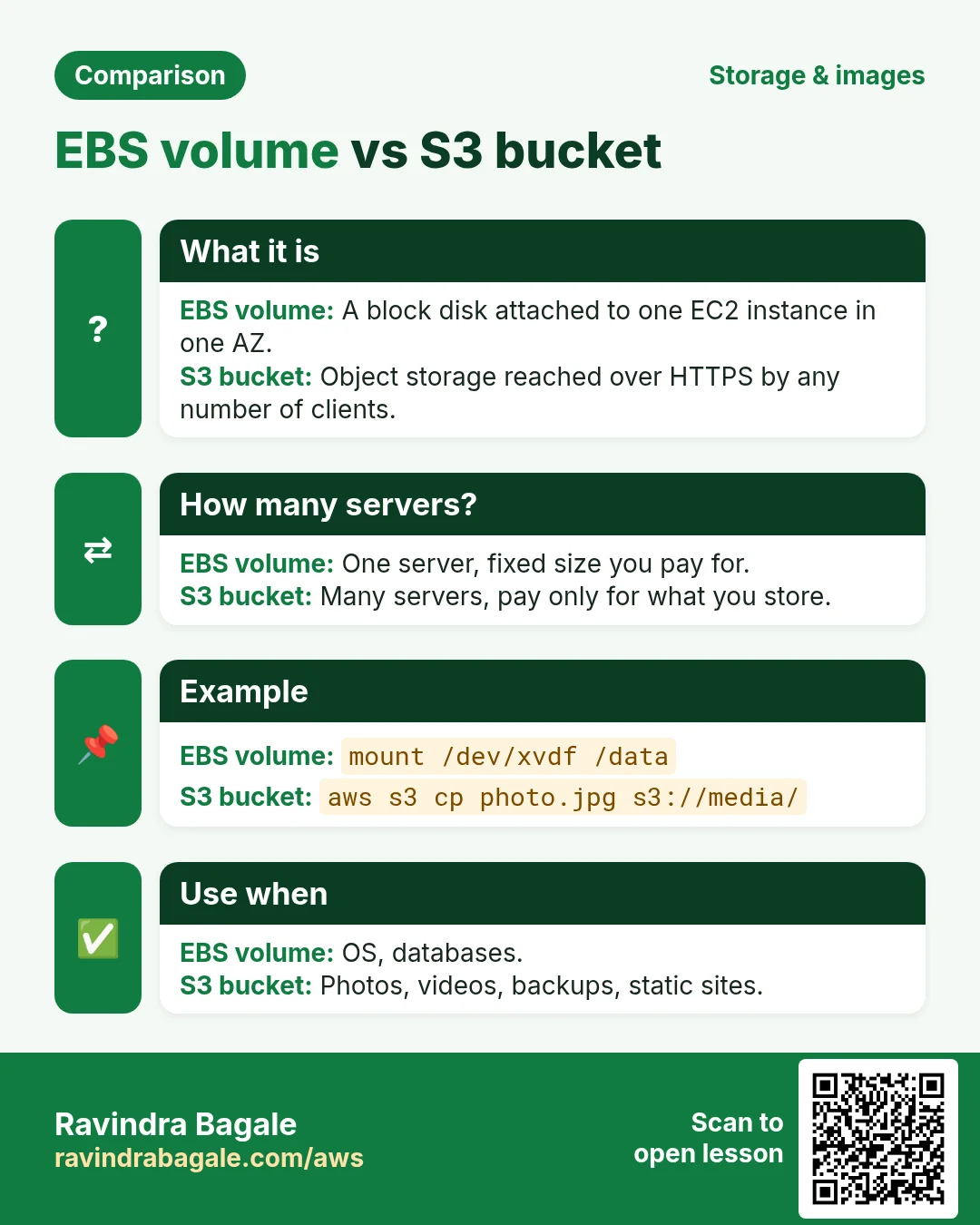
- One Availability Zone. A volume lives in one AZ. If that AZ has trouble, the data is stuck there.
- One instance at a time. A normal volume attaches to one EC2. Only io1/io2 Multi-Attach can join up to 16 Nitro instances in the same AZ, and the app must handle shared writes.
- Fixed size you provision. You choose 20 GB or 500 GB up front.
- You pay for what you provision, not what you use. A 500 GB volume with 50 GB of files is billed for 500 GB.
- Not reachable over HTTP. A browser cannot open a file on EBS. A server must read it and send it.
- Scaling by hand. When it fills, you modify the volume, then run growpart and xfs_growfs.
3. The limits of EFS for user files
EFS fixes the "one server" problem: many servers can mount it. So why not use EFS for photos? Because it has its own costs and limits.
Amazon EFS (Elastic File System) is a shared network folder (NFS) that grows by itself.
- Linux and NFS only. Windows servers cannot mount EFS (Windows uses FSx).
- Higher price per GB. EFS Standard is about $0.30 per GB-month in us-east-1, more than ten times S3 Standard.
- Inside the VPC. You need a mount target in each AZ and NFS port 2049 open in security groups.
- Network latency. Every read goes over the network, slower than a local EBS disk for small files.
- Not for public web delivery. Like EBS, a browser cannot open an EFS file by URL.
4. S3 vs EBS vs EFS: which one when?
Give the operating system, the shared folder and the photo different homes
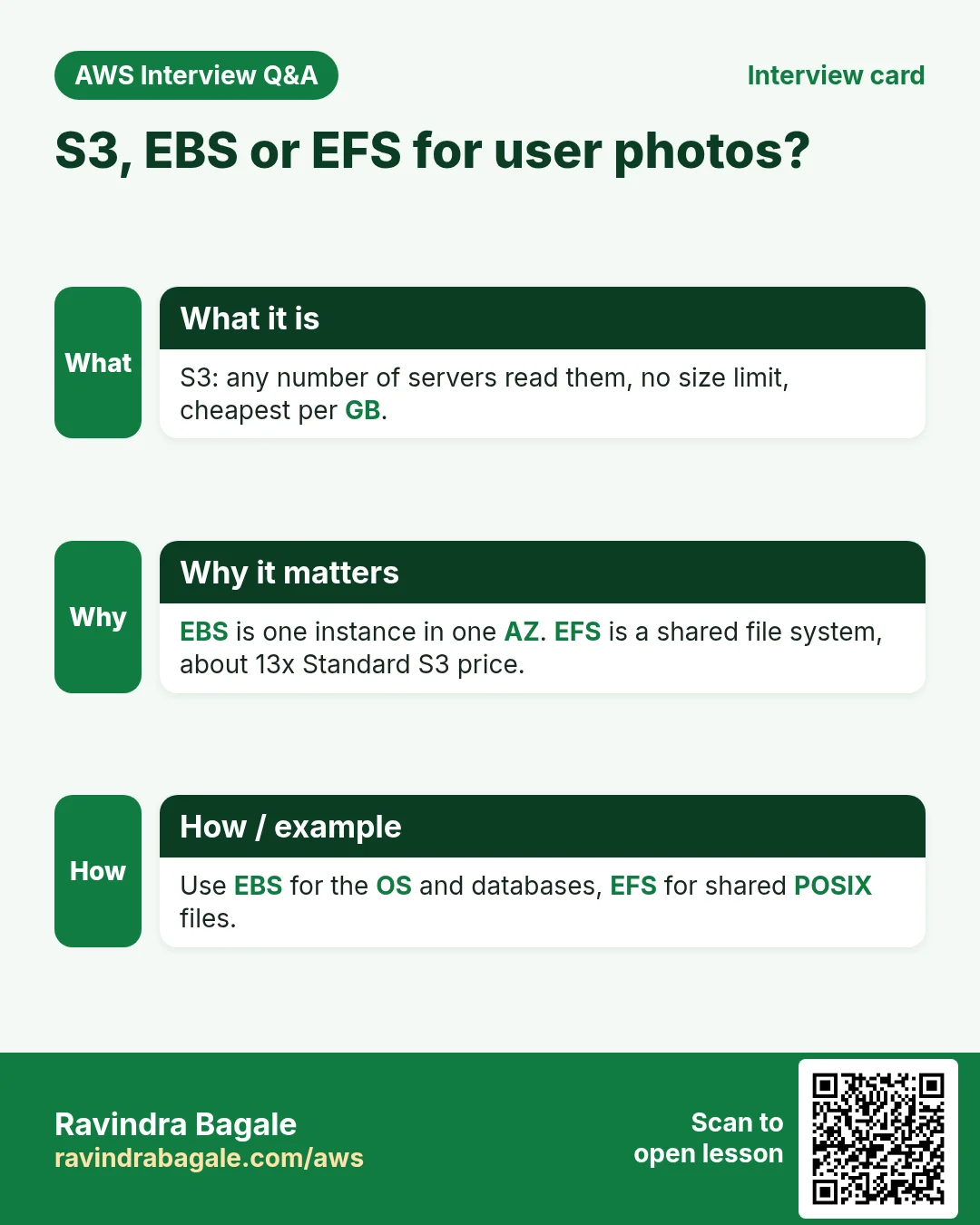
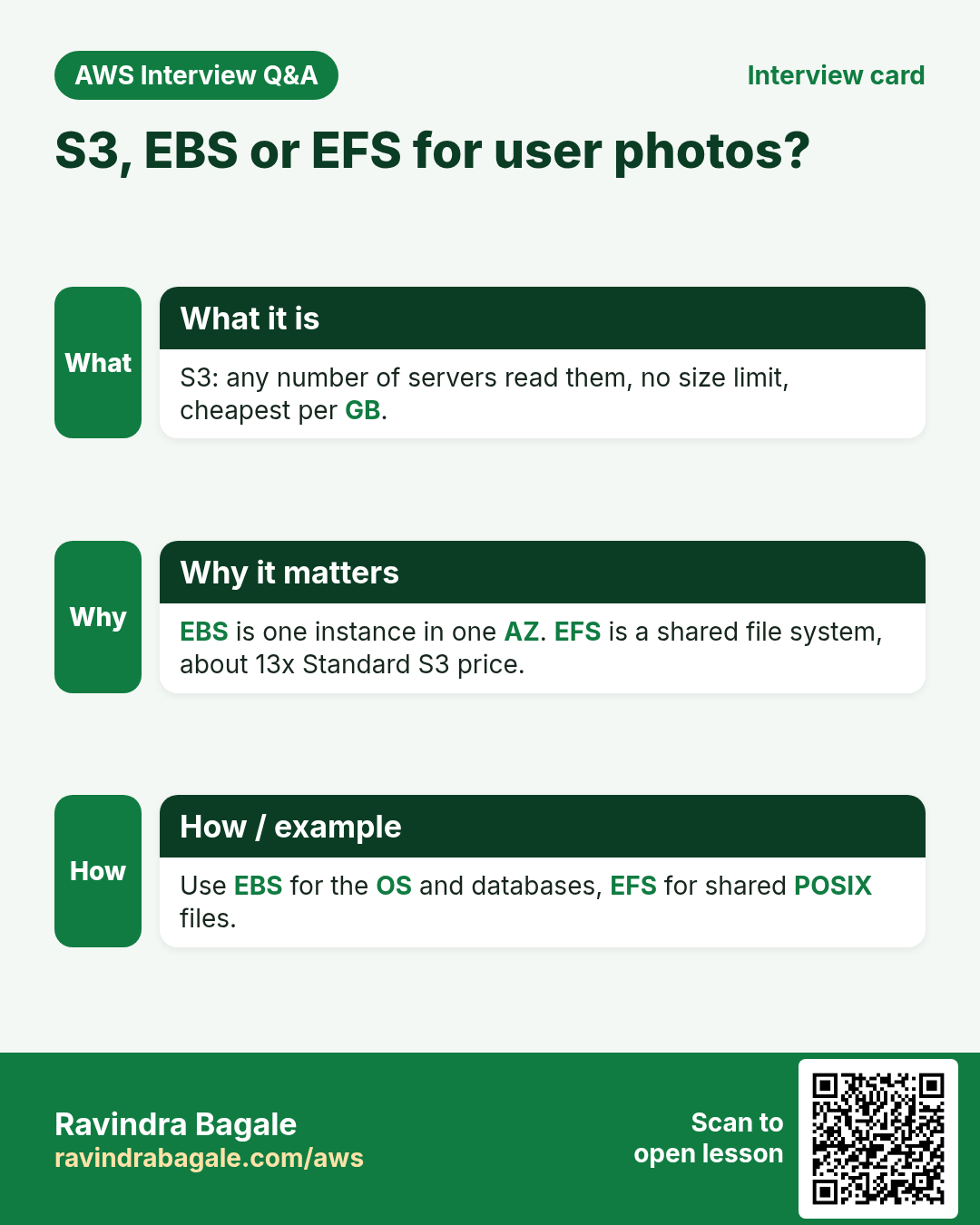
For Priya’s app, keep the operating system and temporary working data on EBS, the block volume Linux can format and mount. If an existing program needs two Linux servers to open the same path with normal filesystem operations, consider EFS, a shared filesystem that those clients mount. If the app needs to upload and retrieve complete photos by key, use S3’s object API.
Before choosing, finish this sentence for each file: My program will access it by … A database writing blocks to its attached storage, a report job opening a shared pathname, and a photo app requesting an object are different jobs. Use the service that fits how the program works. Confirm availability and cost for the selected Region and usage before building a real project.
Each storage type is best at one job. Picking the right one saves money and work.
| Point | EBS | EFS | S3 |
|---|---|---|---|
| Type | Block disk | Shared file system (NFS) | Object storage |
| Reach | 1 EC2 (Multi-Attach io2: up to 16, same AZ) | Many Linux servers in the VPC | Anything with HTTPS and permission |
| Scope | One AZ | Regional (many AZs) | Regional (3+ AZs) |
| Size | Fixed, you provision | Grows by itself | Unlimited |
| Billing | Provisioned GB | Used GB | Used GB + requests |
| Price (us-east-1) | gp3 ~$0.08/GB | ~$0.30/GB | Standard ~$0.023/GB |
| Open by URL | No | No | Yes |
| Best for | OS, databases | Shared app folders | Photos, videos, backups, logs, static sites |
Ravindra Bagale's Tip
Simple rule: if a program needs a disk, use EBS. If many Linux servers need the same folder, use EFS. If users or apps need files over the internet, or you just need cheap safe storage, use S3.
Read one S3 object address
Imagine a course site storing a student profile photo. The bucket, key and object answer different questions about that upload.
Read all steps
- Choose the container
The bucket is the named container for objects. course-media-example is an illustrative name; a lab must use an available bucket name. The bucket is not one photo and does not behave like a disk attached to EC2.
- Name the object
The full key is students/42/profile.jpg. The slashes are characters in that key. A prefix such as students/42/ helps group matching keys, and the console can display them like folders.
- Store bytes and metadata
An upload associates the key with image bytes and metadata such as the content type. The visible key does not contain the image itself. An object request identifies both its bucket and its key.
- Request the same object
A permitted GET request for this bucket and exact key returns its contents. A wrong key may refer to no object; the correct key can still be denied by permissions. Object naming and access permission are separate checks.

5. What is Amazon S3? Buckets, objects, keys and prefixes
Every S3 command uses these words. If you know them, every later chapter becomes easy.
Read four keys in one photo bucket
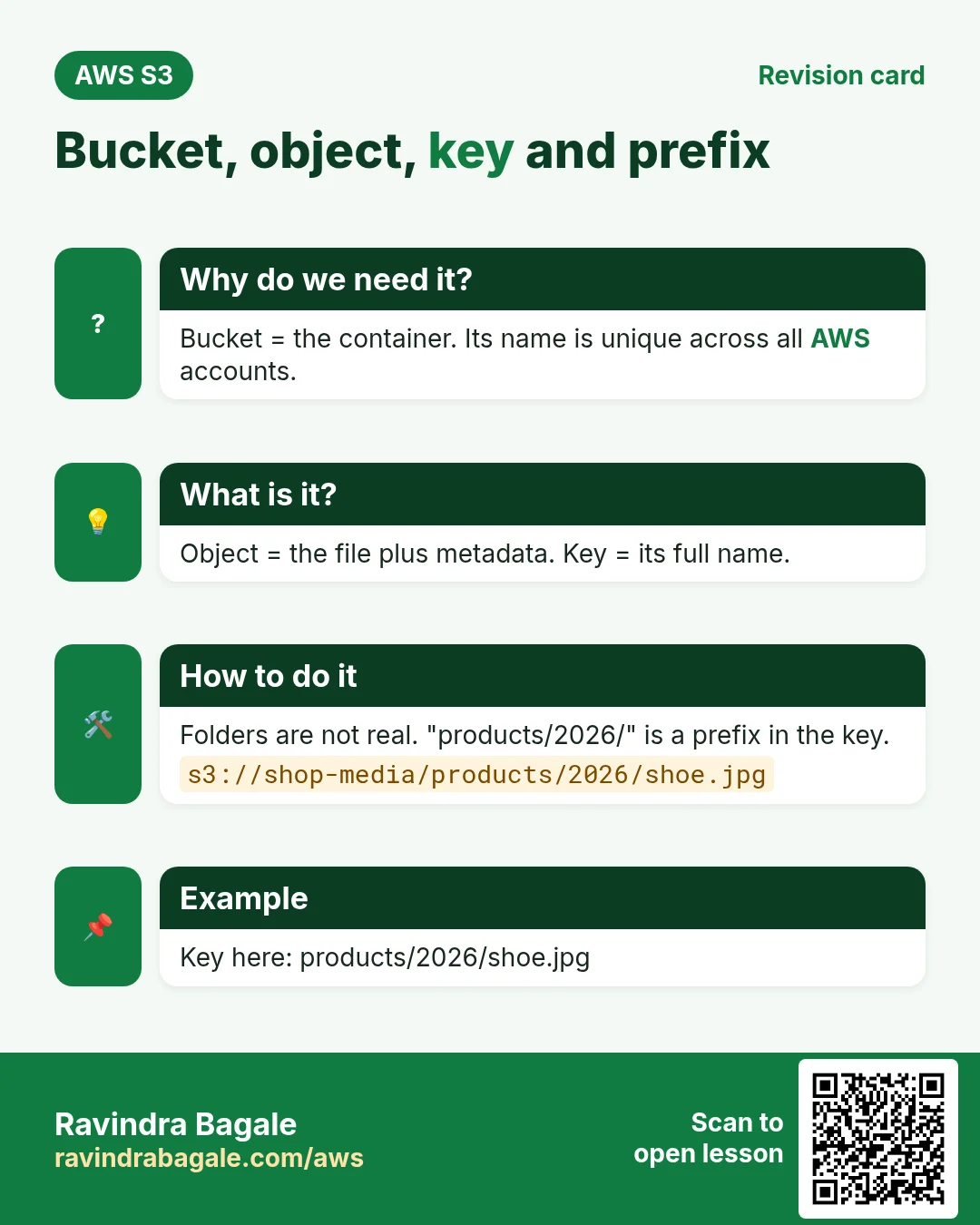
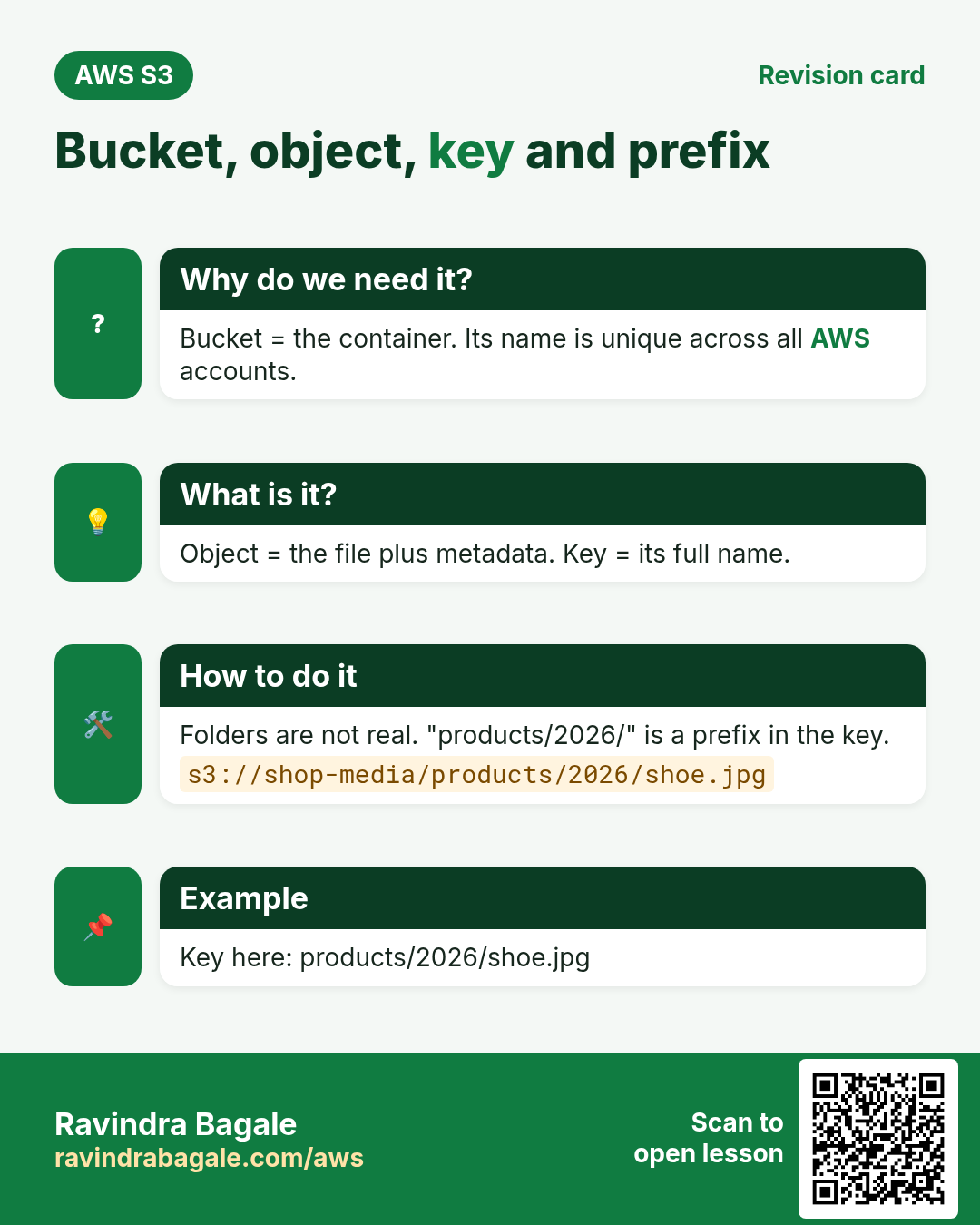
Use the name YOUR-LAB-BUCKET for Priya’s bucket in your drawing. A bucket is the container. An object is the stored file data and information about it, such as content type. The key is the exact object name within the bucket. For one uploaded photo, the full key might be uploads/2026/pune.jpg. The address S3 needs is the bucket name plus that key.
uploads/2026/pune.jpguploads/2026/nashik.jpguploads/2025/pune.jpgthumbs/2026/pune.jpg
Now underline uploads/2026/ in the first two keys. A prefix is a starting piece of a key. Listing with that prefix returns those two photos, skipping the older upload and the thumbnail. The console can show the slash-separated names as folders. The two keys ending in pune.jpg stay distinct because their full names differ. Record the whole key when your application writes the photo’s reference to a database.
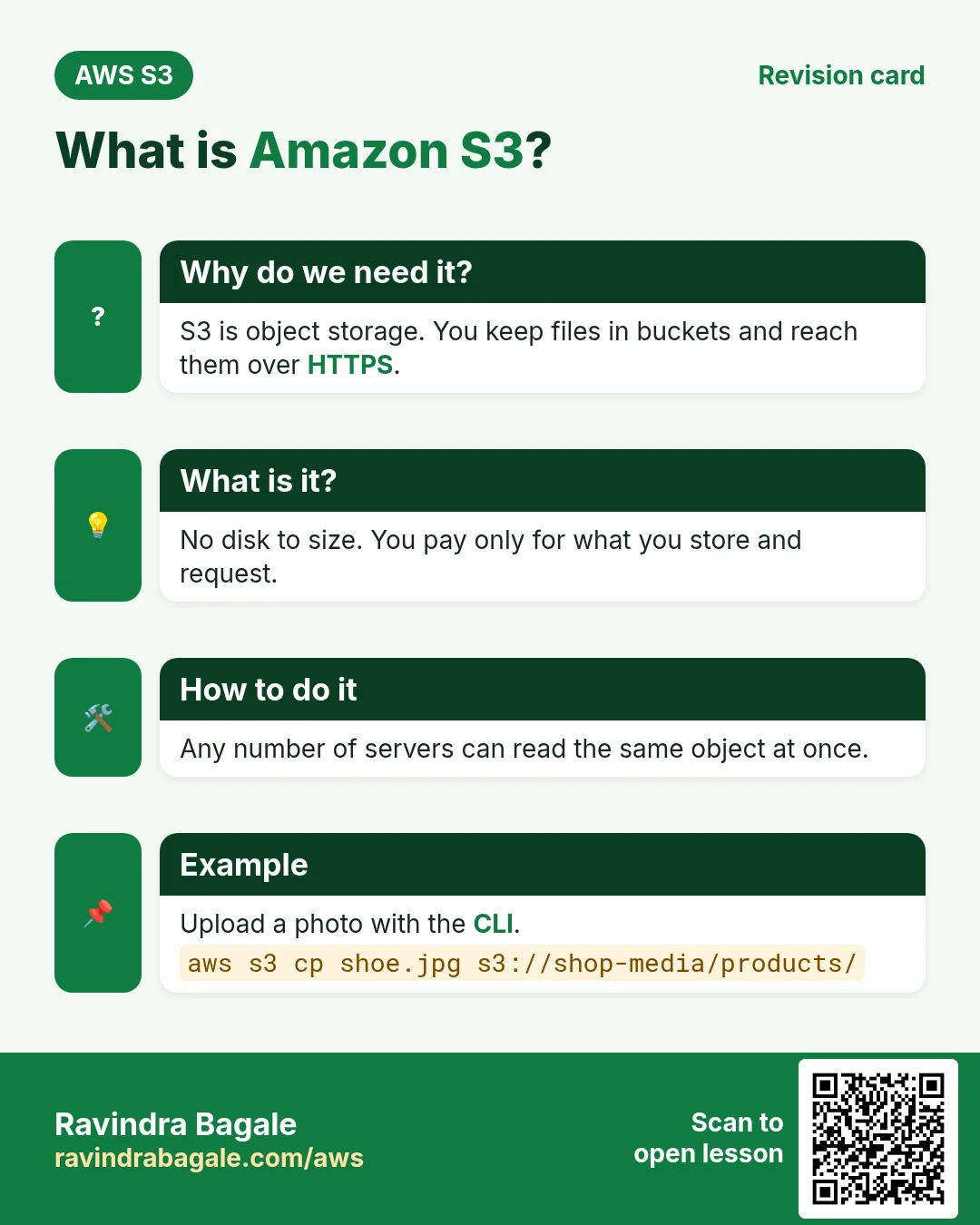
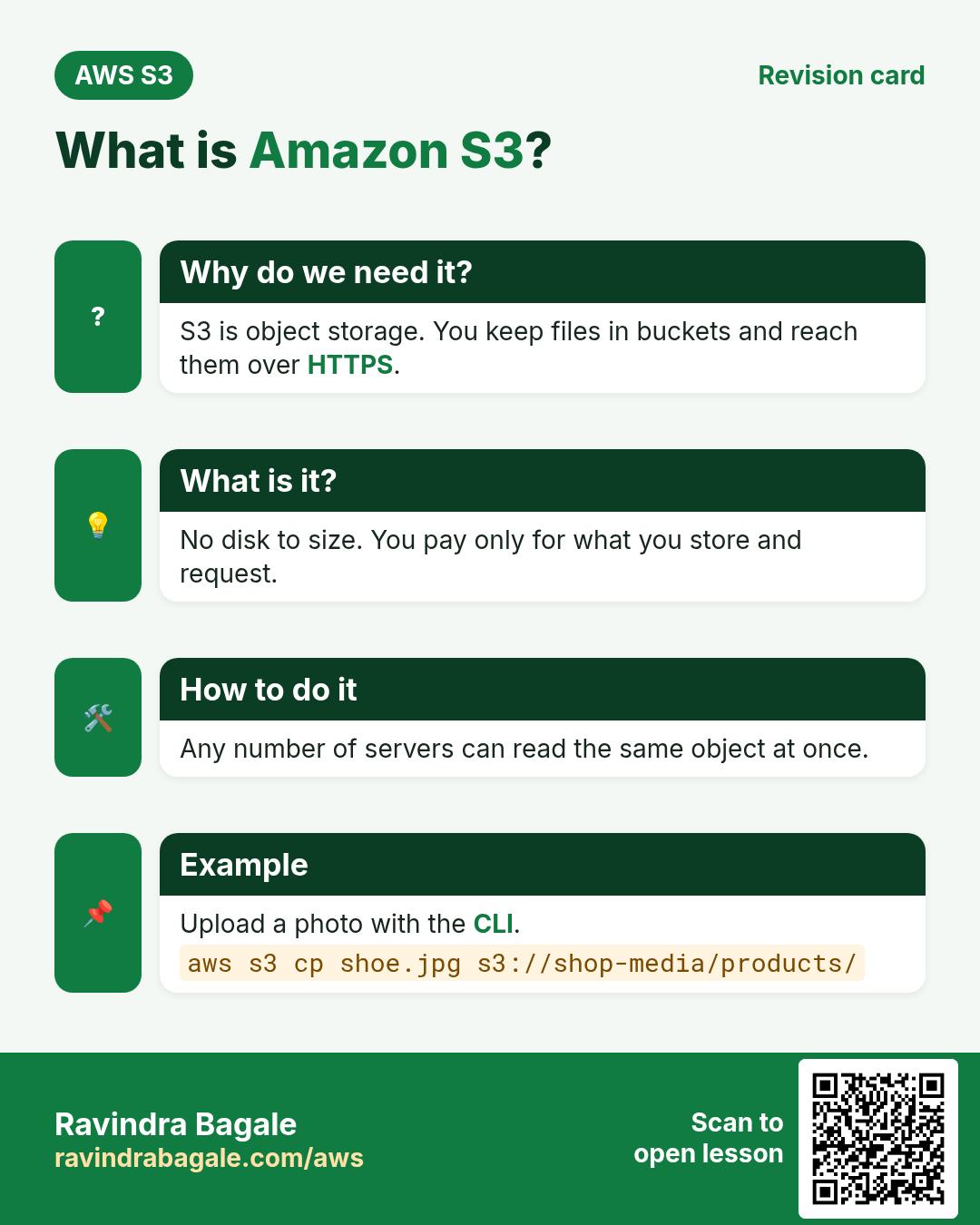
Amazon S3 (Simple Storage Service) stores files as objects inside buckets. Think of a bucket as a big locker room and each object as a parcel with a label.
| Word | Meaning | Example |
|---|---|---|
| Bucket | A container for objects. Name is unique across all AWS accounts. | priya-photos-2026 |
| Object | One file plus its metadata (type, size, date). | beach.jpg, 2.4 MB |
| Key | The full name of the object inside the bucket. | users/42/beach.jpg |
| Prefix | The front part of a key. The console shows it like a folder. | users/42/ |
| Region | The Region where the bucket and its data live. | ap-south-1 (Mumbai) |
| URL | Address of an object over HTTPS. | https://priya-photos-2026.s3.ap-south-1.amazonaws.com/users/42/beach.jpg |
- No real folders. S3 is flat.
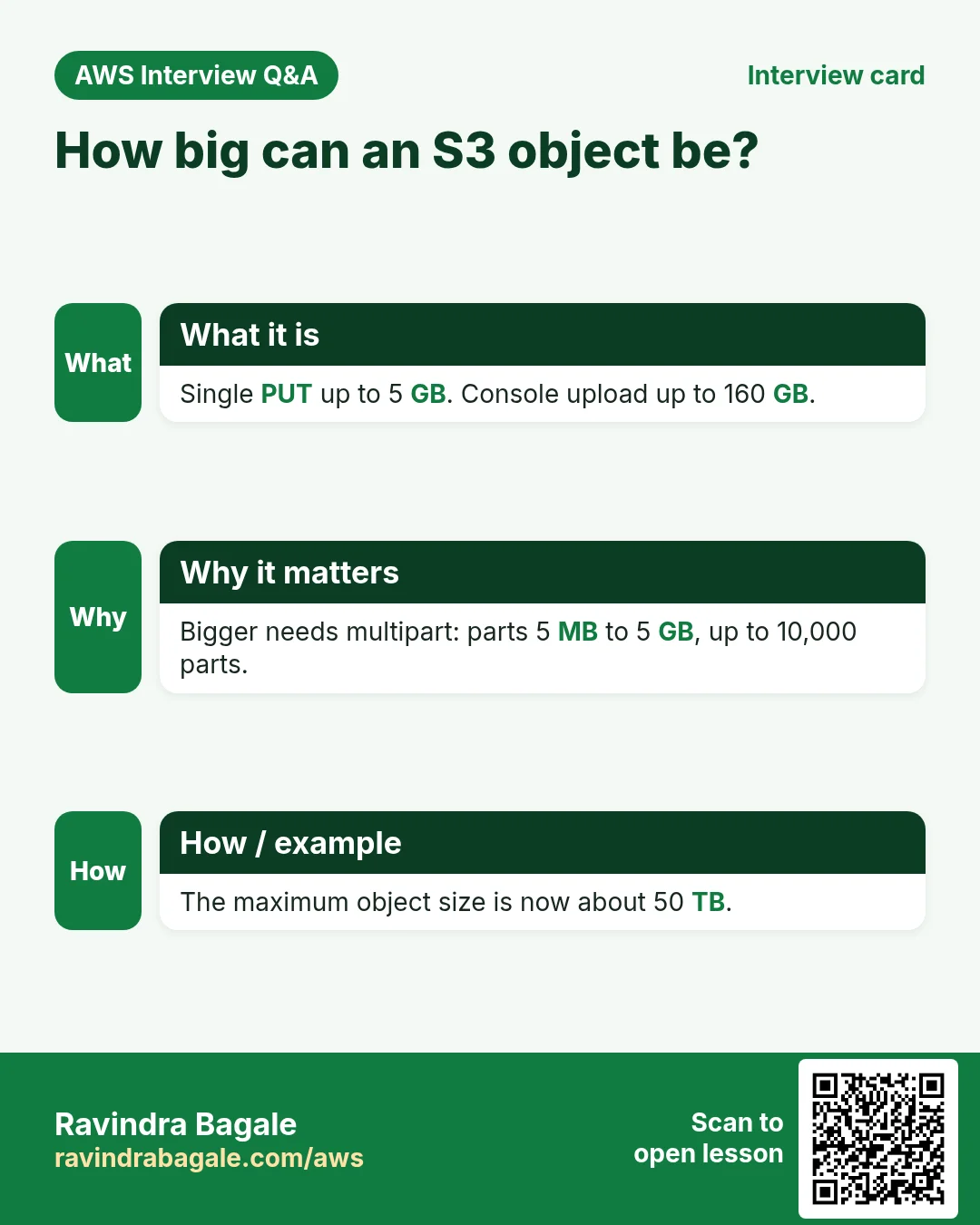
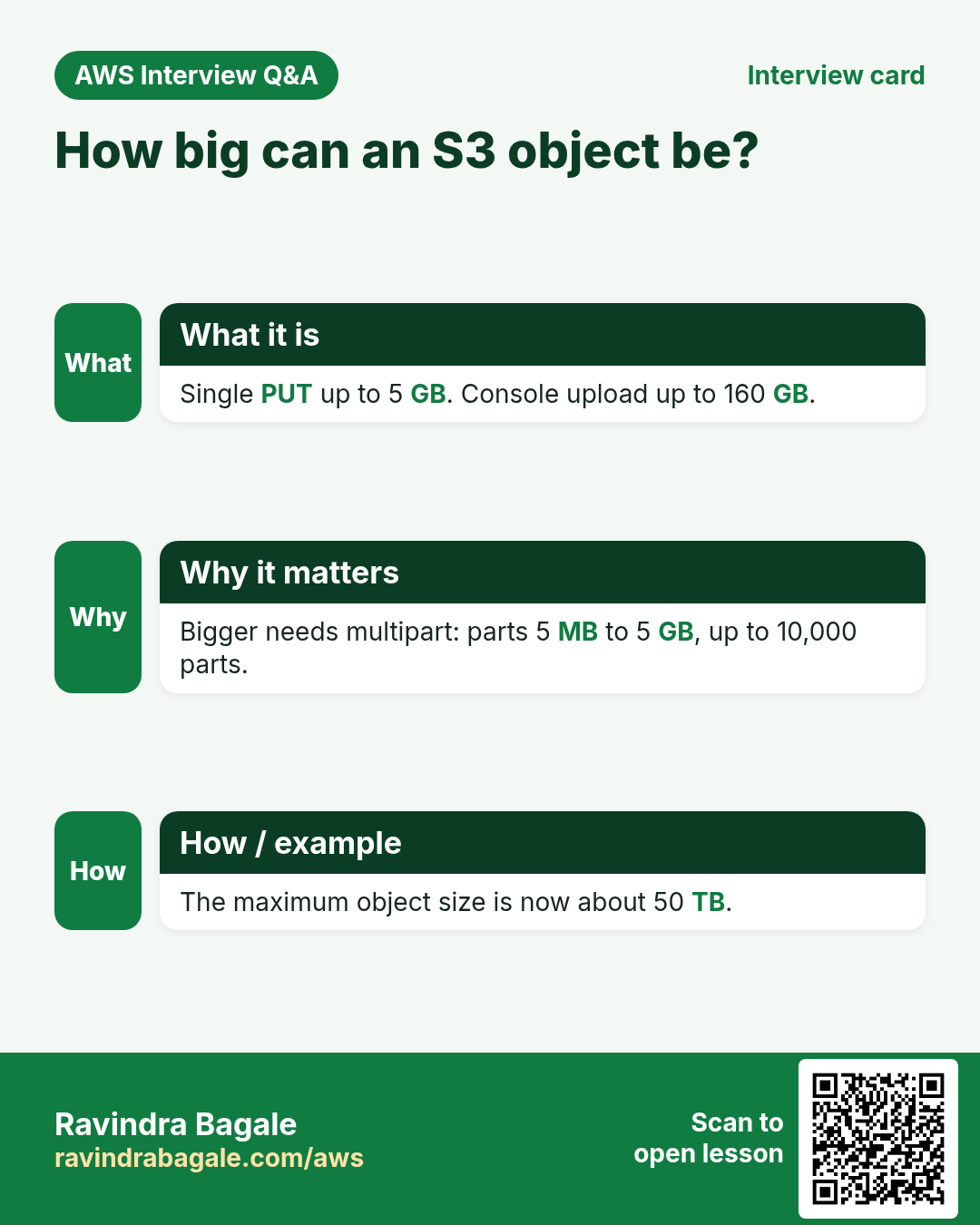
users/42/beach.jpgis one key; the slash only looks like a folder. - Unlimited total storage. One object can be up to about 50 TB (48.8 TiB). AWS raised this from 5 TB in late 2025. The console uploads up to 160 GB, and one PUT up to 5 GB; bigger files use multipart upload.
- Bucket names: 3 to 63 characters, lowercase letters, numbers, dots and hyphens. An account can create 10,000 general purpose buckets by default.
- Strong consistency. Right after you upload or overwrite, every read gets the new data.
6. Durability vs availability
AWS uses both words on every storage page. People mix them up and choose the wrong class.
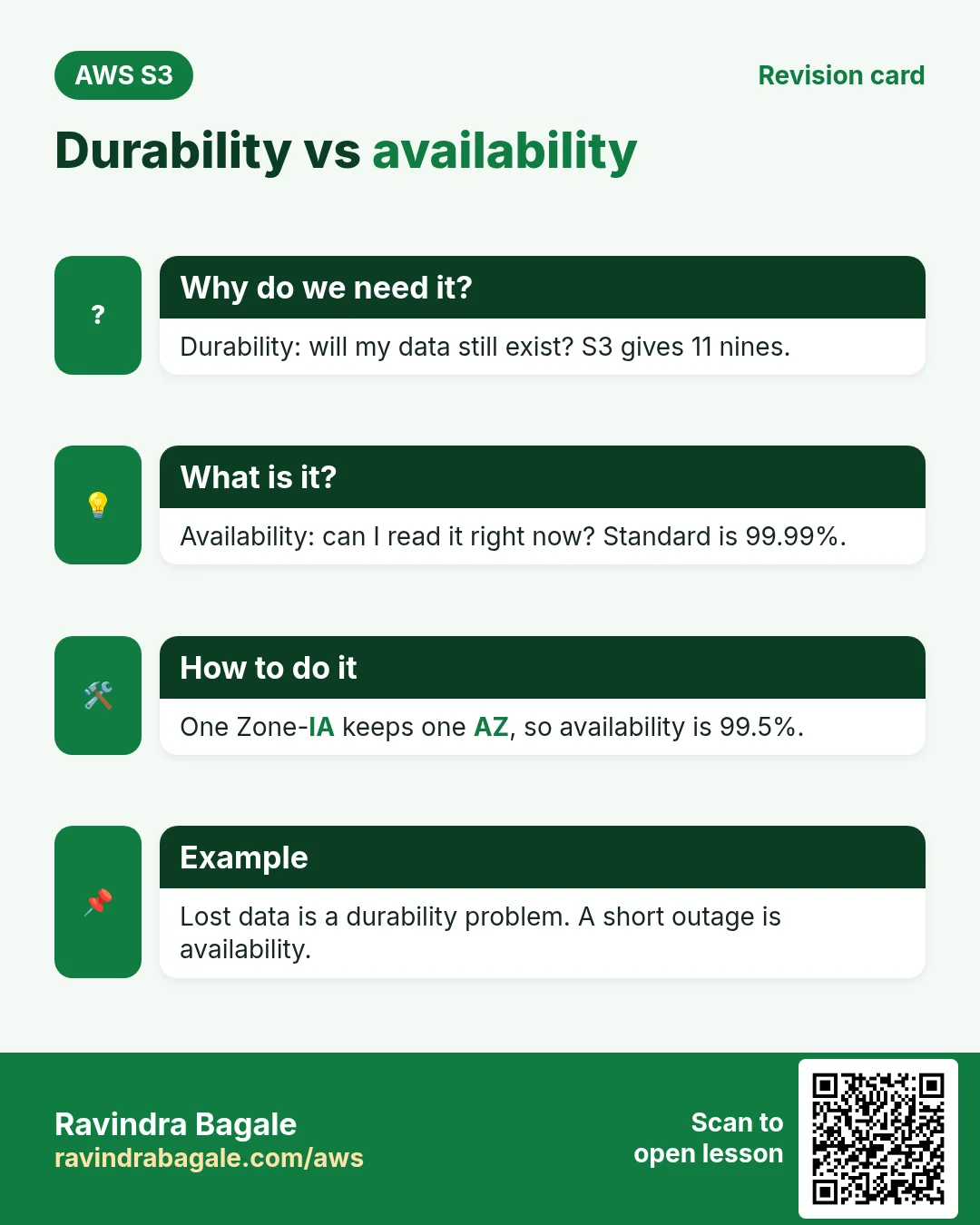
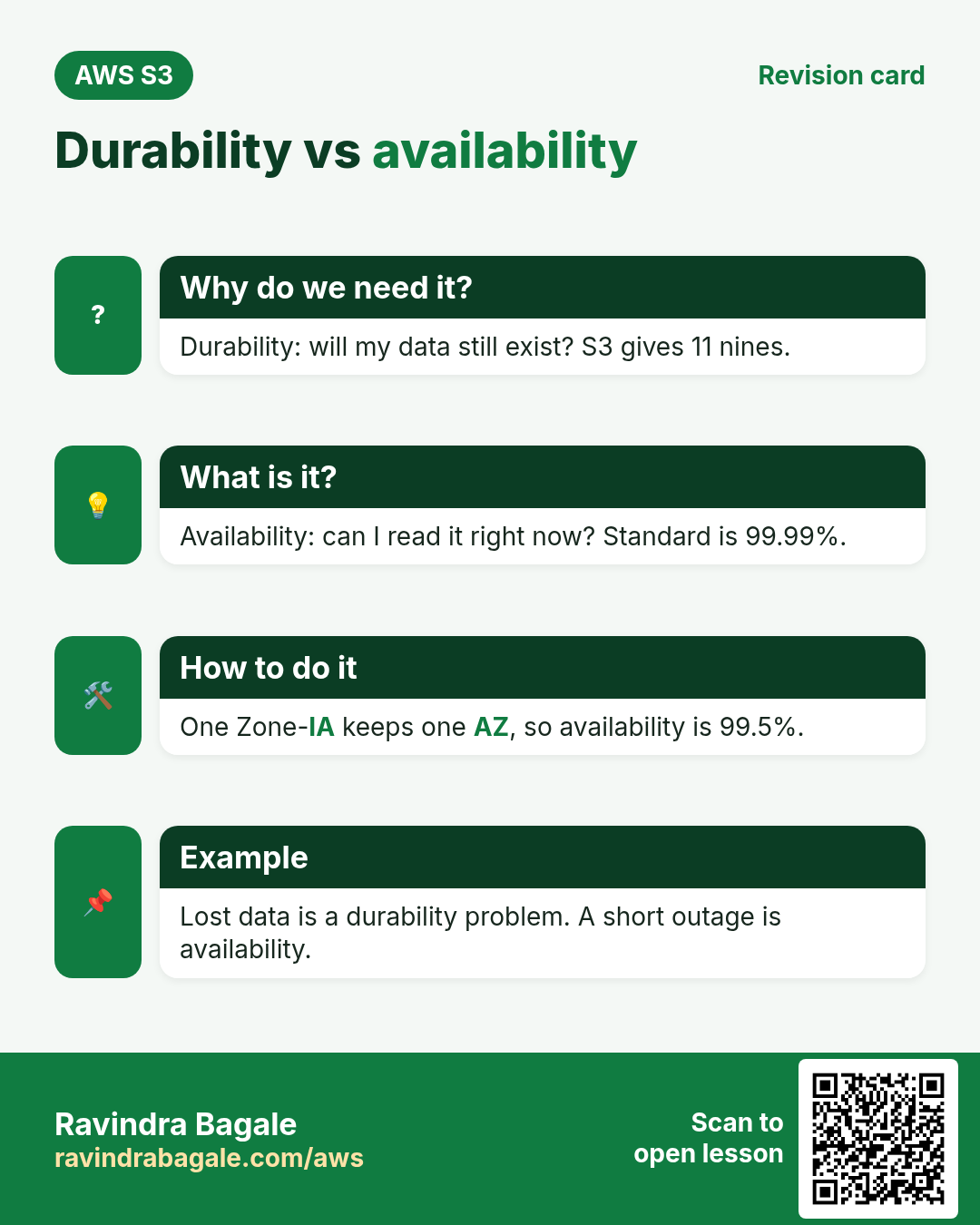
- Durability = will my file still exist? S3 is designed for 99.999999999% (11 nines). Store 10 million objects and you may lose one in about 10,000 years.
- Availability = can I read it right now? S3 Standard is designed for 99.99%, about 53 minutes of possible trouble in a year.
Example: a bank locker. Durability says your gold is never lost. Availability says the bank is open when you visit. A closed bank does not mean lost gold.
S3 gets this durability by keeping copies across at least three AZs (except One Zone classes) and checking them all the time.
7. S3 storage classes and prices
Not every file is opened every day. Old invoices and last year's logs are rarely read. Paying the top price for them wastes money.
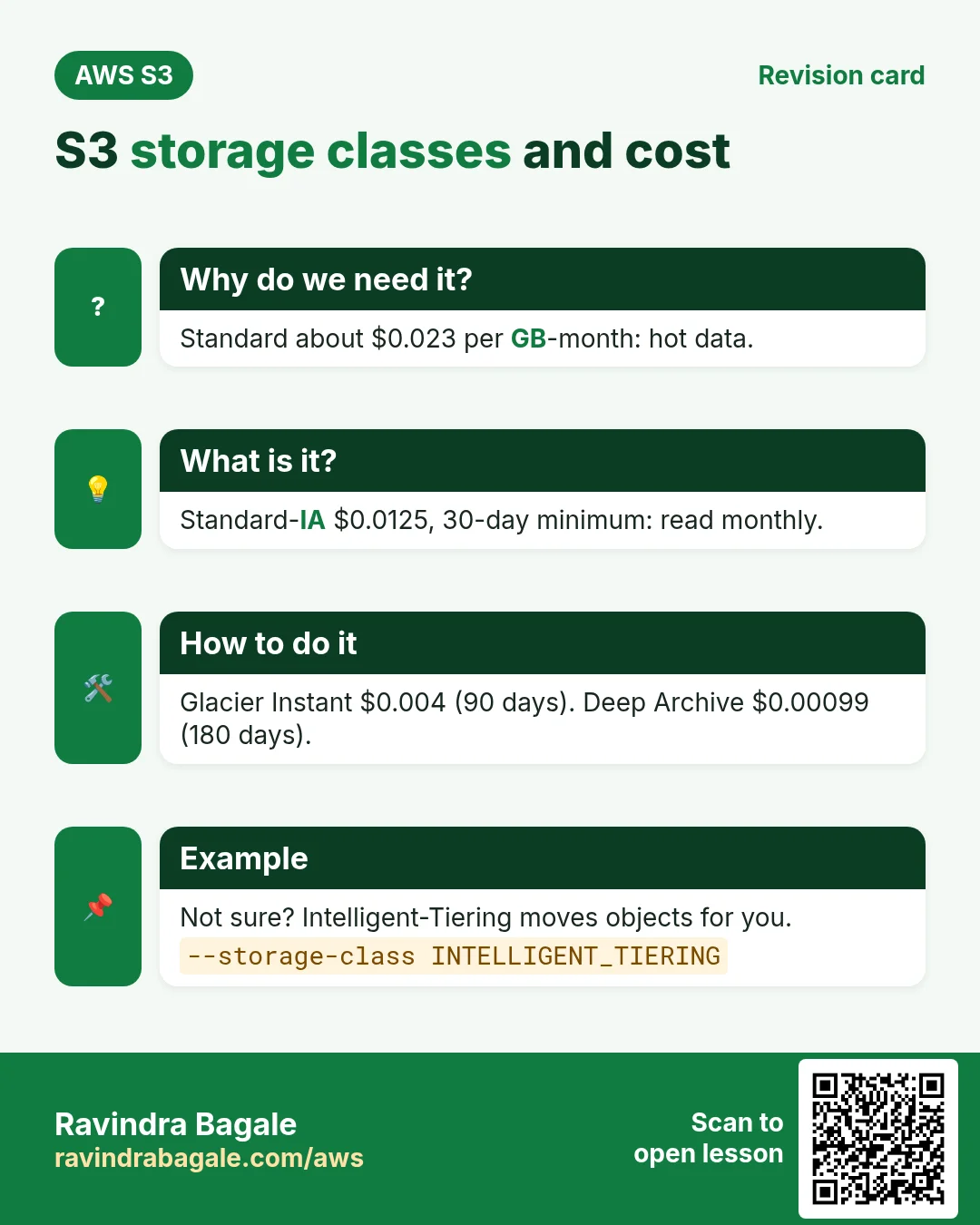
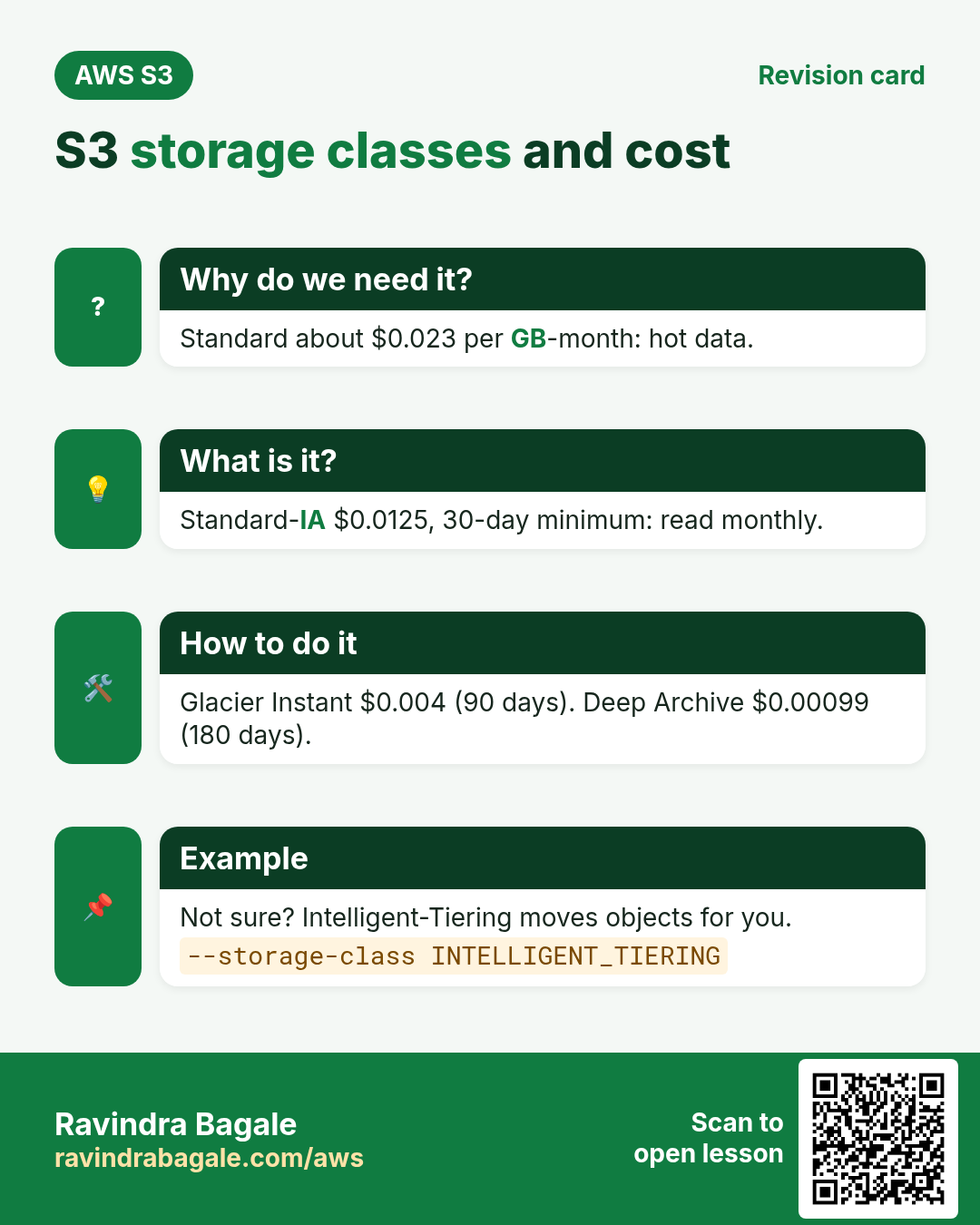
A storage class is a price plan for an object. Cheaper classes charge more to read and keep objects for a minimum time. Prices below are approximate for us-east-1 per GB-month; Mumbai is a little higher. Always check the S3 pricing page.
| Class | Price/GB-month | Availability | Min days | First byte | Use for |
|---|---|---|---|---|---|
| S3 Standard | $0.023 | 99.99% | — | ms | Active app files |
| S3 Intelligent-Tiering | $0.023 → $0.0125 → $0.004 + small monitoring fee | 99.9% | — | ms | Unknown or changing access |
| S3 Express One Zone | ~$0.11 | 99.95% | — | single-digit ms | Very fast, one AZ |
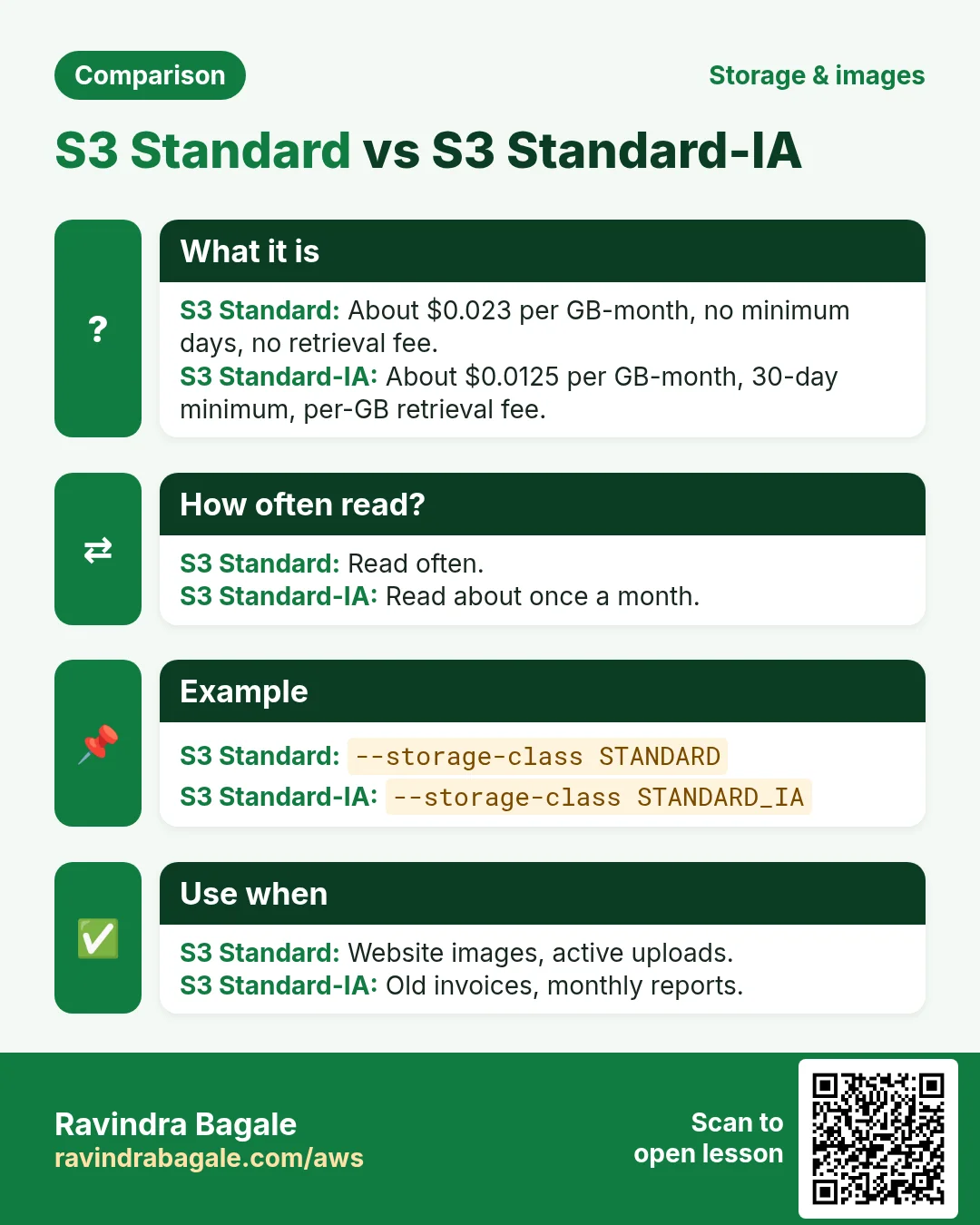
| S3 Standard-IA | $0.0125 | 99.9% | 30 | ms | Backups read monthly |
| S3 One Zone-IA | $0.01 | 99.5% | 30 | ms | Re-creatable copies |
| S3 Glacier Instant Retrieval | $0.004 | 99.9% | 90 | ms | Archives read a few times a year |
| S3 Glacier Flexible Retrieval | $0.0036 | 99.99% | 90 | minutes to 12 hours | Old backups |
| S3 Glacier Deep Archive | $0.00099 | 99.99% | 180 | within 12 hours (48 h bulk) | Legal records kept 7 years |
IA and Glacier Instant classes also have a minimum billable object size of 128 KB and a retrieval charge per GB.
Why S3 is economical: a worked example
- Priya has 1 TB (1,024 GB) of photos. On S3 Standard: 1,024 × $0.023 = about $23.55 per month.
- The same space as a provisioned gp3 EBS volume: 1,024 × $0.08 = about $81.92, even if half of it is empty.
- On EFS Standard: 1,024 × $0.30 = about $307.
- Photos older than a year move to Glacier Deep Archive by a lifecycle rule: 1,024 × $0.00099 = about $1.01.
Three reasons S3 is cheap: you pay only per GB used and per request, you move cold data to cheaper classes (tiering), and lifecycle rules do that move automatically.
8. Upload a file from many stacks
Your app talks to S3 through an SDK, not through the console. Every language has one, and they all do the same PutObject call.
| Stack | Upload one file to s3://priya-photos-2026/users/42/beach.jpg |
|---|---|
| AWS CLI | aws s3 cp beach.jpg s3://priya-photos-2026/users/42/ |
| Node.js (SDK v3) | await s3.send(new PutObjectCommand({Bucket:"priya-photos-2026",Key:"users/42/beach.jpg",Body:fs.readFileSync("beach.jpg")})) |
| Python (boto3) | boto3.client("s3").upload_file("beach.jpg","priya-photos-2026","users/42/beach.jpg") |
| Java (SDK v2) | s3.putObject(PutObjectRequest.builder().bucket(b).key(k).build(), RequestBody.fromFile(Paths.get("beach.jpg"))); |
| PHP (SDK v3) | $s3->putObject(['Bucket'=>$b,'Key'=>$k,'SourceFile'=>'beach.jpg']); |
| .NET (C#) | await s3.PutObjectAsync(new PutObjectRequest{BucketName=b,Key=k,FilePath="beach.jpg"}); |
| Go (SDK v2) | client.PutObject(ctx,&s3.PutObjectInput{Bucket:&b,Key:&k,Body:f}) |
| nginx / Apache | No SDK. Pull static files with aws s3 sync s3://site/ /var/www/html/ |
| MySQL | Back up a dump: mysqldump shop | gzip | aws s3 cp - s3://backups/shop.sql.gz |
Ravindra Bagale's Tip
On EC2 never paste access keys into code. Attach an IAM role to the instance; every SDK picks up its temporary credentials by itself.
9. Worked examples, simplest first
- Copy one file.
aws s3 cp notes.txt s3://priya-photos-2026/→ keynotes.txt. - Copy into a prefix.
aws s3 cp beach.jpg s3://priya-photos-2026/users/42/→ keyusers/42/beach.jpg. - Copy a folder.
aws s3 cp ./site s3://priya-photos-2026/site/ --recursiveuploads every file. - Sync only changes.
aws s3 sync ./site s3://priya-photos-2026/site/uploads new or changed files only. Run it twice; the second run uploads nothing. - Choose a cheaper class.
aws s3 cp old.zip s3://priya-photos-2026/archive/ --storage-class GLACIER_IR.
10. Lab: create a bucket and use it from the console and CLI
Read the upload, listing and metadata checks as one mini lab
Use the private lab bucket you created in the same Region as this exercise. Keep Block Public Access enabled. Set a shell variable named BUCKET to your bucket’s name, then choose one small photo you own called pune.jpg. These examples use that same bucket throughout.
aws s3 cp pune.jpg "s3://$BUCKET/uploads/2026/pune.jpg"sends the file bytes to the bucket at that key. The output should name the local source and the destination.aws s3 ls "s3://$BUCKET/uploads/2026/"lists the chosen prefix. Look for the file’s name and byte count. An object inthumbs/2026/would not appear in that list.aws s3api head-object --bucket "$BUCKET" --key uploads/2026/pune.jpgasks for the exact object’s metadata. CompareContentLengthwith the original file’s bytes.
When an expected result is absent, read the bucket and key aloud before retrying. A name is case-sensitive and the prefixes must agree. A working upload does not necessarily grant listing or object read permissions. Use the lesson’s cleanup to delete the sample objects and your disposable bucket when you no longer need them.
Reading is not enough. You will create a bucket, upload, list, sync and clean up, and see every result yourself.
Part A: console
- Sign in to the AWS console. Top right, choose Region Asia Pacific (Mumbai) ap-south-1. Why: the bucket lives in this Region.
- Search S3 and open it. Click Create bucket.
- Bucket type: General purpose. Why: normal buckets; directory buckets are for Express One Zone.
- Bucket name:
yourname-s3-lab-2026(lowercase, unique). Why: names are global; add your name so it is free. - Object Ownership: keep ACLs disabled (recommended). Why: permissions come only from policies, simpler and safer.
- Block Public Access: keep Block all public access ticked. Why: nothing becomes public by mistake.
- Bucket Versioning: Disable for this lab. Why: we learn versioning in a later chapter.
- Default encryption: SSE-S3, Bucket Key enabled. Why: every object is encrypted at rest at no extra cost.
- Click Create bucket. Expected: a green banner "Successfully created bucket".
- Open the bucket. Click Create folder, name
photos. Why: creates the prefixphotos/. - Open
photos/, click Upload › Add files, pick any small image, click Upload. Expected: "Upload succeeded". - Click the object. Copy the Object URL and open it in a new tab. Expected: AccessDenied XML. Why: the bucket is private, which is what we want.
- Click Open at the top of the object page. Expected: the image opens. Why: the console gives you a short-lived signed link.
Part B: AWS CLI (CloudShell or an EC2 with an S3 role)
- Open CloudShell from the console top bar. Why: CLI and your login are ready, no keys needed.
- List buckets:
aws s3 ls
# 2026-10-22 10:30:12 yourname-s3-lab-2026- Make two test files and upload one:
mkdir site && echo "<h1>Hello S3</h1>" > site/index.html && echo "v1" > site/about.txt
aws s3 cp site/index.html s3://yourname-s3-lab-2026/site/
# upload: site/index.html to s3://yourname-s3-lab-2026/site/index.html- Sync the whole folder:
aws s3 sync site s3://yourname-s3-lab-2026/site/
# upload: site/about.txt to s3://yourname-s3-lab-2026/site/about.txt
aws s3 sync site s3://yourname-s3-lab-2026/site/
# (no output: nothing changed)- Verify with ls (recursive, human sizes):
aws s3 ls s3://yourname-s3-lab-2026 --recursive --human-readable --summarize
# 2026-10-22 10:41:03   18 Bytes site/index.html
# 2026-10-22 10:41:20    3 Bytes site/about.txt
# Total Objects: 3- See the storage class and encryption of one object:
aws s3api head-object --bucket yourname-s3-lab-2026 --key site/index.html
# "ServerSideEncryption": "AES256", "ContentLength": 18 ...- Download it back:
aws s3 cp s3://yourname-s3-lab-2026/site/index.html check.html && cat check.html. Expected:<h1>Hello S3</h1>.
Cleanup
- Delete all objects:
aws s3 rm s3://yourname-s3-lab-2026 --recursive. - Delete the bucket:
aws s3 rb s3://yourname-s3-lab-2026. Expected:remove_bucket: yourname-s3-lab-2026. Why: a bucket must be empty before it can be deleted.
Common errors and fixes
These are synthetic practice situations. Diagnose the signal before changing a resource; no infrastructure changes are needed to read this guide.
The app expects a normal shared filesystem path from S3.
S3 is object storage accessed by object APIs/HTTPS, not a drop-in mounted POSIX filesystem. Use EBS for suitable block-storage workloads or EFS for a shared file interface when that is what the application needs.
A cheap archive class makes urgent reads fail or wait.
Check the exact class. Glacier Flexible Retrieval and Deep Archive require restoration before ordinary access; Glacier Instant Retrieval is different. Choose by retrieval time as well as storage price.
The bill is higher despite a lower price per GB.
Include requests, retrieval, minimum billable size/duration, transfer and monitoring where applicable. For example Standard-IA has retrieval charges and a 30-day minimum; short-lived tiny objects may not save money.
An upload is made public to solve AccessDenied.
Do not remove public-access protections as a debugging shortcut. Check the intended IAM/bucket policy and encryption permissions. Keep practice objects synthetic and allow only the required reader/writer.
Practical FAQ: decisions during real work
Is every S3 class equally resilient to an AZ loss?
No. Standard and Standard-IA use multiple AZs. One Zone-IA and Express One Zone store data within one AZ and need a different resilience decision. Select a class based on whether the data can be recreated and your recovery requirements.
Does high durability mean my download can never fail?
No. Durability concerns retaining objects; availability concerns being able to access them. Permissions, networking, service availability and archive restore requirements can all affect a read.
Why is an object key different from a folder path?
A key is the object’s full name. A slash-separated prefix groups names in the console, but it does not turn S3 into a normal filesystem. Application code should deliberately construct and authorize keys.
Will Intelligent-Tiering always move every object to cheaper storage?
No. Access patterns and configuration matter, and objects smaller than 128 KB are not monitored or automatically tiered. Monitoring charges and optional archive tiers also affect the choice. Measure your workload instead of assuming automatic means free.
11. Interview questions
Q. Why use S3 instead of EBS for user uploads?
EBS is one AZ, attached to one instance, fixed size and not reachable by URL. S3 is shared, unlimited, regional, pay per use and serves files over HTTPS.
Q. What is the difference between durability and availability?
Durability is the chance the object is not lost (11 nines). Availability is the chance you can read it right now (99.99% for Standard).
Q. Does S3 have folders?
No. It is flat. A key like users/42/a.jpg only looks like a folder; users/42/ is a prefix.
Q. When would you use Standard-IA instead of Standard?
For data read rarely but needed fast, like monthly backups. It is cheaper per GB but has a retrieval fee and a 30-day minimum.
Q. What is the difference between aws s3 cp and aws s3 sync?
cp copies what you name every time. sync compares and copies only new or changed files.
Try at home
- Create a bucket, upload 20 files with sync, change one file, sync again and count how many uploaded.
- Upload one file with --storage-class STANDARD_IA and check its class with head-object.
- Work out the monthly cost of 500 GB in Standard, Standard-IA and Deep Archive.
In short
- EBS = one disk for one server; EFS = shared Linux folder; S3 = unlimited object storage over HTTPS.
- Bucket holds objects; key is the full name; prefix looks like a folder.
- Durability 11 nines = data not lost; availability = can read now.
- Storage classes trade price for read speed and minimum days.
- cp copies, sync copies only changes, rm and rb clean up.
Practise this chapter
Check your understanding
Choose an answer, then compare your reasoning with the explanation.
Practice Tasks
Practice checks run in your browser. They check the answer for this exercise; they do not create resources or connect to your AWS account.
About this scenarioSão Paulo Coffee is a coffee trading business in São Paulo. Ana Souza looks after its IT and cloud work. They count money in BRL and run their AWS resources in the sa-east-1 Region. In the tasks below you do real jobs for them using what this lesson teaches. All names, account IDs, IP addresses and numbers are made up for practice.
0 / 12
Easy Upload a file to S3
aws s3 cp works like Linux cp, but one side is S3.
Upload report.pdf to s3://spcoffee-invoices-2026/reports/report.pdf.
- Read the task and decide which AWS service it is about.
- Write aws, then the service name, then the operation (the action word).
- Add each needed flag (--name) followed by its value from the task.
- Flags can be in any order. Click Check answer.
Easy List files in a bucket folder
Check that the upload worked and see file sizes.
List the objects under s3://spcoffee-invoices-2026/reports/.
- Read the task and decide which AWS service it is about.
- Write aws, then the service name, then the operation (the action word).
- Add each needed flag (--name) followed by its value from the task.
- Flags can be in any order. Click Check answer.
Easy Create a bucket
A bucket is the top-level container for your files in S3.
Create the bucket spcoffee-invoices-2026 in sa-east-1.
- Read the task and decide which AWS service it is about.
- Write aws, then the service name, then the operation (the action word).
- Add each needed flag (--name) followed by its value from the task.
- Flags can be in any order. Click Check answer.
Easy CloudFormation: a versioned bucket
Infrastructure as code makes setups repeatable.
Write a CloudFormation YAML template with one S3 bucket named spcoffee-docs that has versioning Enabled.
- Start from the top-level keys the task names.
- Indent child keys with 2 spaces (no tabs).
- Fill in each property with the value from the task.
- Click Check answer. Key order does not matter.
Medium Storage cost
Storage is billed per GB-month.
500 GB in S3 Standard at USD 0.023 per GB-month. Monthly cost in USD?
- Write down the numbers the task gives you.
- Work it out step by step on paper.
- Type only the final answer in the box.
- Click Check answer.
Medium Sync a website folder to S3
sync uploads only new or changed files and can remove deleted ones.
Sync the local folder ./site to s3://spcoffee-web/ and delete files in S3 that are no longer in ./site.
- Read the task and decide which AWS service it is about.
- Write aws, then the service name, then the operation (the action word).
- Add each needed flag (--name) followed by its value from the task.
- Flags can be in any order. Click Check answer.
Medium Upload to a cheaper storage class
Rarely used files cost less in Standard-IA.
Upload archive-2025.zip to s3://spcoffee-archive/ using the STANDARD_IA storage class.
- Read the task and decide which AWS service it is about.
- Write aws, then the service name, then the operation (the action word).
- Add each needed flag (--name) followed by its value from the task.
- Flags can be in any order. Click Check answer.
Medium Bucket policy for a public website
A static website bucket must let everyone read its files.
Write a bucket policy that lets anyone (*) do s3:GetObject on every object in spcoffee-site.
- Start with { "Version": "2012-10-17", "Statement": [ ... ] }.
- In each statement write Effect, Action and Resource.
- Give only what the task needs (least privilege).
- Use double quotes and commas correctly. Click Check answer.
Medium Upload-only to one folder
Field staff can drop files but cannot read or delete anything.
Allow s3:PutObject only under the prefix uploads/ in bucket spcoffee-data.
- Start with { "Version": "2012-10-17", "Statement": [ ... ] }.
- In each statement write Effect, Action and Resource.
- Give only what the task needs (least privilege).
- Use double quotes and commas correctly. Click Check answer.
Hard S3 lifecycle rule (JSON)
Old files move to cheaper storage automatically.
Write lifecycle JSON: one Enabled rule, prefix logs/, transition to GLACIER after 90 days.
- Start from the top-level keys the task names.
- Indent child keys with 2 spaces (no tabs).
- Fill in each property with the value from the task.
- Click Check answer. Key order does not matter.
Hard Lambda GB-seconds
Lambda bills memory × time.
1,000,000 invocations, 512 MB memory, 200 ms each. How many GB-seconds?
- Write down the numbers the task gives you.
- Work it out step by step on paper.
- Type only the final answer in the box.
- Click Check answer.
Hard Deny requests without HTTPS
aws:SecureTransport false means plain HTTP; deny it to protect data in transit.
Bucket policy: deny s3:* for everyone (*) on spcoffee-data and its objects when aws:SecureTransport is false.
- Start with { "Version": "2012-10-17", "Statement": [ ... ] }.
- In each statement write Effect, Action and Resource.
- Give only what the task needs (least privilege).
- Use double quotes and commas correctly. Click Check answer.
Revision, comparison and interview cards
Revise this lesson in a few minutes. Save the cards on your phone or download them as PNG files. The QR code on each card opens this lesson.
More cards: Ravi Sir's Cards.